
Futuristic Product Launch Poster
A minimal sci-fi event poster featuring a misty landscape, glowing S-curve light trail, giant planet, and elegant launch typography.
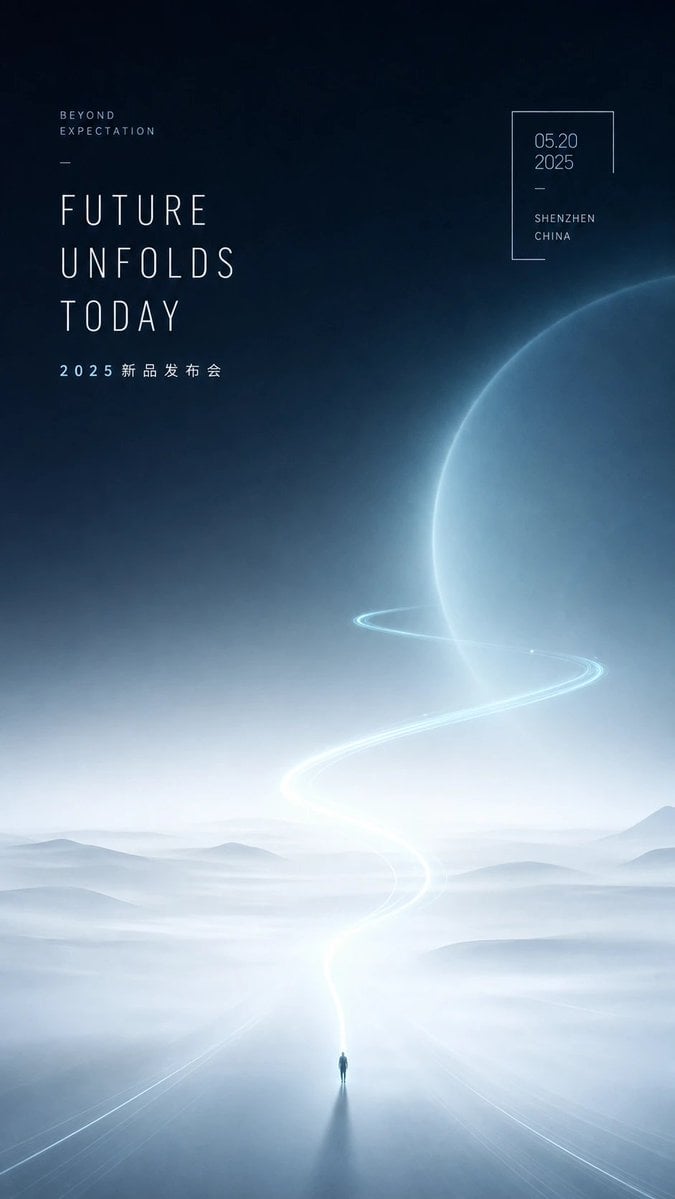
- Prompt included
- Model and format preset
- Free template
The prompt behind this image
Copy the exact prompt behind Futuristic Product Launch Poster, or open it in the studio and make it yours.
Create a vertical futuristic product-launch poster with a quiet sci-fi aesthetic, generous negative space, curved light, and mist. Canvas: tall 9:16 portrait poster, approximately smartphone wallpaper proportions. Background: deep midnight navy at the top fading into pale icy blue-white fog at the bottom, with soft grain, cinematic haze, and a serene premium technology mood. Main visual: a vast misty landscape of low rolling hills and reflective ground, with one tiny solitary human figure standing at the bottom center, casting a long dark shadow toward the viewer. From the figure, a luminous white-blue road or light trail rises upward in a graceful S-curve, becoming brighter near the horizon, then sweeping around a huge translucent blue planet on the right side. The planet occupies the upper-right half of the image, cropped by the right edge, with a glowing rim and subtle atmospheric texture. Add one thin orbit-like light ring circling the planet, aligned with the S-shaped trail. Typography: use ultra-thin condensed sans-serif uppercase lettering with wide letter spacing, elegant editorial spacing, pale white-blue color. Text elements: exactly 4 text blocks. Block 1 at upper left, small: “BEYOND” on one line and “EXPECTATION” below it, with wide tracking. Block 2 below it, very large stacked headline: {argument name="headline text" default="FUTURE\nUNFOLDS\nTODAY"}. Block 3 under the headline, small spaced event text: {argument name="event subtitle" default="2025 新品发布会"}. Block 4 at upper right inside a thin incomplete rectangular frame: date {argument name="date" default="05.20\n2025"}, a short divider line, then location {argument name="location" default="SHENZHEN\nCHINA"}. Add two minimal decorative divider lines: one short horizontal line between the small upper-left text and headline, and one short line inside the date frame. Composition: keep the left typography aligned to a clean vertical grid, the right date frame small and airy, and the central landscape mostly empty. Color palette: navy, blue-black, mist white, pale cyan glow. Style: high-end Chinese tech conference poster, futuristic minimalism, ethereal atmosphere, premium launch event design, soft volumetric lighting, no clutter, no logos, no extra text, sharp readable typography.
How to use Futuristic Product Launch Poster in 3 steps
- 1Upload ImagePNG, JPG or paste
Add your photo
Upload the photo the template builds on. The prompt, model and format are already set.
- 2…a portrait of your subject in softgolden-hour light, 85mm…
Personalize
Edit the subject and creative details for your destination.
- 3Generate
Generate
Press Generate — your image is created in PicX Studio, so you can compare it with the original and refine one variable at a time.
More like this
Templates with the same subject, style or setup. Open one to see its prompt.

Trendy Cafe Drink Promo Poster

Black Liquid Cyberpunk Portrait Poster

Parle Hide and Seek Cookie Campaign Poster
Futuristic Gaming Phone Launch Poster

Gpt2 Product Marketing Streetwear Sneaker Poster Ad
Aura Buds Poster Shoot Creative

Japan Travel Brochure Poster

Futuristic AI 2026 Tech Poster
Futuristic Good Morning Beijing Poster

A k.pop idol on the stage with mic
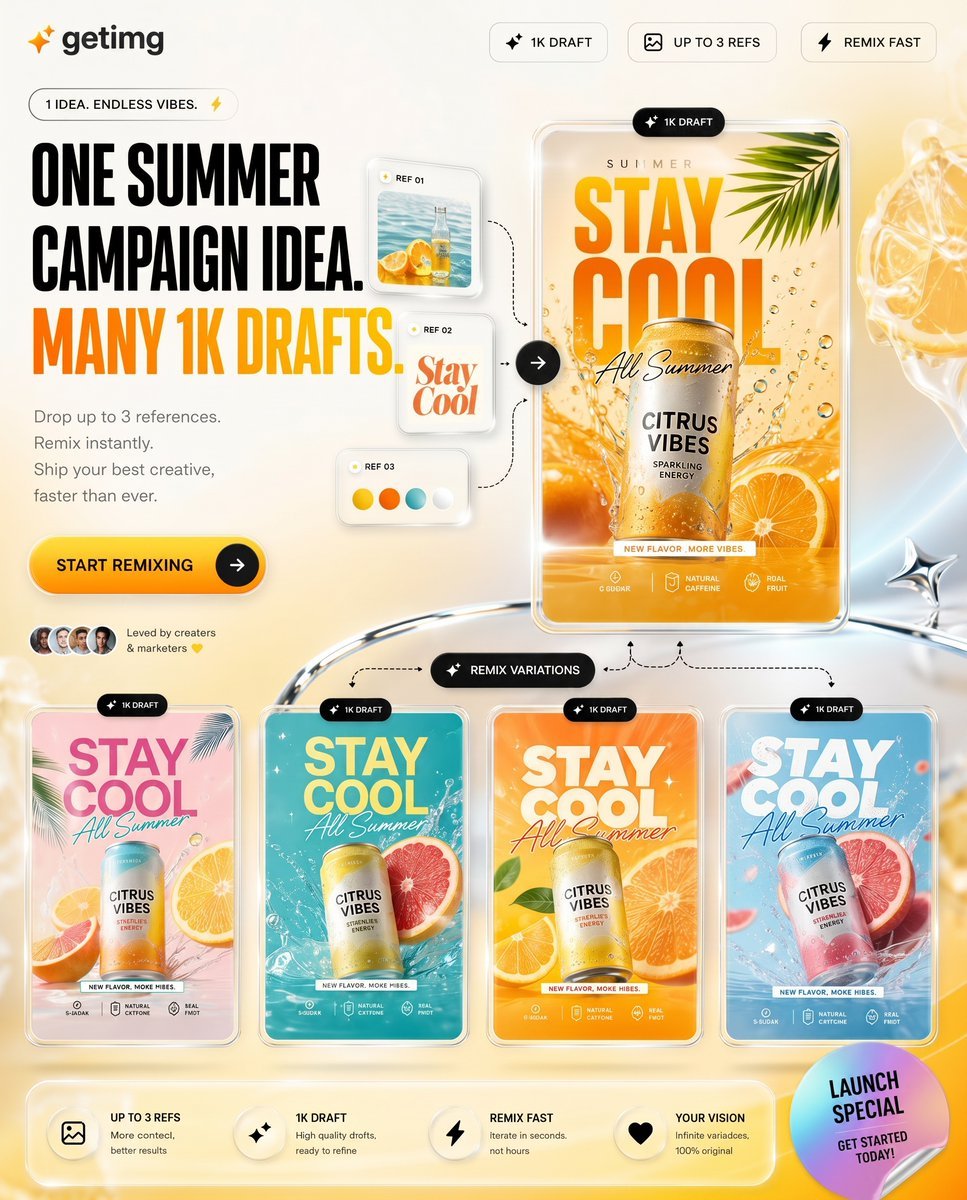
Summer AI Tool Launch Poster

Cartoon TV Show Poster Pack
Make it yours
Futuristic Product Launch Poster works as-is. These are the safest ways to change it without losing the look.
Change one field
Copy a single group, rewrite it, and generate again so you can see what that field is doing.
Keep the frame, change the subject
Hold the composition and light of Futuristic Product Launch Poster, then swap wardrobe, props or the person for a new take.
| If the result… | Why | Fix |
|---|---|---|
| The result drifts from the preview | Too many fields changed at once. | Reuse Futuristic Product Launch Poster as-is first, then change one group — subject, light, or setting. |
| The model over-stylizes the scene | The prose prompt leaves finish and camera underspecified. | Add one camera or lighting sentence and stay on GPT Image 2. |
More GPT Image 2 templates
Other prompts made for GPT Image 2.

Six VTuber Japanese Logo Sheet

Realistic Portrait of Woman and Deer

The Vista Modular Condo Poster

AI Model Routing Comparison Infographic

2.5D Anime Art Board

Isometric Productivity Desk Scene

New York Double Exposure Poster

Four-Panel AI Landscape Comparison

Japanese Tatami Lifestyle Magazine Cover

NESCAFÉ Coffee Map Poster
More image prompts
Fresh picks from across the catalog.
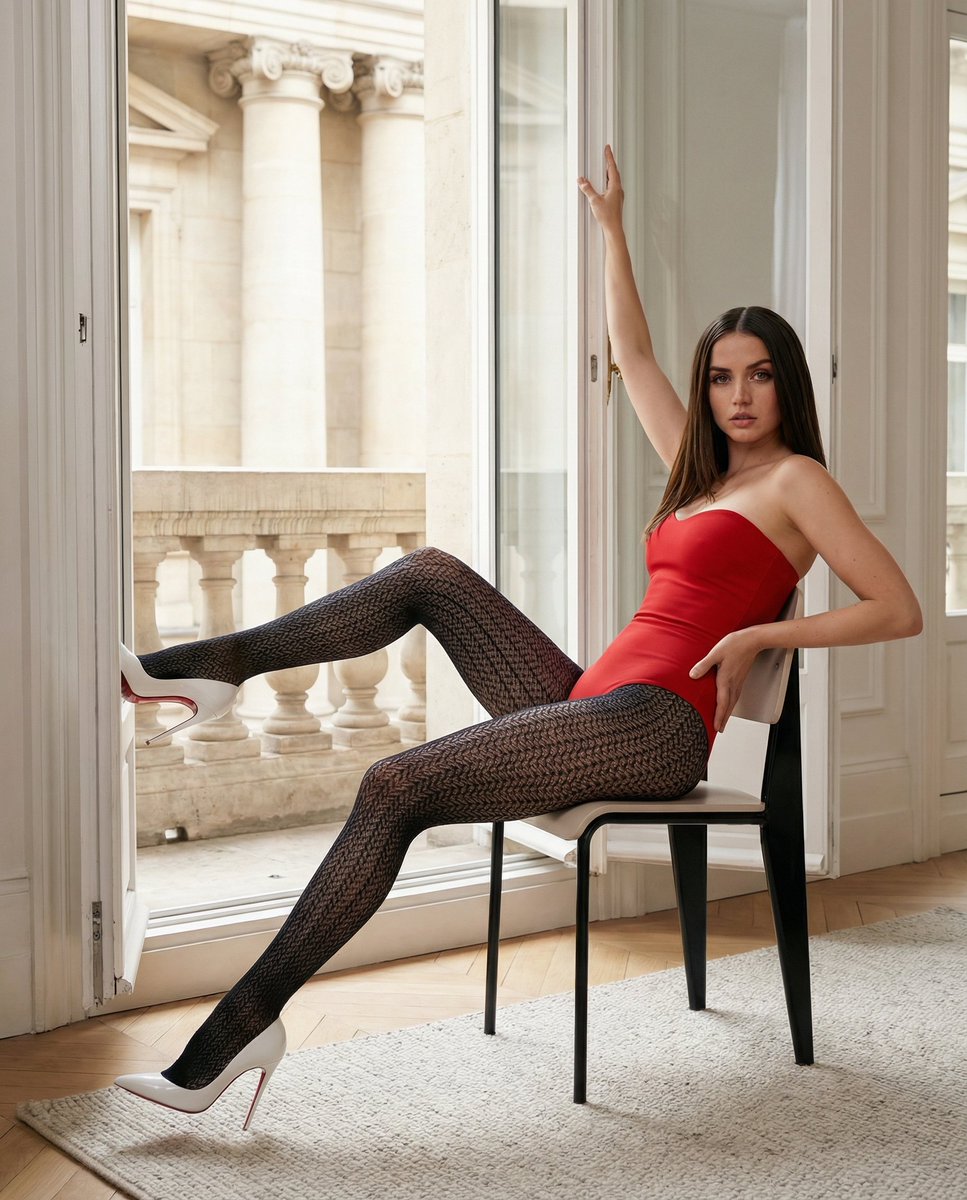
Structured Fashion Portrait in Paris with Detailed Pose and Outfit
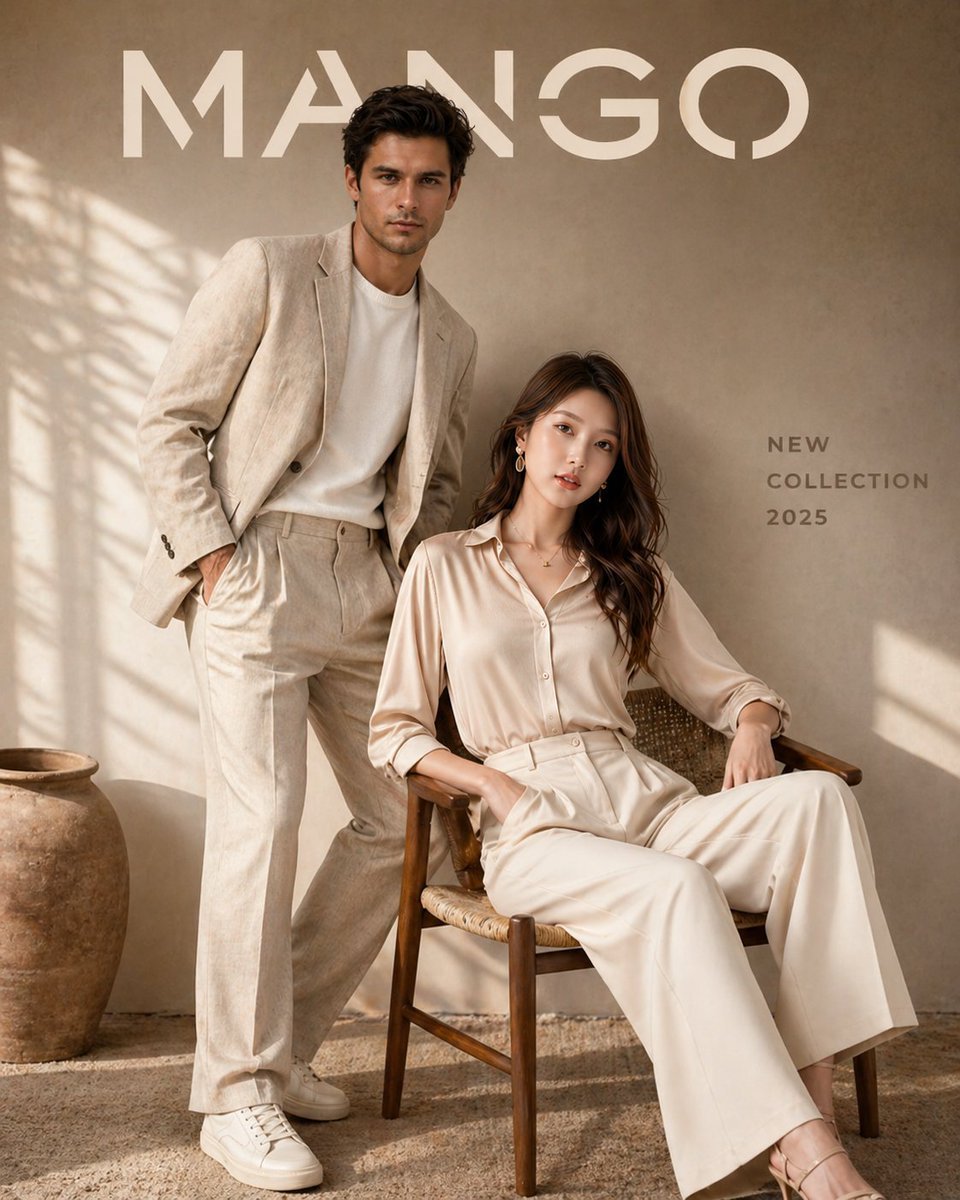
Luxury Fashion Brand Advertisement
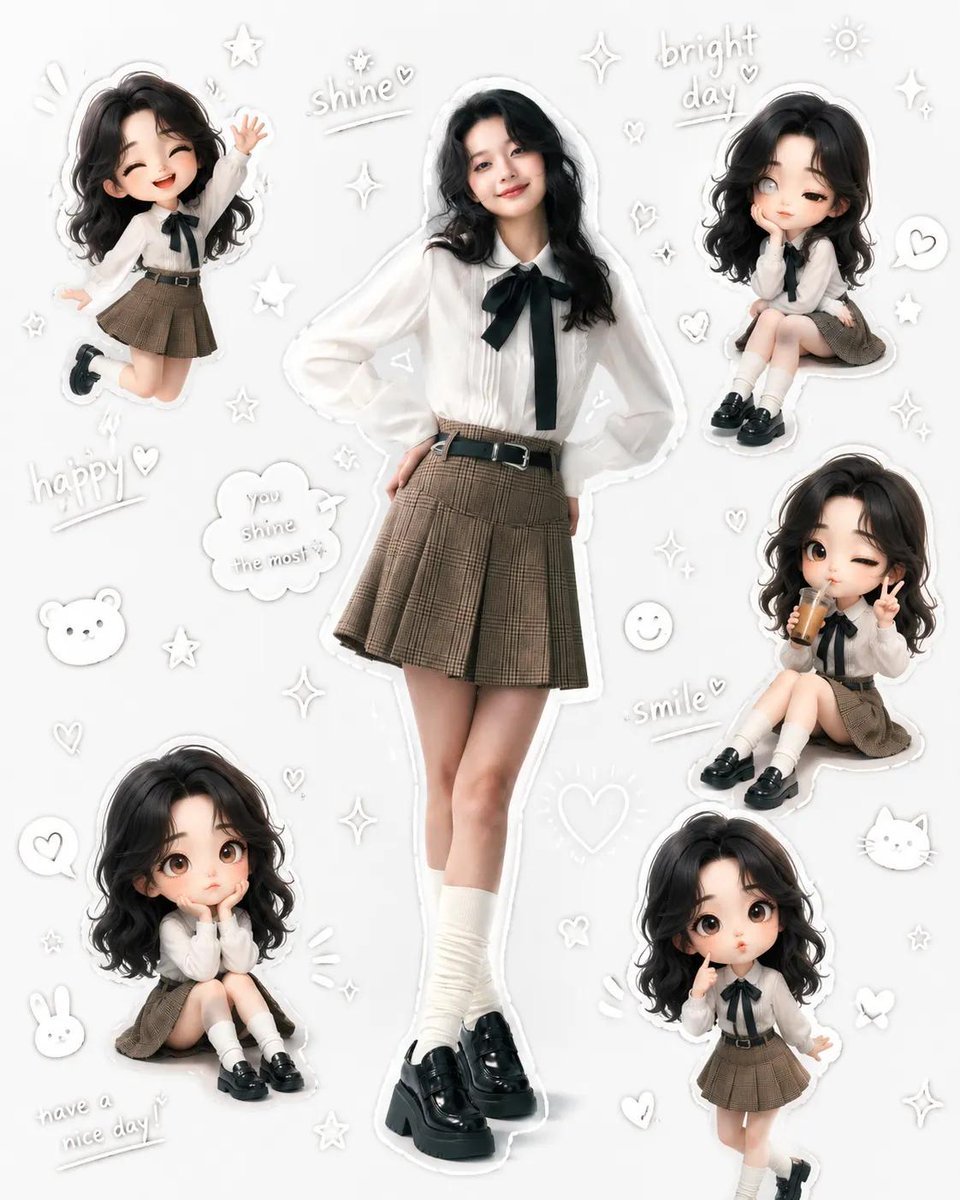
Kawaii School Girl Aesthetic Collage

Soccer Ball Impact Action Shot

Cinematic 35mm Film Portrait
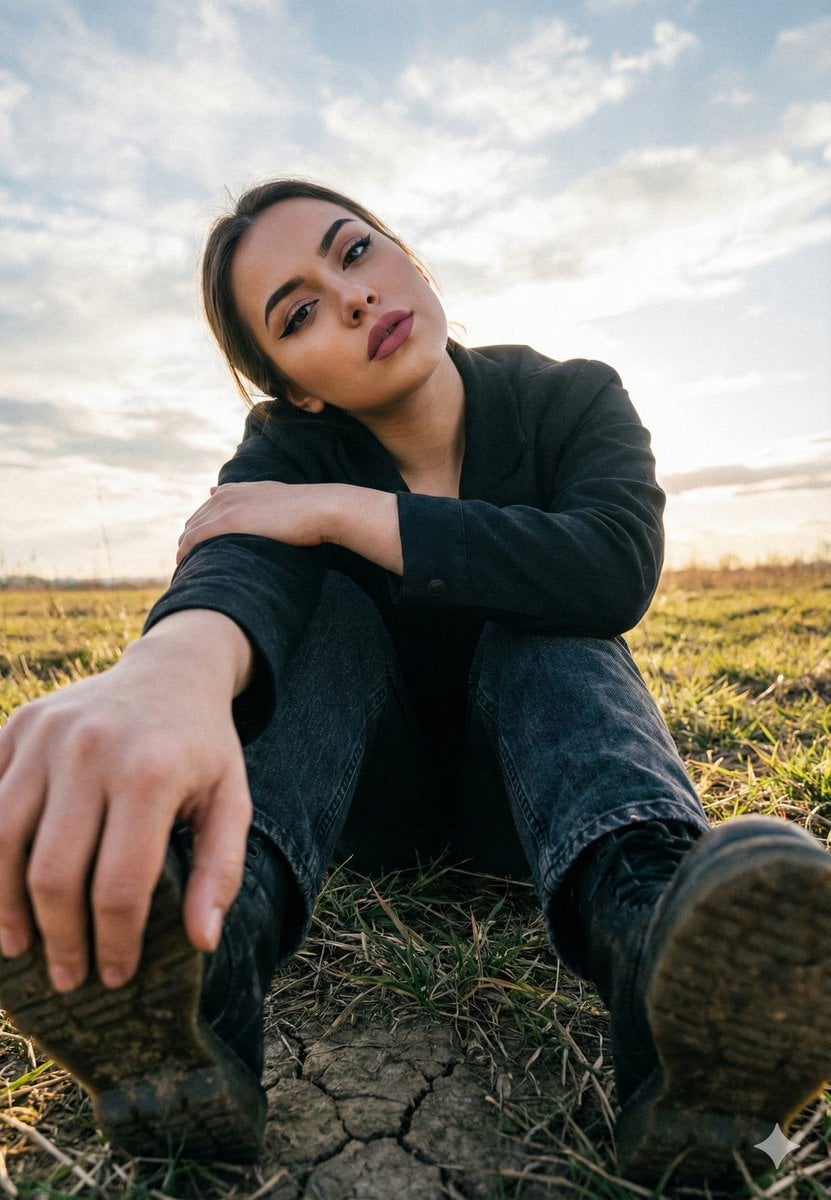
Cinematic Low Angle Portrait in a Dry Field
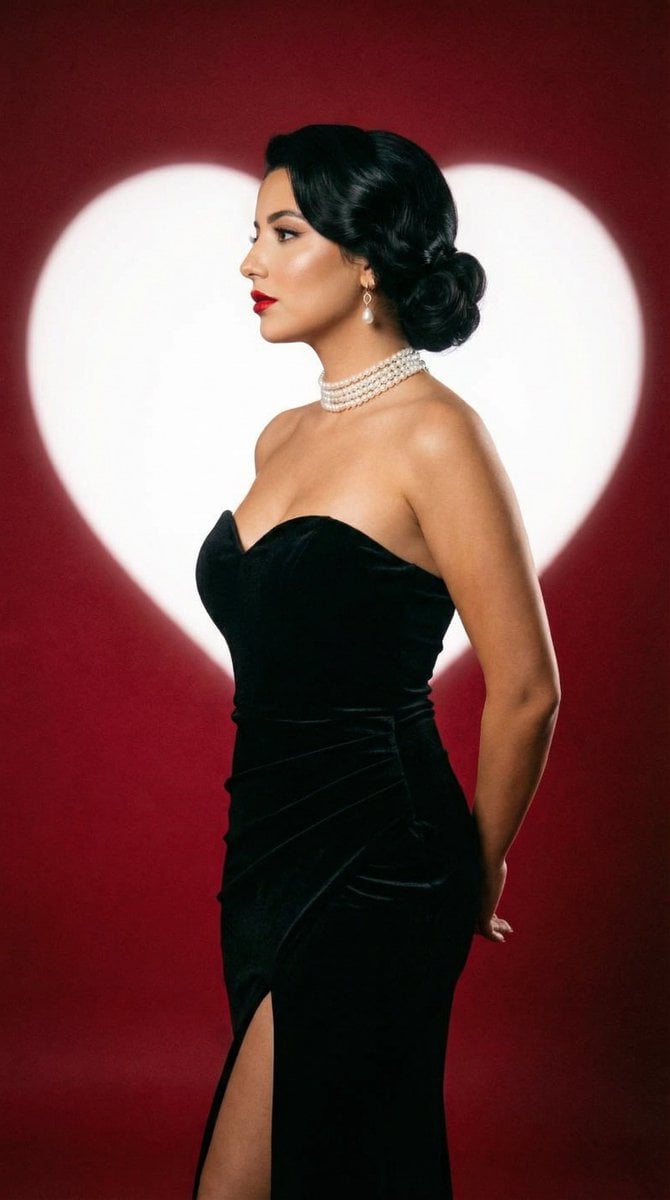
Classic Hollywood Studio Portrait with Heart Backdrop
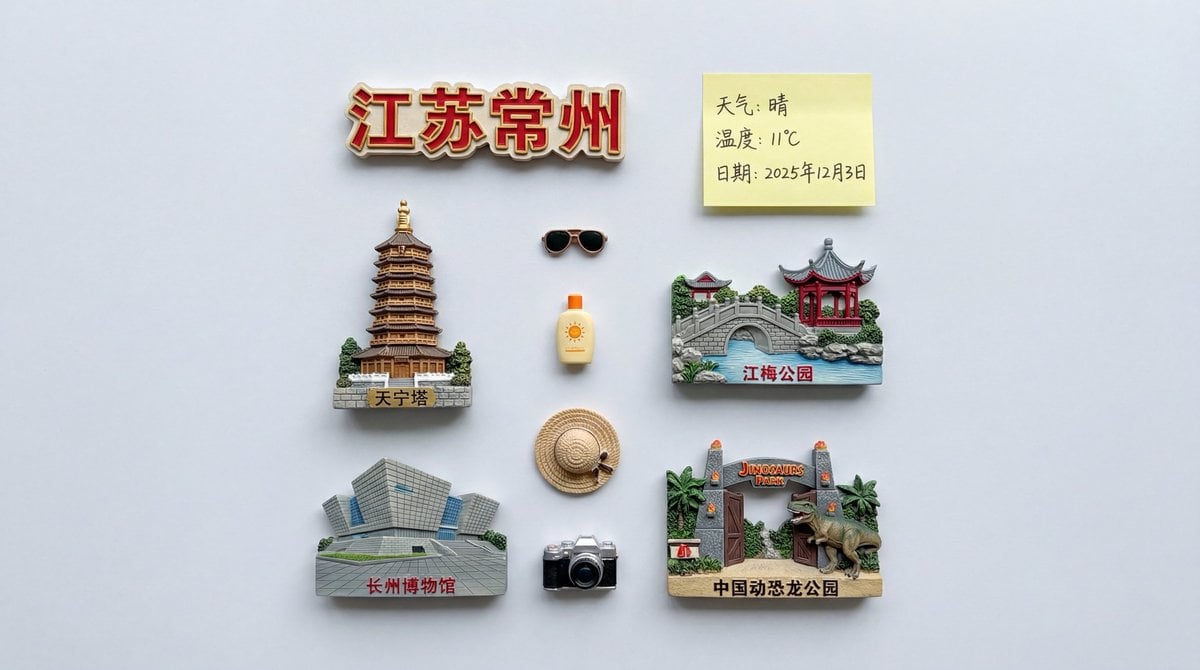
Nano Banana Pro Prompt for Nostalgic Scene
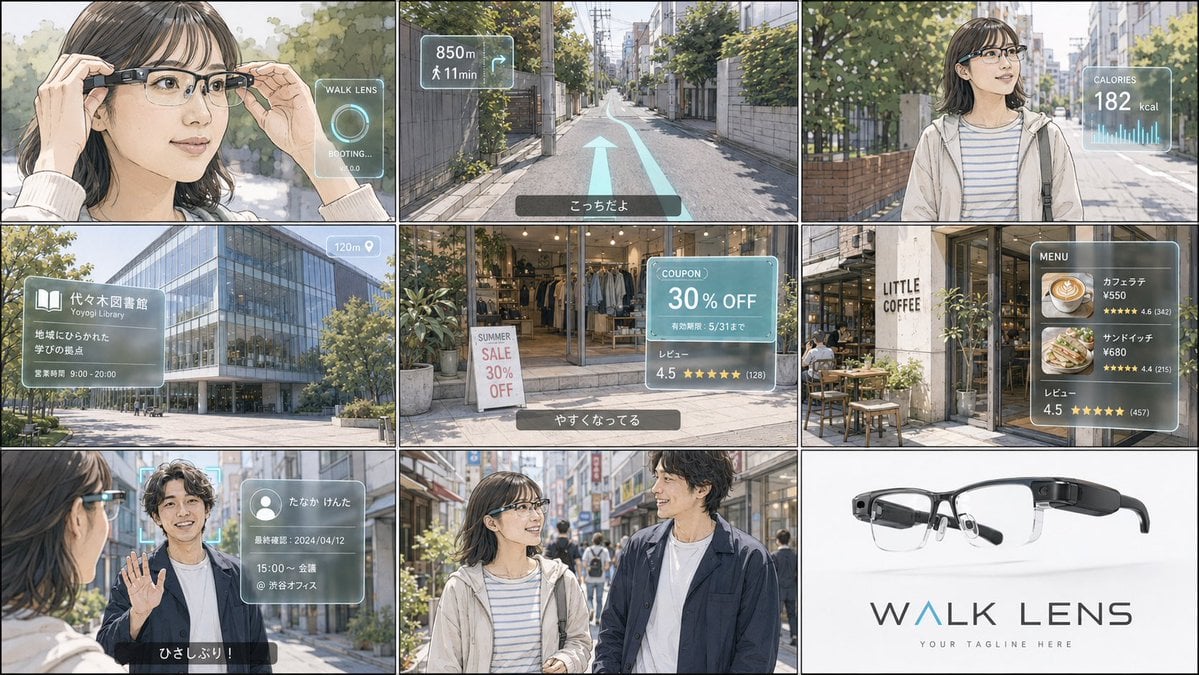
Realistic Colored Line Drawing Converter
Four-Panel Fashion Editorial Grid
Browse template categories
Futuristic Product Launch Poster questions
How do I use the Futuristic Product Launch Poster template?
Add your photo if the template asks for one, edit the prompt if you like — the template's model and format are already selected — and press Generate. Your version opens in PicX Studio.
Can I customize the Futuristic Product Launch Poster template?
Yes. You can change the subject, setting, lighting, mood, format, and available model controls before creating your image.
Is the Futuristic Product Launch Poster template free?
Opening and editing this template is free. Generating uses credits, shown on the Generate button when you are signed in.
Which AI model should I use?
Start with GPT Image 2, which is the model associated with this template. You can compare another compatible model for a different finish.
Looking for something else? Browse all templates.

Your photo, any look
Thousands of ready templates for every top image and video model, from one credit balance.