
Futuristic AI 2026 Tech Poster
A glowing cyberpunk AI poster with a neural-network brain, readable headline text, circuitry, and six labeled technology feature icons.

- Prompt included
- Model and format preset
- Premium template
The prompt behind this image
Copy the exact prompt behind Futuristic AI 2026 Tech Poster, or open it in the studio and make it yours.
Goal: Create a futuristic vertical tech poster announcing {argument name="headline text" default="AI 2026"}, centered on a glowing artificial-intelligence brain made of neural network lines and circuit traces. Canvas: Portrait poster, 2:3 aspect ratio, dark navy-to-black background, high contrast, crisp sci-fi lighting, no border or watermark. Layout: Put an enormous bold uppercase headline at the top reading {argument name="headline text" default="AI 2026"}. Use a heavy condensed sans-serif font with white-to-icy-blue gradient fill, bevel-like highlights, and electric blue outer glow. Directly below it, add a thin glowing divider line and the small spaced uppercase tagline: {argument name="tagline" default="INTELLIGENCE. INNOVATION. INFINITE POSSIBILITIES."} Main subject: In the center and lower half, draw one large side-view human brain silhouette formed from hundreds of luminous blue nodes and connecting lines, like a digital neural constellation. The brain should glow intensely with cyan, electric blue, and white points of light, with denser bright nodes scattered throughout. From the bottom of the brain, vertical circuit pathways descend into a circular holographic portal or target-like light source at the bottom center. Background: Fill the entire background with subtle printed-circuit-board traces, microchip paths, small dots, tiny squares, and faint interface markings. The circuitry should radiate around and behind the brain, mostly thin neon-blue lines on black, with some brighter connection points. Side feature panels: Include exactly 6 small icon-and-label feature blocks, three on the left and three on the right, aligned vertically beside the brain. Left side from top to bottom: 1) microchip icon labeled “LEARN ADAPT”, 2) abstract brain/flower network icon labeled “THINK CREATE”, 3) globe icon labeled “CONNECT TRANSFORM”. Right side from top to bottom: 4) rising bar chart icon labeled “DATA DRIVEN”, 5) shield with lock icon labeled “TRUST SECURE”, 6) three-person group icon labeled “HUMAN CENTERED”. Use small cyan line icons with uppercase stacked labels and thin horizontal divider lines. Visual style: Premium cyberpunk infographic poster, sharp vector-meets-3D rendering, glowing blue holographic effects, radiant lens flares, detailed circuitry, symmetrical composition, clean readable typography, ultra-detailed, high resolution. Constraints: Keep all visible text spelled exactly as specified, make the headline very legible, use only the 6 side feature blocks listed, avoid extra labels, avoid logos, avoid photographic people.
How to use Futuristic AI 2026 Tech Poster in 3 steps
- 1Upload ImagePNG, JPG or paste
Add your photo
Upload the photo the template builds on. The prompt, model and format are already set.
- 2…a portrait of your subject in softgolden-hour light, 85mm…
Personalize
Edit the subject and creative details for your destination.
- 3Generate
Generate
Press Generate — your image is created in PicX Studio, so you can compare it with the original and refine one variable at a time.
More like this
Templates with the same subject, style or setup. Open one to see its prompt.
Black Liquid Cyberpunk Portrait Poster

Japan Travel Brochure Poster

Cartoon TV Show Poster Pack

Trendy Cafe Drink Promo Poster

Urban Fashion Editorial Collage Streetwear Poster

Premium Fashion Editorial Cover Layout System

Polo Ralph Lauren Luxury American Heritage Fashion Campaign

Monochrome Halftone Editorial Fashion Poster

Retro Mirror Luxury Fashion Campaign Poster
Luxury Fashion Campaign Typography Poster System
Premium Fashion Editorial Campaign Poster System
Ultra-Stylized High-Fashion Streetwear Poster
Make it yours
Futuristic AI 2026 Tech Poster works as-is. These are the safest ways to change it without losing the look.
Change one field
Copy a single group, rewrite it, and generate again so you can see what that field is doing.
Keep the frame, change the subject
Hold the composition and light of Futuristic AI 2026 Tech Poster, then swap wardrobe, props or the person for a new take.
| If the result… | Why | Fix |
|---|---|---|
| The result drifts from the preview | Too many fields changed at once. | Reuse Futuristic AI 2026 Tech Poster as-is first, then change one group — subject, light, or setting. |
| The model over-stylizes the scene | The prose prompt leaves finish and camera underspecified. | Add one camera or lighting sentence and stay on GPT Image 2. |
More GPT Image 2 templates
Other prompts made for GPT Image 2.

Six VTuber Japanese Logo Sheet

Realistic Portrait of Woman and Deer

The Vista Modular Condo Poster

AI Model Routing Comparison Infographic

2.5D Anime Art Board

Isometric Productivity Desk Scene

New York Double Exposure Poster

Four-Panel AI Landscape Comparison

Japanese Tatami Lifestyle Magazine Cover

NESCAFÉ Coffee Map Poster
More image prompts
Fresh picks from across the catalog.
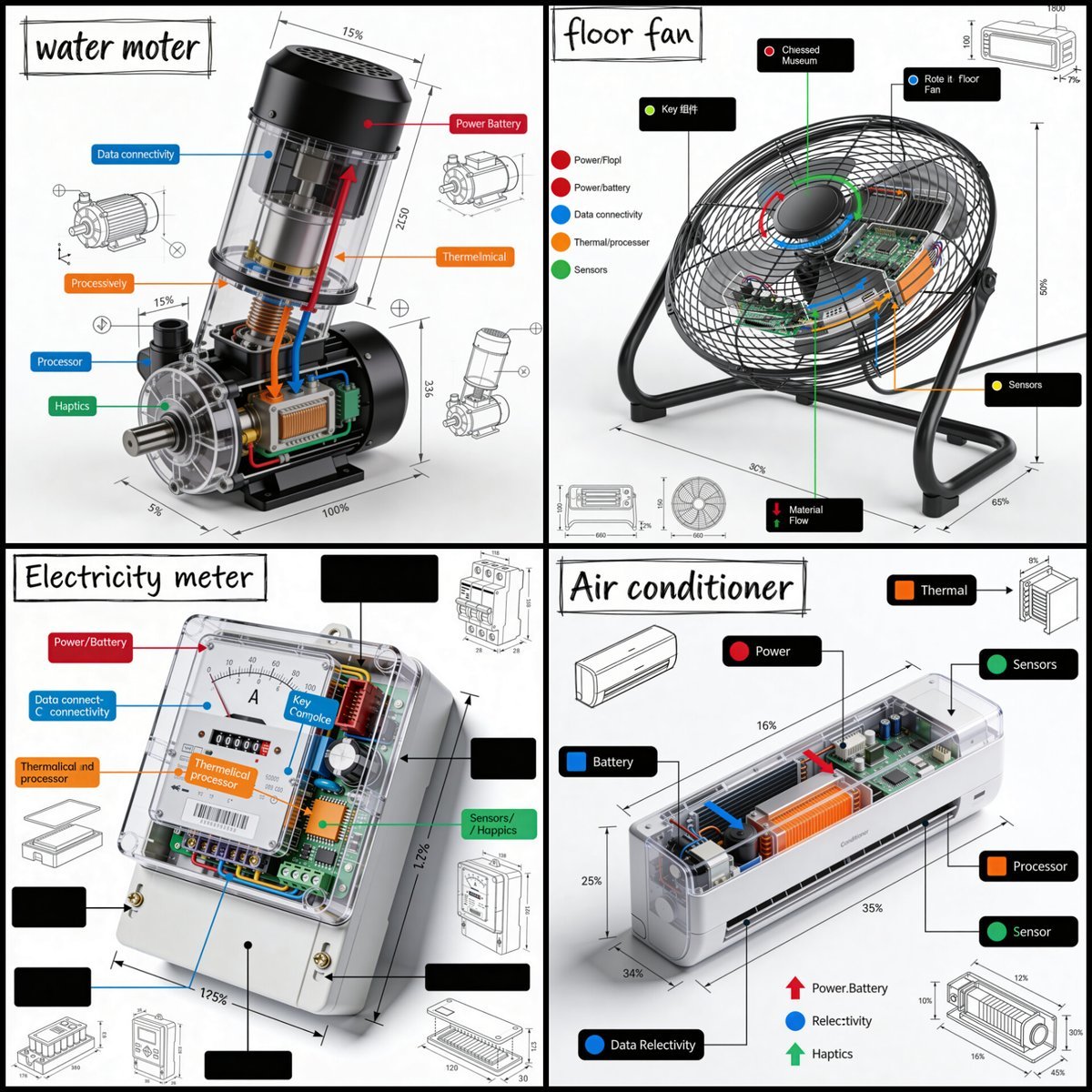
Technical Product Teardown Infographic

Cinematic Realism Portrait in a Library Loft

Hyper-Real Wildlife Photography Close-Up Prompt

Organic Golden Alchemy Surreal Portrait
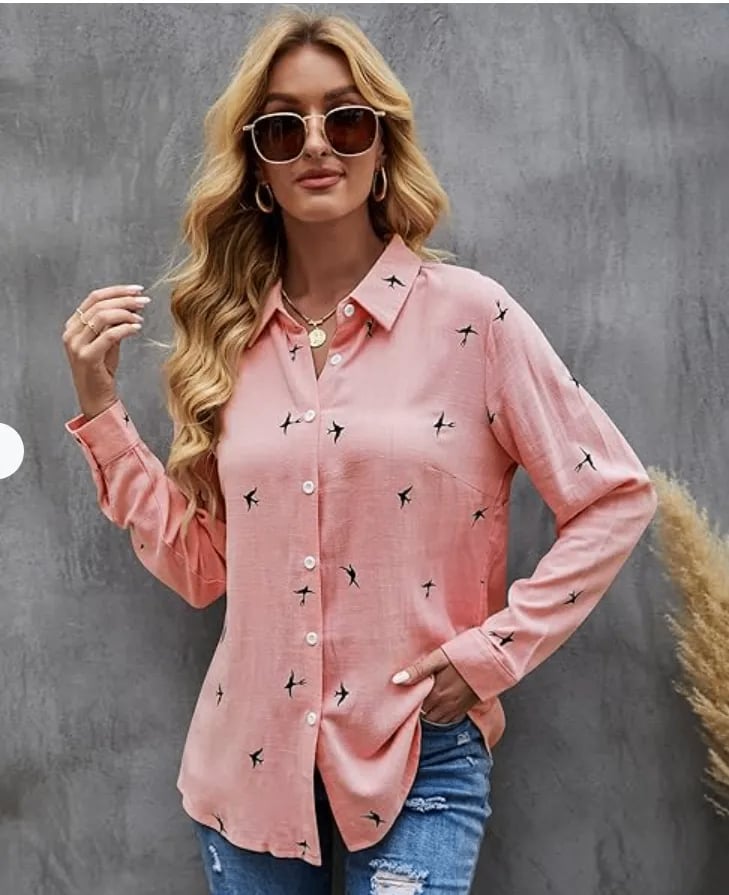
Realistic Lifestyle Portrait Prompt
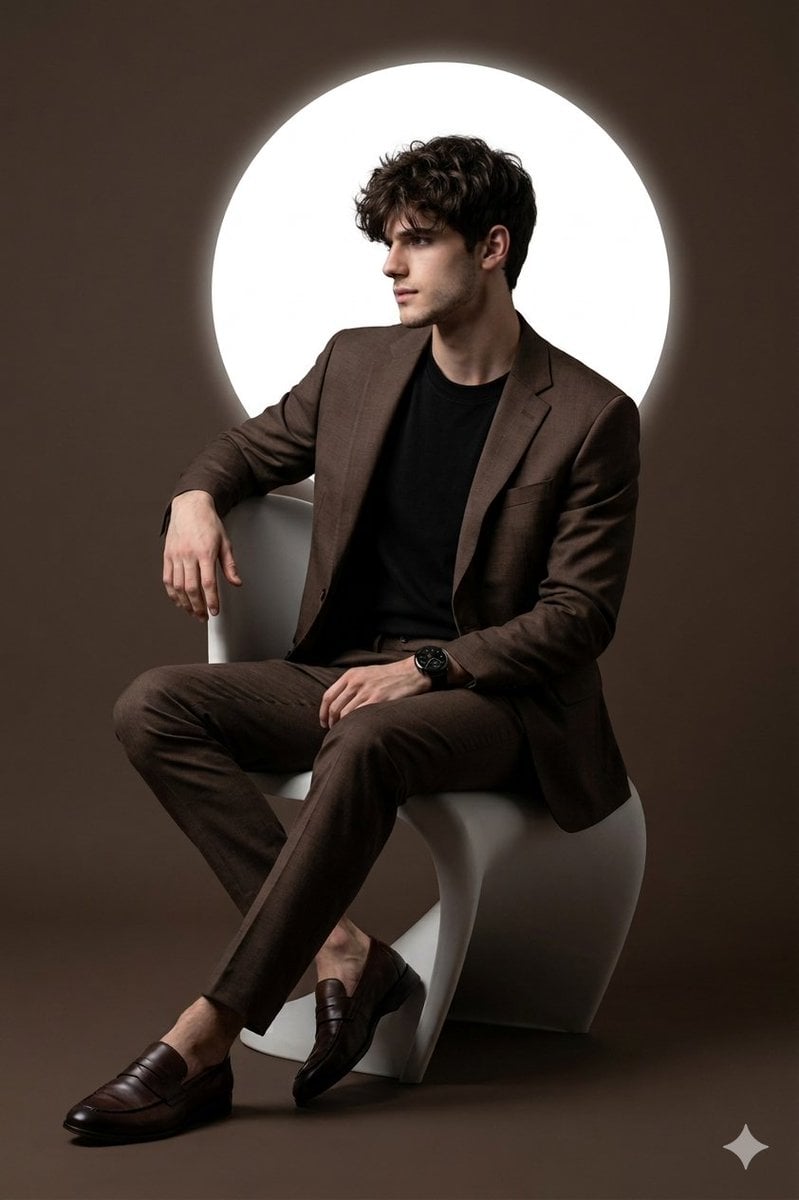
Cinematic Studio Portrait with Reference Photo Consistency
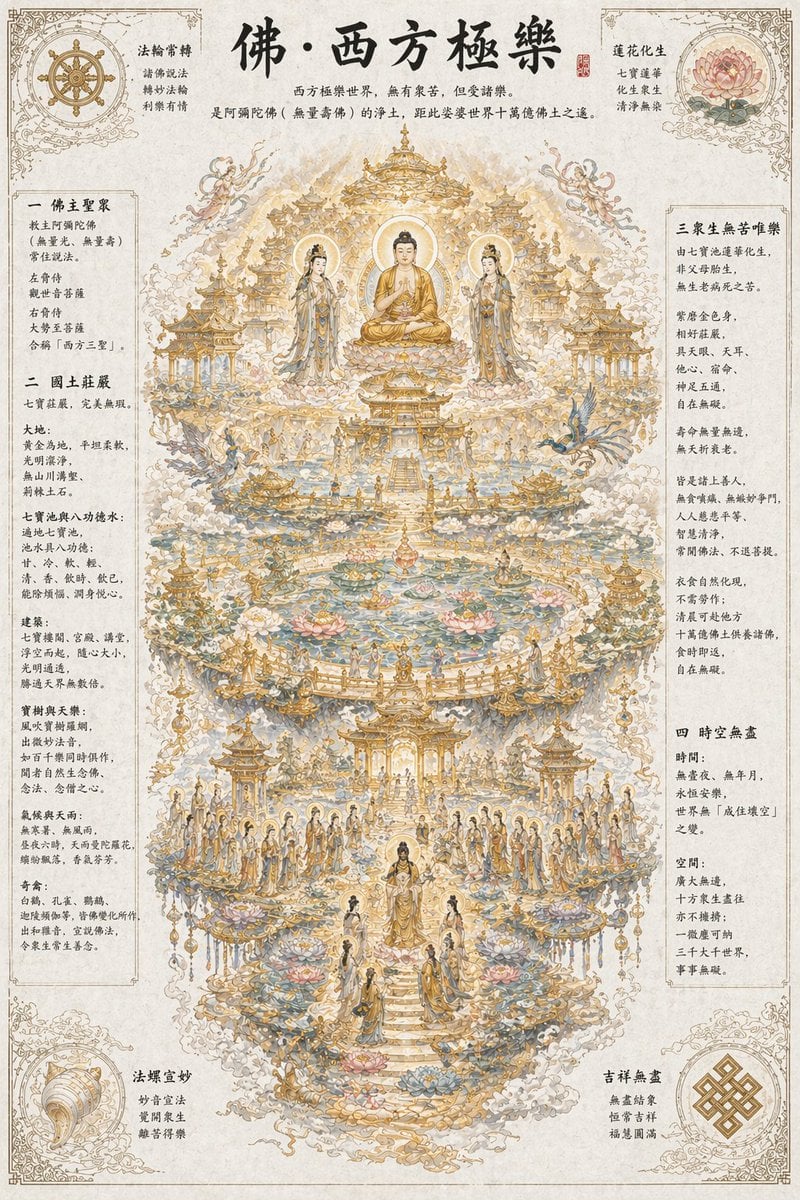
Ethereal Buddhist Pure Land scene

Ultra-Realistic Portrait with Pose Variations
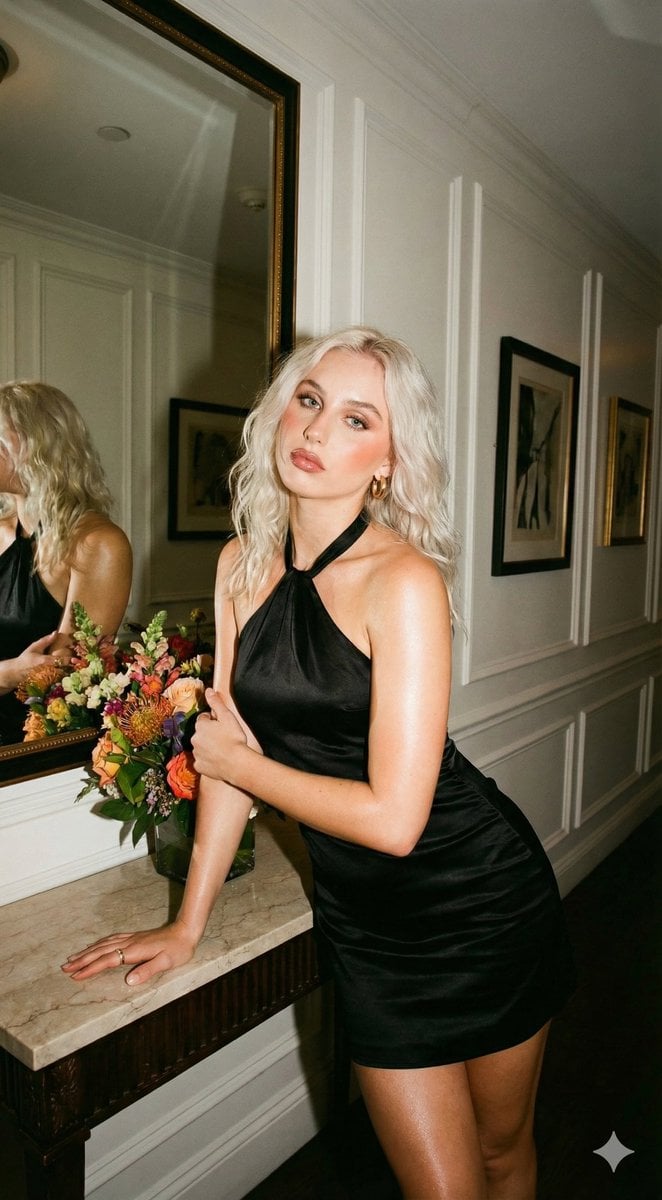
Vintage Flash Portrait with Identity Lock Prompt
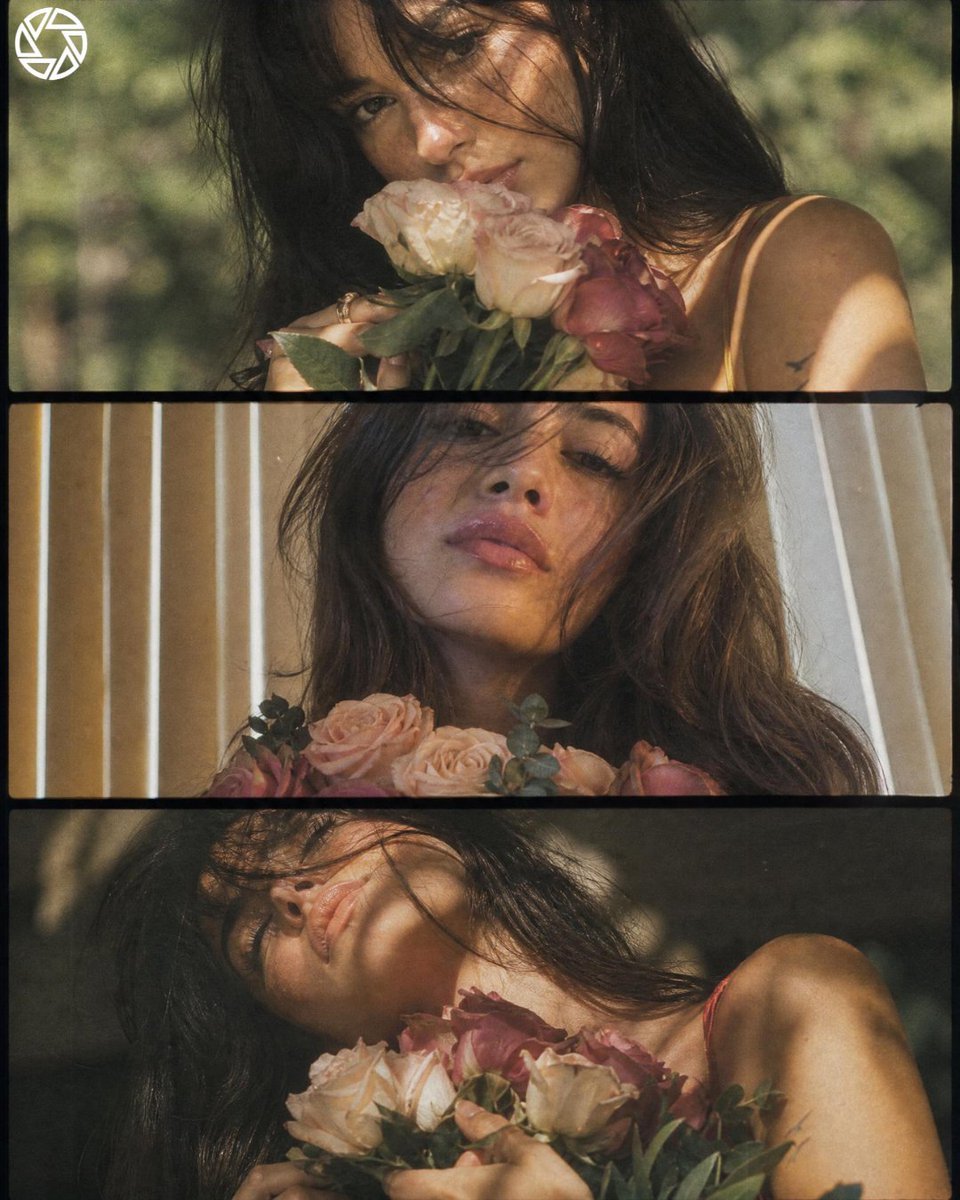
Cinematic Romantic Floral Portrait
Browse template categories
Futuristic AI 2026 Tech Poster questions
How do I use the Futuristic AI 2026 Tech Poster template?
Add your photo if the template asks for one, edit the prompt if you like — the template's model and format are already selected — and press Generate. Your version opens in PicX Studio.
Can I customize the Futuristic AI 2026 Tech Poster template?
Yes. You can change the subject, setting, lighting, mood, format, and available model controls before creating your image.
Is the Futuristic AI 2026 Tech Poster template free?
Opening and editing this template is free. Generating uses credits, shown on the Generate button when you are signed in.
Which AI model should I use?
Start with GPT Image 2, which is the model associated with this template. You can compare another compatible model for a different finish.
Looking for something else? Browse all templates.

Your photo, any look
Thousands of ready templates for every top image and video model, from one credit balance.