
Epic Milestone X Poster
This prompt generates a bold vertical announcement poster for a follower milestone, useful for social media celebration graphics with cinematic impact.
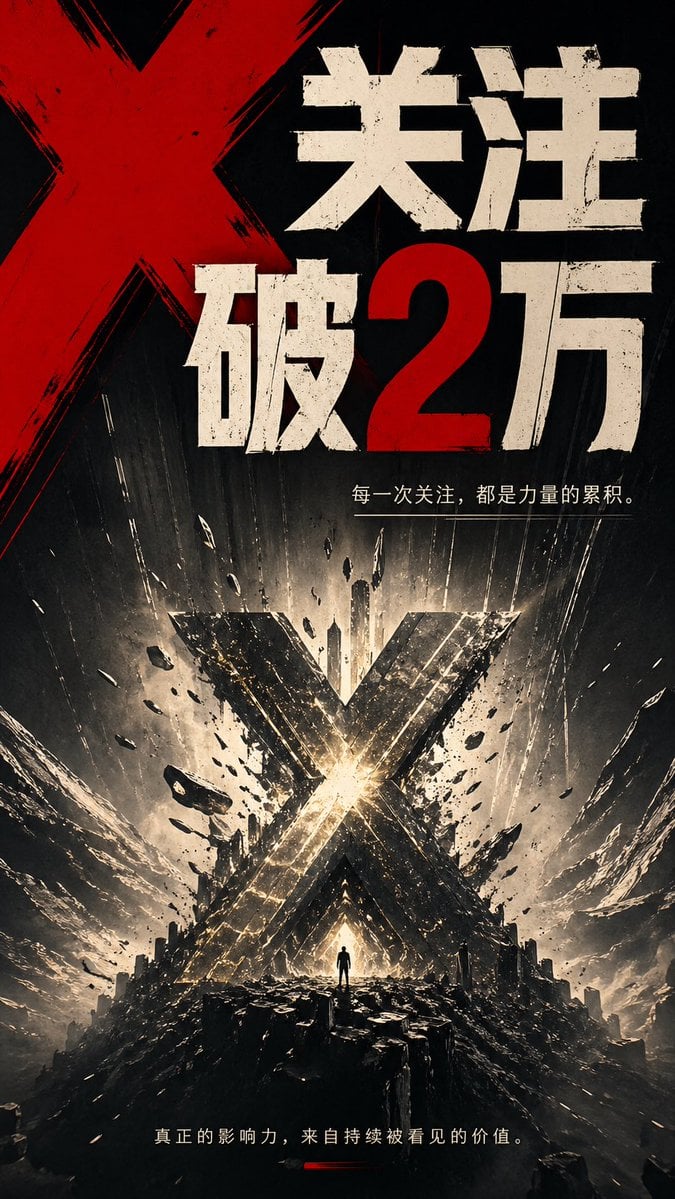
- Prompt included
- Model and format preset
- Premium template
The prompt behind this image
Copy the exact prompt behind Epic Milestone X Poster, or open it in the studio and make it yours.
A dramatic vertical poster in a dark cinematic graphic-novel style, dominated by a giant red painted X in the upper left and huge distressed Chinese typography across the top reading “关注破2万”, with the number 2 in red and the rest of the characters in rough off-white block letters. Beneath the headline, add a smaller thin white Chinese tagline line: “每一次关注,都是力量的累积。” In the lower half, show an apocalyptic monumental landscape with a colossal metallic X-shaped structure exploding upward from the center, glowing with intense white-gold light at its core, surrounded by flying debris, fractured rock, dust streaks, sparks, and dramatic radial energy beams. Place 1 tiny solitary human silhouette standing at the base of the glowing X on a jagged black rocky platform for scale. Use a palette of black, charcoal, ash gray, off-white, metallic gold, and blood red, with extreme contrast, gritty textures, scratched ink-like brush marks, weathered print distress, and a sense of violent impact and triumph. At the bottom, include another small white Chinese sentence: “真正的影响力,来自持续被看见的价值。” with a short red underline accent beneath it. The composition should feel like an epic announcement poster for reaching {argument name="follower milestone" default="2万"}, with bold propaganda-inspired typography, explosive motion, towering symmetry, and a powerful social-growth metaphor centered on the X symbol.
How to use Epic Milestone X Poster in 3 steps
- 1Upload ImagePNG, JPG or paste
Add your photo
Upload the photo the template builds on. The prompt, model and format are already set.
- 2…a portrait of your subject in softgolden-hour light, 85mm…
Personalize
Edit the subject and creative details for your destination.
- 3Generate
Generate
Press Generate — your image is created in PicX Studio, so you can compare it with the original and refine one variable at a time.
More like this
Templates with the same subject, style or setup. Open one to see its prompt.

Japan Travel Brochure Poster

Cartoon TV Show Poster Pack

Trendy Cafe Drink Promo Poster

Urban Fashion Editorial Collage Streetwear Poster

Premium Fashion Editorial Cover Layout System

Polo Ralph Lauren Luxury American Heritage Fashion Campaign

Monochrome Halftone Editorial Fashion Poster

Retro Mirror Luxury Fashion Campaign Poster

Luxury Fashion Campaign Typography Poster System

Premium Fashion Editorial Campaign Poster System

Ultra-Stylized High-Fashion Streetwear Poster

Urban Fashion Editorial Collage Poster
Make it yours
Epic Milestone X Poster works as-is. These are the safest ways to change it without losing the look.
Change one field
Copy a single group, rewrite it, and generate again so you can see what that field is doing.
Keep the frame, change the subject
Hold the composition and light of Epic Milestone X Poster, then swap wardrobe, props or the person for a new take.
| If the result… | Why | Fix |
|---|---|---|
| The result drifts from the preview | Too many fields changed at once. | Reuse Epic Milestone X Poster as-is first, then change one group — subject, light, or setting. |
| The model over-stylizes the scene | The prose prompt leaves finish and camera underspecified. | Add one camera or lighting sentence and stay on GPT Image 2. |
More GPT Image 2 templates
Other prompts made for GPT Image 2.

Six VTuber Japanese Logo Sheet

Realistic Portrait of Woman and Deer

The Vista Modular Condo Poster

AI Model Routing Comparison Infographic

2.5D Anime Art Board

Isometric Productivity Desk Scene

New York Double Exposure Poster

Four-Panel AI Landscape Comparison

Japanese Tatami Lifestyle Magazine Cover

NESCAFÉ Coffee Map Poster
More image prompts
Fresh picks from across the catalog.

Cinematic Street Photography Prompt (Isolation)
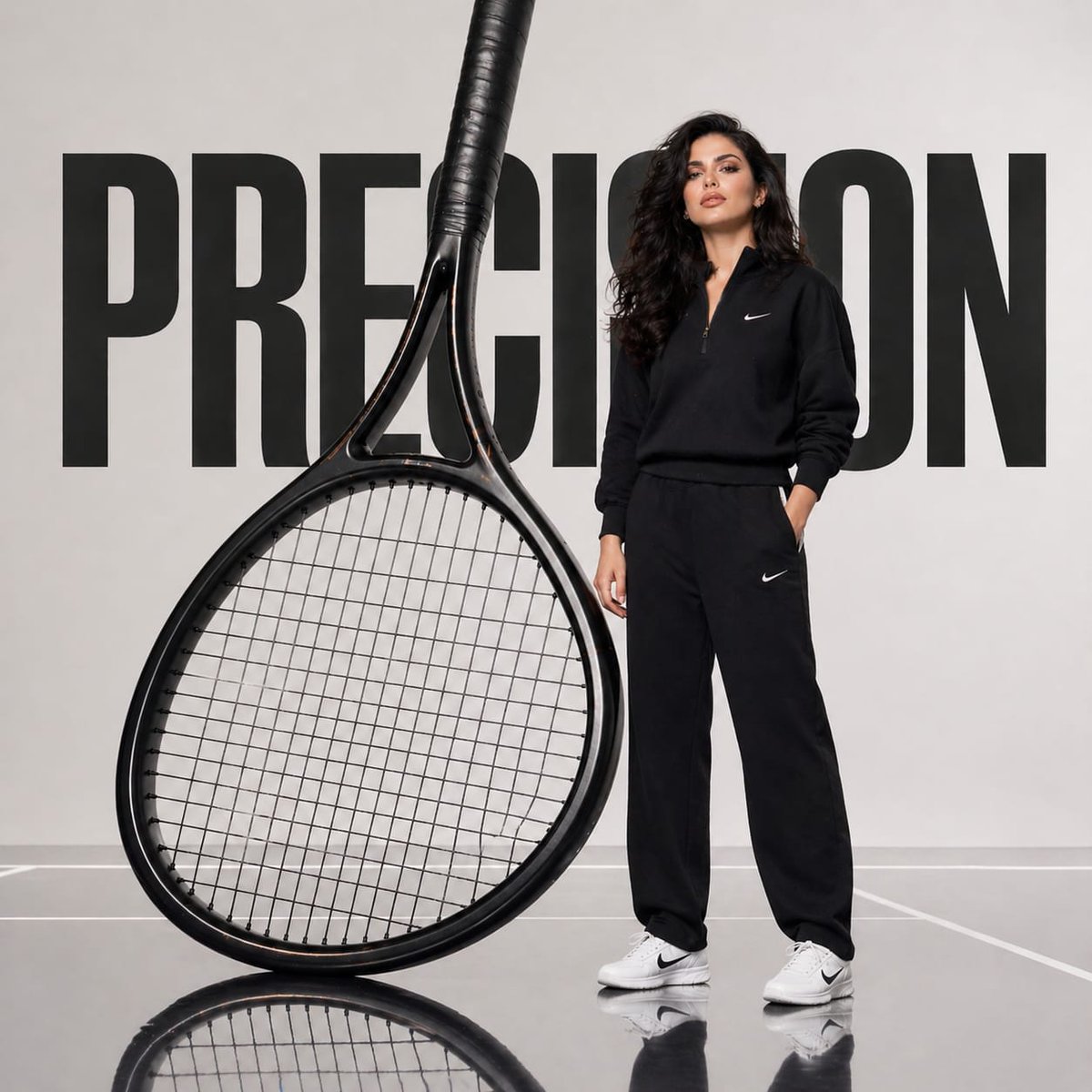
Avant-Garde Athletic Fashion Campaign
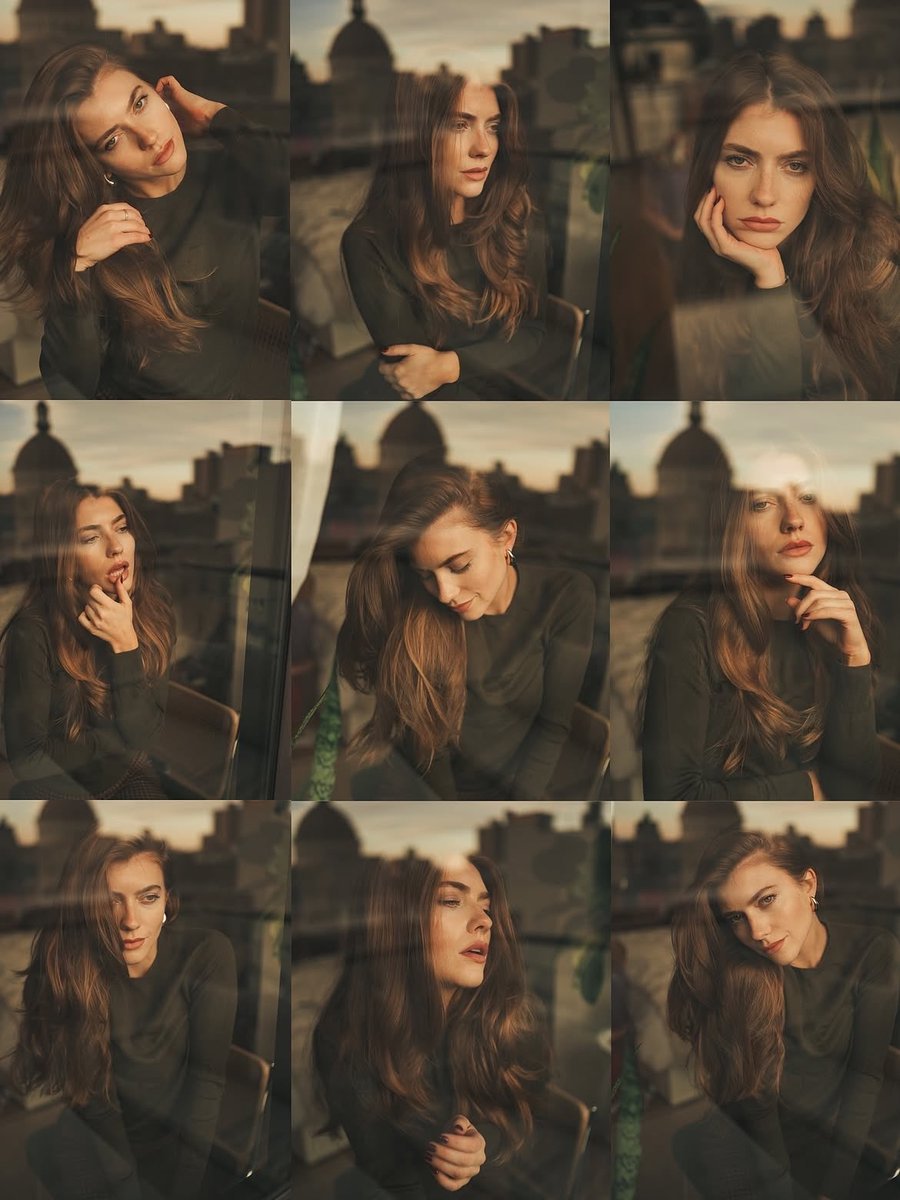
Cinematic Portrait Series by Window at Golden Hour

Realistic Girl Mirror Selfie
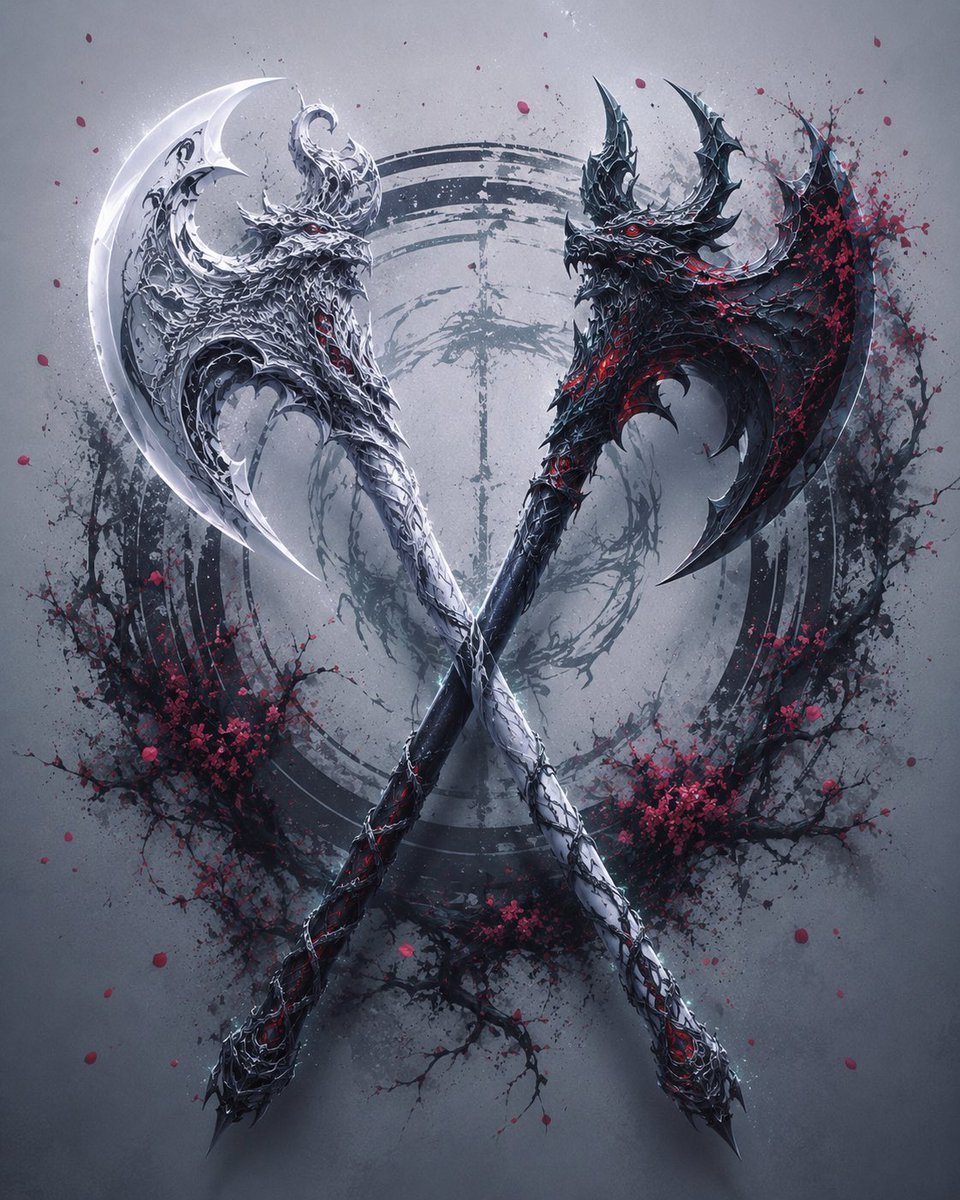
Crossed Dark Eastern Fantasy Halberds
Traditional Attire Portrait with Strict Face Preservation Prompt
Paint Tube Squeeze: Famous Asian Painting in 3D Relief
Majestic Dragon with Teacup (Nano Banana Pro Image Prompt)

Bilingual Prompt Comparison Gallery

Ultra-Realistic Editorial Portrait
Browse template categories
Epic Milestone X Poster questions
How do I use the Epic Milestone X Poster template?
Add your photo if the template asks for one, edit the prompt if you like — the template's model and format are already selected — and press Generate. Your version opens in PicX Studio.
Can I customize the Epic Milestone X Poster template?
Yes. You can change the subject, setting, lighting, mood, format, and available model controls before creating your image.
Is the Epic Milestone X Poster template free?
Opening and editing this template is free. Generating uses credits, shown on the Generate button when you are signed in.
Which AI model should I use?
Start with GPT Image 2, which is the model associated with this template. You can compare another compatible model for a different finish.
Looking for something else? Browse all templates.

Your photo, any look
Thousands of ready templates for every top image and video model, from one credit balance.