
Cinematic Family Gathering Scene
A highly structured JSON prompt for generating a cinematic, authentic scene of a family gathering in a cozy coastal living room, featuring a young woman playing a digital keyboard while a tuxedo cat walks on the keys…
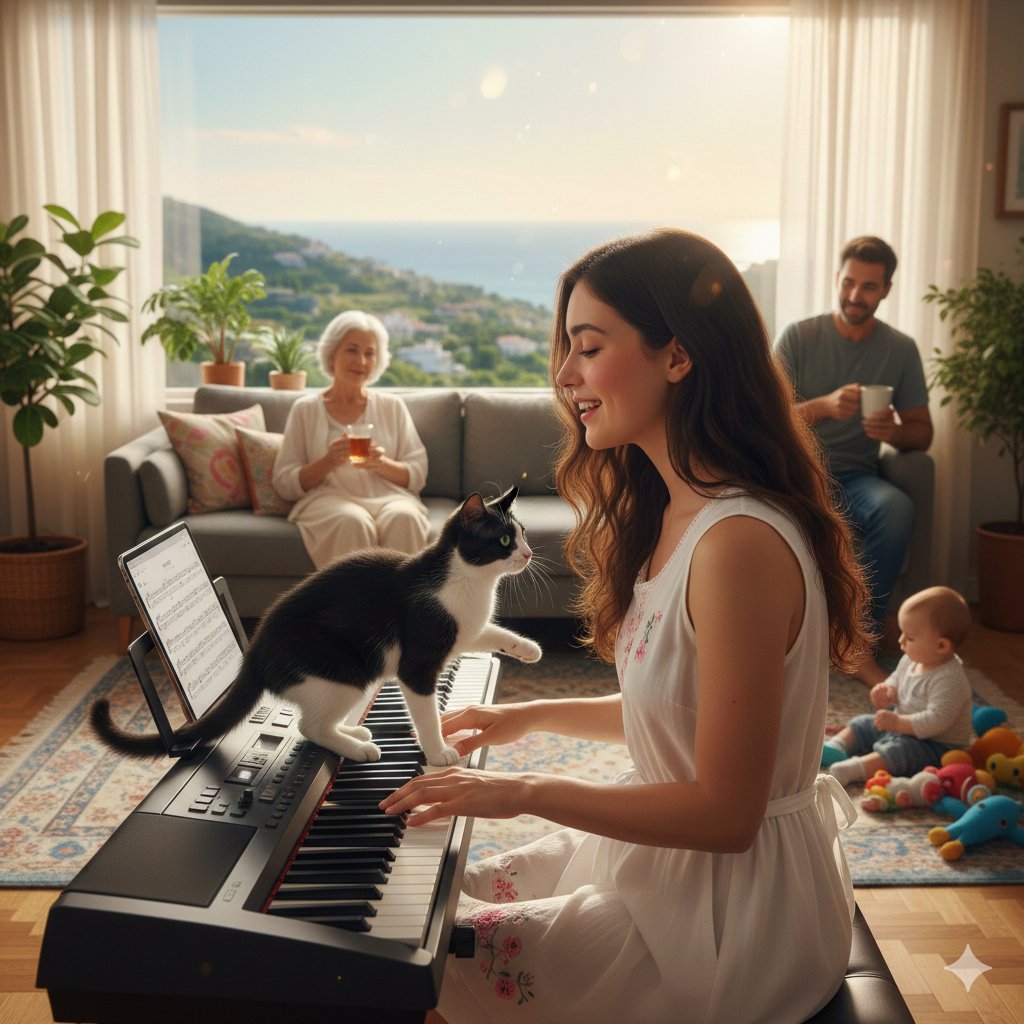
- Prompt included
- Model and format preset
- Free template
The prompt behind this image
Copy the exact prompt behind Cinematic Family Gathering Scene, or open it in the studio and make it yours.
{ "scene_description": { "setting": "Cozy coastal countryside living room, relaxed family holiday gathering", "action": "Young female playing digital keyboard and singing; a tuxedo cat walks on the keys; family members observing and participating.", "mood": "Authentic, lived-in, warm but restrained, joyful." }, "subjects": [ { "role": "Protagonist", "description": "Young female, long dark wavy hair with soft rim light, natural flushed cheeks.", "attire": "{argument name="protagonist attire" default="White sleeveless home dress, pink floral accents, tied ribbon"}.", "action": "Seated at keyboard, singing quietly, reacting with a restrained smile." }, { "role": "The Cat", "description": "Black-and-white tuxedo cat.", "action": "Climbing onto keys, pressing random notes." }, { "role": "Grandmother", "location": "Long sofa in background", "action": "Watching calmly with a glass of tea." }, { "role": "Mother", "location": "Near sofa", "action": "Recording on a phone with subtle pride." }, { "role": "Father", "location": "Beside the keyboard", "action": "Leaning against keyboard, singing along with a mug in hand." }, { "role": "Infant Brother", "location": "Foreground floor", "action": "Absorbed in colorful toys." } ], "environment_details": { "interior": { "flooring": "Wooden parquet, patterned rug", "furniture": "Long sofa, digital keyboard with iPad score", "decor": "Houseplants, gently moving curtains" }, "exterior_view": { "landscape": "Rolling green hills, calm blue sea, white hillside homes", "lighting_source": "Wide window, clean golden-hour daylight" } }, "technical_specifications": { "framing": "Cinematic medium-close, over-the-shoulder (OTS)", "lens_emulation": "Anamorphic lens", "depth_of_field": "Shallow, soft cinematic depth, bokeh", "lighting_effects": "Neutral balance, clean whites, organic grain, restrained bloom, subtle anamorphic flares", "color_science": "Natural skin tones, vivid yet controlled saturation, neutral daylight", "aspect_ratio": "4:5" } }
How to use Cinematic Family Gathering Scene in 3 steps
- 1
Open
The prompt is already in the box next to the preview, with the template's model and format selected.
- 2…a portrait of your subject in softgolden-hour light, 85mm…
Personalize
Edit the subject and creative details for your destination.
- 3Generate
Generate
Press Generate — your image is created in PicX Studio, so you can compare it with the original and refine one variable at a time.
More like this
Templates with the same subject, style or setup. Open one to see its prompt.

Fantasy Cosplay Tavern Gathering
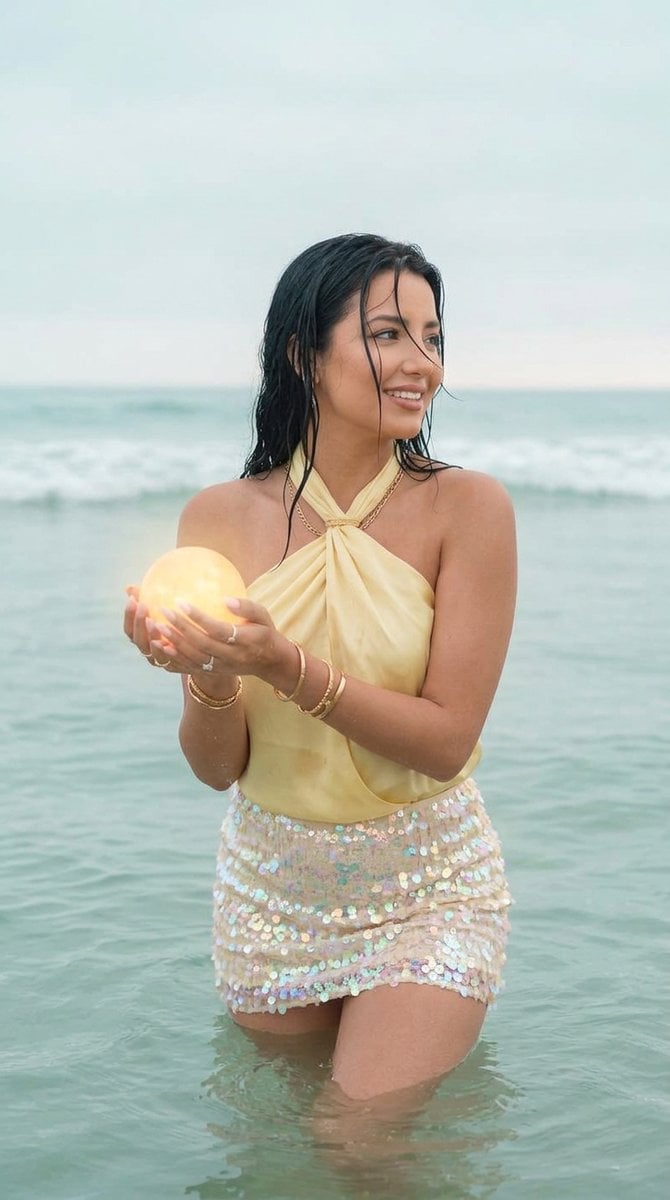
Surreal Ocean Light Gathering Portrait
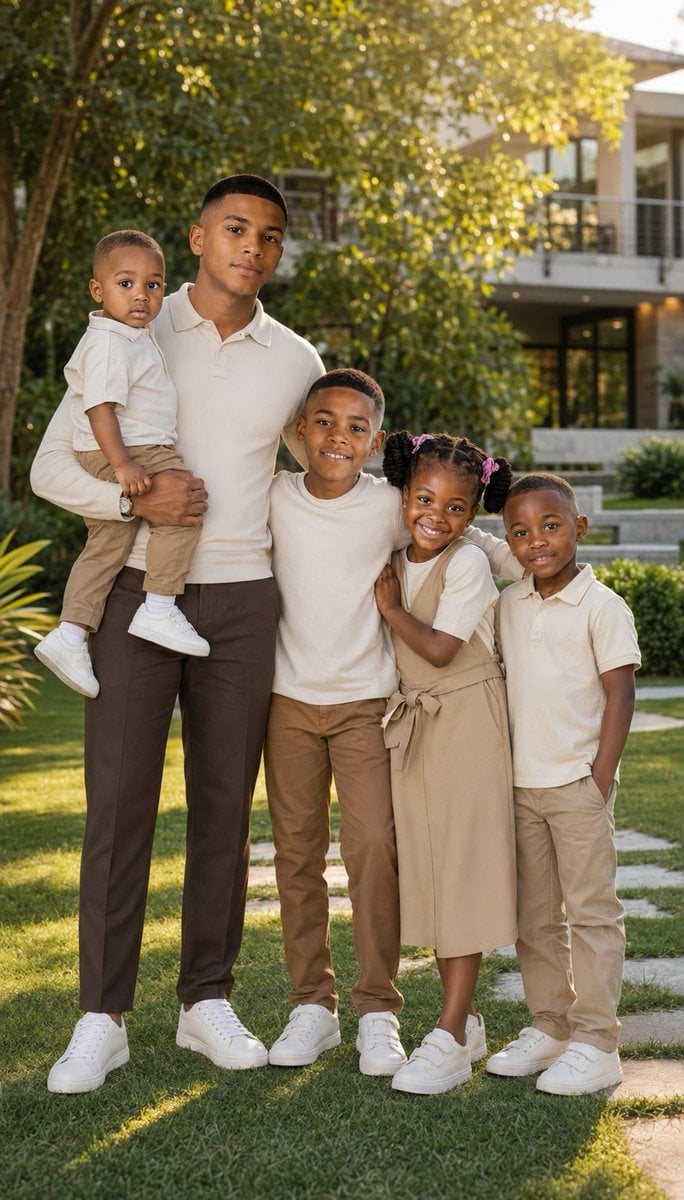
Realistic Family Lifestyle Portrait
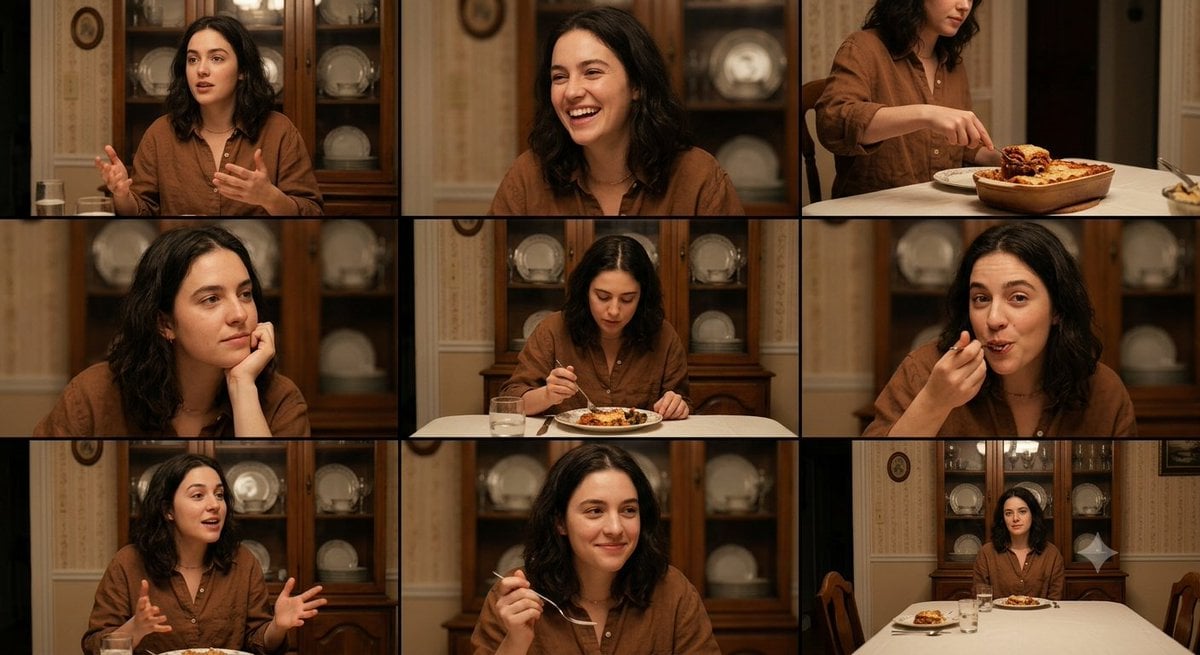
Family Dinner Cinematic Contact Sheet
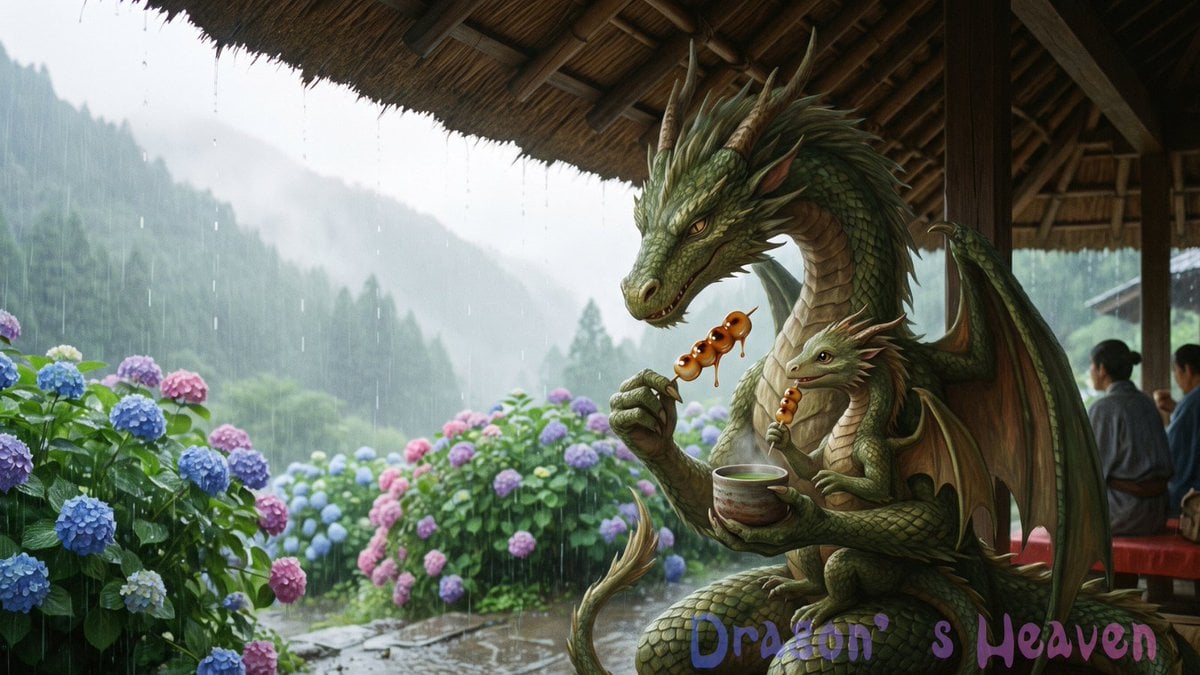
Rainy Dragon Family Eating Dango
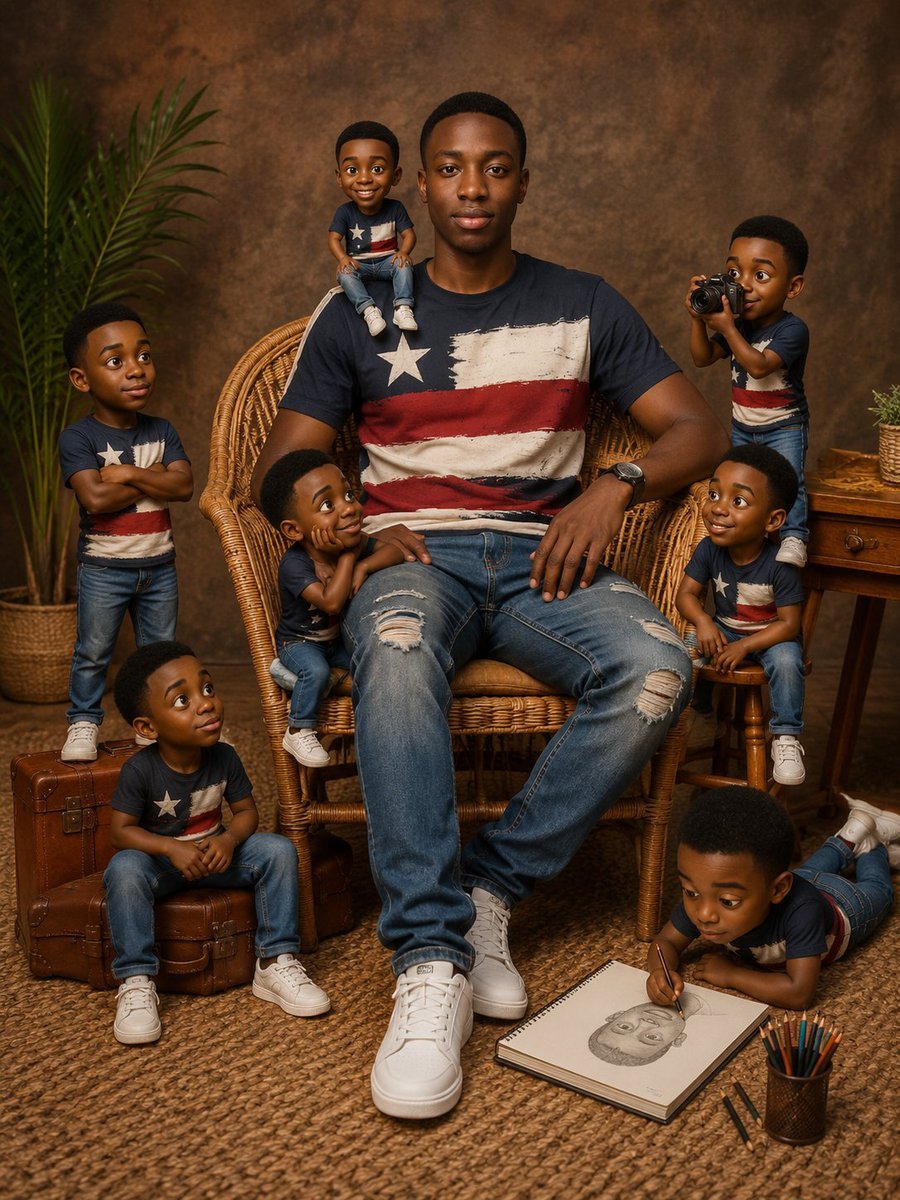
Eight Mini Me Family Portrait
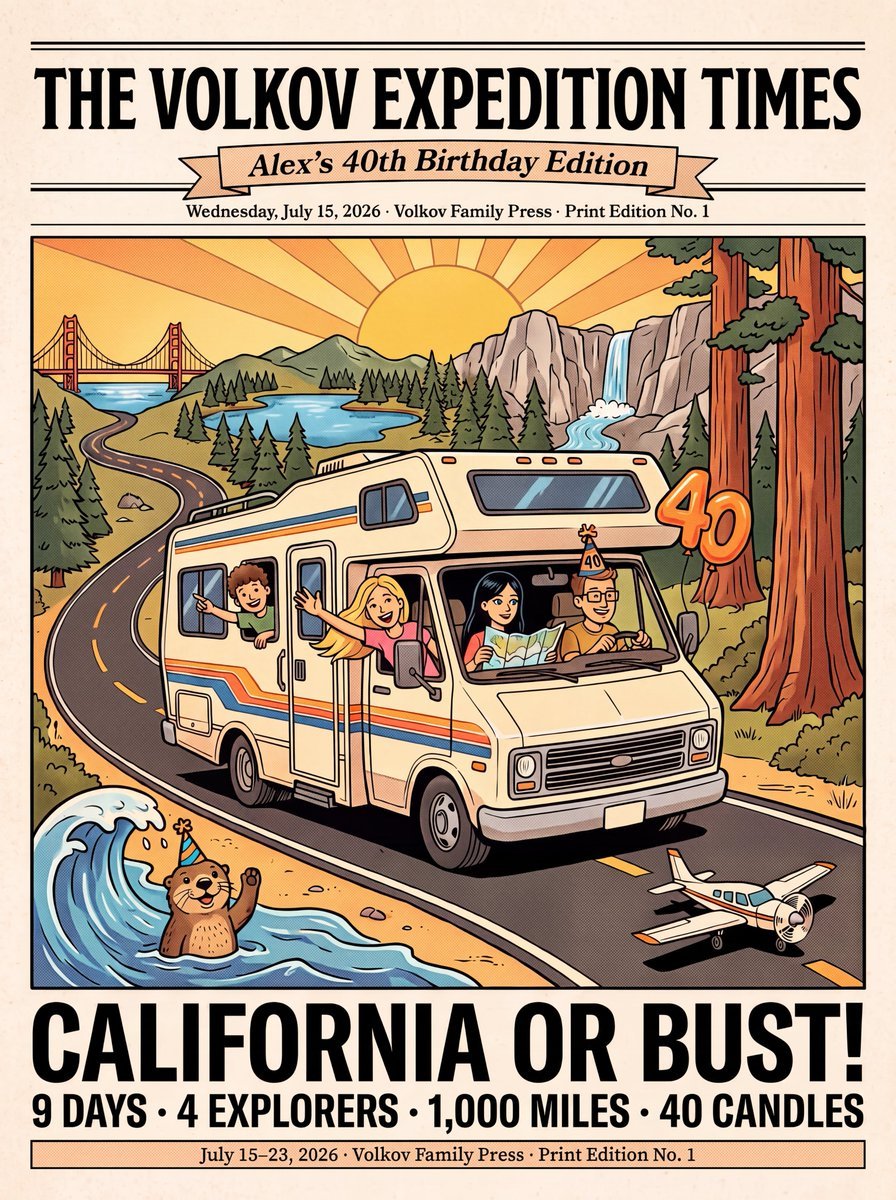
Vintage Family Road Trip Newspaper Poster

Luxury Family Reunion Poster

Vintage Family Expedition Newspaper
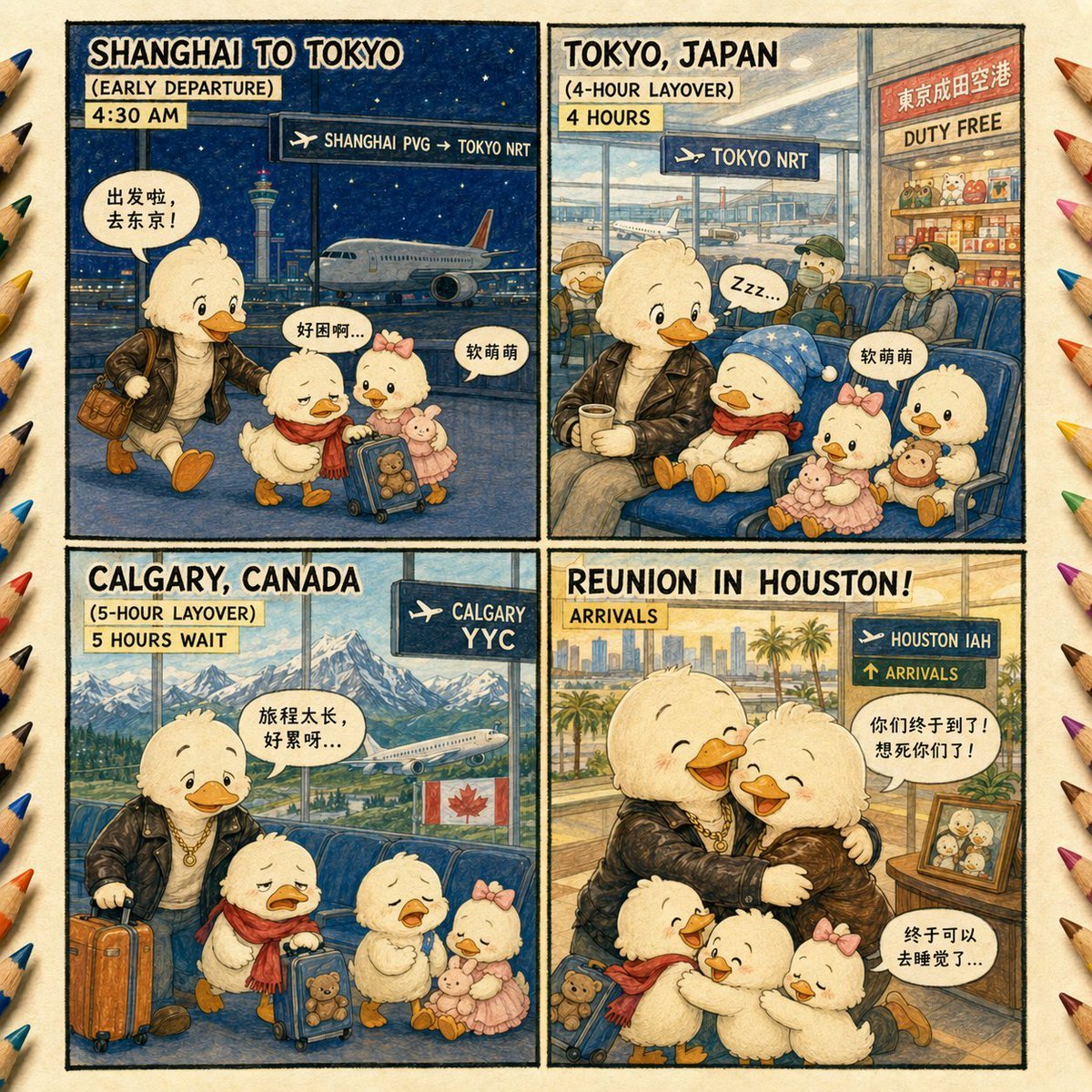
Duck Family Travel Comic
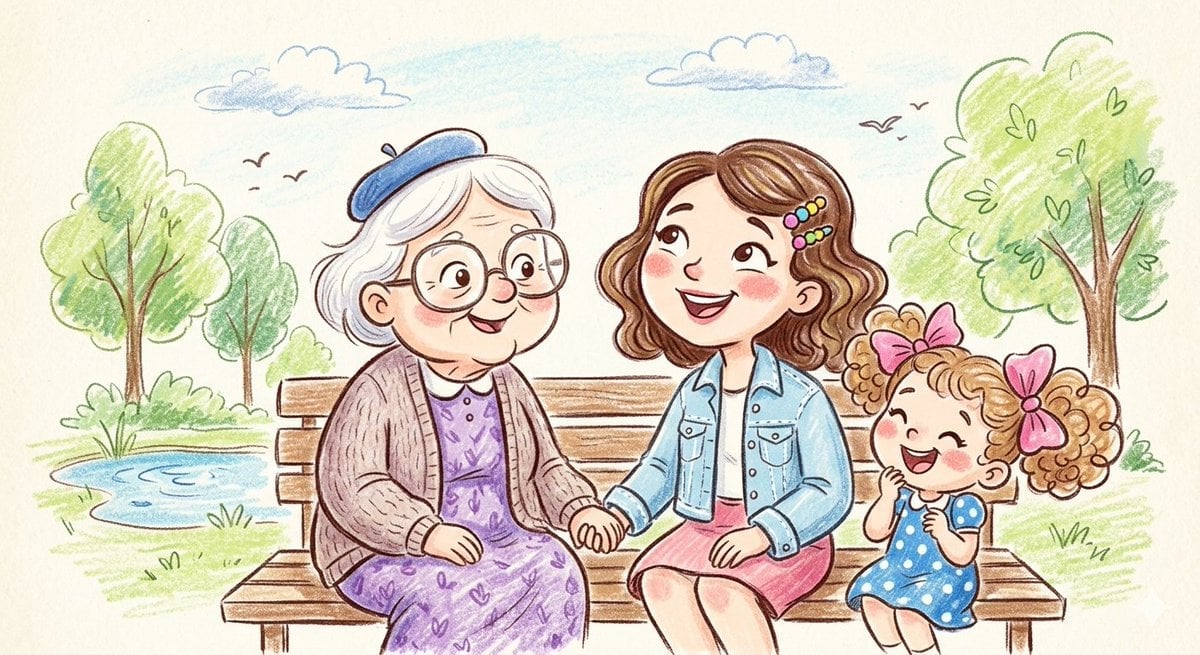
Crayon and Pencil Family Illustration

Sepia Family Portrait Studio
Make it yours
Cinematic Family Gathering Scene works as-is. These are the safest ways to change it without losing the look.
Change one field
Copy a single group, rewrite it, and generate again so you can see what that field is doing.
Keep the frame, change the subject
Hold the composition and light of Cinematic Family Gathering Scene, then swap wardrobe, props or the person for a new take.
| If the result… | Why | Fix |
|---|---|---|
| The result drifts from the preview | Too many fields changed at once. | Reuse Cinematic Family Gathering Scene as-is first, then change one group — subject, light, or setting. |
| The model over-stylizes the scene | The prose prompt leaves finish and camera underspecified. | Add one camera or lighting sentence and stay on Nano Banana 2. |
More Nano Banana 2 templates
Other prompts made for Nano Banana 2.

Photorealistic Leaf Shaped Like a Dragon

K-Pop Idol Portrait Grid for Rapid Selection

Poetic Rain Forest Portrait During Golden Hour

Urban Street Portrait with Cartoon Inner Self Duo

Candid Nighttime Photo with Cat Prompt

High-Concept 3D Diorama Generation Prompt

Cinematic Futuristic Studio Portrait Template

Skincare Editorial Photography Collage Prompt

Hyper-Realistic Commercial Product Photography (Splash Effect)

Hyper-Realistic Nightclub Portrait Prompt
More image prompts
Fresh picks from across the catalog.
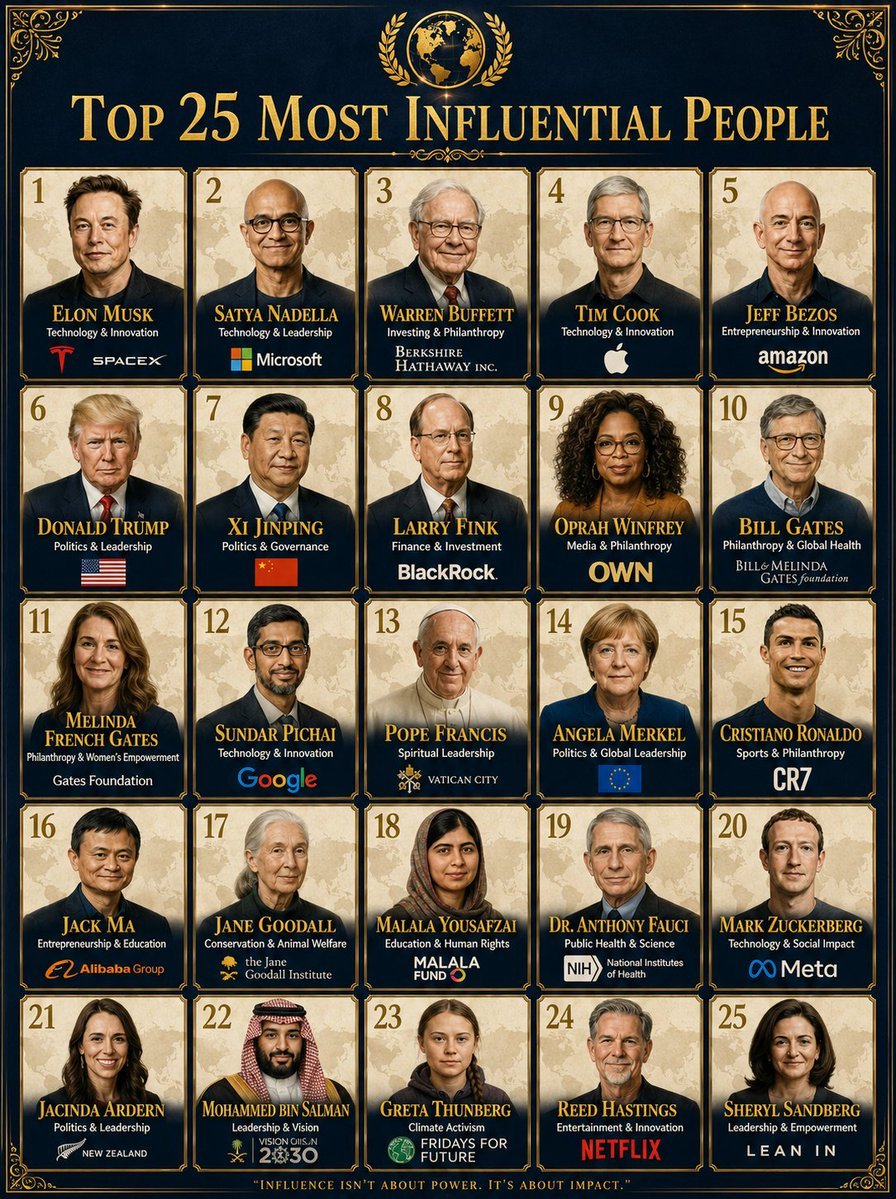
Professional Infographic Influential People Poster
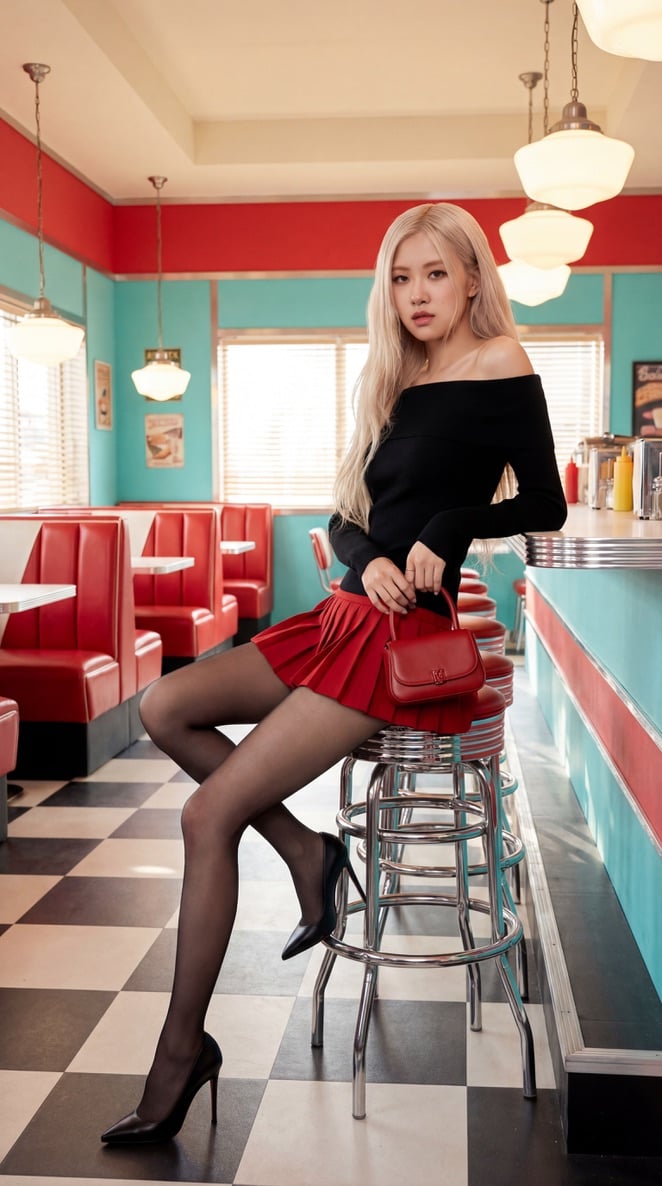
Blackpink Rosé Retro Diner Fashion Shoot

Natural Recharge Drink Ad
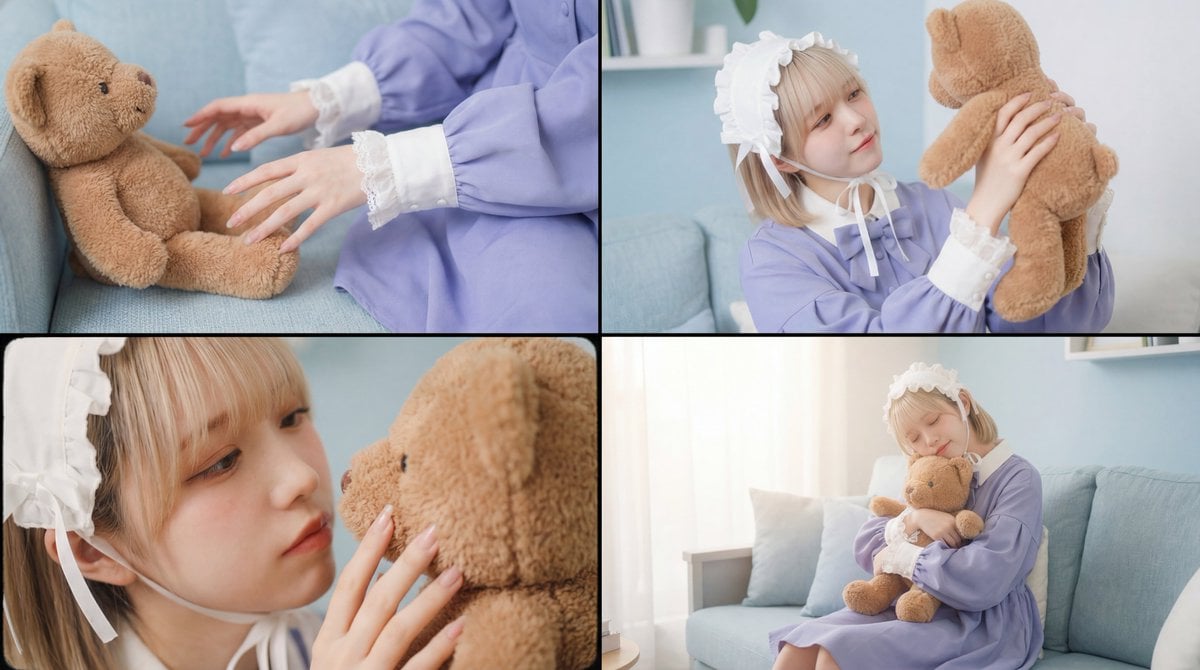
Warm, Nostalgic Cinematic Video of a Woman with a Teddy Bear
Anime Story Generation Prompt Template
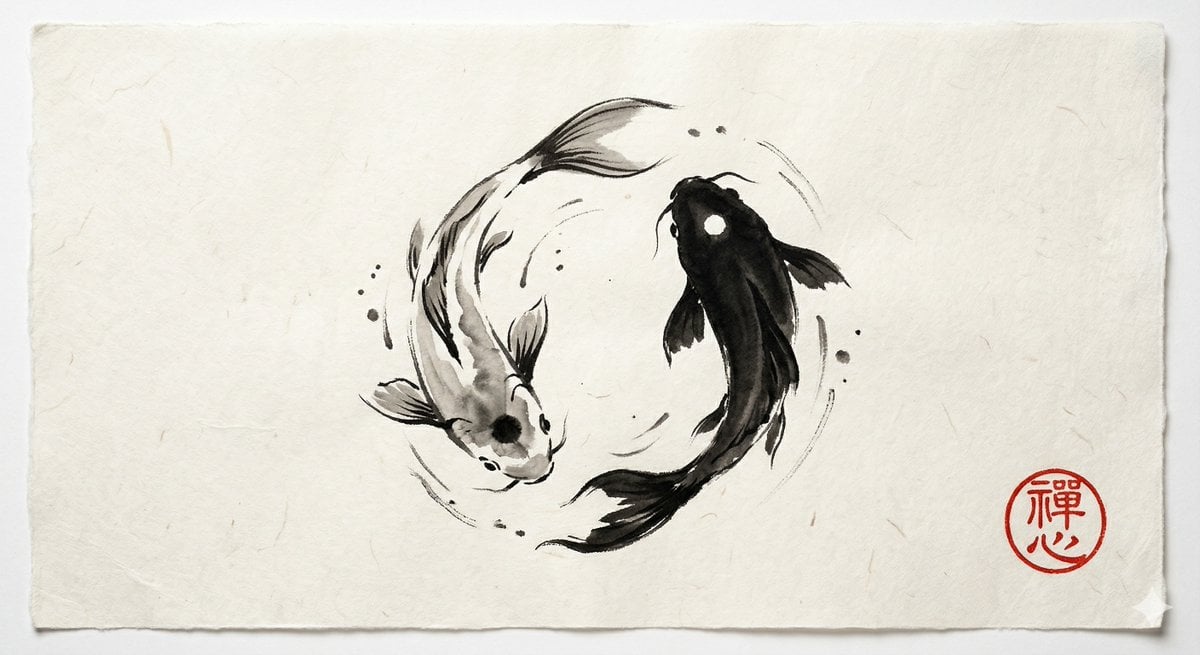
Yin and Yang Koi Fish Sumi-e Prompt
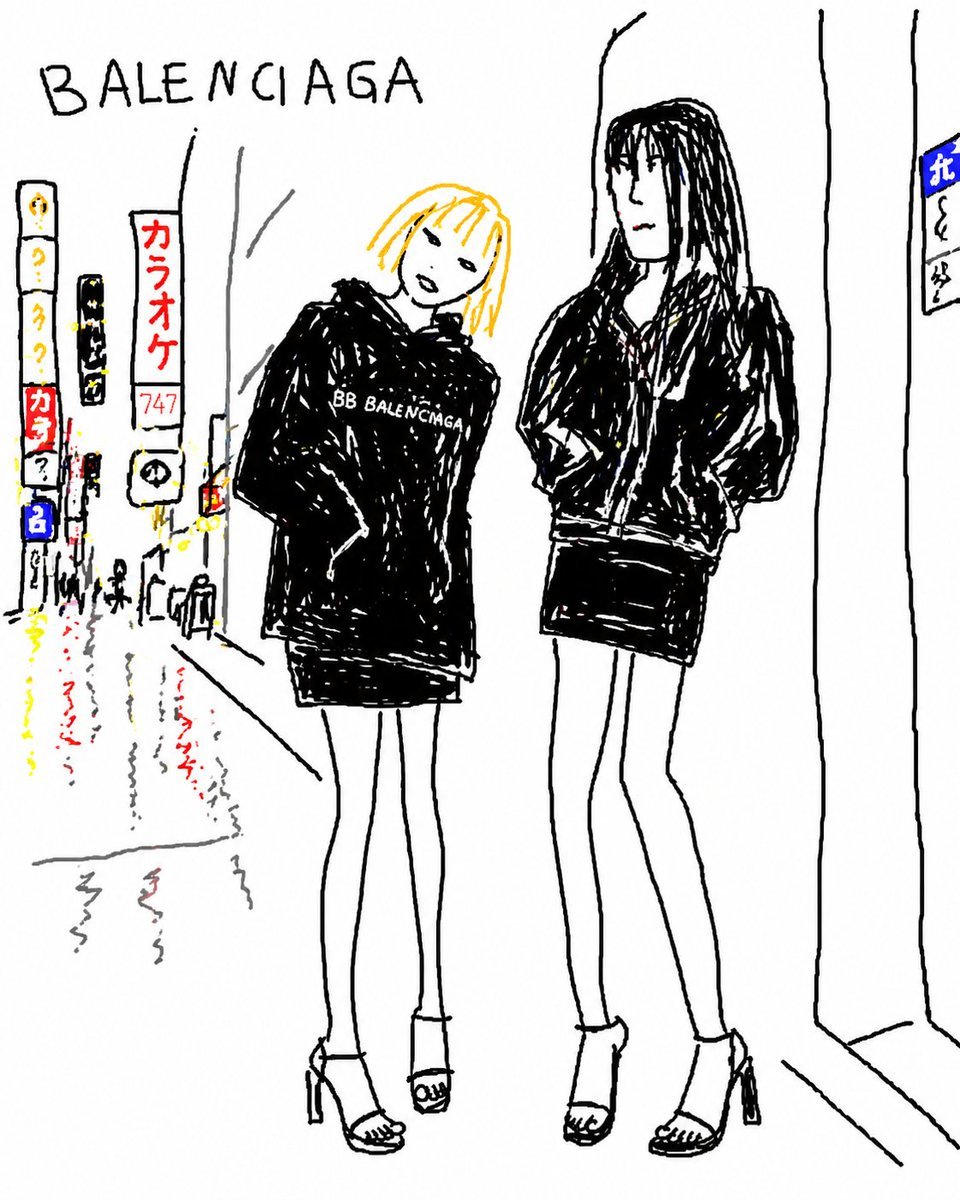
Balenciaga Street Fashion Sketch
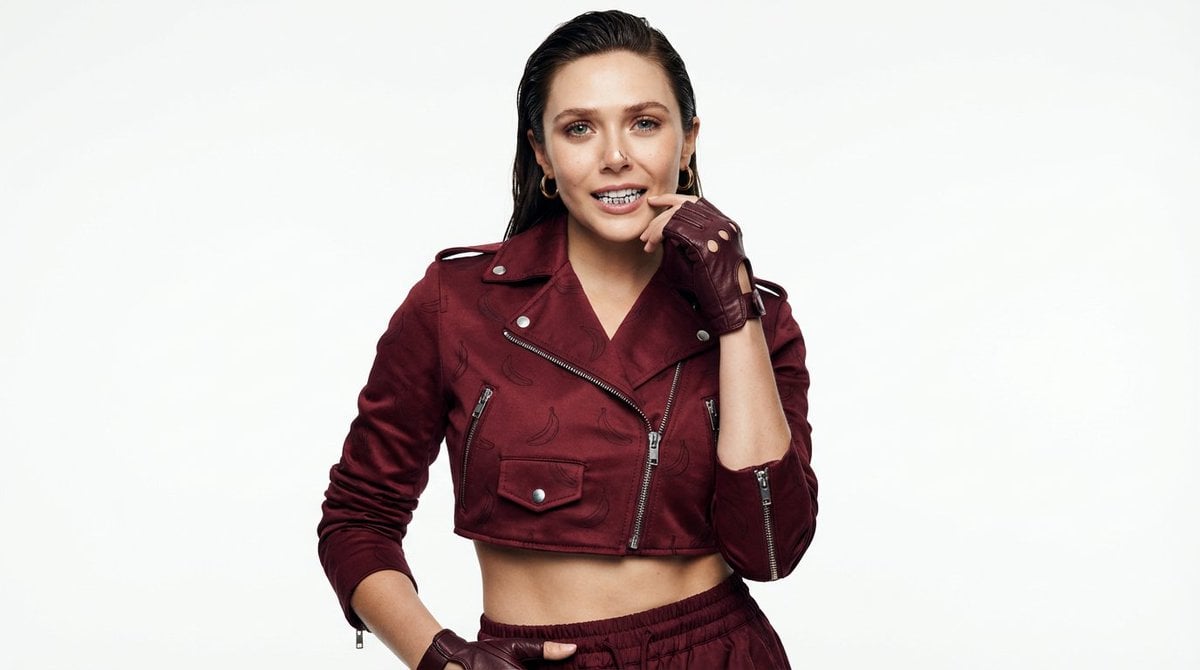
High-Fashion Urban Gangster Editorial Portrait
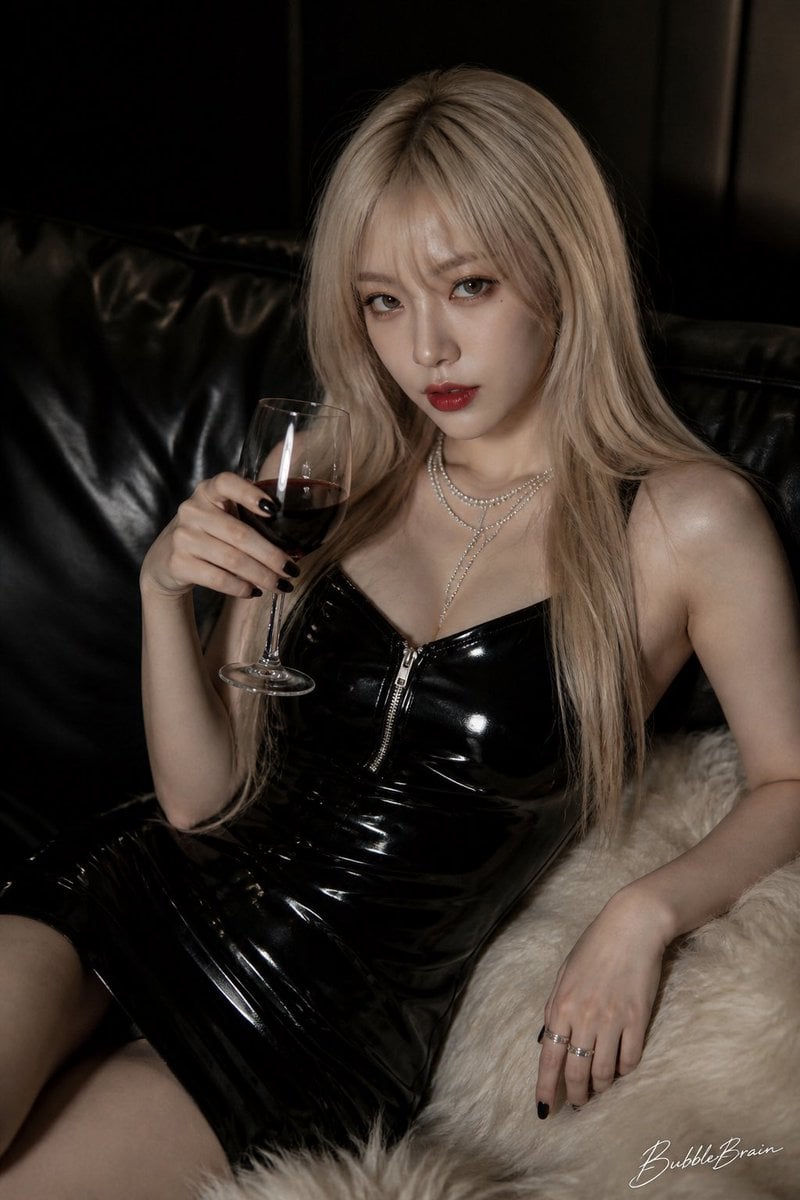
Luxury Asian Fashion Editorial
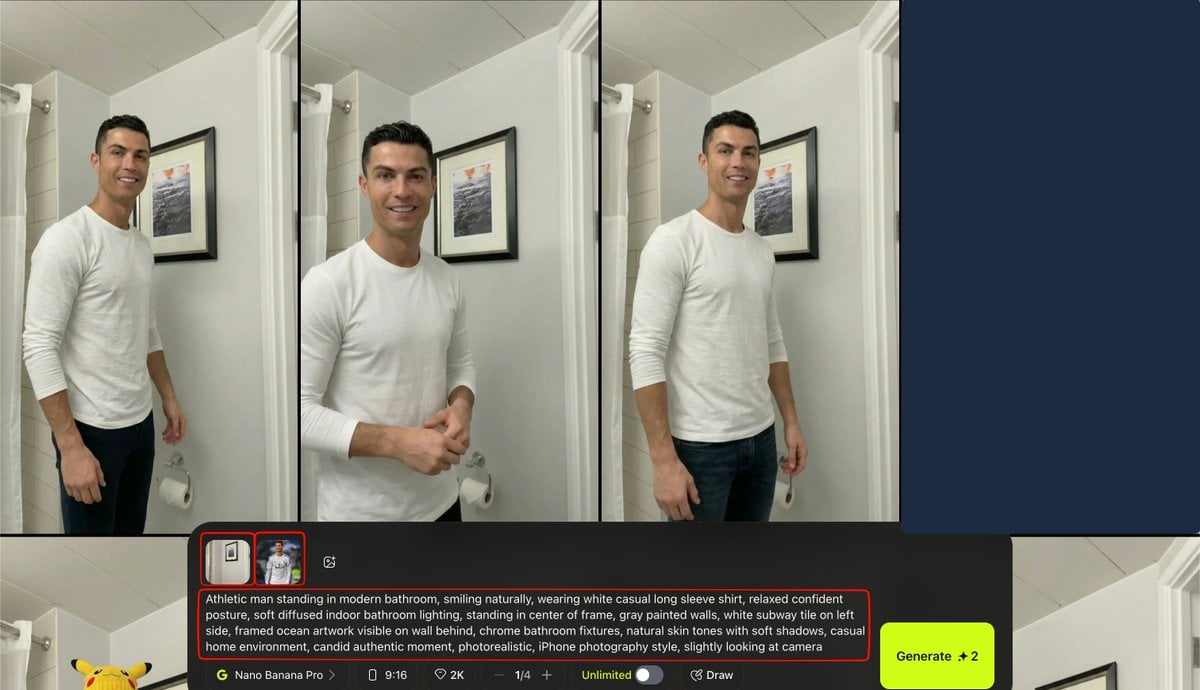
Turkish Prompt for Image Integration
Browse template categories
Cinematic Family Gathering Scene questions
How do I use the Cinematic Family Gathering Scene template?
Add your photo if the template asks for one, edit the prompt if you like — the template's model and format are already selected — and press Generate. Your version opens in PicX Studio.
Can I customize the Cinematic Family Gathering Scene template?
Yes. You can change the subject, setting, lighting, mood, format, and available model controls before creating your image.
Is the Cinematic Family Gathering Scene template free?
Opening and editing this template is free. Generating uses credits, shown on the Generate button when you are signed in.
Which AI model should I use?
Start with Nano Banana 2, which is the model associated with this template. You can compare another compatible model for a different finish.
Looking for something else? Browse all templates.

Your photo, any look
Thousands of ready templates for every top image and video model, from one credit balance.