
Duck Family Travel Comic
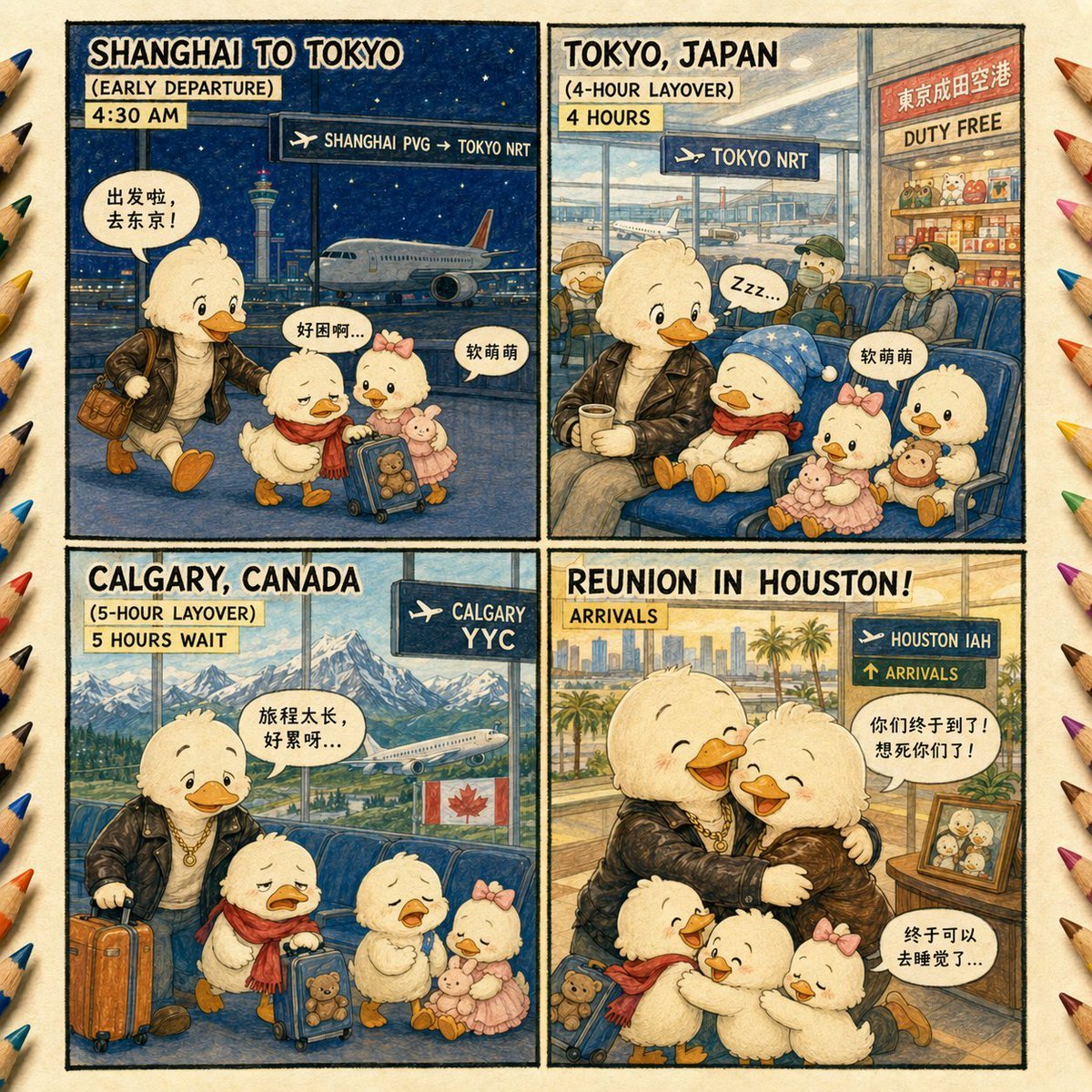
A four-panel watercolor children’s comic showing a cute duck family’s long airport journey from Shanghai to a reunion in Houston.
- Prompt included
- Model and format preset
- Premium template
The prompt behind this image
Copy the exact prompt behind Duck Family Travel Comic, or open it in the studio and make it yours.
Goal: Create a warm children’s picture-book style 4-panel comic about a family of cute ducklings traveling internationally to reunite with their parent, using watercolor-and-colored-pencil textures on aged cream paper. Canvas: Square 1:1 image, arranged as a 2×2 comic grid with thick hand-drawn black panel borders. Add colored pencil tips around the outer left and right edges like an art-table border. Use a cozy illustrated travel-journal look, detailed but soft, with visible paper grain, ink outlines, pastel colors, and expressive cartoon faces. Main characters: Show exactly 4 duck family members throughout the story: 1 larger parent duck wearing a black leather jacket, white shirt, gold necklace, and carrying or standing near brown luggage; 1 young duckling with a red scarf and a small blue rolling suitcase with a teddy bear visible; 1 young duckling with a pink bow and pink dress holding a plush toy; and 1 second larger parent duck appearing in the final reunion panel. All ducks are fluffy white/yellow, with orange beaks and feet, rosy cheeks, and childlike rounded proportions. Panel 1, top left: Title text in bold hand-lettered uppercase: “{argument name="first panel title" default="SHANGHAI TO TOKYO"}”. Under it, two label strips: “{argument name="first departure label" default="EARLY DEPARTURE"}” and “4:30 AM”. Night airport scene in Shanghai with a dark blue starry sky, runway, terminal windows, a plane, and the Shanghai skyline including a tall tower in the background. Add a dark airport sign with an airplane icon reading “SHANGHAI PVG → TOKYO NRT”. The leather-jacket parent walks with the two ducklings and luggage. Include exactly 3 speech bubbles in Chinese text: “出发啦,去东京!”, “好困啊...”, and “软萌萌”. Panel 2, top right: Title text: “{argument name="second panel title" default="TOKYO, JAPAN"}”. Under it, two label strips: “(4-HOUR LAYOVER)” and “4 HOURS”. Interior airport waiting area with large windows, runway and airplane outside, blue seats, passengers in the background, and a duty-free shop on the right with a sign containing Japanese/Chinese-style characters above “DUTY FREE”. Add a dark airport sign with airplane icon reading “TOKYO NRT”. The leather-jacket parent sits with a coffee while the red-scarf duckling sleeps under a blue star-patterned blanket, with the pink-bow duckling nearby holding plush toys. Include exactly 2 speech bubbles: “Zzz...” and “软萌萌”. Panel 3, bottom left: Title text: “{argument name="third panel title" default="CALGARY, CANADA"}”. Under it, two label strips: “(5-HOUR LAYOVER)” and “5 HOURS WAIT”. Airport lounge with large window view of snowy Rocky Mountains, pine forest, a plane on the runway, and a Canadian flag. Add a dark airport sign with airplane icon reading “CALGARY YYC”. The parent stands with orange rolling suitcase while both ducklings look exhausted or crying beside their blue suitcase and plush toys. Include exactly 1 speech bubble in Chinese: “旅程太长,好累呀...”. Panel 4, bottom right: Title text: “{argument name="final panel title" default="REUNION IN HOUSTON!"}”. Add a label strip: “ARRIVALS”. Bright airport arrivals area in Houston with palm trees and city skyline visible through large windows. Add a dark airport sign with airplane icon and two lines: “HOUSTON IAH” and “ARRIVALS”. Show an emotional family reunion: the leather-jacket parent hugs the second larger parent duck, both smiling with happy tears, while the two ducklings gather around them with luggage and plush toys. Include a framed family photo on a small table at the right. Include exactly 2 speech bubbles in Chinese: “你们终于到了!想死你们了!” and “终于可以去睡觉了...”. Text and style constraints: Keep all visible English titles and airport labels crisp and legible, preserve the Chinese speech bubble text exactly as written, use hand-lettered comic typography, no photorealism, no extra panels, no extra main characters, no watermark.
How to use Duck Family Travel Comic in 3 steps
- 1Upload ImagePNG, JPG or paste
Add your photo
Upload the photo the template builds on. The prompt, model and format are already set.
- 2…a portrait of your subject in softgolden-hour light, 85mm…
Personalize
Edit the subject and creative details for your destination.
- 3Generate
Generate
Press Generate — your image is created in PicX Studio, so you can compare it with the original and refine one variable at a time.
More like this
Templates with the same subject, style or setup. Open one to see its prompt.

Japan Travel Brochure Poster

Miniature Travel Diorama Postcard

Boardwalk Fashion Portrait

Clay Miniature Landmark Travel Diorama

Pop Art Superhero Explosion Poster

Hero Portrait Comic Multi-Panel Poster

Spider-Man Noir Detective Rain Alley
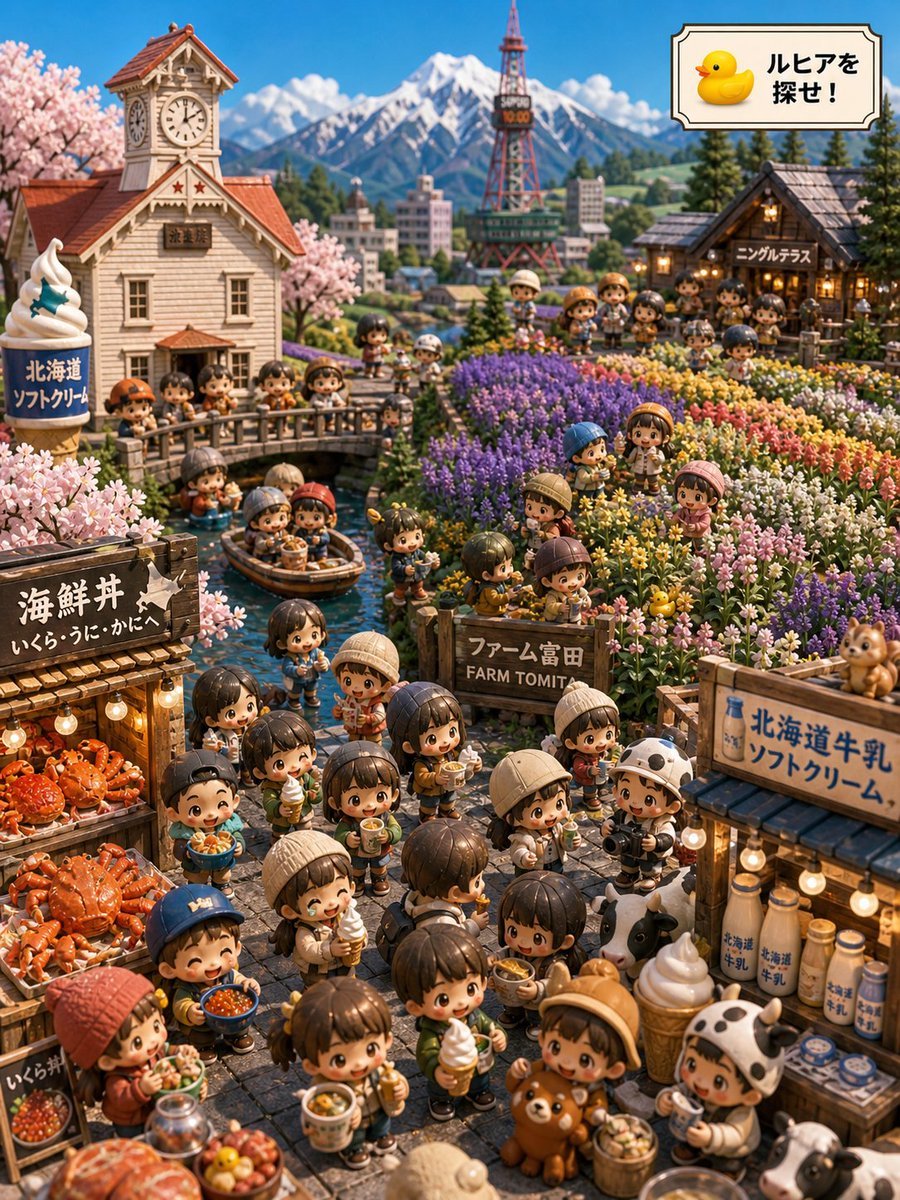
Hokkaido Hidden Duck Travel Puzzle

Gpt2 E Commerce Main Image 9 Panel Product Tvc Storyboard

Travel Poster Graphic Collage

untitled
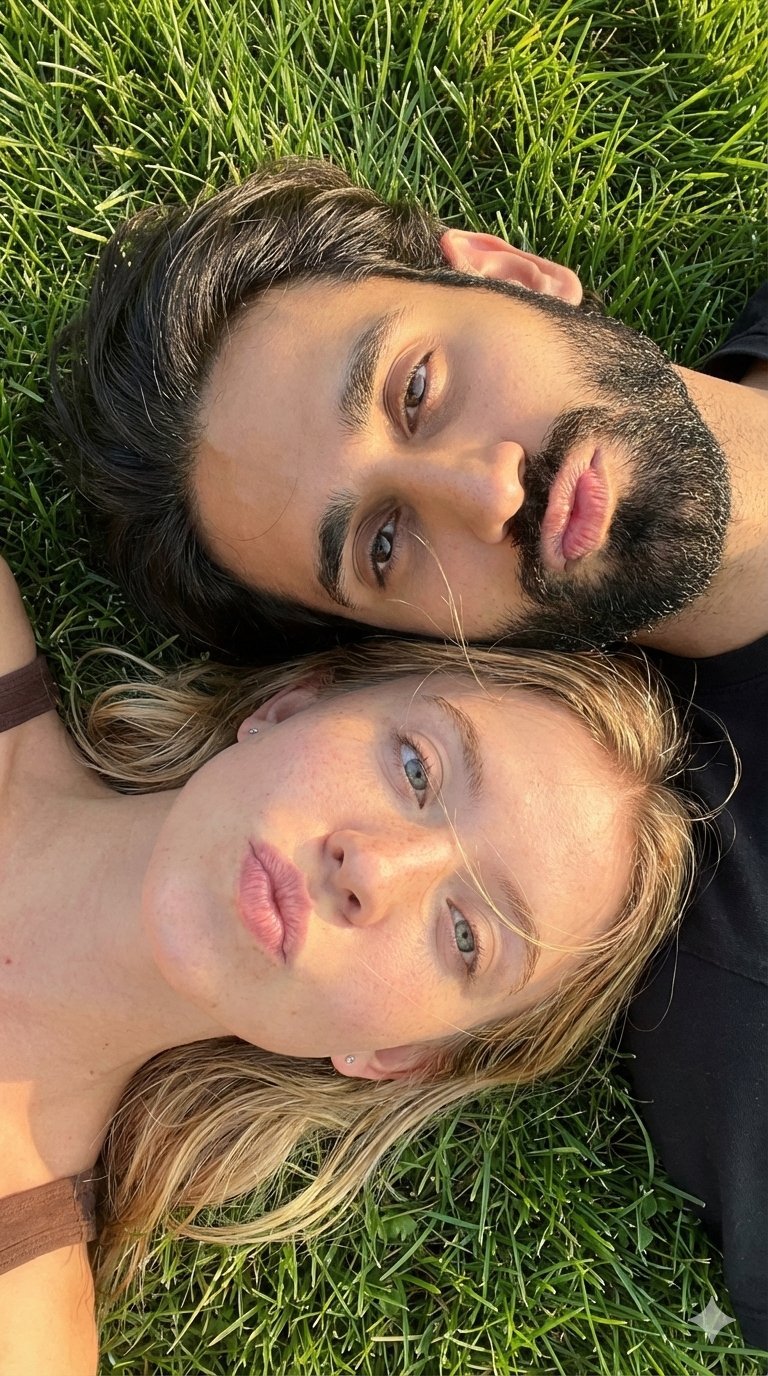
9 Grid Travel Profile Photo Series
Make it yours
Duck Family Travel Comic works as-is. These are the safest ways to change it without losing the look.
Change one field
Copy a single group, rewrite it, and generate again so you can see what that field is doing.
Keep the frame, change the subject
Hold the composition and light of Duck Family Travel Comic, then swap wardrobe, props or the person for a new take.
| If the result… | Why | Fix |
|---|---|---|
| The result drifts from the preview | Too many fields changed at once. | Reuse Duck Family Travel Comic as-is first, then change one group — subject, light, or setting. |
| The model over-stylizes the scene | The prose prompt leaves finish and camera underspecified. | Add one camera or lighting sentence and stay on GPT Image 2. |
More GPT Image 2 templates
Other prompts made for GPT Image 2.

Six VTuber Japanese Logo Sheet

Realistic Portrait of Woman and Deer

The Vista Modular Condo Poster

AI Model Routing Comparison Infographic

2.5D Anime Art Board

Isometric Productivity Desk Scene

New York Double Exposure Poster

Four-Panel AI Landscape Comparison

Japanese Tatami Lifestyle Magazine Cover

NESCAFÉ Coffee Map Poster
More image prompts
Fresh picks from across the catalog.
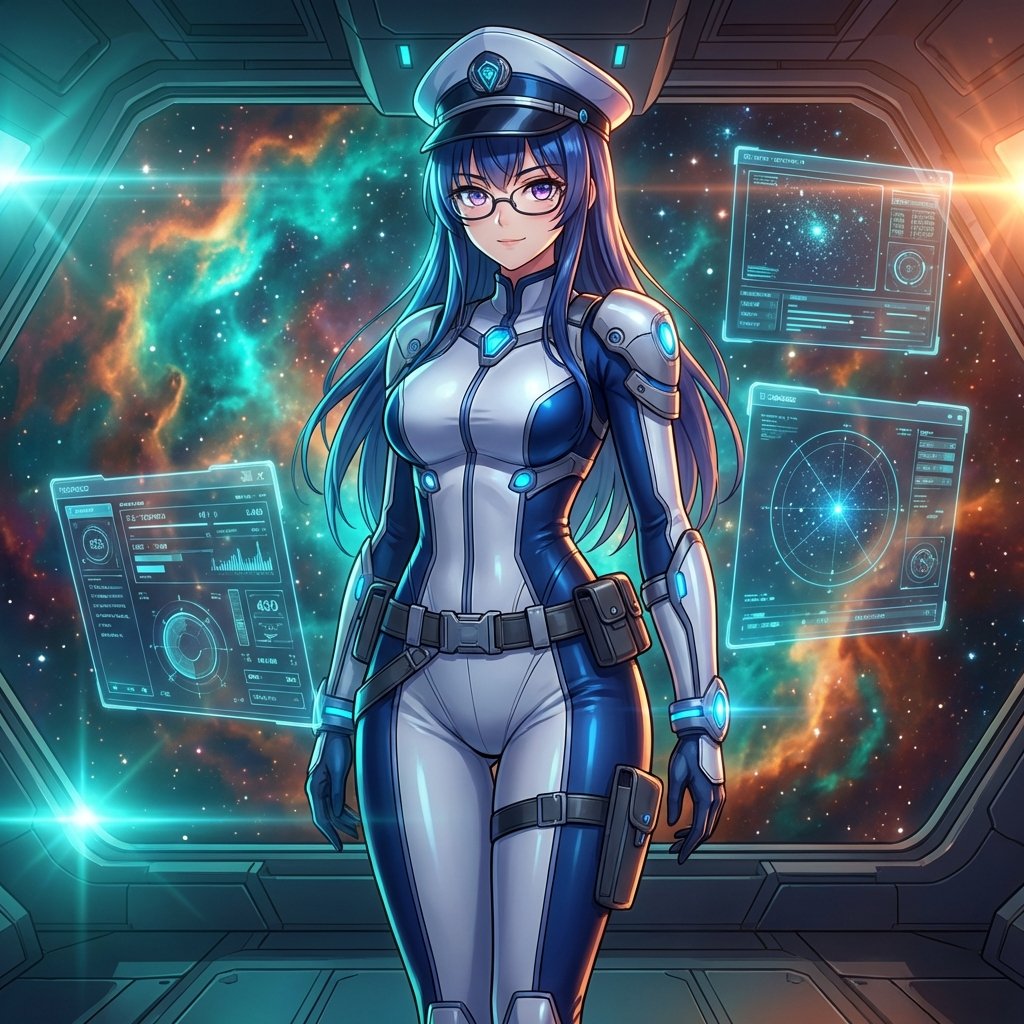
Sci-Fi Space Commander Portrait Prompt
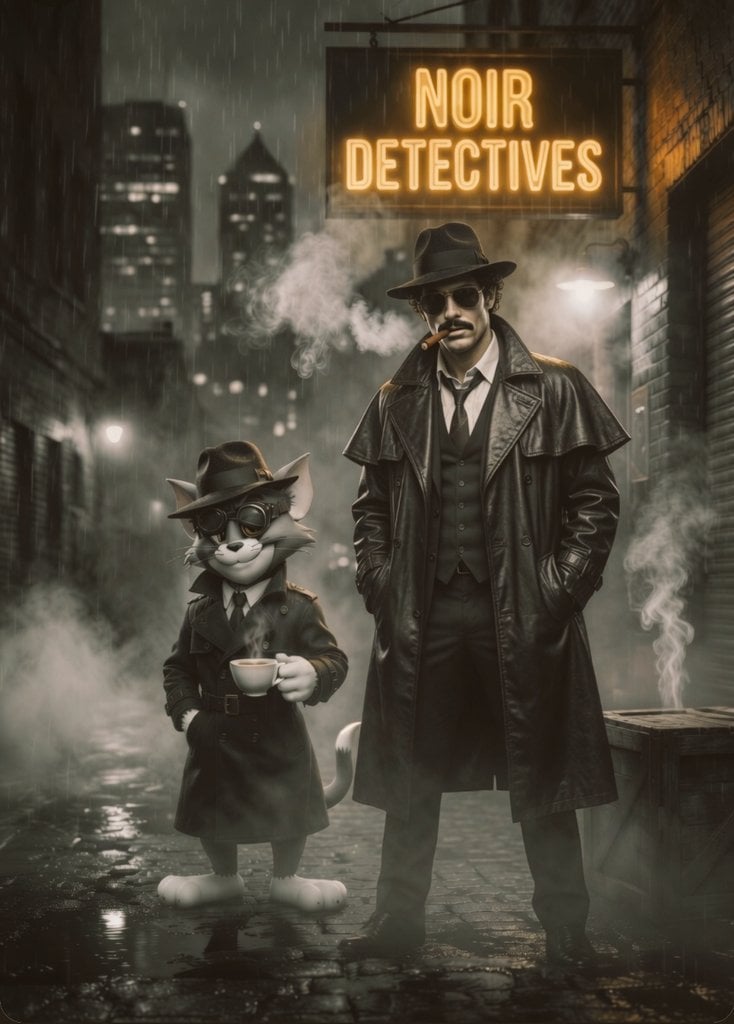
Noir Detective Film Masterpiece
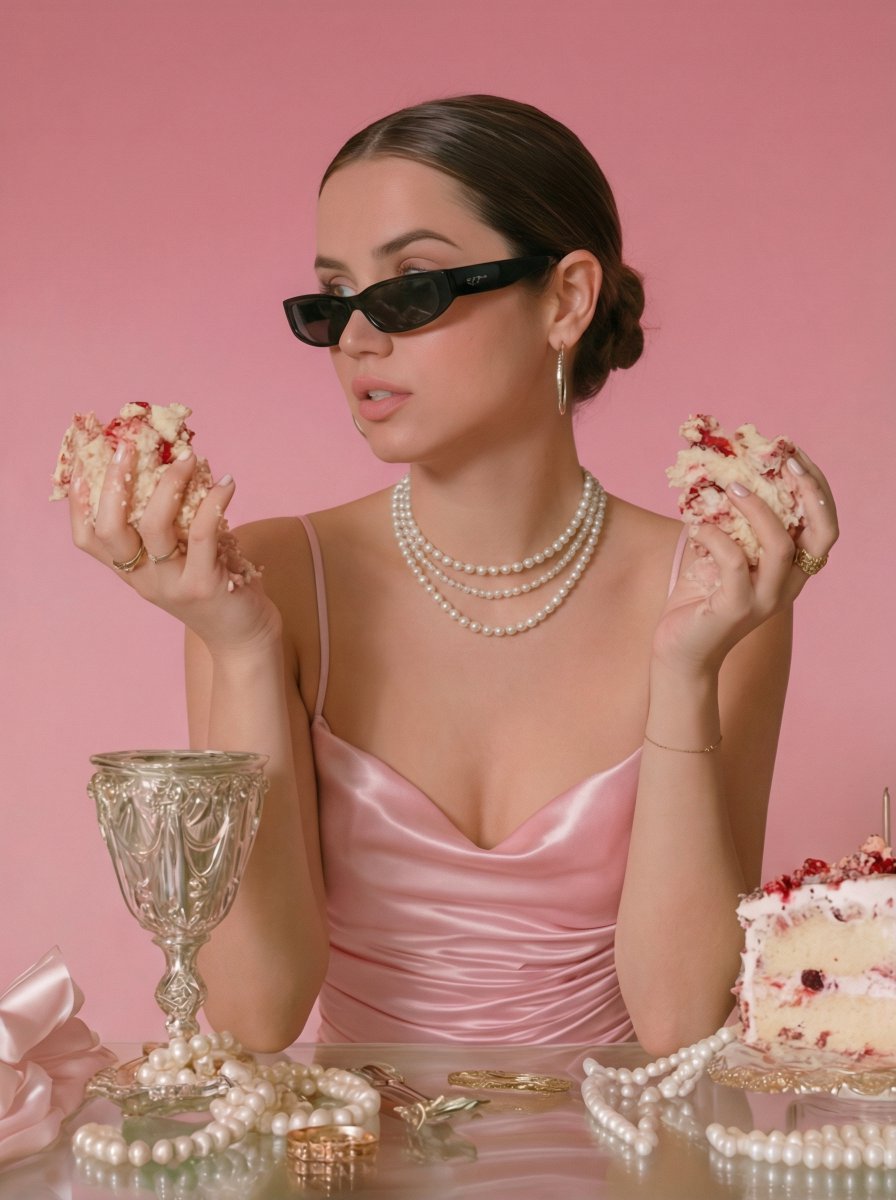
Modern Coquette Glamour Editorial Aesthetic Prompt
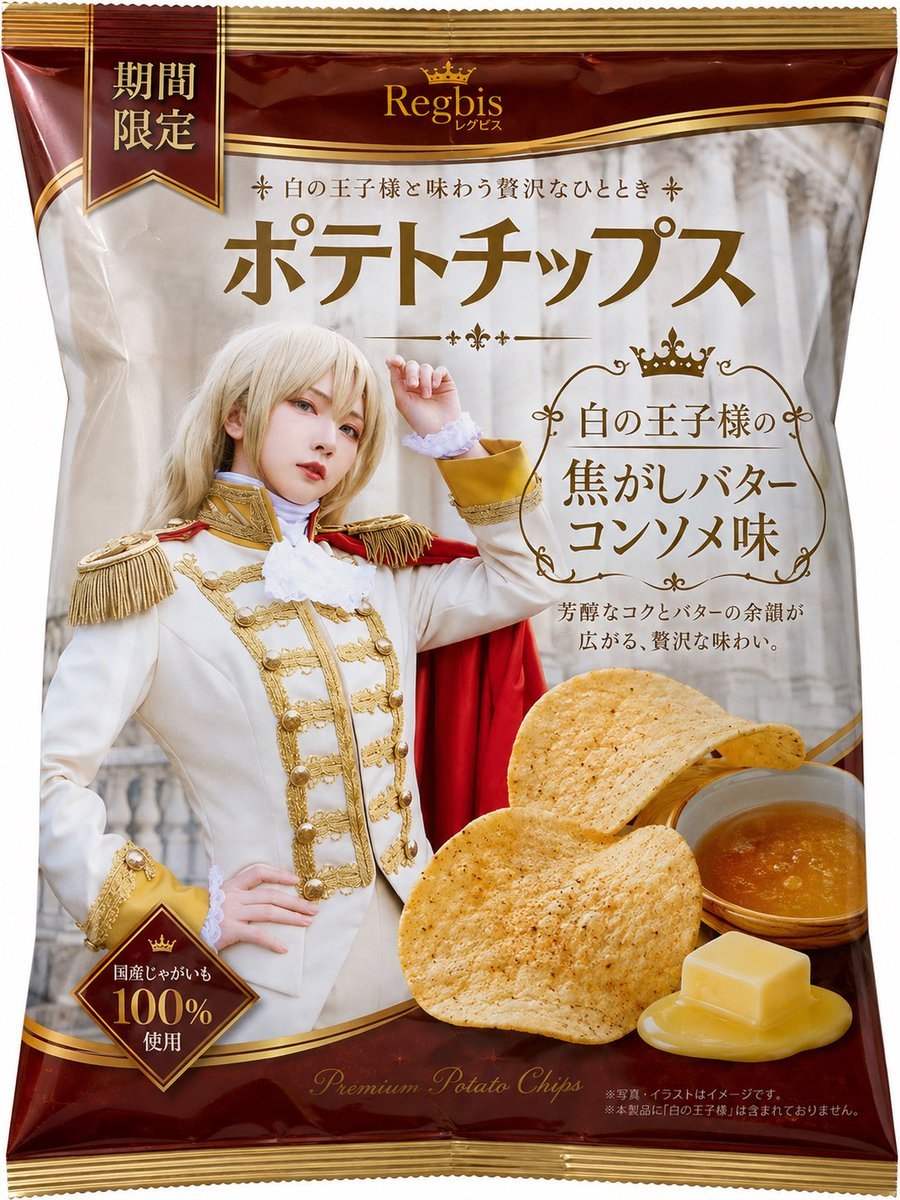
Royal Prince Potato Chips Package
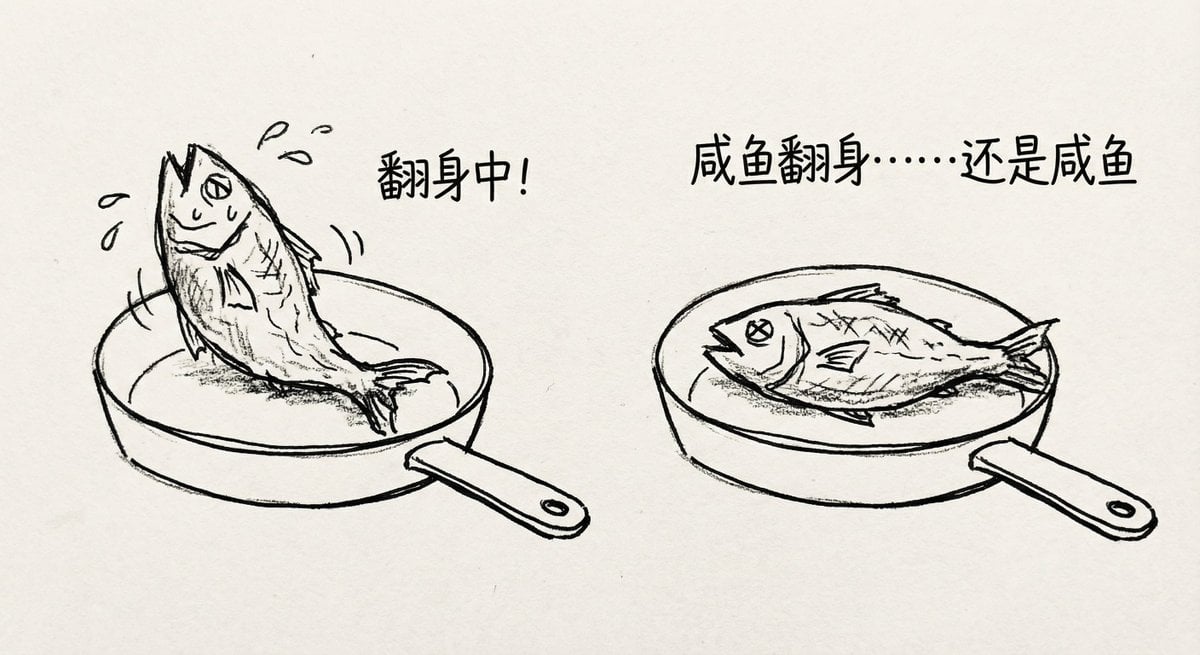
Salted fish trying to flip in a pan
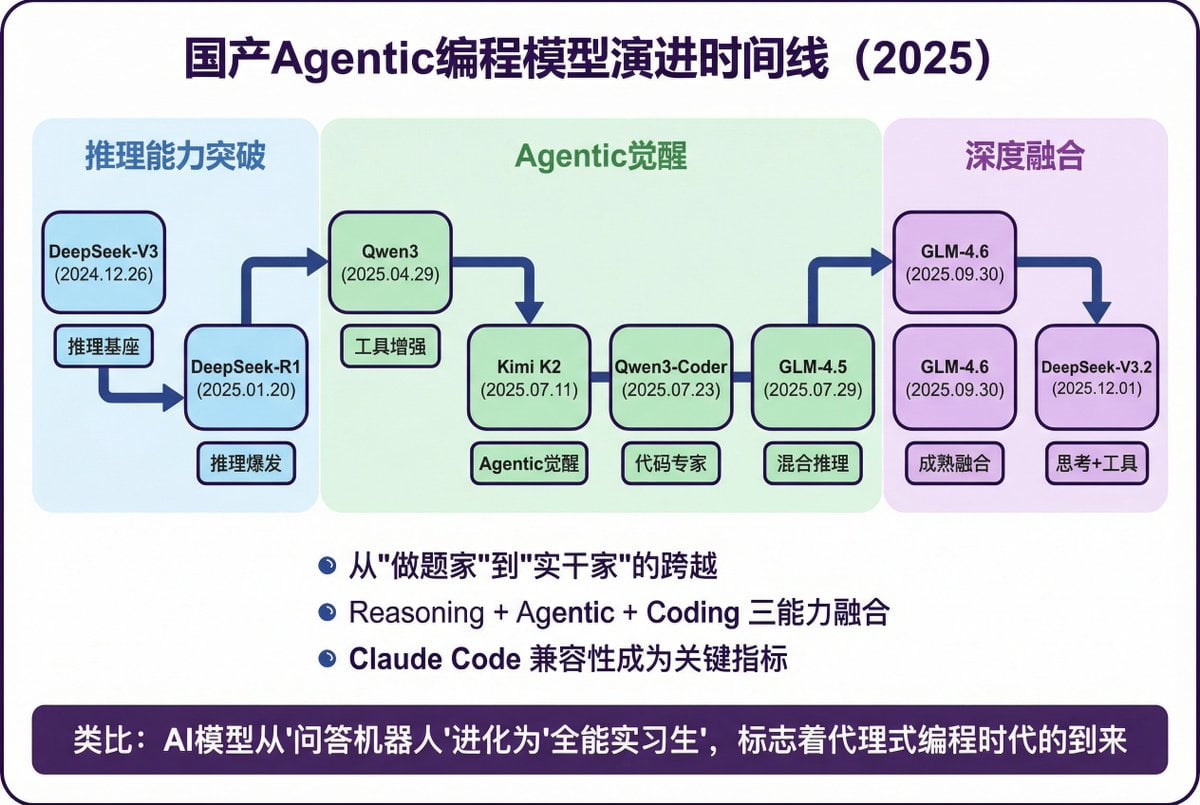
Modern Minimalist PPT/Diagram Generation Prompt
Vintage Bosphorus Bridge Ferry Scene
Anime Girl in Sunny Cafe
Fine-Art Cinematic Monochrome Portrait (Thinker Pose)
Luxury Winter Cabin Aesthetic Portrait Prompt
Browse template categories
Duck Family Travel Comic questions
How do I use the Duck Family Travel Comic template?
Add your photo if the template asks for one, edit the prompt if you like — the template's model and format are already selected — and press Generate. Your version opens in PicX Studio.
Can I customize the Duck Family Travel Comic template?
Yes. You can change the subject, setting, lighting, mood, format, and available model controls before creating your image.
Is the Duck Family Travel Comic template free?
Opening and editing this template is free. Generating uses credits, shown on the Generate button when you are signed in.
Which AI model should I use?
Start with GPT Image 2, which is the model associated with this template. You can compare another compatible model for a different finish.
Looking for something else? Browse all templates.

Your photo, any look
Thousands of ready templates for every top image and video model, from one credit balance.