
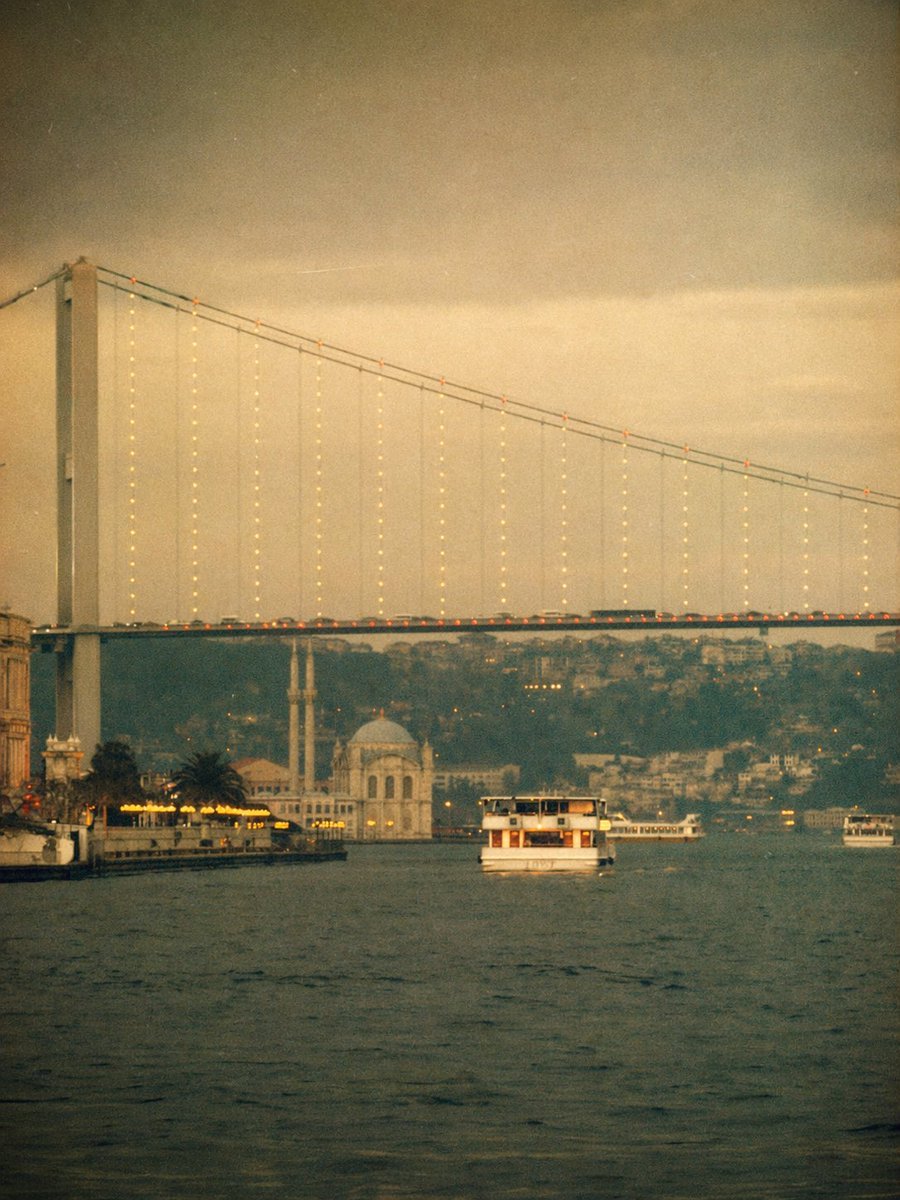
Vintage Bosphorus Bridge Ferry Scene
This prompt generates a moody sepia-toned Istanbul waterfront scene with the Bosphorus bridge, ferries, and a nostalgic retro Instagram-filter aesthetic for travel or atmospheric editorial imagery.
- Prompt included
- Model and format preset
- Free template
The prompt behind this image
Copy the exact prompt behind Vintage Bosphorus Bridge Ferry Scene, or open it in the studio and make it yours.
A dreamy vintage-style photograph of the Bosphorus in {argument name="city" default="Istanbul"} at dusk, shot from water level in a vertical composition. The enormous suspension bridge spans the frame from upper left to upper right, with a tall bridge tower on the far left and delicate strings of warm lights hanging down from the cables, plus a line of tiny orange lights tracing the roadway. Below the bridge, calm dark water fills the foreground. Place 3 visible boats total: 1 medium white passenger ferry centered in the middle distance facing the viewer, 1 long low white ferry farther back near the right side under the bridge, and 1 small boat at the far right edge. On the left shoreline, show an illuminated waterfront with warm yellow lights, a few palm trees, and part of an old building at the extreme left edge. Near the center-left background beneath the bridge, include a pale waterside mosque with 1 dome and 2 slender minarets. Behind everything, add a hazy hillside dense with buildings fading into the distance. Use a nostalgic viral Instagram-filter look: heavy warm sepia and muted olive tones, faded contrast, soft focus, visible film grain, subtle vignette, slight light leaks, low clarity, and an aged analog print texture. The atmosphere should feel moody, romantic, cinematic, and softly blurred, like an old travel memory.
How to use Vintage Bosphorus Bridge Ferry Scene in 3 steps
- 1Upload ImagePNG, JPG or paste
Add your photo
Upload the photo the template builds on. The prompt, model and format are already set.
- 2…a portrait of your subject in softgolden-hour light, 85mm…
Personalize
Edit the subject and creative details for your destination.
- 3Generate
Generate
Press Generate — your image is created in PicX Studio, so you can compare it with the original and refine one variable at a time.
More like this
Templates with the same subject, style or setup. Open one to see its prompt.












Make it yours
Vintage Bosphorus Bridge Ferry Scene works as-is. These are the safest ways to change it without losing the look.
Change one field
Copy a single group, rewrite it, and generate again so you can see what that field is doing.
Keep the frame, change the subject
Hold the composition and light of Vintage Bosphorus Bridge Ferry Scene, then swap wardrobe, props or the person for a new take.
| If the result… | Why | Fix |
|---|---|---|
| The result drifts from the preview | Too many fields changed at once. | Reuse Vintage Bosphorus Bridge Ferry Scene as-is first, then change one group — subject, light, or setting. |
| The model over-stylizes the scene | The prose prompt leaves finish and camera underspecified. | Add one camera or lighting sentence and stay on GPT Image 2. |
More GPT Image 2 templates
Other prompts made for GPT Image 2.

Six VTuber Japanese Logo Sheet

Realistic Portrait of Woman and Deer

The Vista Modular Condo Poster

AI Model Routing Comparison Infographic

2.5D Anime Art Board

Isometric Productivity Desk Scene

New York Double Exposure Poster

Four-Panel AI Landscape Comparison

Japanese Tatami Lifestyle Magazine Cover

NESCAFÉ Coffee Map Poster
More image prompts
Fresh picks from across the catalog.
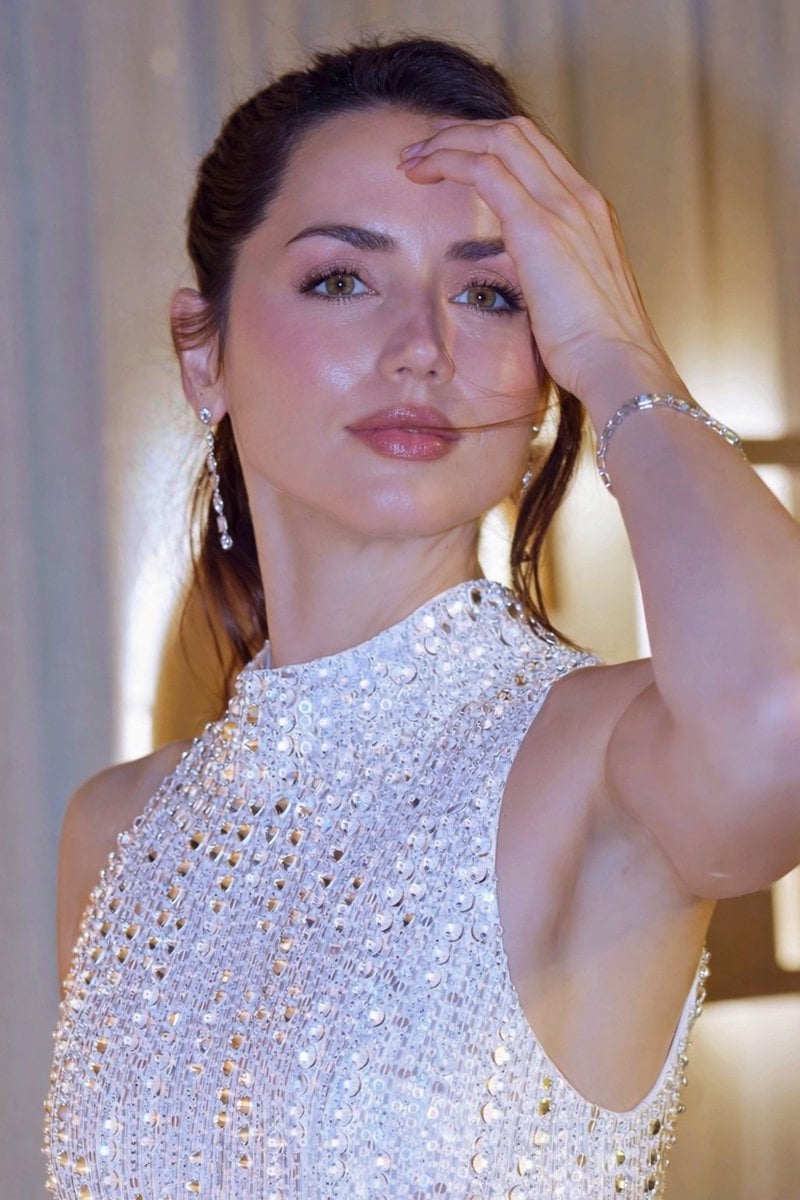
Glossy Sequined Portrait with Hand Pose

ChatGPT Prompt for Nano Banana Pro Image Generation
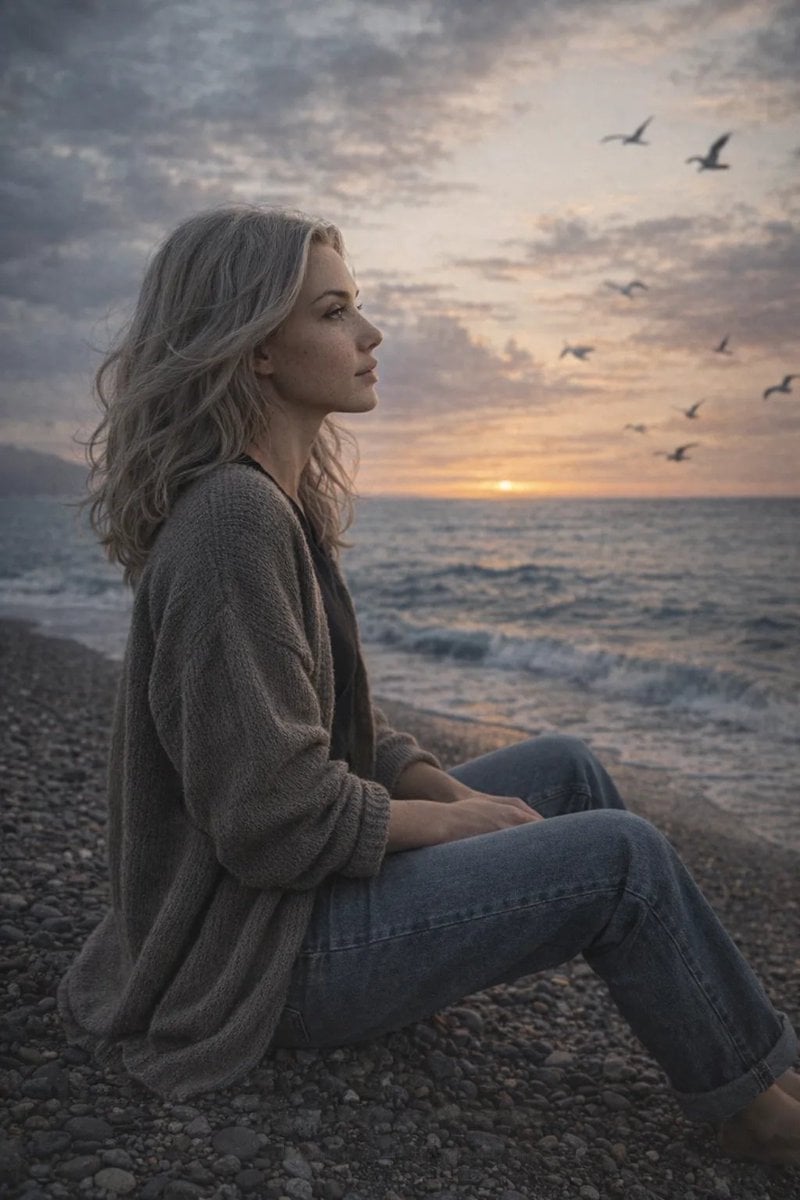
Cinematic Seaside Scene Prompt with Detailed Texture Requirements

Thumbnail Editing Prompt: Replacing a Person

Anime Movie Poster for a Paramecium Character
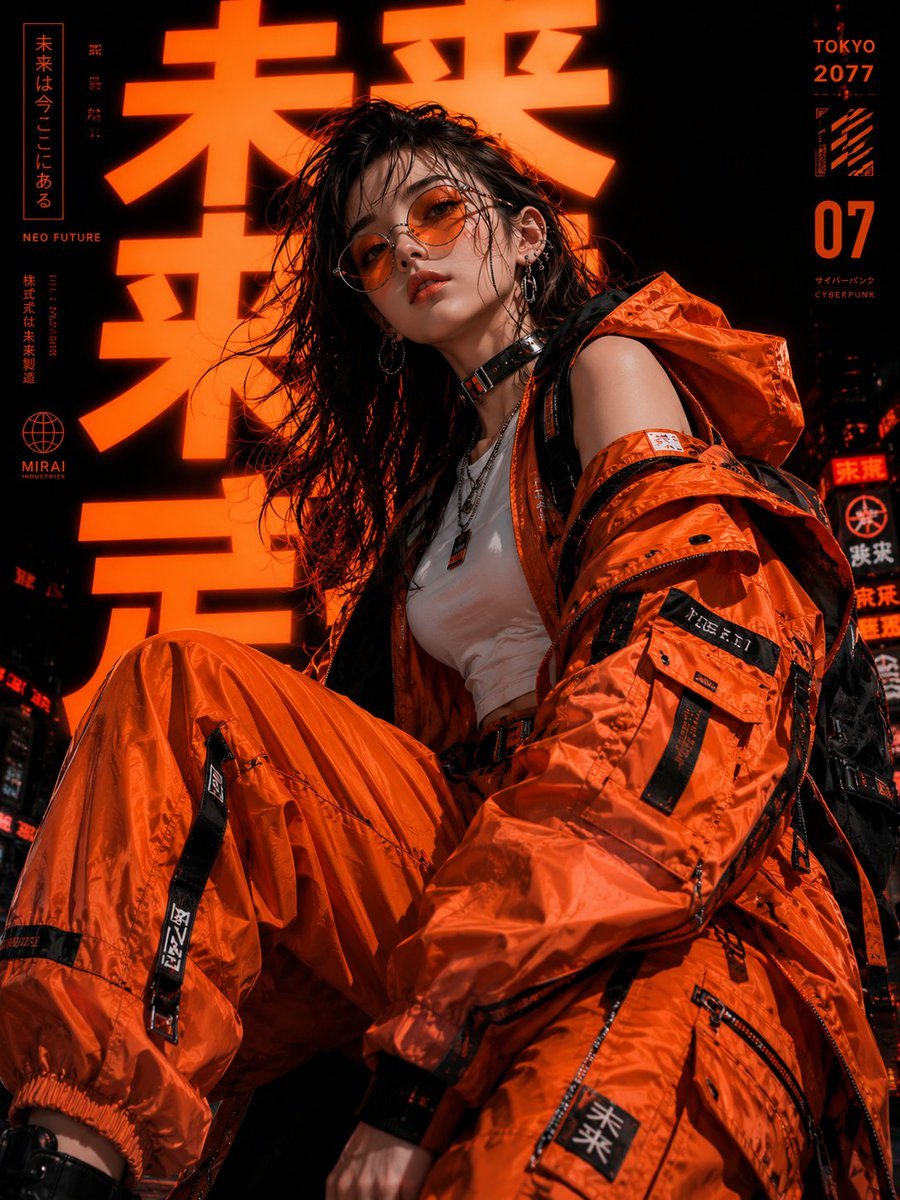
Cyberpunk Tokyo Fashion Portrait

Premium Beverage Product Photography Prompt
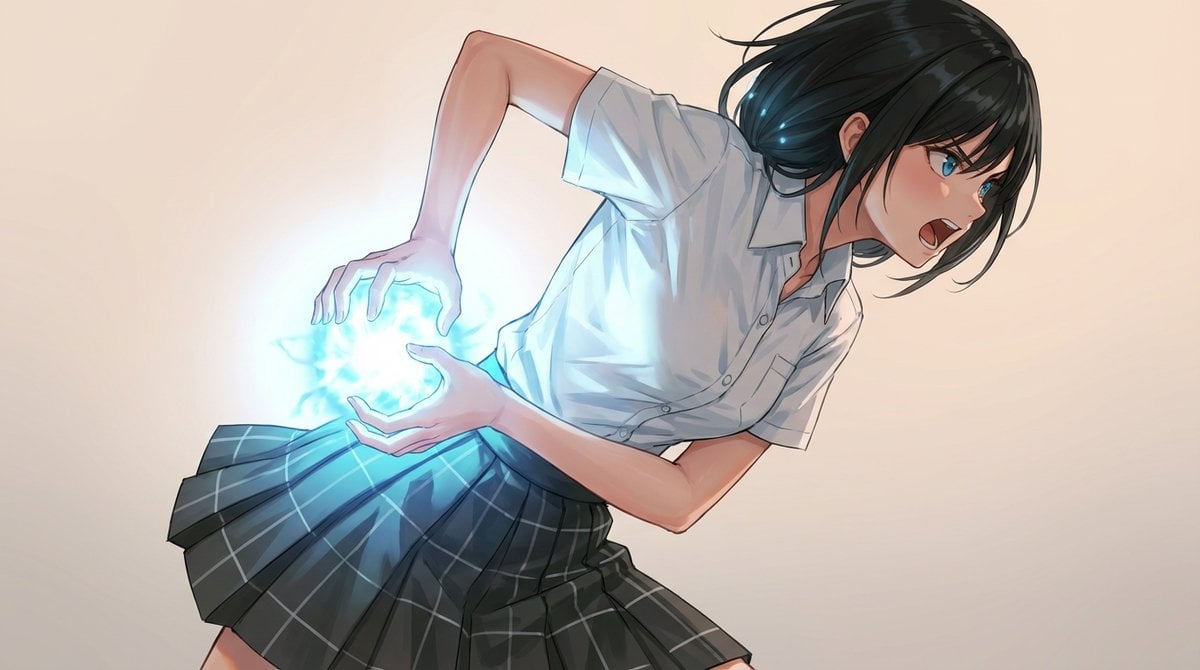
Kamehameha-Style Energy Wave Generation Prompts (Charge and Release)
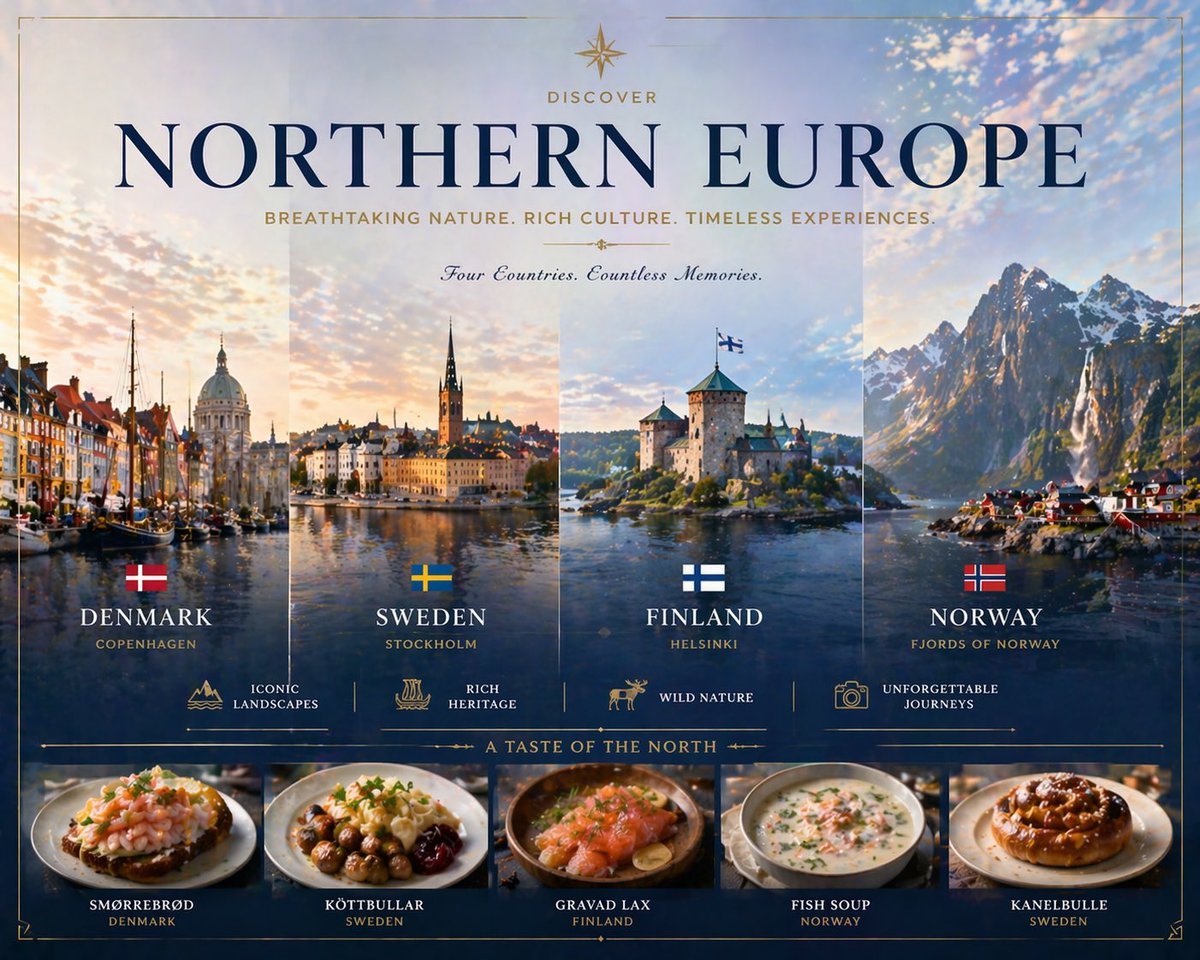
Luxury Northern Europe Travel Poster
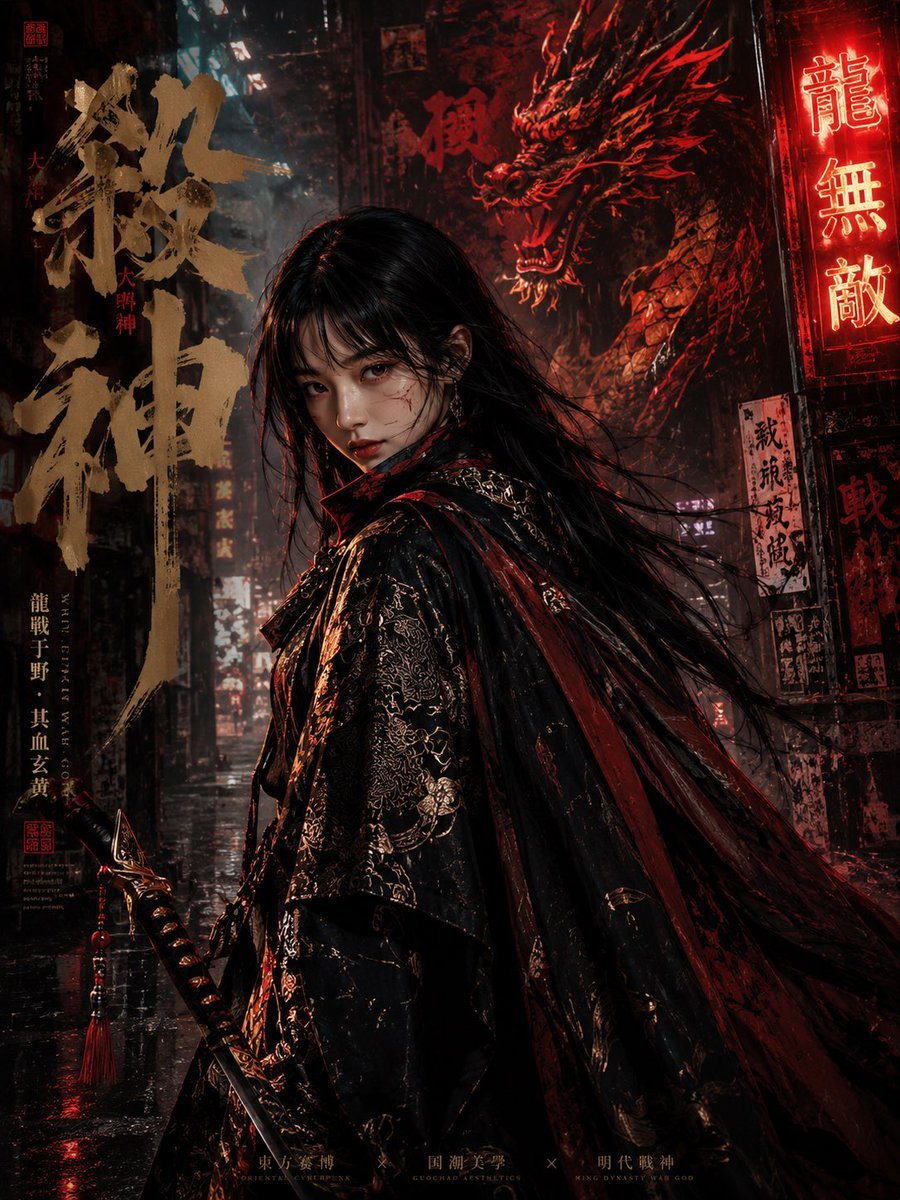
Cyberpunk Ming Dynasty Warrior Poster
Browse template categories
Vintage Bosphorus Bridge Ferry Scene questions
How do I use the Vintage Bosphorus Bridge Ferry Scene template?
Add your photo if the template asks for one, edit the prompt if you like — the template's model and format are already selected — and press Generate. Your version opens in PicX Studio.
Can I customize the Vintage Bosphorus Bridge Ferry Scene template?
Yes. You can change the subject, setting, lighting, mood, format, and available model controls before creating your image.
Is the Vintage Bosphorus Bridge Ferry Scene template free?
Opening and editing this template is free. Generating uses credits, shown on the Generate button when you are signed in.
Which AI model should I use?
Start with GPT Image 2, which is the model associated with this template. You can compare another compatible model for a different finish.
Looking for something else? Browse all templates.

Your photo, any look
Thousands of ready templates for every top image and video model, from one credit balance.