
Miniature Travel Diorama Postcard
Miniature Travel Diorama Postcard is a ready photo look for GPT Image.
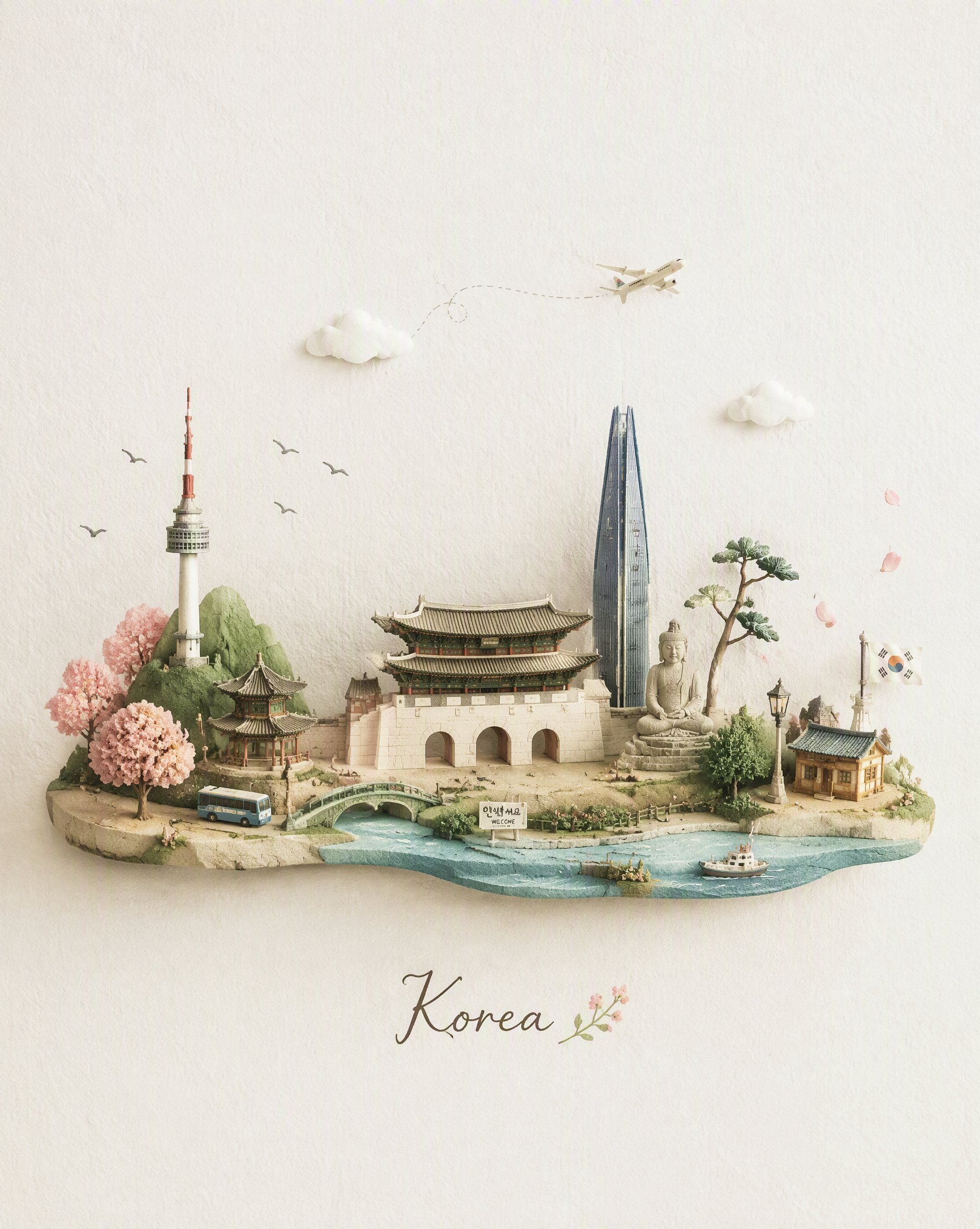
- Prompt included
- Model and format preset
- Premium template
The prompt behind this image
Copy the exact prompt behind Miniature Travel Diorama Postcard, or open it in the studio and make it yours.
concept: A charming miniature 3D travel diorama inspired by [DESTINATION], designed as an elegant handmade postcard. scene: Create a narrow floating landscape strip featuring tiny handcrafted versions of the destination's most recognizable landmarks, architecture, and cultural details. Arrange the elements naturally as a compact miniature world. description: Include iconic local landmarks recreated as miniature paper-craft models using layered paper, clay, painted wood, cardboard, and other handcrafted materials. details: Add tiny local transportation, miniature trees, streetlights, pathways, water features, birds, fluffy clouds, and other subtle environmental elements that help identify [DESTINATION]. airplane: Place a tiny handcrafted airplane above the scene with a delicate dotted flight trail. atmosphere: Include subtle postcard-inspired travel details while keeping the overall composition uncluttered. materials: Paper, folded cardstock, handmade clay, lightweight wood, cardboard, miniature craft materials, and tactile handmade surfaces. texture: Show realistic miniature textures, visible paper fibers, gentle folds, tiny imperfections, handcrafted edges, subtle paint variations, and authentic artisanal details. background: Soft white textured paper background with a clean studio-like appearance and generous negative space surrounding the miniature landscape. lighting: Gentle natural diffused lighting with soft highlights, delicate ambient shadows, and subtle depth that emphasizes the handcrafted miniature forms. color_palette: Soft pastel colors with warm, muted, harmonious tones and a light whimsical travel-postcard feel. layout: Minimal, centered, airy composition. orientation: Vertical 9:16. negative_space: Leave generous clean space around the miniature scene to create an elegant premium postcard aesthetic. text: [DESTINATION] placement: Centered near the bottom of the image. style: Small, elegant handwritten lettering that feels delicate and refined. miniature diorama handcrafted paper sculpture 3D paper art travel postcard illustration whimsical miniature world soft pastel aesthetic macro photography look tactile handmade textures delicate craftsmanship cozy artistic atmosphere high-resolution detail final_result: A polished yet charming miniature travel postcard that feels physically handcrafted, photographed like a tiny real-world diorama, with a magical, cozy, premium artistic quality.
How to use Miniature Travel Diorama Postcard in 3 steps
- 1
Open
The prompt is already in the box next to the preview, with the template's model and format selected.
- 2…a portrait of your subject in softgolden-hour light, 85mm…
Personalize
Edit the subject and creative details for your destination.
- 3Generate
Generate
Press Generate — your image is created in PicX Studio, so you can compare it with the original and refine one variable at a time.
More like this
Templates with the same subject, style or setup. Open one to see its prompt.
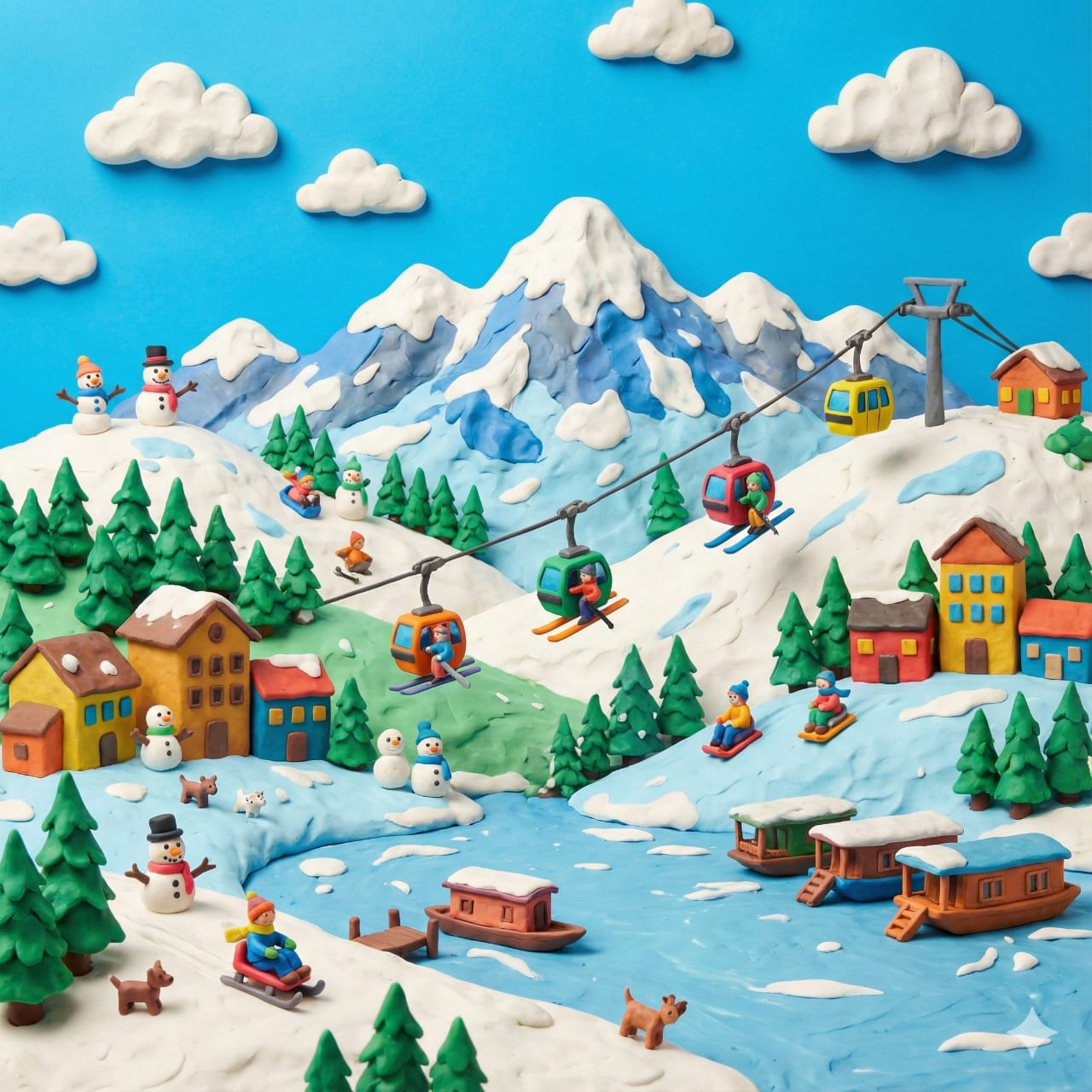
Clay Miniature Landmark Travel Diorama
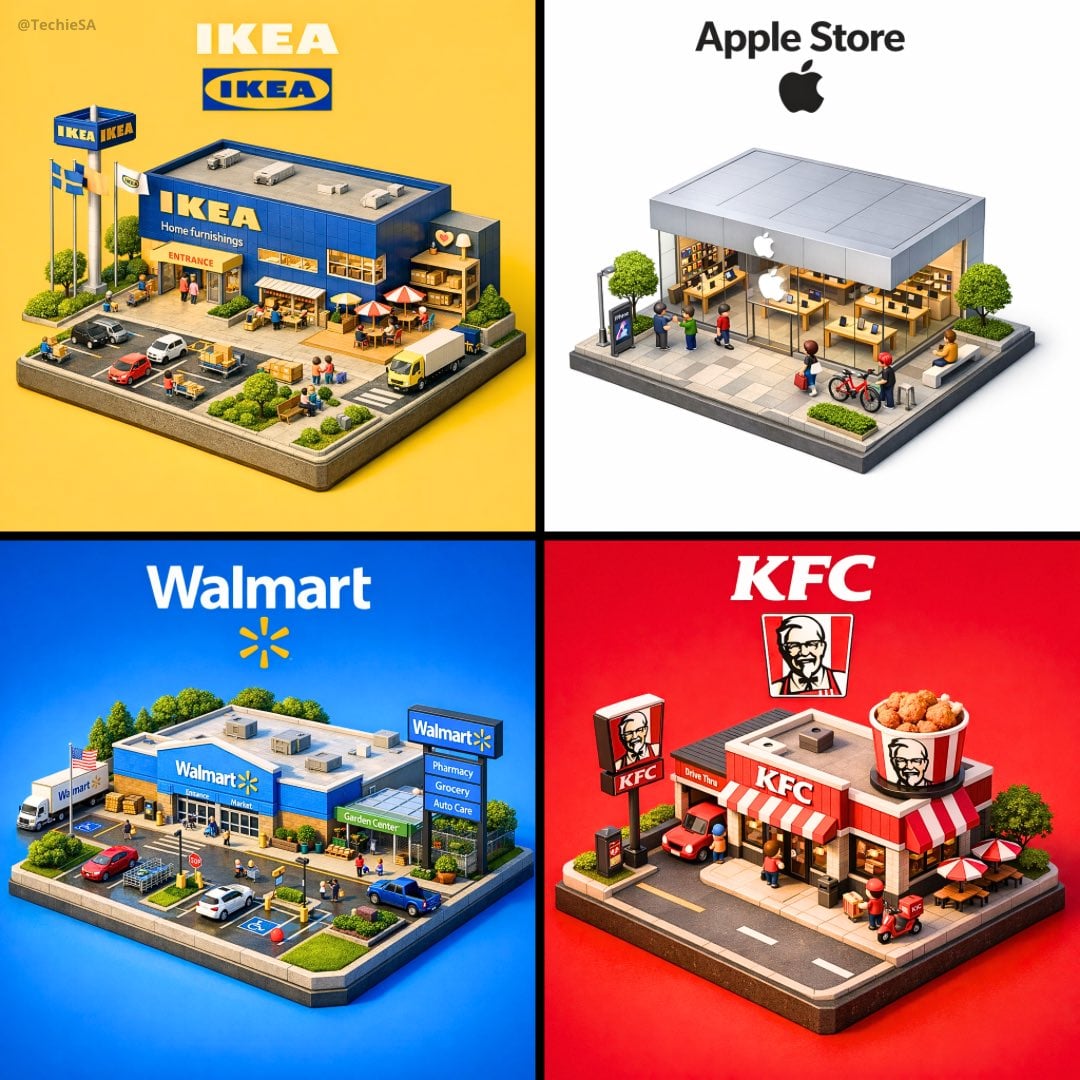
Isometric Brand Store Diorama
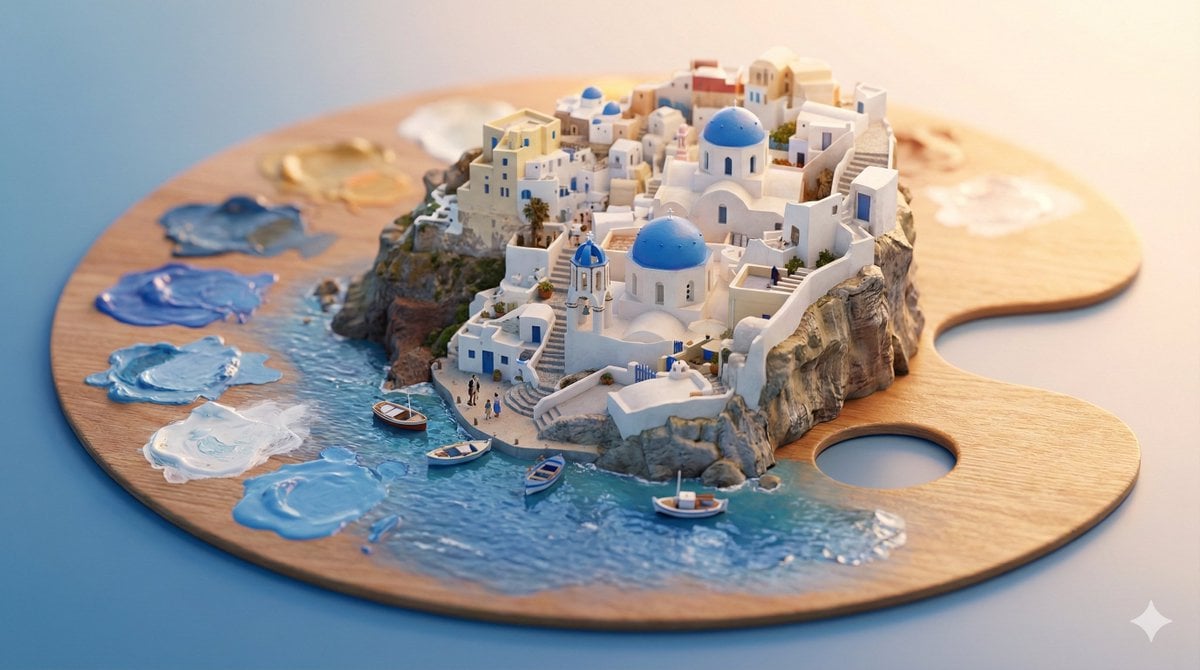
Stylized Miniature 3D Diorama Craft
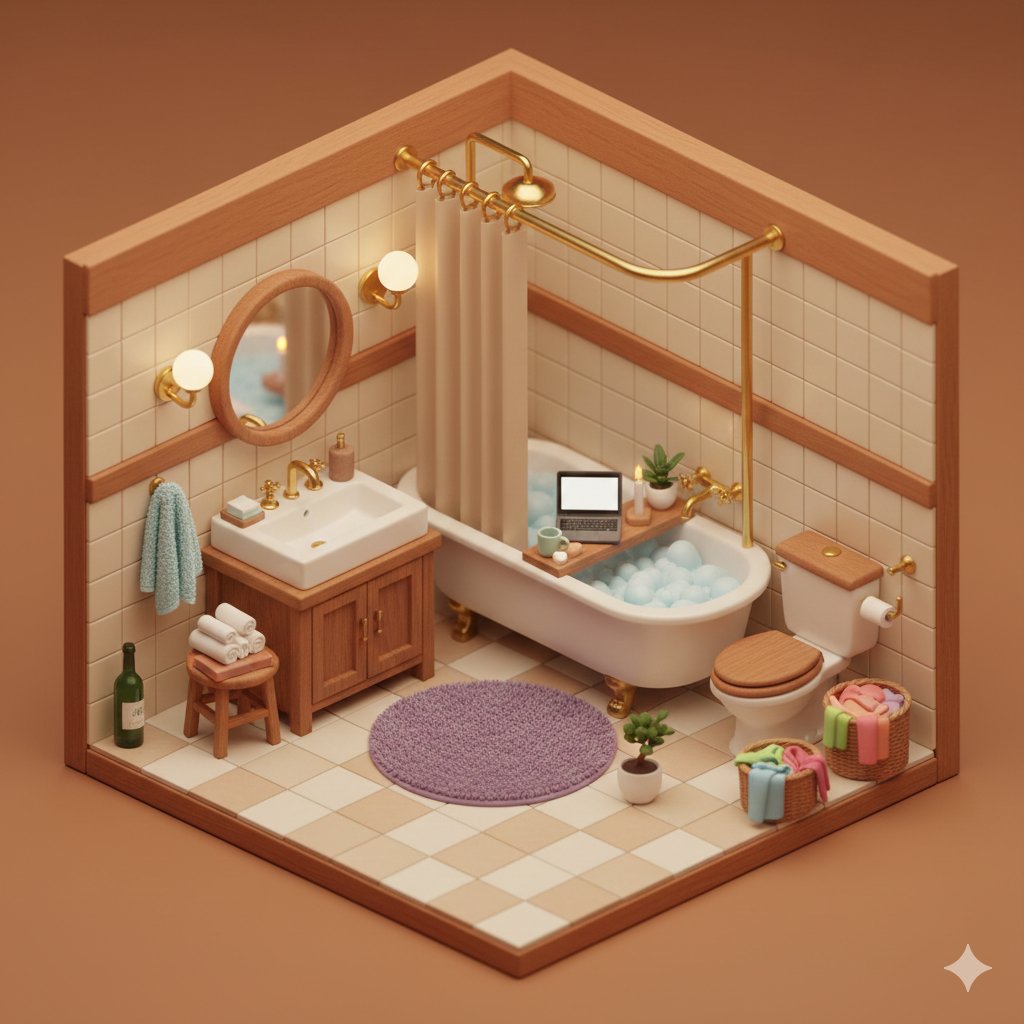
Cozy Isometric Bathroom Miniature Diorama
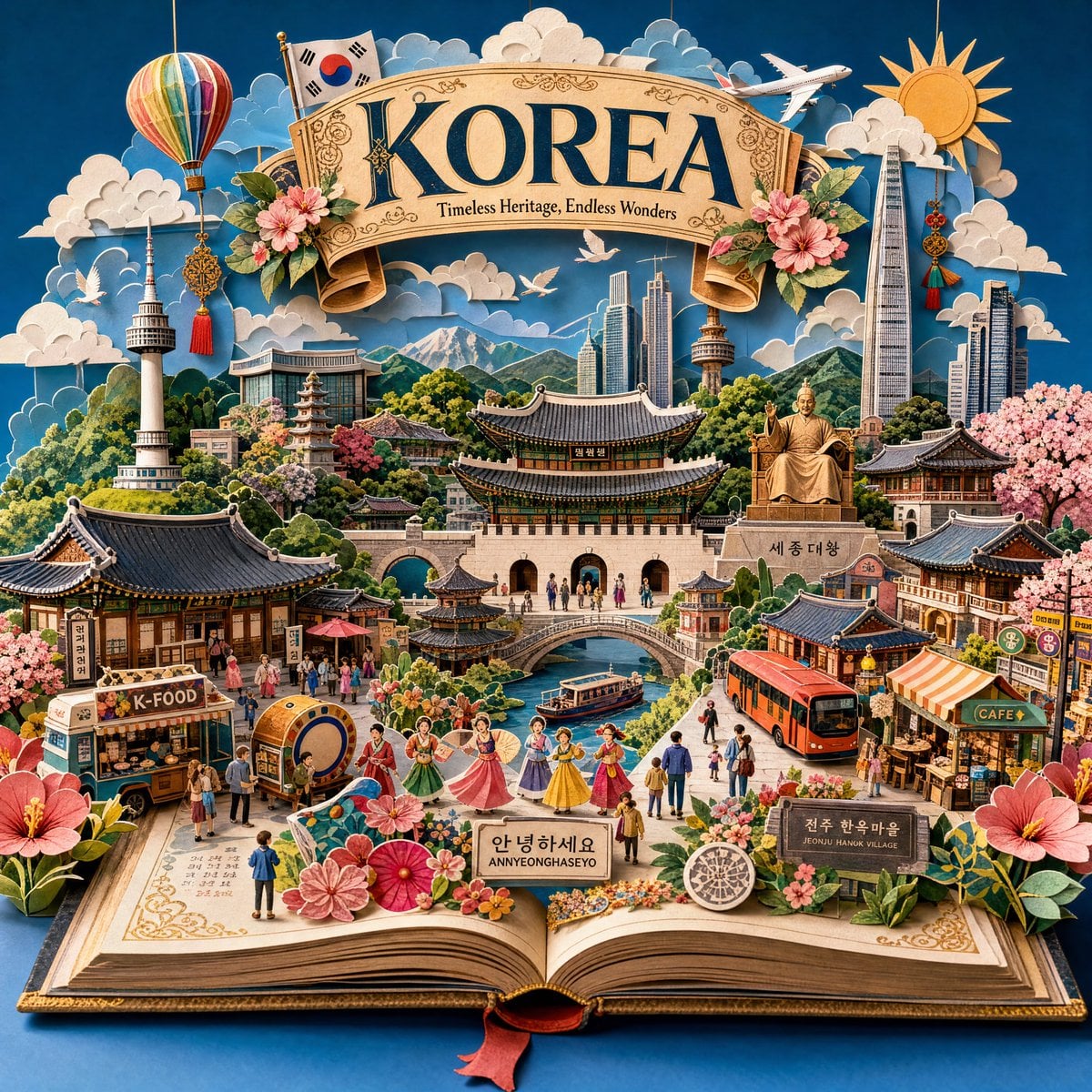
Master Pop-Up Storybook — 3D Paper Engineered Travel Diorama

Ultra-Cinematic Lifestyle Fashion Portrait
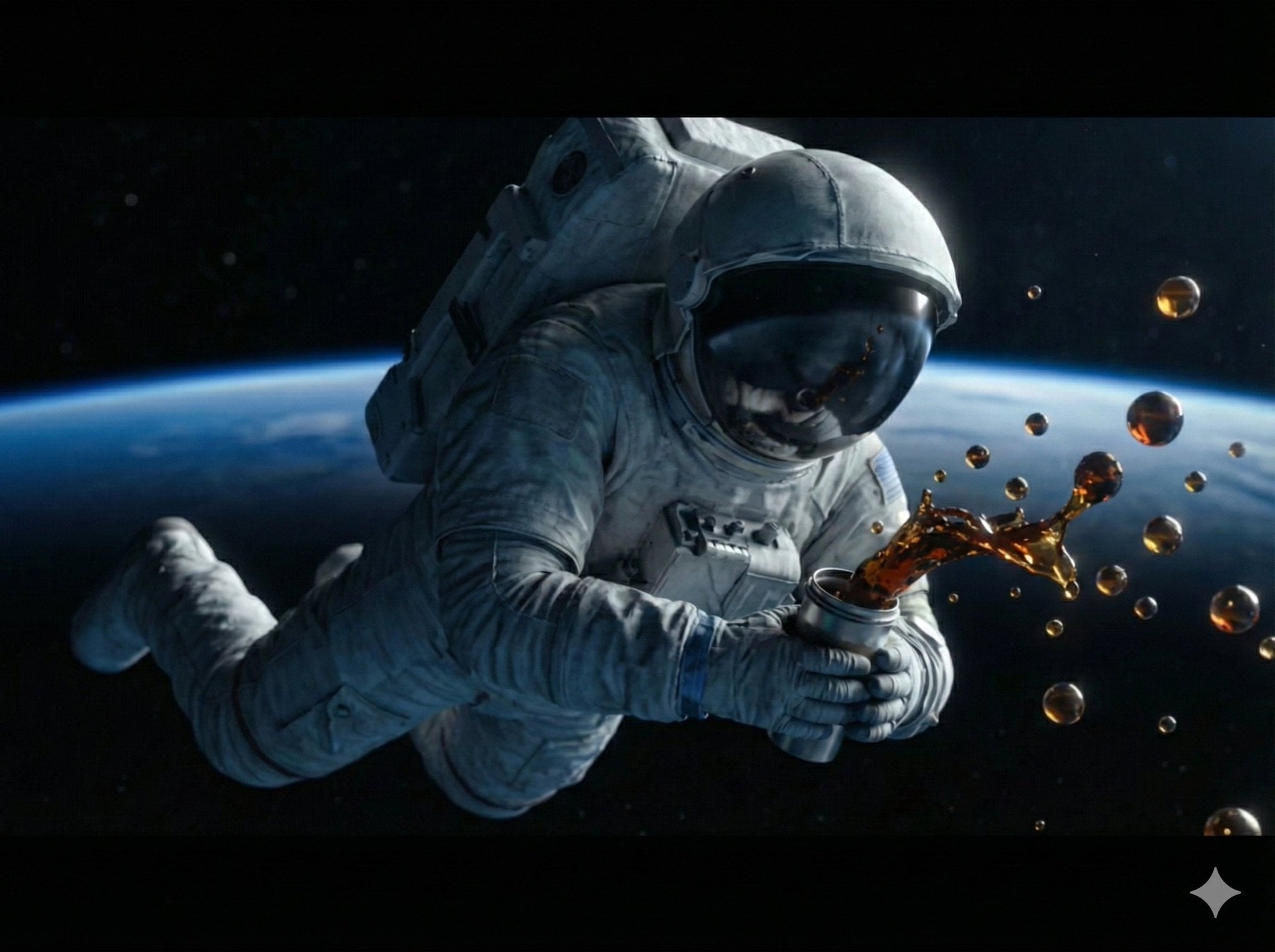
Astronaut Zero-Gravity Coffee Splash
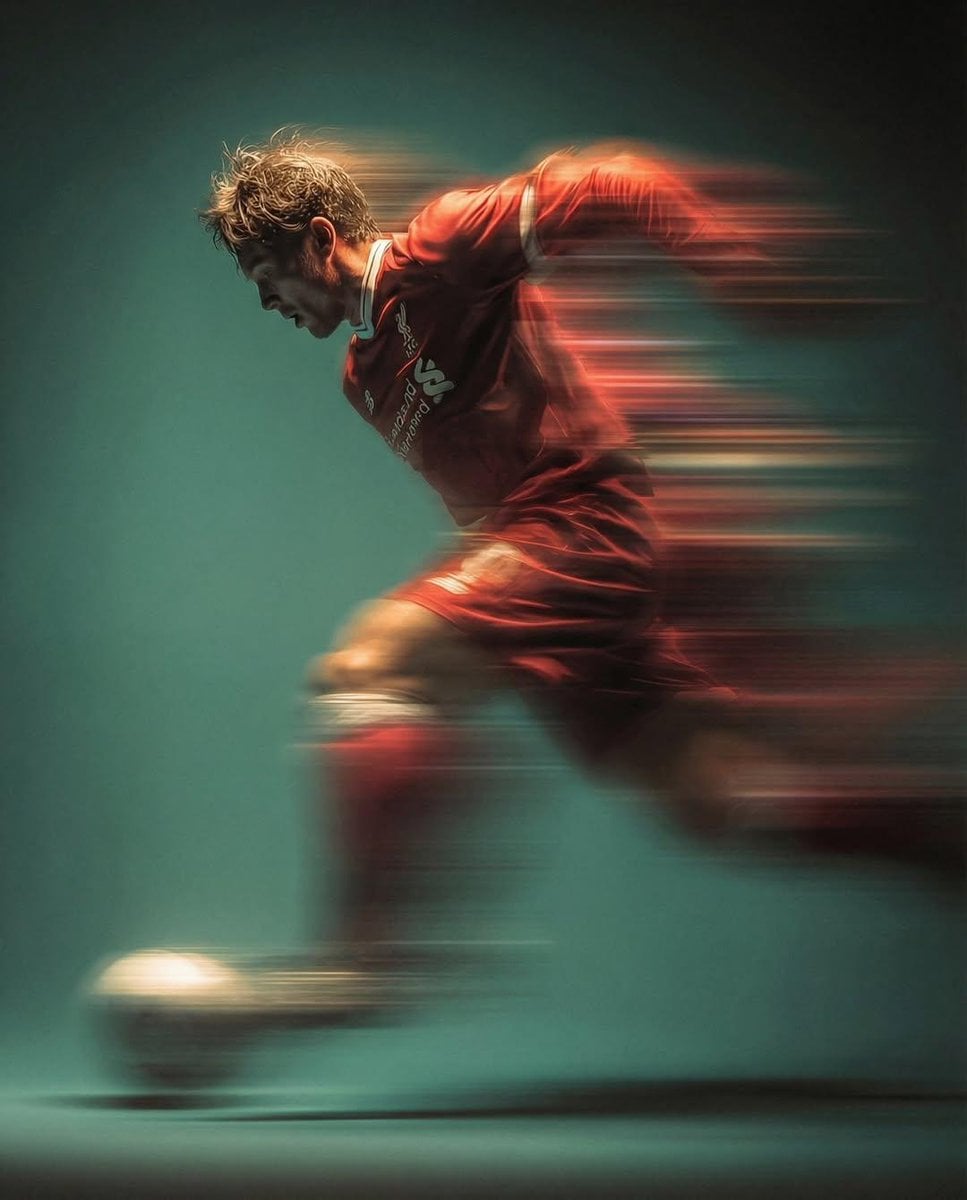
Panning Motion Soccer Kick Poster

Canada Goalkeeper Twilight Editorial Portrait

Argentina 10 Celebration Fan Poster
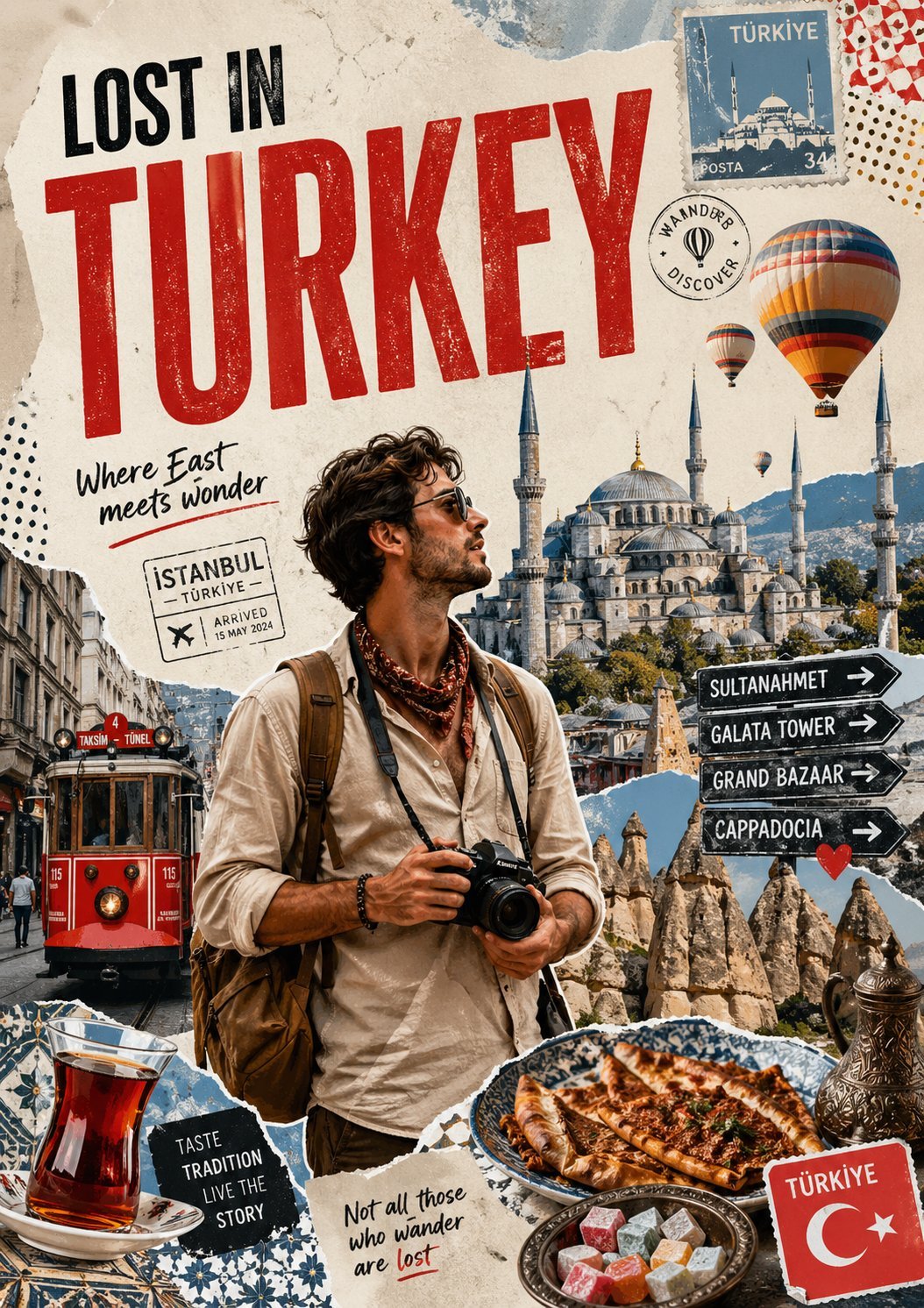
Travel Poster Graphic Collage
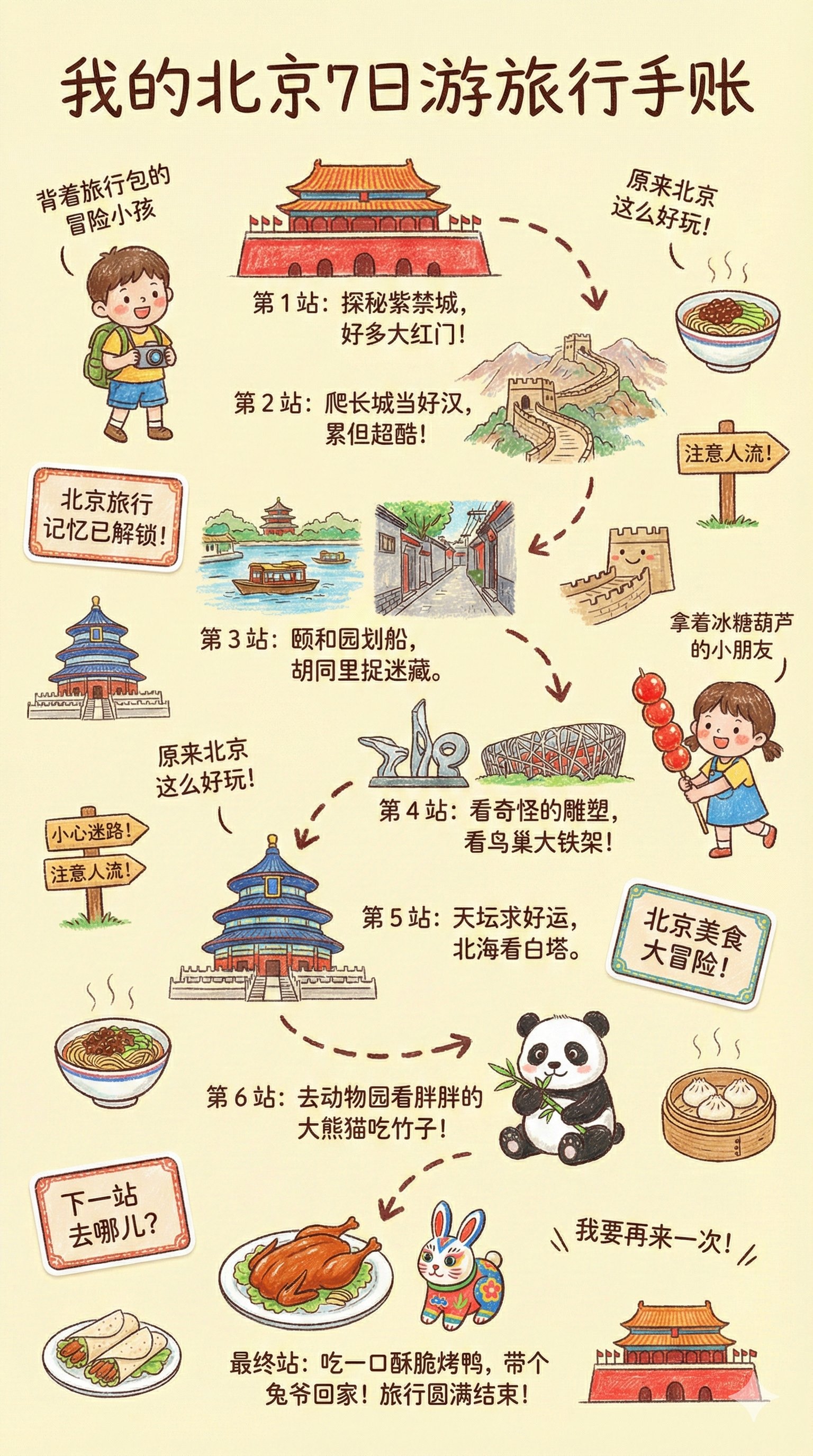
untitled
Make it yours
Miniature Travel Diorama Postcard works as-is. These are the safest ways to change it without losing the look.
Change one field
Copy a single group, rewrite it, and generate again so you can see what that field is doing.
Keep the frame, change the subject
Hold the composition and light of Miniature Travel Diorama Postcard, then swap wardrobe, props or the person for a new take.
| If the result… | Why | Fix |
|---|---|---|
| The result drifts from the preview | Too many fields changed at once. | Reuse Miniature Travel Diorama Postcard as-is first, then change one group — subject, light, or setting. |
| The model over-stylizes the scene | The prose prompt leaves finish and camera underspecified. | Add one camera or lighting sentence and stay on GPT Image. |
More image prompts
Fresh picks from across the catalog.
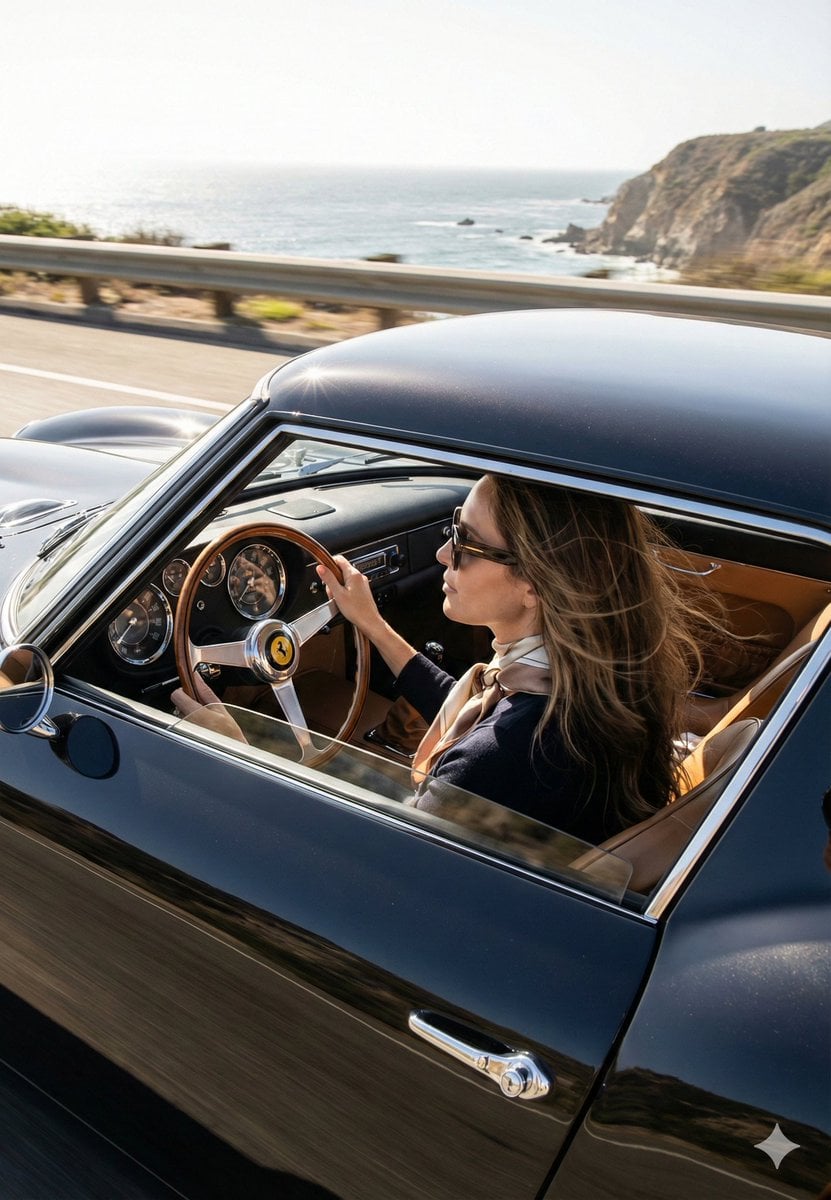
Cinematic Coastal Drive Portrait

Funny Cat POV Selfie
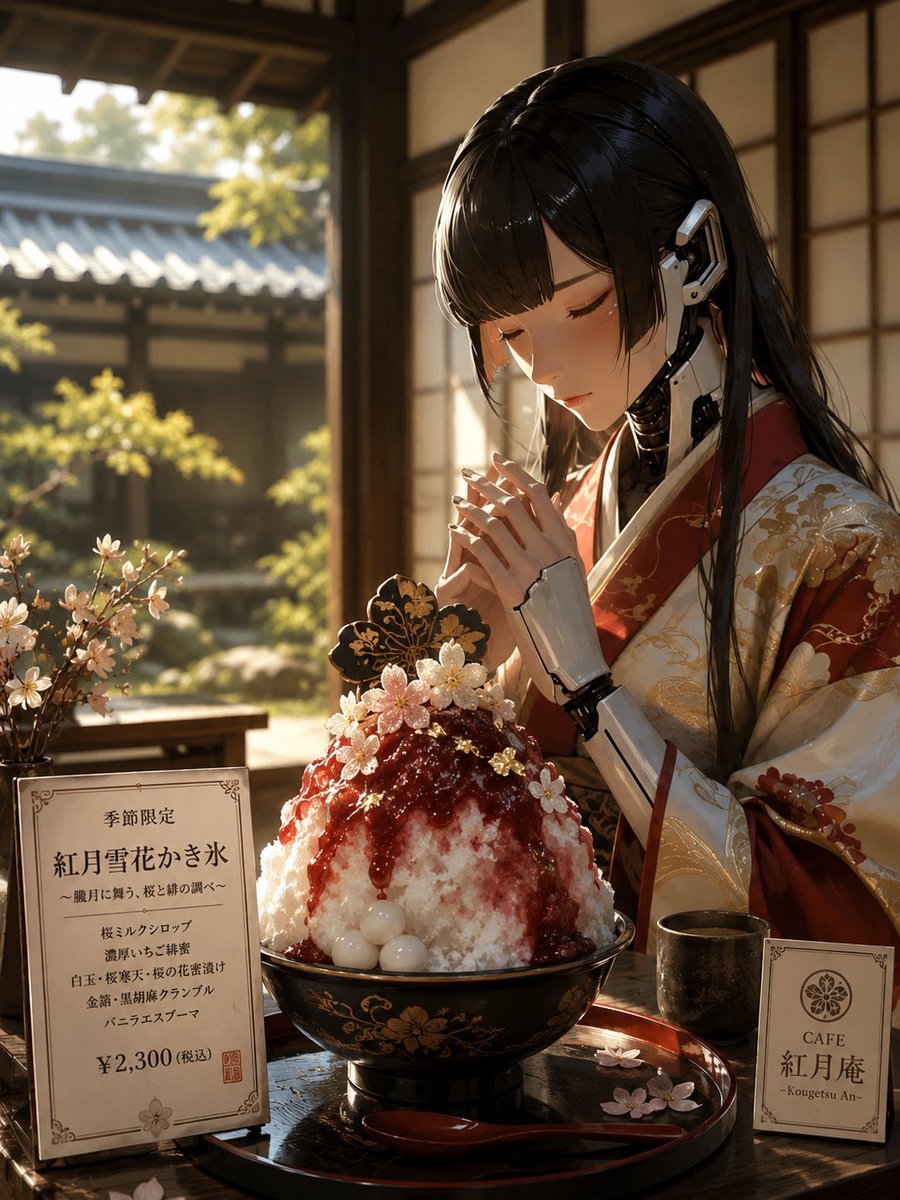
Cybernetic Kimono Shaved Ice Cafe
Signed Marker Portrait on Shikishi
Surreal High-Fashion Ad on Floating Puma Logo
Woman Portrait Sticker Pack
Ultra Realistic Couple Mirror Selfie
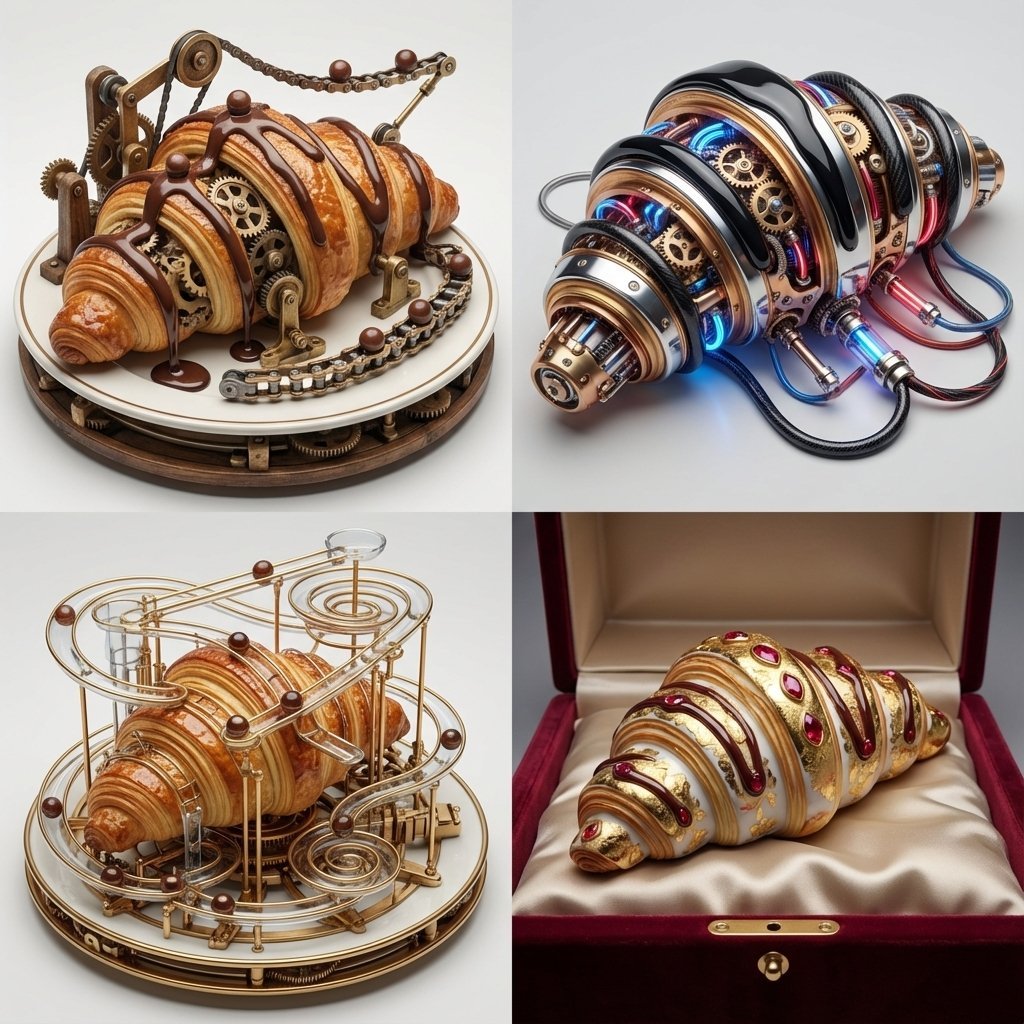
Michelin-Star Chef Fantasy Food Re-imagination Grid
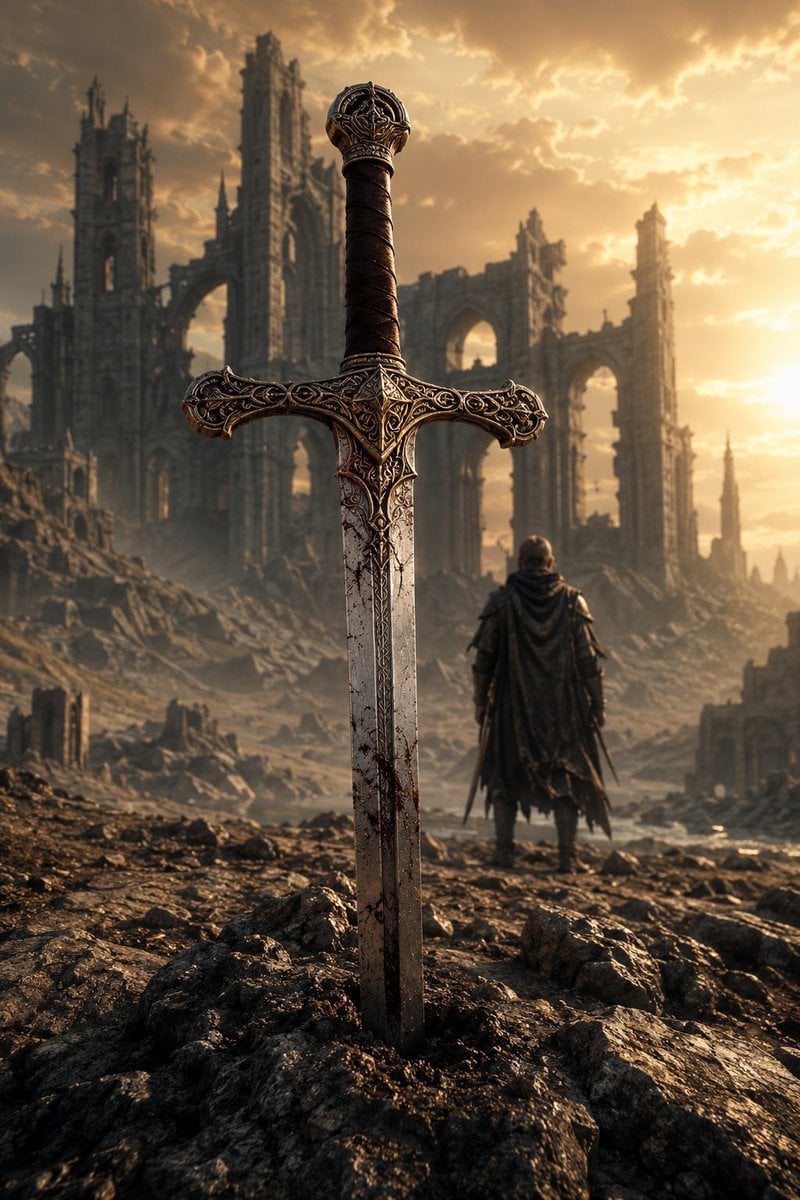
Medieval Fantasy Sword in Apocalyptic Landscape
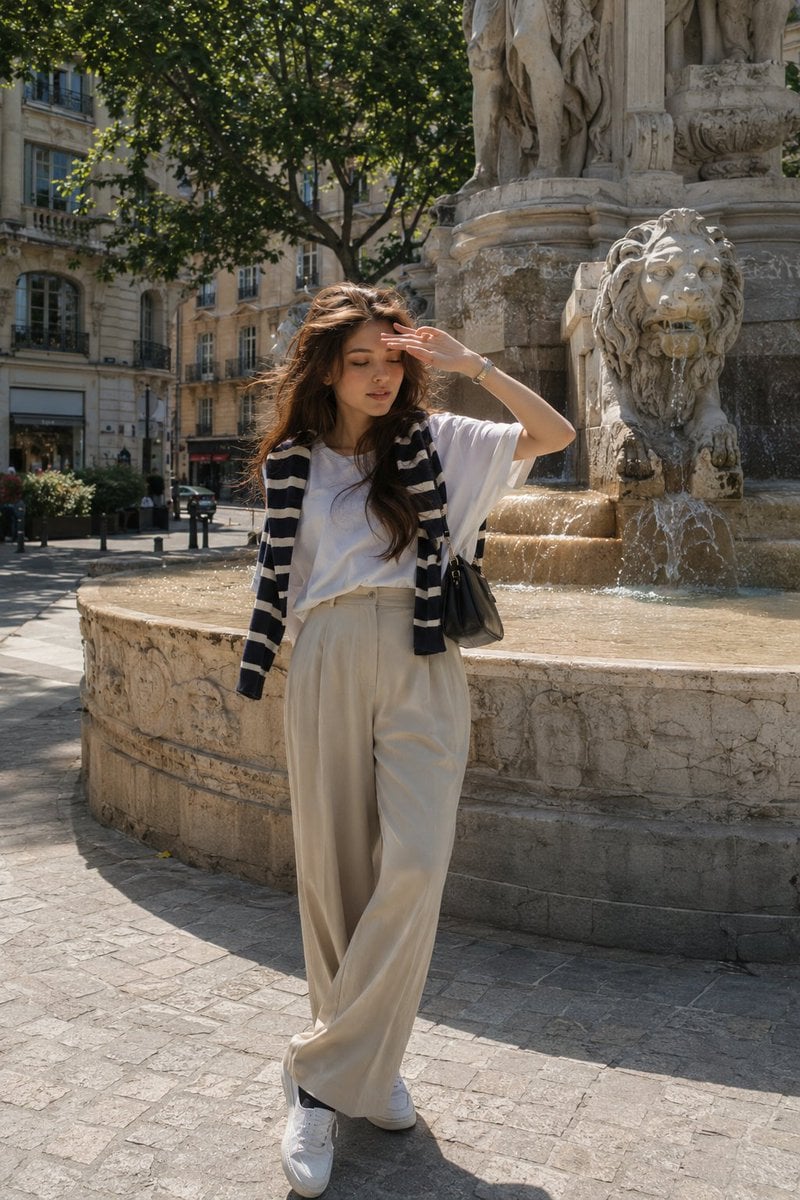
European Street-Style Portrait
Browse template categories
Miniature Travel Diorama Postcard questions
How do I use the Miniature Travel Diorama Postcard template?
Add your photo if the template asks for one, edit the prompt if you like — the template's model and format are already selected — and press Generate. Your version opens in PicX Studio.
Can I customize the Miniature Travel Diorama Postcard template?
Yes. You can change the subject, setting, lighting, mood, format, and available model controls before creating your image.
Is the Miniature Travel Diorama Postcard template free?
Opening and editing this template is free. Generating uses credits, shown on the Generate button when you are signed in.
Which AI model should I use?
Start with GPT Image, which is the model associated with this template. You can compare another compatible model for a different finish.
Looking for something else? Browse all templates.

Your photo, any look
Thousands of ready templates for every top image and video model, from one credit balance.