
Ultra Realistic Couple Mirror Selfie
Ultra Realistic Couple Mirror Selfie is a ready photo look for Nano Banana.
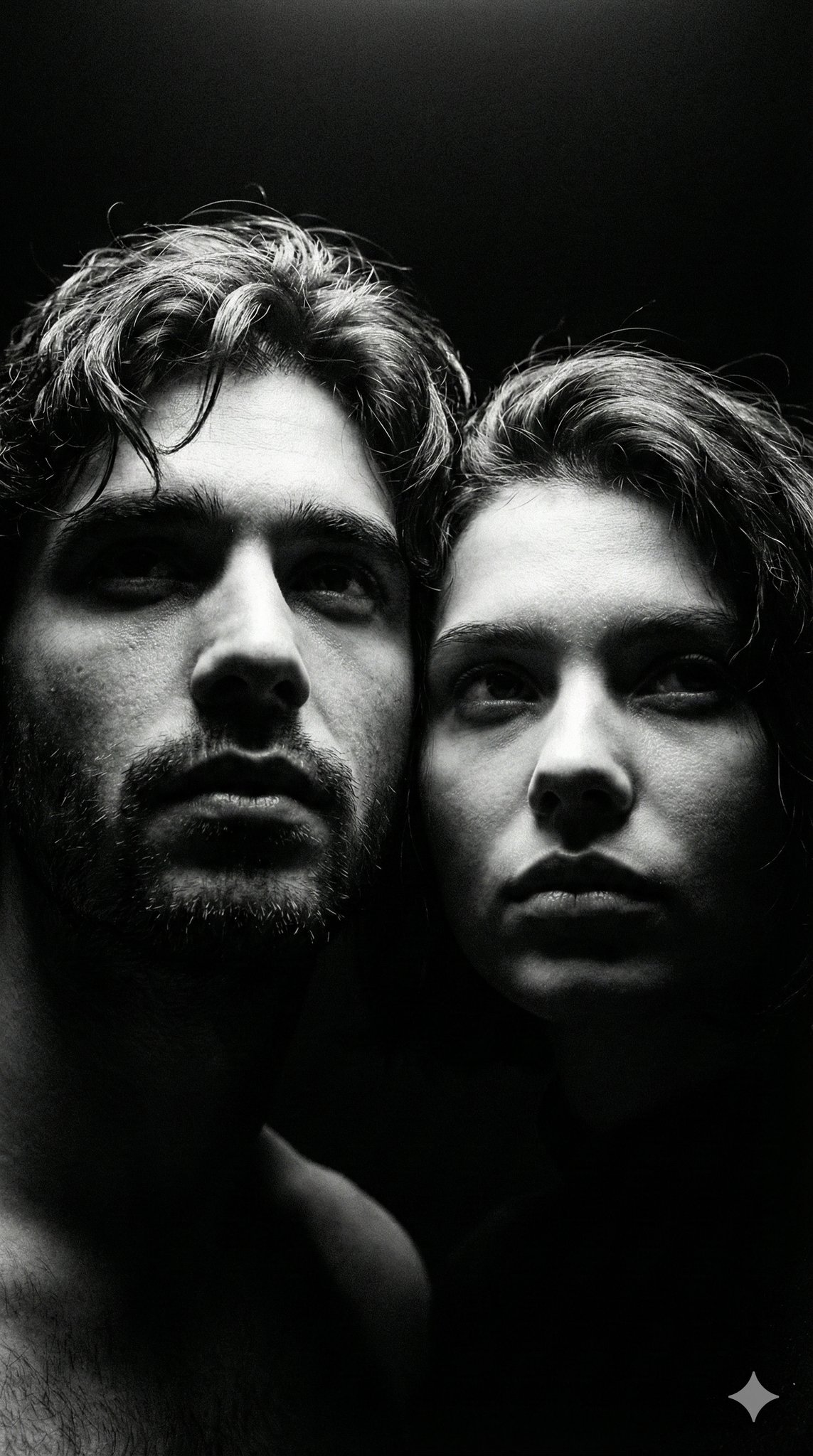
- Prompt included
- Model and format preset
- Free template
The prompt behind this image
Copy the exact prompt behind Ultra Realistic Couple Mirror Selfie, or open it in the studio and make it yours.
Ultra-realistic smartphone mirror selfie of a couple late 20s–early 30s, indoor near window, daytime. Close-up framing collarbone to top of head. Phone partially covering face, slight downward gaze, calm neutral expression. Natural tied-back dark hair with flyaways, light grey cotton hoodie with clear fabric texture separation, small silver earrings. Skin realism focus: visible pores, fine micro-texture, organic acne marks (non-repeating), uneven pigmentation, subtle redness, natural oil sheen only on high points. No symmetry correction. Real daylight with slight warmth, accurate white balance, natural contrast. True-to-life colors. Phone-camera realism, subtle sensor grain, slight edge softness. No retouching, no smoothing, no beauty filters. Negatives: AI glow, plastic skin, skincare-ad look, cinematic lighting, studio light, pastel or faded colors, flat lighting, cartoon/3D style, logos or text.
How to use Ultra Realistic Couple Mirror Selfie in 3 steps
- 1
Open
The prompt is already in the box next to the preview, with the template's model and format selected.
- 2…a portrait of your subject in softgolden-hour light, 85mm…
Personalize
Edit the subject and creative details for your destination.
- 3Generate
Generate
Press Generate — your image is created in PicX Studio, so you can compare it with the original and refine one variable at a time.
More like this
Templates with the same subject, style or setup. Open one to see its prompt.

Rooftop Fisheye — Cat-Ear Balaclava at Golden Hour

Found Photograph: Us, 1970

80s Couple Studio Portrait

Felt & Knit 3D Character — Photo-Exact Face, Pixar-Quality Plush Figurine

Surreal Cat Astronaut — Humanoid Face Freefall

Cinema Date Popcorn Realistic By Nano Ba

Enchanted Forest Root Kiss Scene By Nano

Romantic Cinematic Still of a Couple in

Nano Banana Pro Photoreal Playful Couple

Couple Goals from the Google Gemini Nano
Candid Mirror Selfie Beauty Portrait
Floral Mirror Selfie Portrait
Make it yours
Ultra Realistic Couple Mirror Selfie works as-is. These are the safest ways to change it without losing the look.
Change one field
Copy a single group, rewrite it, and generate again so you can see what that field is doing.
Keep the frame, change the subject
Hold the composition and light of 41-ultra-realistic-couple-mirror-selfie, then swap wardrobe, props or the person for a new take.
| If the result… | Why | Fix |
|---|---|---|
| The result drifts from the preview | Too many fields changed at once. | Reuse 41-ultra-realistic-couple-mirror-selfie as-is first, then change one group — subject, light, or setting. |
| The model over-stylizes the scene | The prose prompt leaves finish and camera underspecified. | Add one camera or lighting sentence and stay on Nano Banana. |
More Nano Banana templates
Other prompts made for Nano Banana.










More image prompts
Fresh picks from across the catalog.
Body Swap Mirror Reflection
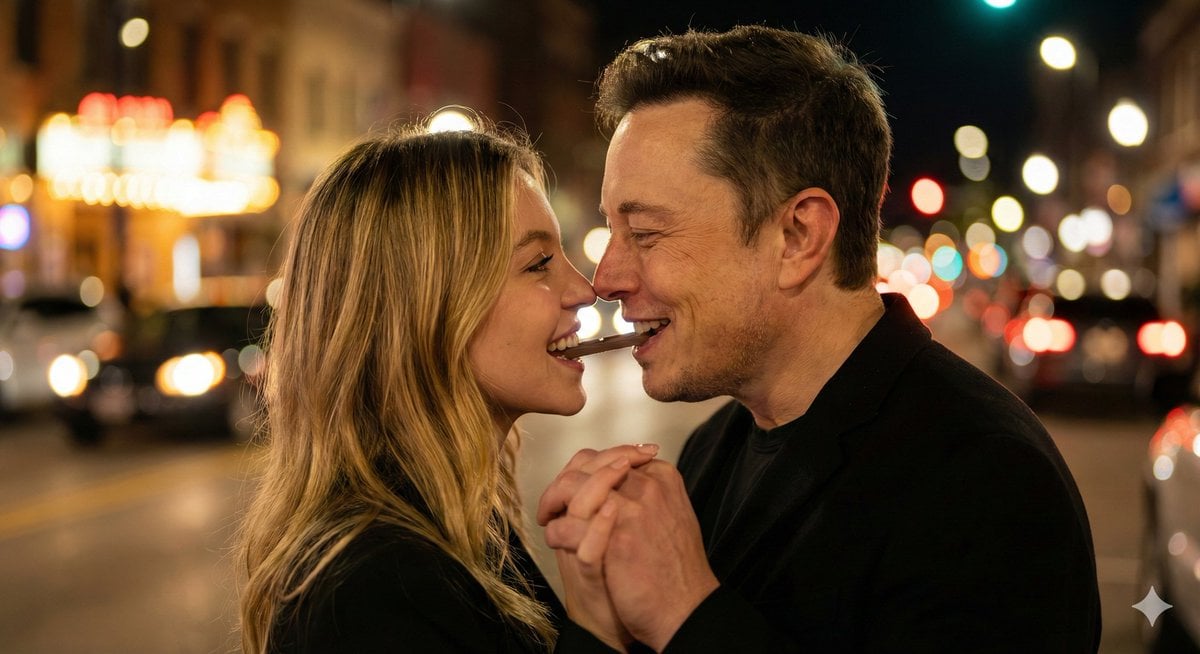
Ultra-Realistic Romantic Chocolate Portrait
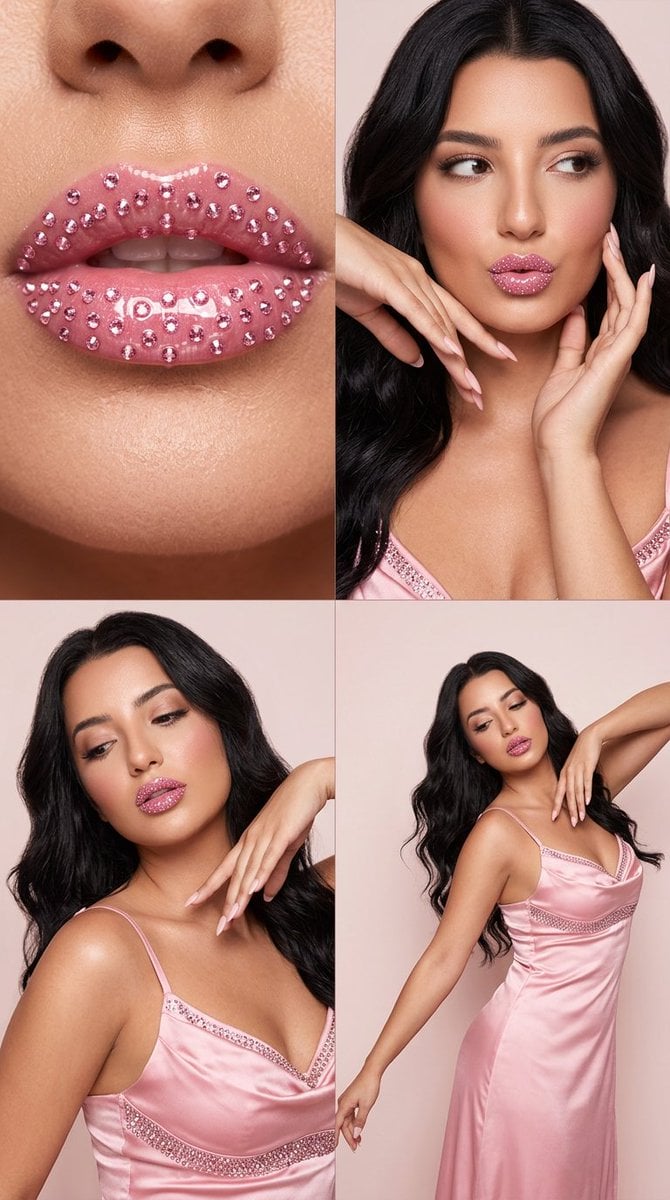
2x2 Editorial Grid: Pink Rhinestone Lips and Dance Fashion
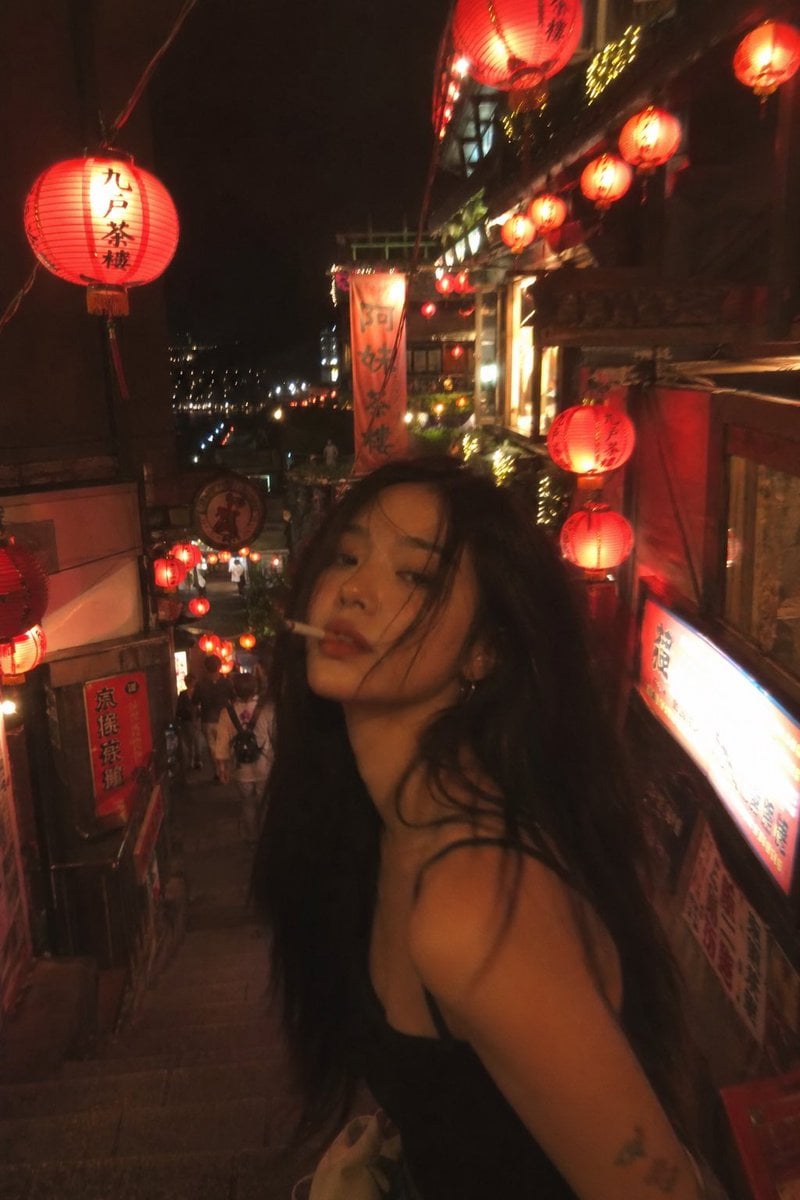
Asian Fashion Model in Taipei Night Scene
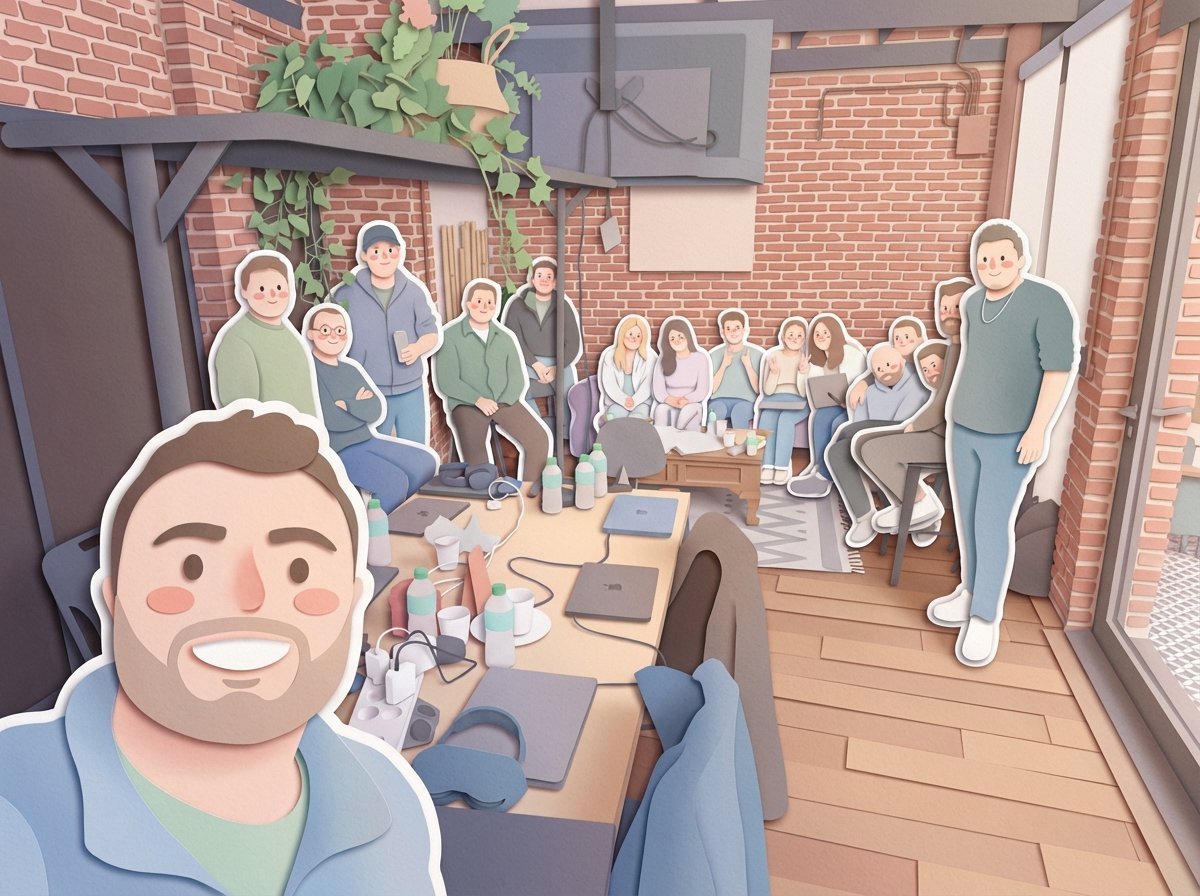
Paper-Cut Layered Illustration Style Transfer

Dark Fantasy Wizard Podcast Poster
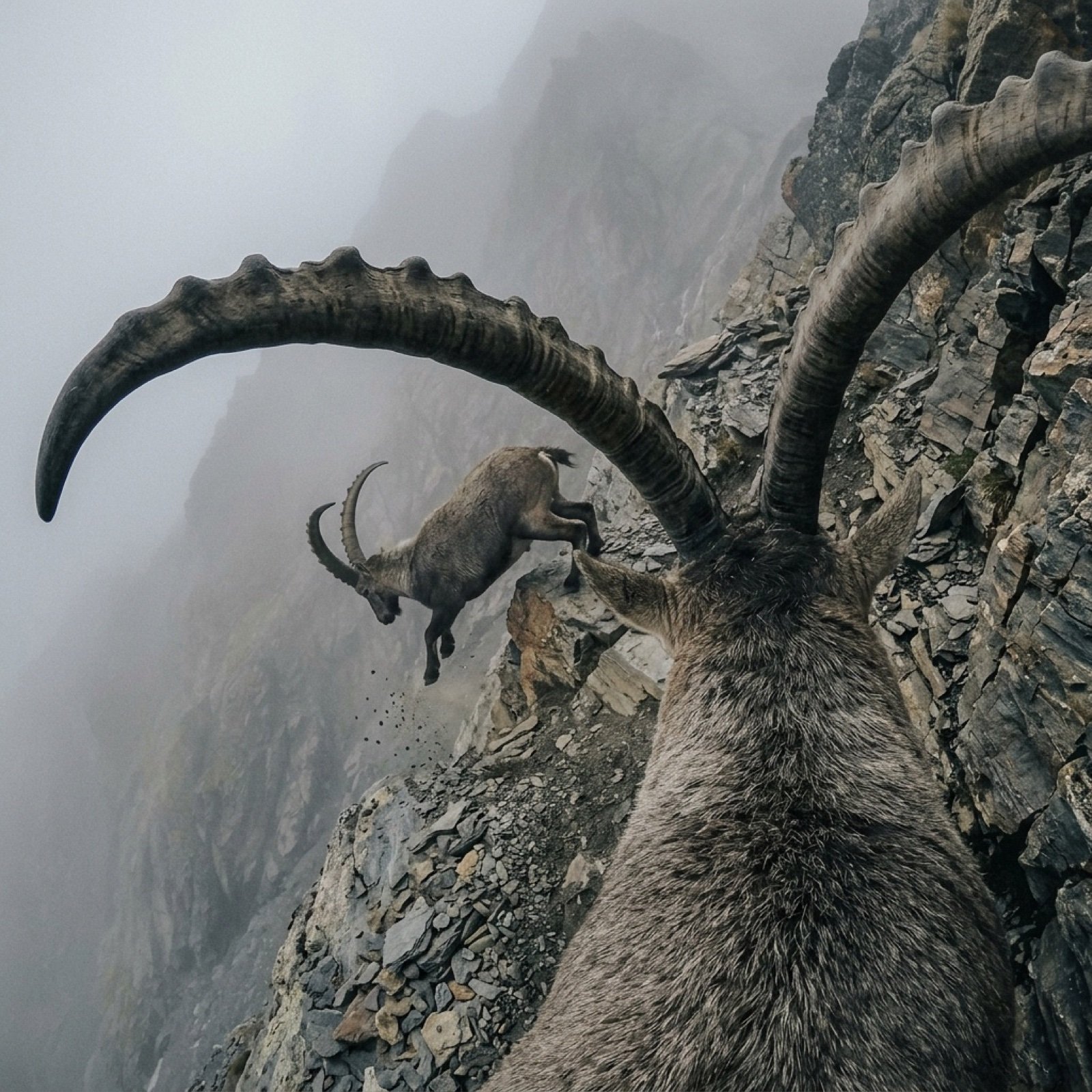
Cinematic POV Video Prompt: Mountain Goat on Steep Cliff
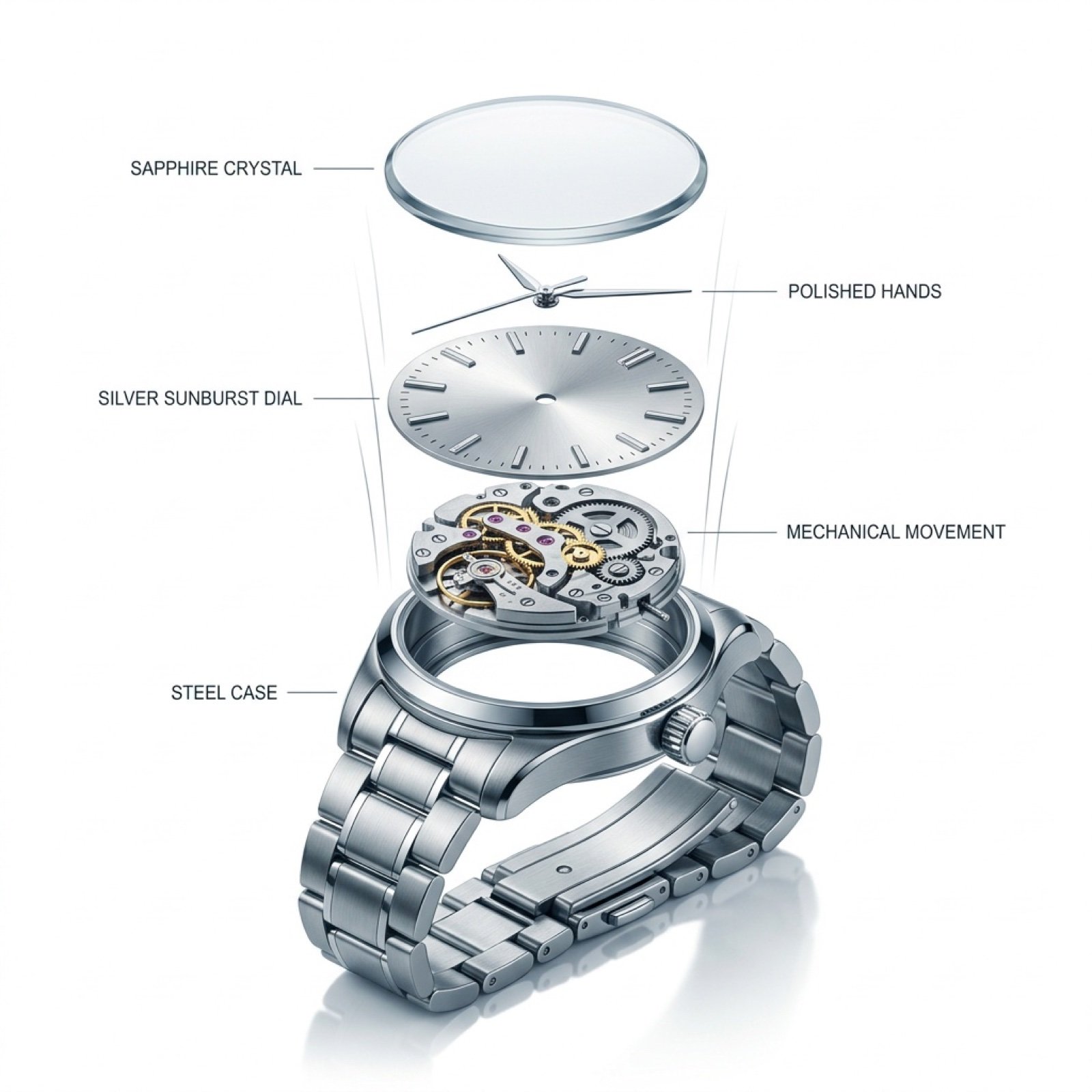
Exploded View Luxury Watch Infographic Prompt
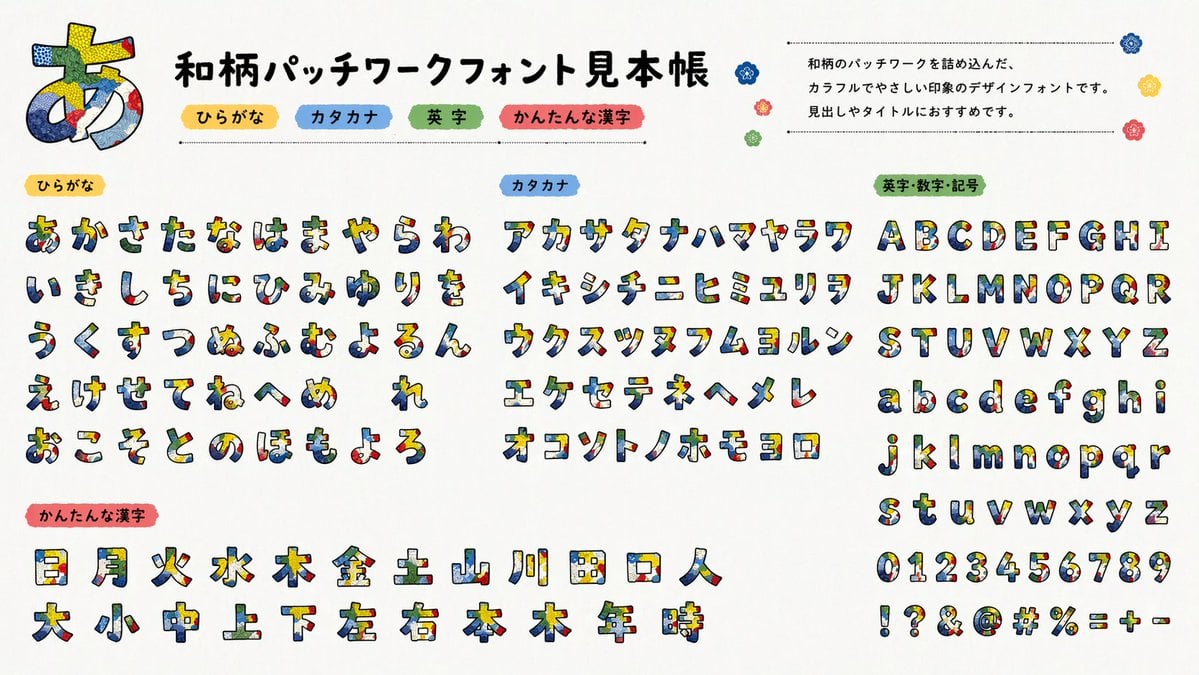
Multilingual font specimen sheet prompt
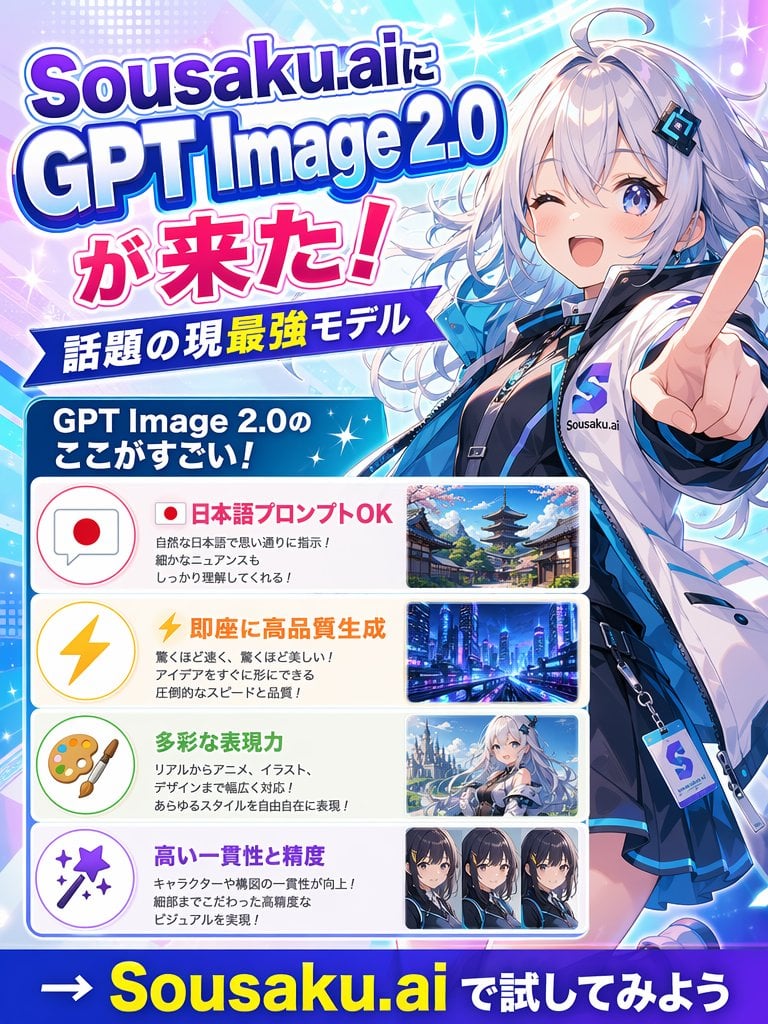
Japanese Anime AI Launch Poster
Browse template categories
Ultra Realistic Couple Mirror Selfie questions
How do I use the 41-ultra-realistic-couple-mirror-selfie template?
Add your photo if the template asks for one, edit the prompt if you like — the template's model and format are already selected — and press Generate. Your version opens in PicX Studio.
Can I customize the 41-ultra-realistic-couple-mirror-selfie template?
Yes. You can change the subject, setting, lighting, mood, format, and available model controls before creating your image.
Is the 41-ultra-realistic-couple-mirror-selfie template free?
Opening and editing this template is free. Generating uses credits, shown on the Generate button when you are signed in.
Which AI model should I use?
Start with Nano Banana, which is the model associated with this template. You can compare another compatible model for a different finish.
Looking for something else? Browse all templates.

Your photo, any look
Thousands of ready templates for every top image and video model, from one credit balance.