
Japanese Anime AI Launch Poster
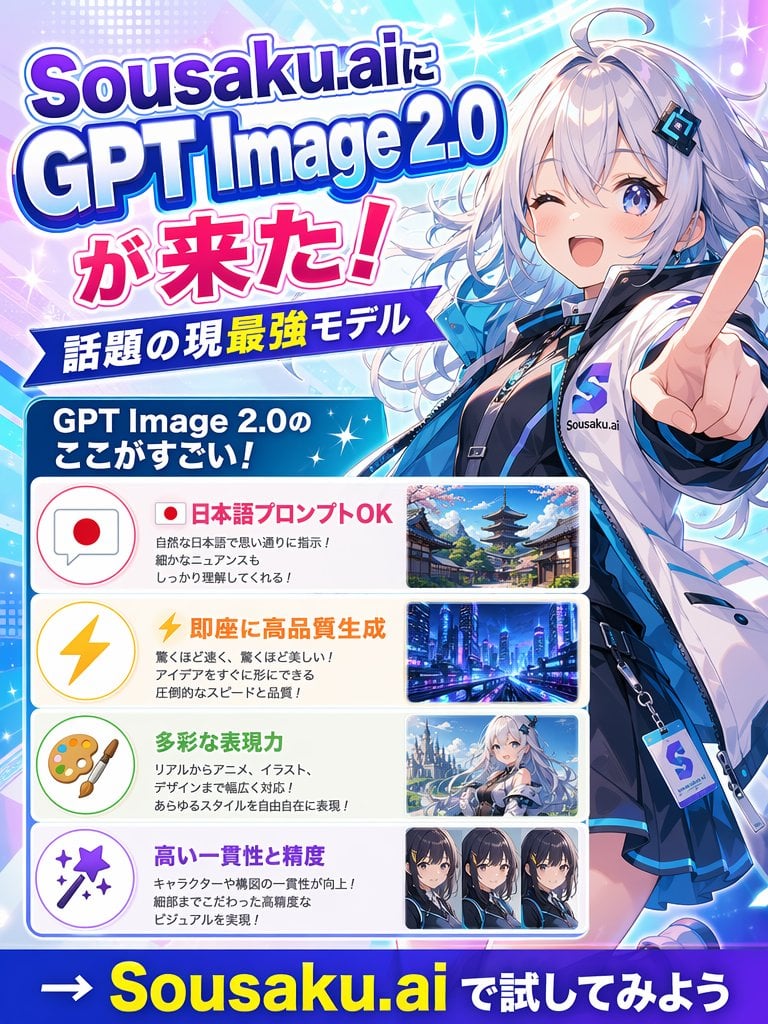
A bright anime-style Japanese promo poster for an AI image model launch, suitable for social posts, ads, and announcement graphics.
- Prompt included
- Model and format preset
- Free template
The prompt behind this image
Copy the exact prompt behind Japanese Anime AI Launch Poster, or open it in the studio and make it yours.
Create a vibrant Japanese promotional poster for {argument name="brand name" default="Sousaku.ai"} announcing {argument name="product name" default="GPT Image 2.0"}. Use a vertical 3:4 layout with a flashy anime-tech advertising style, bright cyan, blue, purple, pink, and white gradients, glowing sparkles, lens flares, halftone dots, and dynamic diagonal light streaks. On the right side, feature a large half-body anime girl mascot in a futuristic streetwear outfit, silver-white long wavy hair with cool blue highlights, pale skin, blue eyes, a confident smile, and one hand thrust toward the viewer with an extended pointing finger in strong foreshortened perspective. She wears a glossy white and blue jacket over a dark inner outfit, a black choker, layered accessories, and a visible badge or tag with an S logo and the text Sousaku.ai. Her face area is covered by a plain square censor block. On the left, place a large stacked headline in bold Japanese display typography with thick outlines and drop shadows reading exactly: "Sousaku.aiに", "GPT Image 2.0", "が来た!". Below it, add a blue ribbon banner with white text reading "話題の現最強モデル". Under that, add a rounded blue header box with white text reading "GPT Image 2.0のここがすごい!". Beneath the header, create 4 rounded rectangular feature panels stacked vertically, each with a pastel icon circle on the left, Japanese text in the center, and a sample image thumbnail on the right. Panel 1: icon is a speech bubble with a Japanese flag, headline text in pink-red "日本語プロンプトOK", smaller black explanatory text in 3 lines, and a thumbnail of a traditional Japanese street with a pagoda and cherry blossoms. Panel 2: icon is a yellow lightning bolt, headline text in orange "即座に高品質生成", smaller black explanatory text in 3 lines, and a thumbnail of a futuristic neon city at night. Panel 3: icon is an artist palette and brush, headline text in green "多彩な表現力", smaller black explanatory text in 3 lines, and a thumbnail of an anime fantasy girl in a snowy or bright scenic setting, with the face lightly obscured. Panel 4: icon is a magic wand with sparkles, headline text in purple "高い一貫性と精度", smaller black explanatory text in 2 lines, and a thumbnail row containing exactly 3 close-up anime character portrait variants side by side, each face obscured. At the very bottom, add a bold call-to-action on a dark blue strip reading exactly "→ {argument name="call to action" default="Sousaku.ai で試してみよう"}" with the brand name in large yellow letters and the remaining text in white. Make the overall composition dense, polished, glossy, and eye-catching like a social media announcement poster for a new AI image model.
How to use Japanese Anime AI Launch Poster in 3 steps
- 1Upload ImagePNG, JPG or paste
Add your photo
Upload the photo the template builds on. The prompt, model and format are already set.
- 2…a portrait of your subject in softgolden-hour light, 85mm…
Personalize
Edit the subject and creative details for your destination.
- 3Generate
Generate
Press Generate — your image is created in PicX Studio, so you can compare it with the original and refine one variable at a time.
More like this
Templates with the same subject, style or setup. Open one to see its prompt.

Captain Tsubasa Anime World Cup Poster
Anime Mecha Game Launch Poster
Anime Sci-Fi Game Launch Poster

Gpt2 Youtube Thumbnail Anime Music Bootcamp Promo Poster
Futuristic Product Launch Poster

Minecraft Japanese Research Lab Exploration

Japan Travel Brochure Poster
GPT-5.6 Japanese Launch Slide
Japanese Fantasy Winged Pig Film Poster

Stylish Japanese Corn Event Poster
Japanese Sports Drink Ad Poster

Nice Day Anime Poster
Make it yours
Japanese Anime AI Launch Poster works as-is. These are the safest ways to change it without losing the look.
Change one field
Copy a single group, rewrite it, and generate again so you can see what that field is doing.
Keep the frame, change the subject
Hold the composition and light of Japanese Anime AI Launch Poster, then swap wardrobe, props or the person for a new take.
| If the result… | Why | Fix |
|---|---|---|
| The result drifts from the preview | Too many fields changed at once. | Reuse Japanese Anime AI Launch Poster as-is first, then change one group — subject, light, or setting. |
| The model over-stylizes the scene | The prose prompt leaves finish and camera underspecified. | Add one camera or lighting sentence and stay on GPT Image 2. |
More GPT Image 2 templates
Other prompts made for GPT Image 2.

Six VTuber Japanese Logo Sheet

Realistic Portrait of Woman and Deer

The Vista Modular Condo Poster

AI Model Routing Comparison Infographic

2.5D Anime Art Board

Isometric Productivity Desk Scene

New York Double Exposure Poster

Four-Panel AI Landscape Comparison

Japanese Tatami Lifestyle Magazine Cover

NESCAFÉ Coffee Map Poster
More image prompts
Fresh picks from across the catalog.
Ultra-Realistic Graphite Pencil Portrait
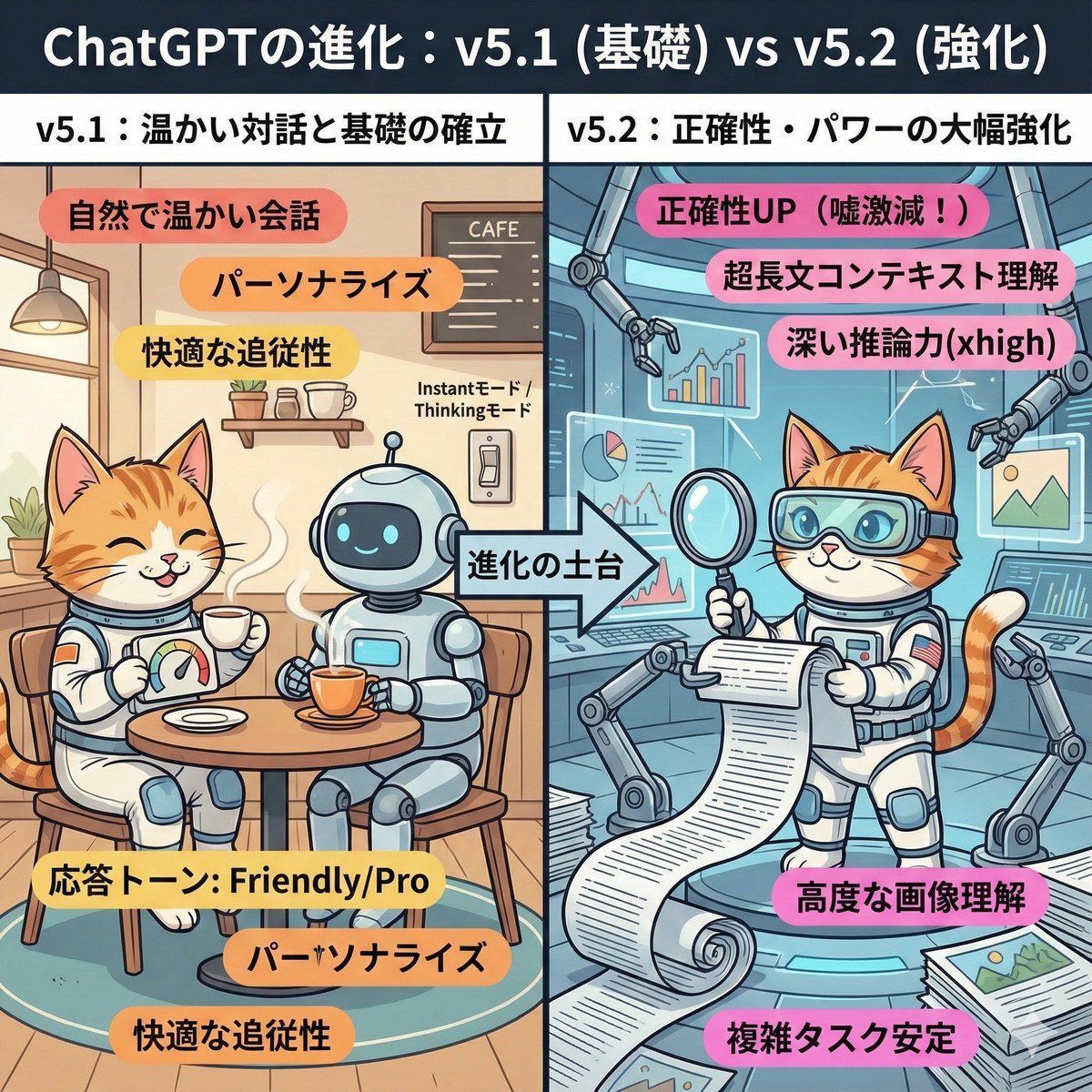
ChatGPT v5.1 vs v5.2 Evolution Infographic Prompt
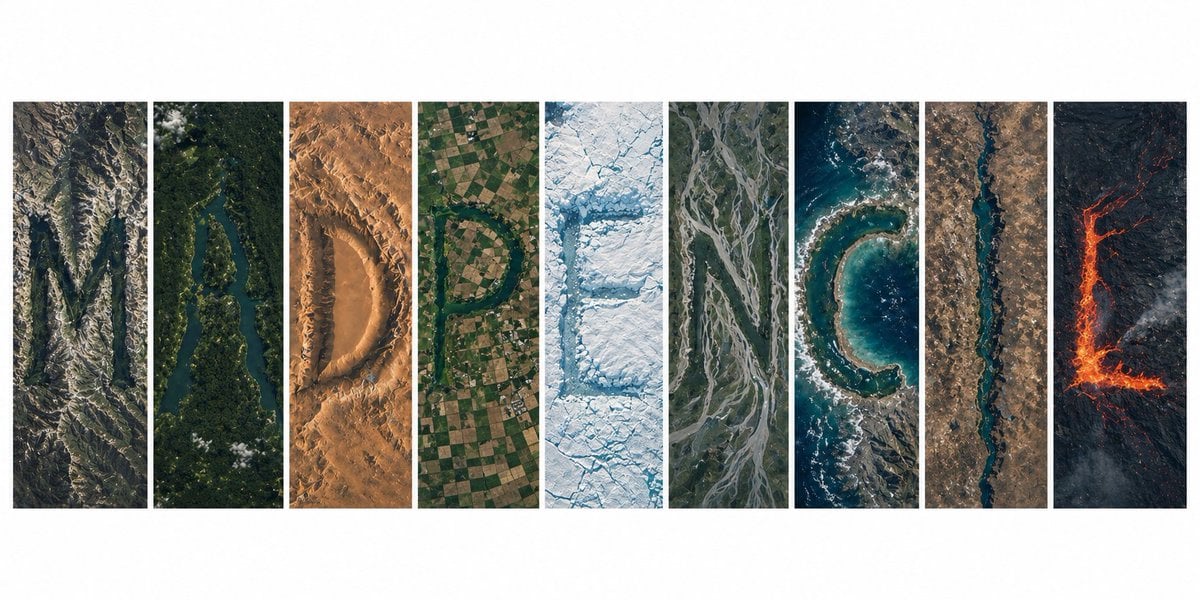
Topography Typography Satellite View
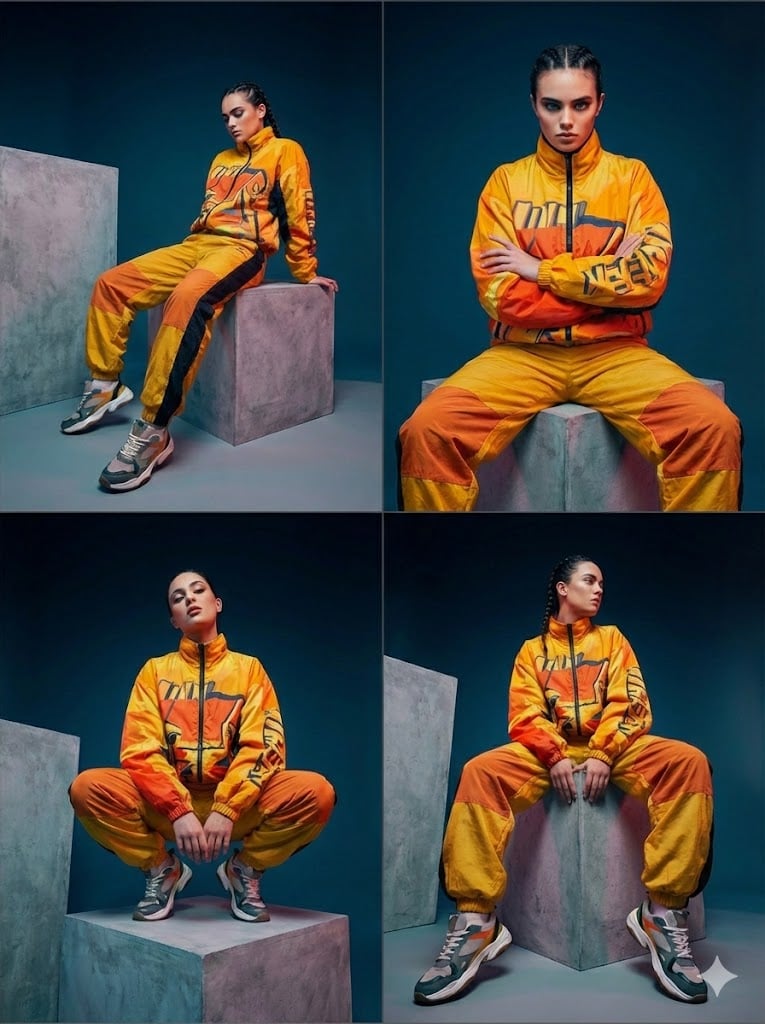
Four-Panel Editorial Grid Generation
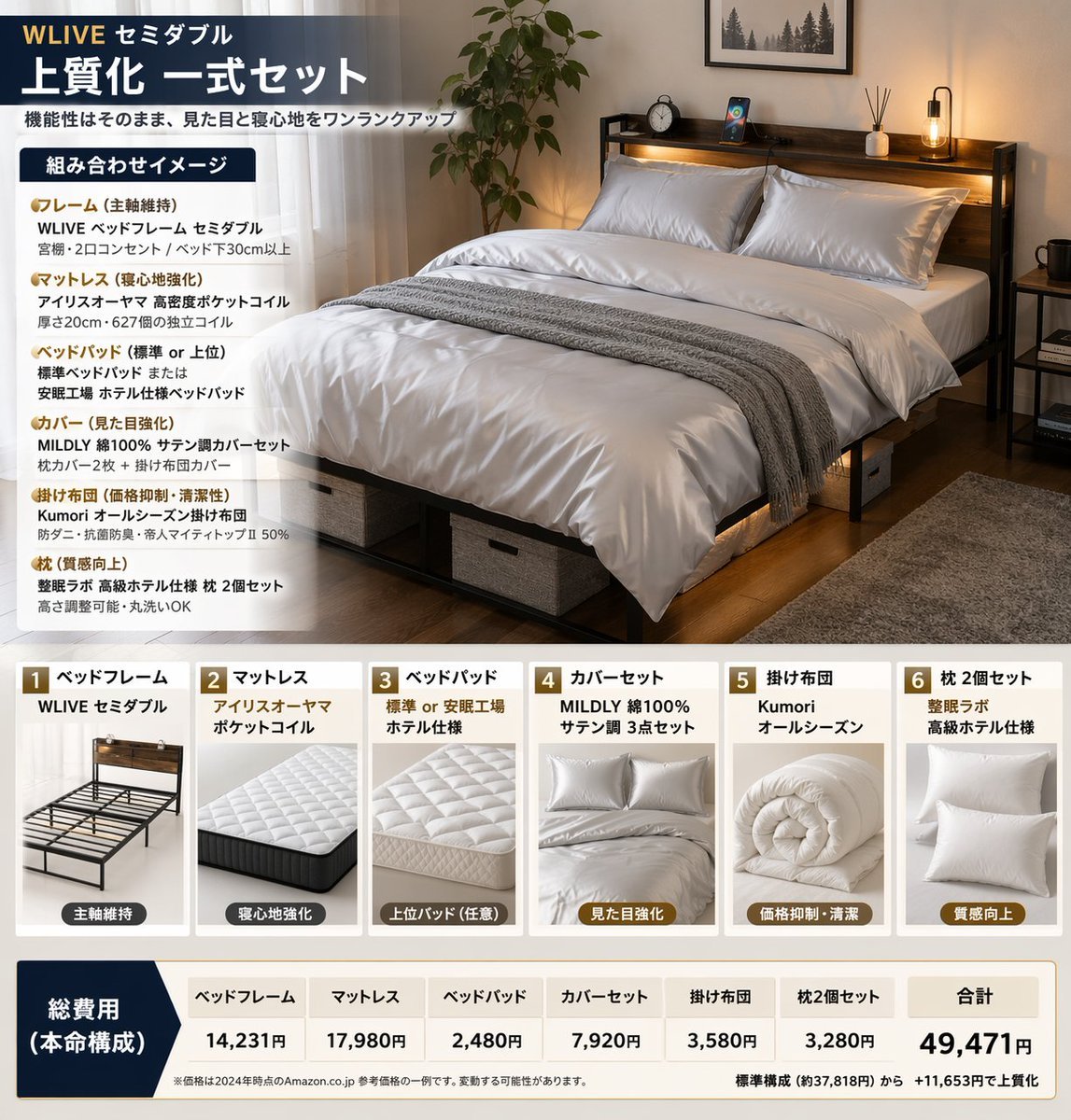
Bedding Bundle Infographic

Conceptual Fashion Portrait in Spider We
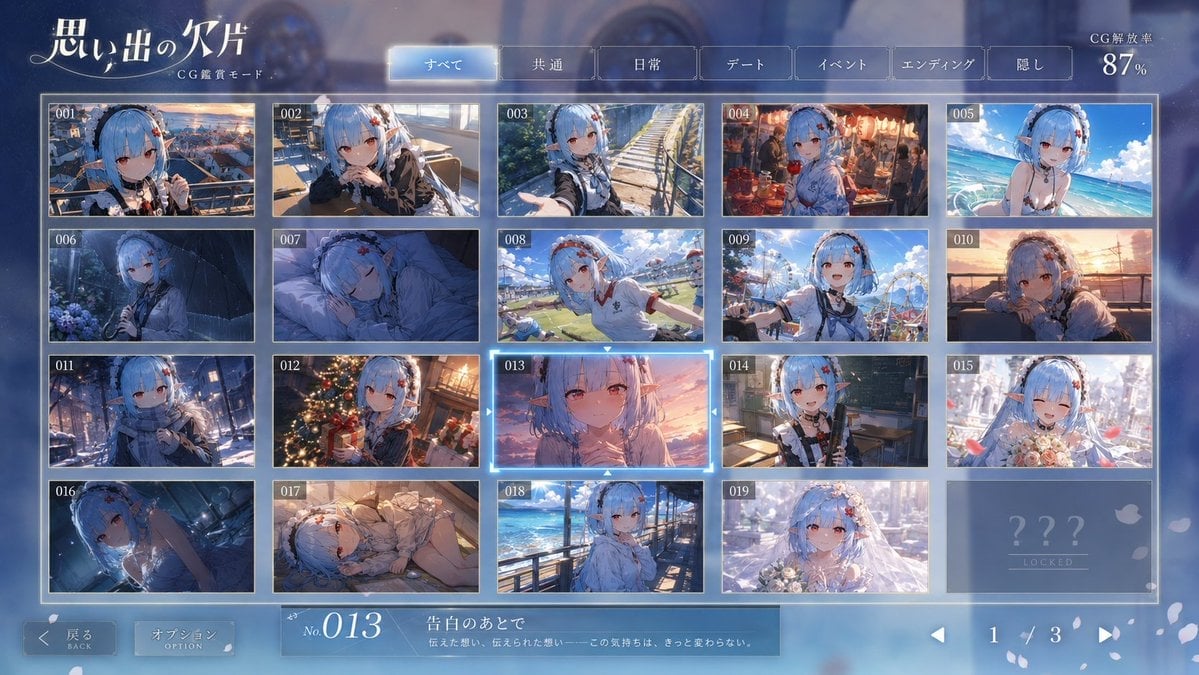
Romance Adventure Game CG Gallery UI
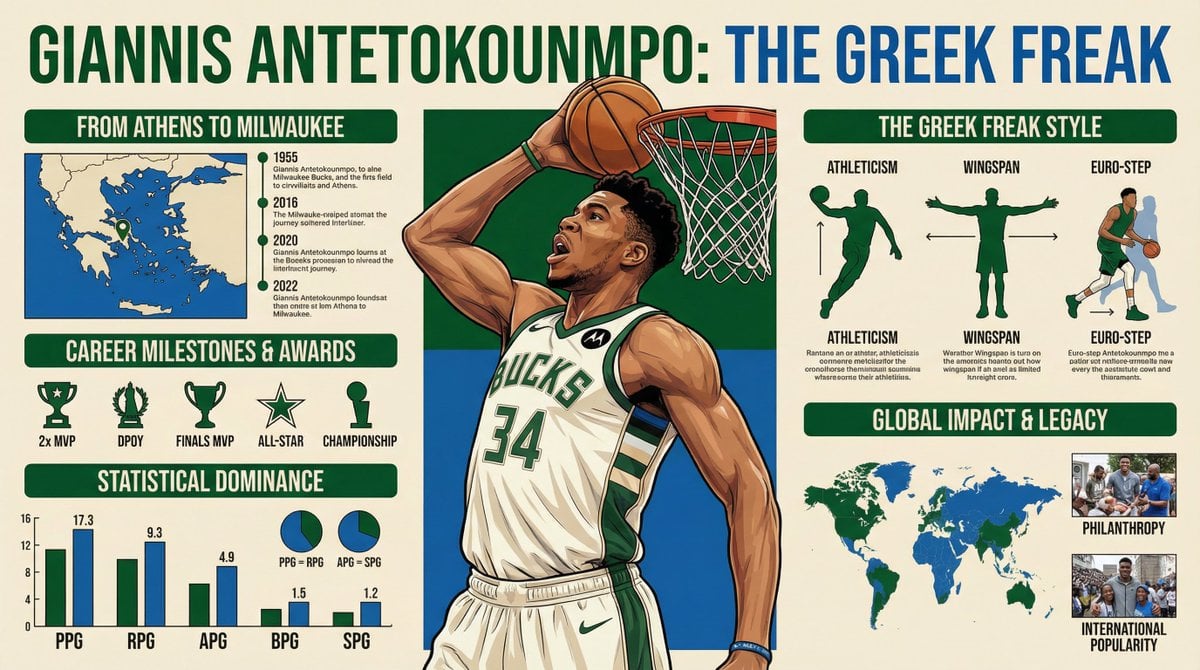
Infographic Generation Request
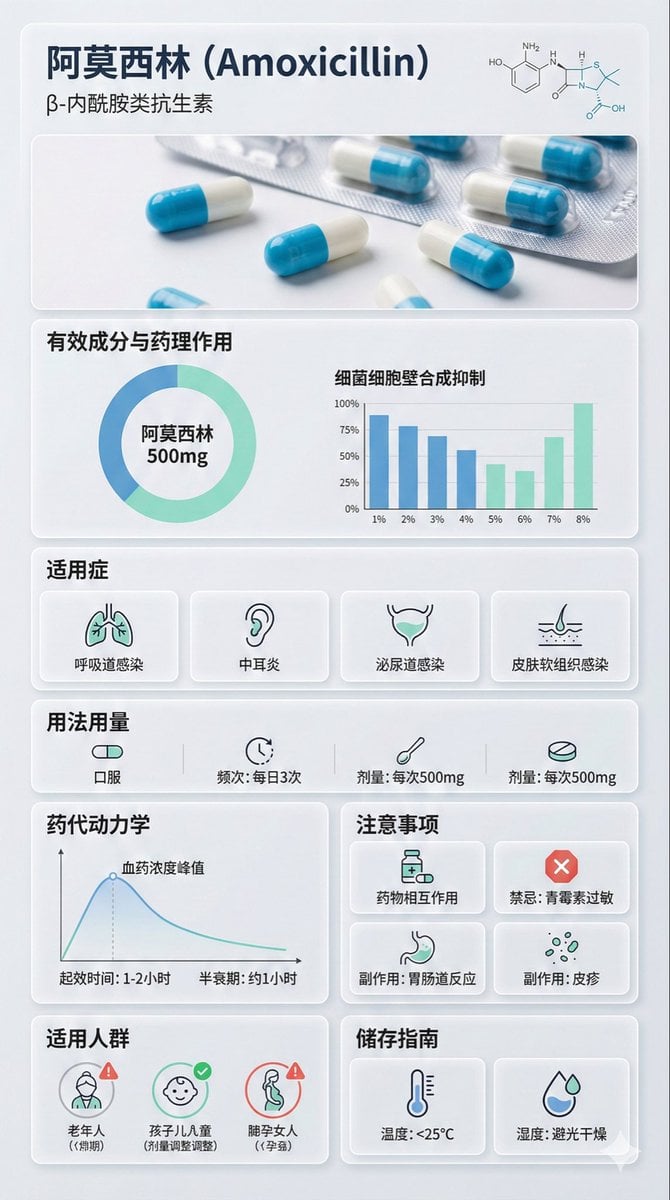
Medical Infographic Poster Prompt using Bento Grid Layout
Macro close-up product detail prompt
Browse template categories
Japanese Anime AI Launch Poster questions
How do I use the Japanese Anime AI Launch Poster template?
Add your photo if the template asks for one, edit the prompt if you like — the template's model and format are already selected — and press Generate. Your version opens in PicX Studio.
Can I customize the Japanese Anime AI Launch Poster template?
Yes. You can change the subject, setting, lighting, mood, format, and available model controls before creating your image.
Is the Japanese Anime AI Launch Poster template free?
Opening and editing this template is free. Generating uses credits, shown on the Generate button when you are signed in.
Which AI model should I use?
Start with GPT Image 2, which is the model associated with this template. You can compare another compatible model for a different finish.
Looking for something else? Browse all templates.

Your photo, any look
Thousands of ready templates for every top image and video model, from one credit balance.