
Anime Mecha Game Launch Poster
This prompt generates a polished vertical anime-style promotional poster for a sci-fi yuri mecha game, suitable for launch ads, store pages, and social media marketing.
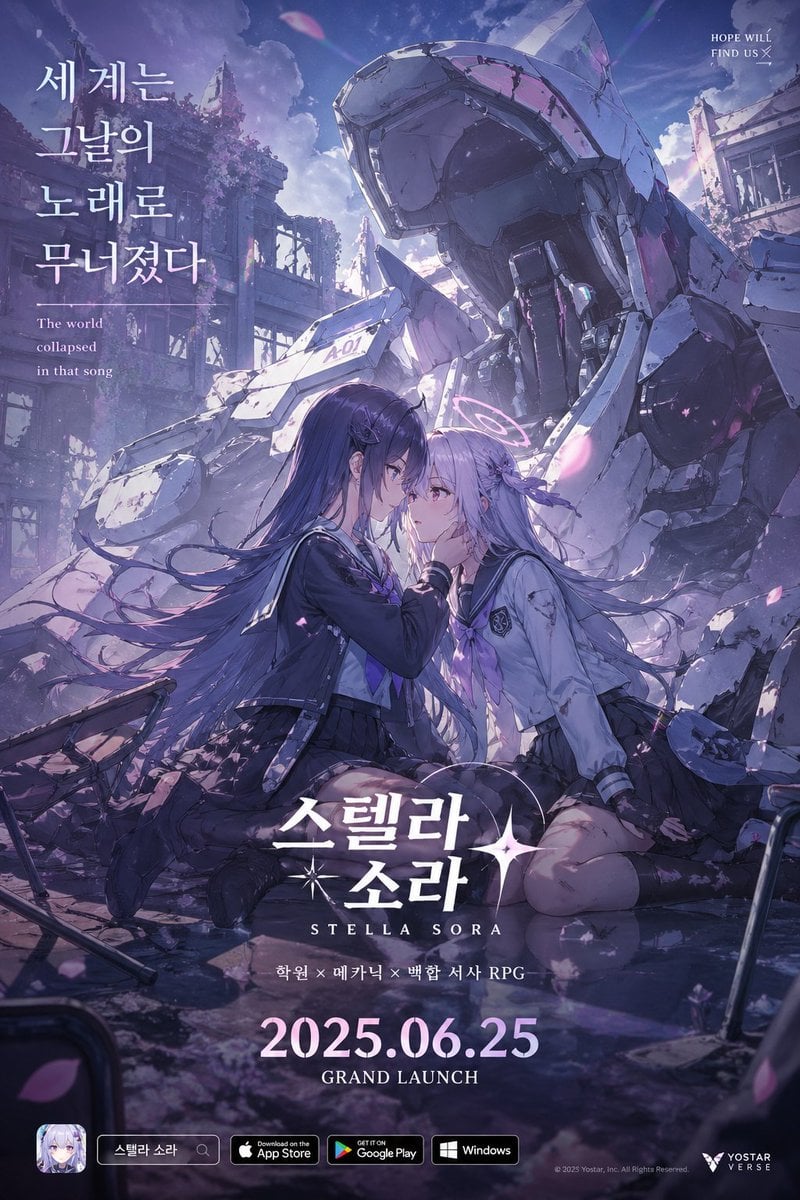
- Prompt included
- Model and format preset
- Free template
The prompt behind this image
Copy the exact prompt behind Anime Mecha Game Launch Poster, or open it in the studio and make it yours.
A highly detailed vertical anime game launch poster in a dreamy post-apocalyptic sci-fi style, painted with cinematic lighting and a cool palette of lavender, indigo, silver, and pale pink. In the foreground, 2 teenage schoolgirls kneel face-to-face in shallow reflective water and rubble, creating an intimate emotional centerpiece. The girl on the left has very long flowing dark violet hair, a navy sailor-style school uniform with a pleated skirt, black knee socks, and a serious, tender expression as she gently touches the other girl's face. The girl on the right has long silver-lilac hair, a damaged white-and-gray school uniform with a dark skirt, and a faint glowing halo-like ring behind her head, suggesting an android or supernatural identity. Their foreheads are close, with wind-blown hair and drifting pink flower petals around them. Behind them towers 1 massive broken humanoid mech, white and gray with scratched armor plates, an exposed inner frame, and a slumped ruined head, half-buried in debris. The background shows 2 heavily damaged building facades overgrown with vegetation, broken windows, and a bright cloudy sky with shafts of light, giving a melancholic yet hopeful mood. Add scattered wreckage in the lower corners, including 2 bent classroom chairs partially visible. Use a polished mobile game key art composition with dramatic depth, glossy reflections, soft bloom, volumetric light, and painterly detail. Include Korean promotional typography integrated into the poster: large vertical headline on the upper left reading {argument name="headline text" default="세계는 그날의 노래로 무너졌다"}, small English tagline on the upper left reading "The world collapsed in that song", small English text on the upper right reading "HOPE WILL FIND US", a large centered title near the bottom reading {argument name="game title" default="스텔라 소라"} with the romanized subtitle "STELLA SORA", a smaller genre line below reading "학원 × 메카닉 × 백합 서사 RPG", a large release date at the bottom center reading {argument name="release date" default="2025.06.25"}, and "GRAND LAUNCH" beneath it. Along the bottom edge, show 4 platform and brand elements: 1 app icon with an anime girl portrait and a small search bar labeled {argument name="search label" default="스텔라 소라"}, 1 App Store badge, 1 Google Play badge, and 1 Windows badge, plus a small publisher logo and copyright on the lower right for {argument name="publisher name" default="YOSTAR VERSE"}.
How to use Anime Mecha Game Launch Poster in 3 steps
- 1Upload ImagePNG, JPG or paste
Add your photo
Upload the photo the template builds on. The prompt, model and format are already set.
- 2…a portrait of your subject in softgolden-hour light, 85mm…
Personalize
Edit the subject and creative details for your destination.
- 3Generate
Generate
Press Generate — your image is created in PicX Studio, so you can compare it with the original and refine one variable at a time.
More like this
Templates with the same subject, style or setup. Open one to see its prompt.

Captain Tsubasa Anime World Cup Poster
Anime Sci-Fi Game Launch Poster
Anime Samurai Game Ad Poster
Anime Mecha Pilot Poster
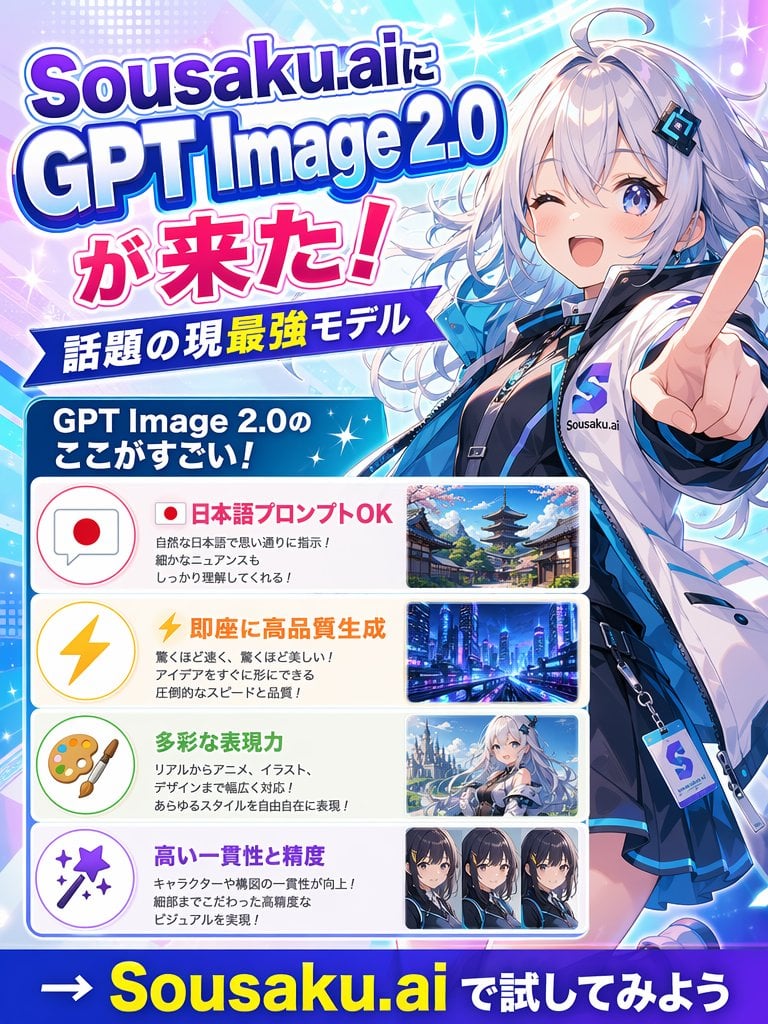
Japanese Anime AI Launch Poster

Gpt2 Youtube Thumbnail Anime Music Bootcamp Promo Poster
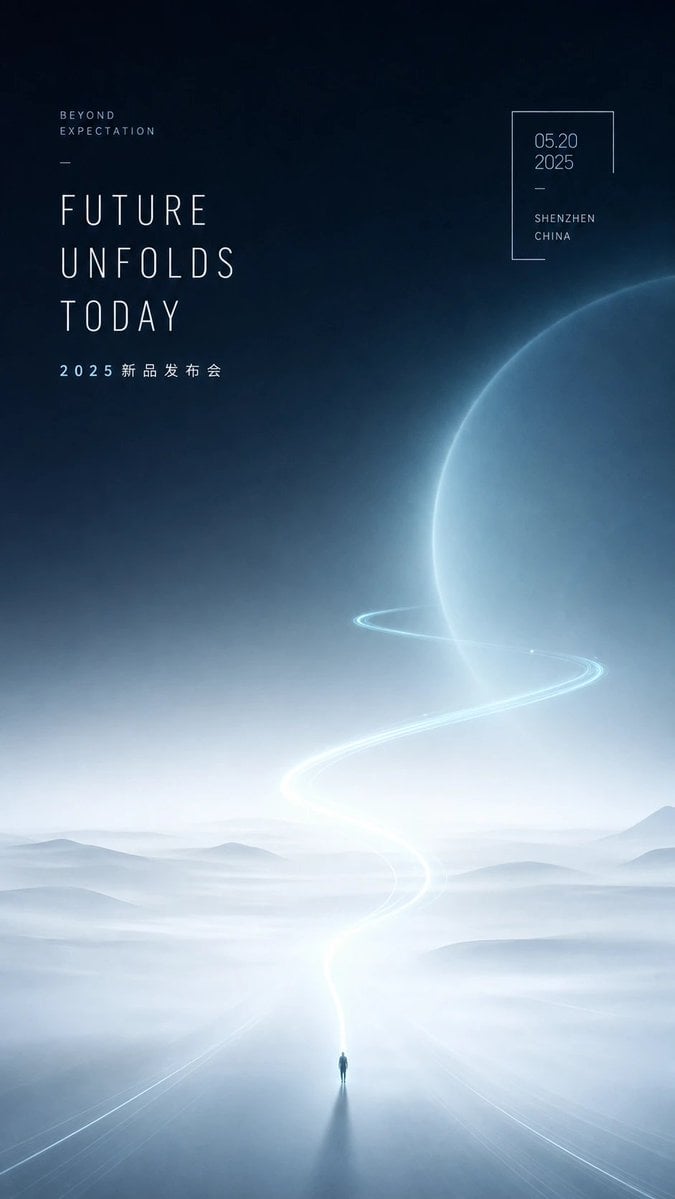
Futuristic Product Launch Poster

Japan Travel Brochure Poster

Nice Day Anime Poster
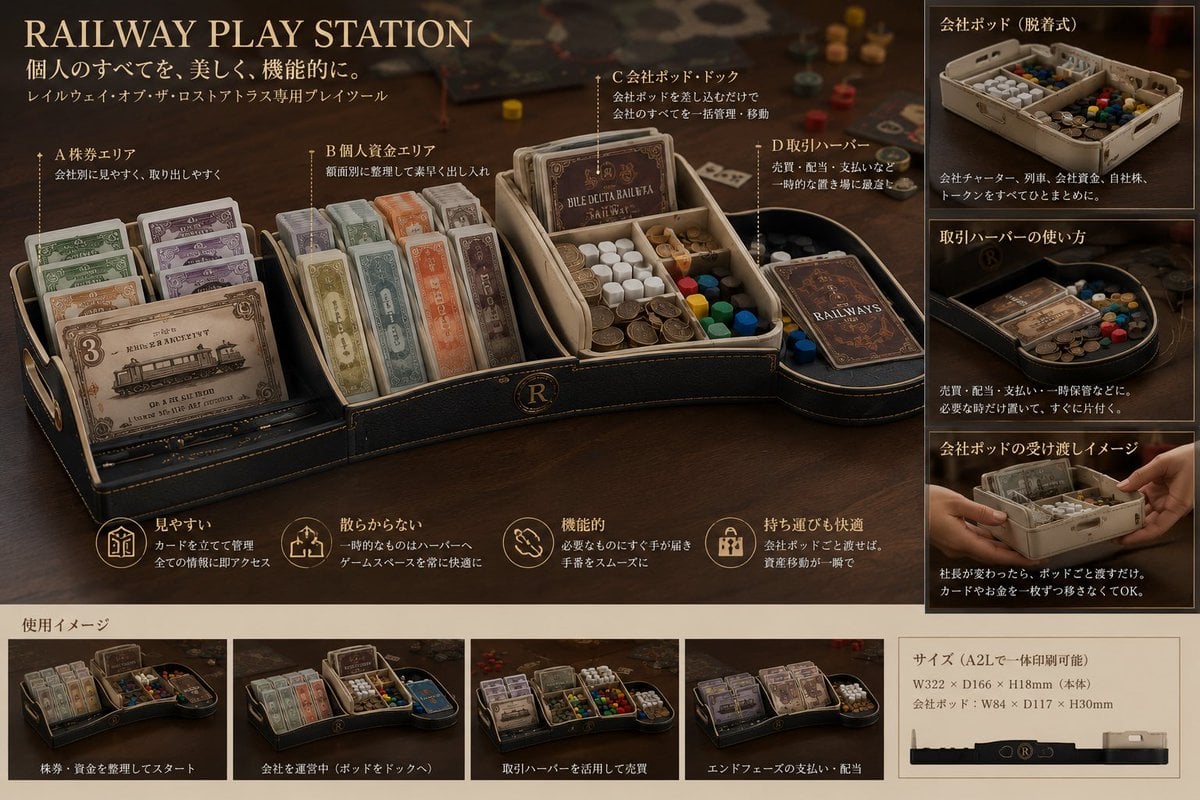
Luxury Railway Board Game Organizer Poster
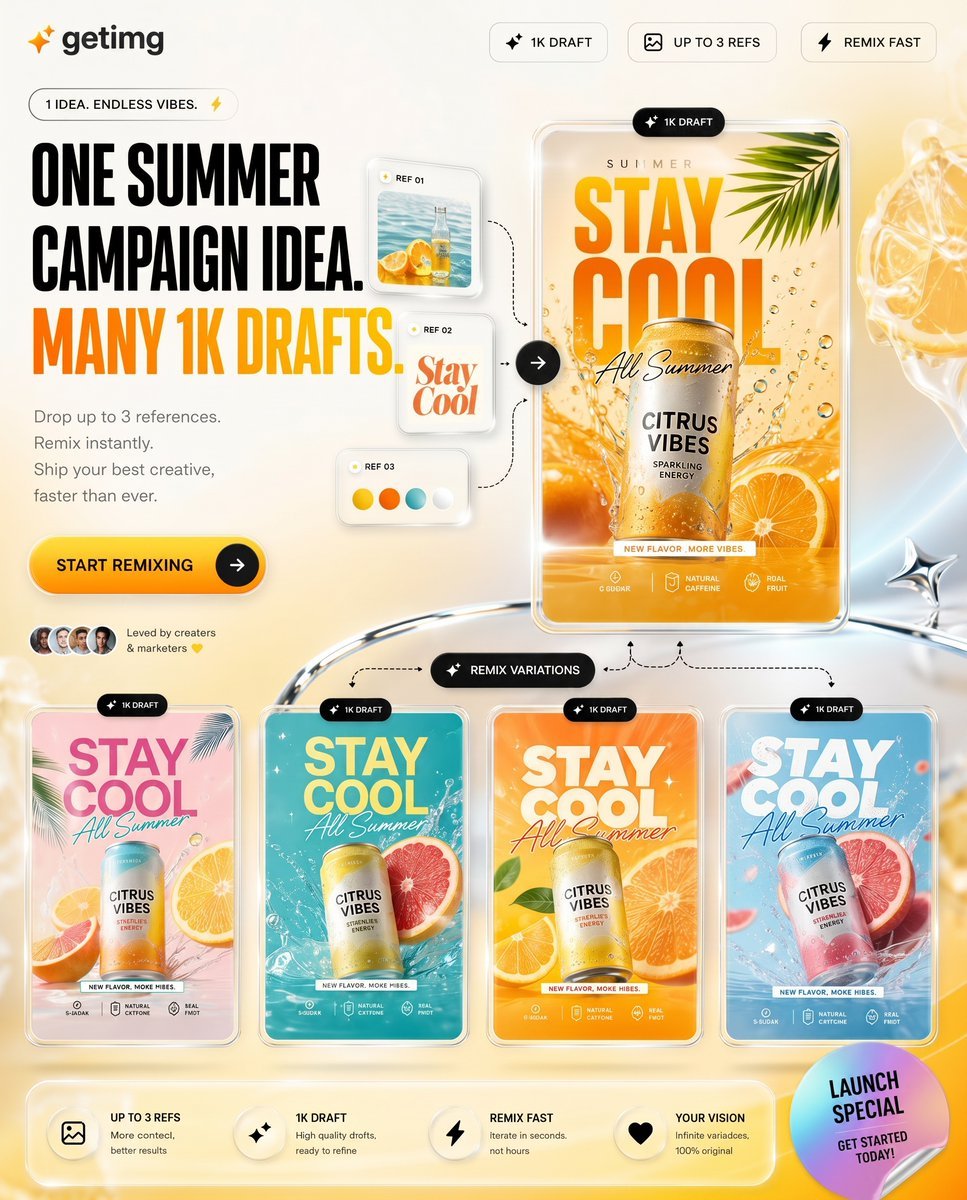
Summer AI Tool Launch Poster

Cel 2D Finale Fireworks
Make it yours
Anime Mecha Game Launch Poster works as-is. These are the safest ways to change it without losing the look.
Change one field
Copy a single group, rewrite it, and generate again so you can see what that field is doing.
Keep the frame, change the subject
Hold the composition and light of Anime Mecha Game Launch Poster, then swap wardrobe, props or the person for a new take.
| If the result… | Why | Fix |
|---|---|---|
| The result drifts from the preview | Too many fields changed at once. | Reuse Anime Mecha Game Launch Poster as-is first, then change one group — subject, light, or setting. |
| The model over-stylizes the scene | The prose prompt leaves finish and camera underspecified. | Add one camera or lighting sentence and stay on GPT Image 2. |
More GPT Image 2 templates
Other prompts made for GPT Image 2.

Six VTuber Japanese Logo Sheet

Realistic Portrait of Woman and Deer

The Vista Modular Condo Poster

AI Model Routing Comparison Infographic

2.5D Anime Art Board

Isometric Productivity Desk Scene

New York Double Exposure Poster

Four-Panel AI Landscape Comparison

Japanese Tatami Lifestyle Magazine Cover

NESCAFÉ Coffee Map Poster
More image prompts
Fresh picks from across the catalog.
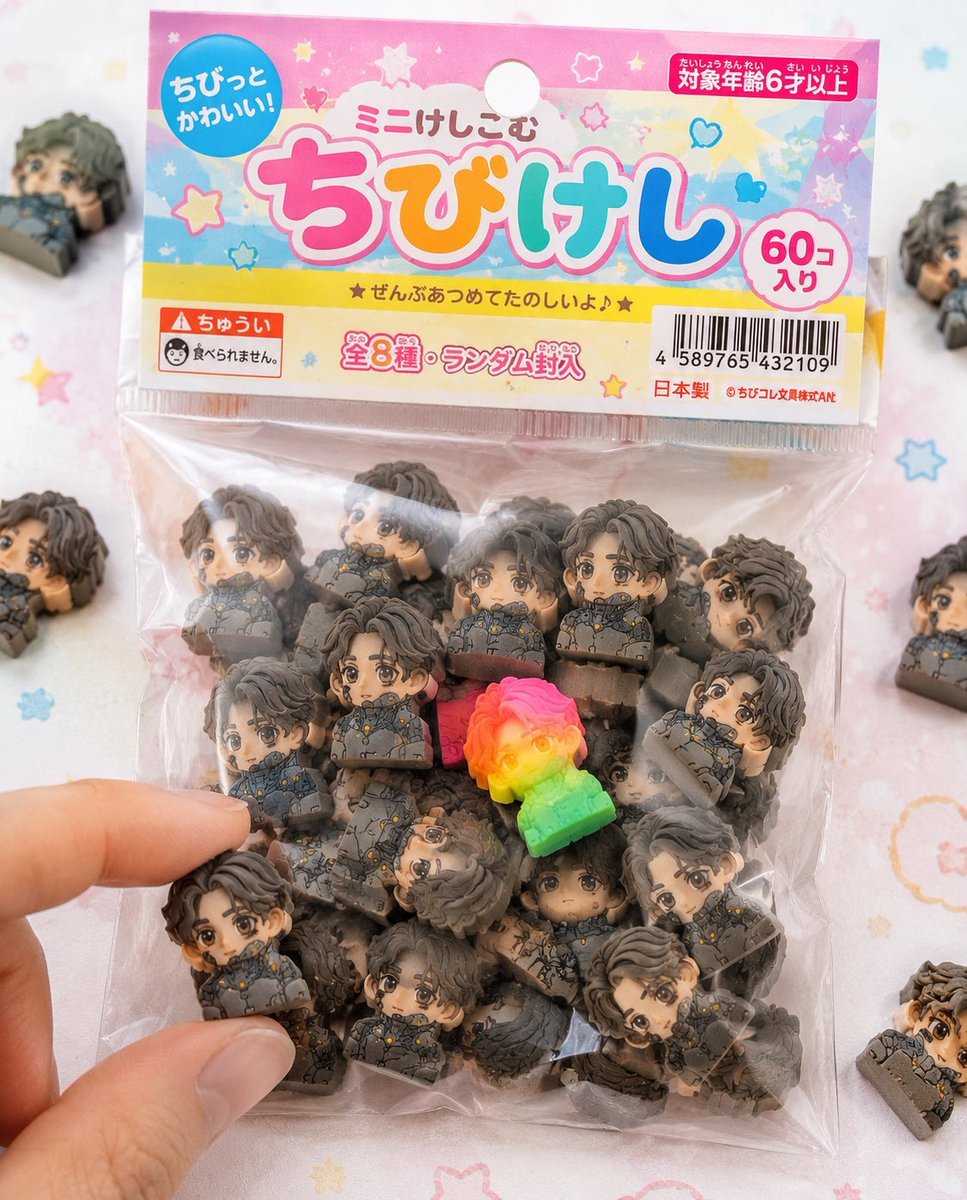
Chibi Eraser Product Photography
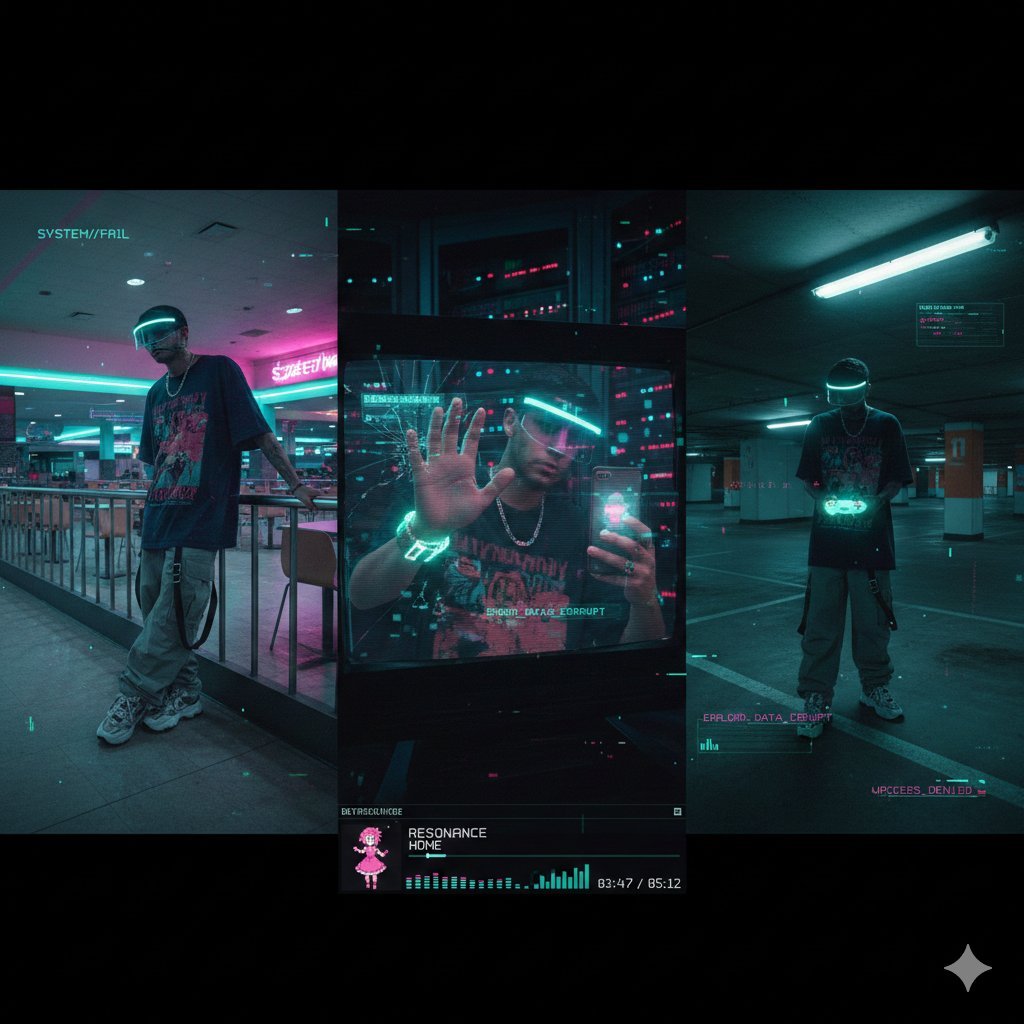
Cyber-Liminal Dream Sequence Triptych
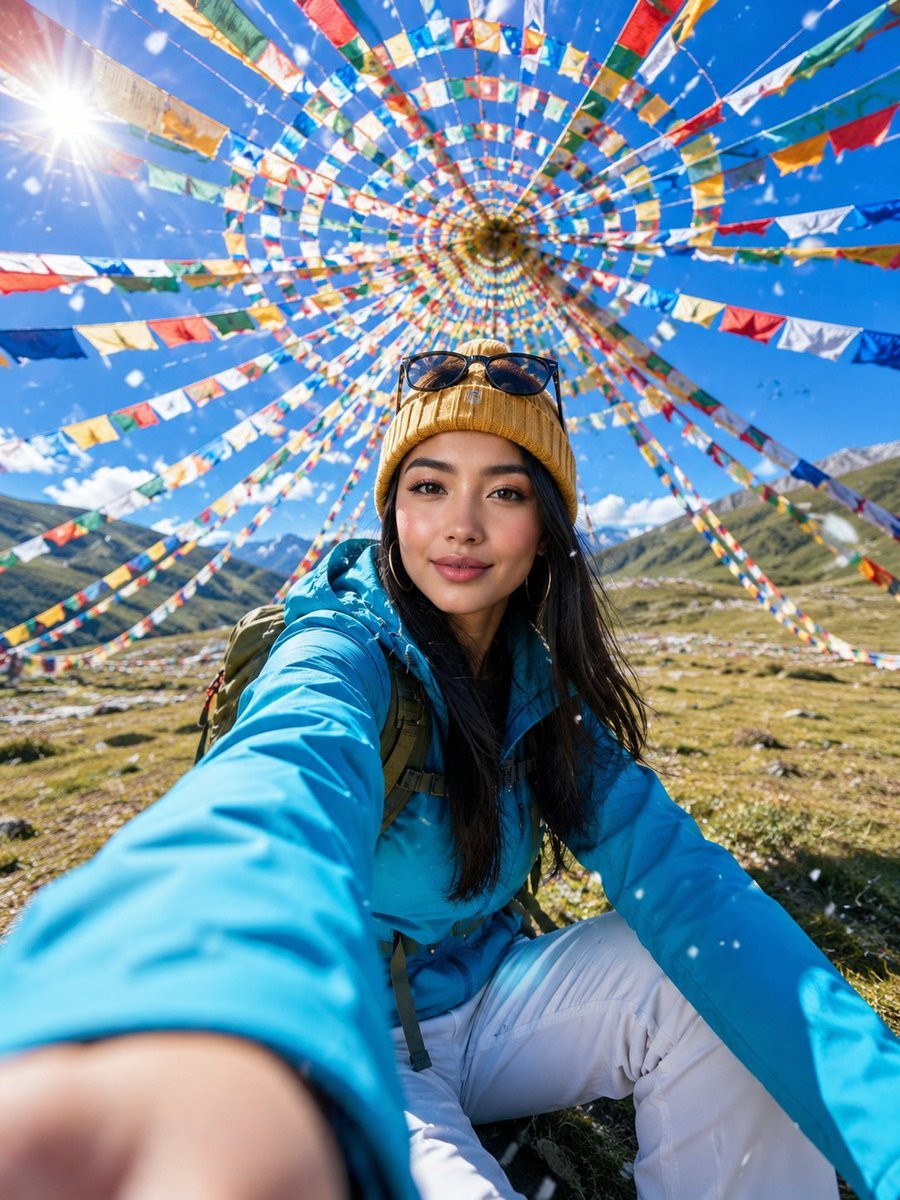
Alpine Meadow Travel Selfie Portrait
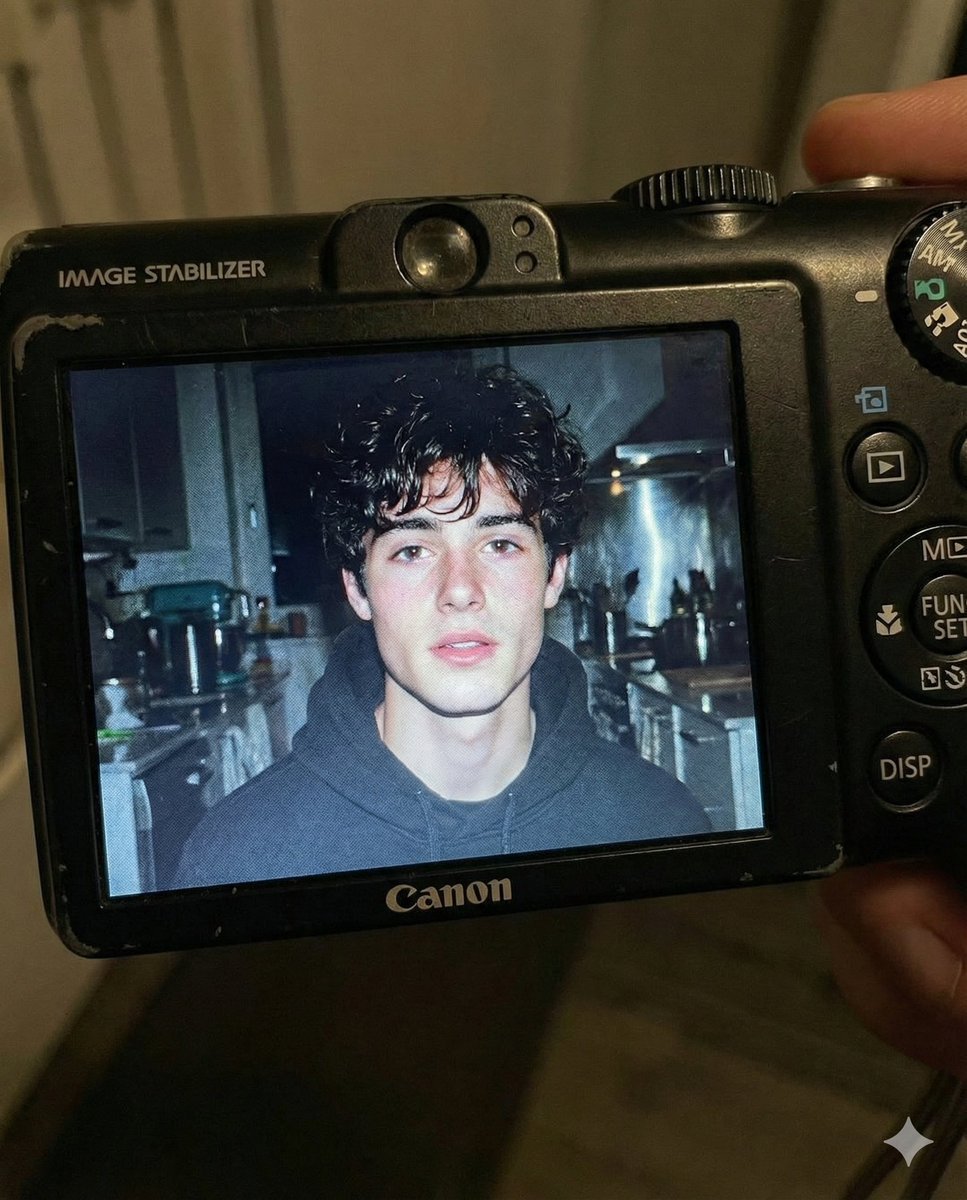
Early 2000s Digital Camera Flash Portrait Prompt
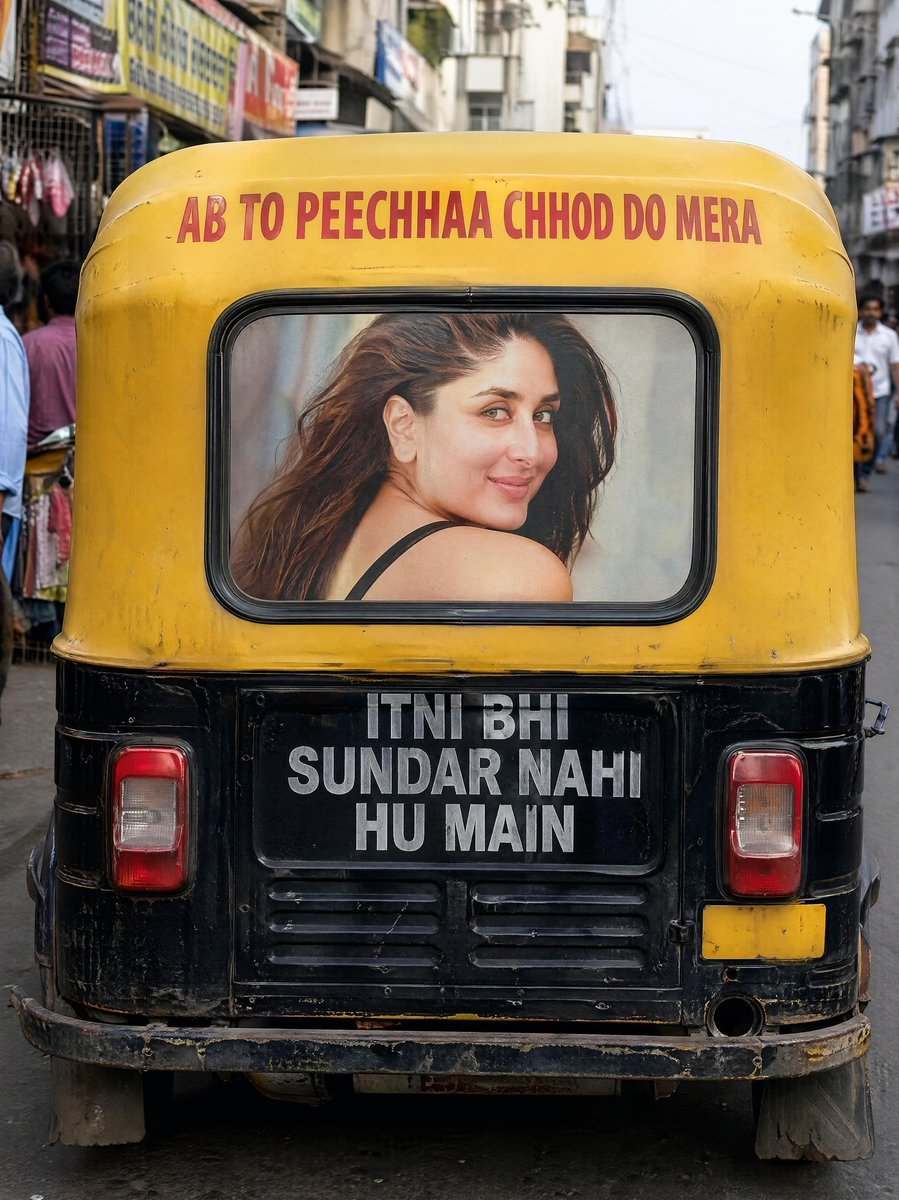
Indian Auto Rickshaw Street Photo

Text Replacement Prompt for Image Editing
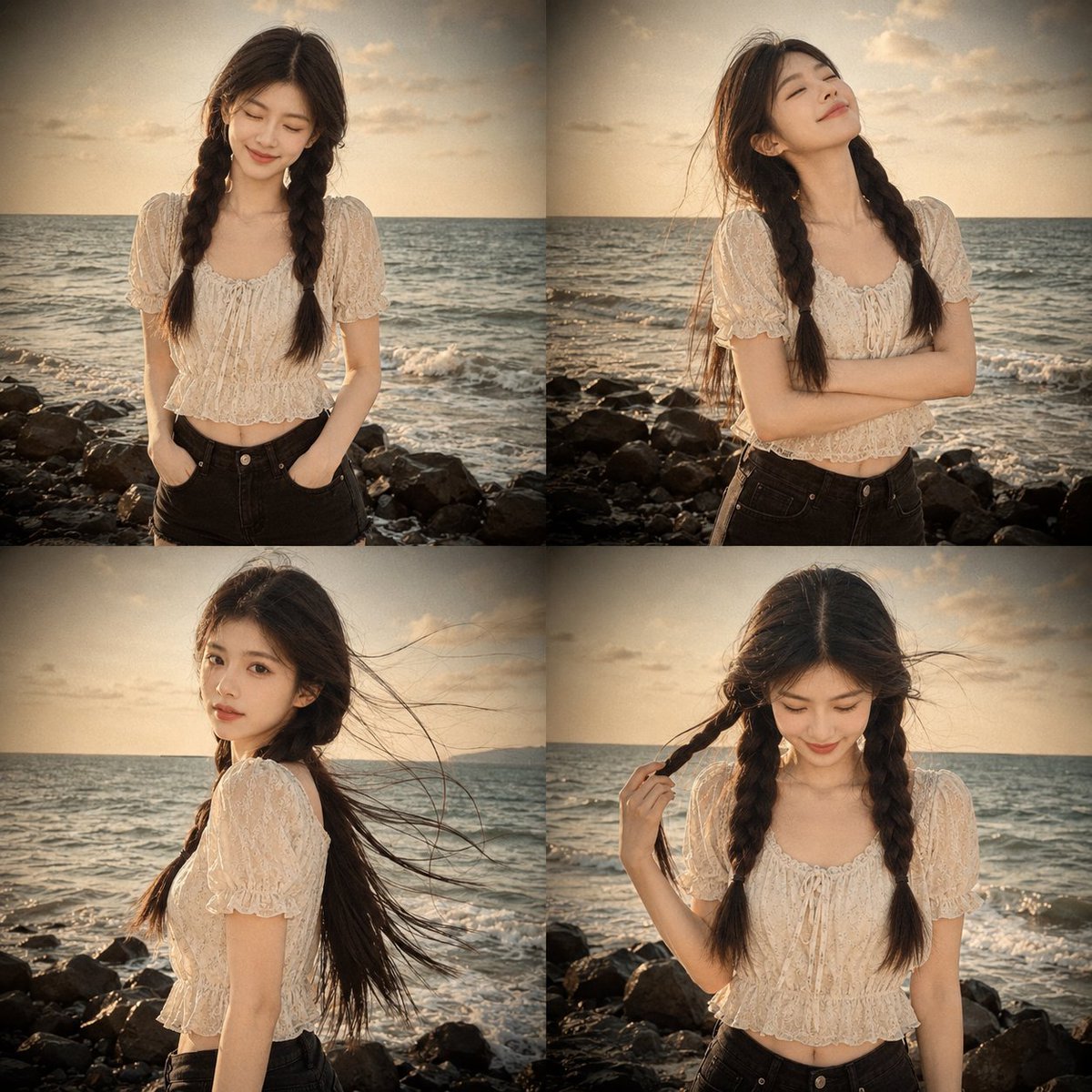
Prompt: Use my uploaded portrait photo only as th
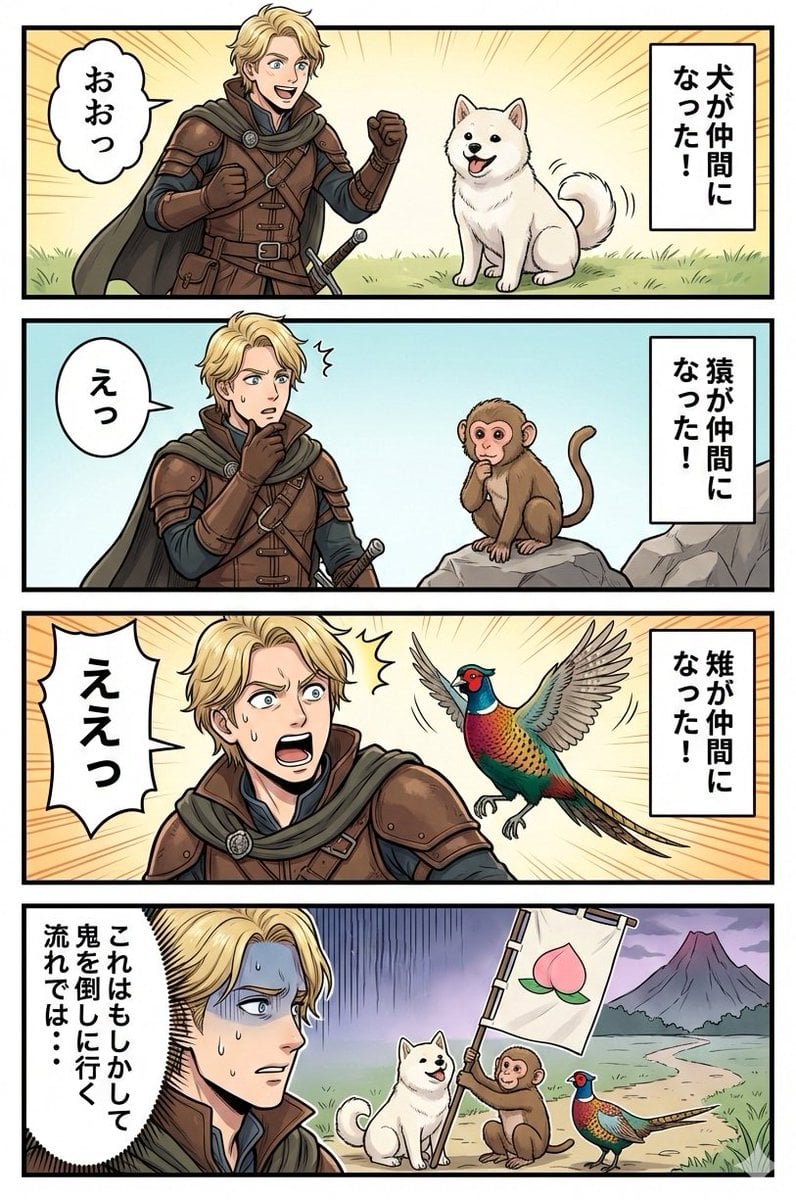
Google Nano Banana Manga: One Person and Three Animals
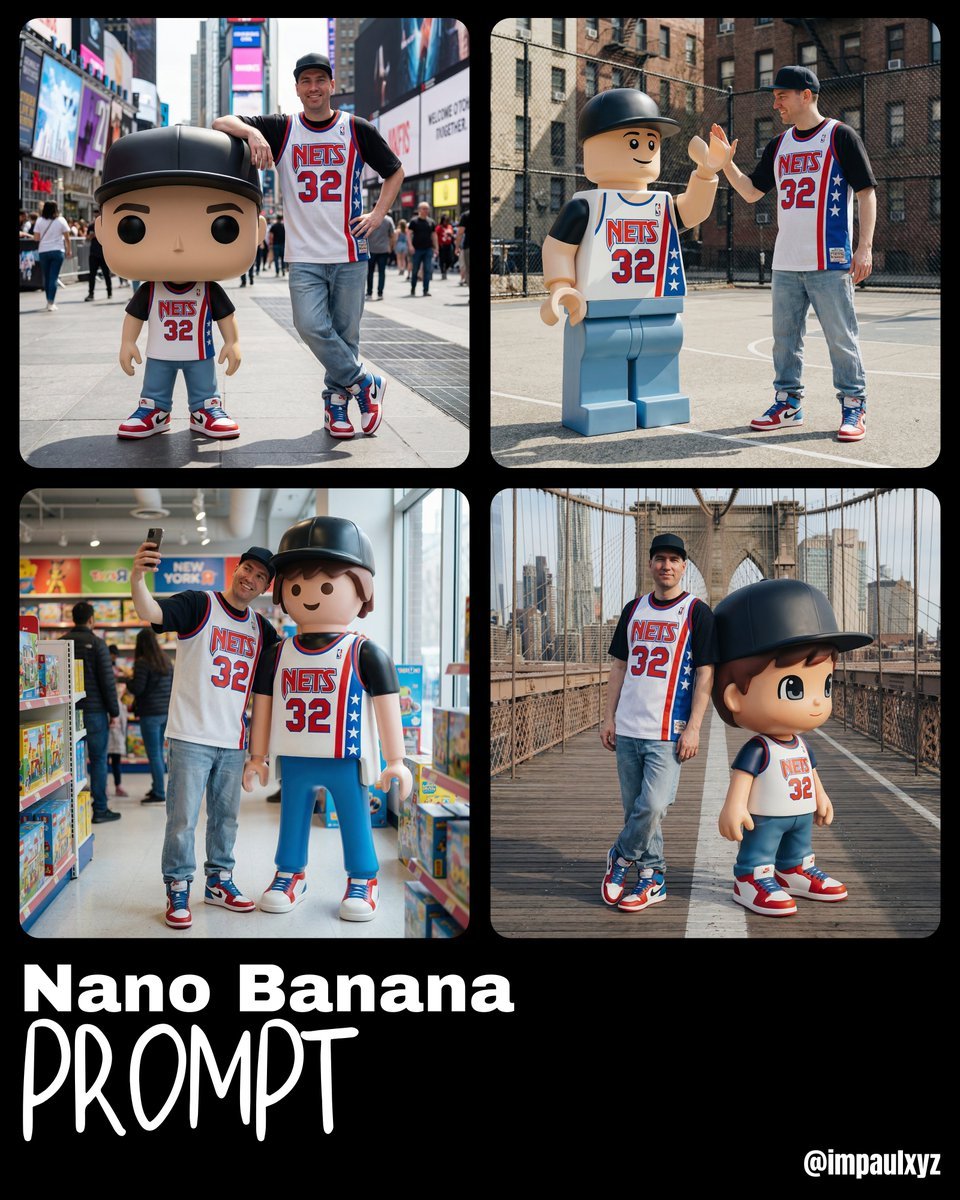
Nano Banana Prompt for Art Toy Generation
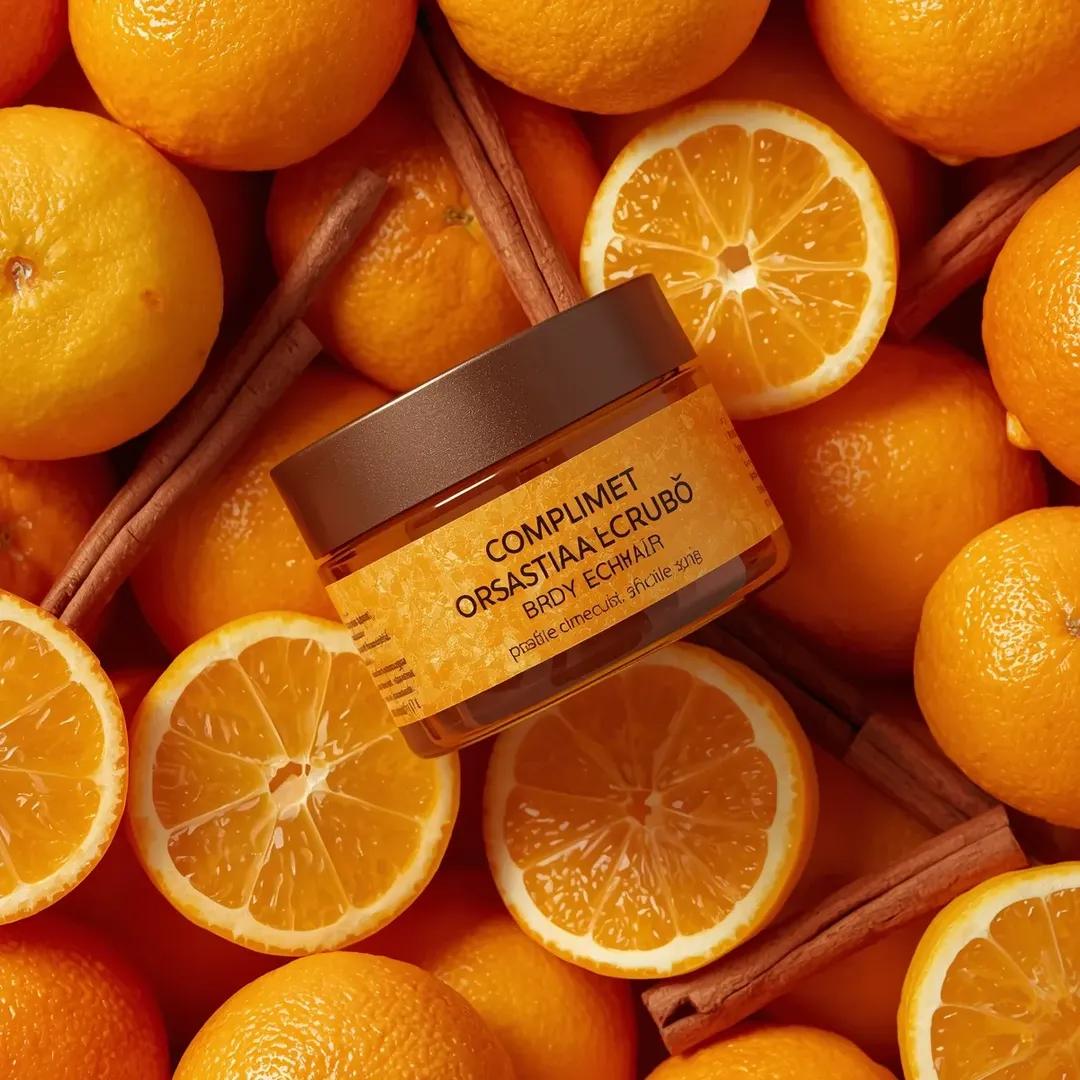
Top-Down Product Zoom Video Prompt
Browse template categories
Anime Mecha Game Launch Poster questions
How do I use the Anime Mecha Game Launch Poster template?
Add your photo if the template asks for one, edit the prompt if you like — the template's model and format are already selected — and press Generate. Your version opens in PicX Studio.
Can I customize the Anime Mecha Game Launch Poster template?
Yes. You can change the subject, setting, lighting, mood, format, and available model controls before creating your image.
Is the Anime Mecha Game Launch Poster template free?
Opening and editing this template is free. Generating uses credits, shown on the Generate button when you are signed in.
Which AI model should I use?
Start with GPT Image 2, which is the model associated with this template. You can compare another compatible model for a different finish.
Looking for something else? Browse all templates.

Your photo, any look
Thousands of ready templates for every top image and video model, from one credit balance.