
Alpine Meadow Travel Selfie Portrait
Creates a photorealistic travel selfie set in an alpine meadow with Tibetan prayer flags, using an uploaded photo to maintain character consistency.
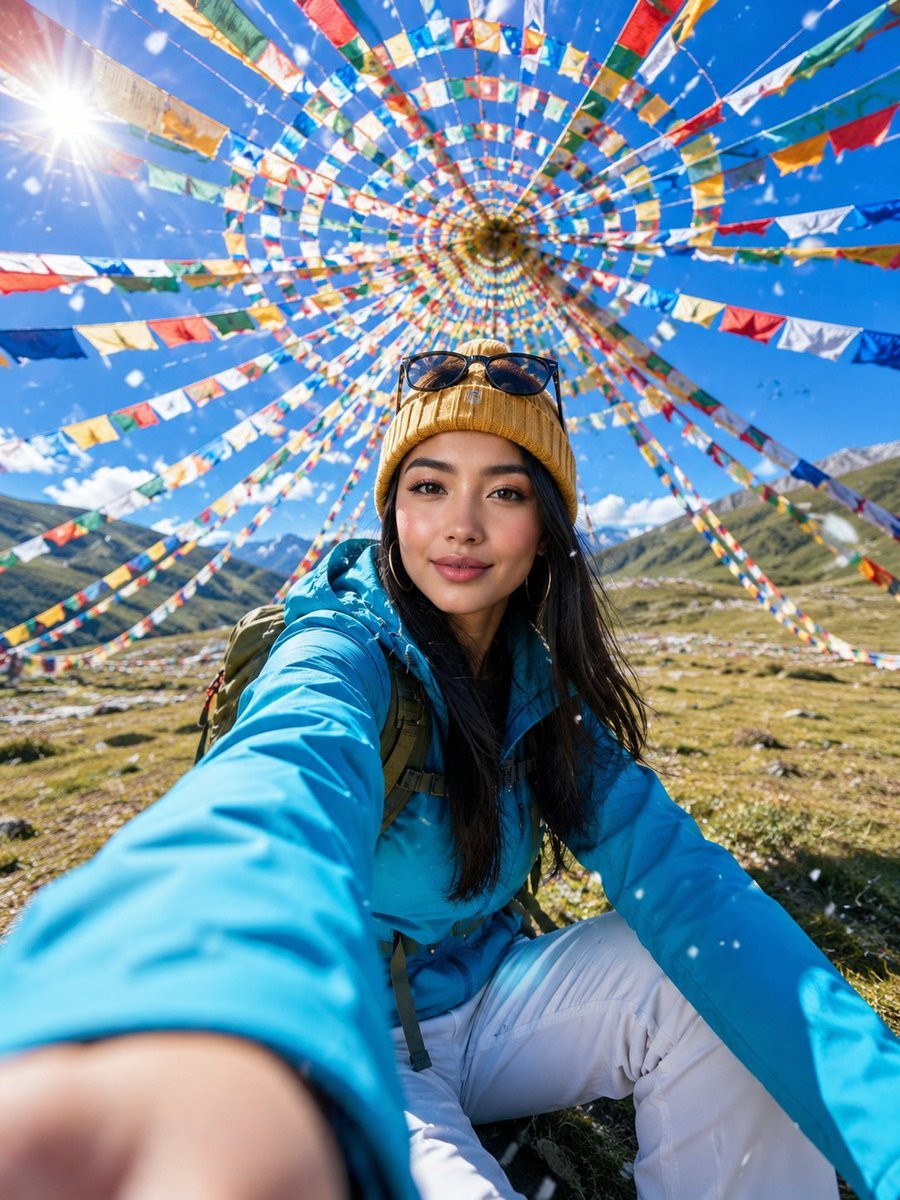
- Prompt included
- Model and format preset
- Premium template
The prompt behind this image
Copy the exact prompt behind Alpine Meadow Travel Selfie Portrait, or open it in the studio and make it yours.
Asset type: portrait image for social post. Primary request: create a photorealistic travel selfie portrait, using the uploaded portrait photo as the appearance reference for the person. Scene/backdrop: an open alpine meadow under a vivid blue sky, surrounded overhead by hundreds of {argument name="decorations" default="colorful Tibetan prayer flags"} arranged in a circular spiral canopy, with distant green hills and bright daylight. Subject: a young woman with the recognizable facial structure, eyes, hairline direction, and natural skin texture from the uploaded portrait photo, wearing a {argument name="jacket color" default="bright cyan"} outdoor jacket, white hiking pants, a {argument name="hat" default="mustard yellow knit beanie"}, sunglasses resting on the hat, and a backpack. Style/medium: ultra-realistic mobile travel photography with a dynamic action-camera feel, crisp but natural detail, lively social-media adventure portrait. Composition/framing: vertical 3:4 frame, extreme wide-angle perspective, low-to-high selfie composition, one hand reaching toward the camera in the foreground with strong perspective enlargement, face in the midground, prayer flags forming a colorful radial tunnel above her head, energetic candid smile. Lighting/mood: brilliant high-altitude midday sun, visible lens flare near the upper left, sparkling backlight, bright optimistic mood, high clarity, realistic shadows on grass. Color palette: saturated cyan, mustard yellow, red, orange, green, white, and sky blue, clean contrast, sunlit alpine freshness. Textures/retouching: believable fabric texture, natural skin pores, realistic hair strands, clean optical sharpness on the face, shallow foreground hand blur, small falling snowflakes or white petals crossing the lens. Constraints: preserve the person's recognizable appearance from the uploaded portrait photo; no watermark; no logo; no text; no caption; no signature. Avoid: plastic beauty-filter skin, over-smoothed face, distorted hands, extra fingers, warped prayer flags, unreadable markings on clothing, artificial CGI look. Negative Prompt:watermark, logo, text, caption, signature, AI label, brand mark, extra fingers, missing fingers, fused fingers, deformed hands, oversized malformed palm, asymmetrical eyes, crossed eyes, warped face, plastic skin, waxy skin, over-smoothed beauty filter, blurry face, low detail, low resolution, heavy compression artifacts, distorted anatomy, duplicate person, bad perspective, bent flag strings, warped flags, fake CGI look, overexposed face, muddy colors
How to use Alpine Meadow Travel Selfie Portrait in 3 steps
- 1Upload ImagePNG, JPG or paste
Add your photo
Upload the photo the template builds on. The prompt, model and format are already set.
- 2…a portrait of your subject in softgolden-hour light, 85mm…
Personalize
Edit the subject and creative details for your destination.
- 3Generate
Generate
Press Generate — your image is created in PicX Studio, so you can compare it with the original and refine one variable at a time.
More like this
Templates with the same subject, style or setup. Open one to see its prompt.

Rooftop Fisheye — Cat-Ear Balaclava at Golden Hour

untitled

Kids Crayon Travel Journal Illustration
Autumn Alpine Meadow Portrait
Luxury Alpine Lake Travel Portrait
Selfie with Sydney Sweeney and Ana De Ar

Found Photograph: Us, 1970

80s Couple Studio Portrait

80s Bollywood Star

80s Golden Hour Cinema

Me in 1985

1985 Studio Portrait
Make it yours
Alpine Meadow Travel Selfie Portrait works as-is. These are the safest ways to change it without losing the look.
Change one field
Copy a single group, rewrite it, and generate again so you can see what that field is doing.
Keep the frame, change the subject
Hold the composition and light of Alpine Meadow Travel Selfie Portrait, then swap wardrobe, props or the person for a new take.
| If the result… | Why | Fix |
|---|---|---|
| The result drifts from the preview | Too many fields changed at once. | Reuse Alpine Meadow Travel Selfie Portrait as-is first, then change one group — subject, light, or setting. |
| The model over-stylizes the scene | The prose prompt leaves finish and camera underspecified. | Add one camera or lighting sentence and stay on GPT Image 2. |
More GPT Image 2 templates
Other prompts made for GPT Image 2.

Six VTuber Japanese Logo Sheet

Realistic Portrait of Woman and Deer

The Vista Modular Condo Poster

AI Model Routing Comparison Infographic

2.5D Anime Art Board

Isometric Productivity Desk Scene

New York Double Exposure Poster

Four-Panel AI Landscape Comparison

Japanese Tatami Lifestyle Magazine Cover

NESCAFÉ Coffee Map Poster
More image prompts
Fresh picks from across the catalog.
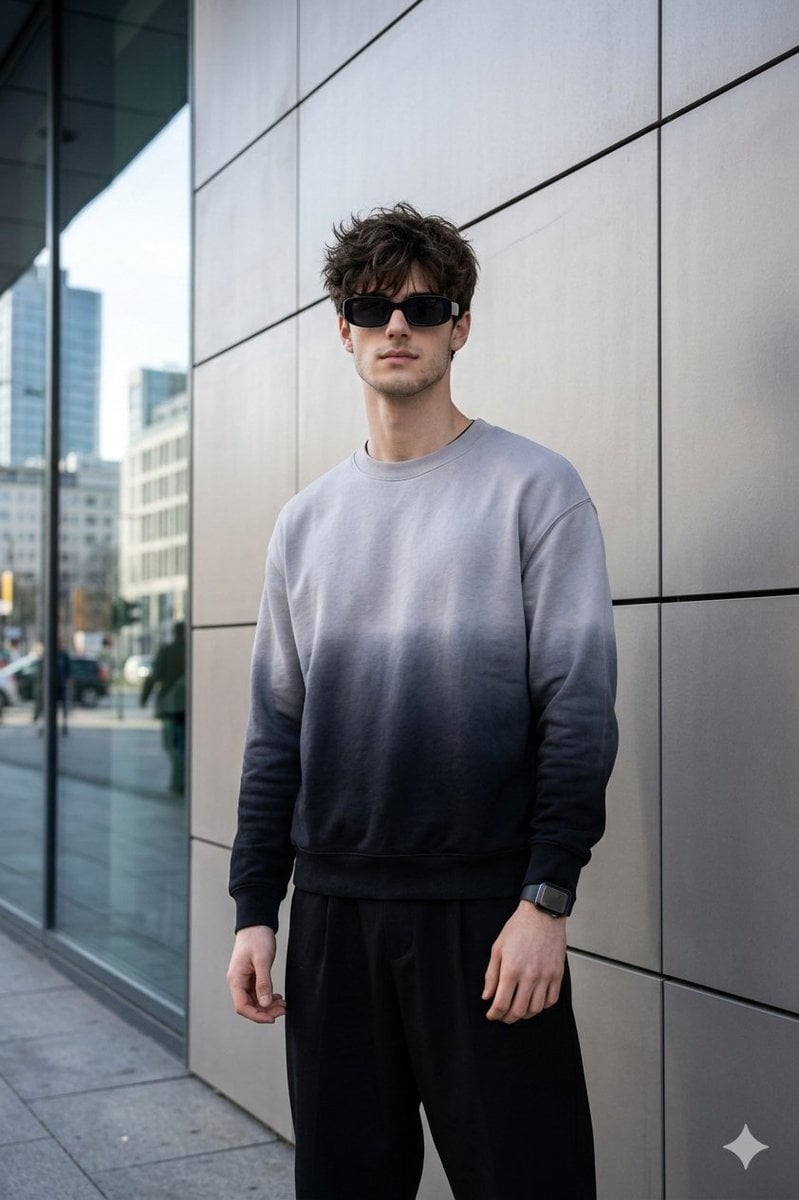
Masterpiece Cinematic Portrait Prompt
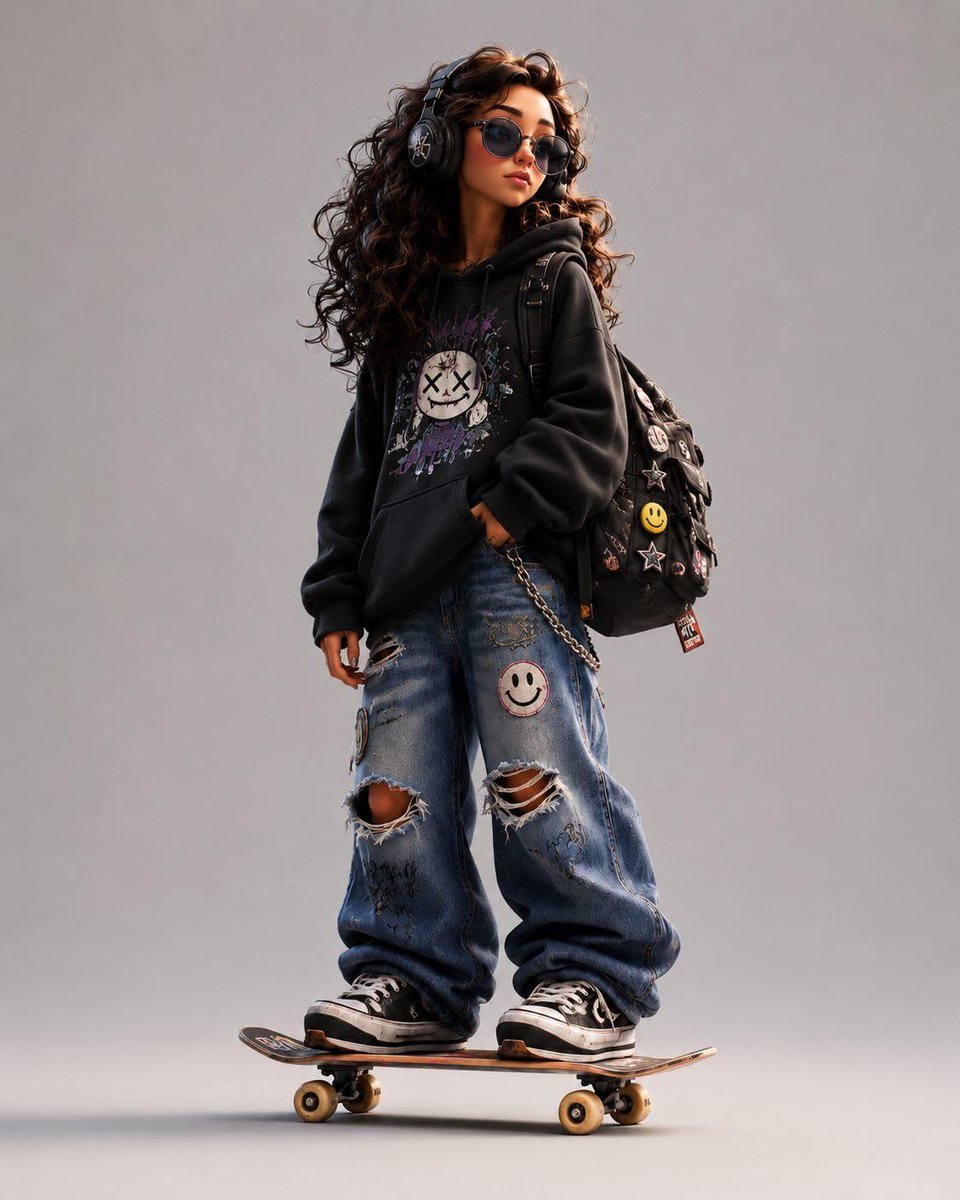
Stylized Urban 3D Skater Character
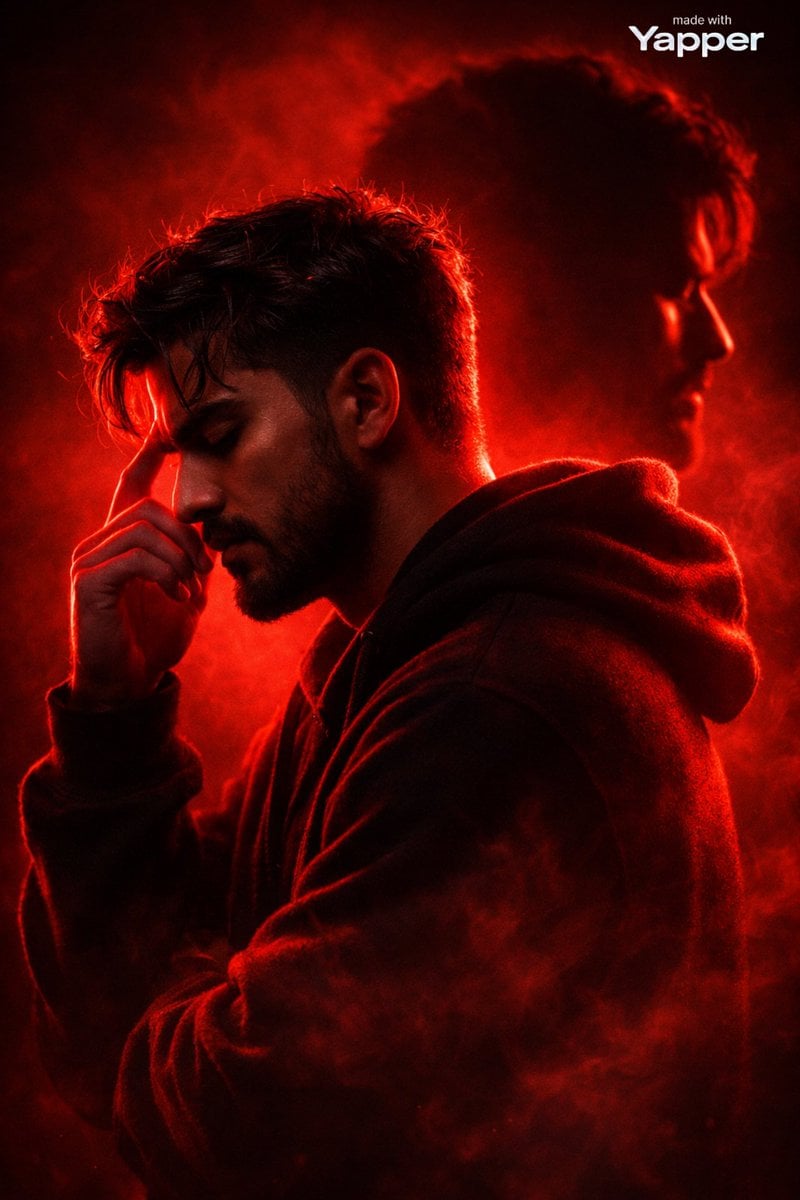
Ultra-Cinematic Red Silhouette Portrait with Double Exposure

Orange Tracksuit Studio Poster
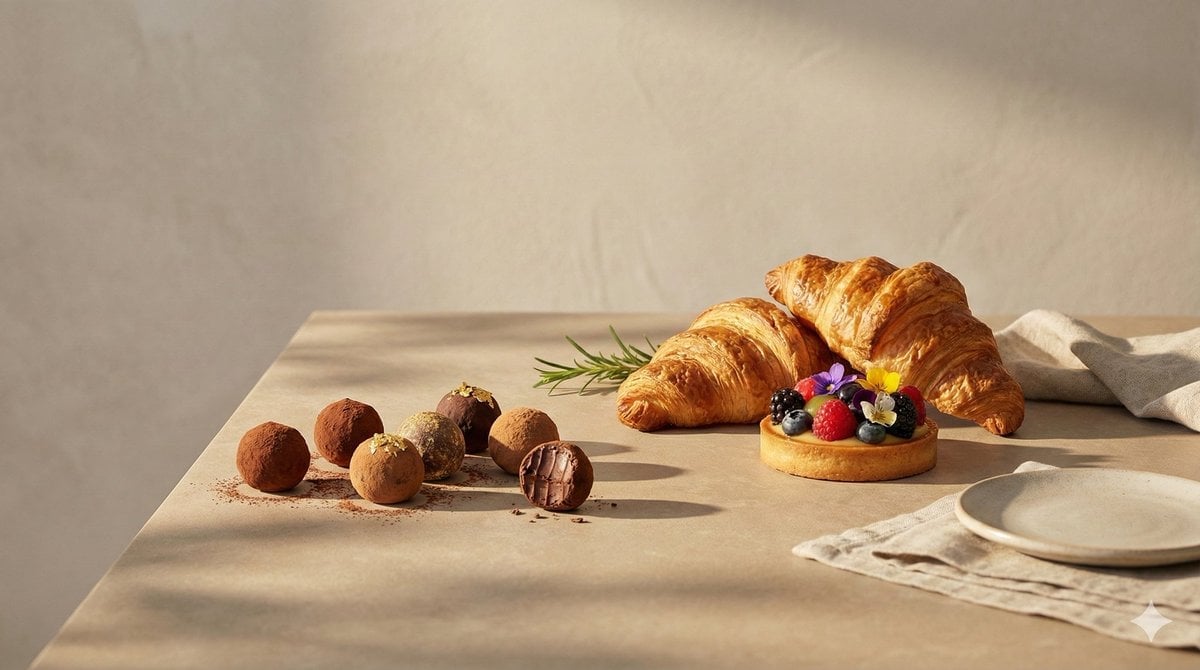
Luxury food advertising hero frame prompt
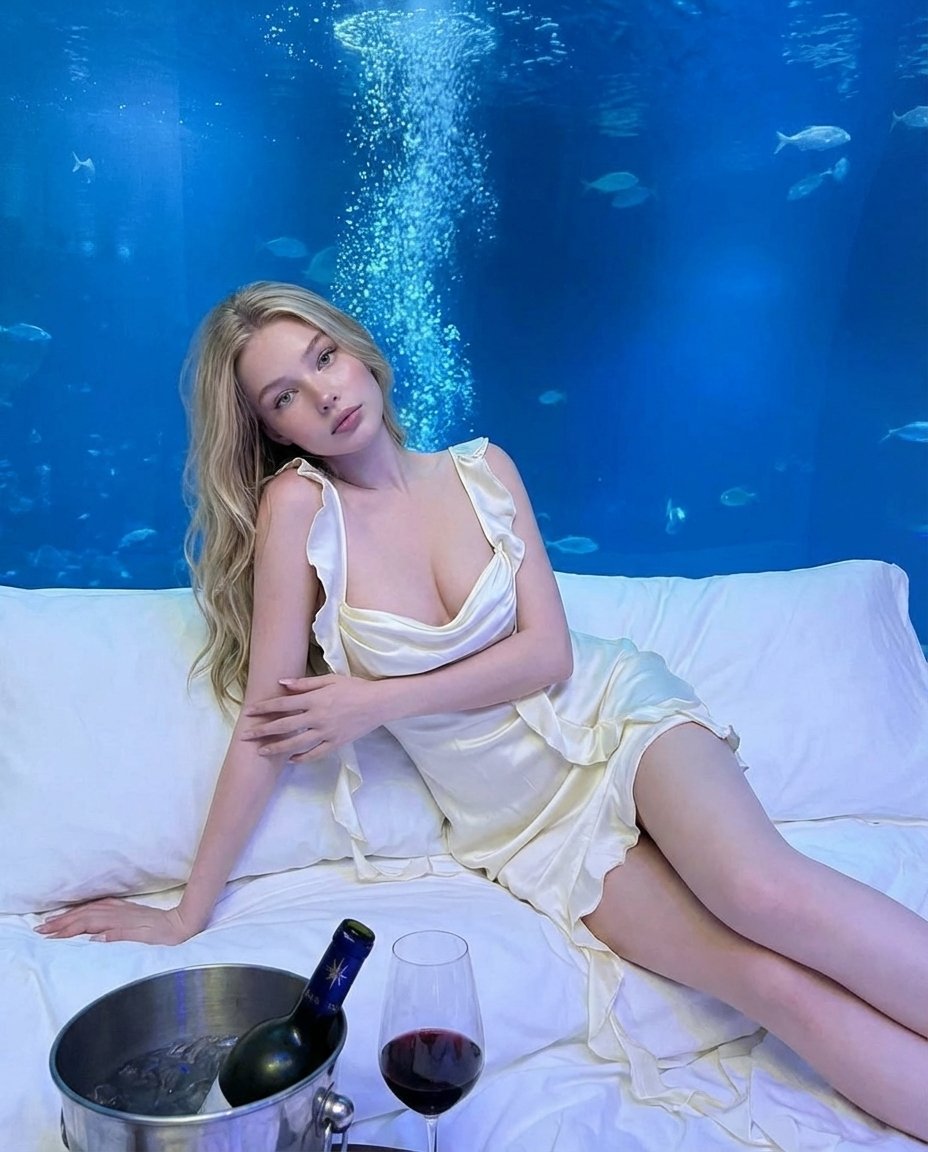
Luxury Underwater Aquarium Lounge Portrait
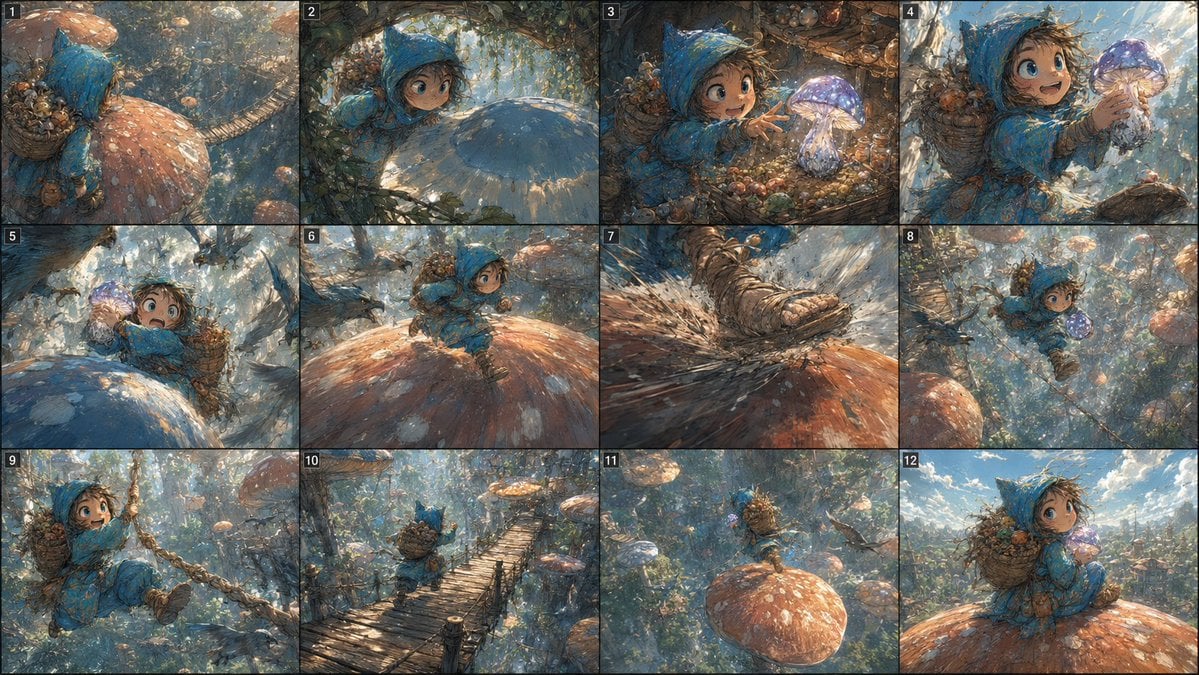
Fantasy Mushroom Forest Storyboard
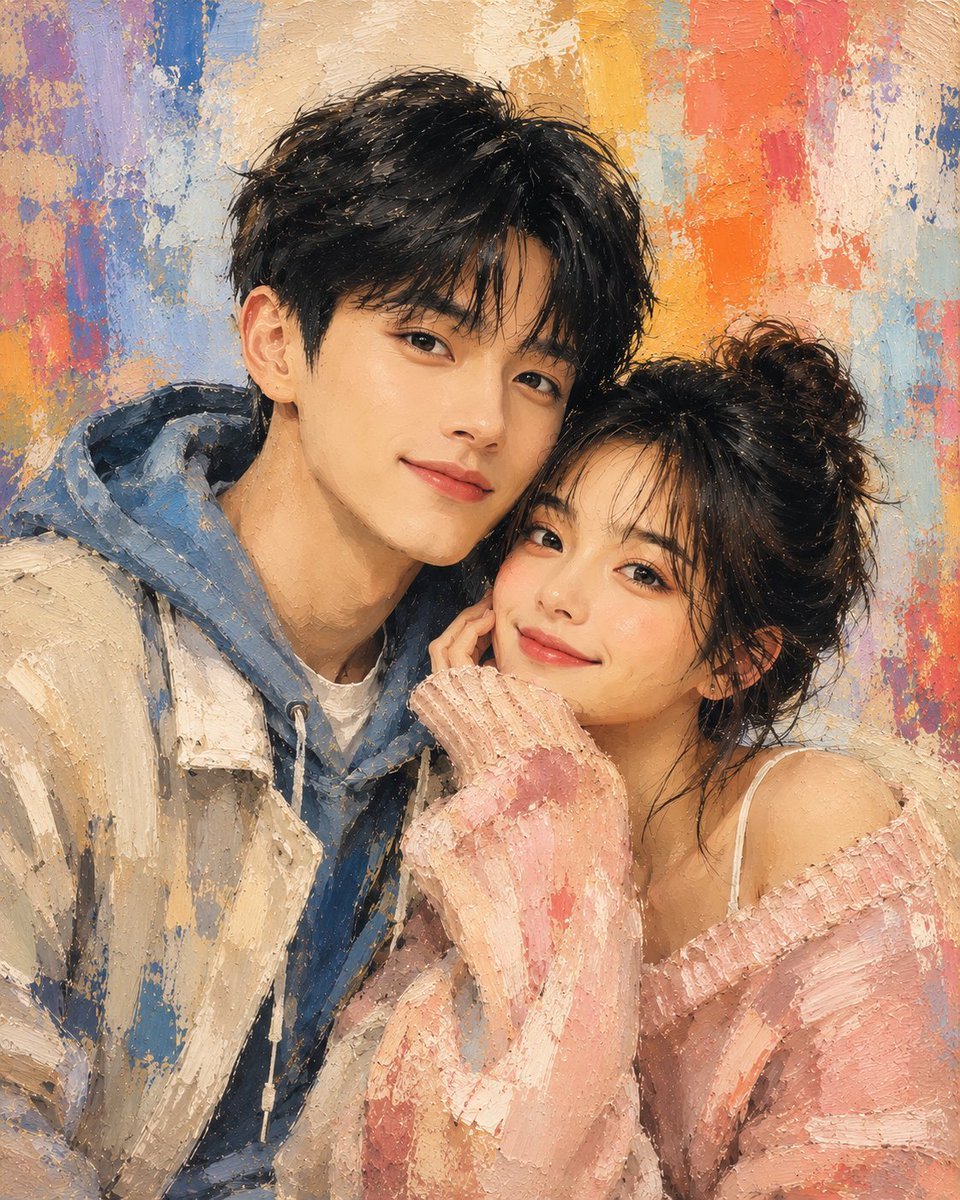
Traditional Dry Brush Artistic Portrait
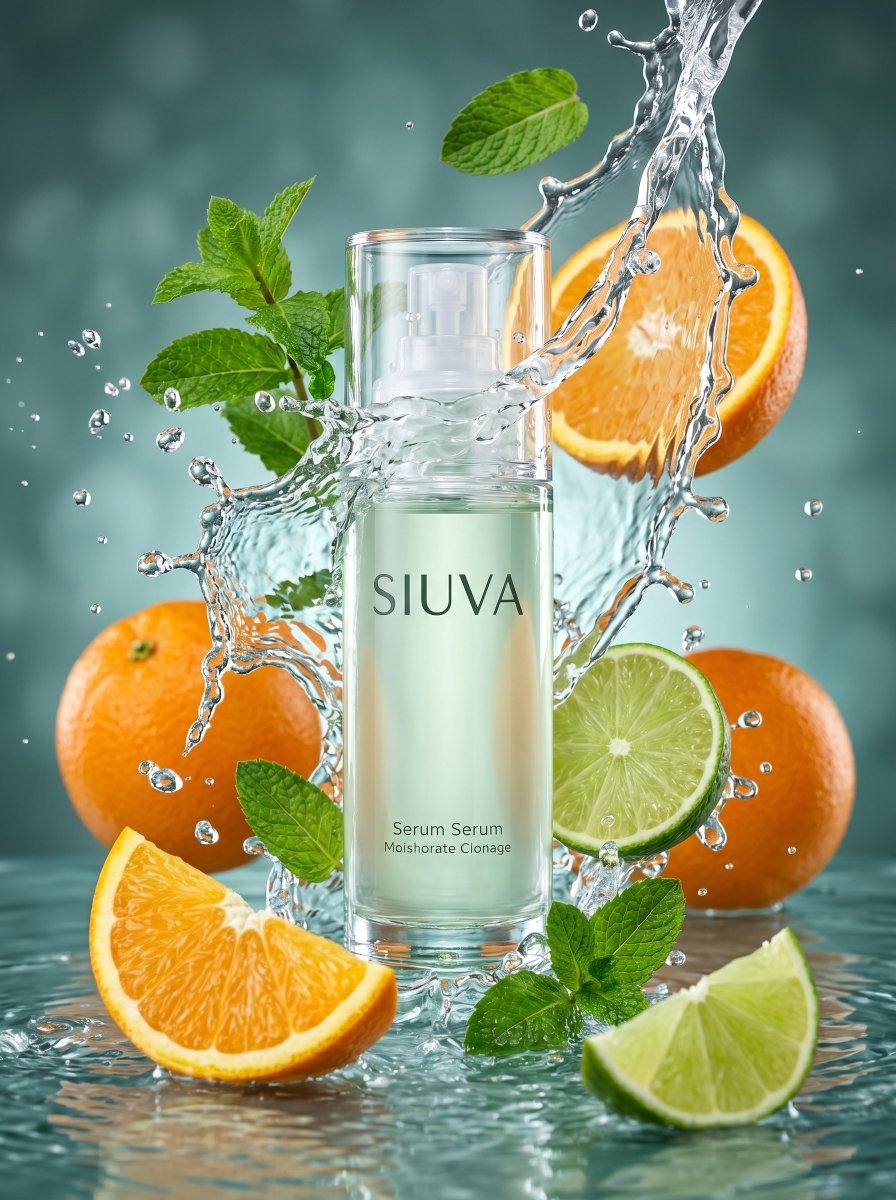
Skincare Product Splash Photography
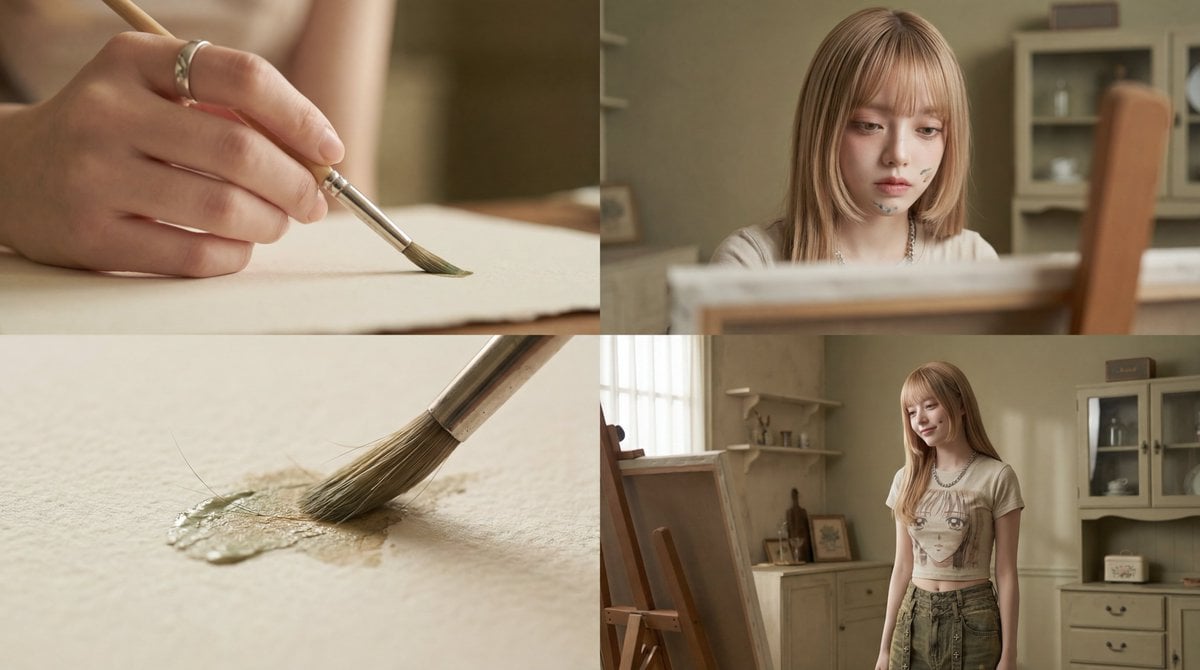
Cinematic Short Film Prompt: Woman Immersed in Art
Browse template categories
Alpine Meadow Travel Selfie Portrait questions
How do I use the Alpine Meadow Travel Selfie Portrait template?
Add your photo if the template asks for one, edit the prompt if you like — the template's model and format are already selected — and press Generate. Your version opens in PicX Studio.
Can I customize the Alpine Meadow Travel Selfie Portrait template?
Yes. You can change the subject, setting, lighting, mood, format, and available model controls before creating your image.
Is the Alpine Meadow Travel Selfie Portrait template free?
Opening and editing this template is free. Generating uses credits, shown on the Generate button when you are signed in.
Which AI model should I use?
Start with GPT Image 2, which is the model associated with this template. You can compare another compatible model for a different finish.
Looking for something else? Browse all templates.

Your photo, any look
Thousands of ready templates for every top image and video model, from one credit balance.