
Fantasy Mushroom Forest Storyboard
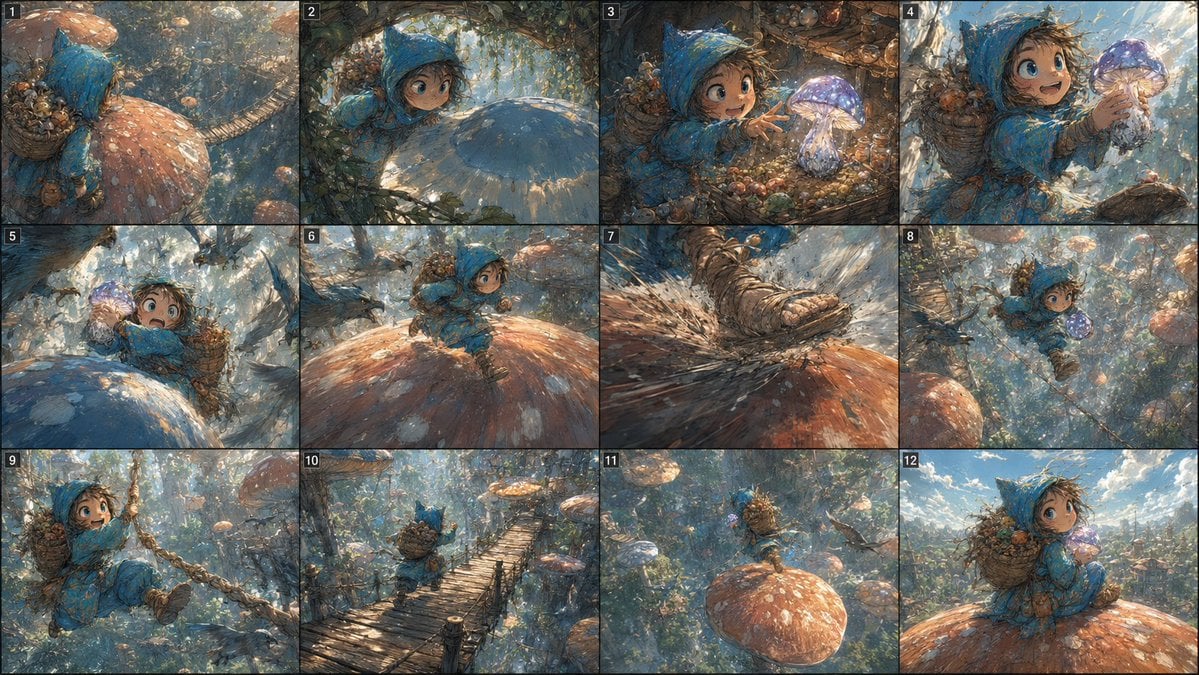
Generates a 12-panel cinematic fantasy adventure storyboard featuring a tiny hooded child exploring an enchanted mushroom forest.
- Prompt included
- Model and format preset
- Free template
The prompt behind this image
Copy the exact prompt behind Fantasy Mushroom Forest Storyboard, or open it in the studio and make it yours.
Goal: Create a wide cinematic fantasy adventure storyboard sheet showing a single continuous action sequence starring {argument name="character name" default="a tiny child adventurer"} in a vast enchanted mushroom forest. Canvas: Horizontal 16:9 image, one illustration divided into exactly 12 storyboard panels arranged in a 4-column by 3-row grid. Use thin black borders between panels. Place a small white cut number in the upper-left corner of every panel, numbered exactly 1 through 12. Visual style: Painterly high-detail fantasy concept art with a Ghibli-like sense of wonder, dynamic cinematic compositions, soft dappled sunlight, atmospheric depth, swirling spores, vines, branches, moss, oversized mushrooms, warm orange and cool blue color contrast, visible brush texture, adventurous and whimsical mood. Main subject: A small wide-eyed child adventurer wearing {argument name="cloak color" default="a bright blue hooded cloak"}, rugged boots, and a large woven basket backpack filled with acorns, berries, leaves, and forest trinkets. The child carries or discovers {argument name="magical object" default="a glowing purple mushroom"}. The scale should make the child look tiny among gigantic mushrooms and forest plants. Panel sequence: Include exactly 12 discrete panels with these numbered actions: 1. Rear view of the hooded child climbing across an enormous orange-spotted mushroom cap, basket backpack visible, surrounded by towering mushrooms and forest debris. 2. Close cinematic view from under foliage as the child peeks over a huge blue mushroom cap, curious face visible, soft light filtering through leaves. 3. The child reaches toward a glowing purple mushroom nestled among roots, acorns, vines, and tiny plants. 4. Close-up of the child carefully lifting or holding the glowing purple mushroom with both hands, face full of wonder. 5. The child crouches near the giant blue mushroom while the purple mushroom glows brightly in the foreground, branches and oversized fungi framing the scene. 6. Full-body action shot of the child running across a large orange mushroom cap, basket bouncing, adventurous expression. 7. Extreme close-up of one boot landing hard on the mushroom cap, kicking up spores, dust, and textured debris. 8. Dynamic midair leap between giant mushrooms, the child clutching the glowing purple mushroom while vines and branches sweep past. 9. The child swings through the forest on a thick vine or rope, one boot forward, basket backpack visible, dramatic motion and depth. 10. Wide shot of the child running away across a narrow wooden suspension bridge high in the mushroom forest canopy. 11. Long shot of the child standing triumphantly on a huge orange mushroom cap above the forest, small against a sweeping magical landscape. 12. Final close/medium shot of the child seated or resting on an orange-spotted mushroom cap, looking back toward the viewer, holding the glowing purple mushroom, with open sky and a distant enchanted forest behind. Constraints: Keep the storyboard as one coherent image, not 12 separate files. Maintain consistent character, outfit, backpack, and magical object across all panels. No speech bubbles, no captions besides the white panel numbers, no logos, no watermark.
How to use Fantasy Mushroom Forest Storyboard in 3 steps
- 1Upload ImagePNG, JPG or paste
Add your photo
Upload the photo the template builds on. The prompt, model and format are already set.
- 2…a portrait of your subject in softgolden-hour light, 85mm…
Personalize
Edit the subject and creative details for your destination.
- 3Generate
Generate
Press Generate — your image is created in PicX Studio, so you can compare it with the original and refine one variable at a time.
More like this
Templates with the same subject, style or setup. Open one to see its prompt.
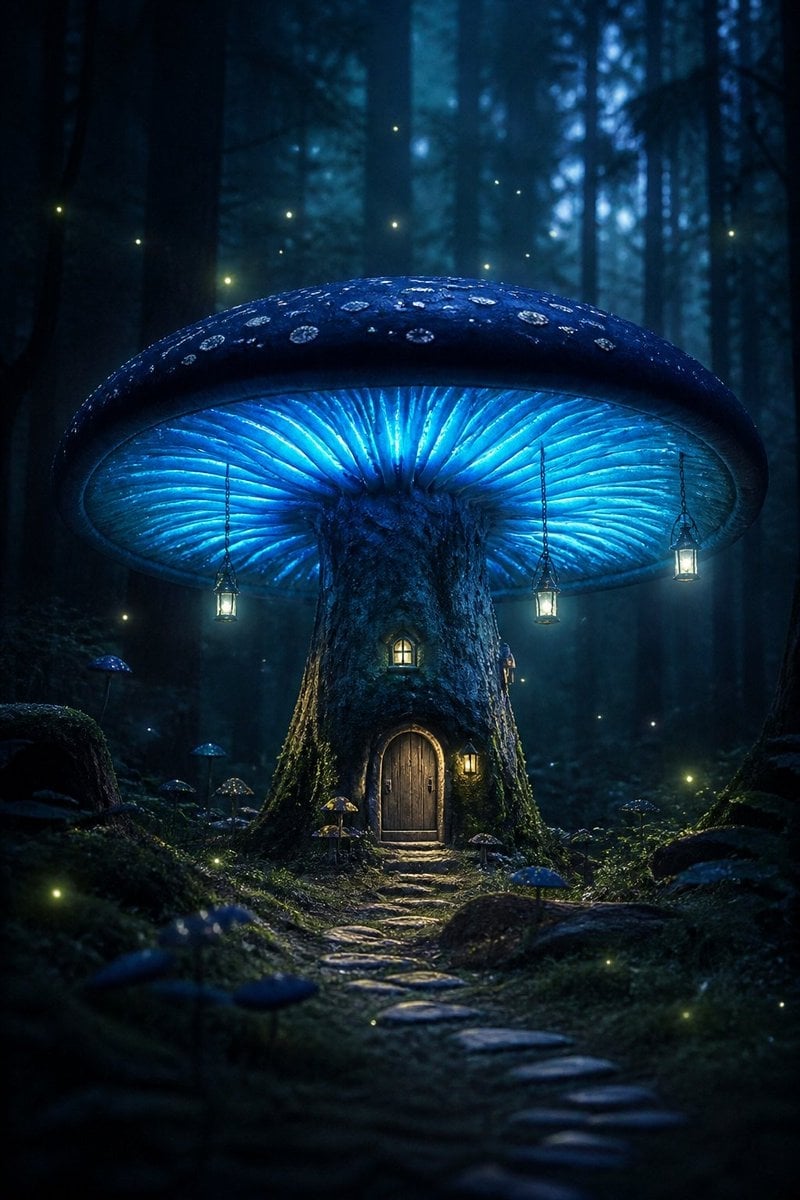
Bioluminescent Giant Mushroom in Dark Forest

Dark Fantasy Sorceress Storyboard

Layered Paper Cut Forest Diorama

Anime Fantasy Celestial Movie Poster
Anime Fantasy Celestial Movie Poster

Minecraft Fantasy Kingdom Voxel Landscape

Headphones Lifestyle Nine Panel Grid

Unfinished Sketch Comes Alive Portrait

Open Travel Journal Overhead Still Life

Tiny Woman Miniature Fantasy Macro Scene
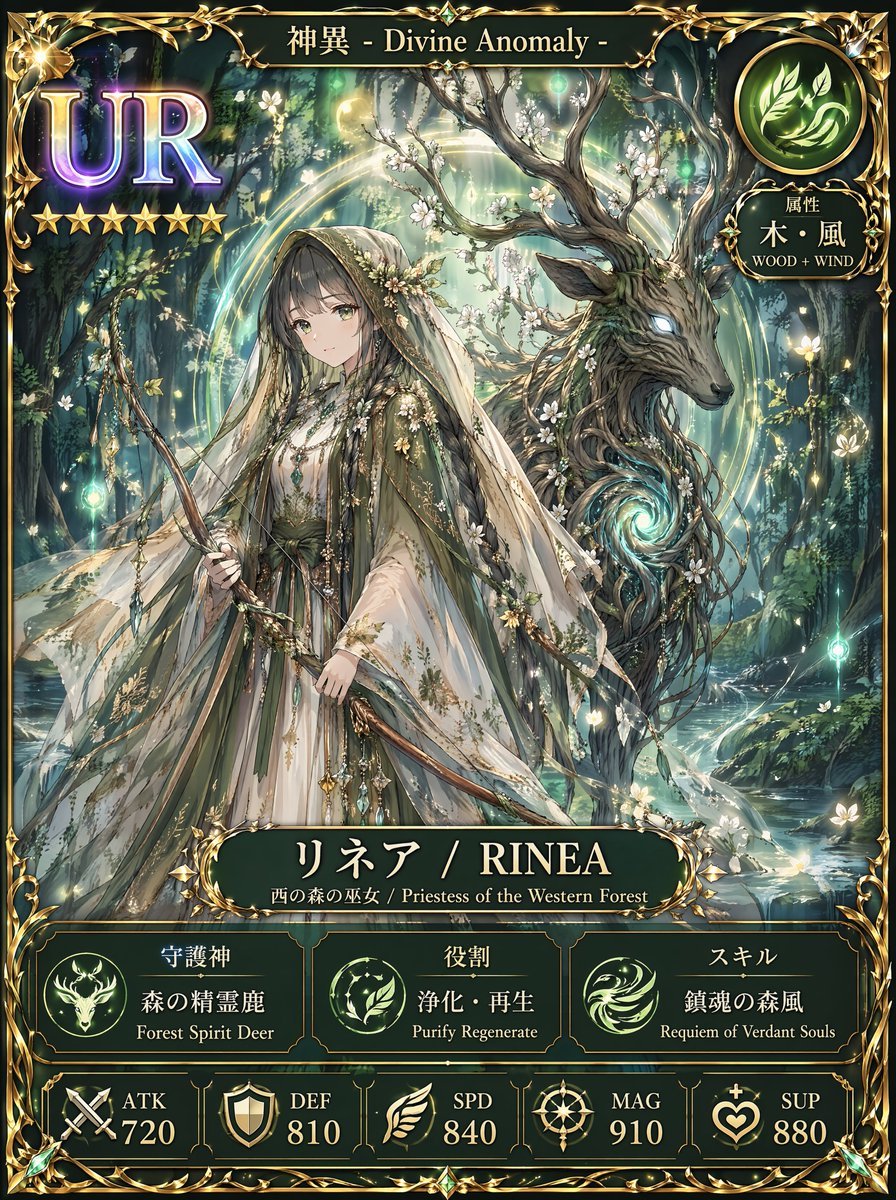
Fantasy UR Forest Priestess Card
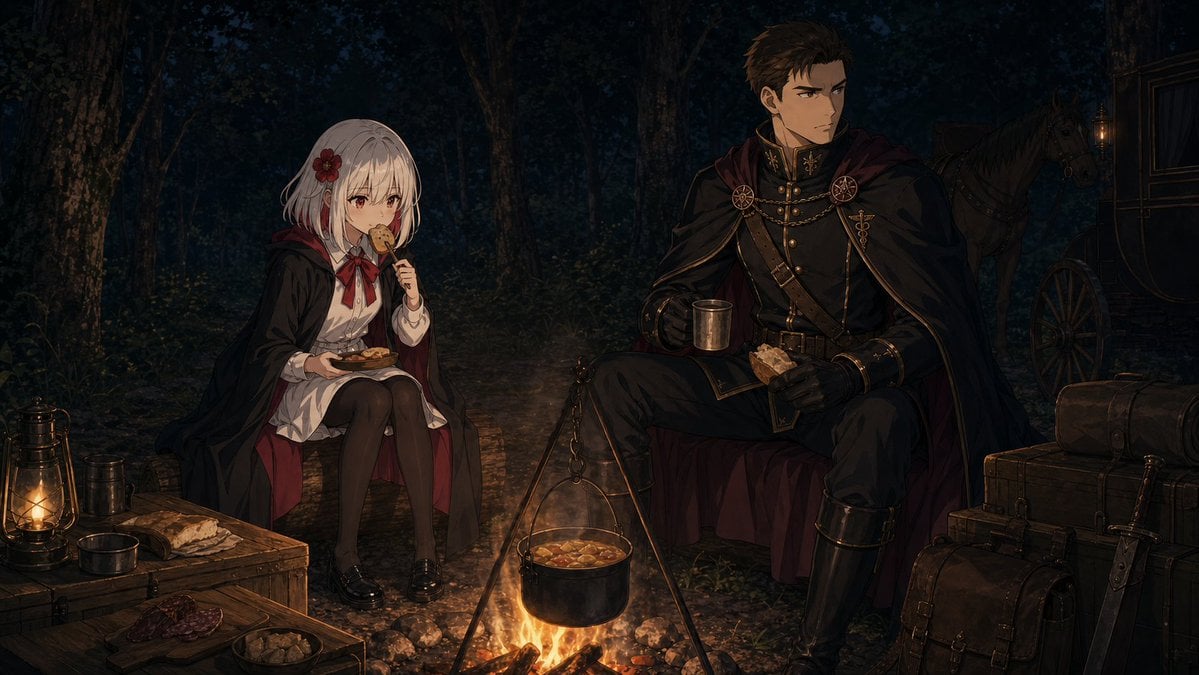
Night Forest Fantasy Camp
Make it yours
Fantasy Mushroom Forest Storyboard works as-is. These are the safest ways to change it without losing the look.
Change one field
Copy a single group, rewrite it, and generate again so you can see what that field is doing.
Keep the frame, change the subject
Hold the composition and light of Fantasy Mushroom Forest Storyboard, then swap wardrobe, props or the person for a new take.
| If the result… | Why | Fix |
|---|---|---|
| The result drifts from the preview | Too many fields changed at once. | Reuse Fantasy Mushroom Forest Storyboard as-is first, then change one group — subject, light, or setting. |
| The model over-stylizes the scene | The prose prompt leaves finish and camera underspecified. | Add one camera or lighting sentence and stay on GPT Image 2. |
More GPT Image 2 templates
Other prompts made for GPT Image 2.

Six VTuber Japanese Logo Sheet

Realistic Portrait of Woman and Deer

The Vista Modular Condo Poster

AI Model Routing Comparison Infographic

2.5D Anime Art Board

Isometric Productivity Desk Scene

New York Double Exposure Poster

Four-Panel AI Landscape Comparison

Japanese Tatami Lifestyle Magazine Cover

NESCAFÉ Coffee Map Poster
More image prompts
Fresh picks from across the catalog.
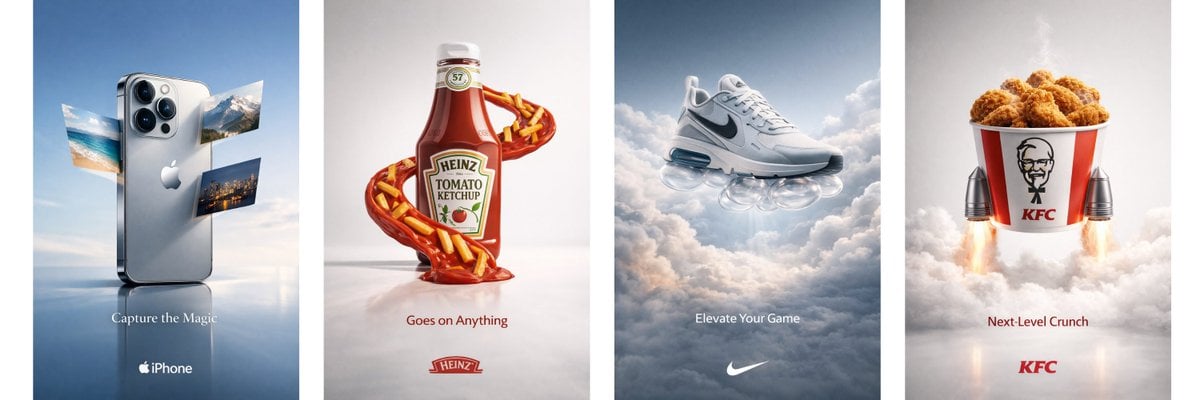
Object Print Ad Generation Framework
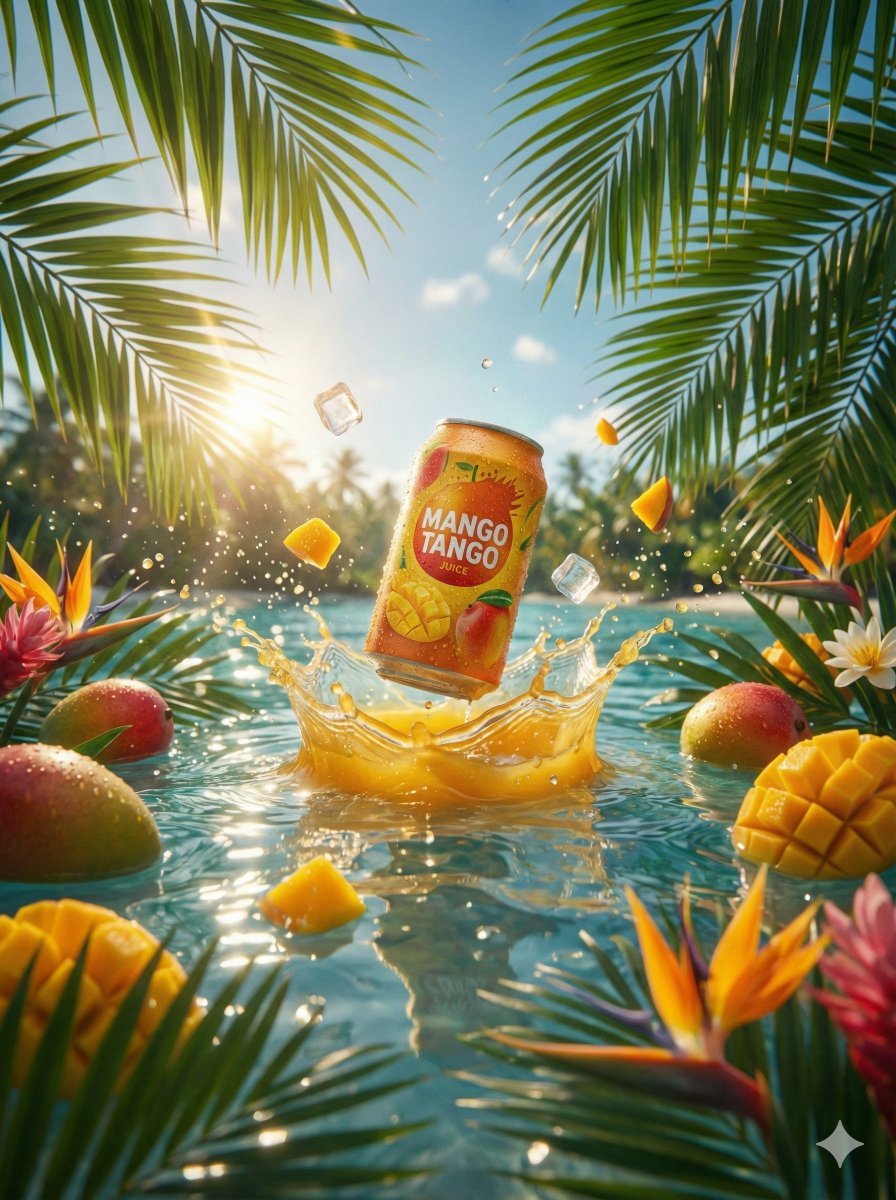
Hyper-Realistic Commercial Beverage Photography Prompt
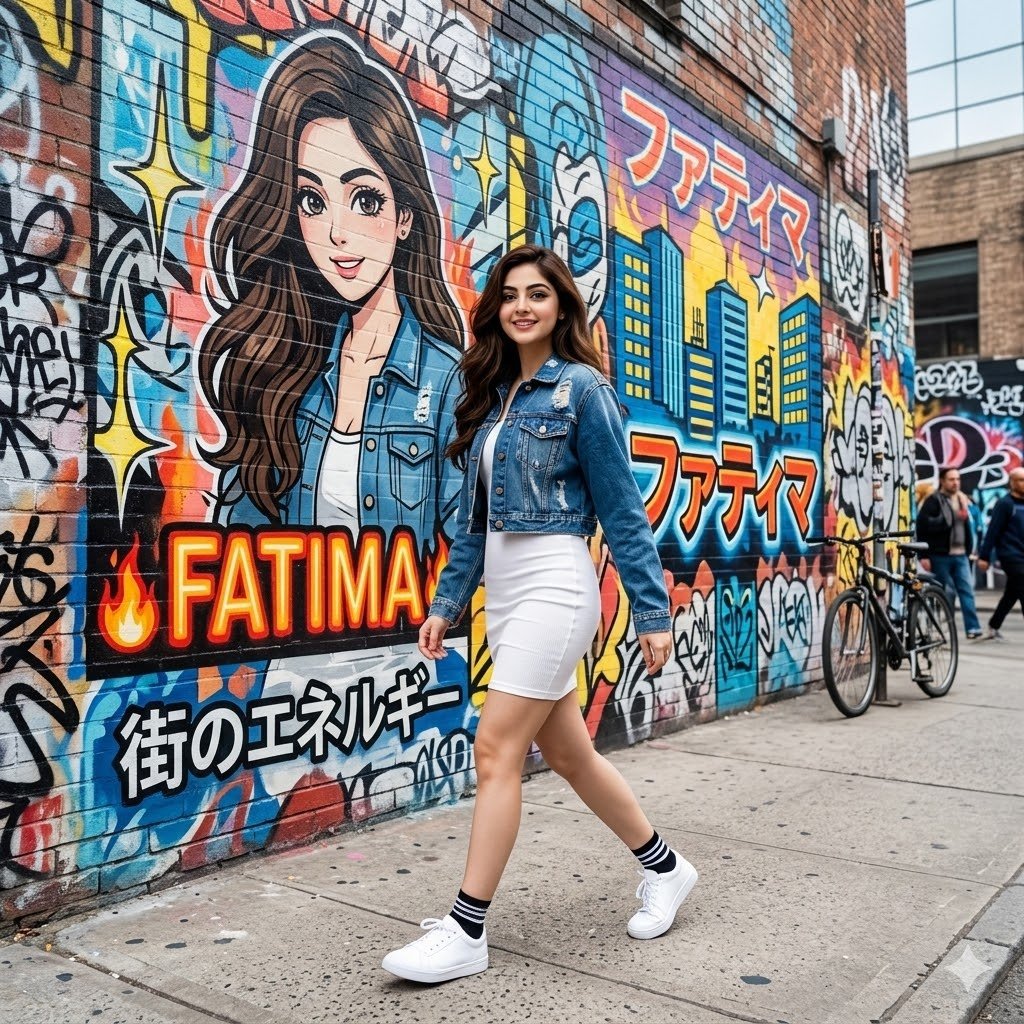
Graffiti Wall Urban Fashion Portrait
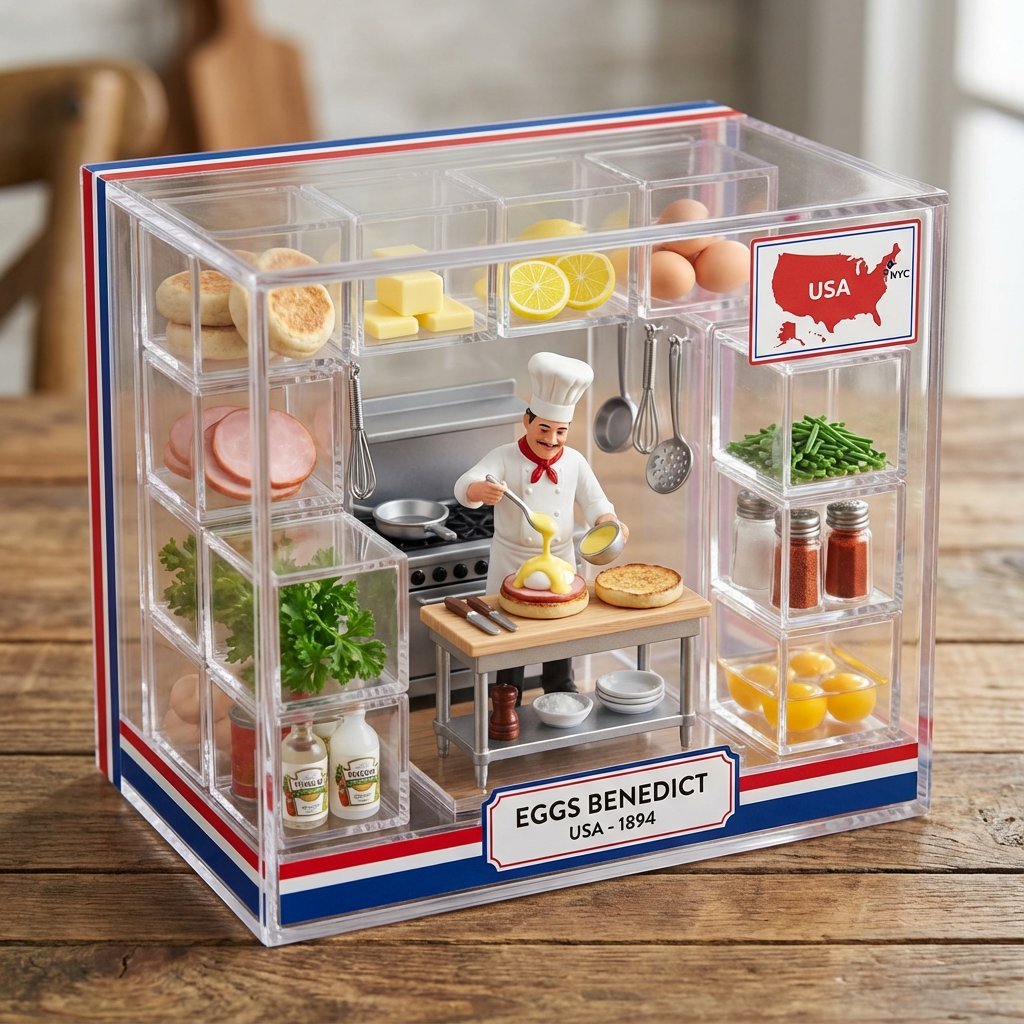
Culinary Origin Miniature Kitchen Display
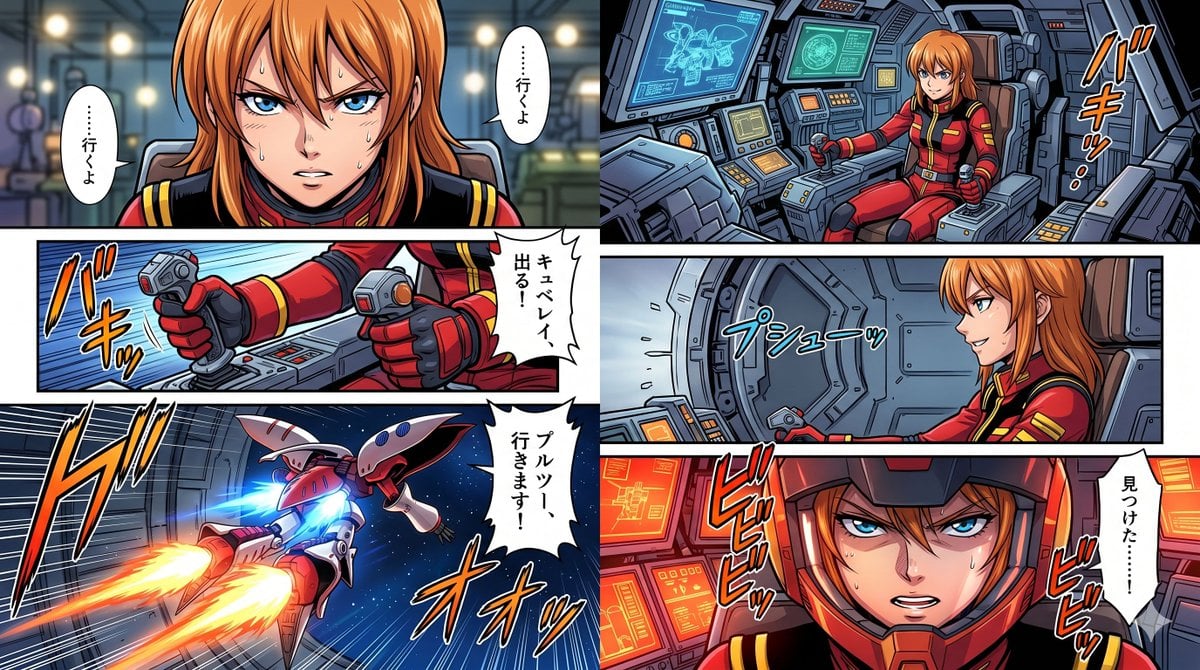
Six-Panel Mecha Pilot Manga

Cinematic Fantasy Portrait with Sunset Orb
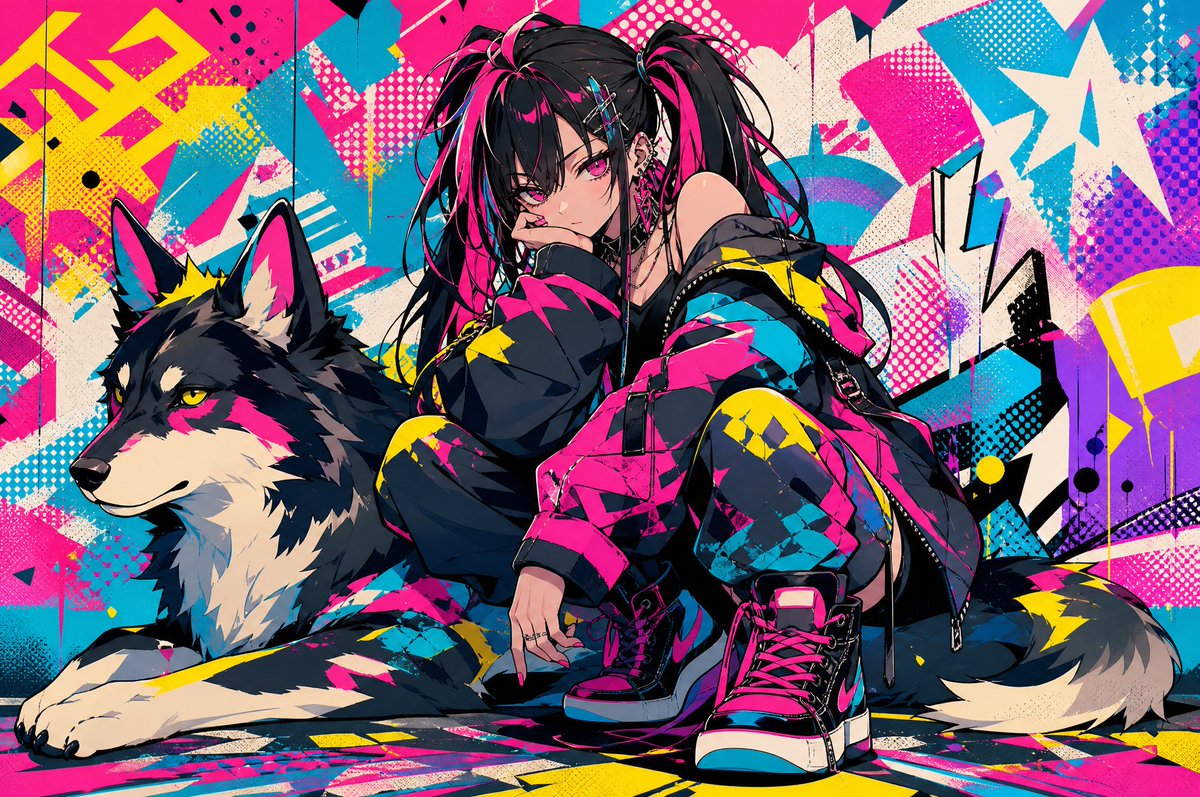
Neon Punk Girl with Husky
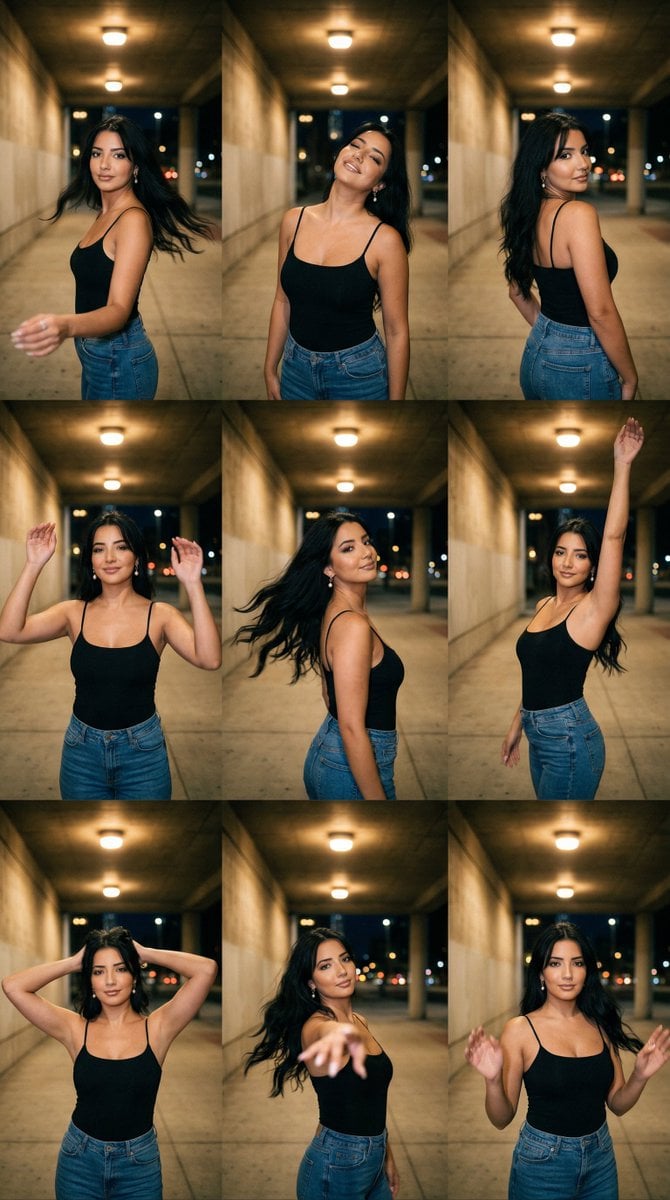
Urban Underpass Motion Portrait Series 3x3 Grid
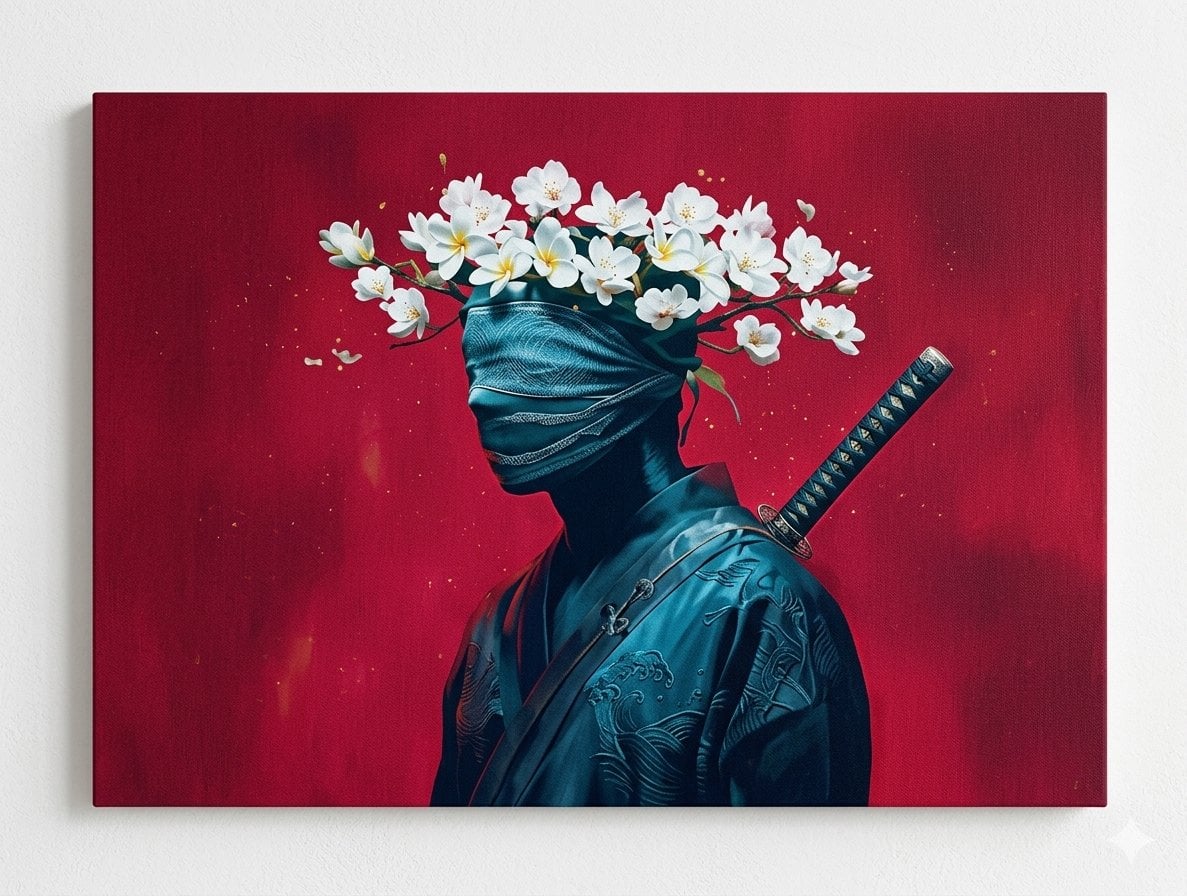
Surreal Canvas Art Edition Prompts
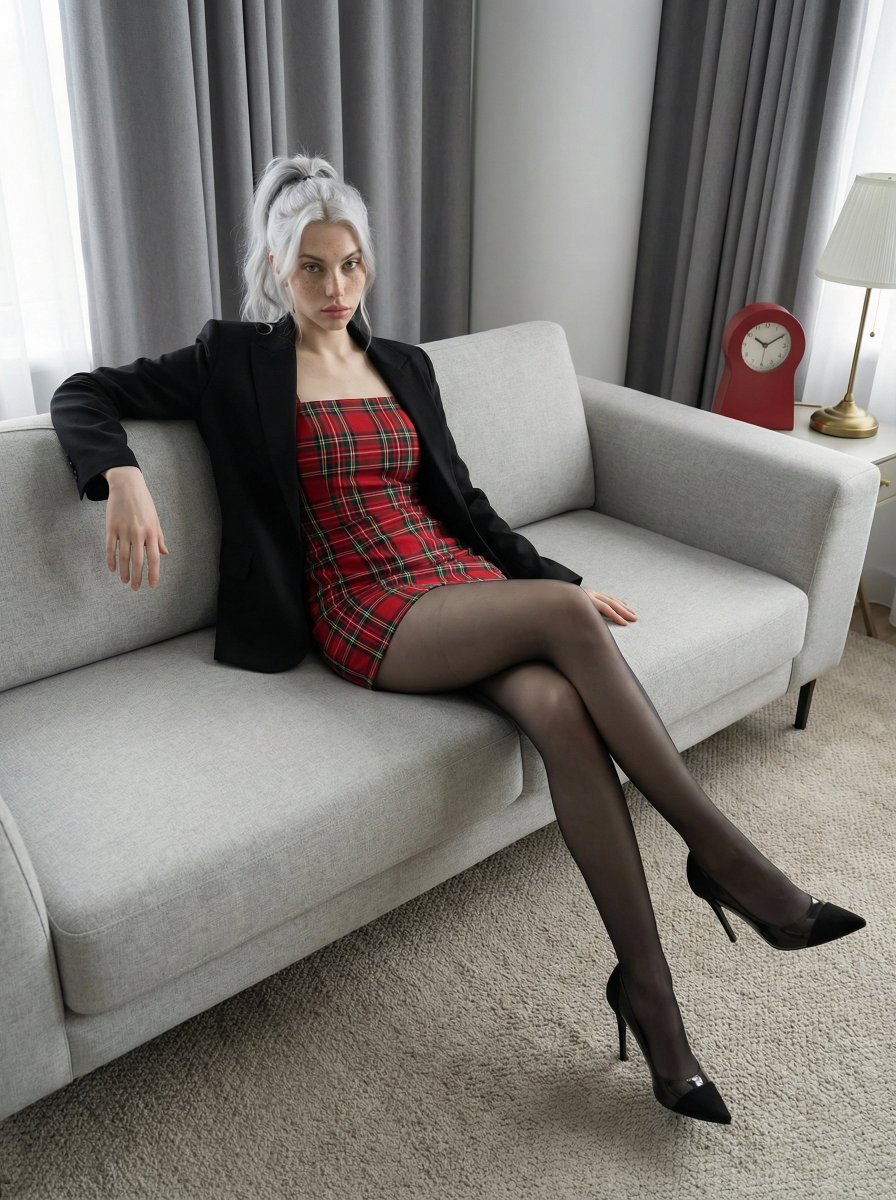
Fashion Editorial Portrait on Modern Sofa Prompt
Browse template categories
Fantasy Mushroom Forest Storyboard questions
How do I use the Fantasy Mushroom Forest Storyboard template?
Add your photo if the template asks for one, edit the prompt if you like — the template's model and format are already selected — and press Generate. Your version opens in PicX Studio.
Can I customize the Fantasy Mushroom Forest Storyboard template?
Yes. You can change the subject, setting, lighting, mood, format, and available model controls before creating your image.
Is the Fantasy Mushroom Forest Storyboard template free?
Opening and editing this template is free. Generating uses credits, shown on the Generate button when you are signed in.
Which AI model should I use?
Start with GPT Image 2, which is the model associated with this template. You can compare another compatible model for a different finish.
Looking for something else? Browse all templates.

Your photo, any look
Thousands of ready templates for every top image and video model, from one credit balance.