
Dark Fantasy Sorceress Storyboard
A nine-panel cinematic fantasy storyboard showing a sorceress casting a glowing rune spell and collapsing before an elder mage in a stormy mountain valley.

- Prompt included
- Model and format preset
- Premium template
The prompt behind this image
Copy the exact prompt behind Dark Fantasy Sorceress Storyboard, or open it in the studio and make it yours.
Goal: Create a cinematic dark-fantasy storyboard contact sheet showing a sorceress battle and aftermath in a stormy mountain valley, with exactly 9 widescreen panels arranged in a 3 by 3 grid separated by thin white borders. Canvas: 16:9 landscape contact sheet, realistic live-action film stills, desaturated blue-gray color grading, high contrast, moody overcast lighting, rain-wet textures, wind, mist, flying dust and stones. The setting is a rugged hillside above a distant medieval town in a valley surrounded by dark mountains under storm clouds. Main characters: A young female sorceress, {argument name="sorceress appearance" default="East Asian woman in her 20s with long windblown black hair, pale tired face, dark layered leather-and-cloth armor, deep green-black cloak, gauntlets, and travel-worn clothing"}. She carries {argument name="magic staff" default="a twisted wooden staff topped with a blue glowing crystal set in thorn-like metal branches"}. A second character is {argument name="elder mage appearance" default="an elderly white-haired and white-bearded male mage wearing heavy weathered fur robes and holding a matching blue-crystal staff"}. Magic visuals: {argument name="spell effect" default="a bright blue-white glowing infinity symbol made of circular runes, sparks, particles, and crackling lightning"}. Layout and panel contents: Use exactly 9 distinct storyboard frames. Panel 1, top left: wide medium shot of the young sorceress standing alone on the hillside, holding the glowing staff upright, looking anxious toward something off screen, distant valley and layered mountains behind her. Panel 2, top center: close medium shot of the sorceress thrusting the staff forward toward camera; the blue crystal shines and a luminous infinity-shaped rune circle floats behind the staff, her face frightened but determined. Panel 3, top right: dynamic action shot of the sorceress sweeping the staff horizontally in both hands; her cloak whips in the wind as the glowing infinity spell blasts outward with lightning, debris and black stones suspended around her. Panel 4, middle left: another action shot from the side, the sorceress straining as the blue-white infinity spell expands from the staff, scattered rocks flying across a smoky gray background. Panel 5, middle center: aftermath wide shot; the young sorceress kneels on the muddy slope exhausted, one hand on the ground, while the elderly mage stands behind her holding his glowing staff, overlooking the valley. Panel 6, middle right: close low-angle shot of the sorceress collapsed on the ground with her cheek near the dirt, one hand stretched forward, the staff lying in the foreground with its blue crystal still faintly glowing, her expression pained and spent. Panel 7, bottom left: close portrait of the elderly mage facing forward, stern and solemn, his long white beard and fur cloak detailed, blue crystal staff beside his face glowing softly, blurred mountains behind him. Panel 8, bottom center: rear three-quarter view of the elderly mage watching over the kneeling sorceress in the distance, both facing the valley town below, bleak mountains and storm clouds filling the background. Panel 9, bottom right: very wide rear shot of the elderly mage standing in the foreground with staff and heavy cloak, the sorceress small and kneeling far ahead on the hillside, the valley town and mountains receding into darkness. Visual style: Photorealistic cinematic fantasy film, gritty medieval costume design, naturalistic faces, shallow depth of field in close-ups, epic scale in wide shots, consistent characters across panels, dramatic wind, no modern objects, no text, no captions, no logos, no watermark.
How to use Dark Fantasy Sorceress Storyboard in 3 steps
- 1Upload ImagePNG, JPG or paste
Add your photo
Upload the photo the template builds on. The prompt, model and format are already set.
- 2…a portrait of your subject in softgolden-hour light, 85mm…
Personalize
Edit the subject and creative details for your destination.
- 3Generate
Generate
Press Generate — your image is created in PicX Studio, so you can compare it with the original and refine one variable at a time.
More like this
Templates with the same subject, style or setup. Open one to see its prompt.
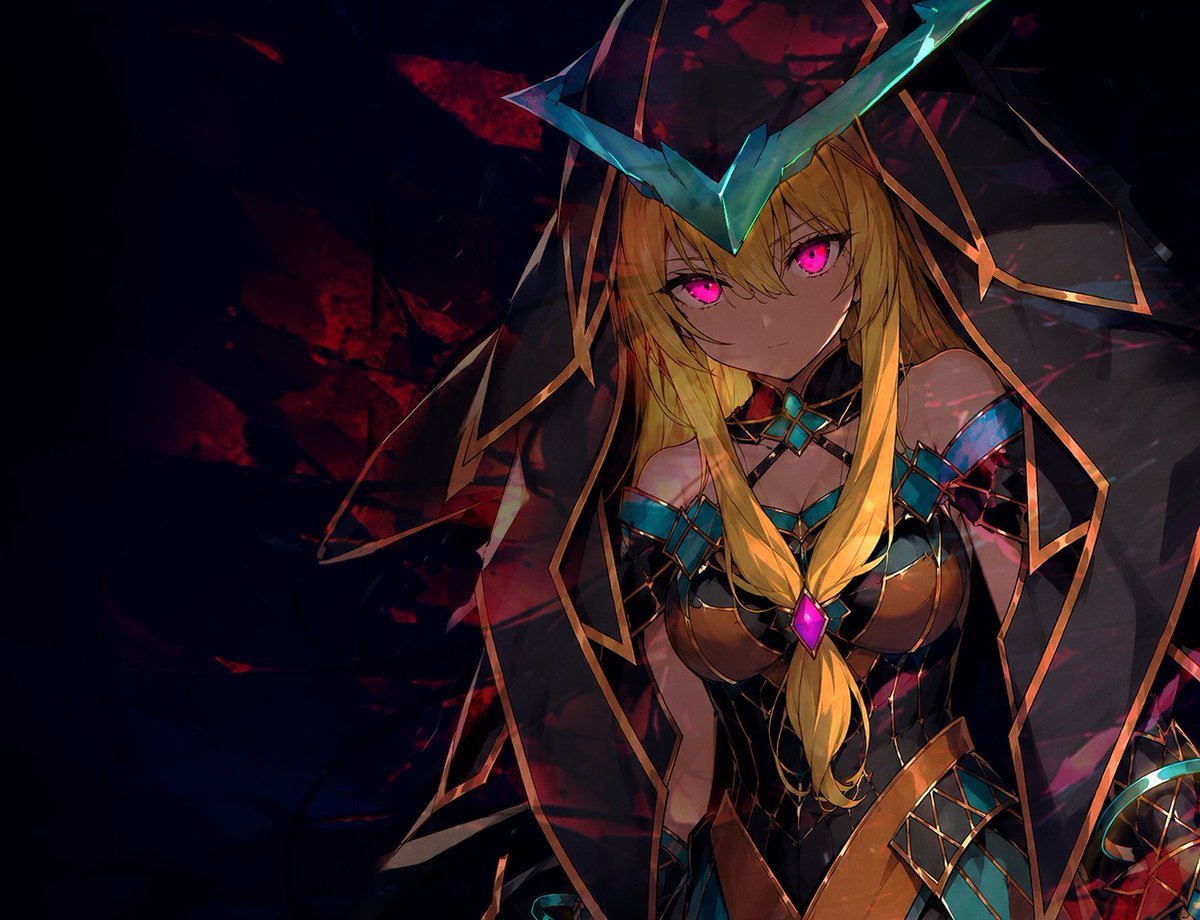
Dark Fantasy Anime Sorceress

Dark Fantasy Smoke Monster Transformation

Anime Fantasy Celestial Movie Poster
Anime Fantasy Celestial Movie Poster

Selective Color Monochrome Football Poster

Minecraft Fantasy Kingdom Voxel Landscape

Headphones Lifestyle Nine Panel Grid

Unfinished Sketch Comes Alive Portrait

Open Travel Journal Overhead Still Life

Tiny Woman Miniature Fantasy Macro Scene
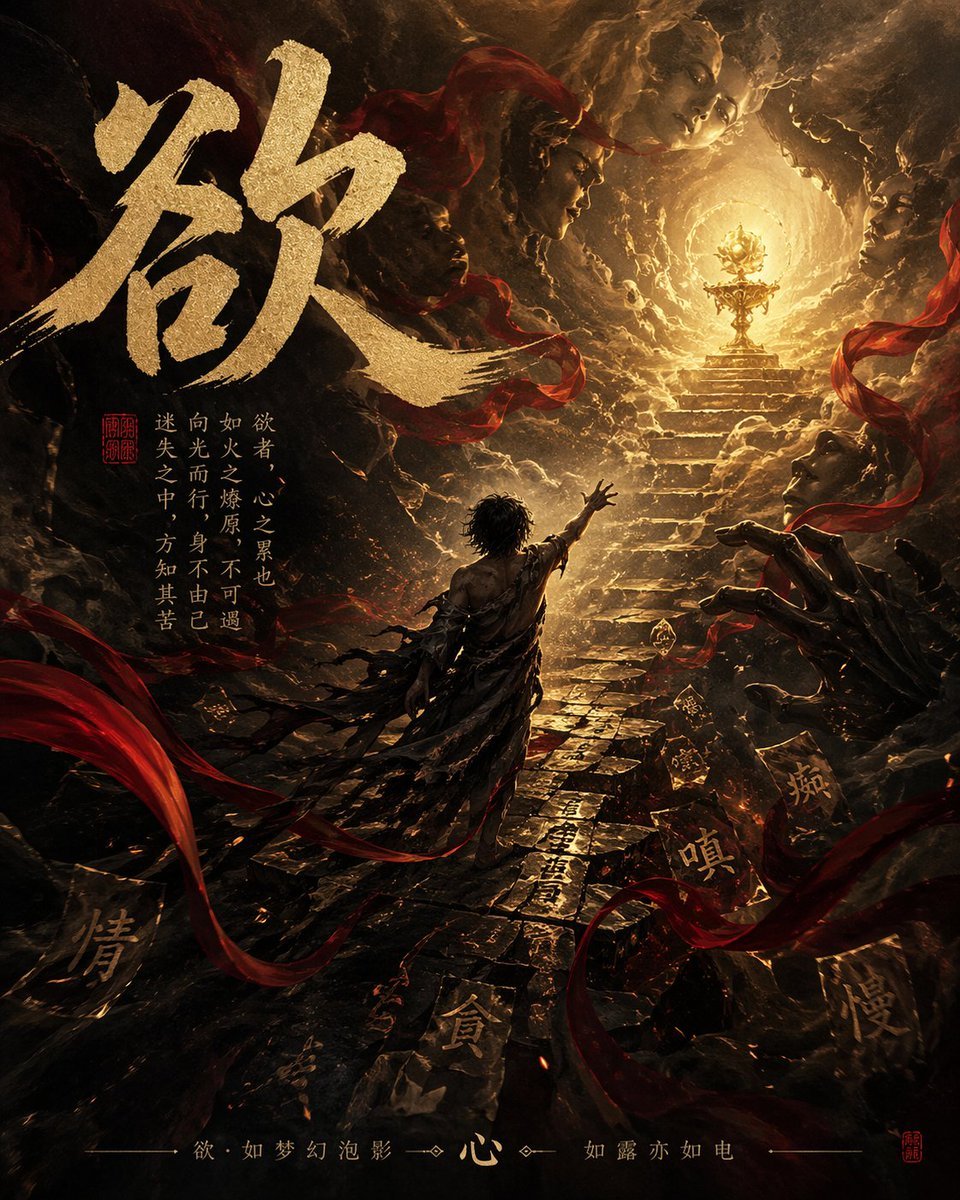
Dark Chinese Fantasy Desire Poster
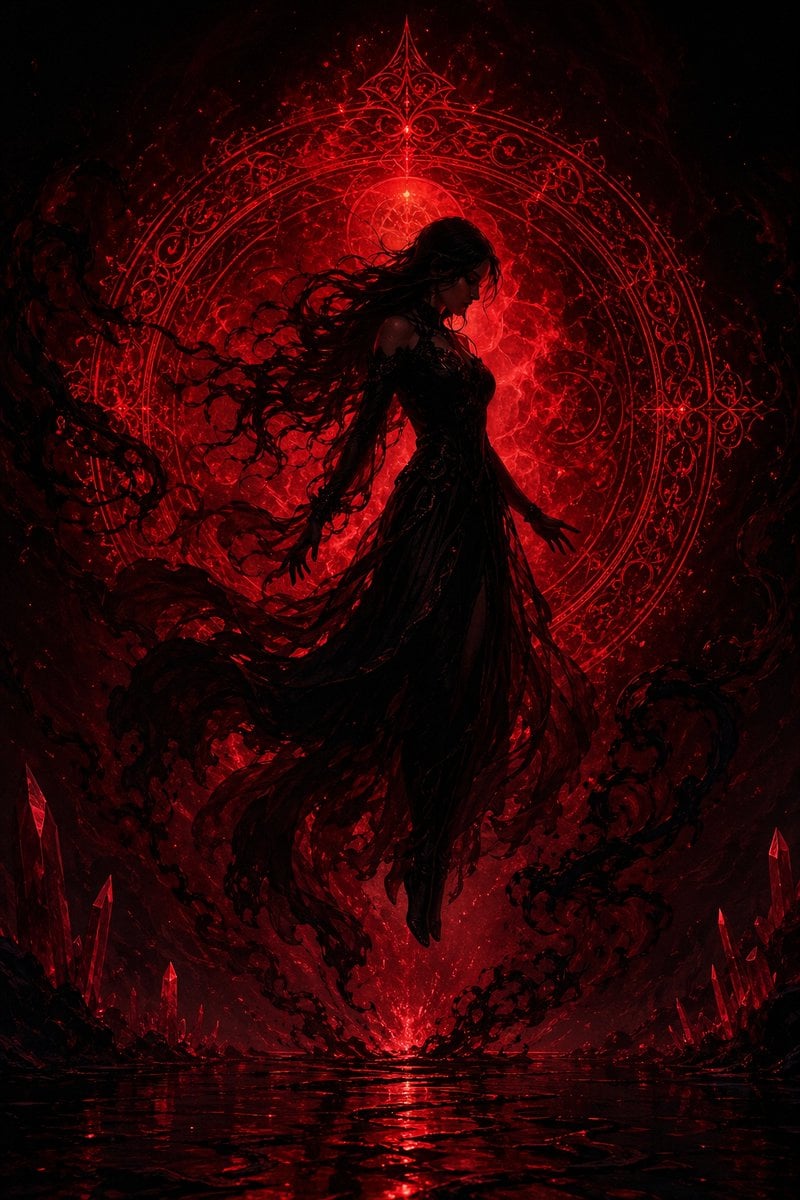
Crimson Dark Sorceress Ritual
Make it yours
Dark Fantasy Sorceress Storyboard works as-is. These are the safest ways to change it without losing the look.
Change one field
Copy a single group, rewrite it, and generate again so you can see what that field is doing.
Keep the frame, change the subject
Hold the composition and light of Dark Fantasy Sorceress Storyboard, then swap wardrobe, props or the person for a new take.
| If the result… | Why | Fix |
|---|---|---|
| The result drifts from the preview | Too many fields changed at once. | Reuse Dark Fantasy Sorceress Storyboard as-is first, then change one group — subject, light, or setting. |
| The model over-stylizes the scene | The prose prompt leaves finish and camera underspecified. | Add one camera or lighting sentence and stay on GPT Image 2. |
More GPT Image 2 templates
Other prompts made for GPT Image 2.

Six VTuber Japanese Logo Sheet

Realistic Portrait of Woman and Deer

The Vista Modular Condo Poster

AI Model Routing Comparison Infographic

2.5D Anime Art Board

Isometric Productivity Desk Scene

New York Double Exposure Poster

Four-Panel AI Landscape Comparison

Japanese Tatami Lifestyle Magazine Cover

NESCAFÉ Coffee Map Poster
More image prompts
Fresh picks from across the catalog.
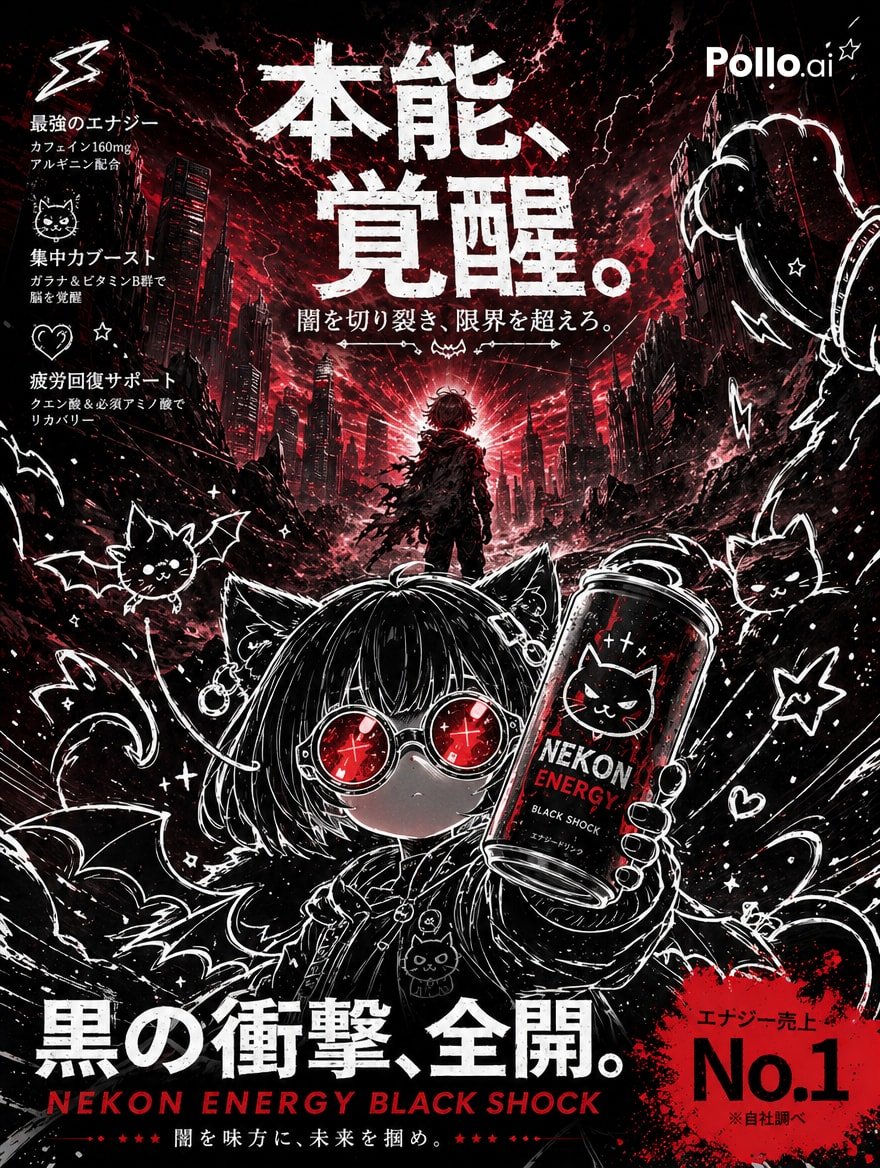
Dark Anime Energy Drink Poster
Animation Style - Framer Motion
Photorealistic East-Asian Neon Night Portrait Prompt
Samurai Armor Turnaround Sheet
Dreamy Lily Flower-Language Poster
Cinematic Editorial Photograph Prompt (Stranger Things Cast)
Cinematic Street Portrait with Motion Blur Effect
Negative Space Character Composition

CZ Biography Infographic Poster
Ultra-Wide Urban Sneaker Portrait
Browse template categories
Dark Fantasy Sorceress Storyboard questions
How do I use the Dark Fantasy Sorceress Storyboard template?
Add your photo if the template asks for one, edit the prompt if you like — the template's model and format are already selected — and press Generate. Your version opens in PicX Studio.
Can I customize the Dark Fantasy Sorceress Storyboard template?
Yes. You can change the subject, setting, lighting, mood, format, and available model controls before creating your image.
Is the Dark Fantasy Sorceress Storyboard template free?
Opening and editing this template is free. Generating uses credits, shown on the Generate button when you are signed in.
Which AI model should I use?
Start with GPT Image 2, which is the model associated with this template. You can compare another compatible model for a different finish.
Looking for something else? Browse all templates.

Your photo, any look
Thousands of ready templates for every top image and video model, from one credit balance.