
Crimson Dark Sorceress Ritual
This prompt generates a dramatic dark-fantasy character poster of a floating sorceress silhouetted against a glowing red magic circle, ideal for gothic concept art or cinematic cover imagery.
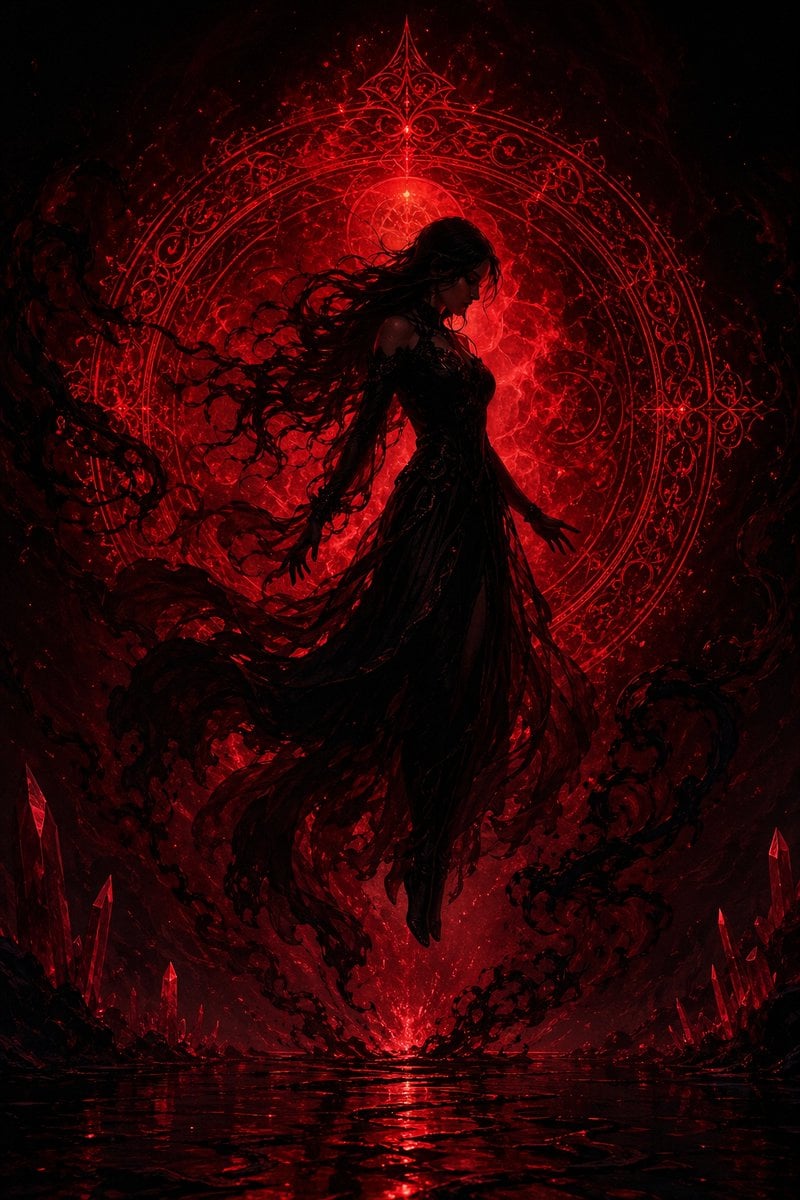
- Prompt included
- Model and format preset
- Free template
The prompt behind this image
Copy the exact prompt behind Crimson Dark Sorceress Ritual, or open it in the studio and make it yours.
A dark fantasy illustration of a single floating woman centered in the frame, shown as a near-black silhouette against an intense glowing crimson background. She hovers a little above a reflective black-red water surface, barefoot, with both arms relaxed and slightly extended downward, fingers softly spread, her posture calm but powerful. Her very long {argument name="hair color" default="black"} hair streams dramatically to the left in wild windblown tendrils, and her gown is a shredded, smoky, semi-translucent {argument name="dress color" default="black"} dress with layered ribbons and torn fabric trailing downward into shadowy wisps. Behind her is one enormous ornate circular magic sigil, perfectly framing her body like a halo, rendered in intricate gothic filigree, concentric rings, and arcane lace-like geometry, glowing bright blood red with a hot white-red core. The entire scene is dominated by a black and deep red palette, with swirling smoke, embers, and magical energy filling the air. At the lower left and lower right edges are 2 clusters of sharp red crystals emerging from darkness. The bottom of the image shows one glossy reflective pool with rippling crimson highlights mirroring the light above. Make the atmosphere infernal, mystical, and regal, as if {argument name="character role" default="a dark sorceress"} is awakening in a forbidden ritual chamber. High contrast, cinematic backlighting, volumetric glow, ultra-detailed digital painting, vertical composition, centered symmetrical framing, ominous elegance, no text, no extra characters, no visible facial details.
How to use Crimson Dark Sorceress Ritual in 3 steps
- 1Upload ImagePNG, JPG or paste
Add your photo
Upload the photo the template builds on. The prompt, model and format are already set.
- 2…a portrait of your subject in softgolden-hour light, 85mm…
Personalize
Edit the subject and creative details for your destination.
- 3Generate
Generate
Press Generate — your image is created in PicX Studio, so you can compare it with the original and refine one variable at a time.
More like this
Templates with the same subject, style or setup. Open one to see its prompt.
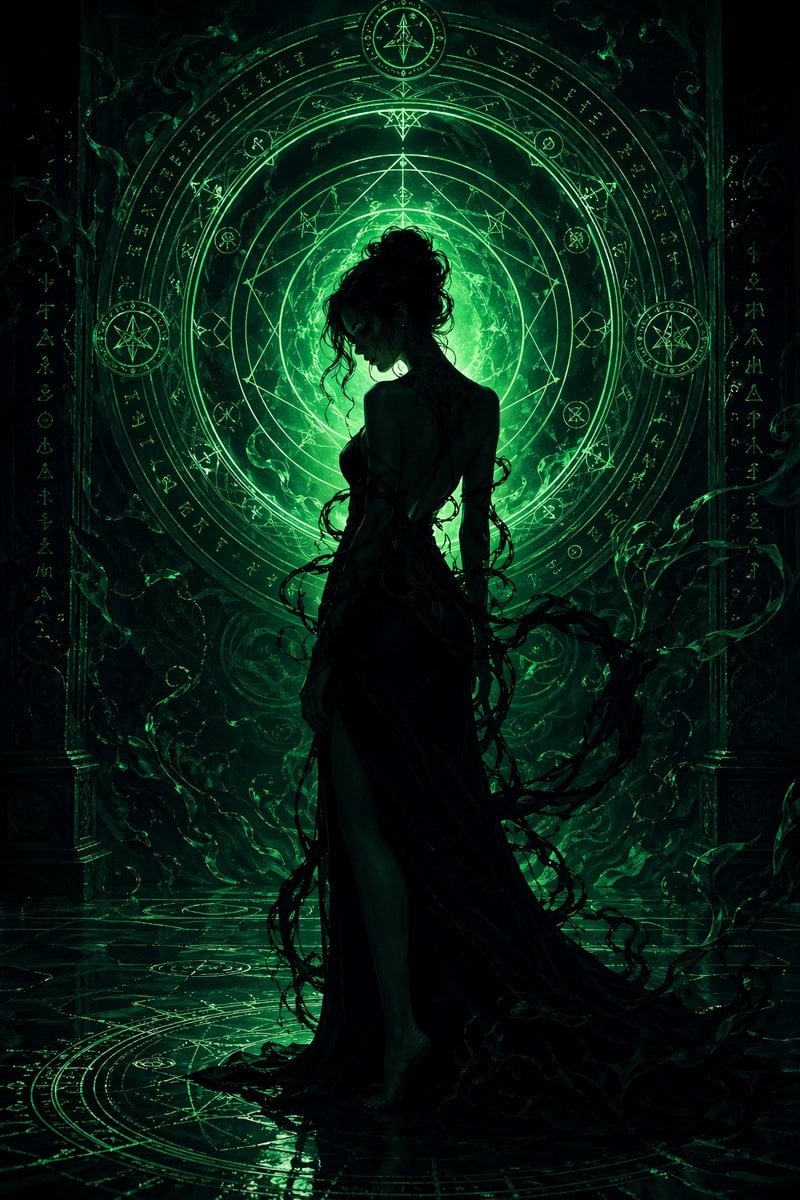
Emerald Dark Sorceress Ritual
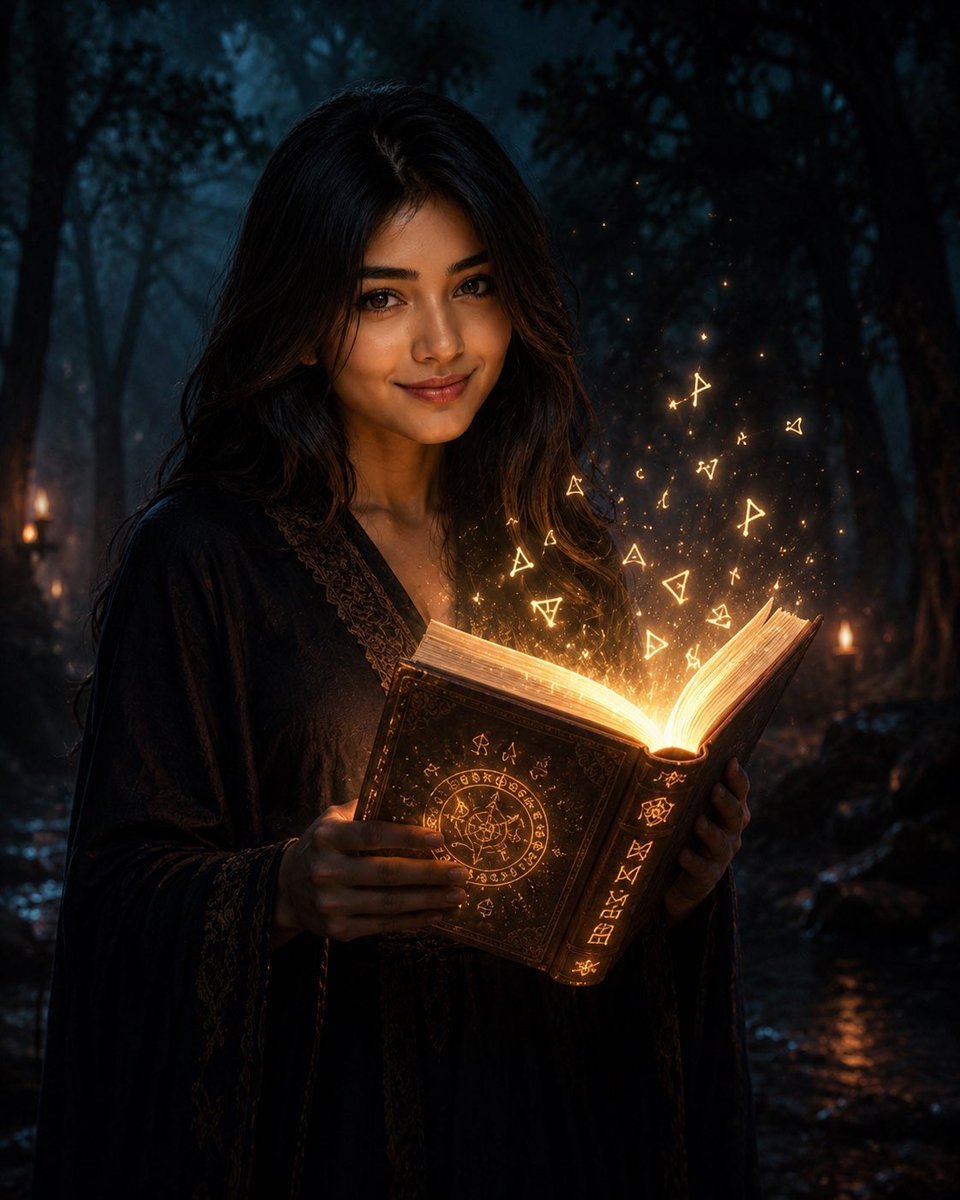
Mysterious Dark Forest Ritual Portrait

Dark Fantasy Sorceress Storyboard

Selective Color Monochrome Football Poster
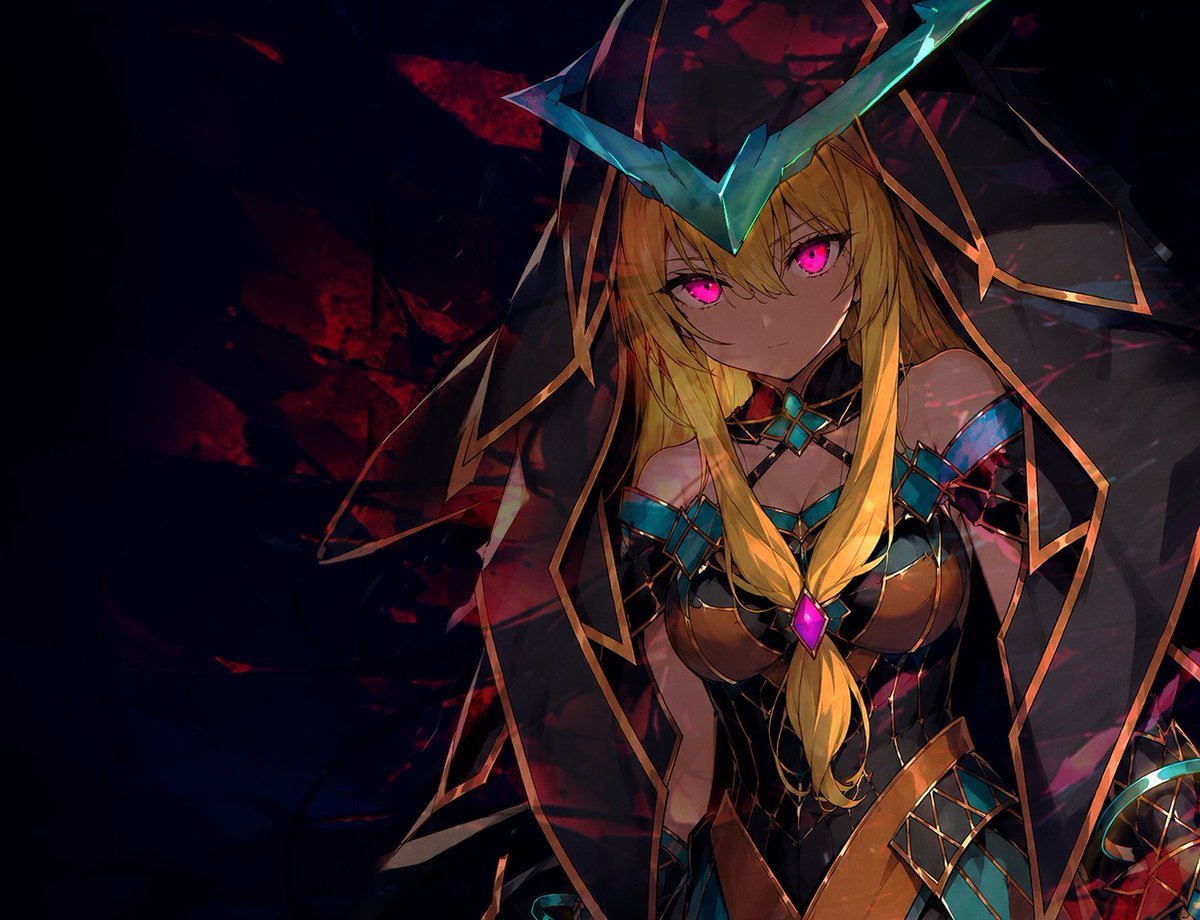
Dark Fantasy Anime Sorceress
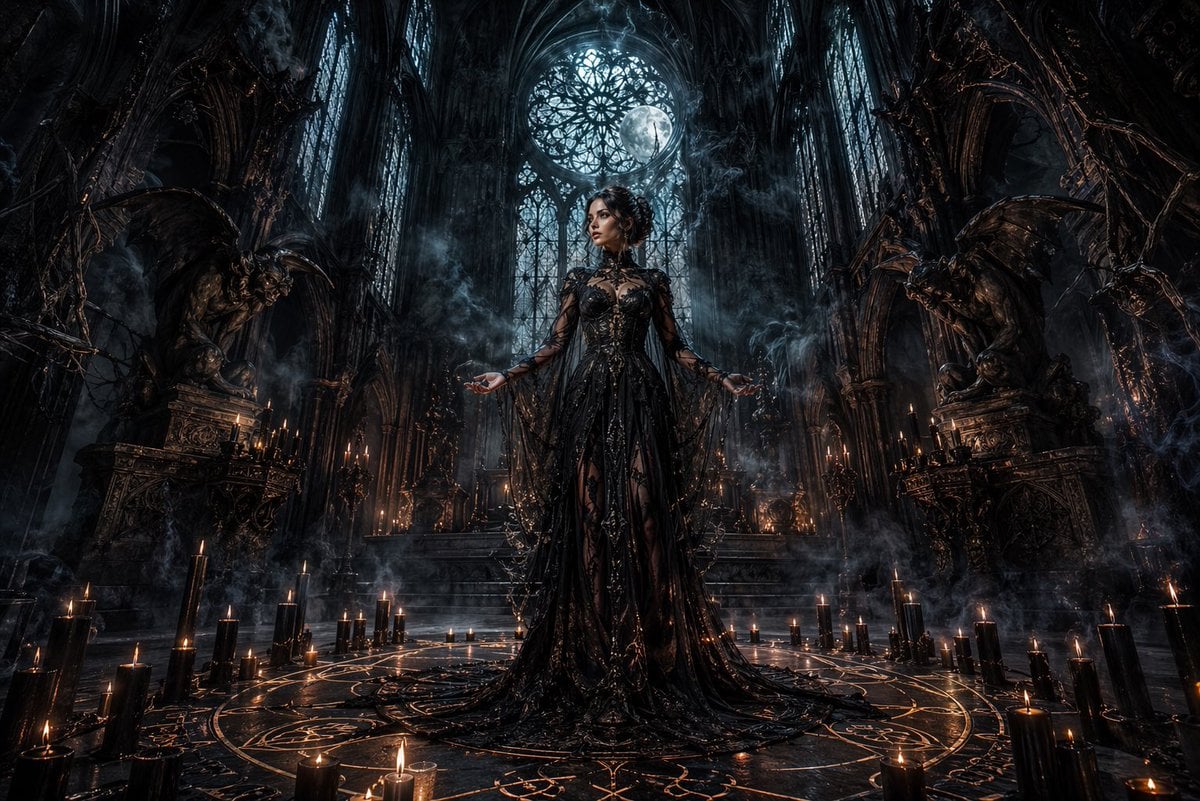
Dark Gothic Ritual in Cathedral
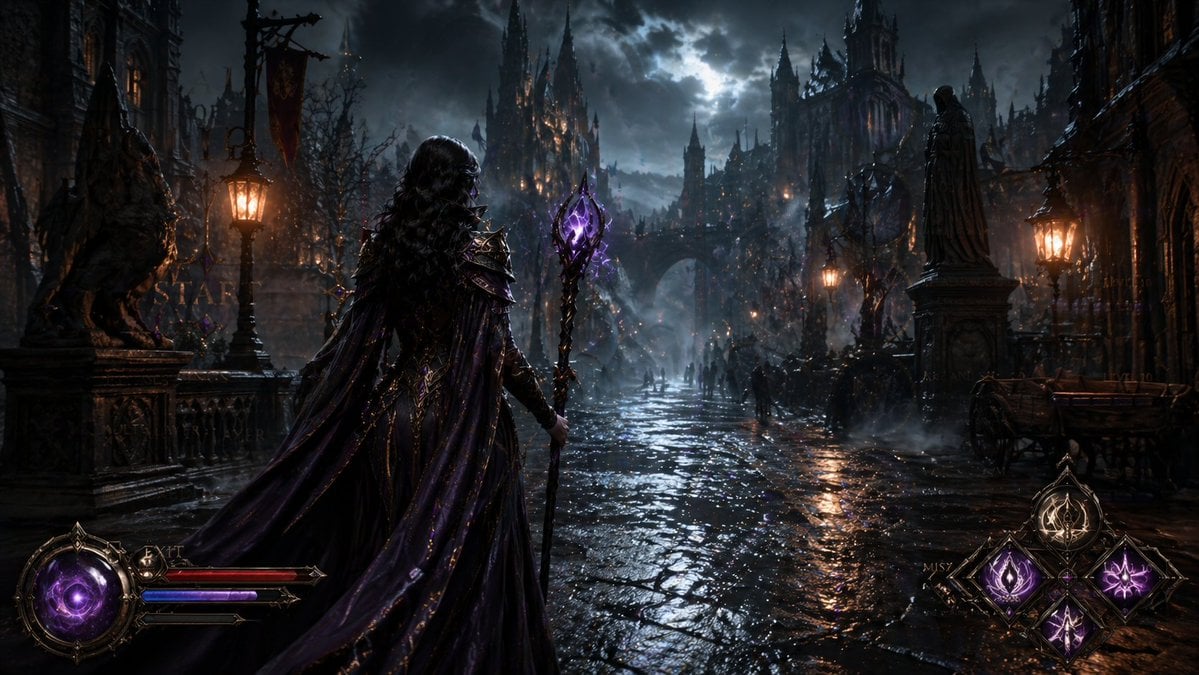
Dark Medieval Sorceress Scene
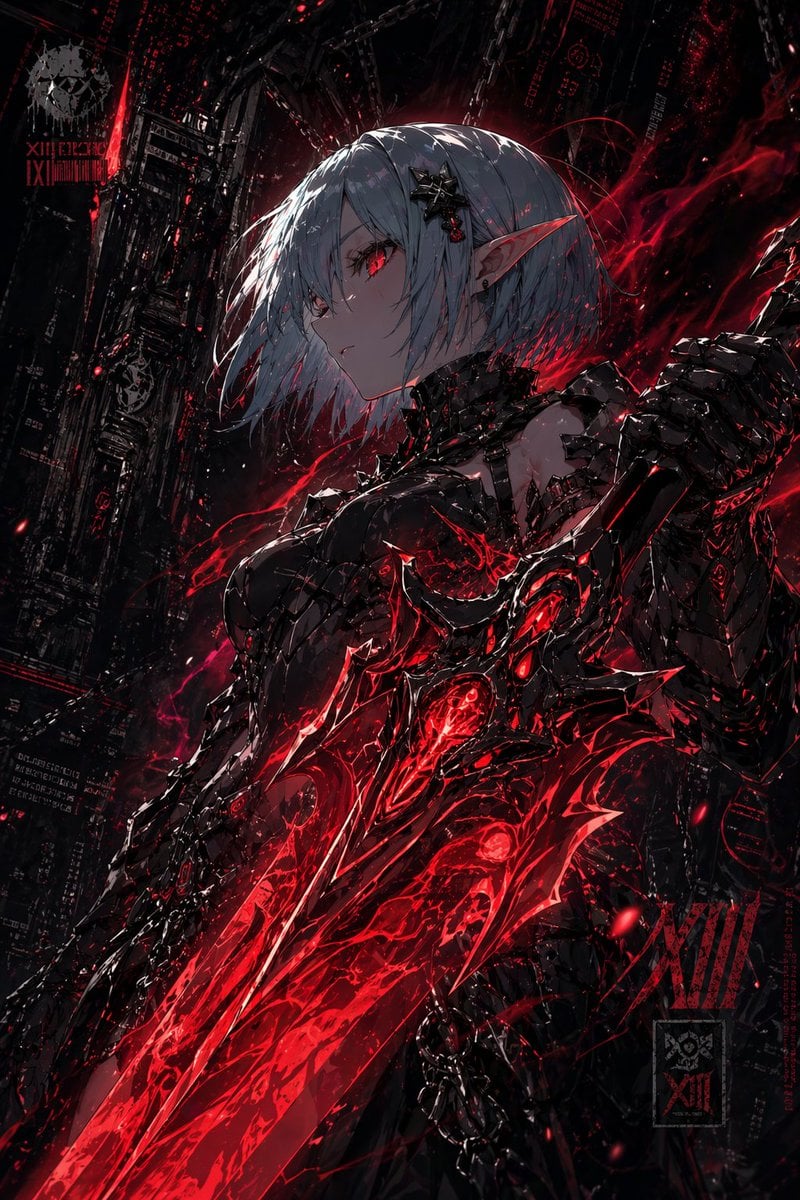
Dark Cyber Elf With Crimson Blade
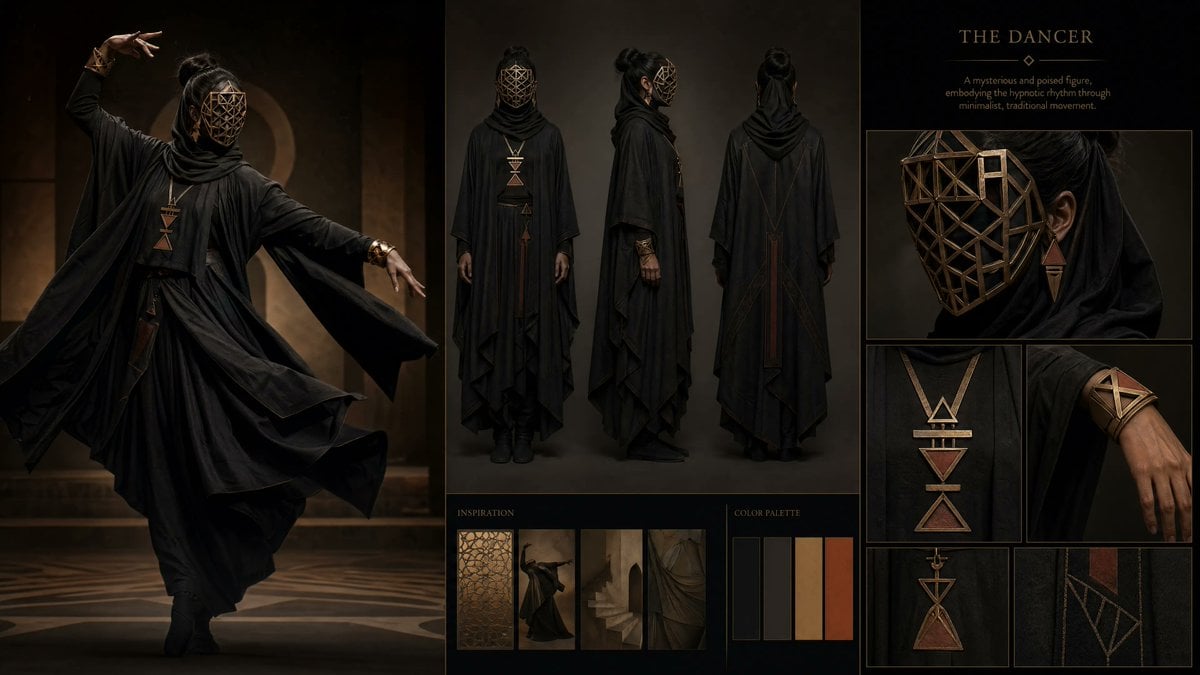
Dark Ritual Dancer Concept Board

Night Sports Car Portrait — Cinematic Moody

Cinematic Eye Light Portraits — 3 Nano Banana Prompts

Horror Cinematic Portrait
Make it yours
Crimson Dark Sorceress Ritual works as-is. These are the safest ways to change it without losing the look.
Change one field
Copy a single group, rewrite it, and generate again so you can see what that field is doing.
Keep the frame, change the subject
Hold the composition and light of Crimson Dark Sorceress Ritual, then swap wardrobe, props or the person for a new take.
| If the result… | Why | Fix |
|---|---|---|
| The result drifts from the preview | Too many fields changed at once. | Reuse Crimson Dark Sorceress Ritual as-is first, then change one group — subject, light, or setting. |
| The model over-stylizes the scene | The prose prompt leaves finish and camera underspecified. | Add one camera or lighting sentence and stay on GPT Image 2. |
More GPT Image 2 templates
Other prompts made for GPT Image 2.

Six VTuber Japanese Logo Sheet

Realistic Portrait of Woman and Deer

The Vista Modular Condo Poster

AI Model Routing Comparison Infographic

2.5D Anime Art Board

Isometric Productivity Desk Scene

New York Double Exposure Poster

Four-Panel AI Landscape Comparison

Japanese Tatami Lifestyle Magazine Cover

NESCAFÉ Coffee Map Poster
More image prompts
Fresh picks from across the catalog.

Michael Jordan Sports Graphic Wallpaper
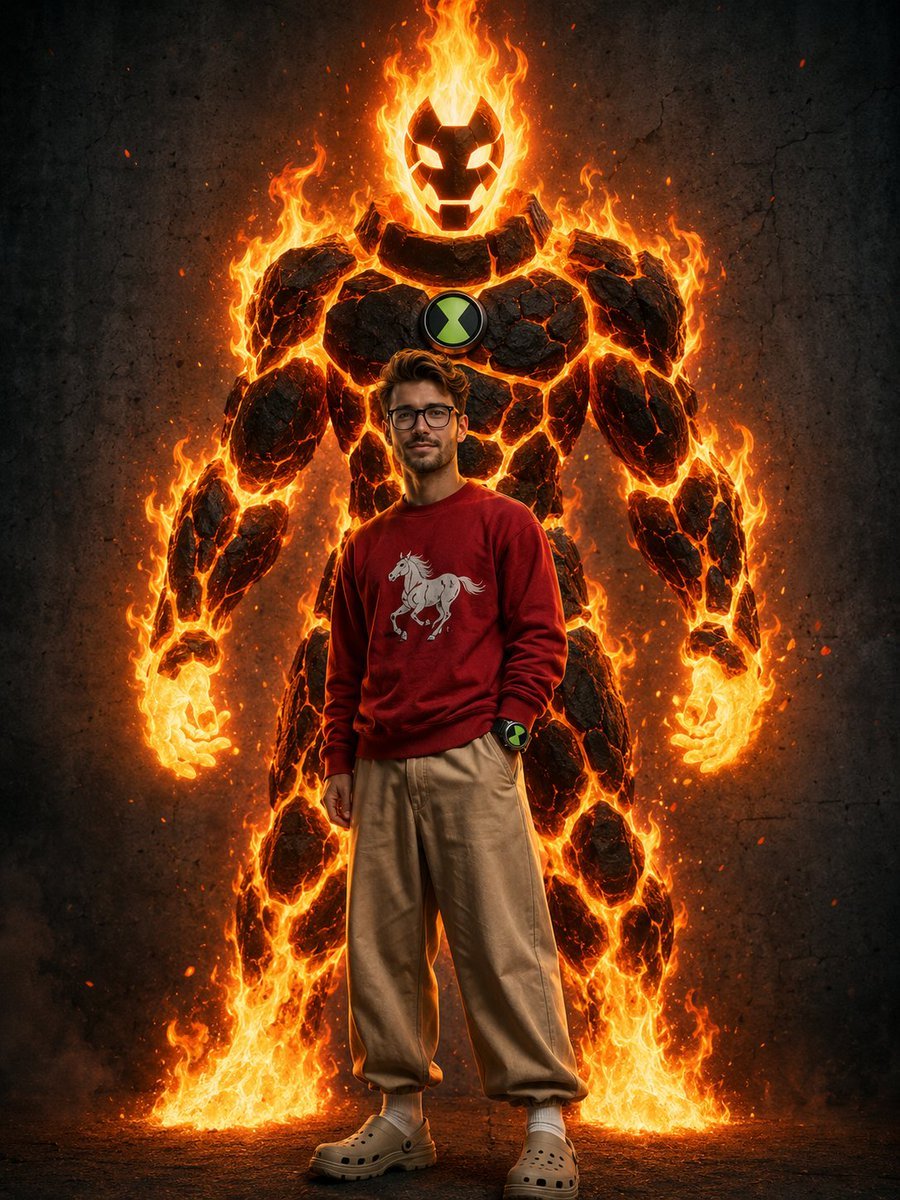
Heatblast Ben 10 Streetwear Portrait
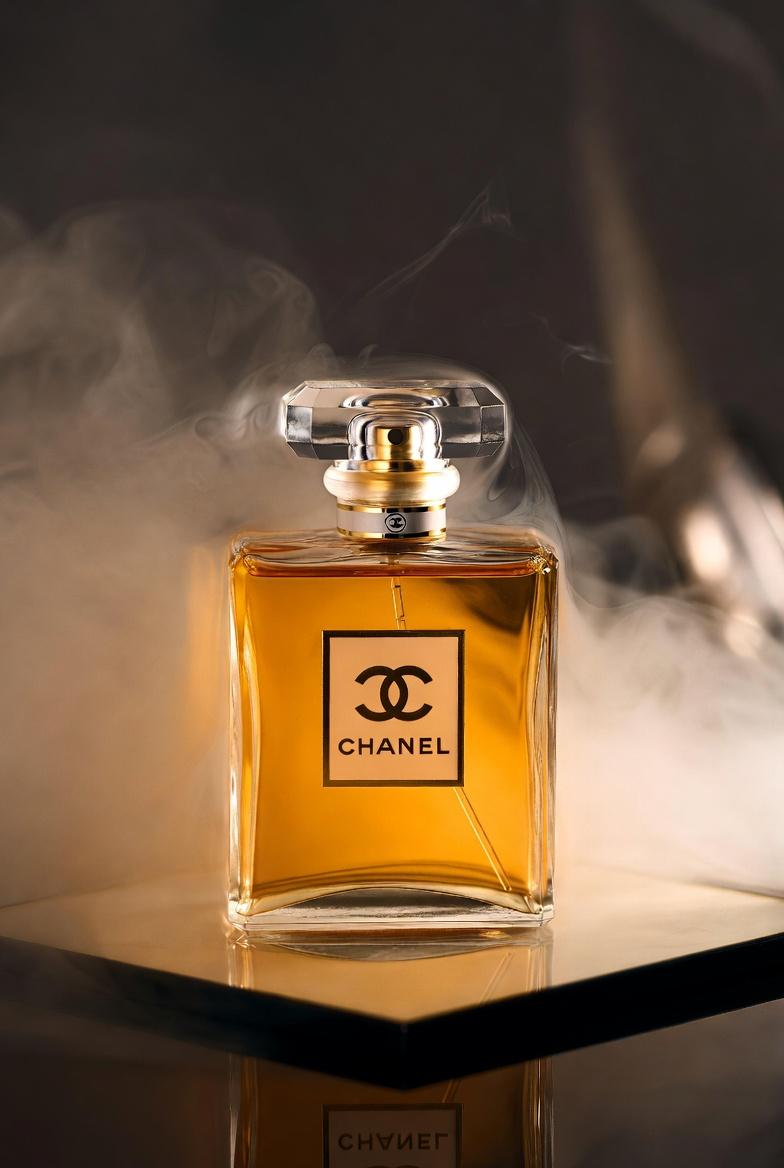
Chanel Perfume Product Shot Prompt

Gurren Lagann Style 'Gaina-Dachi' Anime Stance Prompt
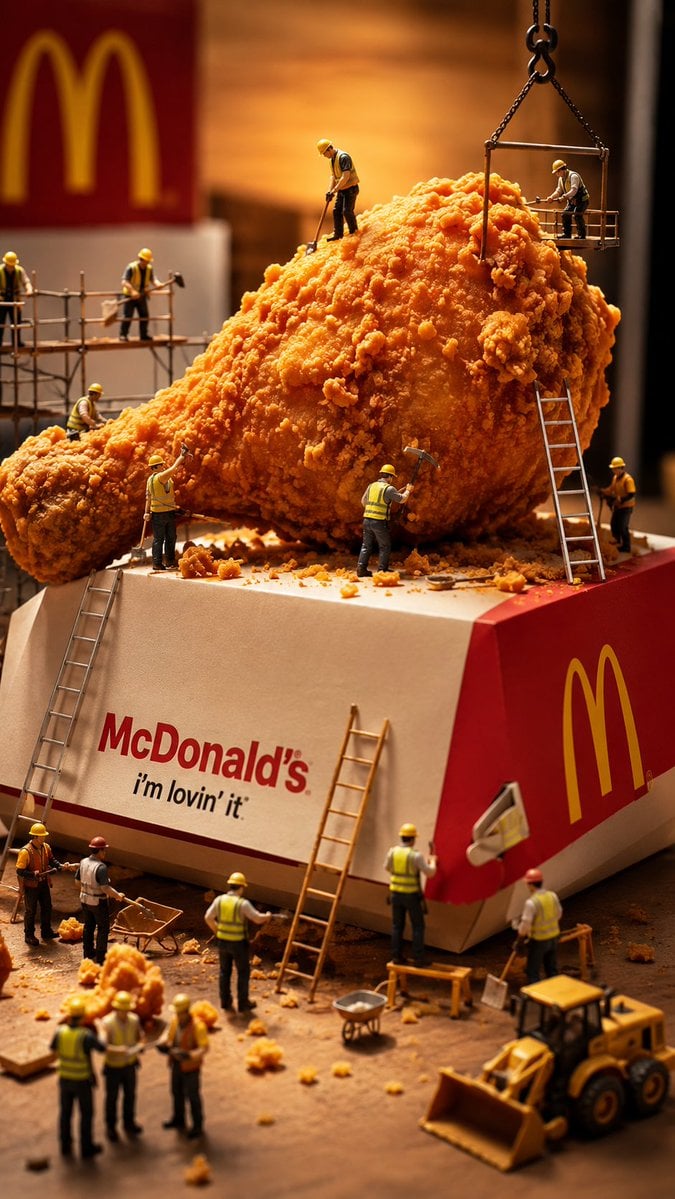
Miniature Workers Sculpt Giant McDonald's Drumstick

Modern Lifestyle Portrait with Strict Identity Lock
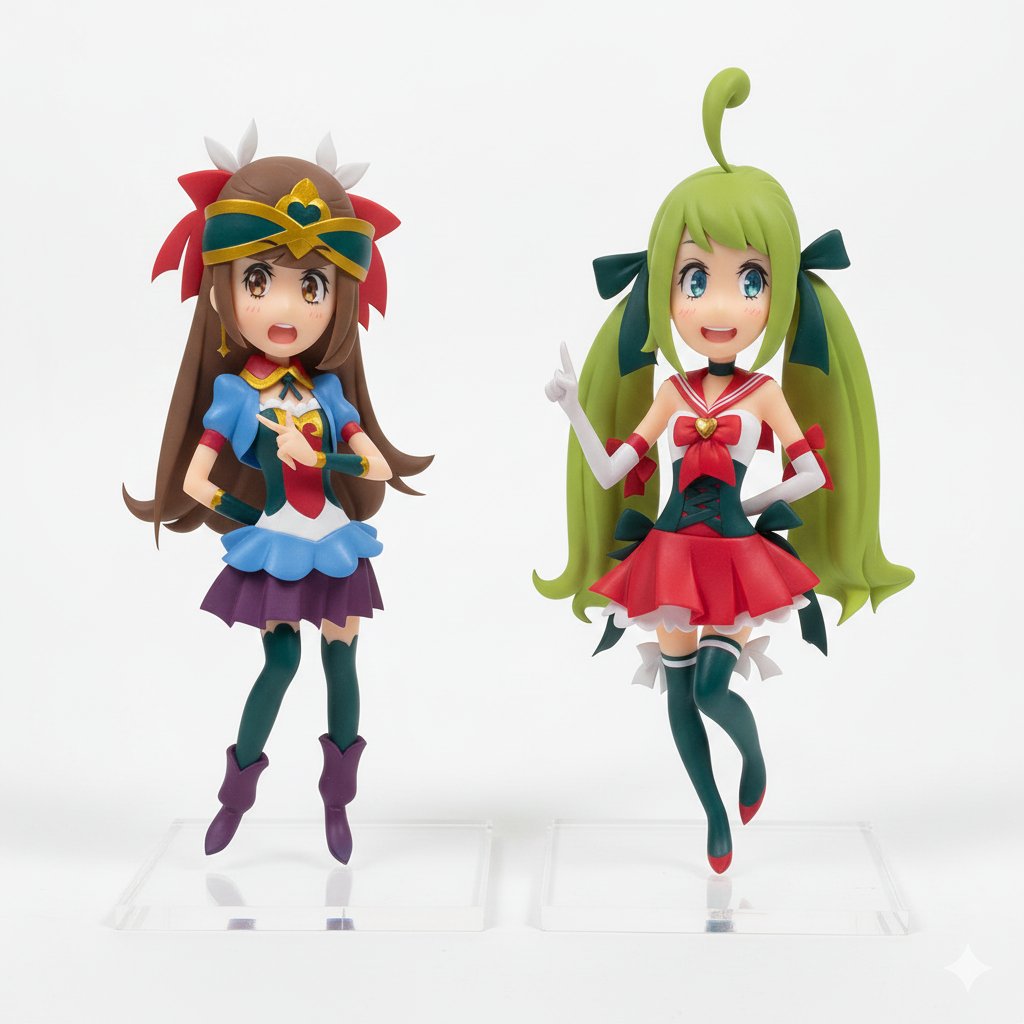
Degree Panorama Cockpit Scene
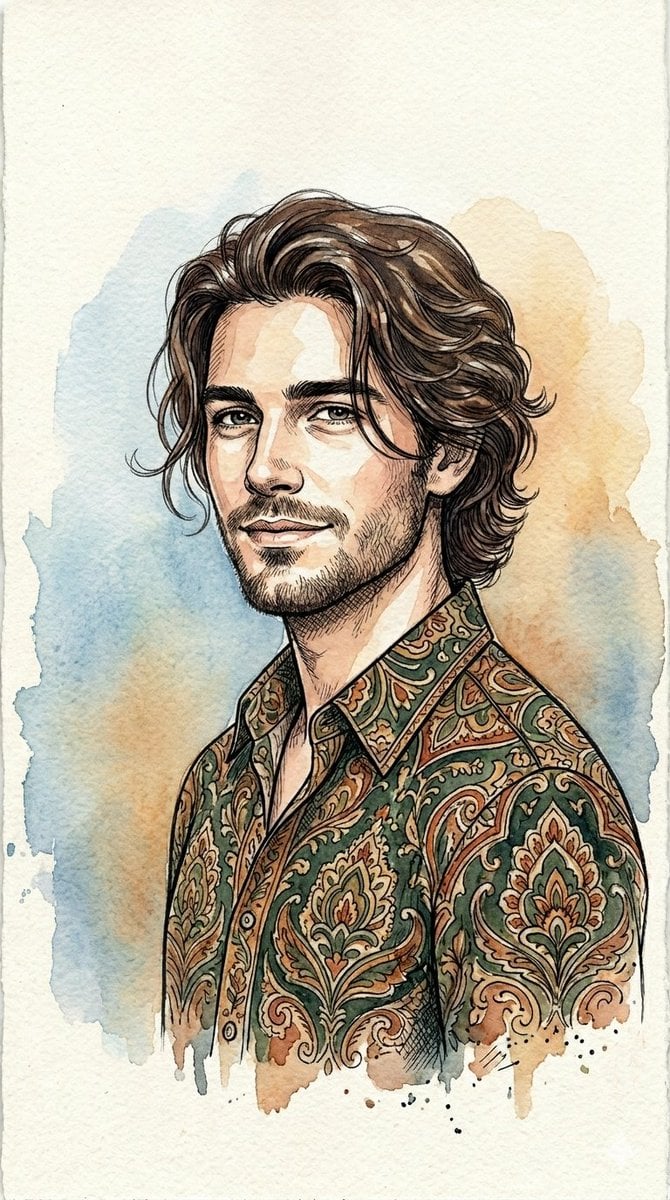
Watercolor and Ink Line Art Portrait
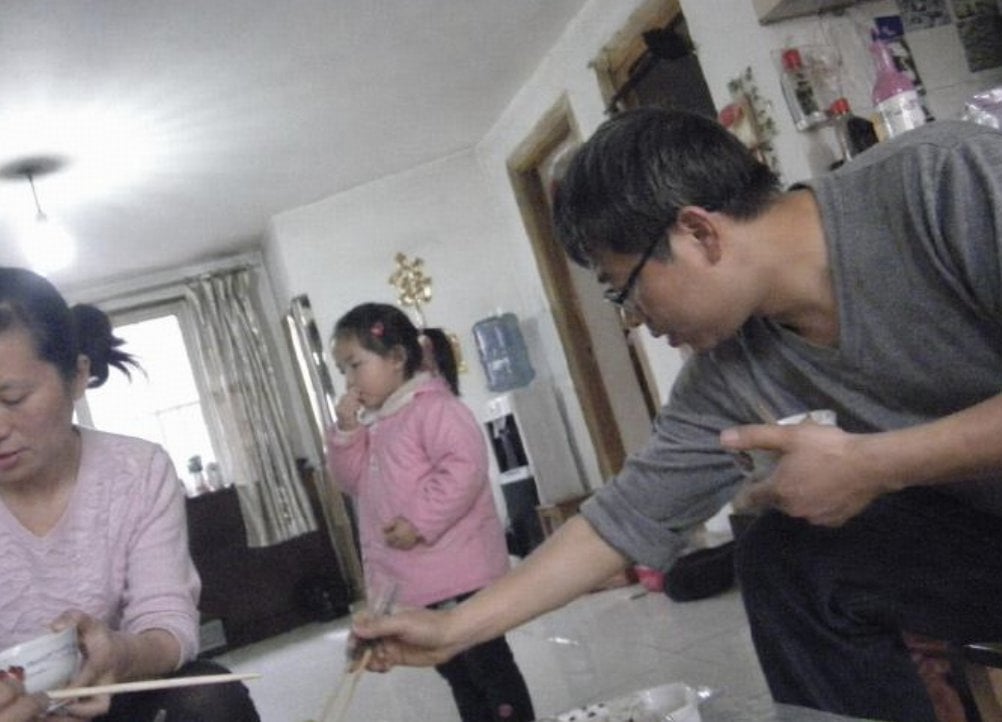
Censored Family Snapshot
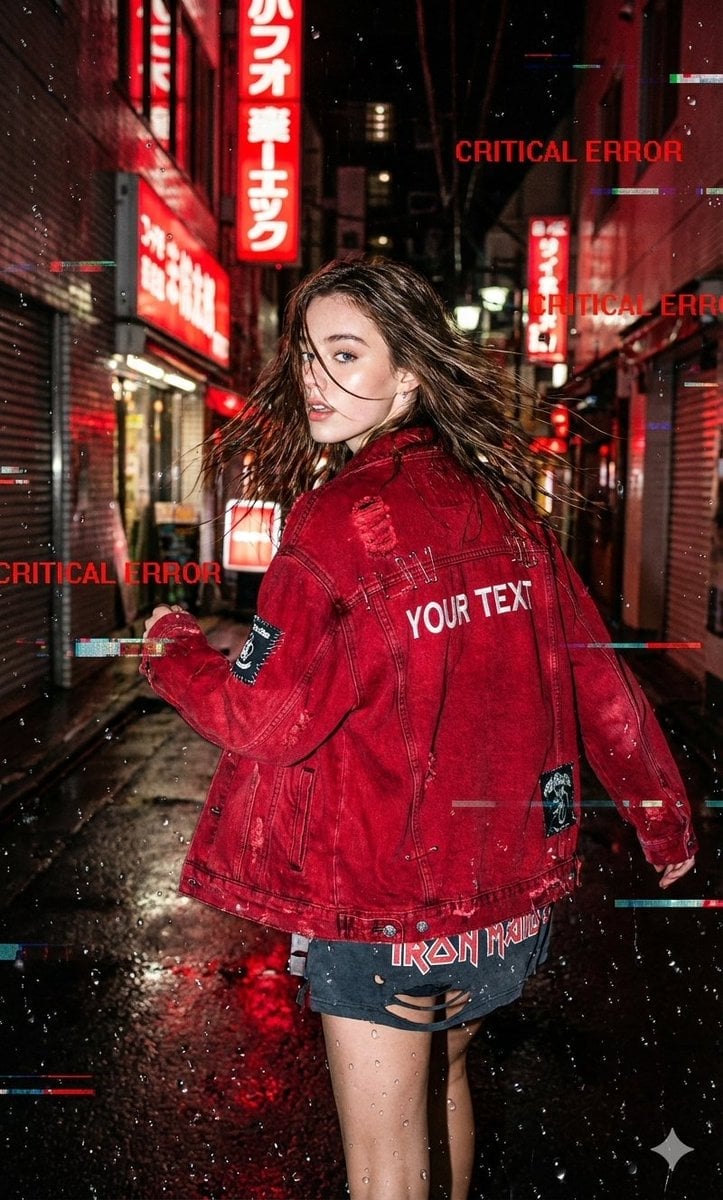
Glitchy Neo-Tokyo Street Style Photo with Red Neon
Browse template categories
Crimson Dark Sorceress Ritual questions
How do I use the Crimson Dark Sorceress Ritual template?
Add your photo if the template asks for one, edit the prompt if you like — the template's model and format are already selected — and press Generate. Your version opens in PicX Studio.
Can I customize the Crimson Dark Sorceress Ritual template?
Yes. You can change the subject, setting, lighting, mood, format, and available model controls before creating your image.
Is the Crimson Dark Sorceress Ritual template free?
Opening and editing this template is free. Generating uses credits, shown on the Generate button when you are signed in.
Which AI model should I use?
Start with GPT Image 2, which is the model associated with this template. You can compare another compatible model for a different finish.
Looking for something else? Browse all templates.

Your photo, any look
Thousands of ready templates for every top image and video model, from one credit balance.