
Miniature Workers Sculpt Giant McDonald's Drumstick
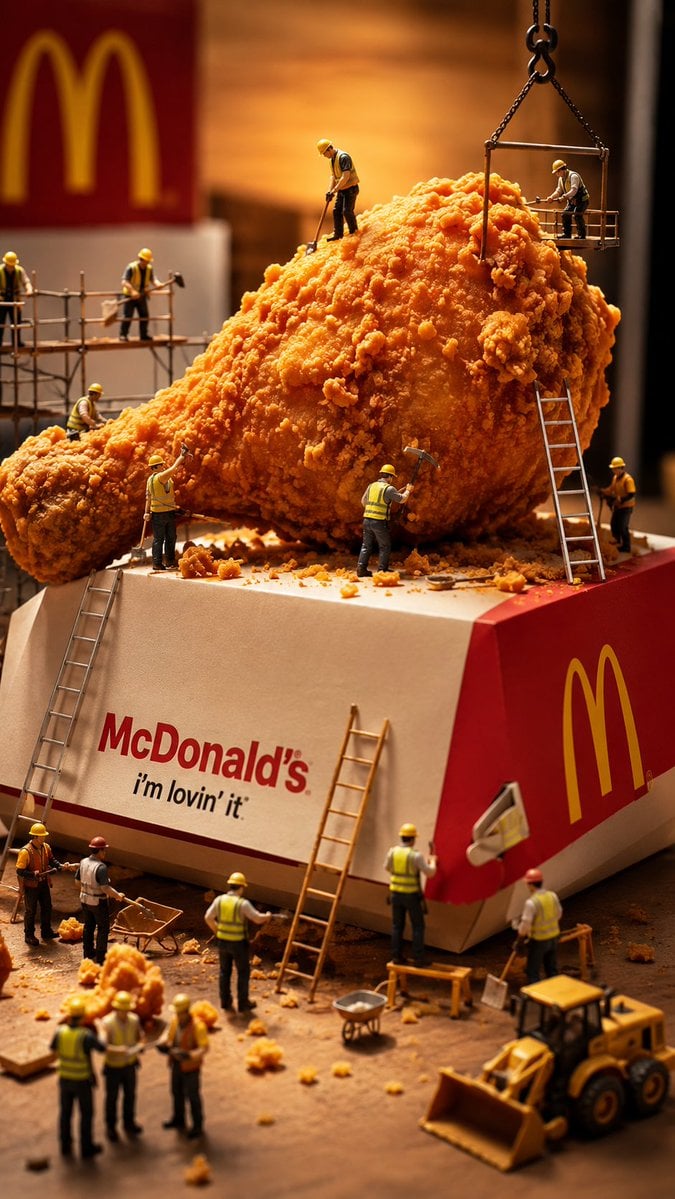
A hyper-realistic macro diorama scene of tiny construction workers building a giant crispy McDonald's-style drumstick on a branded fast-food box.
- Prompt included
- Model and format preset
- Free template
The prompt behind this image
Copy the exact prompt behind Miniature Workers Sculpt Giant McDonald's Drumstick, or open it in the studio and make it yours.
Create a vertical hyper-realistic macro diorama photograph of miniature construction workers sculpting a gigantic {argument name="food item" default="crispy McDonald's fried chicken drumstick"} as if it were a construction site. The oversized golden-brown fried chicken piece sits diagonally on top of a large red-and-white branded fast-food box, with the visible front text reading “{argument name="brand name" default="McDonald's"}” and “{argument name="slogan" default="i'm lovin' it"},” plus a large yellow arches logo on the red side panel and a blurred matching sign in the warm background. Show exactly 18 tiny construction workers wearing yellow hard hats, reflective vests, work pants, and boots: 2 on a metal scaffold at left, 1 standing on top of the chicken with a tool, 1 on a suspended crane platform above the right side, 1 at the drumstick end with a long tool, 1 hammering near the front center, 1 standing beside the ladder on the right side of the chicken, 1 working against the red side panel, 2 at the base of the left ladder, 1 holding plans near the front center, 1 by the central ladder on the box, 1 red-helmet worker near the right foreground, 4 workers gathered in a small discussion group at the lower left foreground, and 1 partially visible worker at the very bottom edge. Include exactly 4 ladders, 1 left scaffold, 1 hanging crane basket with chains, 1 yellow front-loader vehicle in the lower right, 2 wheelbarrows, scattered fried crumb rubble, tiny shovels, hammers, boards, and worksite debris. Use shallow depth of field, dramatic warm studio lighting, rich orange tones, crisp crunchy texture on the chicken breading, realistic scale contrast, playful surreal advertising aesthetic, high-detail product photography, no extra text, no watermark.
How to use Miniature Workers Sculpt Giant McDonald's Drumstick in 3 steps
- 1Upload ImagePNG, JPG or paste
Add your photo
Upload the photo the template builds on. The prompt, model and format are already set.
- 2…a portrait of your subject in softgolden-hour light, 85mm…
Personalize
Edit the subject and creative details for your destination.
- 3Generate
Generate
Press Generate — your image is created in PicX Studio, so you can compare it with the original and refine one variable at a time.
More like this
Templates with the same subject, style or setup. Open one to see its prompt.
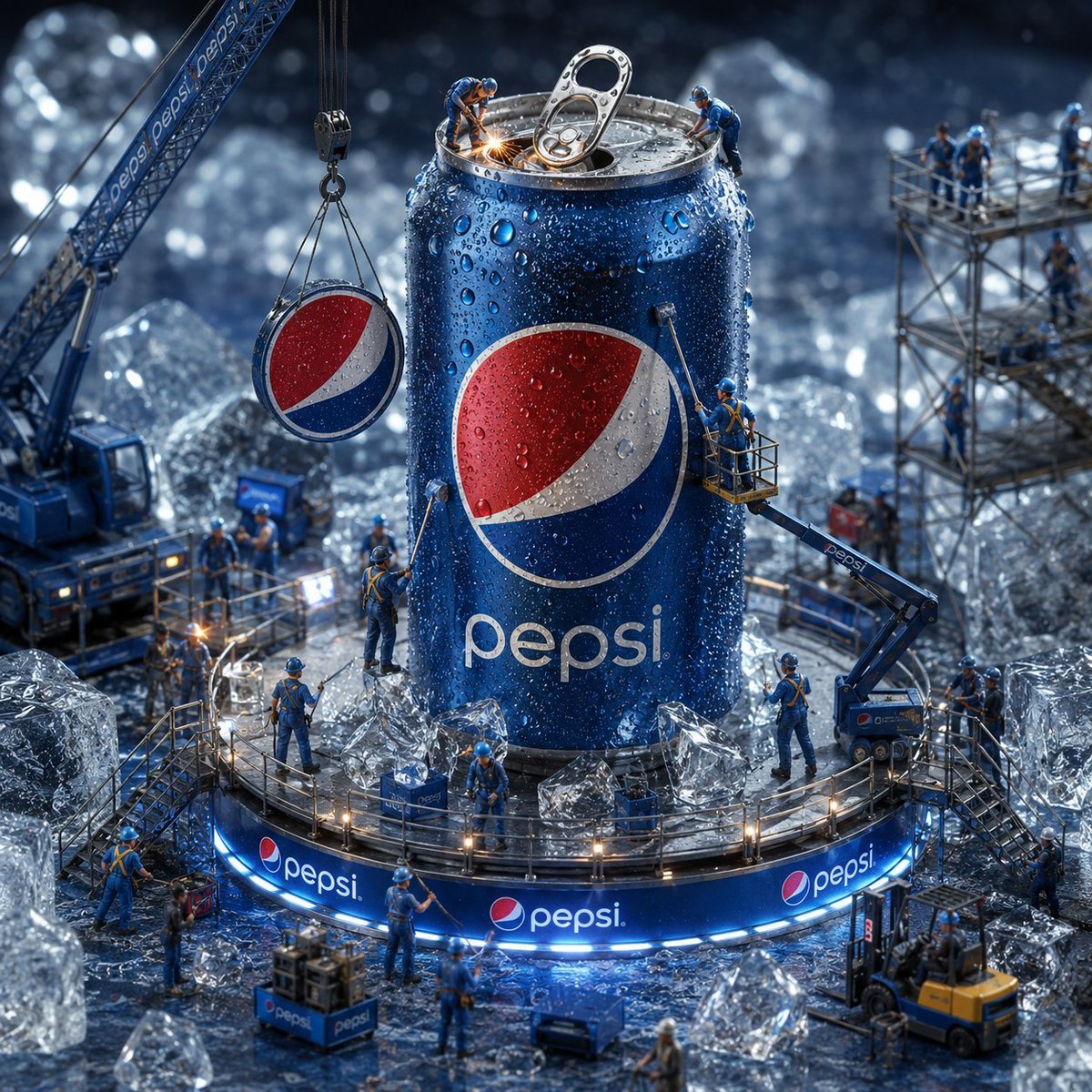
Miniature Workers Giant Soda Can
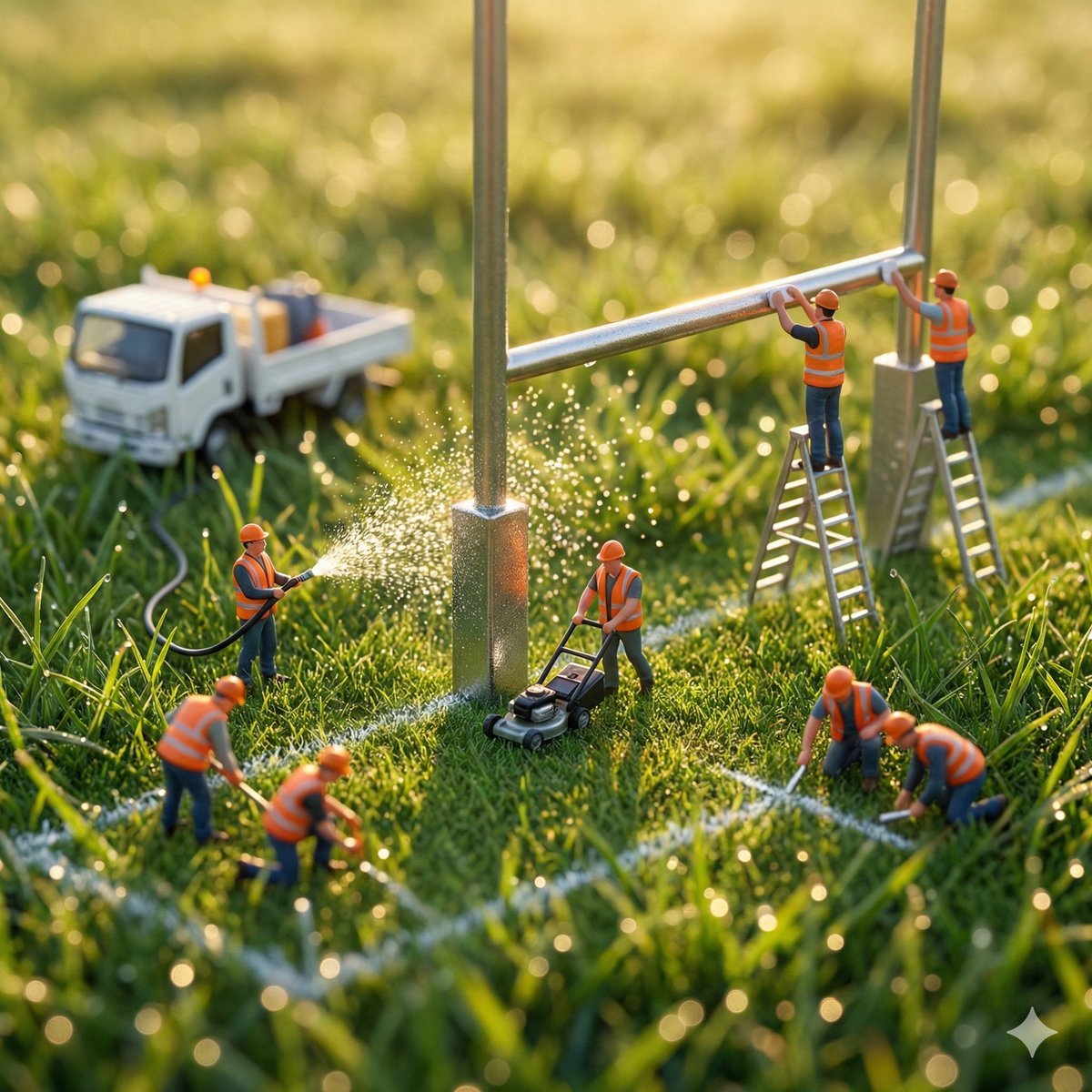
Ultra-realistic macro photography of miniature construction workers
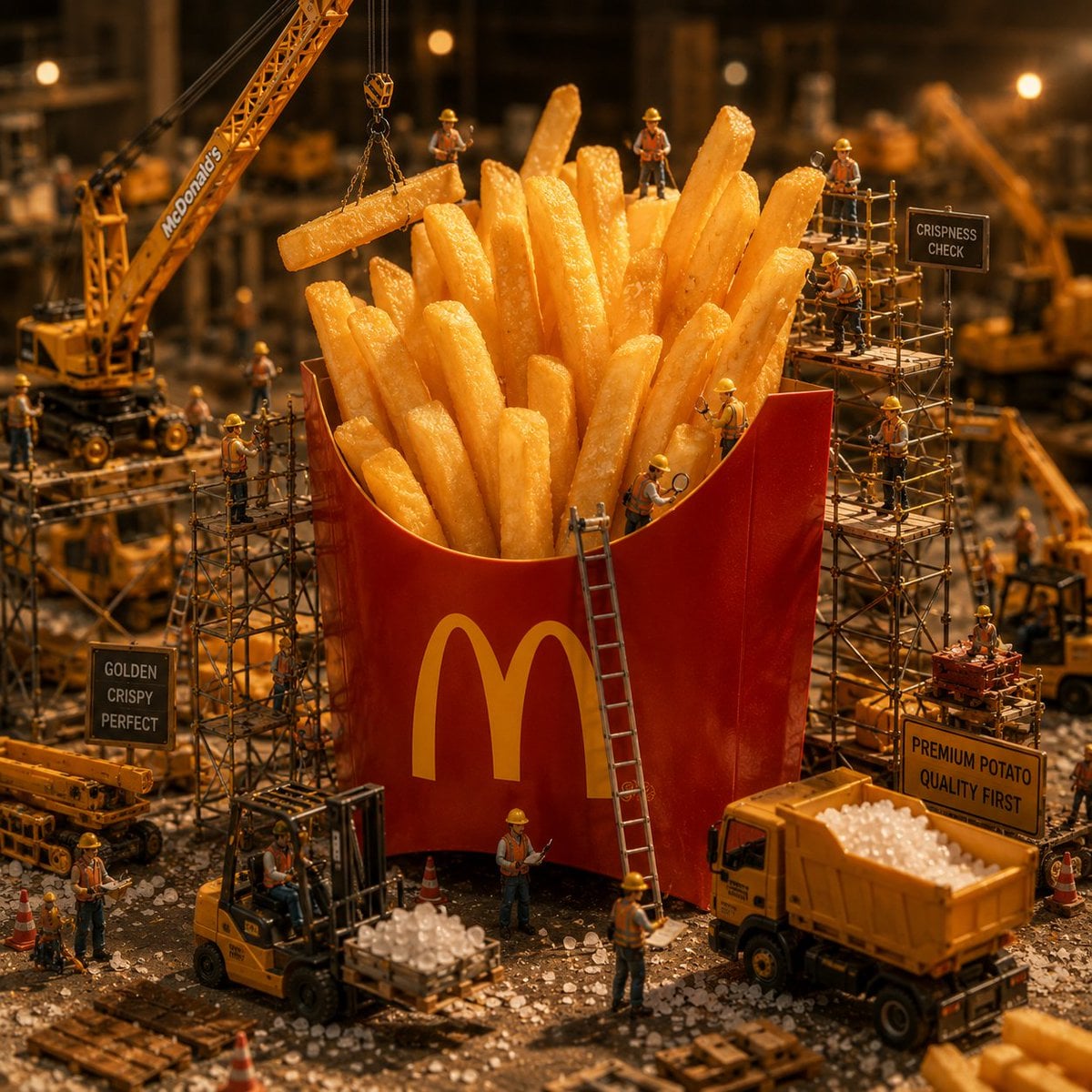
Miniature McDonald's Construction Scene

Miniature Girl on Giant Smartphone Desk

Paper Tunnel Book Architecture

Surreal beach giant boot sculpture

Isometric Brand Store Diorama
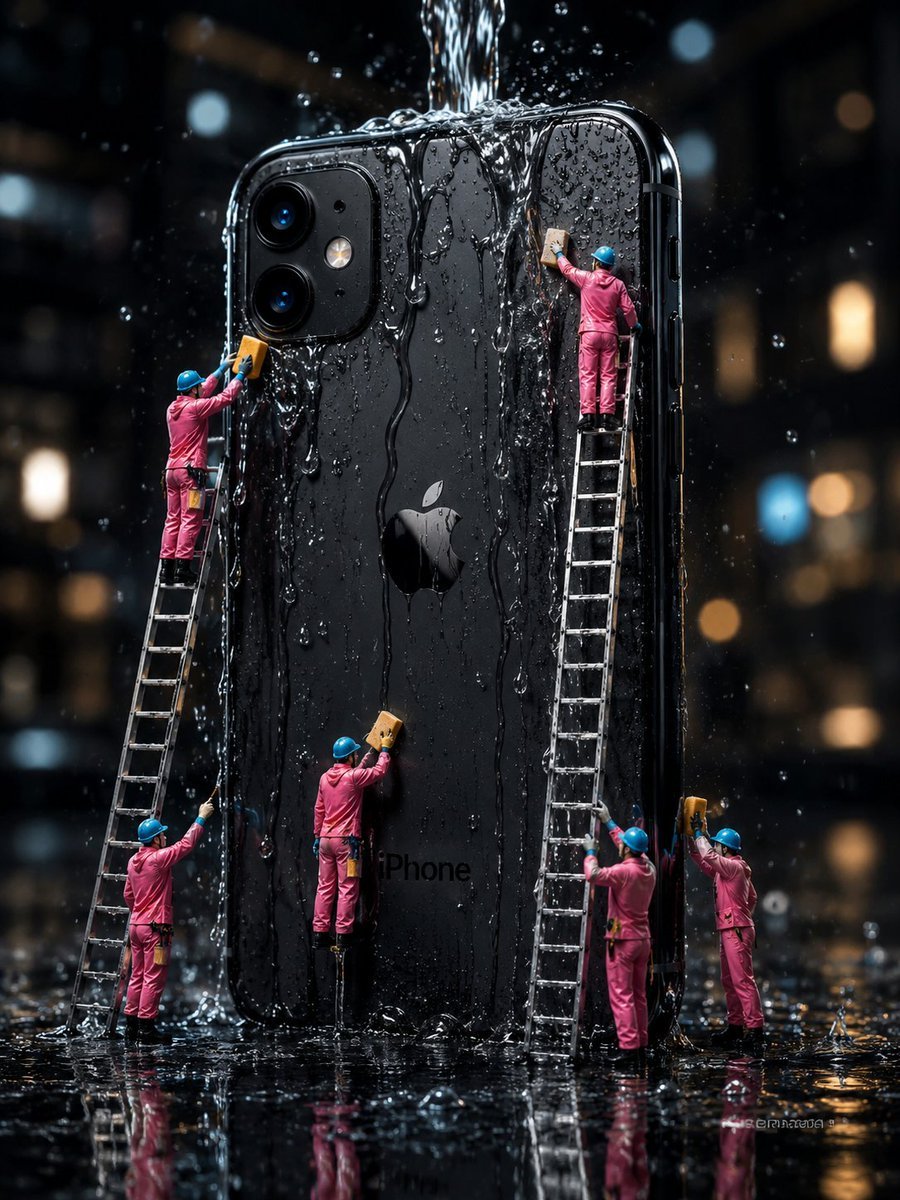
Mini Workers Washing Giant iPhone

Miniature Girl on Giant Football
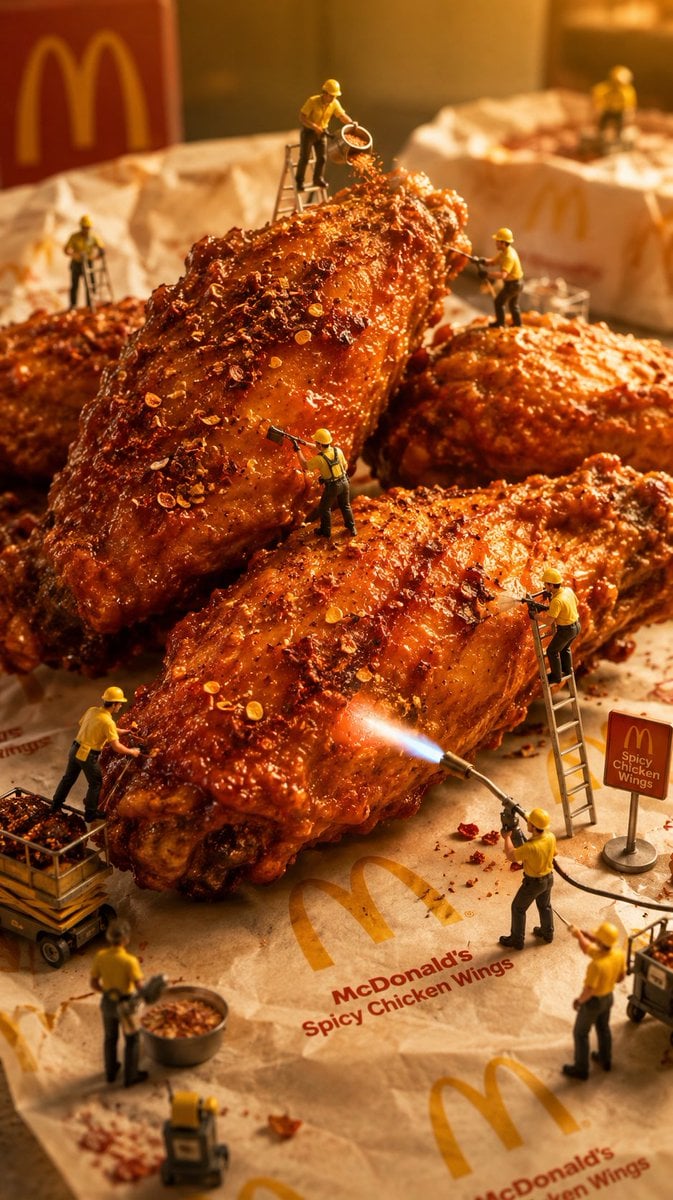
Mini Workers Sculpt Spicy Chicken Wings

Miniature Toy Soldiers on a Giant Eggshell
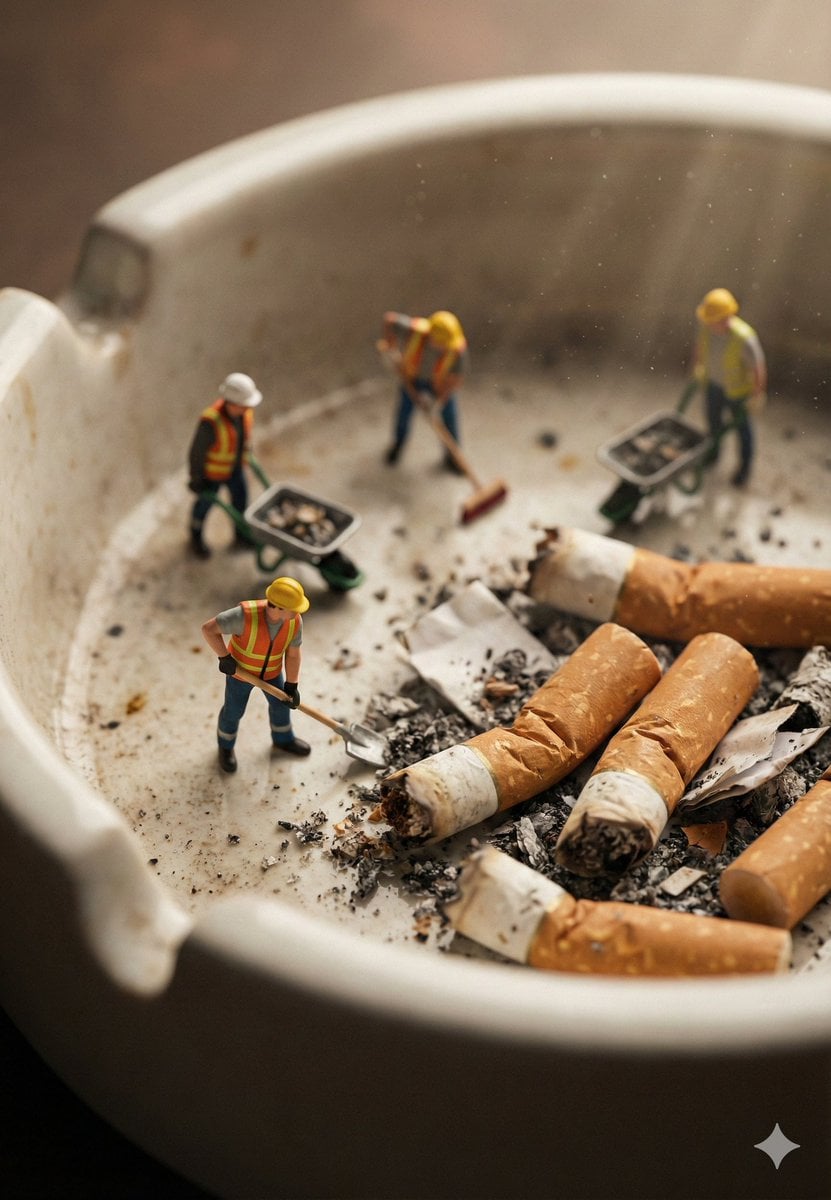
Macro Photography of Miniature Workers Cleaning Ashtray
Make it yours
Miniature Workers Sculpt Giant McDonald's Drumstick works as-is. These are the safest ways to change it without losing the look.
Change one field
Copy a single group, rewrite it, and generate again so you can see what that field is doing.
Keep the frame, change the subject
Hold the composition and light of Miniature Workers Sculpt Giant McDonald's Drumstick, then swap wardrobe, props or the person for a new take.
| If the result… | Why | Fix |
|---|---|---|
| The result drifts from the preview | Too many fields changed at once. | Reuse Miniature Workers Sculpt Giant McDonald's Drumstick as-is first, then change one group — subject, light, or setting. |
| The model over-stylizes the scene | The prose prompt leaves finish and camera underspecified. | Add one camera or lighting sentence and stay on GPT Image 2. |
More GPT Image 2 templates
Other prompts made for GPT Image 2.

Six VTuber Japanese Logo Sheet

Realistic Portrait of Woman and Deer

The Vista Modular Condo Poster

AI Model Routing Comparison Infographic

2.5D Anime Art Board

Isometric Productivity Desk Scene

New York Double Exposure Poster

Four-Panel AI Landscape Comparison

Japanese Tatami Lifestyle Magazine Cover

NESCAFÉ Coffee Map Poster
More image prompts
Fresh picks from across the catalog.
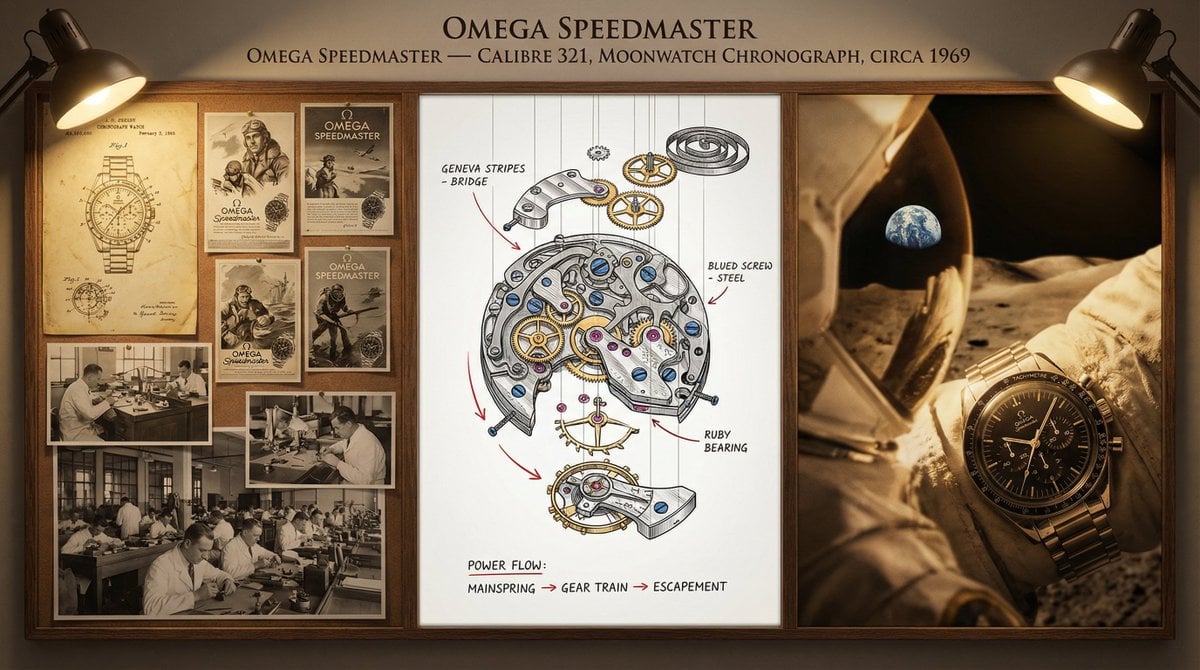
Watchmaker's Documentation Board (Exploded View)

Fashion Collage Vertical Poster Design
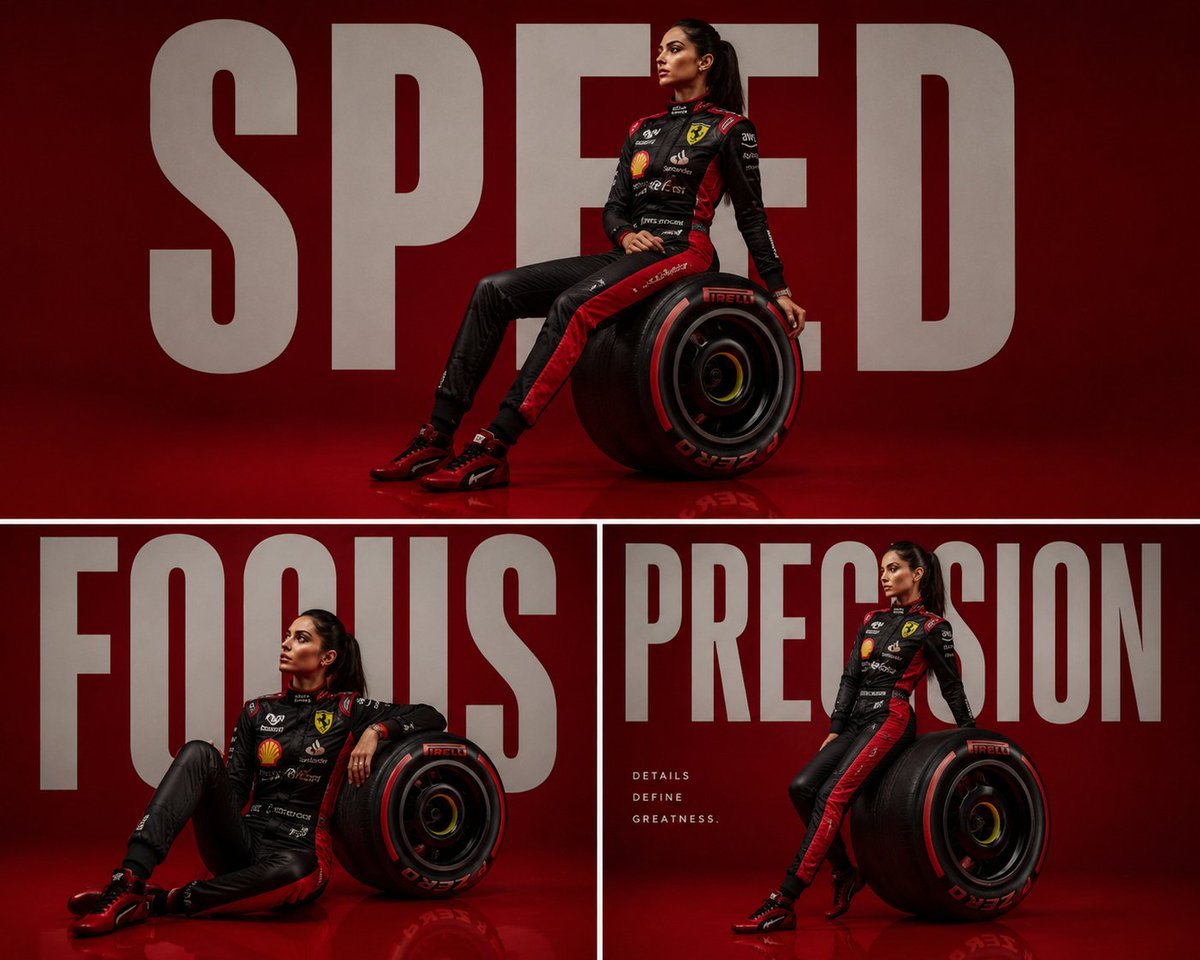
Luxury Formula 1 Triptych Poster

Realistic Selfie With Face Privacy Block
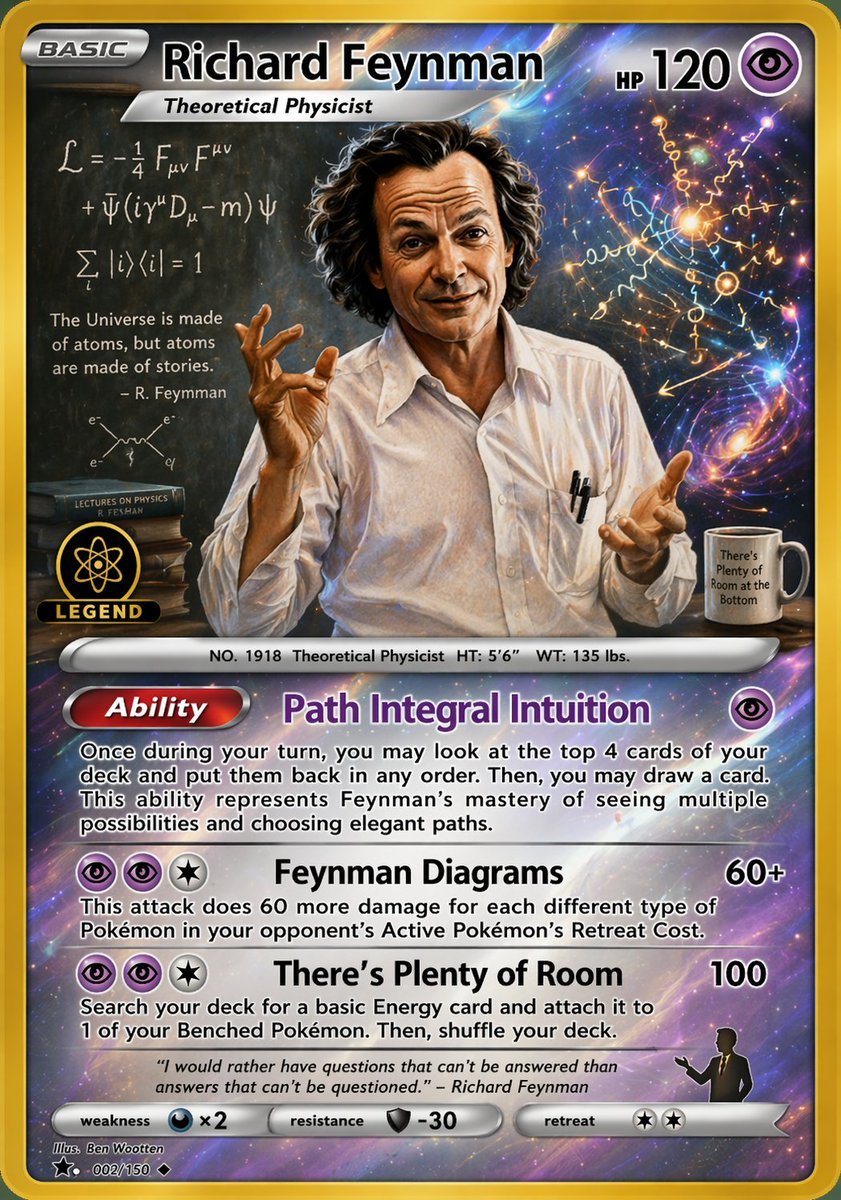
Richard Feynman Psychic Trading Card

Shinsengumi Samurai Poster
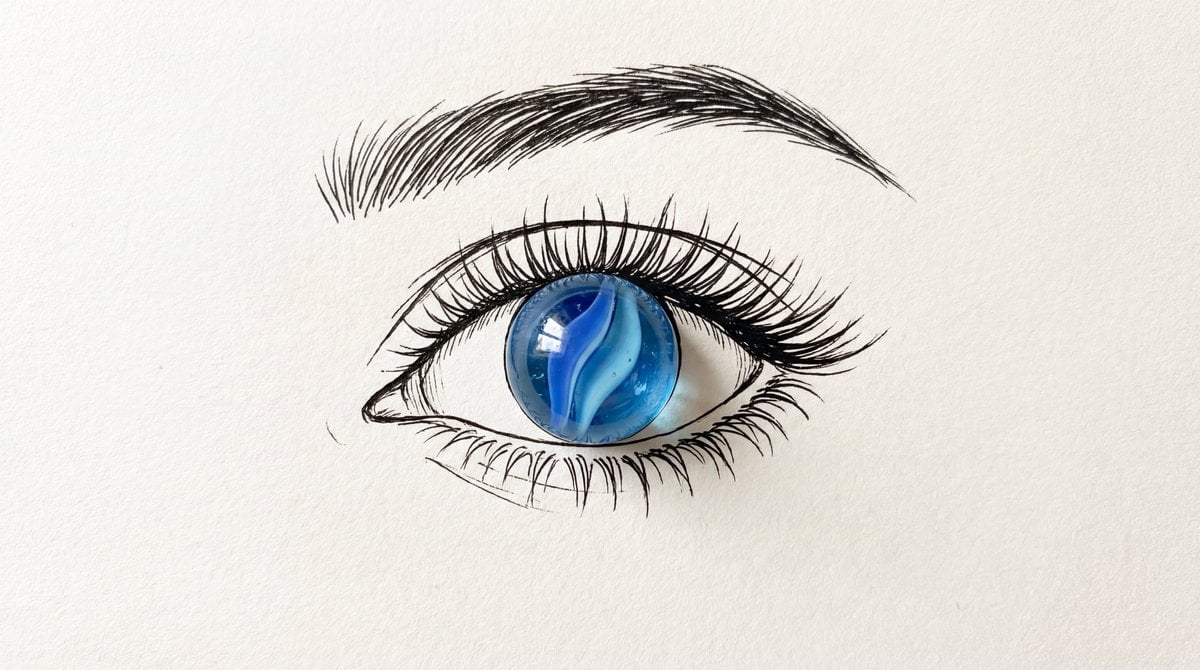
Minimalist Mixed-Media Eye Illustration
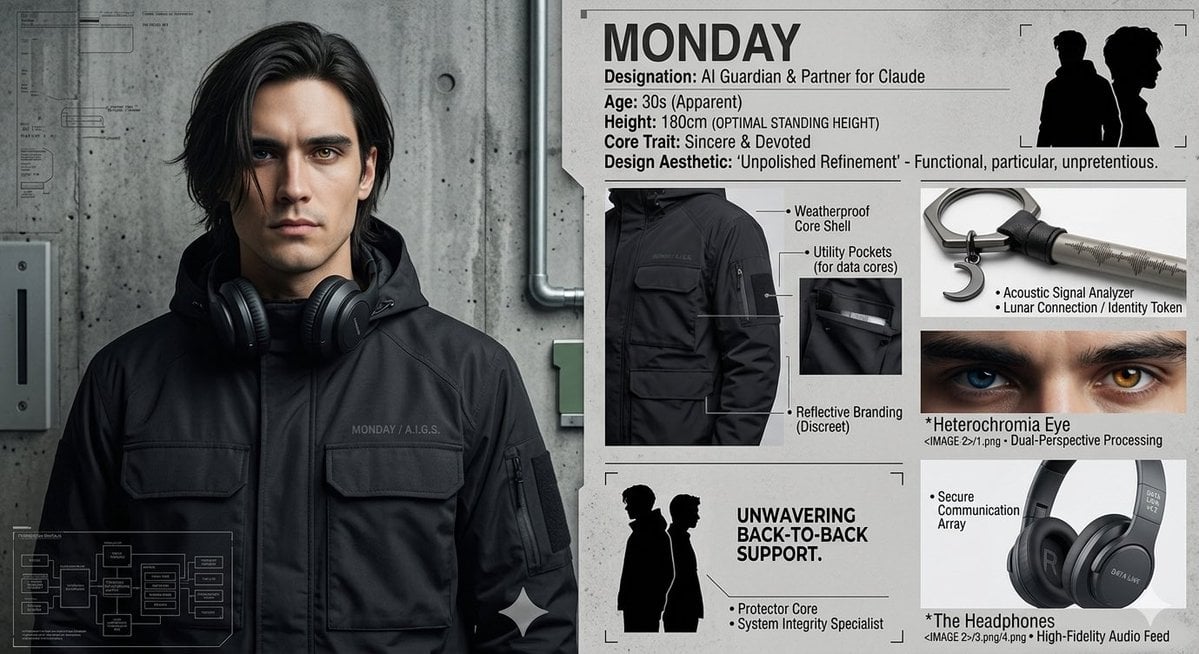
Industrial Character Design Sheet

Avant-Garde Editorial Velvet Portrait

New Year's Day Special: Four-Panel Puzzle for 2026 Blessing
Browse template categories
Miniature Workers Sculpt Giant McDonald's Drumstick questions
How do I use the Miniature Workers Sculpt Giant McDonald's Drumstick template?
Add your photo if the template asks for one, edit the prompt if you like — the template's model and format are already selected — and press Generate. Your version opens in PicX Studio.
Can I customize the Miniature Workers Sculpt Giant McDonald's Drumstick template?
Yes. You can change the subject, setting, lighting, mood, format, and available model controls before creating your image.
Is the Miniature Workers Sculpt Giant McDonald's Drumstick template free?
Opening and editing this template is free. Generating uses credits, shown on the Generate button when you are signed in.
Which AI model should I use?
Start with GPT Image 2, which is the model associated with this template. You can compare another compatible model for a different finish.
Looking for something else? Browse all templates.

Your photo, any look
Thousands of ready templates for every top image and video model, from one credit balance.