
Realistic Selfie With Face Privacy Block
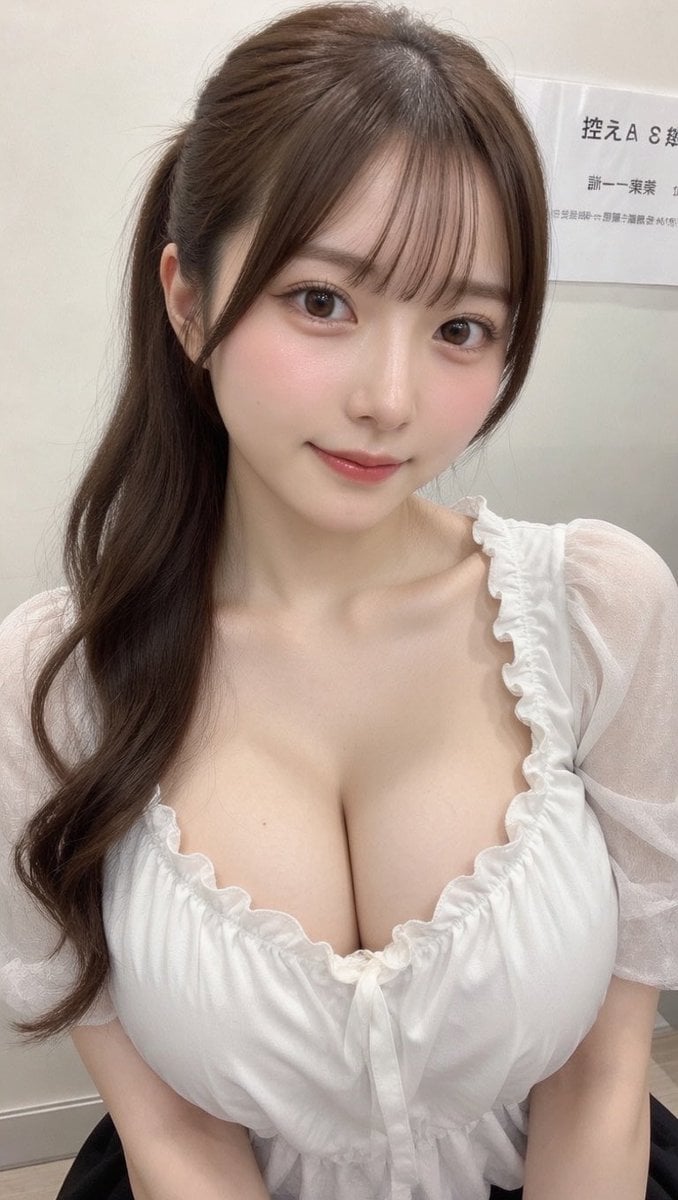
Generates a realistic vertical indoor selfie of a young woman with long wavy hair and an opaque privacy rectangle over her face.
- Prompt included
- Model and format preset
- Free template
The prompt behind this image
Copy the exact prompt behind Realistic Selfie With Face Privacy Block, or open it in the studio and make it yours.
Create a realistic vertical smartphone selfie photo of a young East Asian woman sitting indoors in a softly lit clinic or office waiting-room setting. She is framed from the upper arms to the top of the head, holding the camera slightly above chest level with both arms extending toward the bottom corners. Her face is intentionally covered by one large centered opaque rectangular privacy block in a warm taupe-brown color, spanning from the lower forehead area down to below the mouth and hiding all facial features. She has long dark brown wavy hair with a half-up hairstyle, airy side strands, natural flyaways, and soft bangs parted near the center; the hair falls over both shoulders in loose curls. She wears a sheer light gray-white blouse with translucent puff short sleeves, a gathered ruffled neckline, and delicate thin fabric texture. The background is a plain off-white wall with a small posted paper sign in the upper right containing partial Japanese text, including visible characters like 「控えA…」 and smaller lines beneath, slightly out of focus. Use natural phone-camera realism, indoor ambient lighting, subtle skin texture on neck and arms, shallow depth of field, muted neutral colors, no glamour retouching, no added accessories, no watermark, and keep the image vertical 9:16. Customize: {argument name="hair color" default="dark brown"}, {argument name="blouse color" default="light gray-white"}, {argument name="privacy block color" default="warm taupe-brown"}, {argument name="background setting" default="clinic or office waiting-room"}.
How to use Realistic Selfie With Face Privacy Block in 3 steps
- 1Upload ImagePNG, JPG or paste
Add your photo
Upload the photo the template builds on. The prompt, model and format are already set.
- 2…a portrait of your subject in softgolden-hour light, 85mm…
Personalize
Edit the subject and creative details for your destination.
- 3Generate
Generate
Press Generate — your image is created in PicX Studio, so you can compare it with the original and refine one variable at a time.
More like this
Templates with the same subject, style or setup. Open one to see its prompt.

Felt & Knit 3D Character — Photo-Exact Face, Pixar-Quality Plush Figurine

Surreal Cat Astronaut — Humanoid Face Freefall

Photoreal Selfie Minecraft Block World
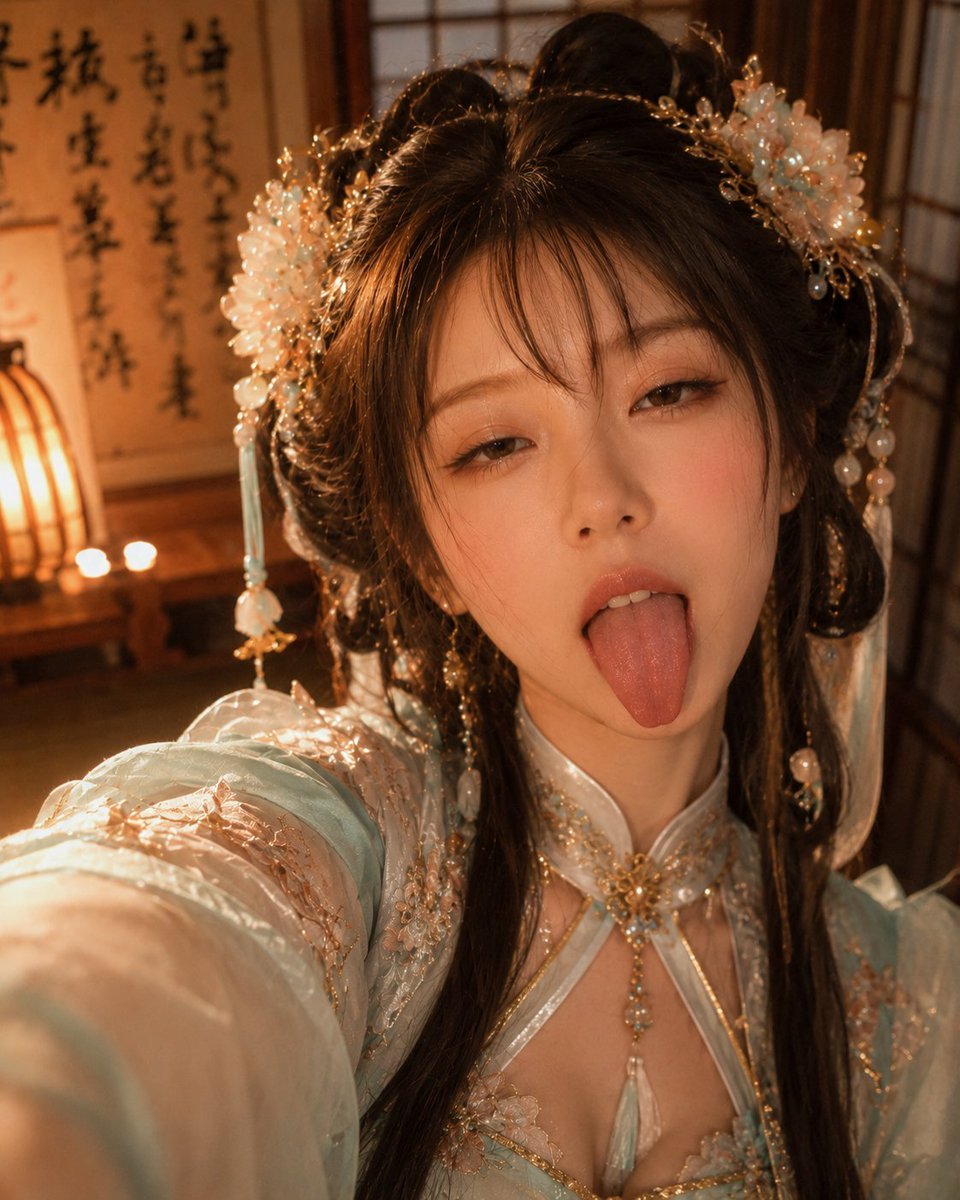
Hanfu Selfie With Privacy Block
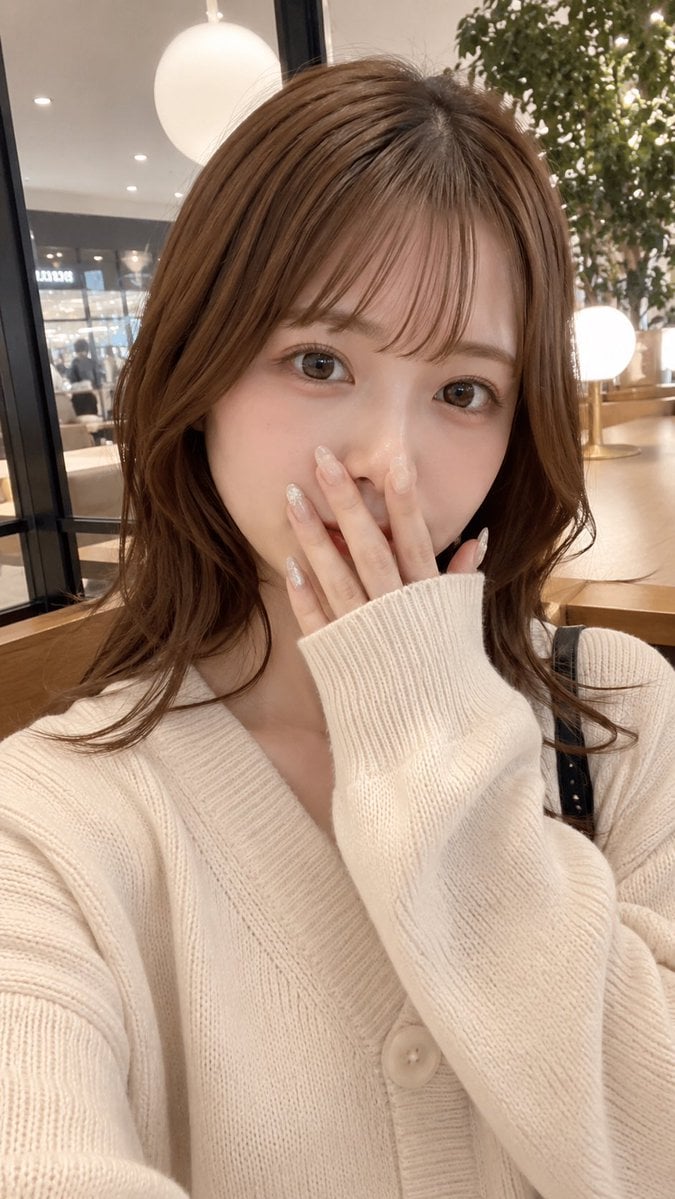
Cafe Selfie With Privacy Block
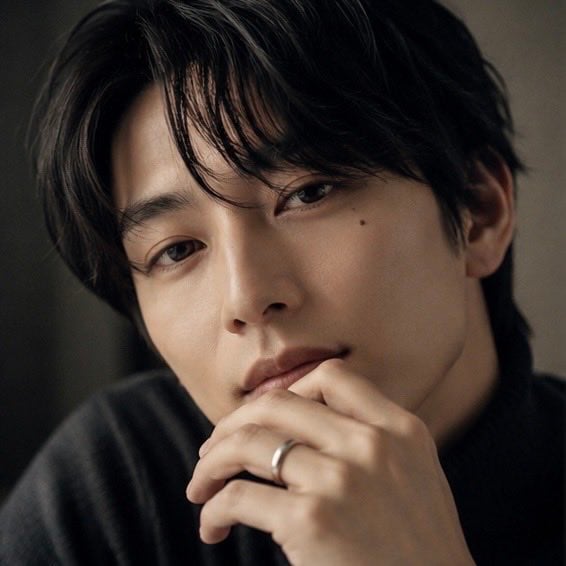
Moody Portrait With Privacy Block
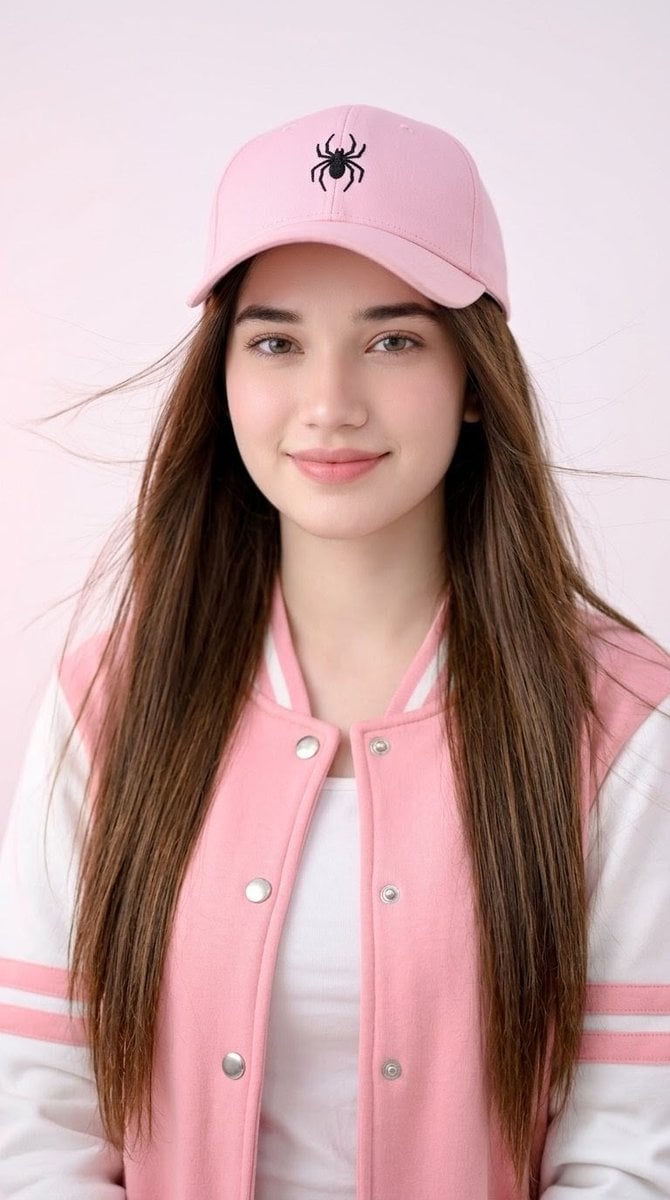
Pink Cap Portrait With Privacy Block

Rooftop Fisheye — Cat-Ear Balaclava at Golden Hour

Eid al-Adha Cute Chaos — Fisheye Selfie with Farm Selfie, Mosque & Animals

Cat Photobomb Selfie — 0.5x Wide Angle Café Chaos

Gen Z Triple Selfie Collage — Y2K Flash Photography

Photoreal Village Lanterns Minecraft Scene
Make it yours
Realistic Selfie With Face Privacy Block works as-is. These are the safest ways to change it without losing the look.
Change one field
Copy a single group, rewrite it, and generate again so you can see what that field is doing.
Keep the frame, change the subject
Hold the composition and light of Realistic Selfie With Face Privacy Block, then swap wardrobe, props or the person for a new take.
| If the result… | Why | Fix |
|---|---|---|
| The result drifts from the preview | Too many fields changed at once. | Reuse Realistic Selfie With Face Privacy Block as-is first, then change one group — subject, light, or setting. |
| The model over-stylizes the scene | The prose prompt leaves finish and camera underspecified. | Add one camera or lighting sentence and stay on GPT Image 2. |
More GPT Image 2 templates
Other prompts made for GPT Image 2.

Six VTuber Japanese Logo Sheet

Realistic Portrait of Woman and Deer

The Vista Modular Condo Poster

AI Model Routing Comparison Infographic

2.5D Anime Art Board

Isometric Productivity Desk Scene

New York Double Exposure Poster

Four-Panel AI Landscape Comparison

Japanese Tatami Lifestyle Magazine Cover

NESCAFÉ Coffee Map Poster
More image prompts
Fresh picks from across the catalog.
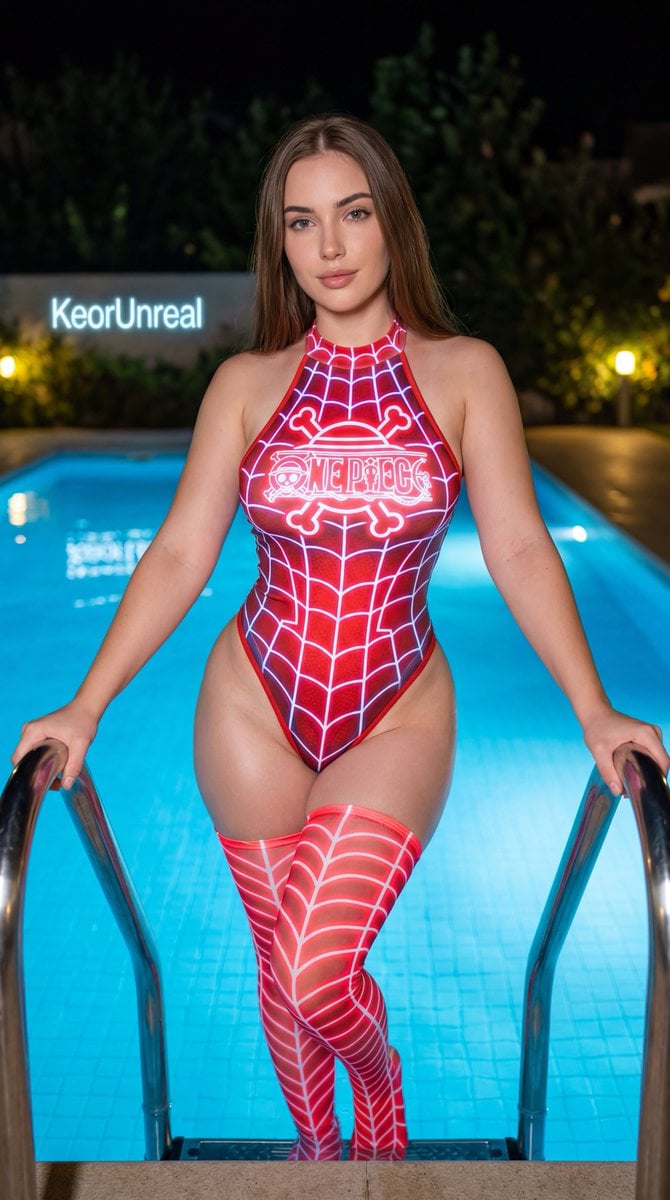
Neon Red One Piece Bodysuit at Night Pool
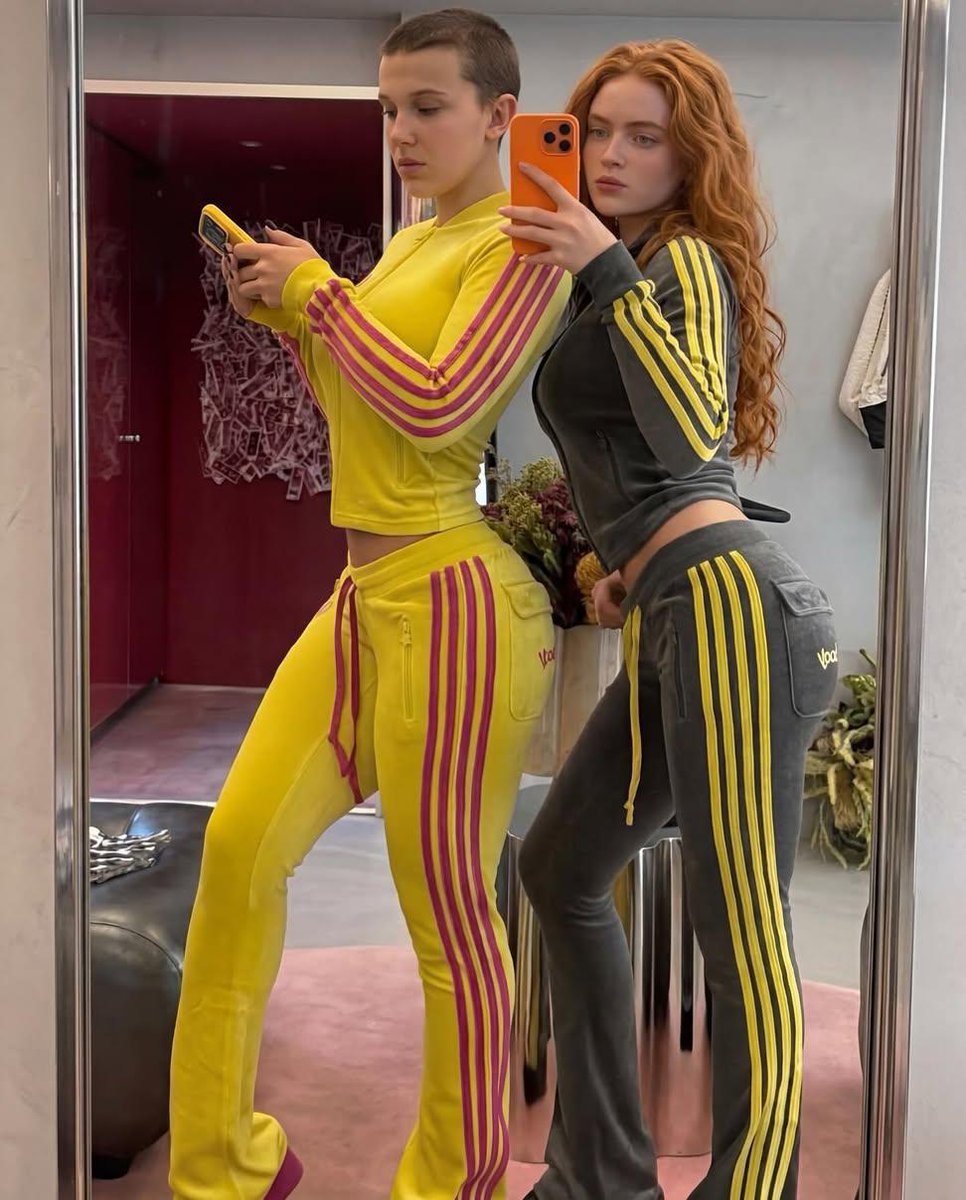
Mirror Selfie of Two Women in Velour Tracksuits
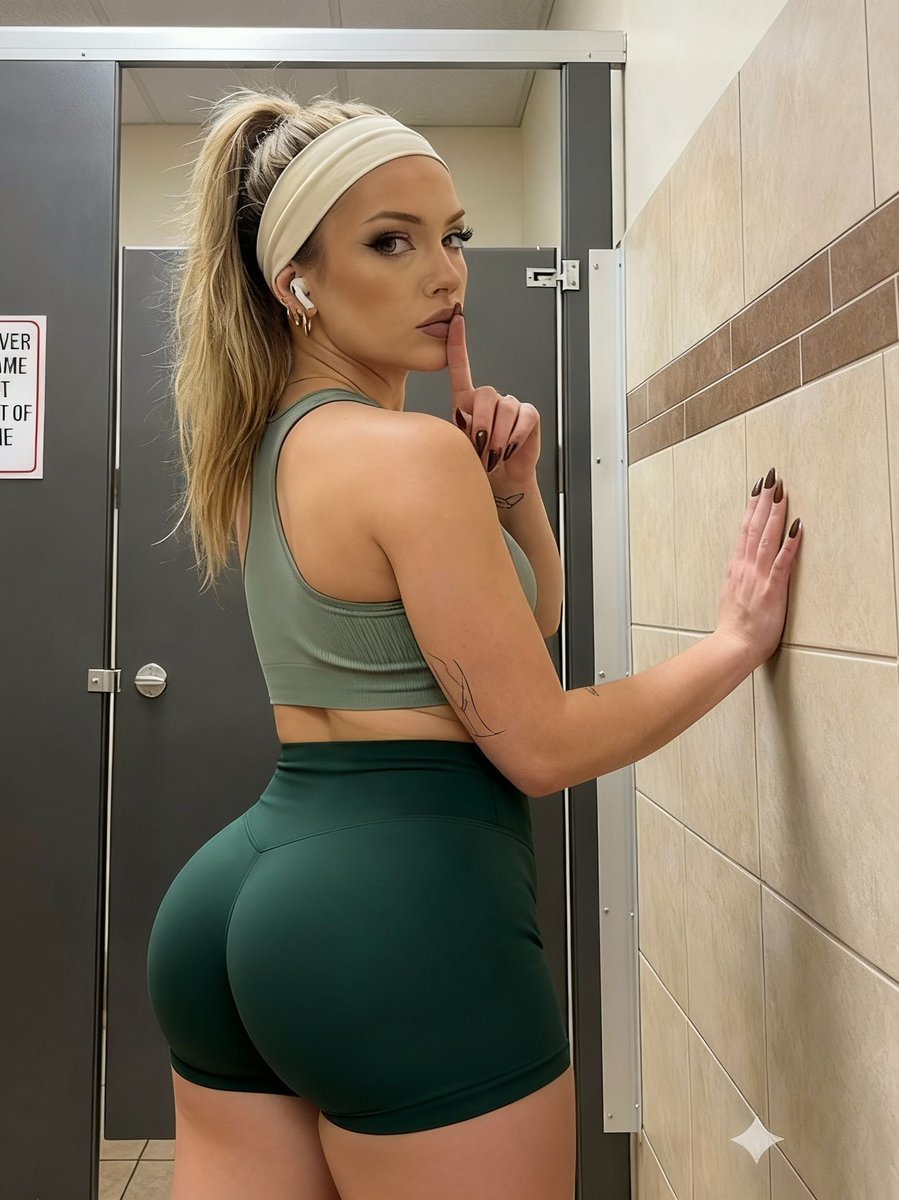
Athletic Portrait in Public Restroom Stall

Write Arabic text on a Nile river image
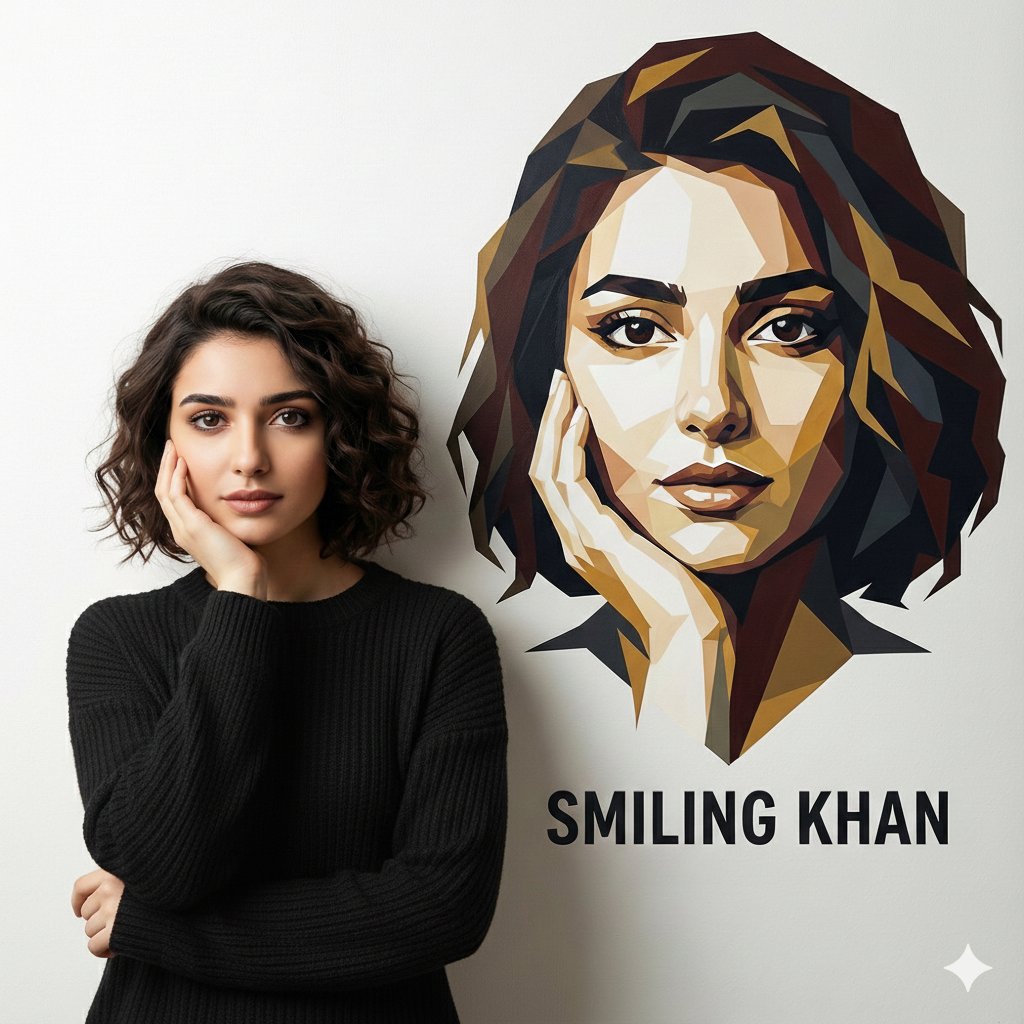
Editorial Portrait Holding Poster of Self
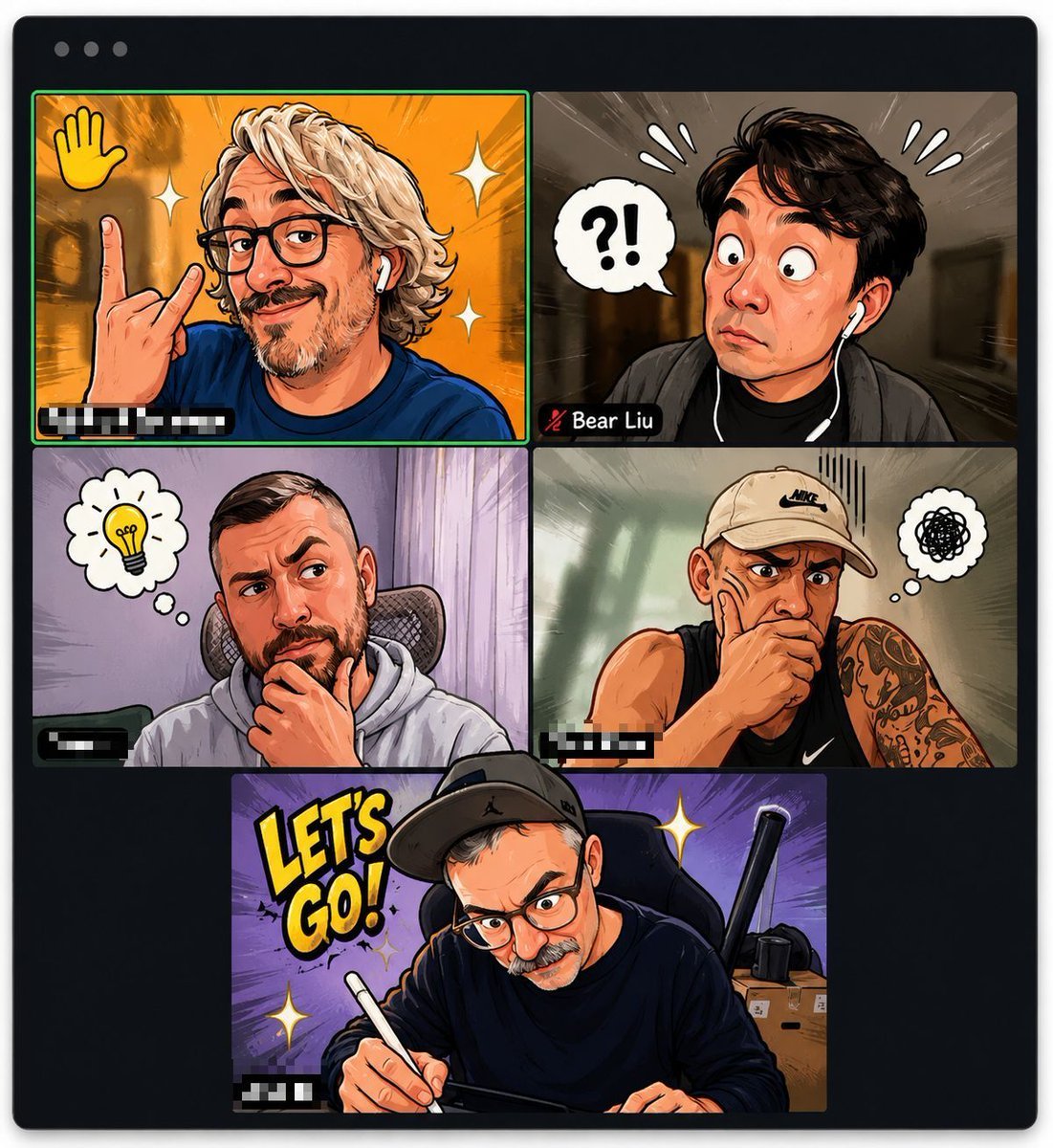
Comic Cartoon Video Call
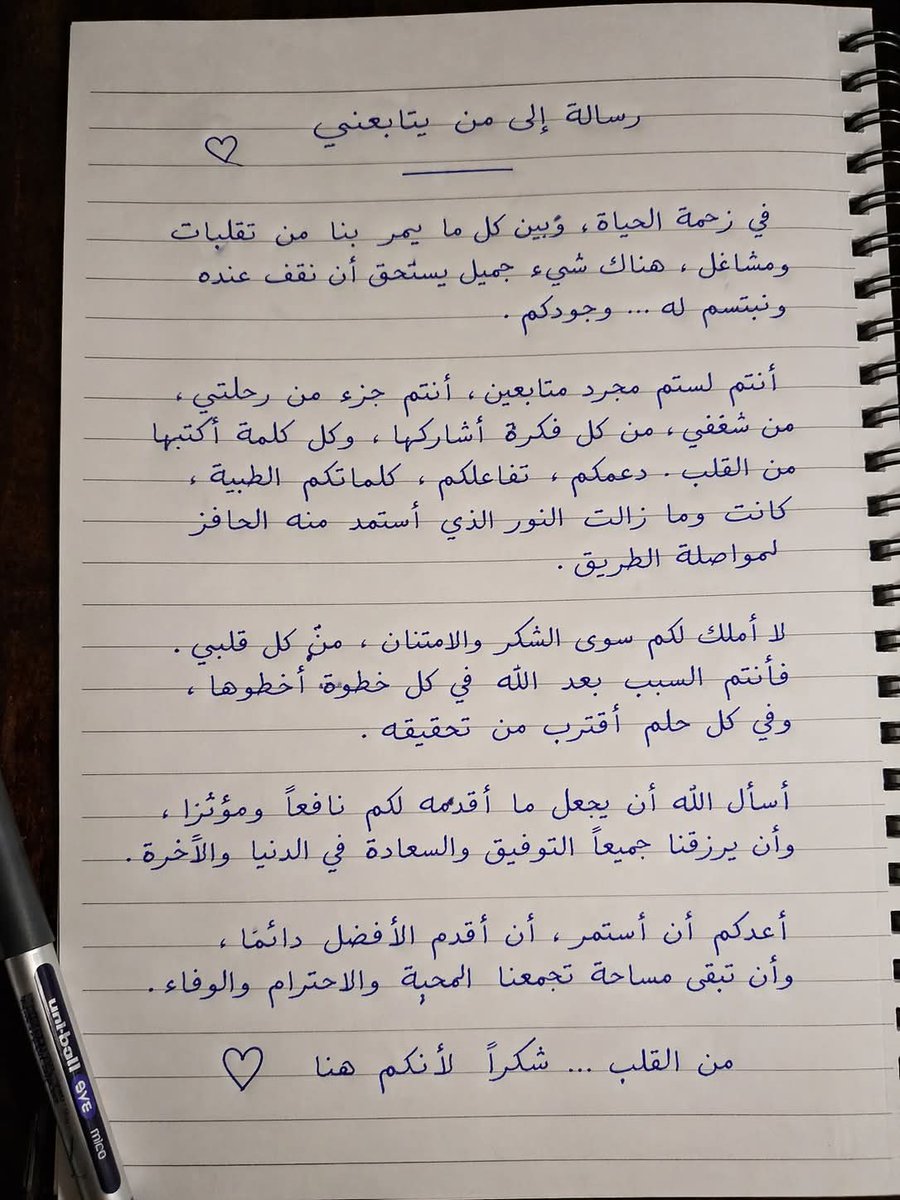
Gpt2 Social Media Post Handwritten Realistic Letter
Bullet Time Businessman Seedance 2 0
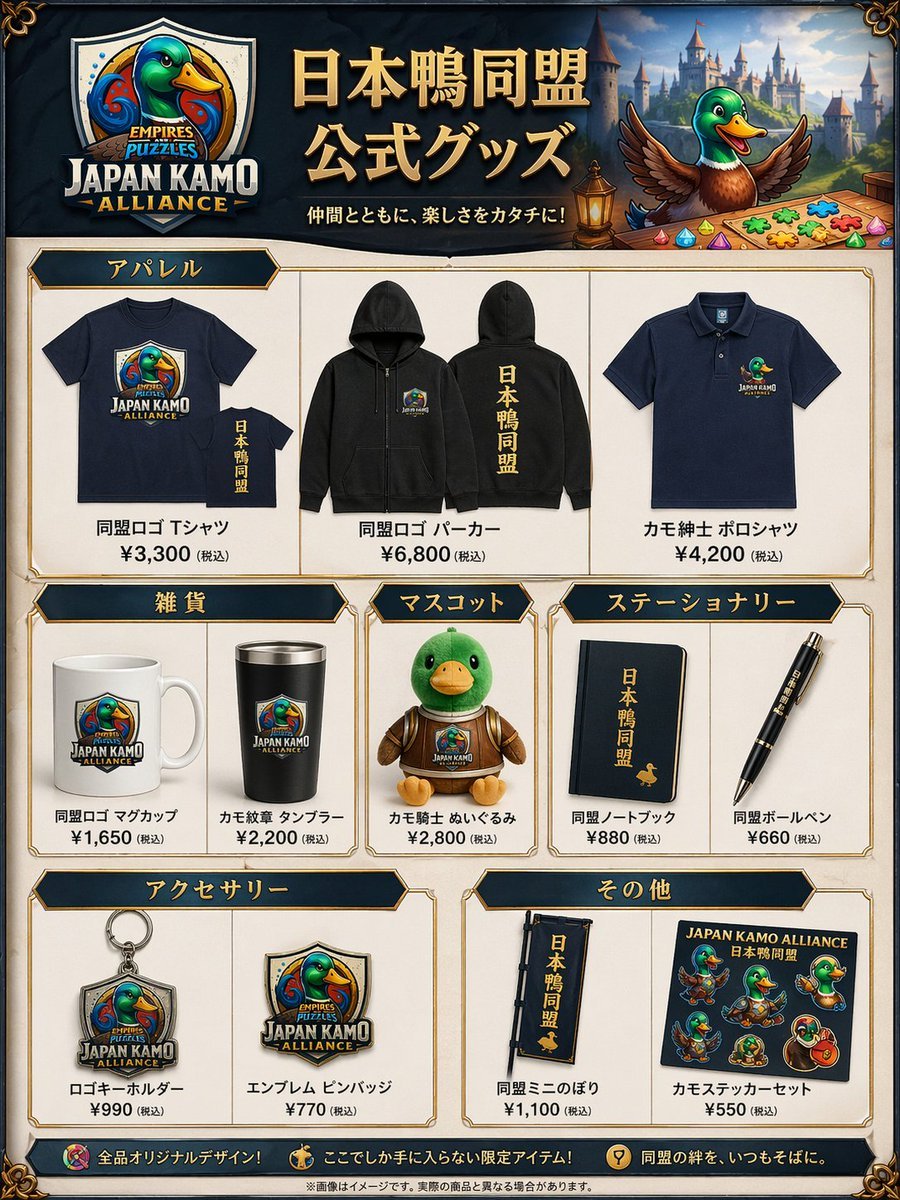
Fantasy Duck Alliance Goods Catalog
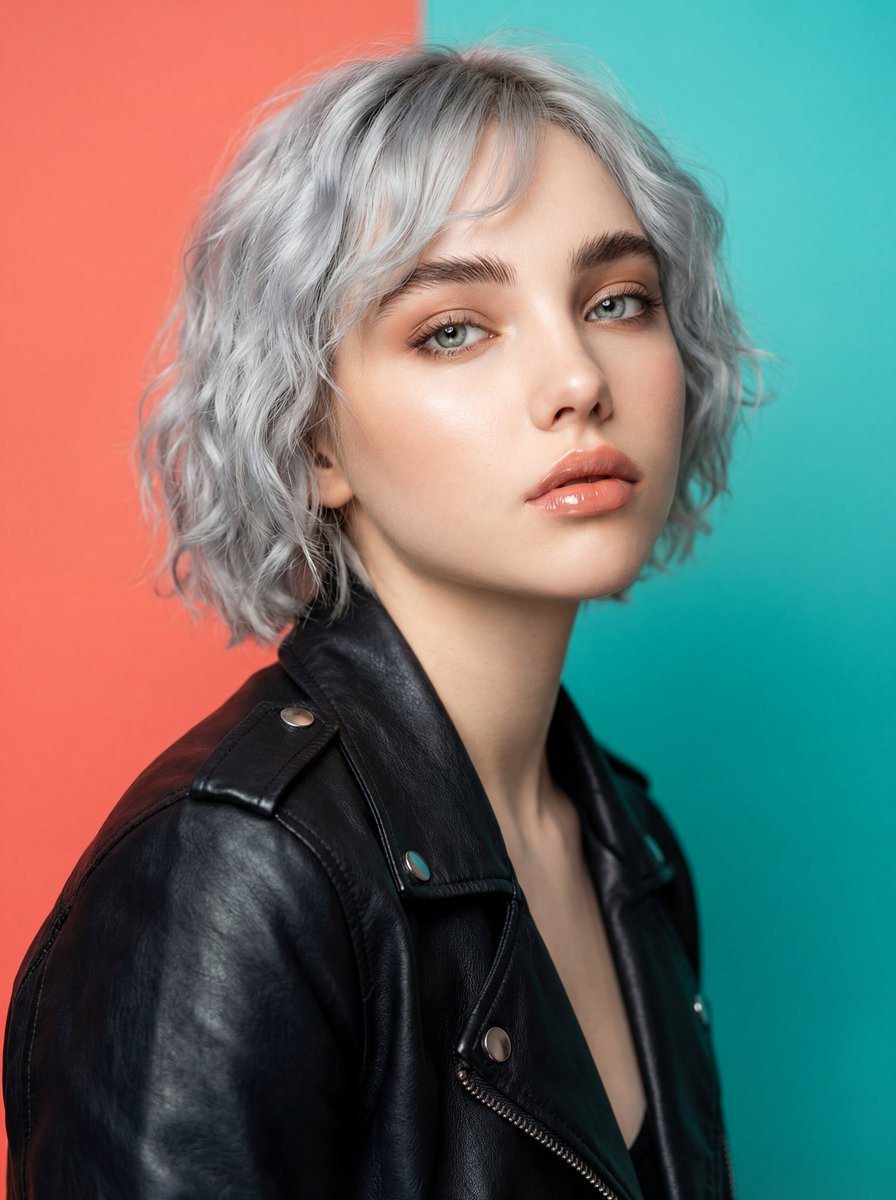
Ultra-Realistic Studio Fashion Model Portrait Prompt
Browse template categories
Realistic Selfie With Face Privacy Block questions
How do I use the Realistic Selfie With Face Privacy Block template?
Add your photo if the template asks for one, edit the prompt if you like — the template's model and format are already selected — and press Generate. Your version opens in PicX Studio.
Can I customize the Realistic Selfie With Face Privacy Block template?
Yes. You can change the subject, setting, lighting, mood, format, and available model controls before creating your image.
Is the Realistic Selfie With Face Privacy Block template free?
Opening and editing this template is free. Generating uses credits, shown on the Generate button when you are signed in.
Which AI model should I use?
Start with GPT Image 2, which is the model associated with this template. You can compare another compatible model for a different finish.
Looking for something else? Browse all templates.

Your photo, any look
Thousands of ready templates for every top image and video model, from one credit balance.