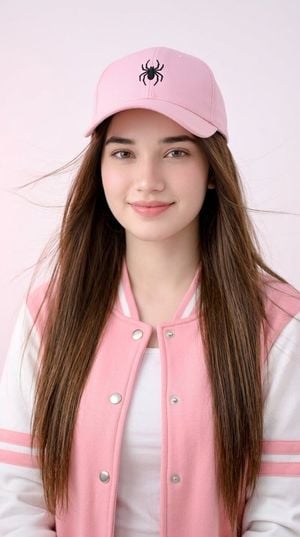
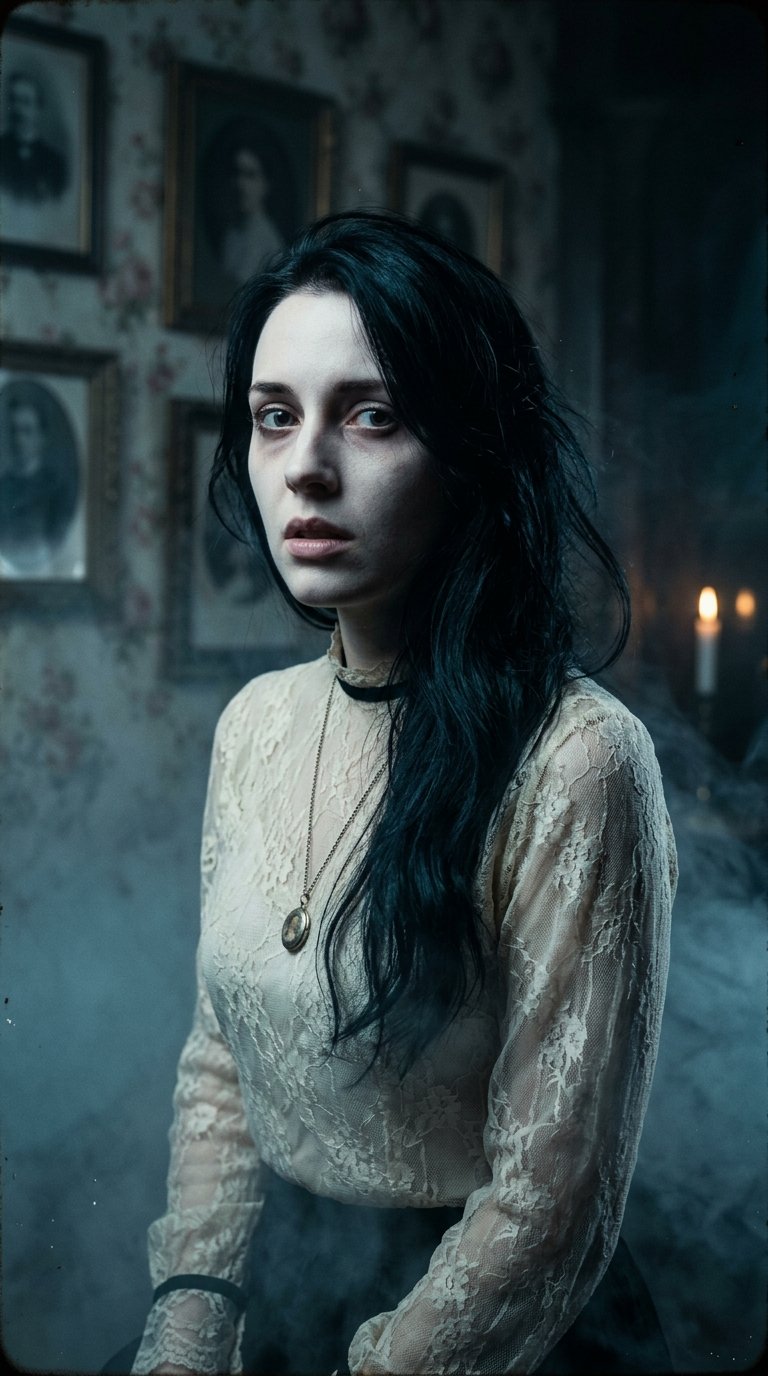
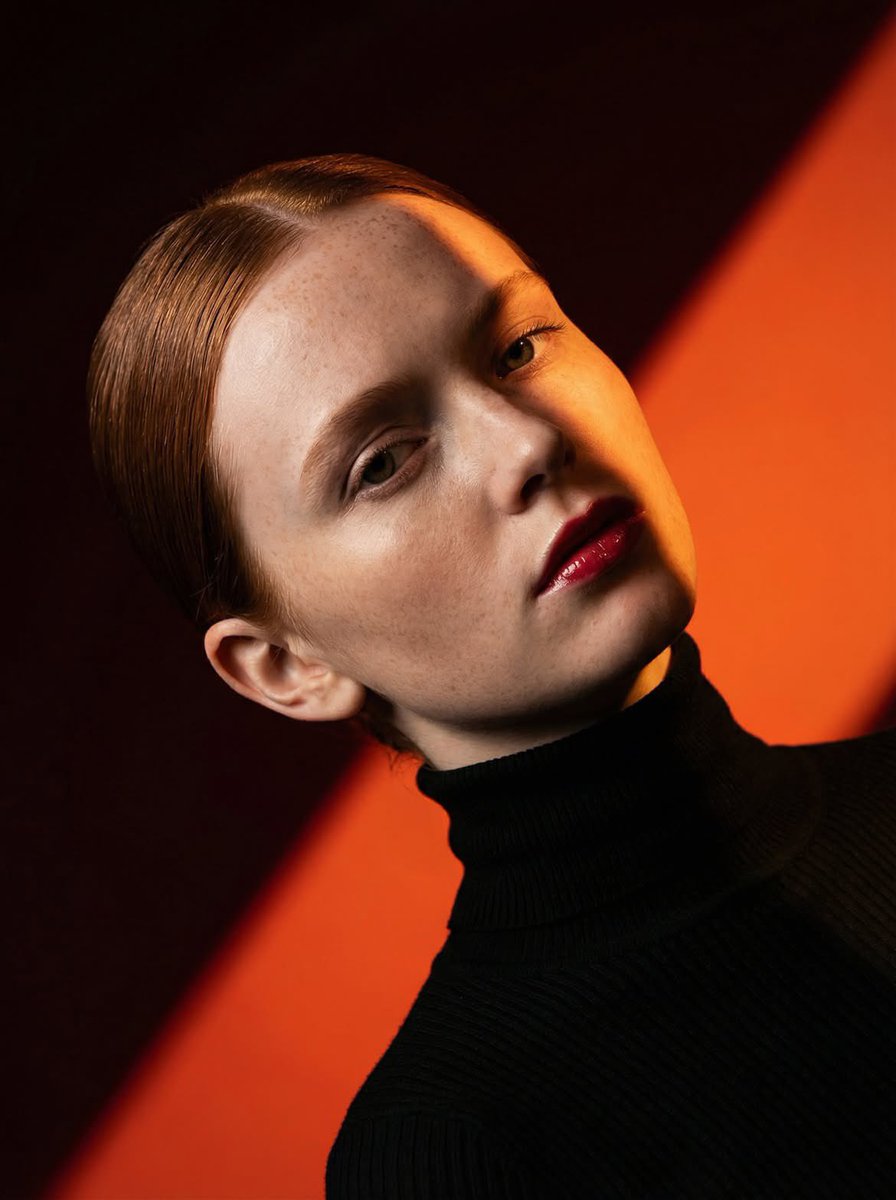
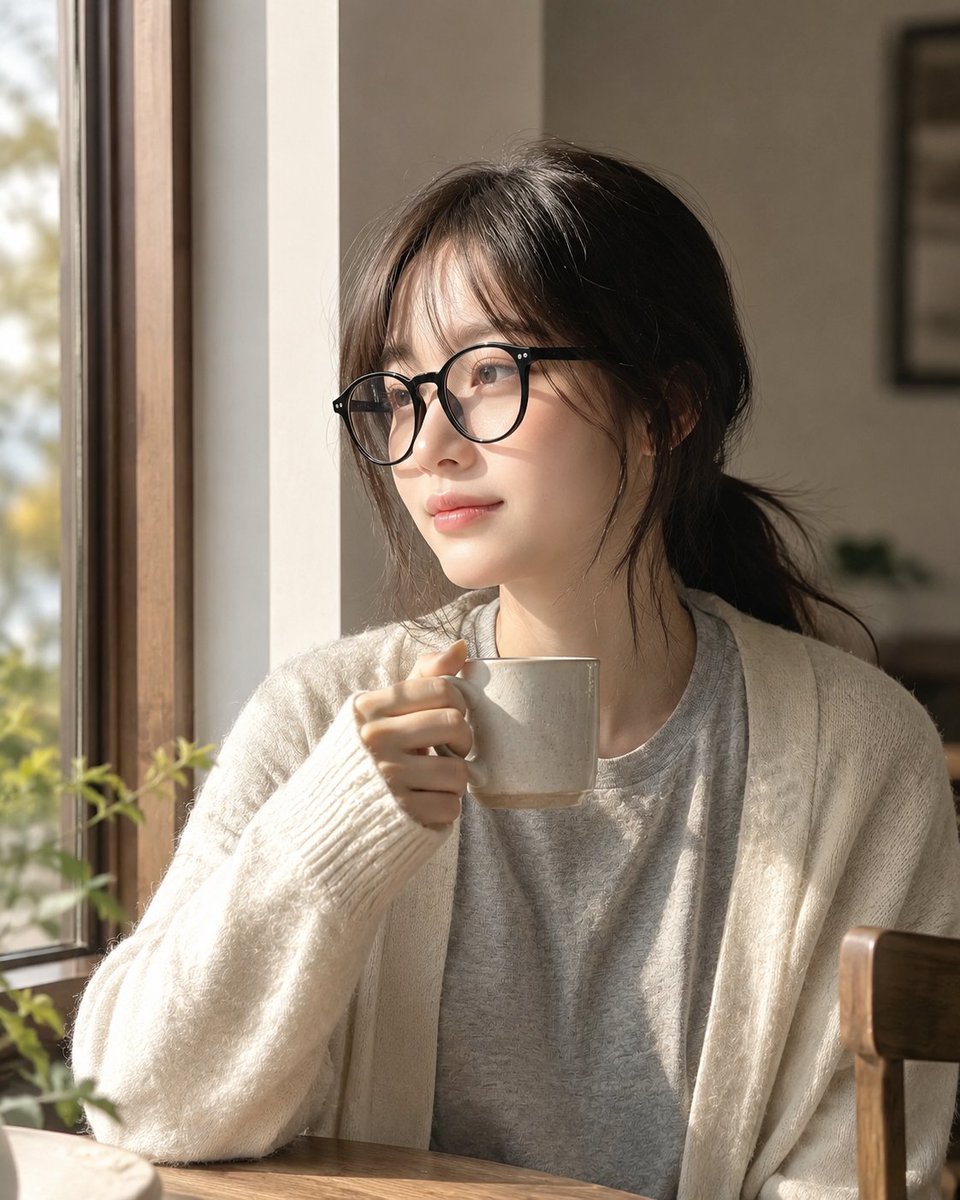
How do I use the Moody Portrait With Privacy Block template?
Edit the prompt in the box under the preview — the template's model and format are already selected — and press Generate. Your version appears right on this page.
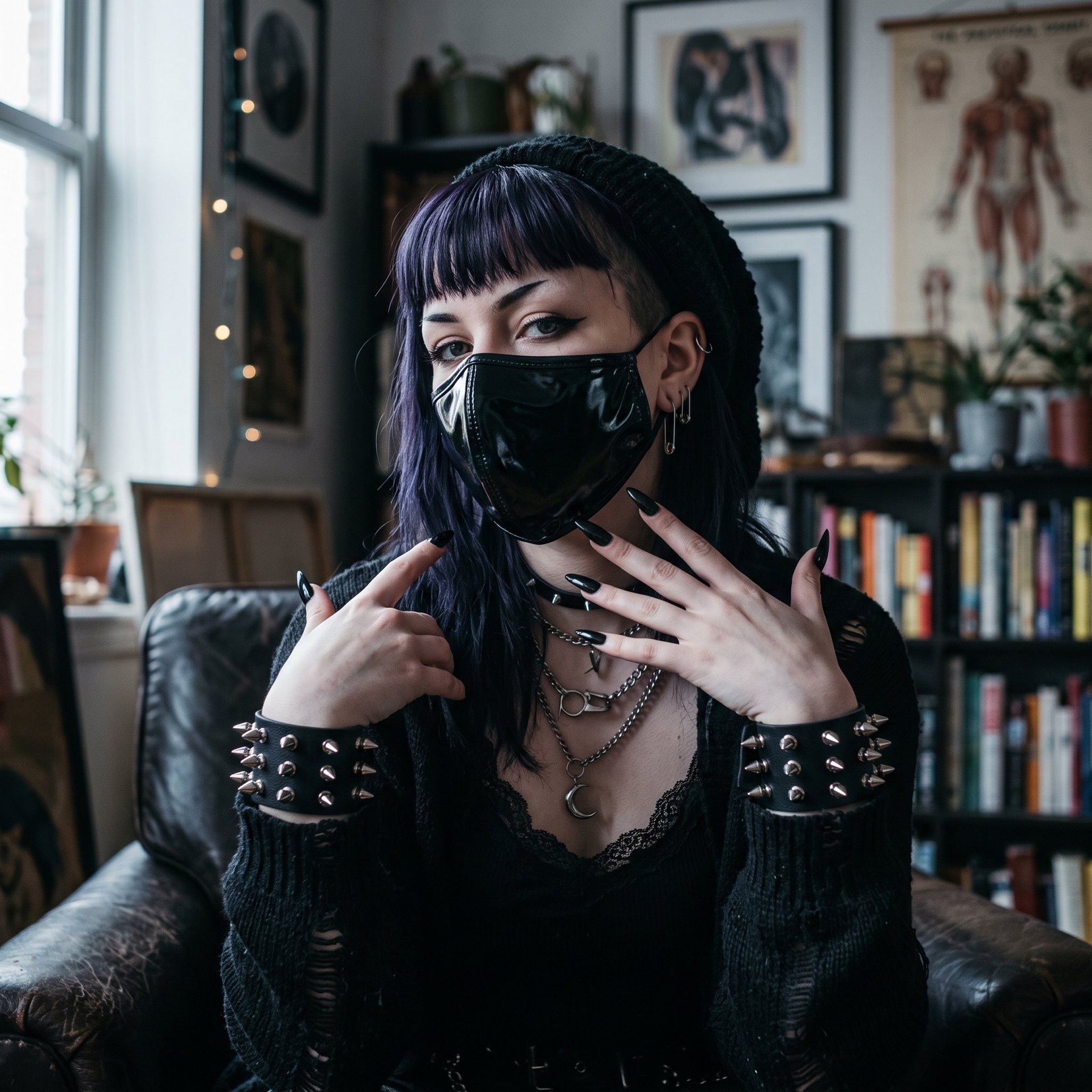
A cinematic square close-up portrait with the subject’s face hidden by a large brown gradient privacy block, useful for anonymous avatar or concept imagery.

This template uses your photo — add one with the + button.
Create a square, cinematic close-up portrait of {argument name="subject" default="an androgynous young adult with tousled dark hair"} in a dim indoor setting, cropped tightly so the head and shoulders fill the frame. The person wears a {argument name="clothing" default="dark charcoal knit sweater"} and rests one hand near the chin in a thoughtful pose, with softly visible fingers at the lower center. Use moody low-key lighting, shallow depth of field, muted warm-gray background, realistic skin and hair texture, and a subdued film-photography look with slight grain. Place a large opaque square privacy block directly over the center of the face, covering most facial features from the forehead down to the mouth; the block should be a smooth vertical gradient from near-black dark brown at the top to medium warm brown at the bottom, with sharp straight edges, centered and occupying most of the image width and height. Keep only the hair edges, one ear area, shoulder, sweater, and hand partially visible around the block. No text, no watermark, no decorative elements.
Create a square, cinematic close-up portrait of {argument name="subject" default="an androgynous young adult with tousled dark hair"} in a dim indoor setting, cropped tightly so the head and shoulders fill the frame. The person wears a {argument name="clothing" default="dark charcoal knit sweater"} and rests one hand near the chin in a thoughtful pose, with softly visible fingers at the lower center. Use moody low-key lighting, shallow depth of field, muted warm-gray background, realistic skin and hair texture, and a subdued film-photography look with slight grain. Place a large opaque square privacy block directly over the center of the face, covering most facial features from the forehead down to the mouth; the block should be a smooth vertical gradient from near-black dark brown at the top to medium warm brown at the bottom, with sharp straight edges, centered and occupying most of the image width and height. Keep only the hair edges, one ear area, shoulder, sweater, and hand partially visible around the block. No text, no watermark, no decorative elements.
Edit the prompt in the box under the preview — the template's model and format are already selected — and press Generate. Your version appears right on this page.
Yes. You can change the subject, setting, lighting, mood, format, and available model controls before creating your image.
Opening and editing this template is free. Generating uses credits, shown on the Generate button when you are signed in.
Start with GPT Image 2, which is the model associated with this template. You can compare another compatible model for a different finish.
Follow a topic to a crawlable collection of related PicX Studio templates.