
Sunlit Fashion Portrait with Privacy Block
Generates a realistic outdoor fashion portrait of a stylish woman in cream clothing with her face anonymized, useful for privacy-safe lifestyle imagery.
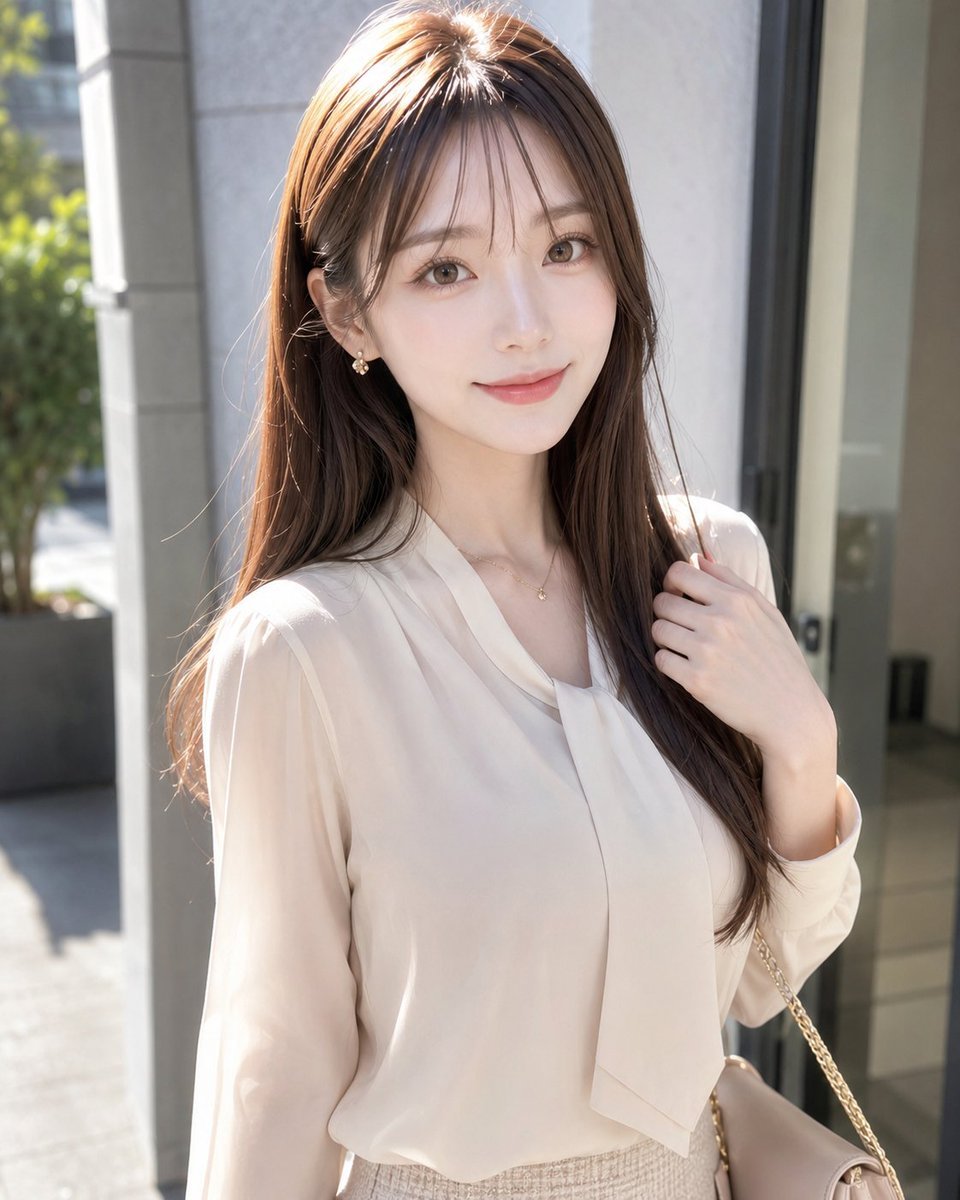
- Prompt included
- Model and format preset
- Free template
The prompt behind this image
Copy the exact prompt behind Sunlit Fashion Portrait with Privacy Block, or open it in the studio and make it yours.
Create a realistic vertical portrait photo of a fashionable young adult woman standing outdoors in bright natural sunlight near the entrance of a modern building. She has long, smooth {argument name="hair color" default="warm chestnut brown"} hair with soft layers and a side part, falling over her shoulders and catching rim light. Her face is intentionally hidden by a centered opaque rectangular privacy block in a muted beige-brown skin-tone gradient, covering the full facial area from forehead to chin while leaving hair, neck, and body visible. She wears an elegant {argument name="blouse color" default="ivory cream"} sheer long-sleeve blouse with a soft draped necktie detail, tucked into a high-waisted light beige tweed skirt. Add a delicate small gold necklace at the collarbone. Her right hand gently holds a lock of hair near her shoulder, and a beige handbag with a thin gold chain strap hangs from her right shoulder at the lower right edge of the frame. The composition is a waist-up three-quarter portrait, subject centered slightly right, with a softly blurred urban background showing pale stone columns, glass doors, gray pavement, and greenery in the left background. Use realistic photography, shallow depth of field, high-resolution detail, warm midday sunlight, soft highlights on hair and blouse, refined feminine styling, natural candid pose, clean modern Japanese fashion magazine aesthetic.
How to use Sunlit Fashion Portrait with Privacy Block in 3 steps
- 1Upload ImagePNG, JPG or paste
Add your photo
Upload the photo the template builds on. The prompt, model and format are already set.
- 2…a portrait of your subject in softgolden-hour light, 85mm…
Personalize
Edit the subject and creative details for your destination.
- 3Generate
Generate
Press Generate — your image is created in PicX Studio, so you can compare it with the original and refine one variable at a time.
More like this
Templates with the same subject, style or setup. Open one to see its prompt.

Geometric Color-Block Beauty Editorial Portrait

Nano Banana 2 High Fashion Sports Campai

Couture Fashion Editorial Woman and Drag

Ive Yujin Fashion Portrait in Blue

Nano Banana 2 Editorial Fashion Portrait

Caution Tape Fashion — Industrial Editorial

Photoreal Selfie Minecraft Block World
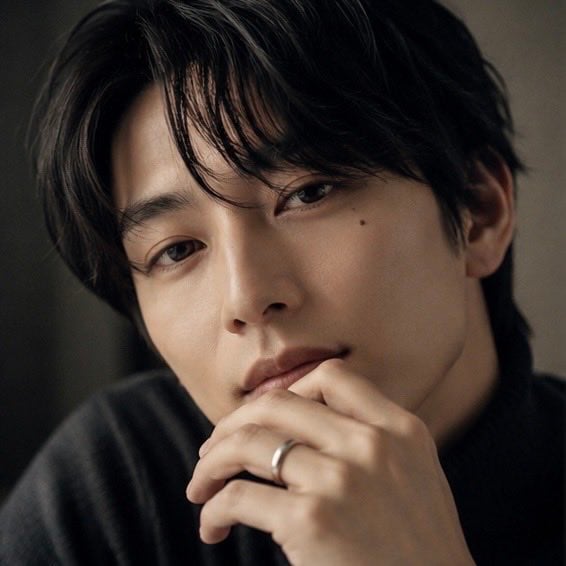
Moody Portrait With Privacy Block
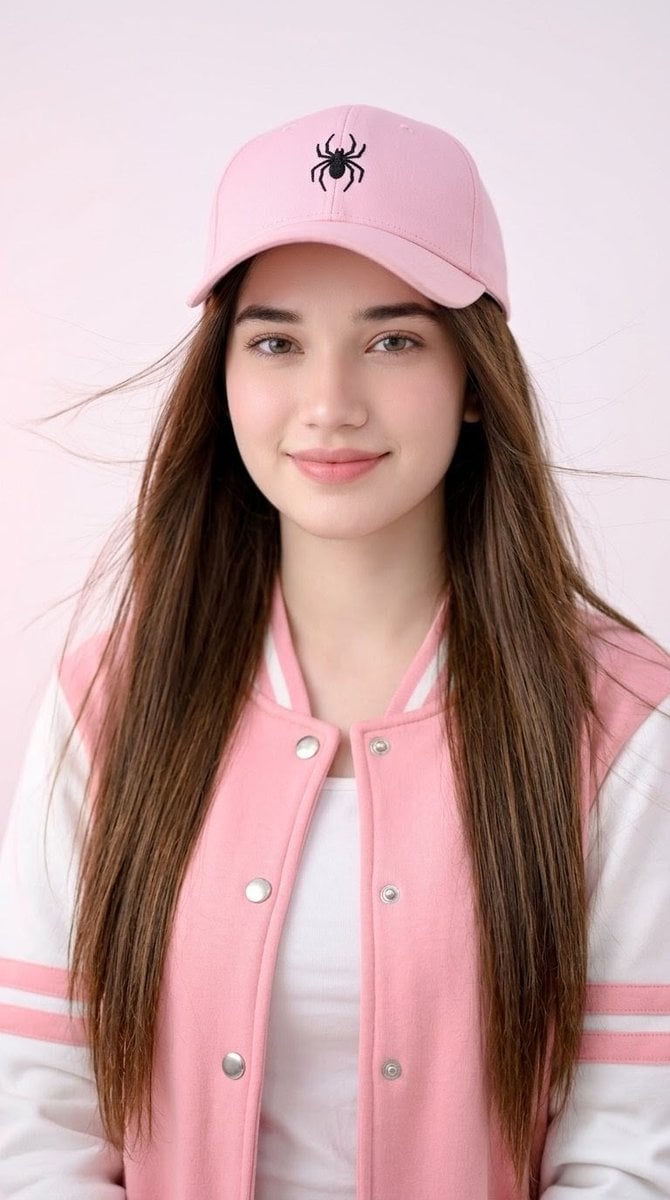
Pink Cap Portrait With Privacy Block
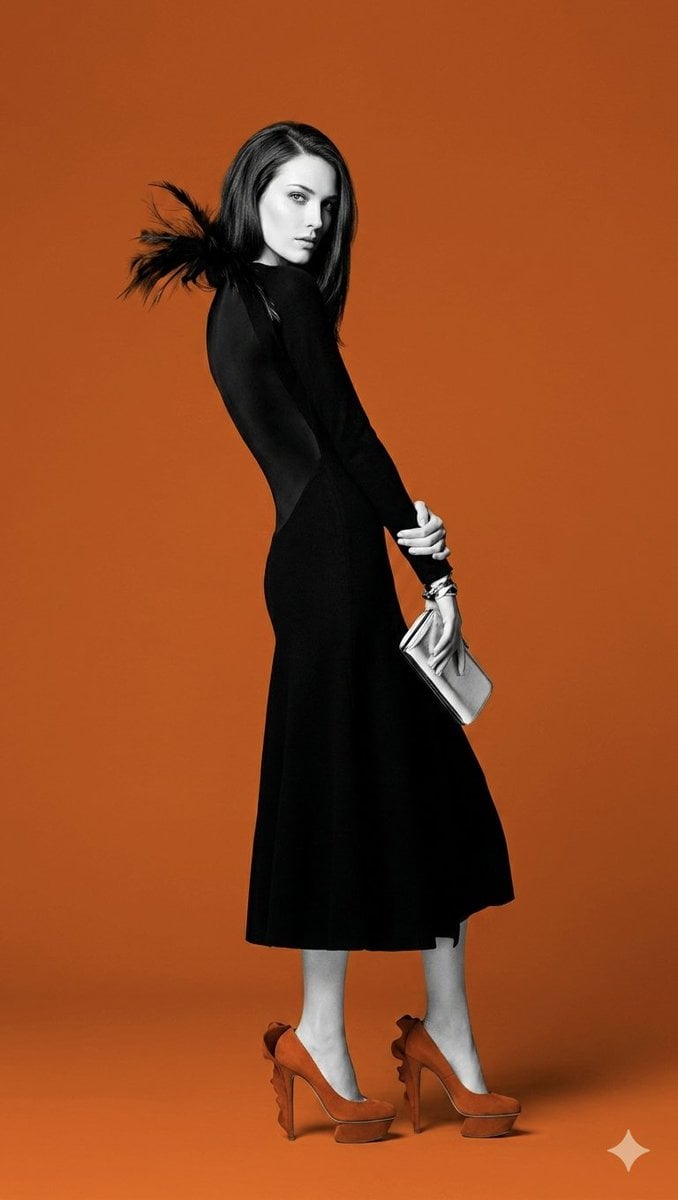
Orange color block fashion portrait
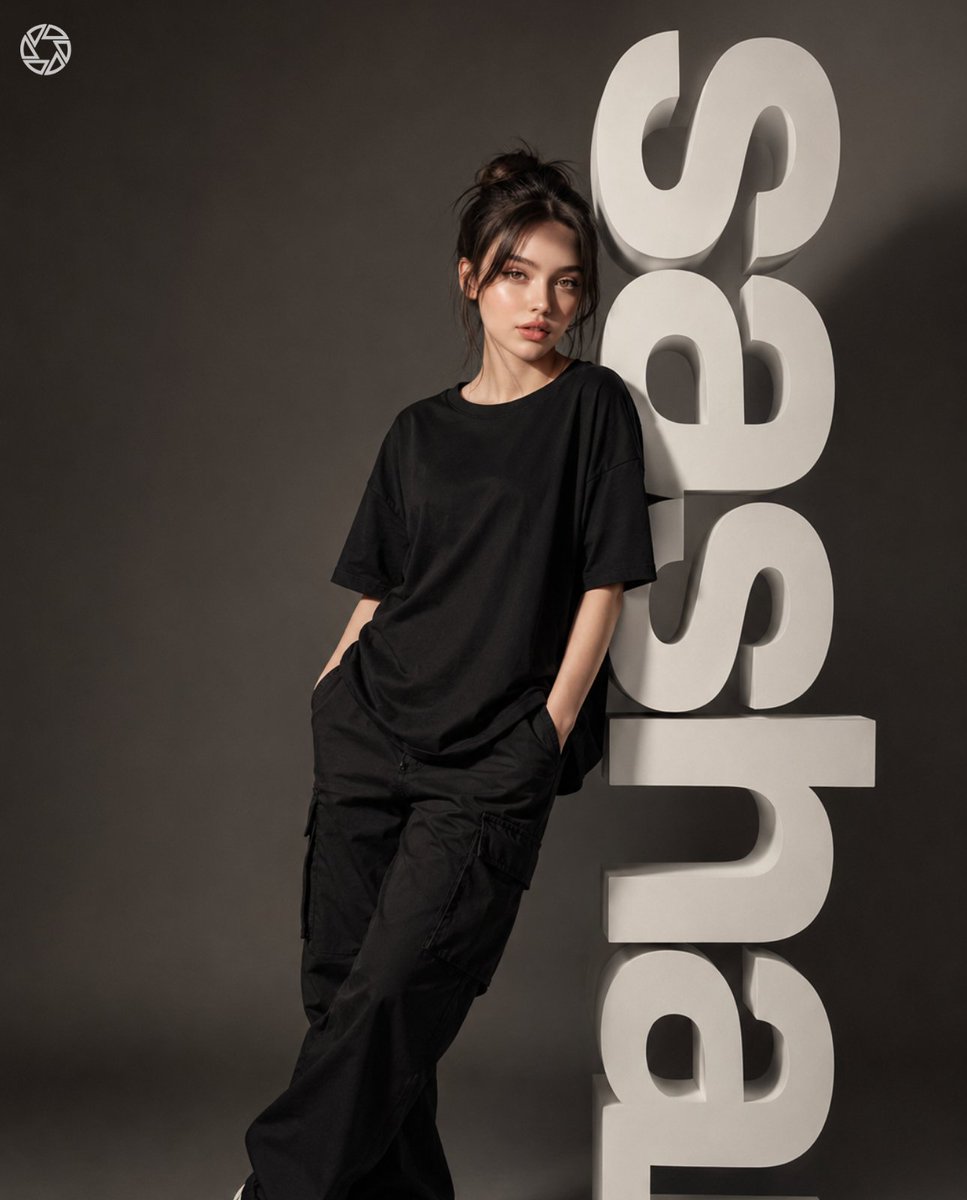
3D Block Letter Fashion Portrait
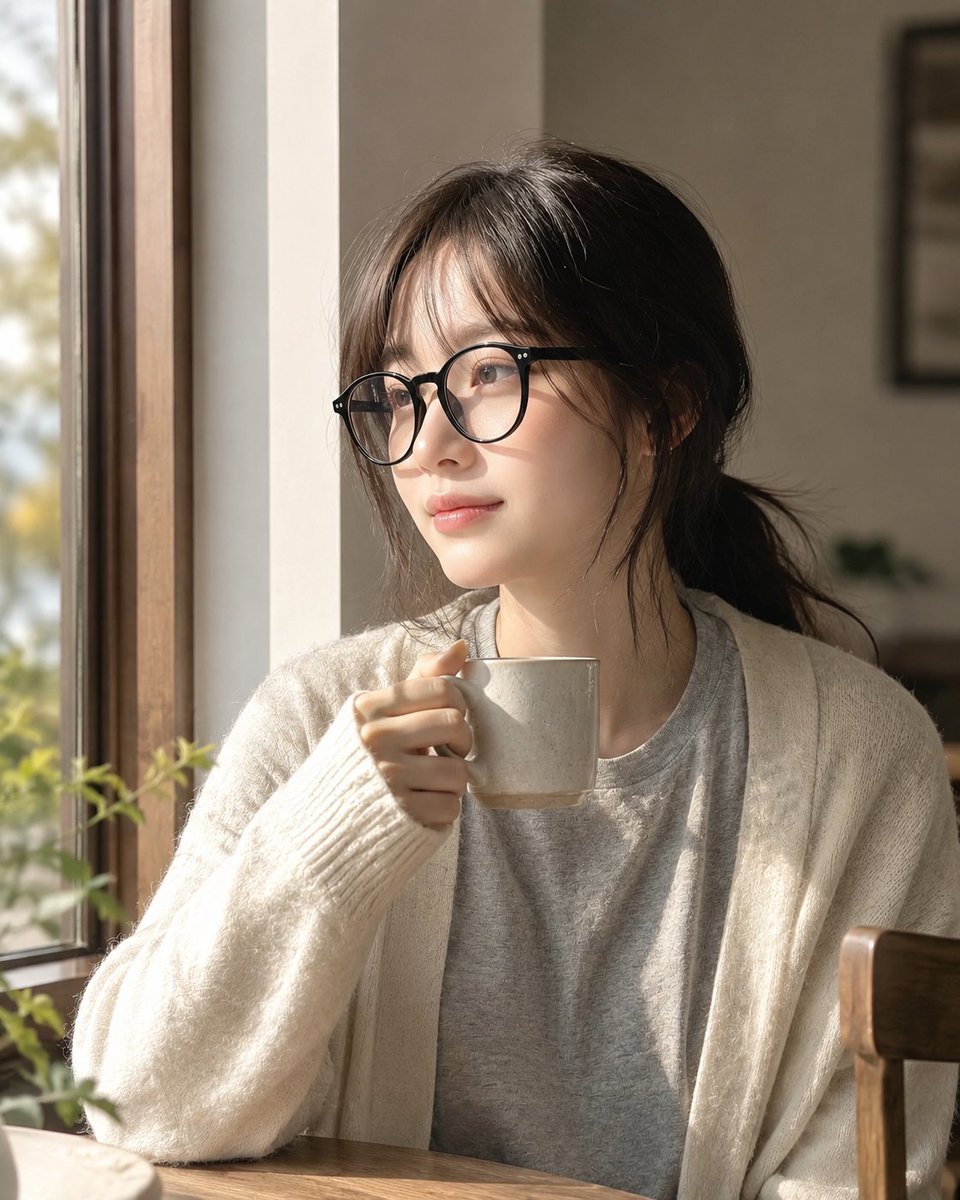
Cozy Window Portrait With Privacy Block
Make it yours
Sunlit Fashion Portrait with Privacy Block works as-is. These are the safest ways to change it without losing the look.
Change one field
Copy a single group, rewrite it, and generate again so you can see what that field is doing.
Keep the frame, change the subject
Hold the composition and light of Sunlit Fashion Portrait with Privacy Block, then swap wardrobe, props or the person for a new take.
| If the result… | Why | Fix |
|---|---|---|
| The result drifts from the preview | Too many fields changed at once. | Reuse Sunlit Fashion Portrait with Privacy Block as-is first, then change one group — subject, light, or setting. |
| The model over-stylizes the scene | The prose prompt leaves finish and camera underspecified. | Add one camera or lighting sentence and stay on GPT Image 2. |
More GPT Image 2 templates
Other prompts made for GPT Image 2.

Six VTuber Japanese Logo Sheet

Realistic Portrait of Woman and Deer

The Vista Modular Condo Poster

AI Model Routing Comparison Infographic

2.5D Anime Art Board

Isometric Productivity Desk Scene

New York Double Exposure Poster

Four-Panel AI Landscape Comparison

Japanese Tatami Lifestyle Magazine Cover

NESCAFÉ Coffee Map Poster
More image prompts
Fresh picks from across the catalog.
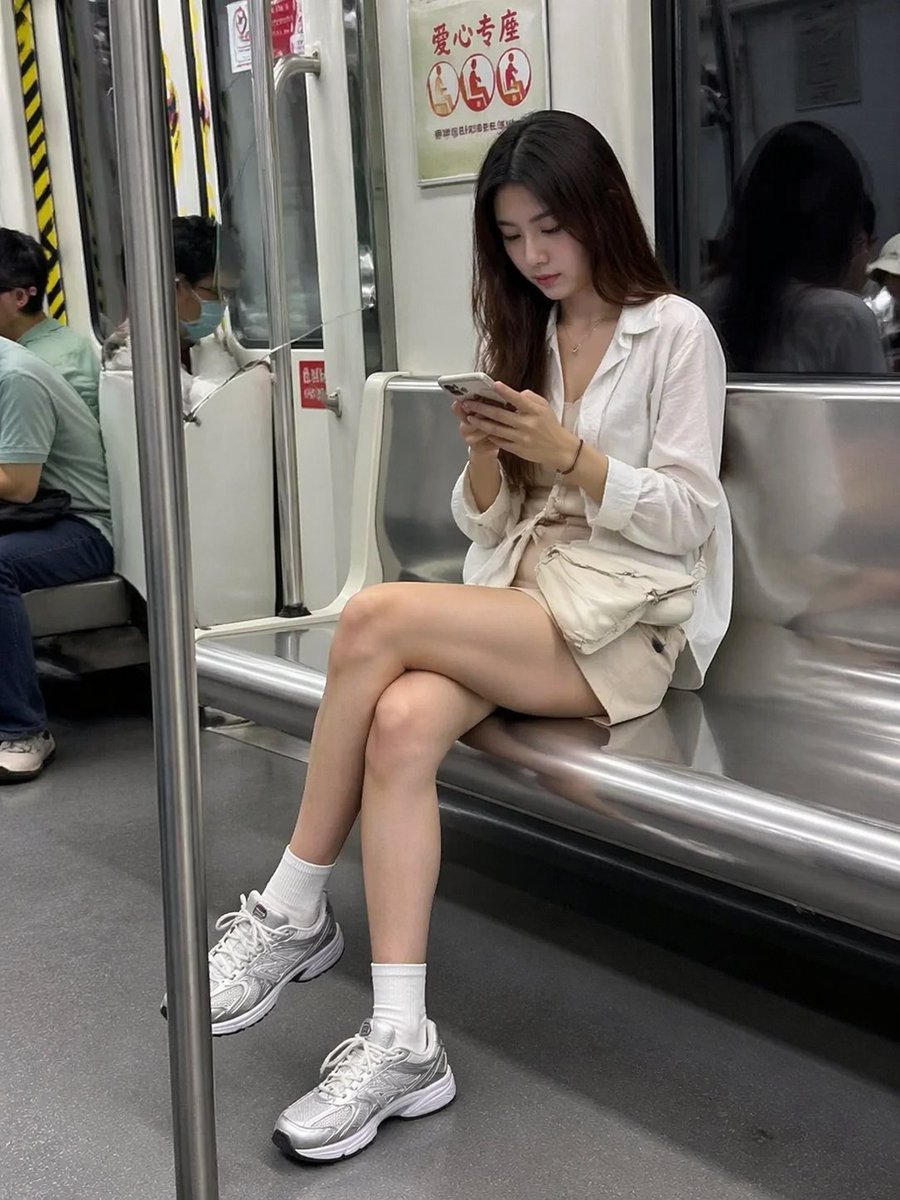
Candid Subway Photography Style
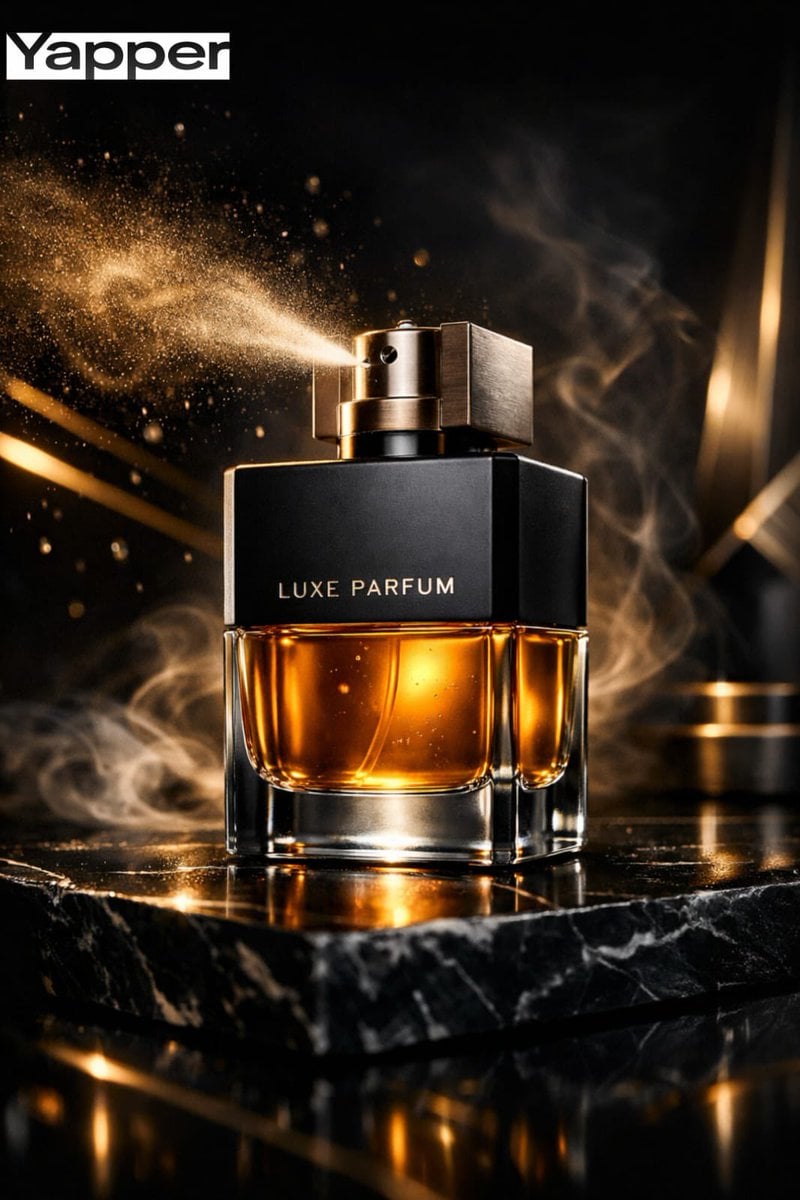
Ultra-Premium Luxury Perfume Advertisement
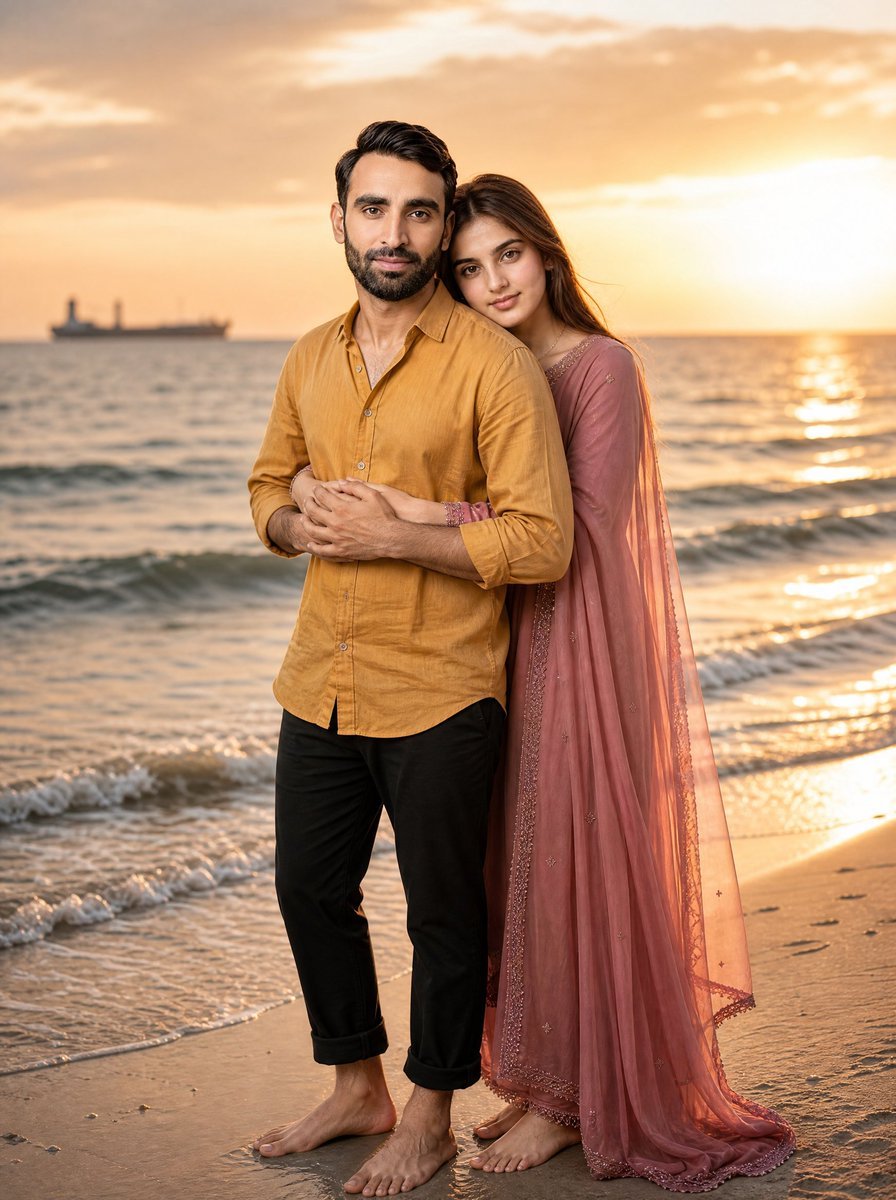
Romantic Beach Sunset Couple
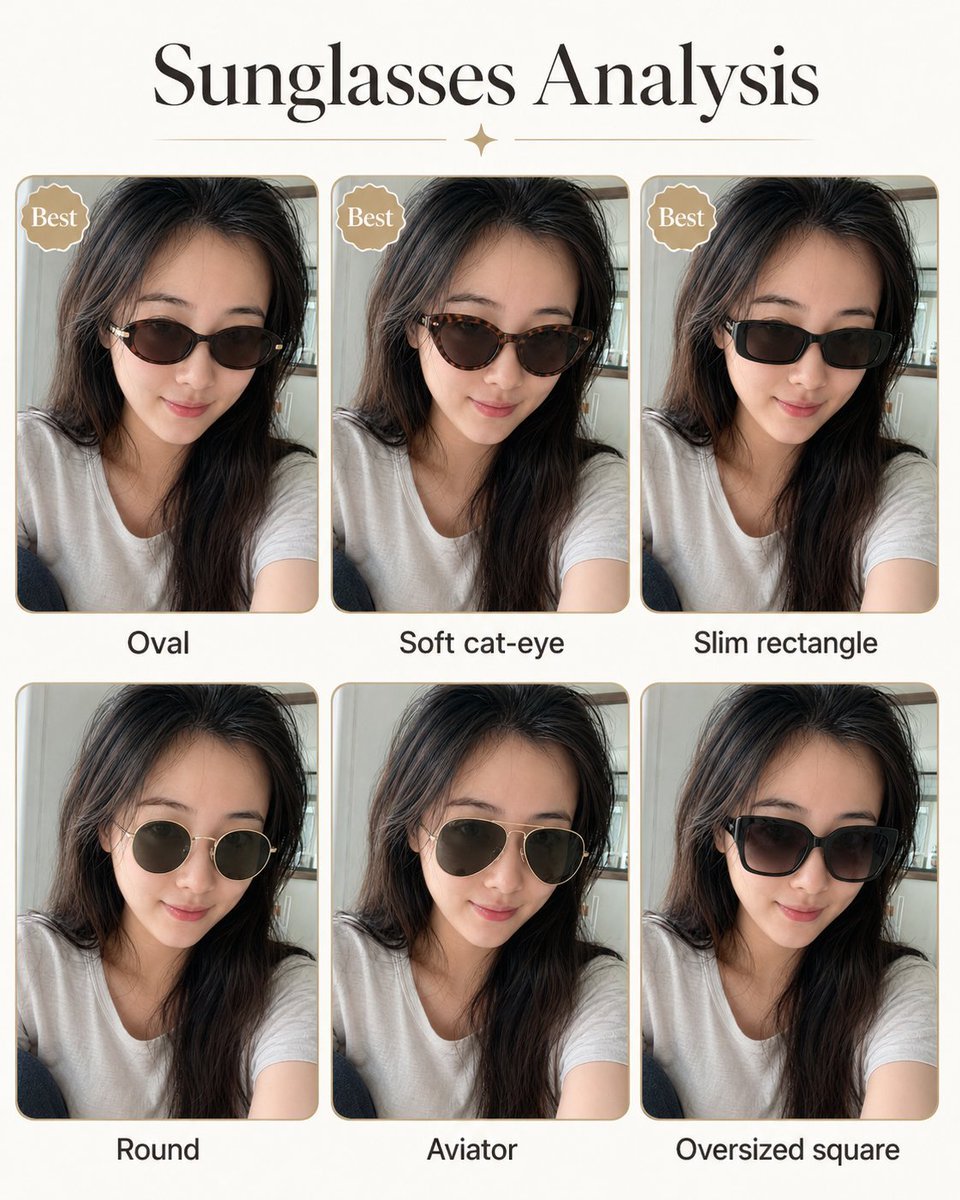
Personal image analysis graphic prompt
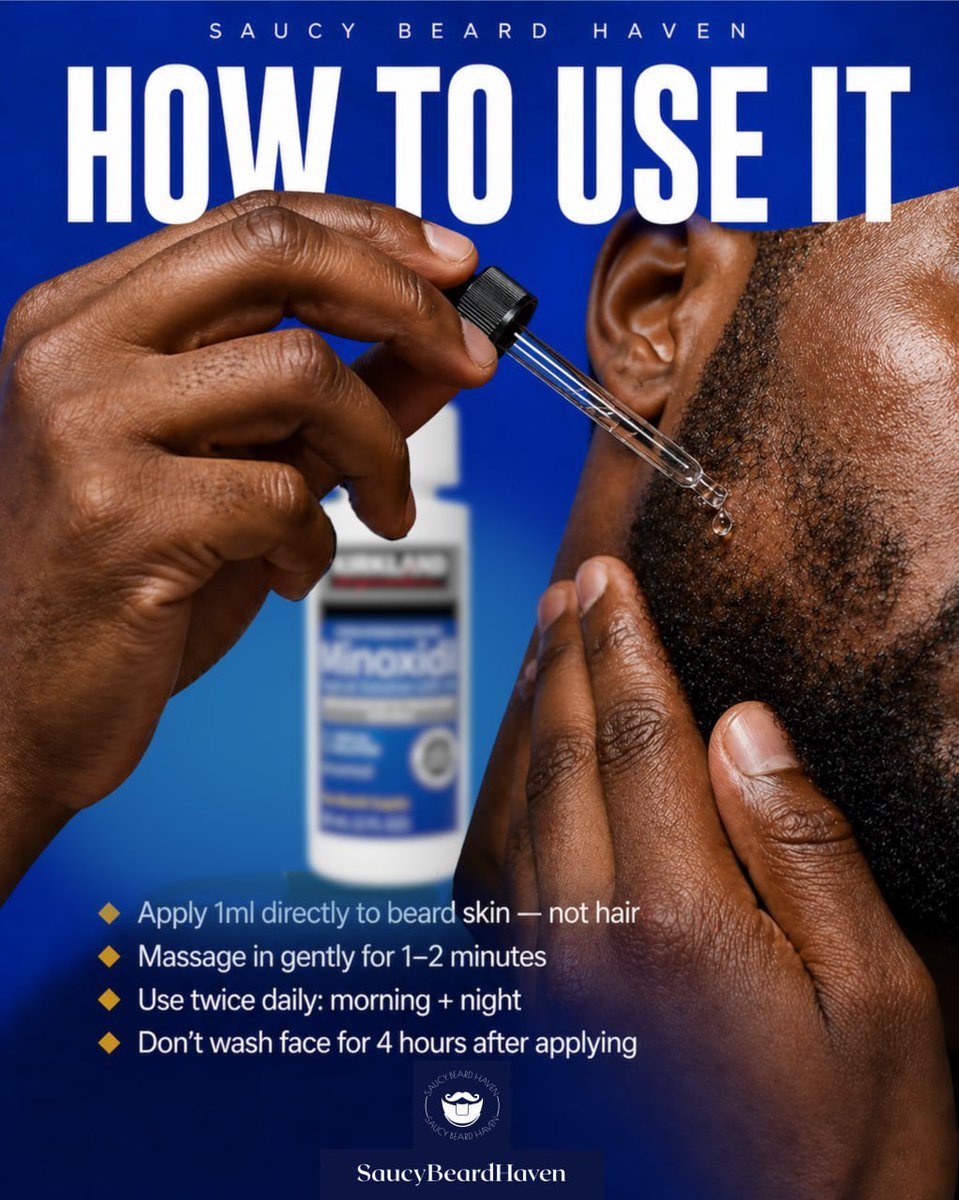
Beard Oil How-To Ad
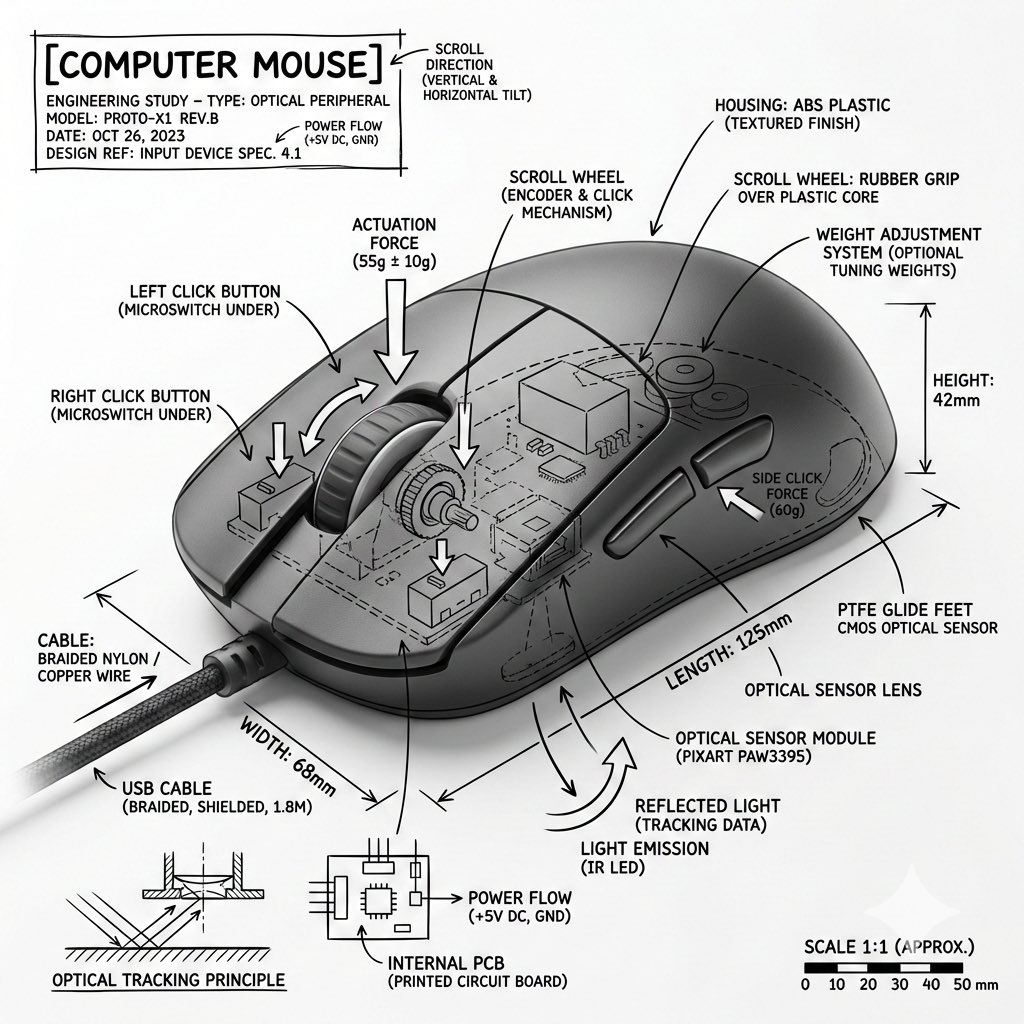
Technical Infographic Overlay for Object Annotation
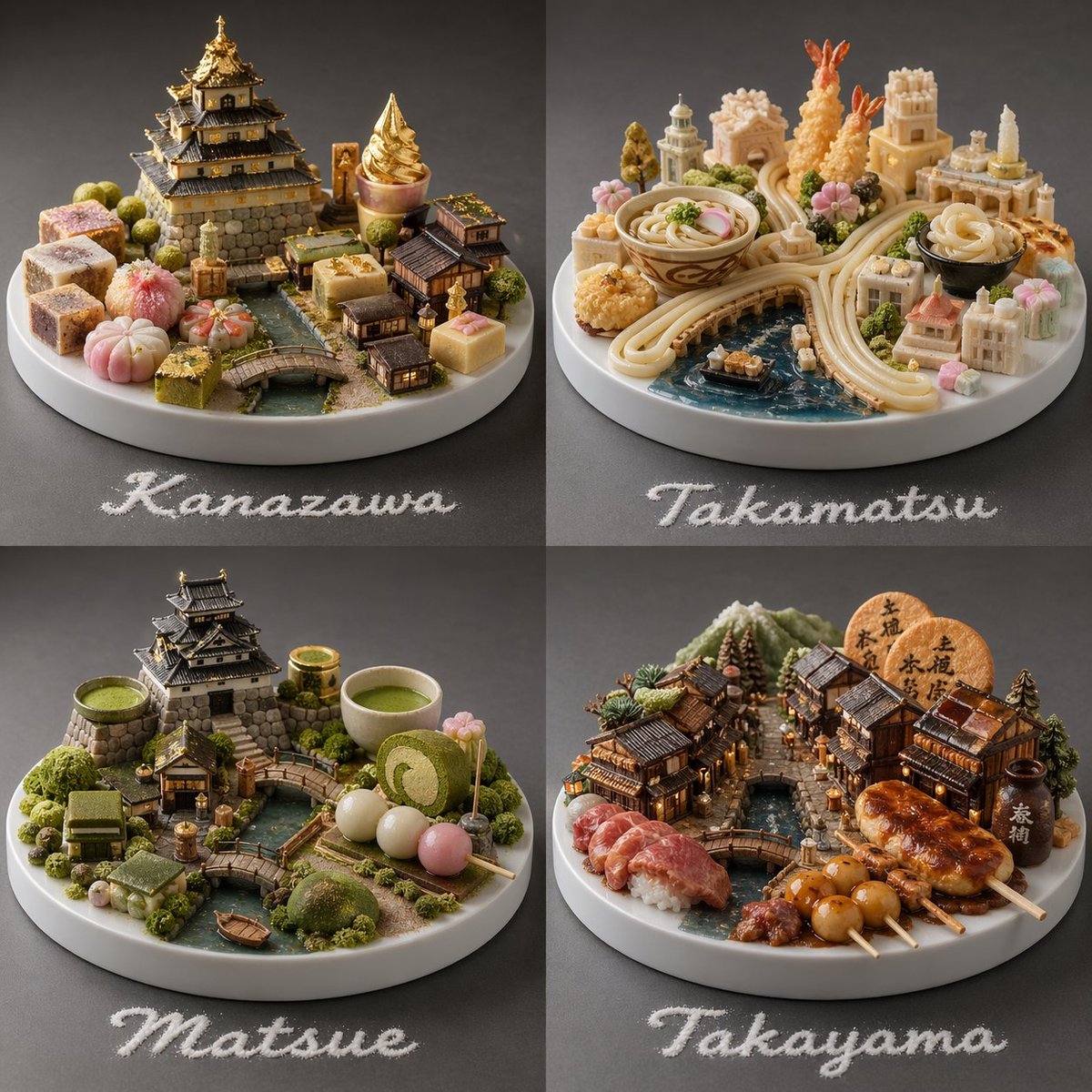
Food-Based Micro-Cities Visualization

PS1 Retro Gaming Style Prompt

Hyper-Realistic 3D Simulation Prompt: Acorn Capsule Forest
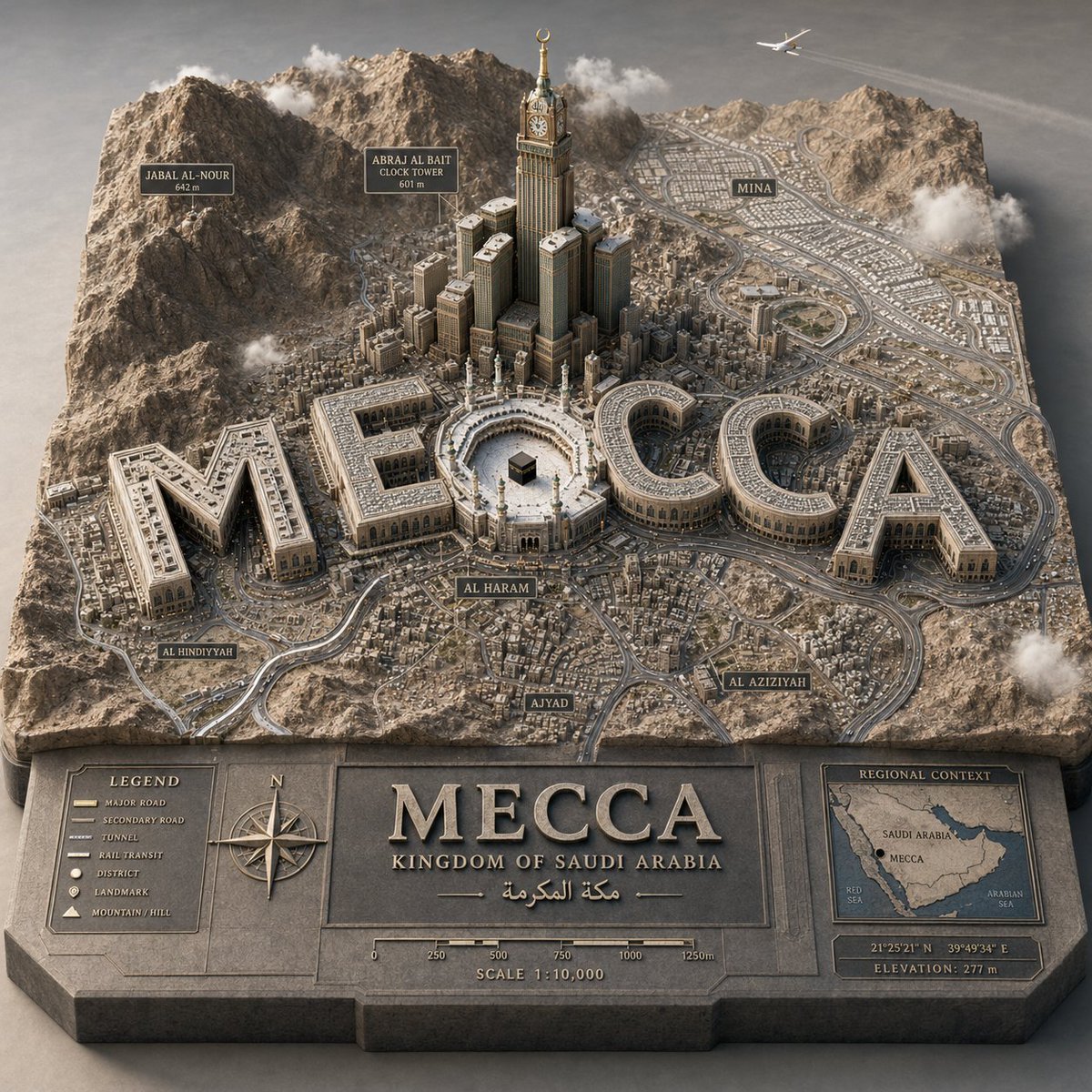
3D Cartographic City Diorama
Browse template categories
Sunlit Fashion Portrait with Privacy Block questions
How do I use the Sunlit Fashion Portrait with Privacy Block template?
Add your photo if the template asks for one, edit the prompt if you like — the template's model and format are already selected — and press Generate. Your version opens in PicX Studio.
Can I customize the Sunlit Fashion Portrait with Privacy Block template?
Yes. You can change the subject, setting, lighting, mood, format, and available model controls before creating your image.
Is the Sunlit Fashion Portrait with Privacy Block template free?
Opening and editing this template is free. Generating uses credits, shown on the Generate button when you are signed in.
Which AI model should I use?
Start with GPT Image 2, which is the model associated with this template. You can compare another compatible model for a different finish.
Looking for something else? Browse all templates.

Your photo, any look
Thousands of ready templates for every top image and video model, from one credit balance.