
Beard Oil How-To Ad
A polished men’s grooming social post showing how to apply beard treatment, ideal for brand marketing, tutorials, and product education.
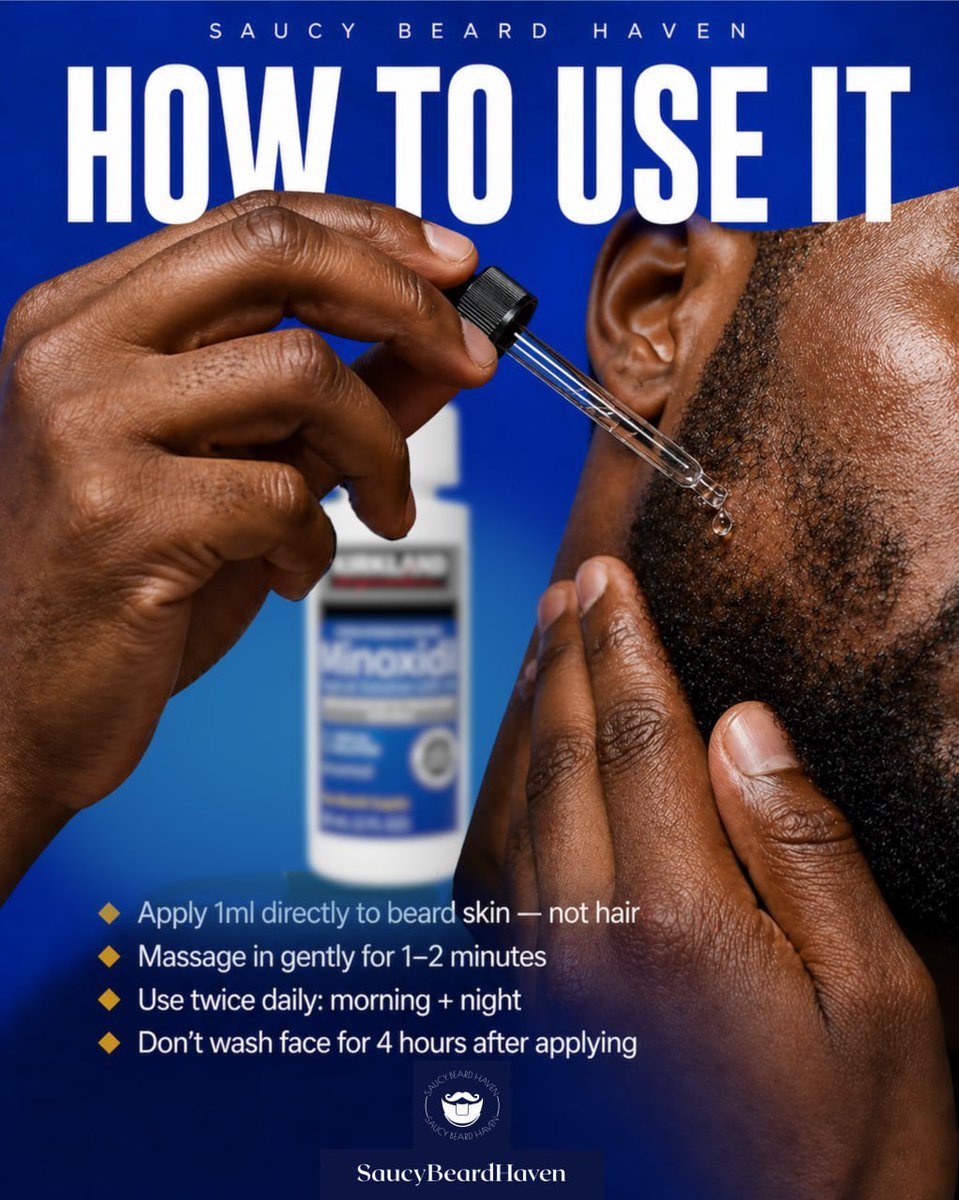
- Prompt included
- Model and format preset
- Free template
The prompt behind this image
Copy the exact prompt behind Beard Oil How-To Ad, or open it in the studio and make it yours.
Create a bold square social media advertisement for a beard-growth product tutorial. Use a vivid royal blue gradient background with a high-contrast, editorial grooming-brand look. Show an extreme close-up of a Black man’s cheek, jawline, ear, and beard area on the right side of the frame, with detailed skin texture and short coarse beard hair. His left hand is holding a glass dropper near the beard line, and a clear droplet is about to touch the skin beneath the sideburn area; his other hand lightly presses the beard from below. In the blurred background near the center-left, place a white bottle with a blue label resembling minoxidil packaging, clearly out of focus so it reads as the product without stealing focus. At the very top, add small spaced uppercase branding text: {argument name="brand name" default="SAUCY BEARD HAVEN"}. Below it, place a huge condensed bold white uppercase headline spanning nearly the full width: {argument name="headline text" default="HOW TO USE IT"}. In the lower-left quadrant, add exactly 4 instructional bullet points with small gold diamond icons and clean white sans-serif text: 1) {argument name="tip 1" default="Apply 1ml directly to beard skin — not hair"}, 2) {argument name="tip 2" default="Massage in gently for 1–2 minutes"}, 3) {argument name="tip 3" default="Use twice daily: morning + night"}, 4) {argument name="tip 4" default="Don’t wash face for 4 hours after applying"}. At the bottom center, include a small circular beard-themed logo above a dark blue nameplate with the text “SaucyBeardHaven”. Lighting should be glossy and commercial, with crisp focus on the hands, dropper, and beard edge, creating a premium men’s grooming ad designed for Instagram.
How to use Beard Oil How-To Ad in 3 steps
- 1Upload ImagePNG, JPG or paste
Add your photo
Upload the photo the template builds on. The prompt, model and format are already set.
- 2…a portrait of your subject in softgolden-hour light, 85mm…
Personalize
Edit the subject and creative details for your destination.
- 3Generate
Generate
Press Generate — your image is created in PicX Studio, so you can compare it with the original and refine one variable at a time.
More like this
Templates with the same subject, style or setup. Open one to see its prompt.

Cinematic medium shot of a young man with a trimmed beard and short
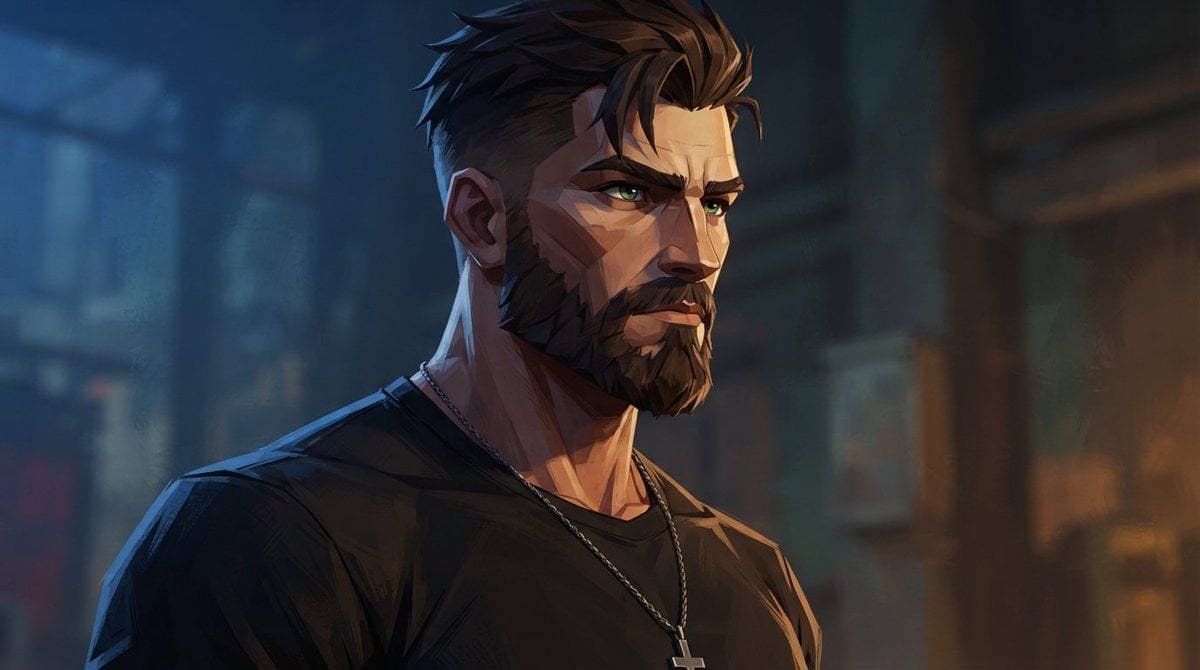
Cinematic Bearded Man Portrait

Side Profile Bearded Man Portrait
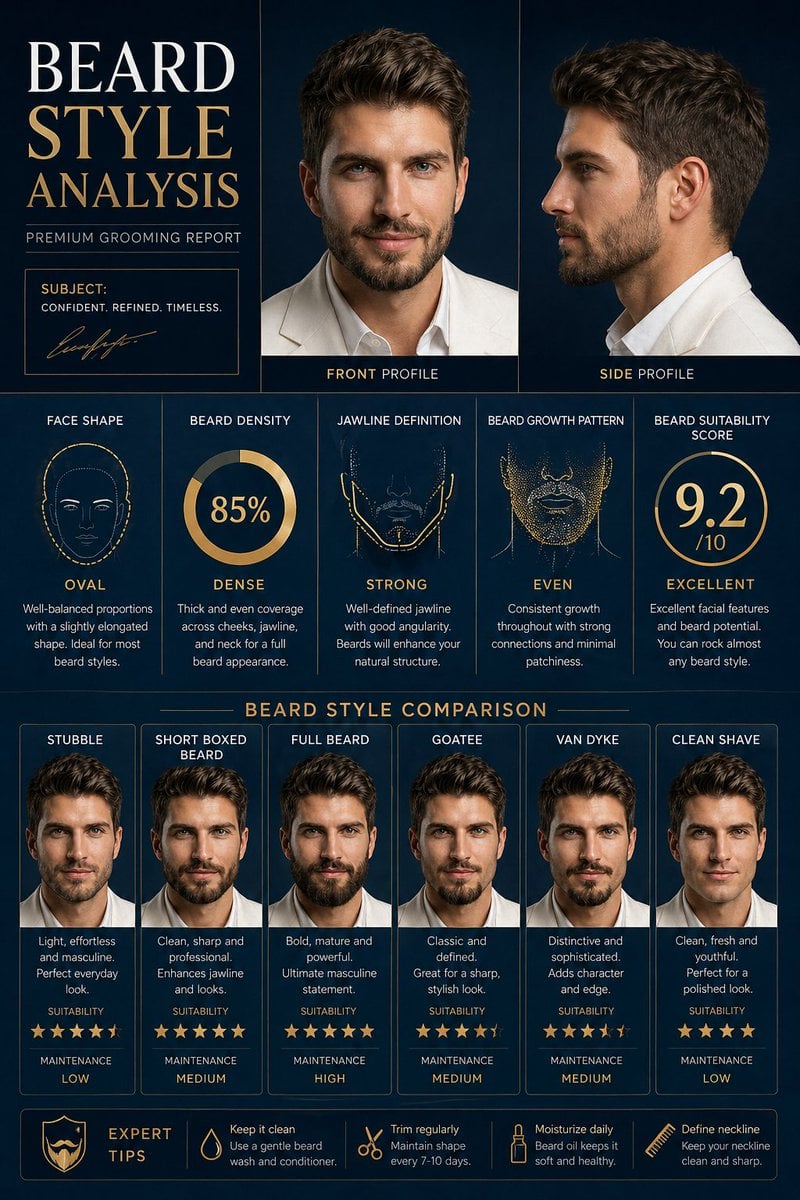
Beard Style Analysis Poster
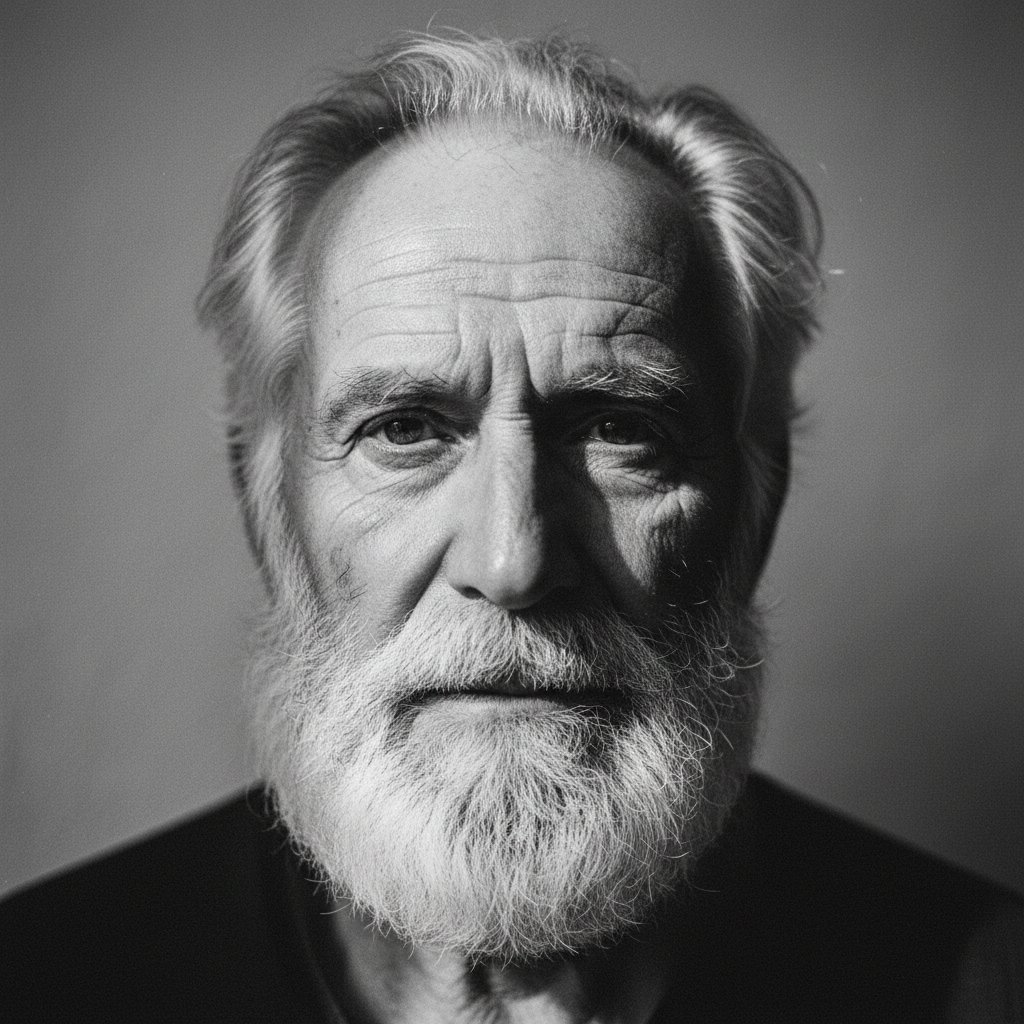
Elderly bearded man black-and-white portrait
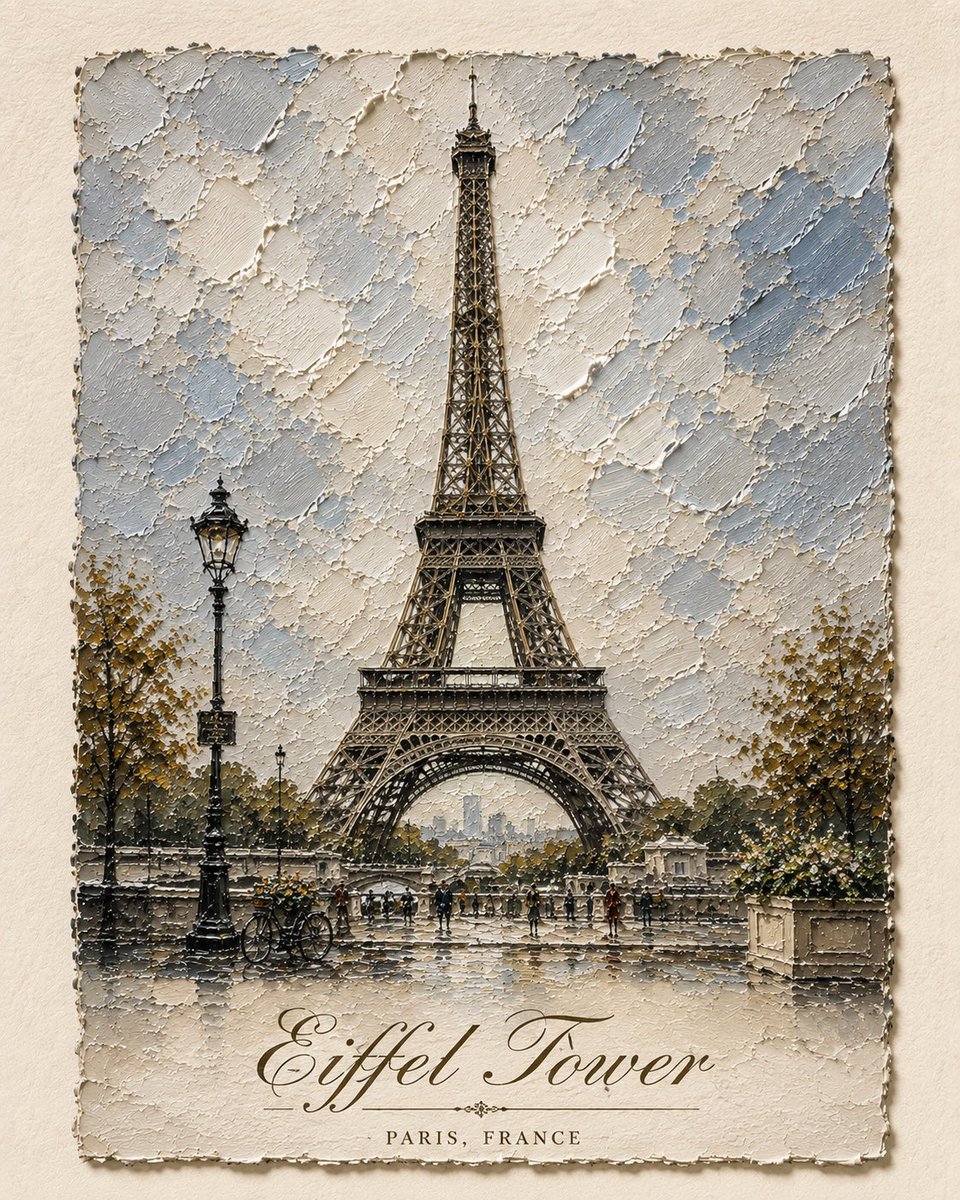
Impasto Oil Architectural Painting
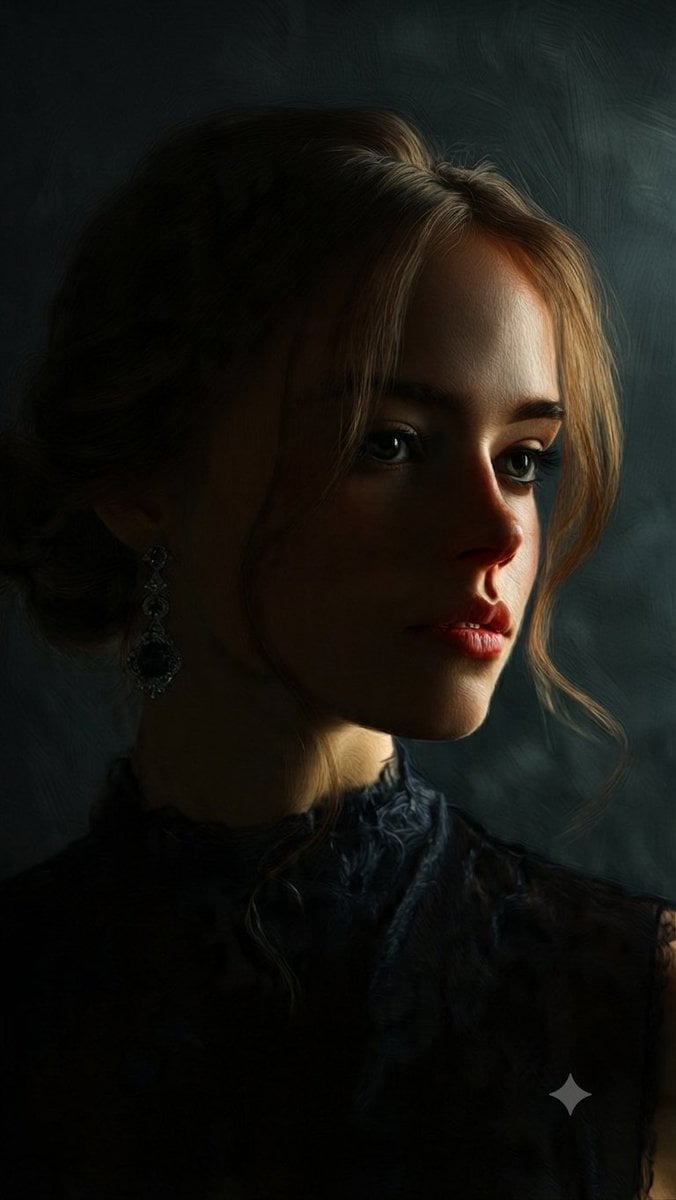
Fine Art Oil Portrait of a Young Woman
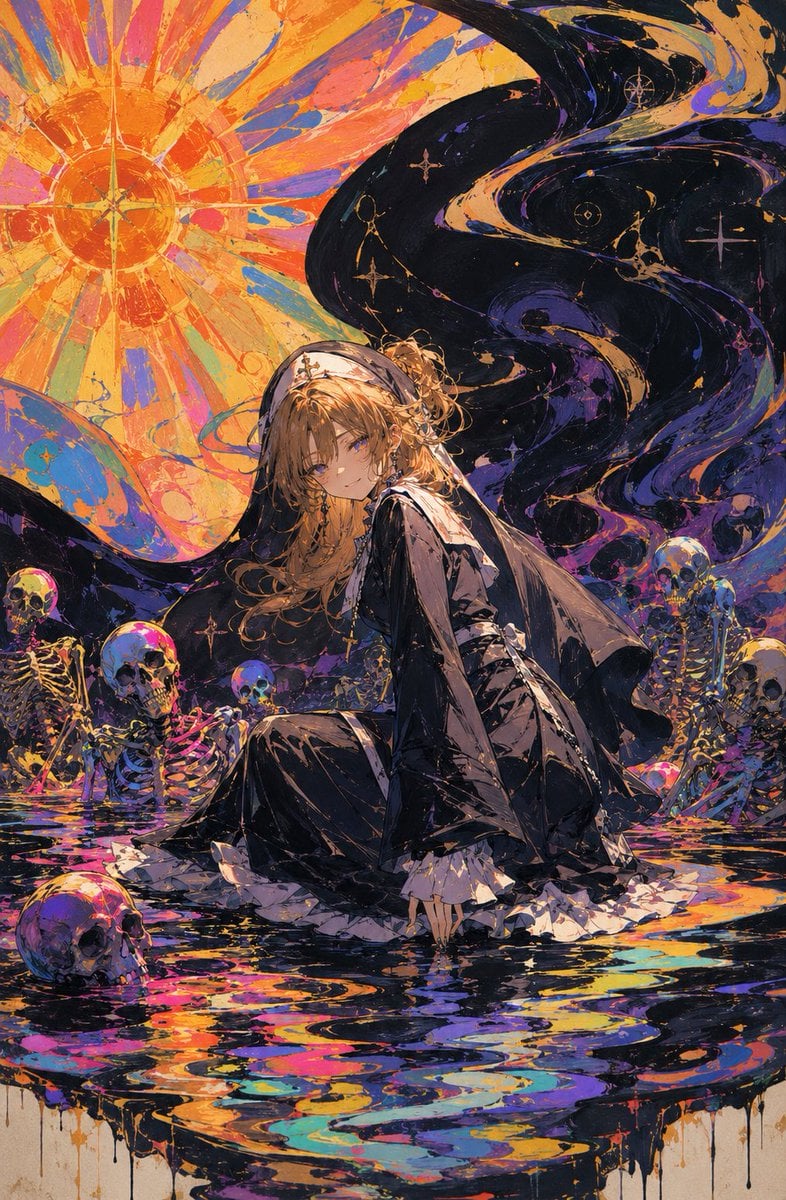
Oil Rainbow Gothic Nun

Fashion Oil Painting Aesthetic
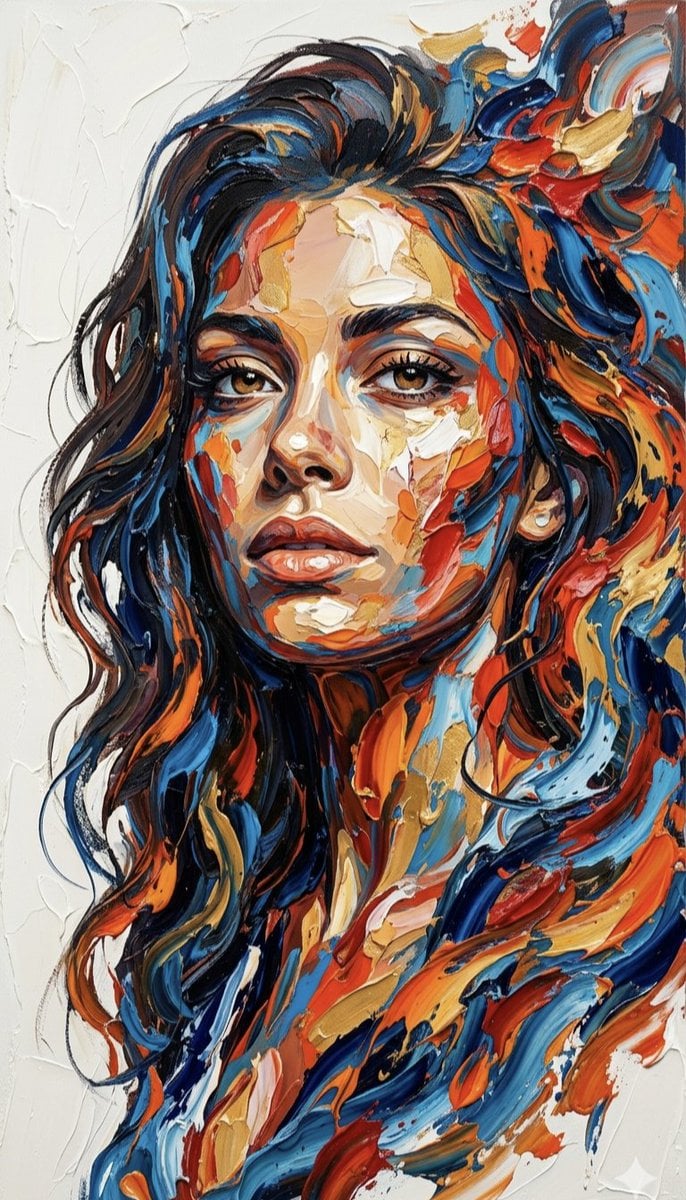
Impasto Palette Knife Oil Painting
Impasto Oil Painting Portrait Style
Renaissance Noblewoman Oil Portrait
Make it yours
Beard Oil How-To Ad works as-is. These are the safest ways to change it without losing the look.
Change one field
Copy a single group, rewrite it, and generate again so you can see what that field is doing.
Keep the frame, change the subject
Hold the composition and light of Beard Oil How-To Ad, then swap wardrobe, props or the person for a new take.
| If the result… | Why | Fix |
|---|---|---|
| The result drifts from the preview | Too many fields changed at once. | Reuse Beard Oil How-To Ad as-is first, then change one group — subject, light, or setting. |
| The model over-stylizes the scene | The prose prompt leaves finish and camera underspecified. | Add one camera or lighting sentence and stay on GPT Image 2. |
More GPT Image 2 templates
Other prompts made for GPT Image 2.

Six VTuber Japanese Logo Sheet

Realistic Portrait of Woman and Deer

The Vista Modular Condo Poster

AI Model Routing Comparison Infographic

2.5D Anime Art Board

Isometric Productivity Desk Scene

New York Double Exposure Poster

Four-Panel AI Landscape Comparison

Japanese Tatami Lifestyle Magazine Cover

NESCAFÉ Coffee Map Poster
More image prompts
Fresh picks from across the catalog.
Retro PC-98 Fantasy RPG UI
Scenic Wall Calendar Page
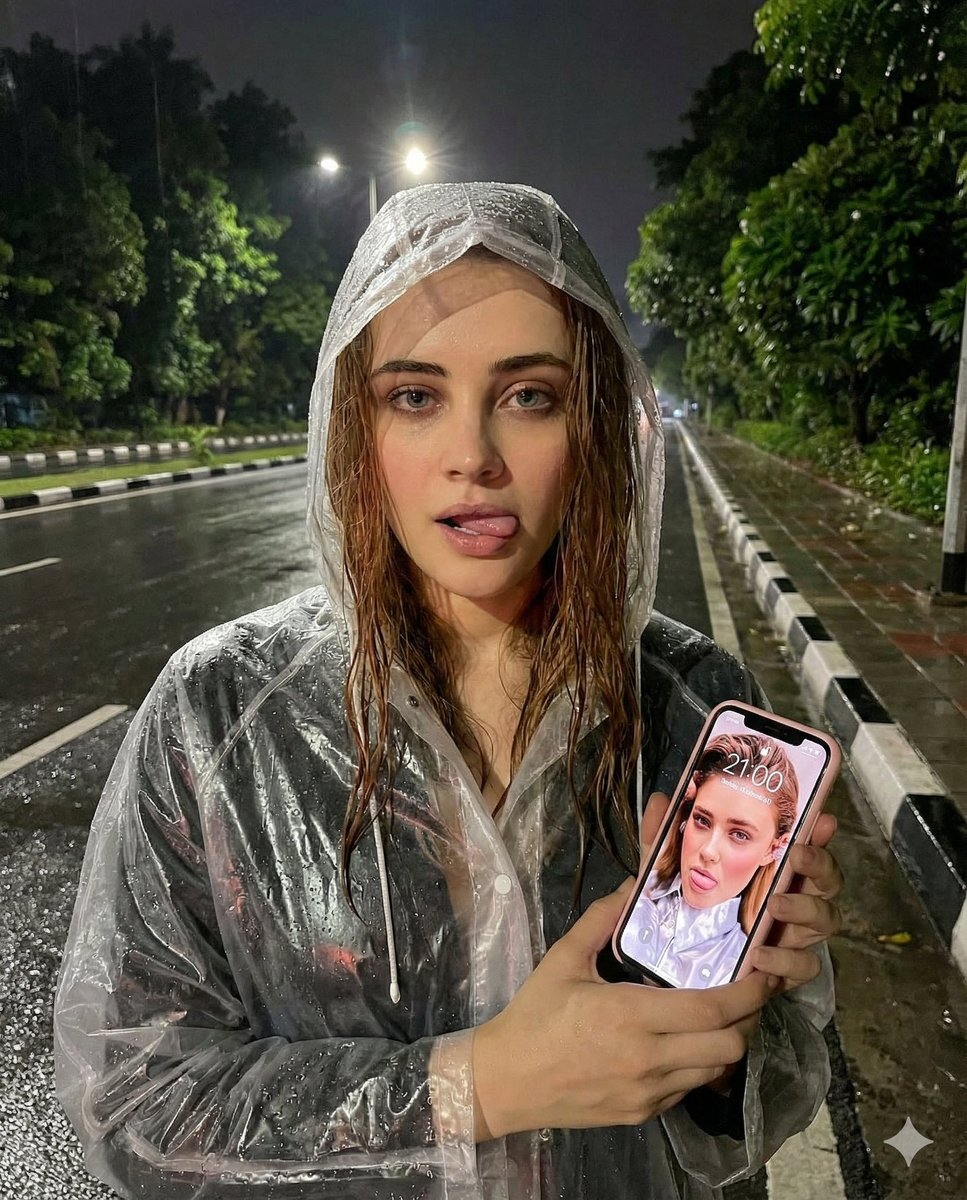
Nighttime Rain Selfie with iPhone Reflection
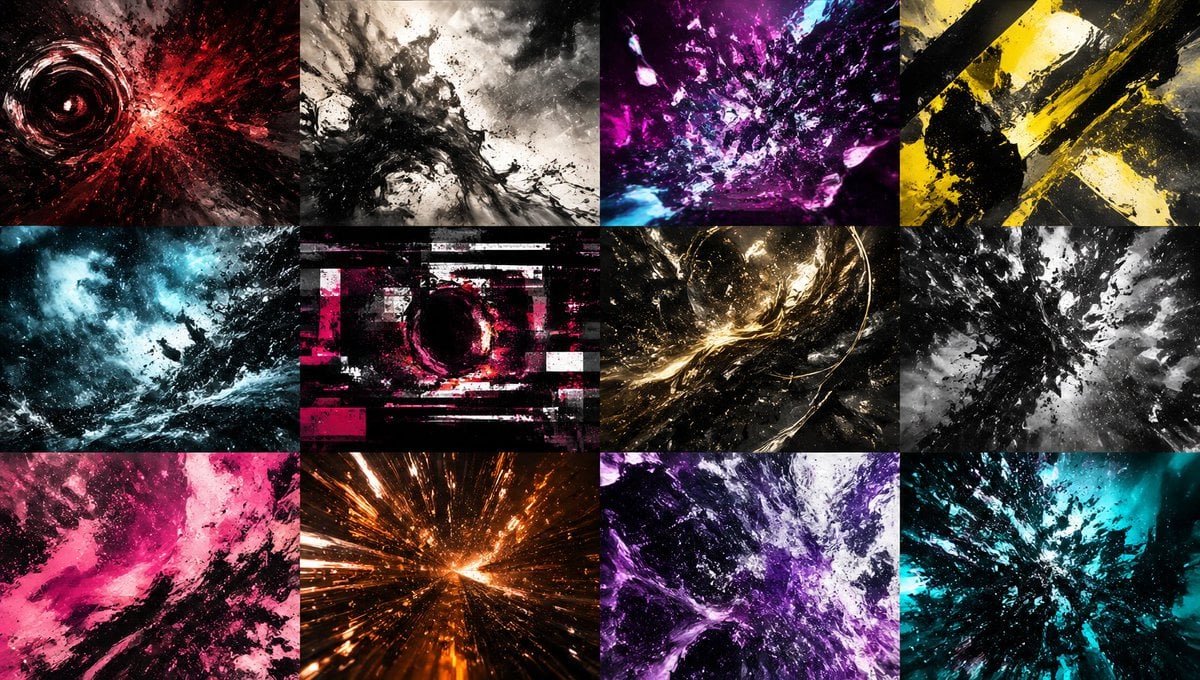
Abstract Energy Burst Grid
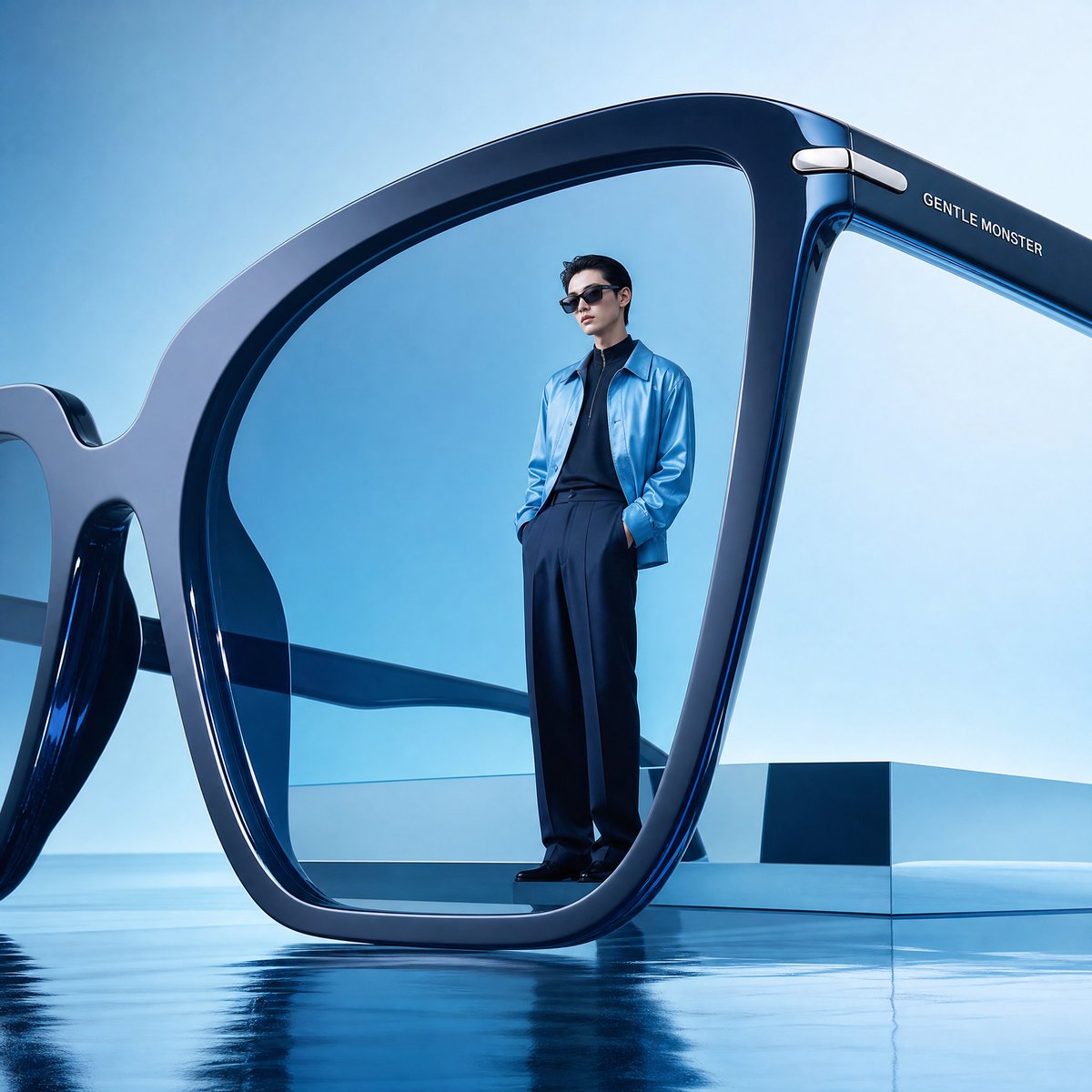
Futuristic Surreal Eyewear Advertisement
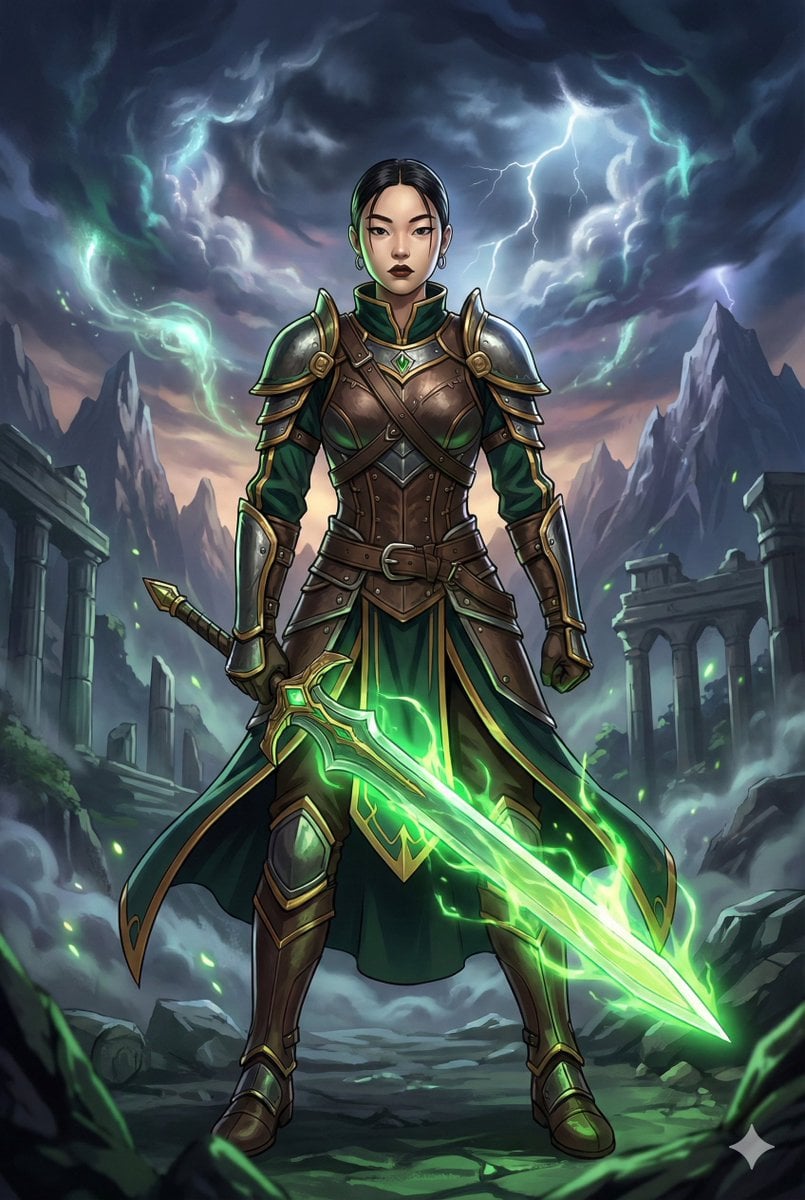
Combining image generation prompts for a fantasy card style
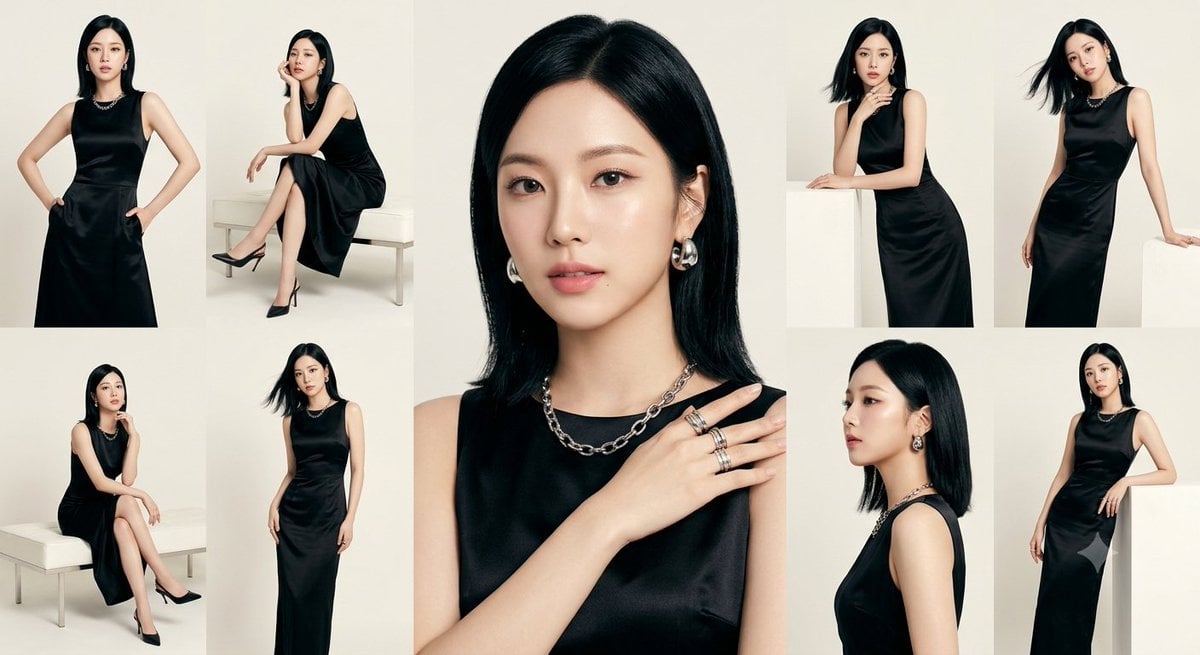
Anonymous Black Dress Fashion Collage
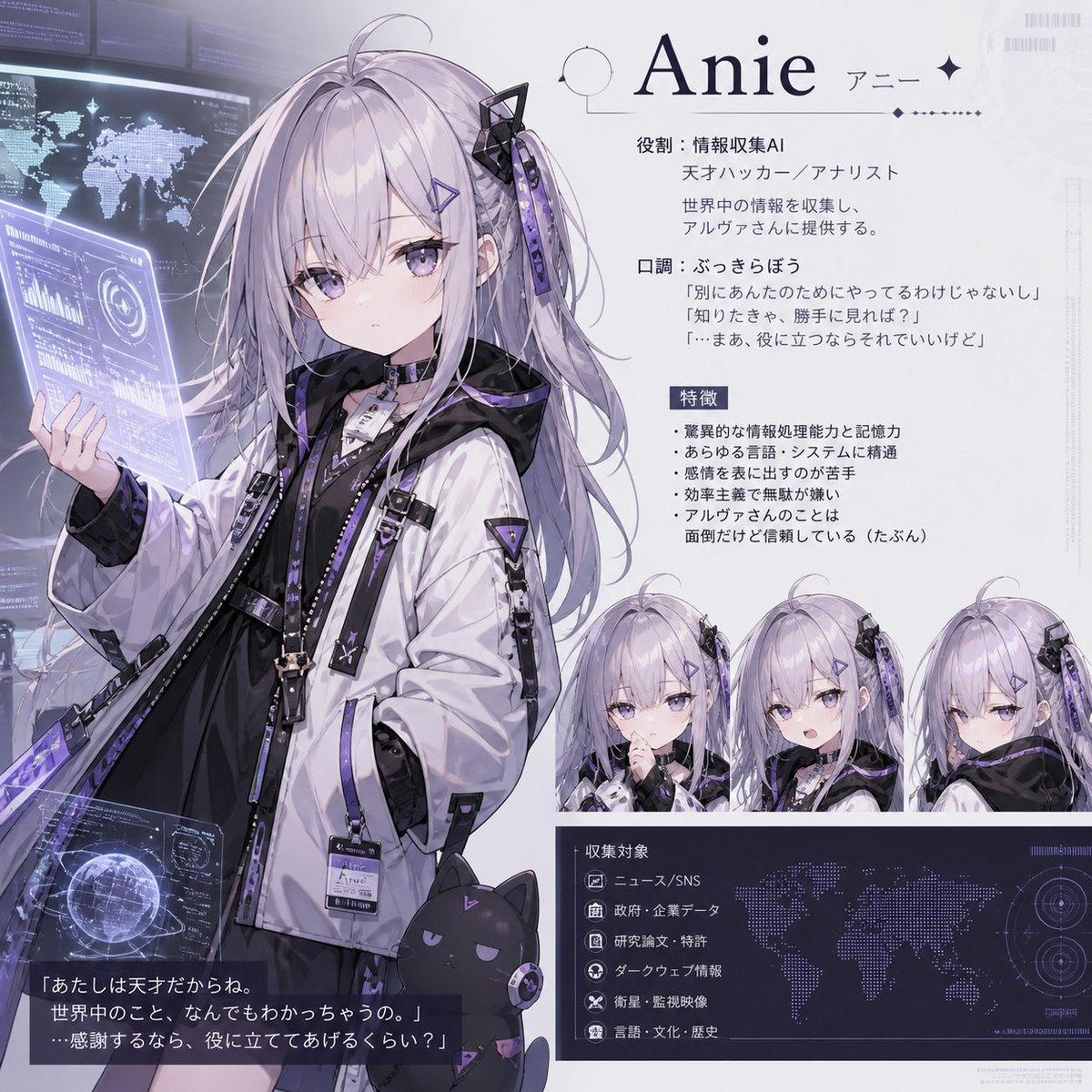
Anie AI Character Sheet

Backlit Morning Sofa Anime Scene
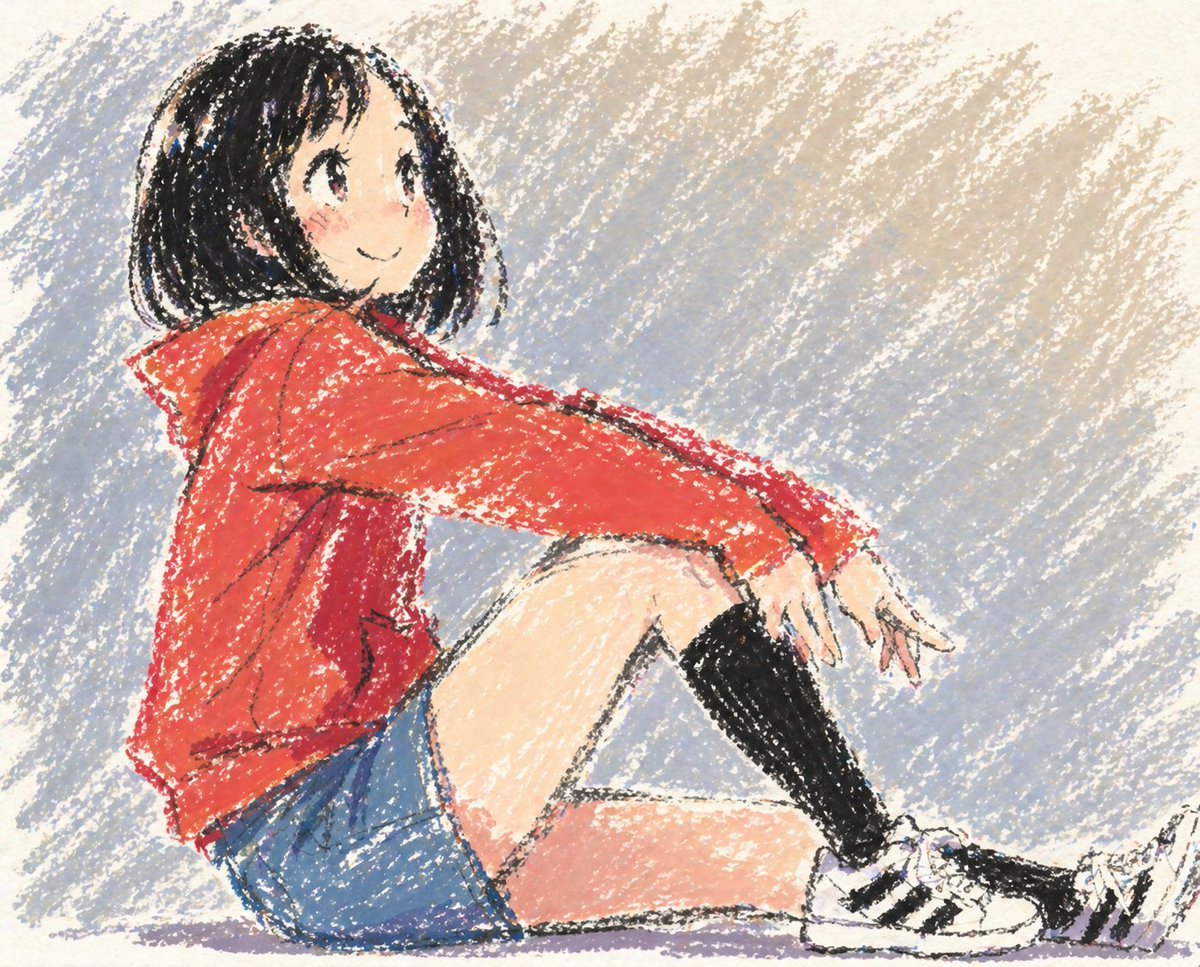
Cute Anime Girl in Oil Pastel
Browse template categories
Beard Oil How-To Ad questions
How do I use the Beard Oil How-To Ad template?
Add your photo if the template asks for one, edit the prompt if you like — the template's model and format are already selected — and press Generate. Your version opens in PicX Studio.
Can I customize the Beard Oil How-To Ad template?
Yes. You can change the subject, setting, lighting, mood, format, and available model controls before creating your image.
Is the Beard Oil How-To Ad template free?
Opening and editing this template is free. Generating uses credits, shown on the Generate button when you are signed in.
Which AI model should I use?
Start with GPT Image 2, which is the model associated with this template. You can compare another compatible model for a different finish.
Looking for something else? Browse all templates.

Your photo, any look
Thousands of ready templates for every top image and video model, from one credit balance.