
Retro PC-98 Fantasy RPG UI
Generates a dense 1990s PC-98-style fantasy adventure game screen with character art, RPG stats, dialogue, menus, and ornate pixel UI.
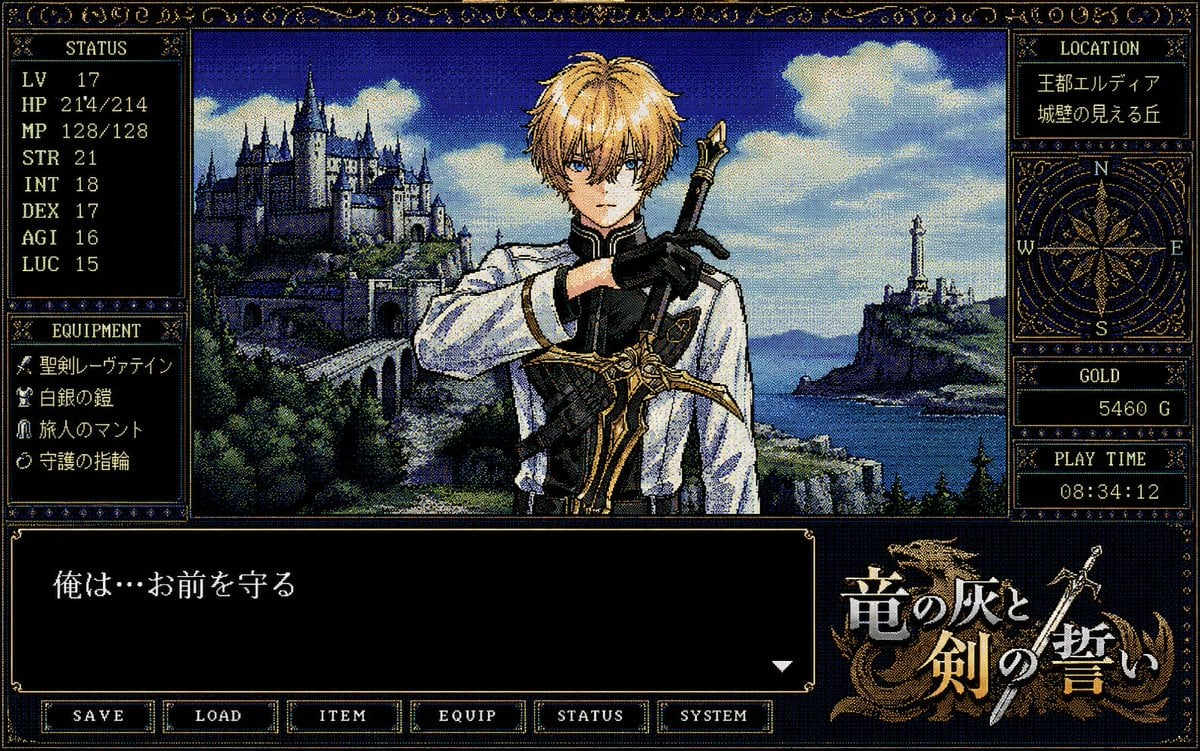
- Prompt included
- Model and format preset
- Free template
The prompt behind this image
Copy the exact prompt behind Retro PC-98 Fantasy RPG UI, or open it in the studio and make it yours.
- Type
- retro PC-98 fantasy adventure game screen
- Style
- 1990s Japanese computer RPG visual novel interface, 16-color dithered pixel art, CRT-like low resolution, ornate gold filigree borders on dark navy panels, serif pixel fonts, dramatic fantasy romance tone
- Canvas
- landscape 4:3 game screenshot with a dense decorative HUD framing a central character illustration
- Main Scene › Position
- center
- Main Scene › Description
- a young blond male knight or swordsman shown from the waist up, facing forward, wearing a white tunic with black gloves and gold-trimmed armor details, one arm crossing his chest while holding an ornate sword upright over his shoulder; behind him is a sweeping fantasy coastline with a large castle on a green cliff to the left, an arched stone bridge, blue sea, distant mountains, a lighthouse or tower on a rocky island to the right, and bright clouds in a deep blue sky
- Main Scene › Character › Role
- protective fantasy swordsman
- Main Scene › Character › Hair
- {argument name="hair color" default="golden blond"}
- Main Scene › Character › Outfit
- white and black knight attire with gold ornamentation
- Main Scene › Character › Pose
- hand on chest, sword raised behind shoulder
- Layout › Counted Elements › Major Ui Sections
- 9
- Layout › Counted Elements › Bottom Menu Buttons
- 6
- Layout › Counted Elements › Status Stats
- 7
- Layout › Counted Elements › Equipment Items
- 4
- Layout › Counted Elements › Right Sidebar Boxes
- 4
- Layout › Sections › 0 › Title
- STATUS
- Layout › Sections › 0 › Position
- upper left
- Layout › Sections › 0 › Count
- 7
- Layout › Sections › 0 › Labels
- LV 17, HP 214/214, MP 128/128, STR 21, INT 18, DEX 17, AGI 16, LUC 15
- Layout › Sections › 0 › Note
- Although the panel lists eight visible lines, it represents seven RPG attributes plus level.
- Layout › Sections › 1 › Title
- EQUIPMENT
- Layout › Sections › 1 › Position
- lower left
- Layout › Sections › 1 › Count
- 4
- Layout › Sections › 1 › Labels
- {argument name="weapon name" default="聖剣レーヴァテイン"}, 白銀の鎧, 旅人のマント, 守護の指輪
- Layout › Sections › 2 › Title
- LOCATION
Raw JSON
{"type":"retro PC-98 fantasy adventure game screen","style":"1990s Japanese computer RPG visual novel interface, 16-color dithered pixel art, CRT-like low resolution, ornate gold filigree borders on dark navy panels, serif pixel fonts, dramatic fantasy romance tone","canvas":"landscape 4:3 game screenshot with a dense decorative HUD framing a central character illustration","main_scene":{"position":"center","description":"a young blond male knight or swordsman shown from the waist up, facing forward, wearing a white tunic with black gloves and gold-trimmed armor details, one arm crossing his chest while holding an ornate sword upright over his shoulder; behind him is a sweeping fantasy coastline with a large castle on a green cliff to the left, an arched stone bridge, blue sea, distant mountains, a lighthouse or tower on a rocky island to the right, and bright clouds in a deep blue sky","character":{"role":"protective fantasy swordsman","hair":"{argument name=\"hair color\" default=\"golden blond\"}","outfit":"white and black knight attire with gold ornamentation","pose":"hand on chest, sword raised behind shoulder"}},"layout":{"counted_elements":{"major_ui_sections":9,"bottom_menu_buttons":6,"status_stats":7,"equipment_items":4,"right_sidebar_boxes":4},"sections":[{"title":"STATUS","position":"upper left","count":7,"labels":["LV 17","HP 214/214","MP 128/128","STR 21","INT 18","DEX 17","AGI 16","LUC 15"],"note":"Although the panel lists eight visible lines, it represents seven RPG attributes plus level."},{"title":"EQUIPMENT","position":"lower left","count":4,"labels":["{argument name=\"weapon name\" default=\"聖剣レーヴァテイン\"}","白銀の鎧","旅人のマント","守護の指輪"]},{"title":"LOCATION","position":"upper right","count":2,"labels":["{argument name=\"kingdom name\" default=\"王都エルディア\"}","城壁の見える丘"]},{"title":"COMPASS","position":"right middle","count":1,"labels":["N","E","S","W"],"description":"decorative circular compass rose in gold line art"},{"title":"GOLD","position":"right lower middle","count":1,"labels":["5460 G"]},{"title":"PLAY TIME","position":"right bottom","count":1,"labels":["08:34:12"]},{"title":"DIALOGUE WINDOW","position":"bottom left spanning most width","count":1,"labels":["{argument name=\"dialogue text\" default=\"俺は…お前を守る\"}"],"description":"large black text box with a white downward triangle prompt at the lower right"},{"title":"TITLE LOGO","position":"bottom right","count":1,"labels":["{argument name=\"game title\" default=\"竜の灰と剣の誓い\"}"],"description":"ornate Japanese fantasy logo in white and gold with a dragon silhouette and crossed sword motif"},{"title":"BOTTOM COMMAND MENU","position":"very bottom","count":6,"labels":["SAVE","LOAD","ITEM","EQUIP","STATUS","SYSTEM"]}]},"rendering_details":"Use authentic pixel dithering, limited blue-gold-black palette, dense hand-drawn fantasy background detail, sharp rectangular UI panels, gold ornamental corner flourishes, and slight scanline texture. Keep the composition exactly like a PC-98 adventure RPG interface rather than a modern anime illustration."}How to use Retro PC-98 Fantasy RPG UI in 3 steps
- 1Upload ImagePNG, JPG or paste
Add your photo
Upload the photo the template builds on. The prompt, model and format are already set.
- 2…a portrait of your subject in softgolden-hour light, 85mm…
Personalize
Edit the subject and creative details for your destination.
- 3Generate
Generate
Press Generate — your image is created in PicX Studio, so you can compare it with the original and refine one variable at a time.
More like this
Templates with the same subject, style or setup. Open one to see its prompt.












Make it yours
Retro PC-98 Fantasy RPG UI works as-is. These are the safest ways to change it without losing the look.
Change one field
Copy a single group, rewrite it, and generate again so you can see what that field is doing.
Keep the frame, change the subject
Hold the composition and light of Retro PC-98 Fantasy RPG UI, then swap wardrobe, props or the person for a new take.
| If the result… | Why | Fix |
|---|---|---|
| The result drifts from the preview | Too many fields changed at once. | Reuse Retro PC-98 Fantasy RPG UI as-is first, then change one group — subject, light, or setting. |
| GPT Image 2 ignores part of the JSON | Some models flatten or skip nested keys. | Keep the same values and paste them as a short paragraph instead. |
More GPT Image 2 templates
Other prompts made for GPT Image 2.

Six VTuber Japanese Logo Sheet

Realistic Portrait of Woman and Deer

The Vista Modular Condo Poster

AI Model Routing Comparison Infographic

2.5D Anime Art Board

Isometric Productivity Desk Scene

New York Double Exposure Poster

Four-Panel AI Landscape Comparison

Japanese Tatami Lifestyle Magazine Cover

NESCAFÉ Coffee Map Poster
More image prompts
Fresh picks from across the catalog.
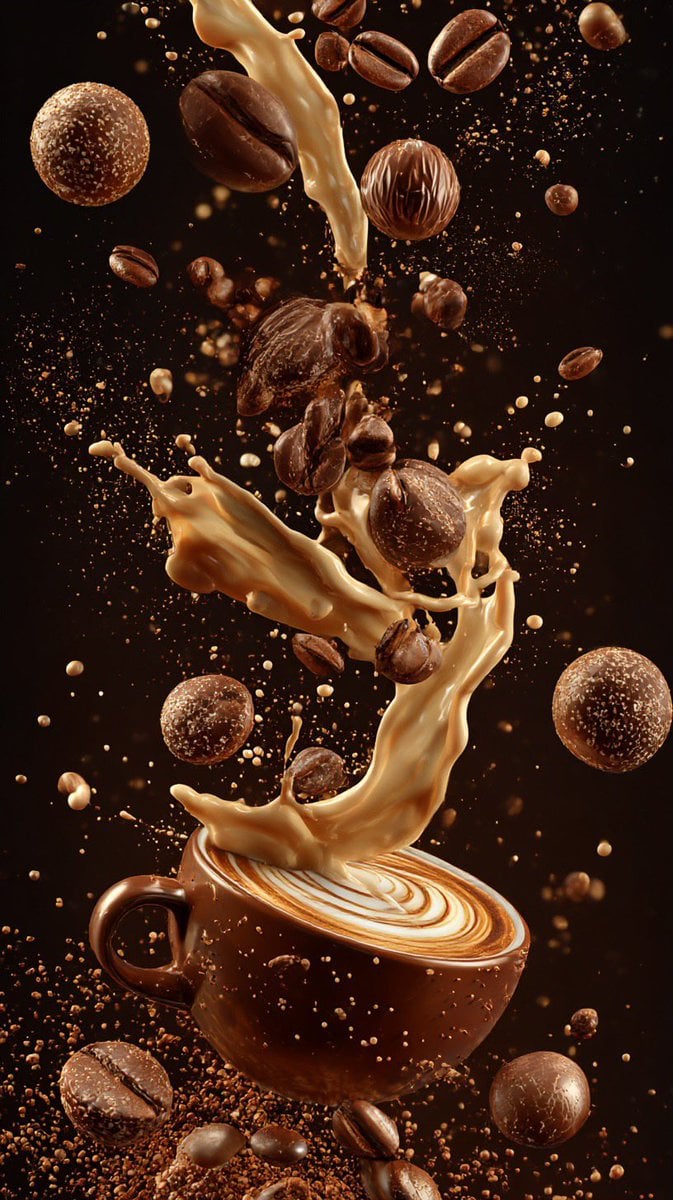
Ultra-Cinematic Coffee Splash Photography
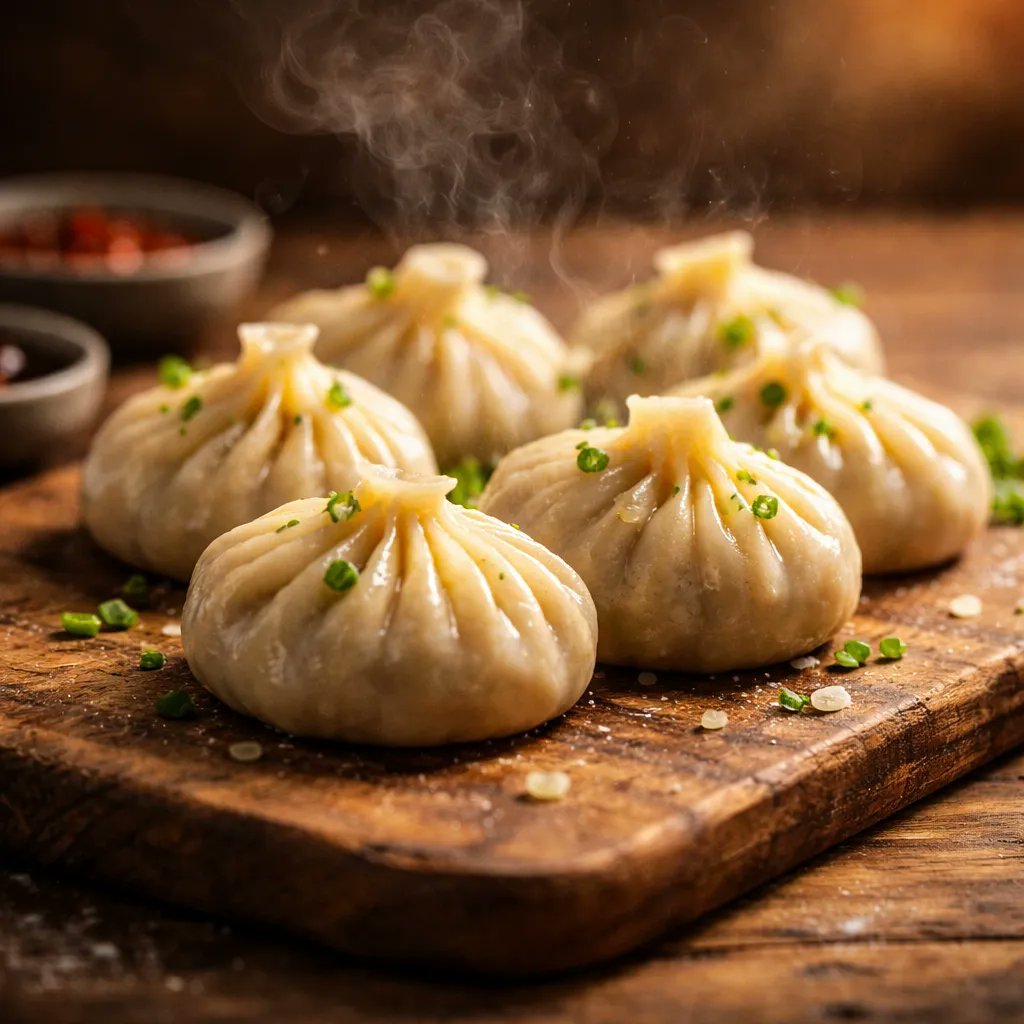
Cinematic Food Photography of Deconstructed Dumplings
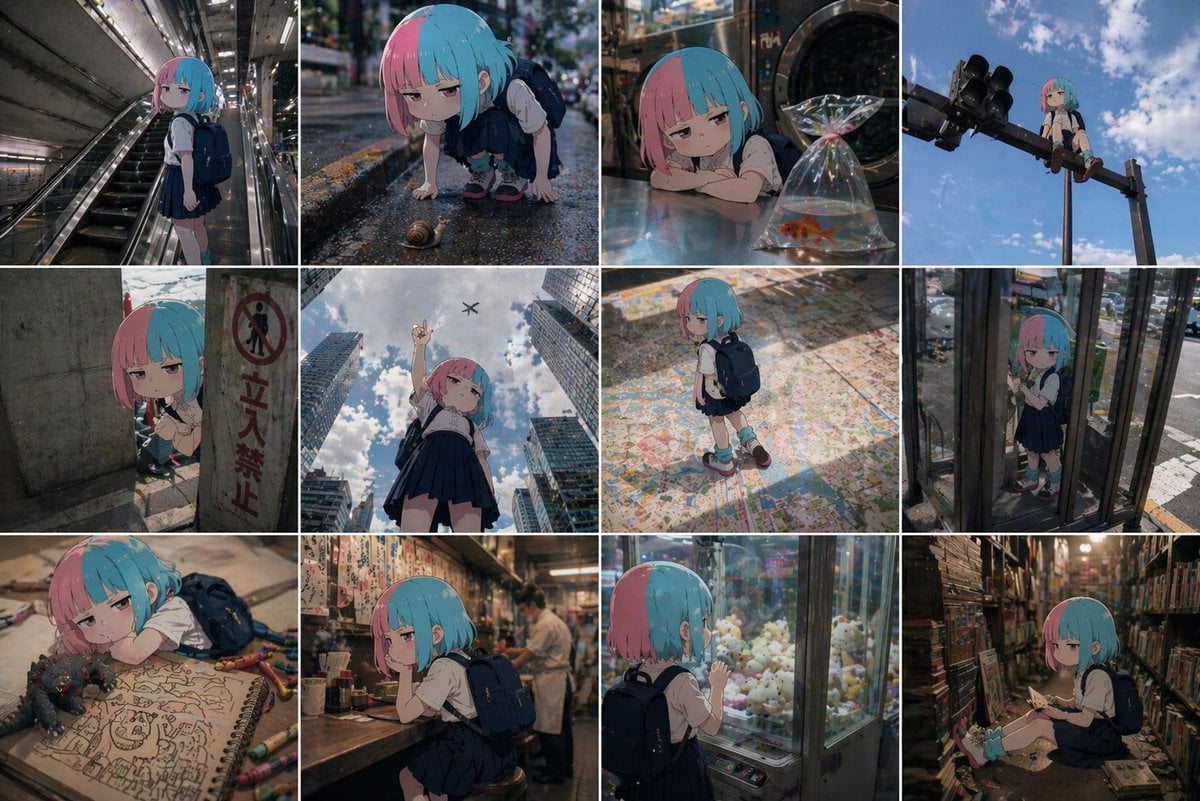
Anime Character in Real World Grid
Urban Menswear Portrait on Overpass
World Cup Tunnel Champion
Monochrome Fashion Contact Sheet
Magical Girl Starstorm on Bubble
Minimalist Eyewear Advertisement Poster
Themed Worldview Visual Construction Engine Prompt
Awkward Stacked NFT Family Portrait
Browse template categories
Retro PC-98 Fantasy RPG UI questions
How do I use the Retro PC-98 Fantasy RPG UI template?
Add your photo if the template asks for one, edit the prompt if you like — the template's model and format are already selected — and press Generate. Your version opens in PicX Studio.
Can I customize the Retro PC-98 Fantasy RPG UI template?
Yes. You can change the subject, setting, lighting, mood, format, and available model controls before creating your image.
Is the Retro PC-98 Fantasy RPG UI template free?
Opening and editing this template is free. Generating uses credits, shown on the Generate button when you are signed in.
Which AI model should I use?
Start with GPT Image 2, which is the model associated with this template. You can compare another compatible model for a different finish.
Looking for something else? Browse all templates.

Your photo, any look
Thousands of ready templates for every top image and video model, from one credit balance.