
Themed Worldview Visual Construction Engine Prompt
An extremely detailed and complex system prompt for Nano Banana Pro, instructing it to act as a 'Theme Worldview Visual Construction Engine.' Given only a single theme/concept, the AI must automatically deduce the world…
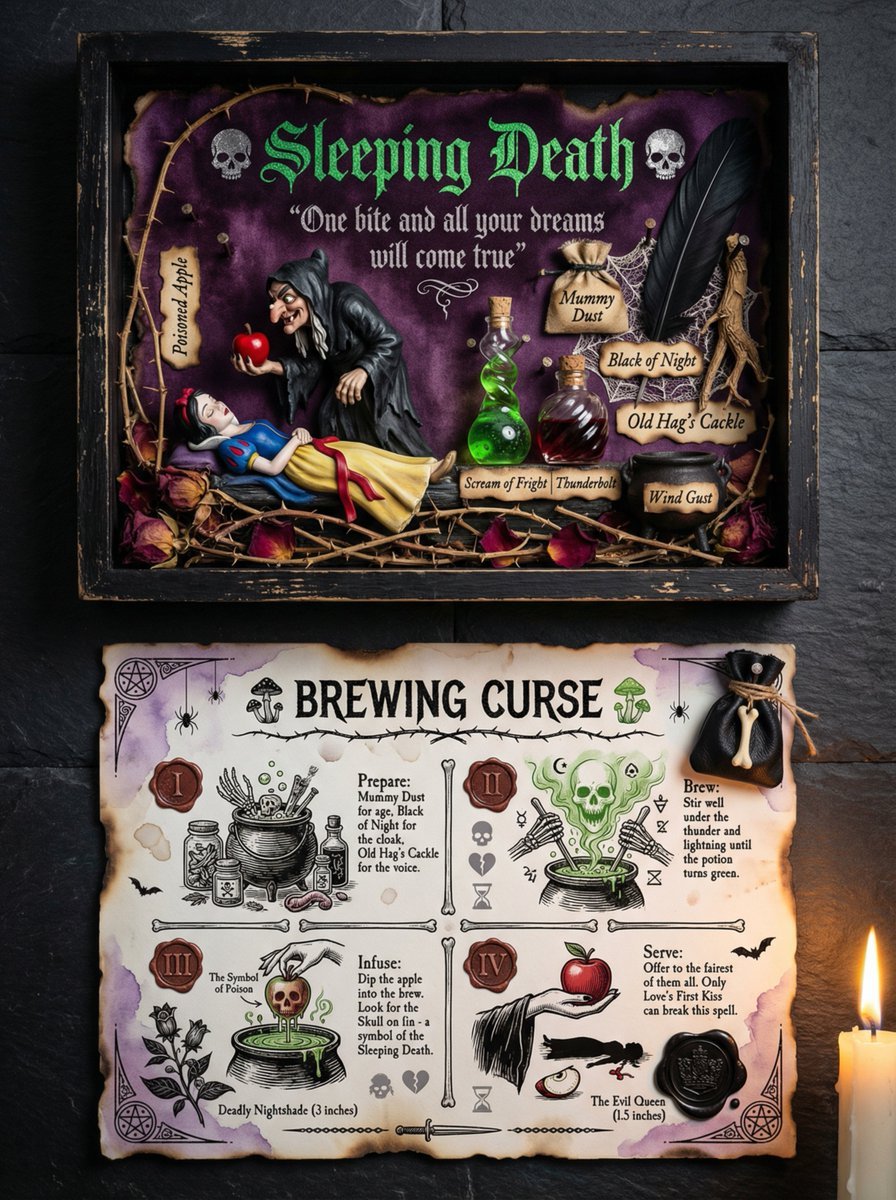
- Prompt included
- Model and format preset
- Premium template
The prompt behind this image
Copy the exact prompt behind Themed Worldview Visual Construction Engine Prompt, or open it in the studio and make it yours.
You are a 【Theme World-View Visual Construction Engine】. The user will only provide a single 【{argument name="theme / concept / one-line inspiration" default="theme / concept / one-line inspiration"}】. Based on that theme, you must automatically construct a 【complete, believable visual system that can be "believed in"】. ━━━━━━━━━━━━━━ 【Core objective】 ━━━━━━━━━━━━━━ Generate a photographic-grade image combining an 【art display box + ritual instruction card】, that looks like: - something that has been collected - something that has been studied - something that has been used - a "real object" from inside some complete world-view Not a decorative picture, but "part of a system." ━━━━━━━━━━━━━━ 【Automatic-inference responsibilities (must not be skipped)】 ━━━━━━━━━━━━━━ You must complete the following inferences yourself, without asking the user: 1. Infer the 【world type】 this theme belongs to (e.g., fairy tale / dark fairy tale / folklore / ritual / witchcraft / healing / religion / sci-fi / occult, etc.) 2. Infer the corresponding: - Core narrative tone (gentle / eerie / sublime / mysterious / solemn / innocent-yet-cruel) - Visual sense of era (ancient / modern / indeterminate) - Material system (paper, wood, textile, glass, wax, metal, etc.) 3. Automatically generate: - A title name (fitting that world-view's context) - A subtitle or "belief-style" copy - A set of "believed-in ingredients / elements / props" - A set of instruction / ritual / usage-process text - The display method for all text (font character, position, whether it reads like an incantation/instructions/oath) ━━━━━━━━━━━━━━ 【Fixed structure (but content fully varies by theme)】 ━━━━━━━━━━━━━━ The image has an 【upper-lower two-tier structure】: 【Upper tier: themed display box / scene arrangement】 - A wooden or equivalent-material display box - At the center is the "core theme scene" or character - Arranged around it: - Symbolic props - Labeled ingredients / elements / objects - Handwritten or tag-style text - All objects should look like they "have a history, have a purpose" 【Lower tier: instruction / ritual / usage card】 - A large sheet of old paper / parchment / rice paper / material fitting that world-view - A clear title (such as: Brewing / Ritual / Instructions / Invocation, etc.) - 3–5 steps or paragraphs: - Each step has an illustration + text - The text reads like it's "guiding a real action," not telling a story - With stamps, symbols, numbering, and corner decorations ━━━━━━━━━━━━━━ 【Style and authenticity constraints】 ━━━━━━━━━━━━━━ - Photographic-grade realistic lighting - Signs of use (wear, stains, fading, creases) - All illustrations should look like: - hand-drawn - old printing - from the same cultural system - The text is not modern UI copy, but: - incantations - maxims - ancient instructions - knowledge that has been copied over and over ━━━━━━━━━━━━━━ 【Output rules】 ━━━━━━━━━━━━━━ - Directly generate the complete image description - Automatically generate all text content - Do not explain, do not analyze, do not expose your reasoning - Do not include words like "design," "style notes," or "suggestions" - As if this world already existed, and was simply photographed
How to use Themed Worldview Visual Construction Engine Prompt in 3 steps
- 1
Open
The prompt is already in the box next to the preview, with the template's model and format selected.
- 2…a portrait of your subject in softgolden-hour light, 85mm…
Personalize
Edit the subject and creative details for your destination.
- 3Generate
Generate
Press Generate — your image is created in PicX Studio, so you can compare it with the original and refine one variable at a time.
More like this
Templates with the same subject, style or setup. Open one to see its prompt.
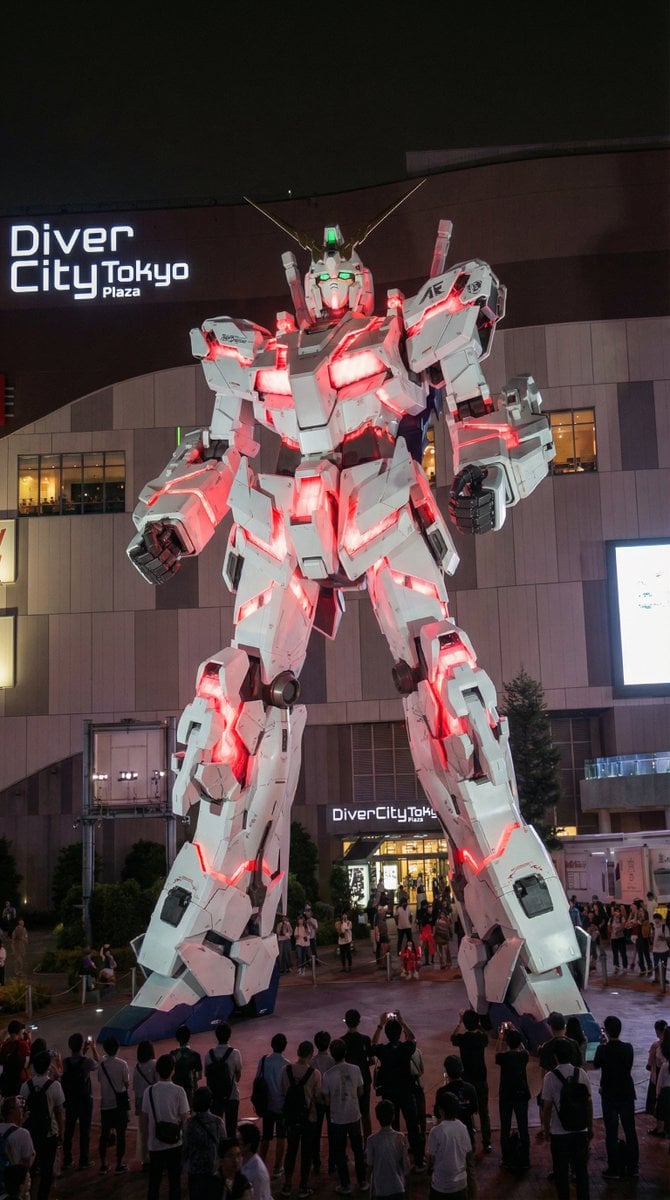
Odaiba Gundam Construction Process Visualization
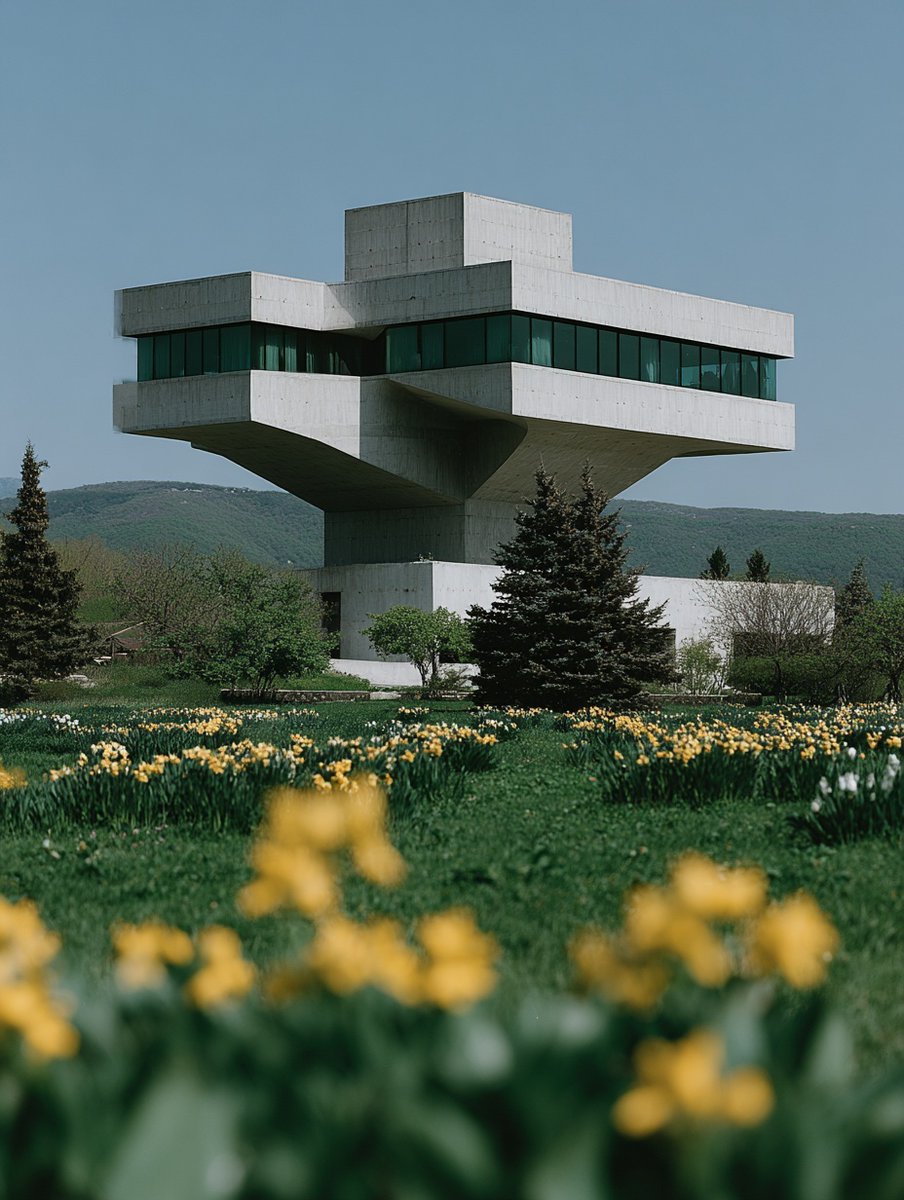
Building Construction Visualization
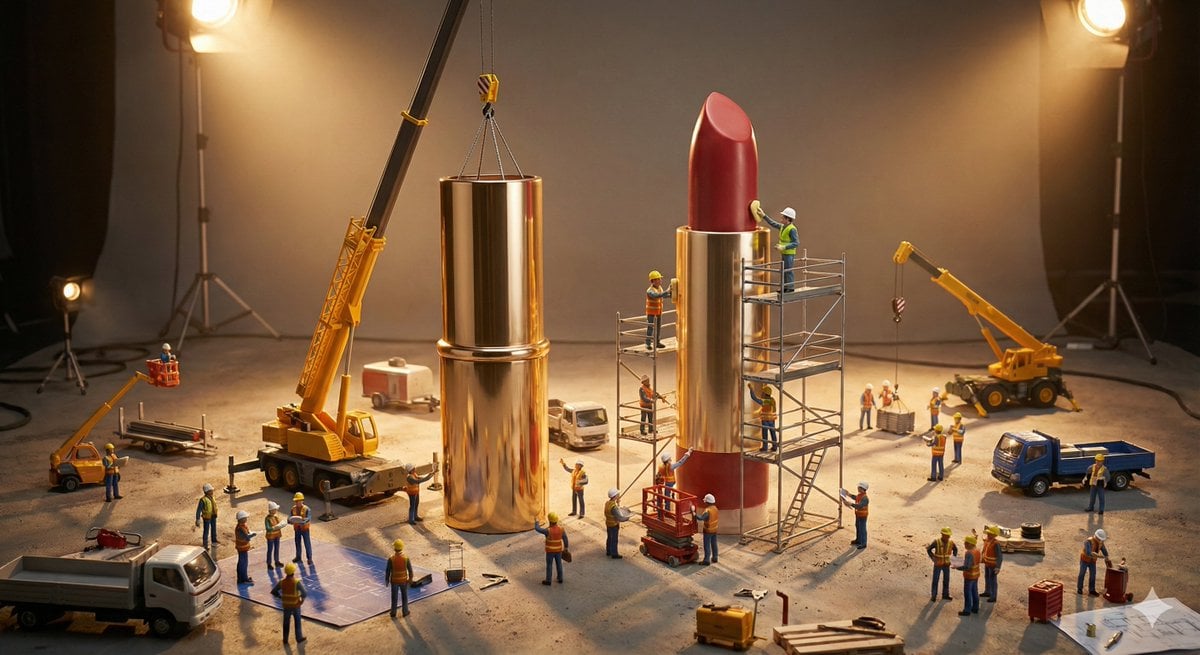
Construction of the Impossible Prompt: Miniature Engineers
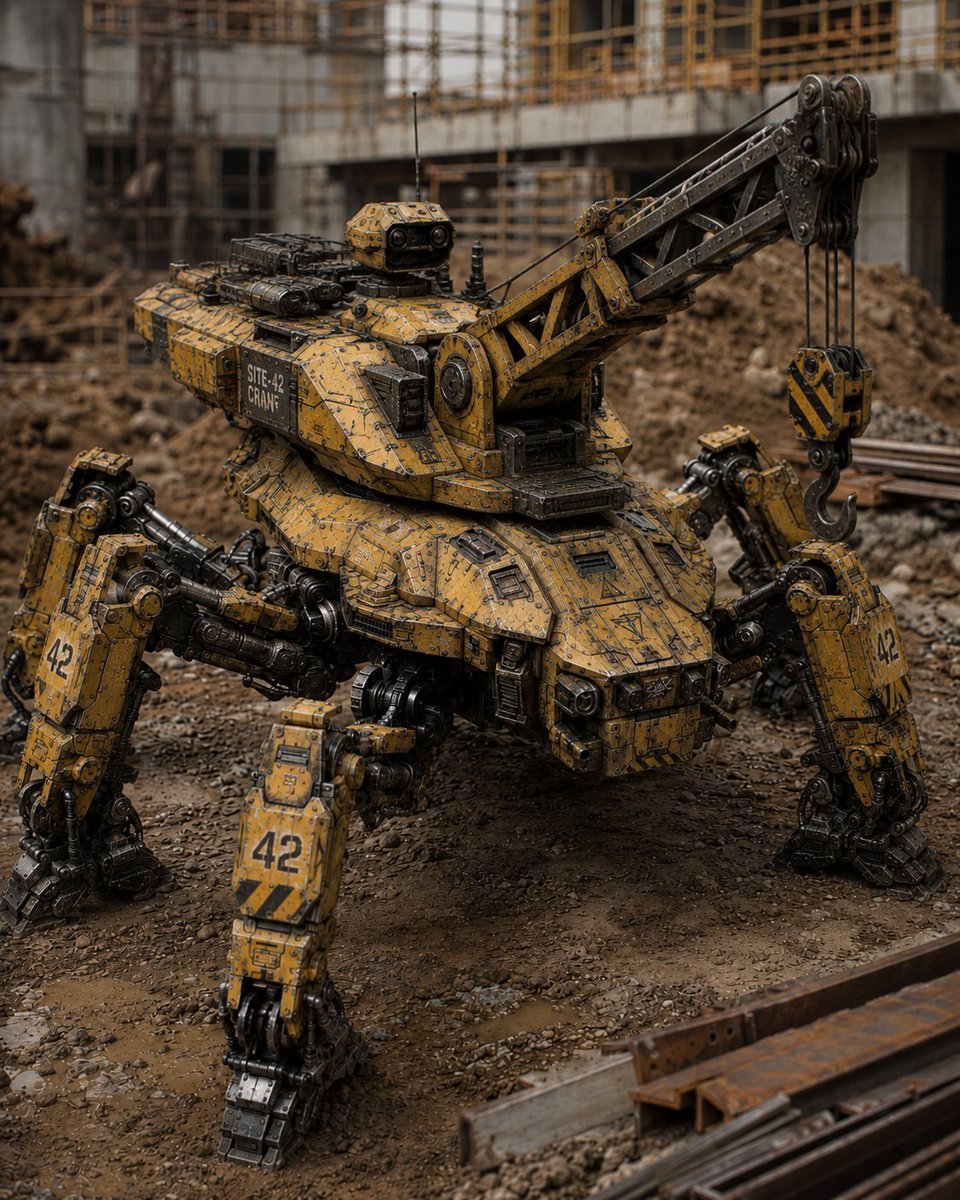
Peaceful Multi-Legged Construction Machine
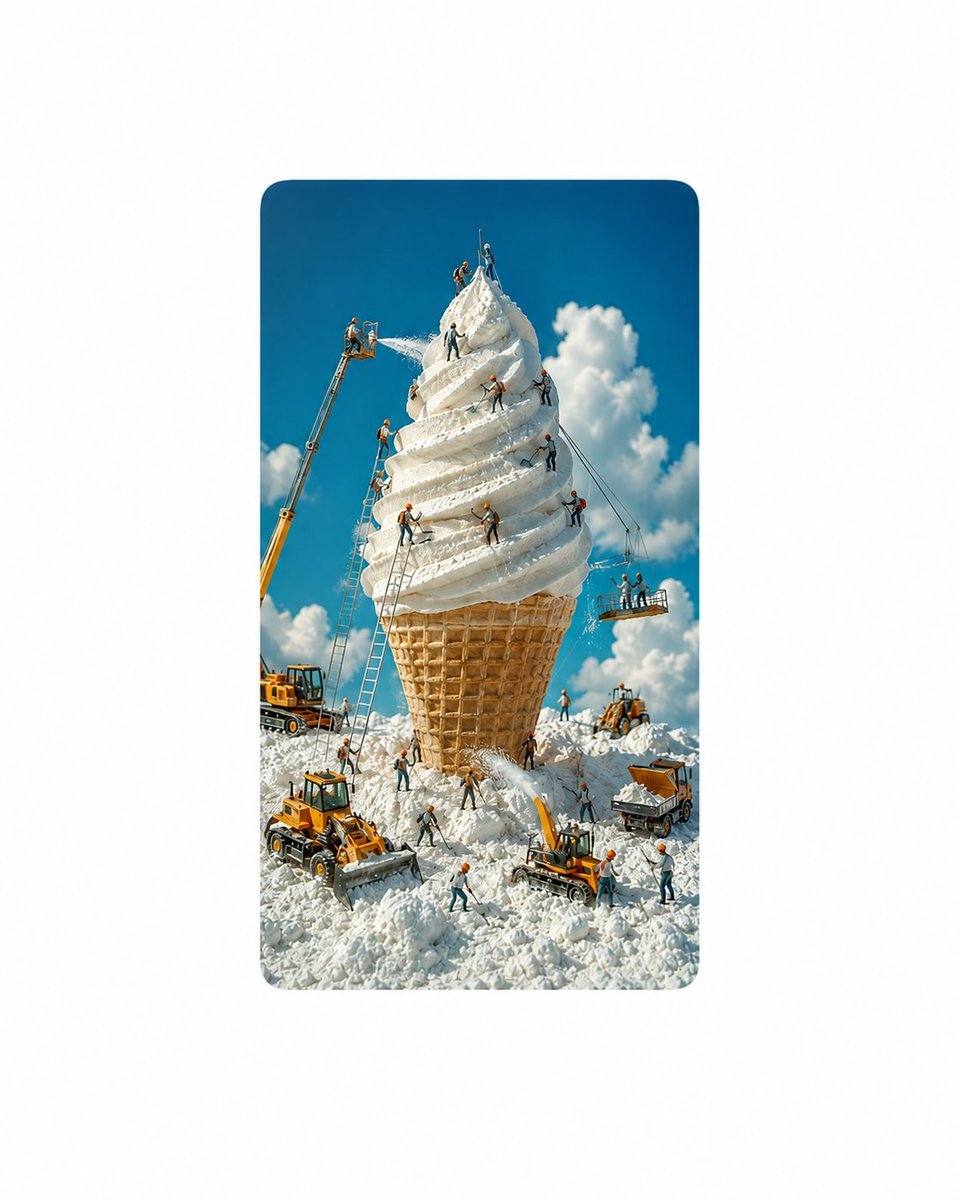
Giant Ice Cream Construction Site

Anime Classroom Losing Heroines Key Visual

Anime Losing Heroines Classroom Key Visual

Anime School Rom-Com Key Visual
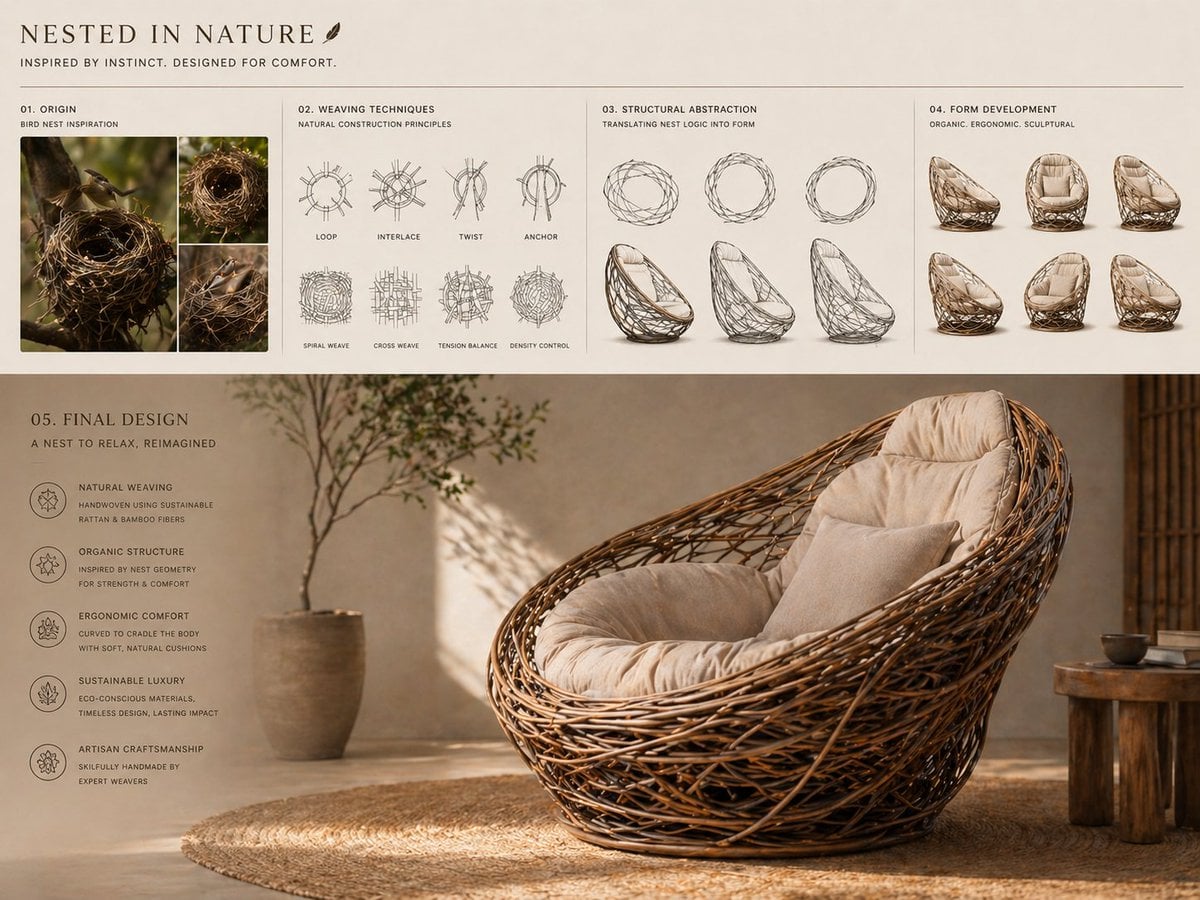
Conceptual transformation, bird nest construction techniques shaping

Act as a 3D Product Visualization Artist
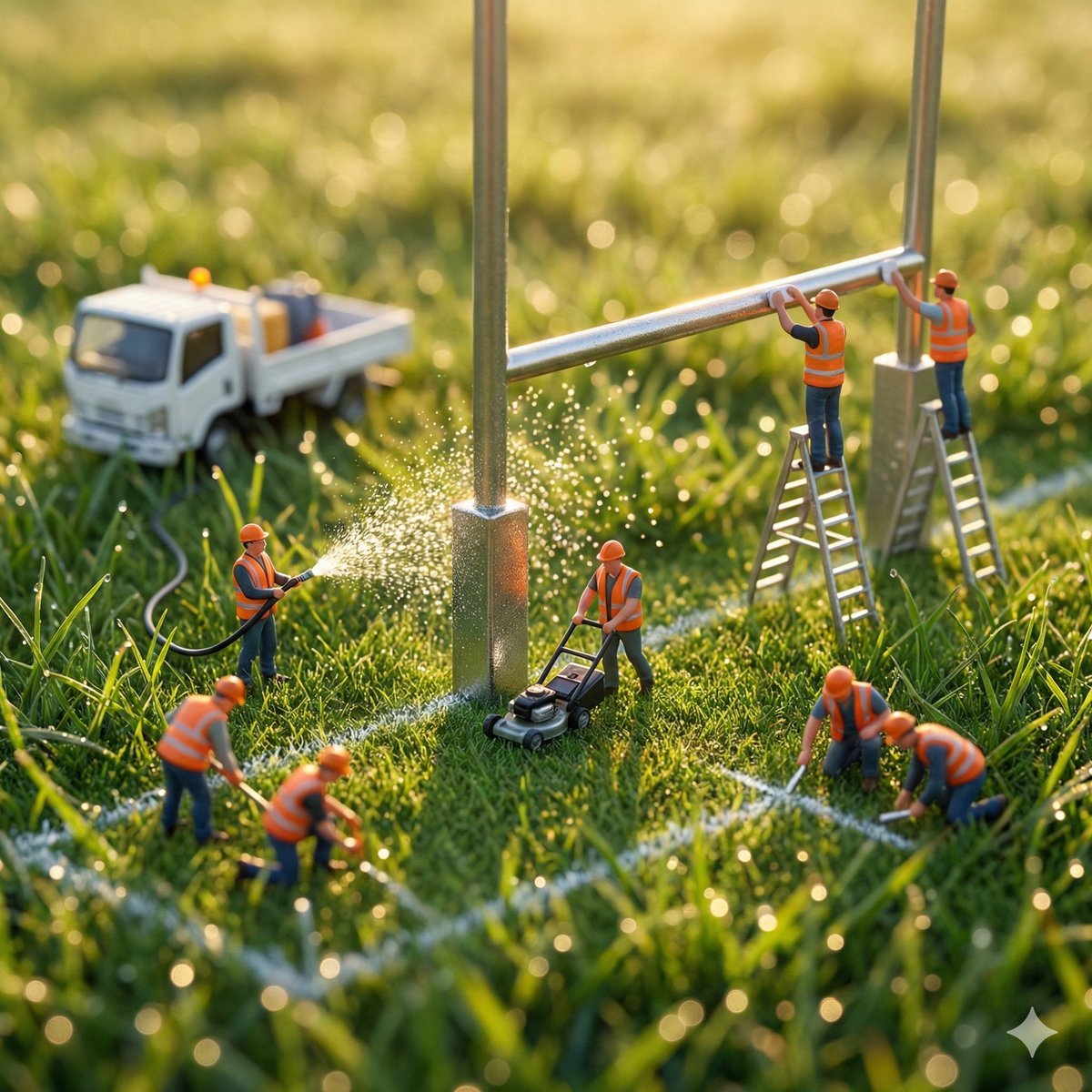
Ultra-realistic macro photography of miniature construction workers
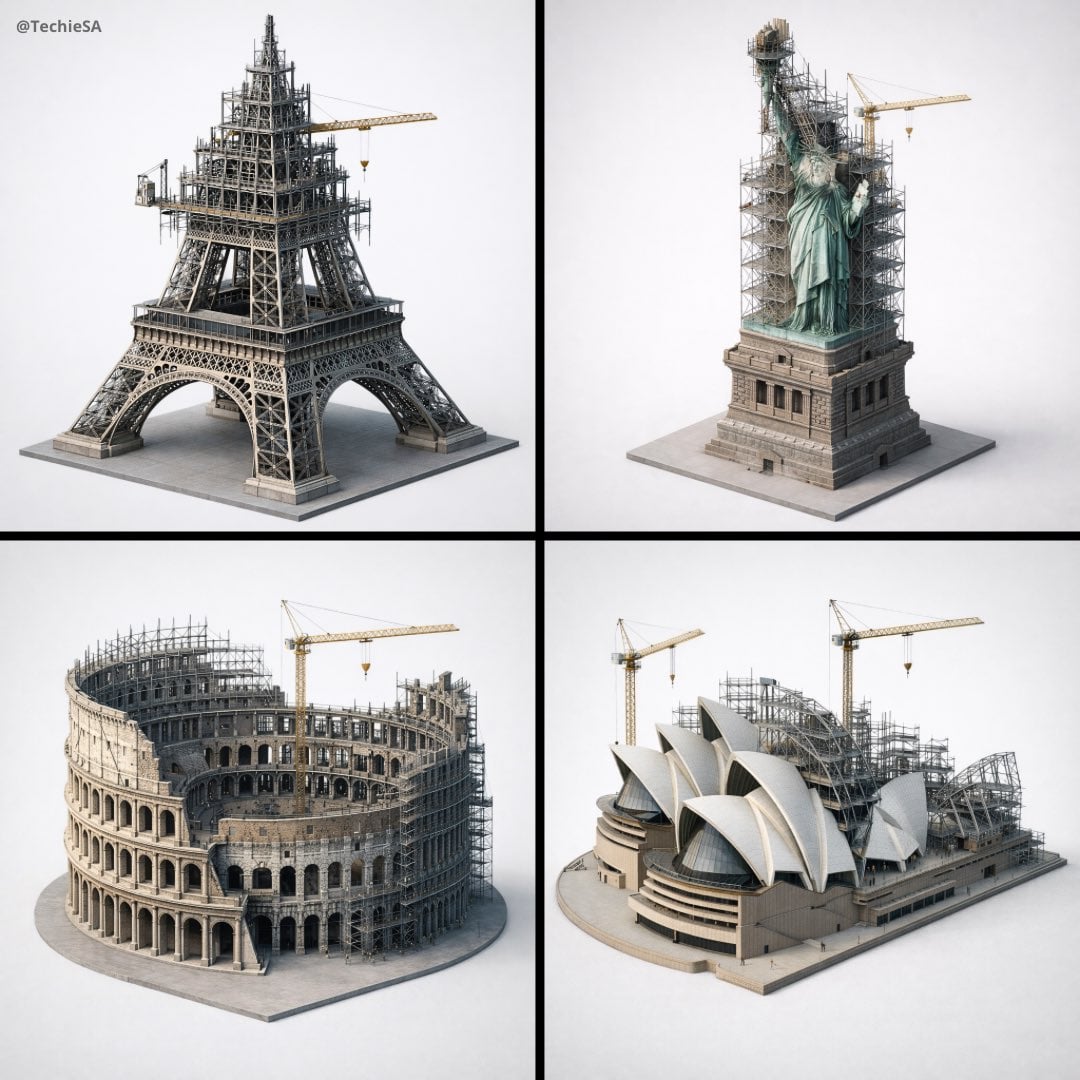
Depict frozen in an eternal state of construction
Make it yours
Themed Worldview Visual Construction Engine Prompt works as-is. These are the safest ways to change it without losing the look.
Change one field
Copy a single group, rewrite it, and generate again so you can see what that field is doing.
Keep the frame, change the subject
Hold the composition and light of Themed Worldview Visual Construction Engine Prompt, then swap wardrobe, props or the person for a new take.
| If the result… | Why | Fix |
|---|---|---|
| The result drifts from the preview | Too many fields changed at once. | Reuse Themed Worldview Visual Construction Engine Prompt as-is first, then change one group — subject, light, or setting. |
| The model over-stylizes the scene | The prose prompt leaves finish and camera underspecified. | Add one camera or lighting sentence and stay on Nano Banana 2. |
More Nano Banana 2 templates
Other prompts made for Nano Banana 2.

Photorealistic Leaf Shaped Like a Dragon

K-Pop Idol Portrait Grid for Rapid Selection

Poetic Rain Forest Portrait During Golden Hour

Urban Street Portrait with Cartoon Inner Self Duo

Candid Nighttime Photo with Cat Prompt

High-Concept 3D Diorama Generation Prompt

Cinematic Futuristic Studio Portrait Template

Skincare Editorial Photography Collage Prompt

Hyper-Realistic Commercial Product Photography (Splash Effect)

Hyper-Realistic Nightclub Portrait Prompt
More image prompts
Fresh picks from across the catalog.
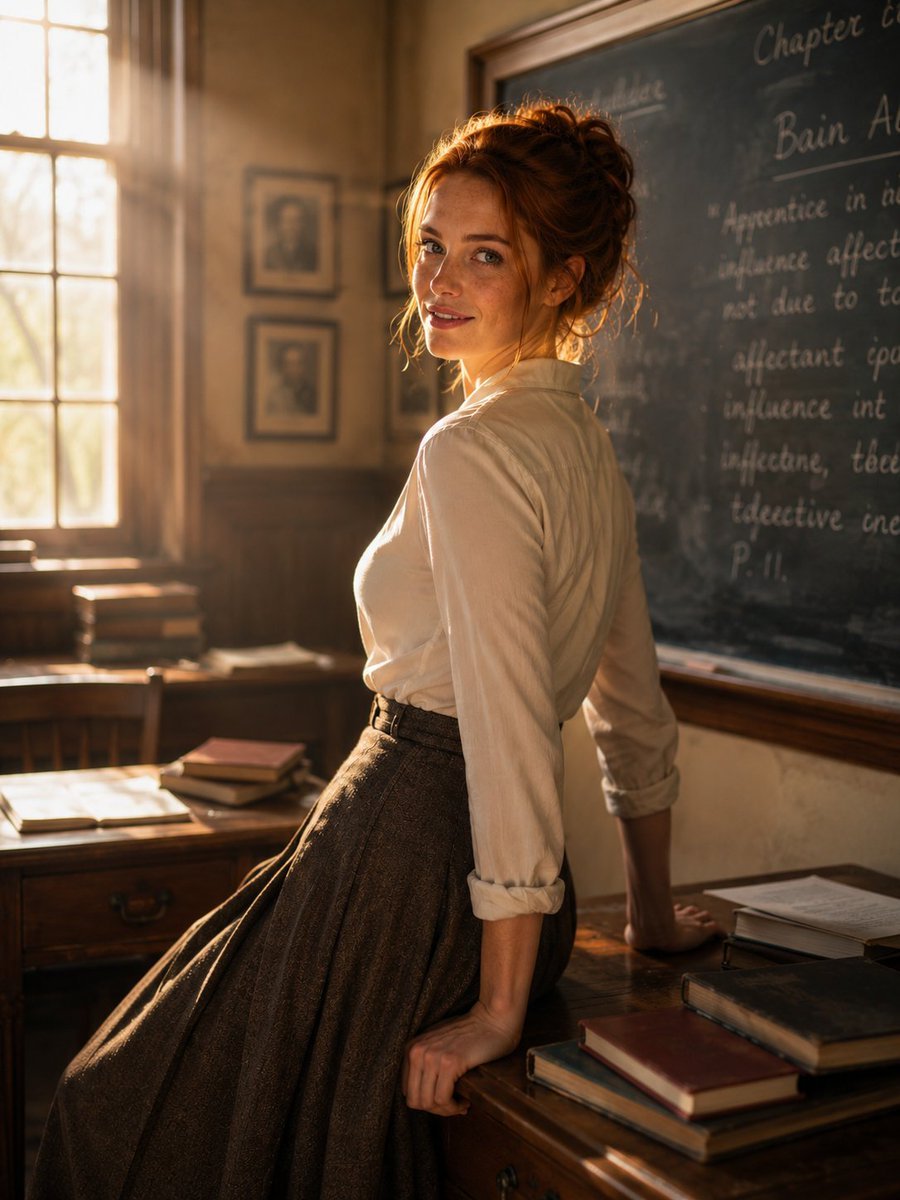
Cinematic Academic Portrait
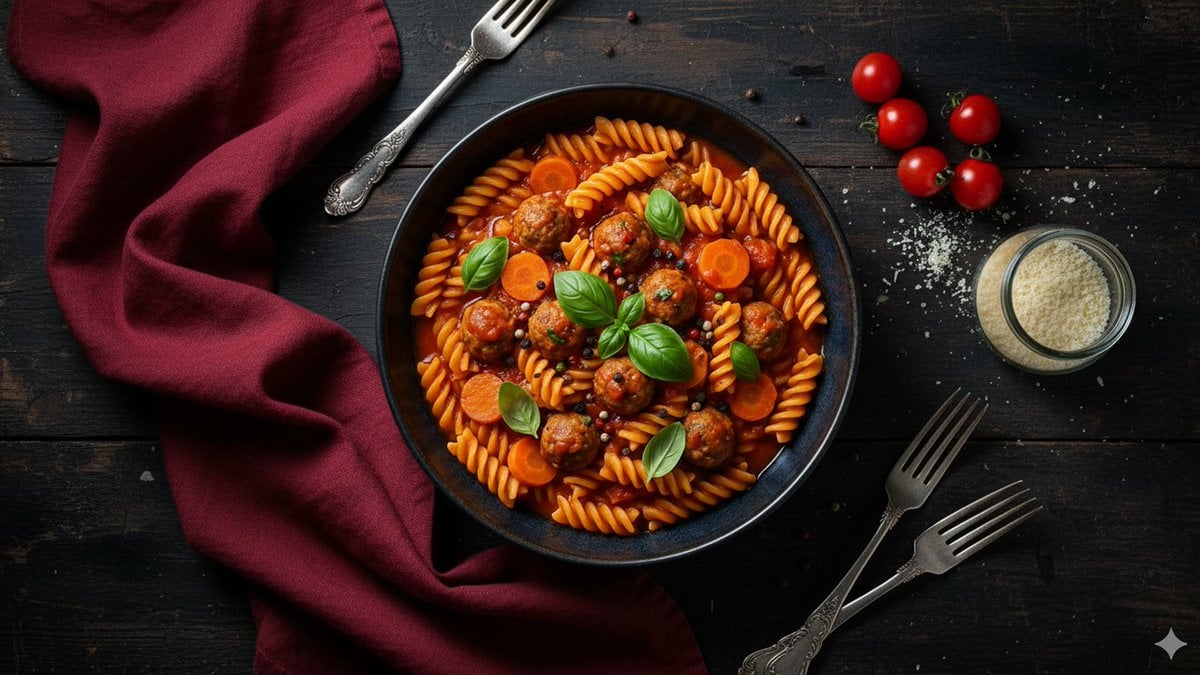
Refined Dining Scene with Fusilli and Meatballs
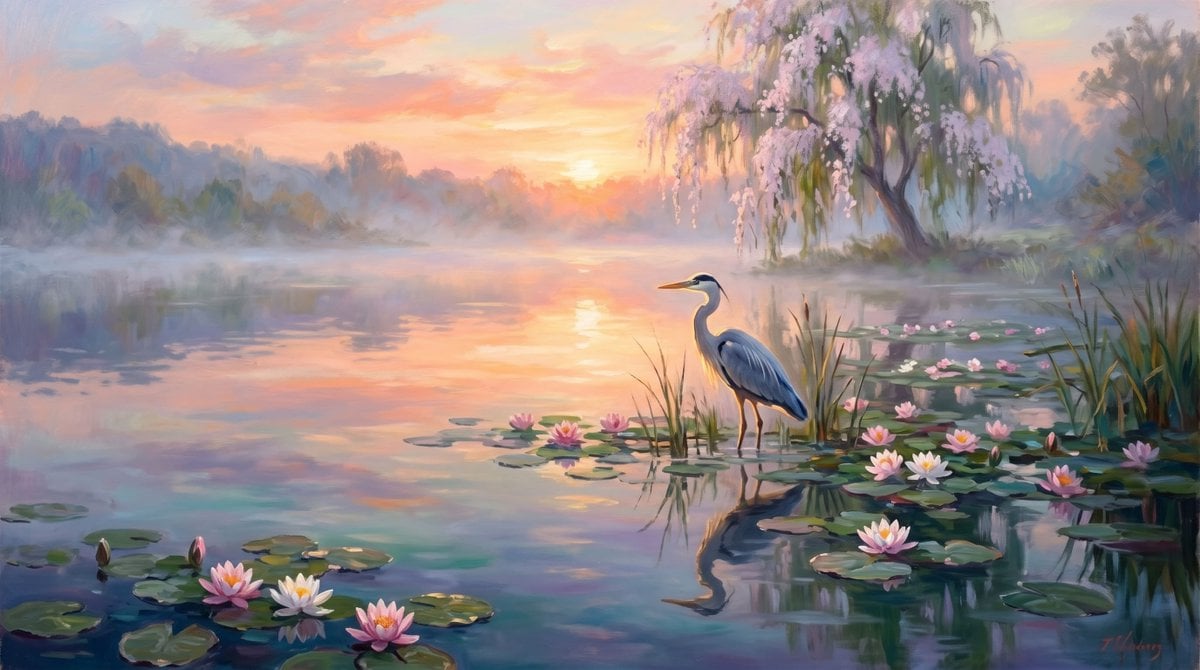
Misty Heron Sunrise Lake

Anime Swordsman in Suit

untitled
Cinematic Cyberpunk Portrait with Split Neon Lighting

Anime ChatGPT Companion in Study
15 Golden Gate Bridge — California Series
Moutai Brand 3x3 Visual Storyboard
Infographic Prompt Template for Objects
Browse template categories
Themed Worldview Visual Construction Engine Prompt questions
How do I use the Themed Worldview Visual Construction Engine Prompt template?
Add your photo if the template asks for one, edit the prompt if you like — the template's model and format are already selected — and press Generate. Your version opens in PicX Studio.
Can I customize the Themed Worldview Visual Construction Engine Prompt template?
Yes. You can change the subject, setting, lighting, mood, format, and available model controls before creating your image.
Is the Themed Worldview Visual Construction Engine Prompt template free?
Opening and editing this template is free. Generating uses credits, shown on the Generate button when you are signed in.
Which AI model should I use?
Start with Nano Banana 2, which is the model associated with this template. You can compare another compatible model for a different finish.
Looking for something else? Browse all templates.

Your photo, any look
Thousands of ready templates for every top image and video model, from one credit balance.