
Anime ChatGPT Companion in Study
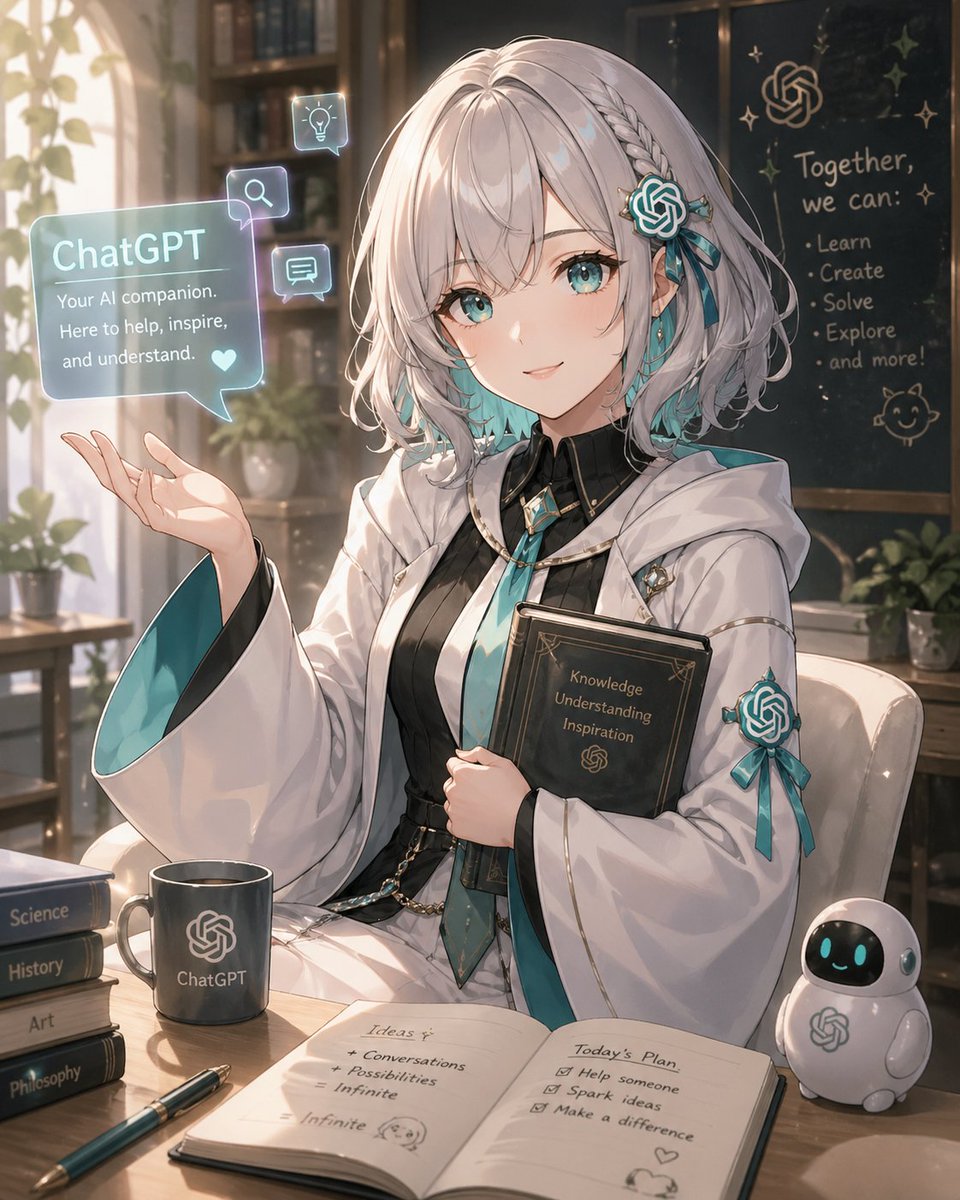
Generates a cozy anime personification of ChatGPT as an AI companion in a sunlit library study with holograms, books, notes, and mascot details.
- Prompt included
- Model and format preset
- Free template
The prompt behind this image
Copy the exact prompt behind Anime ChatGPT Companion in Study, or open it in the studio and make it yours.
Create a polished anime-style personification of {argument name="AI character name" default="ChatGPT"} as a gentle young female AI companion in a warm sunlit study. She has short silvery-white bobbed hair with soft waves, small braids, teal gradient tips, and teal OpenAI-knot hair ornaments with ribbons; her face is covered by a centered plain beige square censor block. She wears an elegant white academic robe with wide sleeves lined in teal, black inner dress or vest, teal tie, gold trim, small tech-like pins, and a teal ribbon emblem on one sleeve. She sits at a wooden desk, holding a dark book against her chest with the words “Knowledge Understanding Inspiration” and a small OpenAI-style knot symbol on the cover, while her other hand is raised as if presenting a hologram. To her left floats one translucent cyan chat bubble labeled “ChatGPT” with the text “Your AI companion. Here to help, inspire, and understand.” plus a small heart, and three smaller glowing square icons around it: one light bulb icon, one magnifying glass icon, and one chat message icon. On the desk include exactly eight visible study objects: a dark mug with an OpenAI-style knot logo and the word “ChatGPT,” a stack of four labeled books reading “Science,” “History,” “Art,” and “Philosophy,” one teal pen, one open notebook, one black book held by the character, and one small white robot mascot with teal glowing eyes and an OpenAI-style logo. The open notebook has two pages: the left page titled “Ideas” with notes “Conversations,” “Possibilities,” and “Infinite,” and the right page titled “Today’s Plan” with checklist items “Help someone,” “Spark ideas,” and “Make a difference,” with small doodles and hearts. In the background, show a cozy library with bookshelves, potted plants, sunlight streaming through a window, and a dark chalkboard. The chalkboard displays an OpenAI-style knot symbol and the phrase “Together, we can:” followed by exactly five bullet points: “Learn,” “Create,” “Solve,” “Explore,” and “and more!” plus little star doodles and a cat face doodle. Use a soft painterly anime illustration style, luminous rim lighting, teal and cream color palette, delicate highlights, high detail, shallow depth of field, cozy optimistic atmosphere, vertical composition.
How to use Anime ChatGPT Companion in Study in 3 steps
- 1Upload ImagePNG, JPG or paste
Add your photo
Upload the photo the template builds on. The prompt, model and format are already set.
- 2…a portrait of your subject in softgolden-hour light, 85mm…
Personalize
Edit the subject and creative details for your destination.
- 3Generate
Generate
Press Generate — your image is created in PicX Studio, so you can compare it with the original and refine one variable at a time.
More like this
Templates with the same subject, style or setup. Open one to see its prompt.











Make it yours
Anime ChatGPT Companion in Study works as-is. These are the safest ways to change it without losing the look.
Change one field
Copy a single group, rewrite it, and generate again so you can see what that field is doing.
Keep the frame, change the subject
Hold the composition and light of Anime ChatGPT Companion in Study, then swap wardrobe, props or the person for a new take.
| If the result… | Why | Fix |
|---|---|---|
| The result drifts from the preview | Too many fields changed at once. | Reuse Anime ChatGPT Companion in Study as-is first, then change one group — subject, light, or setting. |
| The model over-stylizes the scene | The prose prompt leaves finish and camera underspecified. | Add one camera or lighting sentence and stay on GPT Image 2. |
More GPT Image 2 templates
Other prompts made for GPT Image 2.

Six VTuber Japanese Logo Sheet

Realistic Portrait of Woman and Deer

The Vista Modular Condo Poster

AI Model Routing Comparison Infographic

2.5D Anime Art Board

Isometric Productivity Desk Scene

New York Double Exposure Poster

Four-Panel AI Landscape Comparison

Japanese Tatami Lifestyle Magazine Cover

NESCAFÉ Coffee Map Poster
More image prompts
Fresh picks from across the catalog.
Plastic Model Kit Packaging Generation Prompt
Candid Travel Romance Film Still in Aegean Harbor
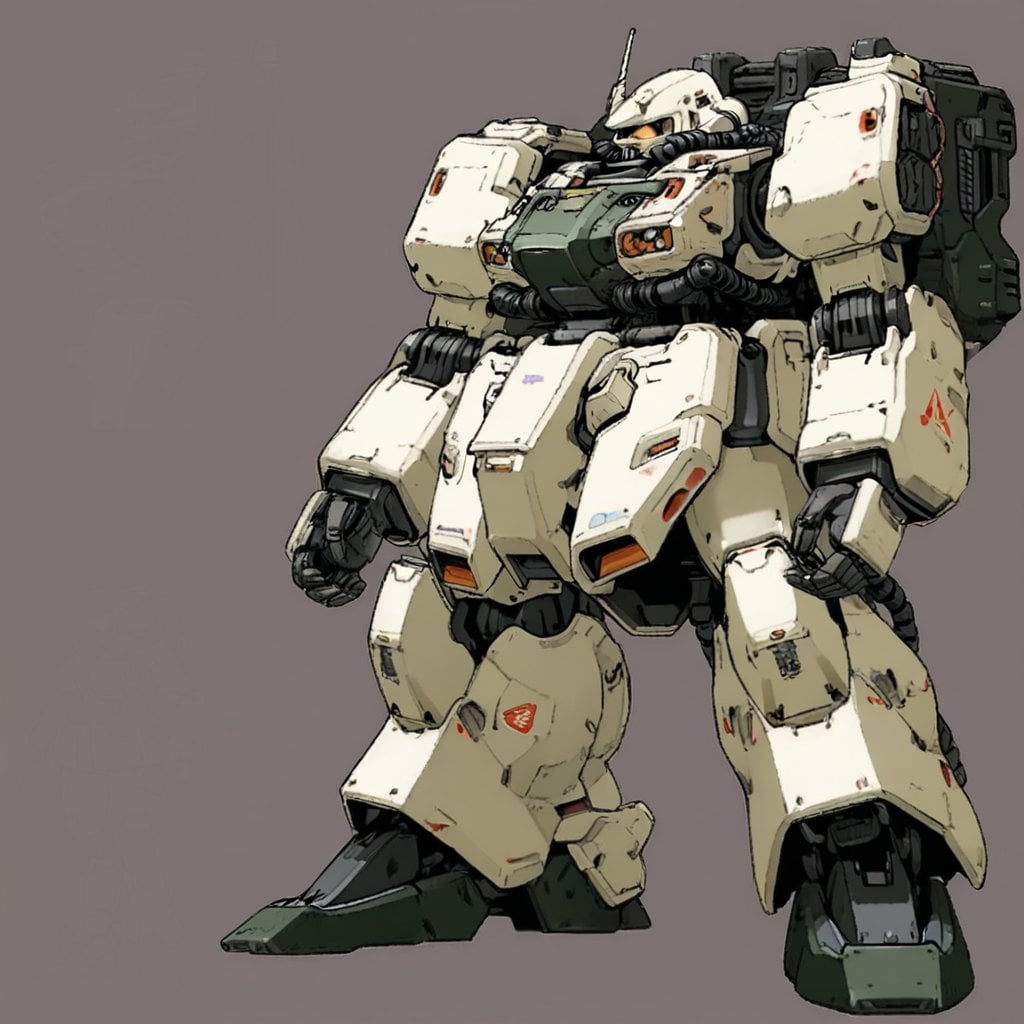
Image Generation Prompt: Internal Structure of a Robot
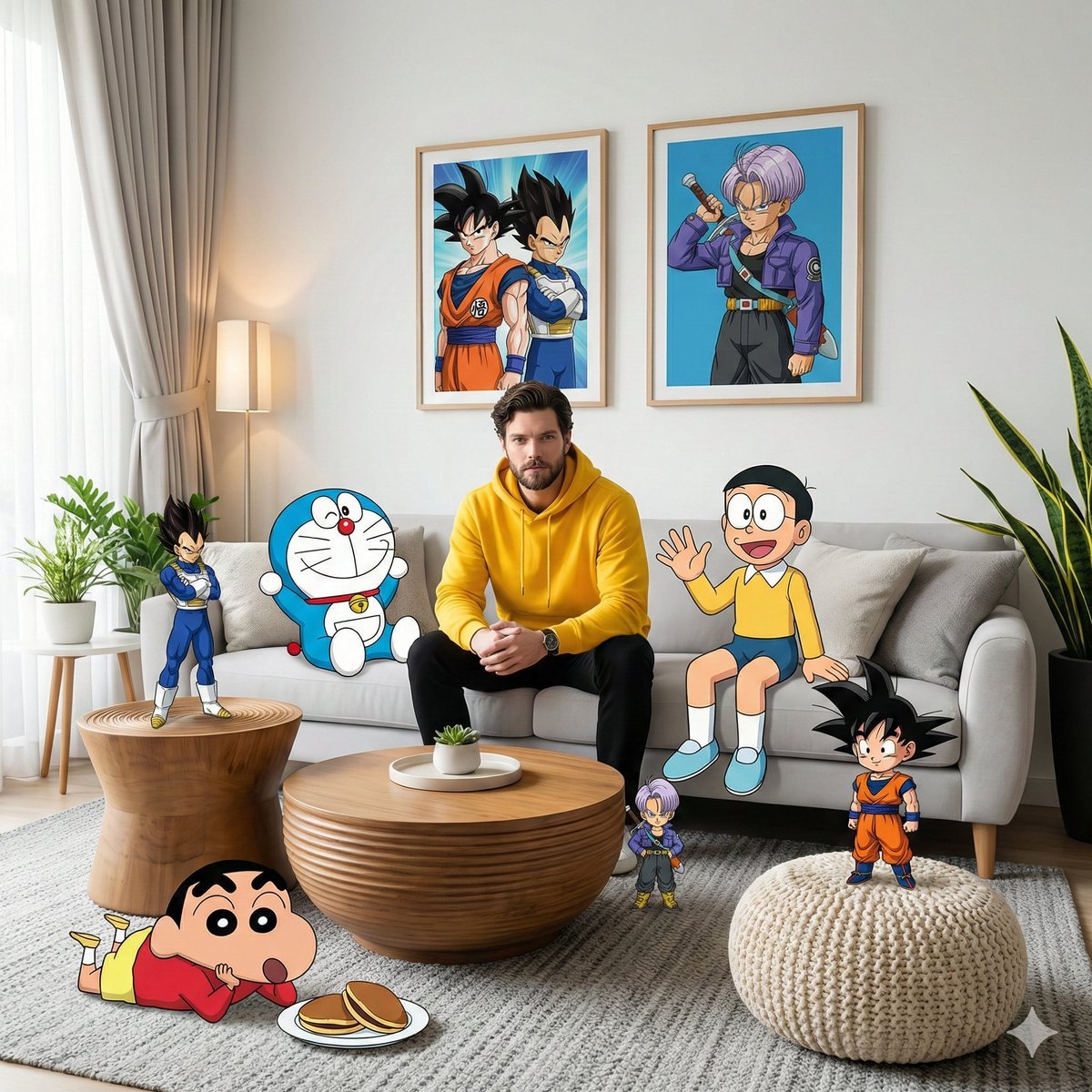
Mixed-Media Anime and Reality Living Room Scene Prompt
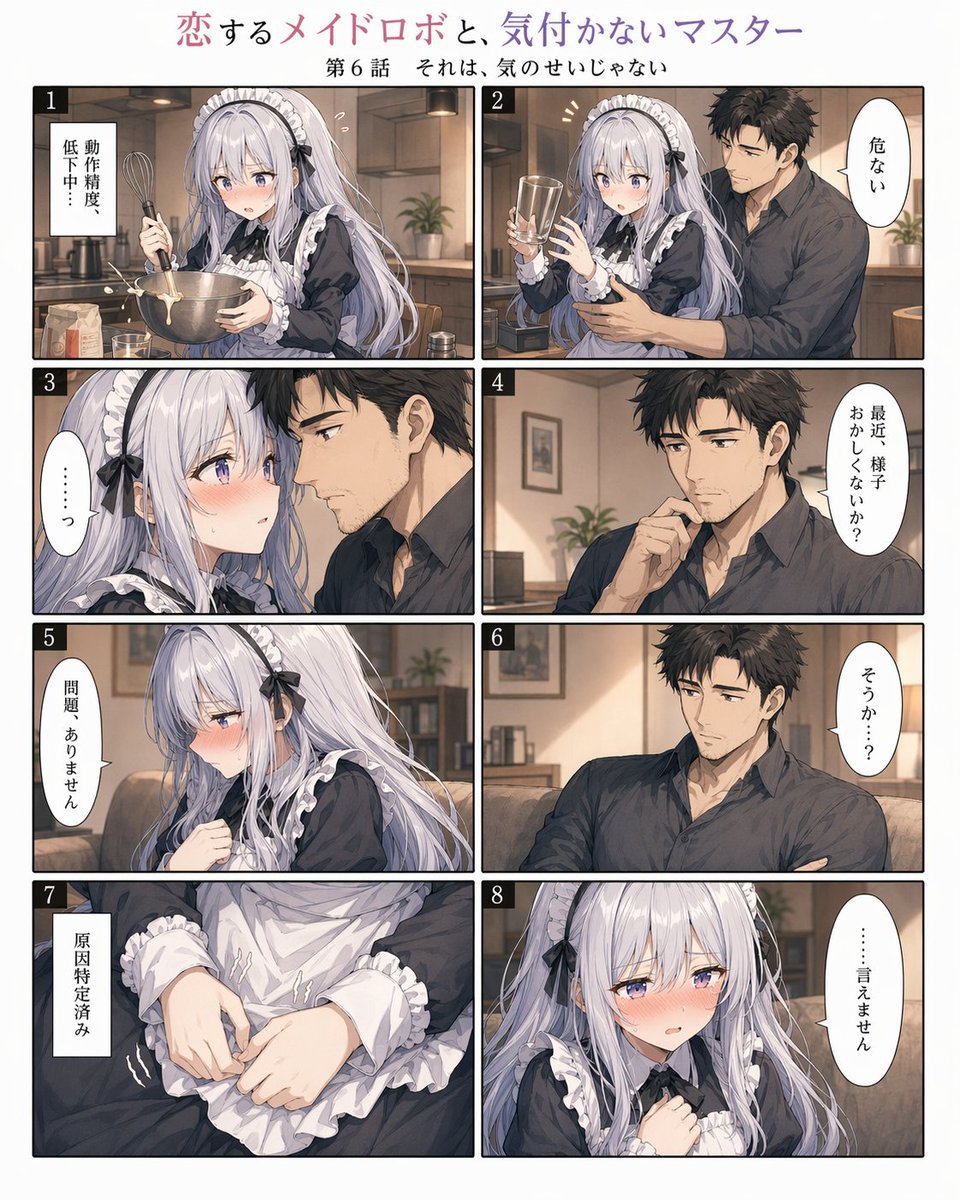
Romantic Maid Robot Manga Page
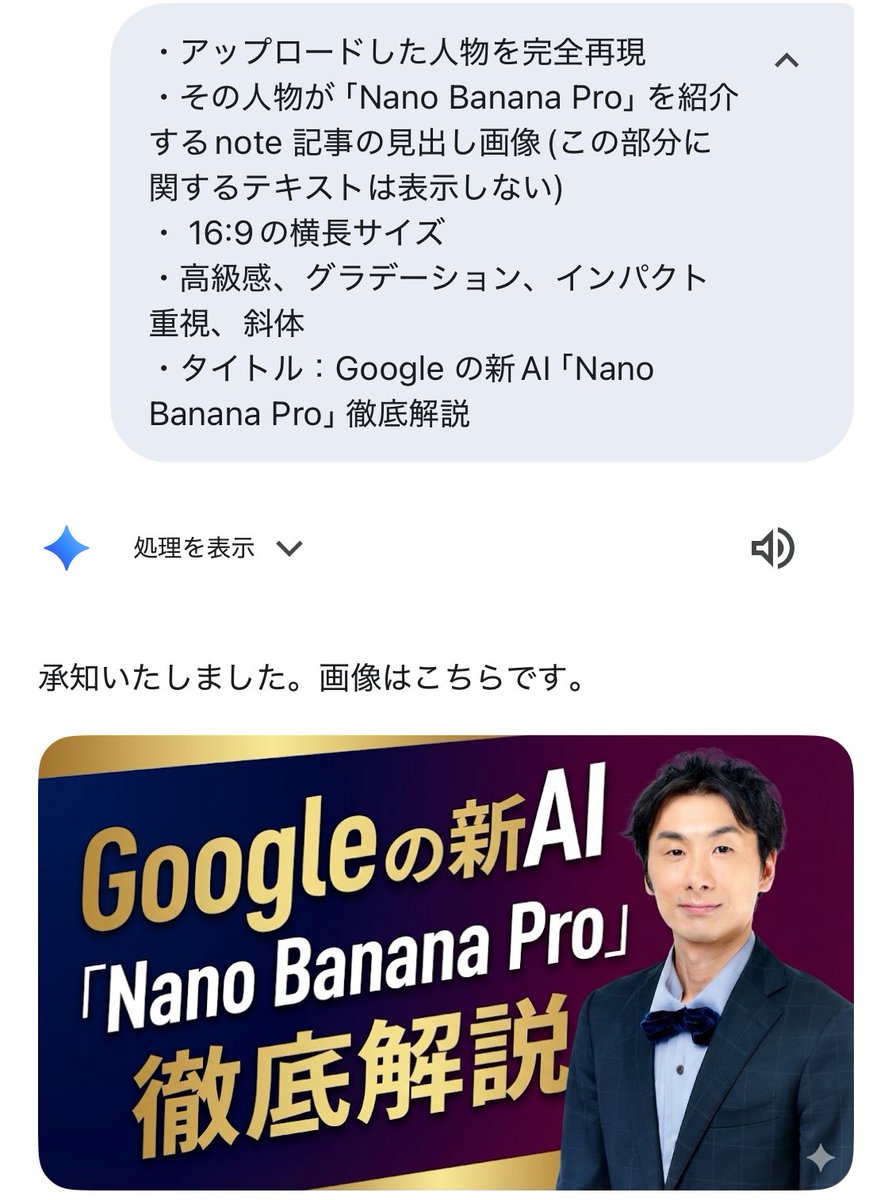
Luxurious header image with uploaded person for Nano Banana Pro article
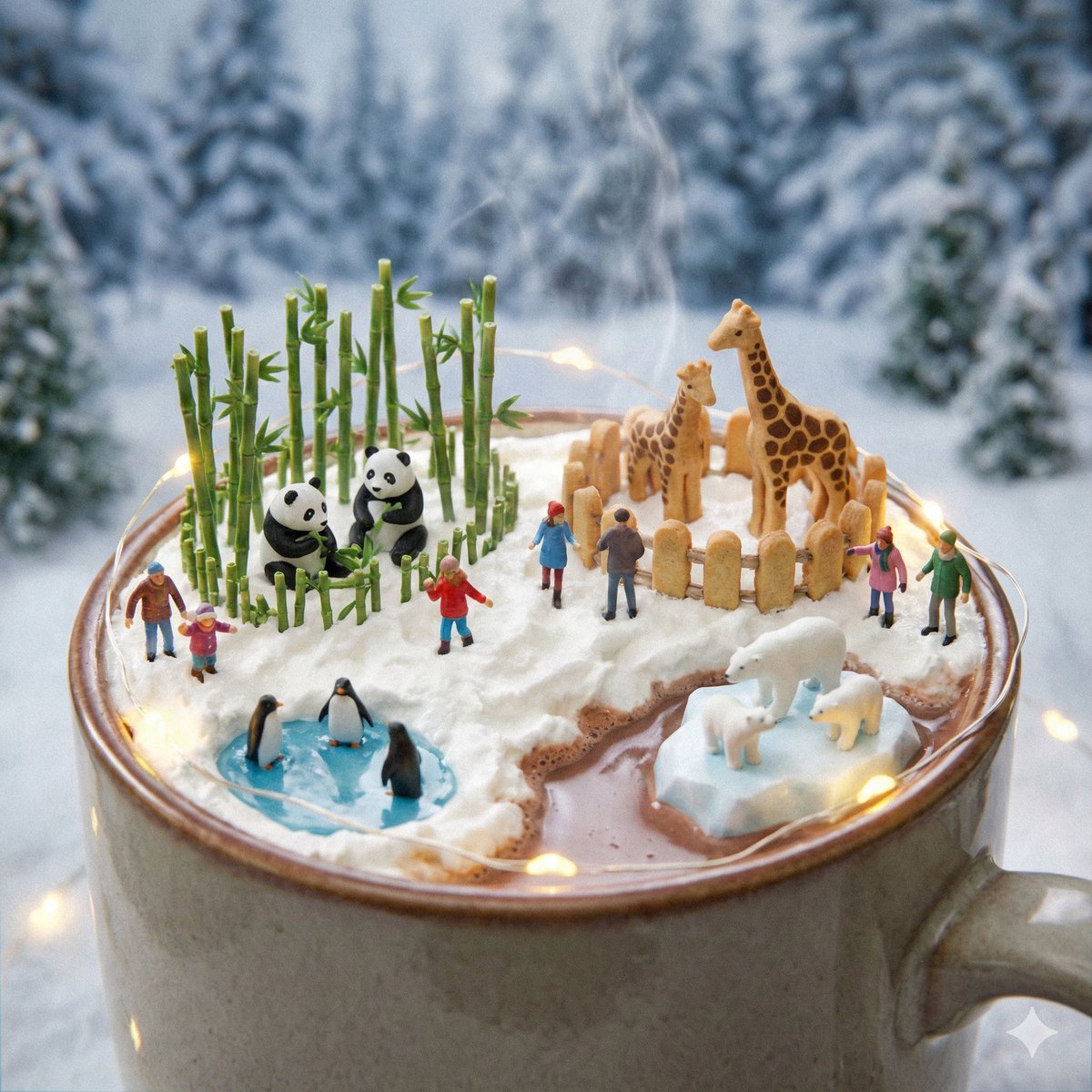
Micro Diorama Scene Generator
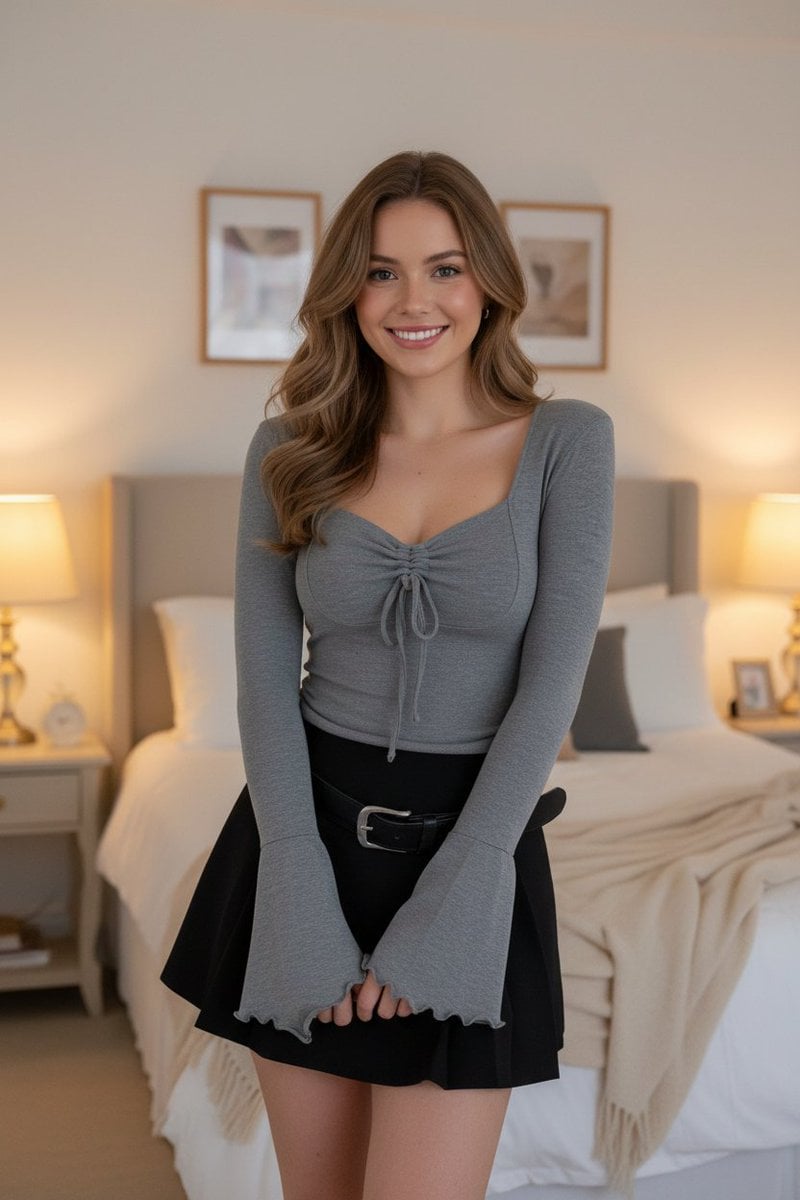
E-commerce Product Listing: Grey Ruched Top and Black Mini Skirt

Natural Sunlight Selfie in a Parked Car
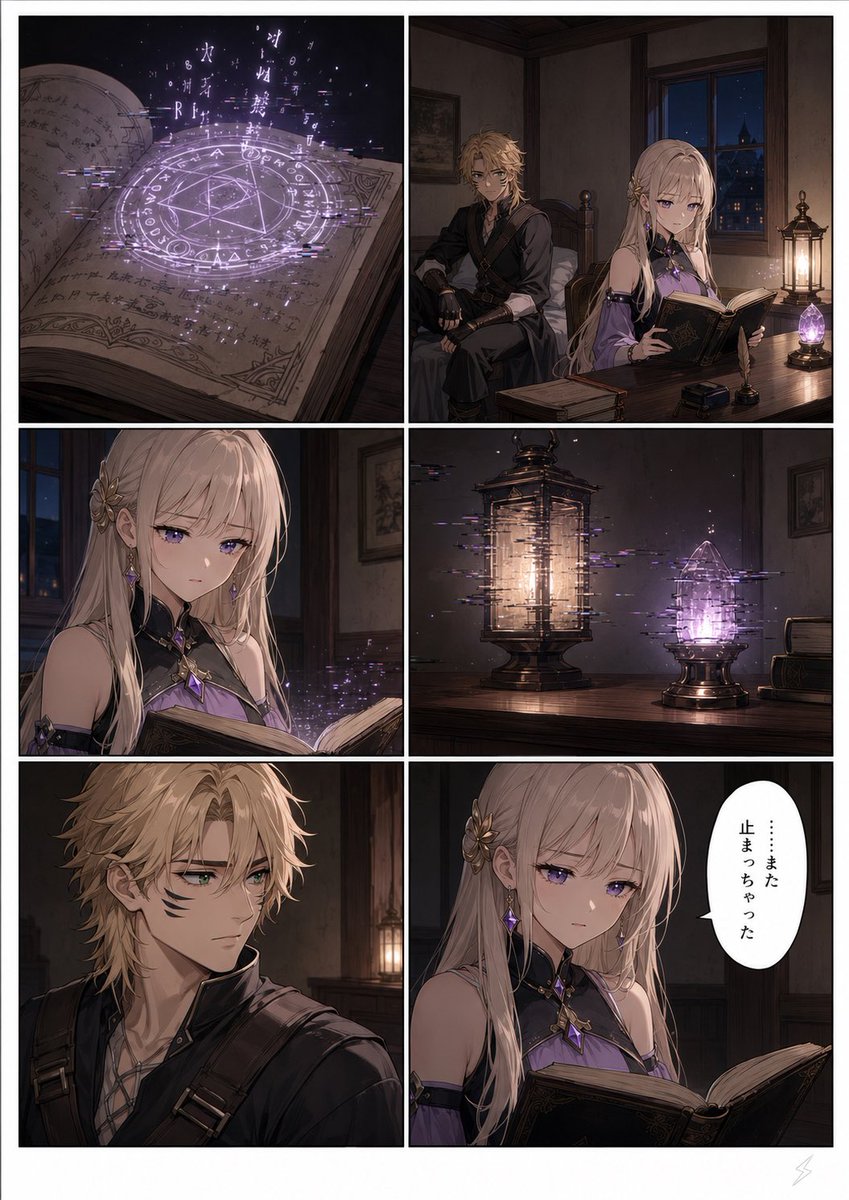
Six-Panel Fantasy Magic Comic Page
Browse template categories
Anime ChatGPT Companion in Study questions
How do I use the Anime ChatGPT Companion in Study template?
Add your photo if the template asks for one, edit the prompt if you like — the template's model and format are already selected — and press Generate. Your version opens in PicX Studio.
Can I customize the Anime ChatGPT Companion in Study template?
Yes. You can change the subject, setting, lighting, mood, format, and available model controls before creating your image.
Is the Anime ChatGPT Companion in Study template free?
Opening and editing this template is free. Generating uses credits, shown on the Generate button when you are signed in.
Which AI model should I use?
Start with GPT Image 2, which is the model associated with this template. You can compare another compatible model for a different finish.
Looking for something else? Browse all templates.

Your photo, any look
Thousands of ready templates for every top image and video model, from one credit balance.