
Mixed-Media Anime and Reality Living Room Scene Prompt
A prompt for generating a surreal, high-fidelity interior shot blending photorealistic 3D elements with 2D cel-shaded anime characters (like Doraemon and Dragon Ball Z) interacting in a modern living room, using an…
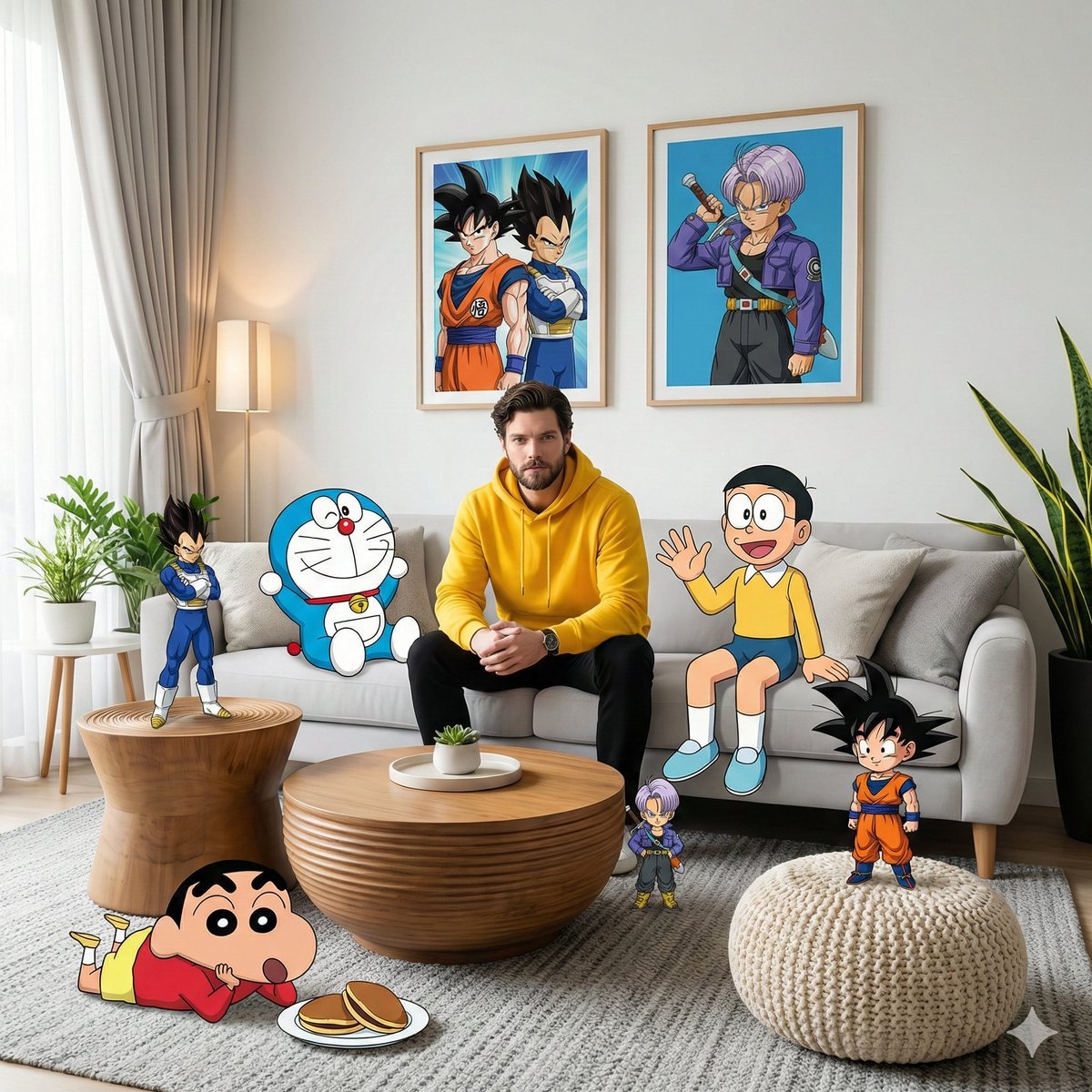
- Prompt included
- Model and format preset
- Free template
The prompt behind this image
Copy the exact prompt behind Mixed-Media Anime and Reality Living Room Scene Prompt, or open it in the studio and make it yours.
A high-fidelity, wide-angle interior shot captures a surreal, mixed-media composition within a modern living room. It features a man resembling the face in the reference photo—using an uploaded face as a reference—wearing a bright yellow hoodie and black pants, sitting centrally on a plush light gray sofa. The scene seamlessly blends photorealistic 3D environments with cel-shaded 2D anime and cartoon characters interacting directly with the physical space. On the right side of the subject on the sofa, Nobita sits casually waving his hand, while on the left side, Doraemon leans casually on a pillow. Behind the sofa, two framed posters hang on the white wall—one featuring Son Goku and Vegeta, and the other featuring Trunks in a dynamic anime style. In the foreground, Shinchan lies relaxed on a textured gray carpet near a plate of dorayaki, while a chibi version of Son Goku stands triumphantly on a cream-colored knit pouf. On the left side of the room, Vegeta stands tall on a grooved wooden side table in a confident pose, while a miniature version of Trunks is near the wooden coffee table in the center, as if observing the scene with a curious expression. Soft natural light streams in from the left side through sheer curtains, creating subtle volumetric lighting that accentuates the texture of the blanket, the wood grain of the tiered table, and the leaves of the snake plant in the corner of the room. The entire scene is rendered in 8K resolution with sharp focus, vivid colors, and a dreamy, cinematic, and playful aesthetic blending between the real world and the anime world, with no AI visible.
How to use Mixed-Media Anime and Reality Living Room Scene Prompt in 3 steps
- 1Upload ImagePNG, JPG or paste
Add your photo
Upload the photo the template builds on. The prompt, model and format are already set.
- 2…a portrait of your subject in softgolden-hour light, 85mm…
Personalize
Edit the subject and creative details for your destination.
- 3Generate
Generate
Press Generate — your image is created in PicX Studio, so you can compare it with the original and refine one variable at a time.
More like this
Templates with the same subject, style or setup. Open one to see its prompt.
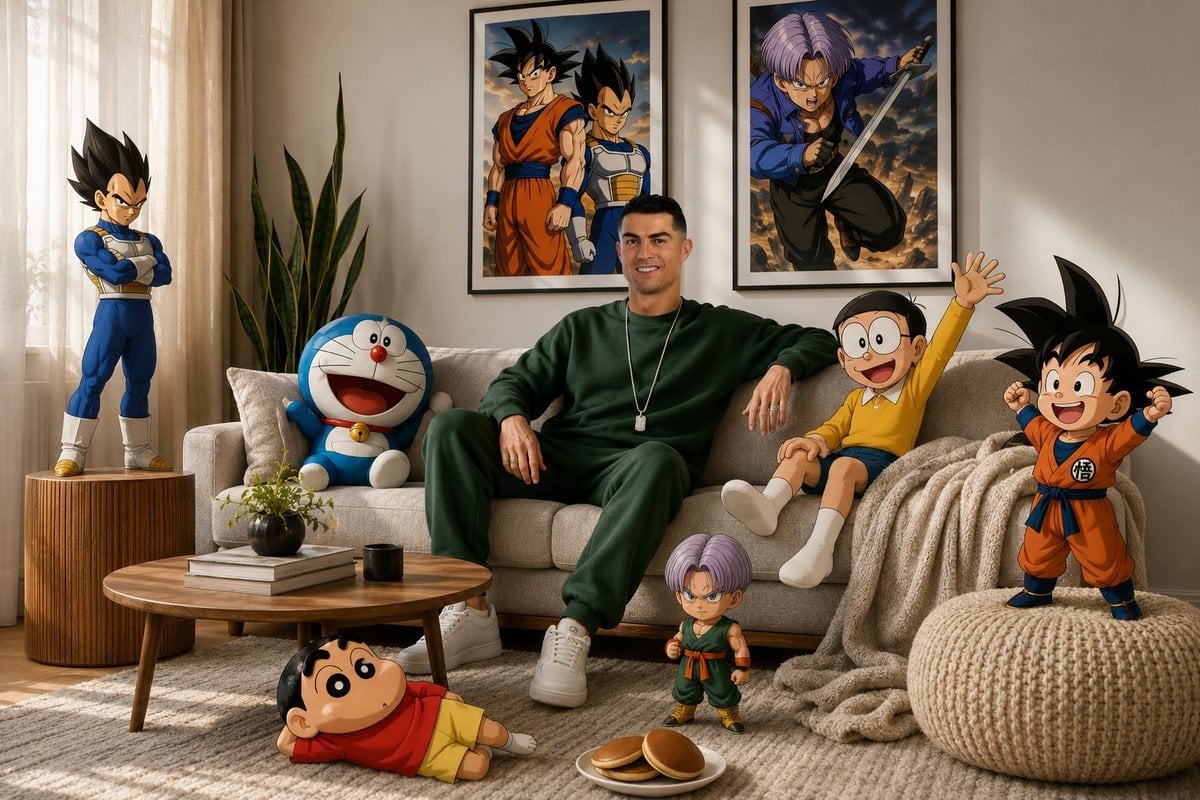
Surreal Anime & Reality Living Room
Anime Sewing Room Magic
Warm Modern Japanese Living Room Render
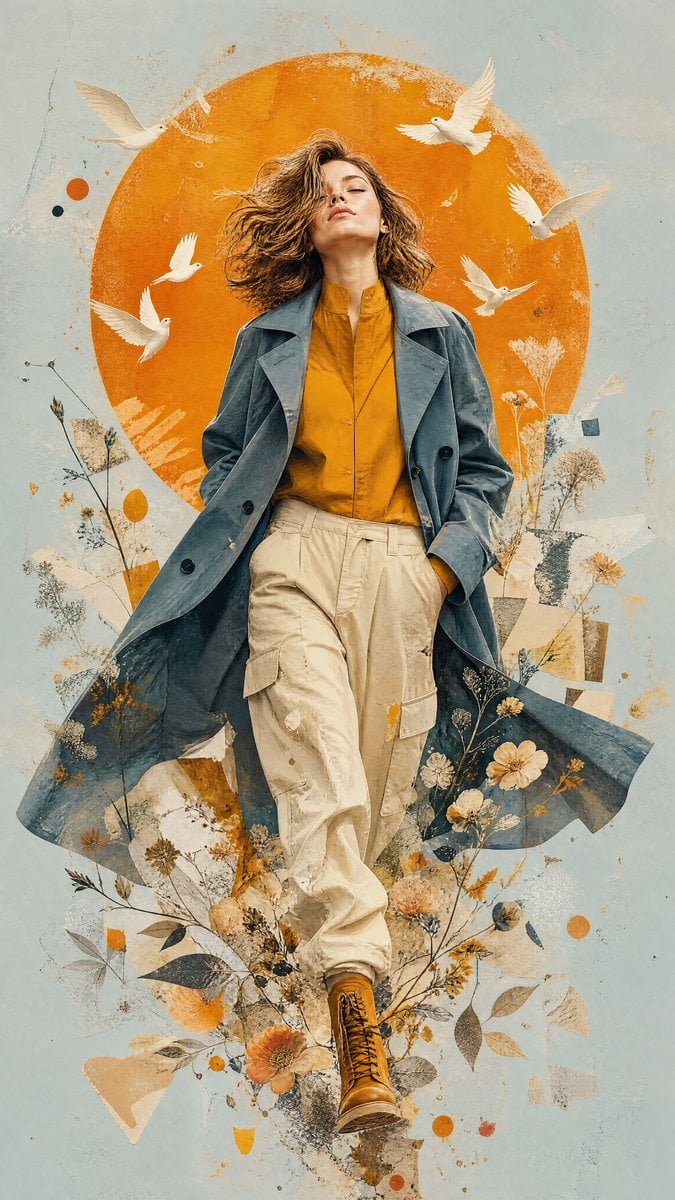
Mixed-Media Editorial Illustration
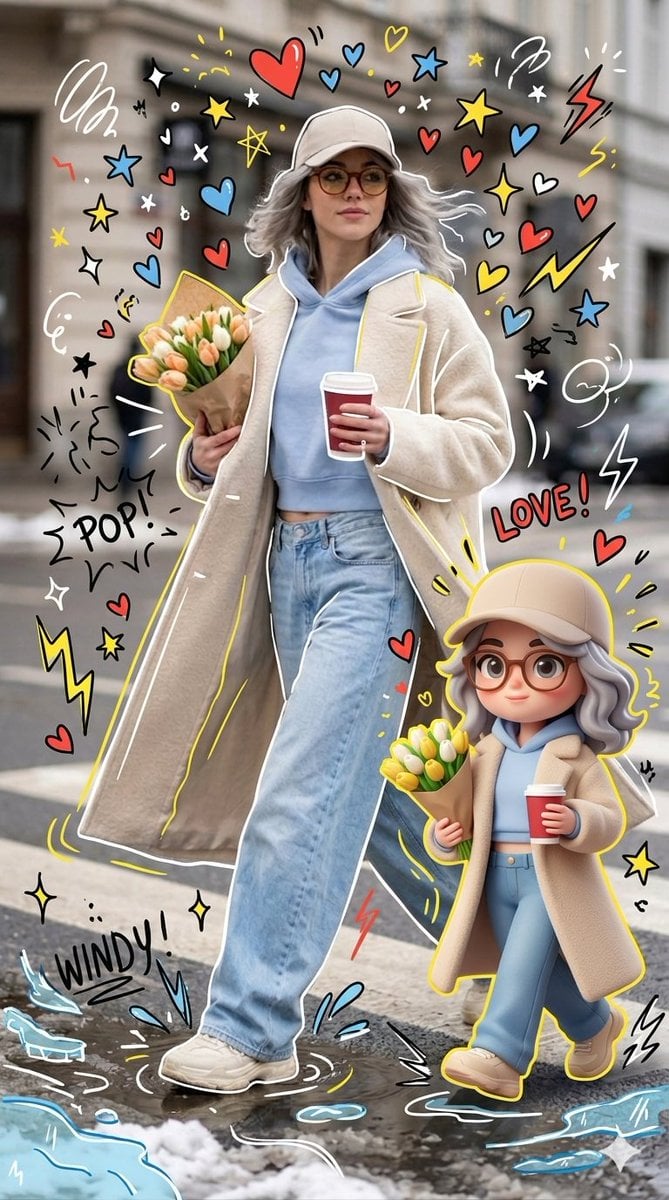
Mixed-media Chibi portrait
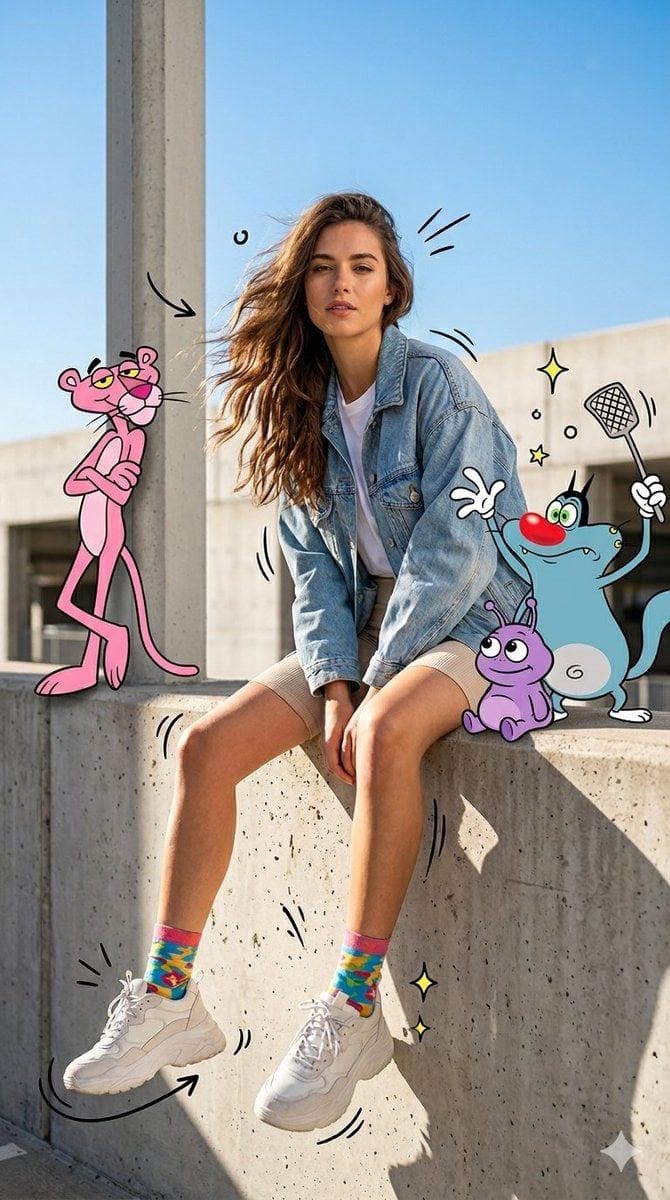
Mixed Media Urban Fashion Editorial
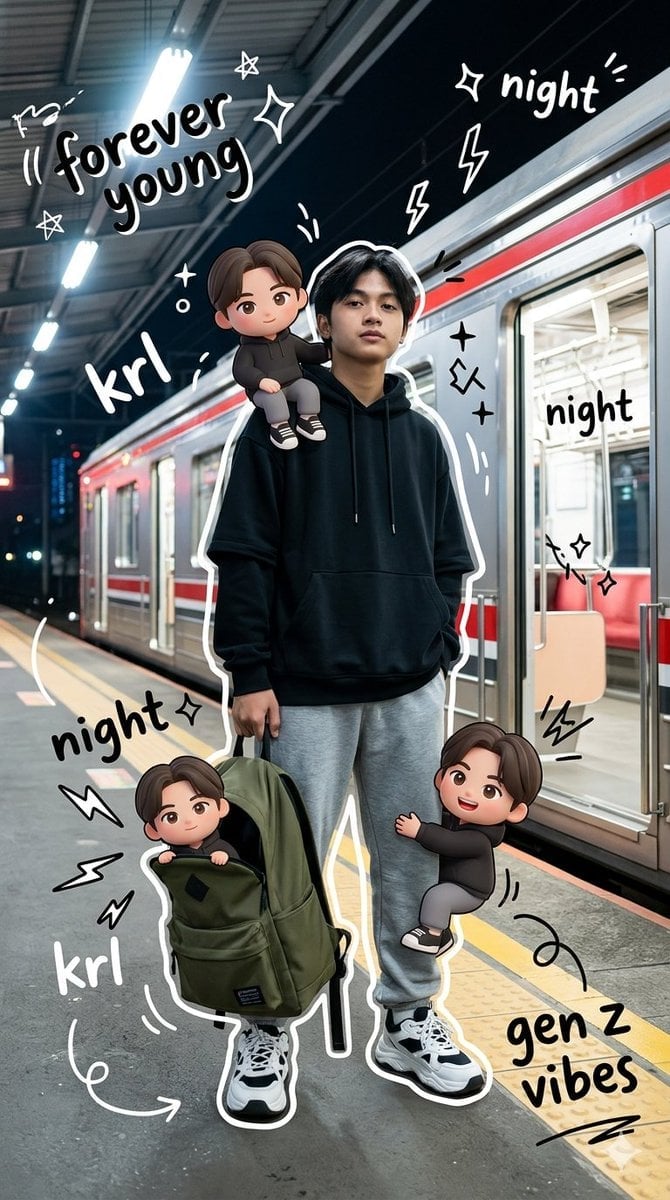
Gen Z Mixed-Media Portrait with Chibi Effects
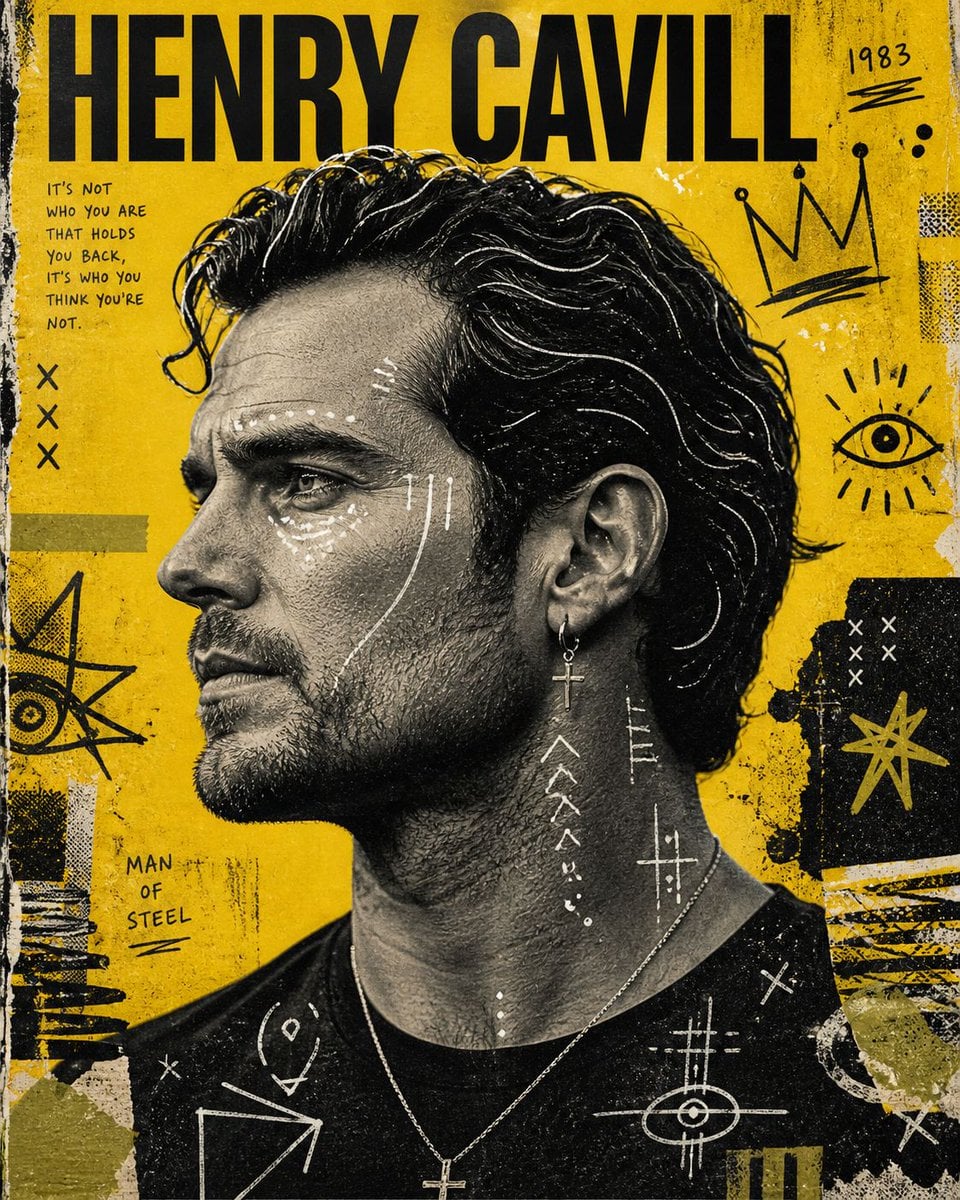
Raw Mixed-Media Street Art Poster
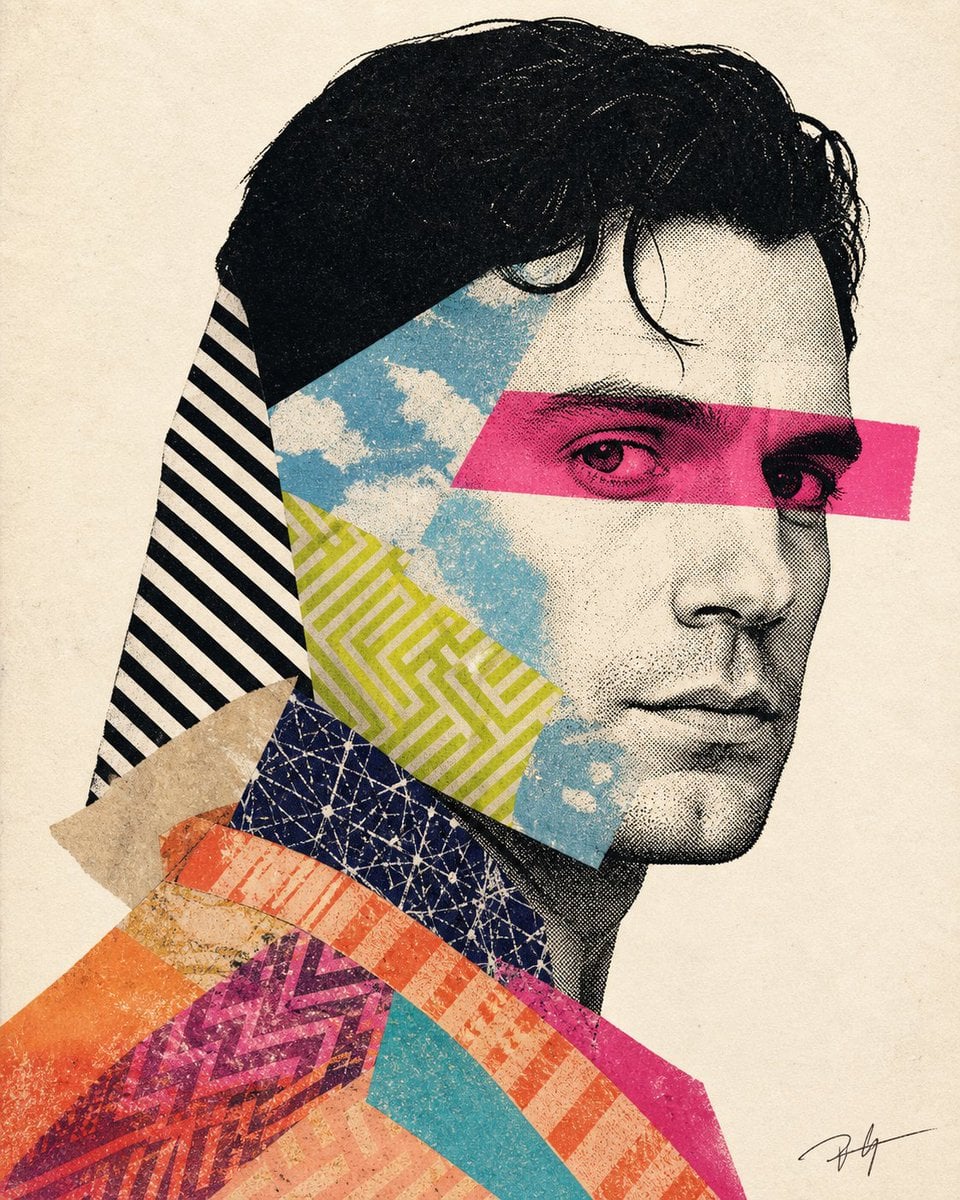
Mixed-media collage portrait illustration
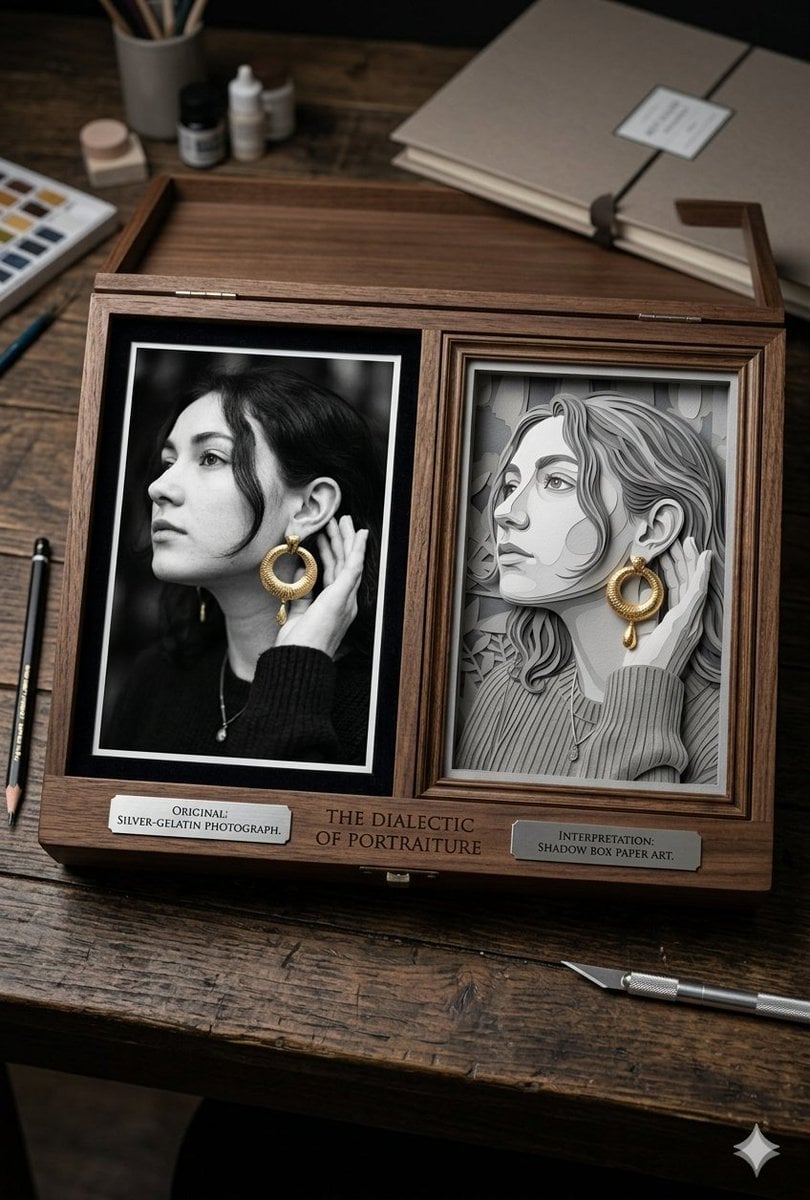
Mixed Media Artist Studio Display
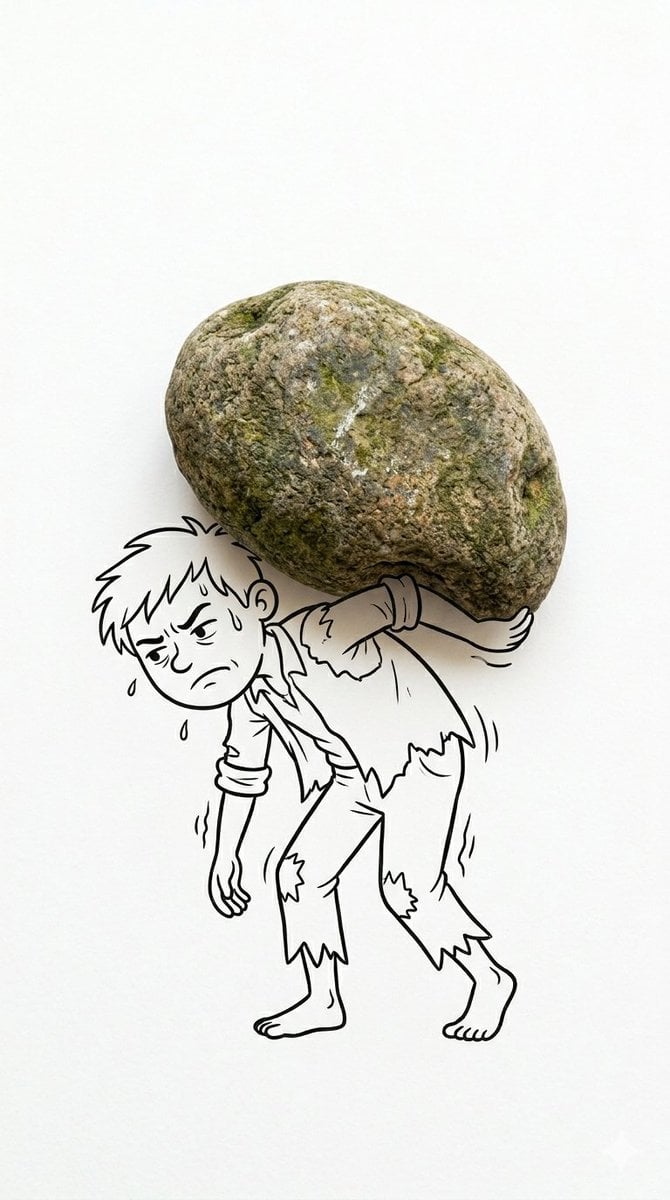
Mixed Reality Cartoon Composite
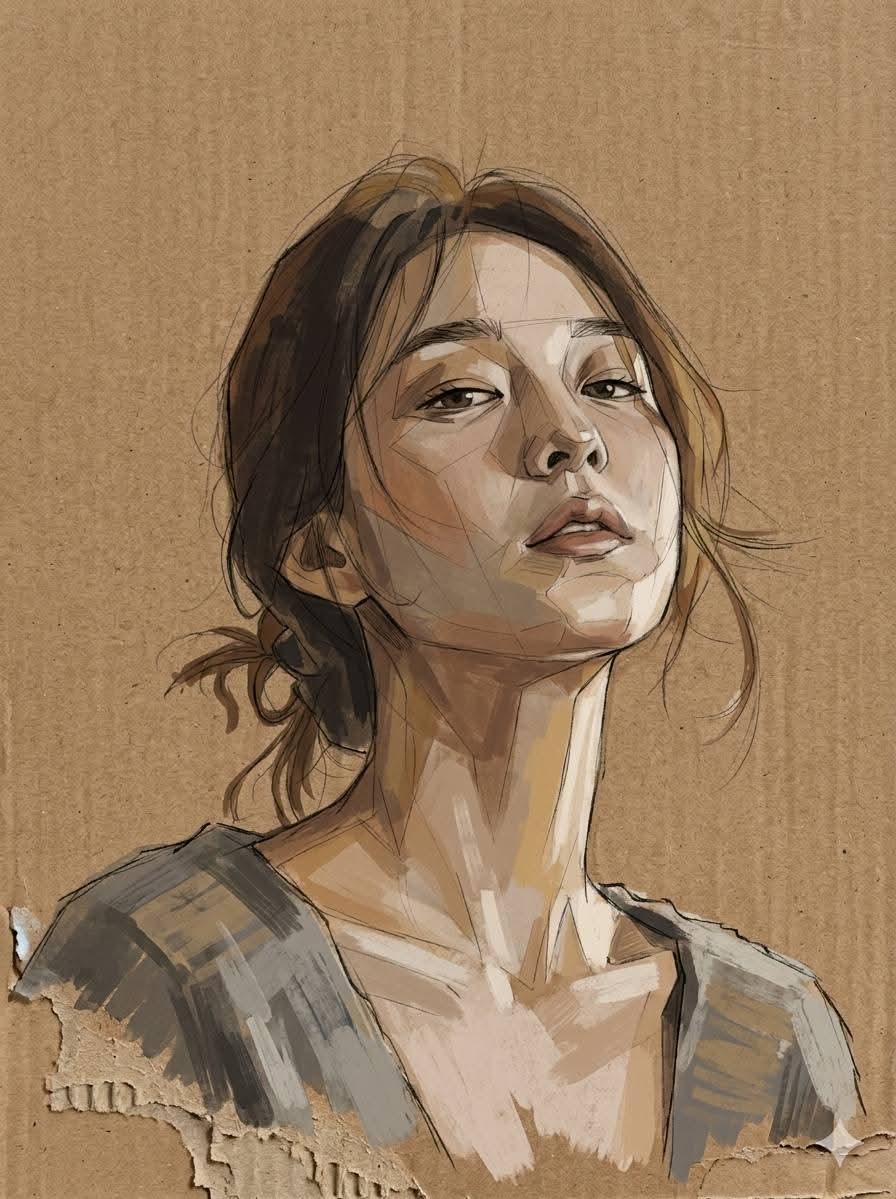
Cardboard Mixed Media Portrait
Make it yours
Mixed-Media Anime and Reality Living Room Scene Prompt works as-is. These are the safest ways to change it without losing the look.
Change one field
Copy a single group, rewrite it, and generate again so you can see what that field is doing.
Keep the frame, change the subject
Hold the composition and light of Mixed-Media Anime and Reality Living Room Scene Prompt, then swap wardrobe, props or the person for a new take.
| If the result… | Why | Fix |
|---|---|---|
| The result drifts from the preview | Too many fields changed at once. | Reuse Mixed-Media Anime and Reality Living Room Scene Prompt as-is first, then change one group — subject, light, or setting. |
| The model over-stylizes the scene | The prose prompt leaves finish and camera underspecified. | Add one camera or lighting sentence and stay on Nano Banana 2. |
More Nano Banana 2 templates
Other prompts made for Nano Banana 2.

Photorealistic Leaf Shaped Like a Dragon

K-Pop Idol Portrait Grid for Rapid Selection

Poetic Rain Forest Portrait During Golden Hour

Urban Street Portrait with Cartoon Inner Self Duo

Candid Nighttime Photo with Cat Prompt

High-Concept 3D Diorama Generation Prompt

Cinematic Futuristic Studio Portrait Template

Skincare Editorial Photography Collage Prompt

Hyper-Realistic Commercial Product Photography (Splash Effect)

Hyper-Realistic Nightclub Portrait Prompt
More image prompts
Fresh picks from across the catalog.
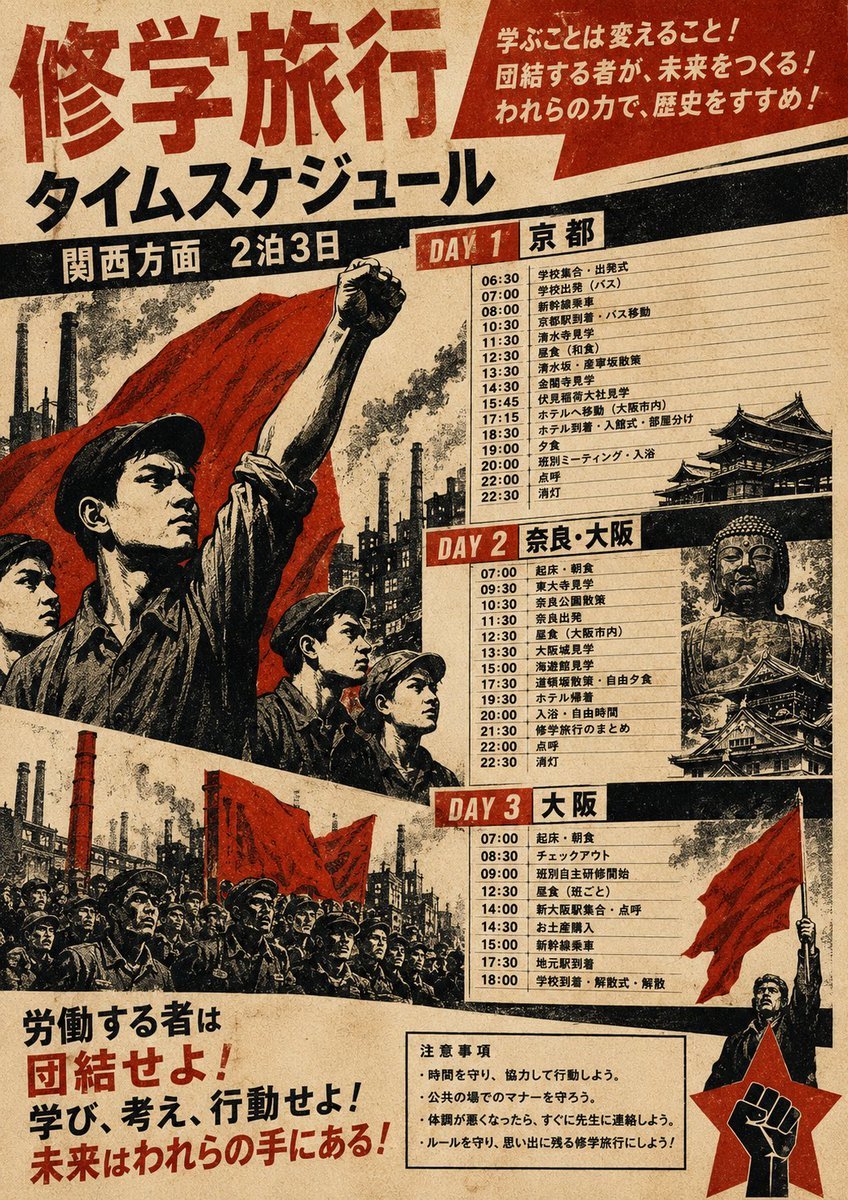
Propaganda School Trip Schedule Poster
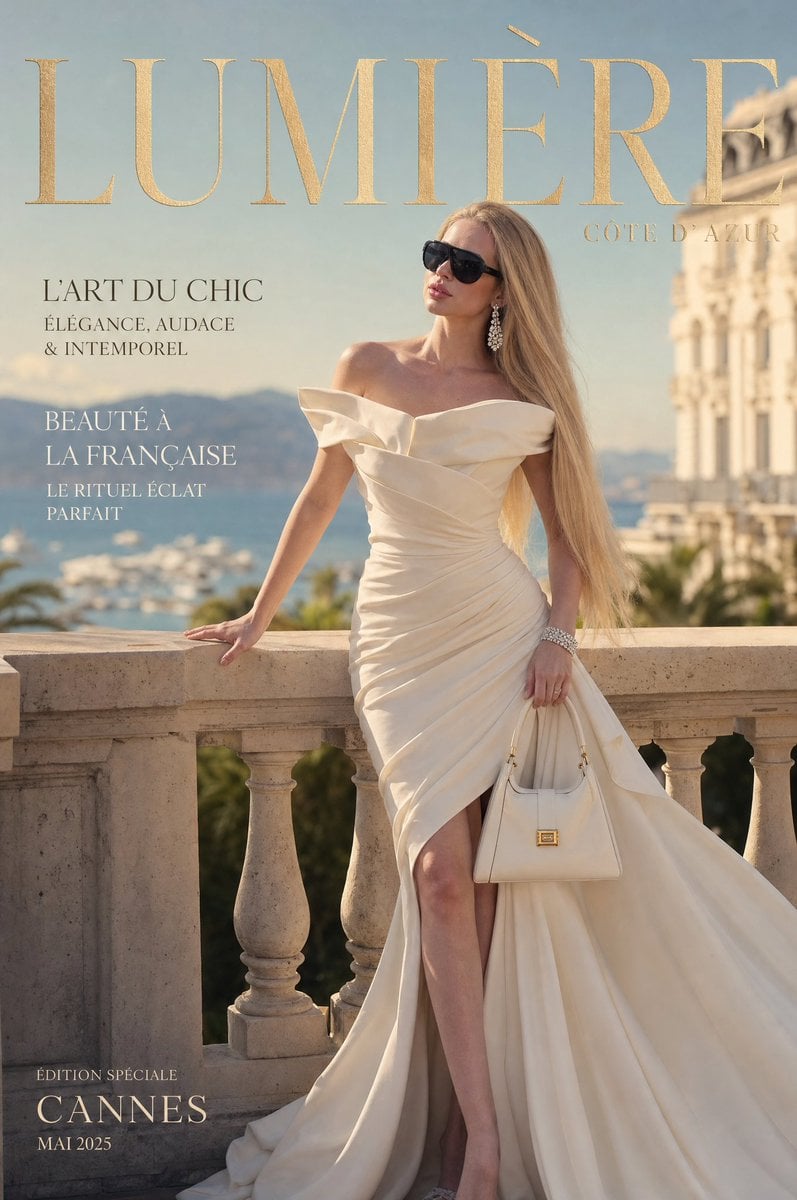
Côte d’Azur Couture Magazine Cover
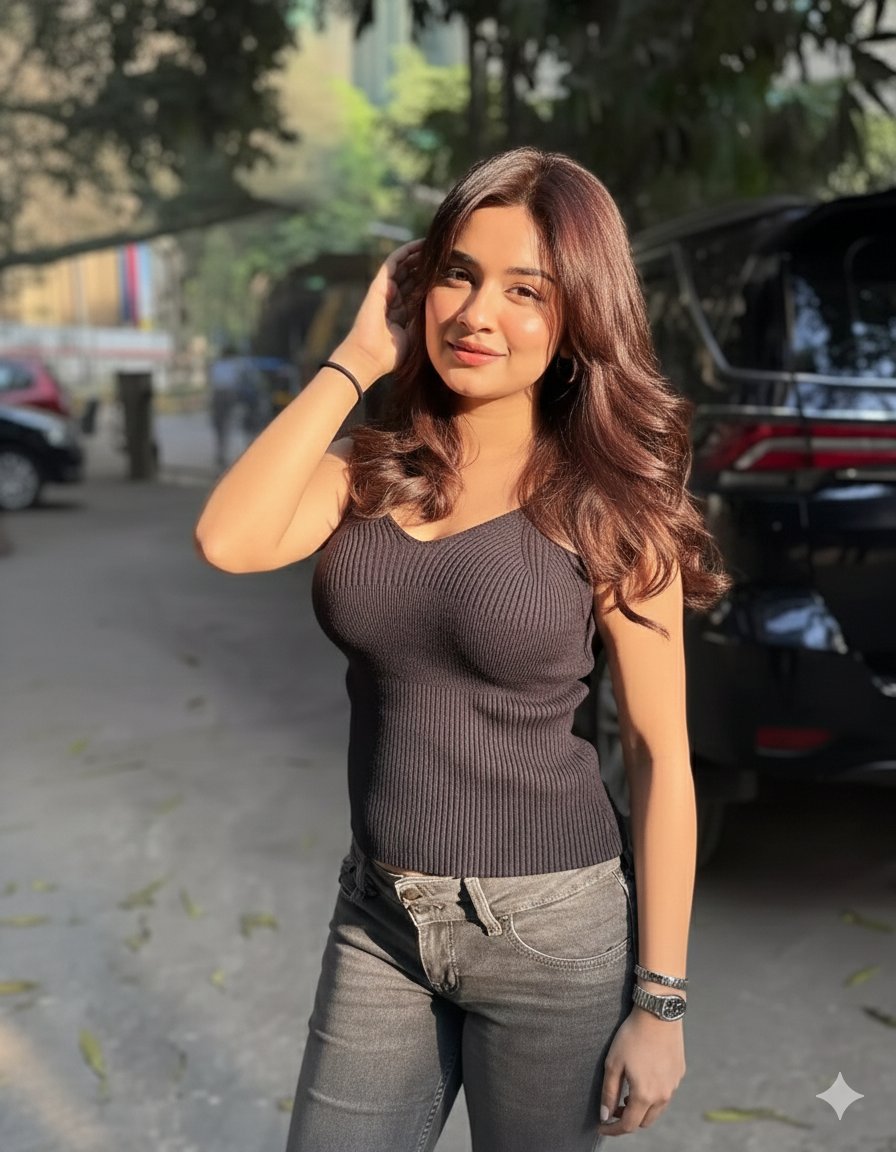
Golden Hour Candid Lifestyle Photo of South Asian Woman
Hyperrealistic 4-Person Family Portrait
Creating LINE Stickers with Nano Banana 2
Cinematic Skateboarder Portrait Prompt at Golden Hour
Vintage Drama Character Board
Triple Exposure Sports Poster
90s Disposable Camera Portrait

03 Beverly Hills Convertible — California Series
Browse template categories
Mixed-Media Anime and Reality Living Room Scene Prompt questions
How do I use the Mixed-Media Anime and Reality Living Room Scene Prompt template?
Add your photo if the template asks for one, edit the prompt if you like — the template's model and format are already selected — and press Generate. Your version opens in PicX Studio.
Can I customize the Mixed-Media Anime and Reality Living Room Scene Prompt template?
Yes. You can change the subject, setting, lighting, mood, format, and available model controls before creating your image.
Is the Mixed-Media Anime and Reality Living Room Scene Prompt template free?
Opening and editing this template is free. Generating uses credits, shown on the Generate button when you are signed in.
Which AI model should I use?
Start with Nano Banana 2, which is the model associated with this template. You can compare another compatible model for a different finish.
Looking for something else? Browse all templates.

Your photo, any look
Thousands of ready templates for every top image and video model, from one credit balance.