
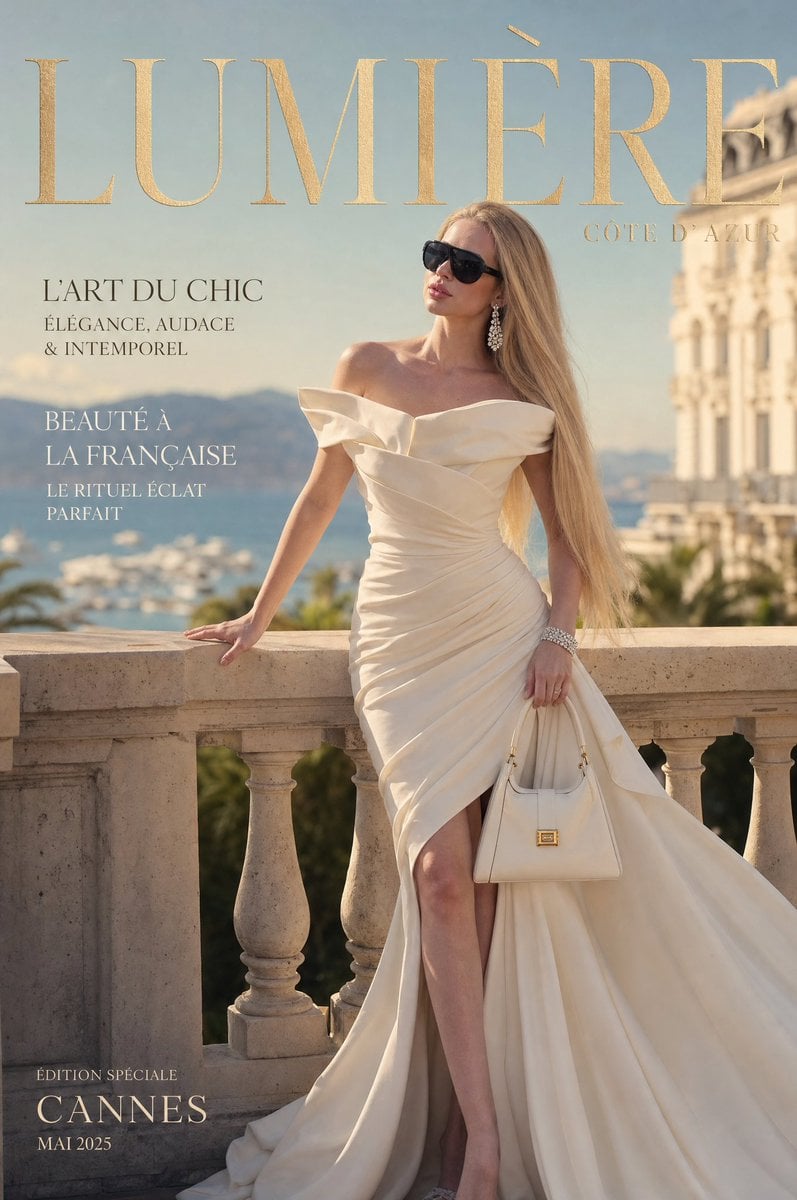
Côte d’Azur Couture Magazine Cover
Generates a luxury French Riviera fashion magazine cover featuring an elegant couture gown, Cannes terrace setting, and refined French editorial typography.
- Prompt included
- Model and format preset
- Free template
The prompt behind this image
Copy the exact prompt behind Côte d’Azur Couture Magazine Cover, or open it in the studio and make it yours.
Goal: Create an ultra-realistic luxury French Riviera fashion magazine cover for {argument name="magazine title" default="LUMIÈRE"}, featuring a glamorous blonde woman in couture on a sunlit terrace overlooking Cannes. Canvas: Vertical magazine cover, 2:3 aspect ratio, full-bleed editorial photography, high-end couture aesthetic, warm golden-hour lighting, shallow depth of field. Main subject: One tall elegant woman standing confidently at a stone balustrade on the Côte d’Azur. Her face is intentionally obscured by a soft rectangular blur centered over the facial features. She has very long straight honey-blonde hair swept over one shoulder, bare shoulders, sparkling chandelier earrings, a diamond bracelet, and a poised luxury-model posture. Her left hand rests on the stone railing; her right hand holds a structured ivory handbag with small gold hardware. She wears an {argument name="gown description" default="ivory structured off-shoulder gown with sculptural folded ruffles, wrapped bodice, ruched waist, high front slit, and dramatic floor-length train"}. Include elegant pointed heels partially visible beneath the gown. Setting: A grand Mediterranean terrace with pale limestone balustrades in the foreground, a blurred sea and marina in the distance, hazy blue mountains on the horizon, palm greenery below, and an ornate cream-colored Belle Époque building along the right edge. The atmosphere should feel like Cannes or Monaco, expensive, sun-washed, timeless, and cinematic. Layout and typography: Use a luxury fashion magazine cover layout. Place the huge masthead across the very top in refined gold serif capitals, slightly textured metallic foil effect. Put a small subtitle near the masthead on the upper right reading {argument name="edition label" default="CÔTE D’AZUR"}. Keep the woman centered-right, with the masthead partly behind or near her hair as in a real cover. Visible text content: Include exactly 4 discrete cover-line groups besides the masthead and subtitle: 1) upper-left headline: {argument name="first cover line" default="L’ART DU CHIC / ÉLÉGANCE, AUDACE / & INTEMPOREL"}; 2) mid-left headline: {argument name="second cover line" default="BEAUTÉ À / LA FRANÇAISE / LE RITUEL ÉCLAT / PARFAIT"}; 3) bottom-left small label: "ÉDITION SPÉCIALE"; 4) bottom-left main location/date: "CANNES / MAI 2025". Use white or charcoal elegant serif text, aligned left, with generous spacing. Visual style: Ultra-realistic luxury editorial photography, couture magazine cover, creamy ivory and champagne palette, soft blue sea background, refined French typography, premium print finish, natural skin tones, realistic fabric folds, crisp subject with softly blurred background. Constraints: Do not add extra text, barcodes, watermarks, logos, or additional people. Keep exactly one handbag, one bracelet, one pair of earrings, one gown, and 4 cover-line groups. Preserve the face-obscuring blur if anonymity is desired.
How to use Côte d’Azur Couture Magazine Cover in 3 steps
- 1Upload ImagePNG, JPG or paste
Add your photo
Upload the photo the template builds on. The prompt, model and format are already set.
- 2…a portrait of your subject in softgolden-hour light, 85mm…
Personalize
Edit the subject and creative details for your destination.
- 3Generate
Generate
Press Generate — your image is created in PicX Studio, so you can compare it with the original and refine one variable at a time.
More like this
Templates with the same subject, style or setup. Open one to see its prompt.
Lavender Couture Magazine Cover Fashion Portrait

Off Duty Fashion Magazine Cover

Japanese Tatami Lifestyle Magazine Cover

Ethereal Bloom Magazine Cover

Tropical Macaw Magazine Cover

Anime Mahjong Magazine Cover

Neon Anime Fireworks Magazine Cover

High-Fashion Magazine Cover Portrait
Crystal Panel European Couture Fashion Composite

Open Magazine Luxury Fashion Editorial Layout

Monochrome Halftone Editorial Fashion Poster

Korean Model Floating Magazine Pages Campaign
Make it yours
Côte d’Azur Couture Magazine Cover works as-is. These are the safest ways to change it without losing the look.
Change one field
Copy a single group, rewrite it, and generate again so you can see what that field is doing.
Keep the frame, change the subject
Hold the composition and light of Côte d’Azur Couture Magazine Cover, then swap wardrobe, props or the person for a new take.
| If the result… | Why | Fix |
|---|---|---|
| The result drifts from the preview | Too many fields changed at once. | Reuse Côte d’Azur Couture Magazine Cover as-is first, then change one group — subject, light, or setting. |
| The model over-stylizes the scene | The prose prompt leaves finish and camera underspecified. | Add one camera or lighting sentence and stay on GPT Image 2. |
More GPT Image 2 templates
Other prompts made for GPT Image 2.

Six VTuber Japanese Logo Sheet

Realistic Portrait of Woman and Deer

The Vista Modular Condo Poster

AI Model Routing Comparison Infographic

2.5D Anime Art Board

Isometric Productivity Desk Scene

New York Double Exposure Poster

Four-Panel AI Landscape Comparison

NESCAFÉ Coffee Map Poster

Brutalist Cogito Chinese Typography Poster
More image prompts
Fresh picks from across the catalog.
Advertising Style Food Photography Templ
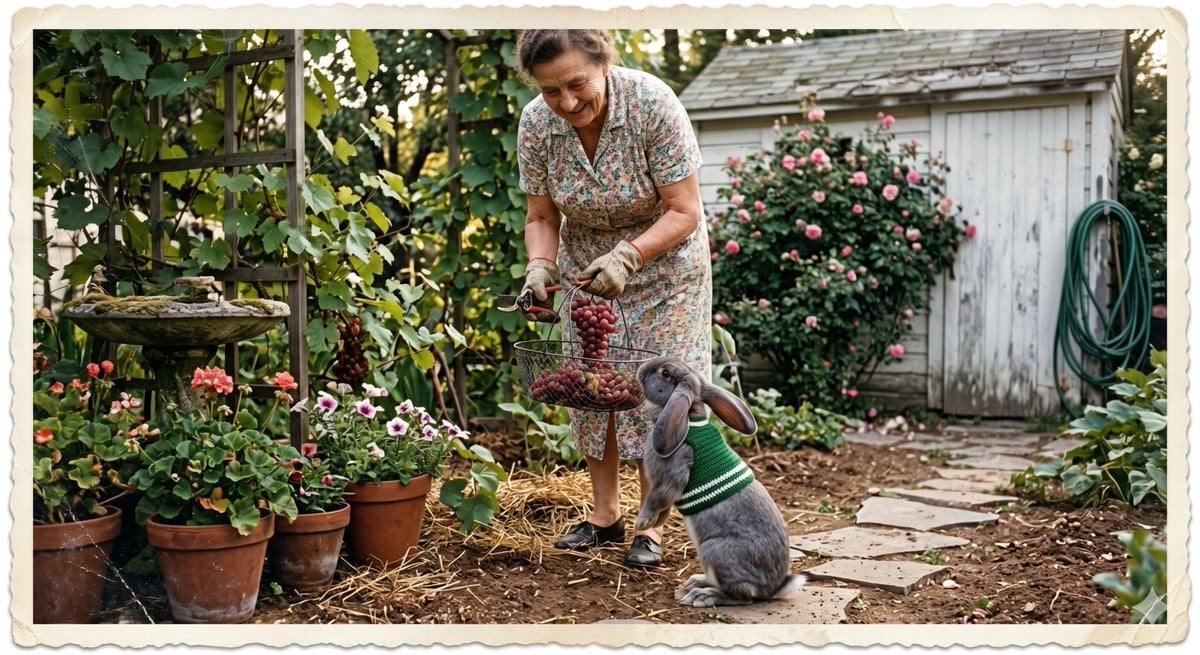
Vintage Gardener and Sweater Rabbit
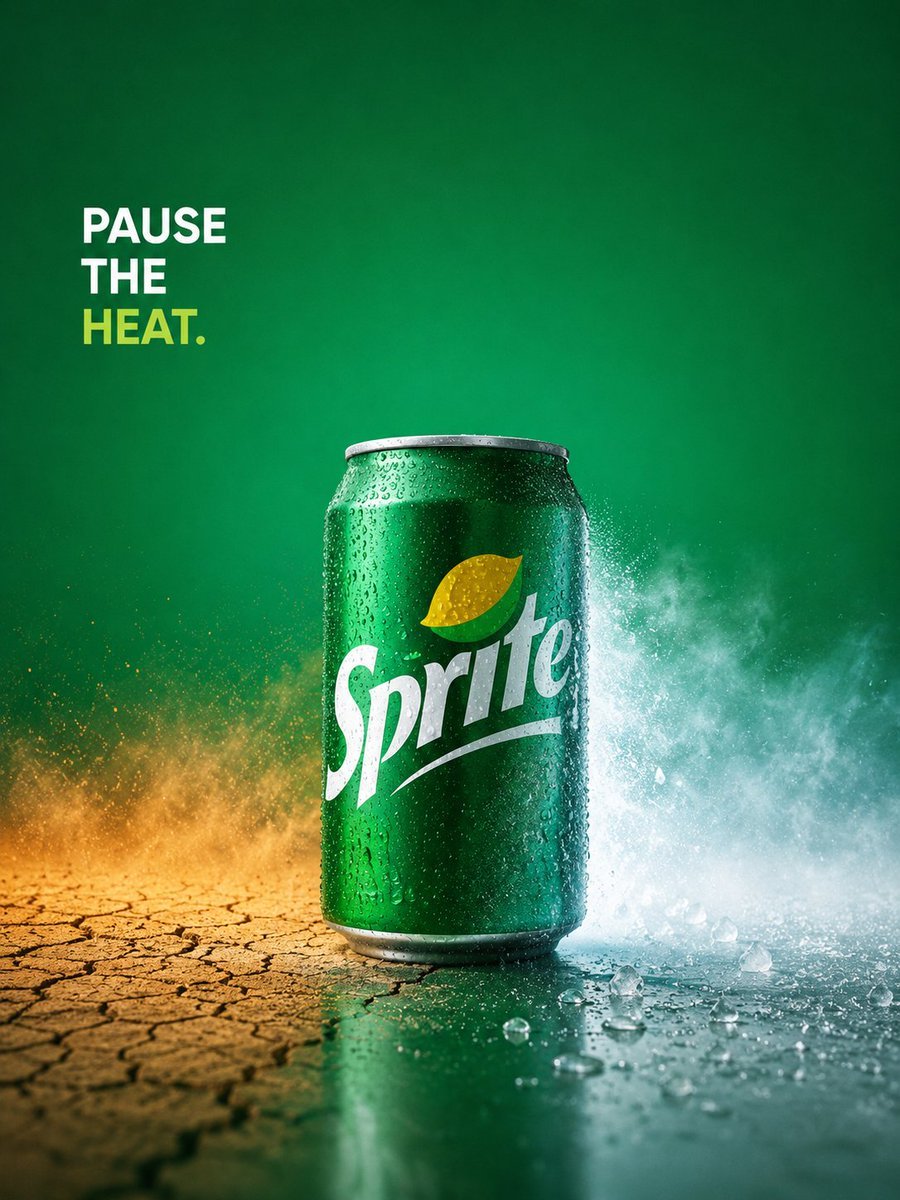
Sprite Pause the Heat Ad
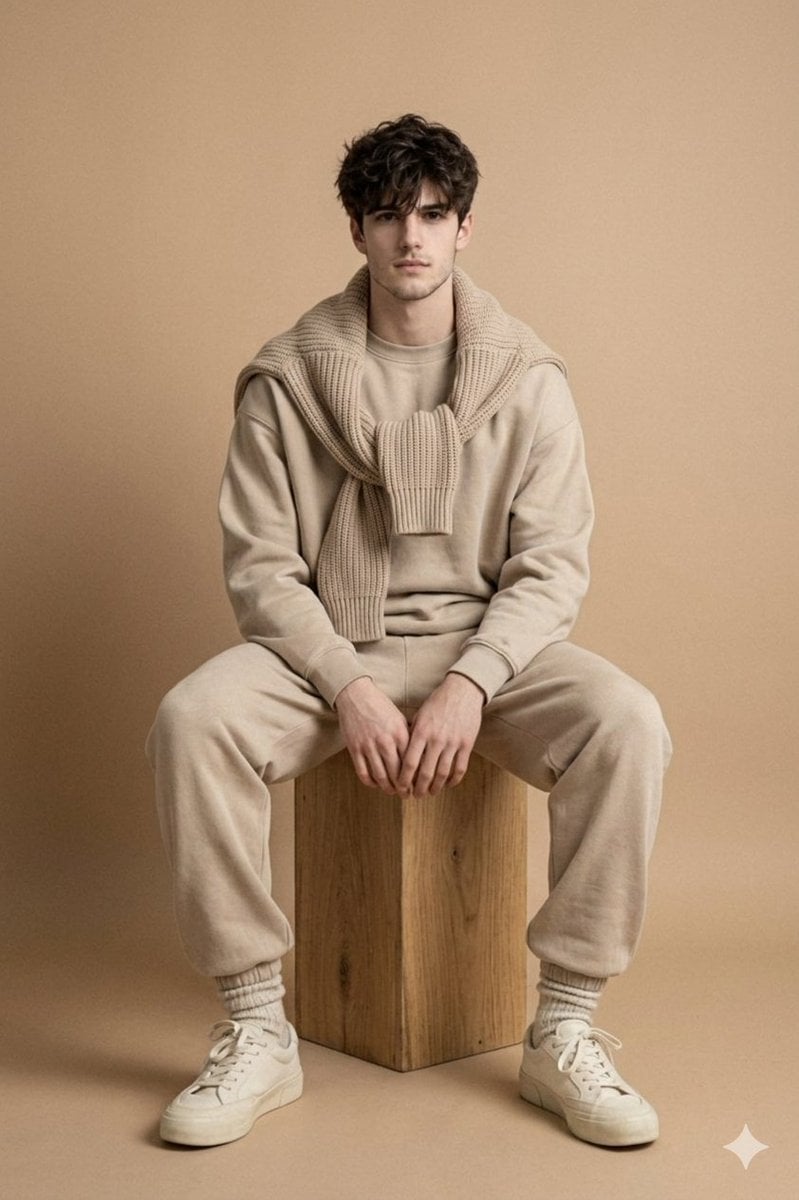
Minimalist Studio Fashion Photo of Young Man

Neon Cyberpunk Future Hoodie Portrait
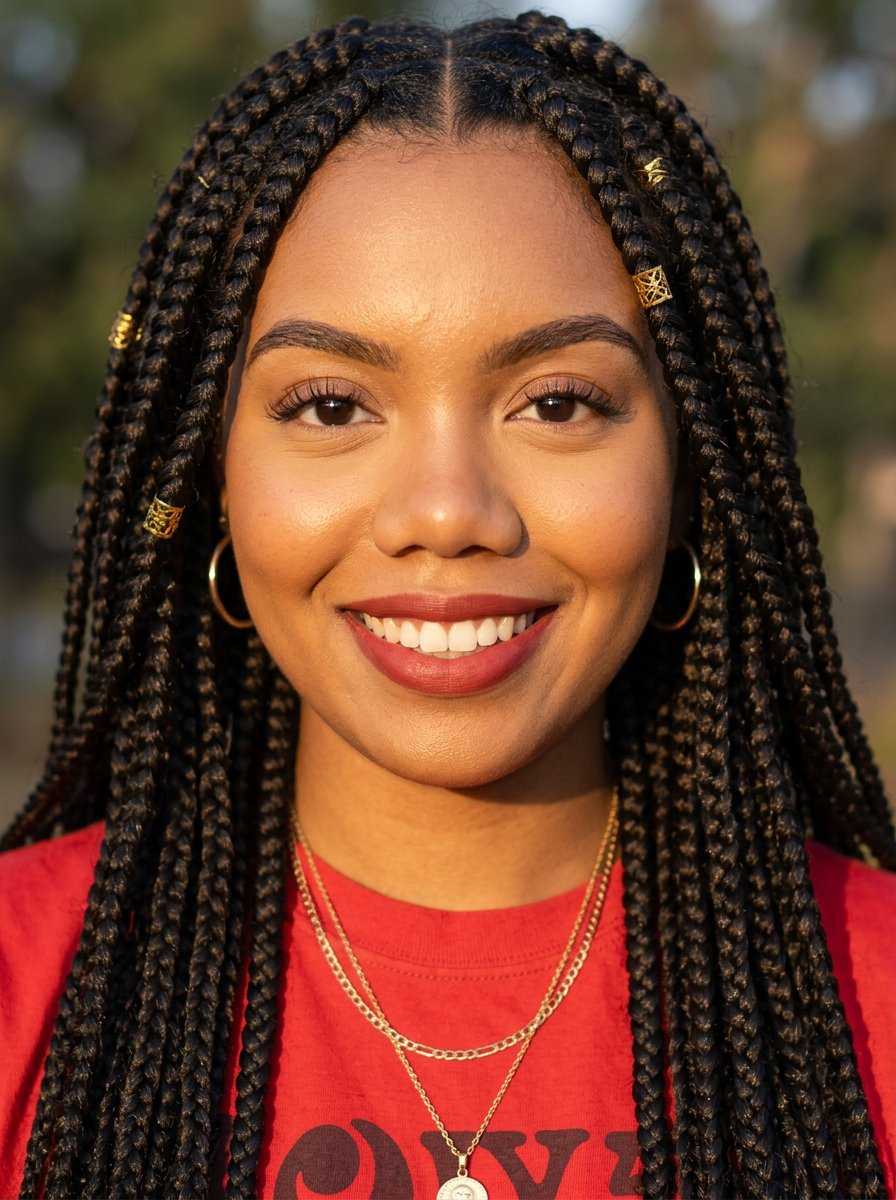
headshot
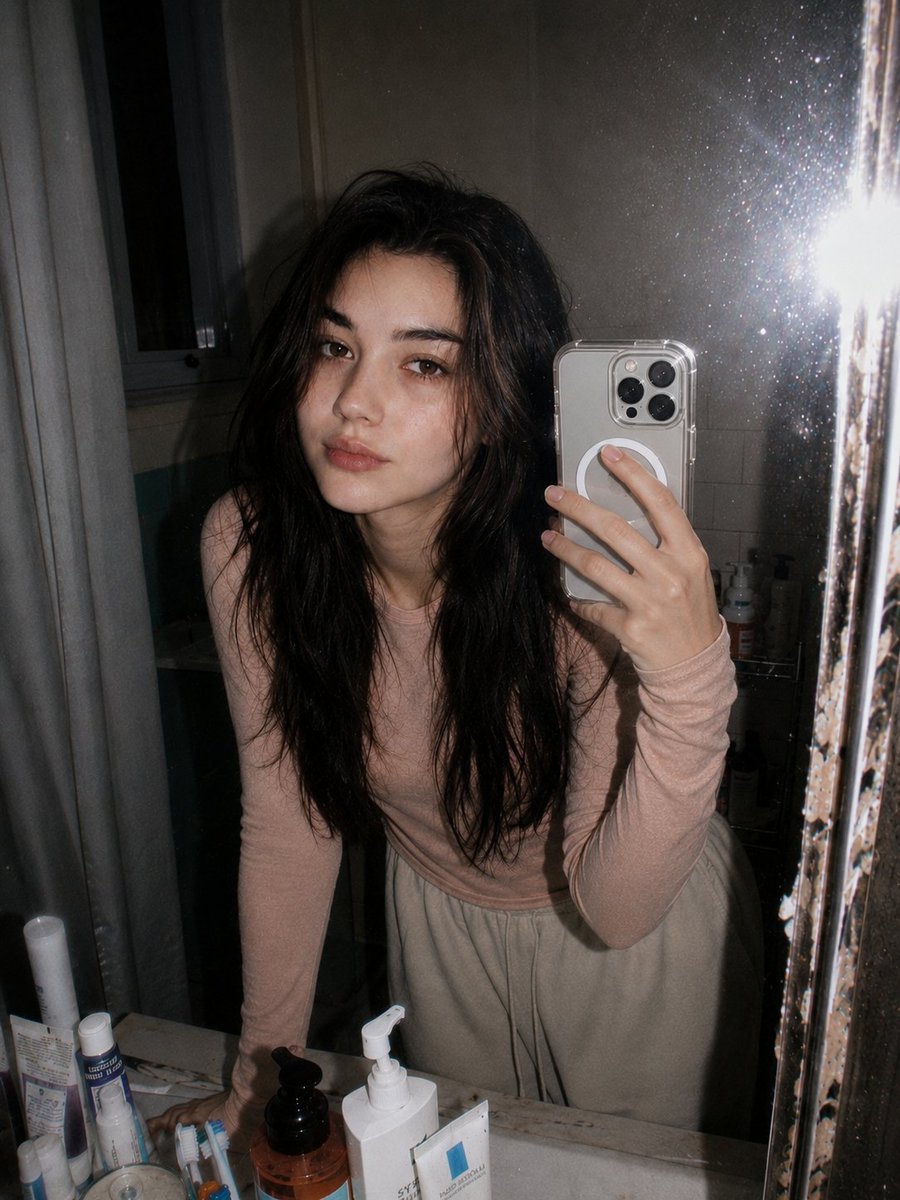
Retro 90s Disposable Camera Flash Portrait
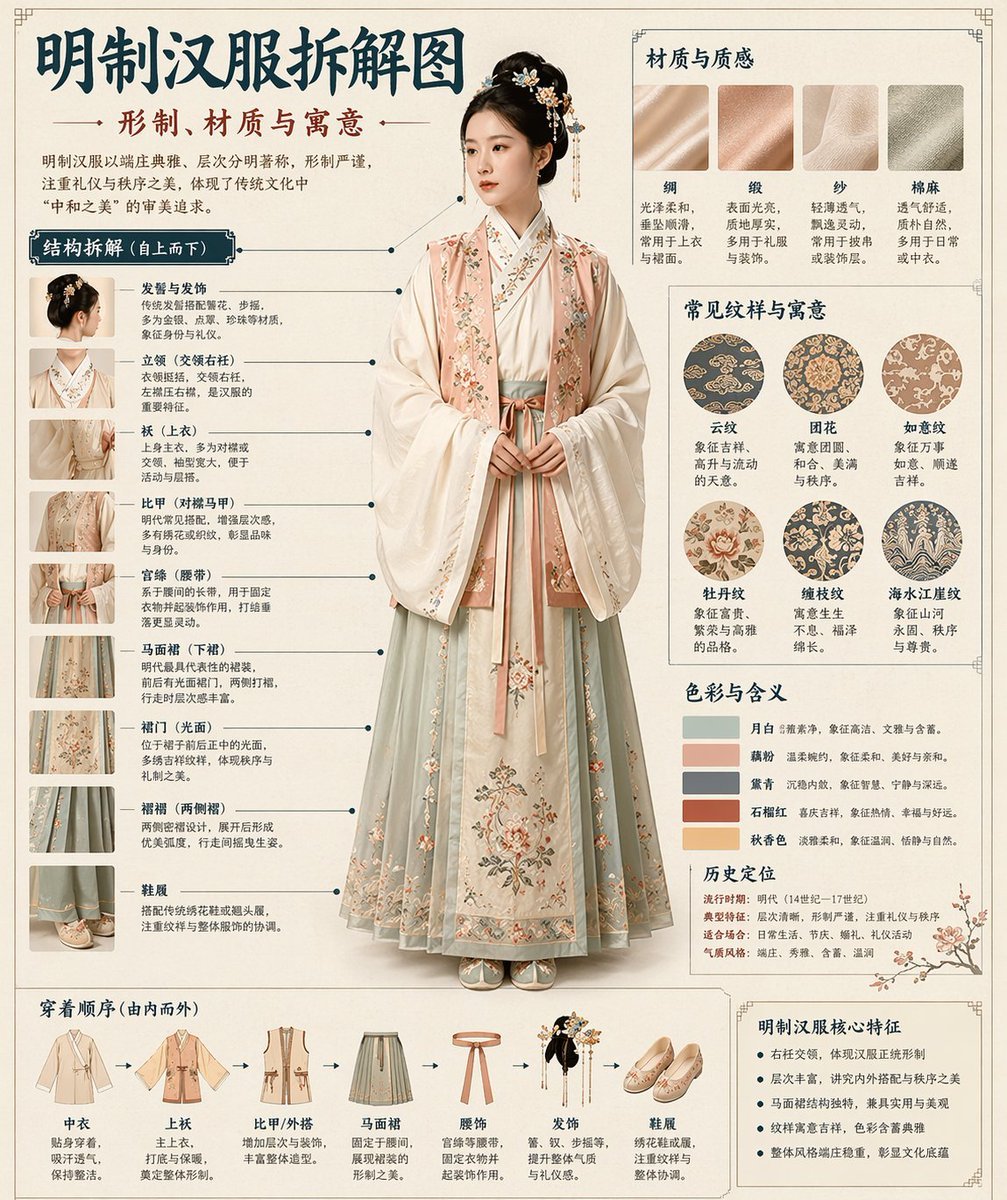
Chinese Museum Deconstruction Infographic
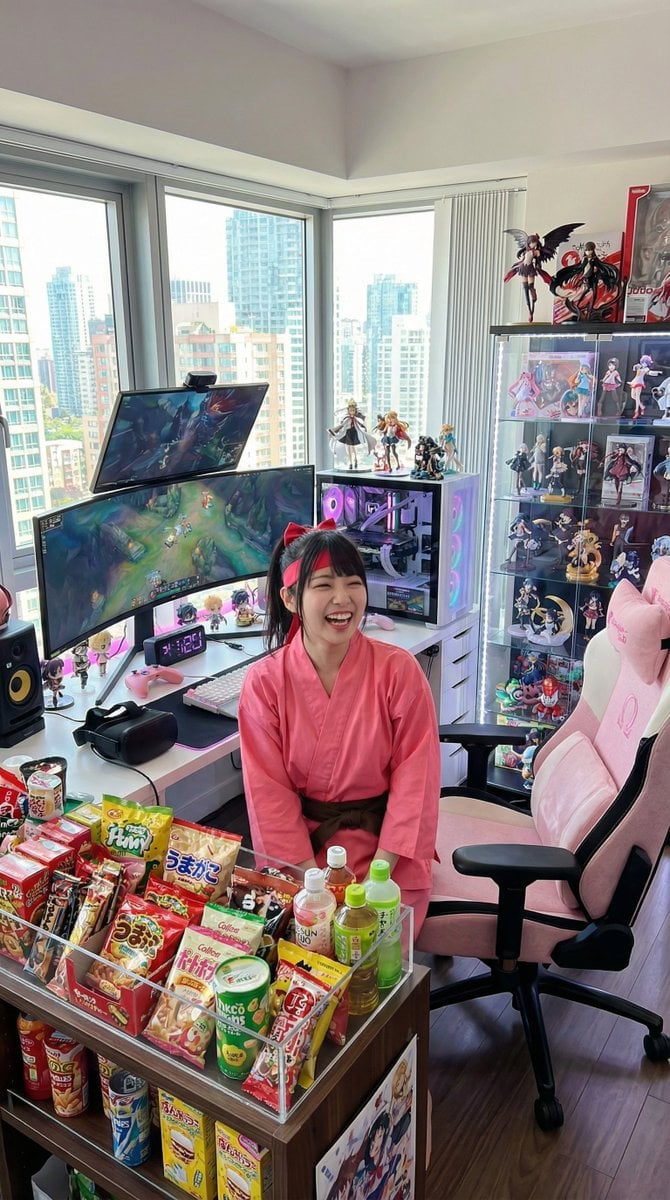
Generate a room that looks like life is being enjoyed to the fullest

Red Studio Fashion Editorial with Motion Echo Effect
Browse template categories
Côte d’Azur Couture Magazine Cover questions
How do I use the Côte d’Azur Couture Magazine Cover template?
Add your photo if the template asks for one, edit the prompt if you like — the template's model and format are already selected — and press Generate. Your version opens in PicX Studio.
Can I customize the Côte d’Azur Couture Magazine Cover template?
Yes. You can change the subject, setting, lighting, mood, format, and available model controls before creating your image.
Is the Côte d’Azur Couture Magazine Cover template free?
Opening and editing this template is free. Generating uses credits, shown on the Generate button when you are signed in.
Which AI model should I use?
Start with GPT Image 2, which is the model associated with this template. You can compare another compatible model for a different finish.
Looking for something else? Browse all templates.

Your photo, any look
Thousands of ready templates for every top image and video model, from one credit balance.