How do I use the Chinese Museum Deconstruction Infographic template?
Edit the prompt in the box under the preview — the template's model and format are already selected — and press Generate. Your version appears right on this page.
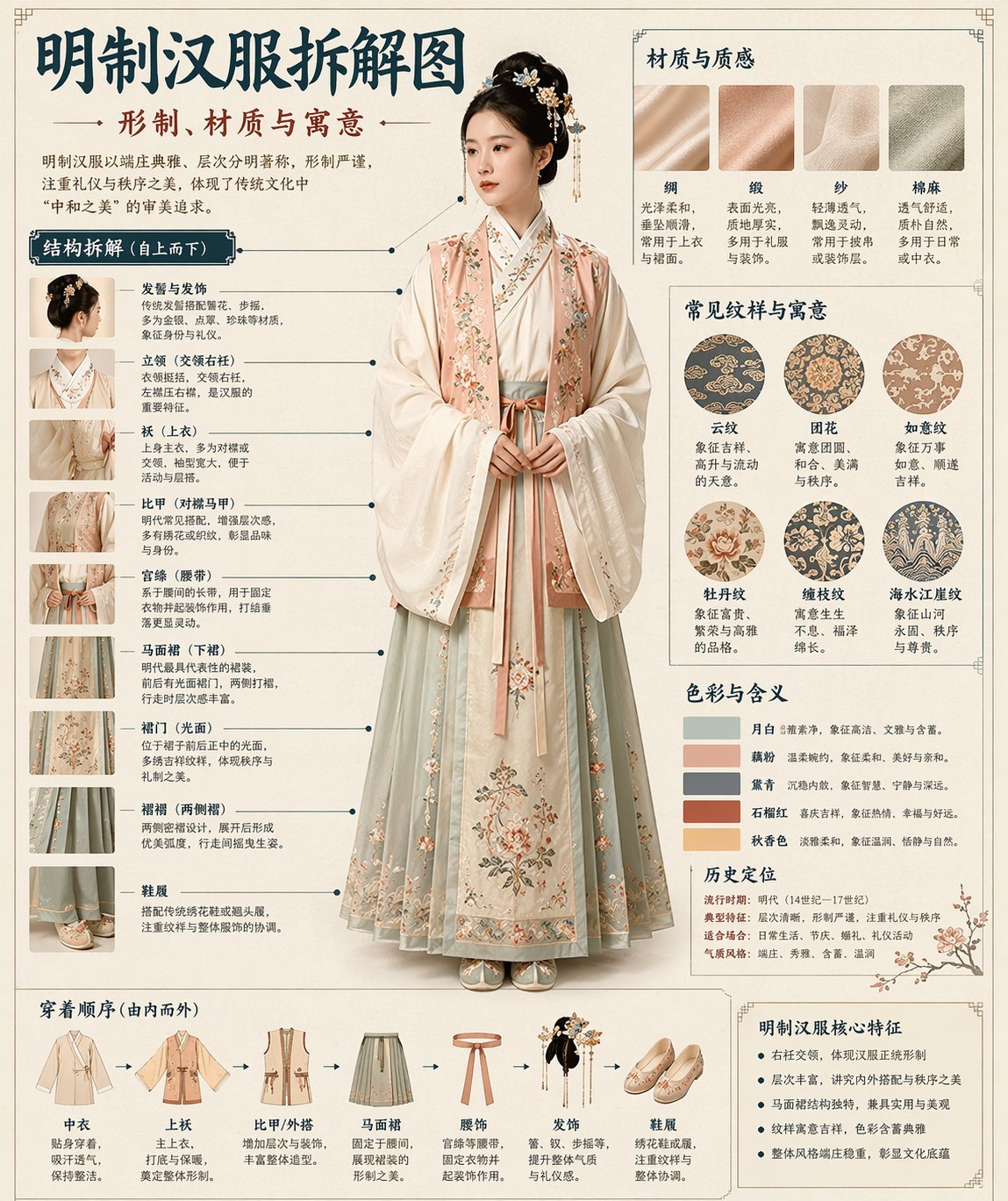
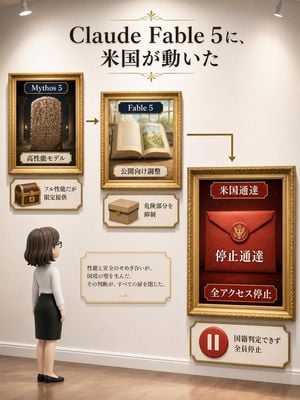
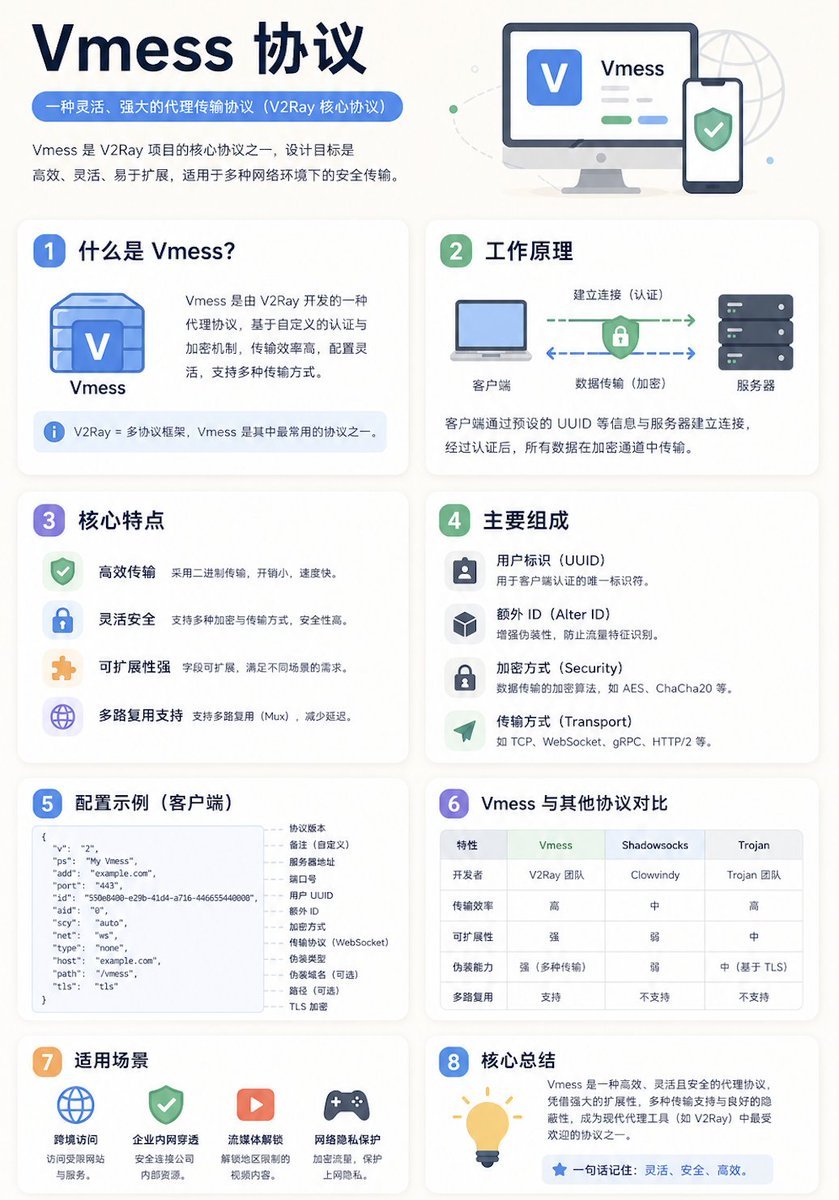
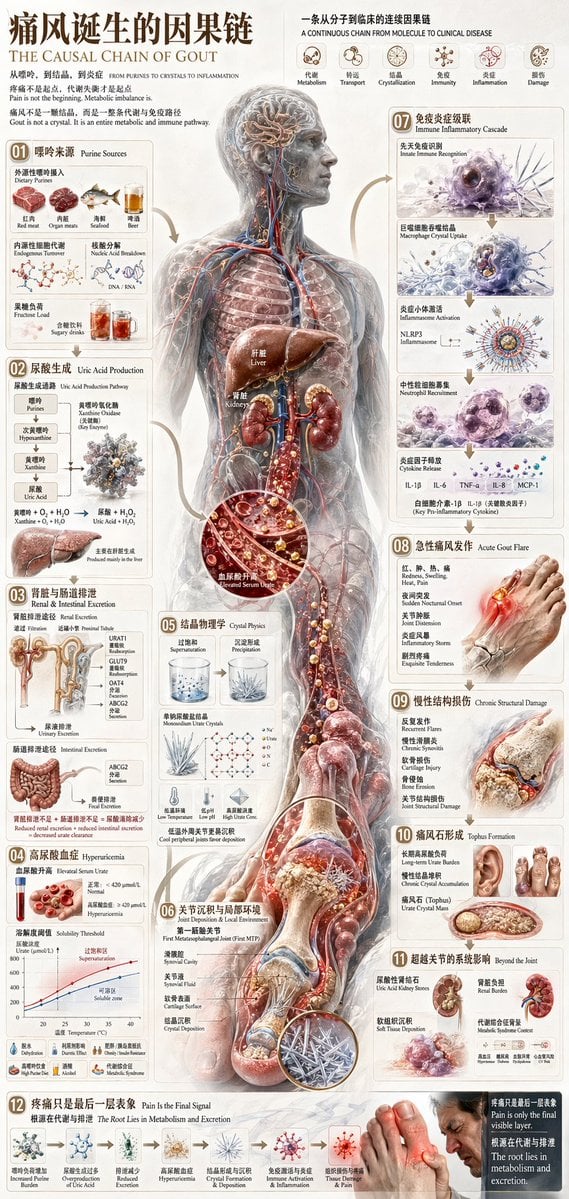
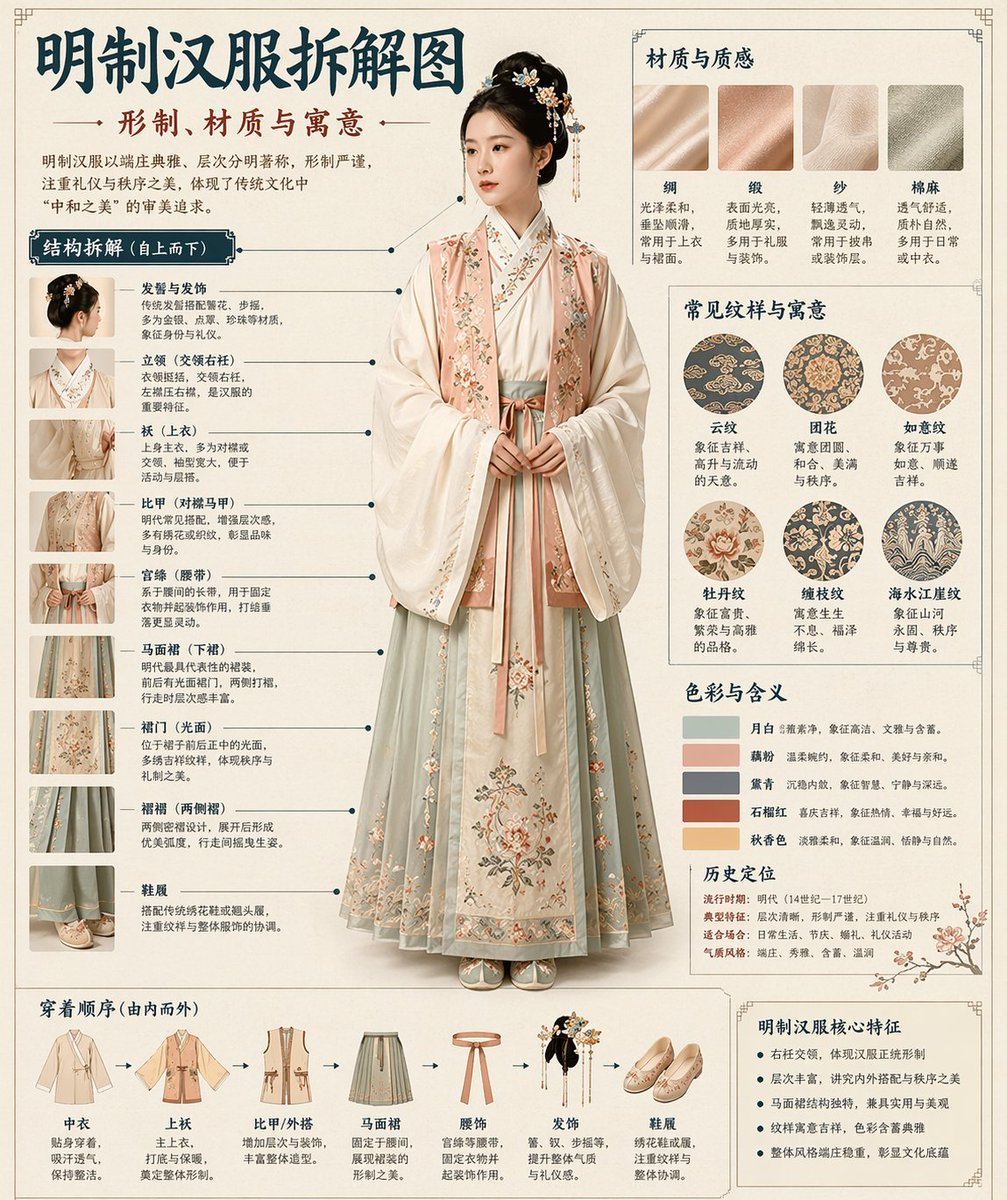
Automatically generates a museum-encyclopedia-style deconstruction infographic in Chinese for any given historical or cultural theme.

Automatically generate a museum-encyclopedia-style Chinese deconstruction infographic from the {argument name="theme" default="[theme]"} I provide. Combine a realistic central visual with structural breakdown, Chinese leader-line callouts, material notes, pattern symbolism, color meaning, and a core-feature summary. From the theme alone, infer the most fitting subject, costume system, object structure, historical era, key components, materials and craftsmanship, color palette, and overall layout. No extra input required from me. Overall aesthetic: National Museum exhibition board, historical costume encyclopedia, scholarly subject infographic. Not a poster, ancient-style portrait, e-commerce detail page, or anime illustration. Background uses paper textures, off-white, silk-paper white, or light tea-color, with a premium, restrained, collectible feel. Fixed layout: - Top: Chinese main title + subtitle + short intro - Left: structural deconstruction area, Chinese leader-line annotations on key components, with partial close-ups - Top right: materials / craft / texture area, real texture swatches with descriptions - Middle right: pattern / color / symbolism area, main color palette, pattern samples, cultural notes - Bottom: dressing order / assembly flowchart + summary of core features If the theme suits a human subject, use a realistic full-body standing figure as the centerpiece. If it suits an object or single structure, switch to a central deconstruction diagram, but keep the overall infographic format intact. All text in Simplified Chinese, clear, neat, readable, no garbled glyphs, typos, English, or pinyin. Emphasize realistic structure, material contrast, cultural commentary, and an encyclopedic feel. Avoid: poster vibe, studio-photo vibe, e-commerce vibe, anime vibe, cosplay vibe, messy annotations, wrong structure, blurry text, fake materials, excessive decoration.
Automatically generate a museum-encyclopedia-style Chinese deconstruction infographic from the {argument name="theme" default="[theme]"} I provide. Combine a realistic central visual with structural breakdown, Chinese leader-line callouts, material notes, pattern symbolism, color meaning, and a core-feature summary. From the theme alone, infer the most fitting subject, costume system, object structure, historical era, key components, materials and craftsmanship, color palette, and overall layout. No extra input required from me. Overall aesthetic: National Museum exhibition board, historical costume encyclopedia, scholarly subject infographic. Not a poster, ancient-style portrait, e-commerce detail page, or anime illustration. Background uses paper textures, off-white, silk-paper white, or light tea-color, with a premium, restrained, collectible feel. Fixed layout: - Top: Chinese main title + subtitle + short intro - Left: structural deconstruction area, Chinese leader-line annotations on key components, with partial close-ups - Top right: materials / craft / texture area, real texture swatches with descriptions - Middle right: pattern / color / symbolism area, main color palette, pattern samples, cultural notes - Bottom: dressing order / assembly flowchart + summary of core features If the theme suits a human subject, use a realistic full-body standing figure as the centerpiece. If it suits an object or single structure, switch to a central deconstruction diagram, but keep the overall infographic format intact. All text in Simplified Chinese, clear, neat, readable, no garbled glyphs, typos, English, or pinyin. Emphasize realistic structure, material contrast, cultural commentary, and an encyclopedic feel. Avoid: poster vibe, studio-photo vibe, e-commerce vibe, anime vibe, cosplay vibe, messy annotations, wrong structure, blurry text, fake materials, excessive decoration.
Edit the prompt in the box under the preview — the template's model and format are already selected — and press Generate. Your version appears right on this page.
Yes. You can change the subject, setting, lighting, mood, format, and available model controls before creating your image.
Opening and editing this template is free. Generating uses credits, shown on the Generate button when you are signed in.
Start with GPT Image 2, which is the model associated with this template. You can compare another compatible model for a different finish.
Follow a topic to a crawlable collection of related PicX Studio templates.