
Cafe English Vocabulary Journal
Generates a cozy cafe photo transformed into a hand-drawn English vocabulary learning journal with labeled everyday objects and example sentences.

- Prompt included
- Model and format preset
- Free template
The prompt behind this image
Copy the exact prompt behind Cafe English Vocabulary Journal, or open it in the studio and make it yours.
- Type
- photo-based English vocabulary study journal page
- Format
- vertical 9:16 social media image
- Base Scene
- A realistic candid cafe photo of a young woman sitting by a large window at a wooden table, holding a black smartphone in one hand and looking down gently. She wears a cream ribbed sweater and has long dark brown hair with soft bangs. An open book lies in front of her, with a white coffee cup containing latte art on the left, a croissant on a white plate in the foreground, and a beige shoulder bag on the right. Natural daylight enters from the window, with trees and a street faintly visible outside. Warm cozy tones, lifestyle photography, shallow depth of field, clean composition.
- Overlay Style › Description
- Add cute hand-drawn white doodle annotations like a language-learning notebook, using chalk/marker-style lettering, underlines, arrows, outlines around objects, tiny hearts, stars, dots, and sparkle marks. Keep annotations integrated with the real photo, playful and educational, not too cluttered.
- Overlay Style › Language
- English vocabulary words with simple example sentences
- Vocabulary Items › Count
- 6
- Vocabulary Items › Items › 0 › Word
- phone
- Vocabulary Items › Items › 0 › Position
- left of the woman near the smartphone
- Vocabulary Items › Items › 0 › Target
- black smartphone in her hand
- Vocabulary Items › Items › 0 › Example
- My phone is in my hand.
- Vocabulary Items › Items › 0 › Decoration
- white outline around the phone, underline below word, dotted arrow pointing to the phone
- Vocabulary Items › Items › 1 › Word
- cup
- Vocabulary Items › Items › 1 › Position
- left lower area near the coffee
- Vocabulary Items › Items › 1 › Target
- white coffee cup
- Vocabulary Items › Items › 1 › Example
- This cup has coffee.
- Vocabulary Items › Items › 1 › Decoration
- white outline around the cup, small heart, arrow pointing to cup
- Vocabulary Items › Items › 2 › Word
- book
- Vocabulary Items › Items › 2 › Position
- center over the open book
- Vocabulary Items › Items › 2 › Target
- open book on the table
- Vocabulary Items › Items › 2 › Example
- I read a book.
- Vocabulary Items › Items › 2 › Decoration
- small heart beside word, arrow pointing down to book
- Vocabulary Items › Items › 3 › Word
- bag
- Vocabulary Items › Items › 3 › Position
- right side above the beige bag
- Vocabulary Items › Items › 3 › Target
- beige shoulder bag on the table
Raw JSON
{"type":"photo-based English vocabulary study journal page","format":"vertical 9:16 social media image","base_scene":"A realistic candid cafe photo of a young woman sitting by a large window at a wooden table, holding a black smartphone in one hand and looking down gently. She wears a cream ribbed sweater and has long dark brown hair with soft bangs. An open book lies in front of her, with a white coffee cup containing latte art on the left, a croissant on a white plate in the foreground, and a beige shoulder bag on the right. Natural daylight enters from the window, with trees and a street faintly visible outside. Warm cozy tones, lifestyle photography, shallow depth of field, clean composition.","overlay_style":{"description":"Add cute hand-drawn white doodle annotations like a language-learning notebook, using chalk/marker-style lettering, underlines, arrows, outlines around objects, tiny hearts, stars, dots, and sparkle marks. Keep annotations integrated with the real photo, playful and educational, not too cluttered.","language":"English vocabulary words with simple example sentences"},"vocabulary_items":{"count":6,"items":[{"word":"phone","position":"left of the woman near the smartphone","target":"black smartphone in her hand","example":"My phone is in my hand.","decoration":"white outline around the phone, underline below word, dotted arrow pointing to the phone"},{"word":"cup","position":"left lower area near the coffee","target":"white coffee cup","example":"This cup has coffee.","decoration":"white outline around the cup, small heart, arrow pointing to cup"},{"word":"book","position":"center over the open book","target":"open book on the table","example":"I read a book.","decoration":"small heart beside word, arrow pointing down to book"},{"word":"bag","position":"right side above the beige bag","target":"beige shoulder bag on the table","example":"My bag is on the table.","decoration":"underline, emphasis rays, arrow pointing to bag, partial white outline around bag"},{"word":"croissant","position":"bottom left-center near the pastry","target":"croissant on plate","example":"I eat a croissant.","decoration":"underline, small star, dotted arrow pointing to croissant"},{"word":"plate","position":"bottom center-right near the dish","target":"white plate beneath the croissant","example":"The plate is on the table.","decoration":"underline, small heart, arrow pointing to plate, white outline around plate"}]},"decorative_elements":{"count":7,"items":["small doodle star near upper right","tiny dotted sparkle cluster near upper right","small doodle star near upper right","heart with radiating lines near upper right","two tiny stars near bottom left","chibi girl sticker in bottom-left corner holding a sign","speech/sign text on sticker: Let's learn!"]},"customization":{"main subject":"{argument name=\"main subject\" default=\"young woman studying in a cafe\"}","setting":"{argument name=\"setting\" default=\"cozy cafe by a large window\"}","vocabulary theme":"{argument name=\"vocabulary theme\" default=\"everyday cafe objects\"}","annotation color":"{argument name=\"annotation color\" default=\"white\"}","sticker text":"{argument name=\"sticker text\" default=\"Let's learn!\"}"},"quality":"photorealistic base image with neat hand-drawn educational overlays, warm natural light, high-resolution, mobile wallpaper ratio, charming study journal aesthetic"}How to use Cafe English Vocabulary Journal in 3 steps
- 1Upload ImagePNG, JPG or paste
Add your photo
Upload the photo the template builds on. The prompt, model and format are already set.
- 2…a portrait of your subject in softgolden-hour light, 85mm…
Personalize
Edit the subject and creative details for your destination.
- 3Generate
Generate
Press Generate — your image is created in PicX Studio, so you can compare it with the original and refine one variable at a time.
More like this
Templates with the same subject, style or setup. Open one to see its prompt.
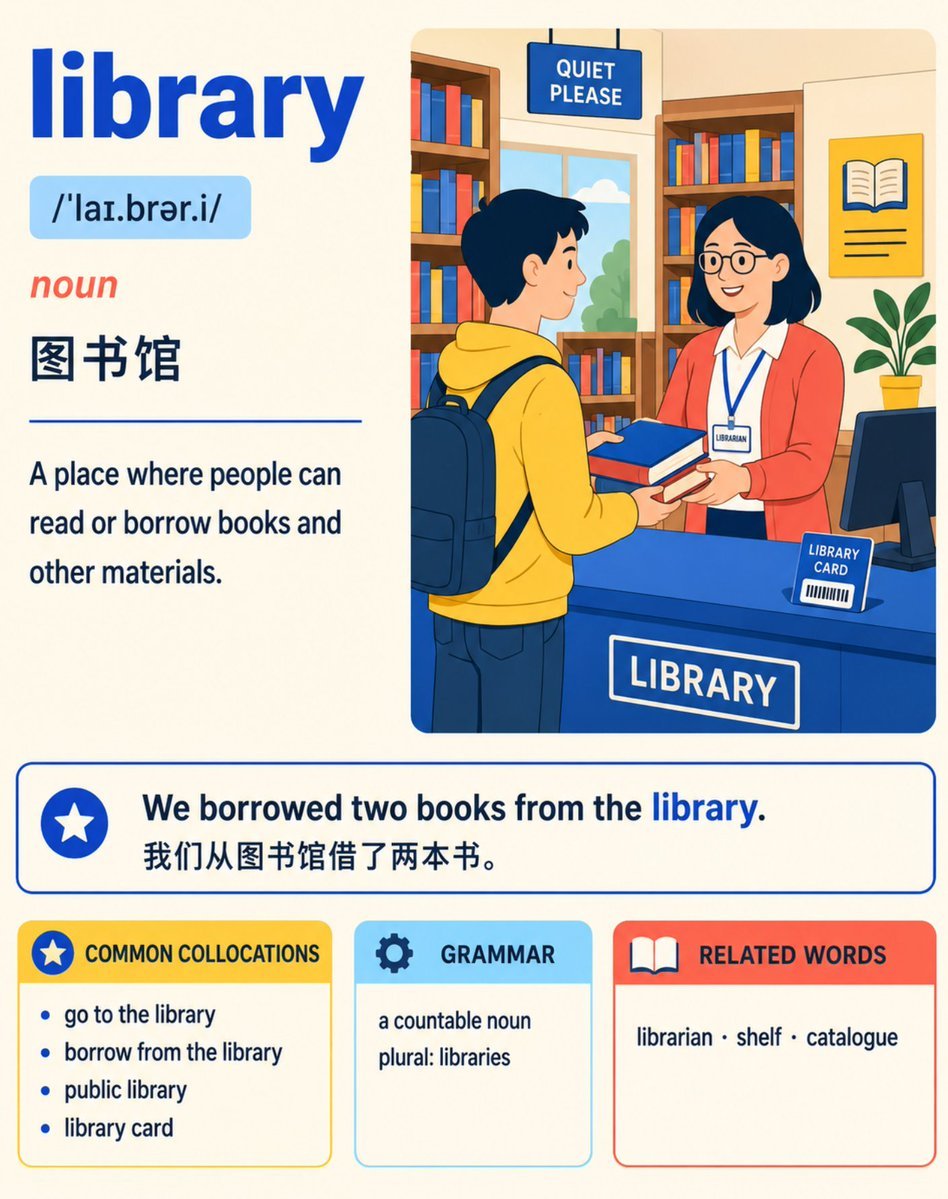
English Vocabulary Study Card Template
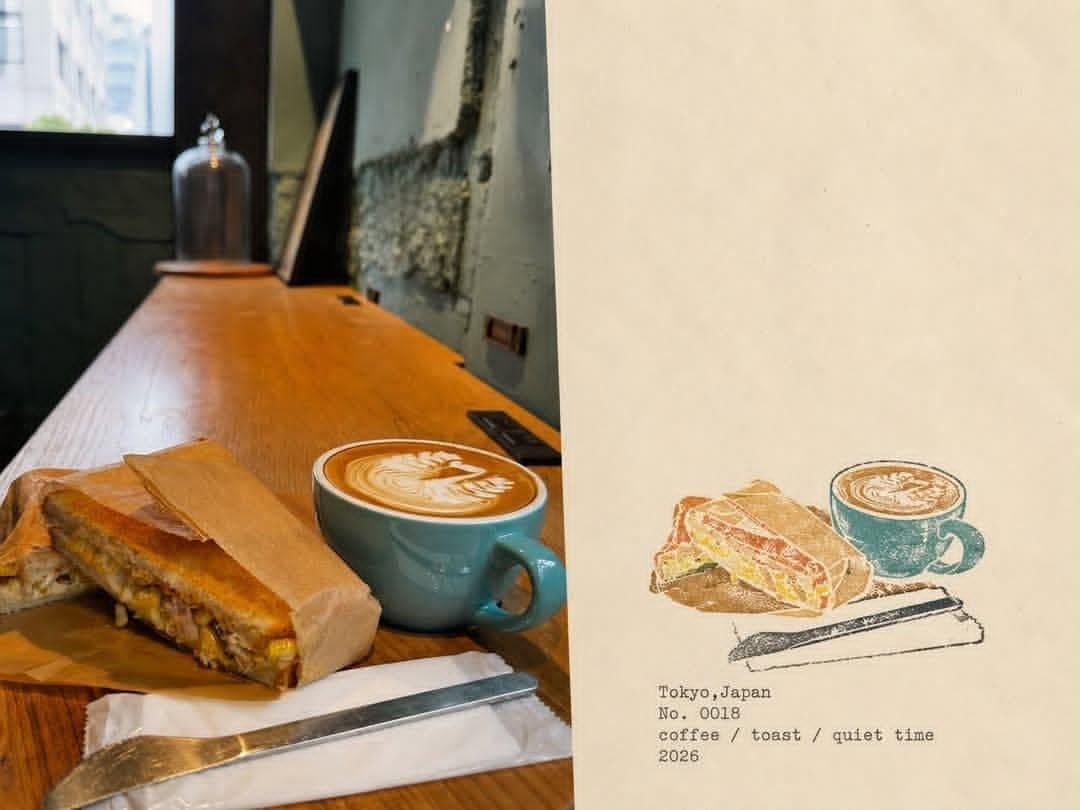
Japanese Cafe Memory Journal Design

Cat Photobomb Selfie — 0.5x Wide Angle Café Chaos

Trendy Cafe Drink Promo Poster

Nostalgic Digicam Café Afternoon Portrait

Delicate Japanese Café Lifestyle Illustration

Korean Cafe Courtyard Gold Frame Mirror Selfie
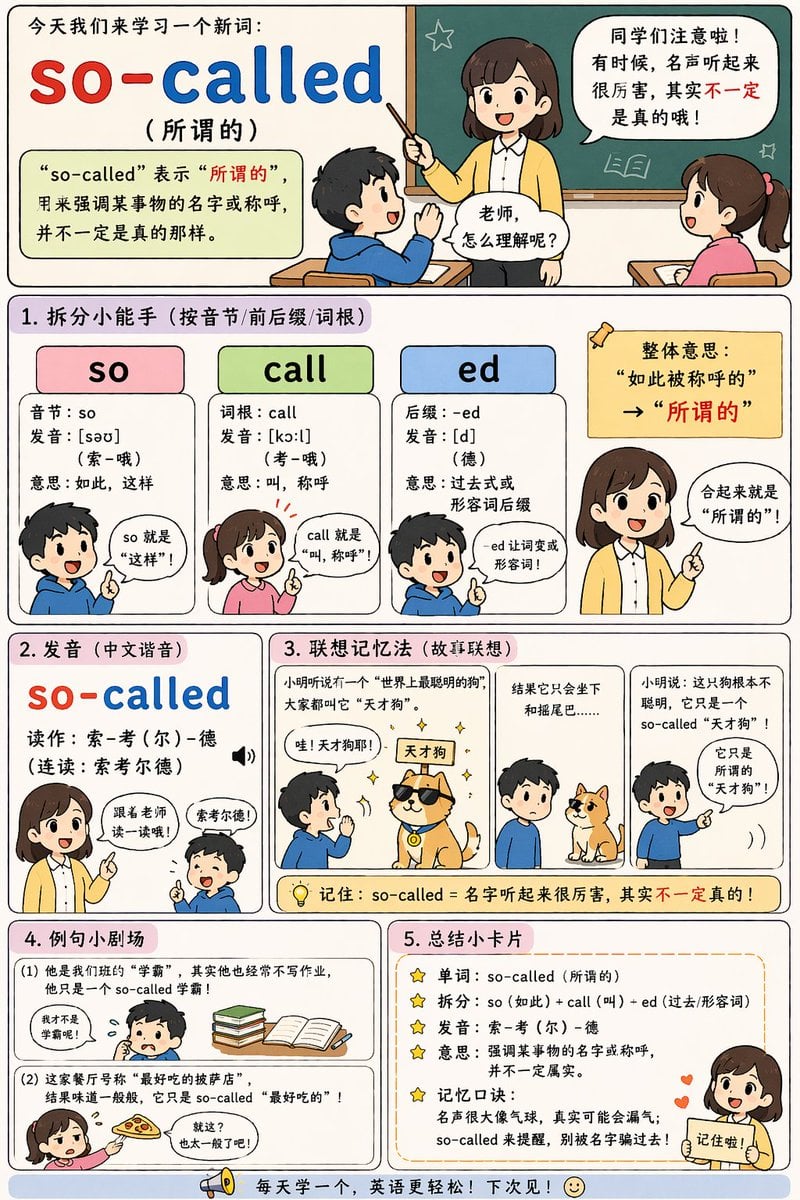
English Vocabulary Educational Infographic
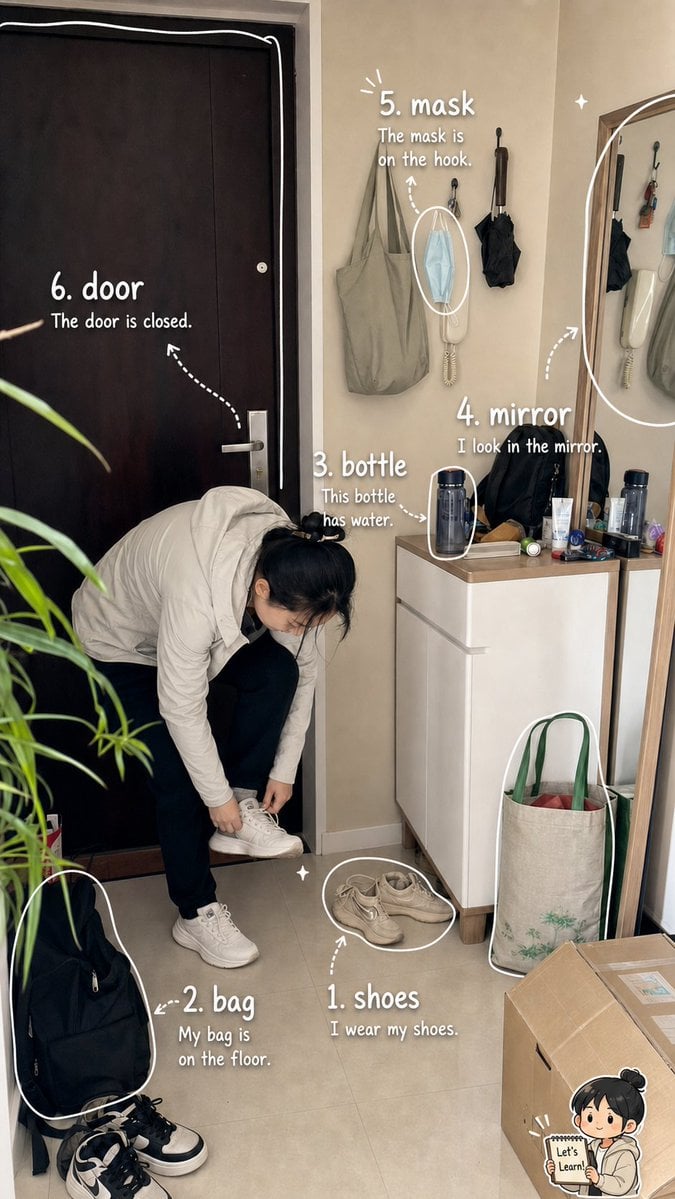
Photo Vocabulary Journal Overlay
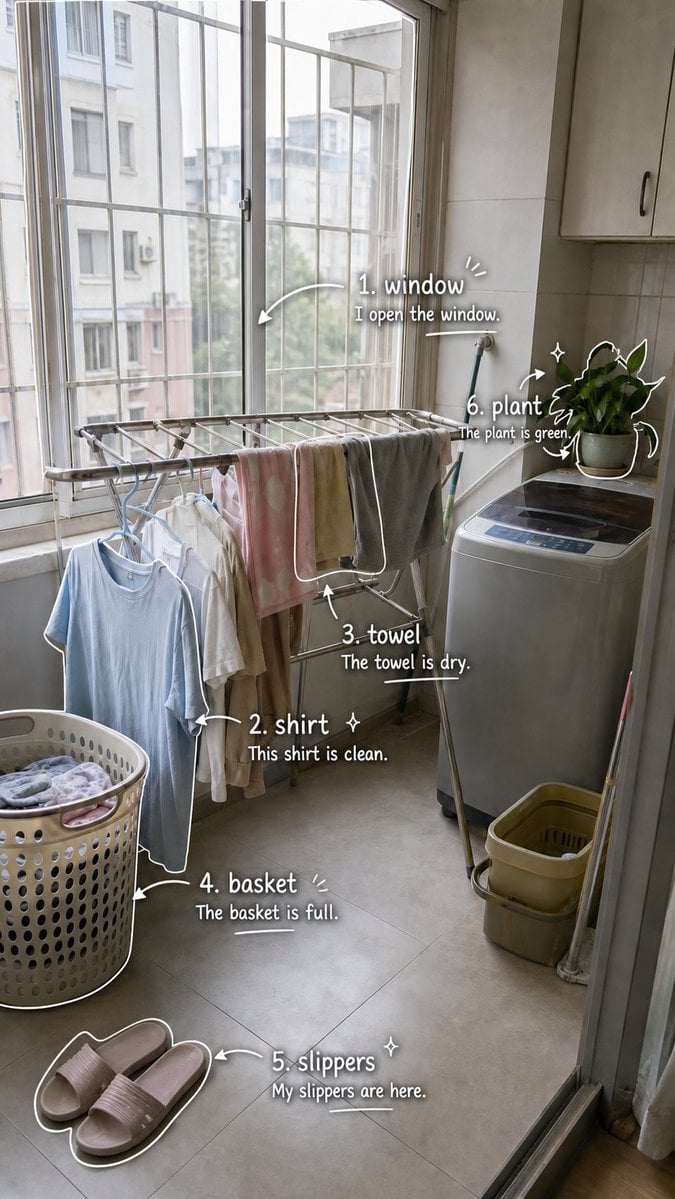
Laundry Balcony Vocabulary Journal

Outdoor Cafe Portrait — White Ruched Top Nano Banana

Nano Banana - Cozy Cafe Night
Make it yours
Cafe English Vocabulary Journal works as-is. These are the safest ways to change it without losing the look.
Swap the setting
Keep the rest of the prompt and replace the location block. The current setting is “{argument name="setting" default="cozy cafe by a large window"}”.
Change one field
Copy a single group, rewrite it, and generate again so you can see what that field is doing.
Keep the frame, change the subject
Hold the composition and light of Cafe English Vocabulary Journal, then swap wardrobe, props or the person for a new take.
| If the result… | Why | Fix |
|---|---|---|
| The result drifts from the preview | Too many fields changed at once. | Reuse Cafe English Vocabulary Journal as-is first, then change one group — subject, light, or setting. |
| GPT Image 2 ignores part of the JSON | Some models flatten or skip nested keys. | Keep the same values and paste them as a short paragraph instead. |
More GPT Image 2 templates
Other prompts made for GPT Image 2.

Six VTuber Japanese Logo Sheet

Realistic Portrait of Woman and Deer

The Vista Modular Condo Poster

AI Model Routing Comparison Infographic

2.5D Anime Art Board

Isometric Productivity Desk Scene

New York Double Exposure Poster

Four-Panel AI Landscape Comparison

Japanese Tatami Lifestyle Magazine Cover

NESCAFÉ Coffee Map Poster
More image prompts
Fresh picks from across the catalog.
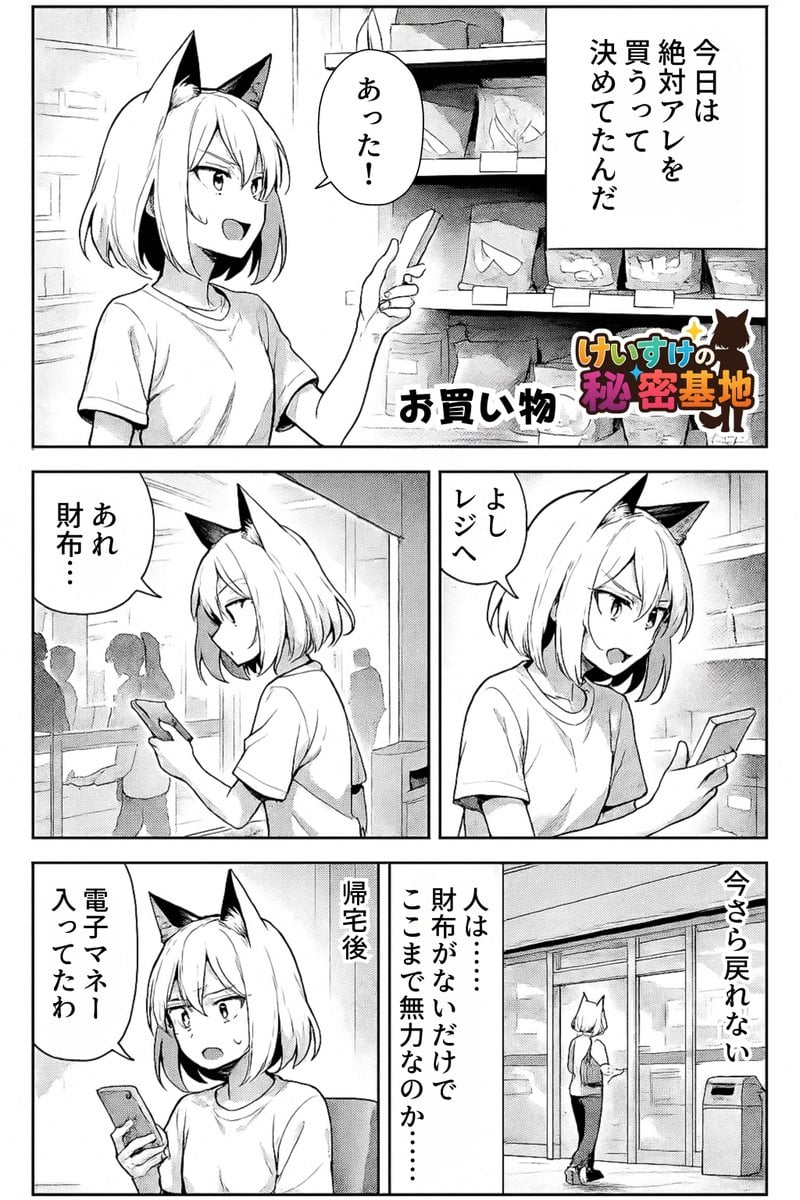
Keep art, translate manga speech to English in original balloons

Japanese Fashion Model Beachwear Portrait

Cool Palette, Bold Energy, Wide Angles

Japanese Summer Sports Drink Poster

Times Square Time-Blend Split-Screen

PS1 Retro Gaming Style Prompt

Cinematic Desert Highway Fashion Portrait Prompt

BBL Cricket Action Shot with Face Match
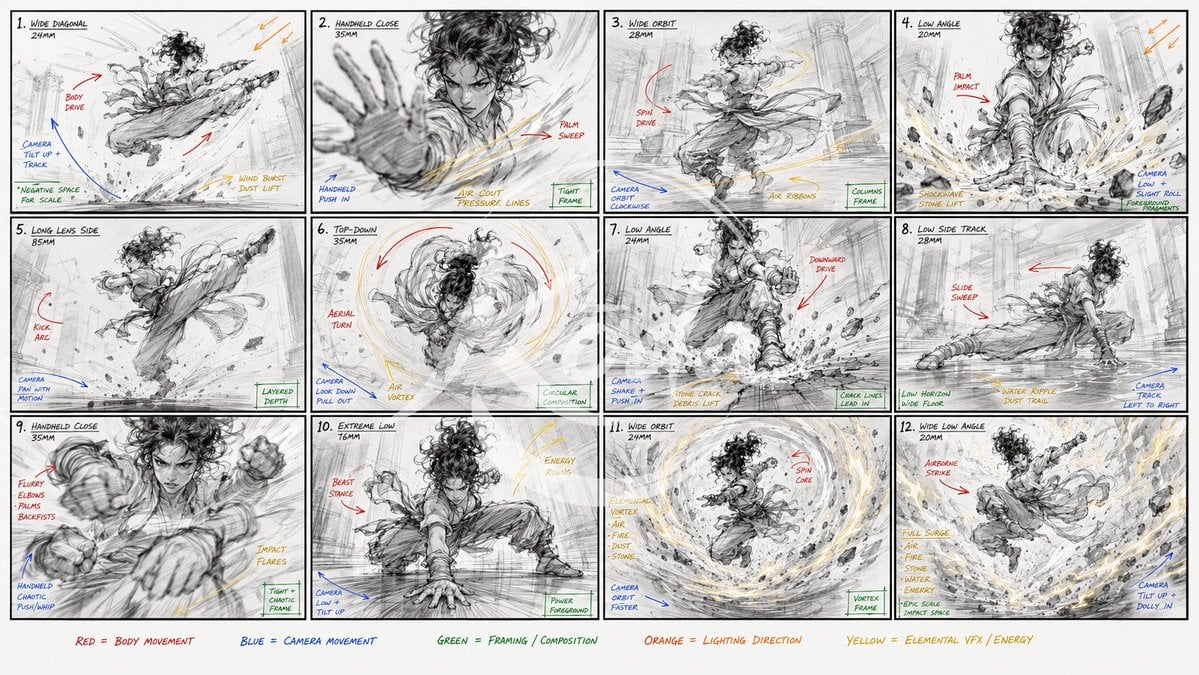
Kung Fu Action Storyboard
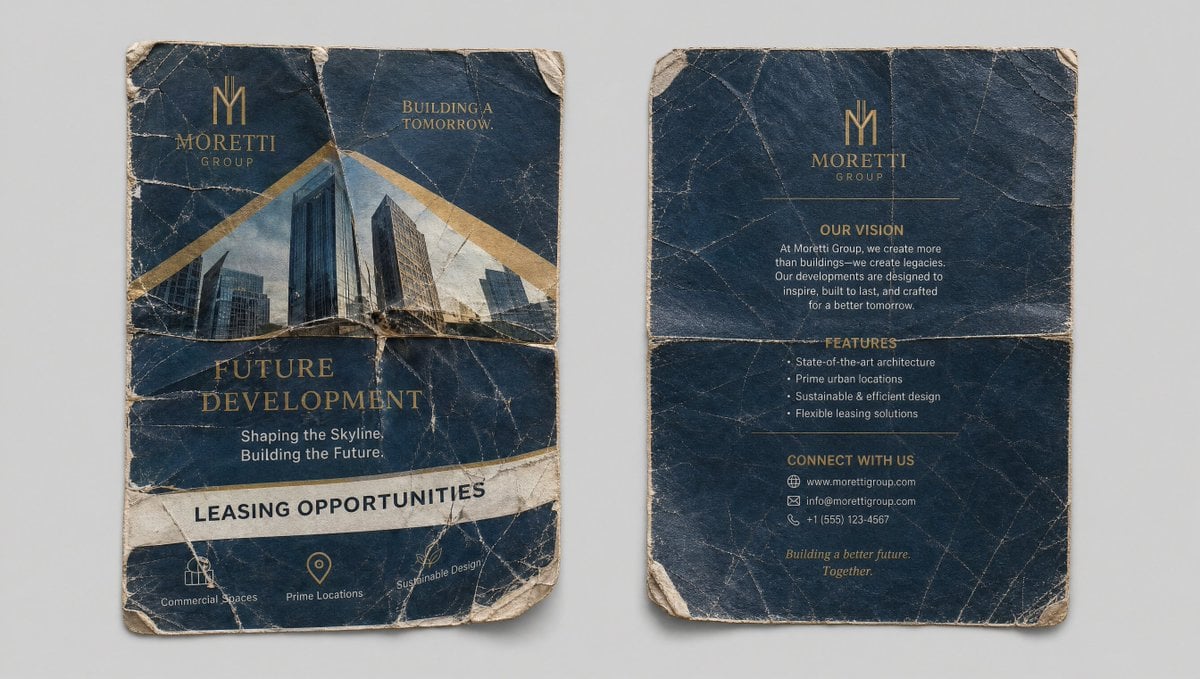
Crumpled Flyer Reference Sheet
Browse template categories
Cafe English Vocabulary Journal questions
How do I use the Cafe English Vocabulary Journal template?
Add your photo if the template asks for one, edit the prompt if you like — the template's model and format are already selected — and press Generate. Your version opens in PicX Studio.
Can I customize the Cafe English Vocabulary Journal template?
Yes. You can change the subject, setting, lighting, mood, format, and available model controls before creating your image.
Is the Cafe English Vocabulary Journal template free?
Opening and editing this template is free. Generating uses credits, shown on the Generate button when you are signed in.
Which AI model should I use?
Start with GPT Image 2, which is the model associated with this template. You can compare another compatible model for a different finish.
Looking for something else? Browse all templates.

Your photo, any look
Thousands of ready templates for every top image and video model, from one credit balance.