
English Vocabulary Educational Infographic
Generates a vertical, multi-section educational comic strip for teaching vocabulary with breakdowns, mnemonics, and examples.
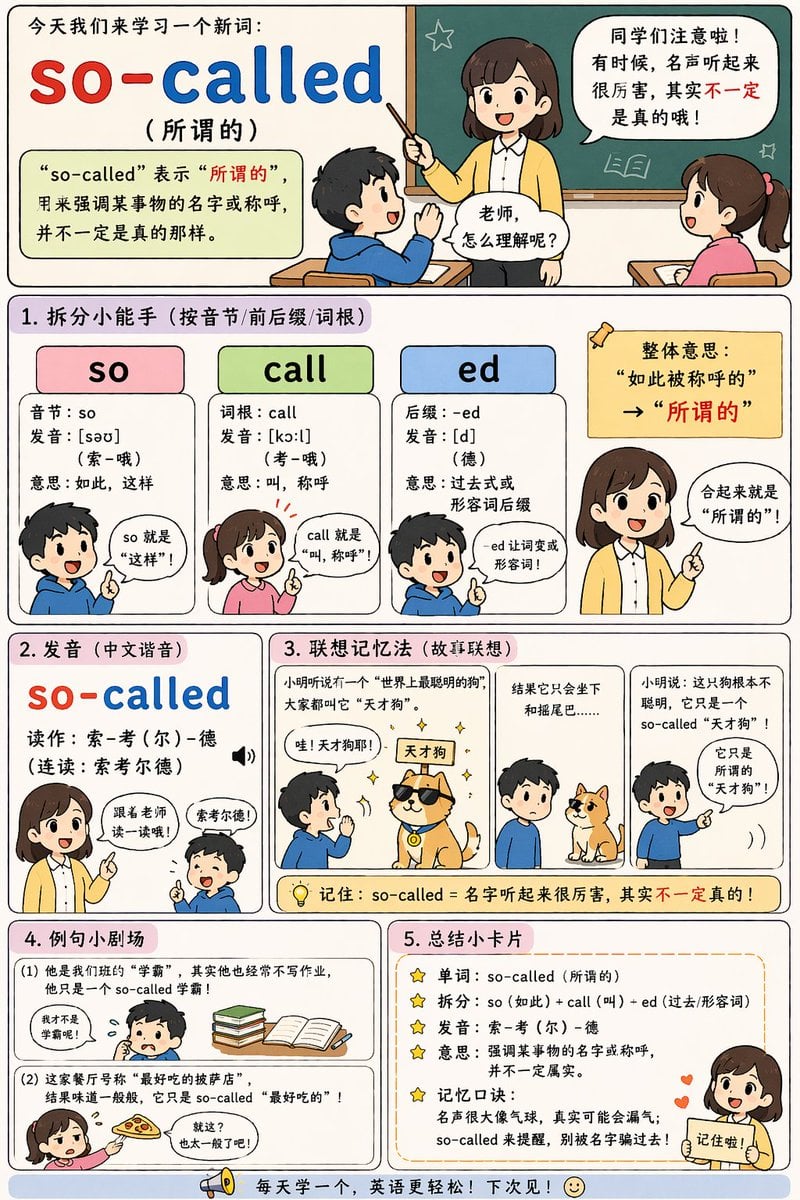
- Prompt included
- Model and format preset
- Free template
The prompt behind this image
Copy the exact prompt behind English Vocabulary Educational Infographic, or open it in the studio and make it yours.
- Type
- educational infographic comic
- Style
- cute chibi anime, flat colors, clear comic panel layout, pastel backgrounds
- Header › Title
- 今天我们来学习一个新词:
- Header › Word
- {argument name="target word" default="so-called"}
- Header › Translation
- ({argument name="target translation" default="所谓的"})
- Header › Definition Box
- “so-called” 表示“所谓的”,用来强调某事物的名字或称呼,并不一定是真的那样。
- Header › Illustration
- teacher at chalkboard talking to 2 students with speech bubbles
- Layout › Sections › 0 › Title
- 1. 拆分小能手 (按音节/前后缀/词根)
- Layout › Sections › 0 › Count
- 3
- Layout › Sections › 0 › Labels
- so, call, ed
- Layout › Sections › 0 › Details
- 3 colored columns (pink, green, blue) breaking down syllables, roots, and suffixes, accompanied by 4 chibi characters explaining the parts
- Layout › Sections › 1 › Title
- 2. 发音 (中文谐音)
- Layout › Sections › 1 › Count
- 1
- Layout › Sections › 1 › Labels
- so-called
- Layout › Sections › 1 › Details
- phonetic pronunciation guide with a teacher instructing a student
- Layout › Sections › 2 › Title
- 3. 联想记忆法 (故事联想)
- Layout › Sections › 2 › Count
- 3
- Layout › Sections › 2 › Labels
- panel 1, panel 2, panel 3
- Layout › Sections › 2 › Details
- 3-panel comic illustrating {argument name="mnemonic story theme" default="a so-called genius dog that only knows how to sit"}
- Layout › Sections › 3 › Title
- 4. 例句小剧场
- Layout › Sections › 3 › Count
- 2
- Layout › Sections › 3 › Labels
- (1), (2)
- Layout › Sections › 3 › Details
- 2 illustrated examples showing {argument name="example 1" default="a so-called top student who doesn't do homework"} and {argument name="example 2" default="a so-called best pizza that tastes average"}
- Layout › Sections › 4 › Title
- 5. 总结小卡片
Raw JSON
{
  "type": "educational infographic comic",
  "style": "cute chibi anime, flat colors, clear comic panel layout, pastel backgrounds",
  "header": {
    "title": "今天我们来学习一个新词:",
    "word": "{argument name=\"target word\" default=\"so-called\"}",
    "translation": "({argument name=\"target translation\" default=\"所谓的\"})",
    "definition_box": "“so-called” 表示“所谓的”,用来强调某事物的名字或称呼,并不一定是真的那样。",
    "illustration": "teacher at chalkboard talking to 2 students with speech bubbles"
  },
  "layout": {
    "sections": [
      {
        "title": "1. 拆分小能手 (按音节/前后缀/词根)",
        "count": 3,
        "labels": ["so", "call", "ed"],
        "details": "3 colored columns (pink, green, blue) breaking down syllables, roots, and suffixes, accompanied by 4 chibi characters explaining the parts"
      },
      {
        "title": "2. 发音 (中文谐音)",
        "count": 1,
        "labels": ["so-called"],
        "details": "phonetic pronunciation guide with a teacher instructing a student"
      },
      {
        "title": "3. 联想记忆法 (故事联想)",
        "count": 3,
        "labels": ["panel 1", "panel 2", "panel 3"],
        "details": "3-panel comic illustrating {argument name=\"mnemonic story theme\" default=\"a so-called genius dog that only knows how to sit\"}"
      },
      {
        "title": "4. 例句小剧场",
        "count": 2,
        "labels": ["(1)", "(2)"],
        "details": "2 illustrated examples showing {argument name=\"example 1\" default=\"a so-called top student who doesn't do homework\"} and {argument name=\"example 2\" default=\"a so-called best pizza that tastes average\"}"
      },
      {
        "title": "5. 总结小卡片",
        "count": 5,
        "labels": ["单词", "拆分", "发音", "意思", "记忆口诀"],
        "details": "bulleted summary list with star icons, featuring a teacher character pointing at the bottom right"
      }
    ],
    "footer": "megaphone icon with text 每天学一个,英语更轻松!下次见!"
  }
}Reference images included
English Vocabulary Educational Infographic needs input media to work. They load alongside the prompt when you open it in the studio.
How to use English Vocabulary Educational Infographic in 3 steps
- 1Upload ImagePNG, JPG or paste
Add your photo
Upload the photo the template builds on. The prompt, model and format are already set.
- 2…a portrait of your subject in softgolden-hour light, 85mm…
Personalize
Edit the subject and creative details for your destination.
- 3Generate
Generate
Press Generate — your image is created in PicX Studio, so you can compare it with the original and refine one variable at a time.
More like this
Templates with the same subject, style or setup. Open one to see its prompt.

Isometric Process Educational Diorama
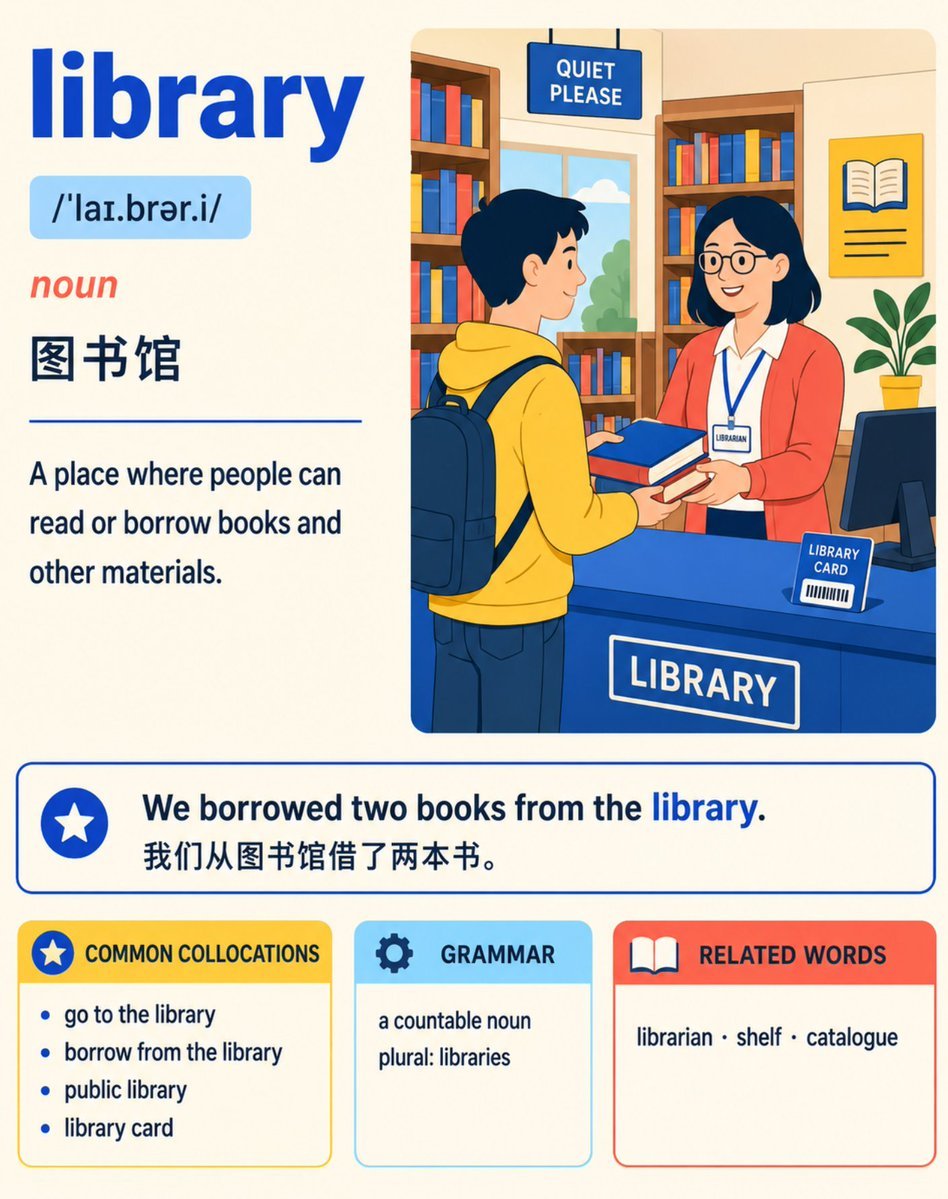
English Vocabulary Study Card Template
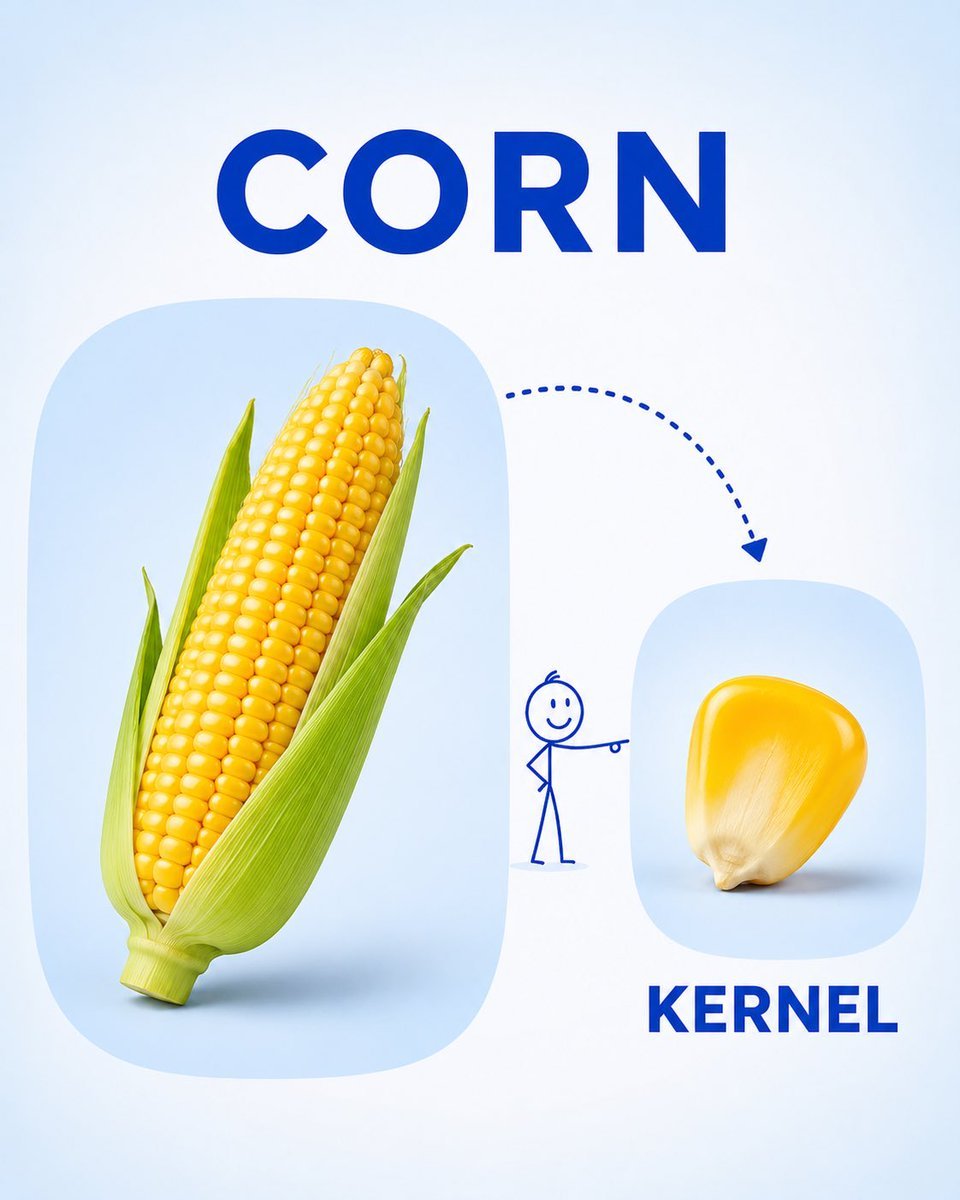
Preschool Educational Vocabulary Card

Japan Travel Brochure Poster

Isometric Vehicle Teardown Infographic Template

Cafe English Vocabulary Journal

Gpt2 E Commerce Main Image Earbuds E Commerce Infographic

Gpt2 Infographic Edu Visual Alishan One Day Travel Poster

Gpt2 Infographic Edu Visual Ethnographic Plate for Tibetan Ceremonial Hat

Gpt2 Infographic Edu Visual Earth Signs Zodiac Character Poster

Gpt2 Infographic Edu Visual Water Signs Zodiac Character Poster

Gpt2 Infographic Edu Visual Ink Wash Tribute Poster for Chen Uen
Make it yours
English Vocabulary Educational Infographic works as-is. These are the safest ways to change it without losing the look.
Change one field
Copy a single group, rewrite it, and generate again so you can see what that field is doing.
Keep the frame, change the subject
Hold the composition and light of English Vocabulary Educational Infographic, then swap wardrobe, props or the person for a new take.
| If the result… | Why | Fix |
|---|---|---|
| The result drifts from the preview | Too many fields changed at once. | Reuse English Vocabulary Educational Infographic as-is first, then change one group — subject, light, or setting. |
| GPT Image 2 ignores part of the JSON | Some models flatten or skip nested keys. | Keep the same values and paste them as a short paragraph instead. |
More GPT Image 2 templates
Other prompts made for GPT Image 2.

Six VTuber Japanese Logo Sheet

Realistic Portrait of Woman and Deer

The Vista Modular Condo Poster

AI Model Routing Comparison Infographic

2.5D Anime Art Board

Isometric Productivity Desk Scene

New York Double Exposure Poster

Four-Panel AI Landscape Comparison

Japanese Tatami Lifestyle Magazine Cover

NESCAFÉ Coffee Map Poster
More image prompts
Fresh picks from across the catalog.

Panel Cinematic Storyboard Generation Prompt

Short Prompt for POV Fisheye Pokemon Wildlife
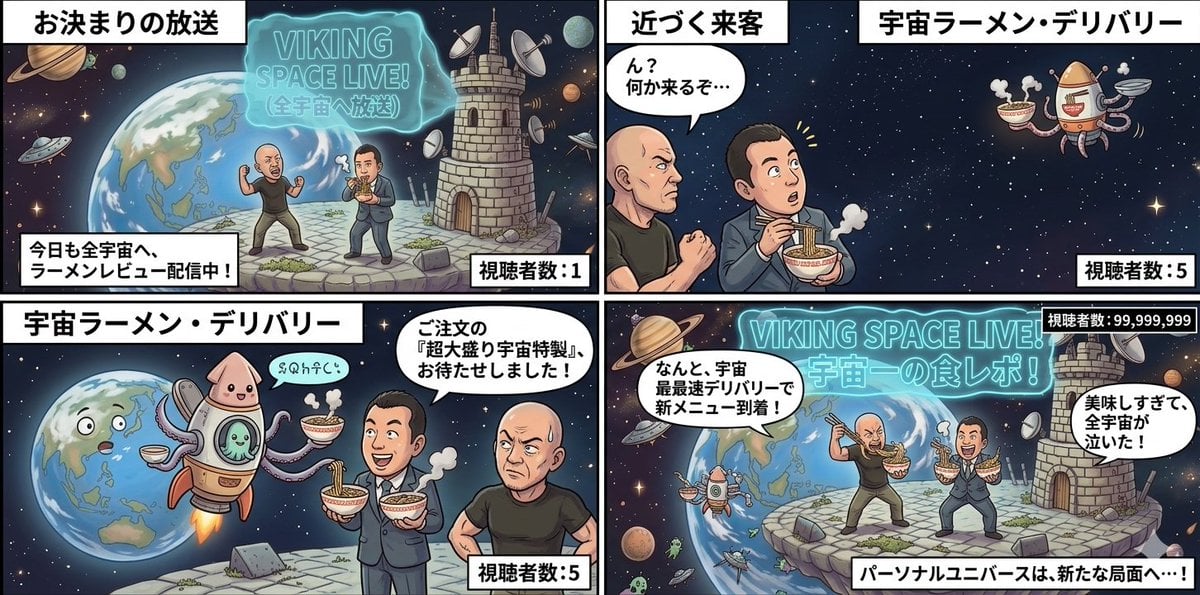
Four-Panel Manga: Personal Universe

Cute Cat Photo Prompt

Blending Photorealism and Anime in a Living Room Scene
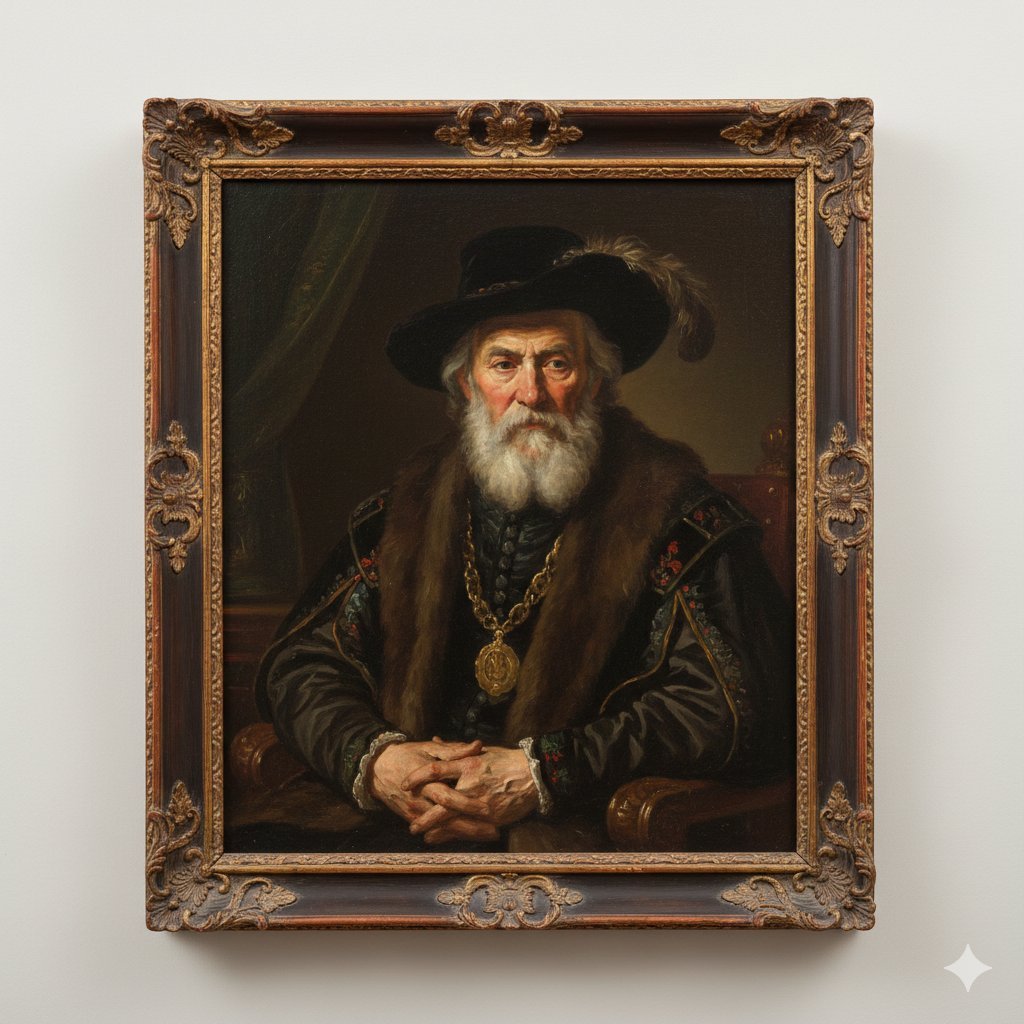
Image Generation Prompt: Rembrandt Style Painting

Golden Hour Sailboat Portrait

AIFocus Twitter banner with Google branding

Mixed-Reality Street Portrait (Real Person with Cartoon Twin)
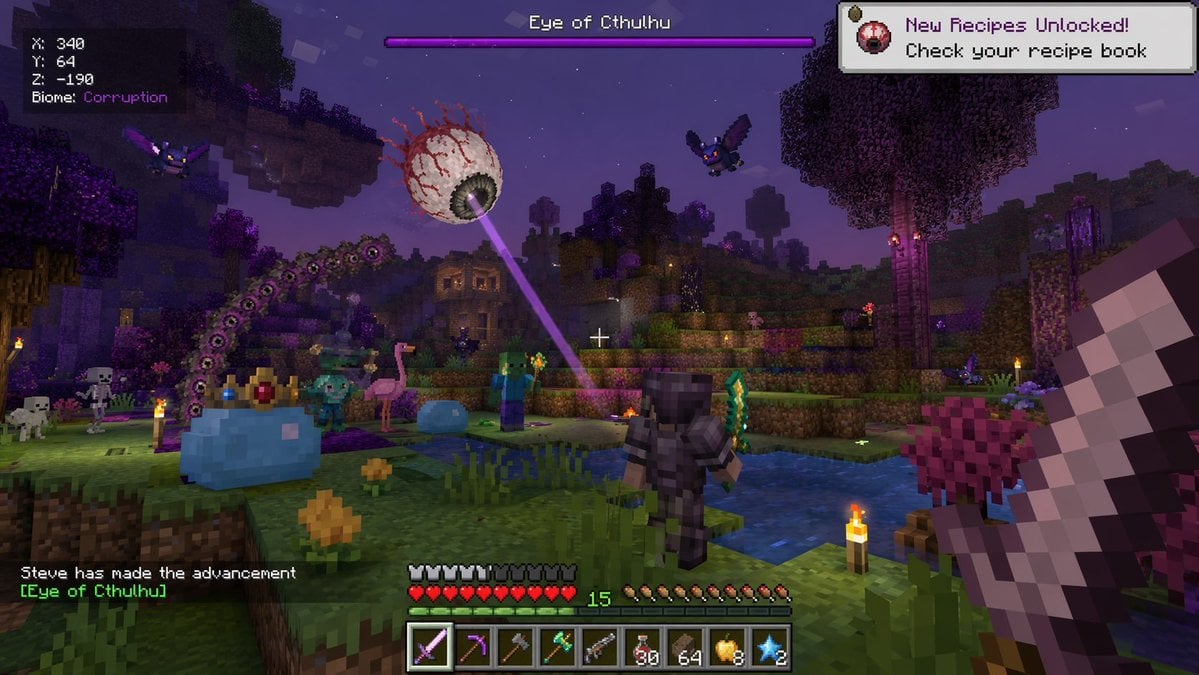
Voxel Survival Game Boss Fight HUD
Browse template categories
English Vocabulary Educational Infographic questions
How do I use the English Vocabulary Educational Infographic template?
Add your photo if the template asks for one, edit the prompt if you like — the template's model and format are already selected — and press Generate. Your version opens in PicX Studio.
Can I customize the English Vocabulary Educational Infographic template?
Yes. You can change the subject, setting, lighting, mood, format, and available model controls before creating your image.
Is the English Vocabulary Educational Infographic template free?
Opening and editing this template is free. Generating uses credits, shown on the Generate button when you are signed in.
Which AI model should I use?
Start with GPT Image 2, which is the model associated with this template. You can compare another compatible model for a different finish.
Looking for something else? Browse all templates.

Your photo, any look
Thousands of ready templates for every top image and video model, from one credit balance.