
Preschool Educational Vocabulary Card
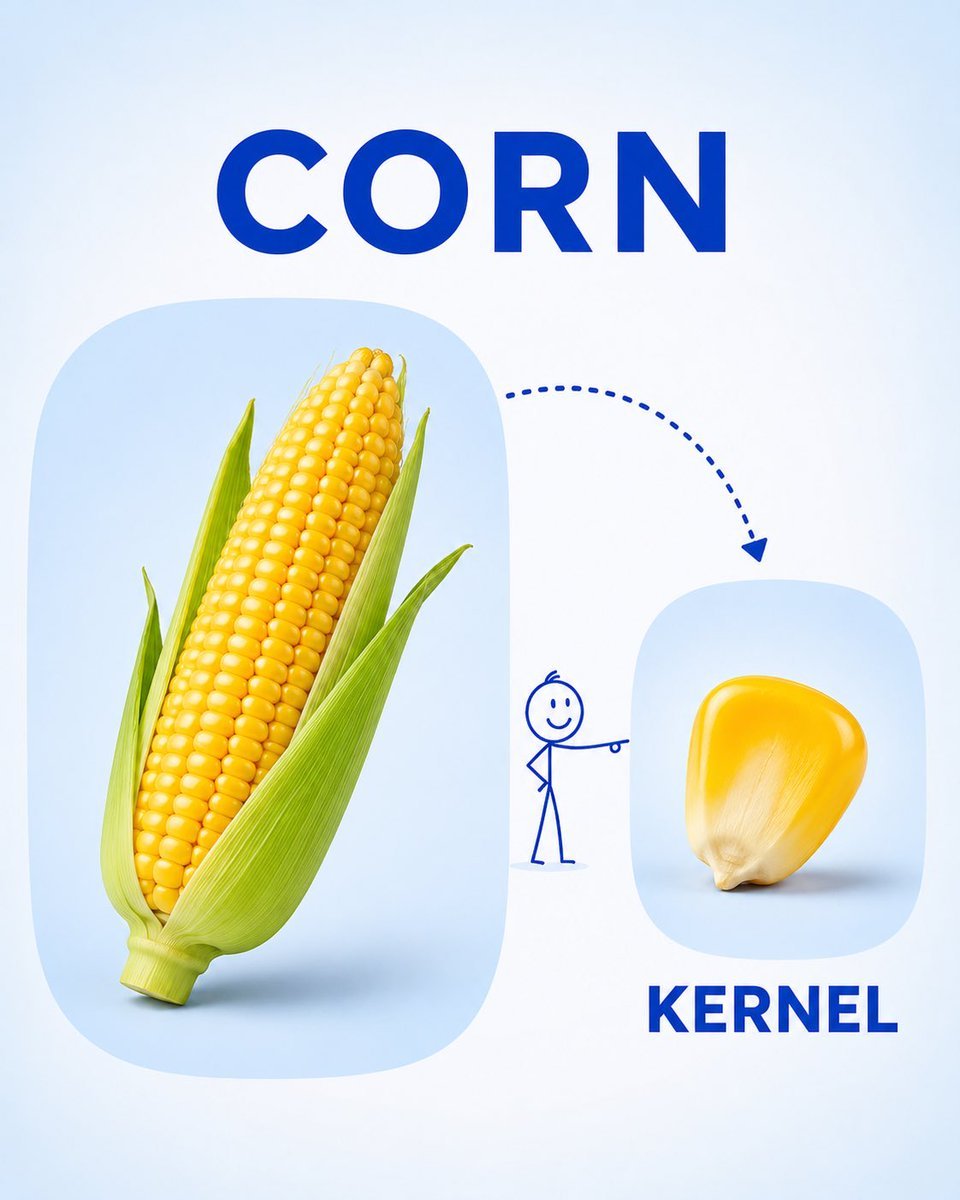
A clean and child-friendly design for an educational vocabulary card, featuring realistic object photos and simple typography.
- Prompt included
- Model and format preset
- Free template
The prompt behind this image
Copy the exact prompt behind Preschool Educational Vocabulary Card, or open it in the studio and make it yours.
Create a clean, child-friendly educational vocabulary poster for preschool/kindergarten children, inspired by a simple visual learning card. Feature {argument name="fruit" default="[FRUIT]"} as the main large realistic object on the left, and show a {argument name="slice" default="[PART / SLICE / SEGMENT]"} of the same fruit on the right. Connect the two with a playful dotted curved arrow and a tiny simple stick-figure child pointing toward the smaller part. Add the word “{argument name="label" default="[FRUIT NAME]"}” in large bold uppercase letters at the top and “{argument name="sublabel" default="[PART NAME]"}” in large bold uppercase letters underneath the smaller image. Use a soft white and very light pastel-blue background, rounded image panels, clean spacing, realistic fruit photography, simple blue typography, and minimal playful illustrations. The overall design should feel bright, educational, modern, uncluttered, and easy for young children to understand, like a premium preschool vocabulary learning card. Vertical 4:5 composition, high resolution, soft lighting, clear labels, no unnecessary decorations.
How to use Preschool Educational Vocabulary Card in 3 steps
- 1
Open
The prompt is already in the box next to the preview, with the template's model and format selected.
- 2…a portrait of your subject in softgolden-hour light, 85mm…
Personalize
Edit the subject and creative details for your destination.
- 3Generate
Generate
Press Generate — your image is created in PicX Studio, so you can compare it with the original and refine one variable at a time.
More like this
Templates with the same subject, style or setup. Open one to see its prompt.
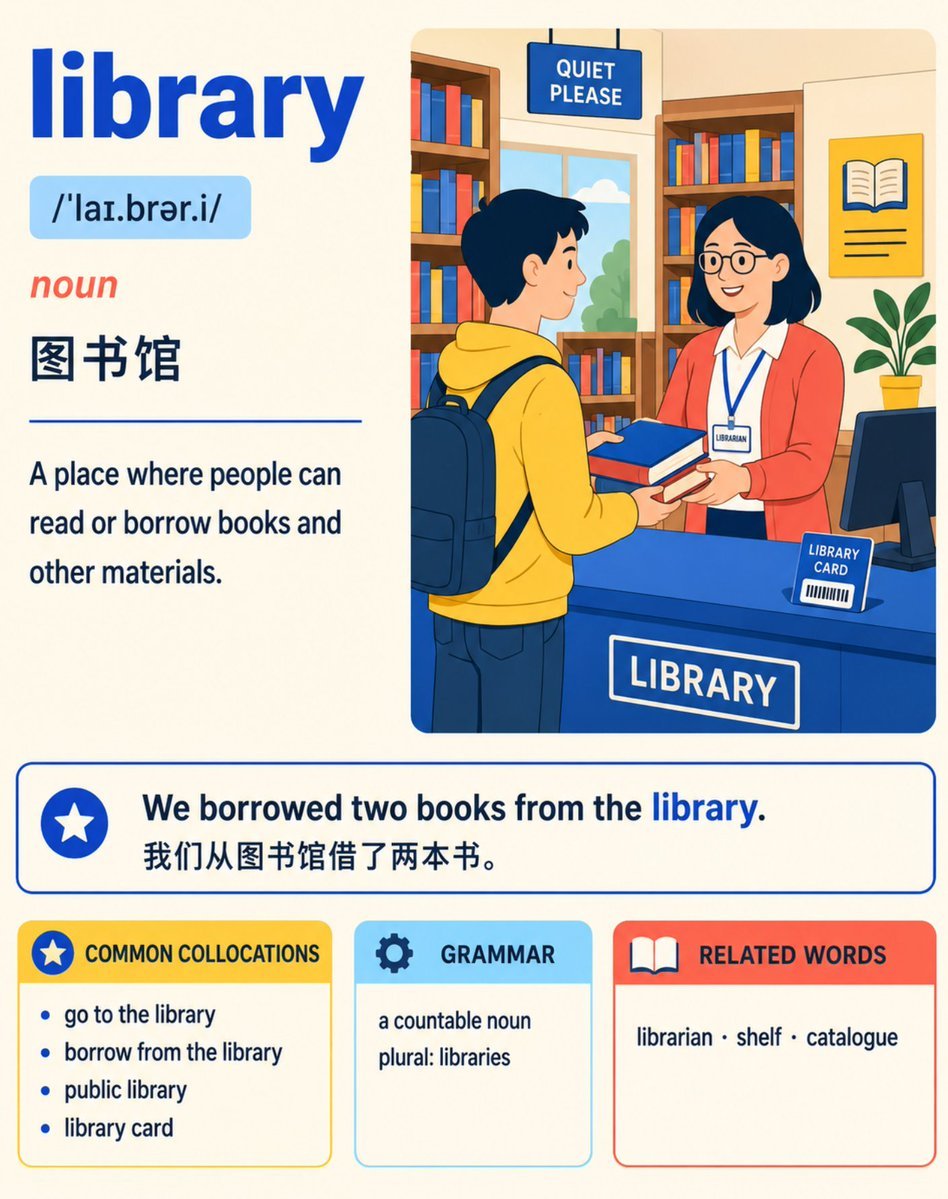
English Vocabulary Study Card Template

Isometric Process Educational Diorama
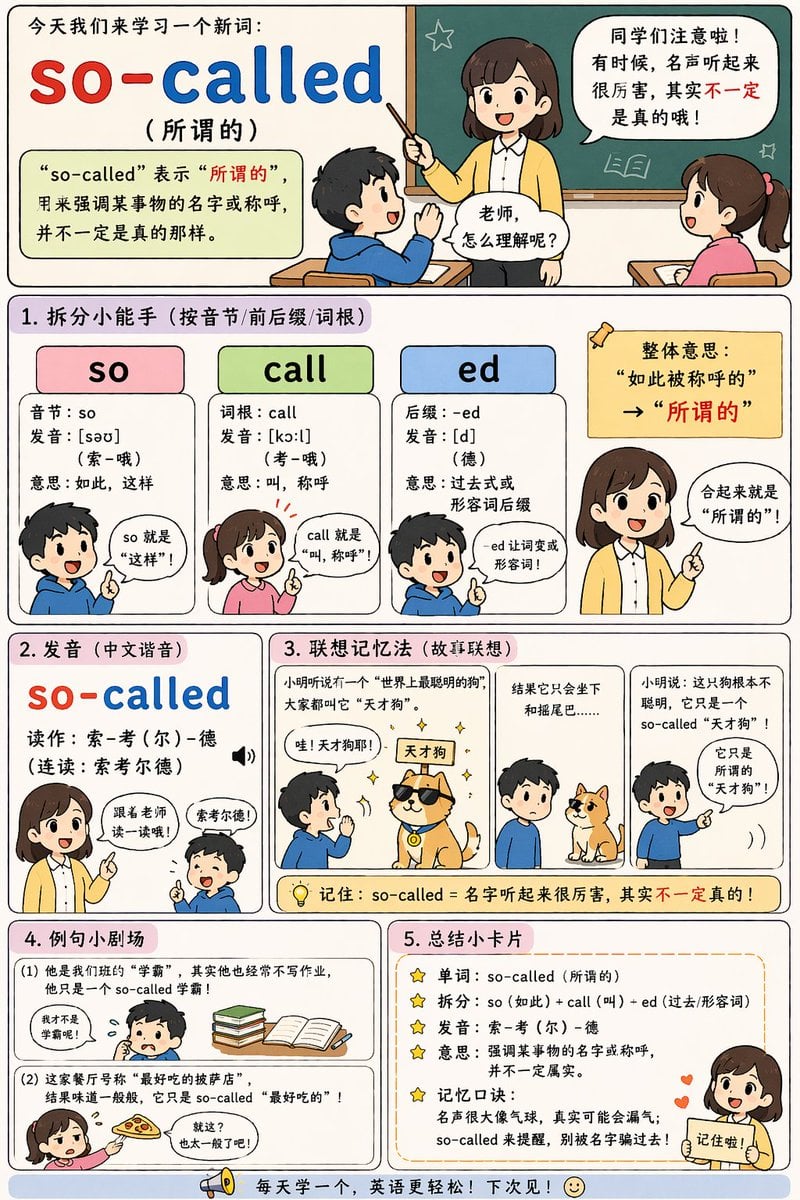
English Vocabulary Educational Infographic

Skin Comparison Portrait — Nano Banana Pro

01 Skincare Split Portrait — Nano Banana 2
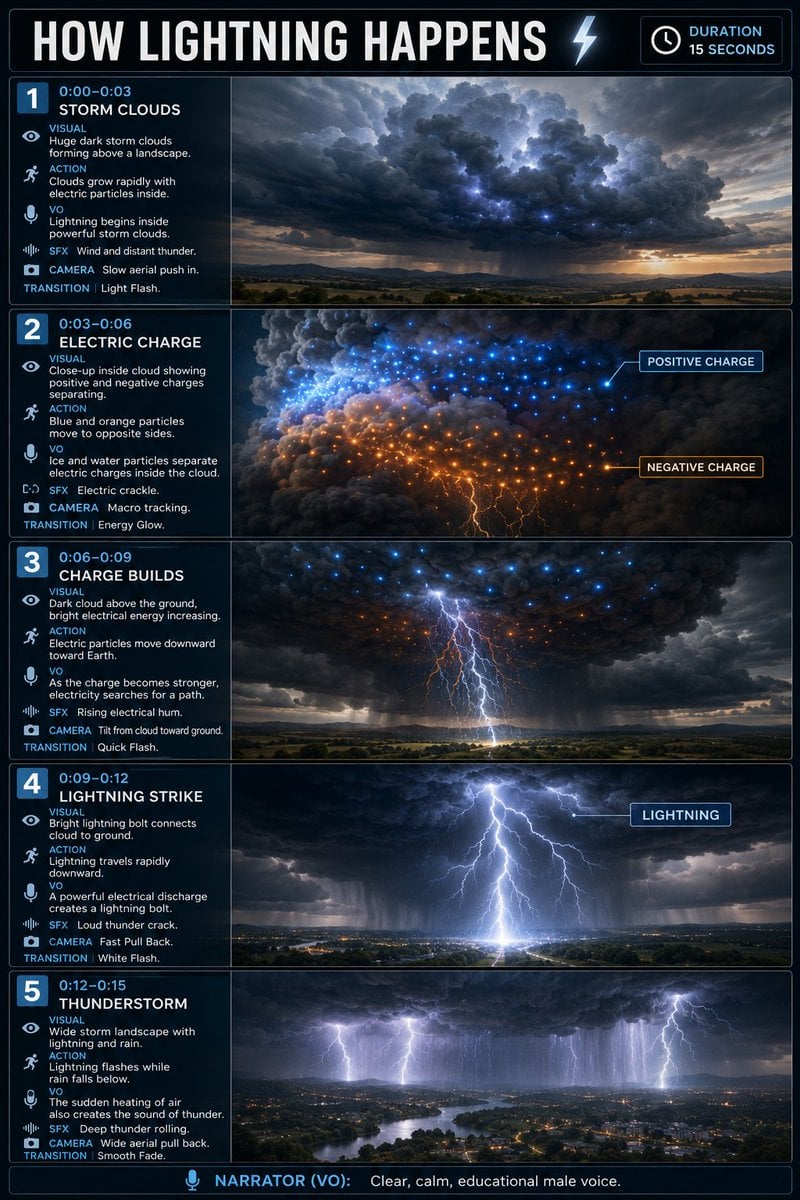
Educational Lightning Storyboard Infographic

Teal Japanese Handwritten Lyric Card

Reiwa Slang Reaction Gacha Card
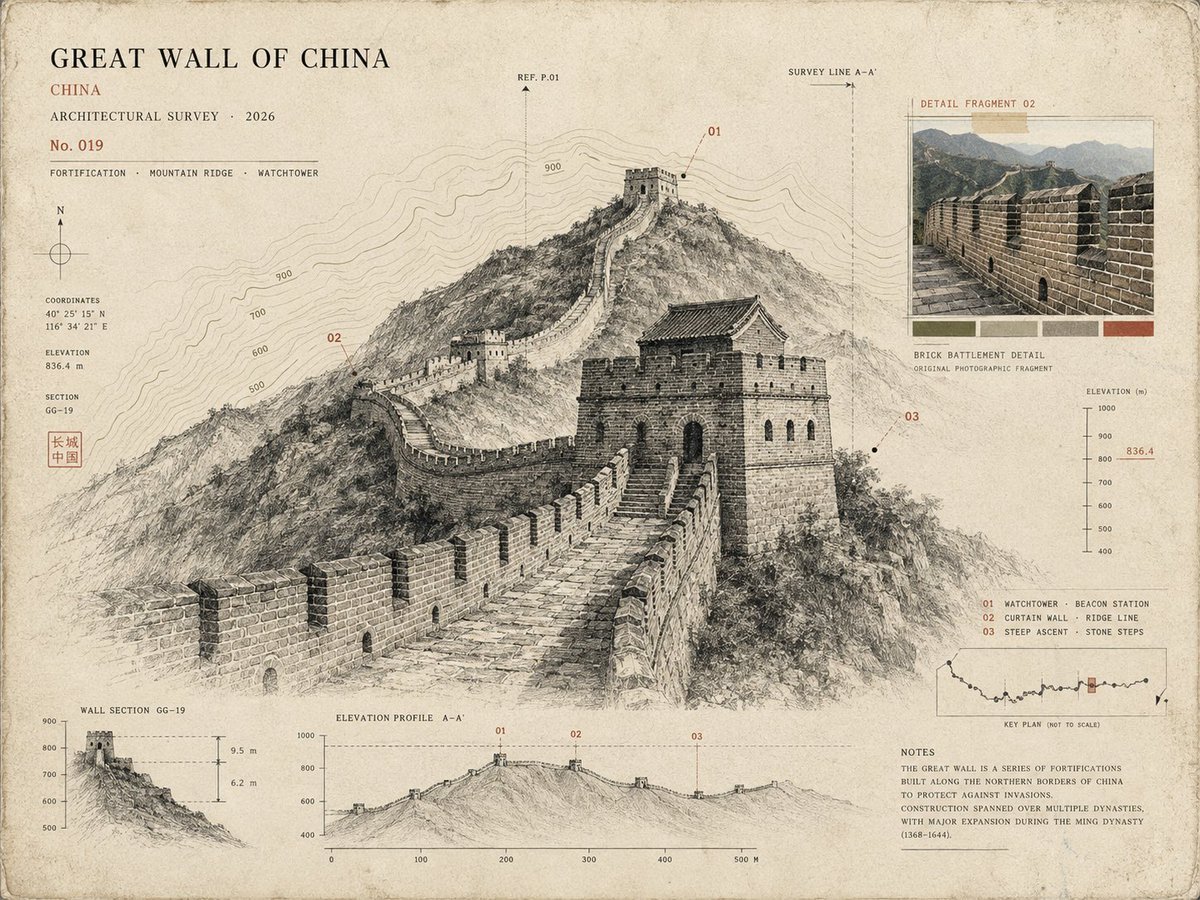
Architectural Museum Specimen Card
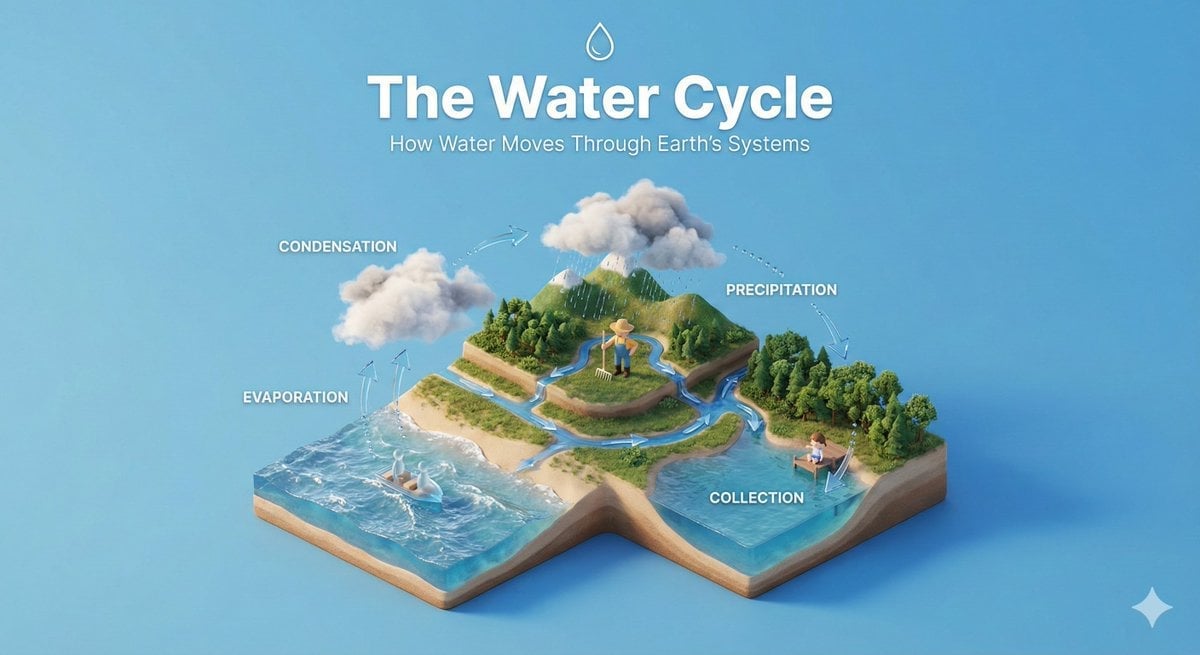
Isometric Educational Process Diorama
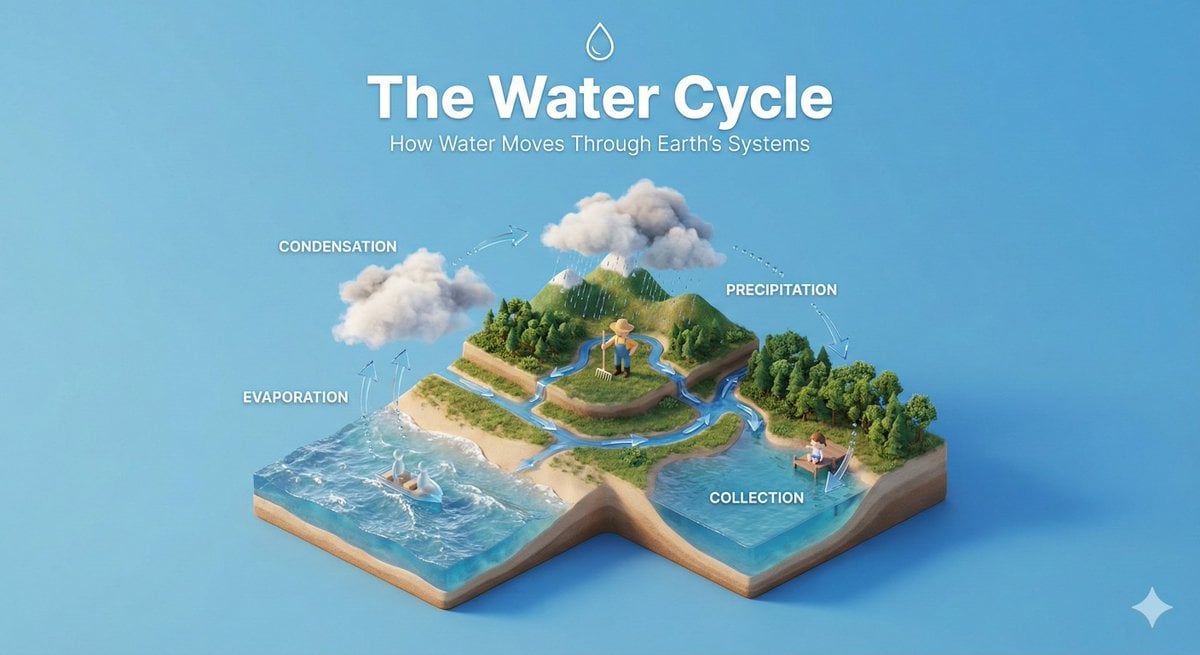
Clear, 45 top-down isometric miniature 3D educational diorama explaining

Subway Good Vibes App Card Portrait
Make it yours
Preschool Educational Vocabulary Card works as-is. These are the safest ways to change it without losing the look.
Change one field
Copy a single group, rewrite it, and generate again so you can see what that field is doing.
Keep the frame, change the subject
Hold the composition and light of Preschool Educational Vocabulary Card, then swap wardrobe, props or the person for a new take.
| If the result… | Why | Fix |
|---|---|---|
| The result drifts from the preview | Too many fields changed at once. | Reuse Preschool Educational Vocabulary Card as-is first, then change one group — subject, light, or setting. |
| The model over-stylizes the scene | The prose prompt leaves finish and camera underspecified. | Add one camera or lighting sentence and stay on GPT Image 2. |
More GPT Image 2 templates
Other prompts made for GPT Image 2.

Six VTuber Japanese Logo Sheet

Realistic Portrait of Woman and Deer

The Vista Modular Condo Poster

AI Model Routing Comparison Infographic

2.5D Anime Art Board

Isometric Productivity Desk Scene

New York Double Exposure Poster

Four-Panel AI Landscape Comparison

Japanese Tatami Lifestyle Magazine Cover

NESCAFÉ Coffee Map Poster
More image prompts
Fresh picks from across the catalog.
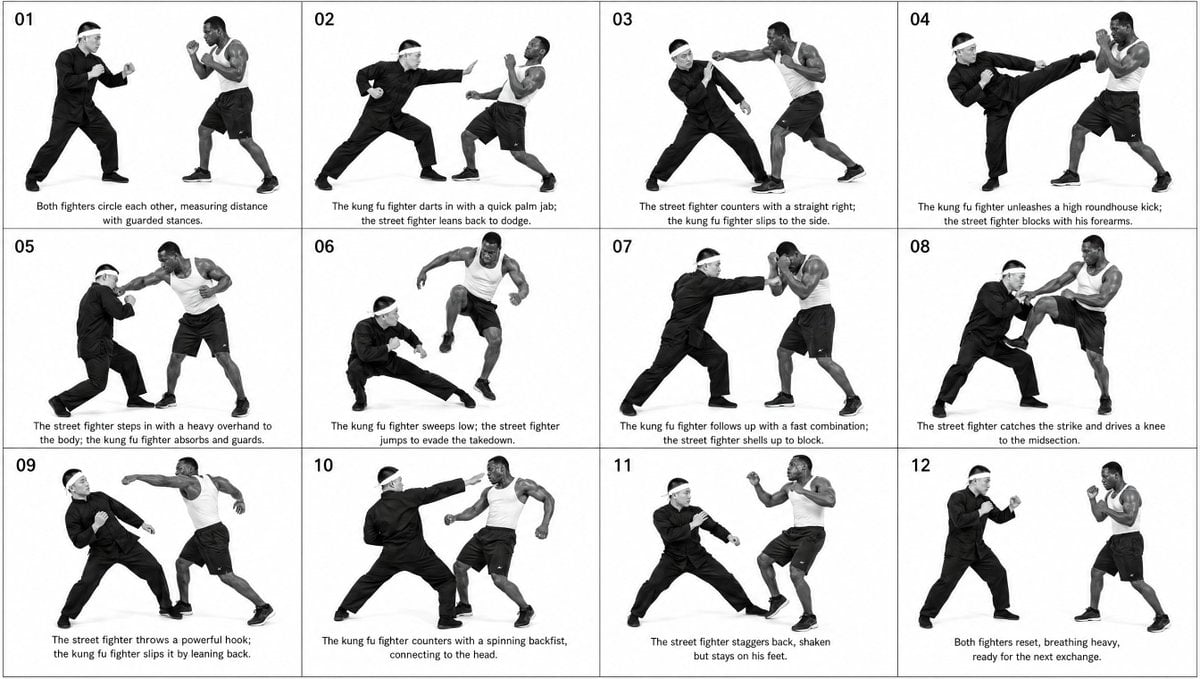
Panel Martial Arts Storyboard
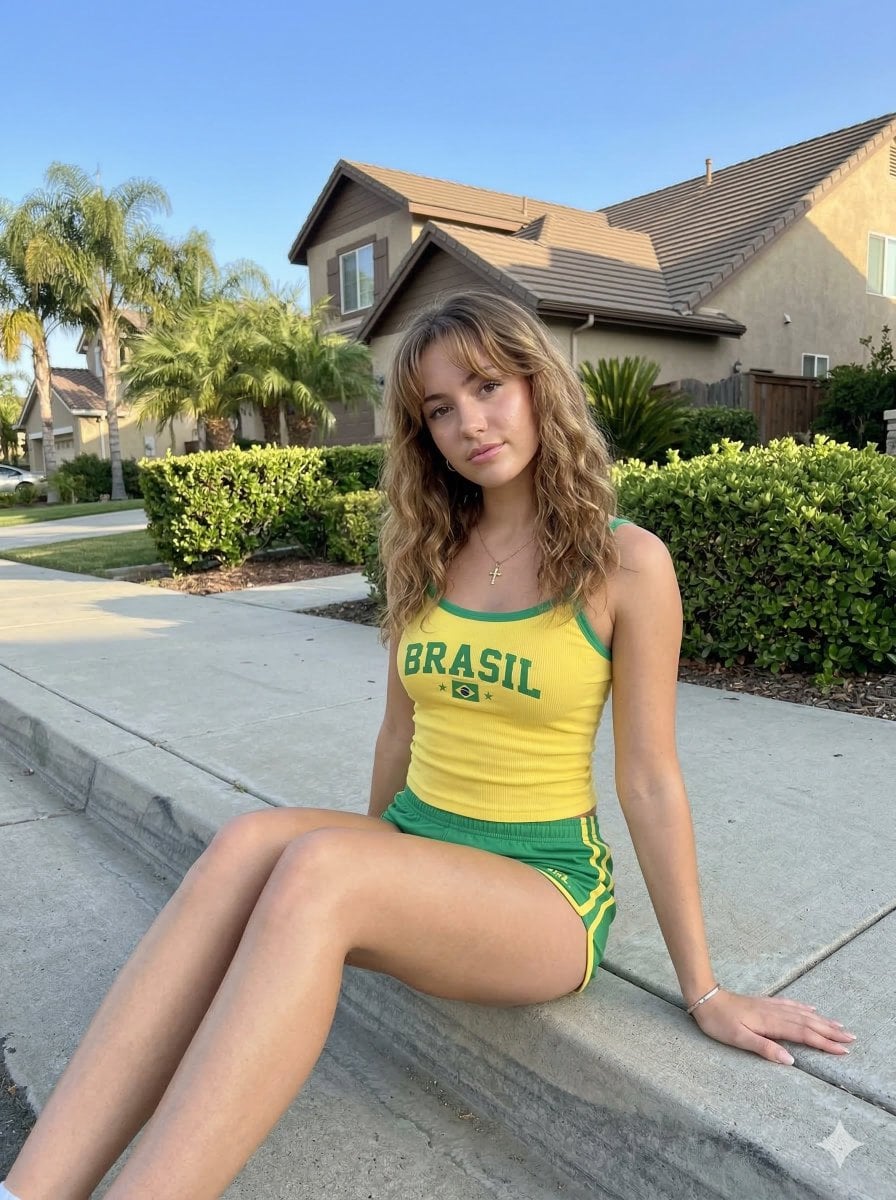
Casual Smartphone Photo of a Woman on a Curb
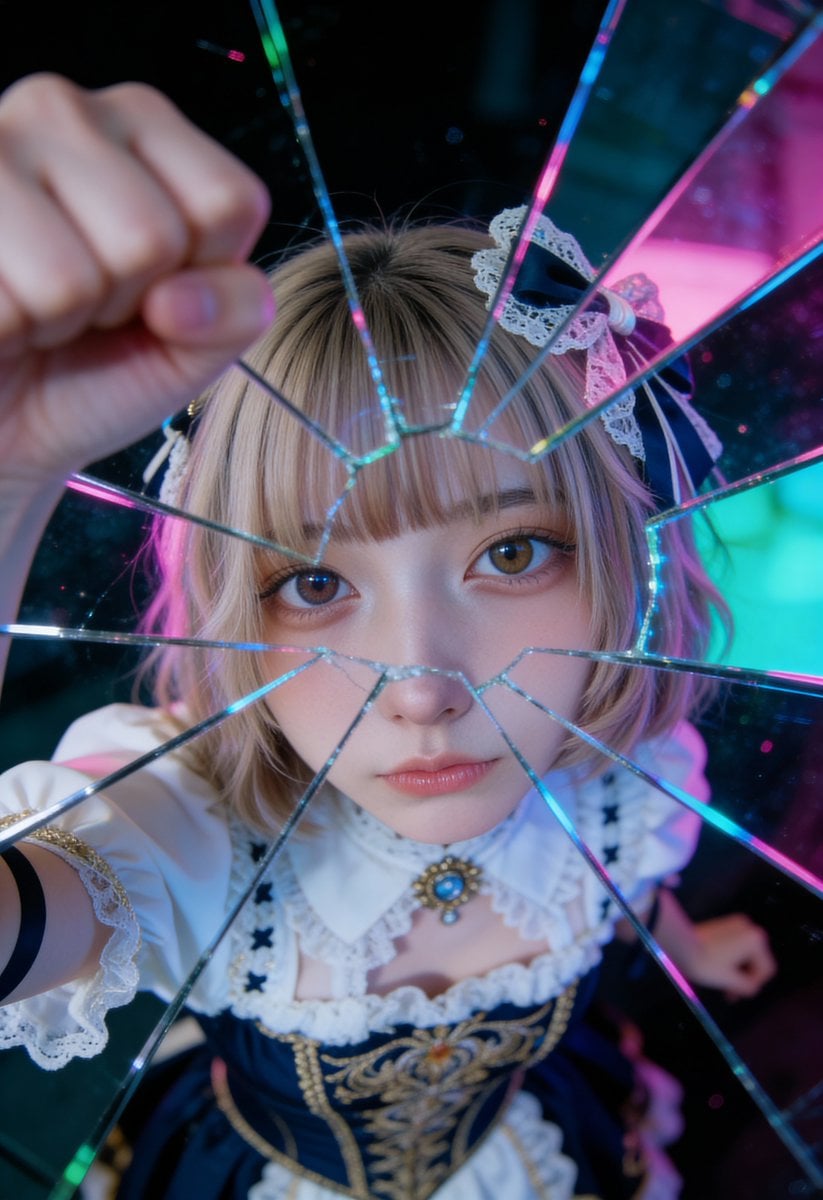
Shattered Glass Portrait Style Prompt
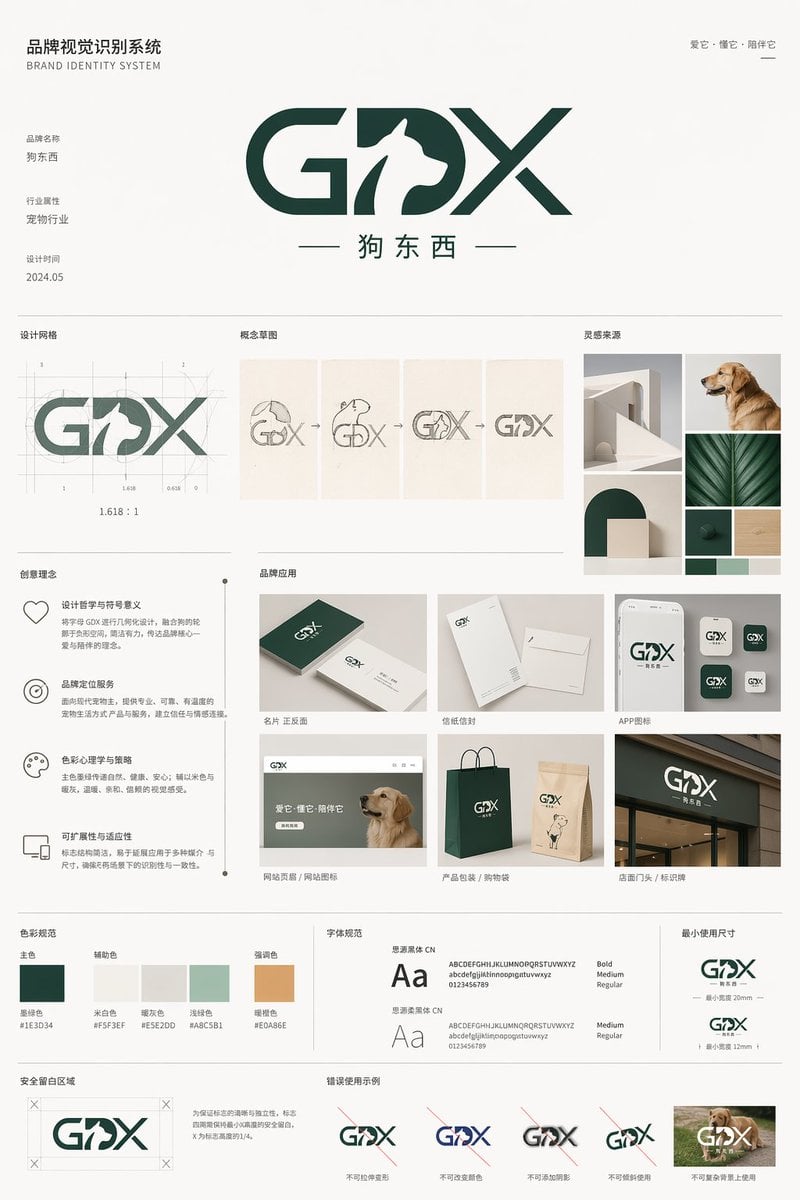
Pet Brand Identity System Board
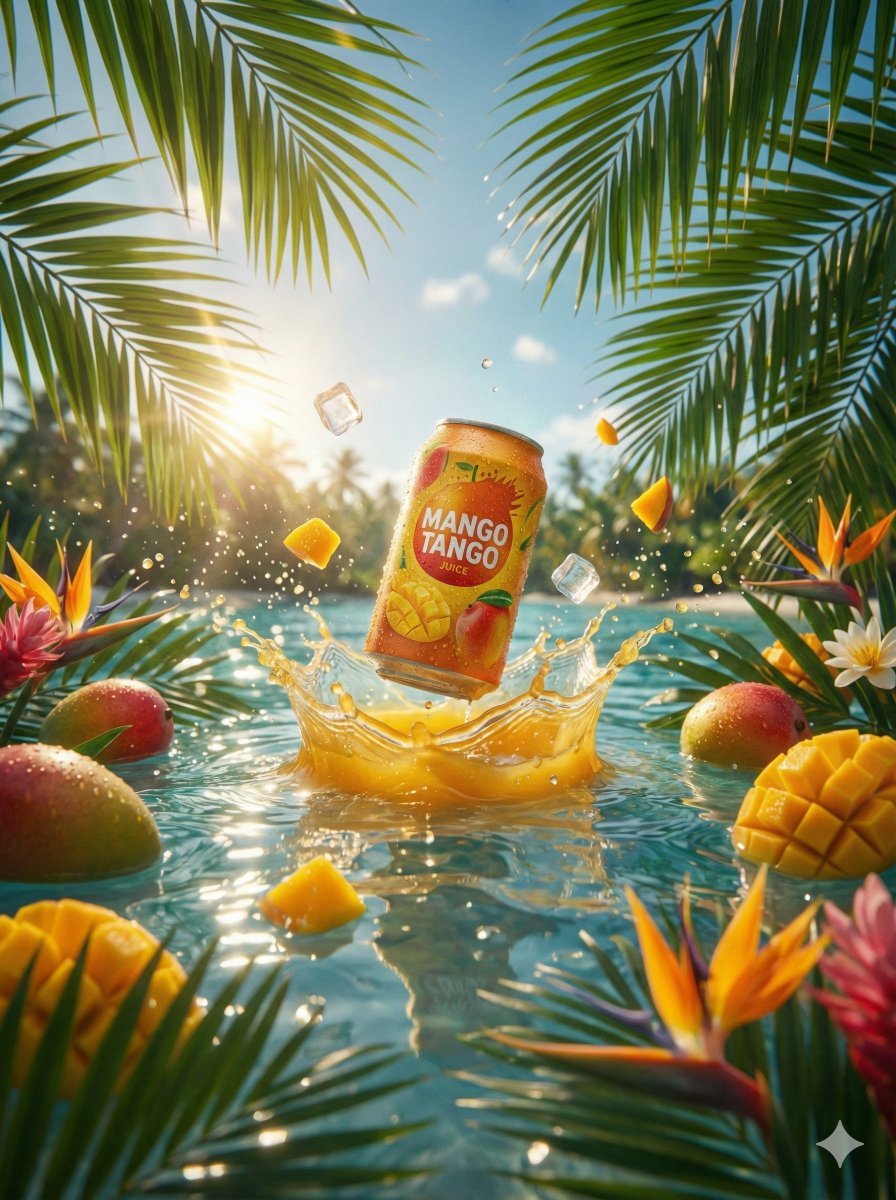
Hyper-Realistic Commercial Beverage Photography Prompt

Image Editing Prompt for Logo Integration

Intimate Luxury Car Interior Portrait

Amateur Smartphone Selfie Black Cat
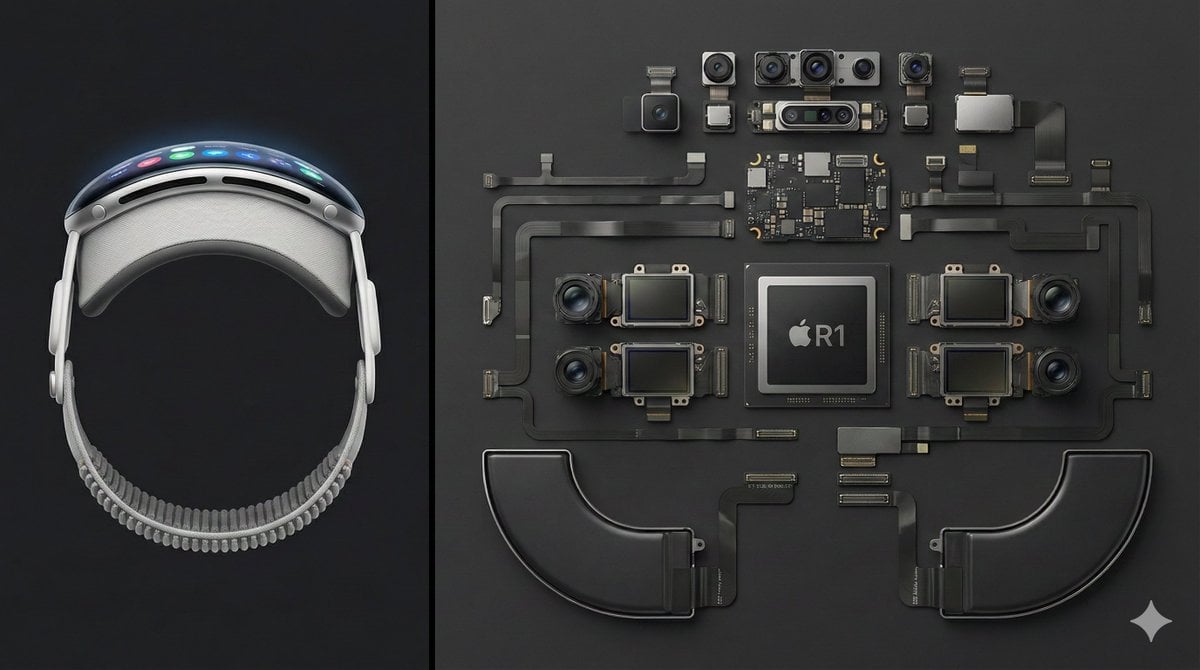
Deconstructed Apple Vision Pro Comparison Photography

Coastal Travel Lifestyle Portrait
Browse template categories
Preschool Educational Vocabulary Card questions
How do I use the Preschool Educational Vocabulary Card template?
Add your photo if the template asks for one, edit the prompt if you like — the template's model and format are already selected — and press Generate. Your version opens in PicX Studio.
Can I customize the Preschool Educational Vocabulary Card template?
Yes. You can change the subject, setting, lighting, mood, format, and available model controls before creating your image.
Is the Preschool Educational Vocabulary Card template free?
Opening and editing this template is free. Generating uses credits, shown on the Generate button when you are signed in.
Which AI model should I use?
Start with GPT Image 2, which is the model associated with this template. You can compare another compatible model for a different finish.
Looking for something else? Browse all templates.

Your photo, any look
Thousands of ready templates for every top image and video model, from one credit balance.