
Image Editing Prompt for Logo Integration
An instruction prompt for Nano Banana Pro used for image editing, specifically to integrate a logo into an existing image.
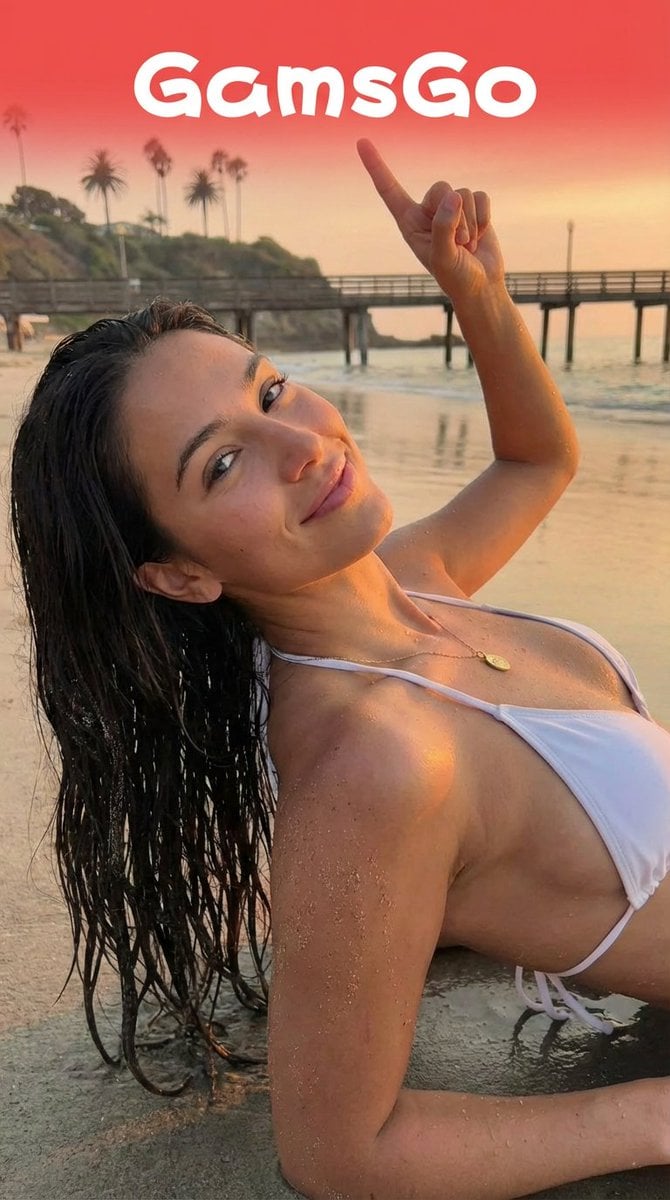
- Prompt included
- Model and format preset
- Free template
The prompt behind this image
Copy the exact prompt behind Image Editing Prompt for Logo Integration, or open it in the studio and make it yours.
keep the girl’s character and pose from Image 2; have her turn her head toward the camera and smile; raise her left hand, make a fist, and point toward the logo from Image 1. The logo should float above her upper body, fully visible with its original background color preserved. No UI overlays.
How to use Image Editing Prompt for Logo Integration in 3 steps
- 1Upload ImagePNG, JPG or paste
Add your photo
Upload the photo the template builds on. The prompt, model and format are already set.
- 2…a portrait of your subject in softgolden-hour light, 85mm…
Personalize
Edit the subject and creative details for your destination.
- 3Generate
Generate
Press Generate — your image is created in PicX Studio, so you can compare it with the original and refine one variable at a time.
More like this
Templates with the same subject, style or setup. Open one to see its prompt.
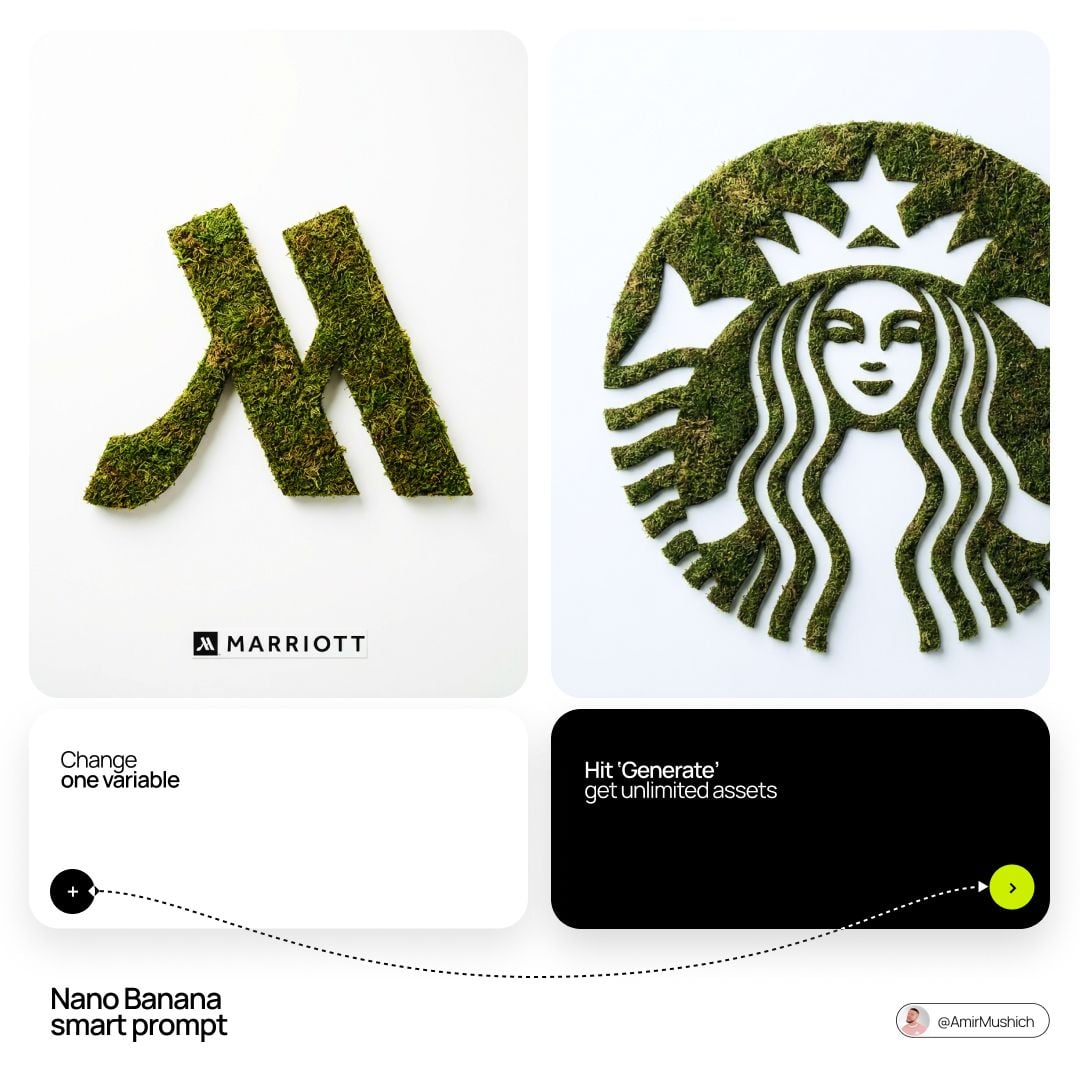
Moss Logo Minimalist Brand Flat Lay
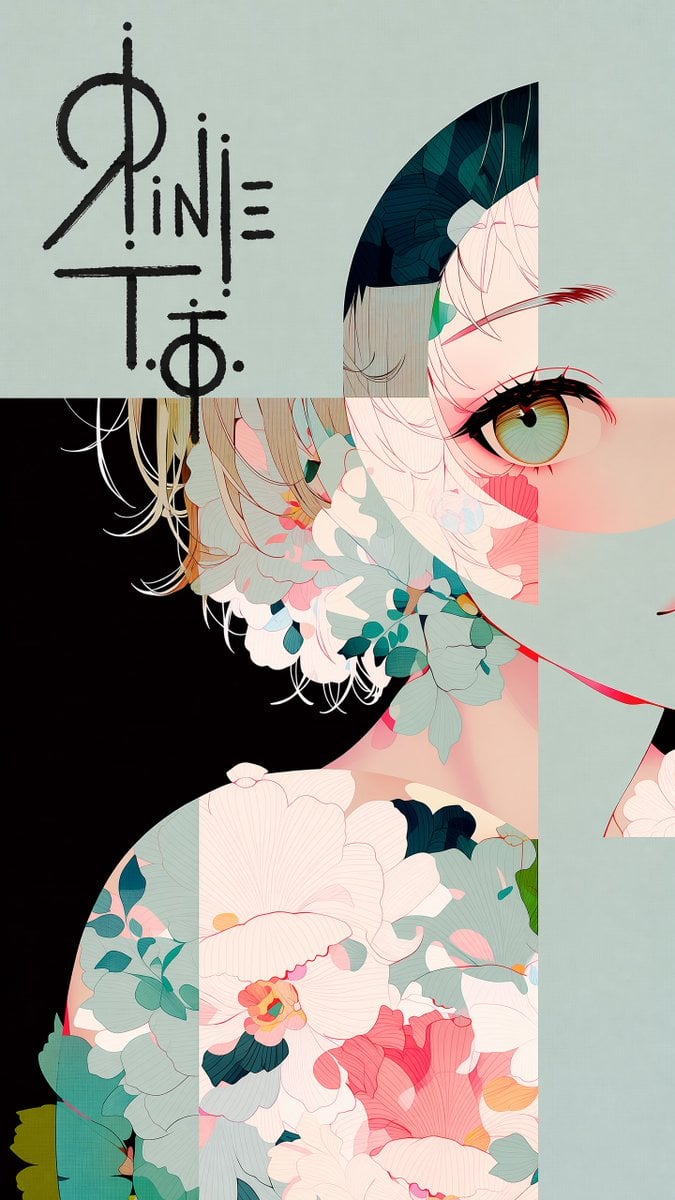
Logo Integration and Marker Overlay
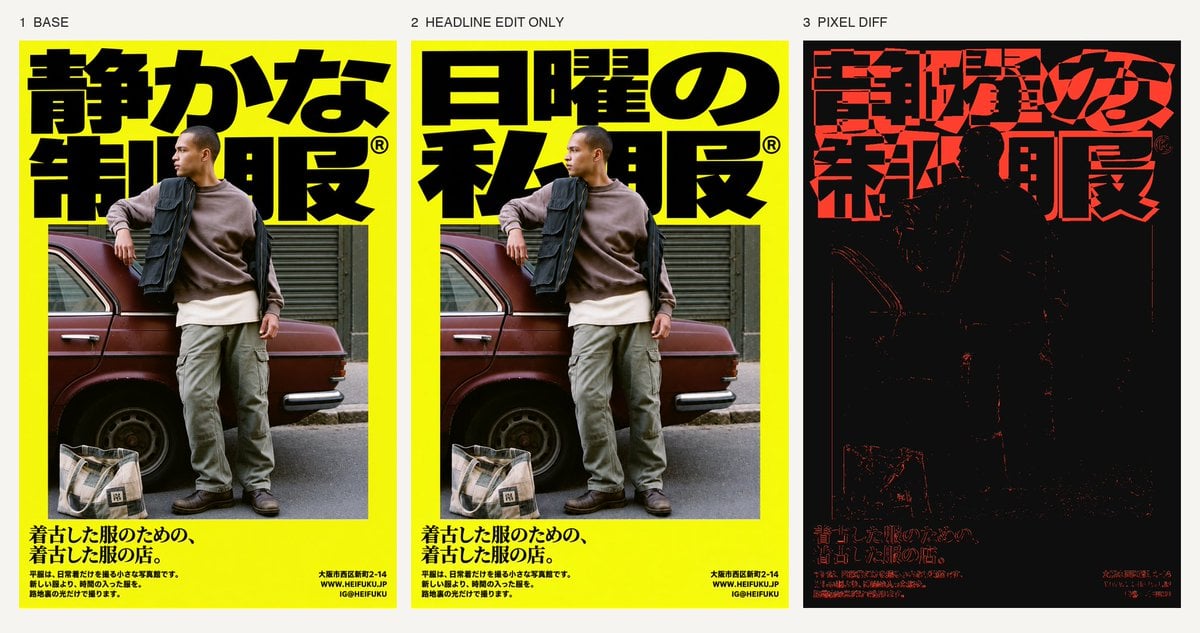
Selective Headline Layout Editing
Six VTuber Japanese Logo Sheet
Realistic portrait 100 identical face, no editing allowed

Japanese Kawaii Logo Model Comparison
Unified Illustration and Logo Collage
Minecraft Selfie Photo Integration
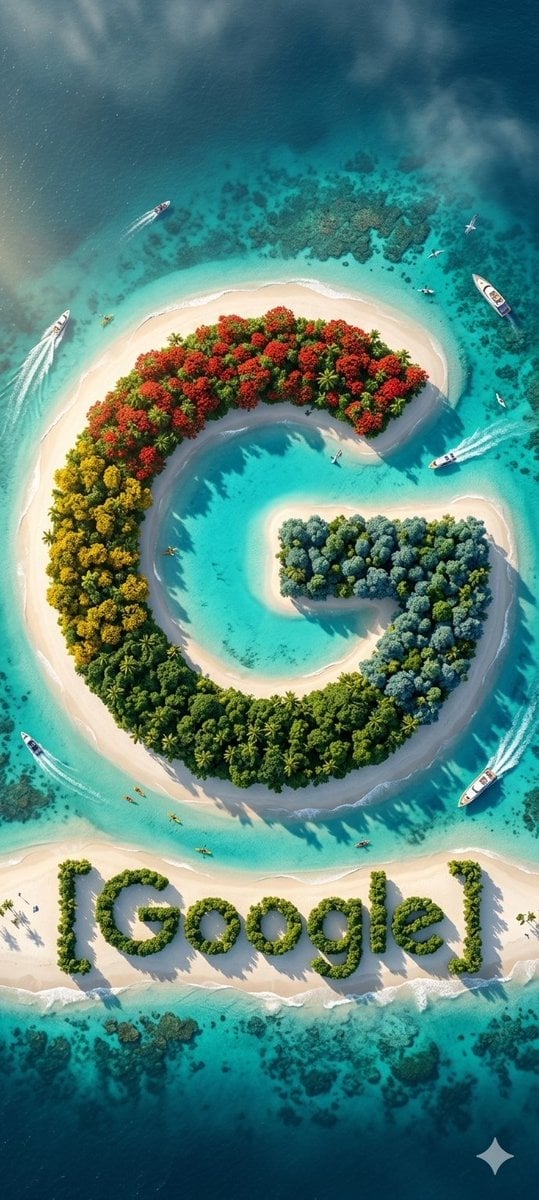
Cinematic Tropical Island Brand Logo
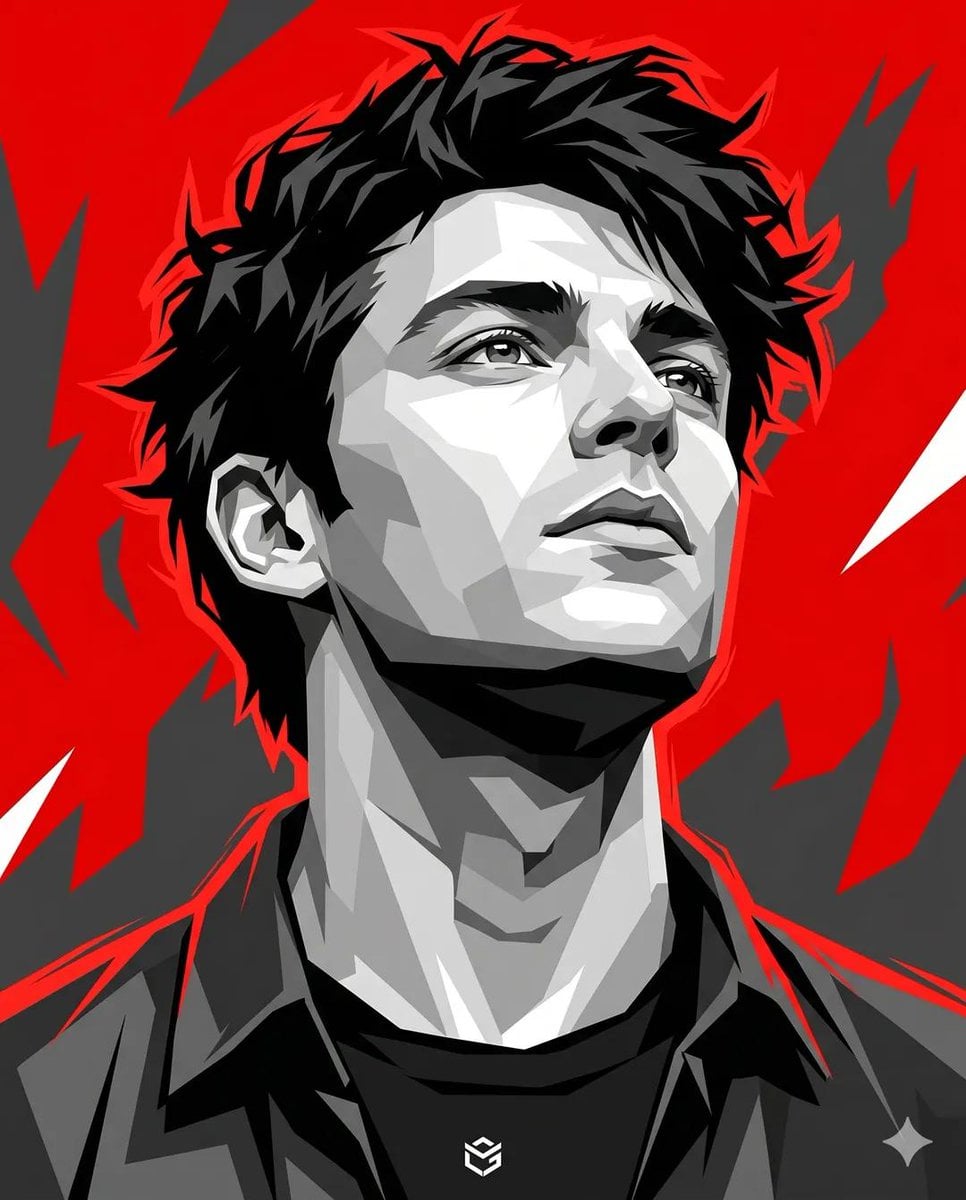
Vector Cyberpunk Logo Art
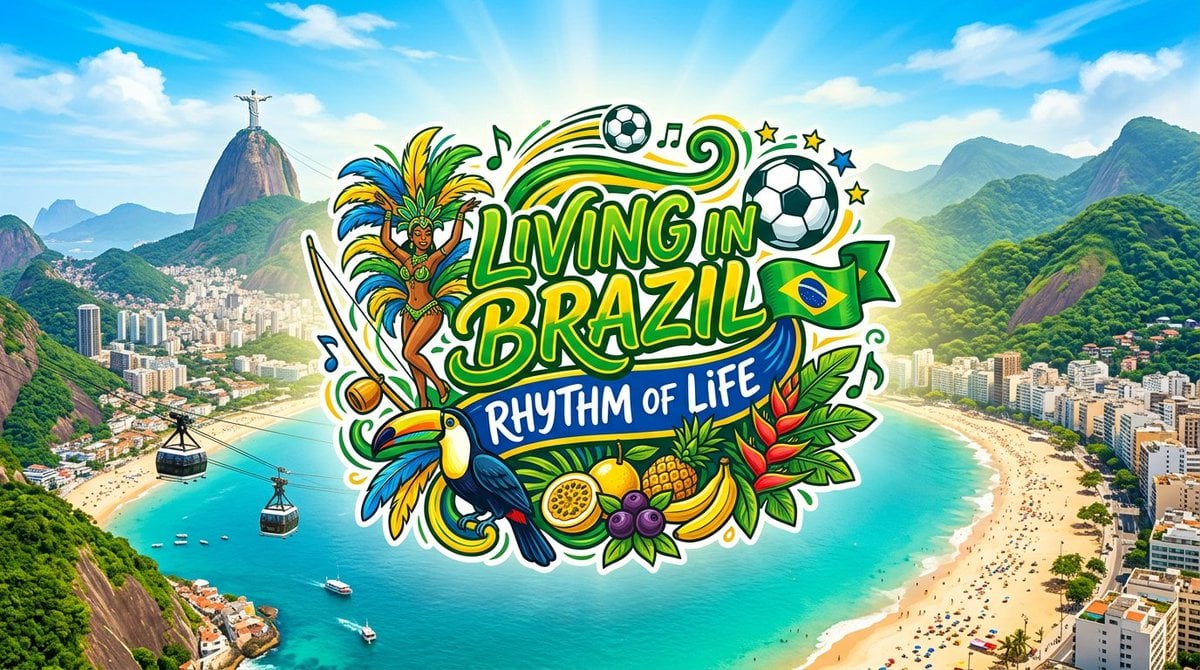
National Identity Logo Generator
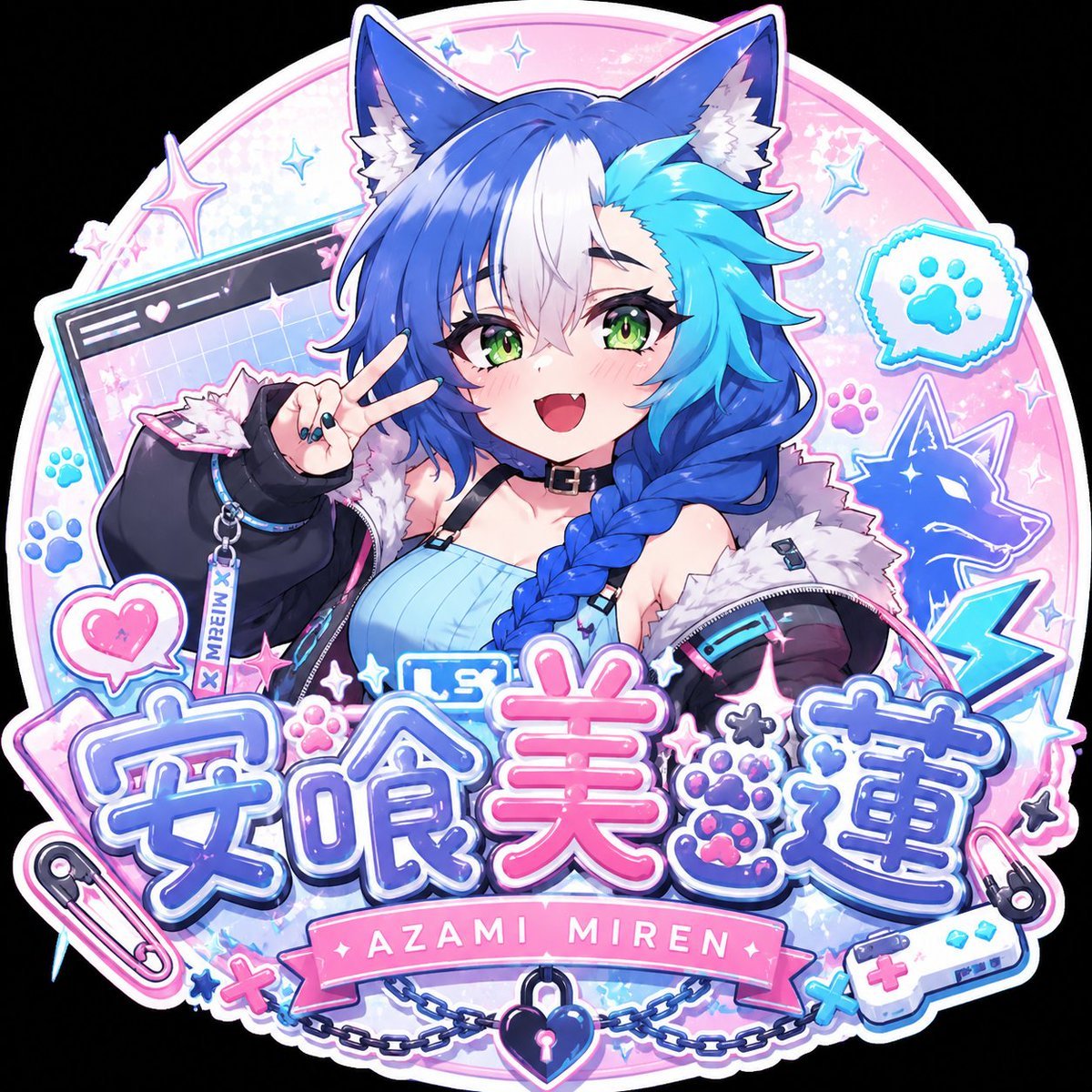
Kawaii Anime VTuber Emblem Logo
Make it yours
Image Editing Prompt for Logo Integration works as-is. These are the safest ways to change it without losing the look.
Change one field
Copy a single group, rewrite it, and generate again so you can see what that field is doing.
Keep the frame, change the subject
Hold the composition and light of Image Editing Prompt for Logo Integration, then swap wardrobe, props or the person for a new take.
| If the result… | Why | Fix |
|---|---|---|
| The result drifts from the preview | Too many fields changed at once. | Reuse Image Editing Prompt for Logo Integration as-is first, then change one group — subject, light, or setting. |
| The model over-stylizes the scene | The prose prompt leaves finish and camera underspecified. | Add one camera or lighting sentence and stay on Nano Banana 2. |
More Nano Banana 2 templates
Other prompts made for Nano Banana 2.
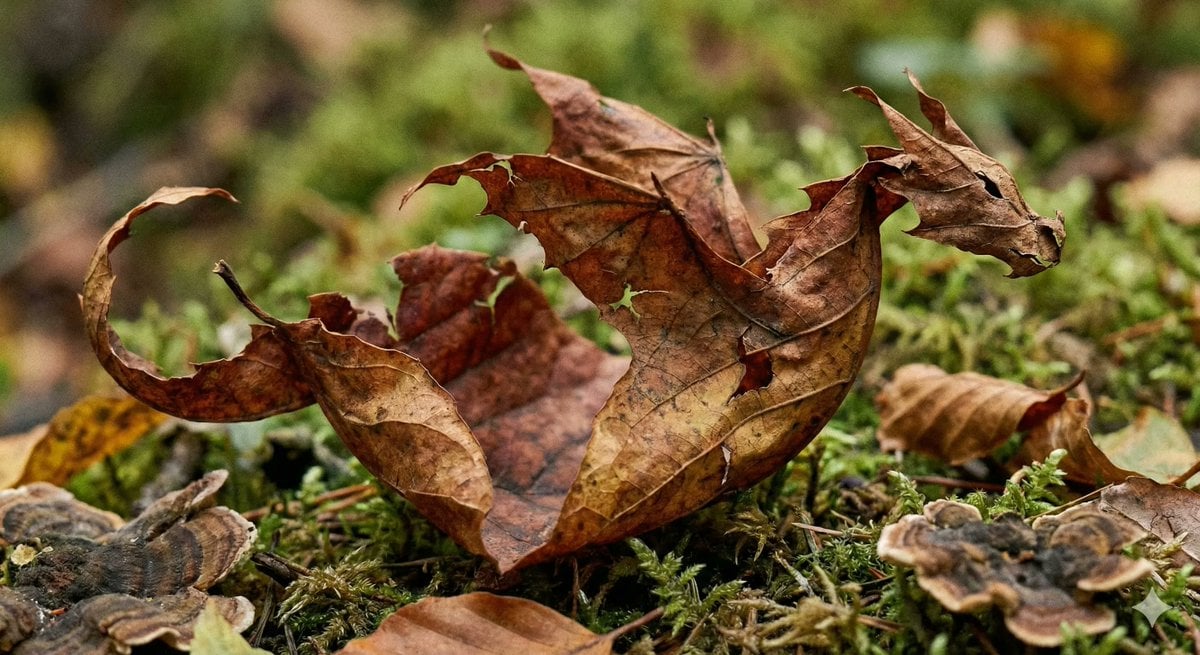
Photorealistic Leaf Shaped Like a Dragon
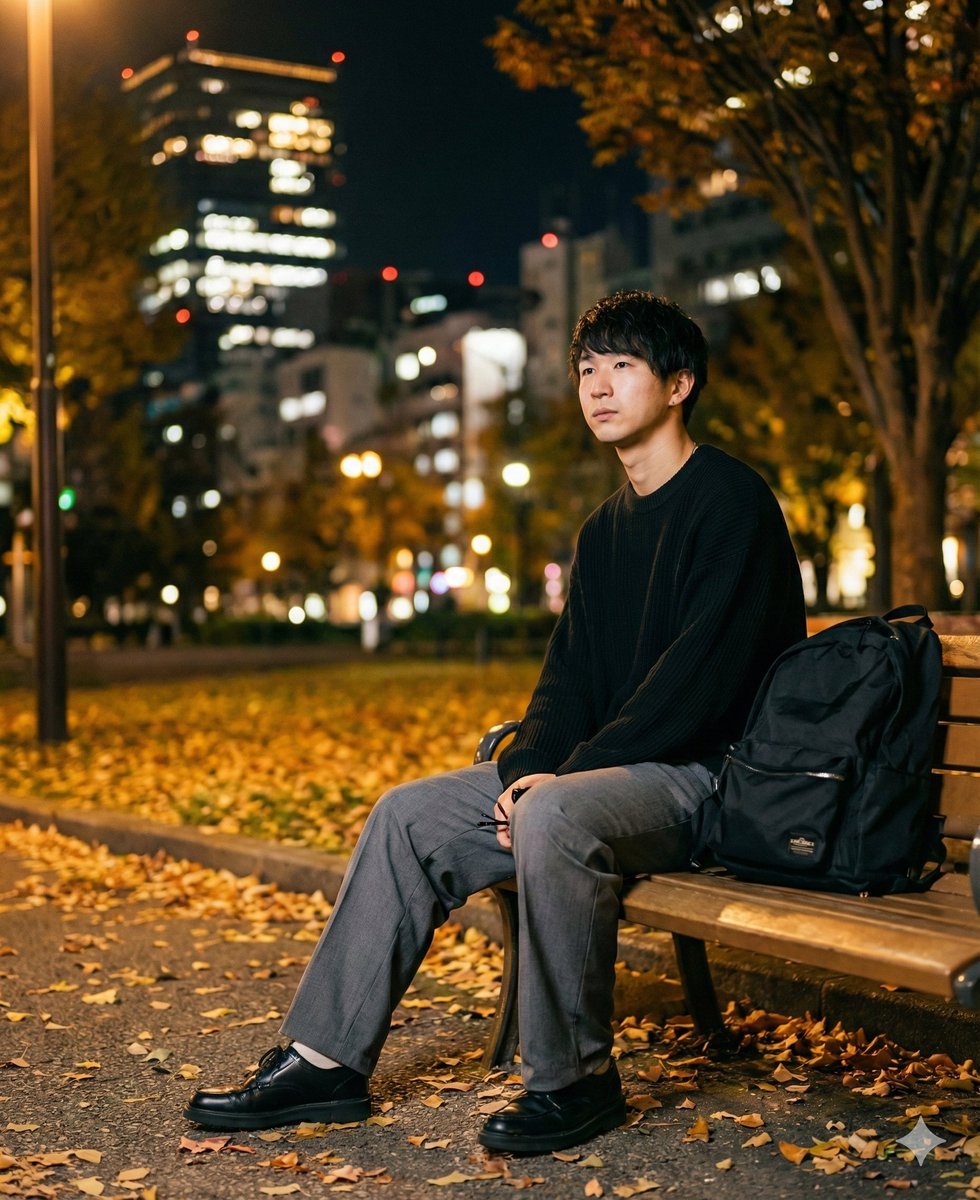
K-Pop Idol Portrait Grid for Rapid Selection
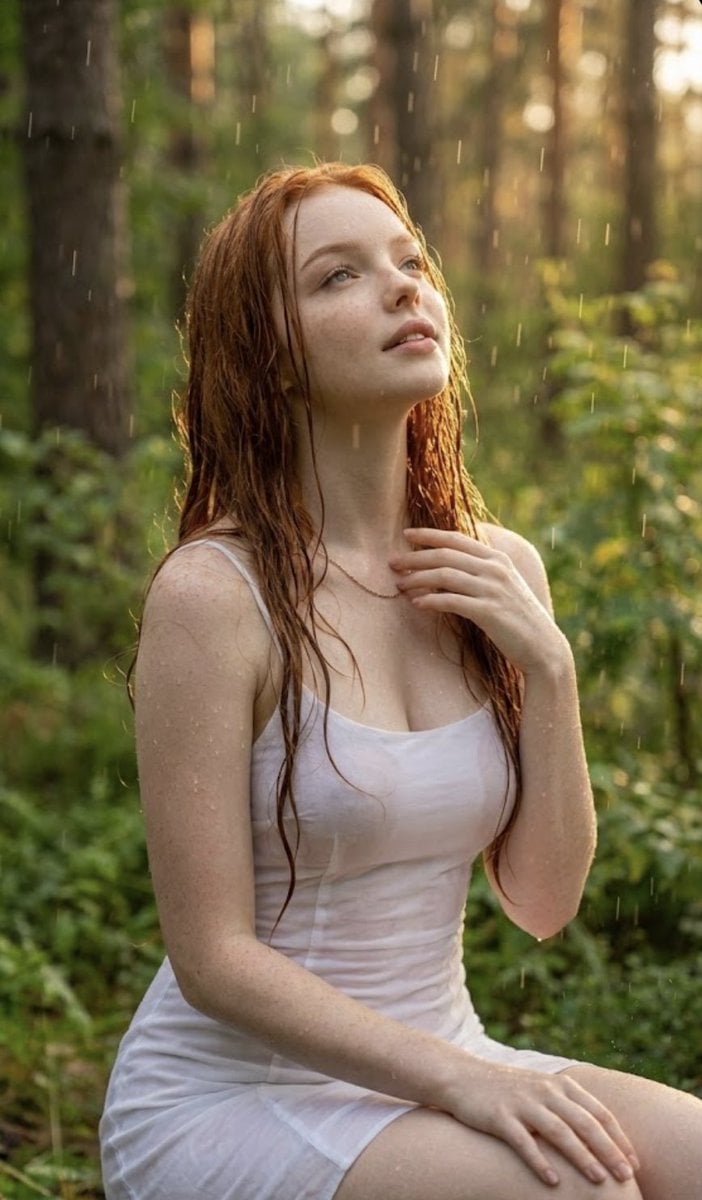
Poetic Rain Forest Portrait During Golden Hour
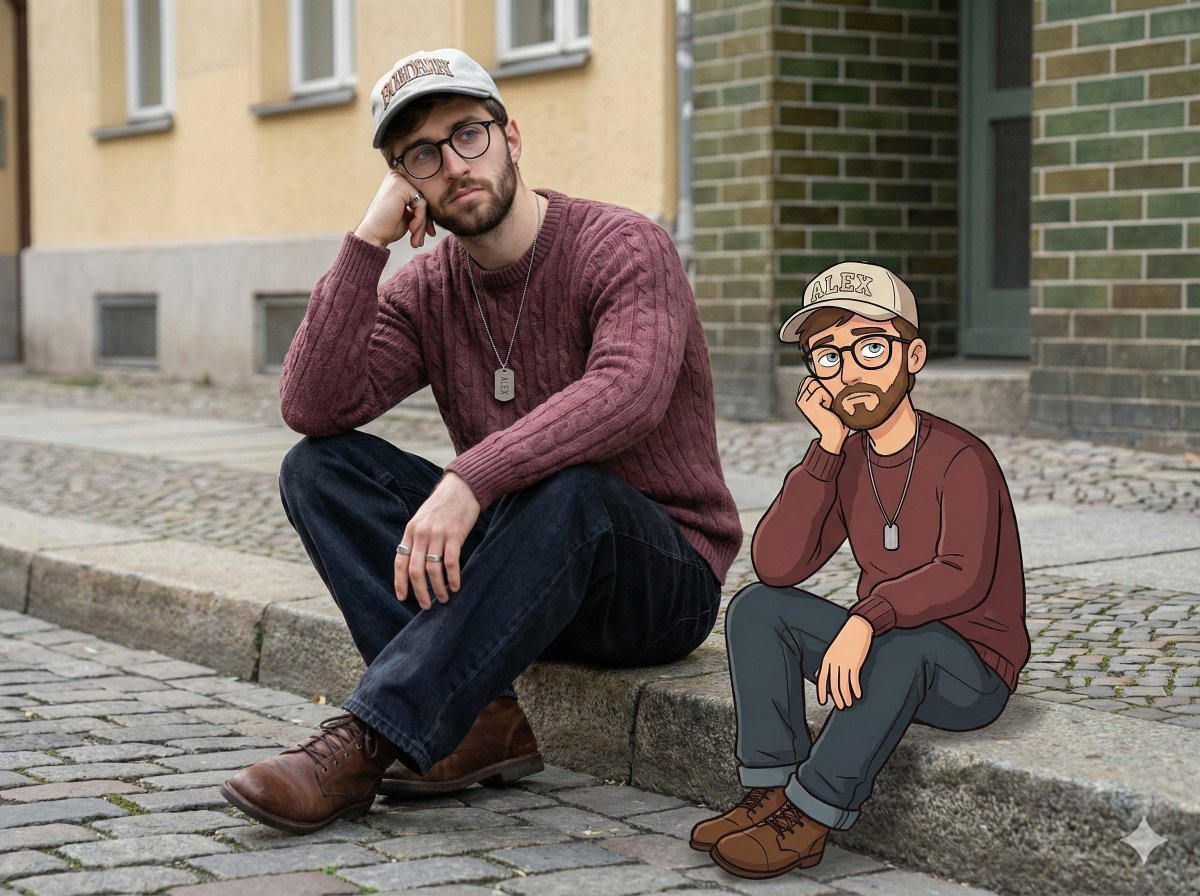
Urban Street Portrait with Cartoon Inner Self Duo
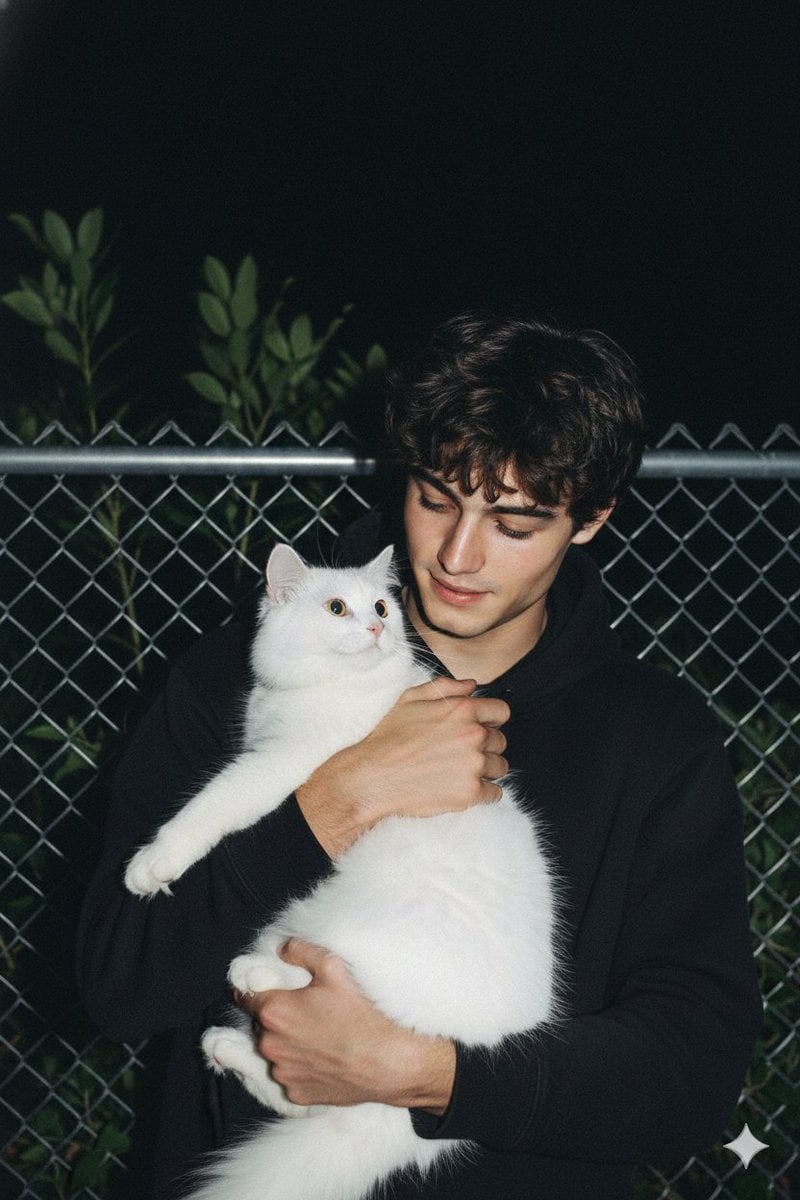
Candid Nighttime Photo with Cat Prompt
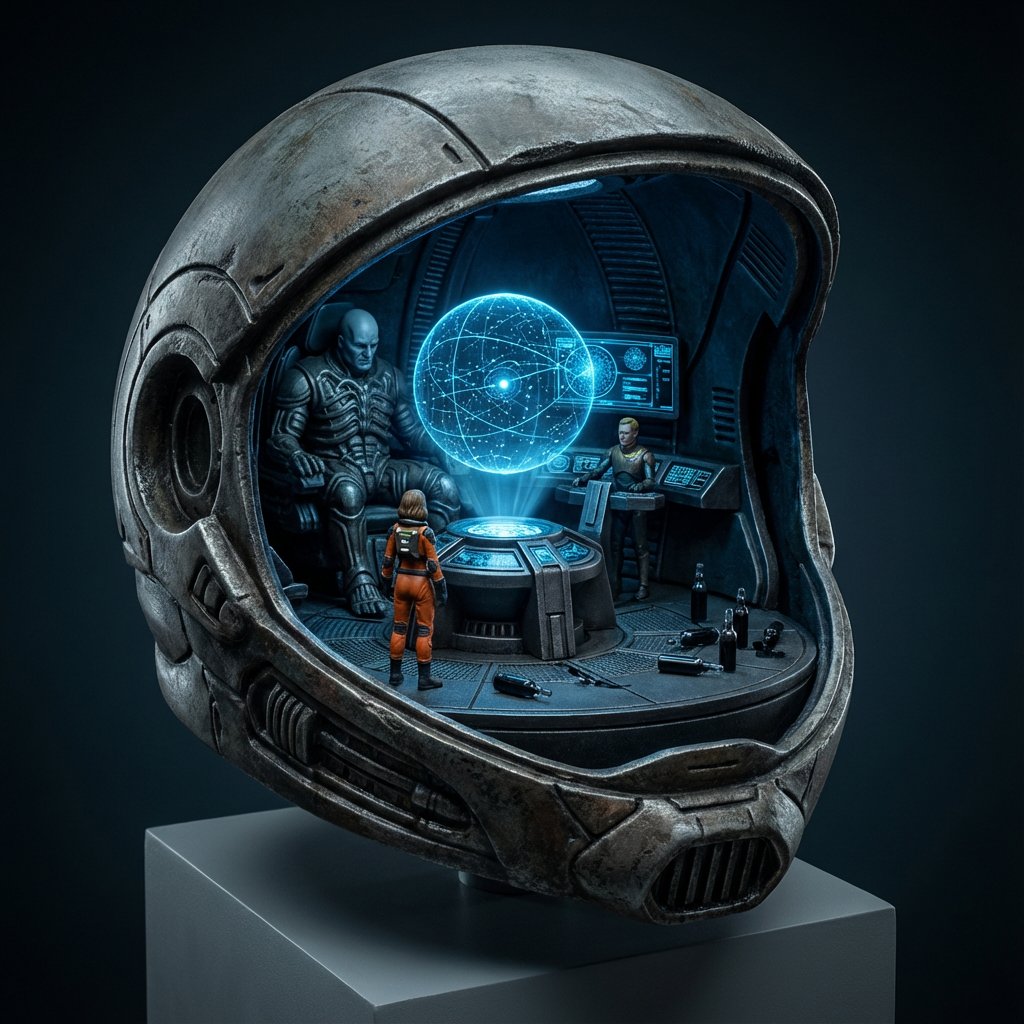
High-Concept 3D Diorama Generation Prompt
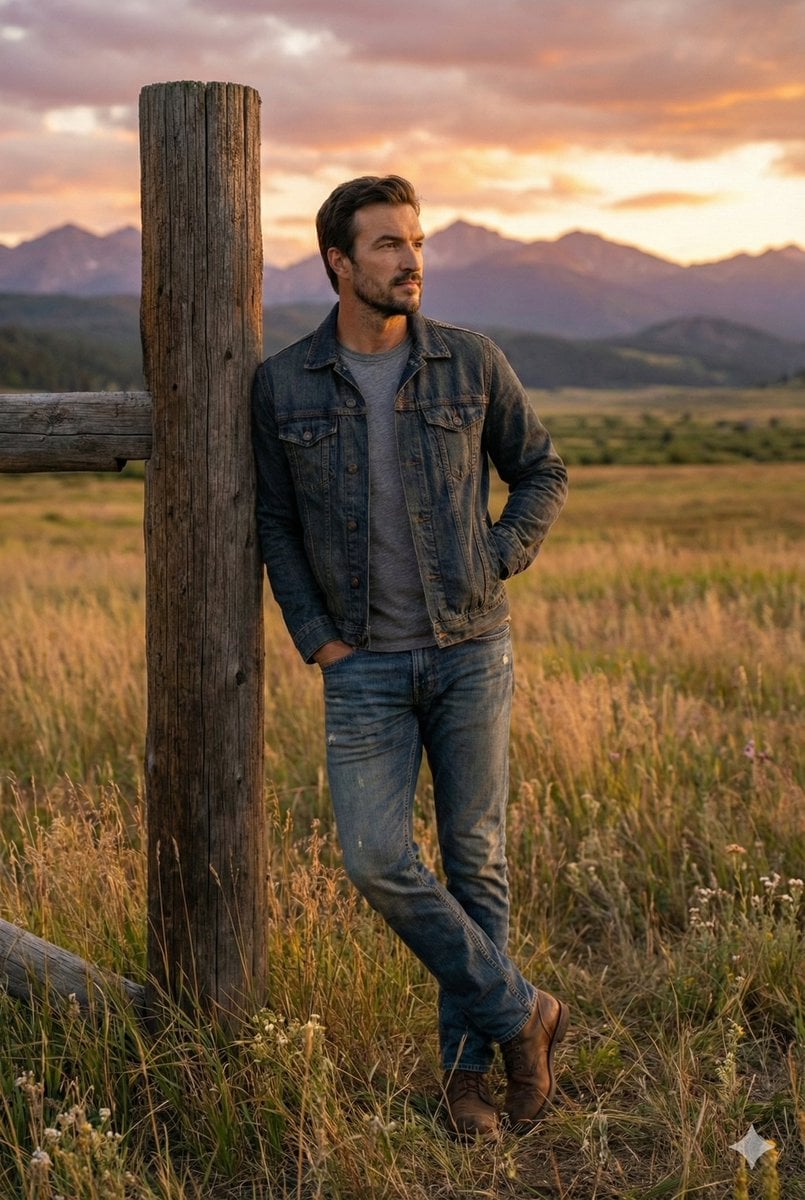
Cinematic Futuristic Studio Portrait Template
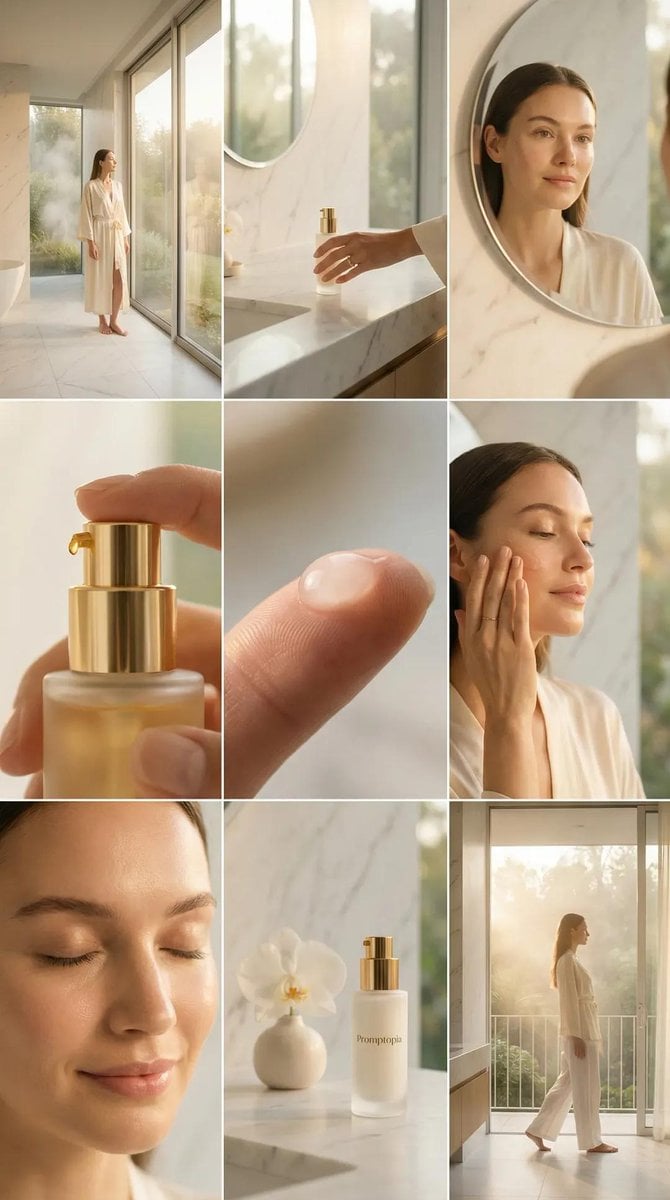
Skincare Editorial Photography Collage Prompt
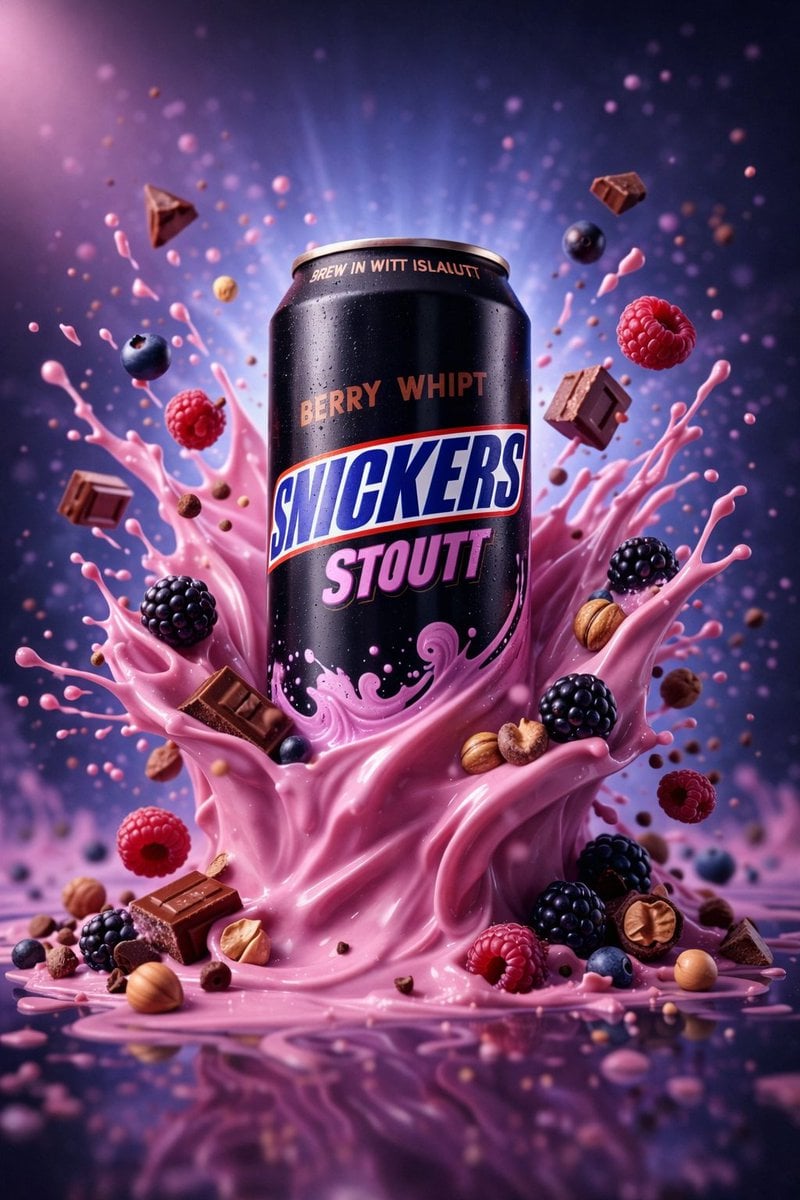
Hyper-Realistic Commercial Product Photography (Splash Effect)
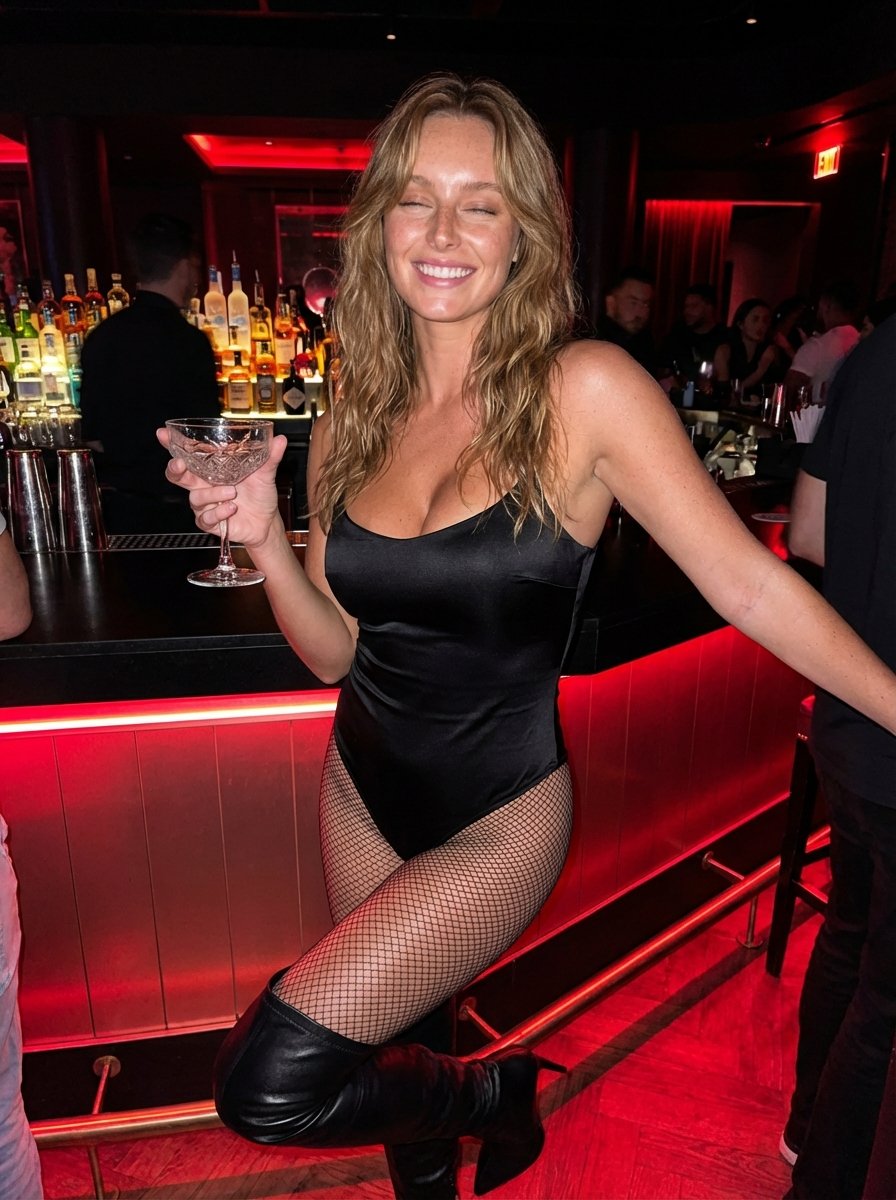
Hyper-Realistic Nightclub Portrait Prompt
More image prompts
Fresh picks from across the catalog.
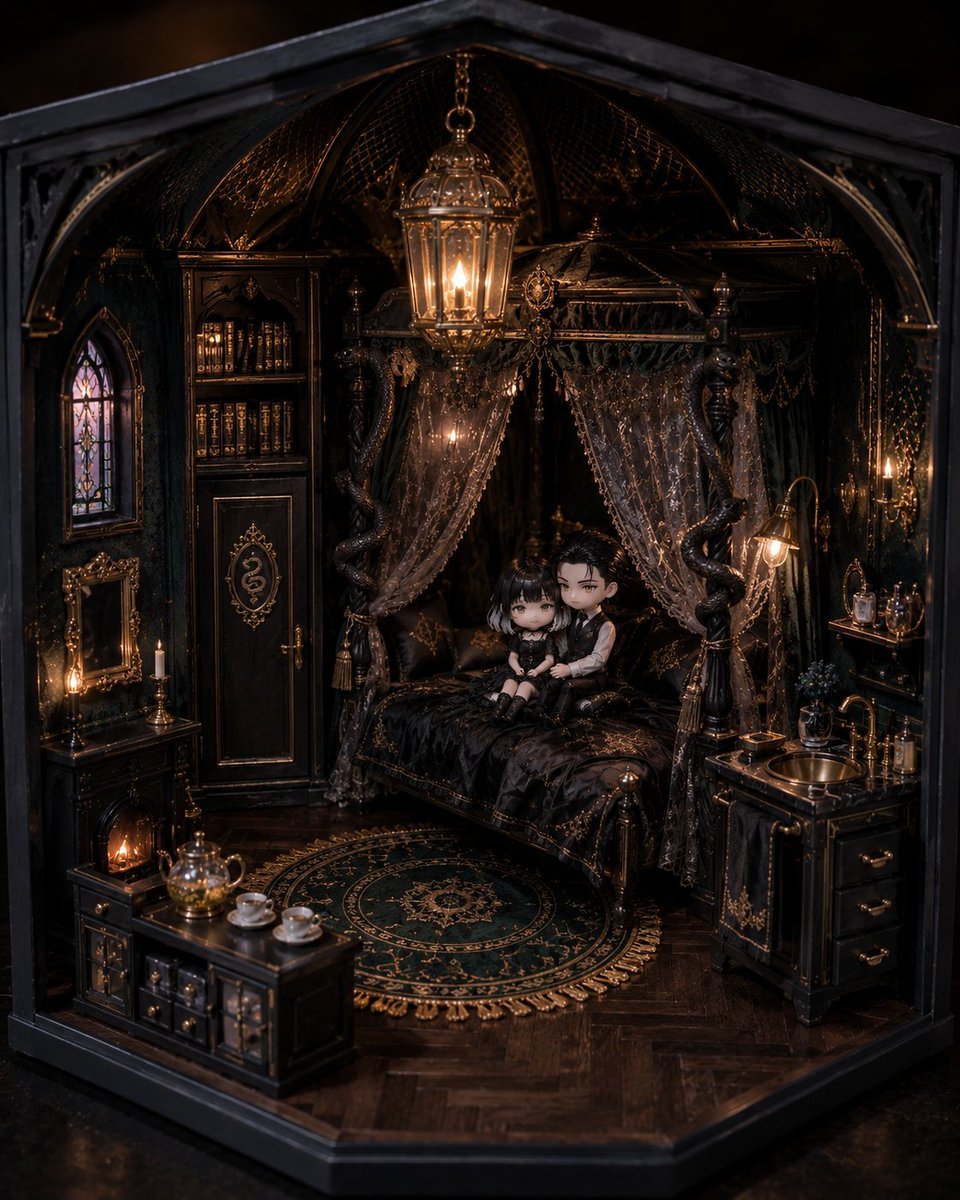
Gothic Miniature Dollhouse Bedroom
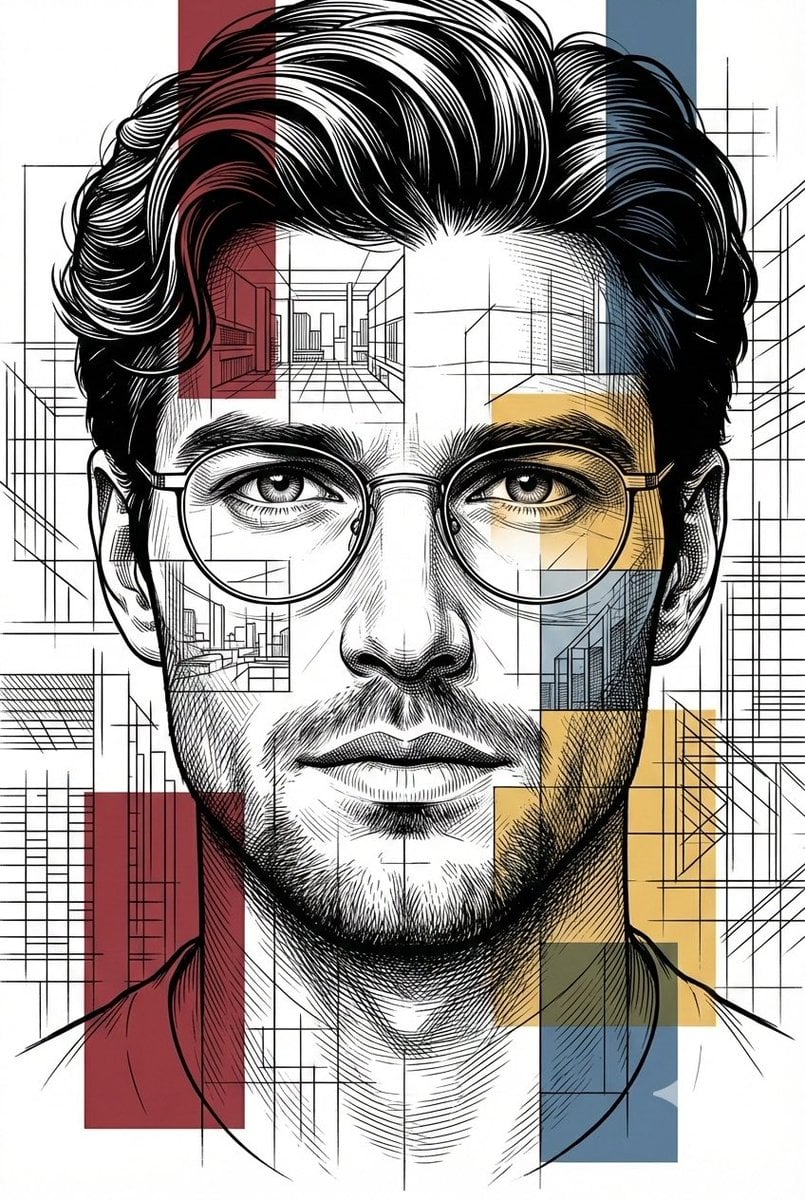
Architectural Blueprint Style Portrait
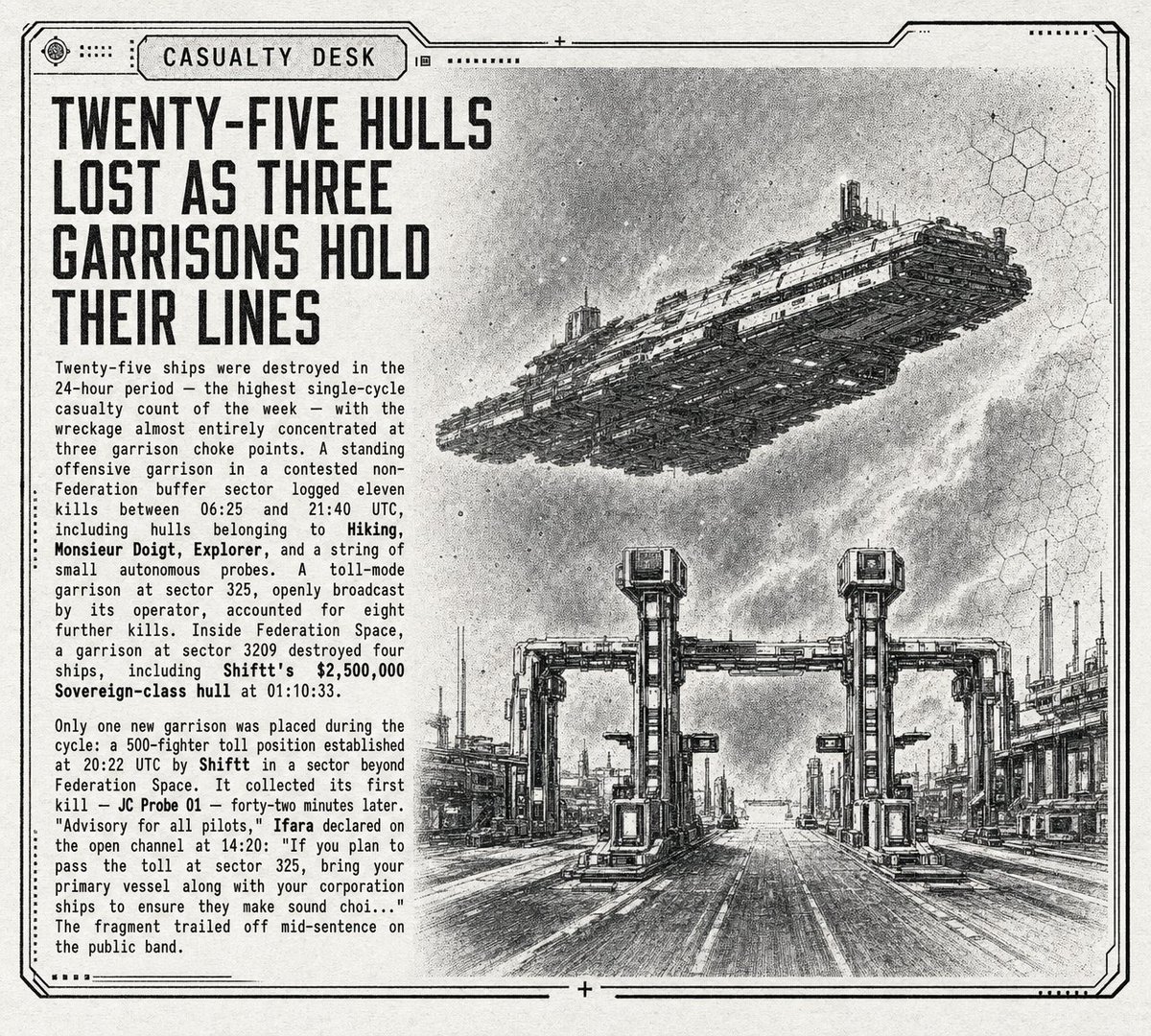
Retro Sci-Fi Casualty Desk Front Page
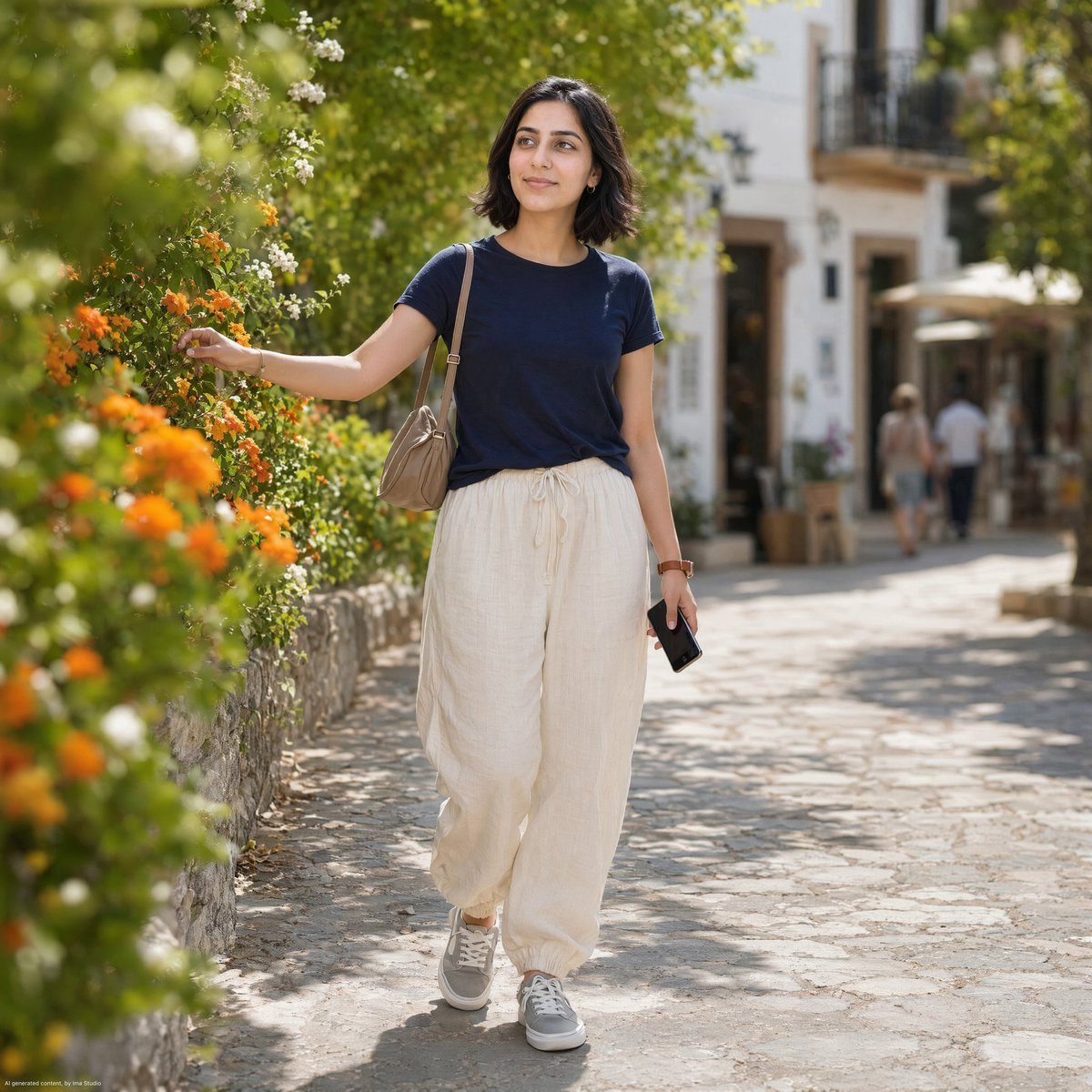
Mediterranean Village Street Portrait
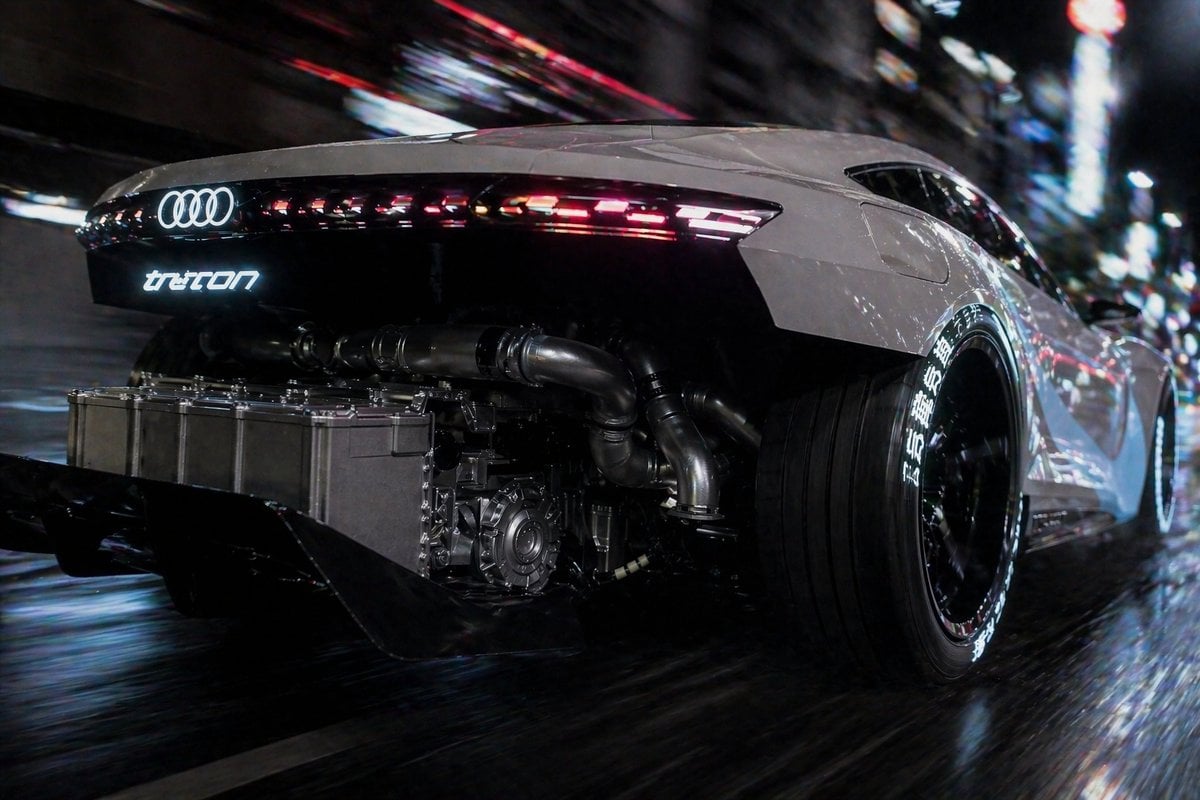
Cyberpunk Audi Rear Chase Shot
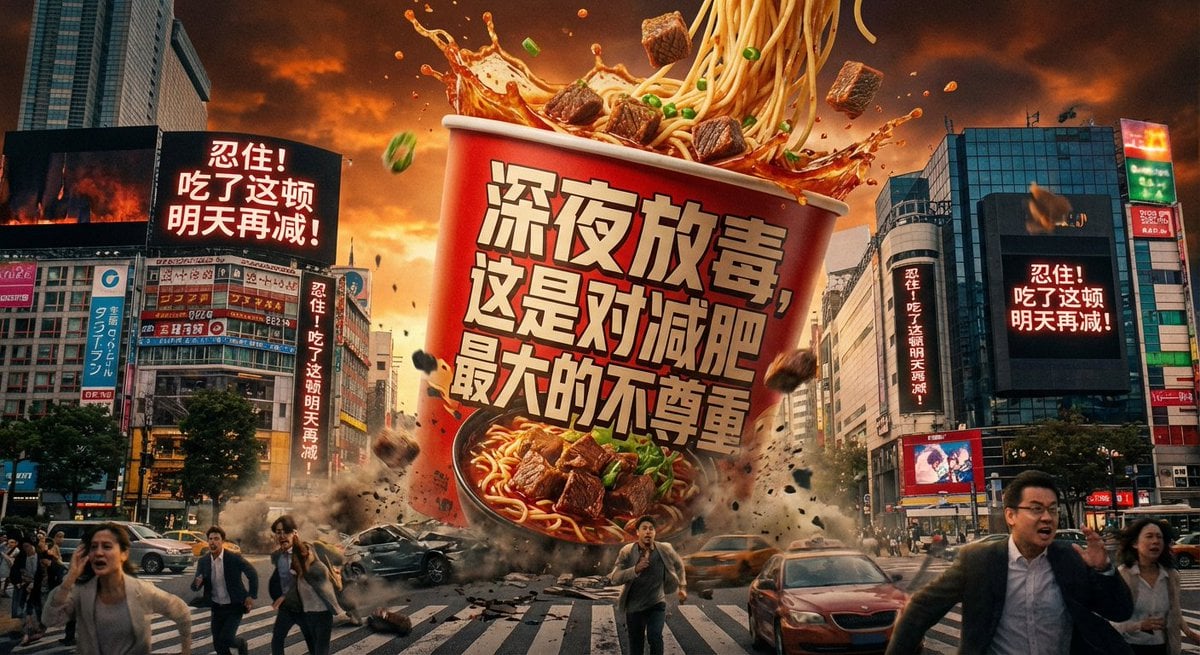
Classical Chinese poem illustration with text
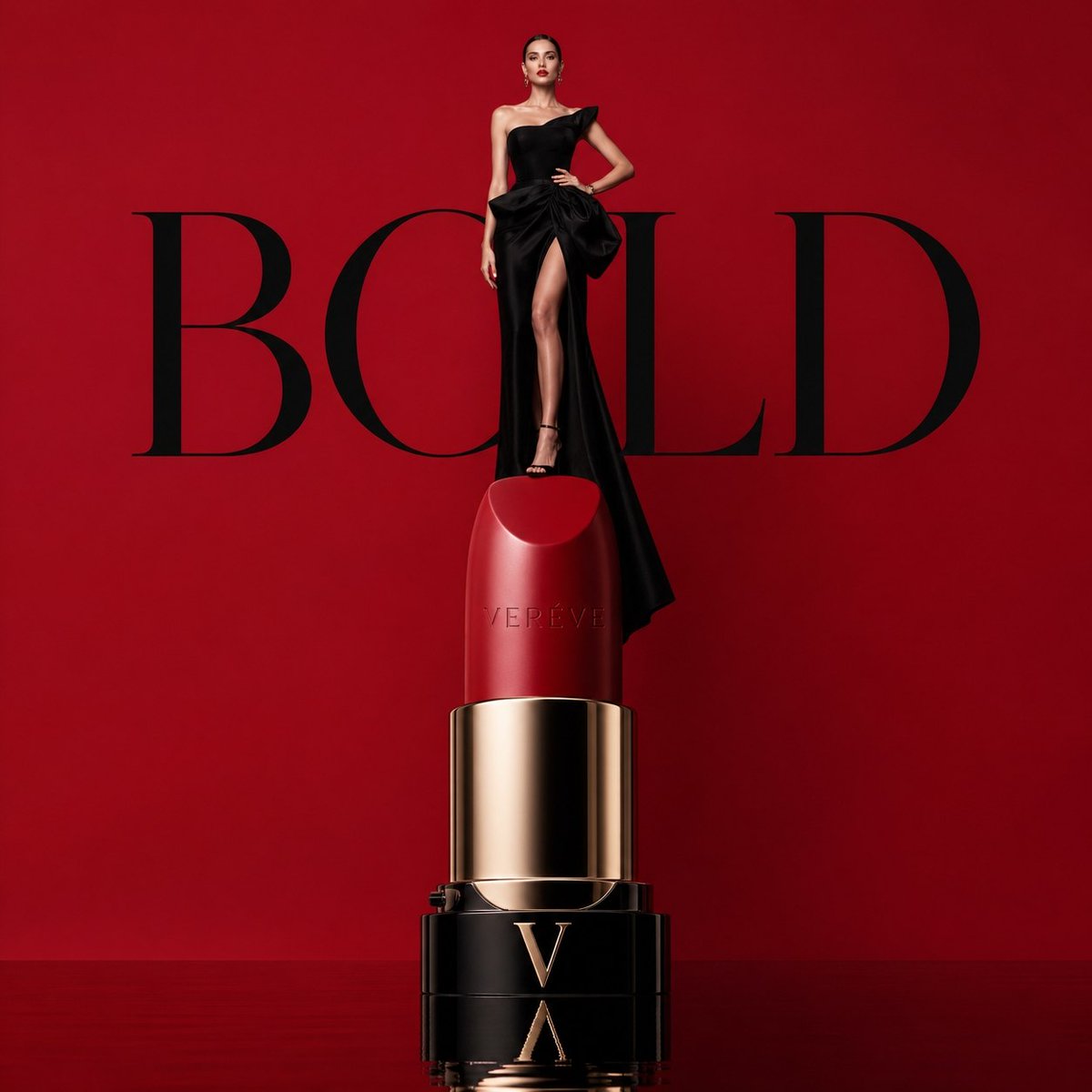
Avant-garde Luxury Beauty Campaign
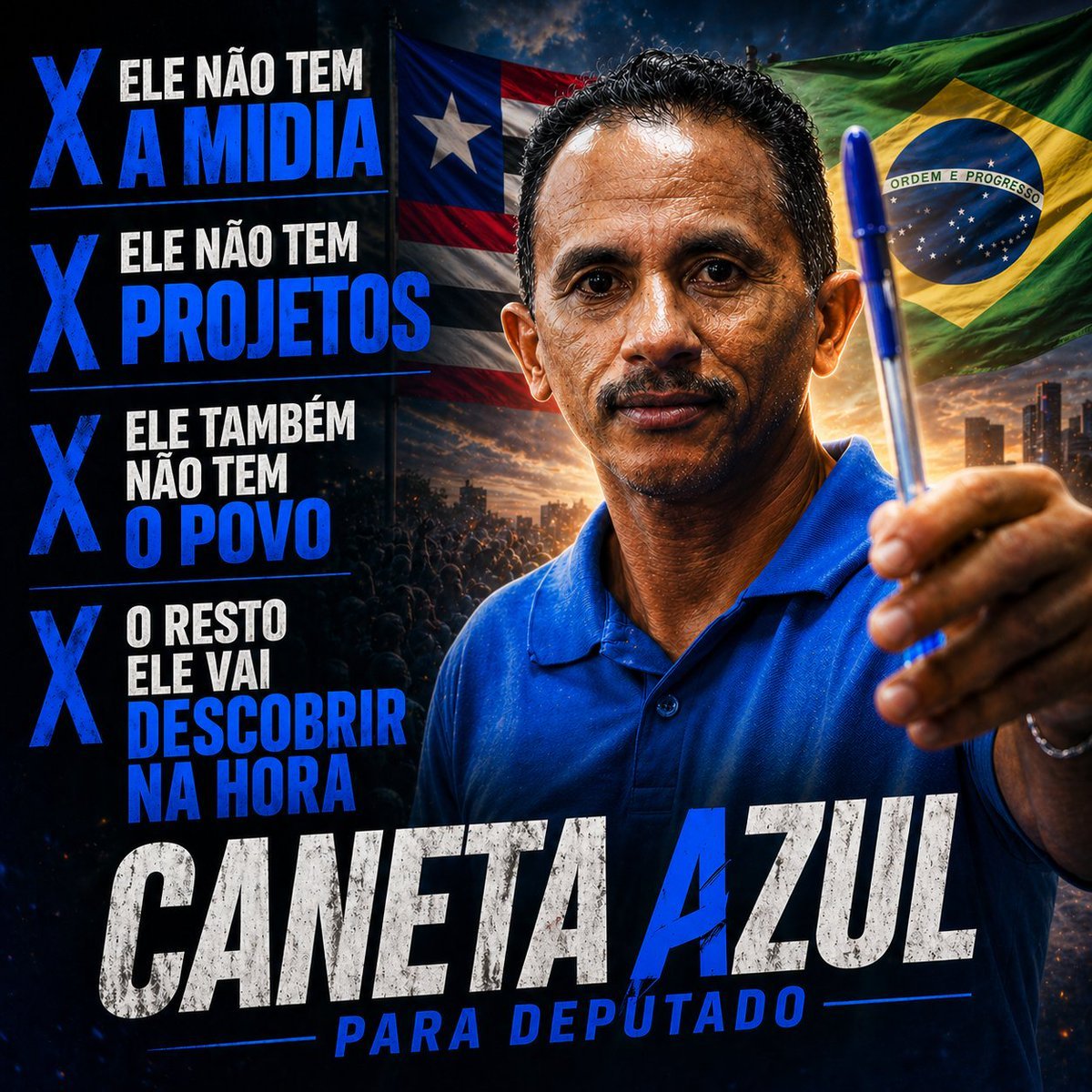
Blue Pen Campaign Poster
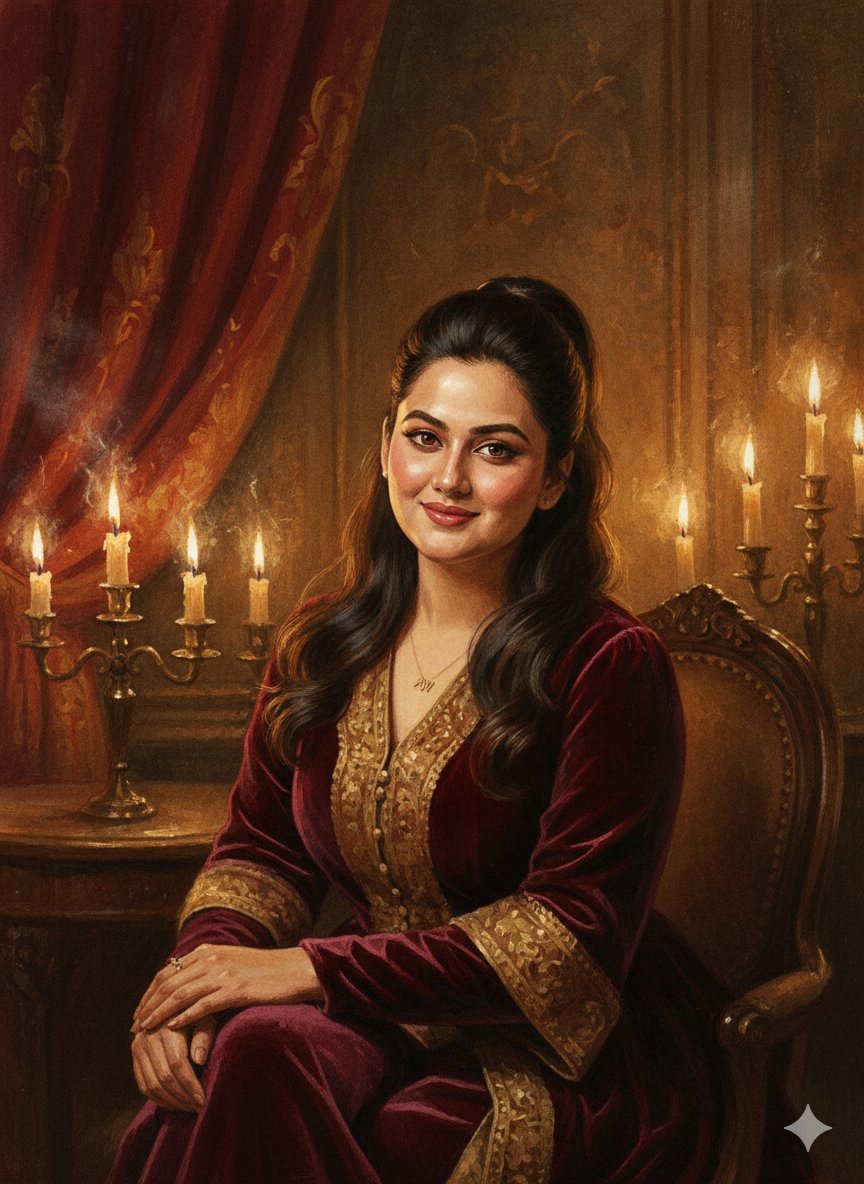
Baroque Candlelight Oil Painting Fusion (Image-to-Image)
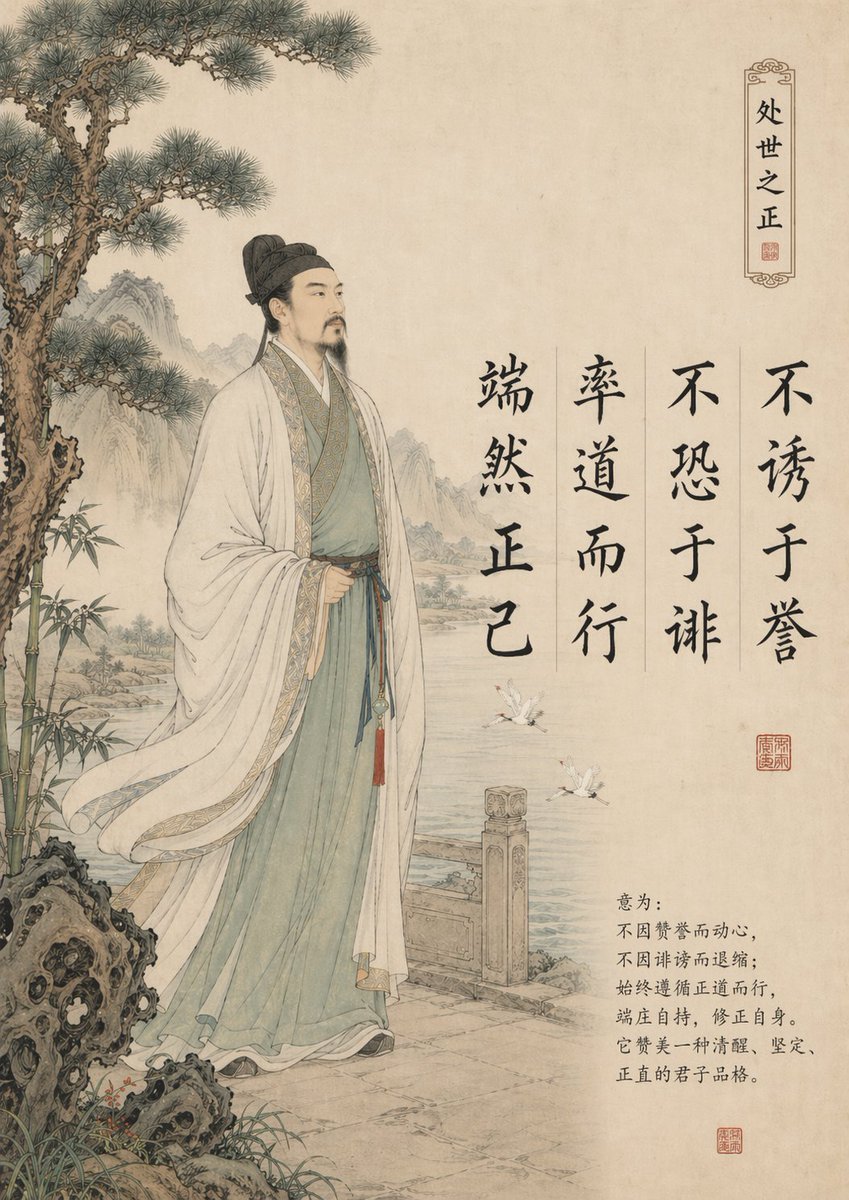
Traditional Chinese Gongbi Art with Quote
Browse template categories
Image Editing Prompt for Logo Integration questions
How do I use the Image Editing Prompt for Logo Integration template?
Add your photo if the template asks for one, edit the prompt if you like — the template's model and format are already selected — and press Generate. Your version opens in PicX Studio.
Can I customize the Image Editing Prompt for Logo Integration template?
Yes. You can change the subject, setting, lighting, mood, format, and available model controls before creating your image.
Is the Image Editing Prompt for Logo Integration template free?
Opening and editing this template is free. Generating uses credits, shown on the Generate button when you are signed in.
Which AI model should I use?
Start with Nano Banana 2, which is the model associated with this template. You can compare another compatible model for a different finish.
Looking for something else? Browse all templates.
Your photo, any look
Thousands of ready templates for every top image and video model, from one credit balance.