
Cinematic Tropical Island Brand Logo
Transform any brand logo into a lush, hyper-realistic tropical island made of dense trees.
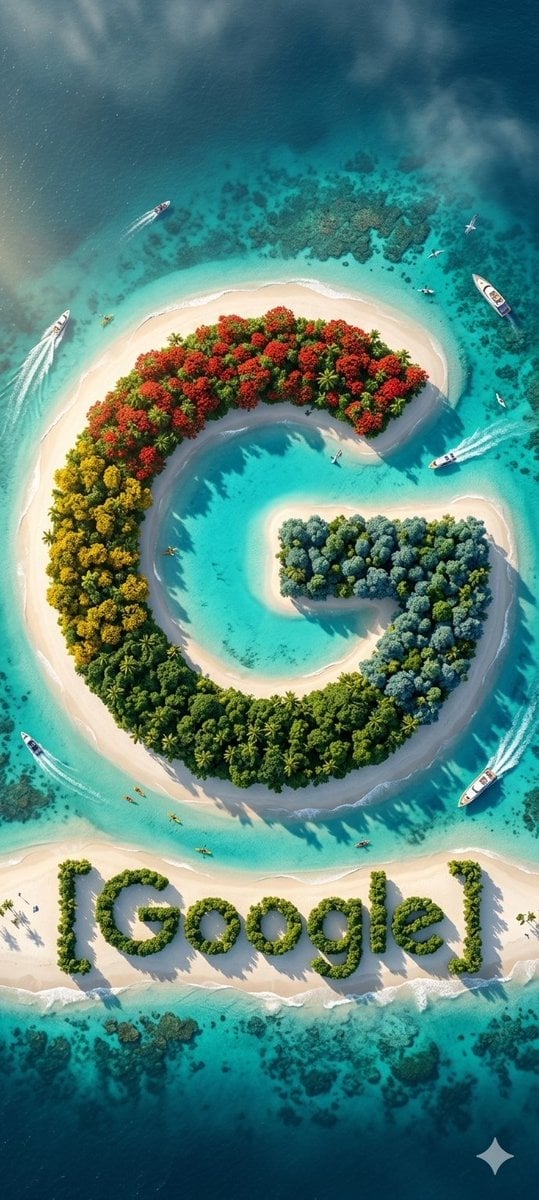
- Prompt included
- Model and format preset
- Free template
The prompt behind this image
Copy the exact prompt behind Cinematic Tropical Island Brand Logo, or open it in the studio and make it yours.
Create a hyper-realistic {argument name="logo type" default="tropical island"} shaped perfectly like the uploaded brand logo, where the entire logo shape is formed ONLY with dense green tropical trees, keeping every curve and edge sharp, clean, and geometrically accurate. Use a 70% bird-eye view (mostly top-down with a slight cinematic tilt) to clearly reveal the full tree-formed logo with natural depth. Surround the tree-formed logo with a smooth white-sand boundary so the silhouette remains crisp and readable from above. Any inner hollow shapes inside the logo must be filled with sparkling turquoise water for high contrast, ensuring the logo is perfectly visible. Below the island, form the brand text ‘ {argument name="brand name" default="BRAND NAME"} ’ naturally using lush green trees shaped into letters — clear, smooth, well-spaced, and readable from the aerial view. For realism and world-building: multiple tiny speedboats and yachts around the island, strong white water wake trails behind the boats, kayaks or canoes near the shore, 2–3 seagulls flying for scale, underwater coral reefs + darker ocean patches, wave foam patterns touching the sand naturally, golden-hour sunlight with long shadows across trees, soft aerial haze near the horizon, shallow-to-deep turquoise ocean gradients with caustic reflections. Everything must look ultra-premium, vibrant, natural, and National Geographic–style photorealistic. No text overlays, no artificial objects — the entire logo and brand name must feel naturally formed from green trees and sand.
How to use Cinematic Tropical Island Brand Logo in 3 steps
- 1Upload ImagePNG, JPG or paste
Add your photo
Upload the photo the template builds on. The prompt, model and format are already set.
- 2…a portrait of your subject in softgolden-hour light, 85mm…
Personalize
Edit the subject and creative details for your destination.
- 3Generate
Generate
Press Generate — your image is created in PicX Studio, so you can compare it with the original and refine one variable at a time.
More like this
Templates with the same subject, style or setup. Open one to see its prompt.

Moss Logo Minimalist Brand Flat Lay

Tropical Island Logo Transformation
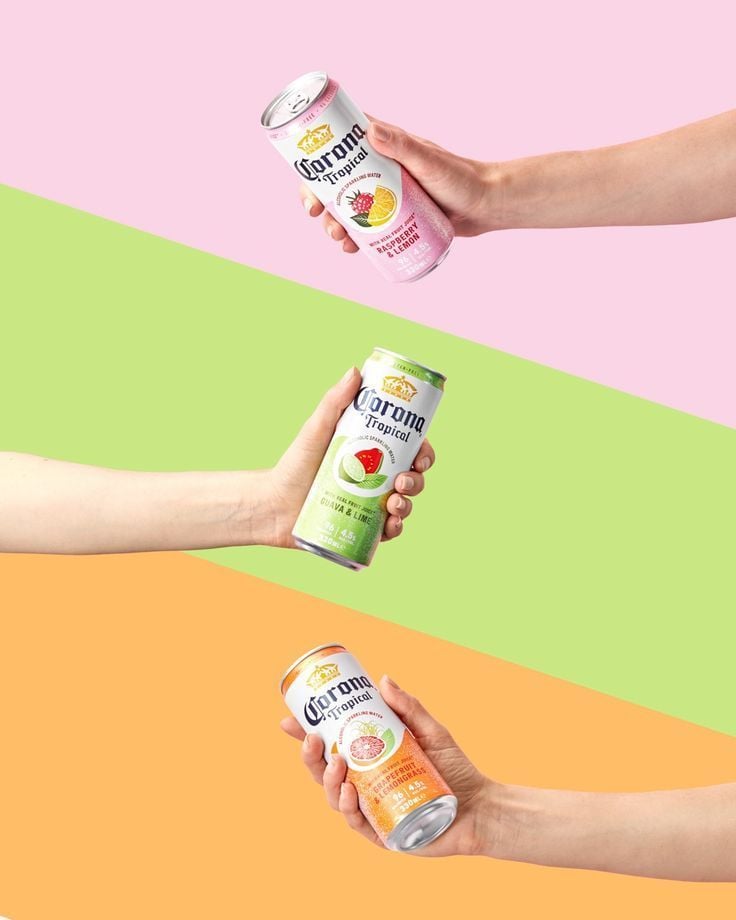
Tropical Seltzer Trio Layout

Luxury Fashion Campaign Typography Poster System

Premium Fashion Editorial Campaign Poster System

Isometric Brand Store Diorama

First-Person Tropical Island Warzone
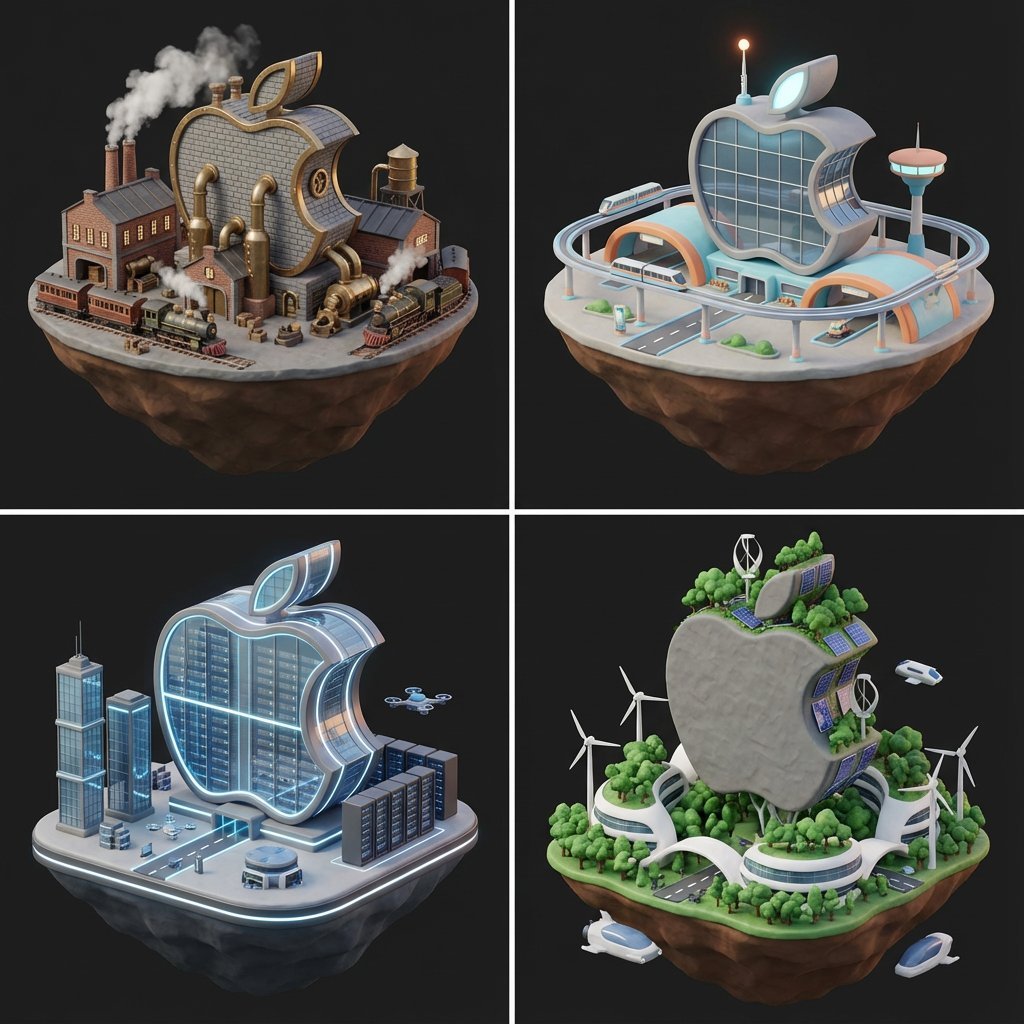
Logo to Floating Island Architectural Concept (4 Eras)
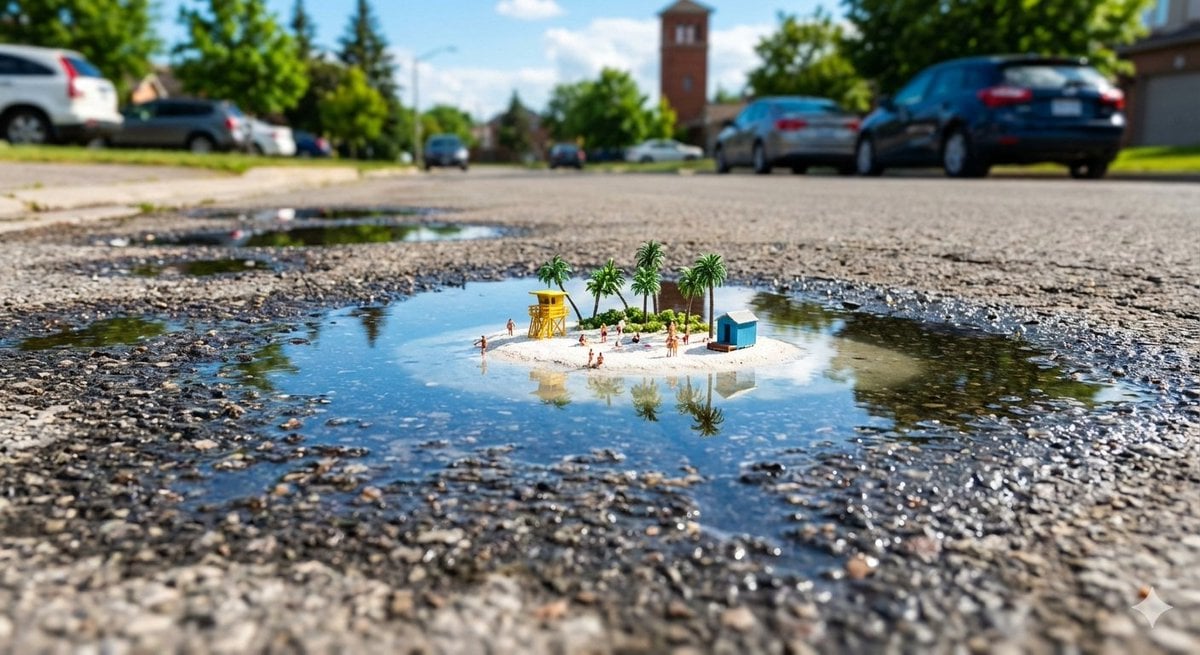
Tropical Island in a Puddle Prompt

Tropical Vacation Selfie — Nano Banana (Chryzleen)

Tropical Hammock Latte — Nano Banana iPhone Style
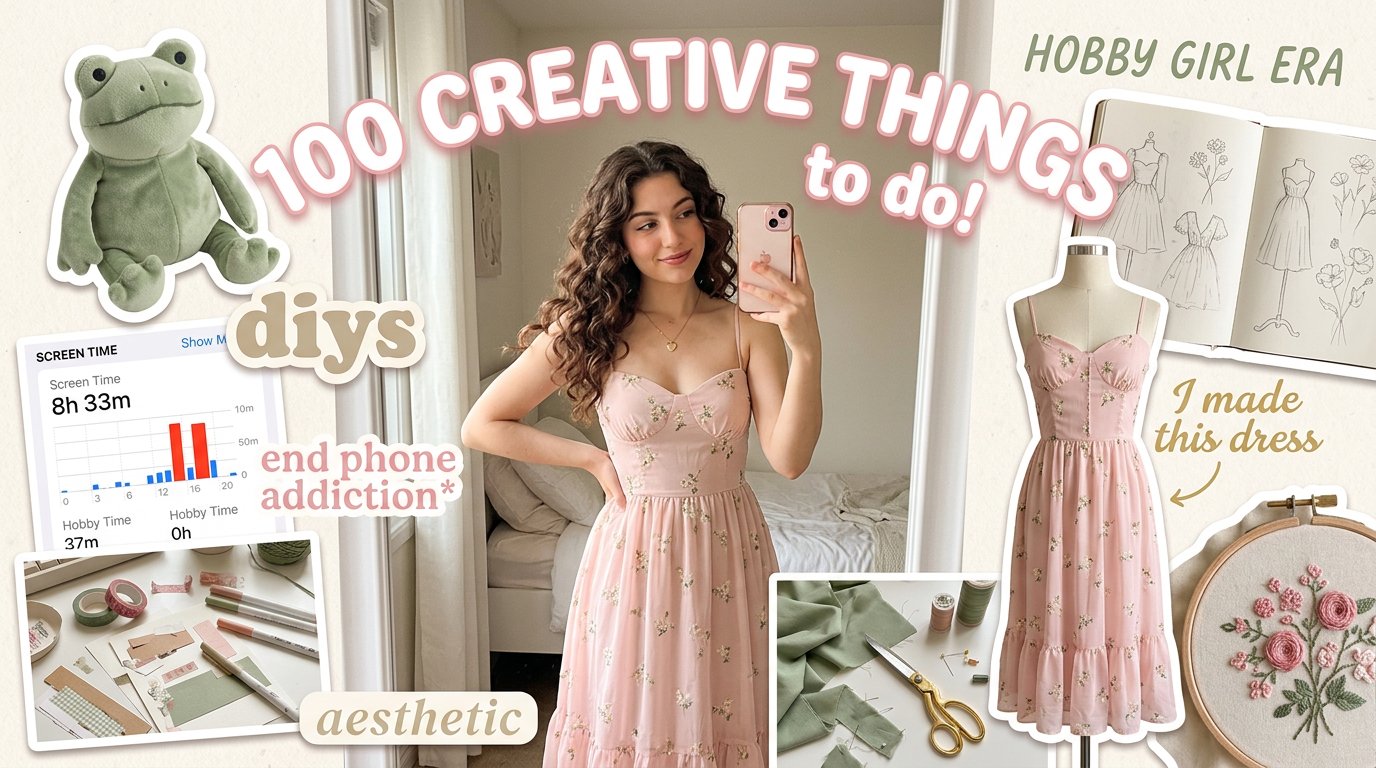
Aesthetic Hobby Girl Collage Youtube Thumbnail
Make it yours
Cinematic Tropical Island Brand Logo works as-is. These are the safest ways to change it without losing the look.
Change one field
Copy a single group, rewrite it, and generate again so you can see what that field is doing.
Keep the frame, change the subject
Hold the composition and light of Cinematic Tropical Island Brand Logo, then swap wardrobe, props or the person for a new take.
| If the result… | Why | Fix |
|---|---|---|
| The result drifts from the preview | Too many fields changed at once. | Reuse Cinematic Tropical Island Brand Logo as-is first, then change one group — subject, light, or setting. |
| The model over-stylizes the scene | The prose prompt leaves finish and camera underspecified. | Add one camera or lighting sentence and stay on Nano Banana 2. |
More Nano Banana 2 templates
Other prompts made for Nano Banana 2.

Photorealistic Leaf Shaped Like a Dragon

K-Pop Idol Portrait Grid for Rapid Selection

Poetic Rain Forest Portrait During Golden Hour

Urban Street Portrait with Cartoon Inner Self Duo

Candid Nighttime Photo with Cat Prompt

High-Concept 3D Diorama Generation Prompt

Cinematic Futuristic Studio Portrait Template

Skincare Editorial Photography Collage Prompt

Hyper-Realistic Commercial Product Photography (Splash Effect)

Hyper-Realistic Nightclub Portrait Prompt
More image prompts
Fresh picks from across the catalog.
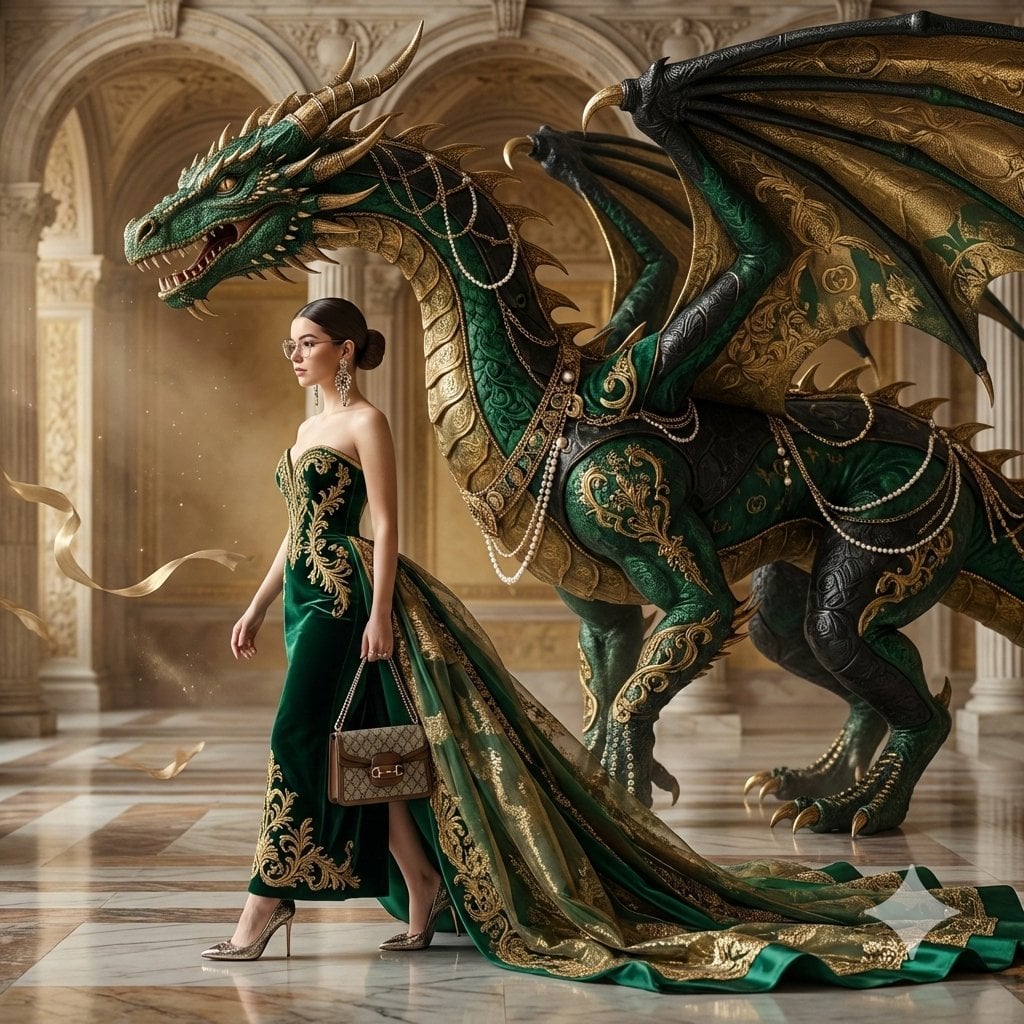
Couture Woman and Colossal Dragon in Renaissance Palace
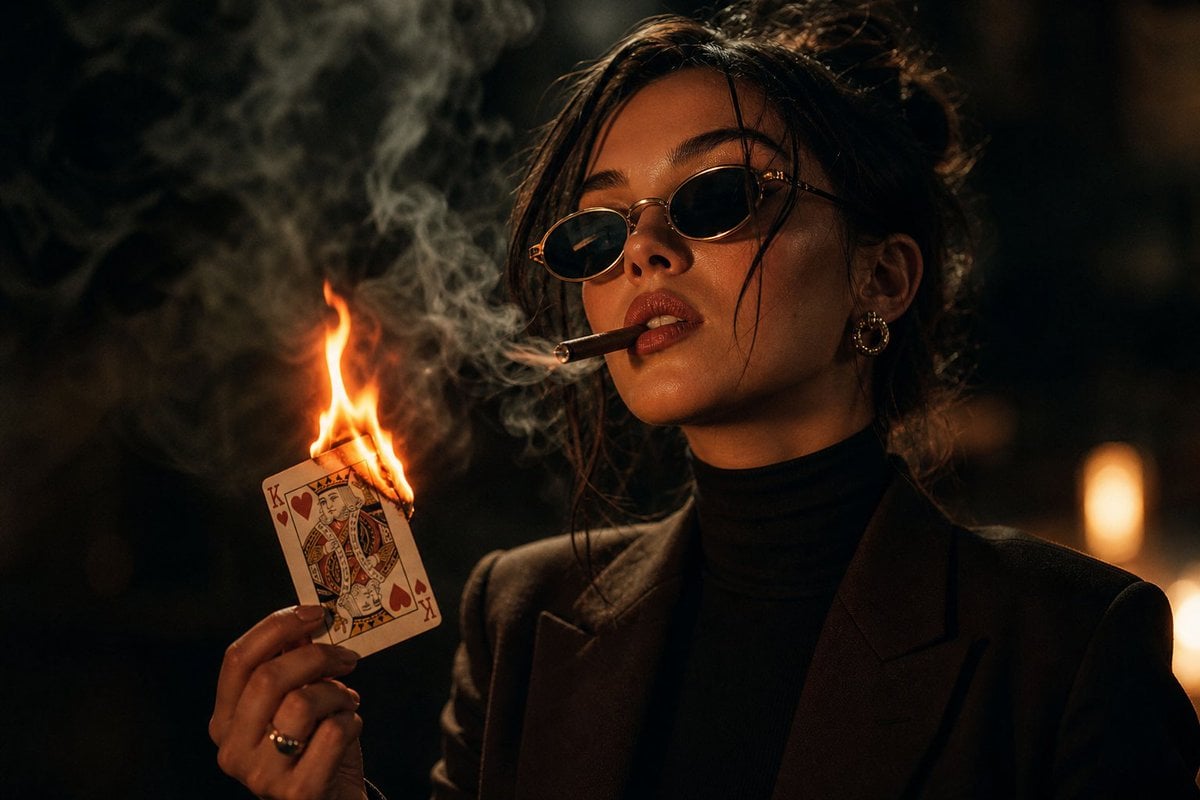
Moody Noir Portrait

Cinematic Piano Performance Scene
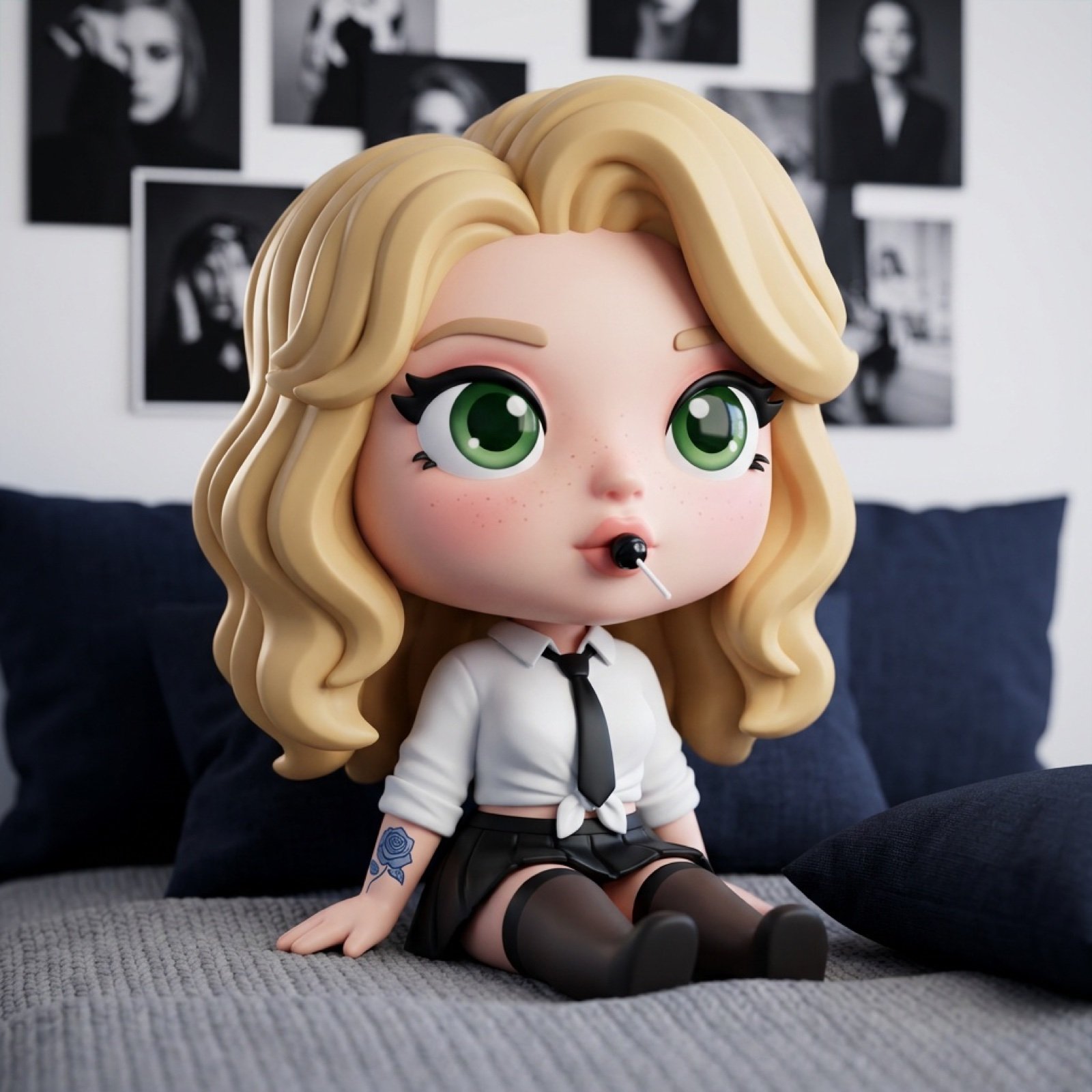
3D Chibi Vinyl Toy Aesthetic Portrait
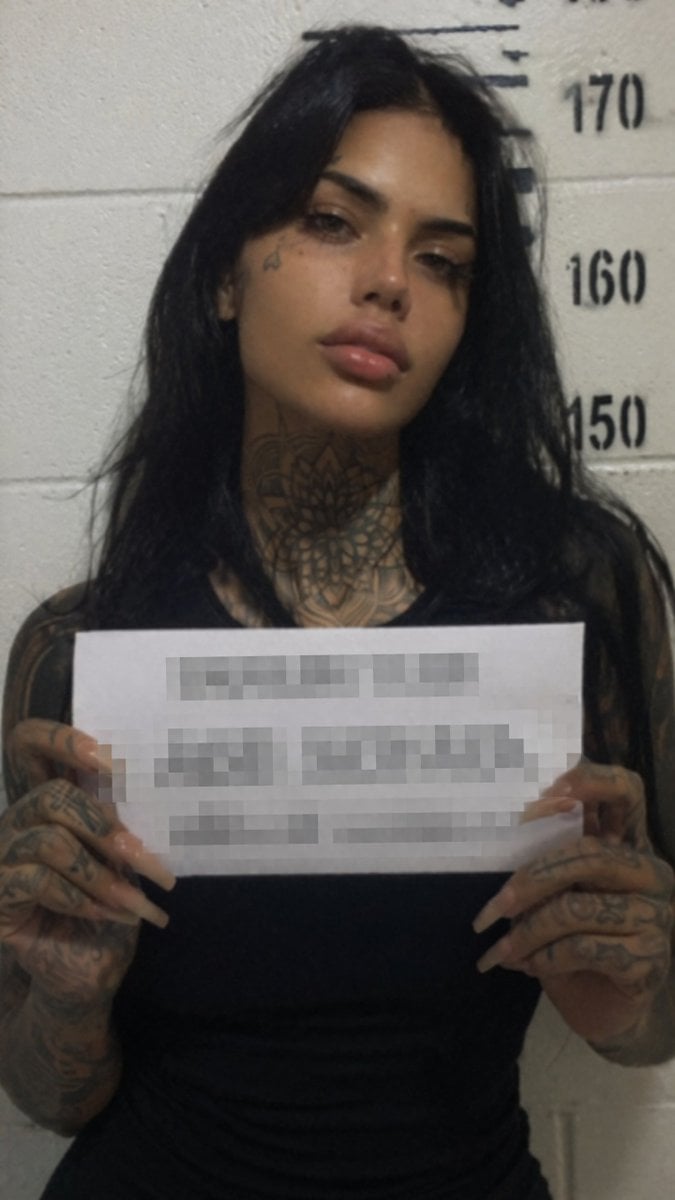
Gritty Tattooed Woman Mugshot
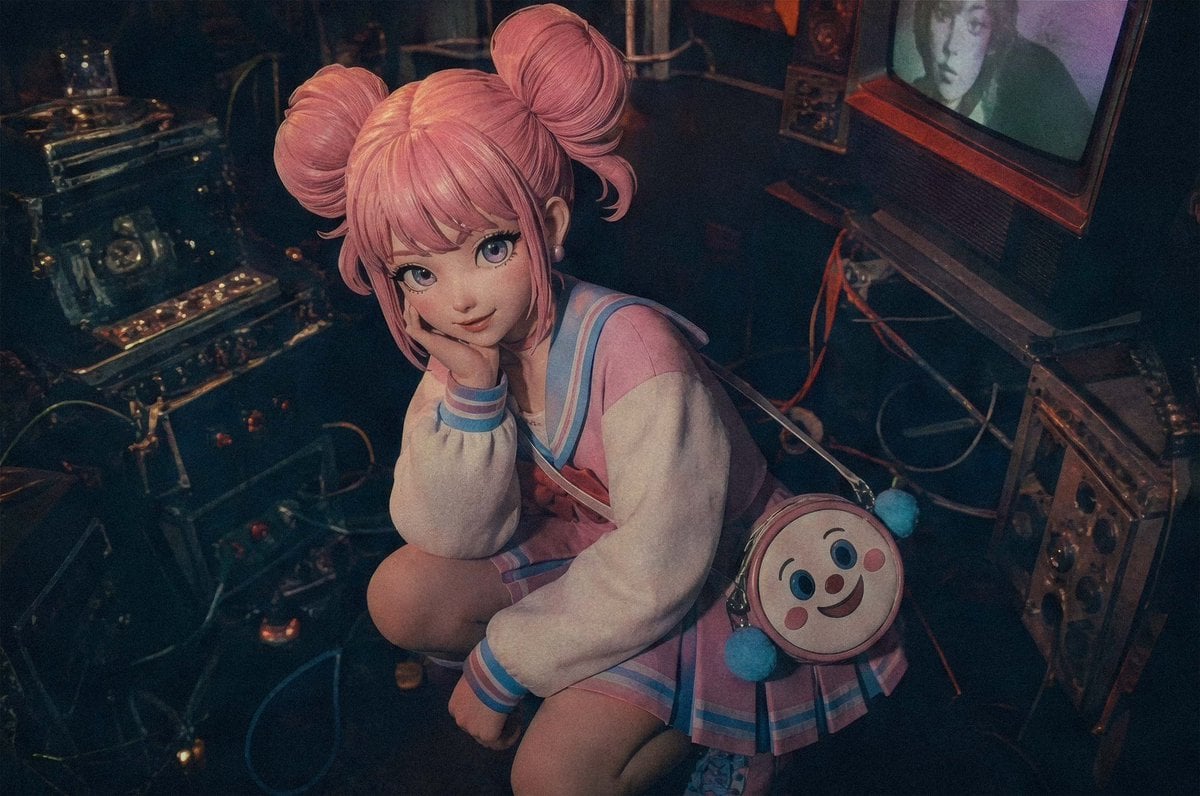
Pastel Cyberpunk Retro Electronics Portrait
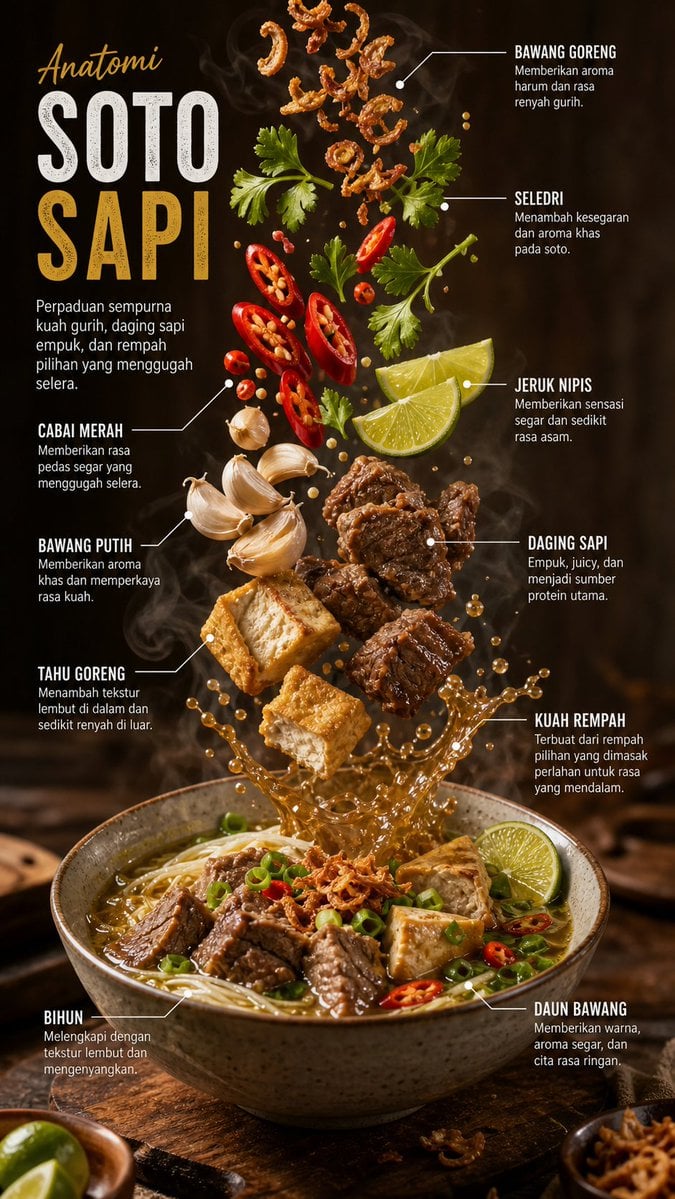
Editorial Food Infographic Poster
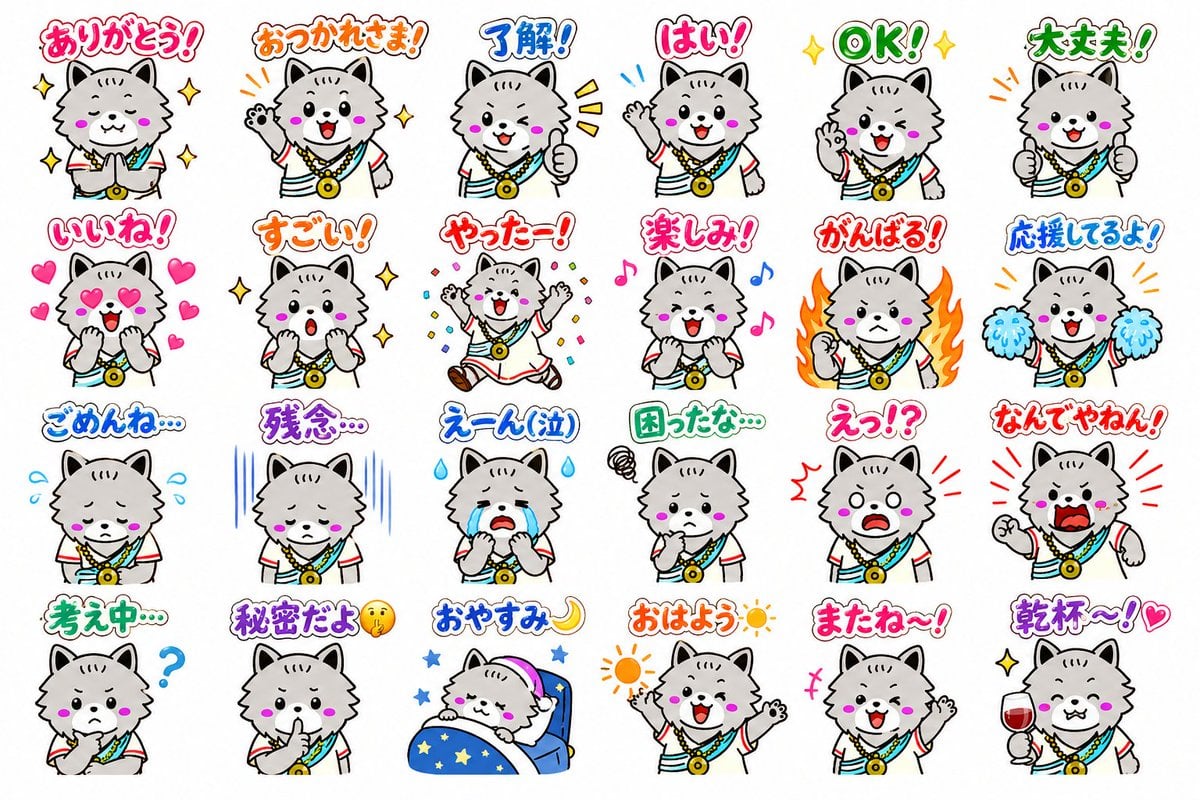
24 Cute Mascot LINE Stickers
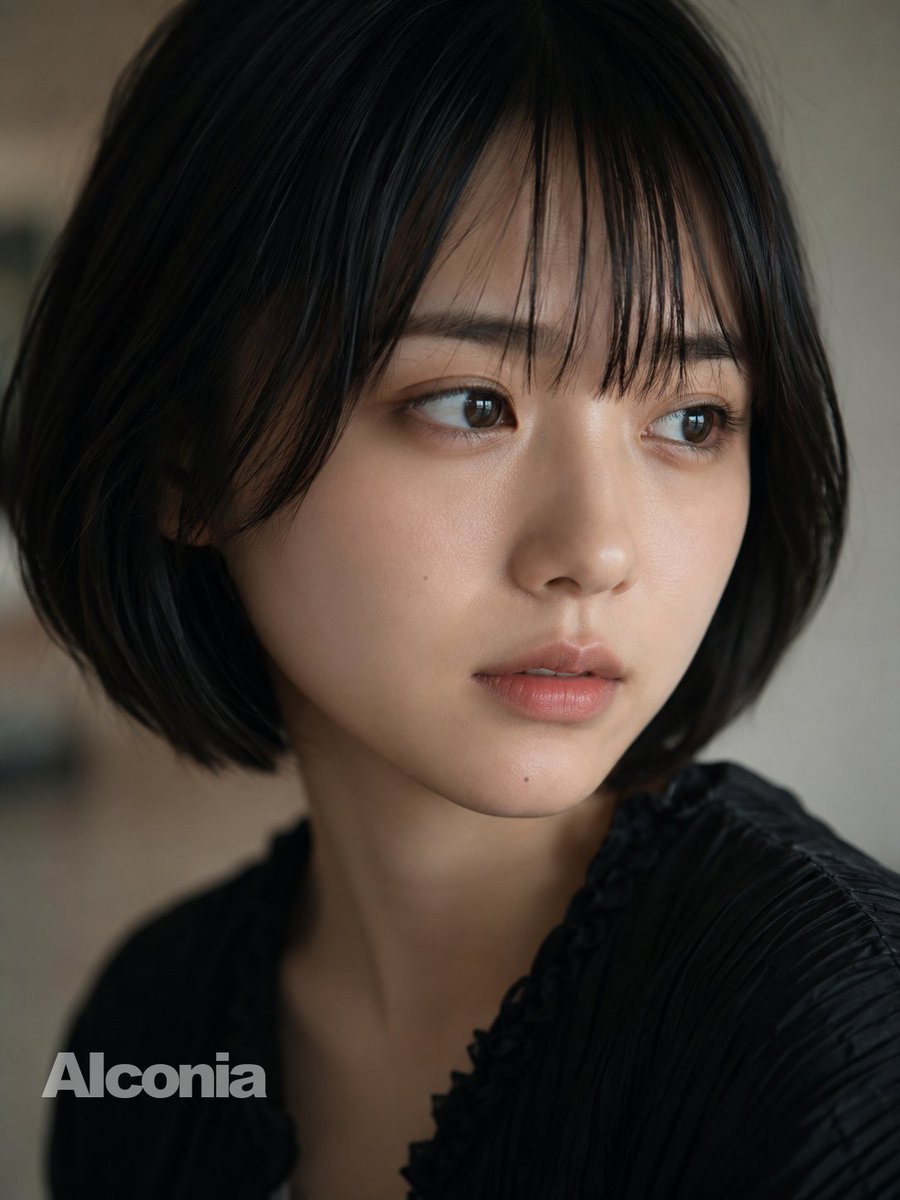
Censored Cinematic Bob Portrait
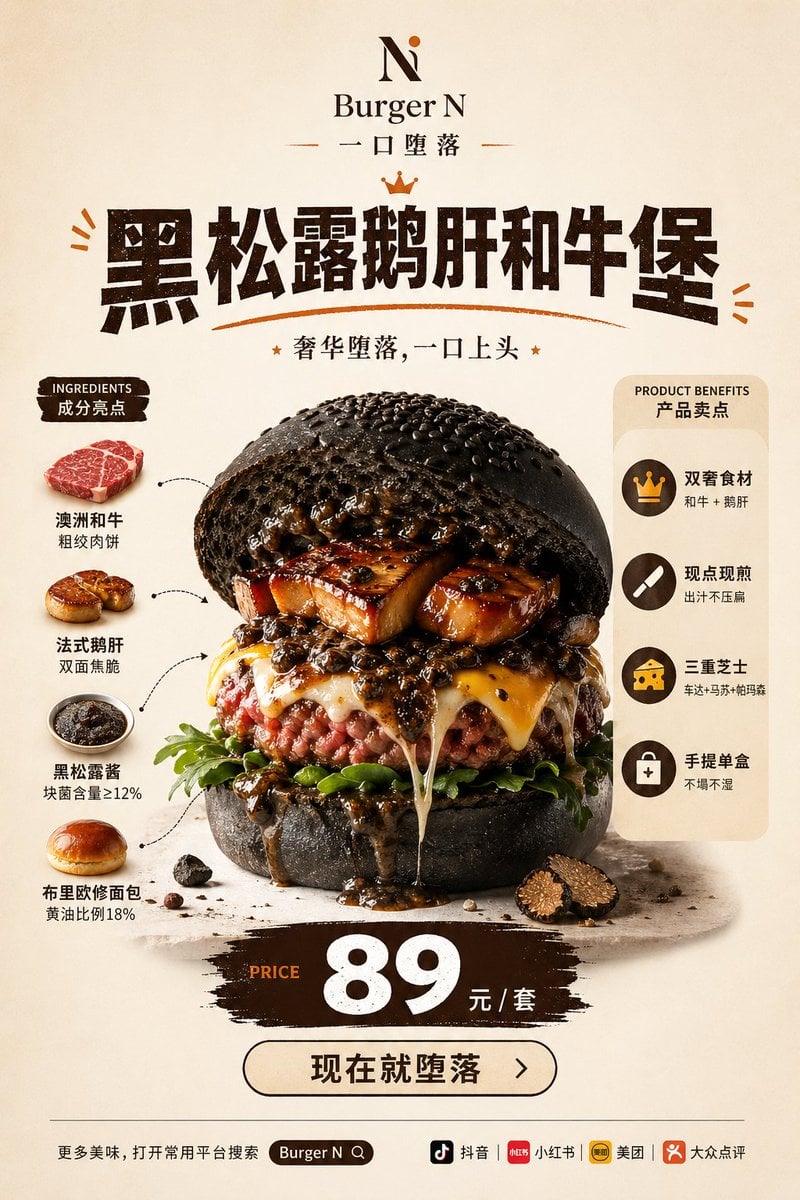
Luxury Truffle Wagyu Burger Poster
Browse template categories
Cinematic Tropical Island Brand Logo questions
How do I use the Cinematic Tropical Island Brand Logo template?
Add your photo if the template asks for one, edit the prompt if you like — the template's model and format are already selected — and press Generate. Your version opens in PicX Studio.
Can I customize the Cinematic Tropical Island Brand Logo template?
Yes. You can change the subject, setting, lighting, mood, format, and available model controls before creating your image.
Is the Cinematic Tropical Island Brand Logo template free?
Opening and editing this template is free. Generating uses credits, shown on the Generate button when you are signed in.
Which AI model should I use?
Start with Nano Banana 2, which is the model associated with this template. You can compare another compatible model for a different finish.
Looking for something else? Browse all templates.

Your photo, any look
Thousands of ready templates for every top image and video model, from one credit balance.