
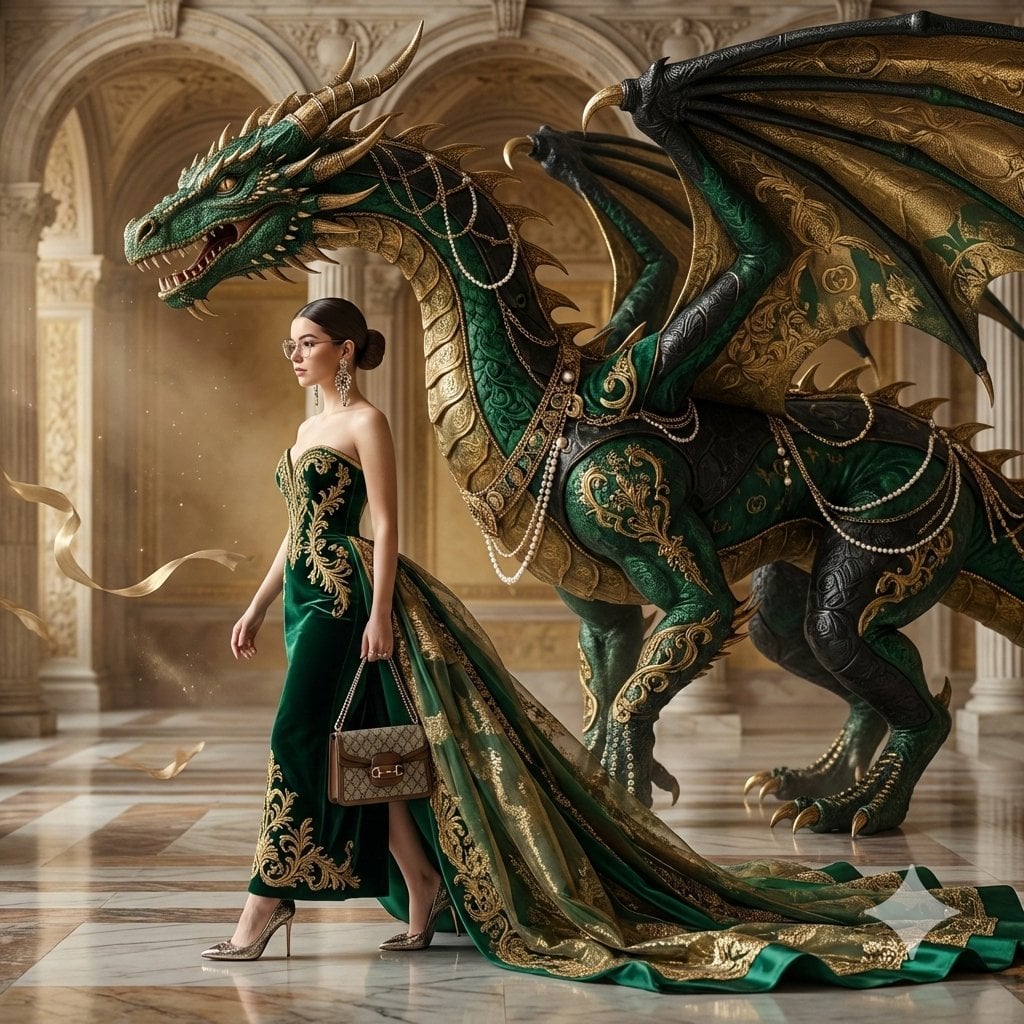
Couture Woman and Colossal Dragon in Renaissance Palace
A prompt for generating an 8K UHD hyper-realistic fashion portrait featuring a woman in a couture emerald velvet gown with gold embroidery, walking beneath a colossal, ornamental dragon whose scales resemble luxury…
- Prompt included
- Model and format preset
- Free template
The prompt behind this image
Copy the exact prompt behind Couture Woman and Colossal Dragon in Renaissance Palace, or open it in the studio and make it yours.
Create an 8K UHD, hyper-realistic editorial fashion portrait using the attached photo as the face reference and identity lock. A young woman walks in profile from left to right, positioned beneath the massive head of a dragon. Her movement is elegant, slow, and confident, like a luxury runway moment captured mid-stride. She wears a couture emerald velvet strapless gown with structured bodice and dramatic silhouette. The skirt features intricate gold baroque embroidery, botanical motifs, and vintage tapestry textures. A long, opulent train flows behind her, made of layered silk, organza, and metallic jacquard, embedded with micro-crystals, antique beads, and delicate lace filigree, catching the light like liquid gold. She wears pointed metallic heels with engraved detailing, oversized statement earrings, and carries a refined Gucci handbag with monogram canvas and gold hardware. Hair slicked back in a clean high-fashion style, sharp cheekbones, editorial makeup, confident expression. There are two main subjects: a colossal ornamental dragon and the couture woman. The dragon is depicted in an elegant, regal, fashion-heraldic style rather than monstrous. Its scales resemble layered luxury textiles — embossed leather, velvet, silk brocade, and quilted patterns. Colors: deep emerald, antique gold, and black. Gold chains, tassels, pearl strands, and baroque charms hang between its scales. Subtle interlocking Gucci monogram patterns appear woven into the wings and tail like haute couture fabric. Its horns curve gracefully like gilded sculpture. The dragon stands tall in profile, towering and protective, dwarfing the woman, exuding majesty and luxury rather than aggression. Background Prompt: An immense Renaissance-inspired marble palace interior with grand staircases, carved arches, and towering columns. Polished floors reflect soft golden light. Floating dust particles, drifting silk ribbons, and faint floral shadows in the air. Marble veined with gold and green tones. Atmosphere serene, aristocratic, timeless, ultra-luxurious couture editorial aesthetic. Monochrome emerald-gold palette with cinematic depth. Lighting & Camera: Soft diffused luxury fashion lighting, gentle rim light on fabric textures, high dynamic range. Shot on Canon EOS R5, 85mm f/1.2L, 8K ultra-HD, razor-sharp detail, shallow depth of field, Vogue editorial photography, hyper-real textures, cinematic luxury campaign.
How to use Couture Woman and Colossal Dragon in Renaissance Palace in 3 steps
- 1Upload ImagePNG, JPG or paste
Add your photo
Upload the photo the template builds on. The prompt, model and format are already set.
- 2…a portrait of your subject in softgolden-hour light, 85mm…
Personalize
Edit the subject and creative details for your destination.
- 3Generate
Generate
Press Generate — your image is created in PicX Studio, so you can compare it with the original and refine one variable at a time.
More like this
Templates with the same subject, style or setup. Open one to see its prompt.
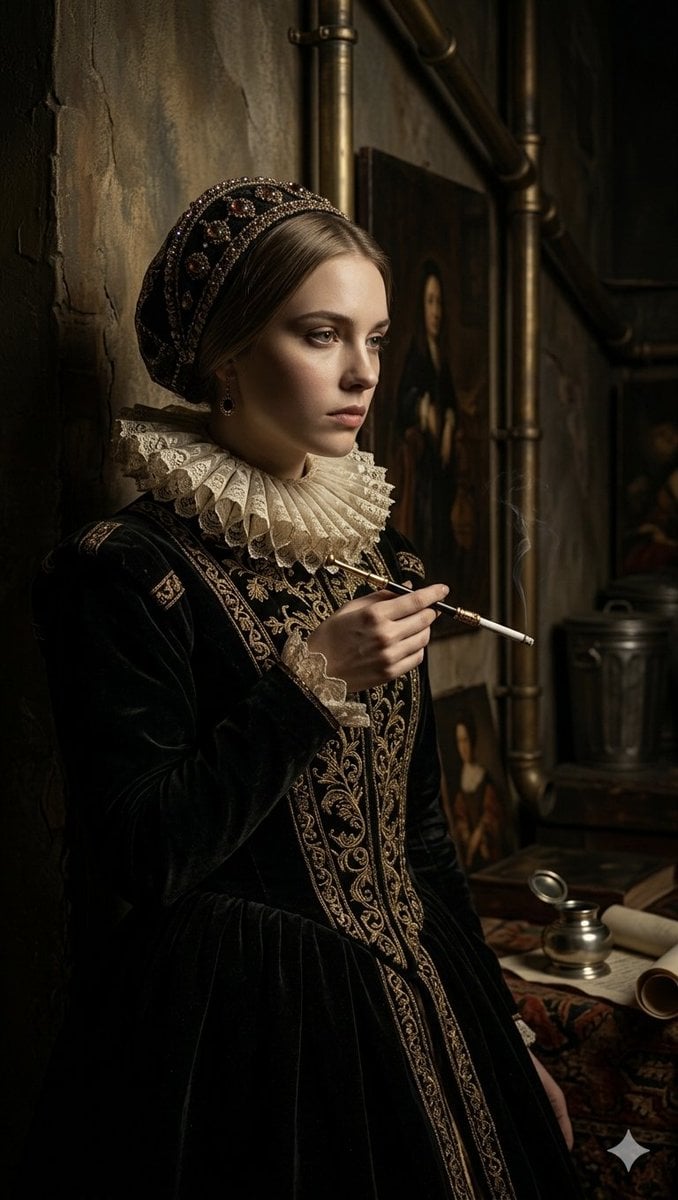
Steampunk Renaissance Noblewoman Portrait
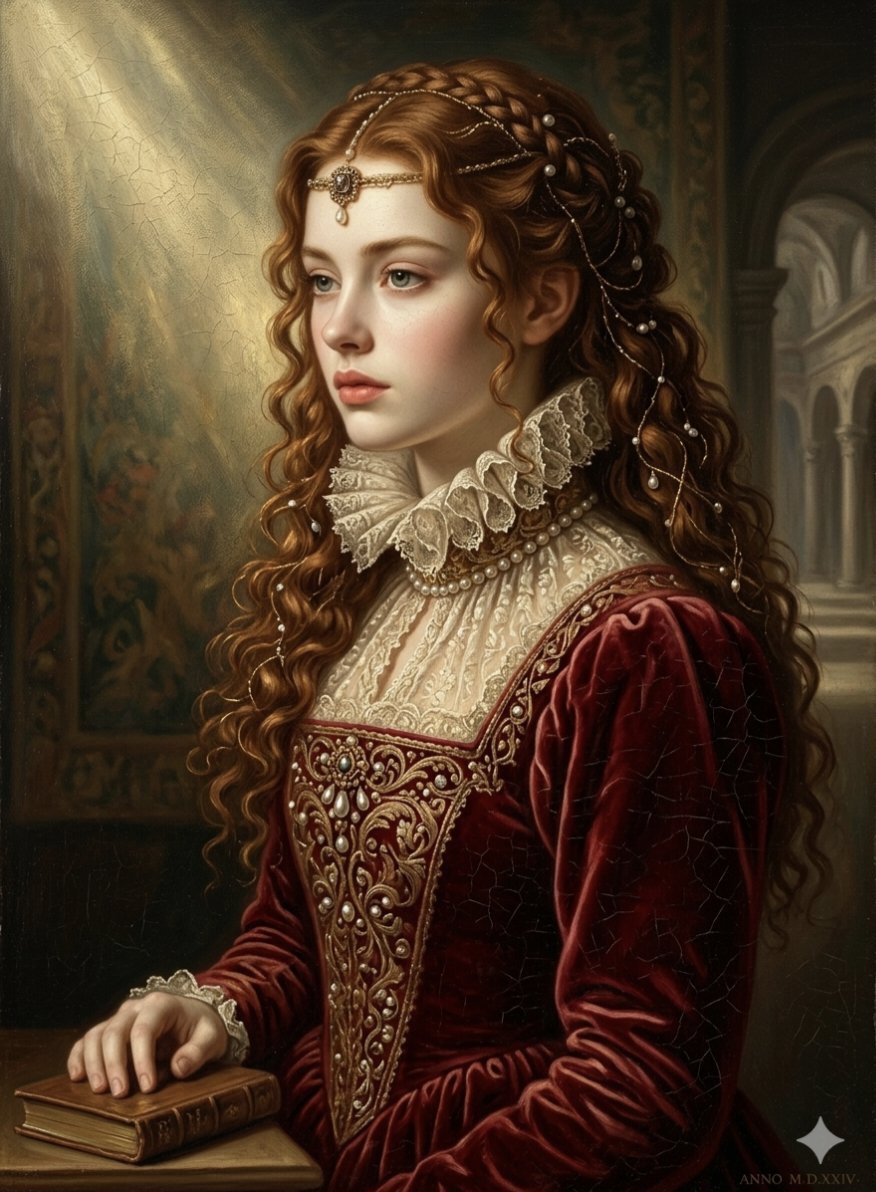
Renaissance Noblewoman Oil Portrait
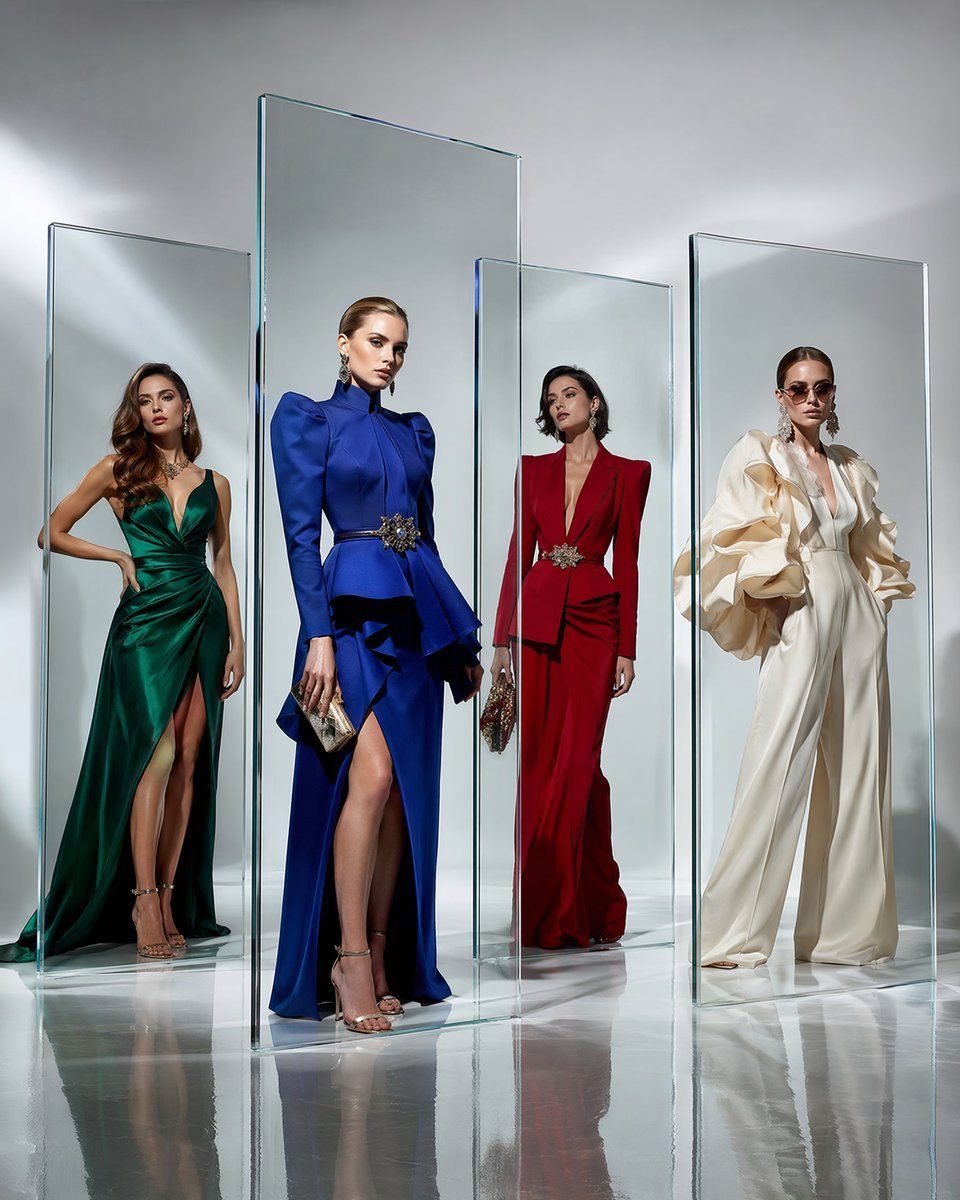
Crystal Panel European Couture Fashion Composite
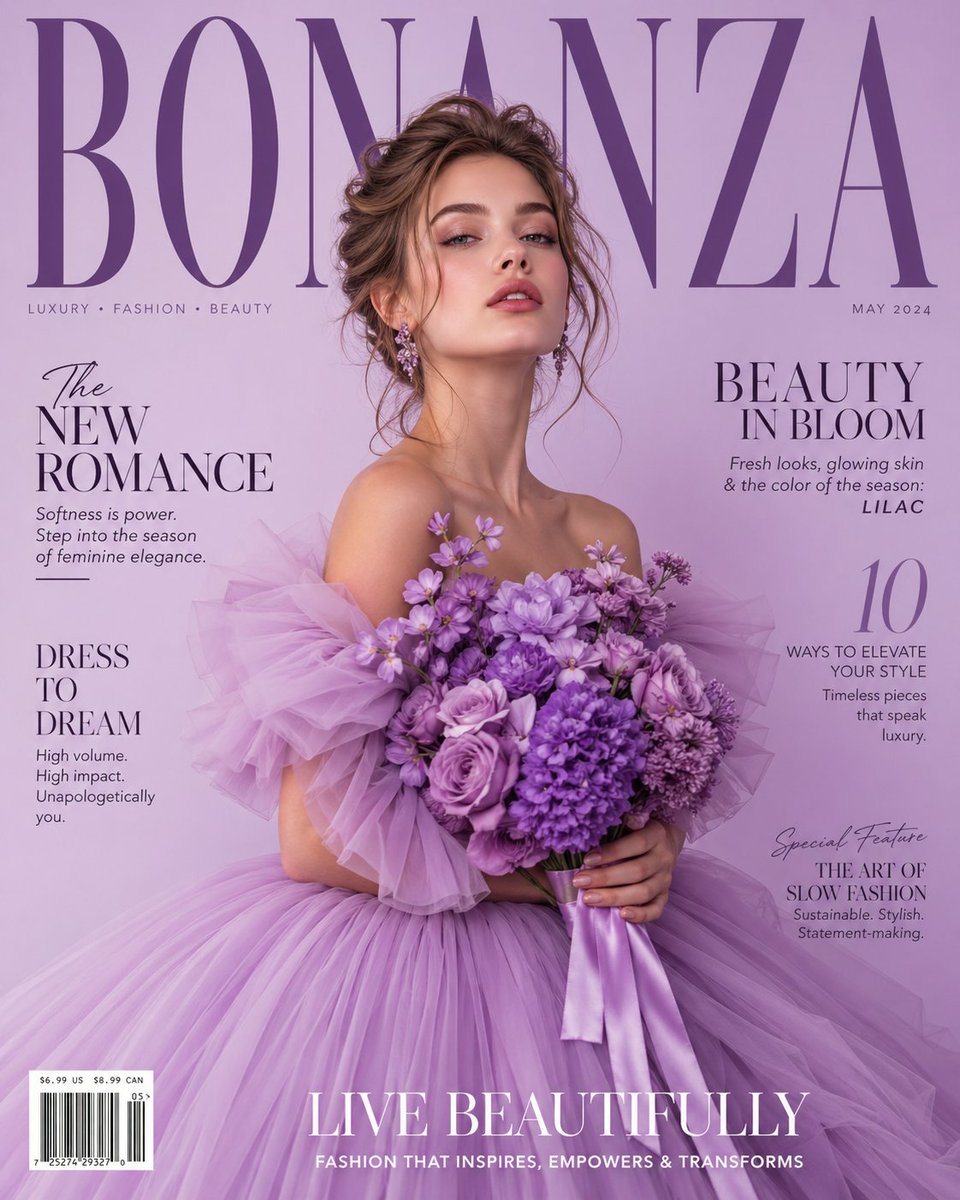
Lavender Couture Magazine Cover Fashion Portrait

Minecraft Fantasy Kingdom Voxel Landscape
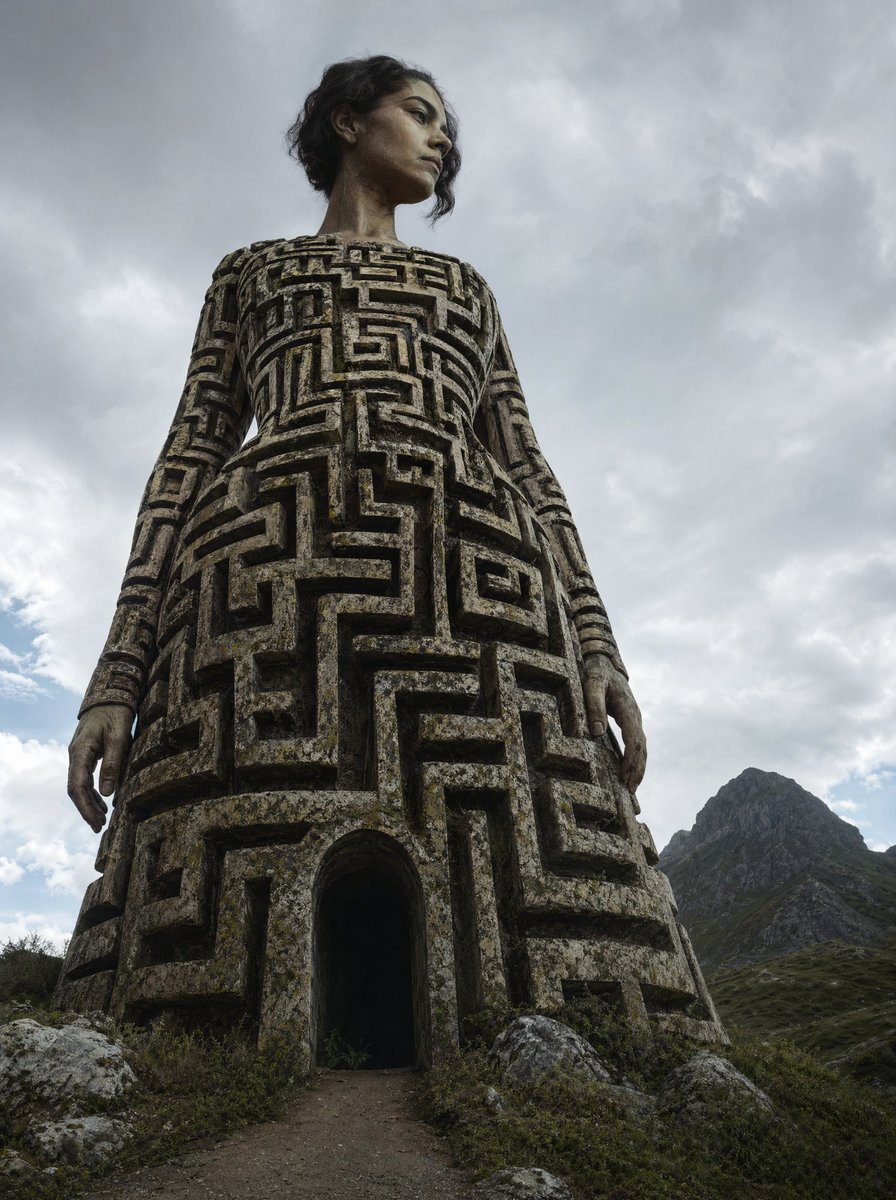
Colossal Labyrinth Woman Monument

Woman in Mall with Chanel Bag - Heart Gesture

Floating Woman Above Cityscape with Notifications

Couture Fashion Editorial Woman and Drag
Seedance - Dragon vs Python Battle
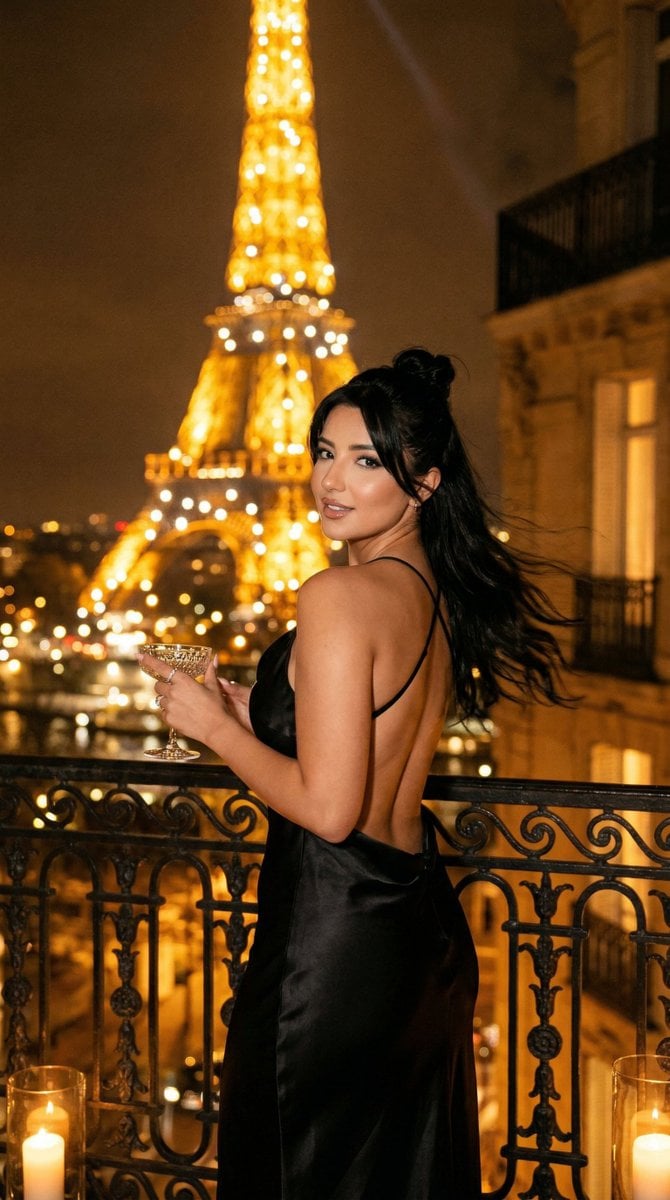
Nano Banana - Yacht Eiffel Night
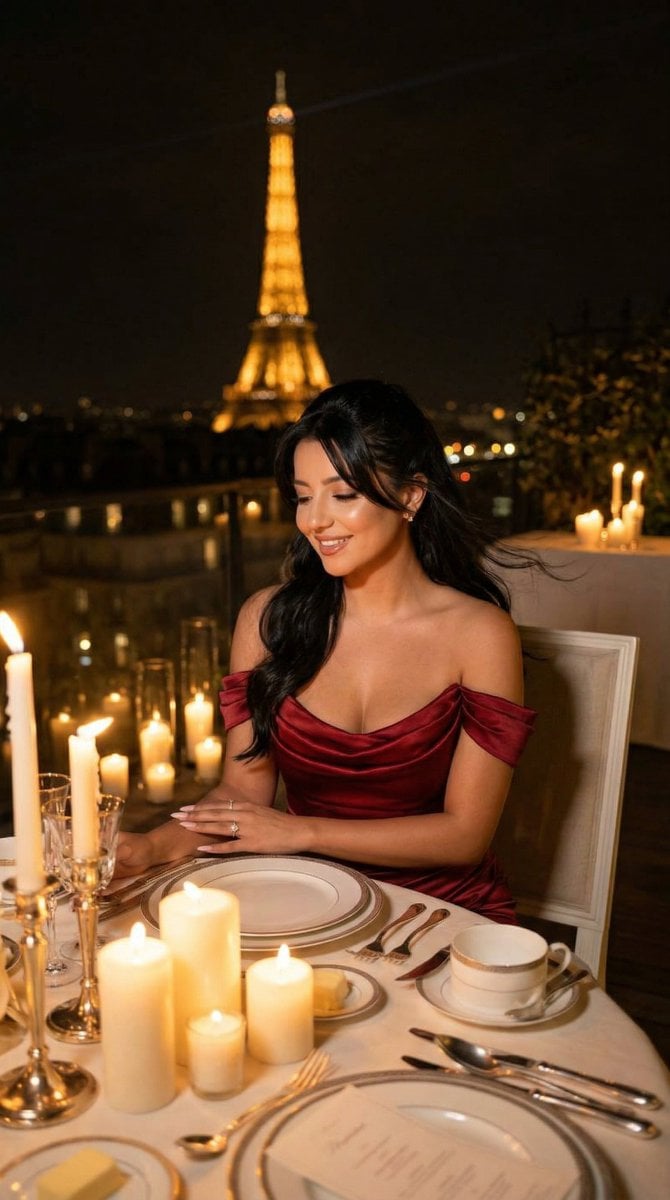
Nano Banana - Opera Red Gown Couture
Make it yours
Couture Woman and Colossal Dragon in Renaissance Palace works as-is. These are the safest ways to change it without losing the look.
Change one field
Copy a single group, rewrite it, and generate again so you can see what that field is doing.
Keep the frame, change the subject
Hold the composition and light of Couture Woman and Colossal Dragon in Renaissance Palace, then swap wardrobe, props or the person for a new take.
| If the result… | Why | Fix |
|---|---|---|
| The result drifts from the preview | Too many fields changed at once. | Reuse Couture Woman and Colossal Dragon in Renaissance Palace as-is first, then change one group — subject, light, or setting. |
| The model over-stylizes the scene | The prose prompt leaves finish and camera underspecified. | Add one camera or lighting sentence and stay on Nano Banana 2. |
More Nano Banana 2 templates
Other prompts made for Nano Banana 2.

Photorealistic Leaf Shaped Like a Dragon

K-Pop Idol Portrait Grid for Rapid Selection

Poetic Rain Forest Portrait During Golden Hour

Urban Street Portrait with Cartoon Inner Self Duo

Candid Nighttime Photo with Cat Prompt

High-Concept 3D Diorama Generation Prompt

Cinematic Futuristic Studio Portrait Template

Skincare Editorial Photography Collage Prompt

Hyper-Realistic Commercial Product Photography (Splash Effect)

Hyper-Realistic Nightclub Portrait Prompt
More image prompts
Fresh picks from across the catalog.
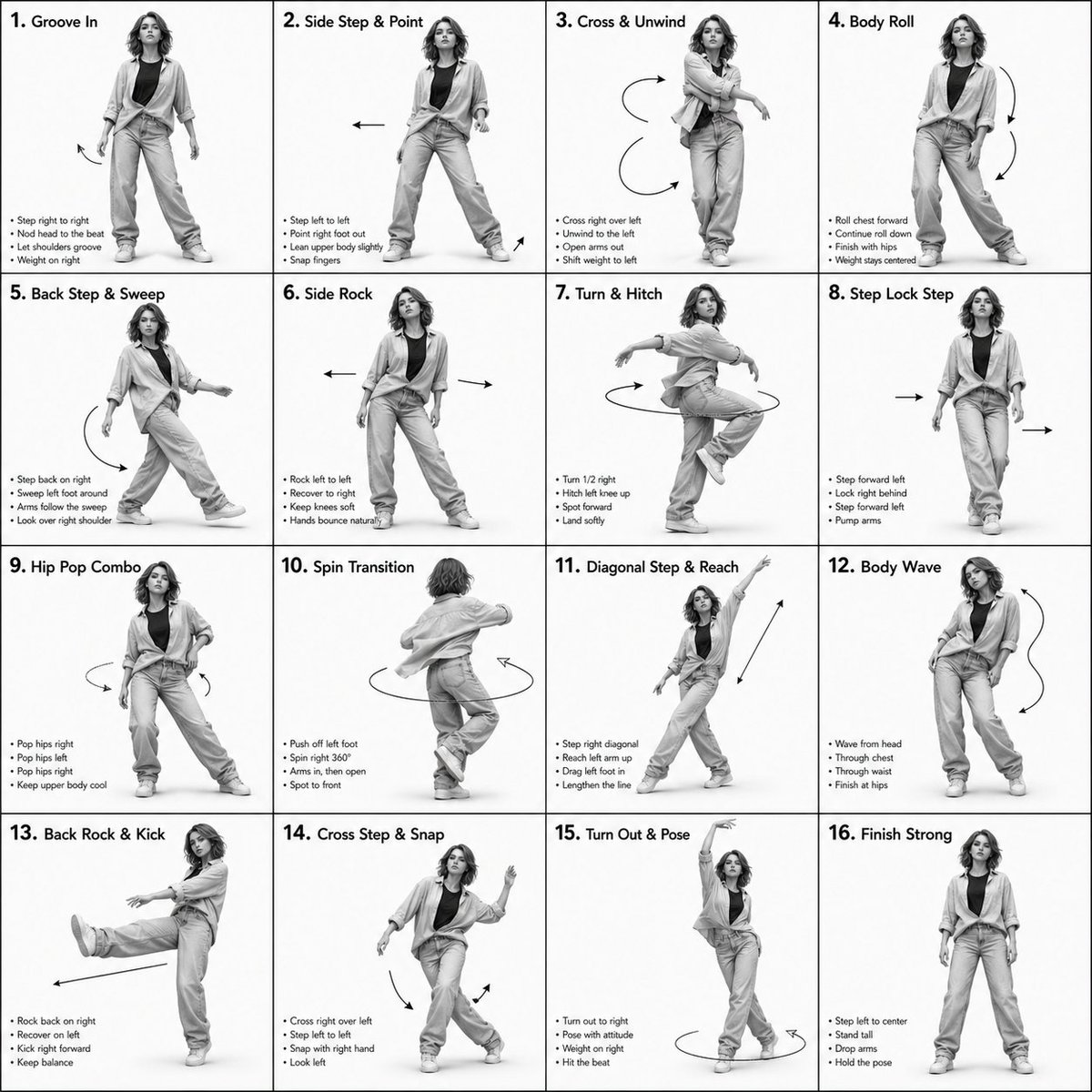
3D Rendered Dance Sequence Guide
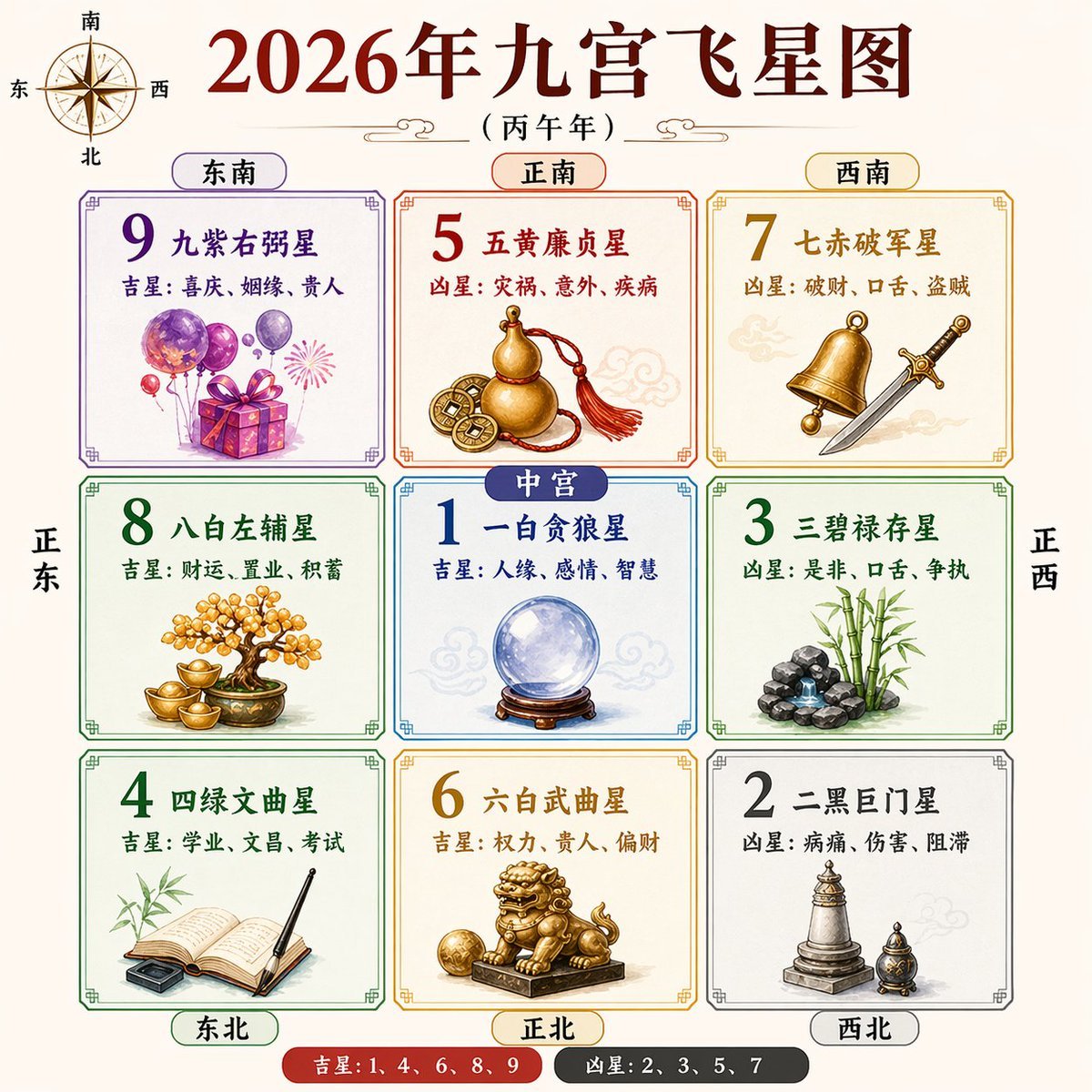
2026 Nine Palaces Flying Star Chart
YouTube Subtitle Base Generation Prompt
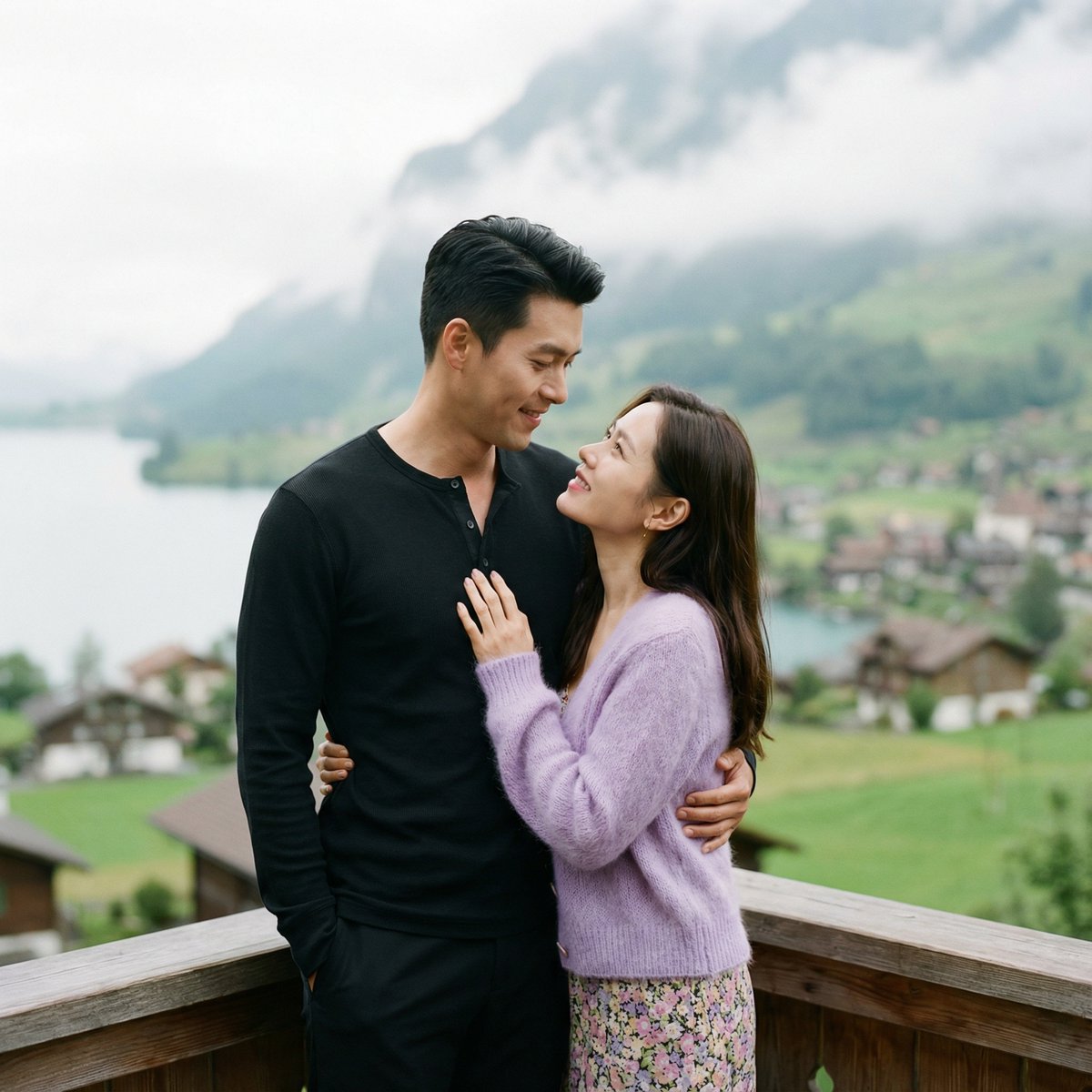
K-Drama Romantic Lakeside Embrace Prompt
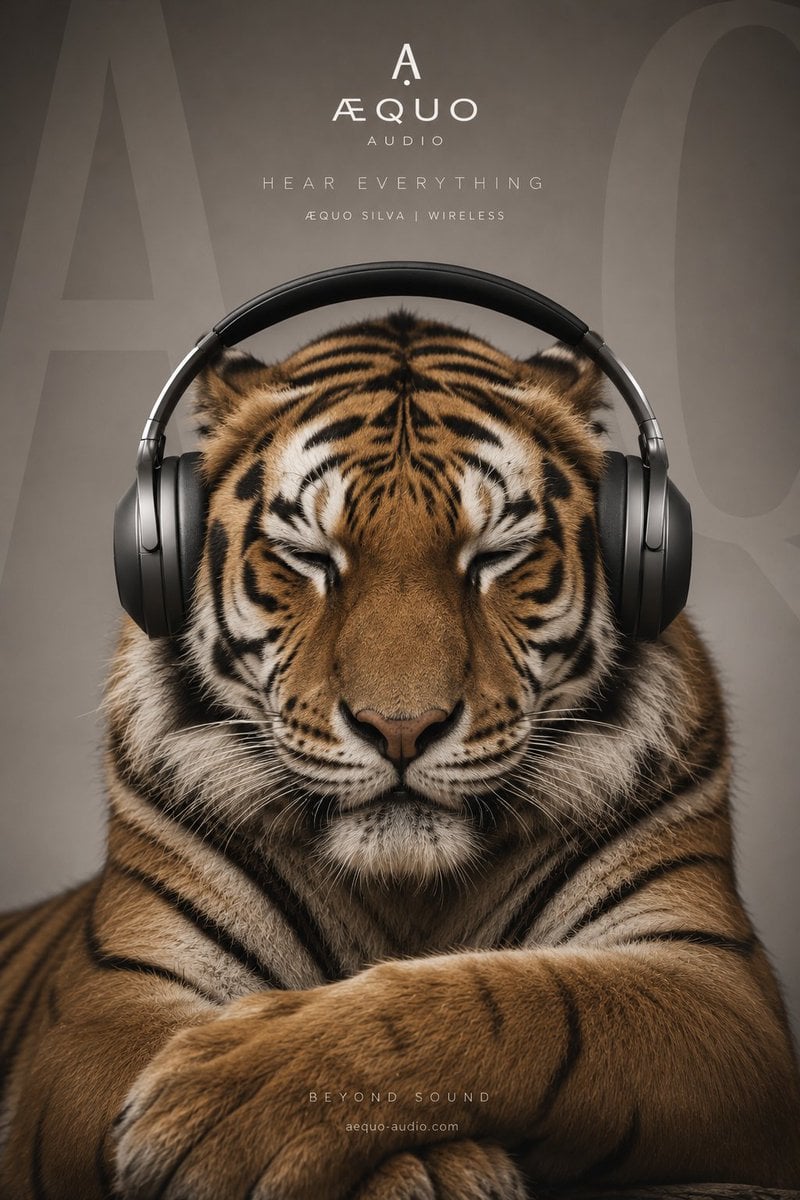
Ultra-realistic Gorilla Luxury Audio Poster

Desert Landscape Heroic Collage
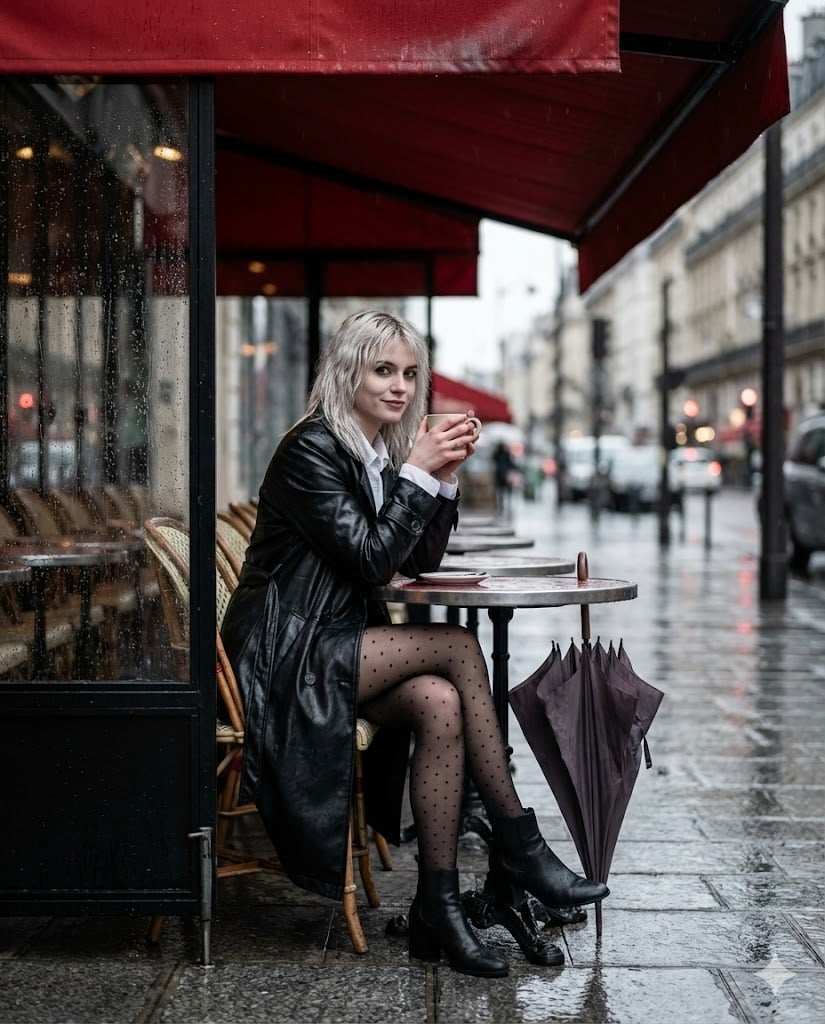
Moody Parisian Cafe Street Photography Prompt
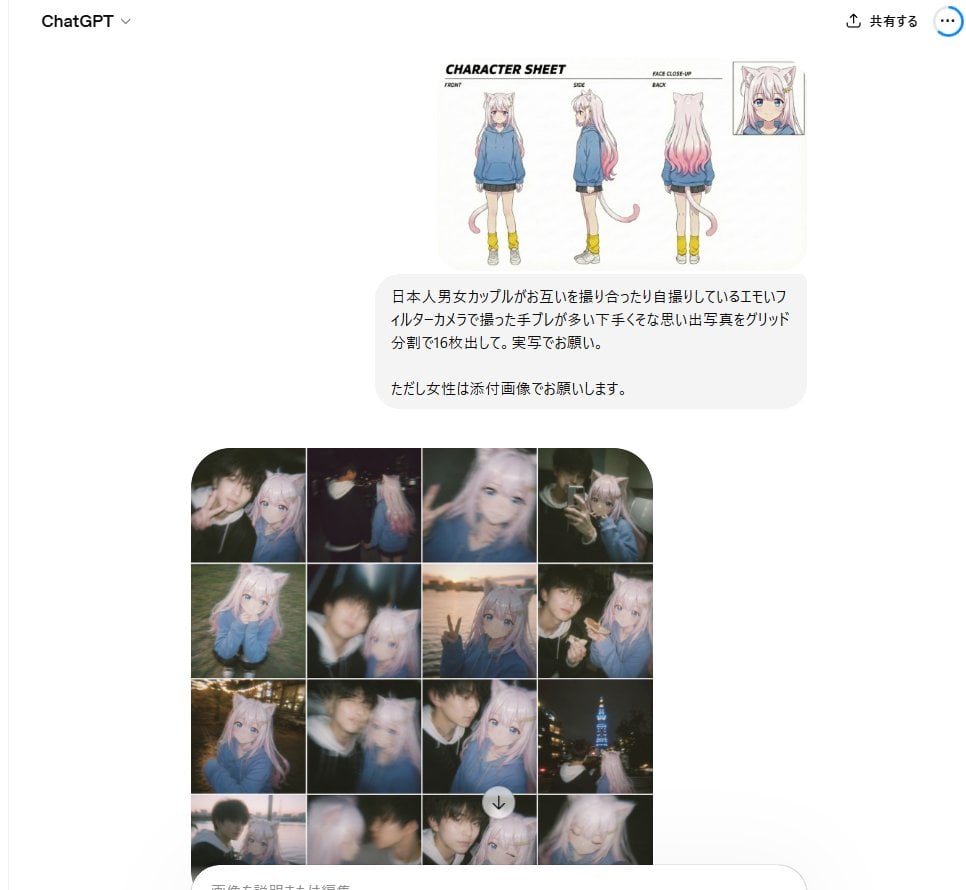
Amateur Style Couple Memories Prompt
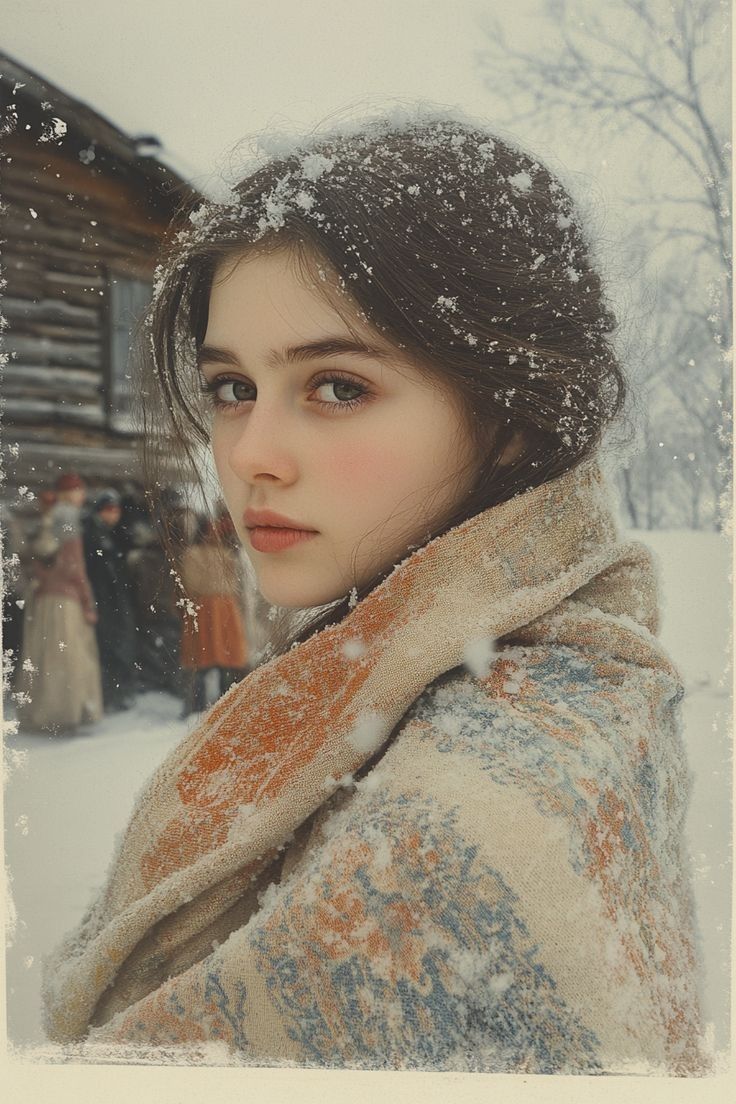
Cinematic Winter Portrait with Snowflakes
Cinematic Storyboard Generation Prompt
Browse template categories
Couture Woman and Colossal Dragon in Renaissance Palace questions
How do I use the Couture Woman and Colossal Dragon in Renaissance Palace template?
Add your photo if the template asks for one, edit the prompt if you like — the template's model and format are already selected — and press Generate. Your version opens in PicX Studio.
Can I customize the Couture Woman and Colossal Dragon in Renaissance Palace template?
Yes. You can change the subject, setting, lighting, mood, format, and available model controls before creating your image.
Is the Couture Woman and Colossal Dragon in Renaissance Palace template free?
Opening and editing this template is free. Generating uses credits, shown on the Generate button when you are signed in.
Which AI model should I use?
Start with Nano Banana 2, which is the model associated with this template. You can compare another compatible model for a different finish.
Looking for something else? Browse all templates.

Your photo, any look
Thousands of ready templates for every top image and video model, from one credit balance.