
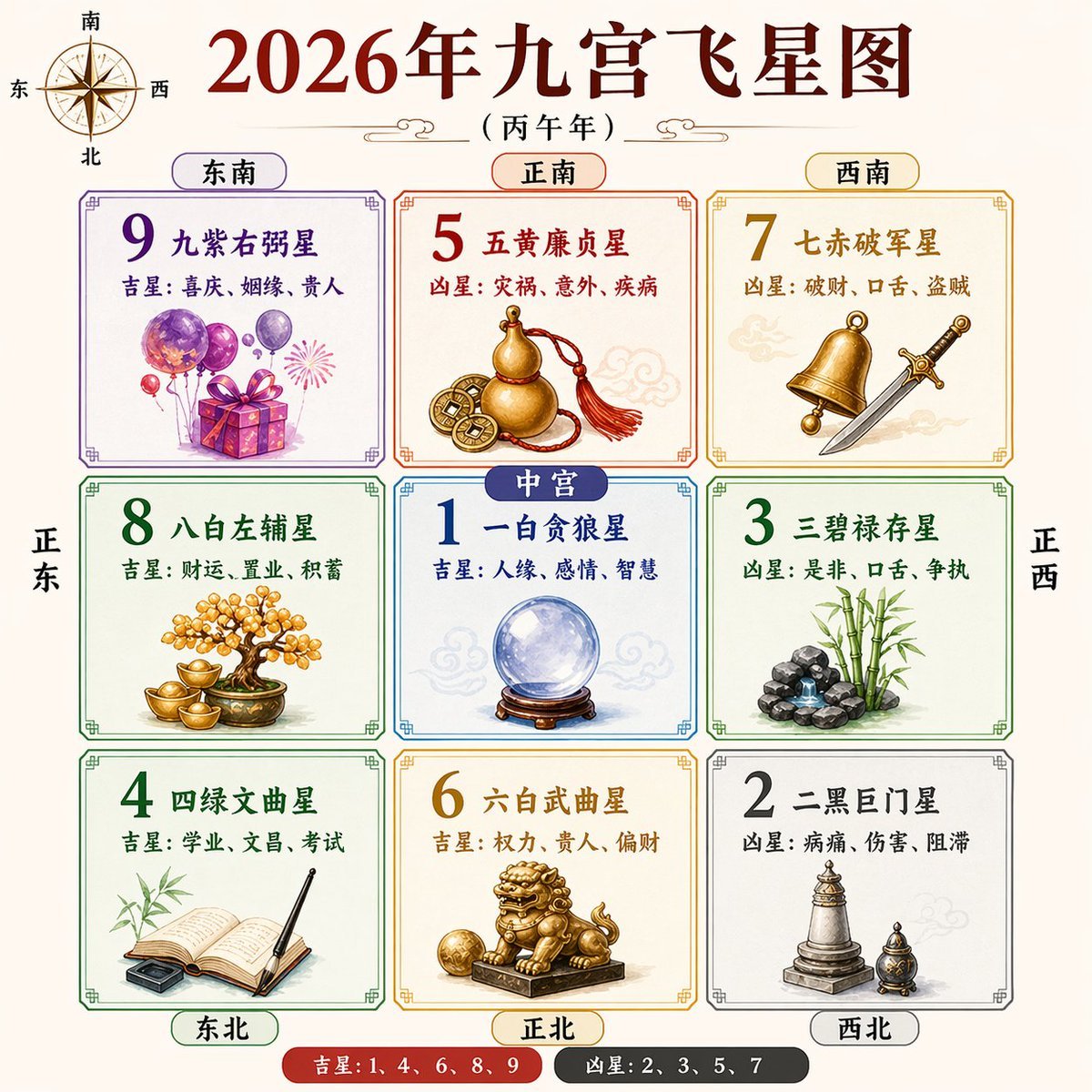
2026 Nine Palaces Flying Star Chart
This prompt generates a polished Chinese feng shui annual flying star infographic poster for reference, educational content, or social media sharing.
- Prompt included
- Model and format preset
- Free template
The prompt behind this image
Copy the exact prompt behind 2026 Nine Palaces Flying Star Chart, or open it in the studio and make it yours.
Create a clean, symmetrical Chinese feng shui infographic poster in a traditional almanac style on a warm light beige background. The main title at the top is large dark red Chinese calligraphy text reading {argument name="headline text" default="2026年九宫飞星图"}, with a smaller subtitle beneath in black reading {argument name="subtitle text" default="(丙午年)"}. Add a decorative compass rose in the upper left corner labeled with the four cardinal directions in Chinese: 南 at top, 北 at bottom, 东 at left, 西 at right. Center the composition around a 3x3 grid of 9 bordered square panels with thin ornamental Chinese-style corners, evenly spaced and perfectly aligned. Each square contains a large colored number, a Chinese star name, one line beginning with 吉星 or 凶星, and an illustrative symbolic object. Top row has 3 panels: top-left labeled 东南 with a purple-framed panel for number 9 and text 九紫右弼星, plus 吉星: 喜庆、姻缘、贵人, illustrated with purple balloons, a gift box, and a small firework burst; top-center labeled 正南 with an orange-framed panel for number 5 and text 五黄廉贞星, plus 凶星: 灾祸、意外、疾病, illustrated with a gold gourd and ancient Chinese coins tied with a red tassel; top-right labeled 西南 with a gold-framed panel for number 7 and text 七赤破军星, plus 凶星: 破财、口舌、盗贼, illustrated with a brass bell and a silver sword. Middle row has 3 panels: middle-left aligned with 正东 in large vertical side text, a green-framed panel for number 8 and text 八白左辅星, plus 吉星: 财运、置业、积蓄, illustrated with a bonsai-like money tree and gold ingots; middle-center labeled 中宫 in a blue capsule tag overlapping the top edge of the center square, a blue-framed panel for number 1 and text 一白贪狼星, plus 吉星: 人缘、感情、智慧, illustrated with a crystal ball on a wooden stand; middle-right aligned with 正西 in large vertical side text, a green-framed panel for number 3 and text 三碧禄存星, plus 凶星: 是非、口舌、争执, illustrated with bamboo and a small stacked rock fountain. Bottom row has 3 panels: bottom-left labeled 东北 with a green-framed panel for number 4 and text 四绿文曲星, plus 吉星: 学业、文昌、考试, illustrated with an open book, brush pen, and ink stone with bamboo leaves behind; bottom-center labeled 正北 with a gold-framed panel for number 6 and text 六白武曲星, plus 吉星: 权力、贵人、偏财, illustrated with a golden guardian lion statue on a pedestal holding a ball; bottom-right labeled 西北 with a gray-framed panel for number 2 and text 二黑巨门星, plus 凶星: 病痛、伤害、阻滞, illustrated with a stone pagoda and a small incense burner. Use exactly 6 outer direction labels around the grid: 东南, 正南, 西南 above the top row, and 东北, 正北, 西北 below the bottom row, each inside rounded capsules matching the panel colors. Add exactly 2 large vertical side direction labels outside the grid: 正东 on the left side and 正西 on the right side. At the bottom center, add a pill-shaped legend with 2 segments: a red segment reading 吉星: 1、4、6、8、9 and a dark gray segment reading 凶星: 2、3、5、7. Include faint pale cloud motifs behind some objects for traditional atmosphere. Style is crisp vector-infographic with soft watercolor-like object rendering, high readability, balanced spacing, and an elegant Chinese metaphysical chart aesthetic.
How to use 2026 Nine Palaces Flying Star Chart in 3 steps
- 1Upload ImagePNG, JPG or paste
Add your photo
Upload the photo the template builds on. The prompt, model and format are already set.
- 2…a portrait of your subject in softgolden-hour light, 85mm…
Personalize
Edit the subject and creative details for your destination.
- 3Generate
Generate
Press Generate — your image is created in PicX Studio, so you can compare it with the original and refine one variable at a time.
More like this
Templates with the same subject, style or setup. Open one to see its prompt.

80s Bollywood Star
Flying Totorobot at Sunset
Dunhuang Flying Apsara Poster
Stained Glass Flying Owl
Future Spawn Flying Demon Drone
Consistent Character Nine-Panel Illustration Collage
Nine-Frame Corporate Portrait Collage
Dunhuang Flying Apsaras Portrait
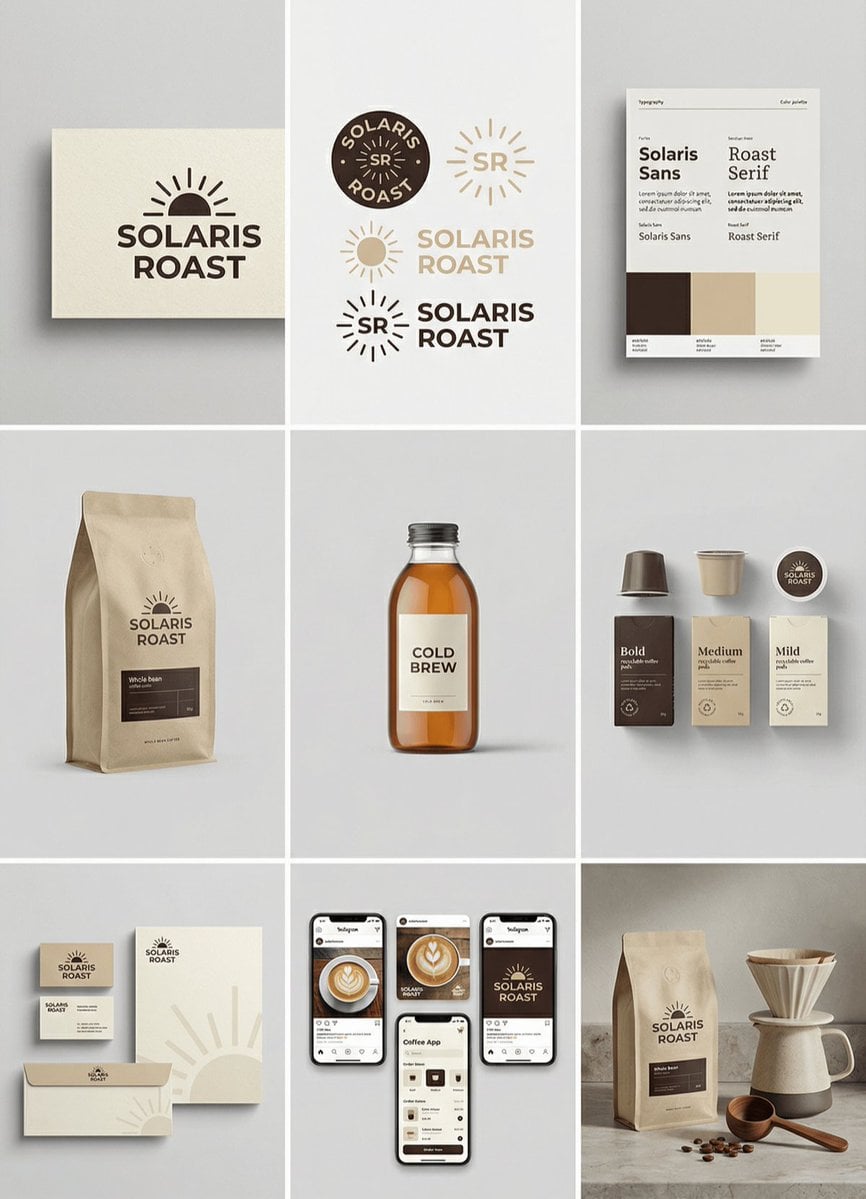
Complete brand identity grid, 3x3 layout, nine tiles showing a full

A 3x3 grid storyboard contact sheet comprised of nine candid, cinematic
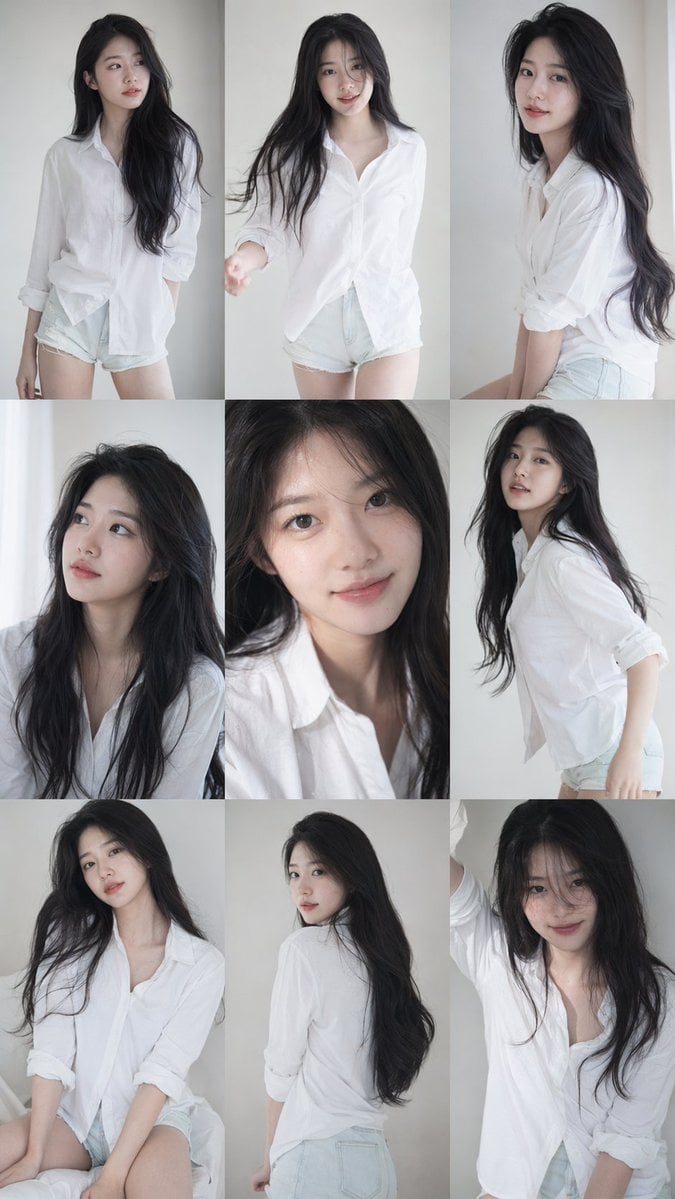
9 16 vertical a 3x3 grid collage nine images forming a Korean idol
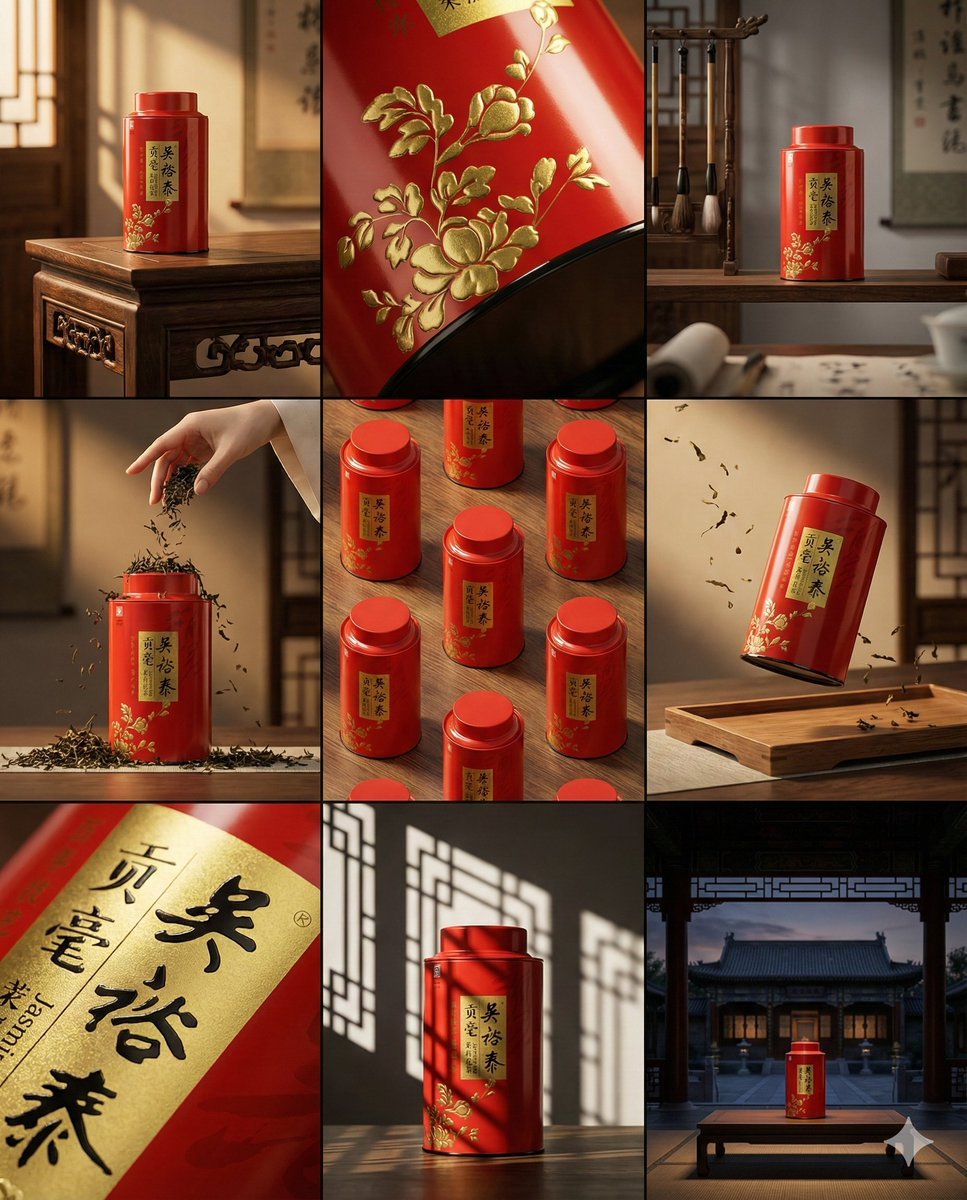
A clean 3 3 storyboard grid with nine equal-sized panels and an overall
Make it yours
2026 Nine Palaces Flying Star Chart works as-is. These are the safest ways to change it without losing the look.
Change one field
Copy a single group, rewrite it, and generate again so you can see what that field is doing.
Keep the frame, change the subject
Hold the composition and light of 2026 Nine Palaces Flying Star Chart, then swap wardrobe, props or the person for a new take.
| If the result… | Why | Fix |
|---|---|---|
| The result drifts from the preview | Too many fields changed at once. | Reuse 2026 Nine Palaces Flying Star Chart as-is first, then change one group — subject, light, or setting. |
| The model over-stylizes the scene | The prose prompt leaves finish and camera underspecified. | Add one camera or lighting sentence and stay on GPT Image 2. |
More GPT Image 2 templates
Other prompts made for GPT Image 2.

Six VTuber Japanese Logo Sheet

Realistic Portrait of Woman and Deer

The Vista Modular Condo Poster

AI Model Routing Comparison Infographic

2.5D Anime Art Board

Isometric Productivity Desk Scene

New York Double Exposure Poster

Four-Panel AI Landscape Comparison

Japanese Tatami Lifestyle Magazine Cover

NESCAFÉ Coffee Map Poster
More image prompts
Fresh picks from across the catalog.
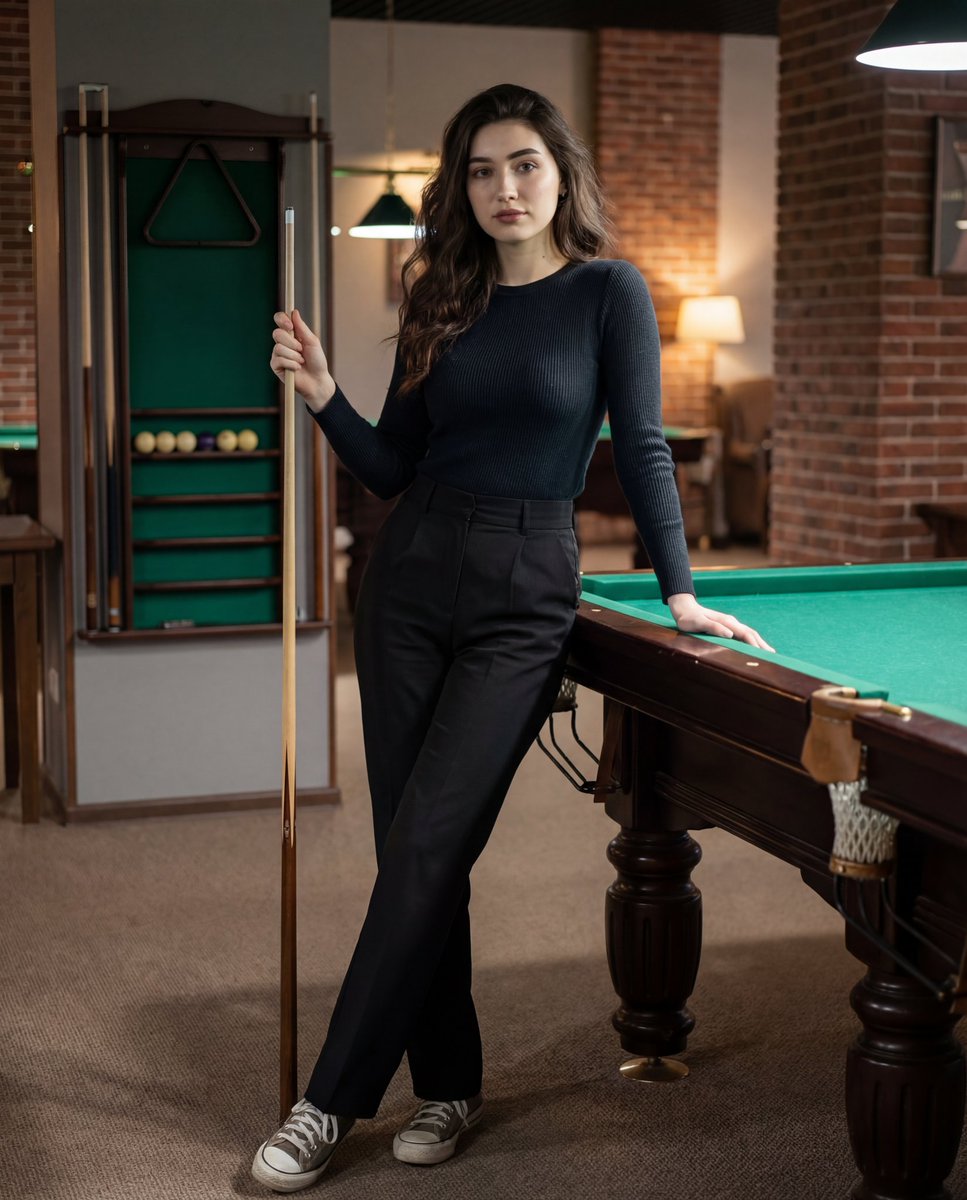
Photorealistic Lifestyle Portrait Prompt (Identity Locked)
Triptych Composition Prompt for Abstract Fashion Editorial
Ultra-realistic Indian Bridal Portrait Collage
Dreamy Fine-Art Portrait in Ethereal Garden
High-Fashion Street Editorial in European City
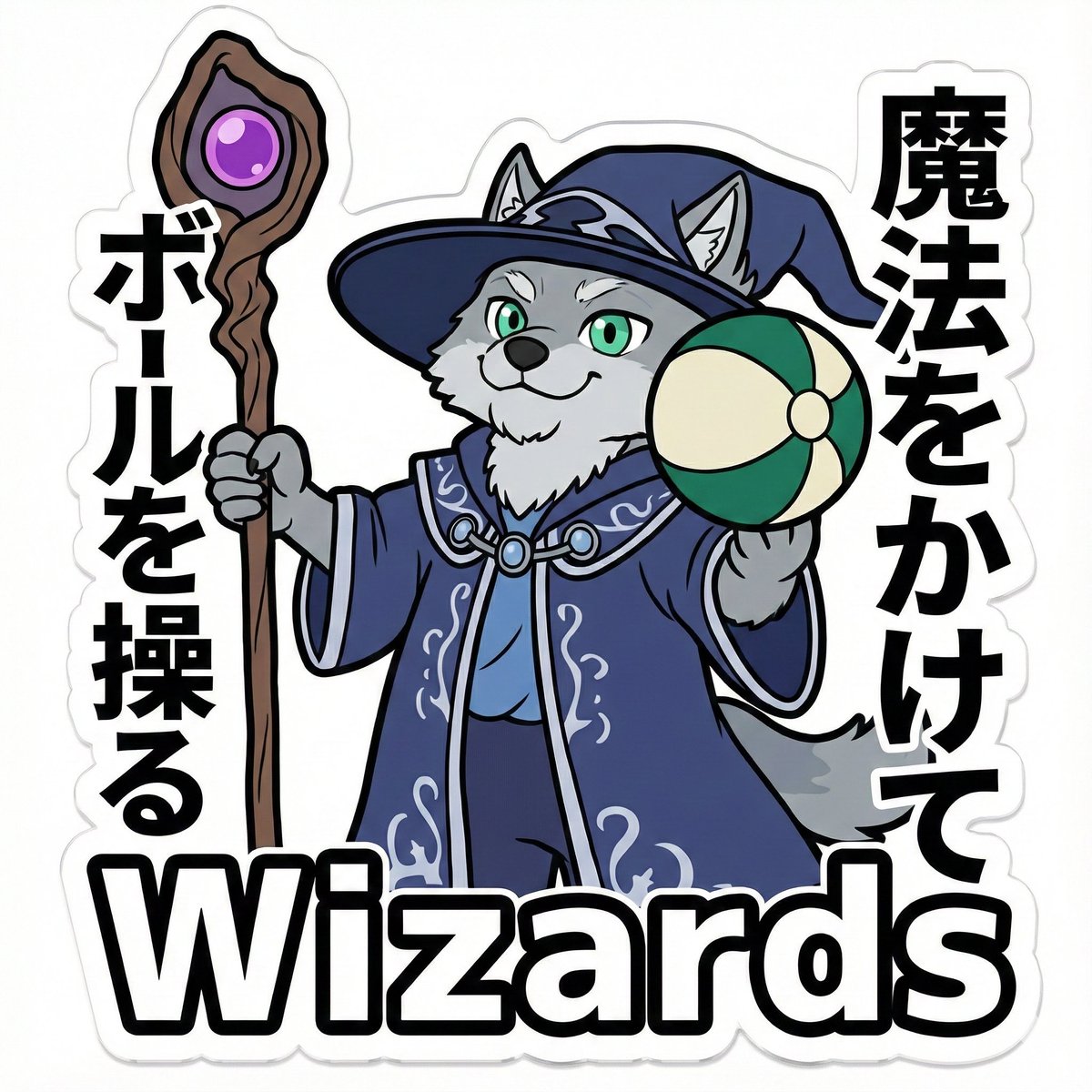
Die-Cut Sticker Illustration Prompt with Japanese Text
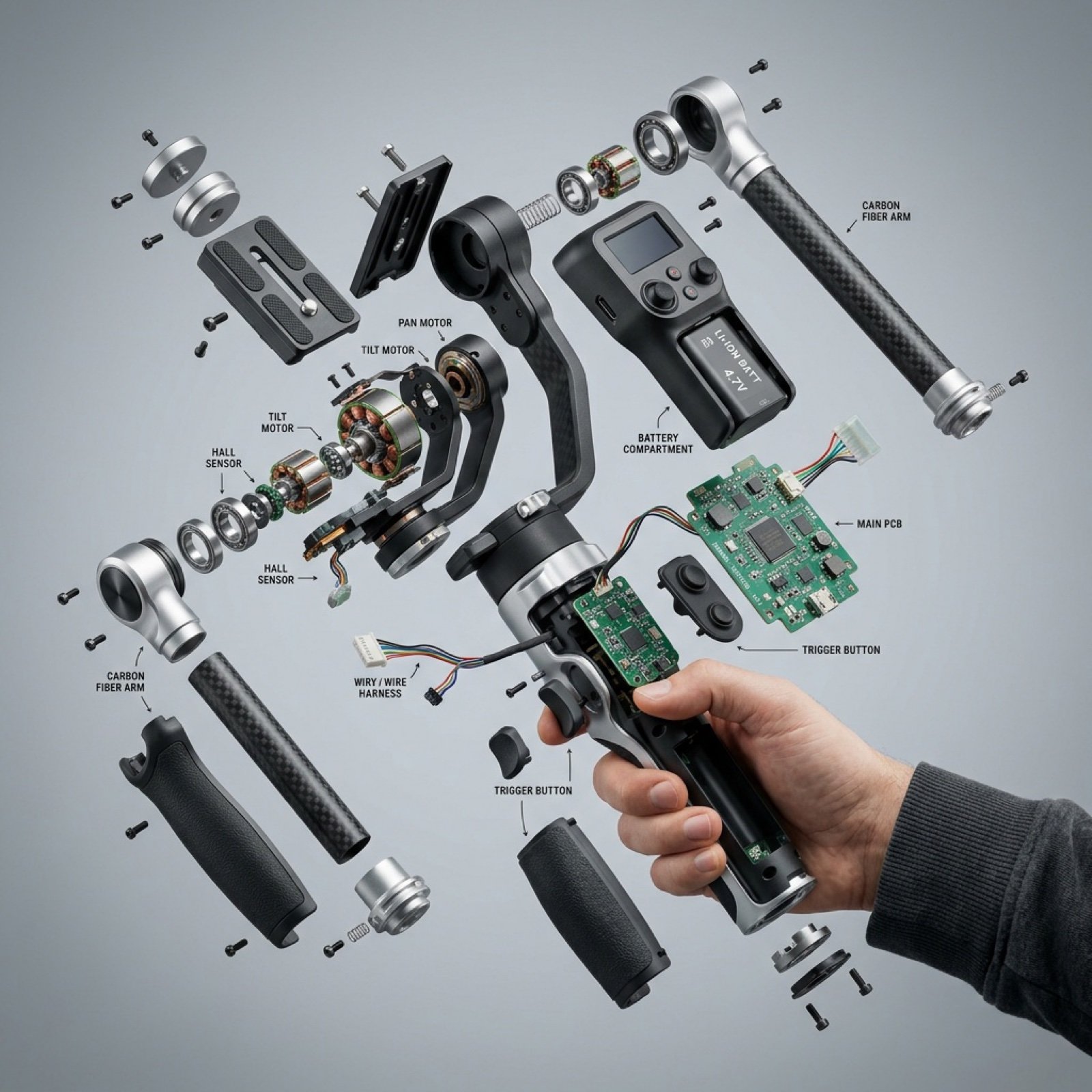
Exploded View Product Visualization Prompt
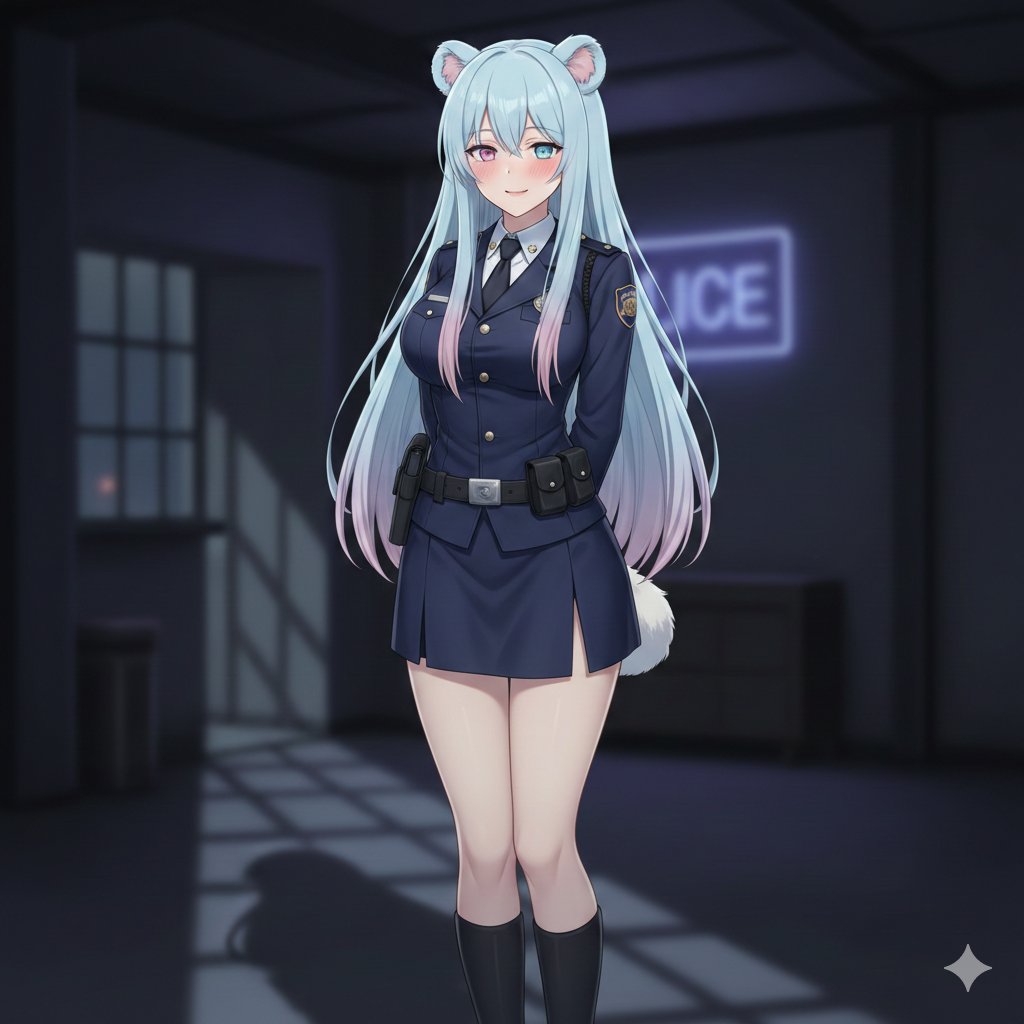
AI Image: Bella Police

Luxury Lifestyle Mustang Shot
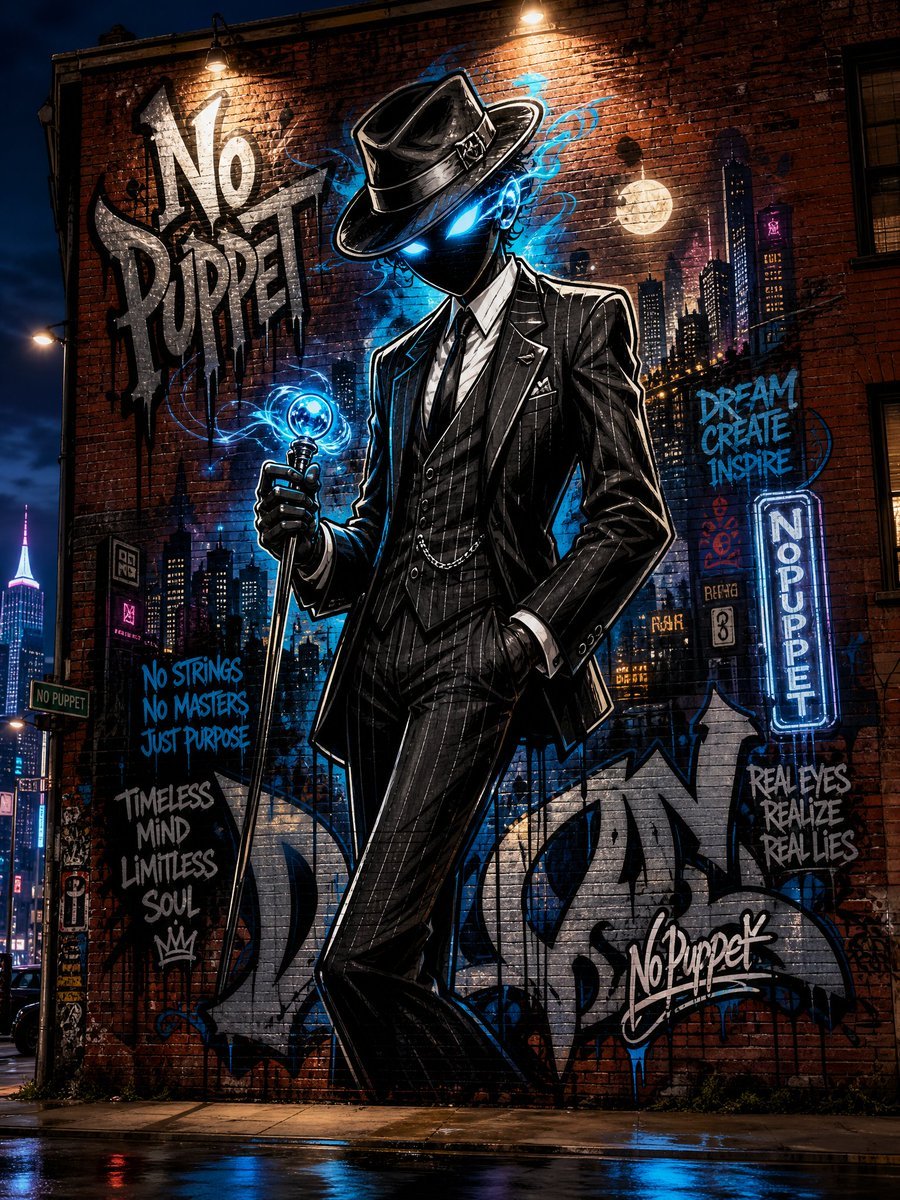
No Puppet Noir Graffiti Mural
Browse template categories
2026 Nine Palaces Flying Star Chart questions
How do I use the 2026 Nine Palaces Flying Star Chart template?
Add your photo if the template asks for one, edit the prompt if you like — the template's model and format are already selected — and press Generate. Your version opens in PicX Studio.
Can I customize the 2026 Nine Palaces Flying Star Chart template?
Yes. You can change the subject, setting, lighting, mood, format, and available model controls before creating your image.
Is the 2026 Nine Palaces Flying Star Chart template free?
Opening and editing this template is free. Generating uses credits, shown on the Generate button when you are signed in.
Which AI model should I use?
Start with GPT Image 2, which is the model associated with this template. You can compare another compatible model for a different finish.
Looking for something else? Browse all templates.

Your photo, any look
Thousands of ready templates for every top image and video model, from one credit balance.