
Future Spawn Flying Demon Drone
A cinematic prompt for generating a photorealistic futuristic Spawn-inspired biomechanical winged drone in flight.
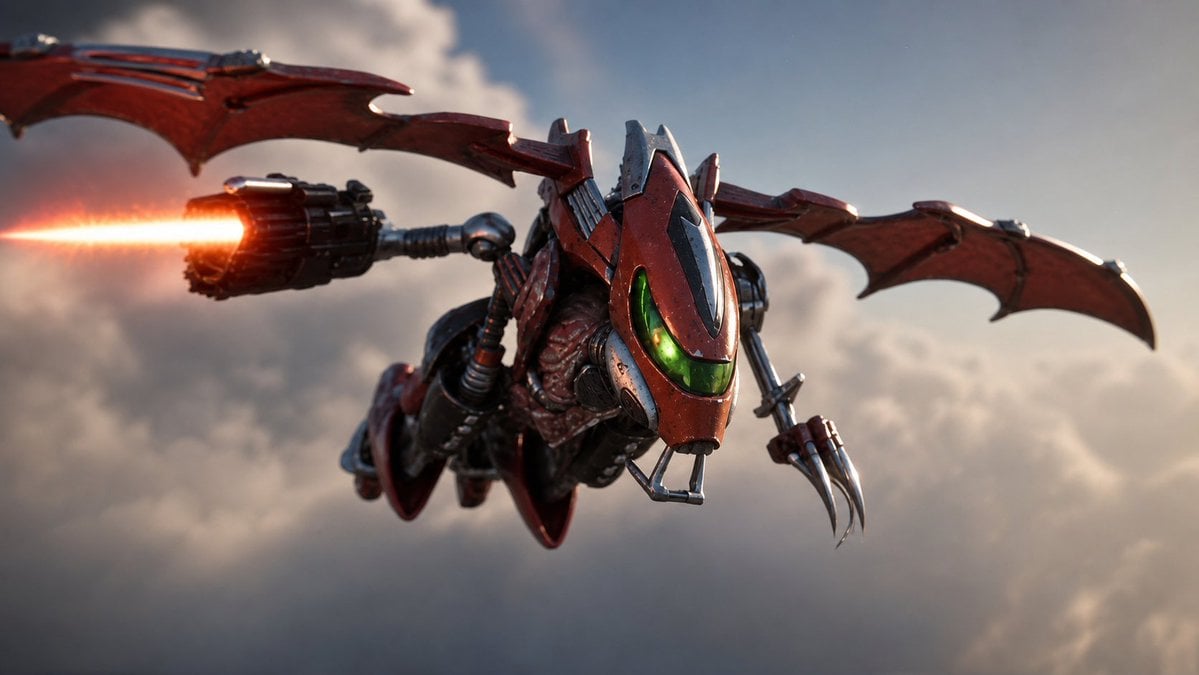
- Prompt included
- Model and format preset
- Free template
The prompt behind this image
Copy the exact prompt behind Future Spawn Flying Demon Drone, or open it in the studio and make it yours.
Create a cinematic photorealistic 16:9 action shot of {argument name="character concept" default="Future Spawn reimagined as a biomechanical flying demon-drone"} soaring through a cloudy sky at golden-hour dusk. The subject is centered slightly right, angled toward the viewer in a dynamic forward dive, with a red-and-black armored insectoid helmet, a glowing green visor, exposed organic sinewy musculature beneath metal plating, and worn battle-scarred surfaces with scratches, grime, rivets, and dark steel trim. Include exactly two large batlike mechanical wings stretching horizontally across the frame, each dark crimson with segmented metal ribs and scalloped edges; exactly one rotary jet cannon mounted on the left side firing a bright orange energy beam off the left edge with muzzle glow and heat bloom; and exactly one right-side mechanical claw arm with three long curved silver talons. Add small hoses, pistons, cables, wing hinges, and cybernetic joints to make the creature feel like a hybrid of demon, aircraft, and futuristic toy collectible. Use shallow depth of field, dramatic motion blur, atmospheric haze, soft backlit clouds, high-contrast rim lighting, and a blockbuster sci-fi fantasy aesthetic. Color palette: {argument name="armor color" default="deep crimson red"}, matte black, gunmetal silver, neon green visor light, and orange weapon flare. No text, no watermark, no border, no extra characters.
How to use Future Spawn Flying Demon Drone in 3 steps
- 1Upload ImagePNG, JPG or paste
Add your photo
Upload the photo the template builds on. The prompt, model and format are already set.
- 2…a portrait of your subject in softgolden-hour light, 85mm…
Personalize
Edit the subject and creative details for your destination.
- 3Generate
Generate
Press Generate — your image is created in PicX Studio, so you can compare it with the original and refine one variable at a time.
More like this
Templates with the same subject, style or setup. Open one to see its prompt.

Spider-Man 2099 Cyberpunk Neon Future City
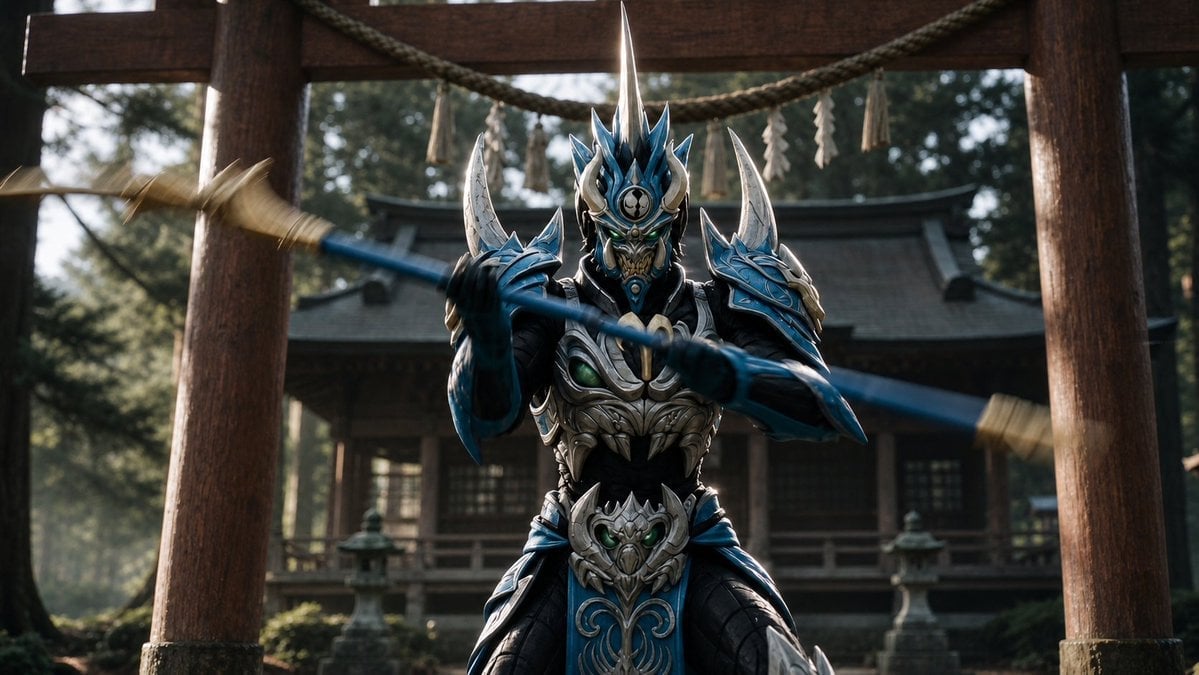
Mandarin Spawn at Shinto Shrine
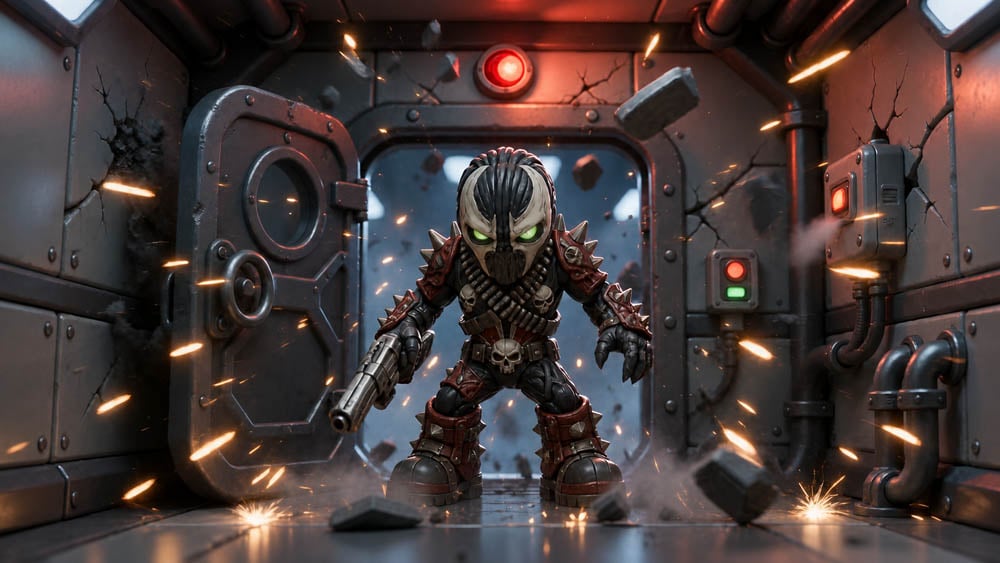
SD Spawn Sci-Fi Corridor Action Scene
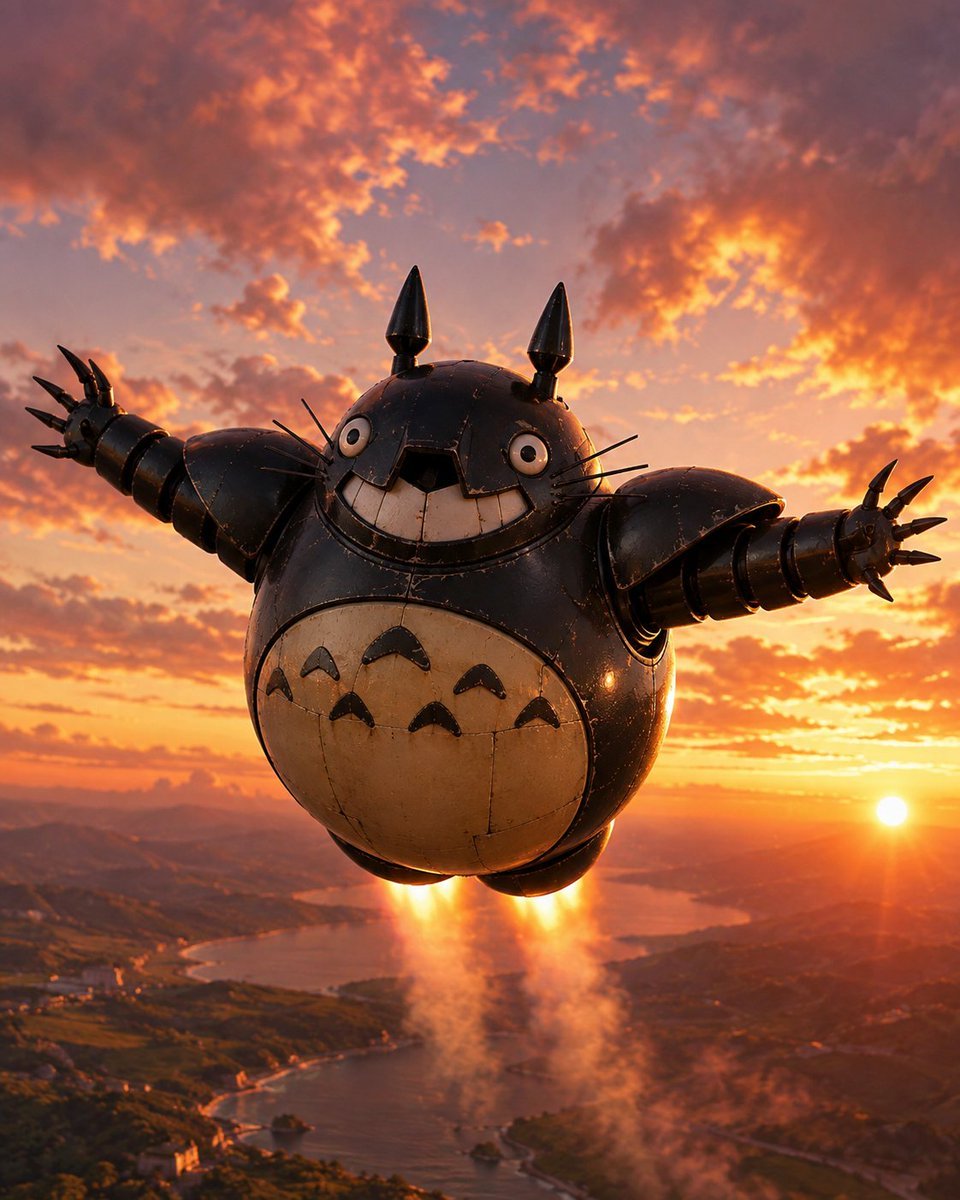
Flying Totorobot at Sunset

Dunhuang Flying Apsara Poster
Stained Glass Flying Owl

Luxury Executive Future Self Portrait
Cinematic Dubai Skyline Drone View
Dunhuang Flying Apsaras Portrait
Retro Geometric Future Culture Poster
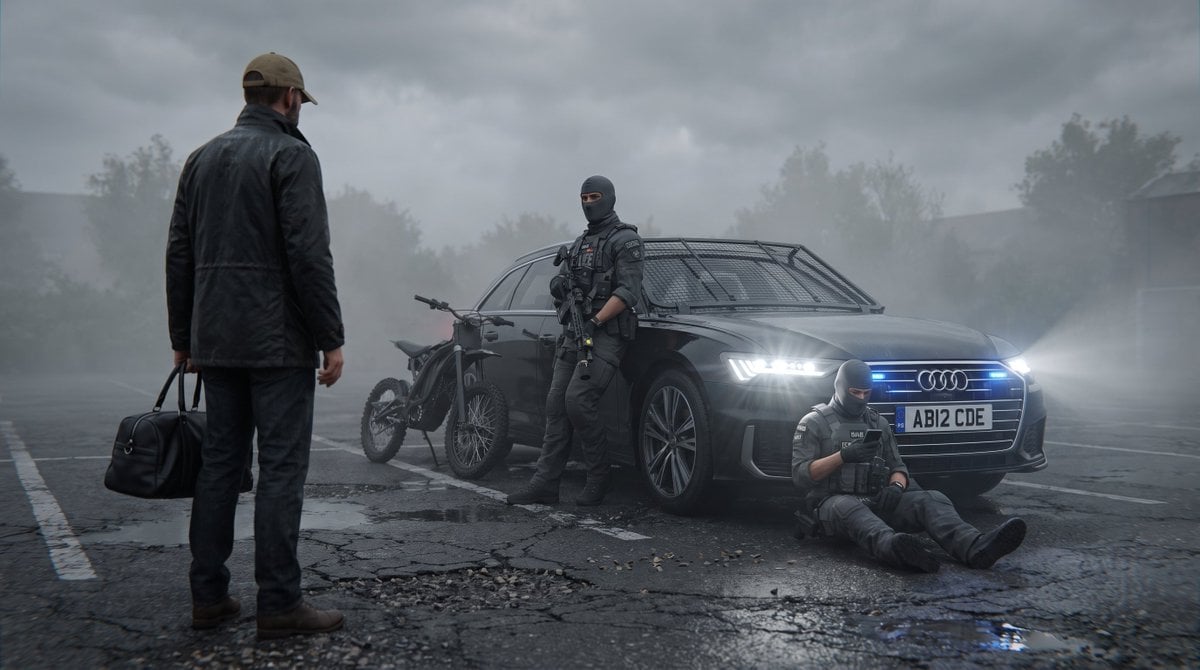
Future London GTA Concept Art
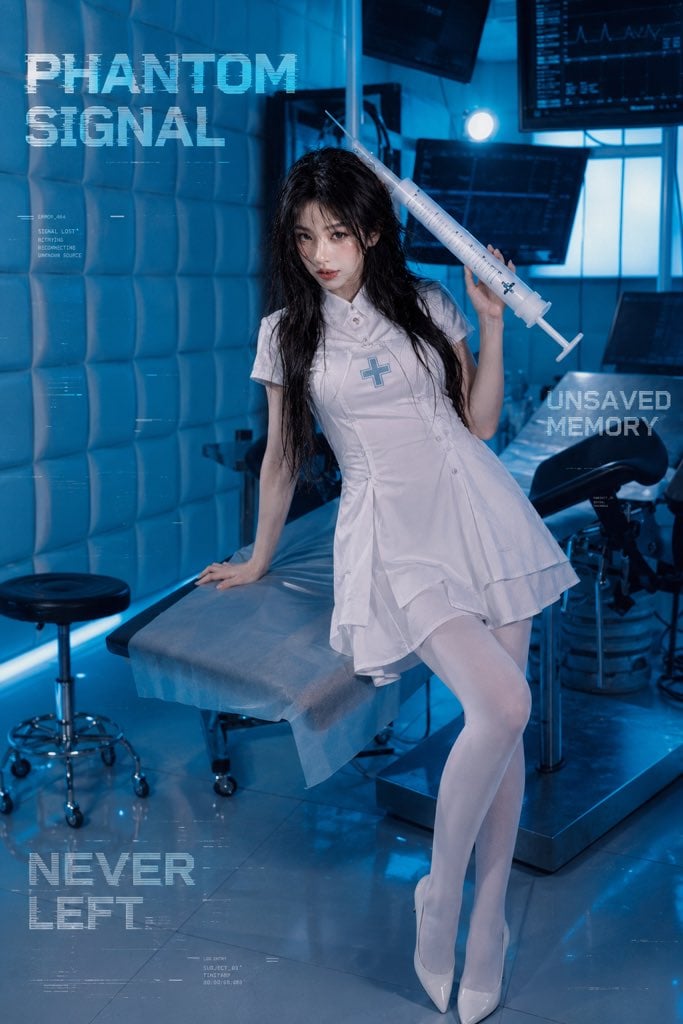
Future Medical Lab Scene
Make it yours
Future Spawn Flying Demon Drone works as-is. These are the safest ways to change it without losing the look.
Change one field
Copy a single group, rewrite it, and generate again so you can see what that field is doing.
Keep the frame, change the subject
Hold the composition and light of Future Spawn Flying Demon Drone, then swap wardrobe, props or the person for a new take.
| If the result… | Why | Fix |
|---|---|---|
| The result drifts from the preview | Too many fields changed at once. | Reuse Future Spawn Flying Demon Drone as-is first, then change one group — subject, light, or setting. |
| The model over-stylizes the scene | The prose prompt leaves finish and camera underspecified. | Add one camera or lighting sentence and stay on GPT Image 2. |
More GPT Image 2 templates
Other prompts made for GPT Image 2.

Six VTuber Japanese Logo Sheet

Realistic Portrait of Woman and Deer

The Vista Modular Condo Poster

AI Model Routing Comparison Infographic

2.5D Anime Art Board

Isometric Productivity Desk Scene

New York Double Exposure Poster

Four-Panel AI Landscape Comparison

Japanese Tatami Lifestyle Magazine Cover

NESCAFÉ Coffee Map Poster
More image prompts
Fresh picks from across the catalog.
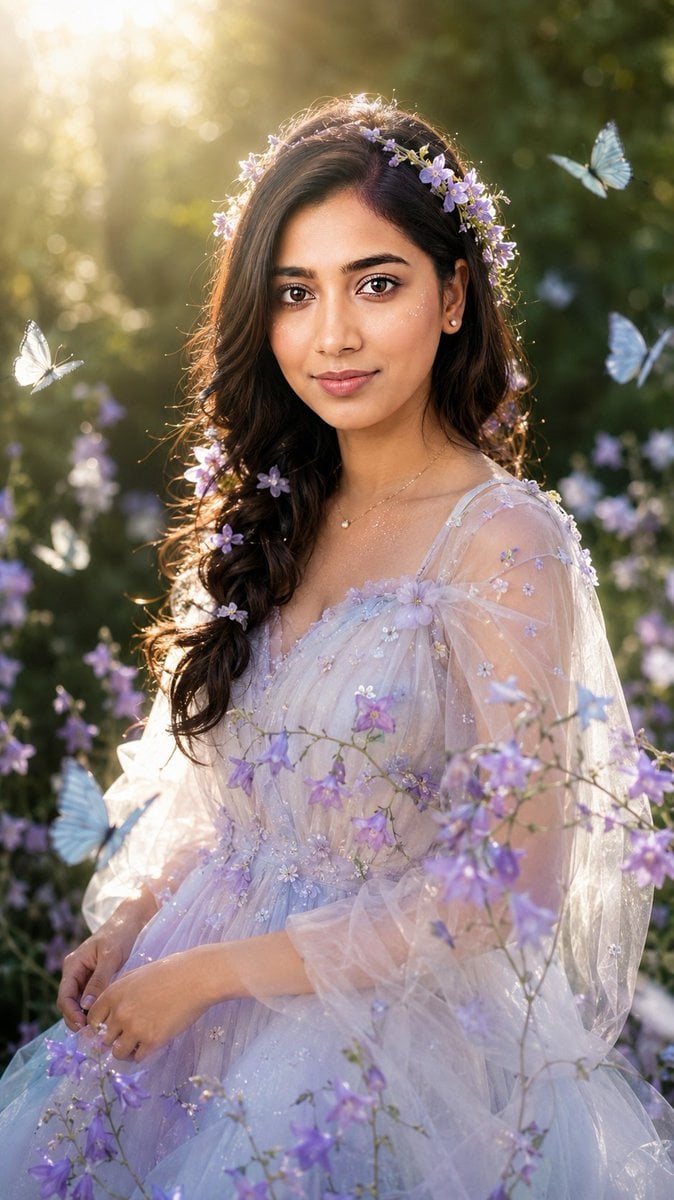
Realistic Garden Fairy Editorial Portrait
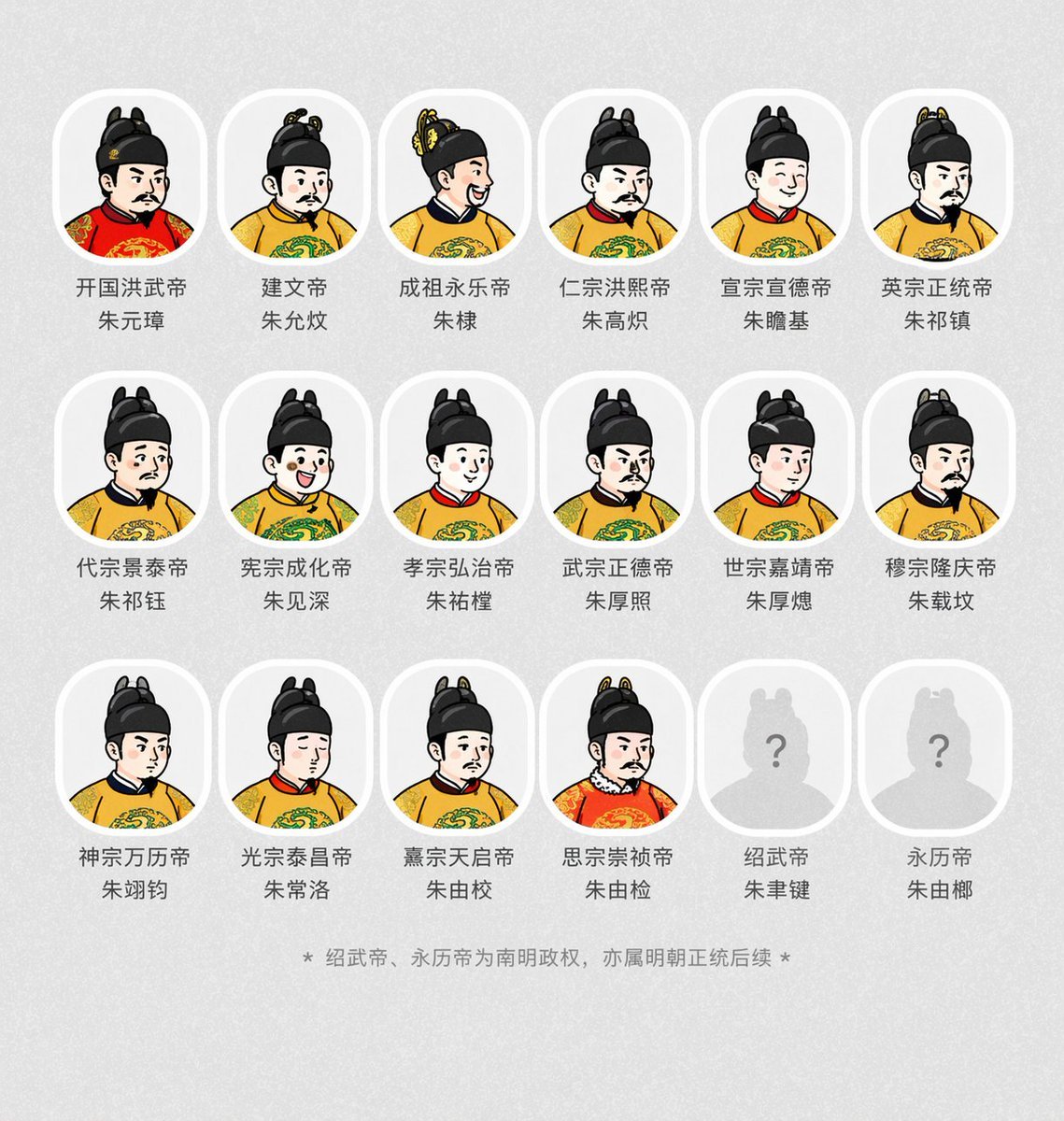
Historical Emperor Portrait Generation

Macro Food Photography of Martabak Telur Prompt
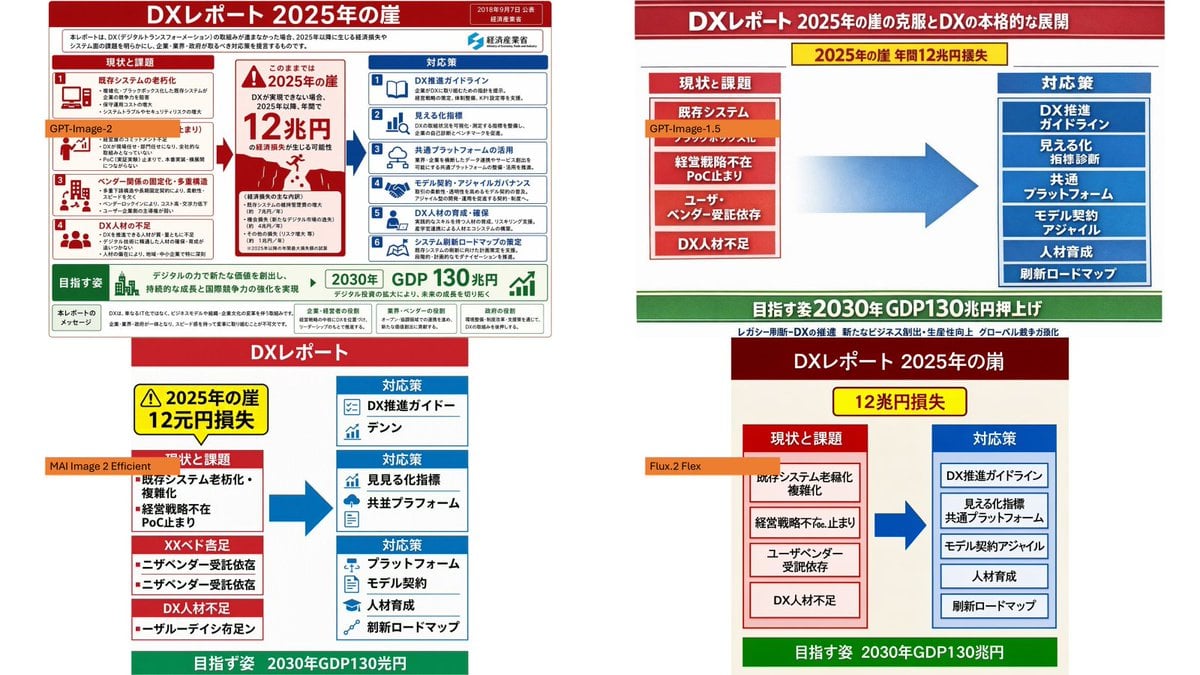
Four-Panel DX Report Model Comparison
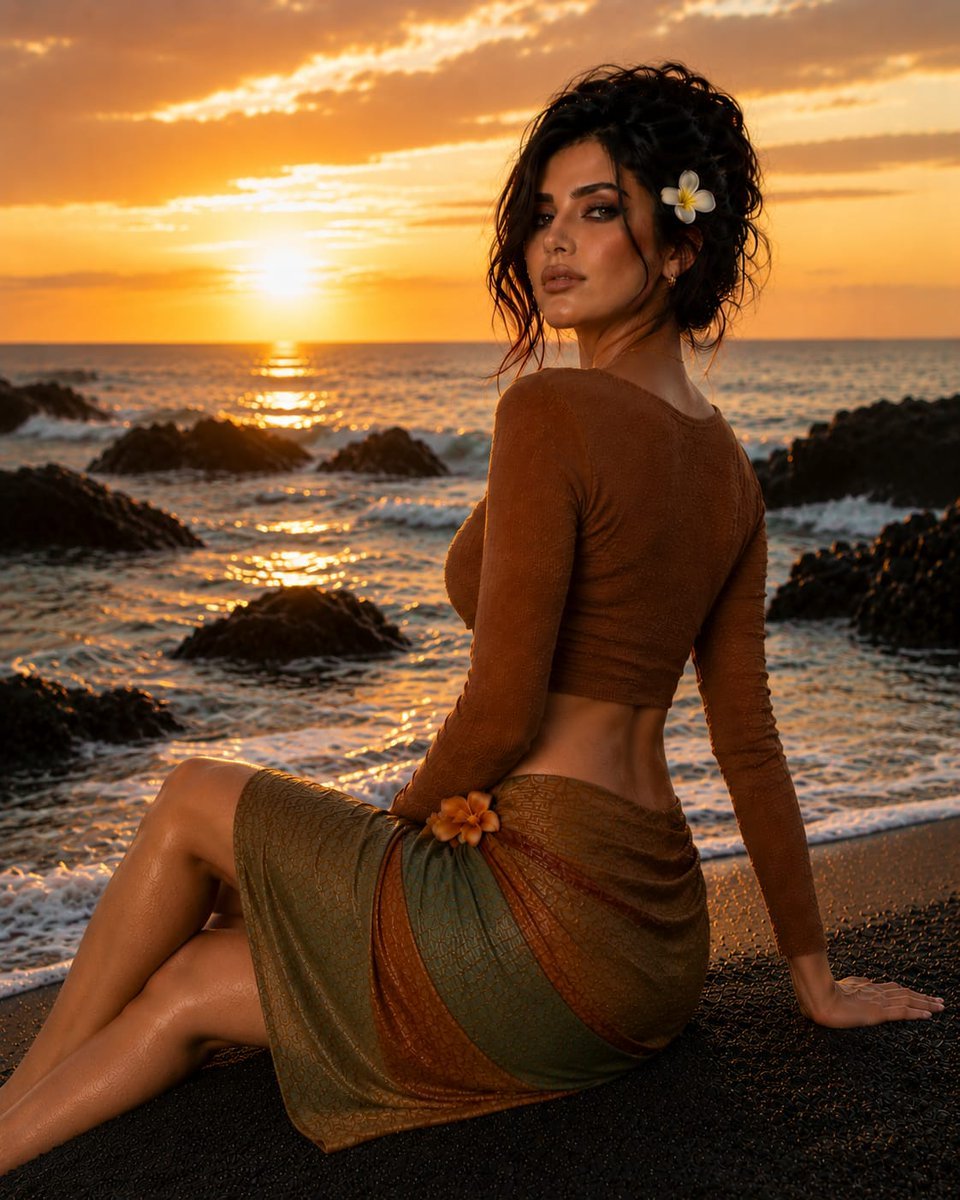
Sunset Tropical Beach Fashion Editorial
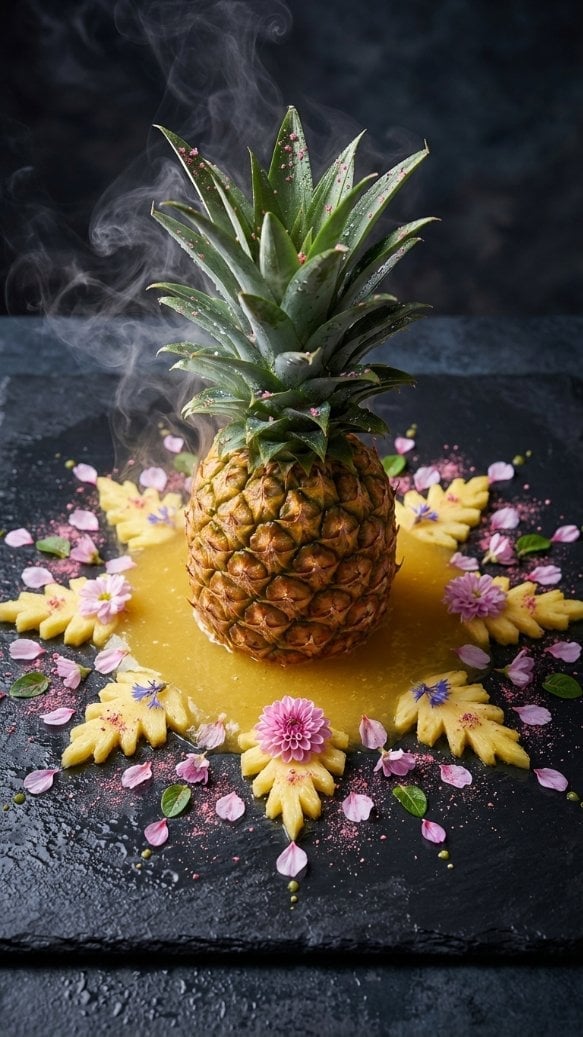
Hyper-realistic Macro Photo of Pineapple in Juice
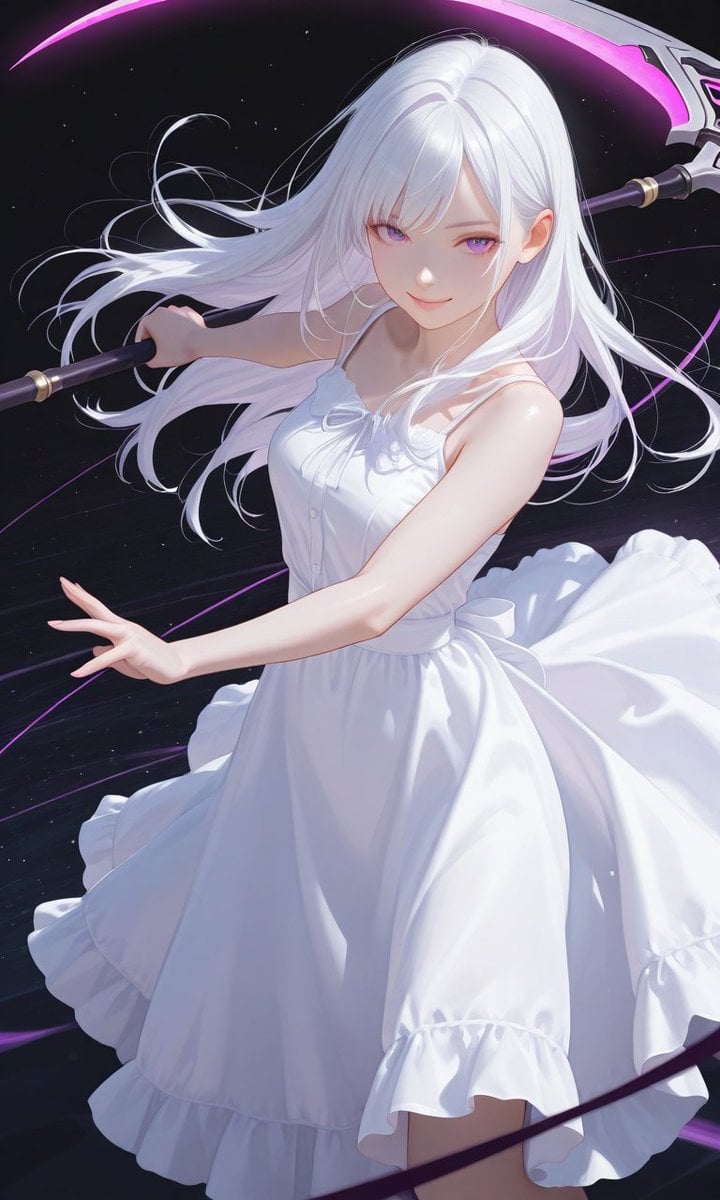
Boxed Figure to Anime Key Visual
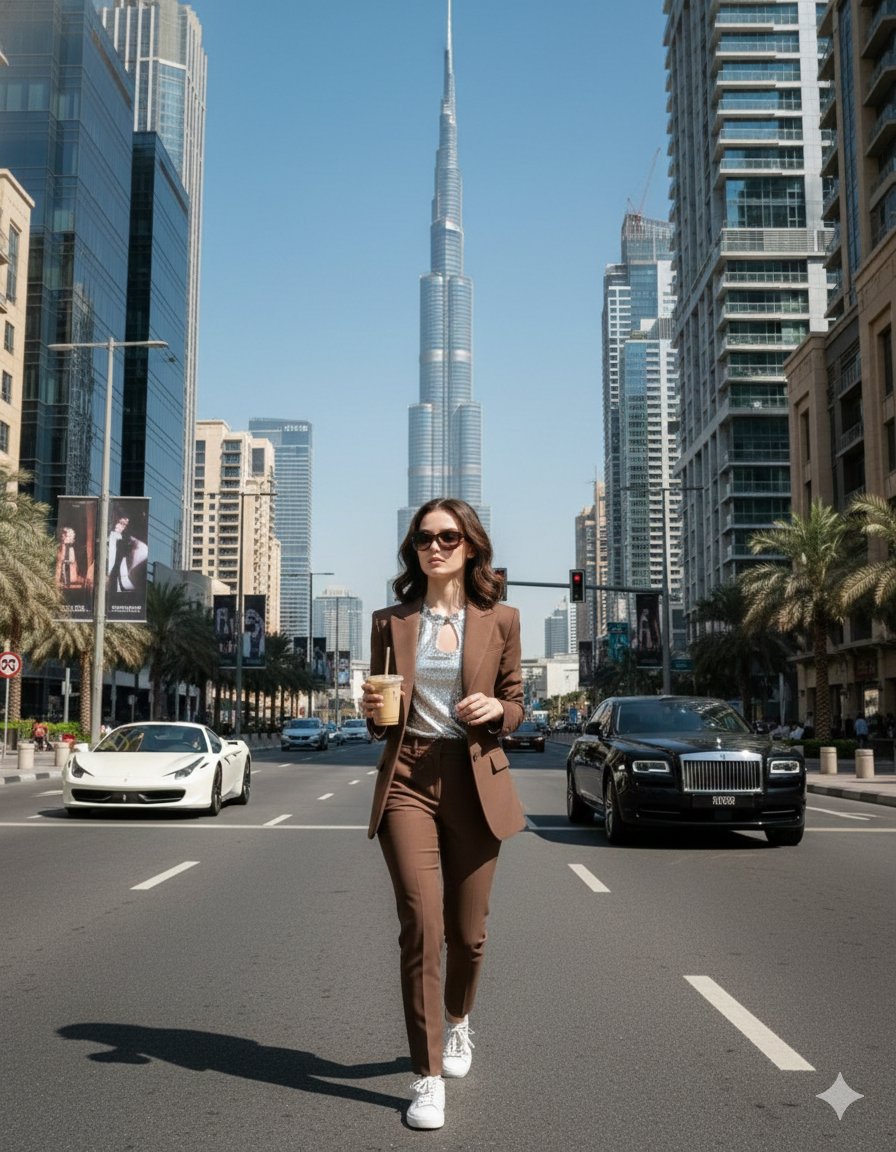
Four Prompts for Ultra-Realistic Female Portraits (Dubai, Floral, 90s, Western)
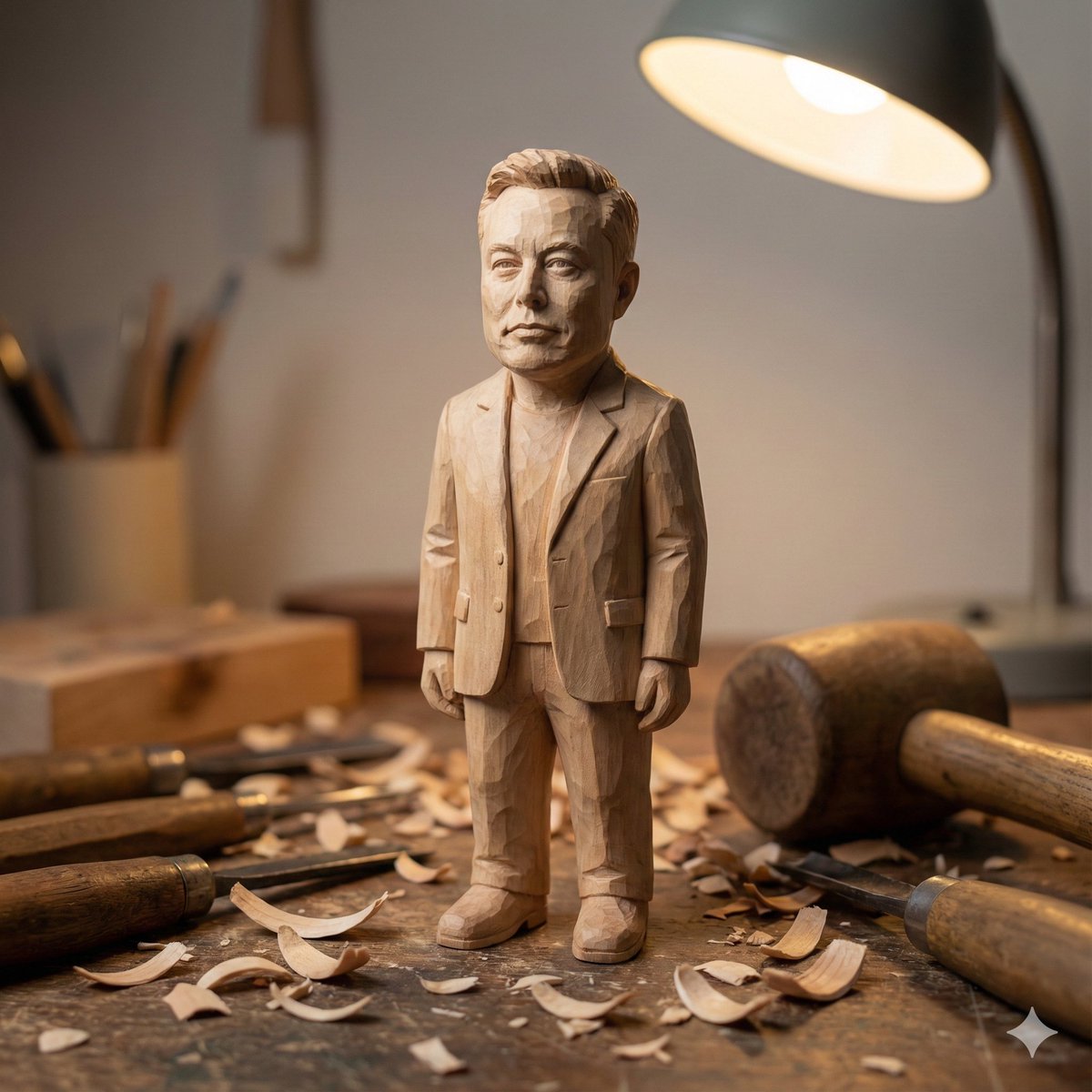
Hand-carved wooden miniature figure prompt
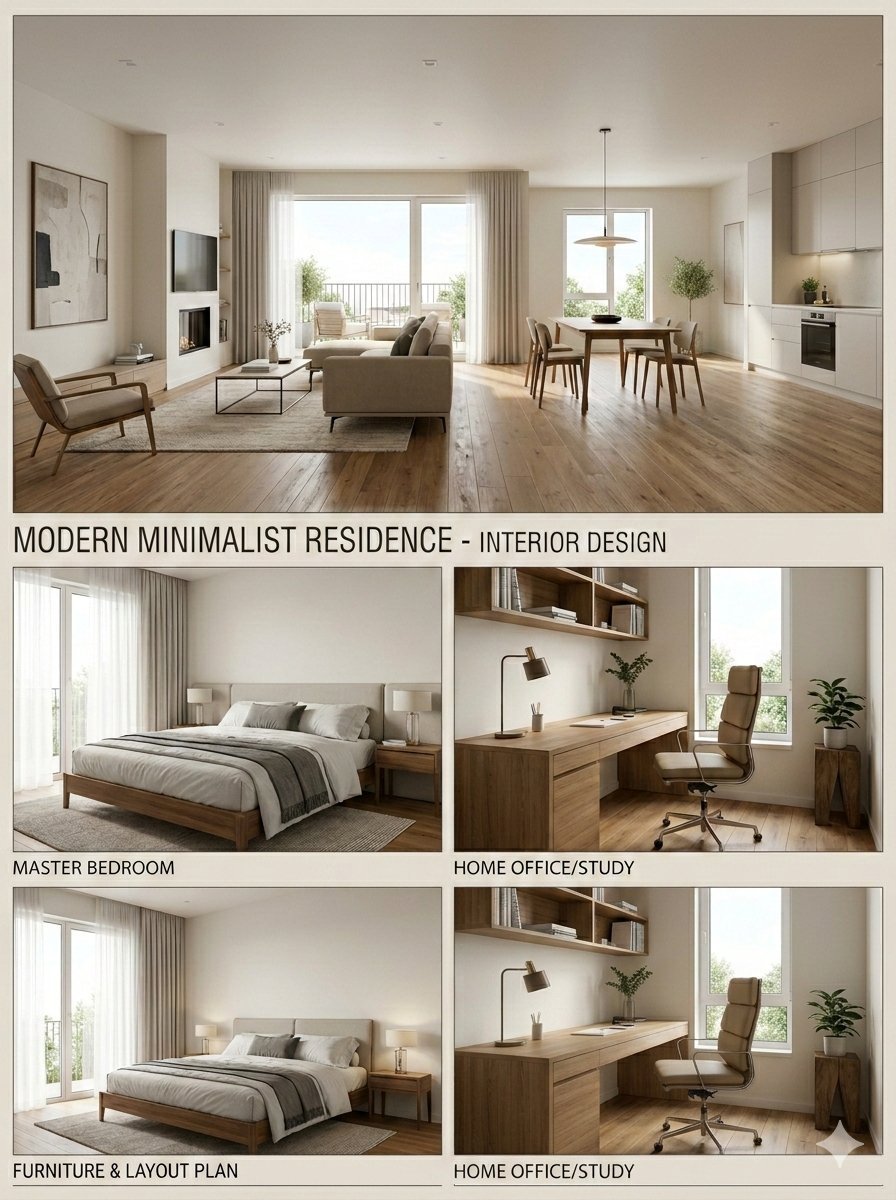
Modern Minimalist Interior Design Presentation Board
Browse template categories
Future Spawn Flying Demon Drone questions
How do I use the Future Spawn Flying Demon Drone template?
Add your photo if the template asks for one, edit the prompt if you like — the template's model and format are already selected — and press Generate. Your version opens in PicX Studio.
Can I customize the Future Spawn Flying Demon Drone template?
Yes. You can change the subject, setting, lighting, mood, format, and available model controls before creating your image.
Is the Future Spawn Flying Demon Drone template free?
Opening and editing this template is free. Generating uses credits, shown on the Generate button when you are signed in.
Which AI model should I use?
Start with GPT Image 2, which is the model associated with this template. You can compare another compatible model for a different finish.
Looking for something else? Browse all templates.

Your photo, any look
Thousands of ready templates for every top image and video model, from one credit balance.