
Dunhuang Flying Apsaras Portrait
A cinematic prompt inspired by Dunhuang mural art, designed to create a majestic portrait of a flying goddess amidst a desert sunset with intricate jewelry and flowing ribbons.
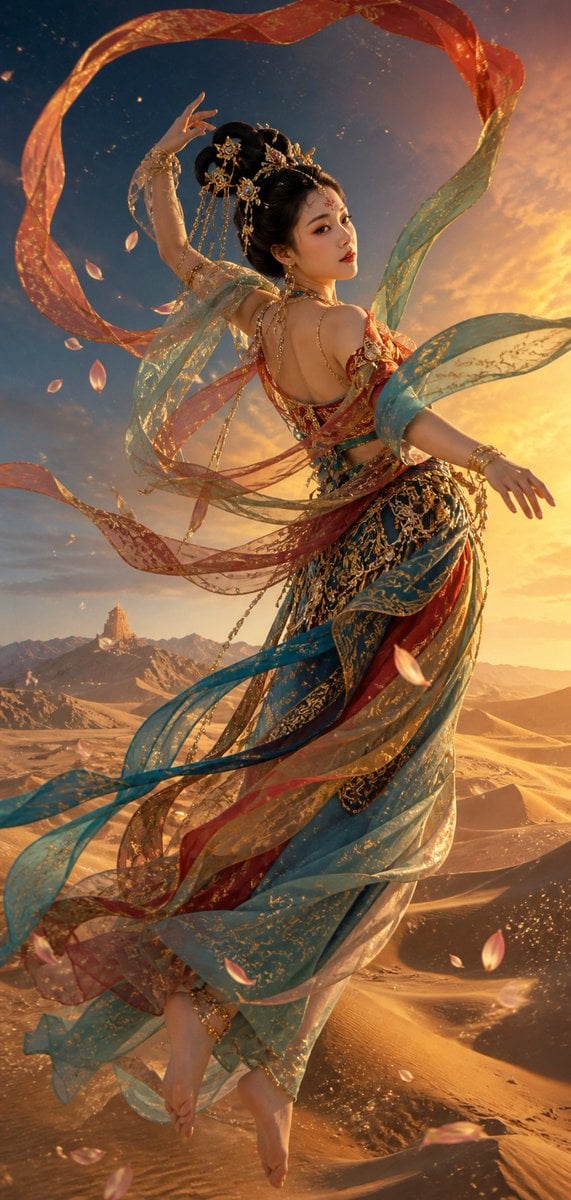
- Prompt included
- Model and format preset
- Free template
The prompt behind this image
Copy the exact prompt behind Dunhuang Flying Apsaras Portrait, or open it in the studio and make it yours.
一位{argument name="人物" default="成年东亚女性"},以敦煌壁画中的飞天为灵感,神秘而华丽;竖版全身动态人物肖像,侧身凌空回望,修长深色发丝梳成唐风高髻,饰以鎏金步摇、宝石额饰与细小珍珠,温润棕色眼眸,精致的敦煌式妆容:赭红眼影、金色眼线、朱砂花钿、柔润红唇。身着层叠轻薄的天衣与披帛,{argument name="色彩搭配" default="青金石蓝、孔雀石绿、石榴红、赭石与鎏金"}交织的异域色彩,衣料带有细腻金线纹样;多条长飘带在空中环绕翻飞,形成优雅的螺旋弧线,边缘微微透光。背景为{argument name="场景" default="辽阔的敦煌沙漠"}:起伏的金色鸣沙山沙丘延展至远方,风在沙脊上划出细密波纹,远处可见被薄雾柔化的祁连山轮廓与若隐若现的古老烽燧;天空由深靛青渐变至落日琥珀金。飞天身旁漂浮细小金粉、风沙与莲花瓣,沙漠上投下飘带的轻盈阴影。暖金色夕照与冷青色暮光交织,戏剧性侧逆光、柔和体积光、金色轮廓光,营造庄严、梦幻、神秘的丝路神话氛围。写实电影级人物质感,皮肤自然细腻,织物、珠宝、沙粒细节清晰,同时保留中国传统壁画的平面装饰美与真实空间深度;精心构图,高细节,高分辨率。画面中不要文字、签名、水印、现代物件。
How to use Dunhuang Flying Apsaras Portrait in 3 steps
- 1
Open
The prompt is already in the box next to the preview, with the template's model and format selected.
- 2…a portrait of your subject in softgolden-hour light, 85mm…
Personalize
Edit the subject and creative details for your destination.
- 3Generate
Generate
Press Generate — your image is created in PicX Studio, so you can compare it with the original and refine one variable at a time.
More like this
Templates with the same subject, style or setup. Open one to see its prompt.

Found Photograph: Us, 1970

80s Couple Studio Portrait

80s Bollywood Star

80s Golden Hour Cinema

Me in 1985

1985 Studio Portrait
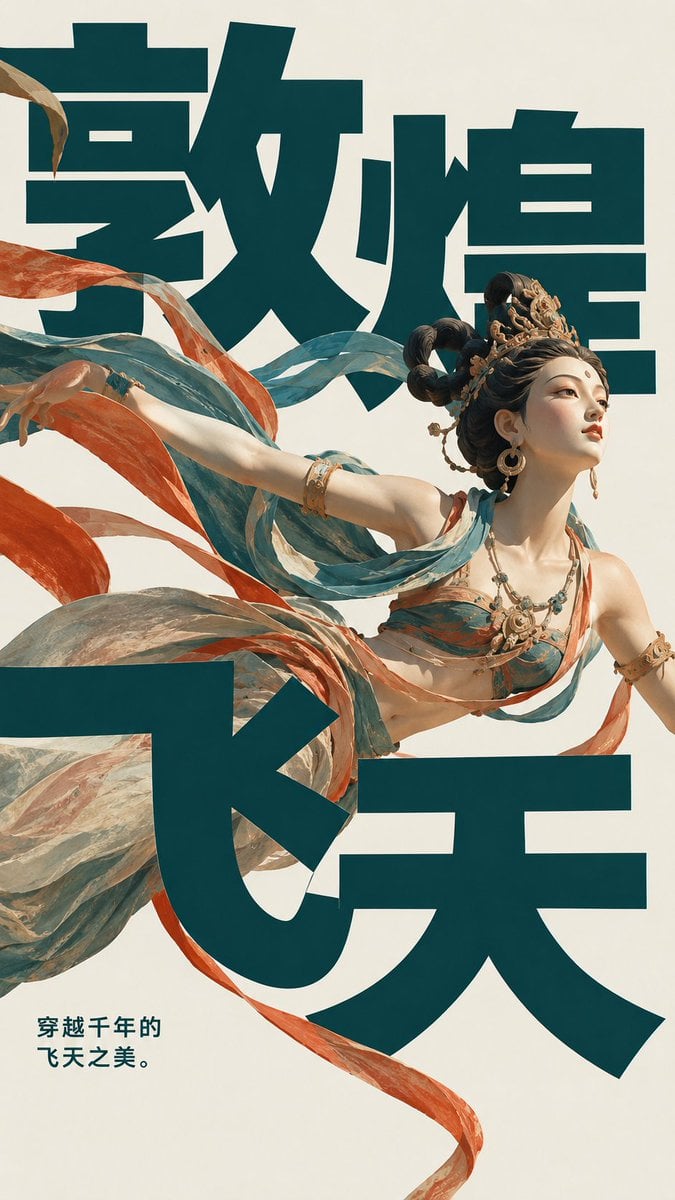
Dunhuang Flying Apsara Poster

Hyper-Realistic Minecraft POV Portrait

Rooftop Fisheye — Cat-Ear Balaclava at Golden Hour

Rainy Café Window Moody Portrait

untitled

2025 Aesthetic Photography
Make it yours
Dunhuang Flying Apsaras Portrait works as-is. These are the safest ways to change it without losing the look.
Change one field
Copy a single group, rewrite it, and generate again so you can see what that field is doing.
Keep the frame, change the subject
Hold the composition and light of Dunhuang Flying Apsaras Portrait, then swap wardrobe, props or the person for a new take.
| If the result… | Why | Fix |
|---|---|---|
| The result drifts from the preview | Too many fields changed at once. | Reuse Dunhuang Flying Apsaras Portrait as-is first, then change one group — subject, light, or setting. |
| The model over-stylizes the scene | The prose prompt leaves finish and camera underspecified. | Add one camera or lighting sentence and stay on GPT Image 2. |
More GPT Image 2 templates
Other prompts made for GPT Image 2.

Six VTuber Japanese Logo Sheet

Realistic Portrait of Woman and Deer

The Vista Modular Condo Poster

AI Model Routing Comparison Infographic

2.5D Anime Art Board

Isometric Productivity Desk Scene

New York Double Exposure Poster

Four-Panel AI Landscape Comparison

Japanese Tatami Lifestyle Magazine Cover

NESCAFÉ Coffee Map Poster
More image prompts
Fresh picks from across the catalog.
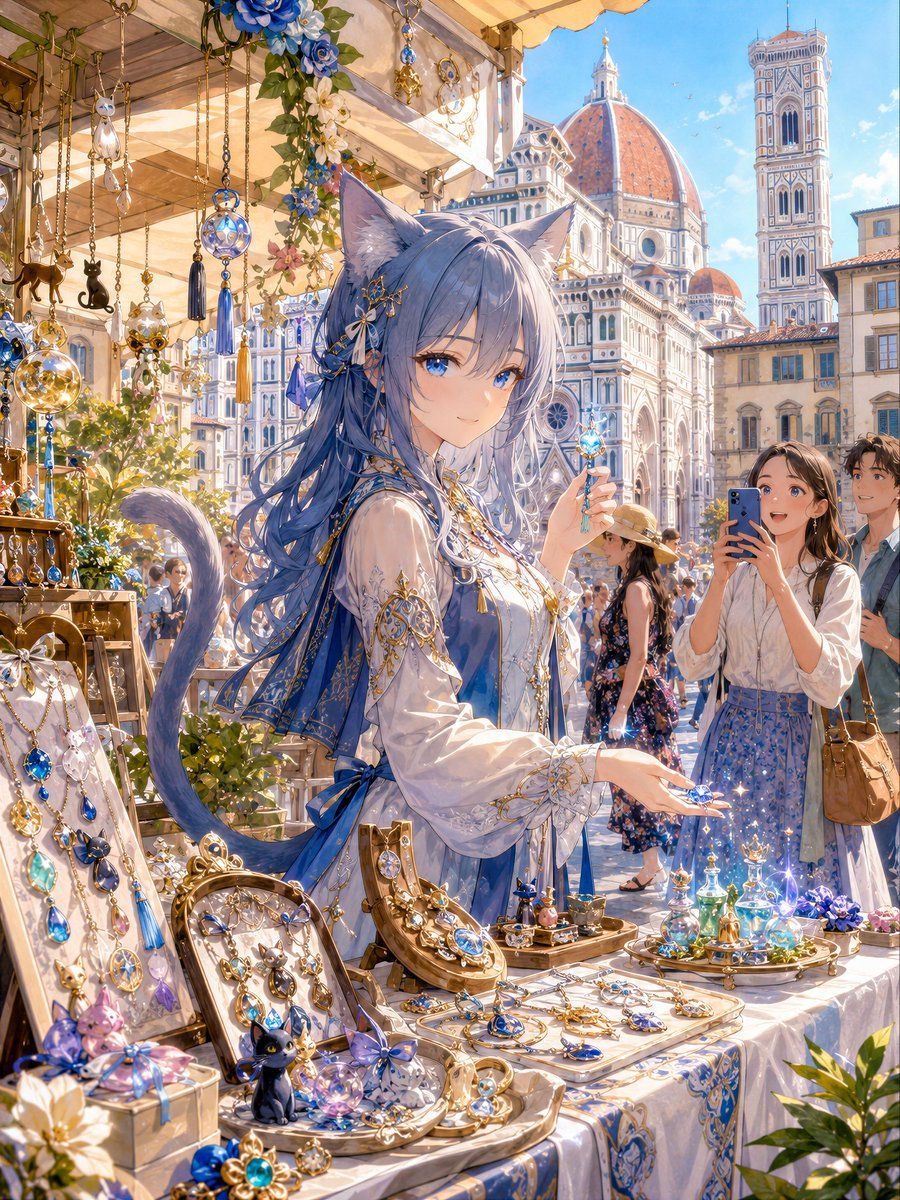
Blue Cat-Ear Shopkeeper Portrait
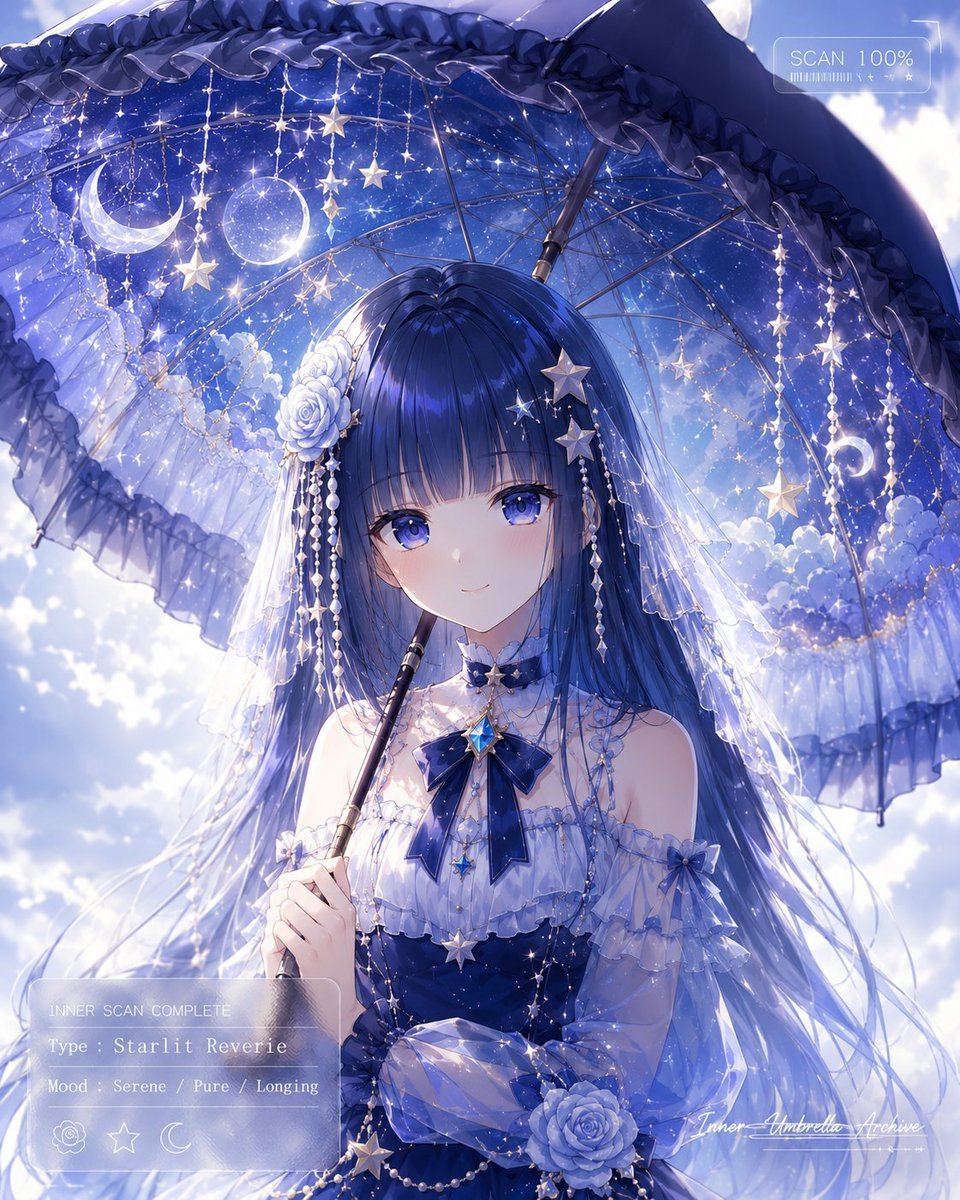
Celestial Anime Umbrella Portrait
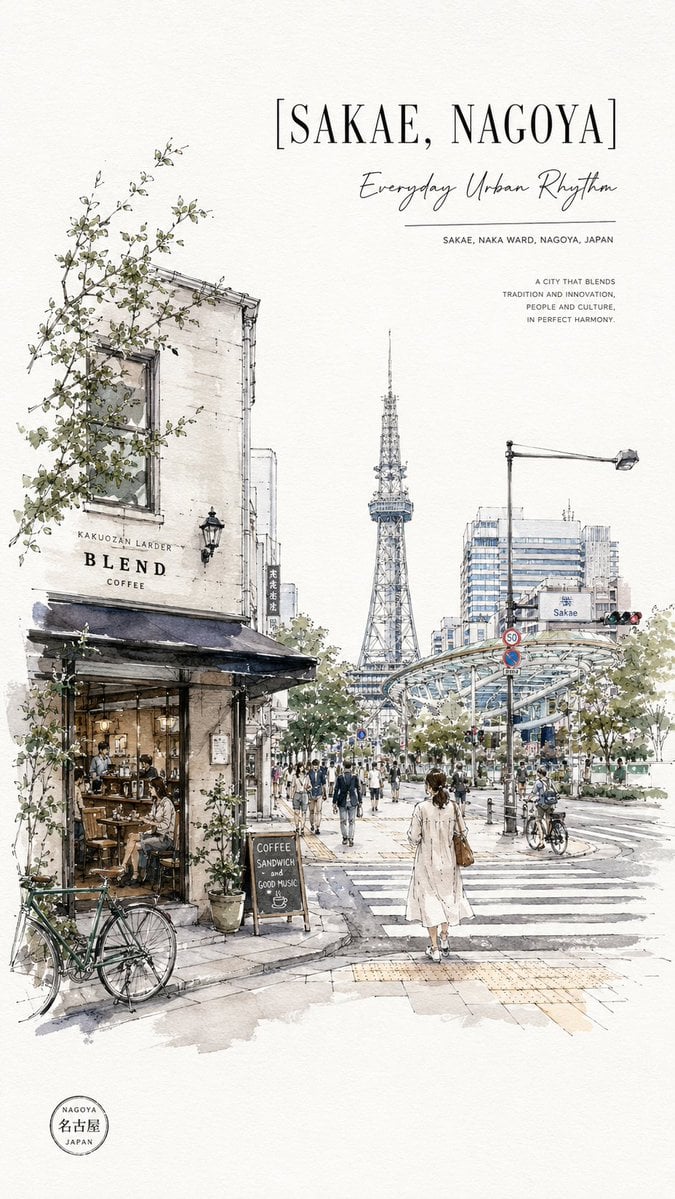
Sakae Nagoya Watercolor Travel Poster
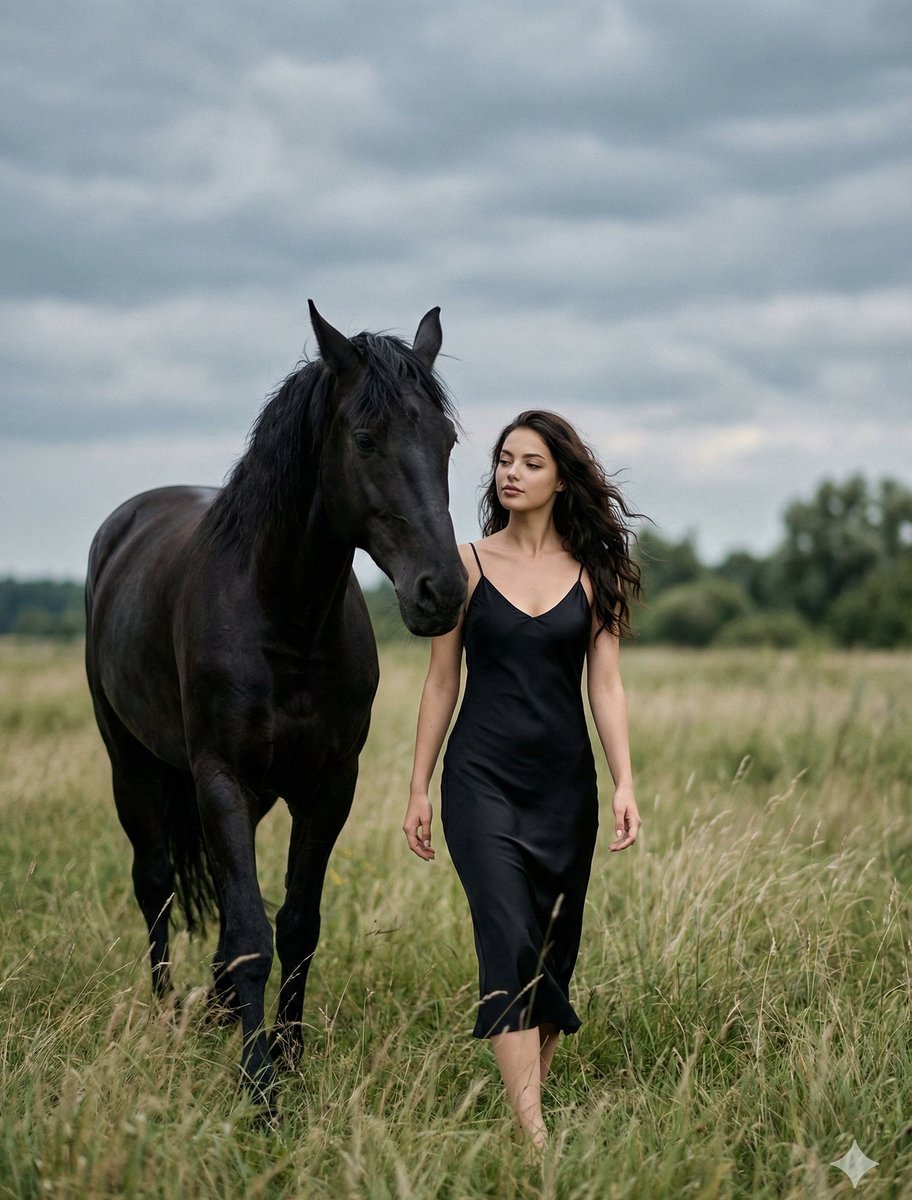
Cinematic Photorealistic Scene of Woman and Black Horse
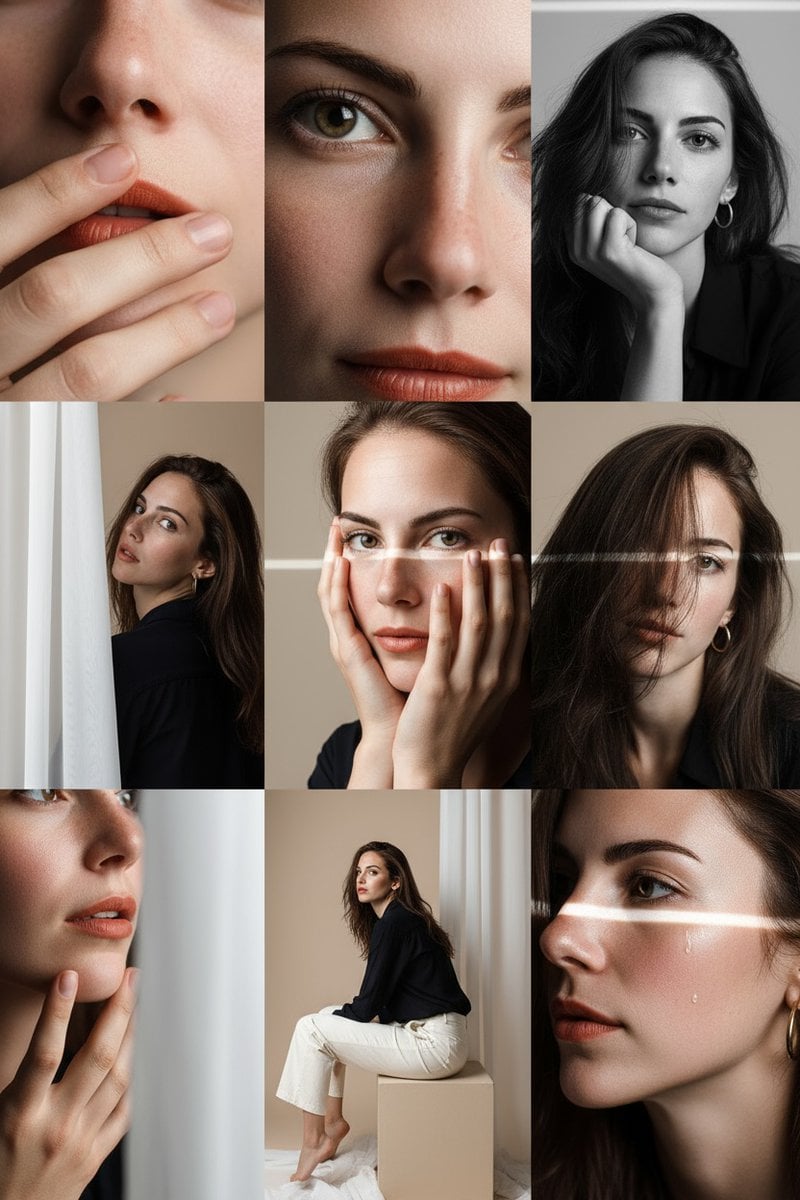
Panel Portrait Photo Grid Prompt
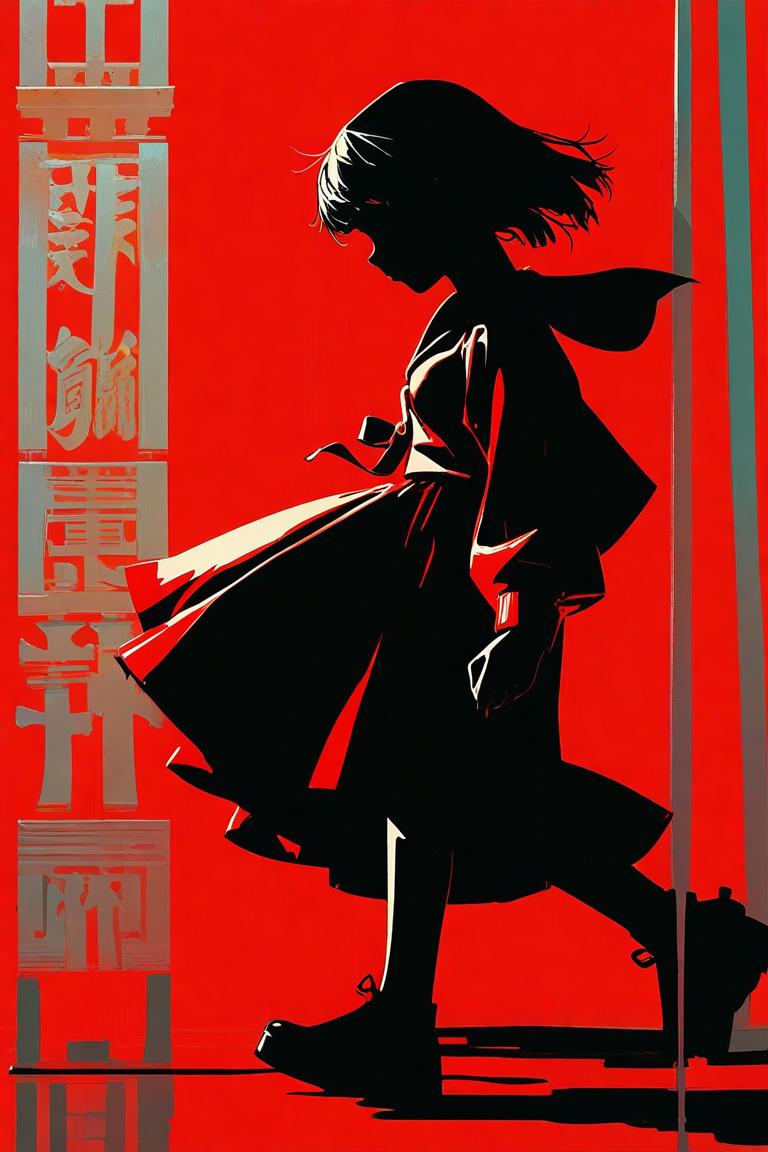
Red Anime Silhouette Poster
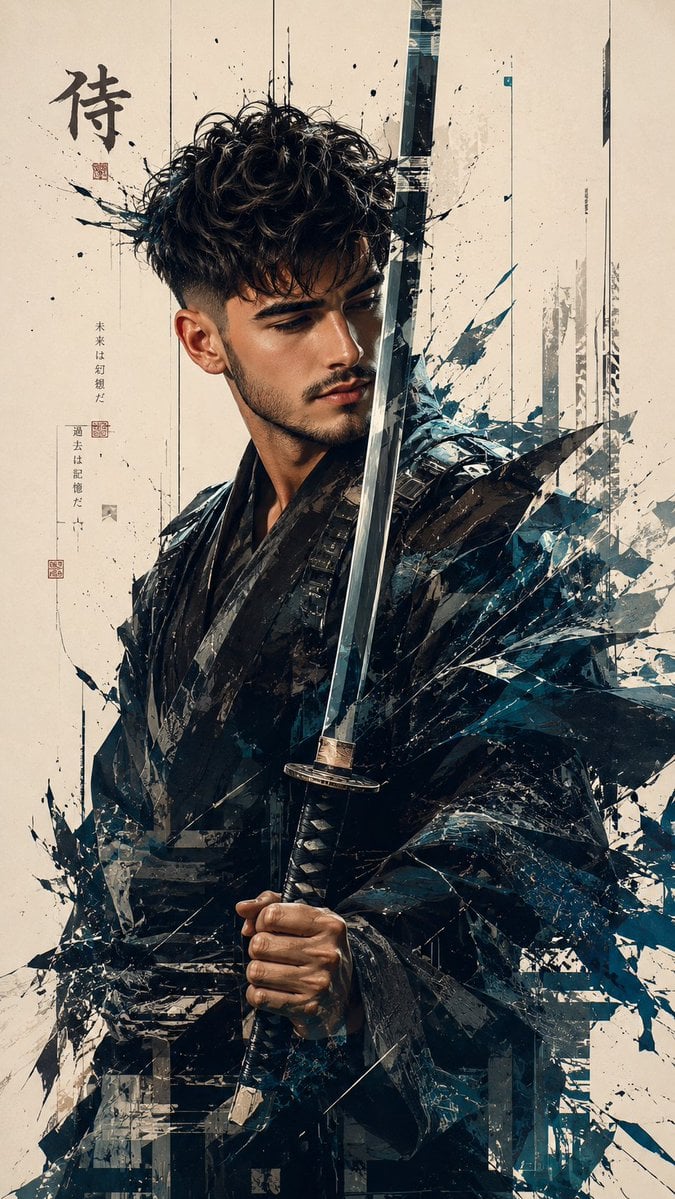
Futuristic Samurai Glitch Art Portrait
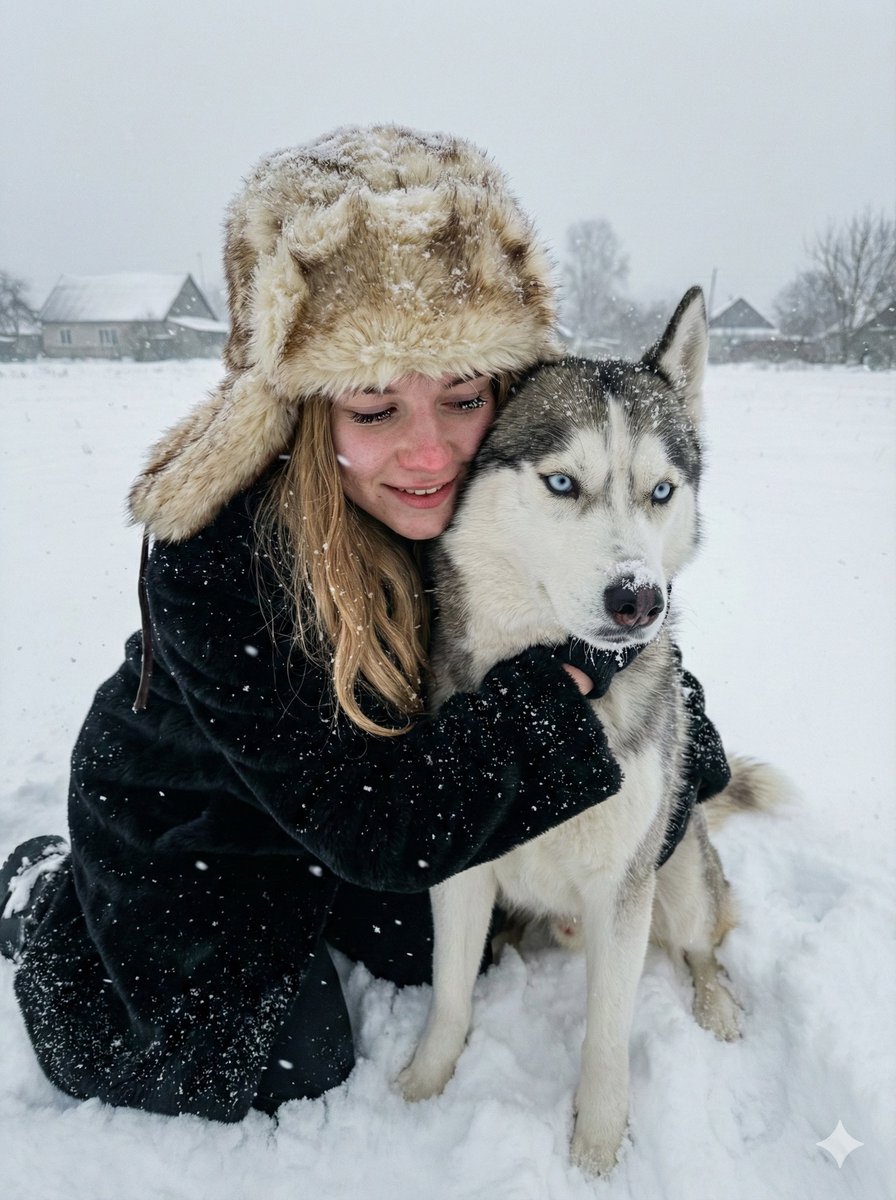
Hyper-realistic Winter Portrait with Siberian Husky
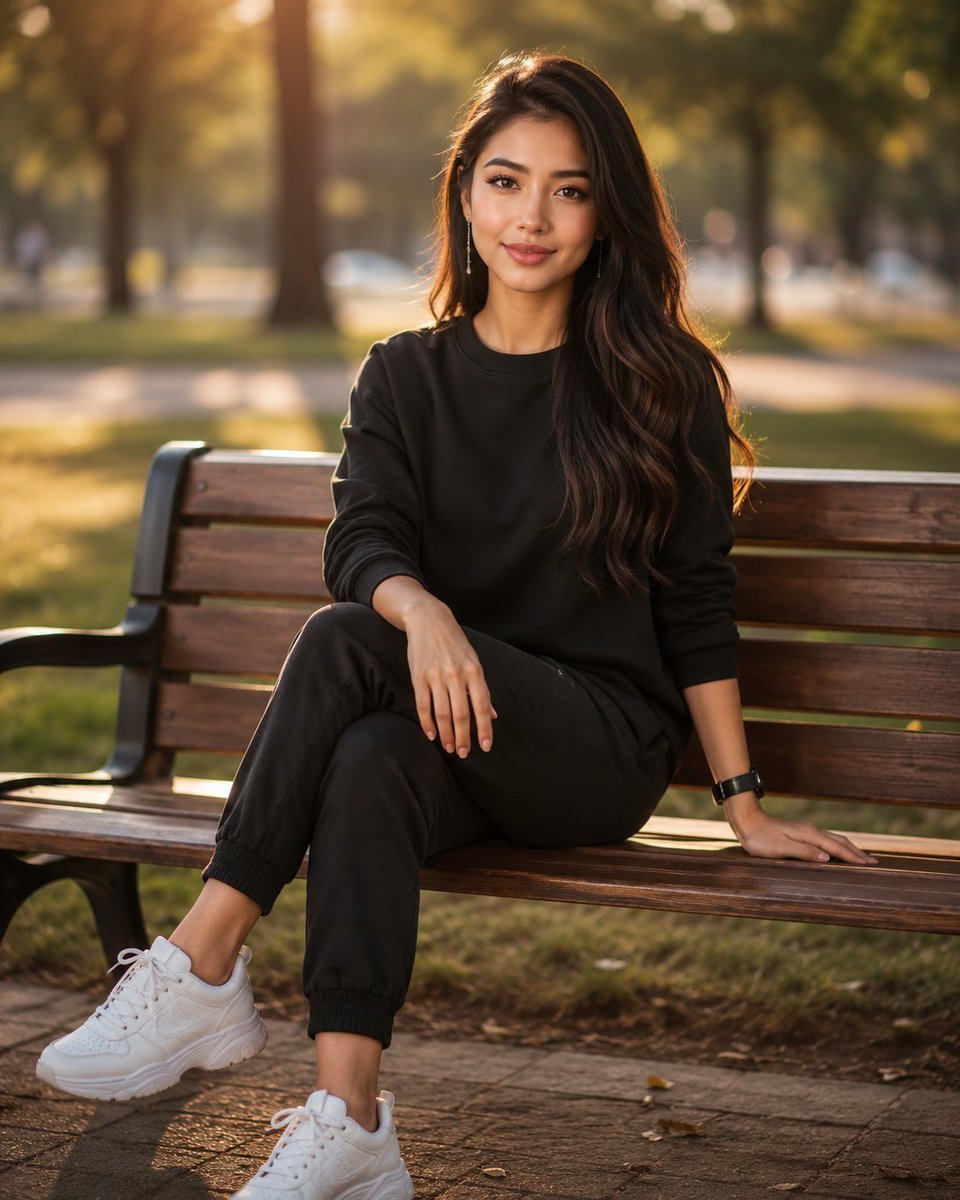
Golden Hour Park Bench Portrait
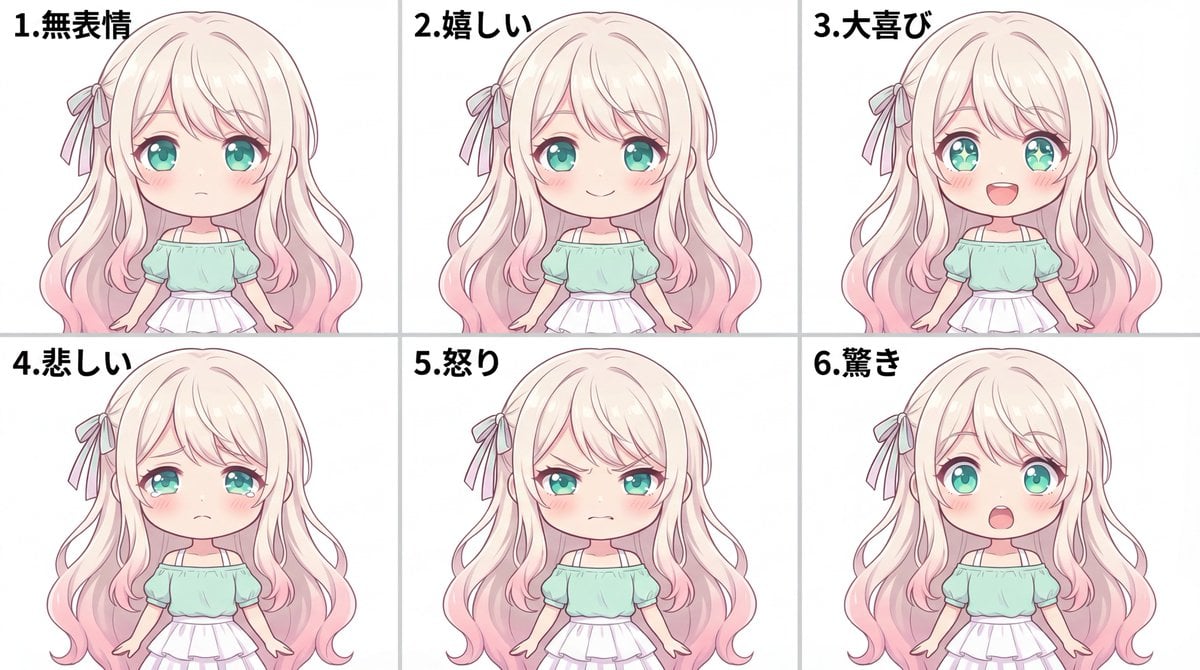
Character Expression Sheet Generation (Anime Style)
Browse template categories
Dunhuang Flying Apsaras Portrait questions
How do I use the Dunhuang Flying Apsaras Portrait template?
Add your photo if the template asks for one, edit the prompt if you like — the template's model and format are already selected — and press Generate. Your version opens in PicX Studio.
Can I customize the Dunhuang Flying Apsaras Portrait template?
Yes. You can change the subject, setting, lighting, mood, format, and available model controls before creating your image.
Is the Dunhuang Flying Apsaras Portrait template free?
Opening and editing this template is free. Generating uses credits, shown on the Generate button when you are signed in.
Which AI model should I use?
Start with GPT Image 2, which is the model associated with this template. You can compare another compatible model for a different finish.
Looking for something else? Browse all templates.

Your photo, any look
Thousands of ready templates for every top image and video model, from one credit balance.