
Sakae Nagoya Watercolor Travel Poster
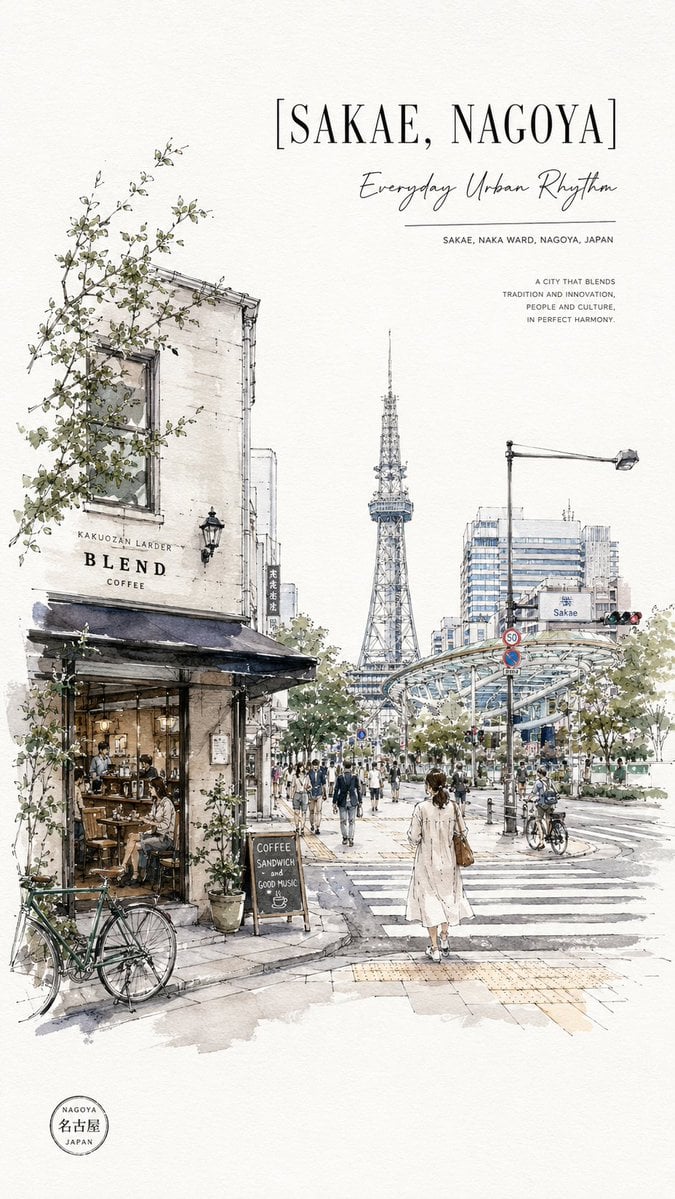
A refined vertical watercolor urban sketch poster of Sakae, Nagoya with cafe street life, Nagoya TV Tower, and elegant travel typography.
- Prompt included
- Model and format preset
- Free template
The prompt behind this image
Copy the exact prompt behind Sakae Nagoya Watercolor Travel Poster, or open it in the studio and make it yours.
Create a vertical travel poster illustration of {argument name="location title" default="SAKAE, NAGOYA"} in a refined watercolor-and-ink urban sketch style on warm off-white textured paper. The scene shows a lively street intersection in Sakae, Nagoya, Japan, viewed from sidewalk level with strong depth perspective. On the left foreground, draw a charming old corner cafe building with weathered cream walls, black awning, large window, warm interior seating, potted plants, climbing leafy vines, and a parked green bicycle leaning near the curb; include readable cafe signage: “KAKUOZAN LARDER”, “BLEND”, and “COFFEE”. Place a small chalkboard sign outside reading “COFFEE / SANDWICH / and / GOOD MUSIC” with a tiny cup drawing. In the center distance, feature the Nagoya TV Tower rising clearly above trees and city buildings. On the right, show a modern elevated glass-and-metal transit structure, streetlights, traffic signals, a “Sakae” sign, road markings, bicycles, and pedestrians crossing a broad zebra crossing. Include one prominent woman seen from behind in the lower center foreground wearing a light beige long coat and carrying a brown shoulder bag, walking into the city. Add many small pedestrians but keep them sketchy and atmospheric. Use delicate black pen linework, pale gray shadows, muted blue-gray architecture, soft green foliage, and restrained watercolor washes with lots of white space. Poster typography: At the upper right, set the large bracketed headline “[{argument name="location title" default="SAKAE, NAGOYA"}]” in elegant tall serif capitals. Beneath it, add the handwritten script subtitle “{argument name="subtitle" default="Everyday Urban Rhythm"}”, a thin horizontal rule, and small uppercase text “SAKAE, NAKA WARD, NAGOYA, JAPAN”. Farther right, add a compact quote block: “A CITY THAT BLENDS / TRADITION AND INNOVATION, / PEOPLE AND CULTURE, / IN PERFECT HARMONY.” In the bottom left margin, add a small circular travel stamp reading “NAGOYA / 名古屋 / JAPAN”. Keep the composition airy, sophisticated, editorial, and print-ready, with no photo-realism and no extra text.
How to use Sakae Nagoya Watercolor Travel Poster in 3 steps
- 1Upload ImagePNG, JPG or paste
Add your photo
Upload the photo the template builds on. The prompt, model and format are already set.
- 2…a portrait of your subject in softgolden-hour light, 85mm…
Personalize
Edit the subject and creative details for your destination.
- 3Generate
Generate
Press Generate — your image is created in PicX Studio, so you can compare it with the original and refine one variable at a time.
More like this
Templates with the same subject, style or setup. Open one to see its prompt.

Japan Travel Brochure Poster
Alpine Watercolor Travel Poster
Watercolor Travel Poster Fusion
Vintage Watercolor Travel Posters
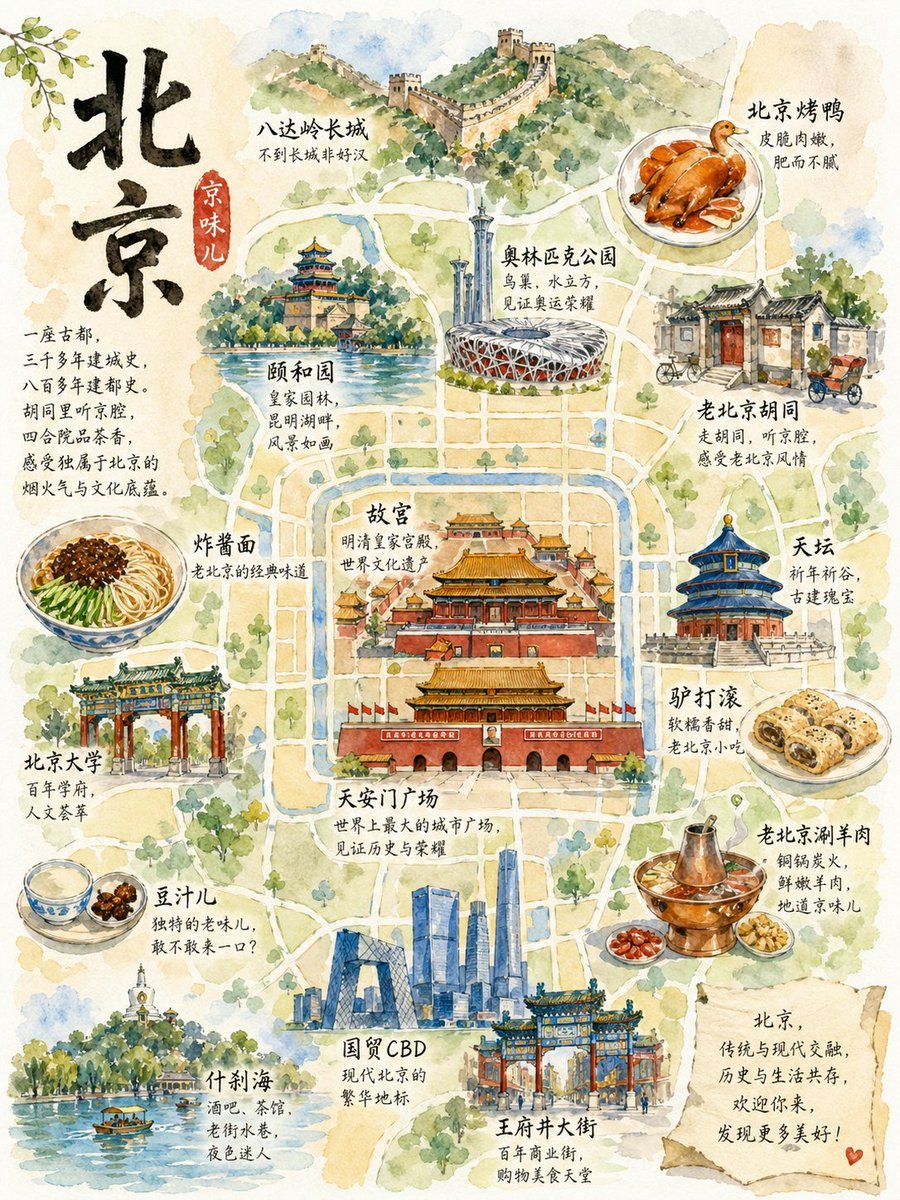
Watercolor Beijing Travel Map Poster
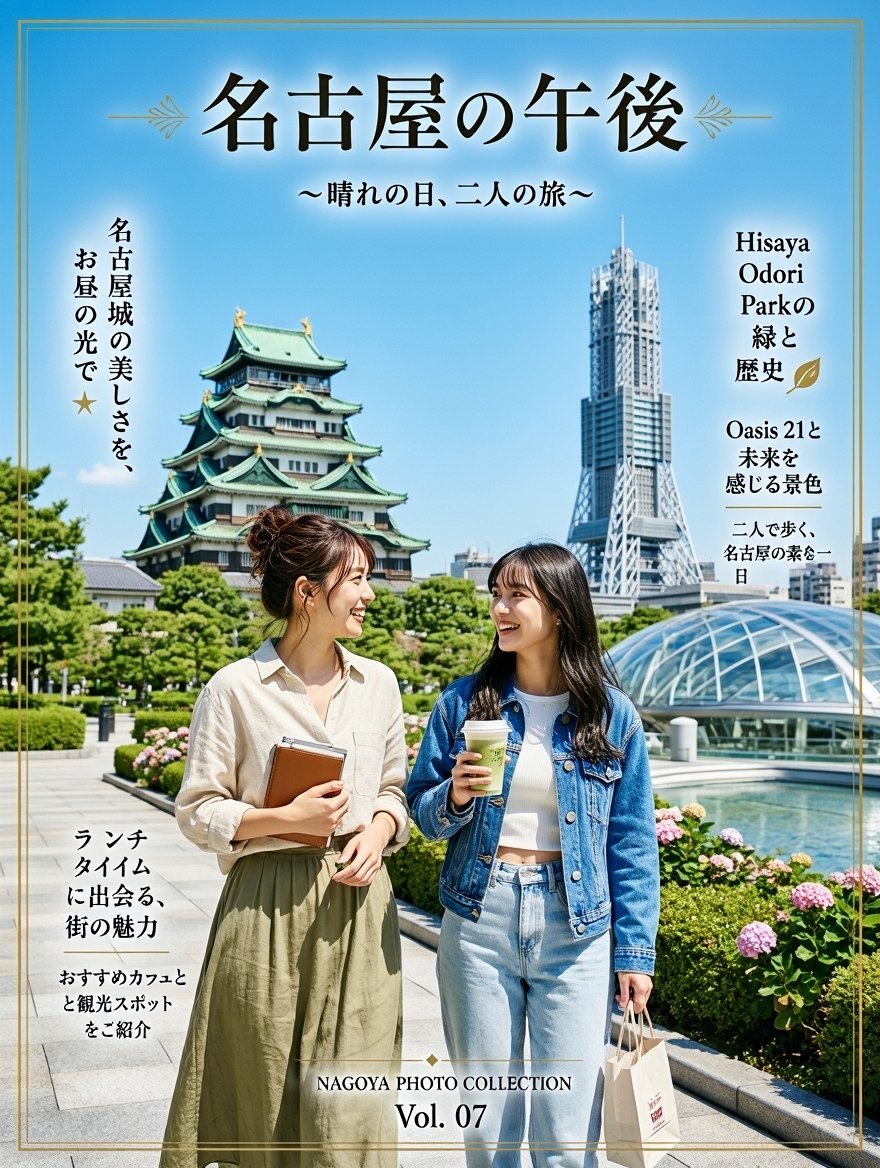
Nagoya Afternoon Travel Poster

City Posters by Nano Banana Pro
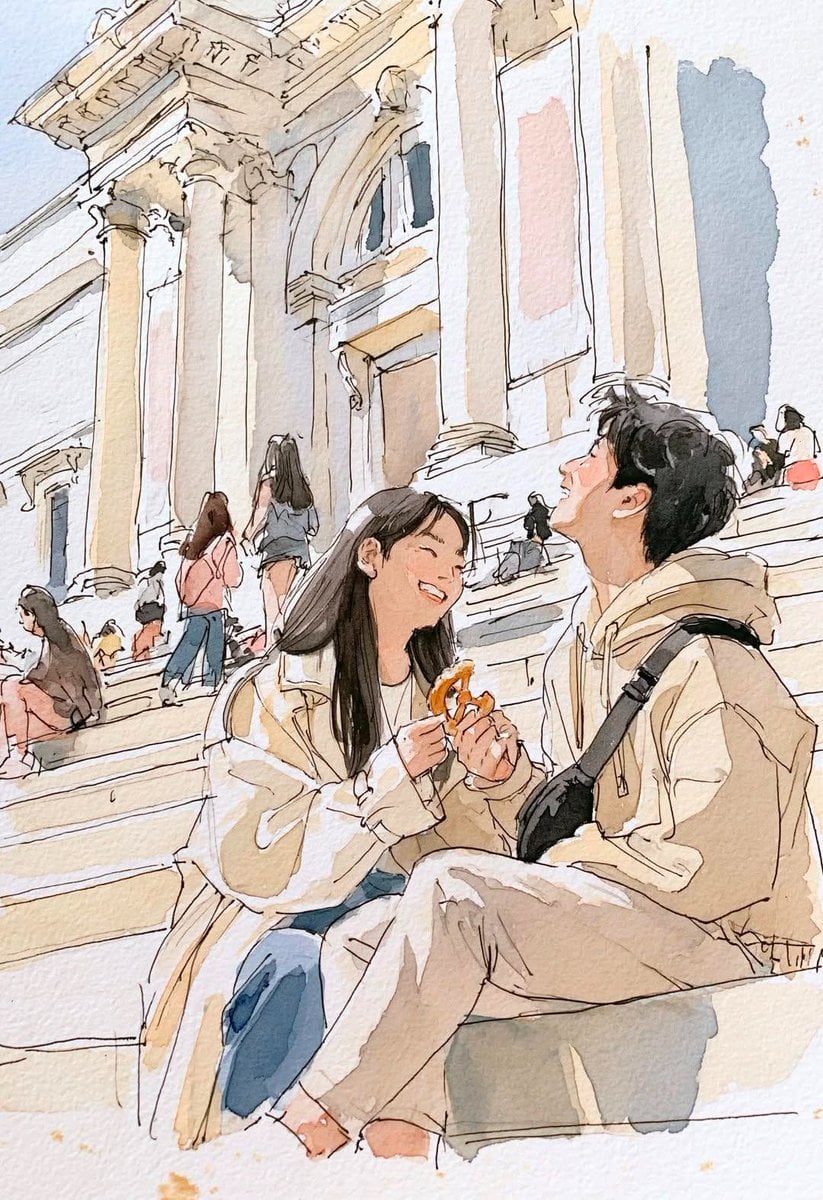
Watercolor Travel Sketchbook
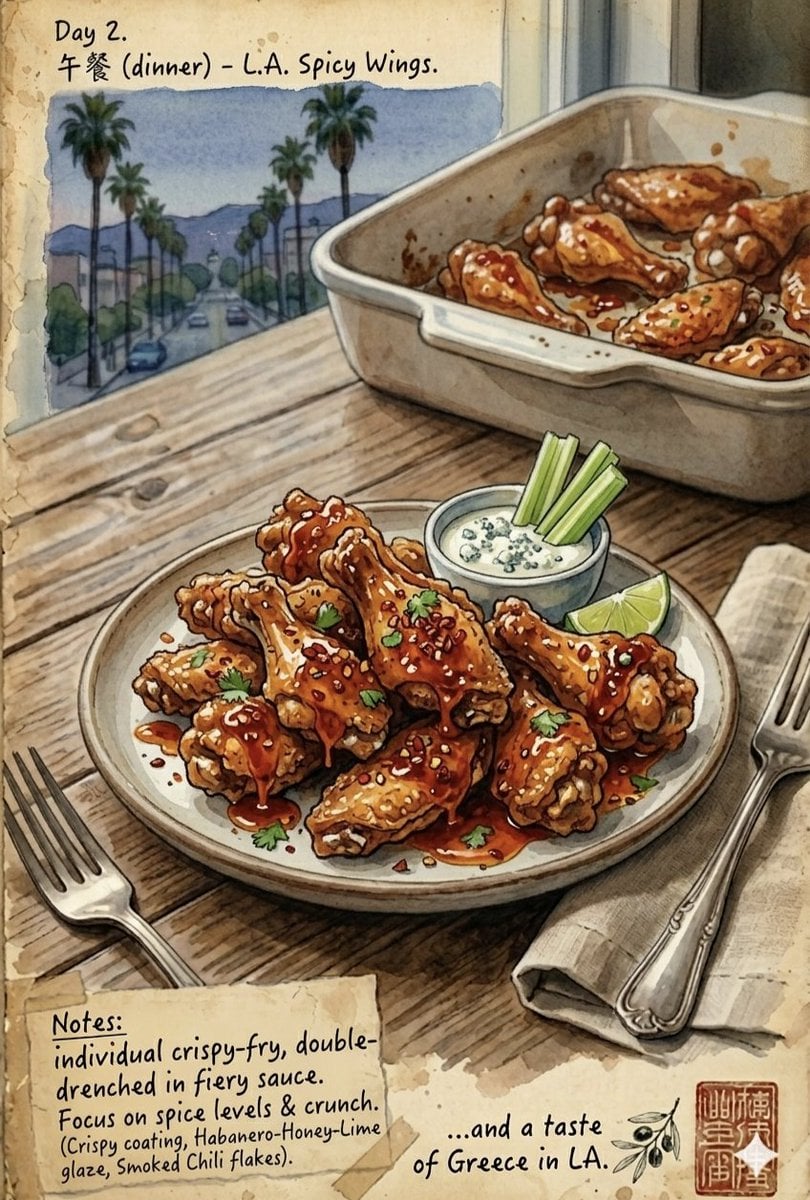
Watercolor Culinary Travel Diary Illustration

Watercolor Anim Finale Fireworks

Watercolor Anim Garden Maze

Watercolor Anim Rooftop Concert
Make it yours
Sakae Nagoya Watercolor Travel Poster works as-is. These are the safest ways to change it without losing the look.
Change one field
Copy a single group, rewrite it, and generate again so you can see what that field is doing.
Keep the frame, change the subject
Hold the composition and light of Sakae Nagoya Watercolor Travel Poster, then swap wardrobe, props or the person for a new take.
| If the result… | Why | Fix |
|---|---|---|
| The result drifts from the preview | Too many fields changed at once. | Reuse Sakae Nagoya Watercolor Travel Poster as-is first, then change one group — subject, light, or setting. |
| The model over-stylizes the scene | The prose prompt leaves finish and camera underspecified. | Add one camera or lighting sentence and stay on GPT Image 2. |
More GPT Image 2 templates
Other prompts made for GPT Image 2.

Six VTuber Japanese Logo Sheet

Realistic Portrait of Woman and Deer

The Vista Modular Condo Poster

AI Model Routing Comparison Infographic

2.5D Anime Art Board

Isometric Productivity Desk Scene

New York Double Exposure Poster

Four-Panel AI Landscape Comparison

Japanese Tatami Lifestyle Magazine Cover

NESCAFÉ Coffee Map Poster
More image prompts
Fresh picks from across the catalog.
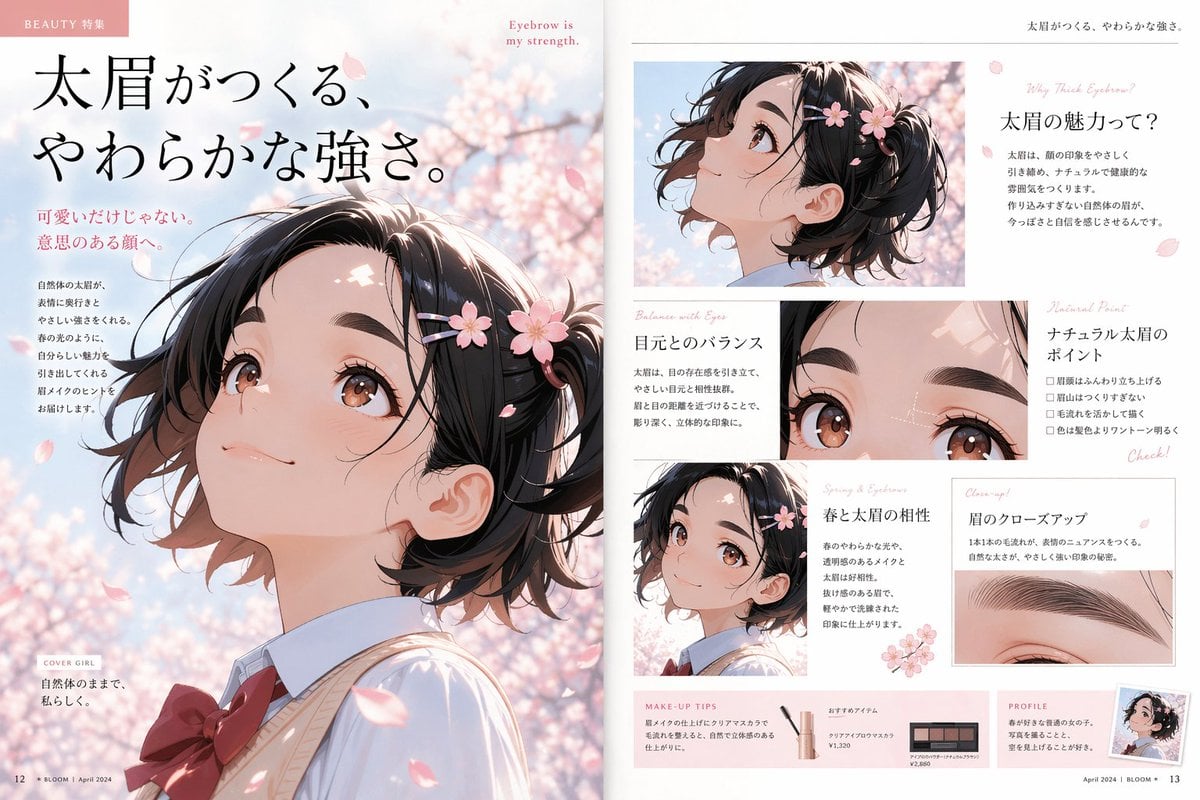
Anime Beauty Magazine Eyebrow Feature
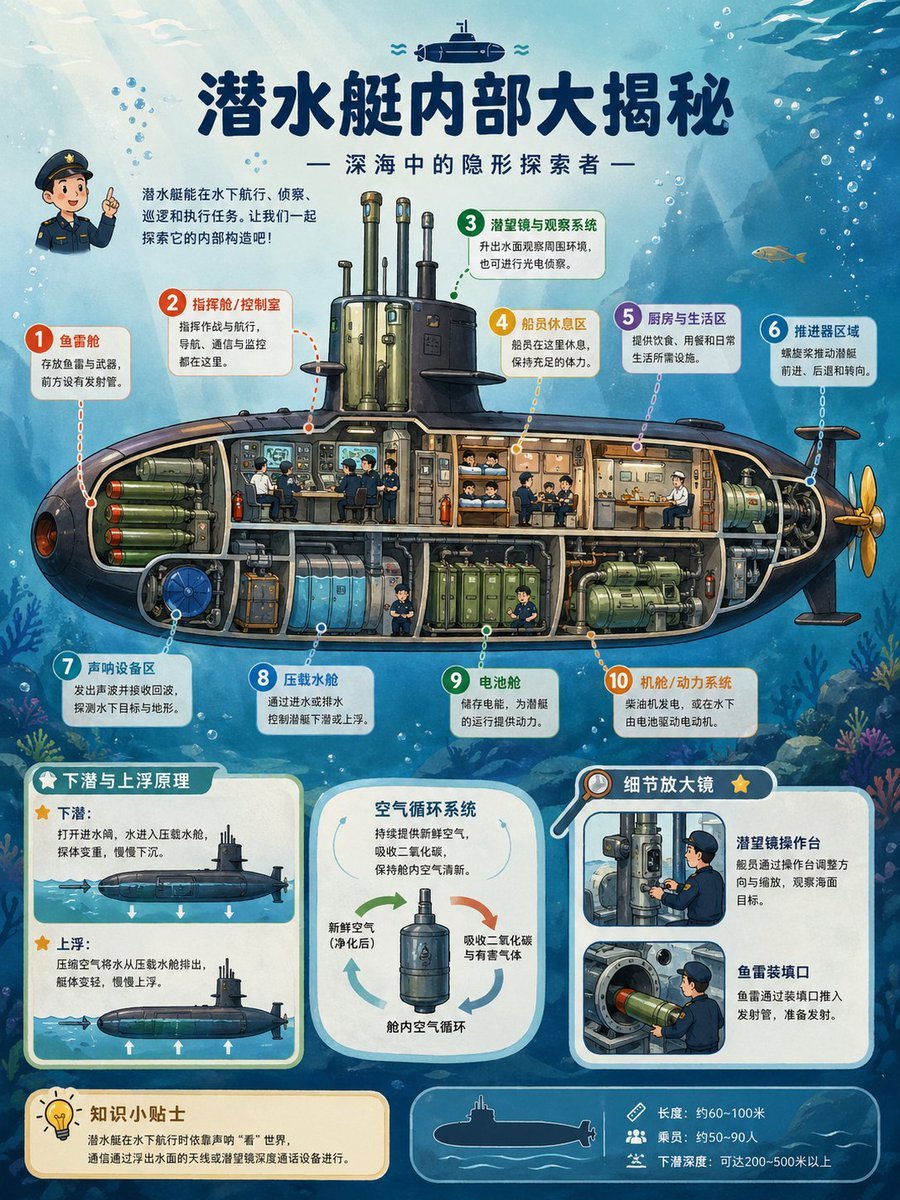
Submarine Cutaway Encyclopedia Poster
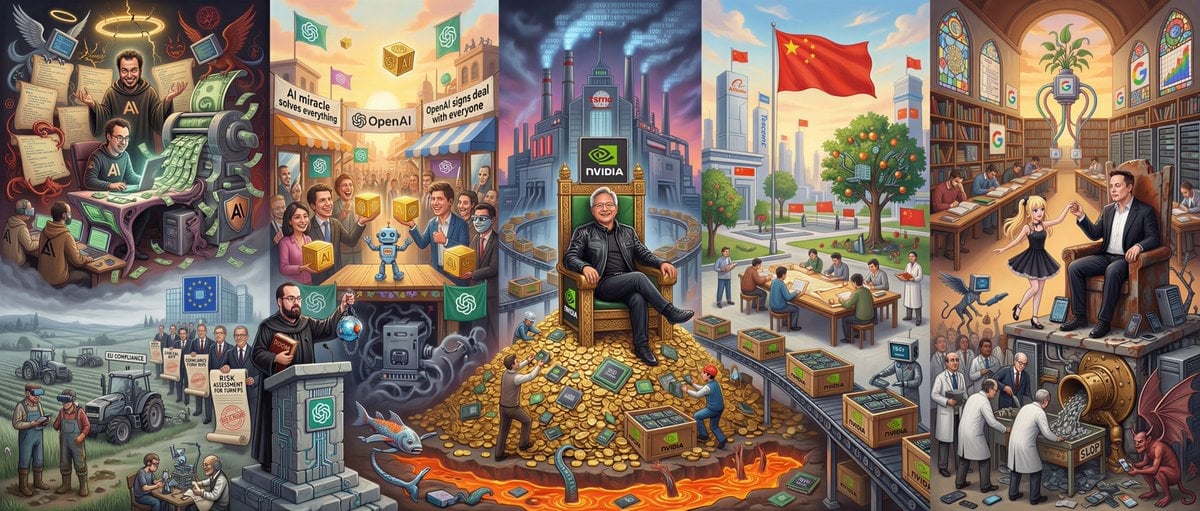
Hieronymus Bosch-style AI future painting

Luxury Fashion Advertisement Poster
Bitcoin Monkey MS Paint Doodle
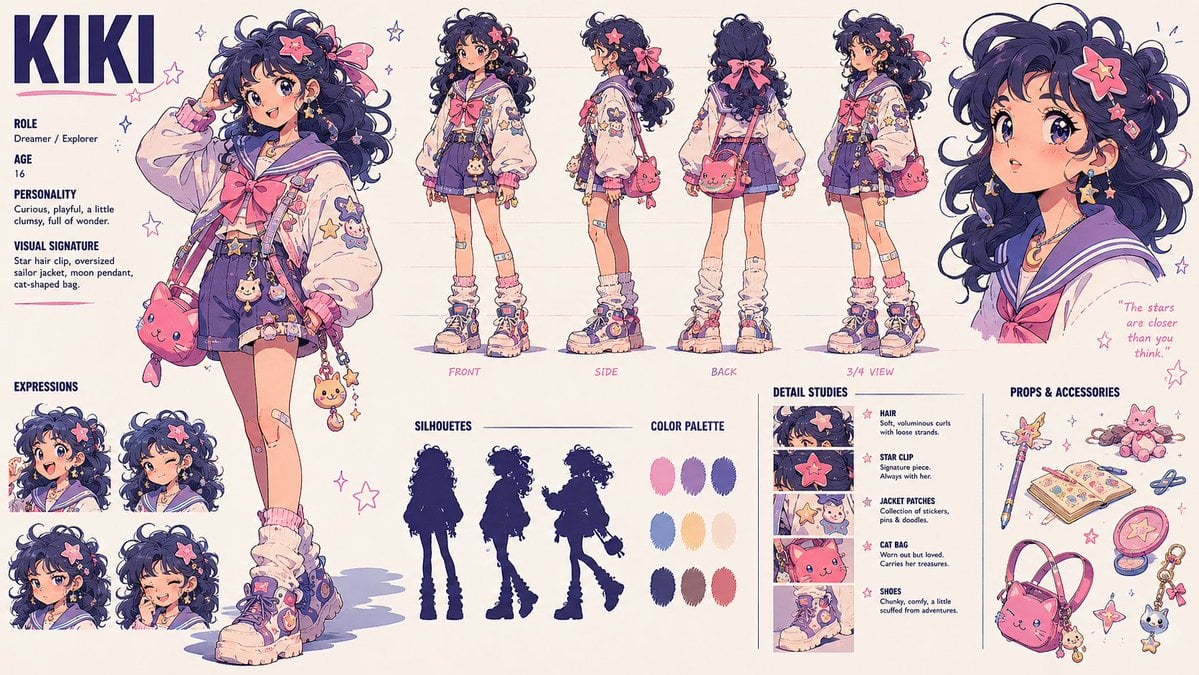
Kiki Anime Character Sheet
Old Photo Restoration and Upscaling

Top-Down Flat Lay Product Photo Generation Prompt
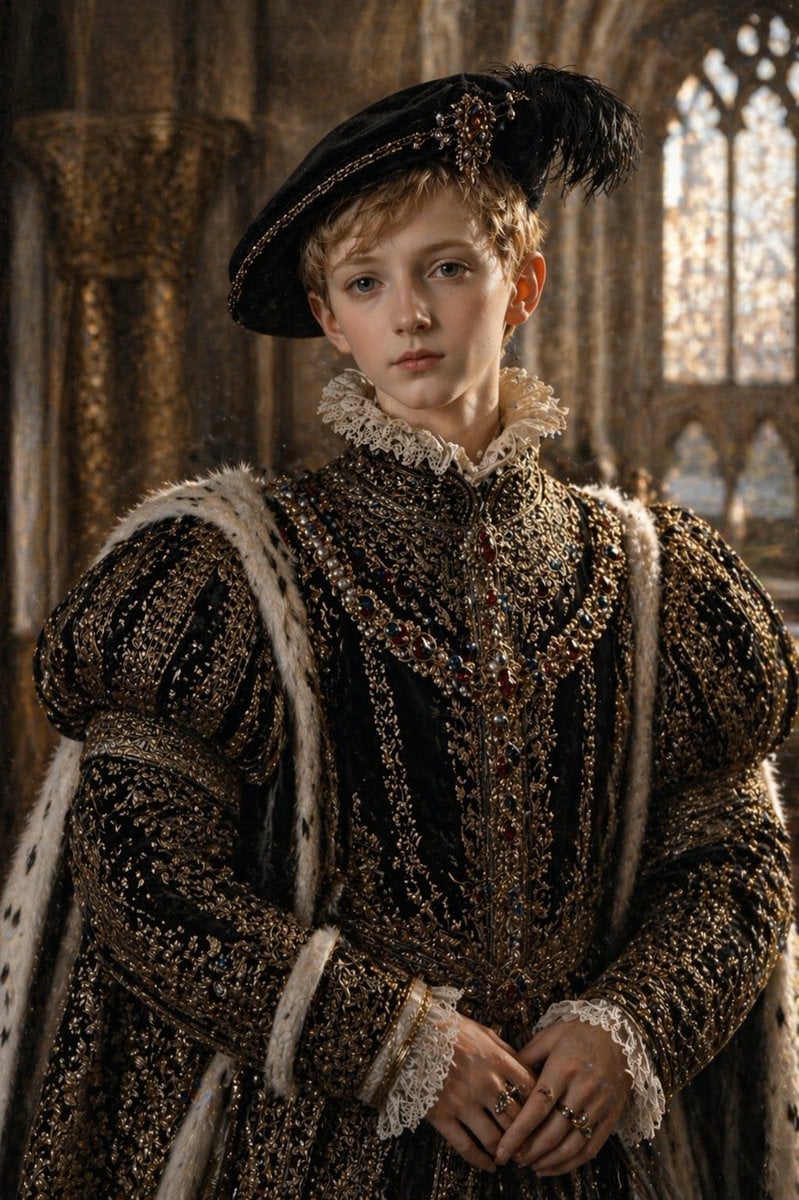
Cinematic Tudor Noble Portrait
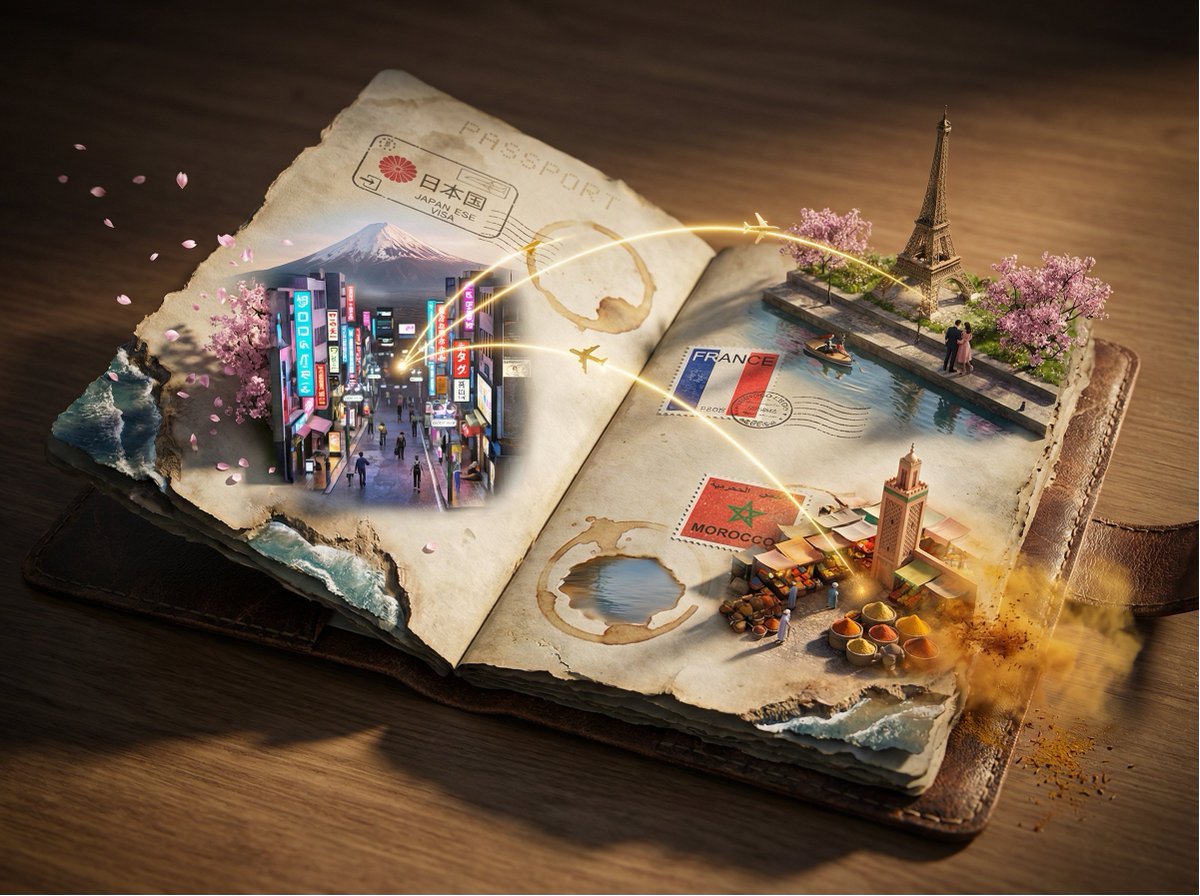
Epic 3D Passport Odyssey Scene
Browse template categories
Sakae Nagoya Watercolor Travel Poster questions
How do I use the Sakae Nagoya Watercolor Travel Poster template?
Add your photo if the template asks for one, edit the prompt if you like — the template's model and format are already selected — and press Generate. Your version opens in PicX Studio.
Can I customize the Sakae Nagoya Watercolor Travel Poster template?
Yes. You can change the subject, setting, lighting, mood, format, and available model controls before creating your image.
Is the Sakae Nagoya Watercolor Travel Poster template free?
Opening and editing this template is free. Generating uses credits, shown on the Generate button when you are signed in.
Which AI model should I use?
Start with GPT Image 2, which is the model associated with this template. You can compare another compatible model for a different finish.
Looking for something else? Browse all templates.

Your photo, any look
Thousands of ready templates for every top image and video model, from one credit balance.