
Anime Beauty Magazine Eyebrow Feature
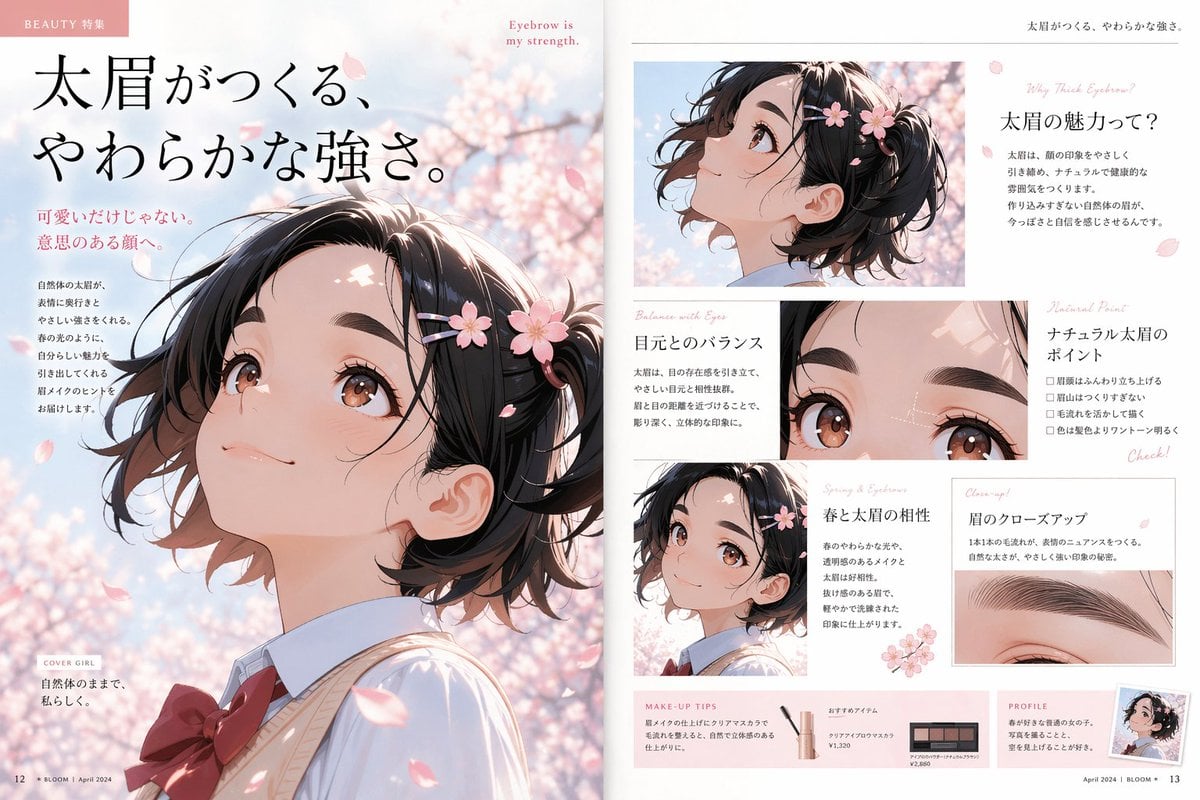
This prompt generates a polished two-page anime-style Japanese beauty magazine spread focused on a teenage girl, spring cherry blossoms, and thick-eyebrow makeup editorial design.
- Prompt included
- Model and format preset
- Free template
The prompt behind this image
Copy the exact prompt behind Anime Beauty Magazine Eyebrow Feature, or open it in the studio and make it yours.
- Type
- anime beauty magazine double-page editorial spread
- Theme
- soft strength created by thick eyebrows
- Style
- polished contemporary shoujo-inspired anime illustration with premium Japanese fashion magazine design, delicate spring lighting, glossy print finish, airy feminine layout, pastel pink and cream palette
- Format
- two-page spread
- Subject › Gender
- girl
- Subject › Age Appearance
- teenage
- Subject › Character
- pretty high school girl in side profile and close-up beauty shots
- Subject › Hair › Color
- dark brown to black
- Subject › Hair › Style
- short wavy bob gathered into a loose small side ponytail or mini updo
- Subject › Hair › Details
- wispy strands, soft volume, decorated with 4 pink cherry blossom hair ornaments and a few falling petals
- Subject › Face › Eyes
- large warm brown anime eyes with glossy highlights
- Subject › Face › Eyebrows
- thick, natural, softly arched eyebrows as the beauty focus
- Subject › Face › Expression
- gentle, confident, serene
- Subject › Clothing › Top
- light blue collared shirt
- Subject › Clothing › Layer
- cream sweater vest
- Subject › Clothing › Accessory
- large deep red ribbon bow at the collar
- Subject › Season
- spring
- Environment › Background
- soft-focus cherry blossom trees in bloom against a pale blue sky
- Environment › Atmosphere
- romantic, breezy, elegant, fresh
- Layout › Left Page › Dominant Element
- large full-page side-profile portrait of the girl looking upward
- Layout › Left Page › Text Blocks Count
- 5
- Layout › Left Page › Text Blocks
- small header label at top left, large Japanese headline, pink subheadline near upper left-middle, vertical body copy near left side of portrait, small cover girl caption near bottom left
- Layout › Left Page › Footer Elements Count
- 2
- Layout › Right Page › Image Panels Count
- 5
Raw JSON
{"type":"anime beauty magazine double-page editorial spread","theme":"soft strength created by thick eyebrows","style":"polished contemporary shoujo-inspired anime illustration with premium Japanese fashion magazine design, delicate spring lighting, glossy print finish, airy feminine layout, pastel pink and cream palette","format":"two-page spread","subject":{"gender":"girl","age_appearance":"teenage","character":"pretty high school girl in side profile and close-up beauty shots","hair":{"color":"dark brown to black","style":"short wavy bob gathered into a loose small side ponytail or mini updo","details":"wispy strands, soft volume, decorated with 4 pink cherry blossom hair ornaments and a few falling petals"},"face":{"eyes":"large warm brown anime eyes with glossy highlights","eyebrows":"thick, natural, softly arched eyebrows as the beauty focus","expression":"gentle, confident, serene"},"clothing":{"top":"light blue collared shirt","layer":"cream sweater vest","accessory":"large deep red ribbon bow at the collar"},"season":"spring"},"environment":{"background":"soft-focus cherry blossom trees in bloom against a pale blue sky","atmosphere":"romantic, breezy, elegant, fresh"},"layout":{"left_page":{"dominant_element":"large full-page side-profile portrait of the girl looking upward","text_blocks_count":5,"text_blocks":["small header label at top left","large Japanese headline","pink subheadline near upper left-middle","vertical body copy near left side of portrait","small cover girl caption near bottom left"],"footer_elements_count":2},"right_page":{"image_panels_count":5,"image_panels":["1 top rectangular side-profile crop of the girl among cherry blossoms","1 medium rectangular close-up of both eyes and eyebrows with subtle white guide lines","1 small lower-left portrait crop","1 rectangular eyebrow close-up panel","1 tiny profile thumbnail at bottom right"],"text_sections_count":7,"text_sections":["small English phrase at top right margin","main Japanese title block about eyebrow charm","section about eye-area balance","section listing points of natural thick eyebrows with 4 checklist bullets","section about spring and thick eyebrow compatibility","section for eyebrow close-up explanation","bottom makeup tips and profile area"],"product_items_count":2,"product_items":["1 eyebrow mascara cosmetic tube","1 brow powder palette compact"]},"overall_design":"clean editorial grid with thin divider lines, generous white margins, blush pink accent text, scattered sakura petal motifs"},"visible_text":{"headline":"太眉がつくる、やわらかな強さ。","small_header":"BEAUTY 特集","english_tagline":"Eyebrow is my strength.","right_intro":"Why Thick Eyebrow?","section_titles":["太眉の魅力って?","目元とのバランス","ナチュラル太眉のポイント","春と太眉の相性","眉のクローズアップ","MAKE-UP TIPS","PROFILE"],"page_footer":"April 2024 | BLOOM"},"quality":"high-resolution, refined magazine mockup, realistic paper texture, luxury beauty editorial composition"}How to use Anime Beauty Magazine Eyebrow Feature in 3 steps
- 1Upload ImagePNG, JPG or paste
Add your photo
Upload the photo the template builds on. The prompt, model and format are already set.
- 2…a portrait of your subject in softgolden-hour light, 85mm…
Personalize
Edit the subject and creative details for your destination.
- 3Generate
Generate
Press Generate — your image is created in PicX Studio, so you can compare it with the original and refine one variable at a time.
More like this
Templates with the same subject, style or setup. Open one to see its prompt.











Make it yours
Anime Beauty Magazine Eyebrow Feature works as-is. These are the safest ways to change it without losing the look.
Swap the setting
Keep the rest of the prompt and replace the location block. The current setting is “soft-focus cherry blossom trees in bloom against a pale blue sky”.
Change one field
Copy a single group, rewrite it, and generate again so you can see what that field is doing.
Keep the frame, change the subject
Hold the composition and light of Anime Beauty Magazine Eyebrow Feature, then swap wardrobe, props or the person for a new take.
| If the result… | Why | Fix |
|---|---|---|
| The result drifts from the preview | Too many fields changed at once. | Reuse Anime Beauty Magazine Eyebrow Feature as-is first, then change one group — subject, light, or setting. |
| GPT Image 2 ignores part of the JSON | Some models flatten or skip nested keys. | Keep the same values and paste them as a short paragraph instead. |
More GPT Image 2 templates
Other prompts made for GPT Image 2.

Six VTuber Japanese Logo Sheet

Realistic Portrait of Woman and Deer

The Vista Modular Condo Poster

AI Model Routing Comparison Infographic

2.5D Anime Art Board

Isometric Productivity Desk Scene

New York Double Exposure Poster

Four-Panel AI Landscape Comparison

Japanese Tatami Lifestyle Magazine Cover

NESCAFÉ Coffee Map Poster
More image prompts
Fresh picks from across the catalog.
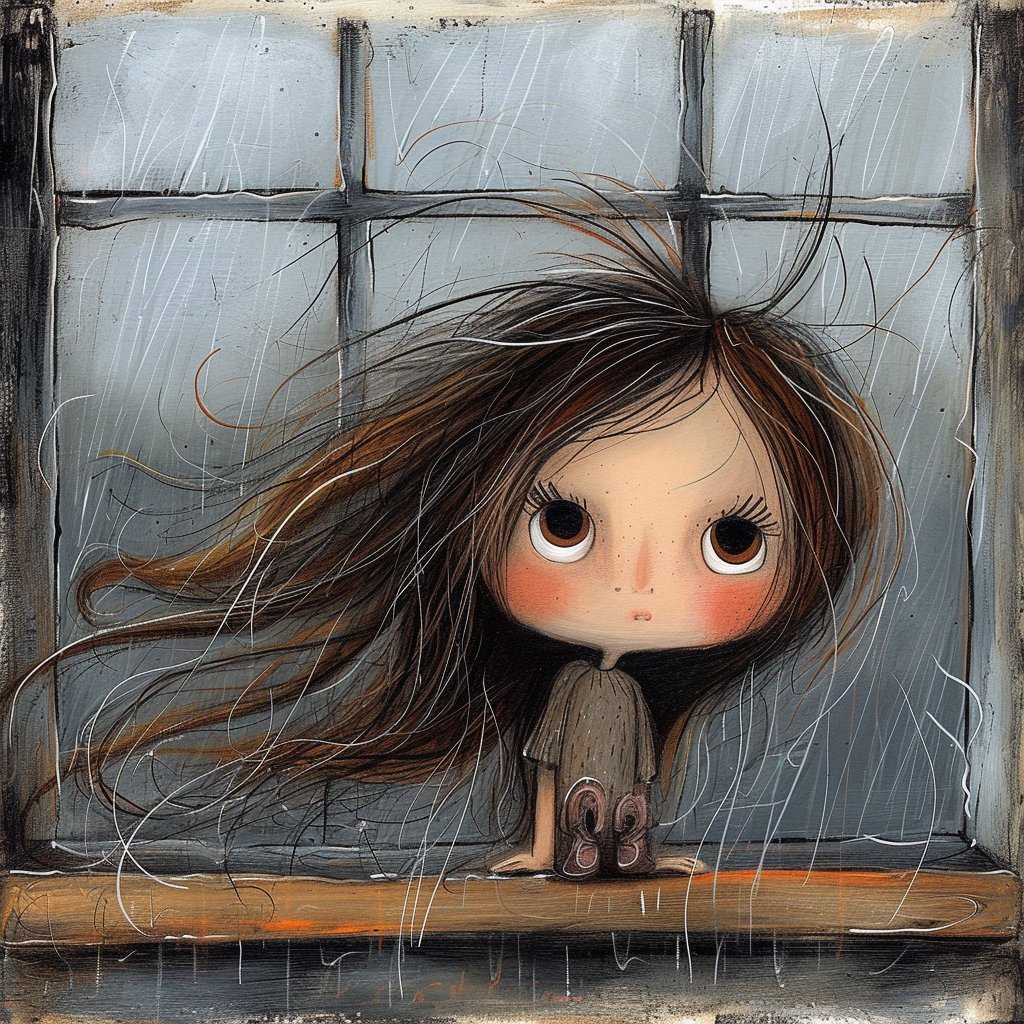
Surreal Woman at a Weathered Window

LLM Architecture Chat Screenshot
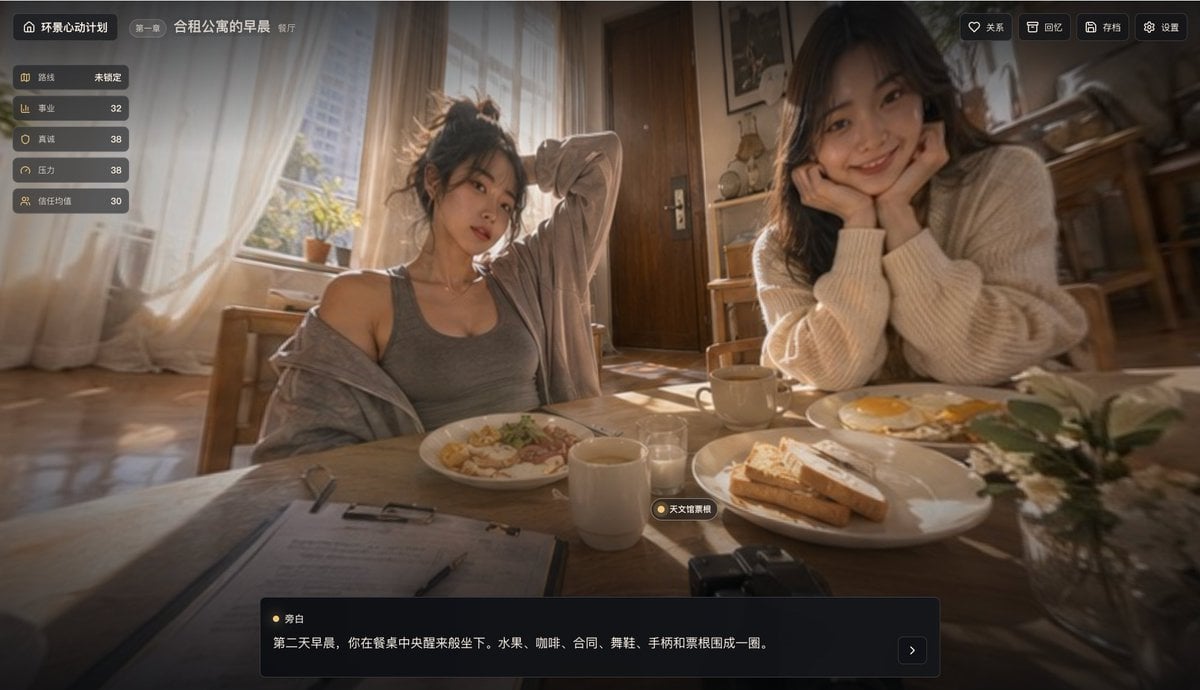
Cinematic Breakfast Dating Sim UI
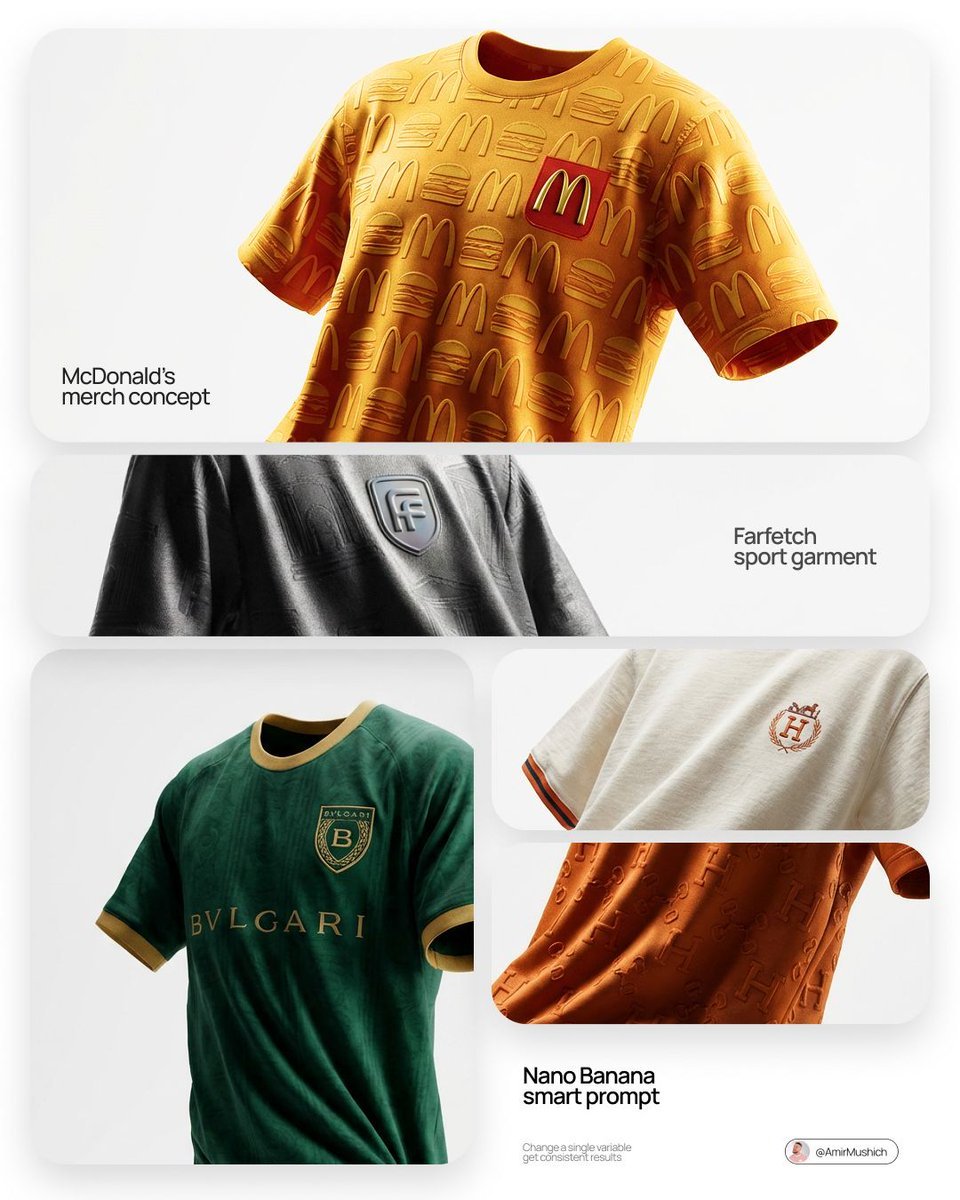
Floating Football Jersey Luxury Editorial
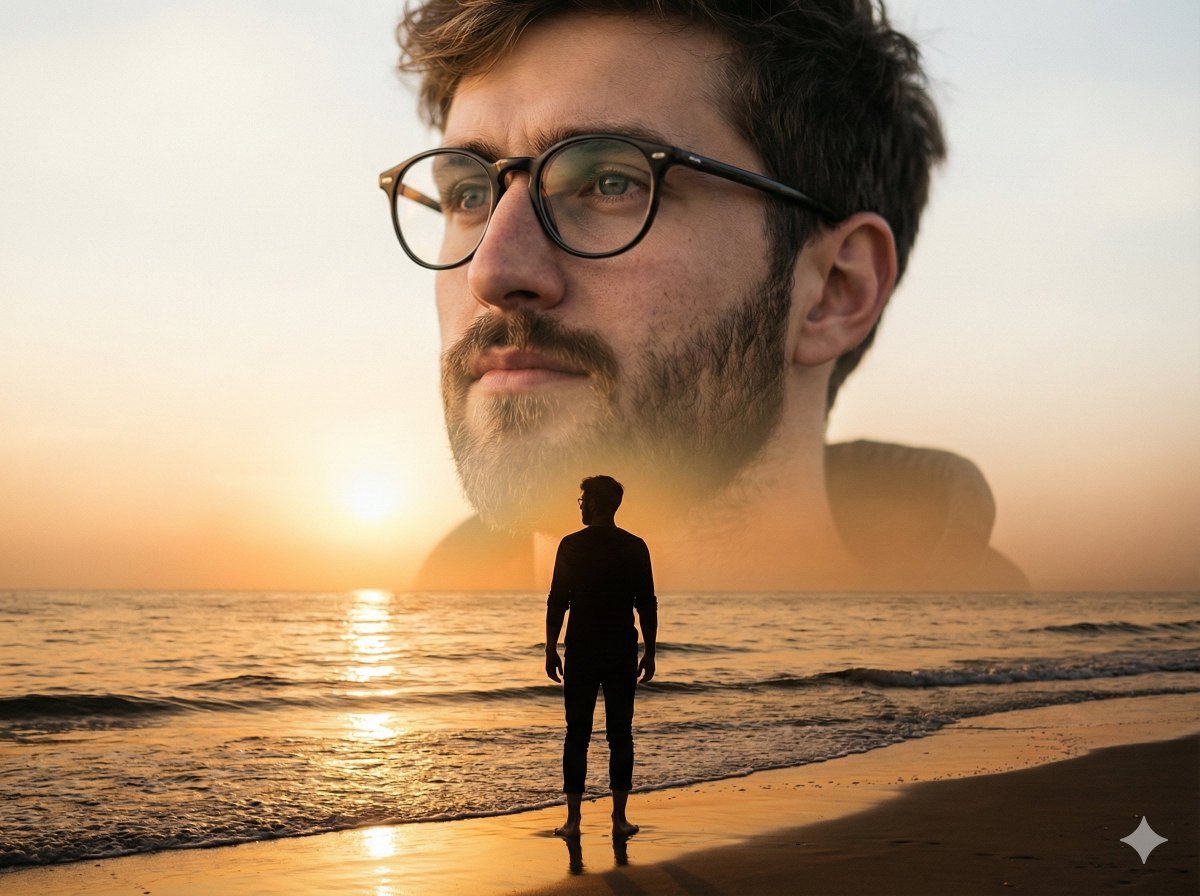
Cinematic Double-Exposure Beach Portrait
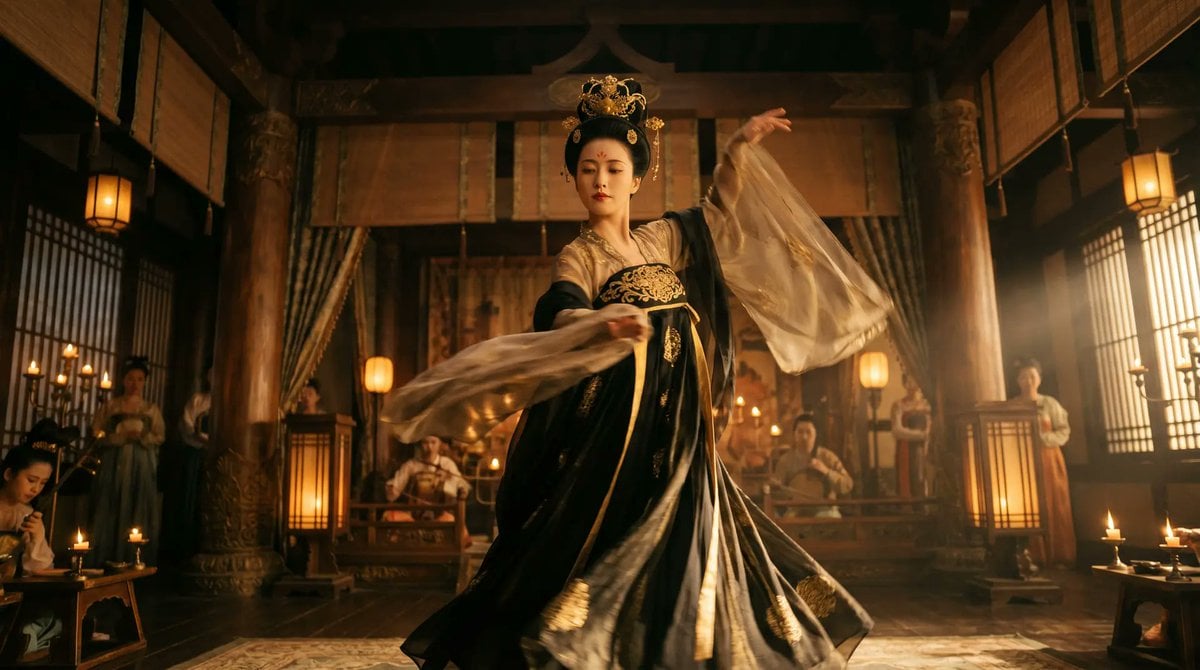
Cinematic Tang Court Dancer at Night
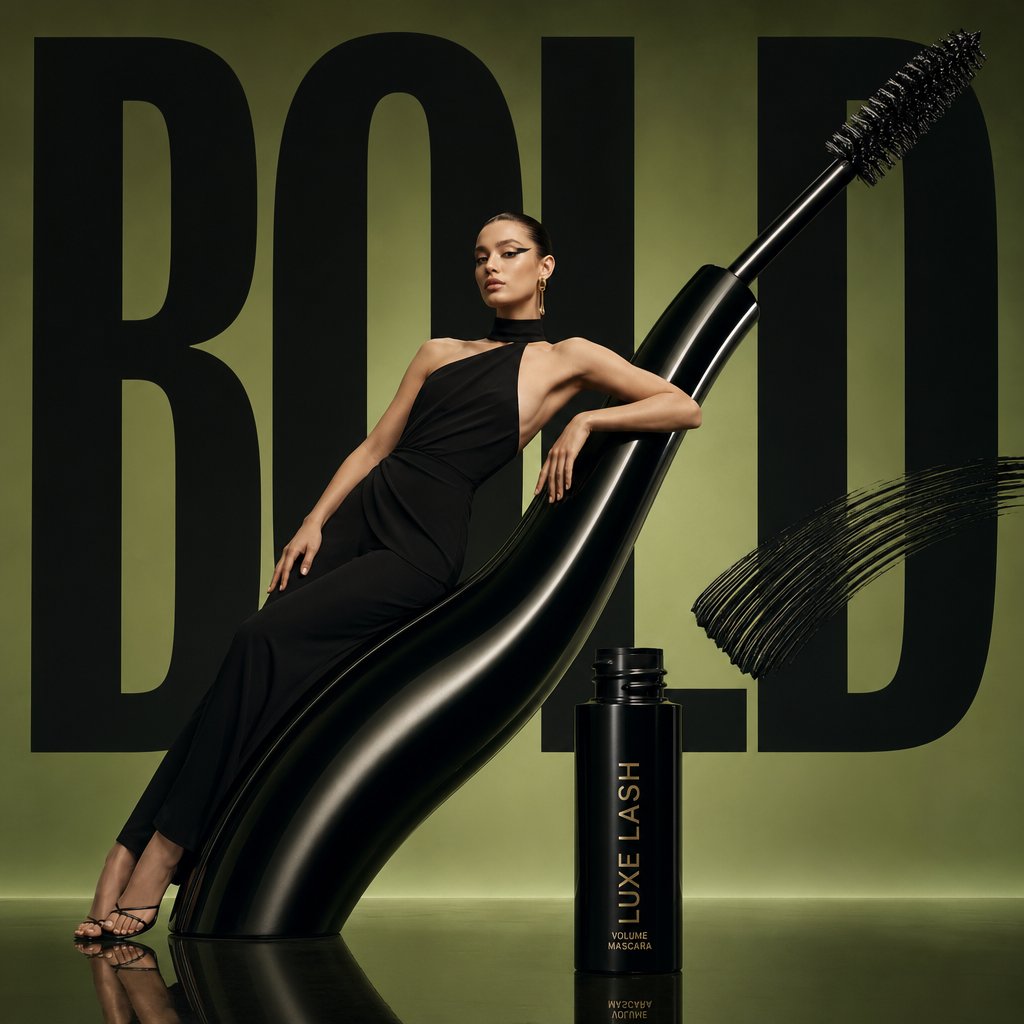
Avant-Garde Beauty Ad
Dark Fantasy Ponyo Warrior Poster
Protein Powder Splash Hero Shot
Nighttime Street Portrait with Wet Pavement
Browse template categories
Anime Beauty Magazine Eyebrow Feature questions
How do I use the Anime Beauty Magazine Eyebrow Feature template?
Add your photo if the template asks for one, edit the prompt if you like — the template's model and format are already selected — and press Generate. Your version opens in PicX Studio.
Can I customize the Anime Beauty Magazine Eyebrow Feature template?
Yes. You can change the subject, setting, lighting, mood, format, and available model controls before creating your image.
Is the Anime Beauty Magazine Eyebrow Feature template free?
Opening and editing this template is free. Generating uses credits, shown on the Generate button when you are signed in.
Which AI model should I use?
Start with GPT Image 2, which is the model associated with this template. You can compare another compatible model for a different finish.
Looking for something else? Browse all templates.

Your photo, any look
Thousands of ready templates for every top image and video model, from one credit balance.