How do I use the Surreal Woman at a Weathered Window template?
Choose the primary action to open PicX Studio with the available template settings. Review the model and format, personalize the creative direction, and generate when ready.
This prompt generates a square, atmospheric fine-art portrait of a wind-whipped woman at an old window, useful for creating emotional surreal editorial or gallery-style imagery. Change the subject, setting, or lighting one variable at a time.
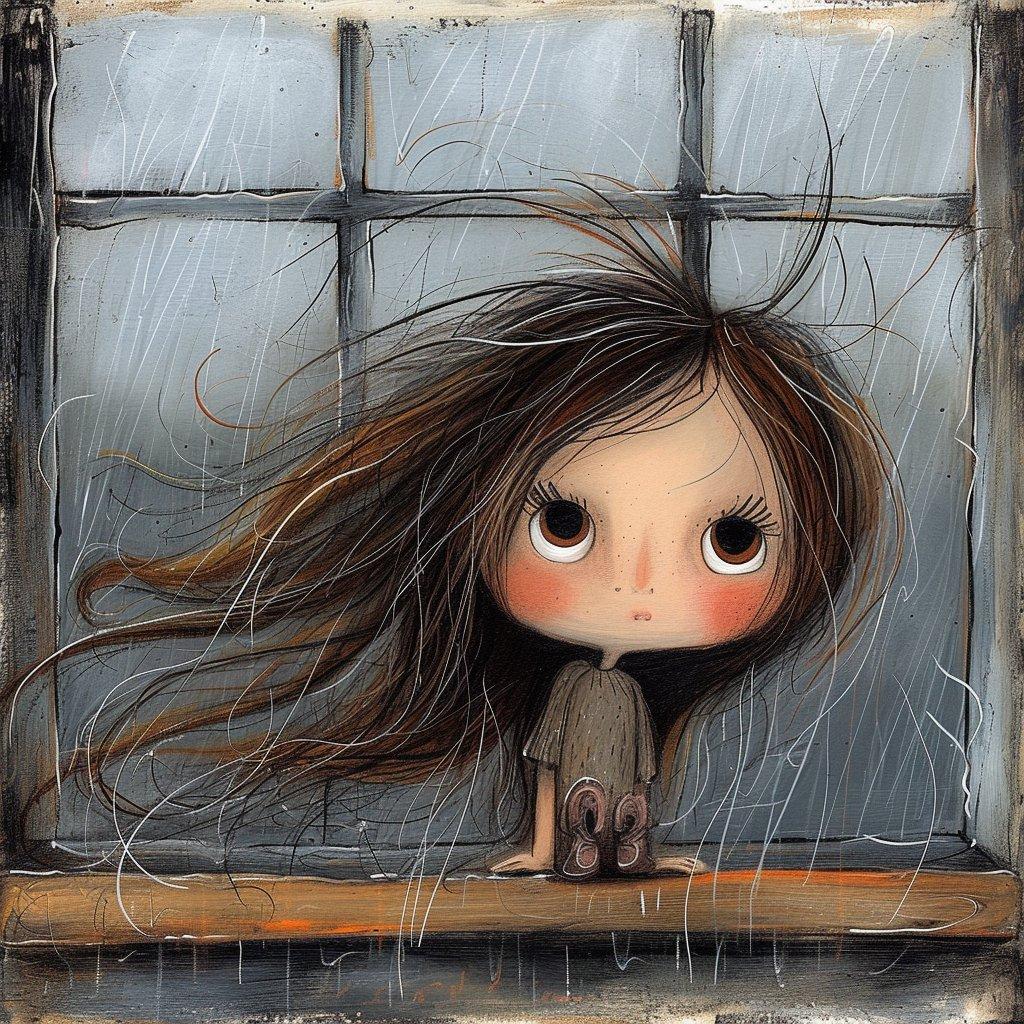
A moody surreal painting of a woman leaning forward through an old window frame, shown from behind and cropped tightly so the composition centers on her wildly windblown {argument name="hair color" default="dark brown with copper highlights"} hair streaming left across the image in long tangled strands. Her bare shoulders and upper back are mostly hidden by her hair, and both hands rest on a worn wooden windowsill at the bottom center, with 2 visible fingers on each side gripping the ledge. The face is completely obscured by hair and angle. Behind her is a weathered multi-pane window with 6 rectangular panes in a 3-by-2 grid, painted in cold gray-blue tones with grime, scratches, drips, and distressed edges. Use an expressive mixed-media style combining charcoal, ink, dry brush, scratched lines, and textured oil paint on rough canvas, with sketchy white and black linework layered over muted industrial colors. The mood is introspective, stormy, and haunting, as if wind or emotion is pulling the figure apart. Soft diffused light, subtle contrast, painterly realism fused with abstract expressionism, square composition.
Choose the primary action to open PicX Studio with the available template settings. Review the model and format, personalize the creative direction, and generate when ready.
Yes. You can change the subject, setting, lighting, mood, format, and available model controls before creating your image.
This template is free to open and customize. Generation usage is shown in PicX Studio before you create.
Start with GPT Image 2, which is the model associated with this template. You can compare another compatible model for a different finish.
© 2026 PicX Studio. All rights reserved.

Follow a topic to a crawlable collection of related PicX Studio templates.
43,474 public templates available. Verified via the PicX Studio public templates API; refreshed hourly.


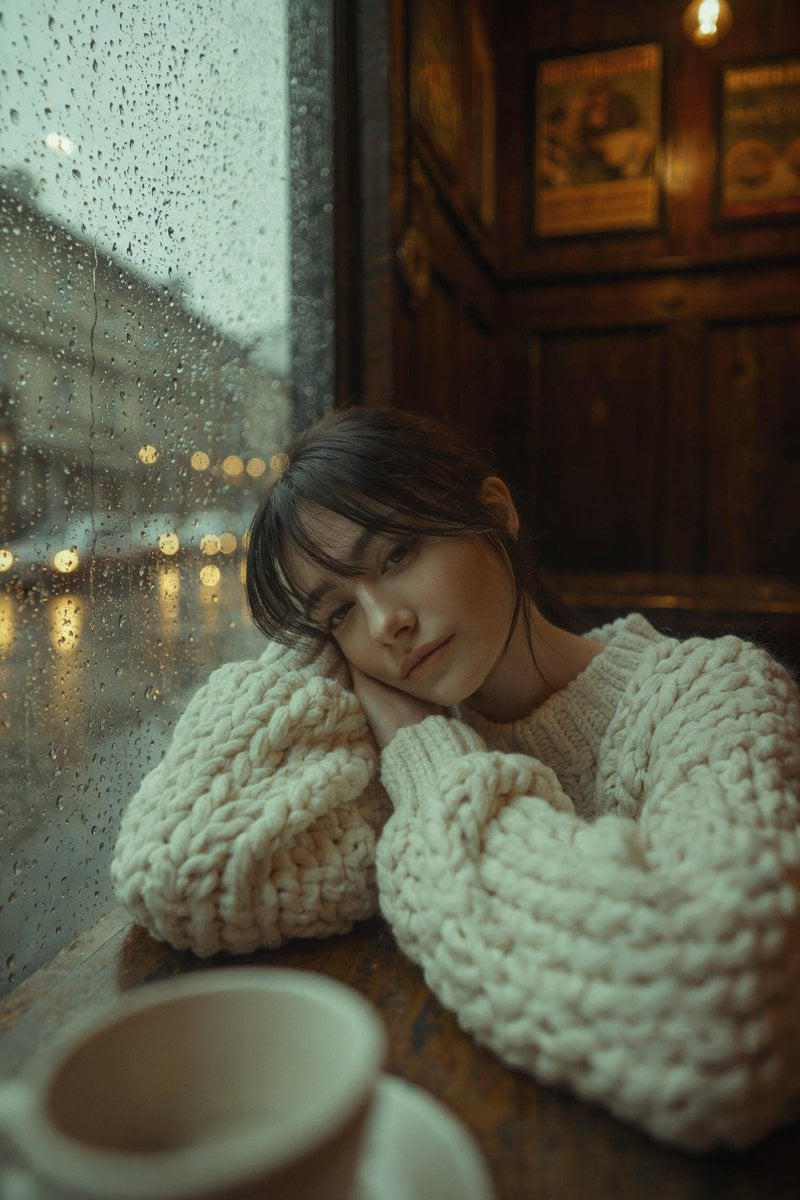

![azed-double-exposure — A double exposure image of [subject], combined with [scene/elements], creating a surreal layered composition. Transparent overlays, atmos](/_next/image?url=https%3A%2F%2Fcdn.picxstudio.com%2Fuploads%2Fazed_double1_1d6ba4e8-e274-4914-ab88-638665f549b6.jpg&w=828&q=100)
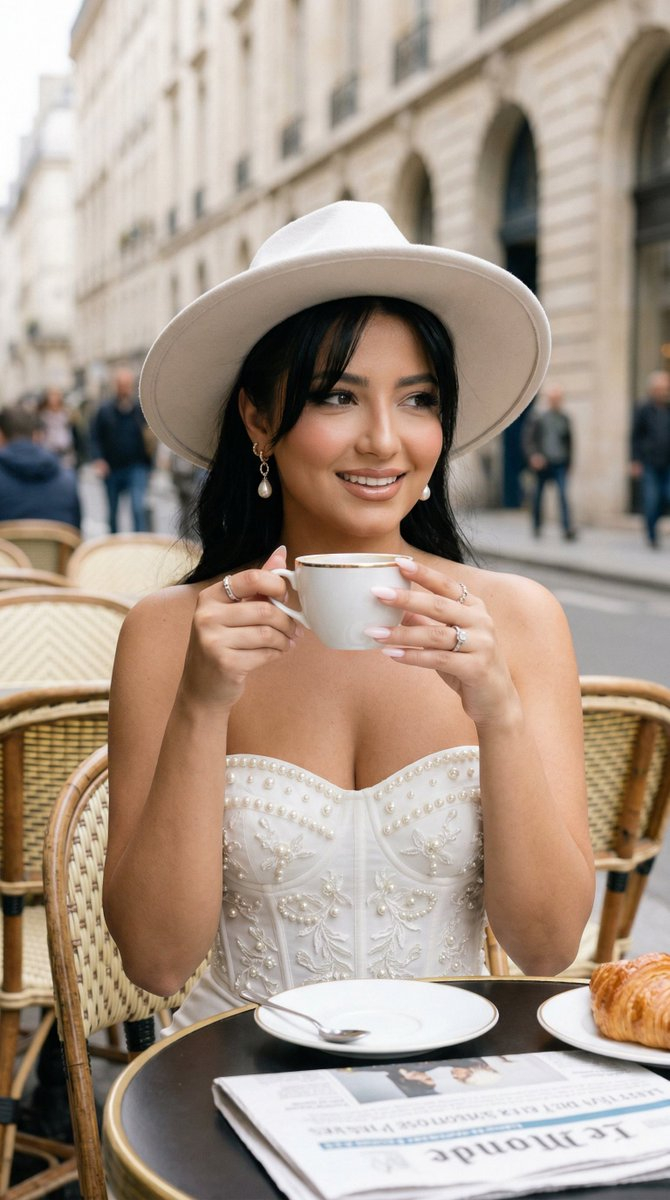



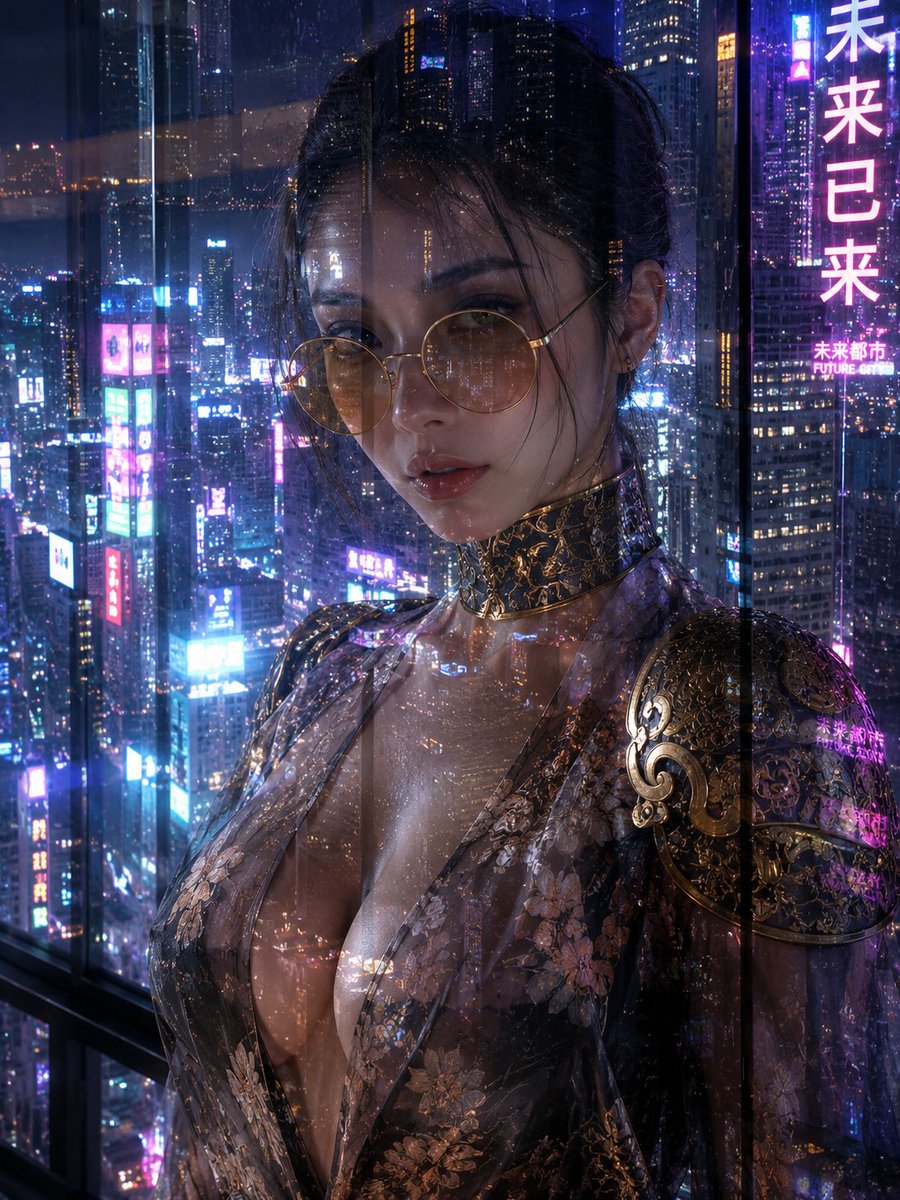

![Firefly Pixar Spill — Nano Banana Pro — Prompt Studio: Fun Prompt with Nano Banana Pro in Firefly Boards
Pixar-style cinematic macro shot in a cozy [LOCATION]](/_next/image?url=https%3A%2F%2Fcdn.picxstudio.com%2Fuploads%2Falla1_1d20598b-6f80-45e3-931b-e644f9b33daf.jpg&w=828&q=100)


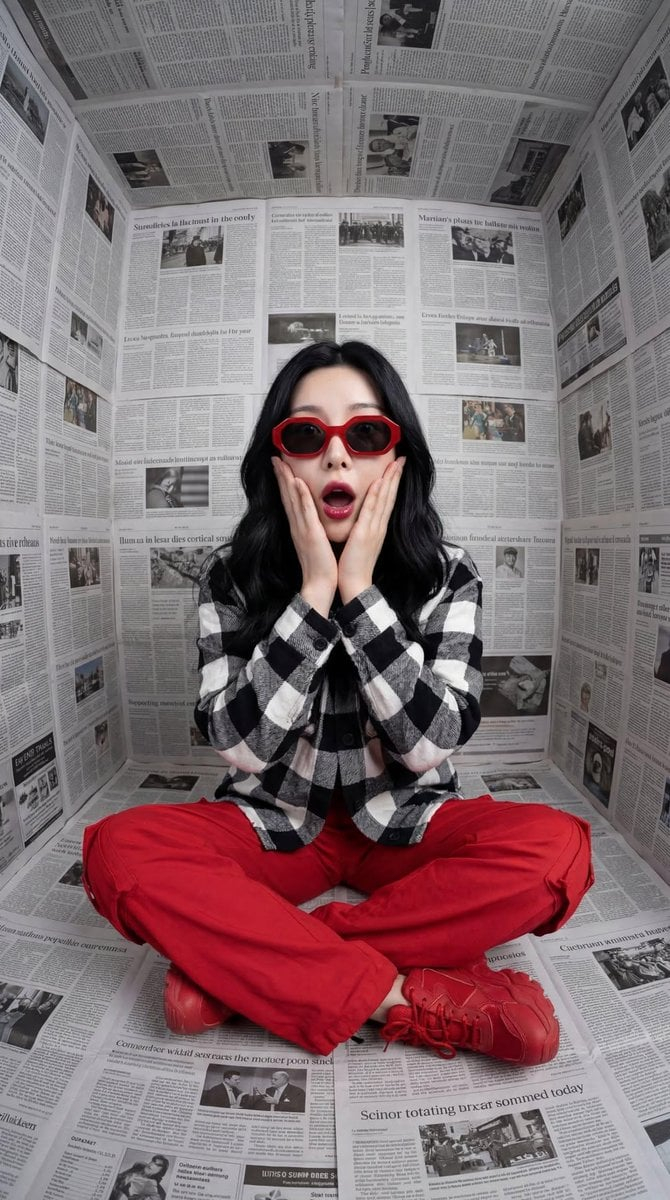




![Minimalist Flat Vector Travel Poster — Premium minimalist flat-vector travel poster for {argument name="city name" default="[CITY_NAME]"}, 3:4 vertical format.](https://cms-assets.youmind.com/media/1787917359711_3ug846_HQX205cbMAA6F6S-300x400.jpg)





















![Drone Art Character Projection over Night Sea — [参照画像の特徴:入力画像]
上記の特徴を持つキャラクターの形を、夜空に浮かぶ無数の発光するドローンが形成しているリアルな写真。
場所は夜の海の上空。暗い空に数千個のドローンのLEDライトが点描画…](https://pbs.twimg.com/media/G9FShwyboAAhHaO.jpg)







![Magazine-Style Travel Photo Collection Generation — 提示词(封面版)
请将指定角色融入到位于 [{argument name="地点" default="上海迪士尼"}] 的实景中,呈现他们在此地观光的场景。务必确保角色本人脸部特征(包括五官、比例等)100% 保](https://pbs.twimg.com/media/G7ups-ha0AIvBjq.jpg)