
Vintage Hangzhou Travel Postcard
Creates a romantic retro travel poster of Hangzhou West Lake with watercolor scenery, postcard ephemera, and collectible album styling.
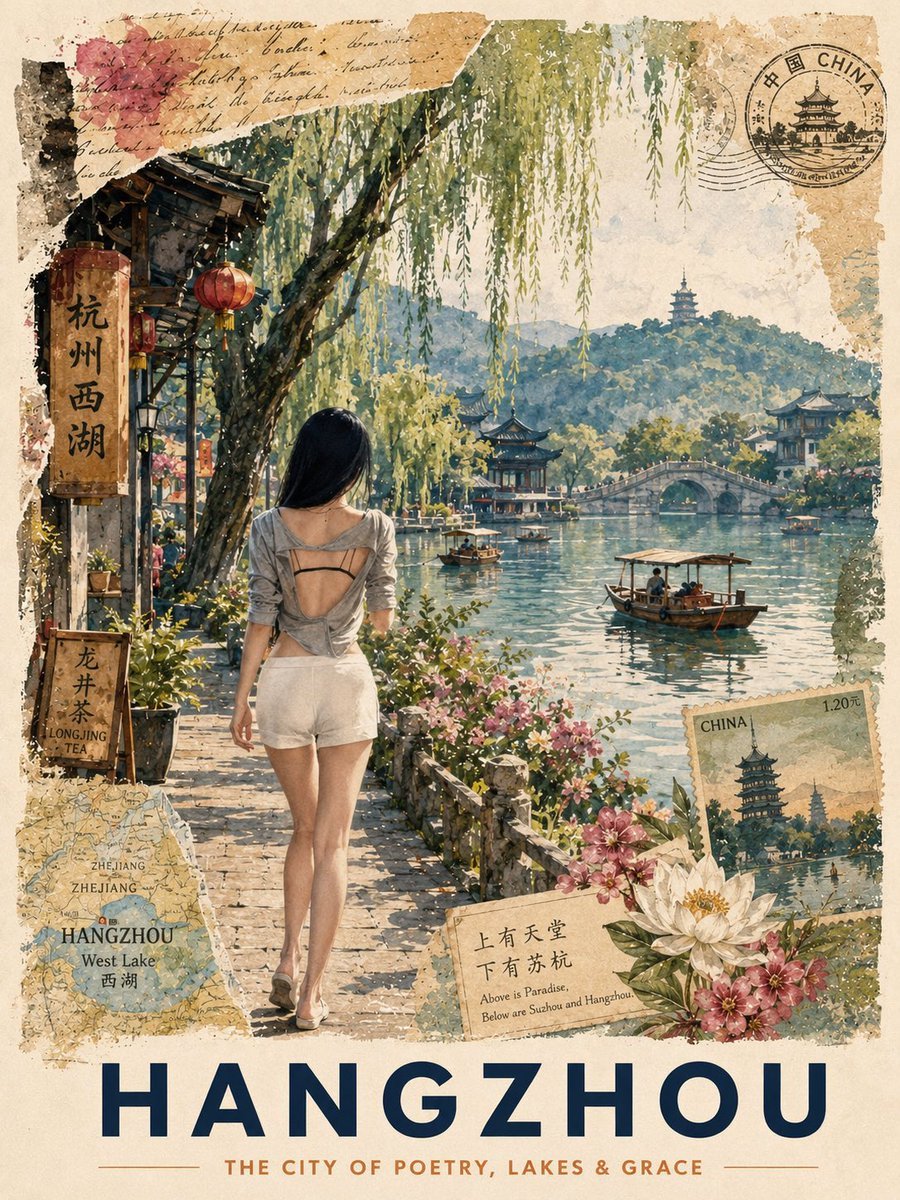
- Prompt included
- Model and format preset
- Free template
The prompt behind this image
Copy the exact prompt behind Vintage Hangzhou Travel Postcard, or open it in the studio and make it yours.
Goal: Create a vintage travel postcard poster for {argument name="destination city" default="Hangzhou"}, blending watercolor realism, collage ephemera, and romantic travel-album aesthetics. Canvas: Vertical 3:4 poster on warm aged cream paper with torn, stained, deckled edges, faint handwritten cursive notes, postal textures, watercolor blooms, speckles, and lightly faded ink like an old collectible postcard. Main scene: A young woman seen from behind walks along a sunlit stone path beside West Lake. She has long straight black hair and wears a loose gray open-back top with thin black straps, high-waisted white shorts, and flat sandals. She is centered slightly left, looking toward the lake. The scene is lush and serene: overhanging willow branches fill the upper half, pink flowers and greenery line the path, and soft afternoon light reflects on the water. Architecture and landscape: Show West Lake in Hangzhou with calm rippling water, green hills in the distance, classical Chinese pavilions, a pagoda on a hill, lakeside buildings, and a graceful arched stone bridge at mid-right. Include small wooden tour boats on the lake; use exactly 4 visible boats: 1 large covered boat in the right foreground with passengers, 1 small boat near the center, 1 small boat under/near the bridge, and 1 distant boat on the left side of the water. Left-side street details: Add a rustic lakeside shop façade at upper left with dark wooden beams and red lanterns. Include exactly 3 visible red lanterns: 1 large lantern near the vertical sign, 1 smaller lantern beside it, and 1 small lantern deeper in the shop area. Add a tall vertical wooden sign with Chinese text 「杭州西湖」 and a smaller leaning tea sign below with Chinese text 「龙井茶」 plus English text “LONGJING TEA.” Postcard collage elements: Include exactly 5 distinct ephemera overlays: 1 circular black postal stamp in the upper right reading “CHINA” with Chinese characters and a pagoda illustration, 1 torn map scrap in the lower left labeled “ZHEJIANG,” “HANGZHOU,” “West Lake,” and 「西湖」, 1 small postage stamp in the lower right labeled “CHINA” and “1.20元” with a pagoda landscape, 1 beige poetry card near the bottom center-right with Chinese text 「上有天堂 下有苏杭」 and English text “Above is Paradise, Below are Suzhou and Hangzhou.”, and 1 pink floral paper fragment with cursive handwriting in the upper left. Typography: At the bottom, place a large bold navy all-caps title “{argument name="large title" default="HANGZHOU"}” spanning nearly the full width. Beneath it, add a small copper-brown uppercase subtitle “{argument name="subtitle" default="THE CITY OF POETRY, LAKES & GRACE"}” with thin horizontal divider lines on both sides. Floral foreground: Add white lotus blossoms and pink flowers around the lower right collage area, integrated with watercolor leaves and the postage stamp. Visual style: Retro Chinese travel postcard, watercolor and gouache illustration with realistic proportions, delicate linework, soft natural lighting, muted teal lake water, moss green hills, warm beige paper, navy typography, copper accents, and layered scrapbook textures. Make it look like a future travel album page, nostalgic, romantic, and collectible. Constraints: Keep all text legible, preserve the exact counted elements, avoid modern cars or skyscrapers, avoid extra logos or watermarks, and keep the image as a single finished poster rather than a photo mockup.
How to use Vintage Hangzhou Travel Postcard in 3 steps
- 1Upload ImagePNG, JPG or paste
Add your photo
Upload the photo the template builds on. The prompt, model and format are already set.
- 2…a portrait of your subject in softgolden-hour light, 85mm…
Personalize
Edit the subject and creative details for your destination.
- 3Generate
Generate
Press Generate — your image is created in PicX Studio, so you can compare it with the original and refine one variable at a time.
More like this
Templates with the same subject, style or setup. Open one to see its prompt.

Japan Travel Brochure Poster

Miniature Travel Diorama Postcard

Premium Vintage Travel Poster Landscape
Premium Vintage Travel Poster Landscape

Sunday Afternoon, 1988

Two Tickets, One Night

If We Met in 1985

Found Photograph: Us, 1970

One Dance Before Midnight

Before We said Goodbye

Our Song was on a Cassette

Meet Me When It Rains
Make it yours
Vintage Hangzhou Travel Postcard works as-is. These are the safest ways to change it without losing the look.
Change one field
Copy a single group, rewrite it, and generate again so you can see what that field is doing.
Keep the frame, change the subject
Hold the composition and light of Vintage Hangzhou Travel Postcard, then swap wardrobe, props or the person for a new take.
| If the result… | Why | Fix |
|---|---|---|
| The result drifts from the preview | Too many fields changed at once. | Reuse Vintage Hangzhou Travel Postcard as-is first, then change one group — subject, light, or setting. |
| The model over-stylizes the scene | The prose prompt leaves finish and camera underspecified. | Add one camera or lighting sentence and stay on GPT Image 2. |
More GPT Image 2 templates
Other prompts made for GPT Image 2.

Six VTuber Japanese Logo Sheet

Realistic Portrait of Woman and Deer

The Vista Modular Condo Poster

AI Model Routing Comparison Infographic

2.5D Anime Art Board

Isometric Productivity Desk Scene

New York Double Exposure Poster

Four-Panel AI Landscape Comparison

Japanese Tatami Lifestyle Magazine Cover

NESCAFÉ Coffee Map Poster
More image prompts
Fresh picks from across the catalog.

Green Sport Motorcycle Mountain Road

Romantic Beastman Anniversary Screenshot

Editorial Nighttime Urban Portrait with Identity Preservation

Anime Illustration of Two Girls
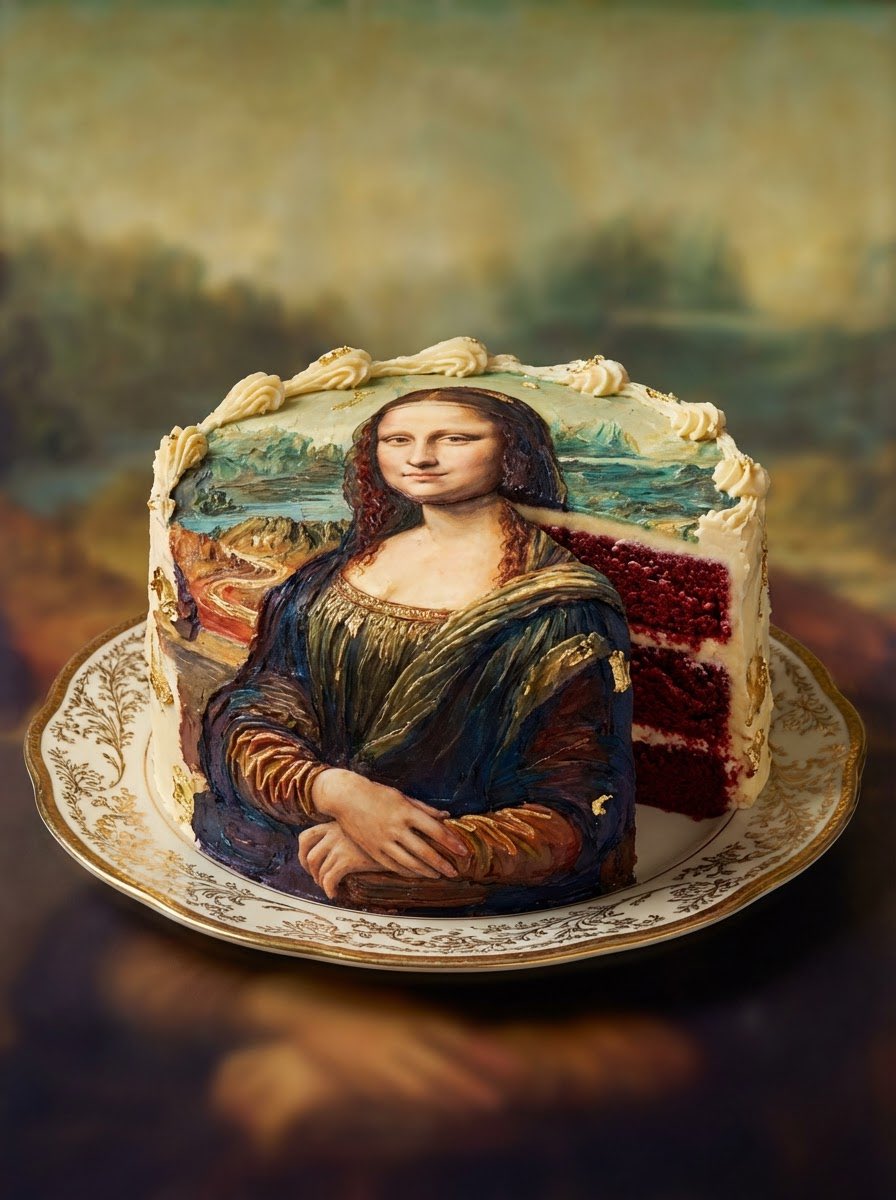
Red Velvet Cake Painting Recreation Food Photography Prompt
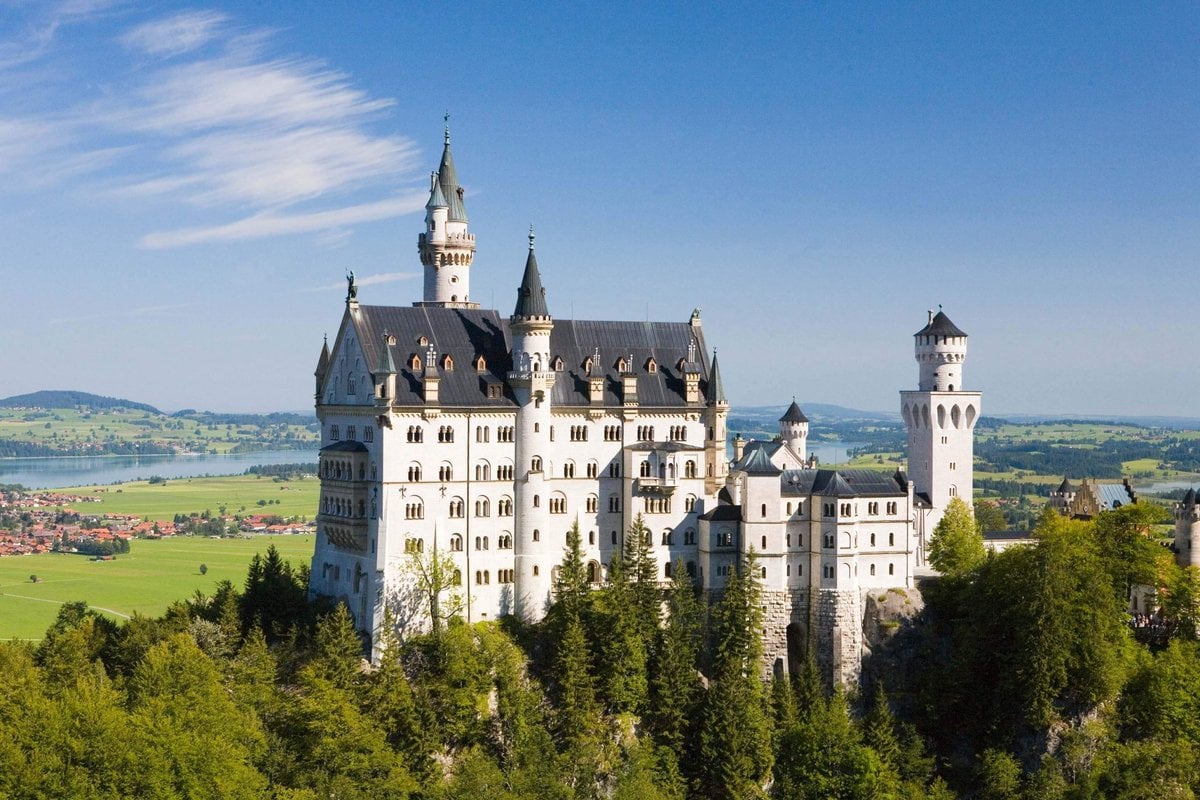
Architectural Blueprint Generation

Sunlit Street Scene with Tattooed Woman on Scooter (JSON Format)
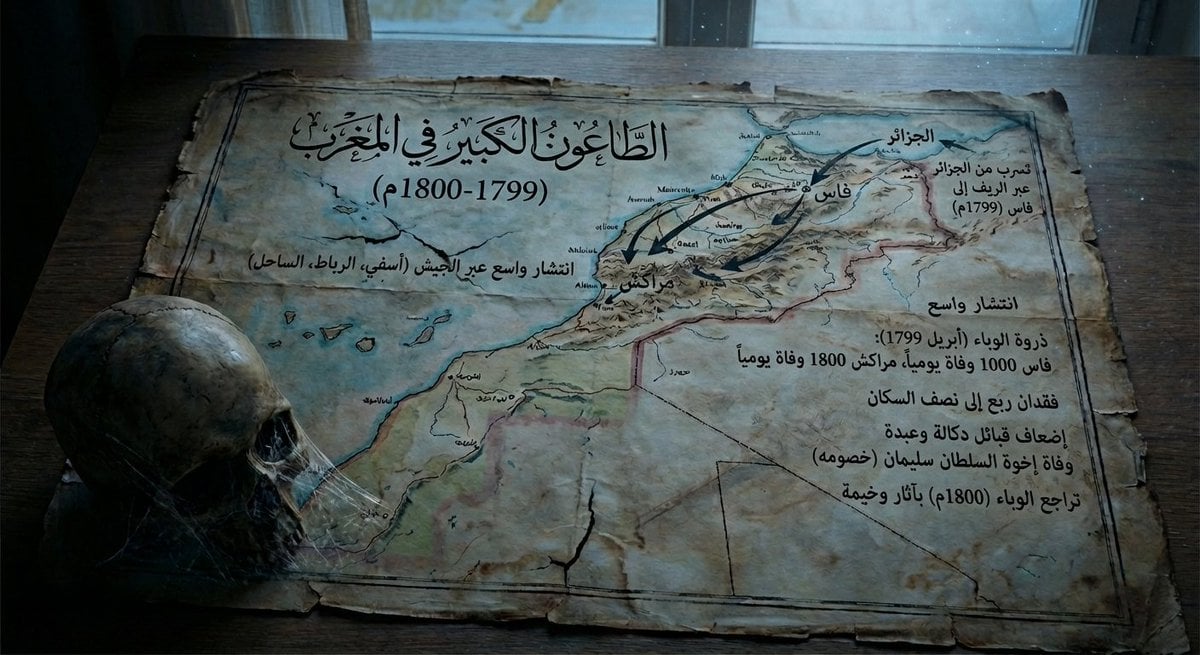
Map of Morocco in 1799–1800 with plague spread

Split Composition Portrait of a Man
Gym Bro Aesthetic Photo Analysis
Browse template categories
Vintage Hangzhou Travel Postcard questions
How do I use the Vintage Hangzhou Travel Postcard template?
Add your photo if the template asks for one, edit the prompt if you like — the template's model and format are already selected — and press Generate. Your version opens in PicX Studio.
Can I customize the Vintage Hangzhou Travel Postcard template?
Yes. You can change the subject, setting, lighting, mood, format, and available model controls before creating your image.
Is the Vintage Hangzhou Travel Postcard template free?
Opening and editing this template is free. Generating uses credits, shown on the Generate button when you are signed in.
Which AI model should I use?
Start with GPT Image 2, which is the model associated with this template. You can compare another compatible model for a different finish.
Looking for something else? Browse all templates.

Your photo, any look
Thousands of ready templates for every top image and video model, from one credit balance.