
Romantic Beastman Anniversary Screenshot
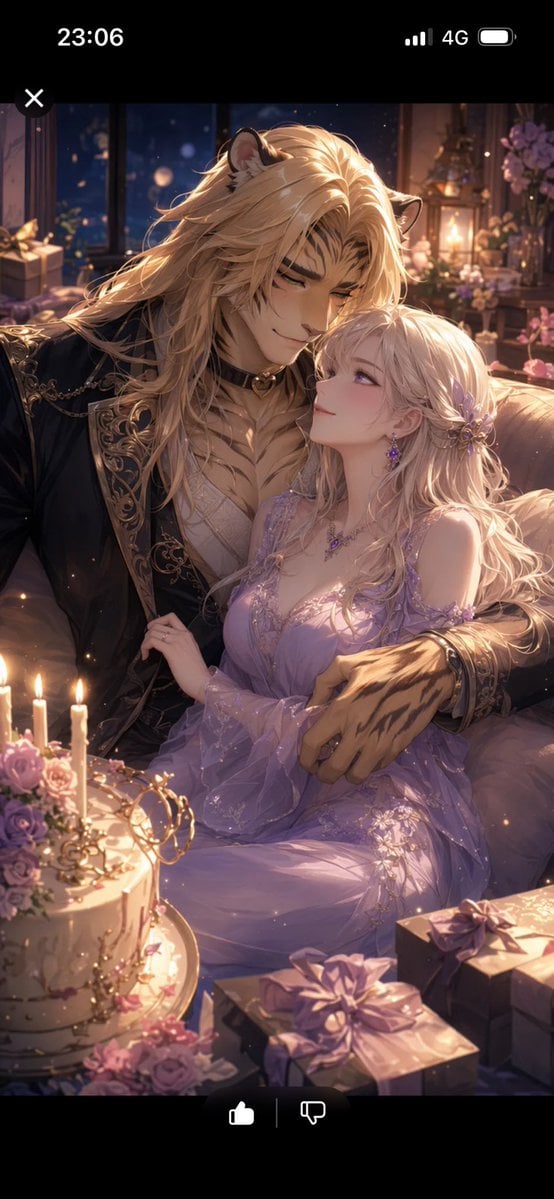
Generates a vertical anime-style smartphone screenshot of a candlelit fantasy birthday and wedding-anniversary scene with a beastman husband and bride-like wife.
- Prompt included
- Model and format preset
- Free template
The prompt behind this image
Copy the exact prompt behind Romantic Beastman Anniversary Screenshot, or open it in the studio and make it yours.
Create a romantic vertical anime fantasy illustration shown as a smartphone screenshot preview with black UI bars at the top and bottom. The phone status bar at the top shows the time “23:06” on the left, signal bars, “4G”, and a battery icon on the right, plus a small white X close button near the upper left of the image area; the bottom black bar shows a white thumbs-up icon, a thin divider line, and a white thumbs-down icon. Inside the screenshot, depict an intimate birthday and wedding-anniversary celebration scene at night: a tall, broad-shouldered beastman husband with {argument name="male character species" default="lion-like cat ears, long blond mane, and large clawed hands"} embraces a petite young wife with {argument name="female character look" default="long wavy platinum-blonde hair, fair skin, delicate purple flower hair ornaments, and violet jewelry"}. Their faces are intentionally covered by two plain opaque censor rectangles in muted brown tones, one larger square over the man’s face and one smaller vertical rectangle over the woman’s face, while the rest of their bodies remain visible. The man wears an ornate black-and-gold embroidered formal jacket over a cream vest and cravat, with a dark choker-like collar and decorative chains; his arm wraps protectively around her waist. The woman wears a flowing lavender off-shoulder fantasy gown with sheer sleeves, floral lace, sparkling embroidery, and a soft glowing skirt; her hand rests gently on his chest. Set them on an elegant sofa in a candlelit room filled with warm golden bokeh, a dark window showing a deep blue night outside, flowers, lanterns, and wrapped gifts. In the foreground include exactly 5 prominent celebration elements: 1 round white cake decorated with pink and purple roses and candles, 3 lit candles on or near the cake, 1 gold crown-like cake topper, 2 wrapped gift boxes with lavender bows on the lower right, and scattered pink-purple blossoms. Use a luxurious shoujo fantasy anime style, highly detailed hair strands, soft rim light, glowing candles, romantic purple and gold color palette, shallow depth of field, sparkles, painterly rendering, and an intimate affectionate pose. No readable text inside the illustration except the smartphone UI indicators.
How to use Romantic Beastman Anniversary Screenshot in 3 steps
- 1Upload ImagePNG, JPG or paste
Add your photo
Upload the photo the template builds on. The prompt, model and format are already set.
- 2…a portrait of your subject in softgolden-hour light, 85mm…
Personalize
Edit the subject and creative details for your destination.
- 3Generate
Generate
Press Generate — your image is created in PicX Studio, so you can compare it with the original and refine one variable at a time.
More like this
Templates with the same subject, style or setup. Open one to see its prompt.

Minecraft Next-Gen Voxel World Screenshot

Nano Banana - Evening Champagne Blue
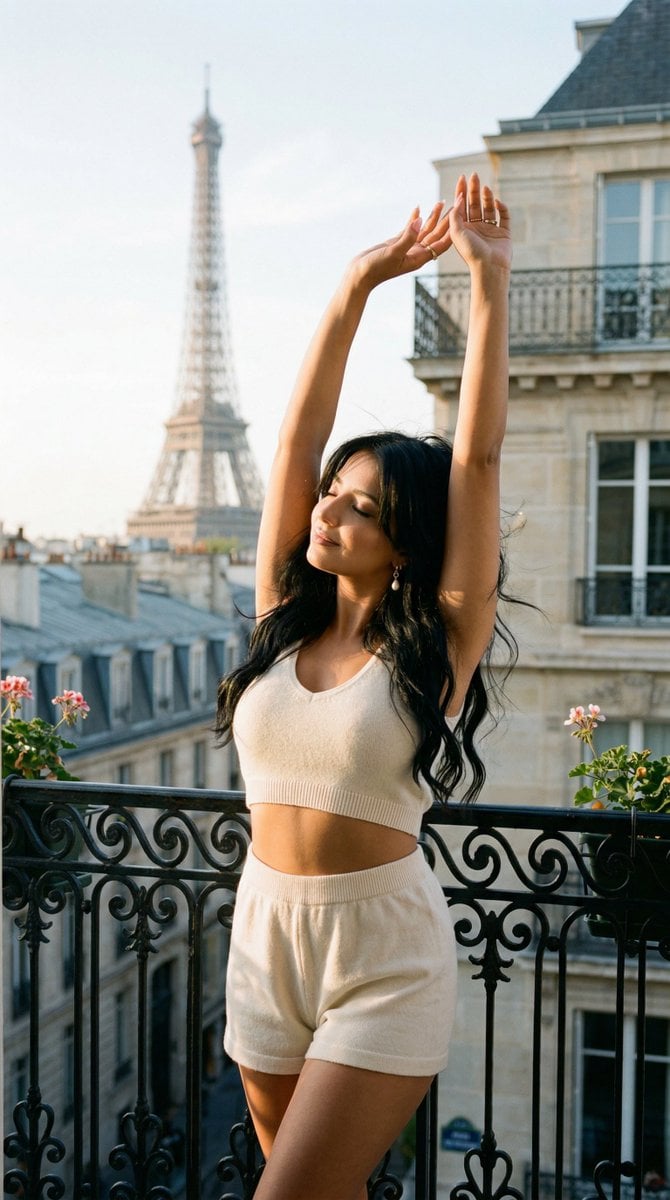
Nano Banana - Bathtub Eiffel Night
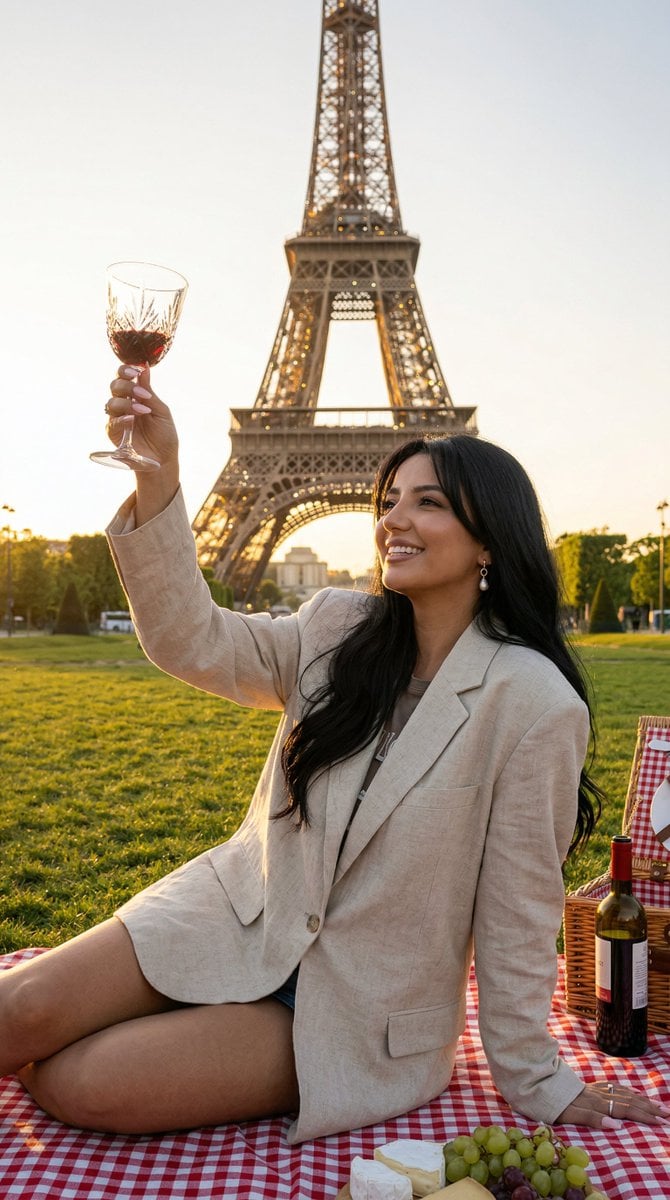
Nano Banana - Paris Fleurs Romantic
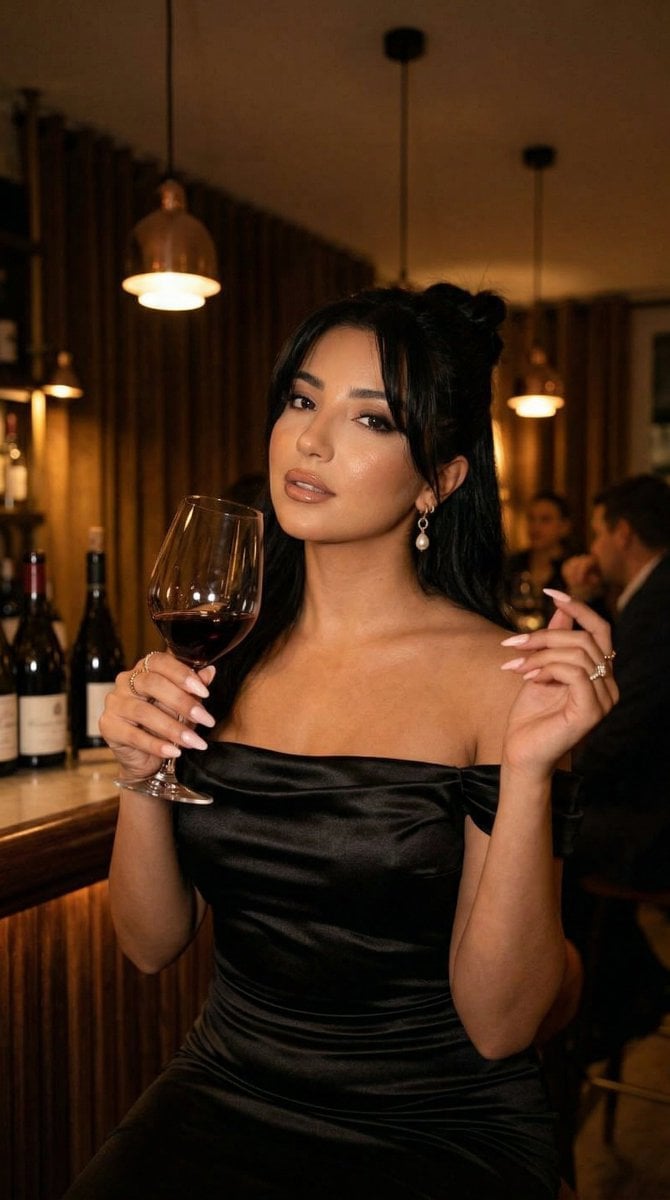
Nano Banana - Pont Alexandre III Kiss
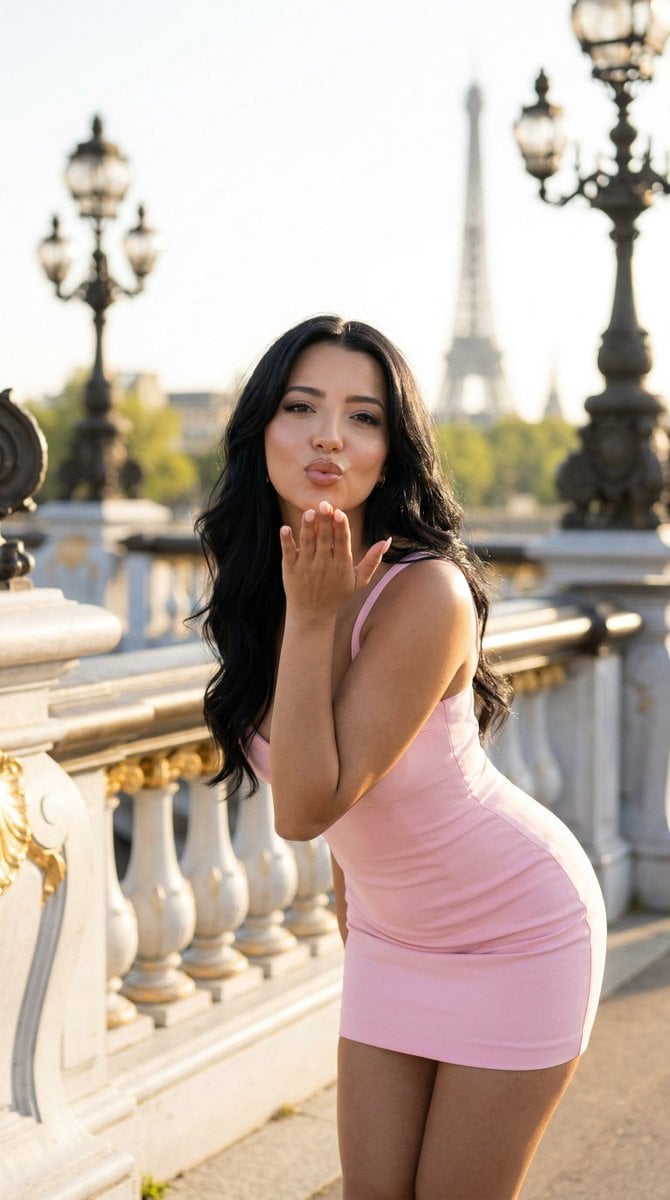
Nano Banana - Rooftop Dinner Night
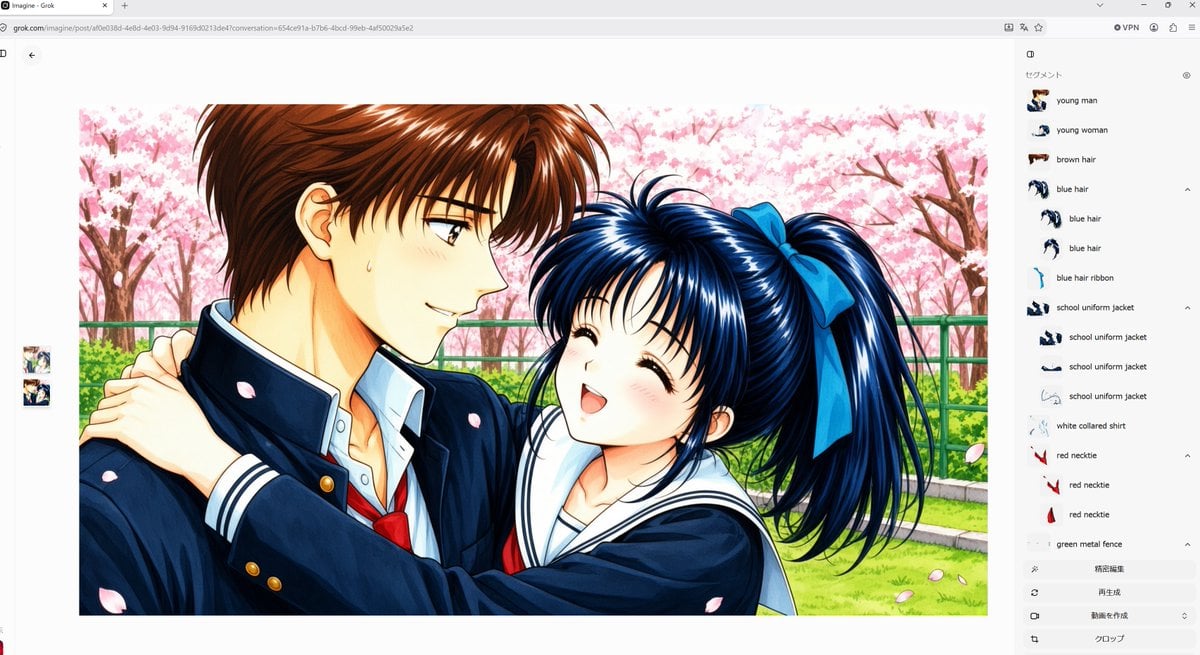
Anime Couple Segmentation UI Screenshot
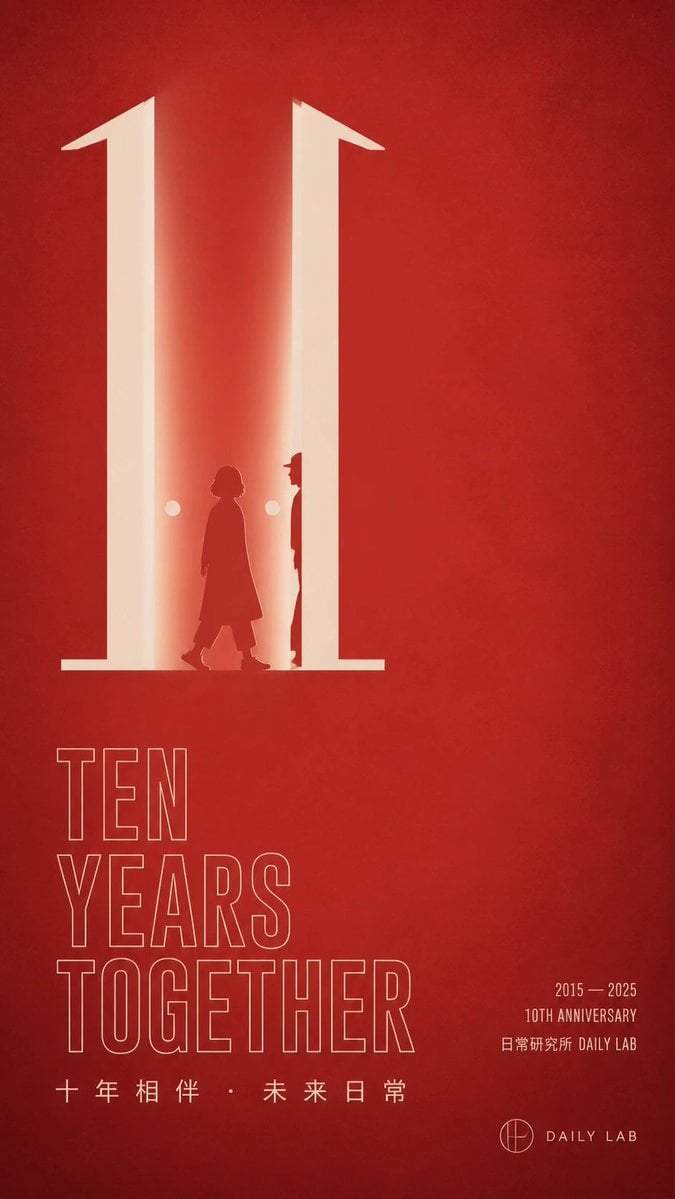
Red Ten Year Anniversary Poster

Chinese Red University Anniversary Poster
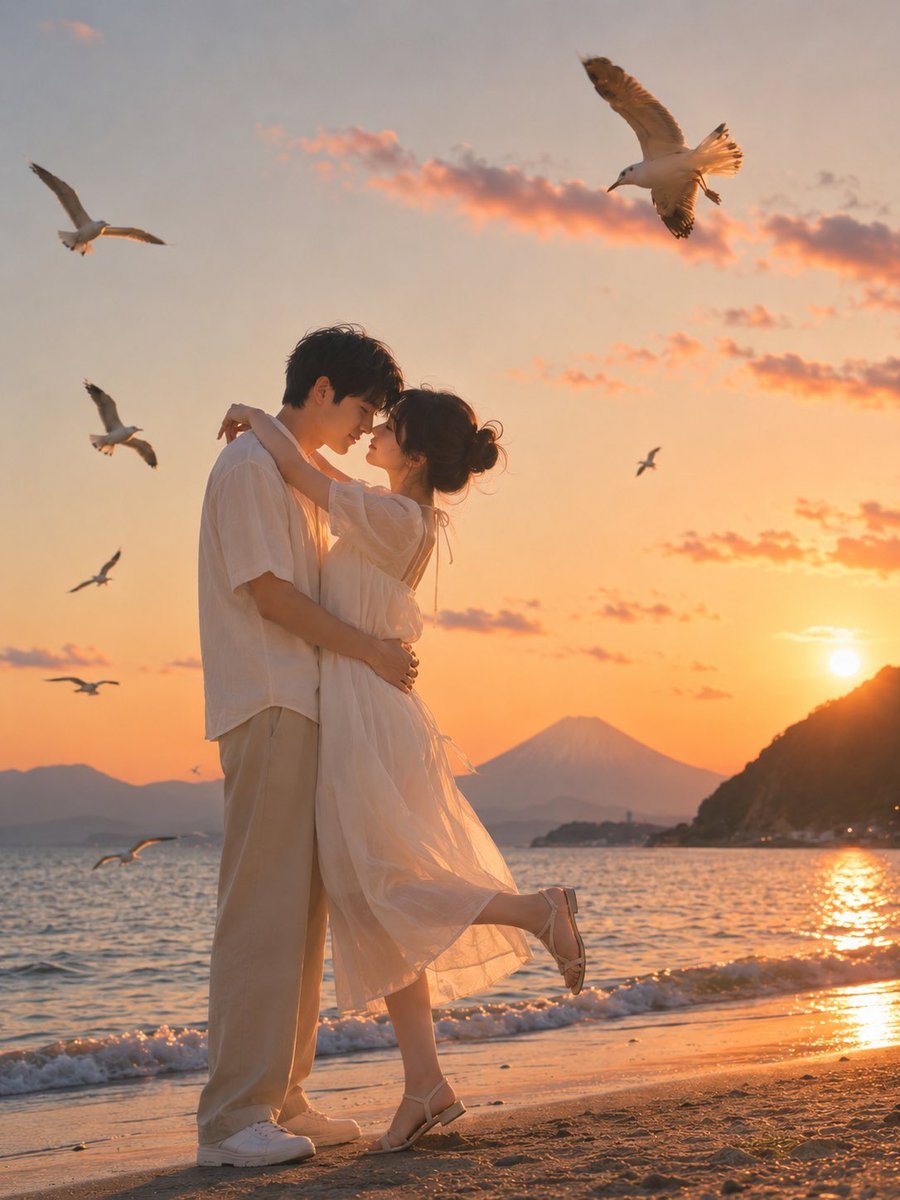
Romantic Zushi Beach Sunset Couple
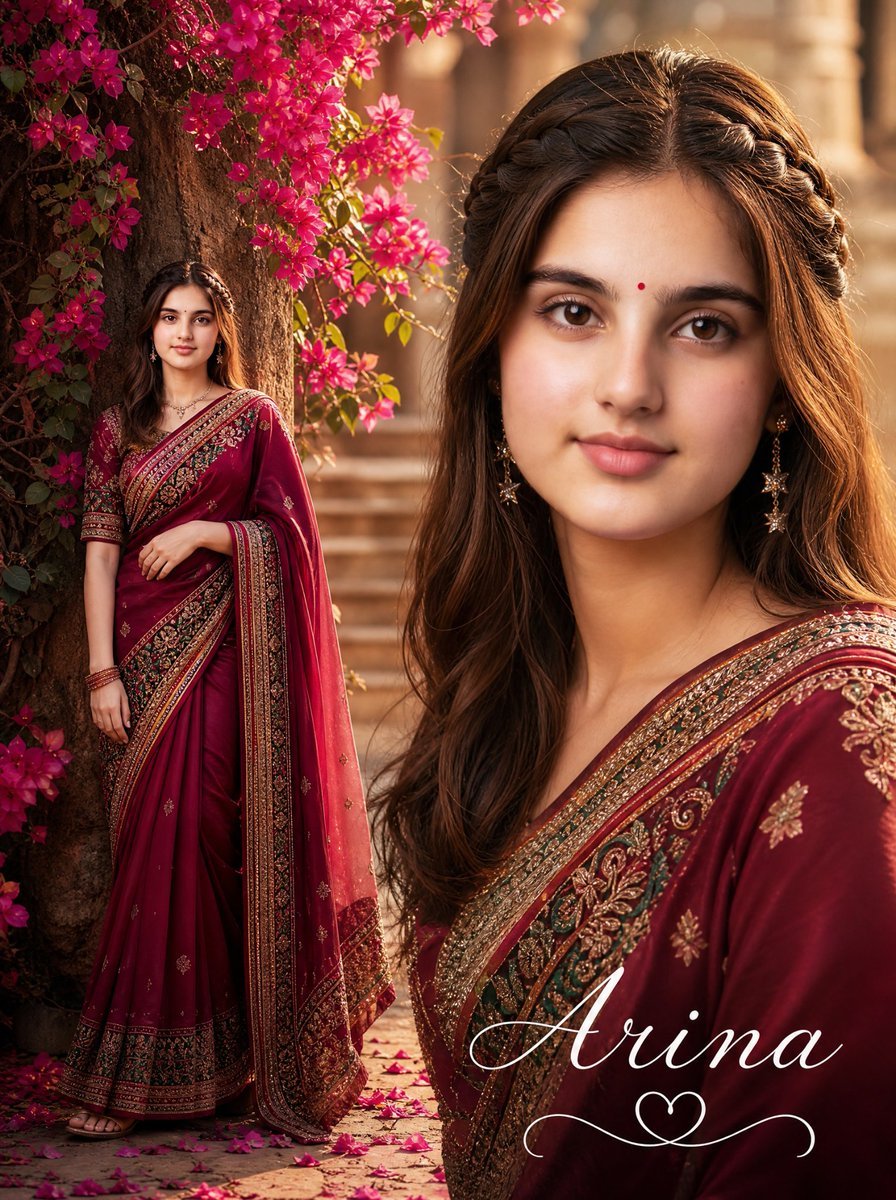
Romantic Saree Portrait Poster
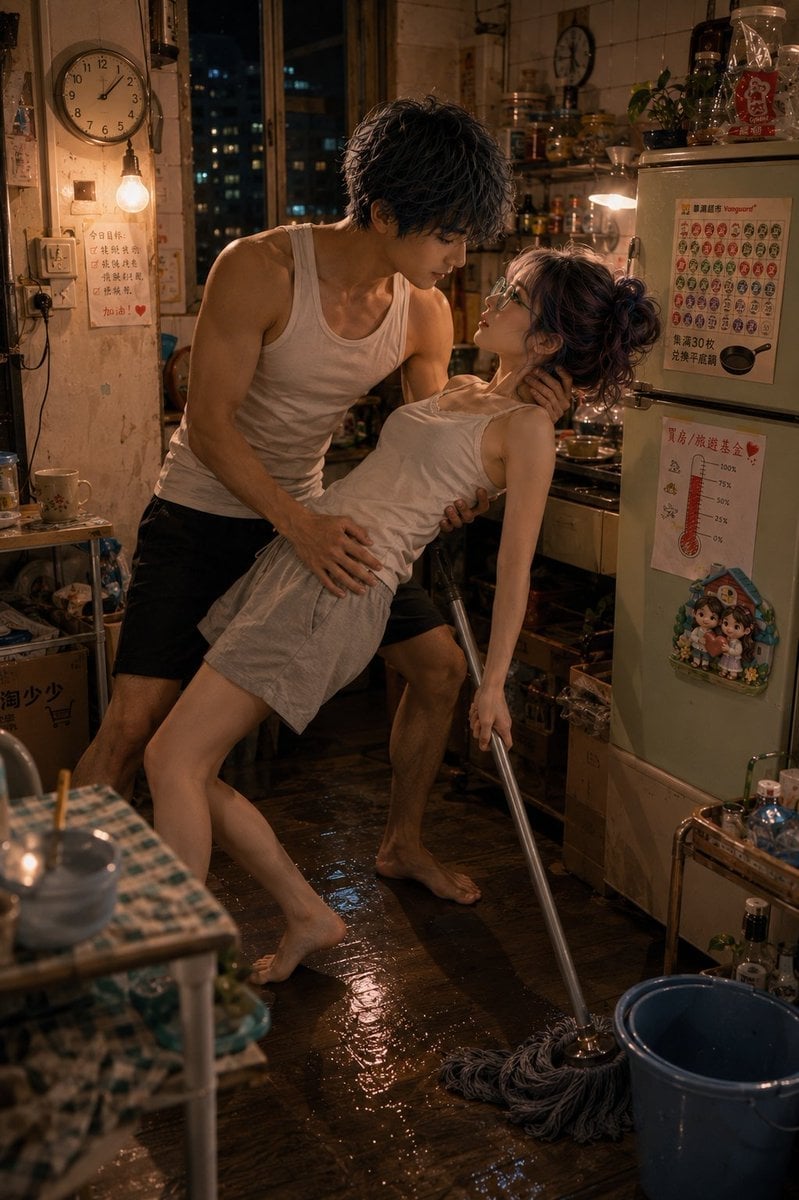
Romantic Mopping Slip in Rental Kitchen
Make it yours
Romantic Beastman Anniversary Screenshot works as-is. These are the safest ways to change it without losing the look.
Change one field
Copy a single group, rewrite it, and generate again so you can see what that field is doing.
Keep the frame, change the subject
Hold the composition and light of Romantic Beastman Anniversary Screenshot, then swap wardrobe, props or the person for a new take.
| If the result… | Why | Fix |
|---|---|---|
| The result drifts from the preview | Too many fields changed at once. | Reuse Romantic Beastman Anniversary Screenshot as-is first, then change one group — subject, light, or setting. |
| The model over-stylizes the scene | The prose prompt leaves finish and camera underspecified. | Add one camera or lighting sentence and stay on GPT Image 2. |
More GPT Image 2 templates
Other prompts made for GPT Image 2.

Six VTuber Japanese Logo Sheet

Realistic Portrait of Woman and Deer

The Vista Modular Condo Poster

AI Model Routing Comparison Infographic

2.5D Anime Art Board

Isometric Productivity Desk Scene

New York Double Exposure Poster

Four-Panel AI Landscape Comparison

Japanese Tatami Lifestyle Magazine Cover

NESCAFÉ Coffee Map Poster
More image prompts
Fresh picks from across the catalog.
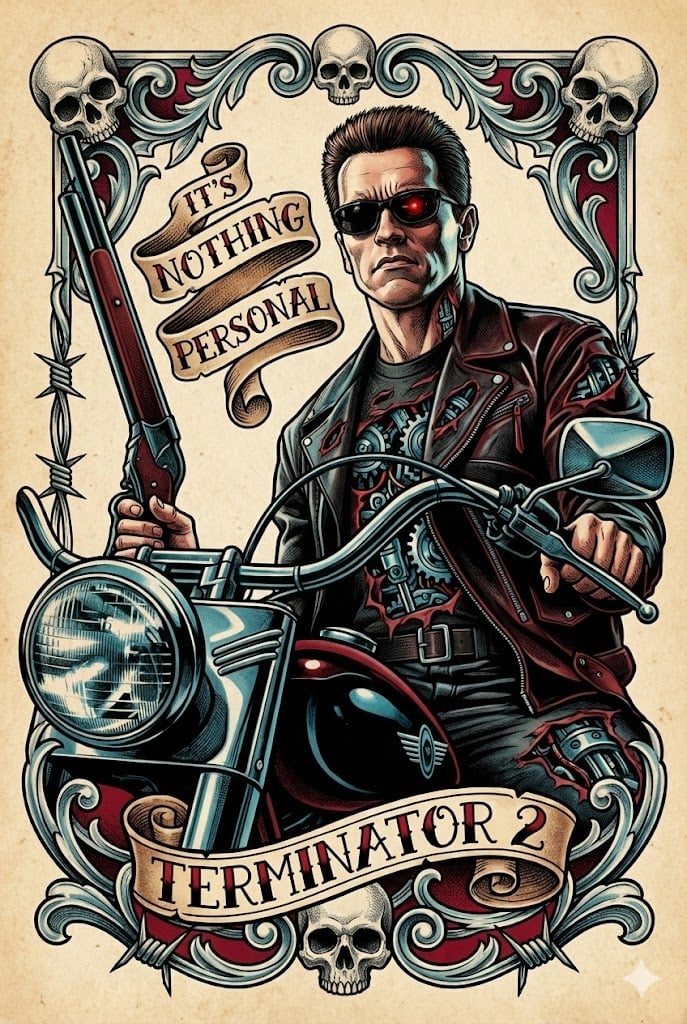
Neo-Traditional Tattoo Flash Prompt
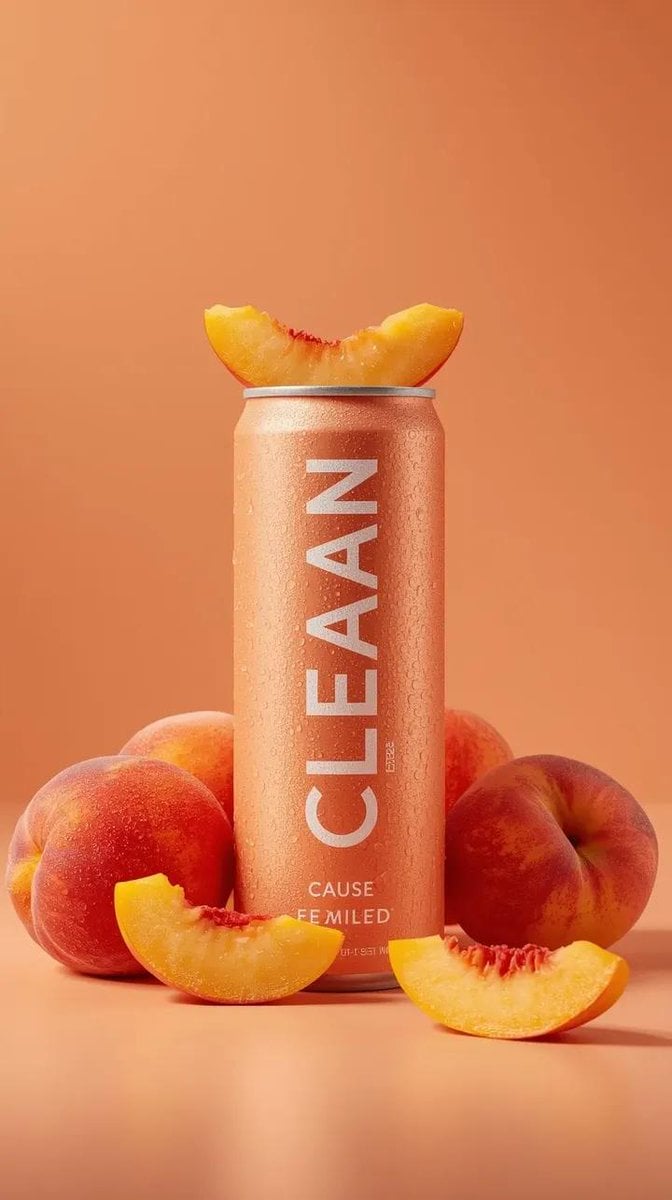
Premium Beverage Product Photography Prompt
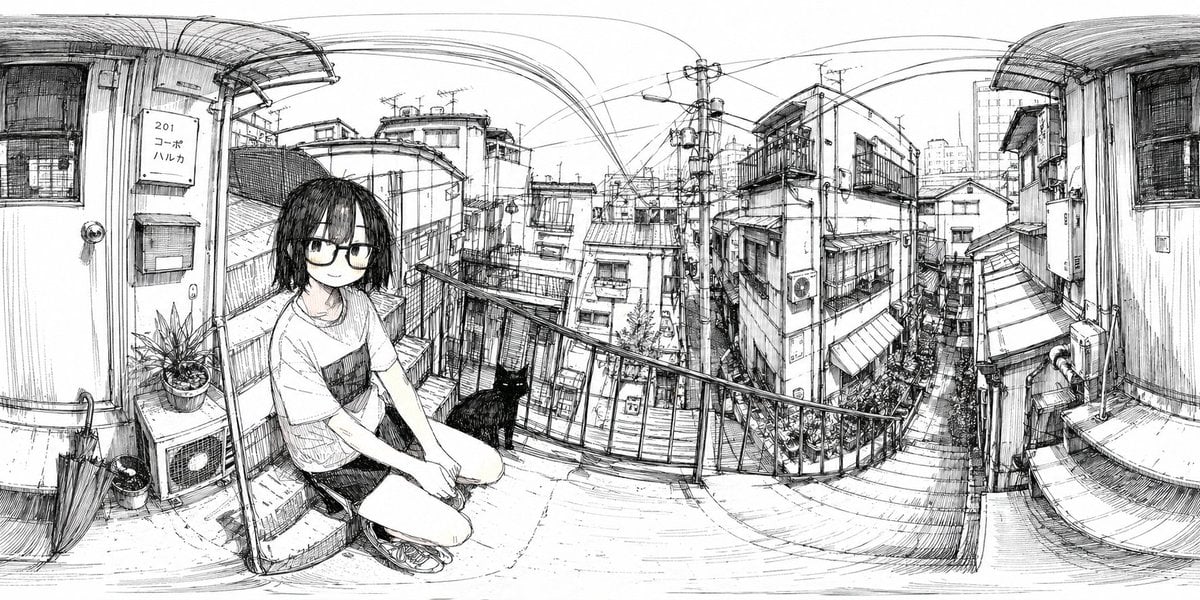
Ink 360 Panorama of Tokyo Backstreet
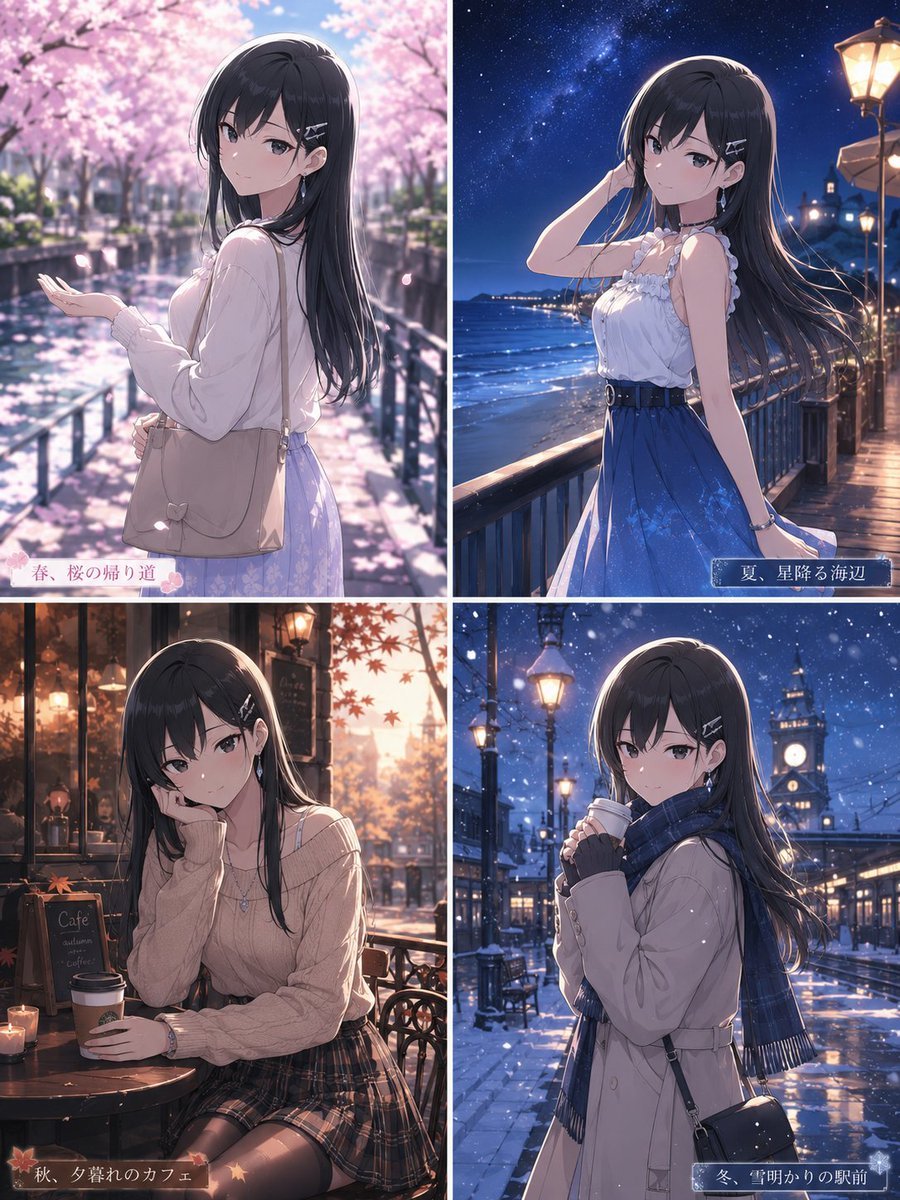
Four Seasons Anime Girl Collage
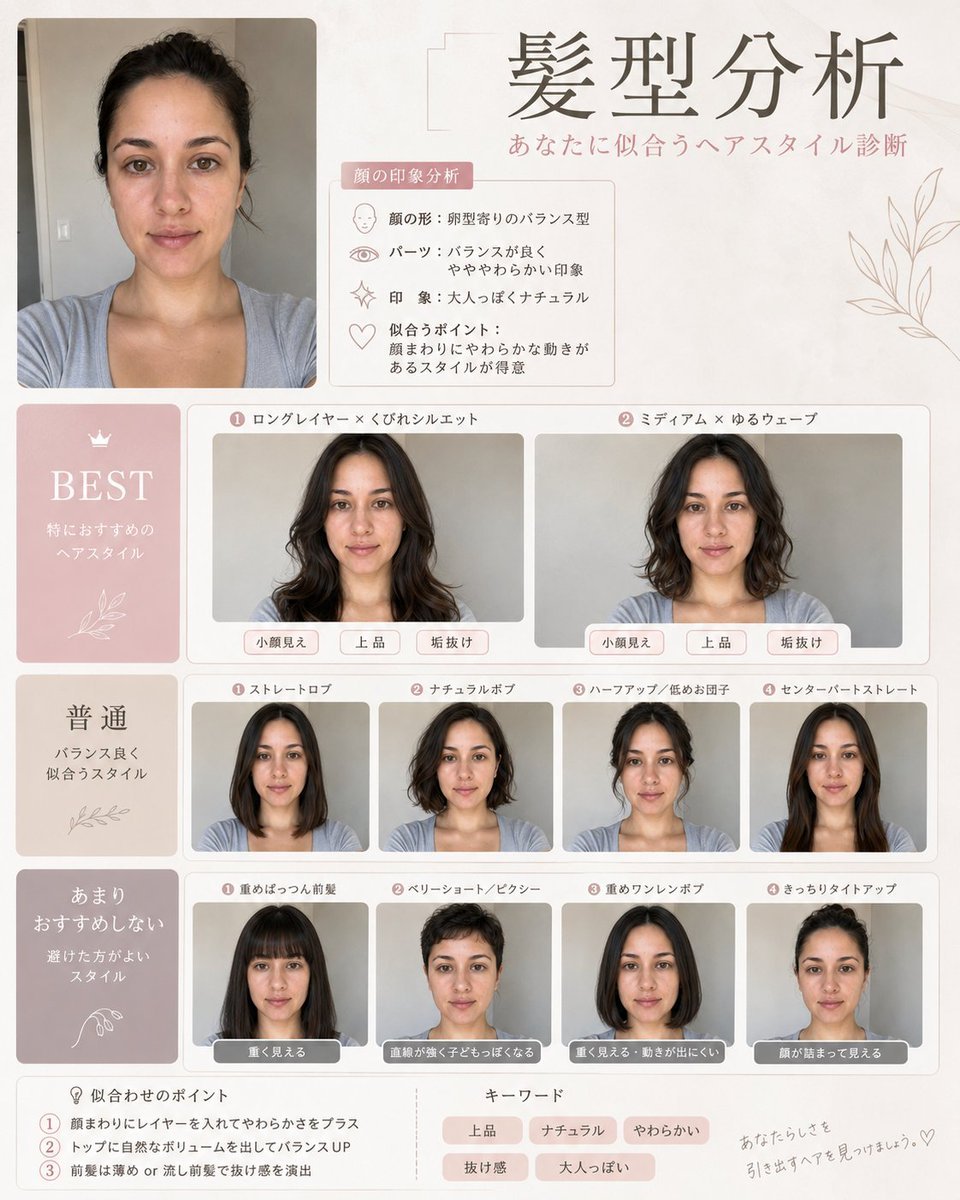
Professional Hairstyle and Makeup Analysis Guide
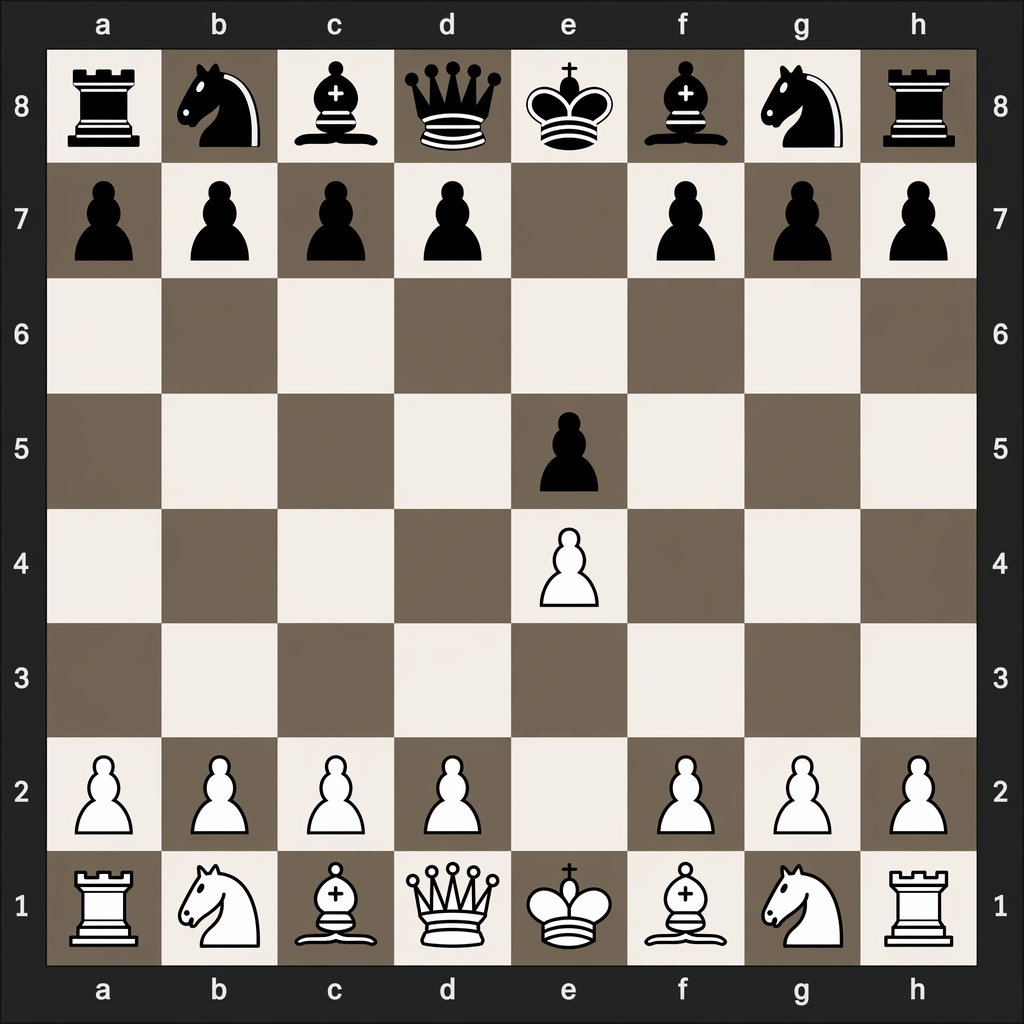
Digital Chessboard After 1.e4 e5
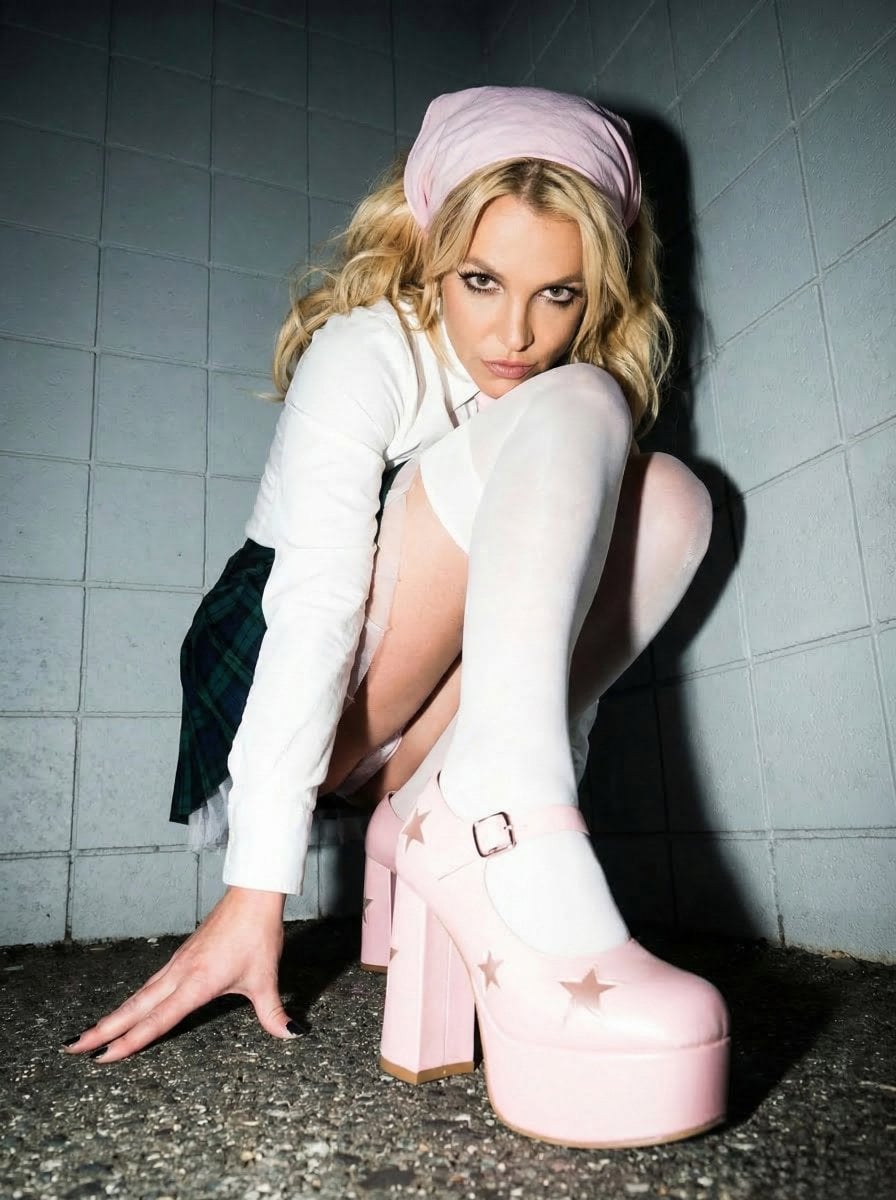
Avant-garde Punk Schoolgirl Portrait for Nano Banana Pro
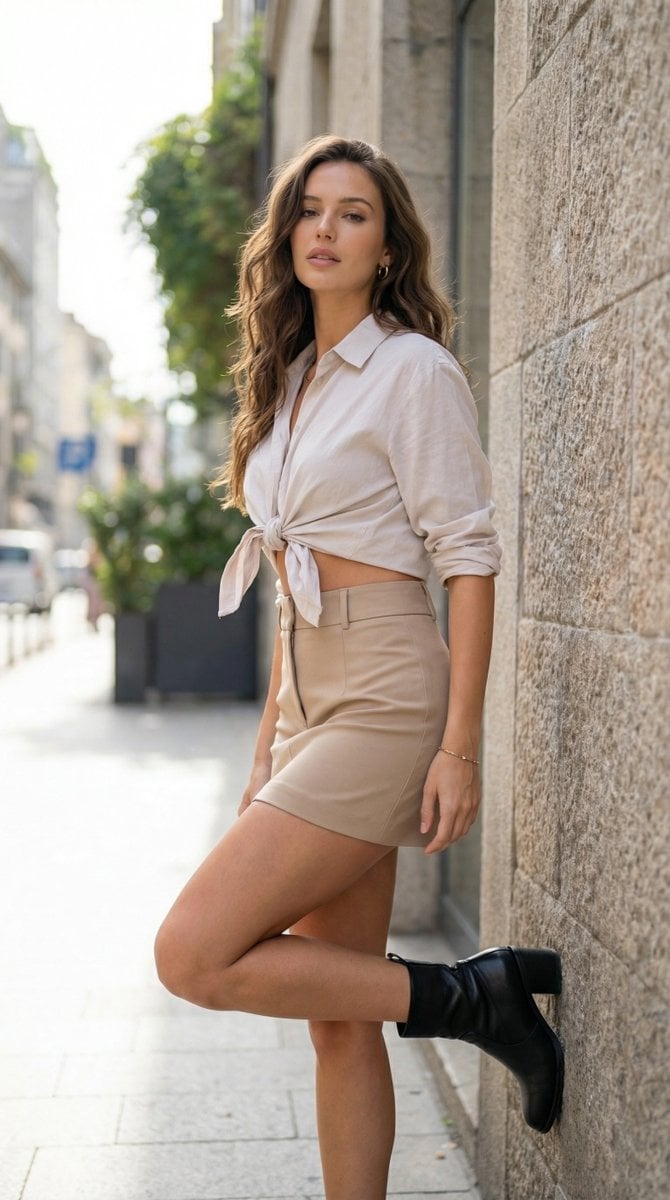
Urban Chic Editorial Portrait Prompt
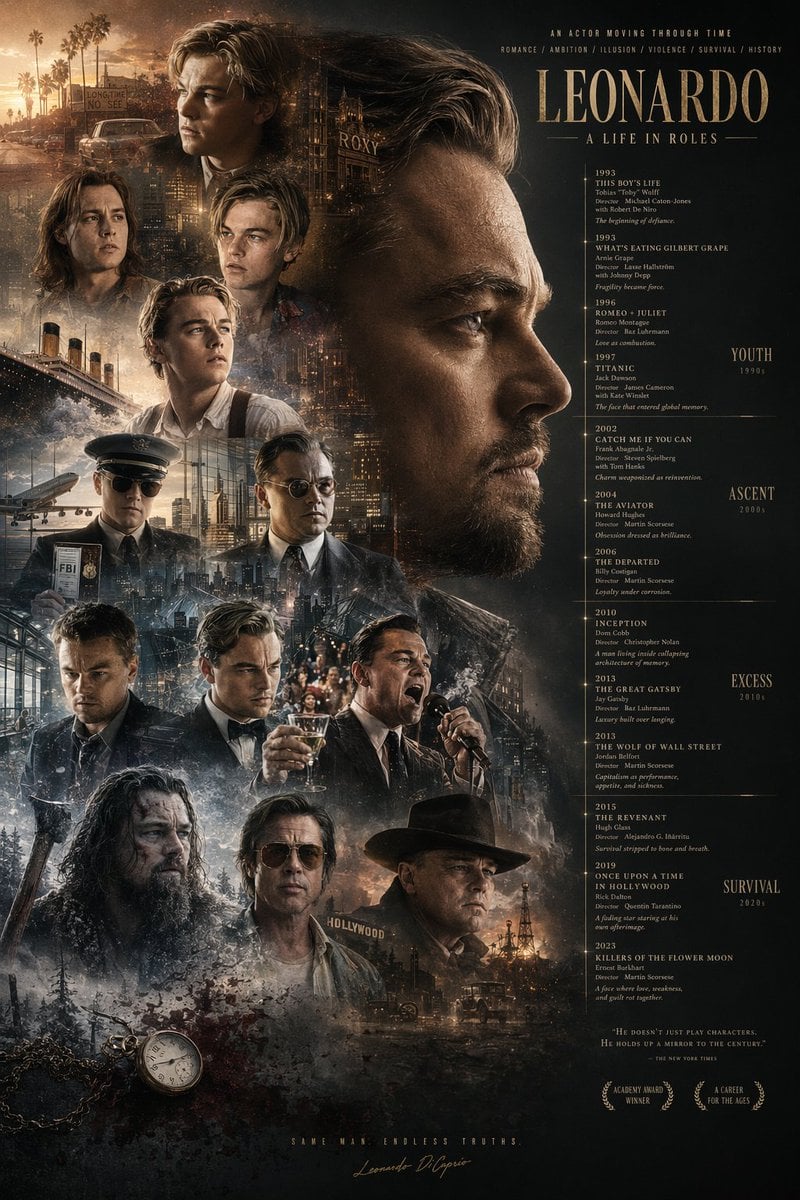
Mirrored Actor Retrospective Poster
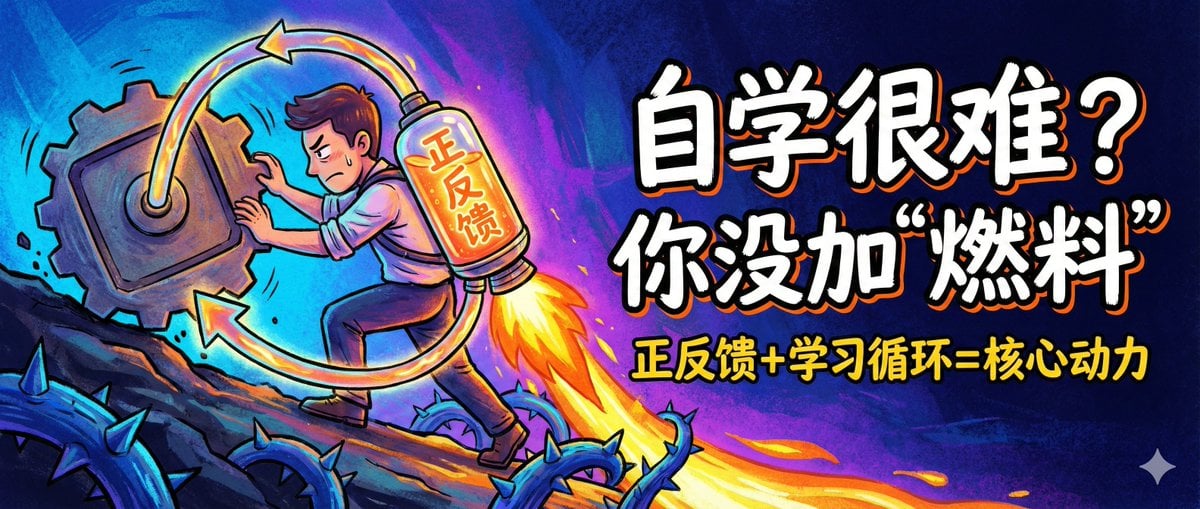
WeChat Official Account Cover Image Generator
Browse template categories
Romantic Beastman Anniversary Screenshot questions
How do I use the Romantic Beastman Anniversary Screenshot template?
Add your photo if the template asks for one, edit the prompt if you like — the template's model and format are already selected — and press Generate. Your version opens in PicX Studio.
Can I customize the Romantic Beastman Anniversary Screenshot template?
Yes. You can change the subject, setting, lighting, mood, format, and available model controls before creating your image.
Is the Romantic Beastman Anniversary Screenshot template free?
Opening and editing this template is free. Generating uses credits, shown on the Generate button when you are signed in.
Which AI model should I use?
Start with GPT Image 2, which is the model associated with this template. You can compare another compatible model for a different finish.
Looking for something else? Browse all templates.

Your photo, any look
Thousands of ready templates for every top image and video model, from one credit balance.