
Chinese Red University Anniversary Poster
A ceremonial China-red university anniversary poster with silk waves, gold architectural line art, and structured event information for institutional celebrations.

- Prompt included
- Model and format preset
- Free template
The prompt behind this image
Copy the exact prompt behind Chinese Red University Anniversary Poster, or open it in the studio and make it yours.
Goal: Create a grand Chinese red anniversary celebration poster for a university centennial-and-beyond milestone, combining government-style ceremonial design with elegant campus line art. Canvas: Wide horizontal poster, 16:9 ratio, deep China-red background with subtle vignette and glowing gradients. Use a premium red-and-gold palette: crimson, scarlet, dark wine red, warm gold linework, and ivory-gold typography. Layout: Dominant oversized outlined number {argument name="anniversary number" default="120"} spans the upper half of the poster, drawn with many thin parallel gold contour lines. Integrate delicate gold architectural line drawings into the number and around it: an open book at the lower left of the 1, a campus clock tower and academic buildings inside the 2, and a ceremonial university gate inside the 0. Across the middle and lower half, create layered flowing red silk waves like a national flag, with luminous highlights and realistic satin folds, partially covering the bottom of the large number. Add small decorative elements in the sky: exactly 7 flying birds in pale gold, and exactly 4 radial firework/starburst ornaments placed around the upper left and upper right areas. Main text: Centered vertically over the silk waves, set large vertical Chinese title text {argument name="main title" default="百廿芳华"} in an elegant Song/Ming-style serif font, ivory-gold with a soft glow. To the left of the title, add a smaller vertical line {argument name="anniversary subtitle" default="某某大学建校120周年"}. To the right of the title, add a small outlined vertical seal-shaped label reading {argument name="seal text" default="学校限定"}. Beneath the main title, place a thin rectangular gold-outline date plaque reading {argument name="date range" default="1905-2025"}. Lower information area: Include exactly 3 event information blocks across the lower third, separated by two thin vertical divider lines. Left block: simple gold outline icon of a classical building, with two lines of Chinese text: “百廿校庆 · 共襄盛典” and “2025年10月18日-20日”. Middle block: simple gold outline icon of celebratory linked circles, with two lines: “全球校庆 · 闻贺华诞” and “线上线下 · 共赴未来”. Right block: simple gold outline play-button icon, with two lines: “云端校庆 · 精彩直播” and “关注官方平台观看”. Along the very bottom center, add widely spaced small gold Chinese values text: “传 承 · 创 新 · 卓 越 · 担 当”. Visual style: High-end official Chinese institutional poster, festive but refined, cinematic lighting, clean symmetrical composition, delicate thin gold lines, realistic red silk texture, no people, no watermark, no extra logos, sharp readable typography.
How to use Chinese Red University Anniversary Poster in 3 steps
- 1Upload ImagePNG, JPG or paste
Add your photo
Upload the photo the template builds on. The prompt, model and format are already set.
- 2…a portrait of your subject in softgolden-hour light, 85mm…
Personalize
Edit the subject and creative details for your destination.
- 3Generate
Generate
Press Generate — your image is created in PicX Studio, so you can compare it with the original and refine one variable at a time.
More like this
Templates with the same subject, style or setup. Open one to see its prompt.

Panning Motion Soccer Kick Poster
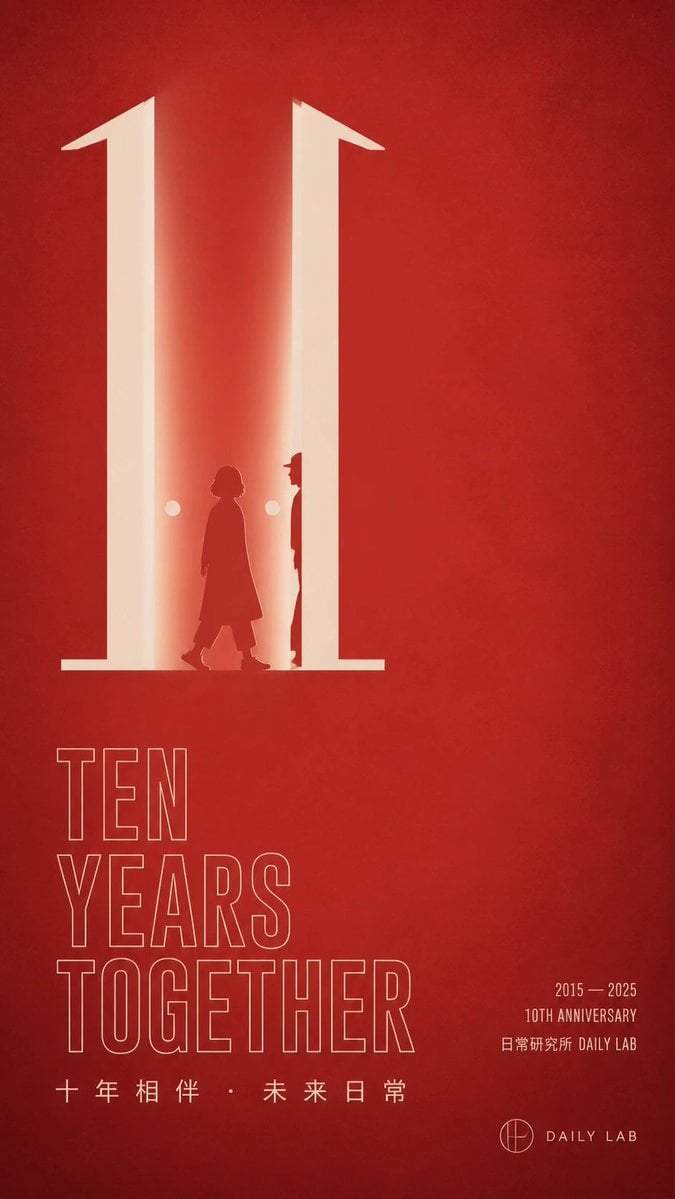
Red Ten Year Anniversary Poster

Japan Travel Brochure Poster

Cartoon TV Show Poster Pack

Trendy Cafe Drink Promo Poster

Urban Fashion Editorial Collage Streetwear Poster

Premium Fashion Editorial Cover Layout System

Polo Ralph Lauren Luxury American Heritage Fashion Campaign

Monochrome Halftone Editorial Fashion Poster

Retro Mirror Luxury Fashion Campaign Poster

Luxury Fashion Campaign Typography Poster System

Premium Fashion Editorial Campaign Poster System
Make it yours
Chinese Red University Anniversary Poster works as-is. These are the safest ways to change it without losing the look.
Change one field
Copy a single group, rewrite it, and generate again so you can see what that field is doing.
Keep the frame, change the subject
Hold the composition and light of Chinese Red University Anniversary Poster, then swap wardrobe, props or the person for a new take.
| If the result… | Why | Fix |
|---|---|---|
| The result drifts from the preview | Too many fields changed at once. | Reuse Chinese Red University Anniversary Poster as-is first, then change one group — subject, light, or setting. |
| The model over-stylizes the scene | The prose prompt leaves finish and camera underspecified. | Add one camera or lighting sentence and stay on GPT Image 2. |
More GPT Image 2 templates
Other prompts made for GPT Image 2.

Six VTuber Japanese Logo Sheet

Realistic Portrait of Woman and Deer

The Vista Modular Condo Poster

AI Model Routing Comparison Infographic

2.5D Anime Art Board

Isometric Productivity Desk Scene

New York Double Exposure Poster

Four-Panel AI Landscape Comparison

Japanese Tatami Lifestyle Magazine Cover

NESCAFÉ Coffee Map Poster
More image prompts
Fresh picks from across the catalog.

Hand-drawn Chengdu Food Map

3D Animated Character Expression Grid
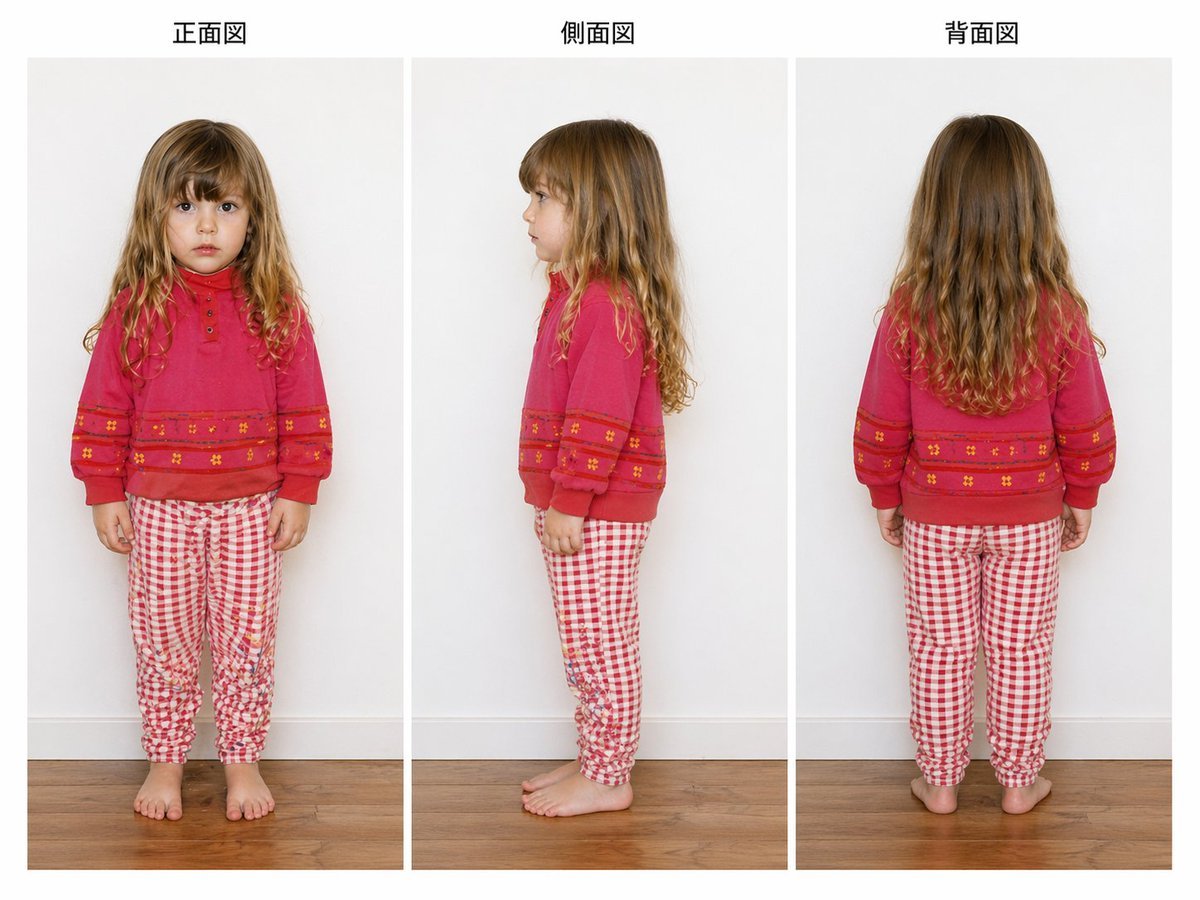
Child Three-View Clothing Reference

X Harboriis Use the Uploaded X Account
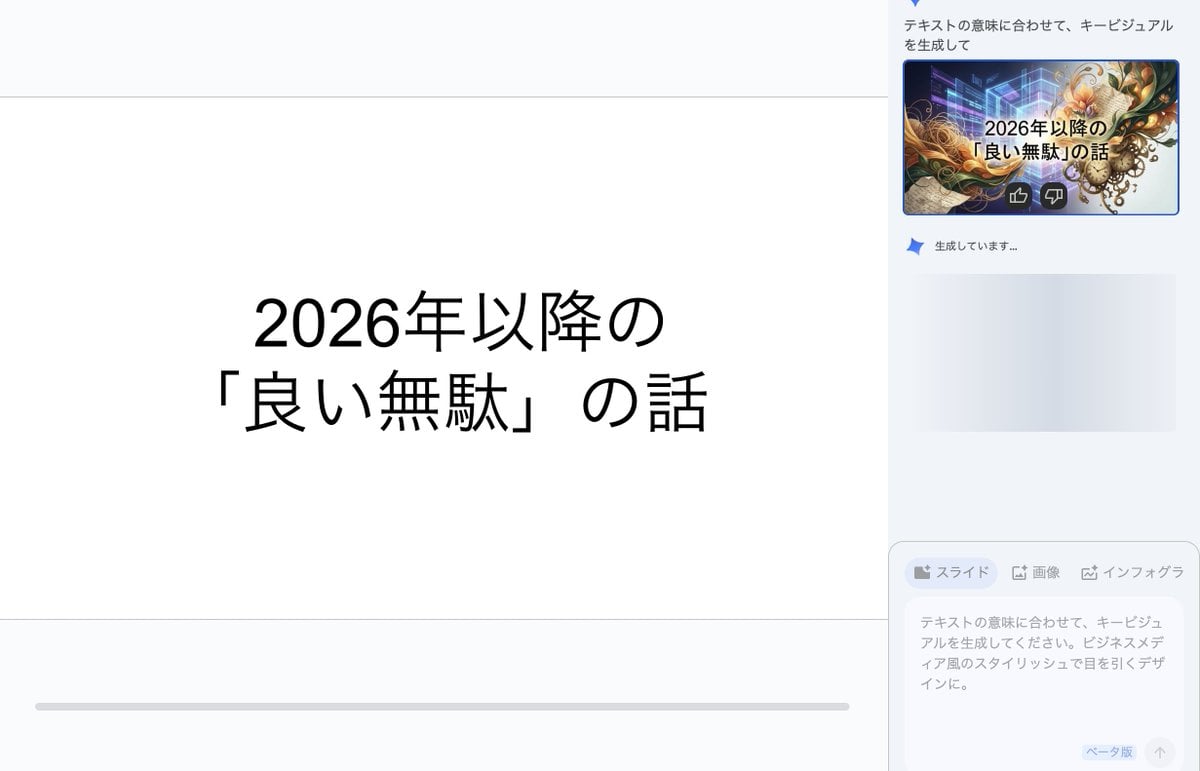
Key Visual Generation for Slides (Nano Banana Pro)

Nano Banana Pro Ascii Art Portrait

Ultra-realistic Lifestyle Portrait at Luxury Poolside with Identity Lock

Split-Era Urban Diorama Generation Prompt for Nano Banana Pro

Hyper-realistic smartphone flash photo prompt for AI image generation

Cubist Chinese Membership Promo Poster
Browse template categories
Chinese Red University Anniversary Poster questions
How do I use the Chinese Red University Anniversary Poster template?
Add your photo if the template asks for one, edit the prompt if you like — the template's model and format are already selected — and press Generate. Your version opens in PicX Studio.
Can I customize the Chinese Red University Anniversary Poster template?
Yes. You can change the subject, setting, lighting, mood, format, and available model controls before creating your image.
Is the Chinese Red University Anniversary Poster template free?
Opening and editing this template is free. Generating uses credits, shown on the Generate button when you are signed in.
Which AI model should I use?
Start with GPT Image 2, which is the model associated with this template. You can compare another compatible model for a different finish.
Looking for something else? Browse all templates.

Your photo, any look
Thousands of ready templates for every top image and video model, from one credit balance.