
Red Ten Year Anniversary Poster
A minimalist crimson anniversary poster with a glowing architectural number 10, silhouettes, and elegant bilingual brand typography.
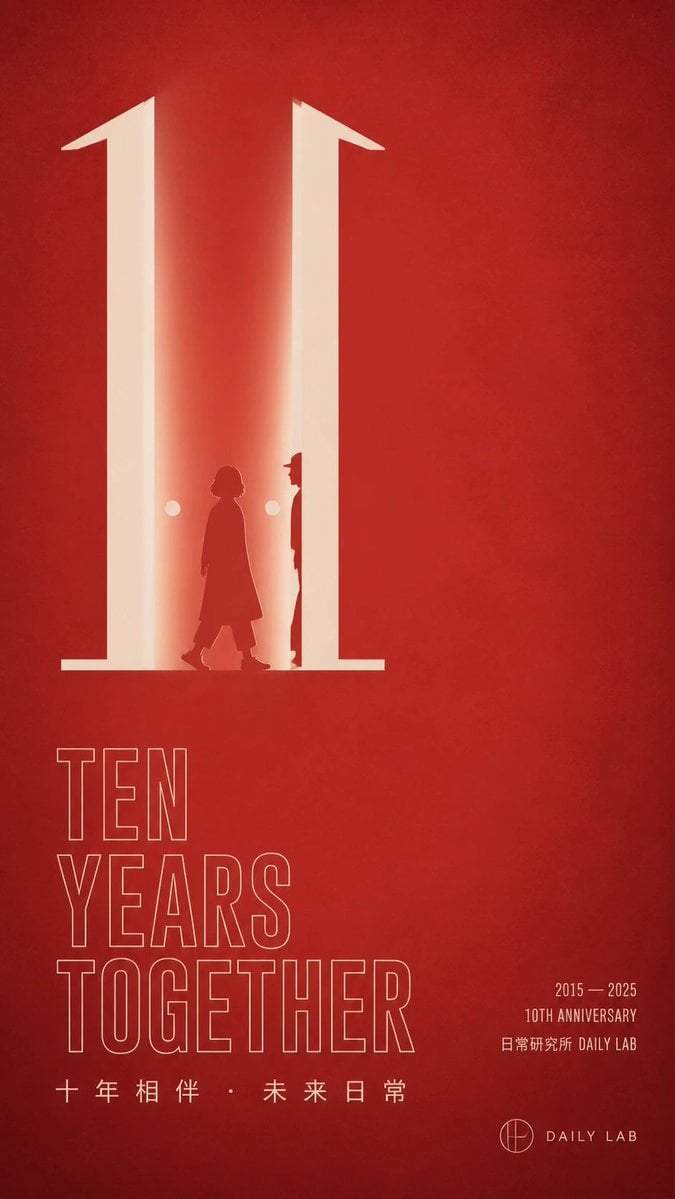
- Prompt included
- Model and format preset
- Free template
The prompt behind this image
Copy the exact prompt behind Red Ten Year Anniversary Poster, or open it in the studio and make it yours.
Goal: Create a minimalist vertical red anniversary poster for {argument name="brand name" default="DAILY LAB"}, with an elegant corporate/public-institution aesthetic and strong negative space. Canvas: Tall vertical poster, 9:16 aspect ratio. Deep textured crimson-red background with subtle paper grain, soft vignetting, and faint tonal variations. Layout: Place the main visual in the upper-left half: a giant luminous cream-white number "10" built like two tall architectural pillars or doorway shapes, with warm glow spilling inward. Keep the right half mostly empty red space. In the lower-left quadrant, stack a large thin-outline English headline. In the lower-right quadrant, add small anniversary details and a simple logo lockup. Main visual details: The number "10" should be enormous, cream-white, and softly illuminated. The "1" and the right vertical stroke create a doorway-like corridor with bright inner light. Inside the doorway, include exactly 2 dark red human silhouettes: 1 shorter person walking left-to-right wearing a long coat, and 1 taller narrow figure standing near the right pillar, partly hidden in profile. Add exactly 2 small glowing circular lights, one on each side of the walking figure. The figures should be silhouettes only, no facial details. Text content: Use exactly 4 main text groups. Group 1, lower left: large outlined uppercase sans-serif words stacked on three lines: "TEN" / "YEARS" / "TOGETHER". Group 2, below the headline: spaced Chinese text "十 年 相 伴 · 未 来 日 常". Group 3, lower right: small condensed text on three lines: "2015 — 2025" / "10TH ANNIVERSARY" / "日常研究所 DAILY LAB". Group 4, bottom right: a small circular monogram icon followed by "DAILY LAB". Make all typography cream-white, with the headline as thin outline lettering and the small text as solid lettering. Visual style: Minimalist modern poster design, Chinese contemporary brand aesthetic, warm red-and-cream palette, precise alignment, clean grid, soft cinematic glow, understated premium feel, no photographic realism except subtle paper texture. Constraints: Use only red, cream, and dark red tones. Keep the composition uncluttered with large empty space. Do not add extra text, extra people, decorations, borders, or watermarks. Ensure the anniversary theme is immediately readable and the giant "10" dominates the poster.
How to use Red Ten Year Anniversary Poster in 3 steps
- 1Upload ImagePNG, JPG or paste
Add your photo
Upload the photo the template builds on. The prompt, model and format are already set.
- 2…a portrait of your subject in softgolden-hour light, 85mm…
Personalize
Edit the subject and creative details for your destination.
- 3Generate
Generate
Press Generate — your image is created in PicX Studio, so you can compare it with the original and refine one variable at a time.
More like this
Templates with the same subject, style or setup. Open one to see its prompt.

Panning Motion Soccer Kick Poster

Chinese Red University Anniversary Poster
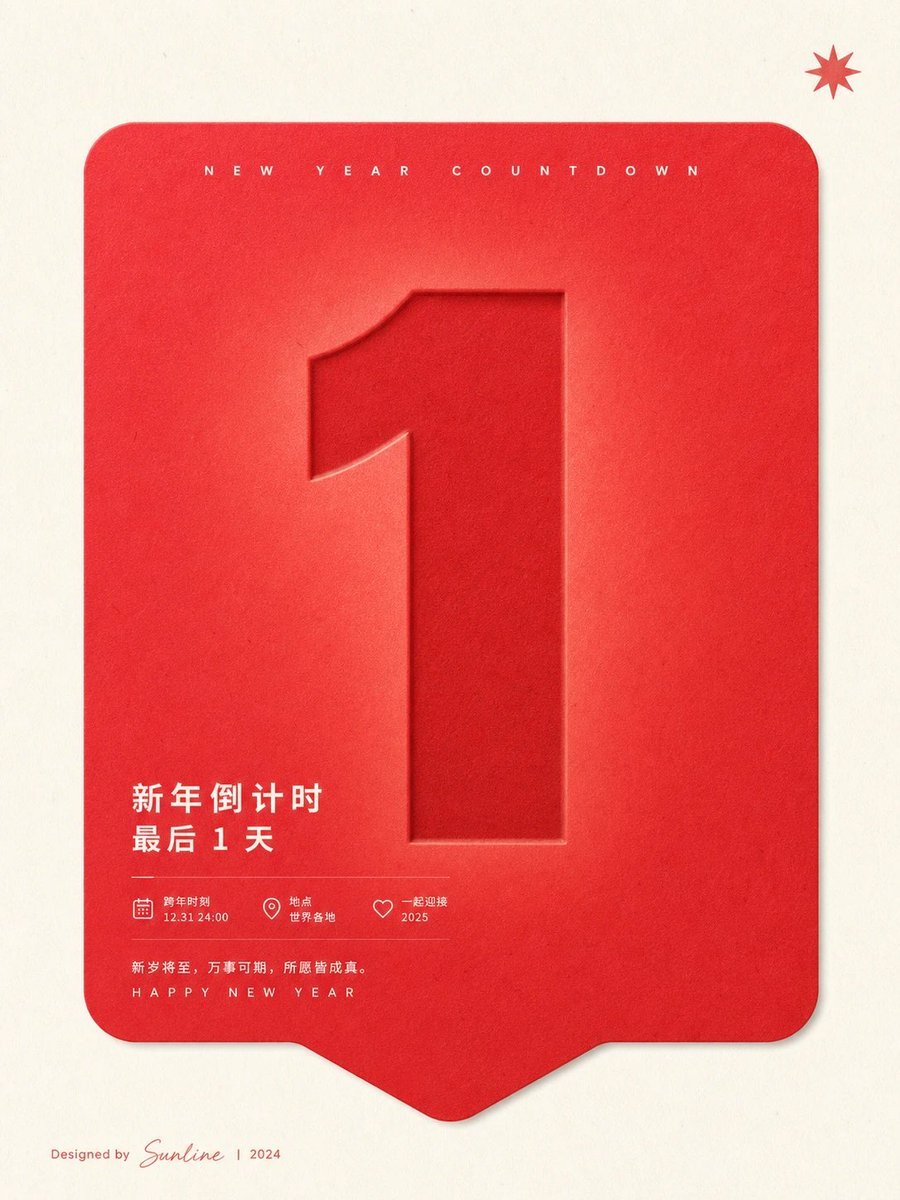
Red New Year Countdown Poster

Japan Travel Brochure Poster
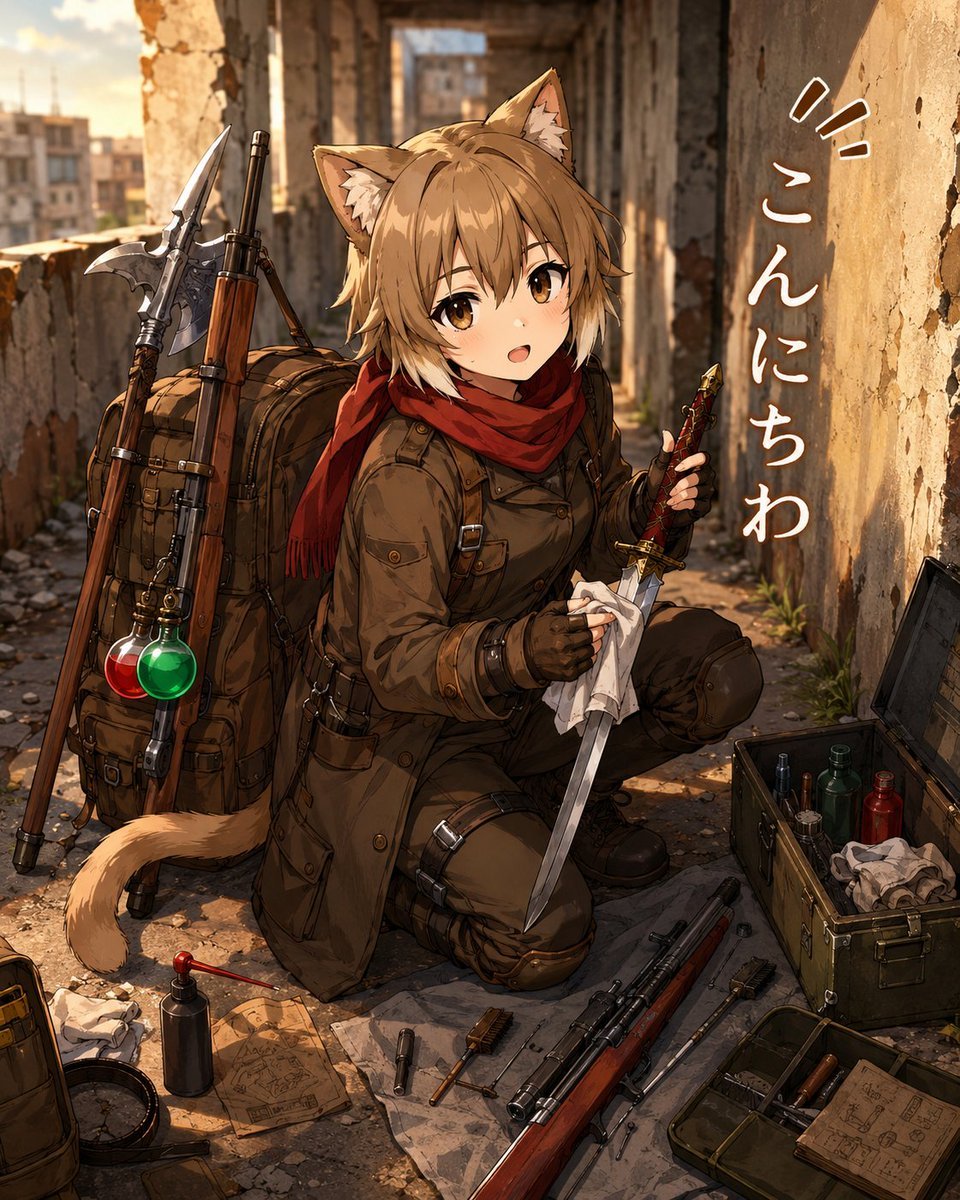
Cat-Eared Adventurer Gear Maintenance

Cartoon TV Show Poster Pack

Trendy Cafe Drink Promo Poster

Urban Fashion Editorial Collage Streetwear Poster

Premium Fashion Editorial Cover Layout System

Polo Ralph Lauren Luxury American Heritage Fashion Campaign

Monochrome Halftone Editorial Fashion Poster

Retro Mirror Luxury Fashion Campaign Poster
Make it yours
Red Ten Year Anniversary Poster works as-is. These are the safest ways to change it without losing the look.
Change one field
Copy a single group, rewrite it, and generate again so you can see what that field is doing.
Keep the frame, change the subject
Hold the composition and light of Red Ten Year Anniversary Poster, then swap wardrobe, props or the person for a new take.
| If the result… | Why | Fix |
|---|---|---|
| The result drifts from the preview | Too many fields changed at once. | Reuse Red Ten Year Anniversary Poster as-is first, then change one group — subject, light, or setting. |
| The model over-stylizes the scene | The prose prompt leaves finish and camera underspecified. | Add one camera or lighting sentence and stay on GPT Image 2. |
More GPT Image 2 templates
Other prompts made for GPT Image 2.

Six VTuber Japanese Logo Sheet

Realistic Portrait of Woman and Deer

The Vista Modular Condo Poster

AI Model Routing Comparison Infographic

2.5D Anime Art Board

Isometric Productivity Desk Scene

New York Double Exposure Poster

Four-Panel AI Landscape Comparison

Japanese Tatami Lifestyle Magazine Cover

NESCAFÉ Coffee Map Poster
More image prompts
Fresh picks from across the catalog.
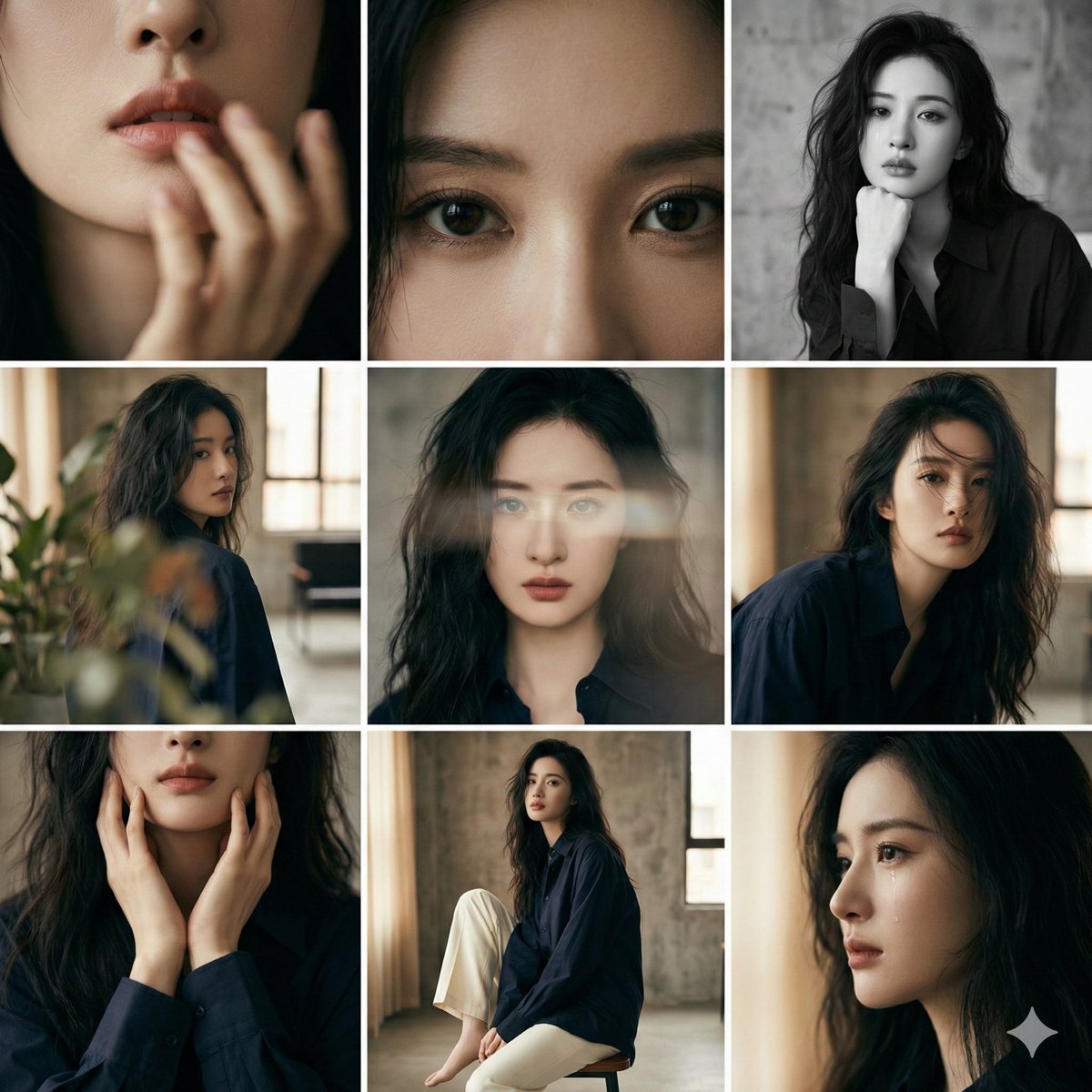
3x3 Editorial Photo Collage Contact Sheet Portrait
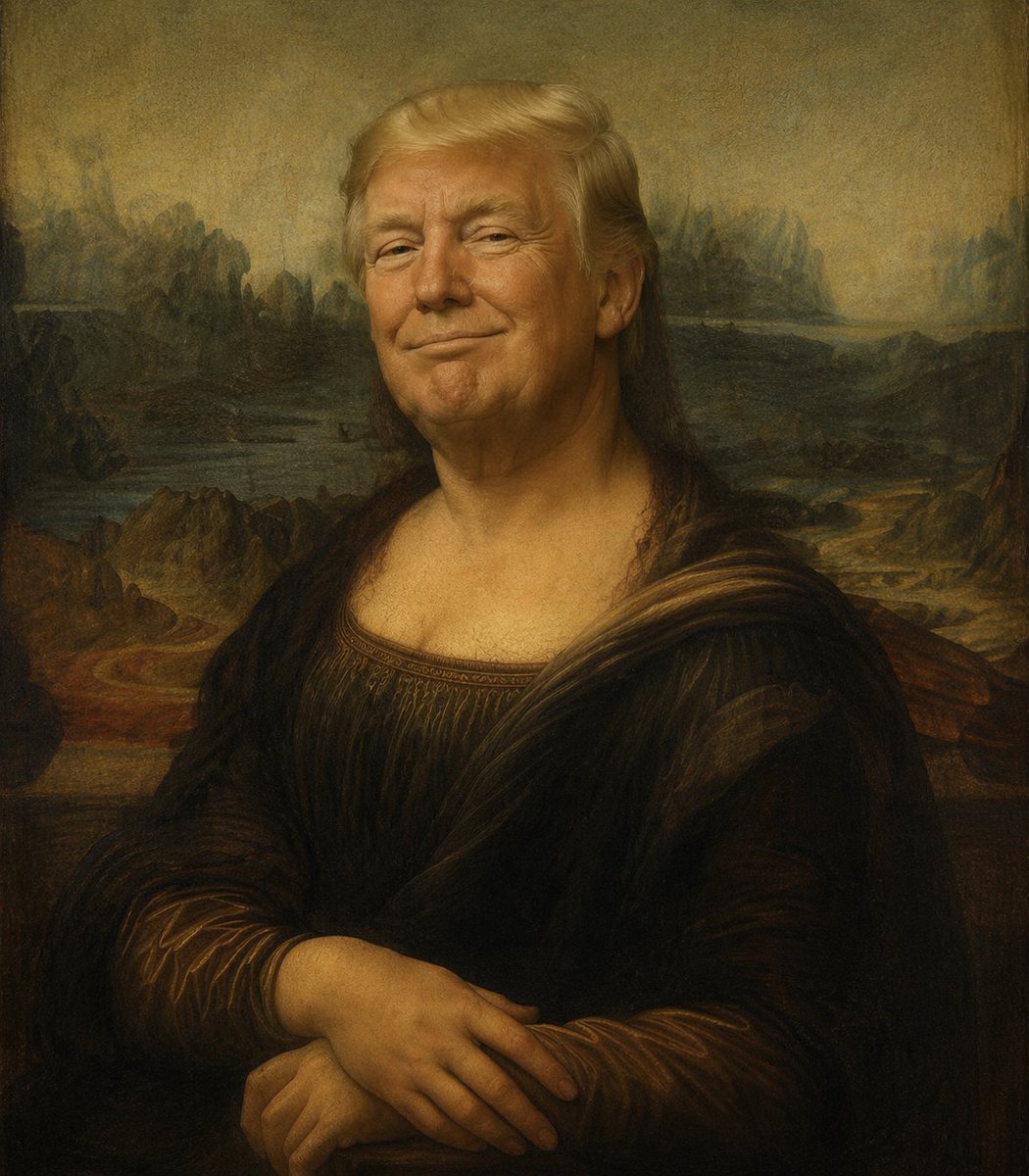
Censored Mona Lisa Oil Portrait
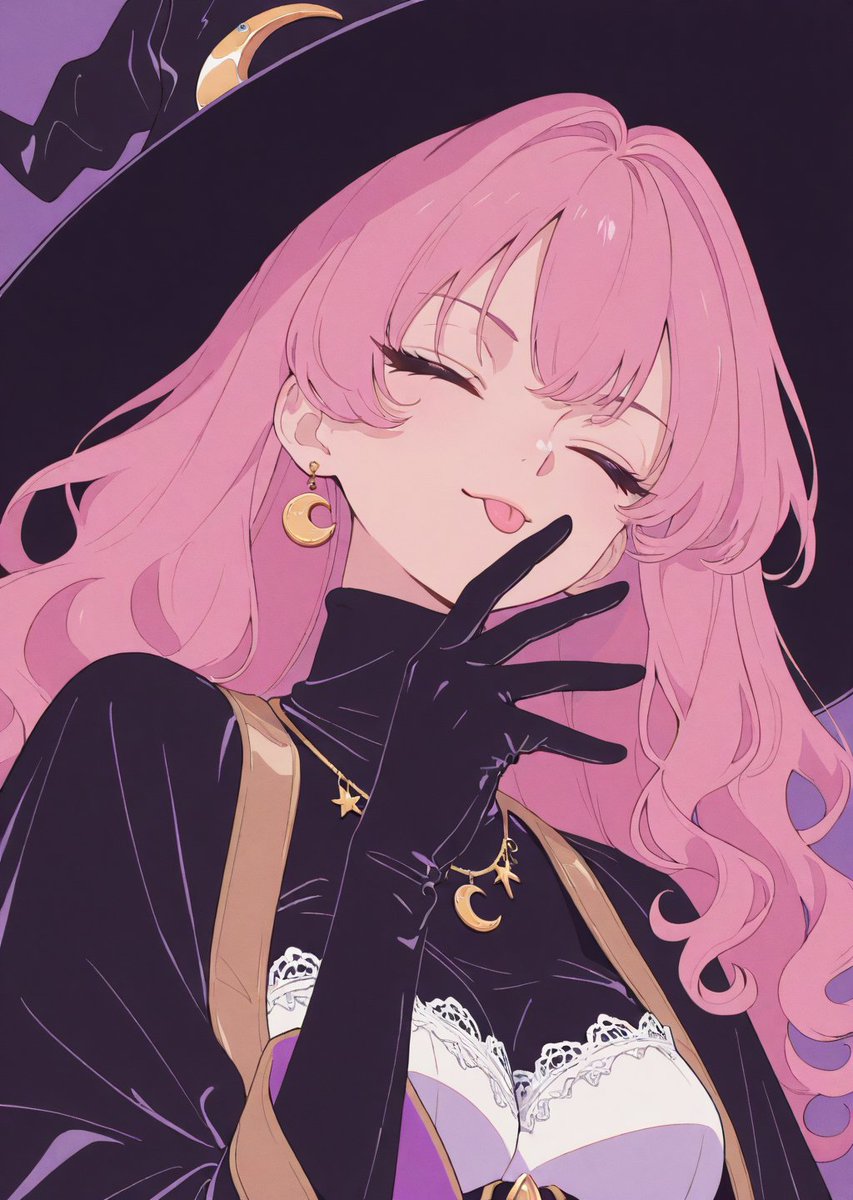
Adding Fabric Texture to Clothing
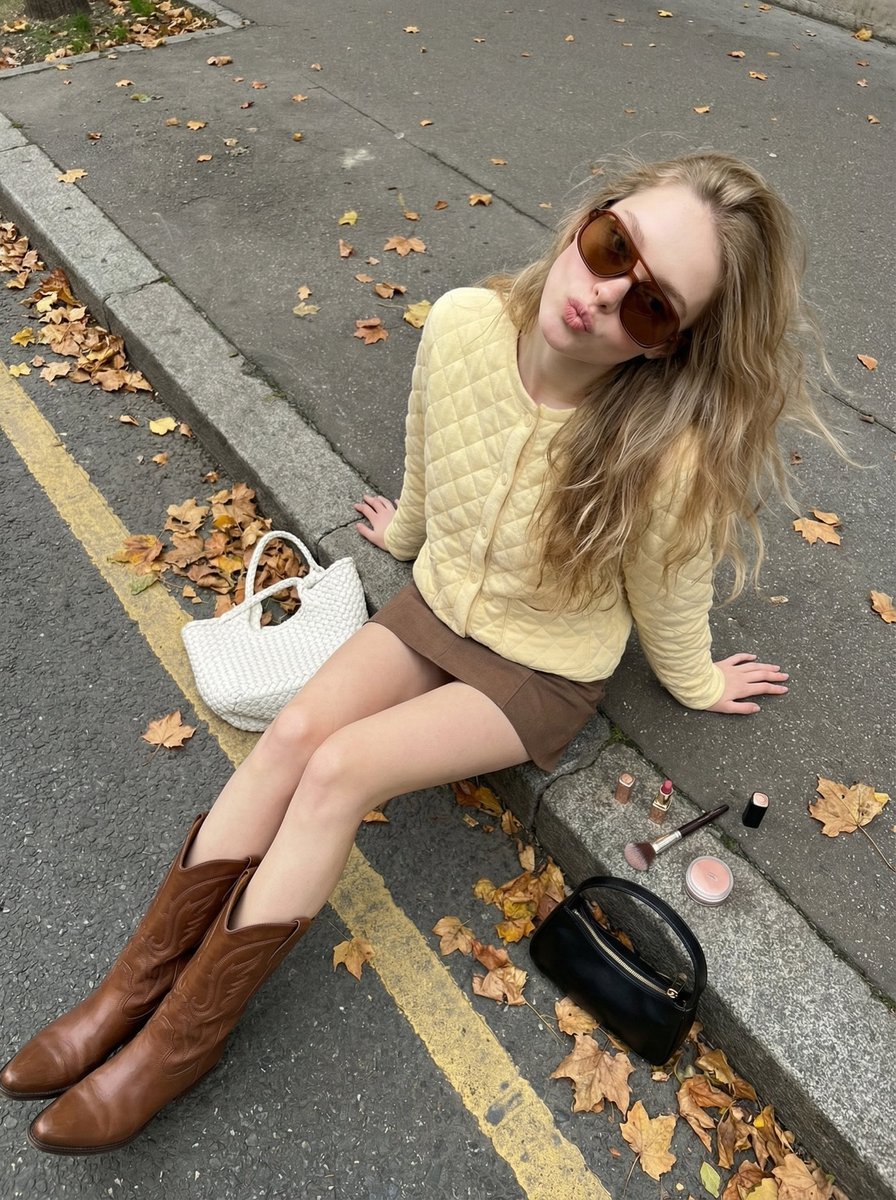
High-Angle Street Style Photo with Makeup Items
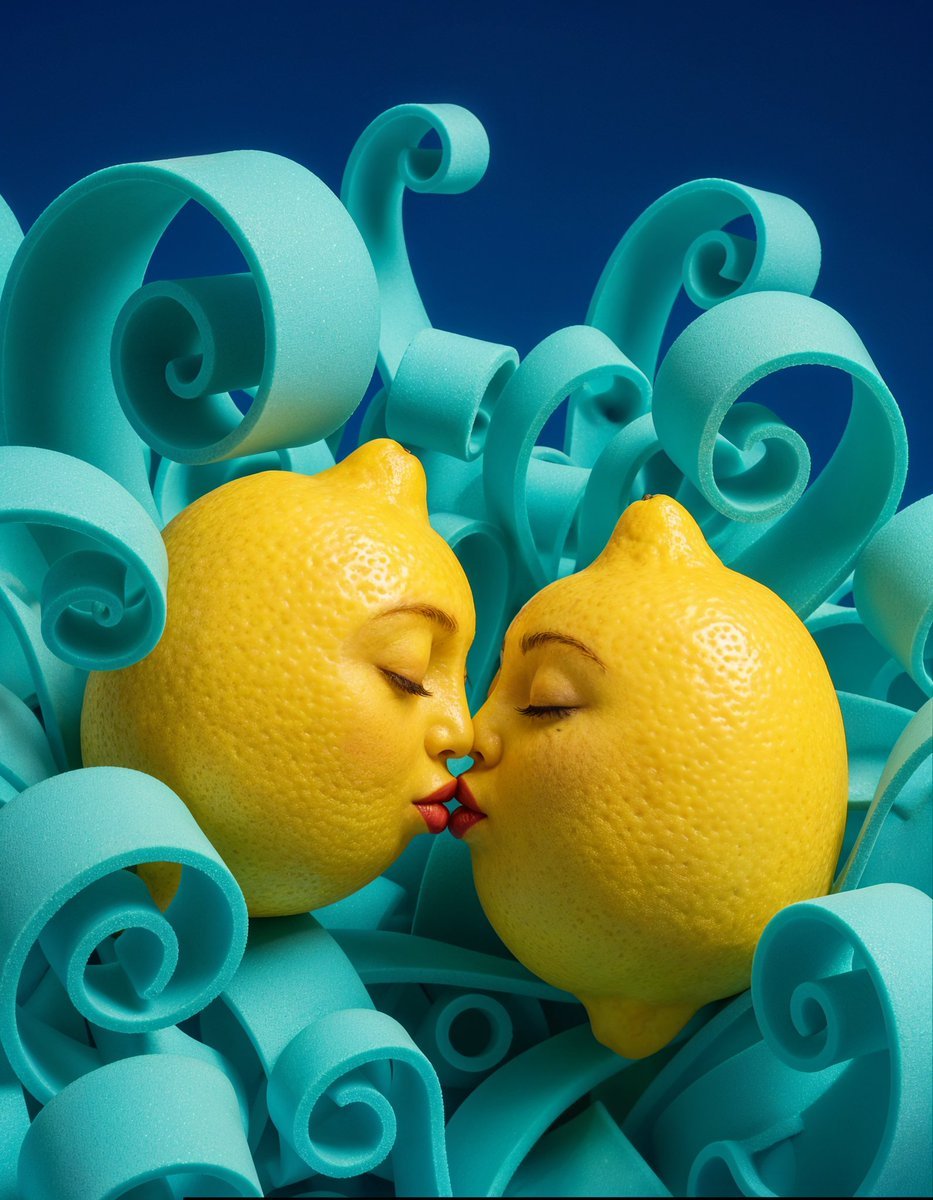
Surreal Anthropomorphic Lemon Still Life Prompt
Cinematic Lifestyle Portrait Prompt using Nano Banana 2 with Face Reference
Subway Juice Drink Advertisement
Battle-Hardened Medieval Warrior Cinematic Portrait
Desert Fashion Editorial Portrait
Black and White Portrait Generation Prompt
Browse template categories
Red Ten Year Anniversary Poster questions
How do I use the Red Ten Year Anniversary Poster template?
Add your photo if the template asks for one, edit the prompt if you like — the template's model and format are already selected — and press Generate. Your version opens in PicX Studio.
Can I customize the Red Ten Year Anniversary Poster template?
Yes. You can change the subject, setting, lighting, mood, format, and available model controls before creating your image.
Is the Red Ten Year Anniversary Poster template free?
Opening and editing this template is free. Generating uses credits, shown on the Generate button when you are signed in.
Which AI model should I use?
Start with GPT Image 2, which is the model associated with this template. You can compare another compatible model for a different finish.
Looking for something else? Browse all templates.

Your photo, any look
Thousands of ready templates for every top image and video model, from one credit balance.