
Battle-Hardened Medieval Warrior Cinematic Portrait
A highly specific prompt for generating a hyper-realistic, cinematic close-up portrait of an elderly, scarred medieval warrior.
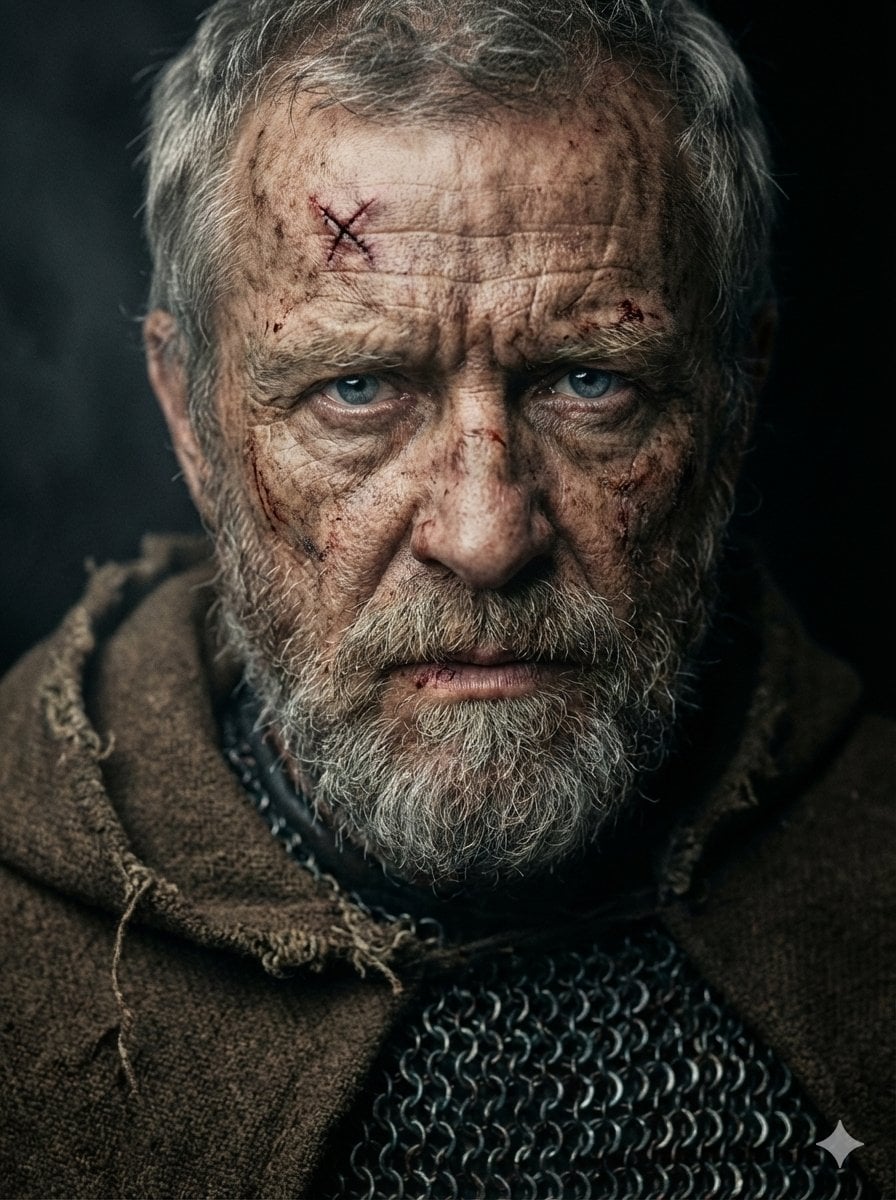
- Prompt included
- Model and format preset
- Premium template
The prompt behind this image
Copy the exact prompt behind Battle-Hardened Medieval Warrior Cinematic Portrait, or open it in the studio and make it yours.
A hyper-realistic, cinematic close-up portrait of a battle-hardened, elderly medieval warrior, facing slightly downward but locking eyes with the camera through piercing, cold steel-blue eyes full of intensity and defiance. His weathered, deeply wrinkled, sun-damaged skin shows countless scars, cuts, and dried blood stains, including a fresh stitched wound in an X shape on his forehead. His thick, unruly, salt-and-pepper beard and mustache frame his square, rugged jawline; his short, coarse grey hair is matted with sweat and dirt. Every pore, wrinkle, and skin imperfection is rendered with extreme detail. His nose is strong and slightly crooked, ears scarred and weathered from countless battles. His expression is stern, menacing, full of wisdom and pain, with furrowed brows and tightly compressed lips. His body is wrapped in a distressed, heavy brown wool cloak with frayed edges, partially covering dark medieval chainmail armor with metallic textures reflecting subtle highlights. The background is dark and moody, pure black with a soft atmospheric haze to isolate the subject. Cinematic studio lighting: single soft key light from the upper camera-left casting dramatic shadows across the face, subtle fill light from below to slightly illuminate the lower facial structure, creating extreme contrast and depth. Slight rim light touches the shoulders and beard edges for separation. Shot with a Canon EOS R5 + RF 85mm f/1.2 lens at f/1.2 for ultra-shallow depth of field, sharp razor focus only on the eyes, soft fall-off on beard and shoulders. ISO 100, shutter speed 1/250s. Color palette: desaturated earth tones, deep browns, muted greys, blood reds, steel blacks. Cinematic color grading: teal and orange tones balanced for dramatic mood, heavy filmic shadows, with subtle fine-grain texture for realism. The image feels raw, emotional, like a poster frame from an epic dark fantasy film. --ar 3:4 --v 6.1 --style raw-quality 2 --stylize 50
How to use Battle-Hardened Medieval Warrior Cinematic Portrait in 3 steps
- 1
Open
The prompt is already in the box next to the preview, with the template's model and format selected.
- 2…a portrait of your subject in softgolden-hour light, 85mm…
Personalize
Edit the subject and creative details for your destination.
- 3Generate
Generate
Press Generate — your image is created in PicX Studio, so you can compare it with the original and refine one variable at a time.
More like this
Templates with the same subject, style or setup. Open one to see its prompt.
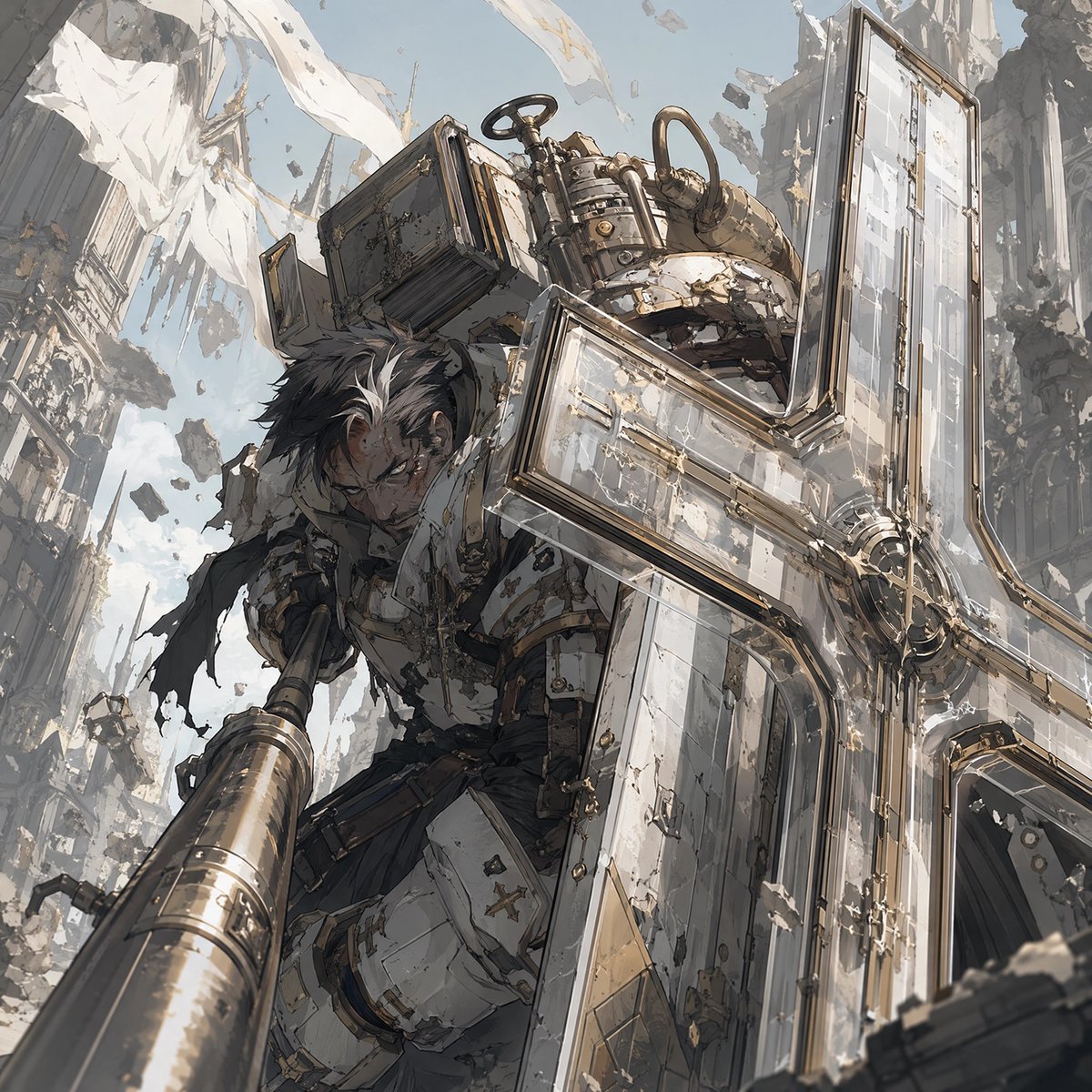
Battle-Hardened Veteran Portrait
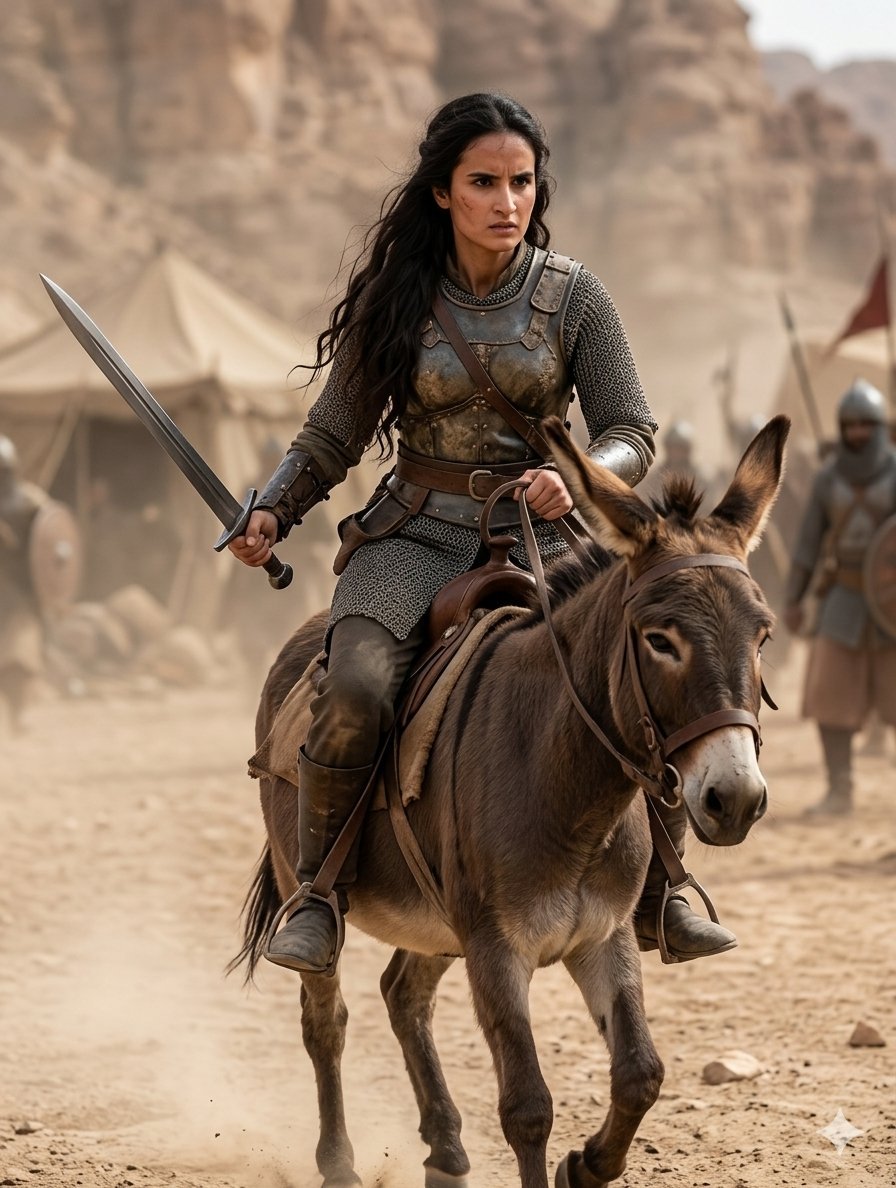
Medieval Desert Battlefield Warrior

Found Photograph: Us, 1970

80s Couple Studio Portrait

80s Bollywood Star

80s Golden Hour Cinema

Me in 1985

1985 Studio Portrait

Hyper-Realistic Minecraft POV Portrait

Rooftop Fisheye — Cat-Ear Balaclava at Golden Hour
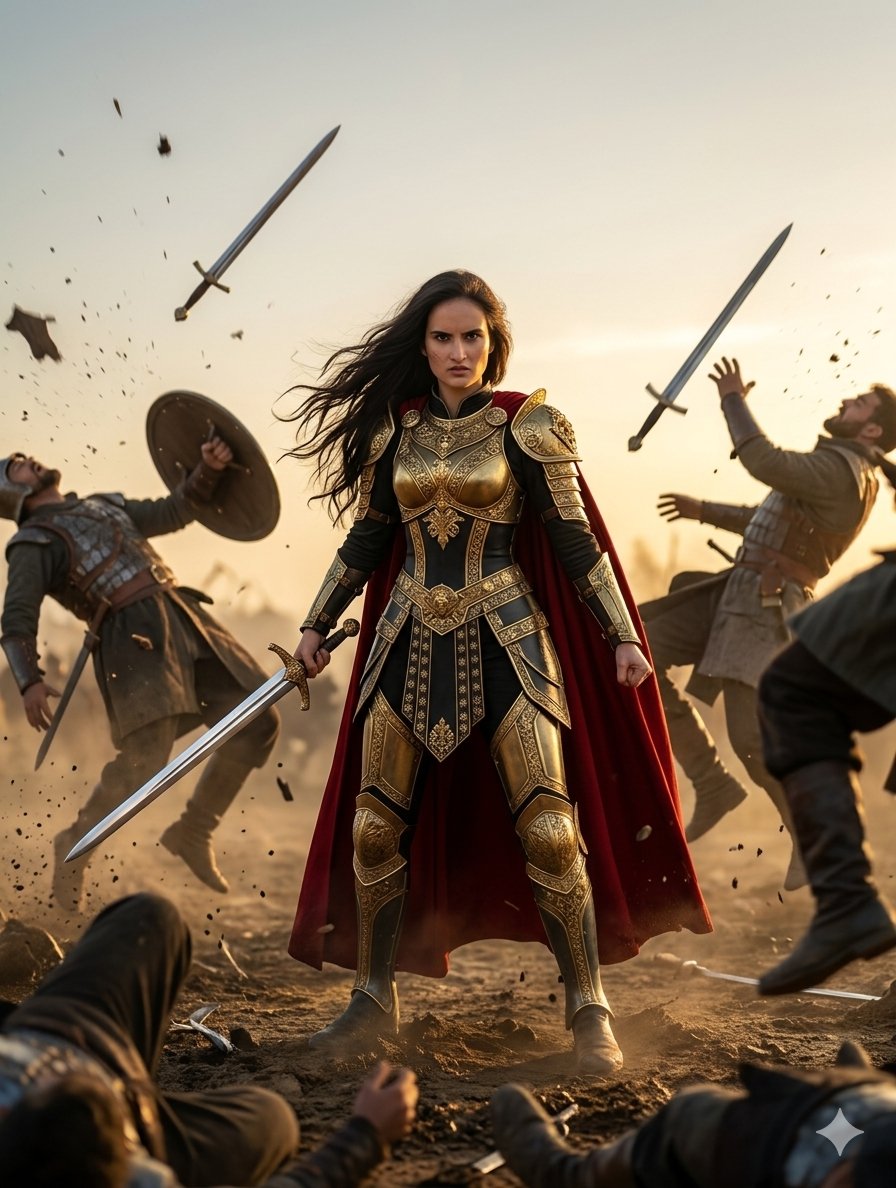
Heroic Fantasy Warrior Portrait

Rainy Café Window Moody Portrait
Make it yours
Battle-Hardened Medieval Warrior Cinematic Portrait works as-is. These are the safest ways to change it without losing the look.
Change one field
Copy a single group, rewrite it, and generate again so you can see what that field is doing.
Keep the frame, change the subject
Hold the composition and light of Battle-Hardened Medieval Warrior Cinematic Portrait, then swap wardrobe, props or the person for a new take.
| If the result… | Why | Fix |
|---|---|---|
| The result drifts from the preview | Too many fields changed at once. | Reuse Battle-Hardened Medieval Warrior Cinematic Portrait as-is first, then change one group — subject, light, or setting. |
| The model over-stylizes the scene | The prose prompt leaves finish and camera underspecified. | Add one camera or lighting sentence and stay on Nano Banana 2. |
More Nano Banana 2 templates
Other prompts made for Nano Banana 2.

Photorealistic Leaf Shaped Like a Dragon

K-Pop Idol Portrait Grid for Rapid Selection

Poetic Rain Forest Portrait During Golden Hour

Urban Street Portrait with Cartoon Inner Self Duo

Candid Nighttime Photo with Cat Prompt

High-Concept 3D Diorama Generation Prompt

Cinematic Futuristic Studio Portrait Template

Skincare Editorial Photography Collage Prompt

Hyper-Realistic Commercial Product Photography (Splash Effect)

Hyper-Realistic Nightclub Portrait Prompt
More image prompts
Fresh picks from across the catalog.
Windy Verde Terrace Anime Girl
Open World Environment Shot

Women's Summer Big Sale Banner
Scientific Neuron Anatomy Poster
Remake Image Prompt
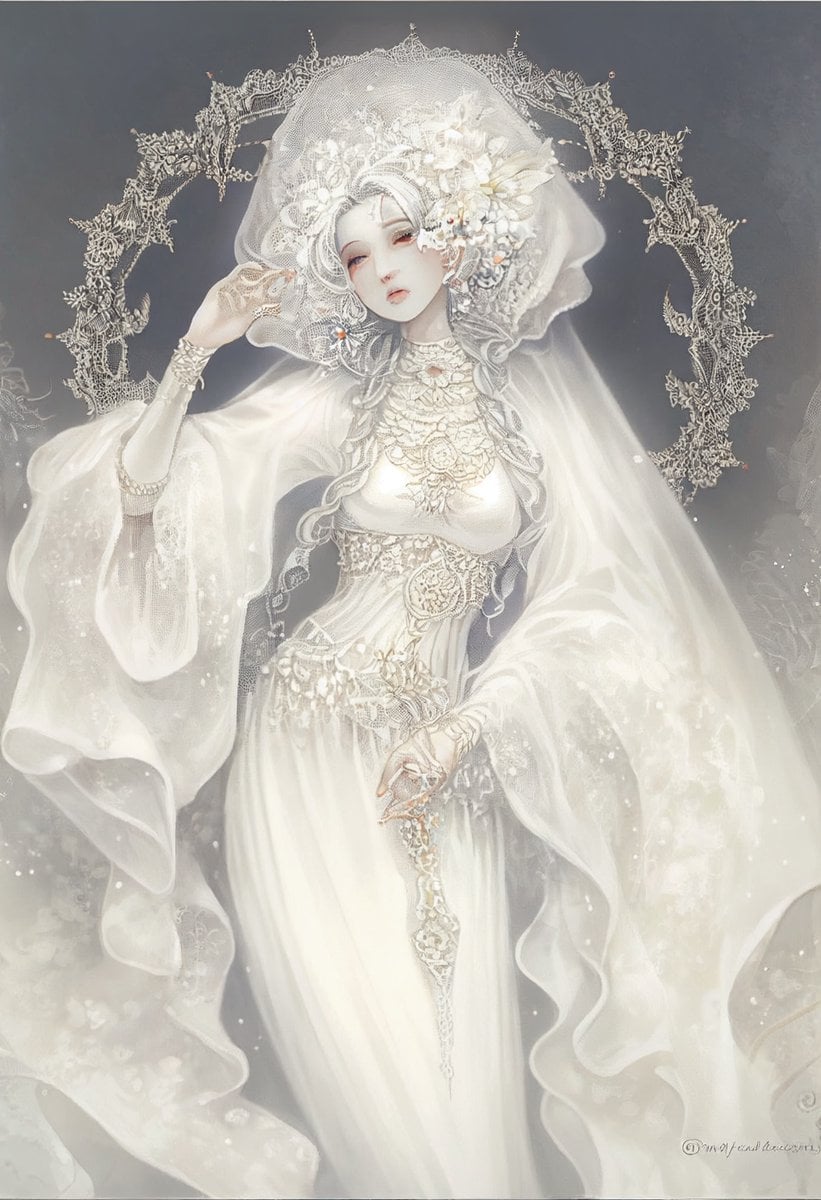
Ivory Garment Goddess
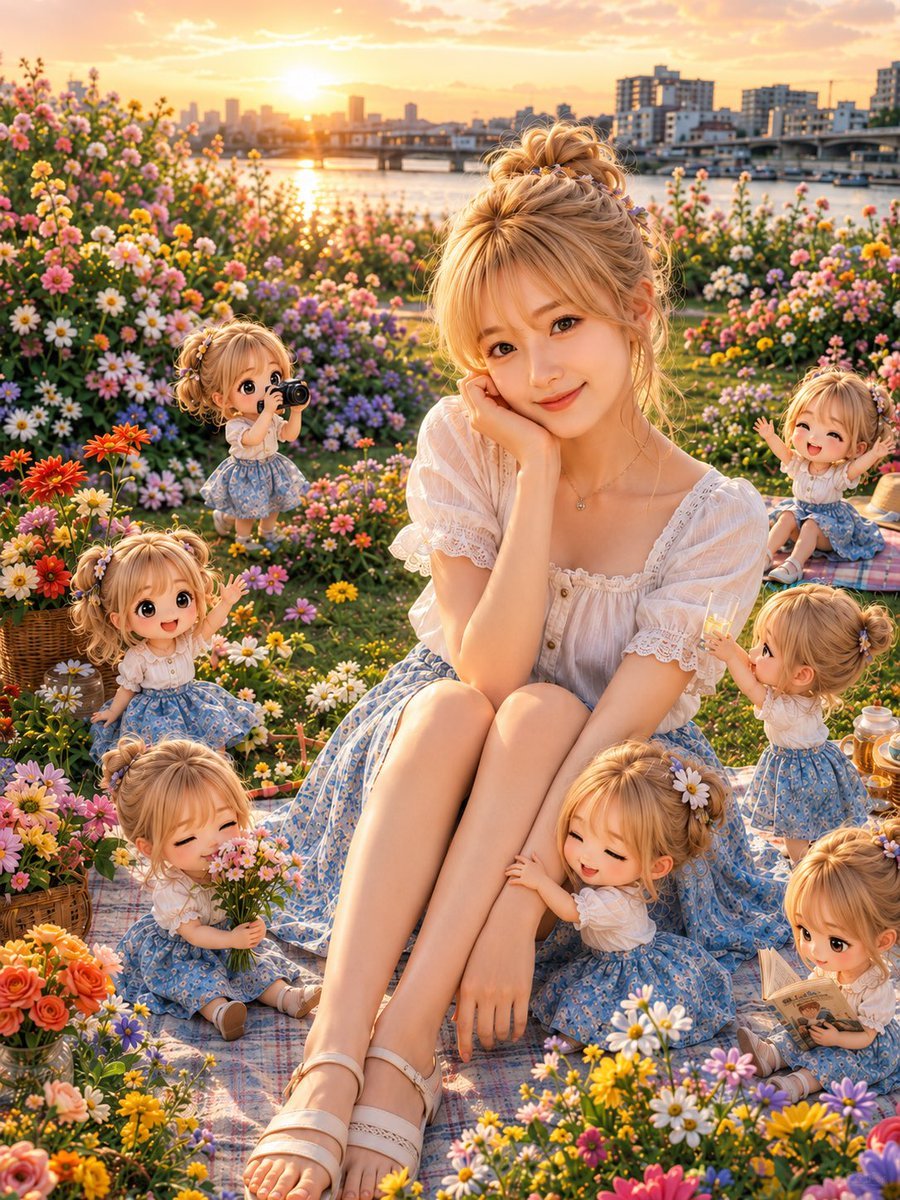
Golden Hour Picnic with Chibi Miniatures
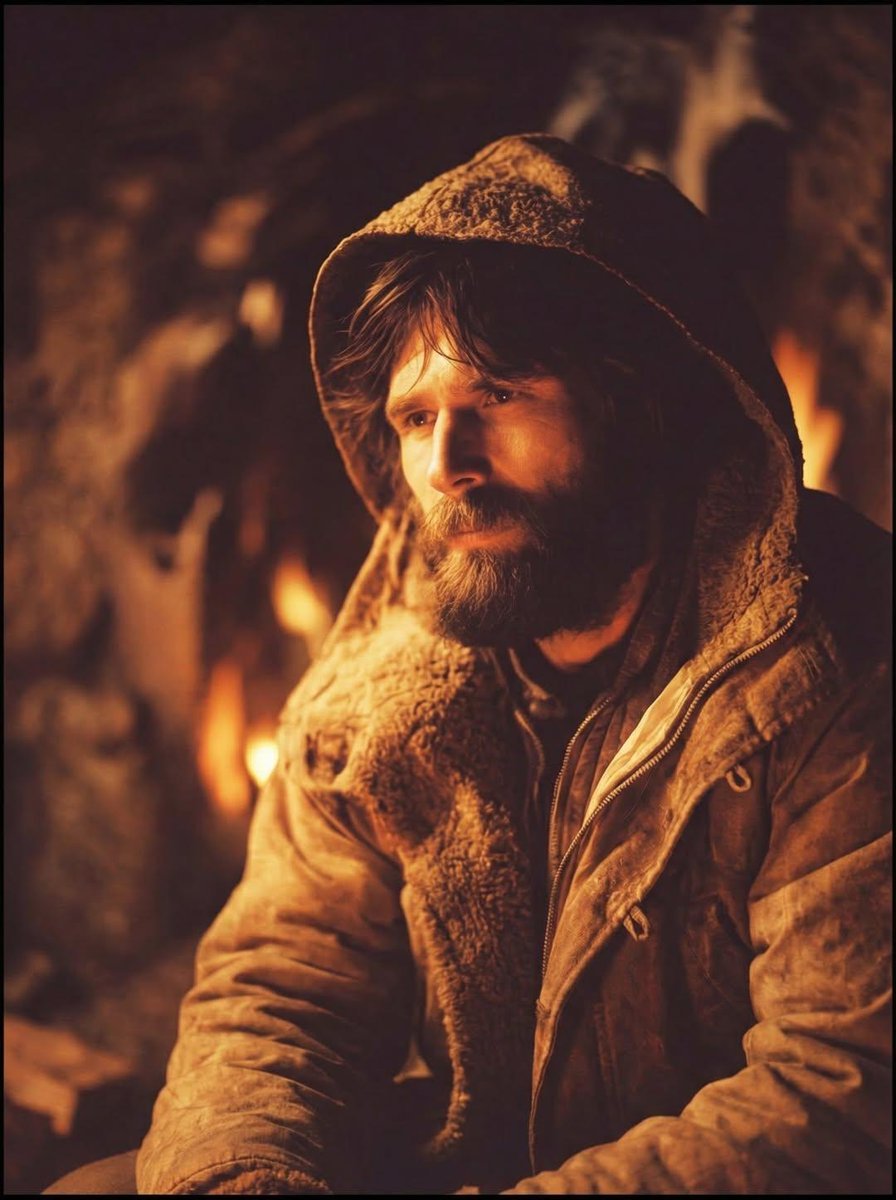
Cinematic Portrait of a Rugged Survivalist Prompt
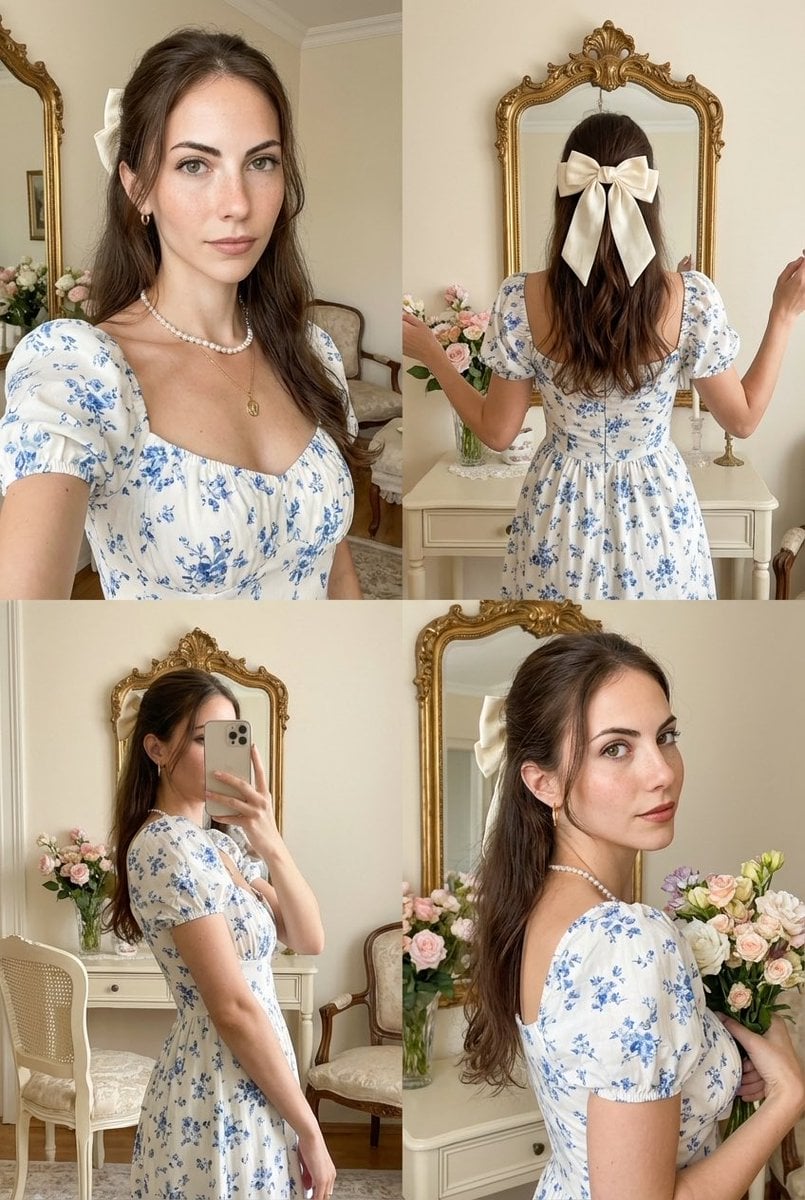
Four-Panel Collage with Strict Identity and Pose Matching
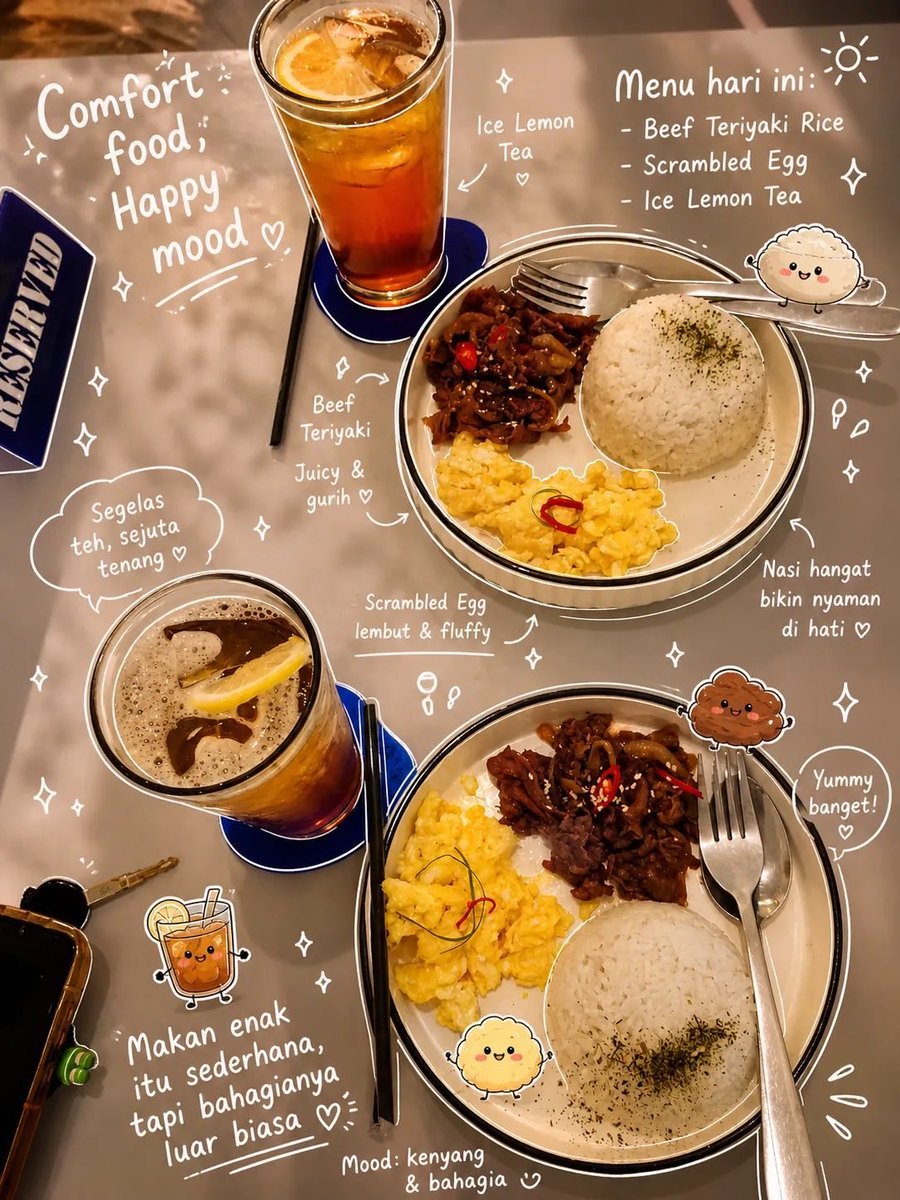
Aesthetic Food Photography with Doodles
Browse template categories
Battle-Hardened Medieval Warrior Cinematic Portrait questions
How do I use the Battle-Hardened Medieval Warrior Cinematic Portrait template?
Add your photo if the template asks for one, edit the prompt if you like — the template's model and format are already selected — and press Generate. Your version opens in PicX Studio.
Can I customize the Battle-Hardened Medieval Warrior Cinematic Portrait template?
Yes. You can change the subject, setting, lighting, mood, format, and available model controls before creating your image.
Is the Battle-Hardened Medieval Warrior Cinematic Portrait template free?
Opening and editing this template is free. Generating uses credits, shown on the Generate button when you are signed in.
Which AI model should I use?
Start with Nano Banana 2, which is the model associated with this template. You can compare another compatible model for a different finish.
Looking for something else? Browse all templates.

Your photo, any look
Thousands of ready templates for every top image and video model, from one credit balance.