
Golden Hour Picnic with Chibi Miniatures
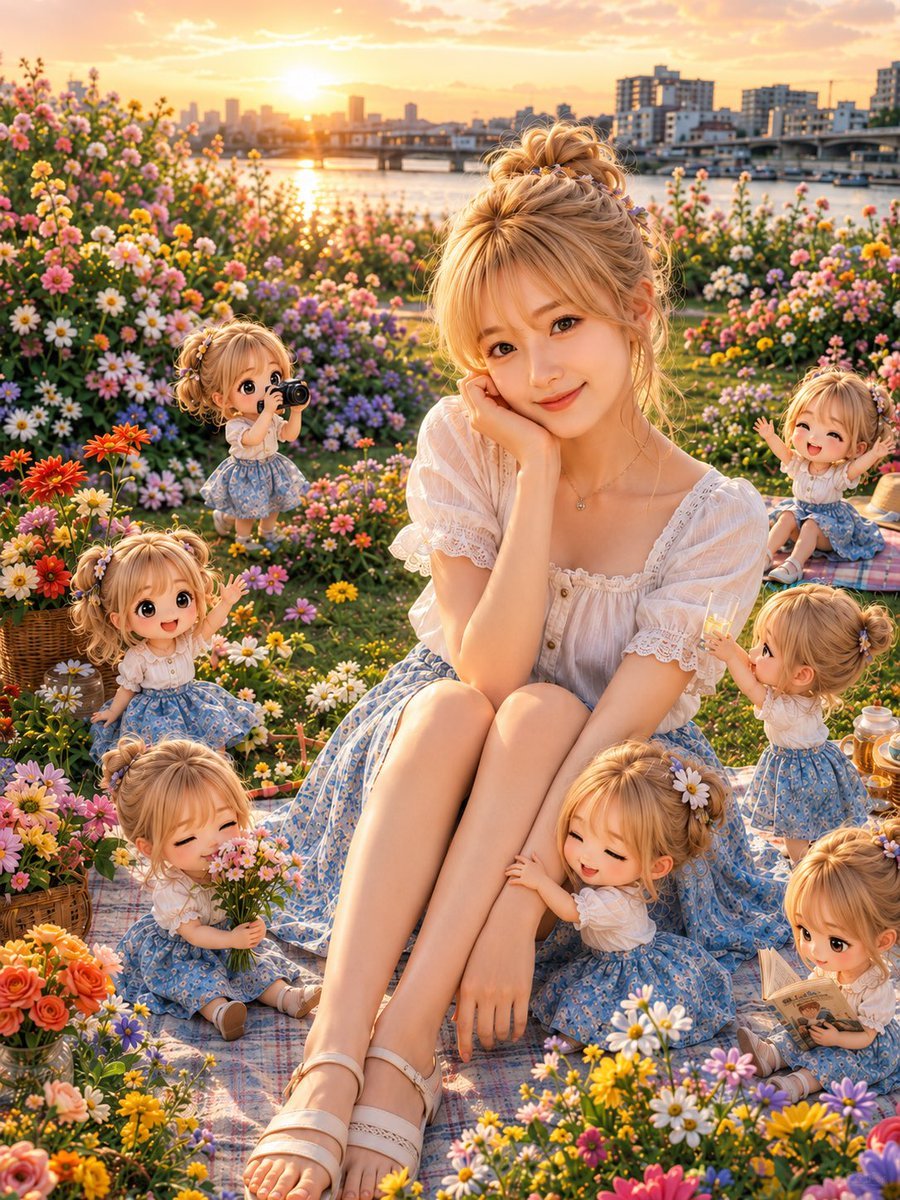
A whimsical prompt for a portrait of a woman at a riverside picnic accompanied by several cute, tiny versions of herself performing various actions.
- Prompt included
- Model and format preset
- Free template
The prompt behind this image
Copy the exact prompt behind Golden Hour Picnic with Chibi Miniatures, or open it in the studio and make it yours.
Theme: {argument name="theme" default="a golden-hour flower-field picnic with tiny clones of herself"} / golden hour flower picnic Subject & Expression: {argument name="hairstyle" default="a young blonde woman with a softly gathered updo"}, a cute atmosphere with bangs and loose strands swaying naturally, translucent skin, natural makeup, a soft smile, a calm gaze toward the camera Clothing & Pose: a white lace blouse and a pale-blue floral skirt, a delicate necklace, white sandals, sitting on a picnic blanket with her knees together, one hand resting on her cheek in a natural, cute pose. Around her are small chibi/Q-version clones of herself in the same outfit, each doing something different and cute — taking a photo, holding a bouquet, clinging to her leg, offering a drink, reading a book, waving, etc. Background & Light: {argument name="location" default="a riverside park in Japan at dusk"}, a bridge and cityscape in the distance, the sunset reflecting on the river's surface, a field bursting with colorful flowers, a picnic basket, glasses, small fabric items, soft golden backlight, a warm, dreamy atmosphere like the end of summer Composition & Camera: a vertical composition, a full-body-leaning portrait with the subject placed large in the center, a 35mm lens, a somewhat low eye-level, shallow depth of field, the riverside and flower field softly blurred in the background while the expressions of the subject and the tiny clones remain clearly visible Texture & Style: high detail, 4K quality, realistic skin texture where even pores and skin grain look natural, fine flowing strands of blonde hair, the delicate fabric feel of the lace blouse and floral skirt, every petal and blade of grass rendered vividly, a fantastical photographic expression naturally combining a realistic AI portrait with cute chibi characters, bright, vivid color tones, a finish like a magazine photograph Negative: low quality, unnatural face, unnatural hands, extra fingers, missing fingers, warped fingers, strange gaze, asymmetrical eyes, distorted face, warped body, broken clothing, duplicated arms, a floating-looking person, unnatural tiny figures, excessive processing, excessive skin retouching, excessive exposure, unnatural AI-typical texture, text, logos, watermarks
How to use Golden Hour Picnic with Chibi Miniatures in 3 steps
- 1
Open
The prompt is already in the box next to the preview, with the template's model and format selected.
- 2…a portrait of your subject in softgolden-hour light, 85mm…
Personalize
Edit the subject and creative details for your destination.
- 3Generate
Generate
Press Generate — your image is created in PicX Studio, so you can compare it with the original and refine one variable at a time.
More like this
Templates with the same subject, style or setup. Open one to see its prompt.
Golden Hour Picnic Lifestyle Editorial Prompt

80s Golden Hour Cinema
Realistic Person with Chibi Miniatures
Chibi Anime Surveillance Picnic

Cinematic Golden Hour Garden Portrait

Cinematic Golden Hour Urban Portrait
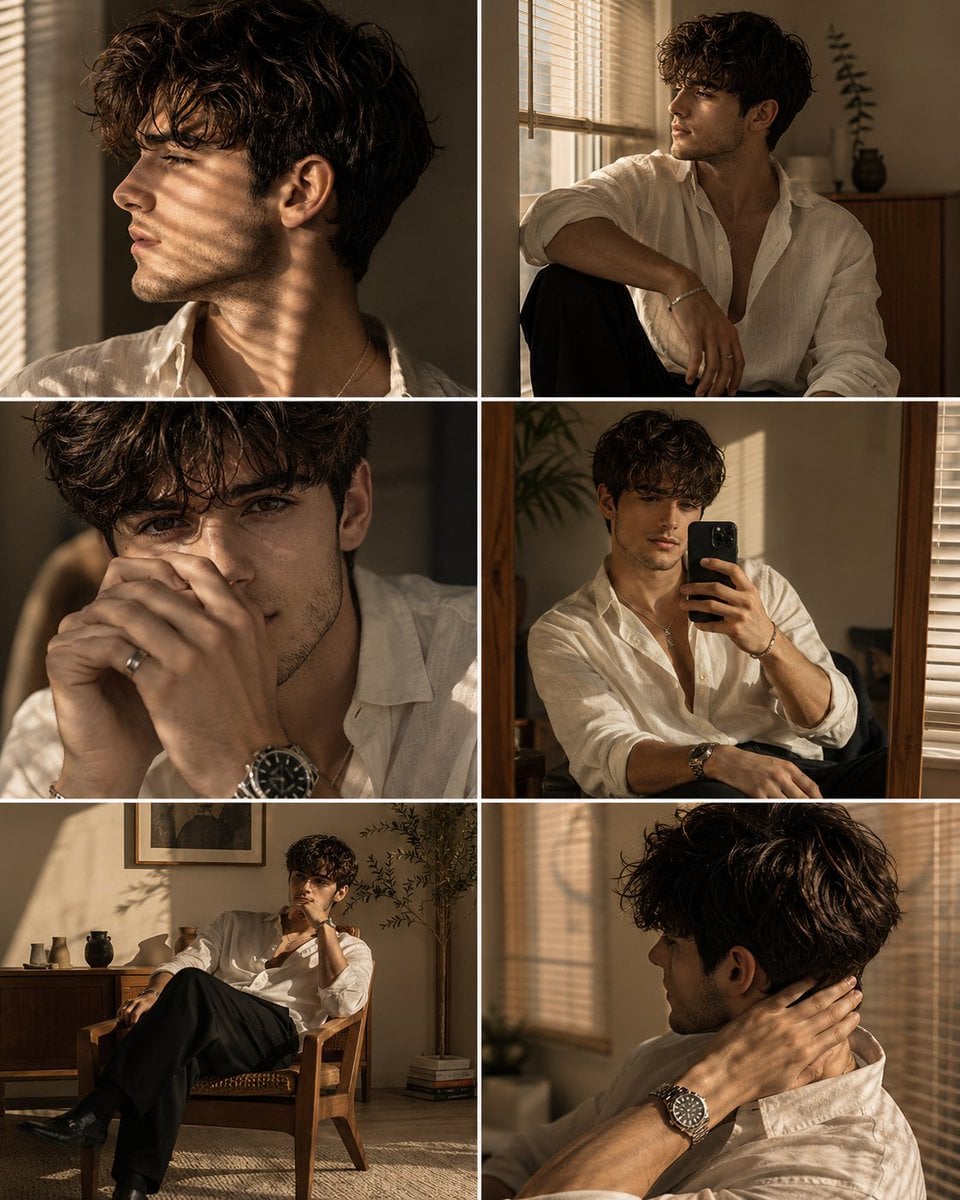
Luxury Men's Golden Hour Collage

Rooftop Fisheye — Cat-Ear Balaclava at Golden Hour

Cute Layered Paper Cut Chibi Girl

Golden Hour Redhead Portrait
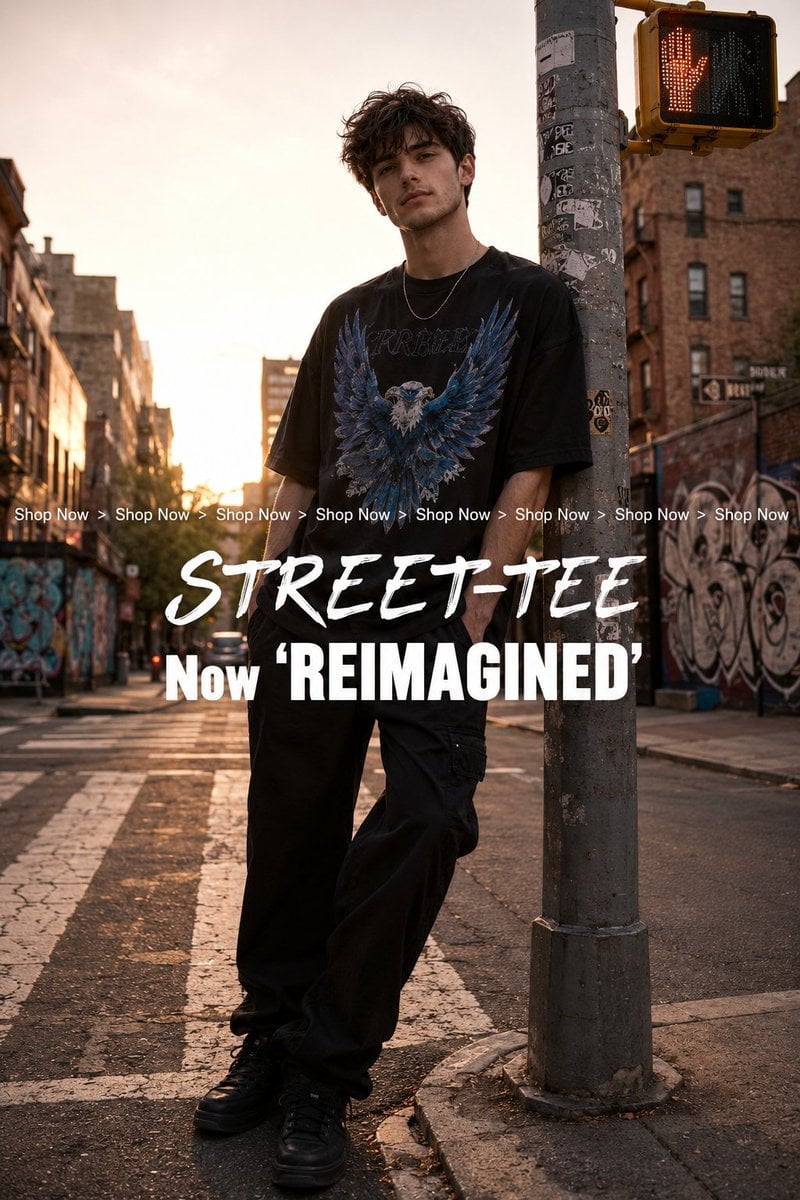
Golden Hour Streetwear Facebook Ad

Golden Hour Cinematic Boss Energy Portrait
Make it yours
Golden Hour Picnic with Chibi Miniatures works as-is. These are the safest ways to change it without losing the look.
Change one field
Copy a single group, rewrite it, and generate again so you can see what that field is doing.
Keep the frame, change the subject
Hold the composition and light of Golden Hour Picnic with Chibi Miniatures, then swap wardrobe, props or the person for a new take.
| If the result… | Why | Fix |
|---|---|---|
| The result drifts from the preview | Too many fields changed at once. | Reuse Golden Hour Picnic with Chibi Miniatures as-is first, then change one group — subject, light, or setting. |
| The model over-stylizes the scene | The prose prompt leaves finish and camera underspecified. | Add one camera or lighting sentence and stay on GPT Image 2. |
More GPT Image 2 templates
Other prompts made for GPT Image 2.

Six VTuber Japanese Logo Sheet

Realistic Portrait of Woman and Deer

The Vista Modular Condo Poster

AI Model Routing Comparison Infographic

2.5D Anime Art Board

Isometric Productivity Desk Scene

New York Double Exposure Poster

Four-Panel AI Landscape Comparison

Japanese Tatami Lifestyle Magazine Cover

NESCAFÉ Coffee Map Poster
More image prompts
Fresh picks from across the catalog.
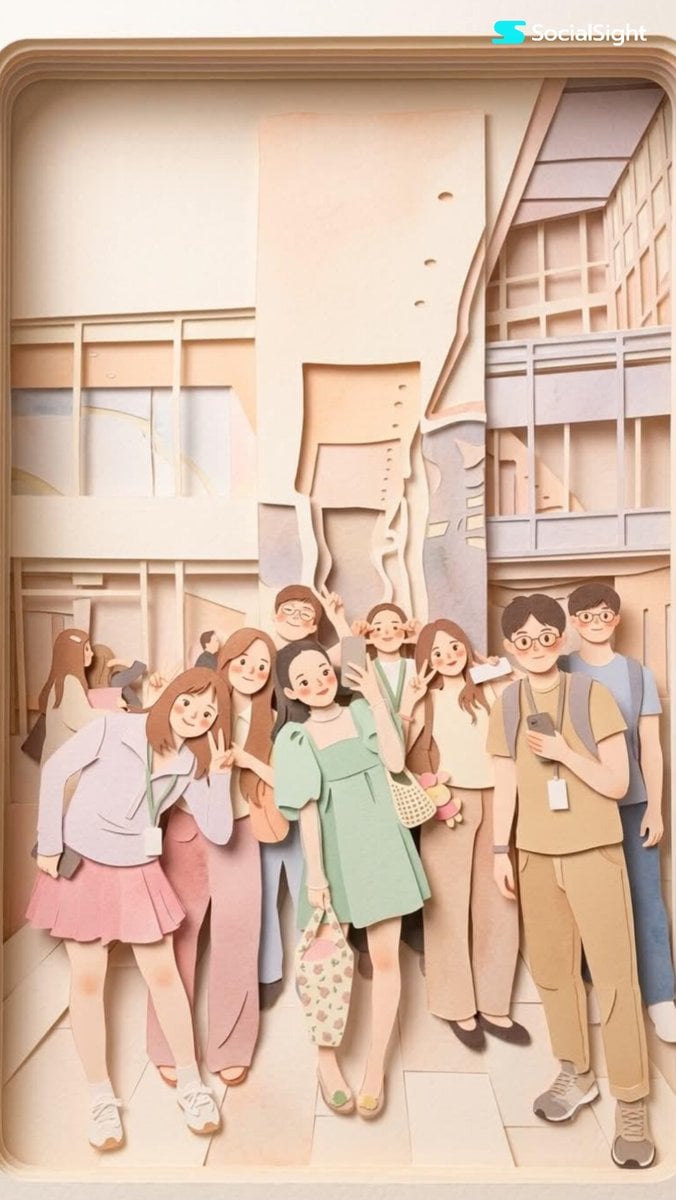
Layered Papercraft Image Transformation
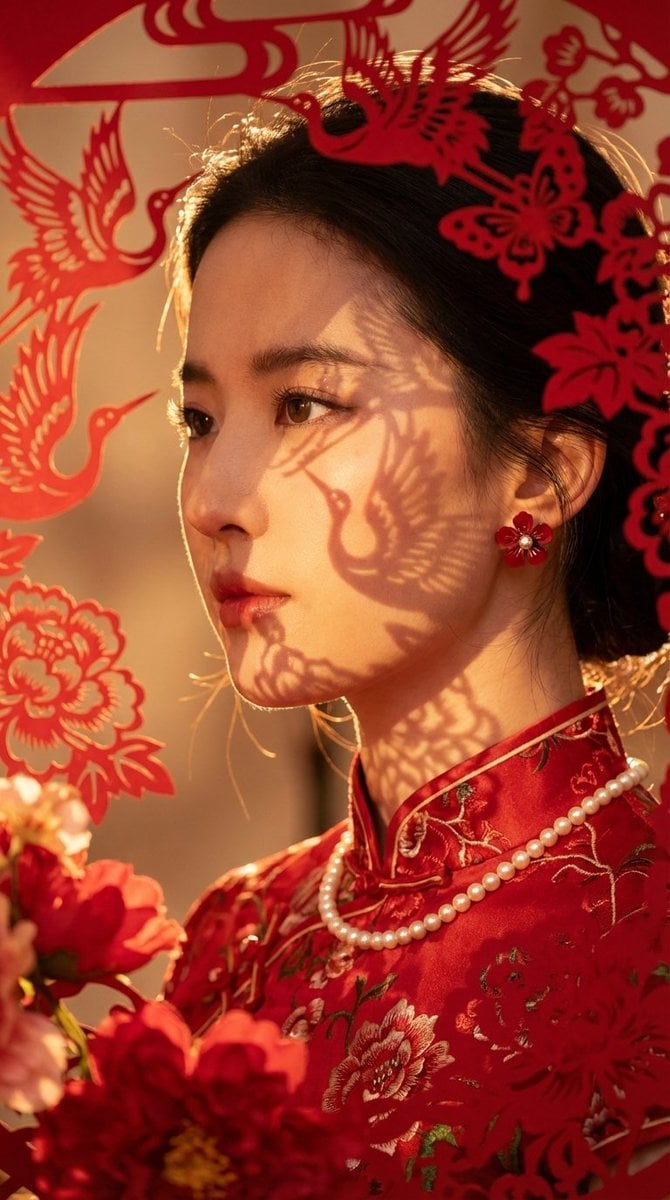
Hyper-realistic New Chinese Style Portrait with Gobo Lighting
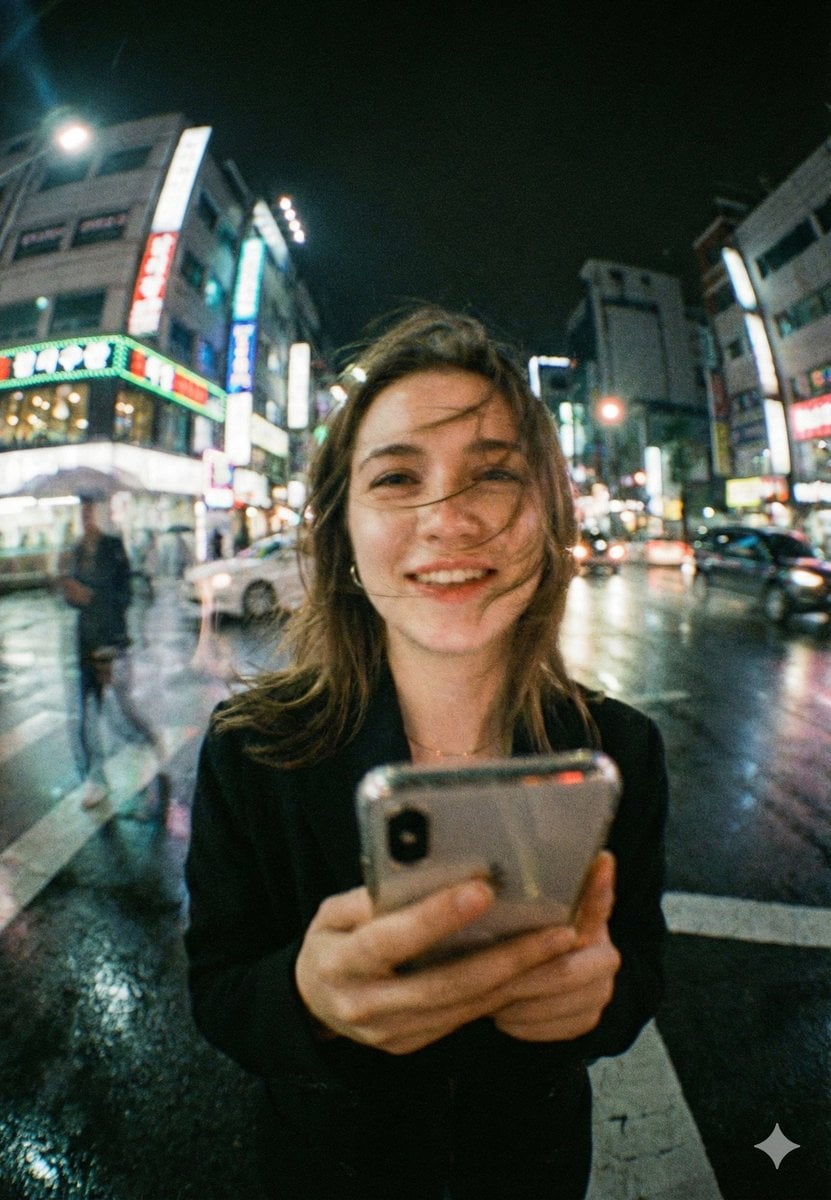
Neon City Night Portrait with Wide-Angle Distortion
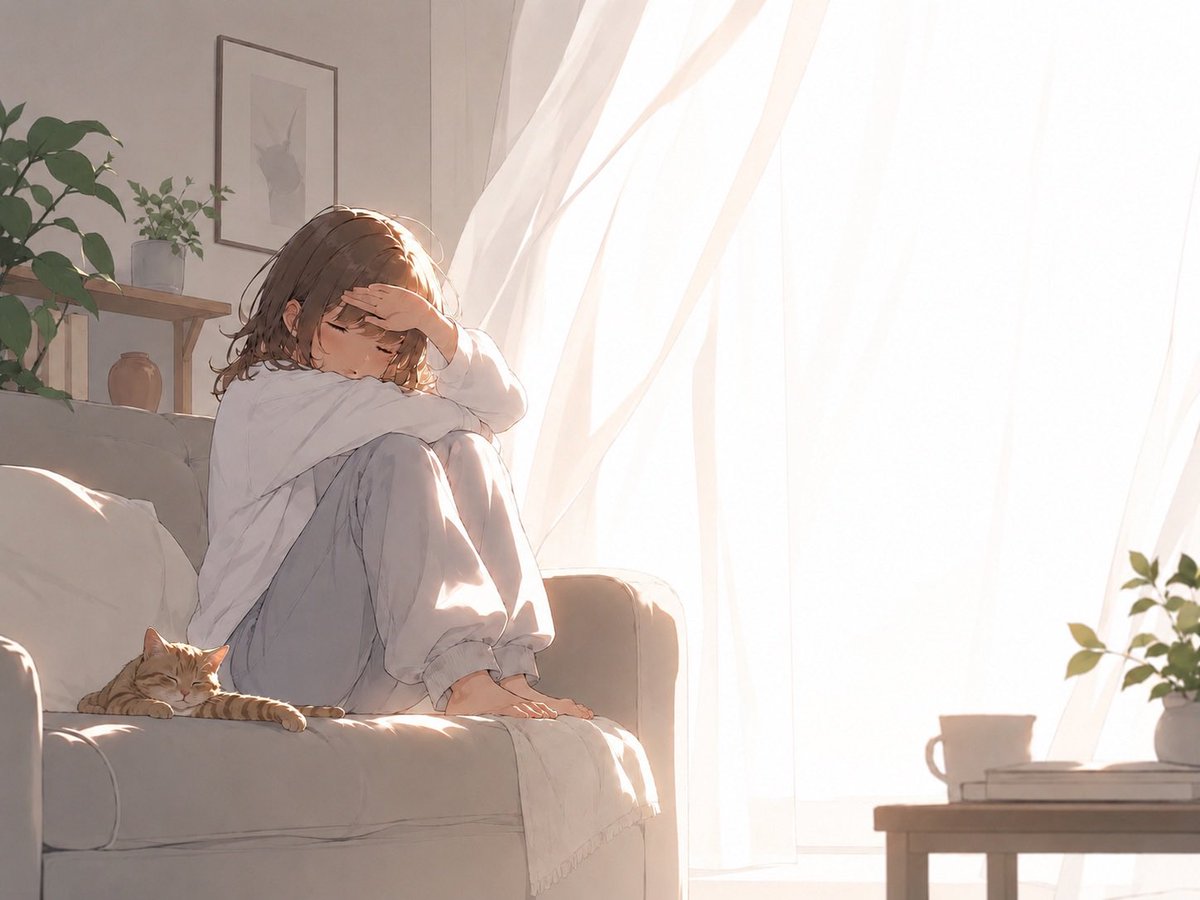
Backlit Morning Sofa Anime Scene

Banner Generation Prompt for Model Comparison
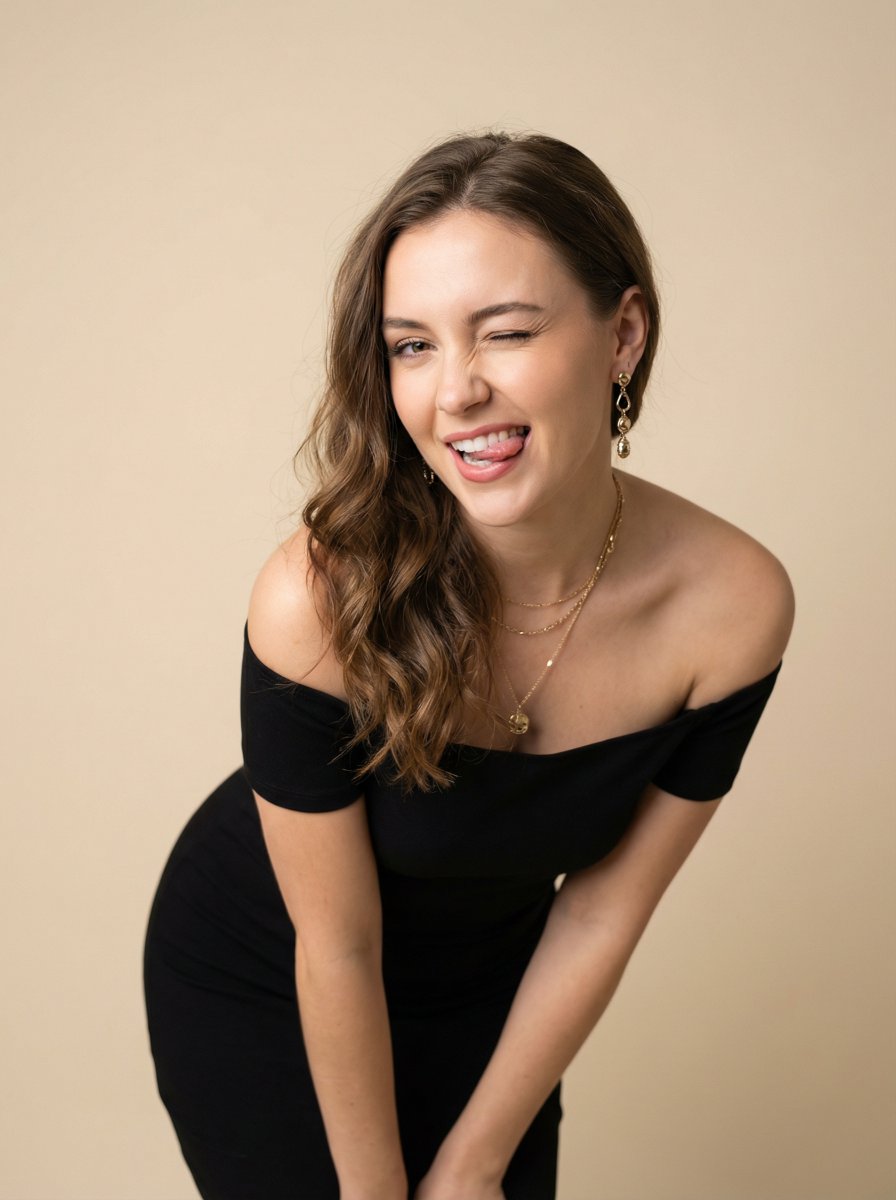
Ultra-Realistic Winking Portrait with Playful Expression
Seedance - Anime Fighting Game Finisher
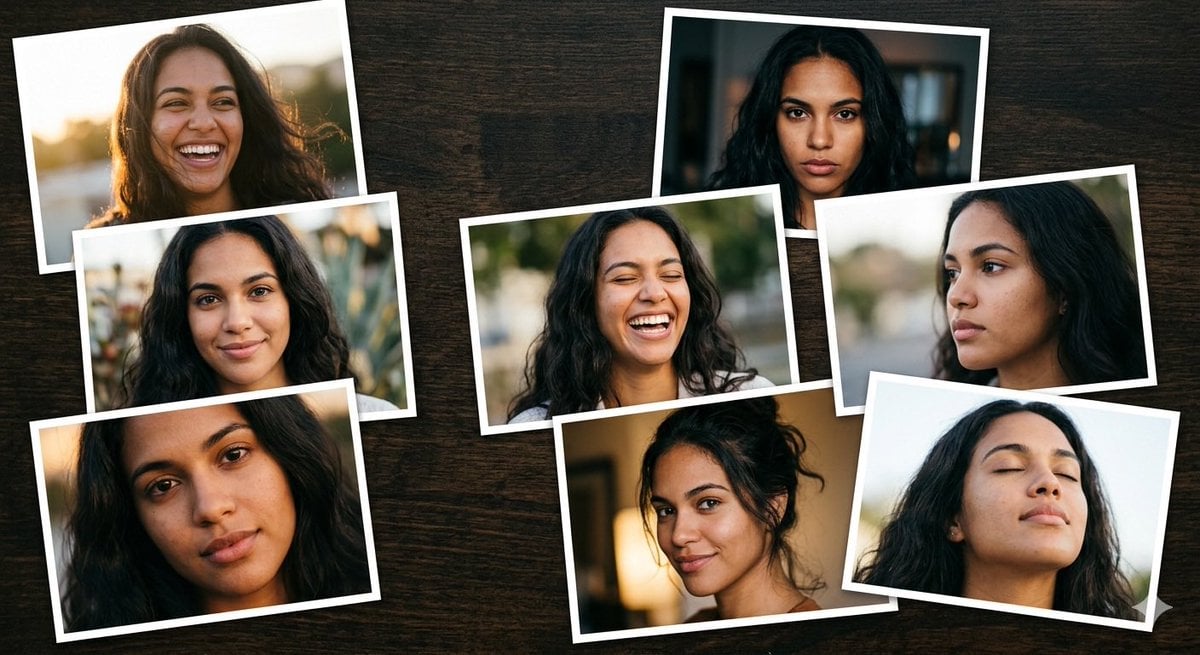
Dominican Woman Portrait Collage Generation Request for Nano Banana Pro
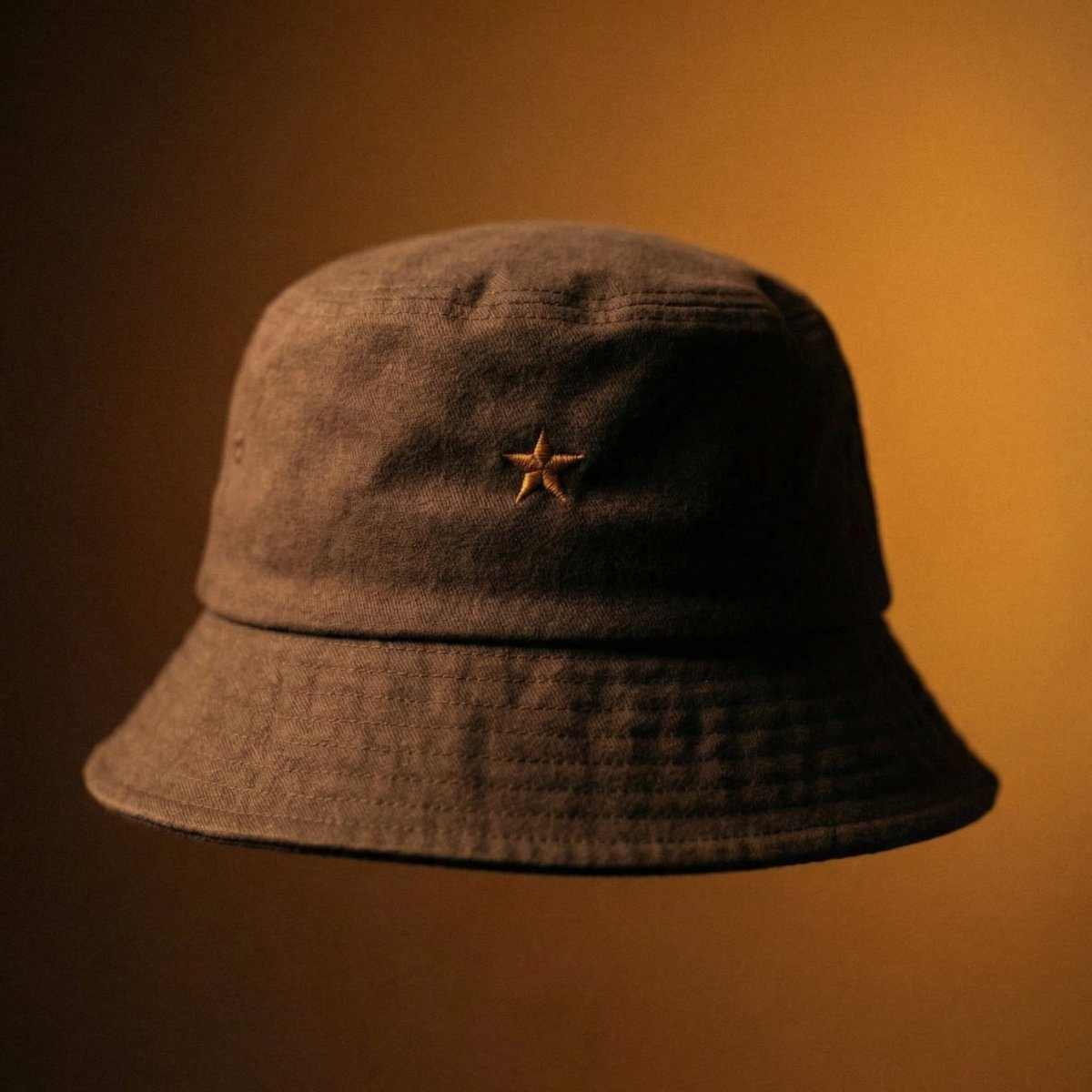
Luxury Bucket Hat Product Editorial
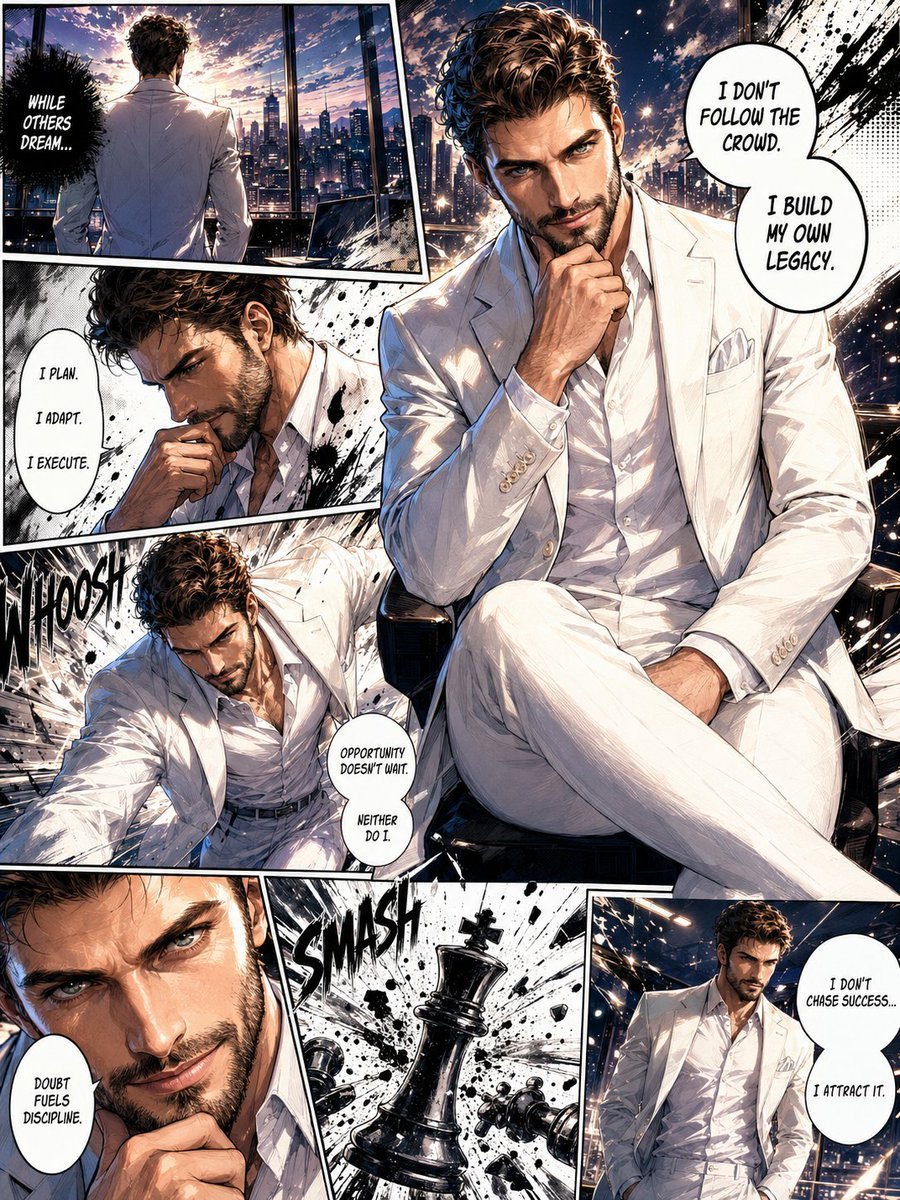
Full Page Manga Illustration
Browse template categories
Golden Hour Picnic with Chibi Miniatures questions
How do I use the Golden Hour Picnic with Chibi Miniatures template?
Add your photo if the template asks for one, edit the prompt if you like — the template's model and format are already selected — and press Generate. Your version opens in PicX Studio.
Can I customize the Golden Hour Picnic with Chibi Miniatures template?
Yes. You can change the subject, setting, lighting, mood, format, and available model controls before creating your image.
Is the Golden Hour Picnic with Chibi Miniatures template free?
Opening and editing this template is free. Generating uses credits, shown on the Generate button when you are signed in.
Which AI model should I use?
Start with GPT Image 2, which is the model associated with this template. You can compare another compatible model for a different finish.
Looking for something else? Browse all templates.

Your photo, any look
Thousands of ready templates for every top image and video model, from one credit balance.