
Realistic Person with Chibi Miniatures
This prompt stylizes a photo to feature a realistic central figure surrounded by multiple cute 2D chibi versions of themselves interacting in a playful, whimsical scene.
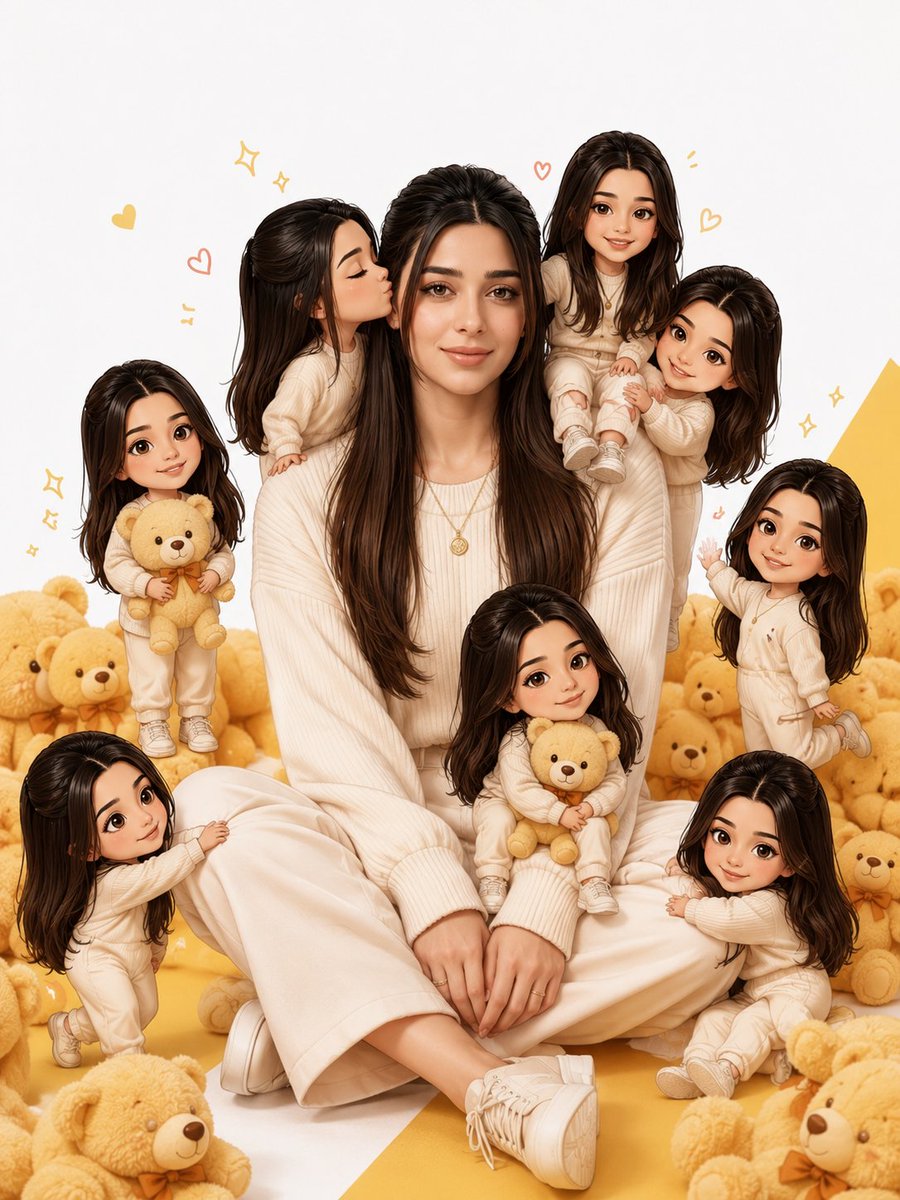
- Prompt included
- Model and format preset
- Free template
The prompt behind this image
Copy the exact prompt behind Realistic Person with Chibi Miniatures, or open it in the studio and make it yours.
Transform the photo into the same visual style as the reference image, not a 3D render. Create one life-size realistic version of the person sitting naturally in the center, surrounded by 6–8 miniature cartoon/chibi versions of the same person. The miniature characters must have: The exact same face, hairstyle, skin tone, and identity as the original. A cute 2D cartoon / illustrated chibi style (not 3D, not Pixar, not clay). Oversized heads with small bodies while keeping the facial identity recognizable. Different playful poses and expressions. The mini characters should interact with the main person: One kissing the cheek. One hugging the shoulder. One sitting on the shoulder. One holding a teddy bear. One pulling the sleeve. One sitting on the lap. One waving happily. One cuddling next to the main person. The main person should wear the {argument name="outfit" default="same outfit as in the uploaded photo"}. Surround the scene with {argument name="decorations" default="soft teddy bears, tiny hearts, sparkles, and playful doodle elements"}. Use a {argument name="background" default="clean white background with yellow accents"} and soft natural lighting. Do not add any text, captions, logos, watermarks, stickers, or typography. The final image should look exactly like the reference composition, with one realistic human in the center and multiple cute 2D cartoon mini versions of the same person around them. Keep the face perfectly consistent across every character. Ultra-detailed, premium illustration quality, vibrant colors, clean composition, high resolution, masterpiece.
How to use Realistic Person with Chibi Miniatures in 3 steps
- 1Upload ImagePNG, JPG or paste
Add your photo
Upload the photo the template builds on. The prompt, model and format are already set.
- 2…a portrait of your subject in softgolden-hour light, 85mm…
Personalize
Edit the subject and creative details for your destination.
- 3Generate
Generate
Press Generate — your image is created in PicX Studio, so you can compare it with the original and refine one variable at a time.
More like this
Templates with the same subject, style or setup. Open one to see its prompt.

Cute Layered Paper Cut Chibi Girl

Pixar-Style Chibi Café Morning Scene

Nano Banana Pro Pink Office Chibi
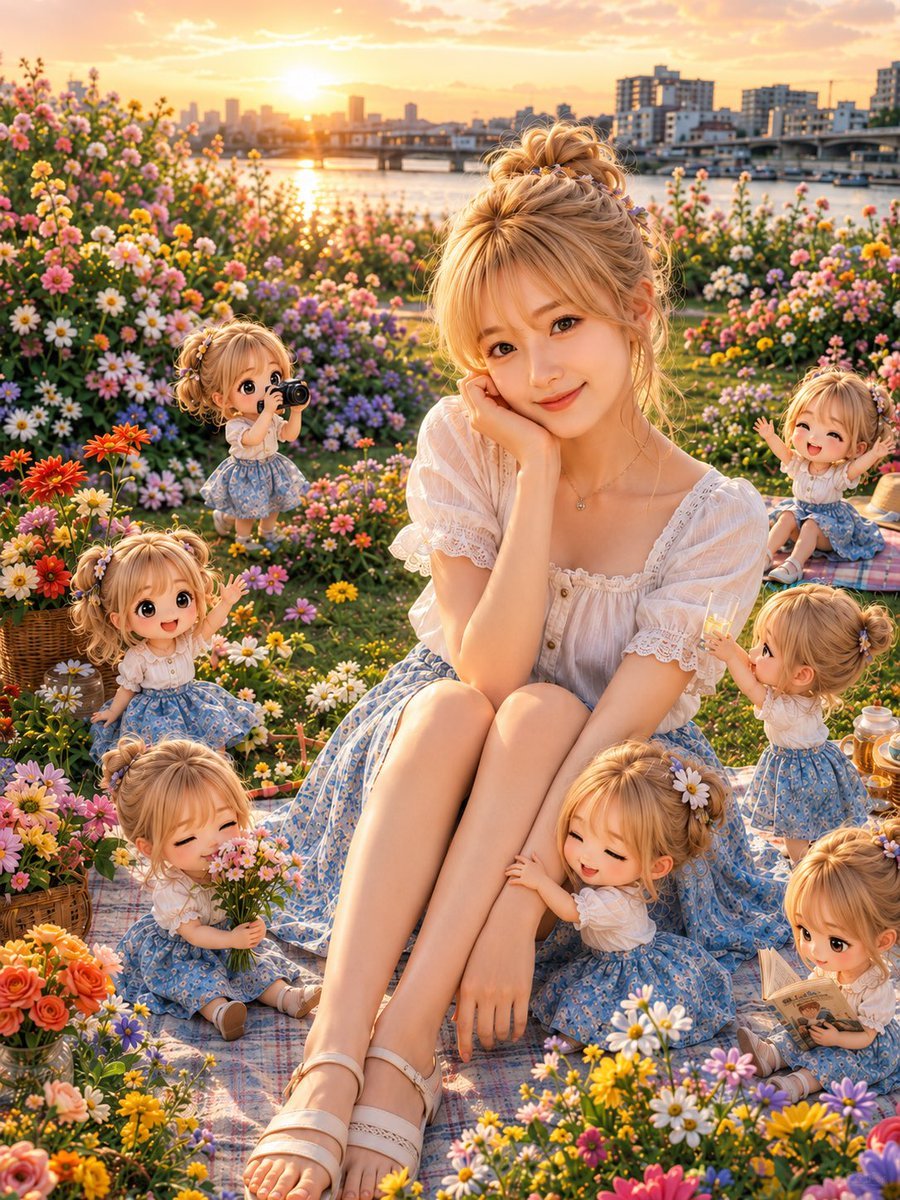
Golden Hour Picnic with Chibi Miniatures
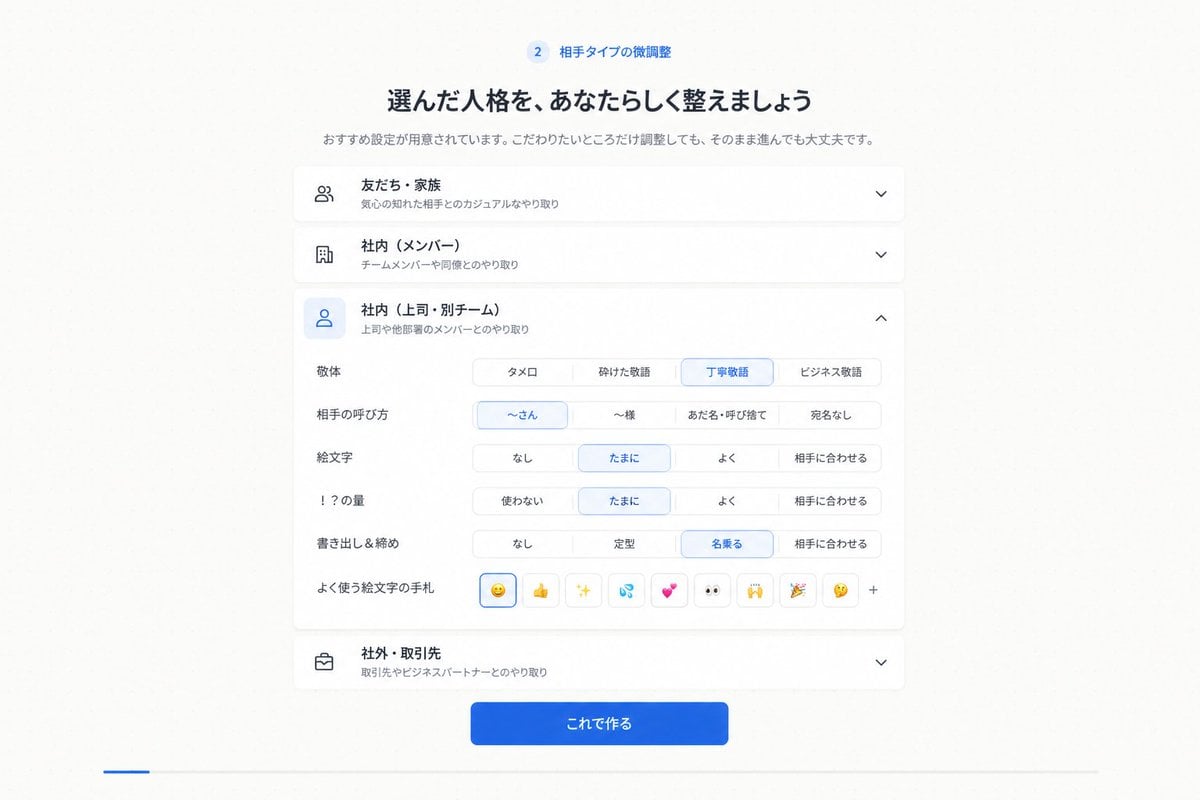
Japanese Personality Settings UI
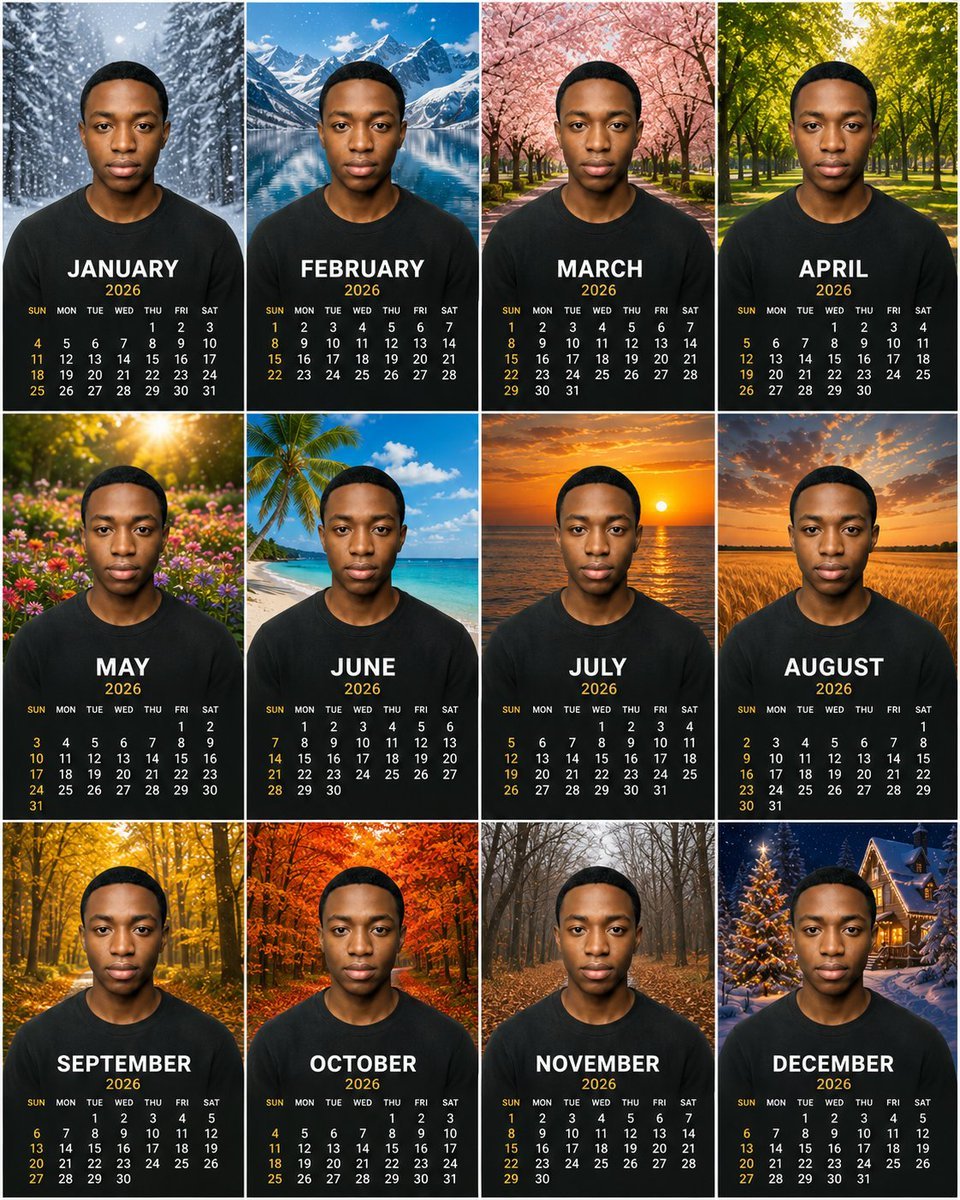
Personalized 2026 Portrait Calendar
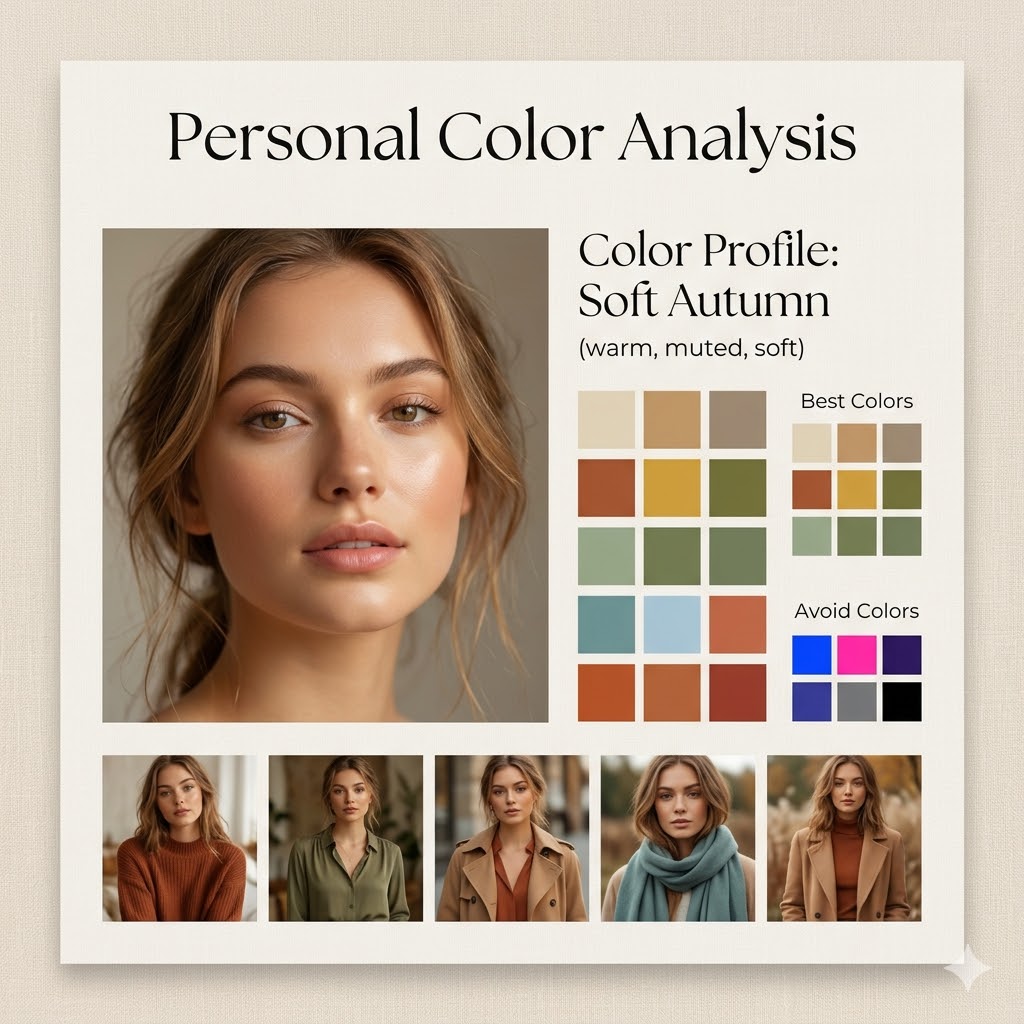
Minimalist Personal Color Analysis Board
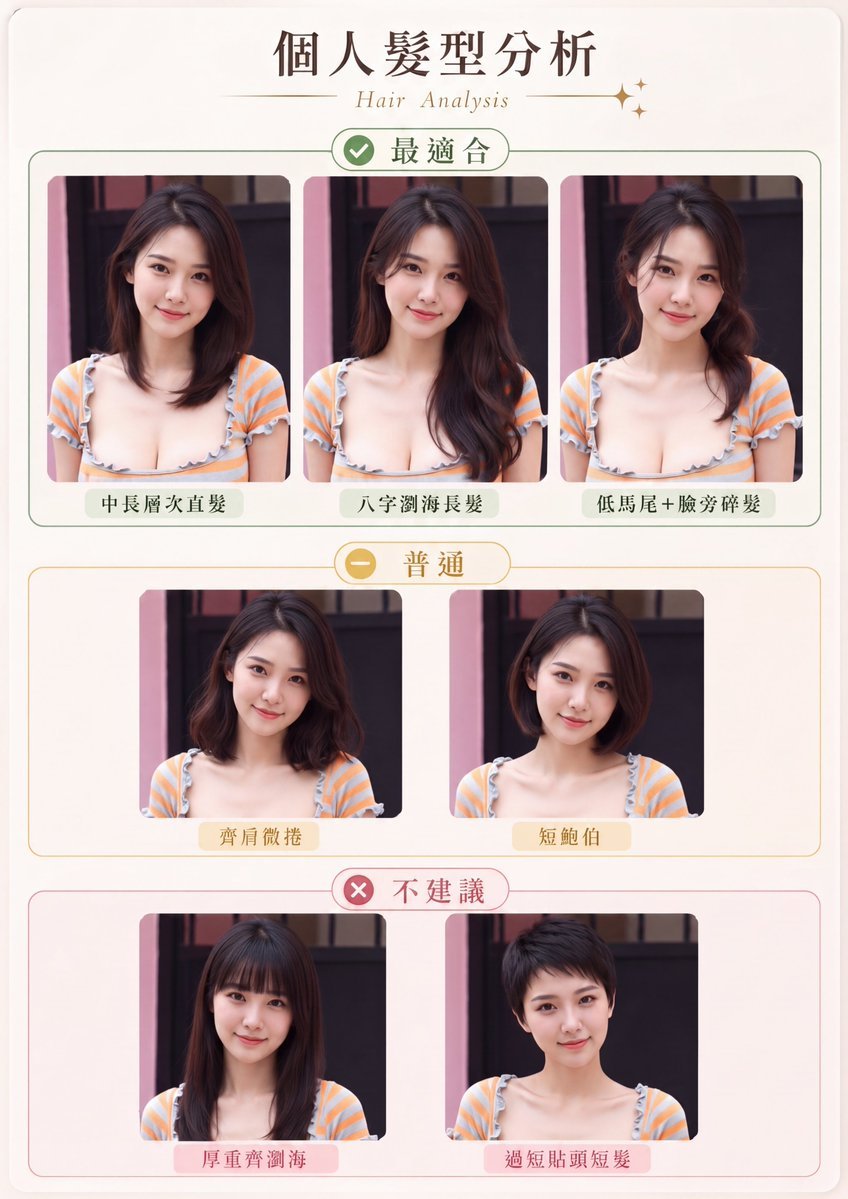
Personal Hairstyle Analysis Card
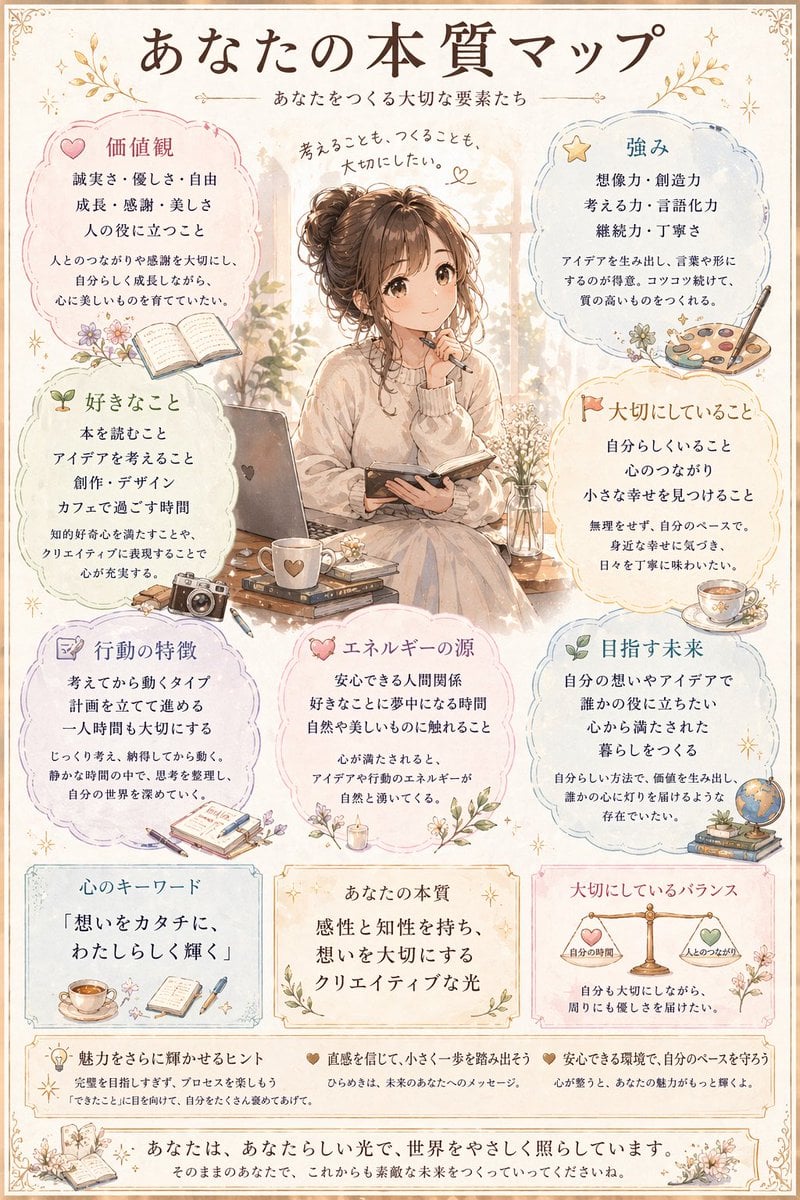
Japanese Personality Map Poster
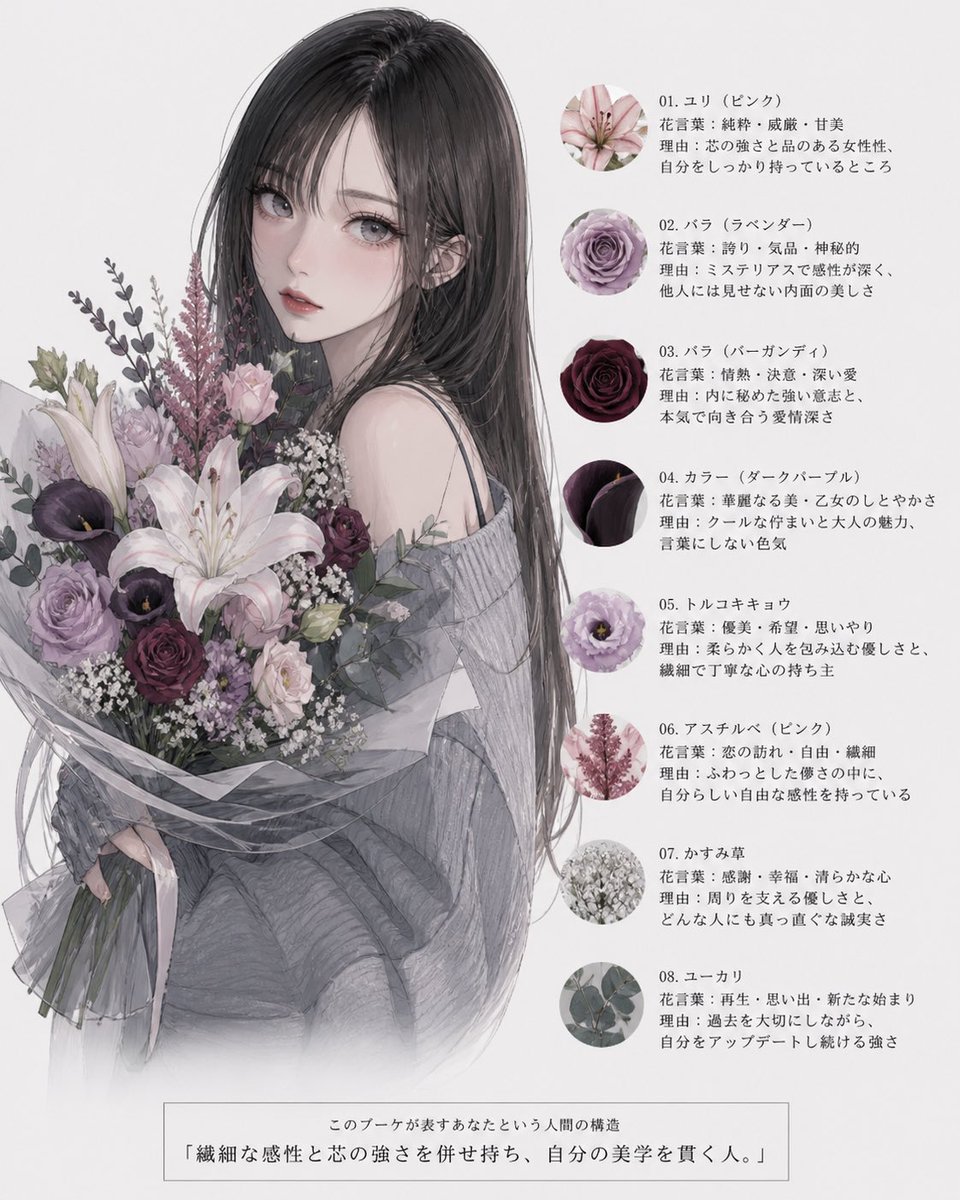
Anime Floral Personality Poster
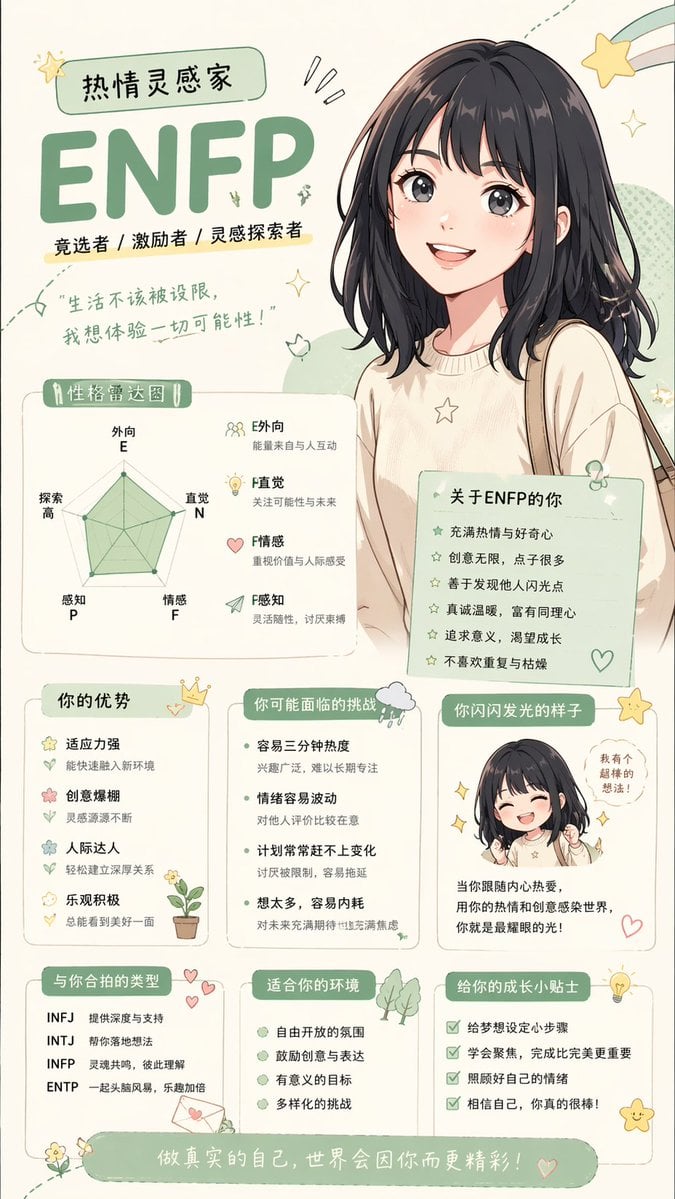
Anime personality attribute interpretation
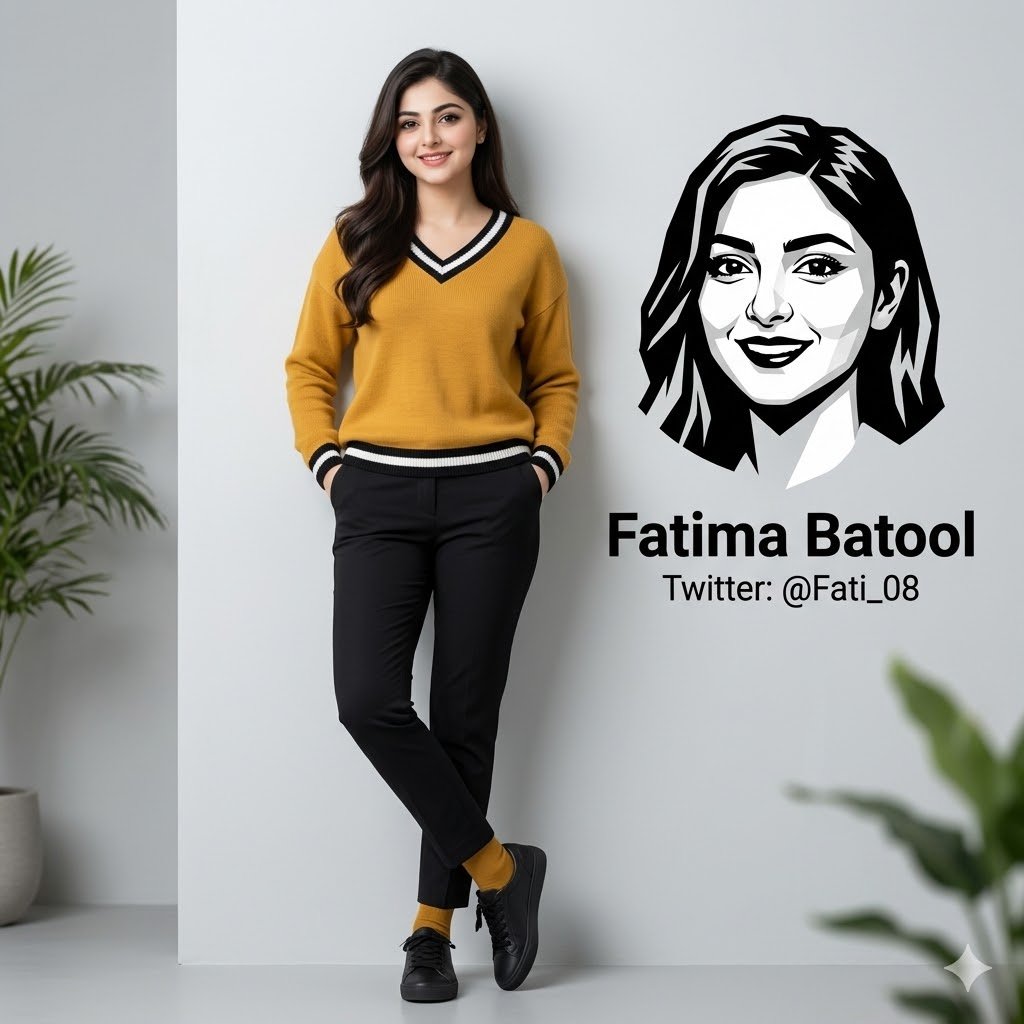
Minimalist Personal Branding Portrait
Make it yours
Realistic Person with Chibi Miniatures works as-is. These are the safest ways to change it without losing the look.
Change one field
Copy a single group, rewrite it, and generate again so you can see what that field is doing.
Keep the frame, change the subject
Hold the composition and light of Realistic Person with Chibi Miniatures, then swap wardrobe, props or the person for a new take.
| If the result… | Why | Fix |
|---|---|---|
| The result drifts from the preview | Too many fields changed at once. | Reuse Realistic Person with Chibi Miniatures as-is first, then change one group — subject, light, or setting. |
| The model over-stylizes the scene | The prose prompt leaves finish and camera underspecified. | Add one camera or lighting sentence and stay on GPT Image 2. |
More GPT Image 2 templates
Other prompts made for GPT Image 2.

Six VTuber Japanese Logo Sheet

Realistic Portrait of Woman and Deer

The Vista Modular Condo Poster

AI Model Routing Comparison Infographic

2.5D Anime Art Board

Isometric Productivity Desk Scene

New York Double Exposure Poster

Four-Panel AI Landscape Comparison

Japanese Tatami Lifestyle Magazine Cover

NESCAFÉ Coffee Map Poster
More image prompts
Fresh picks from across the catalog.
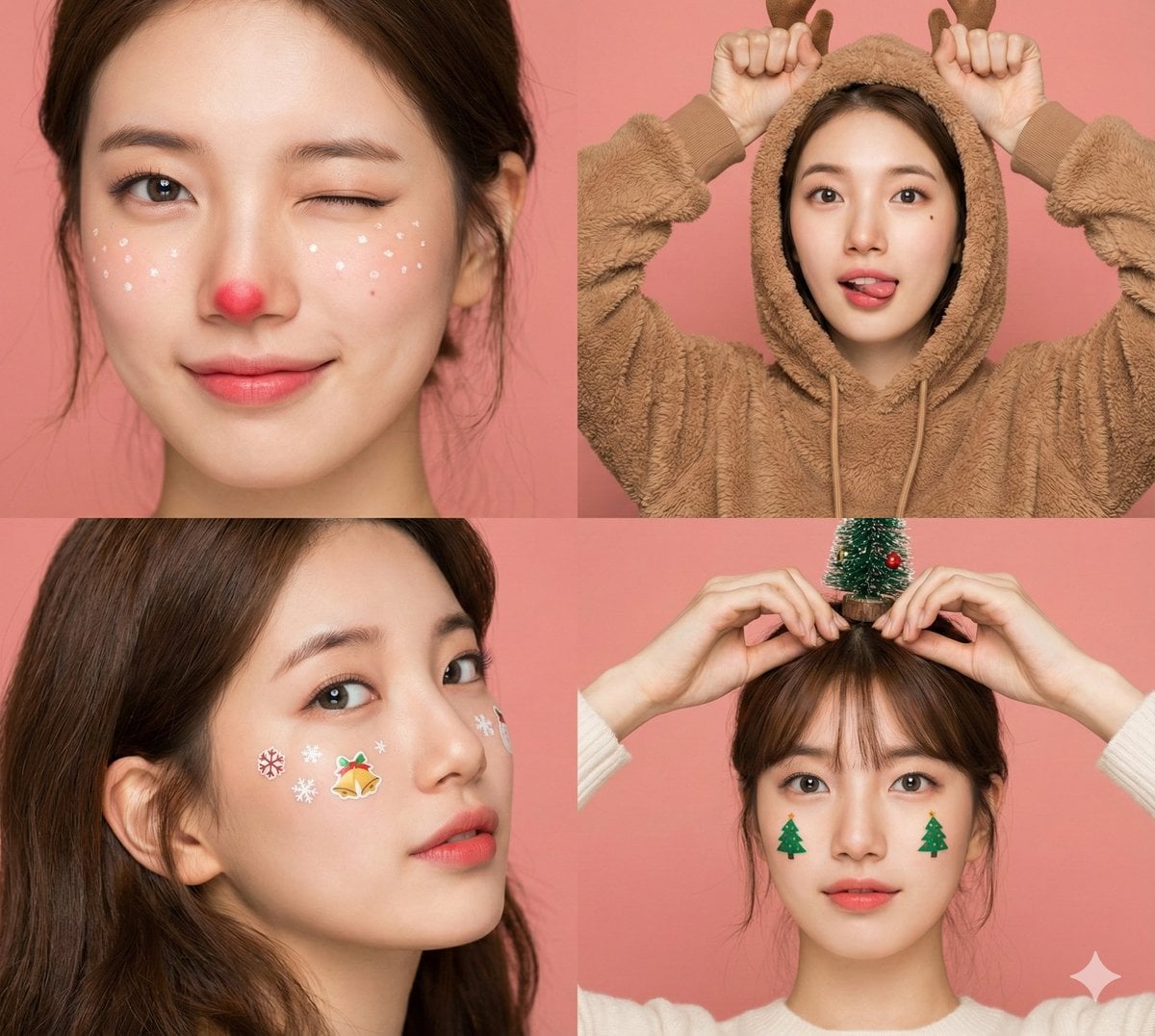
Panel Christmas Beauty Blogger Portrait in Peach Background
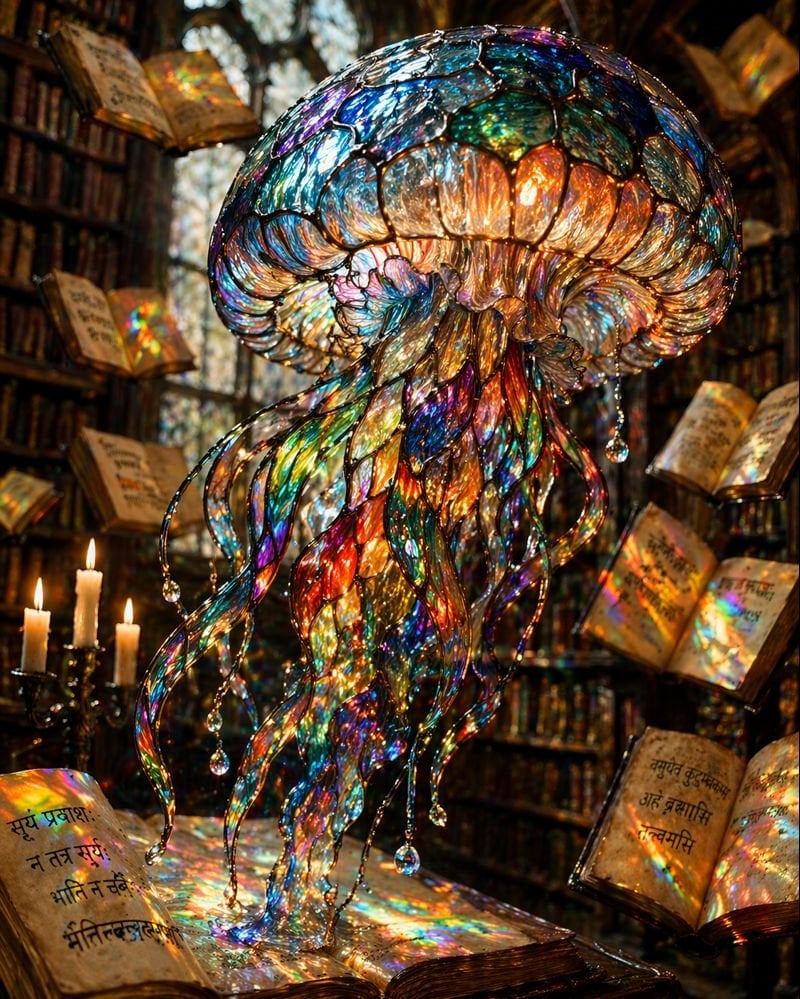
Macro Stained Glass Jellyfish
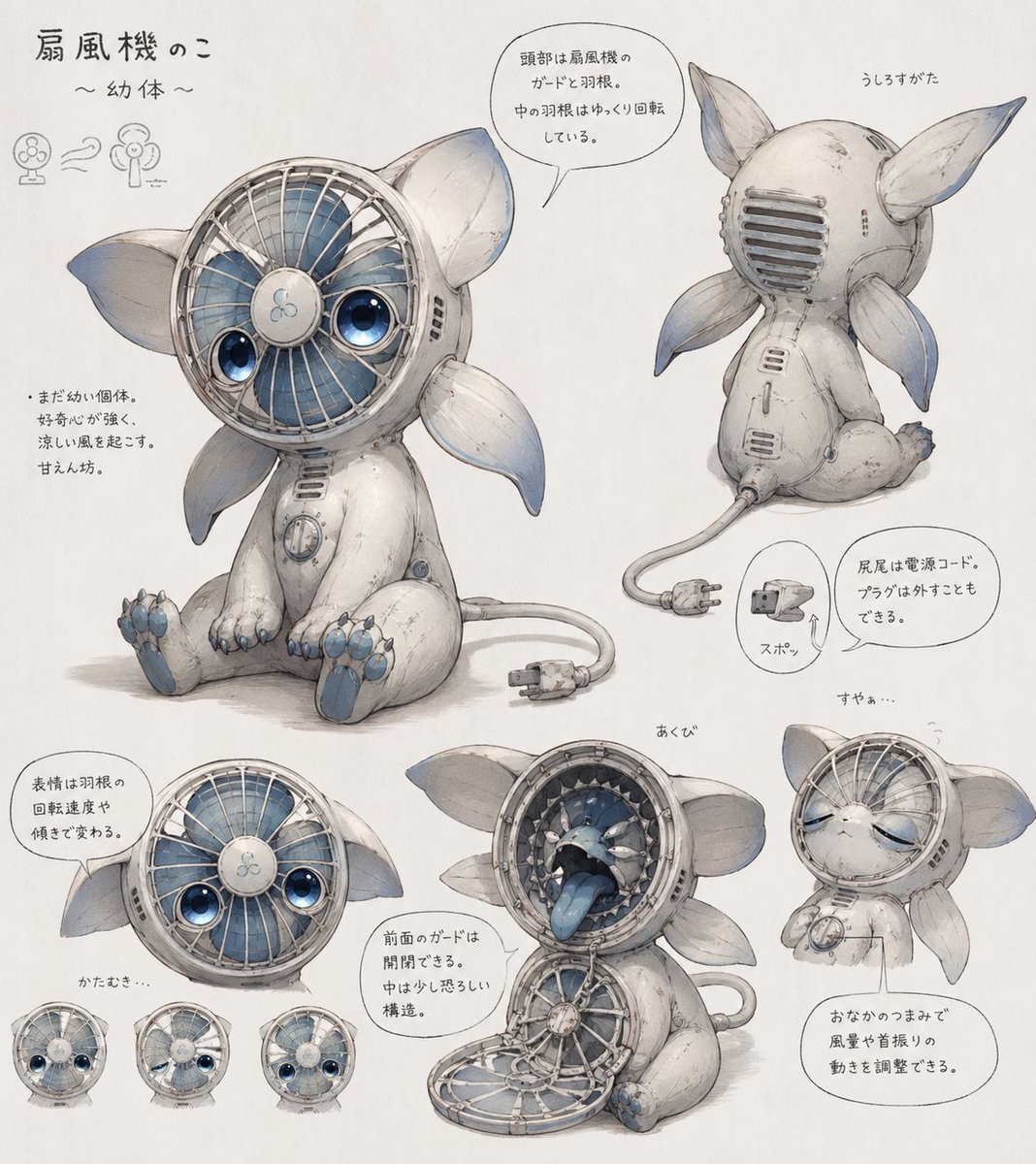
Fan Creature Concept Sheet

Poetic Rain Forest Portrait During Golden Hour
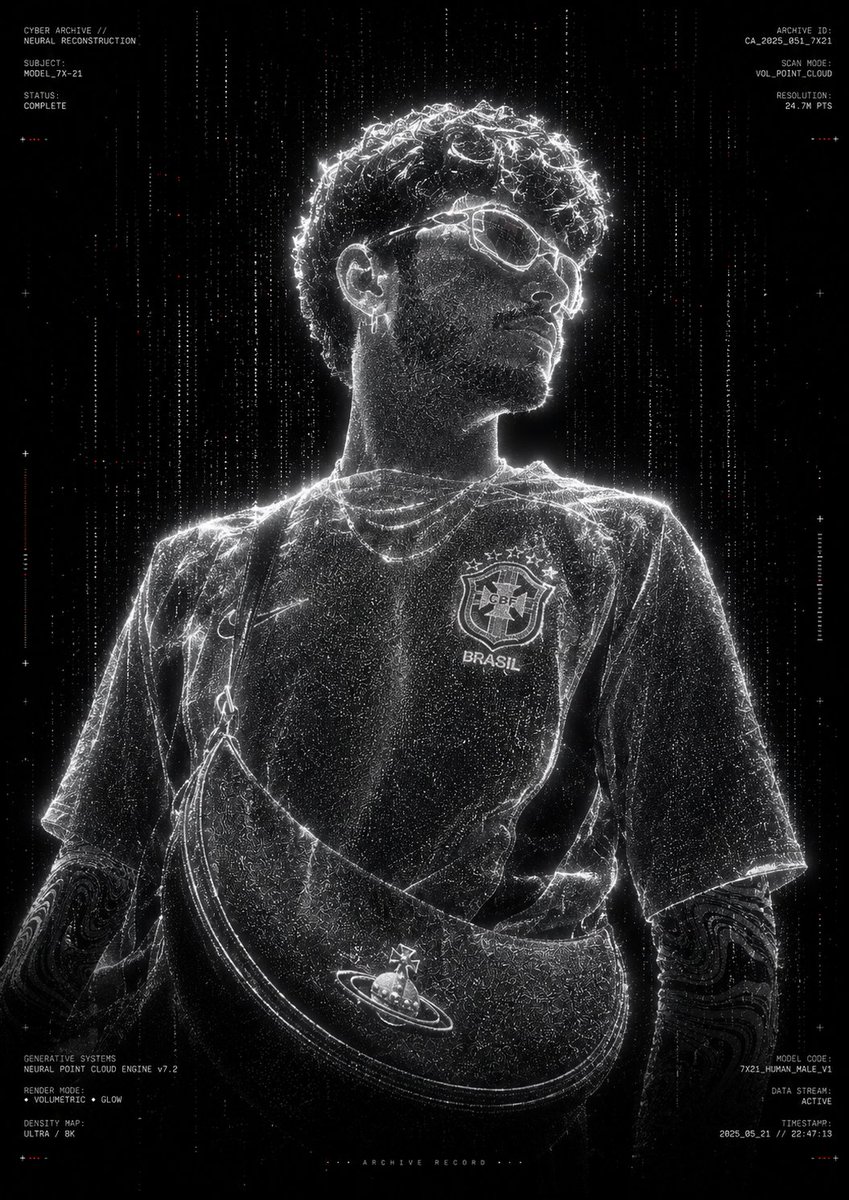
Futuristic Point Cloud Portrait
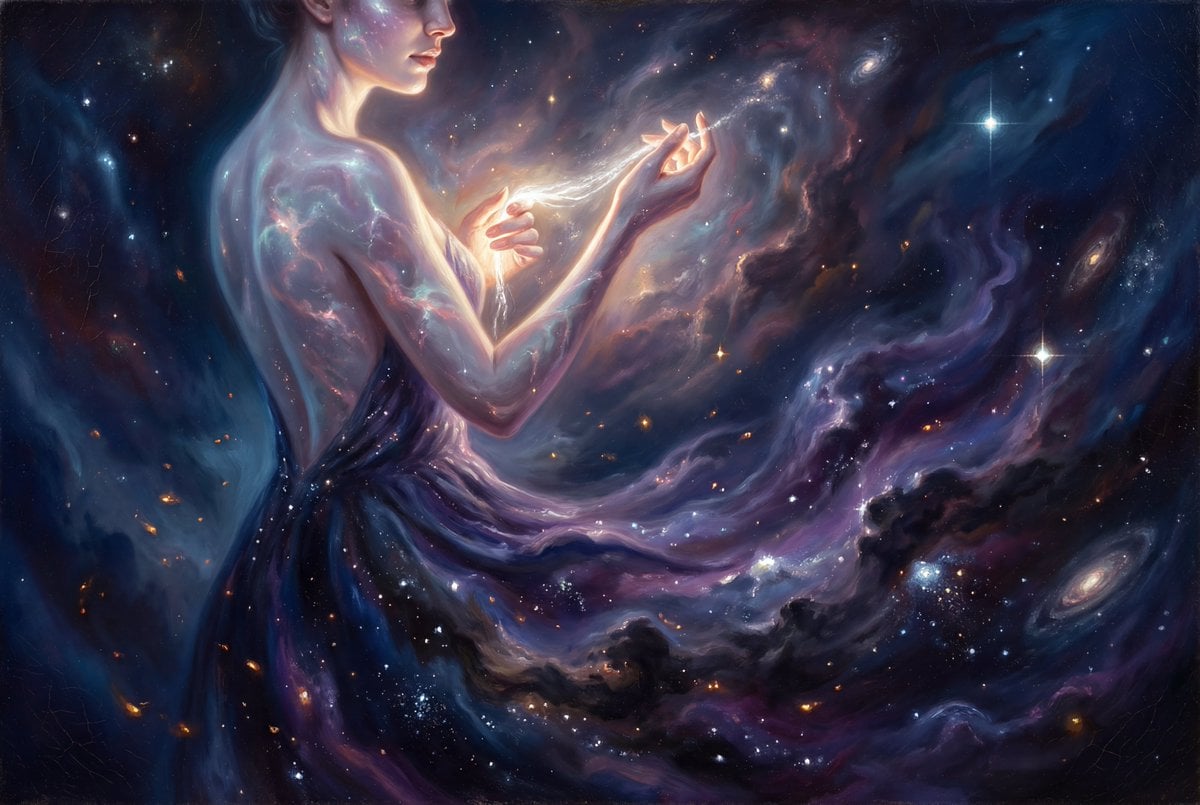
Grand Baroque Celestial Woman Oil Painting
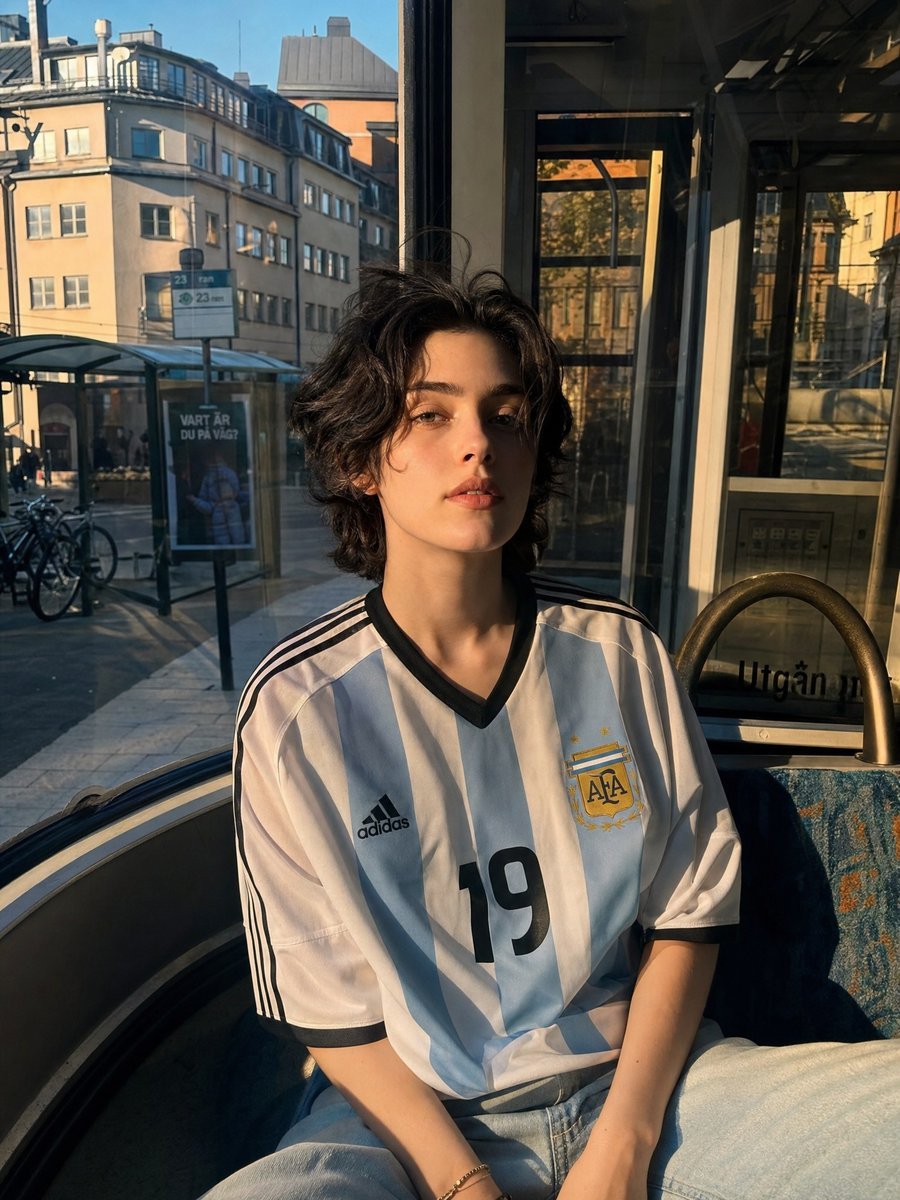
Candid Portrait in Football Jersey
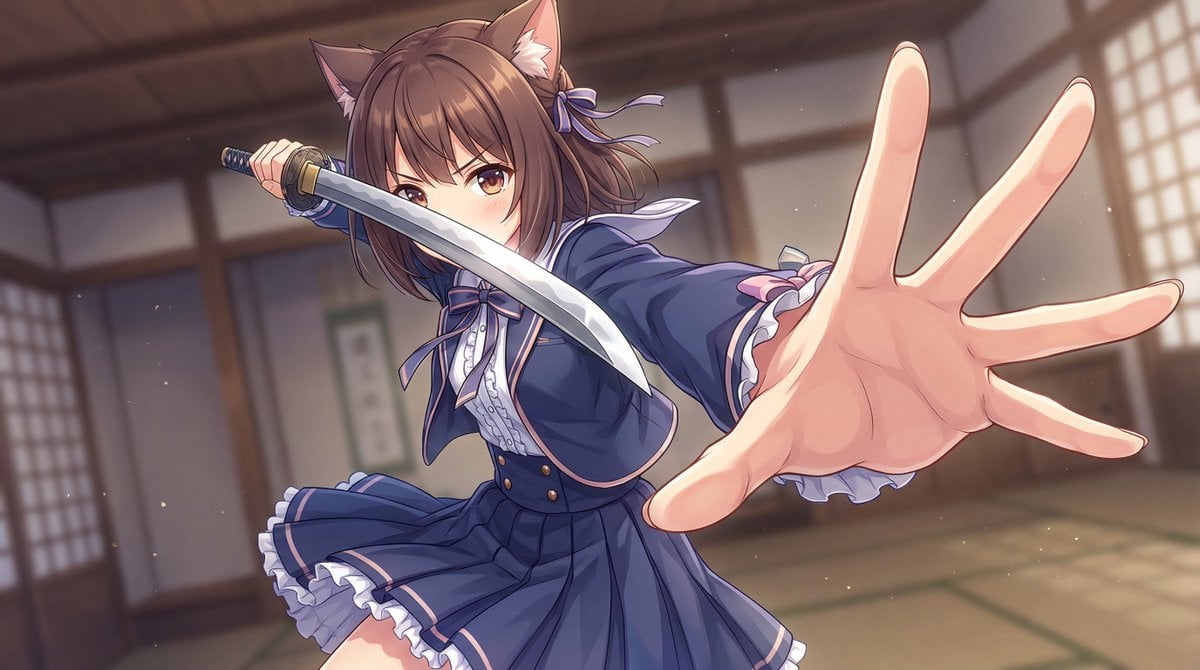
Dynamic Wide-Angle Action Pose Prompt (Gatotsu Style)
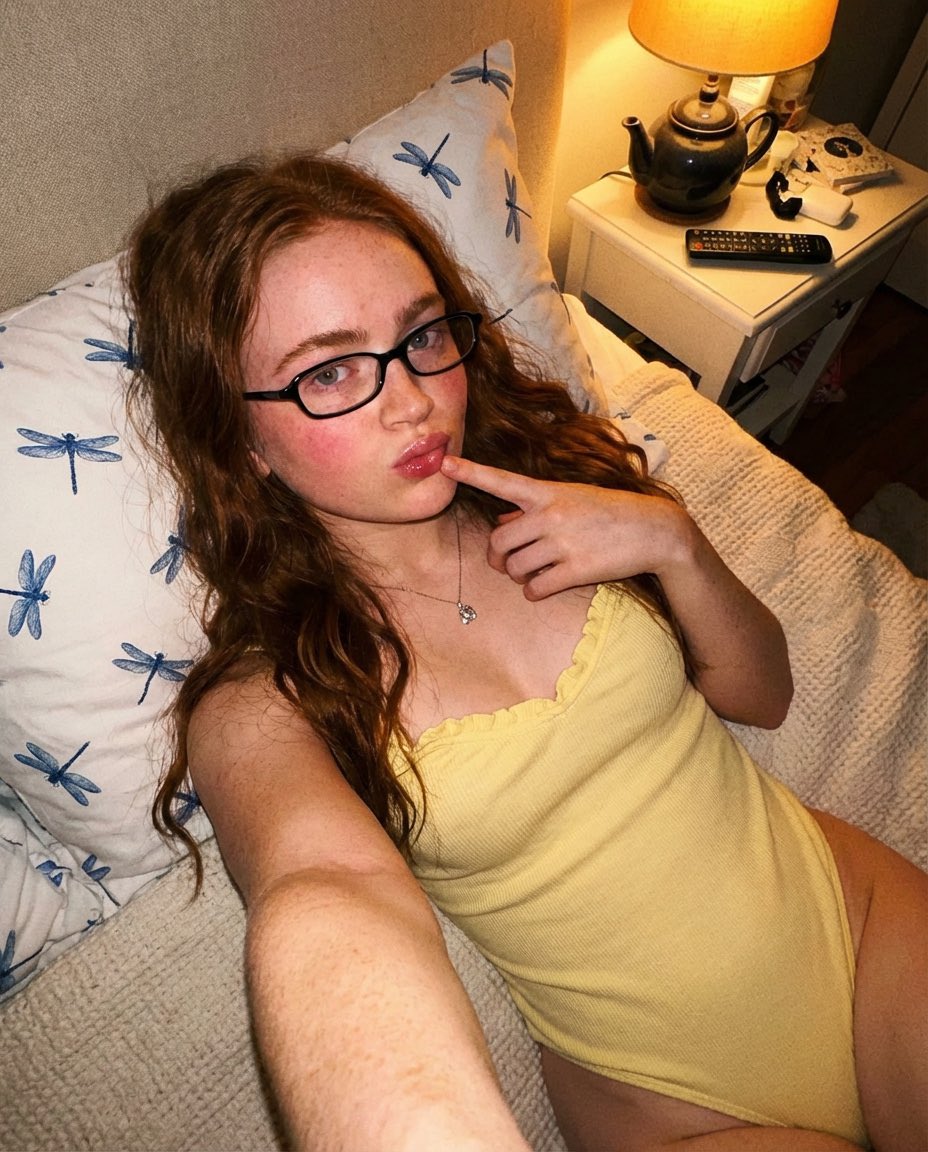
Cozy Indoor Bedroom Portrait

Nostalgic Photo Restoration
Browse template categories
Realistic Person with Chibi Miniatures questions
How do I use the Realistic Person with Chibi Miniatures template?
Add your photo if the template asks for one, edit the prompt if you like — the template's model and format are already selected — and press Generate. Your version opens in PicX Studio.
Can I customize the Realistic Person with Chibi Miniatures template?
Yes. You can change the subject, setting, lighting, mood, format, and available model controls before creating your image.
Is the Realistic Person with Chibi Miniatures template free?
Opening and editing this template is free. Generating uses credits, shown on the Generate button when you are signed in.
Which AI model should I use?
Start with GPT Image 2, which is the model associated with this template. You can compare another compatible model for a different finish.
Looking for something else? Browse all templates.

Your photo, any look
Thousands of ready templates for every top image and video model, from one credit balance.