
Personalized 2026 Portrait Calendar
Generates a premium 12-month photorealistic portrait calendar poster with seasonal backgrounds and consistent subject identity.
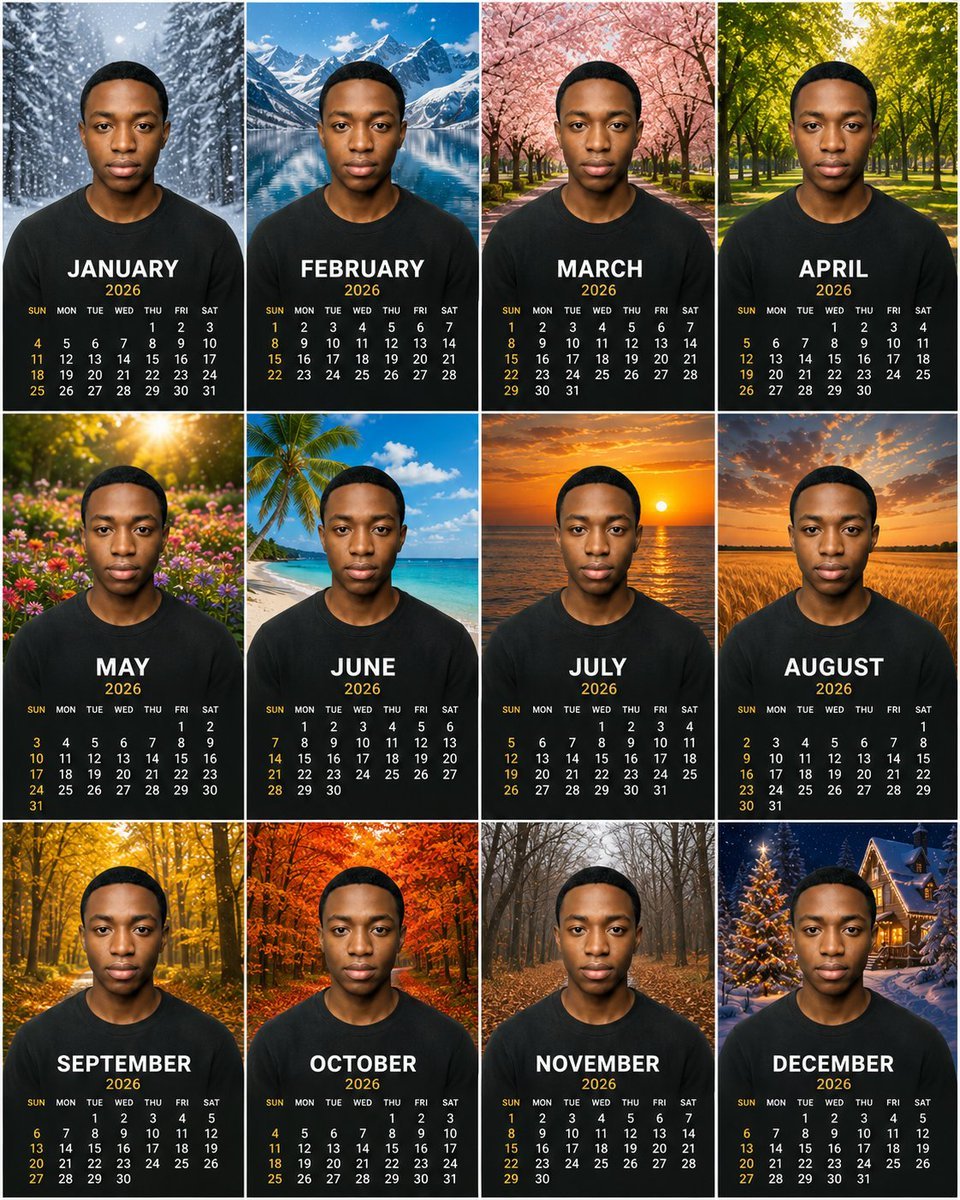
- Prompt included
- Model and format preset
- Premium template
The prompt behind this image
Copy the exact prompt behind Personalized 2026 Portrait Calendar, or open it in the studio and make it yours.
Goal: Create a premium photorealistic personalized 12-month wall calendar poster for {argument name="year" default="2026"}, using the same centered portrait subject in every month panel. Canvas: Square poster, arranged as a clean 3-row by 4-column grid with thin white dividers between panels. Each panel is a vertical portrait calendar card with a seasonal scenic background, the person's upper body centered, and the month calendar printed over the lower chest area. Subject details: A young Black man with short close-cropped black hair, medium-brown skin, symmetrical face, neutral serious expression, looking directly at the camera. He wears the same plain {argument name="shirt color" default="black"} crew-neck T-shirt in all panels. Preserve identical facial identity, head size, pose, lighting realism, and centered composition across all 12 panels. Layout and text: Use exactly 12 monthly panels, each with a large bold uppercase white month name, smaller gold year text beneath it, then a compact monthly calendar grid. Weekday header reads SUN MON TUE WED THU FRI SAT in small white text. Sundays and some accent dates are gold; other dates are white. Typography is modern, bold, clean, premium print style. The 12 panels must be: 1. JANUARY — snowy pine forest, falling snow, cool blue winter atmosphere. 2. FEBRUARY — bright alpine lake with snow-capped mountains and blue sky. 3. MARCH — pink cherry blossom avenue with trees arching over a path. 4. APRIL — lush green park or forest path with warm sunlight through leaves. 5. MAY — colorful spring wildflower meadow with golden sun flare. 6. JUNE — tropical beach with palm tree, white sand, turquoise ocean and blue sky. 7. JULY — ocean sunset with orange sky and sun reflecting on water. 8. AUGUST — golden wheat field at sunset with dramatic warm clouds. 9. SEPTEMBER — golden autumn forest path with yellow leaves. 10. OCTOBER — vivid orange-red fall foliage forest. 11. NOVEMBER — bare late-autumn woodland with brown leaves on the ground and misty gray atmosphere. 12. DECEMBER — snowy Christmas village scene with lit decorated tree and warm cabin lights at night. Visual style: Ultra-realistic, high-resolution, premium calendar design, sharp facial detail, natural skin texture, cinematic seasonal backgrounds, balanced lighting, professional composite photography, consistent scale and framing. The background should fill each panel behind the subject while the lower portion remains dark enough for readable calendar text. Constraints: Use exactly 12 panels in a 4 columns by 3 rows grid. Do not add extra months, logos, captions, watermarks, or decorative borders beyond the thin grid lines. Ensure every visible month name and date grid is legible and corresponds to {argument name="year" default="2026"}.
How to use Personalized 2026 Portrait Calendar in 3 steps
- 1Upload ImagePNG, JPG or paste
Add your photo
Upload the photo the template builds on. The prompt, model and format are already set.
- 2…a portrait of your subject in softgolden-hour light, 85mm…
Personalize
Edit the subject and creative details for your destination.
- 3Generate
Generate
Press Generate — your image is created in PicX Studio, so you can compare it with the original and refine one variable at a time.
More like this
Templates with the same subject, style or setup. Open one to see its prompt.

Found Photograph: Us, 1970

80s Couple Studio Portrait

80s Bollywood Star

80s Golden Hour Cinema

Me in 1985

1985 Studio Portrait

Hyper-Realistic Minecraft POV Portrait

Rooftop Fisheye — Cat-Ear Balaclava at Golden Hour

Rainy Café Window Moody Portrait
Personalized Mural Studio Portrait

untitled

2025 Aesthetic Photography
Make it yours
Personalized 2026 Portrait Calendar works as-is. These are the safest ways to change it without losing the look.
Change one field
Copy a single group, rewrite it, and generate again so you can see what that field is doing.
Keep the frame, change the subject
Hold the composition and light of Personalized 2026 Portrait Calendar, then swap wardrobe, props or the person for a new take.
| If the result… | Why | Fix |
|---|---|---|
| The result drifts from the preview | Too many fields changed at once. | Reuse Personalized 2026 Portrait Calendar as-is first, then change one group — subject, light, or setting. |
| The model over-stylizes the scene | The prose prompt leaves finish and camera underspecified. | Add one camera or lighting sentence and stay on GPT Image 2. |
More GPT Image 2 templates
Other prompts made for GPT Image 2.

Six VTuber Japanese Logo Sheet

Realistic Portrait of Woman and Deer

The Vista Modular Condo Poster

AI Model Routing Comparison Infographic

2.5D Anime Art Board

Isometric Productivity Desk Scene

New York Double Exposure Poster

Four-Panel AI Landscape Comparison

Japanese Tatami Lifestyle Magazine Cover

NESCAFÉ Coffee Map Poster
More image prompts
Fresh picks from across the catalog.

Desert Character Cinematic Poster
Construction of the Impossible Prompt: Miniature Engineers
Schoolgirl Facing Cathedral Golem
Glitchy Neo-Tokyo Street Style Photo with Red Neon
Whimsical Diorama of a Fortified Desert Caravanserai
Split-View Mixed-Media Portrait (Photo and Illustration)
Low-Key Masculine Portrait
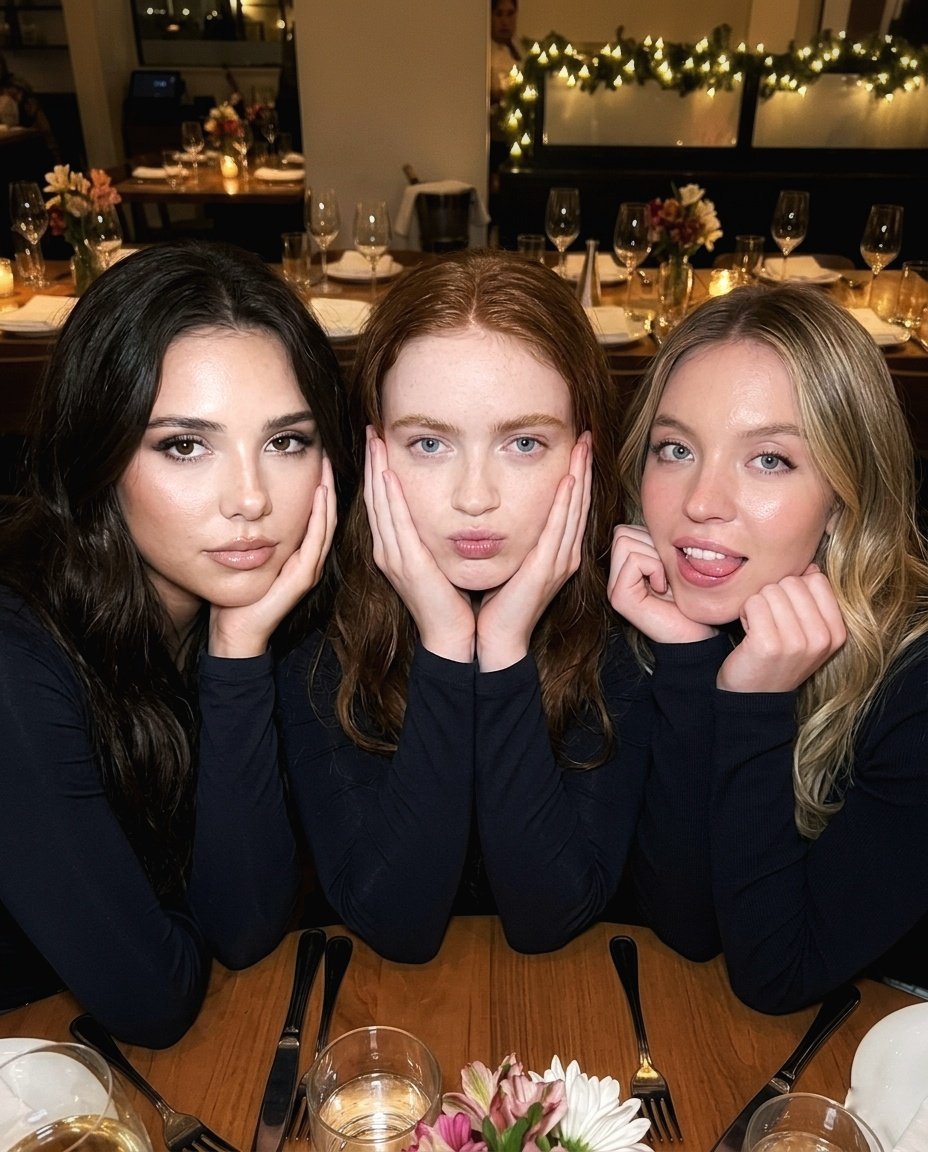
Ultra-Realistic Restaurant Table Selfie

Bentley Capsule Luxury Ad
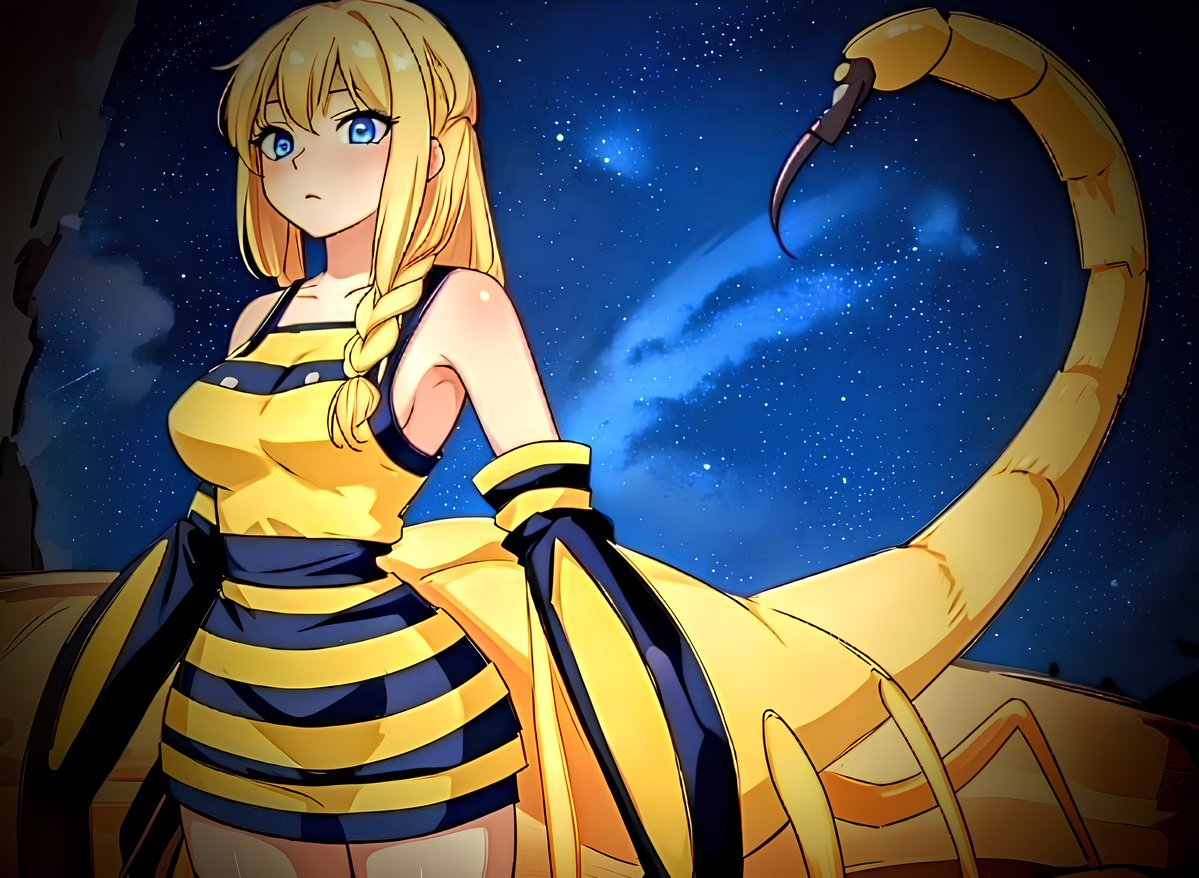
Deathstalker Arachne Personification
Browse template categories
Personalized 2026 Portrait Calendar questions
How do I use the Personalized 2026 Portrait Calendar template?
Add your photo if the template asks for one, edit the prompt if you like — the template's model and format are already selected — and press Generate. Your version opens in PicX Studio.
Can I customize the Personalized 2026 Portrait Calendar template?
Yes. You can change the subject, setting, lighting, mood, format, and available model controls before creating your image.
Is the Personalized 2026 Portrait Calendar template free?
Opening and editing this template is free. Generating uses credits, shown on the Generate button when you are signed in.
Which AI model should I use?
Start with GPT Image 2, which is the model associated with this template. You can compare another compatible model for a different finish.
Looking for something else? Browse all templates.

Your photo, any look
Thousands of ready templates for every top image and video model, from one credit balance.