
Schoolgirl Facing Cathedral Golem
Generates a cinematic anime fantasy boss-battle scene with a tiny warrior confronting a colossal gothic fortress golem at sunset.
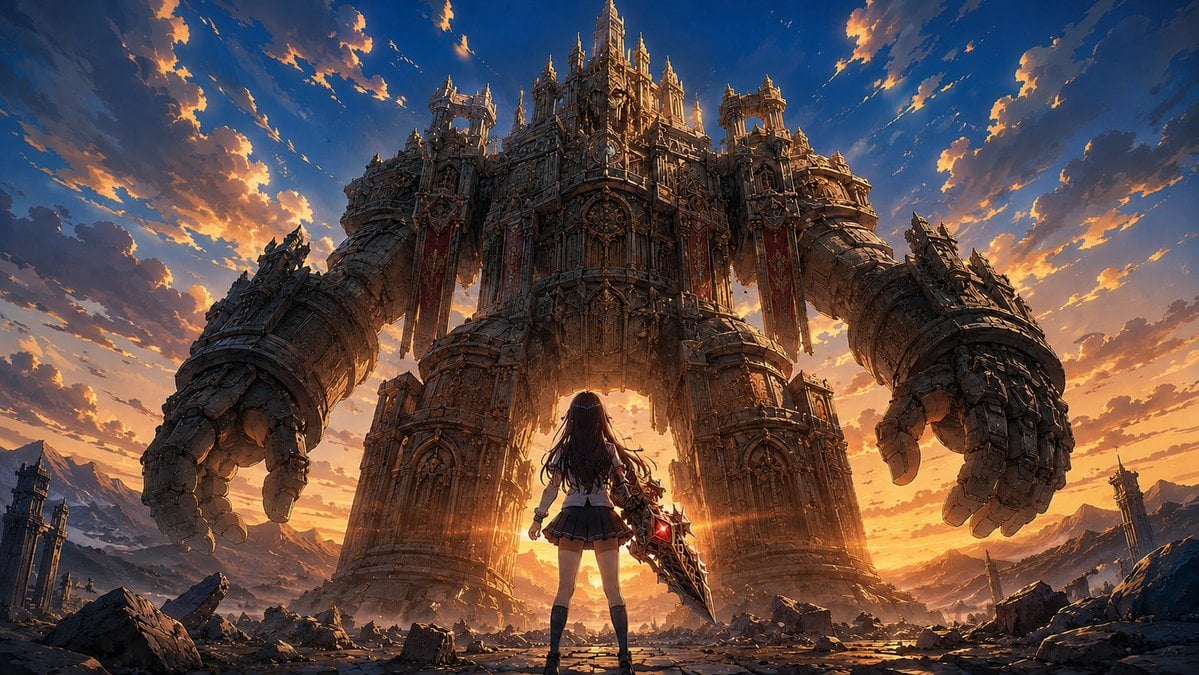
- Prompt included
- Model and format preset
- Free template
The prompt behind this image
Copy the exact prompt behind Schoolgirl Facing Cathedral Golem, or open it in the studio and make it yours.
Create an epic cinematic anime-fantasy illustration in a wide 16:9 aspect ratio: a lone {argument name="heroine description" default="long dark-haired schoolgirl warrior in a white blouse, short black pleated skirt, black thigh-high socks, and boots"} stands centered in the foreground with her back to the viewer, legs braced on a cracked stone battlefield, confronting a colossal gothic cathedral golem. The heroine holds one enormous jagged black-and-gold greatsword angled downward at her right side, with glowing red crystal cores embedded in the blade. The giant enemy is a single towering humanoid fortress made of ornate stone, bronze, gears, arches, spires, buttresses, carved panels, and cathedral windows; it has two massive curved arms ending in claw-like hands, two bulky shoulder towers, a central chest like a cathedral facade, a tall crown-like central spire, and two long red banners hanging from the upper torso. Place the heroine very small compared with the monster to emphasize scale, using a low camera angle and symmetrical composition. The setting is a ruined mountain valley filled with broken masonry, shattered pillars, distant towers, rubble, and jagged rocks. Use {argument name="time of day" default="dramatic sunset"} lighting with a brilliant golden sun directly behind the heroine and under the golem’s torso, strong orange rim light, lens flare across the center, deep blue shadows, and glowing orange clouds scattered across a rich blue sky. Render in highly detailed modern anime concept-art style, intricate architecture, painterly clouds, sharp linework, cinematic contrast, ultra-wide fantasy boss-battle atmosphere, no text, no UI, no watermark.
How to use Schoolgirl Facing Cathedral Golem in 3 steps
- 1Upload ImagePNG, JPG or paste
Add your photo
Upload the photo the template builds on. The prompt, model and format are already set.
- 2…a portrait of your subject in softgolden-hour light, 85mm…
Personalize
Edit the subject and creative details for your destination.
- 3Generate
Generate
Press Generate — your image is created in PicX Studio, so you can compare it with the original and refine one variable at a time.
More like this
Templates with the same subject, style or setup. Open one to see its prompt.

Knight Facing Cathedral Giant
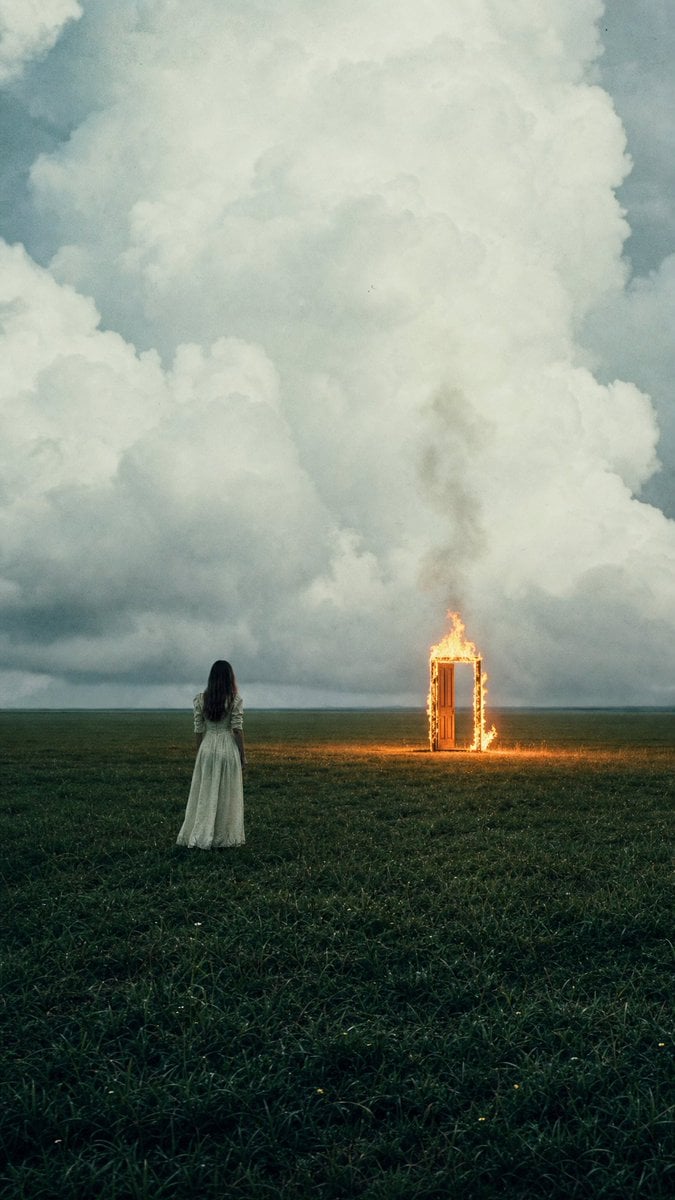
Woman Facing Burning Doorway
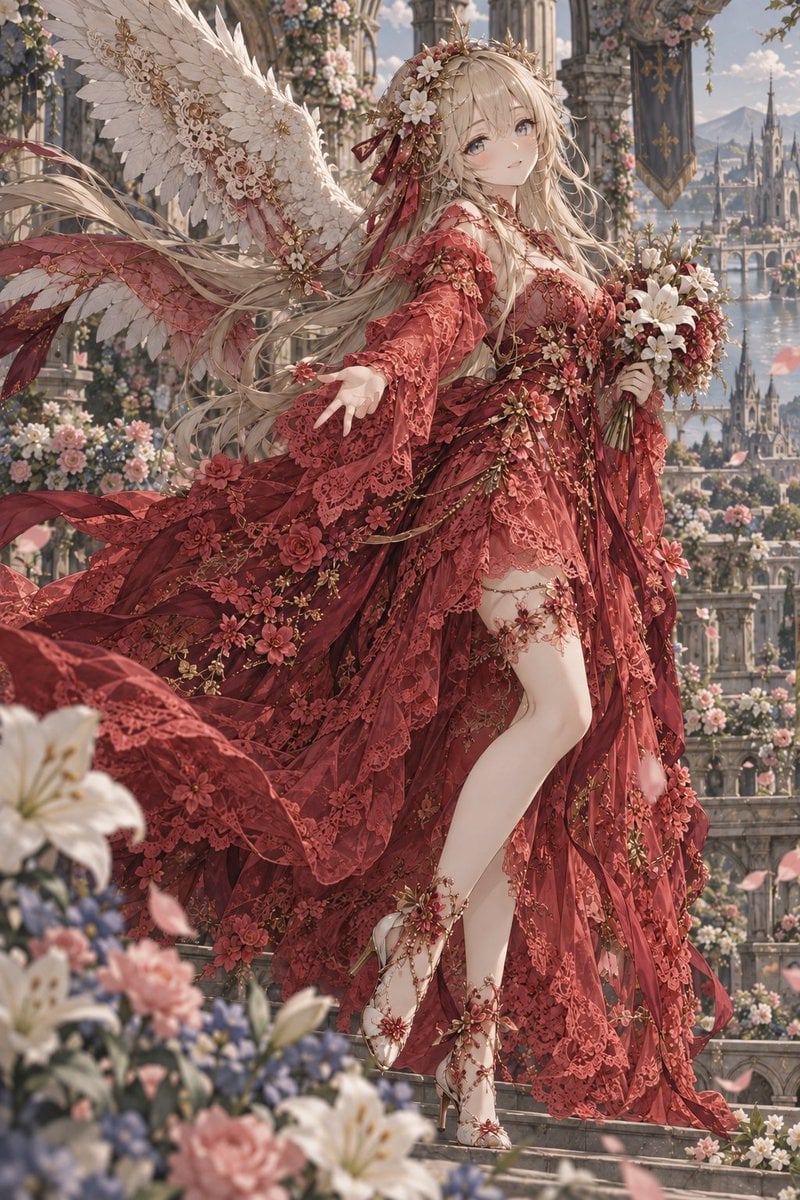
Crimson Angel Princess in Floral Cathedral
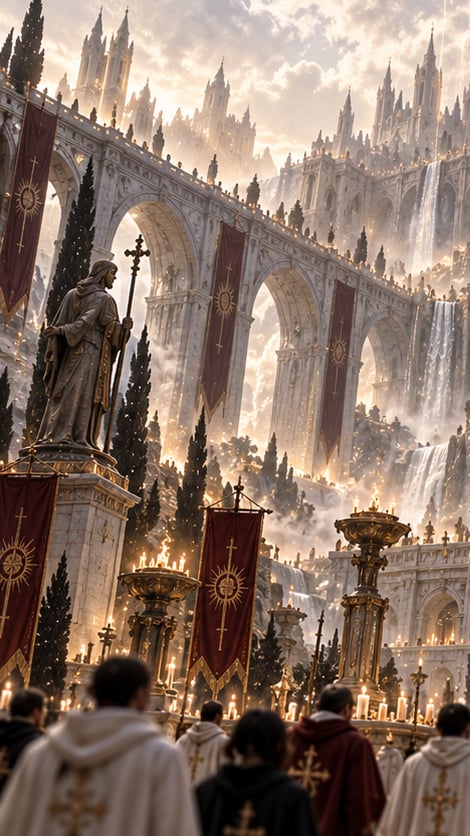
Gothic Saint Pilgrimage Cathedral

Behemoth Crushing Golem
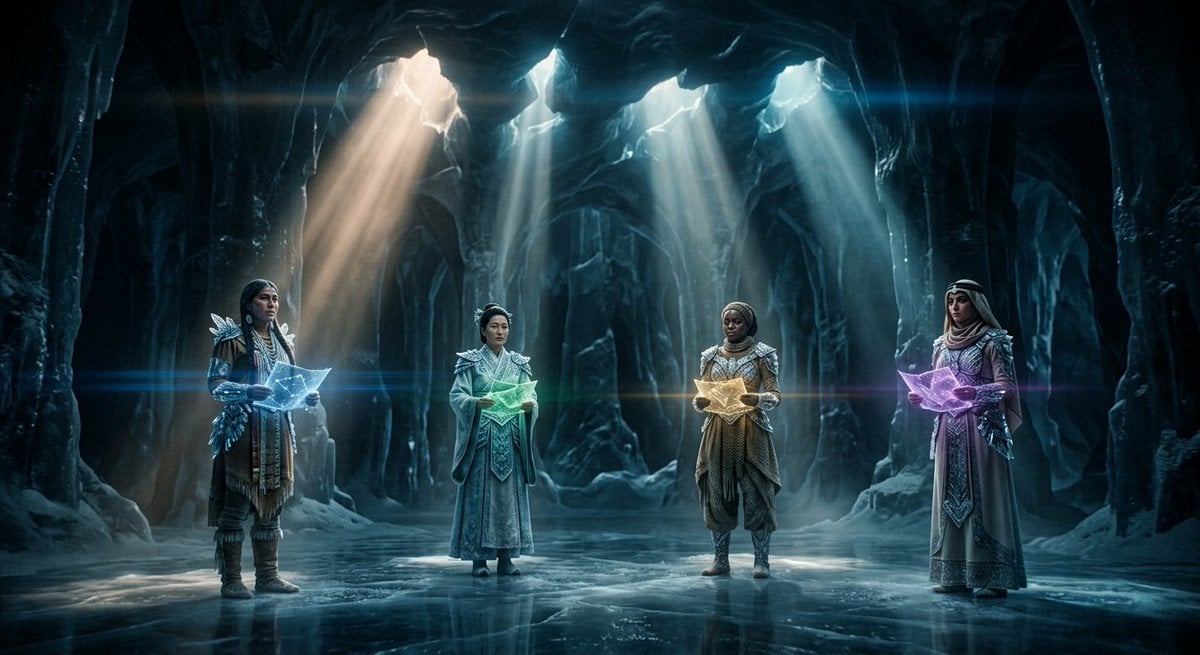
Subterranean Cathedral and Mechanical Whale
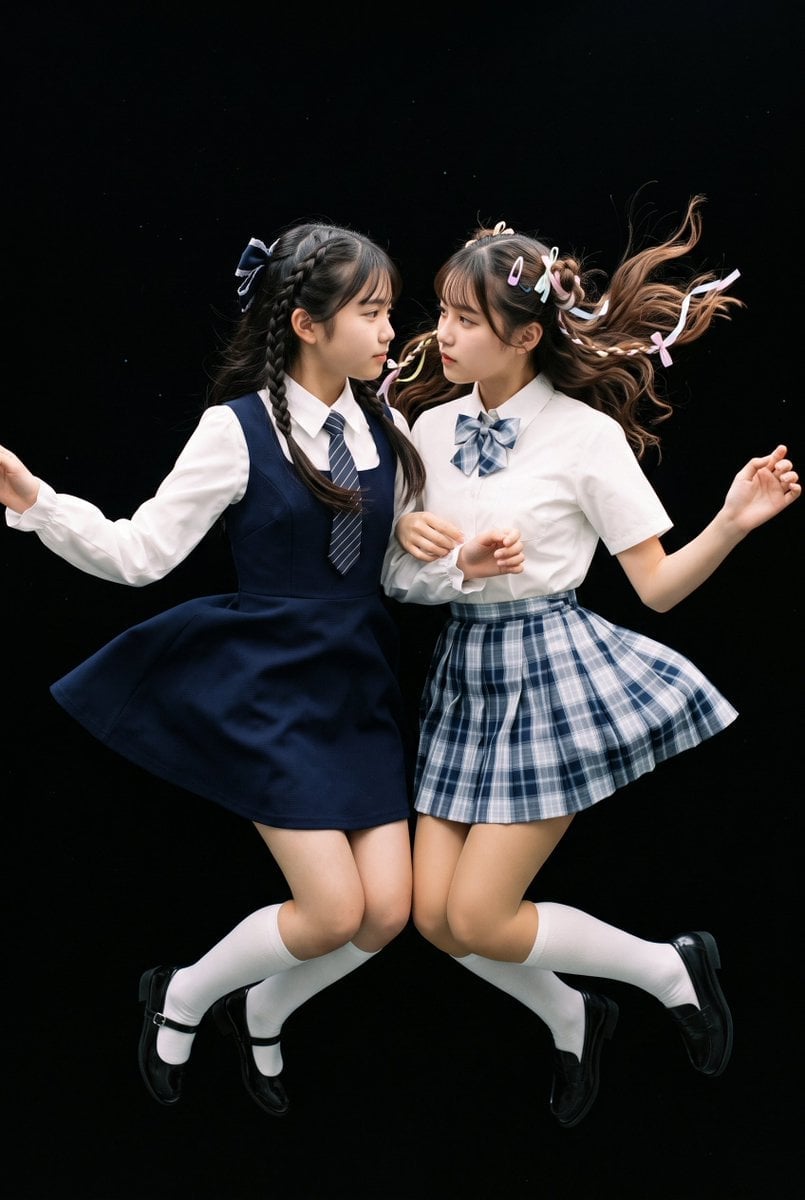
Floating Schoolgirl in Dark

Ultra-realistic studio portrait of a young woman, front-facing, centered
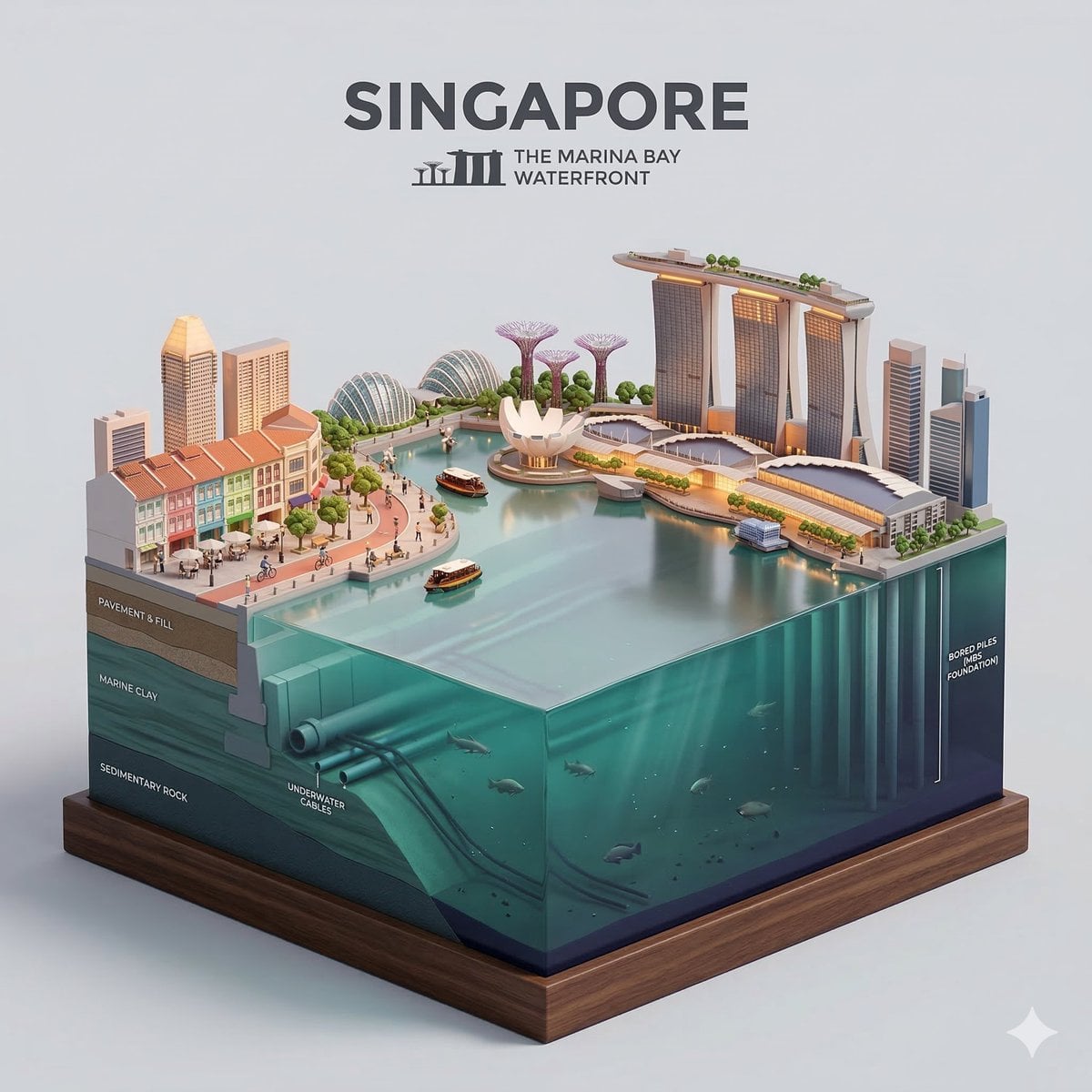
Clear, side-facing isometric miniature 3D cartoon diorama of along

Composition & Subject A professional front-facing studio shot
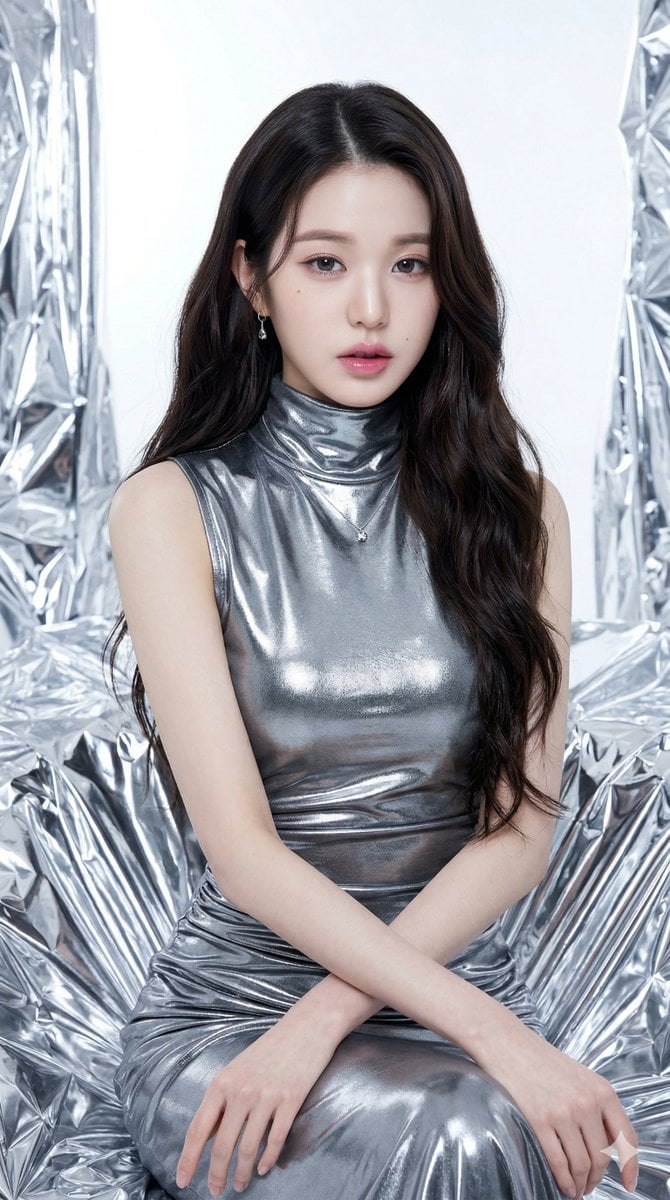
Seated/Kneeling, facing forward, arms crossed loosely at waist

Slightly angled, front face visible, top frosting facing upward
Make it yours
Schoolgirl Facing Cathedral Golem works as-is. These are the safest ways to change it without losing the look.
Change one field
Copy a single group, rewrite it, and generate again so you can see what that field is doing.
Keep the frame, change the subject
Hold the composition and light of Schoolgirl Facing Cathedral Golem, then swap wardrobe, props or the person for a new take.
| If the result… | Why | Fix |
|---|---|---|
| The result drifts from the preview | Too many fields changed at once. | Reuse Schoolgirl Facing Cathedral Golem as-is first, then change one group — subject, light, or setting. |
| The model over-stylizes the scene | The prose prompt leaves finish and camera underspecified. | Add one camera or lighting sentence and stay on GPT Image 2. |
More GPT Image 2 templates
Other prompts made for GPT Image 2.

Six VTuber Japanese Logo Sheet

Realistic Portrait of Woman and Deer

The Vista Modular Condo Poster

AI Model Routing Comparison Infographic

2.5D Anime Art Board

Isometric Productivity Desk Scene

New York Double Exposure Poster

Four-Panel AI Landscape Comparison

Japanese Tatami Lifestyle Magazine Cover

NESCAFÉ Coffee Map Poster
More image prompts
Fresh picks from across the catalog.

Prompt: Create a cinematic vintage Coca Cola adver
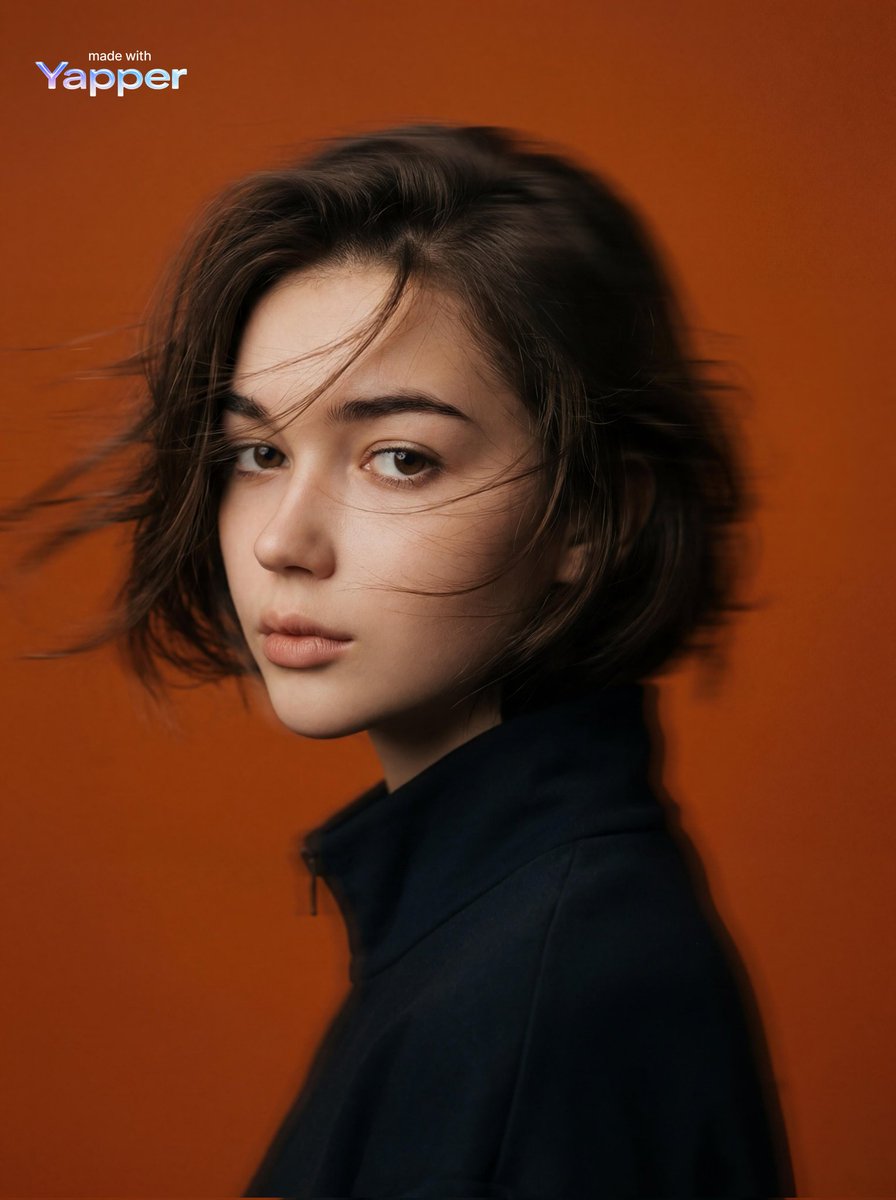
Cinematic Editorial Portrait Prompt

Creative Birthday Portrait Image Prompt
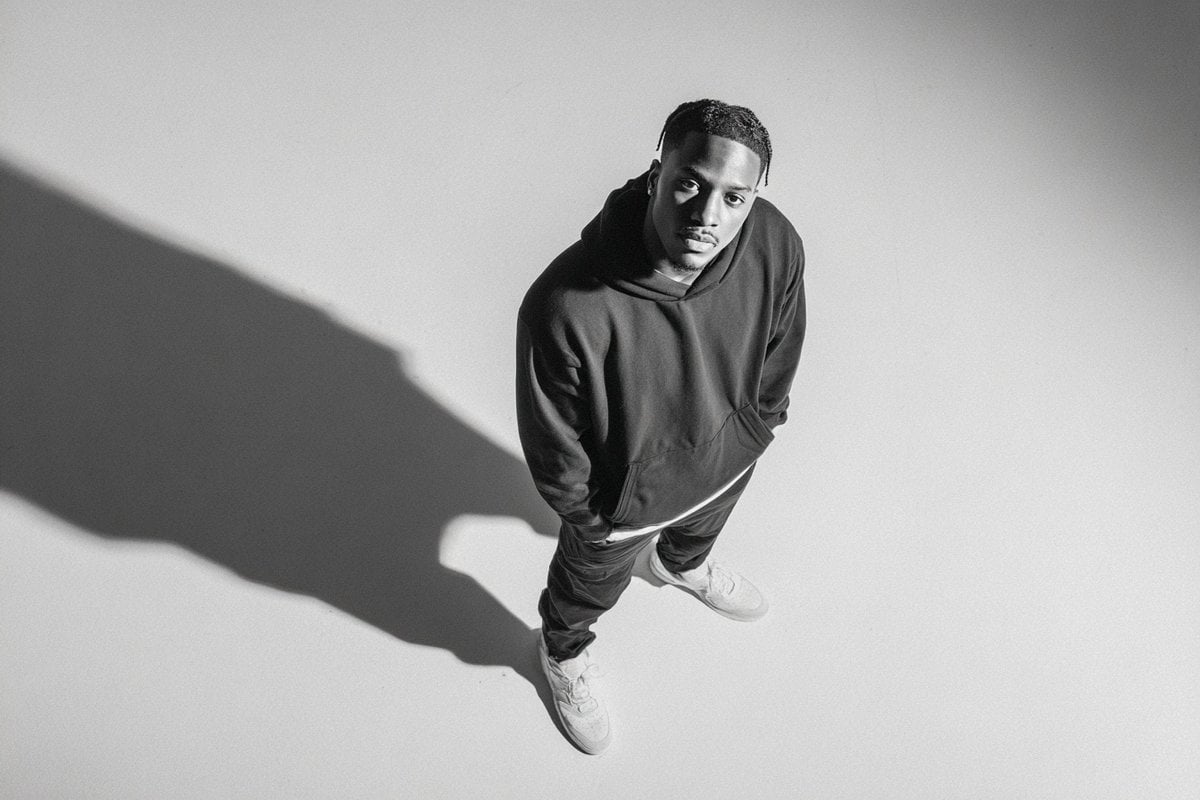
Studio Editorial Fashion Portrait
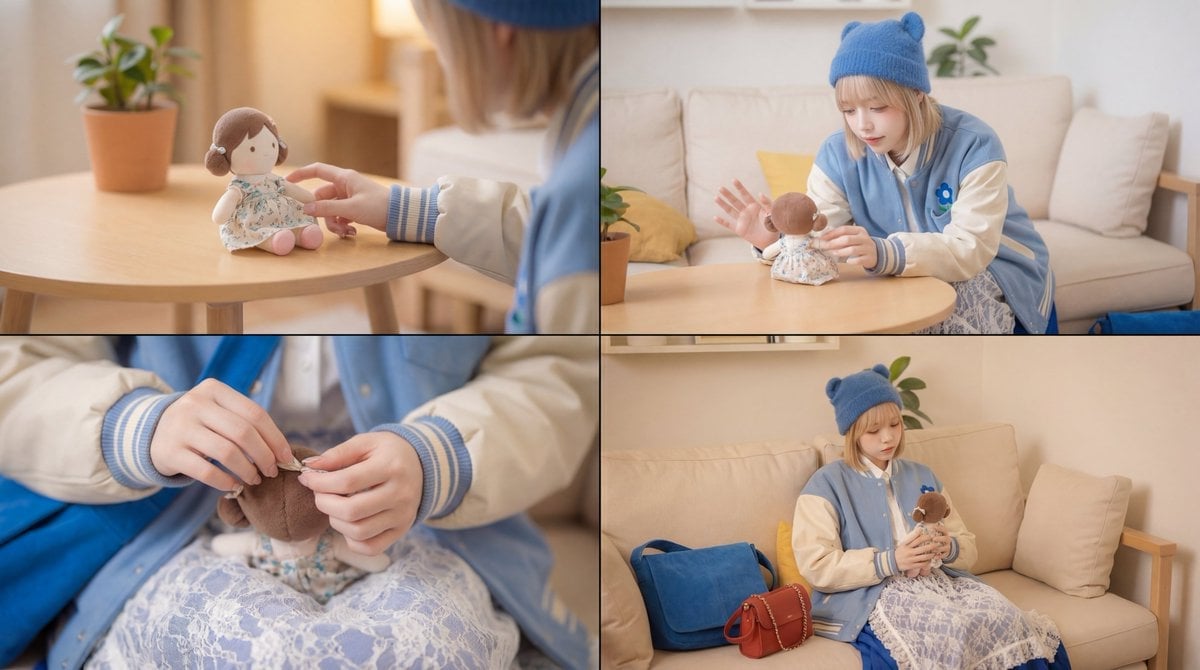
Cinematic Video Prompt for Girl Playing with Doll
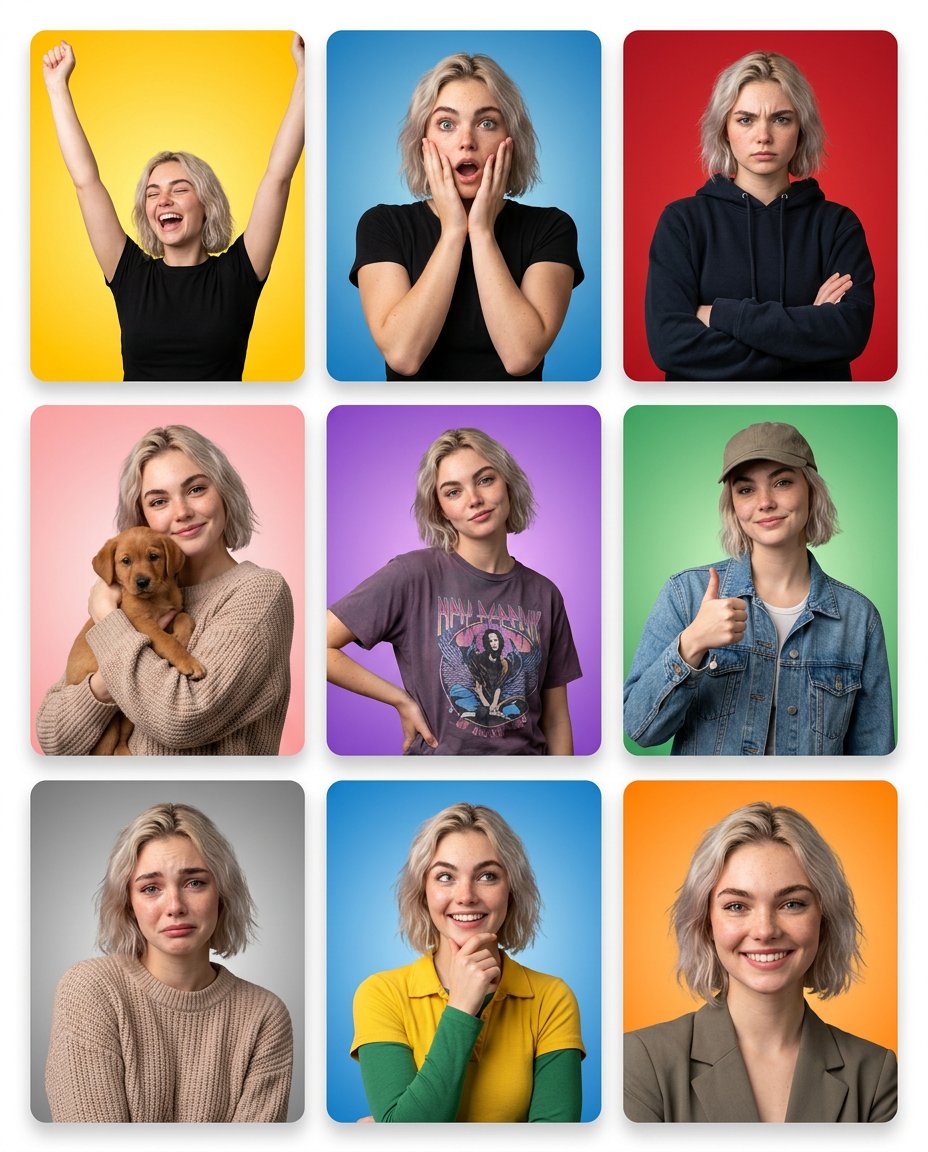
Emotion Grid with Gradient Backgrounds

Nano Banana Pro Decision Making Prompt
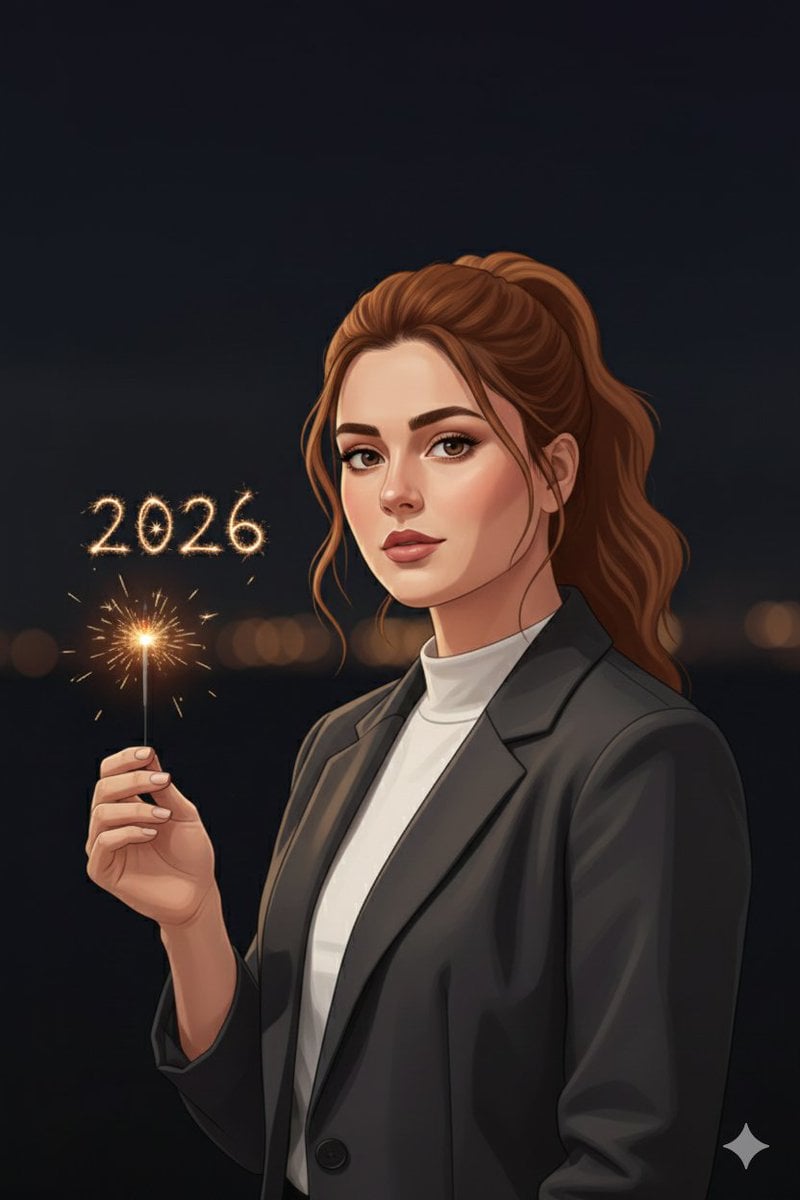
Minimal Cinematic New Year 2026 Portrait
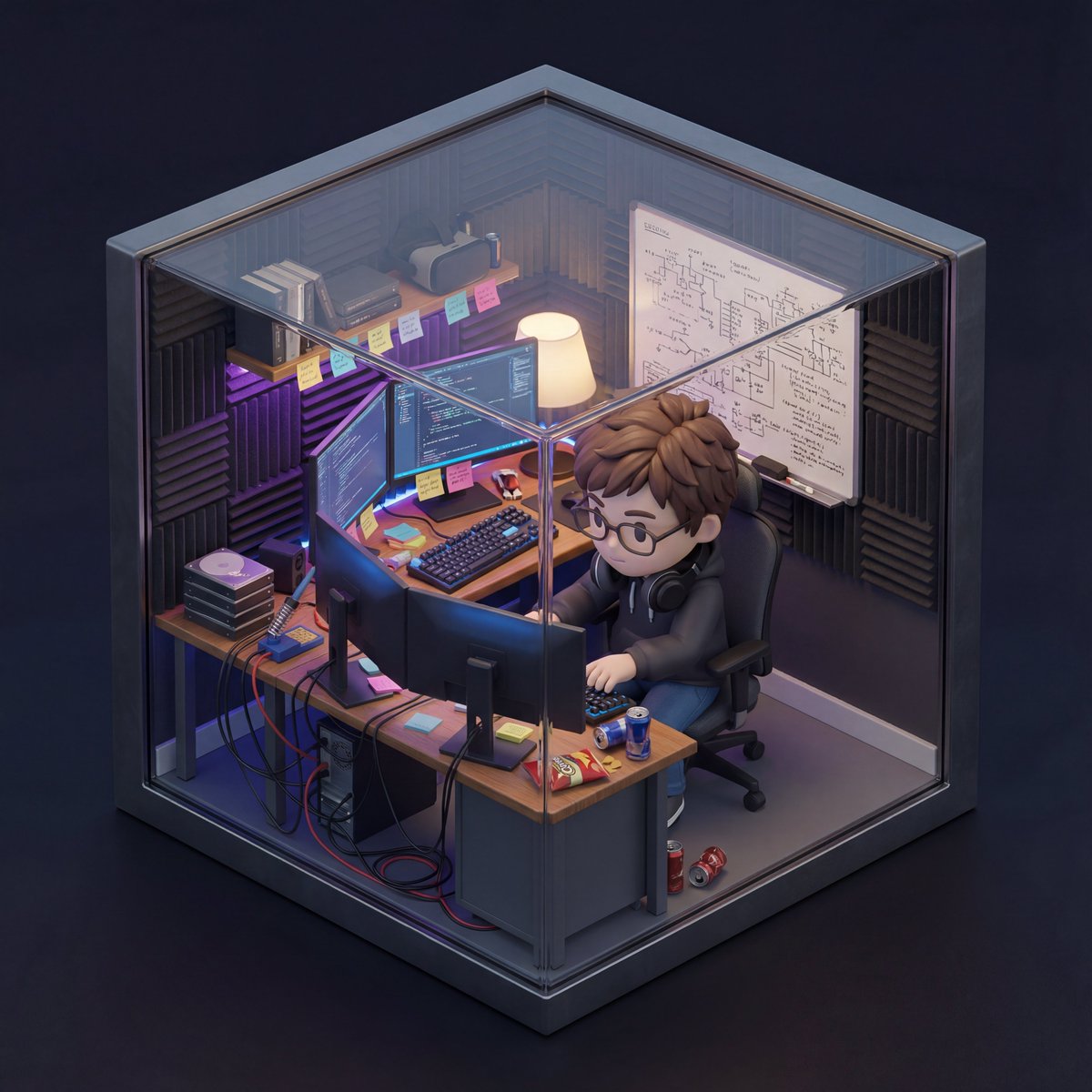
Isometric 3D Miniature Room with Chibi Character Prompt

Nostalgic Photo Restoration
Browse template categories
Schoolgirl Facing Cathedral Golem questions
How do I use the Schoolgirl Facing Cathedral Golem template?
Add your photo if the template asks for one, edit the prompt if you like — the template's model and format are already selected — and press Generate. Your version opens in PicX Studio.
Can I customize the Schoolgirl Facing Cathedral Golem template?
Yes. You can change the subject, setting, lighting, mood, format, and available model controls before creating your image.
Is the Schoolgirl Facing Cathedral Golem template free?
Opening and editing this template is free. Generating uses credits, shown on the Generate button when you are signed in.
Which AI model should I use?
Start with GPT Image 2, which is the model associated with this template. You can compare another compatible model for a different finish.
Looking for something else? Browse all templates.

Your photo, any look
Thousands of ready templates for every top image and video model, from one credit balance.