How do I use the Crimson Angel Princess in Floral Cathedral template?
Choose the primary action to open PicX Studio with the available template settings. Review the model and format, personalize the creative direction, and generate when ready.
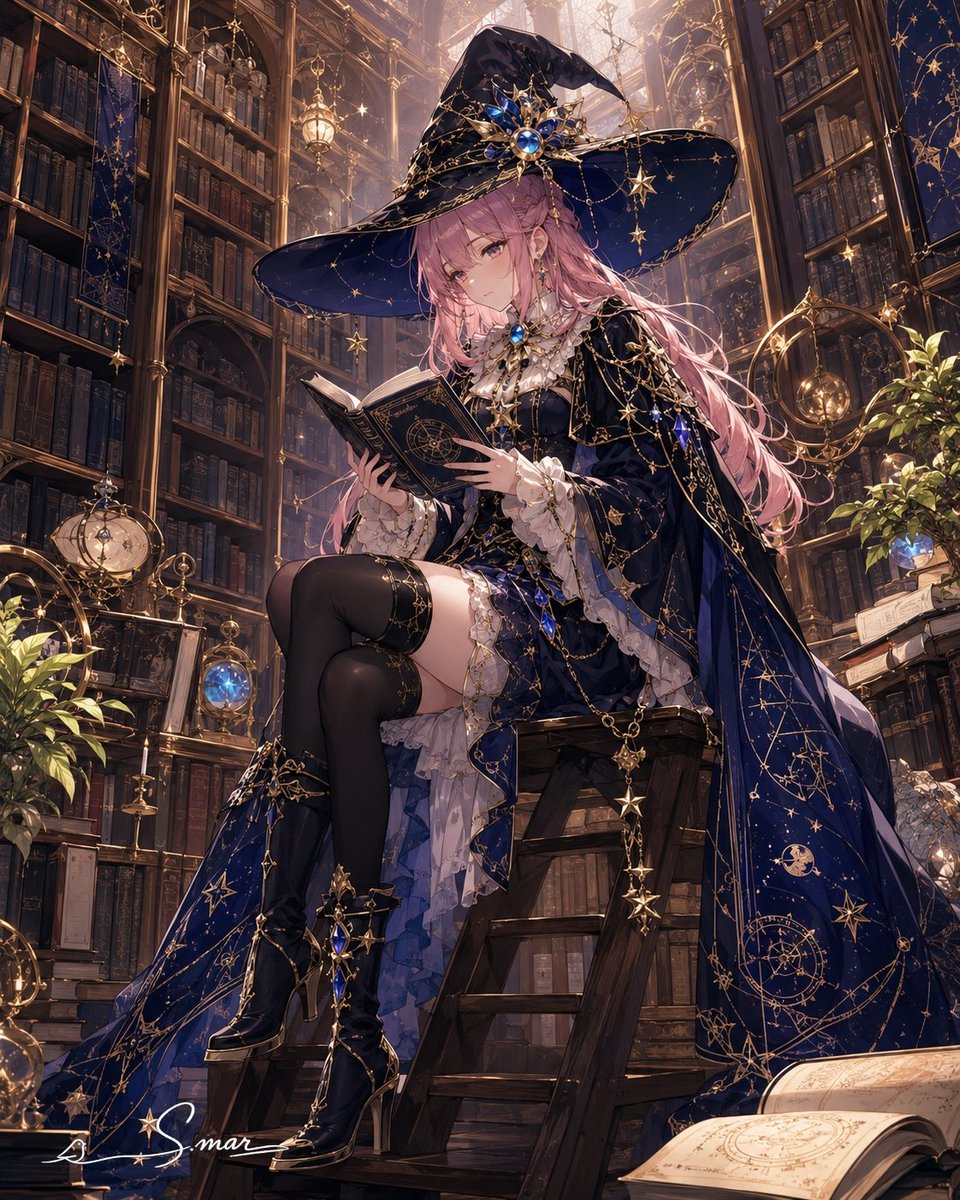
Generates a richly detailed anime fantasy angel bride in a crimson lace gown within a flower-filled gothic palace garden.
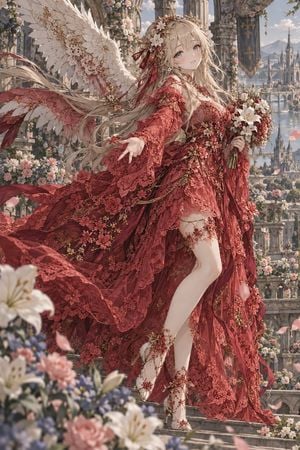
Create a highly detailed vertical anime fantasy illustration of one ethereal angel princess named {argument name="character name" default="unnamed angel princess"} standing on ornate stone steps in a grand cathedral garden city. She has {argument name="hair color" default="long flowing platinum-blonde hair"}, pale skin, soft blue-gray eyes, a gentle wistful smile, and a delicate youthful face. Show exactly one character with two enormous ivory feathered wings extending behind her, one floral crown with white blossoms and burgundy ribbons, one hand reaching softly toward the viewer, and one hand holding a bouquet of white lilies and small red-white flowers. Dress her in an extravagant {argument name="dress color" default="deep crimson red"} lace bridal gown: layered translucent lace, embroidered floral appliqué, gold filigree accents, long flowing sleeves, a high slit revealing one leg, trailing ribbons, and a dramatic wind-swept train covered in red flowers. Include exactly two ornate high-heeled sandals with flower-and-chain ankle decorations. The setting is a romantic high-fantasy palace balcony filled with roses, lilies, hanging flower garlands, carved gothic arches, banners, distant bridges, spires, mountains, and a shining river below. Use a soft spring daylight palette, cinematic depth of field, foreground flowers blurred, petals floating in the air, intricate fabric texture, delicate feather detail, elegant composition, dreamy atmosphere, ultra-detailed Japanese light novel cover style, graceful and luxurious, no text, no watermark.
Choose the primary action to open PicX Studio with the available template settings. Review the model and format, personalize the creative direction, and generate when ready.
Yes. You can change the subject, setting, lighting, mood, format, and available model controls before creating your image.
This template is free to open and customize. Generation usage is shown in PicX Studio before you create.
Start with GPT Image 2, which is the model associated with this template. You can compare another compatible model for a different finish.
Follow a topic to a crawlable collection of related PicX Studio templates.