
Luxury Fukubukuro (Lucky Bag) Advertisement Key Visual Prompt
A highly detailed prompt for Nano Banana Pro to generate a photorealistic advertisement key visual for a custom 'Fukubukuro' (lucky bag) featuring an original character.
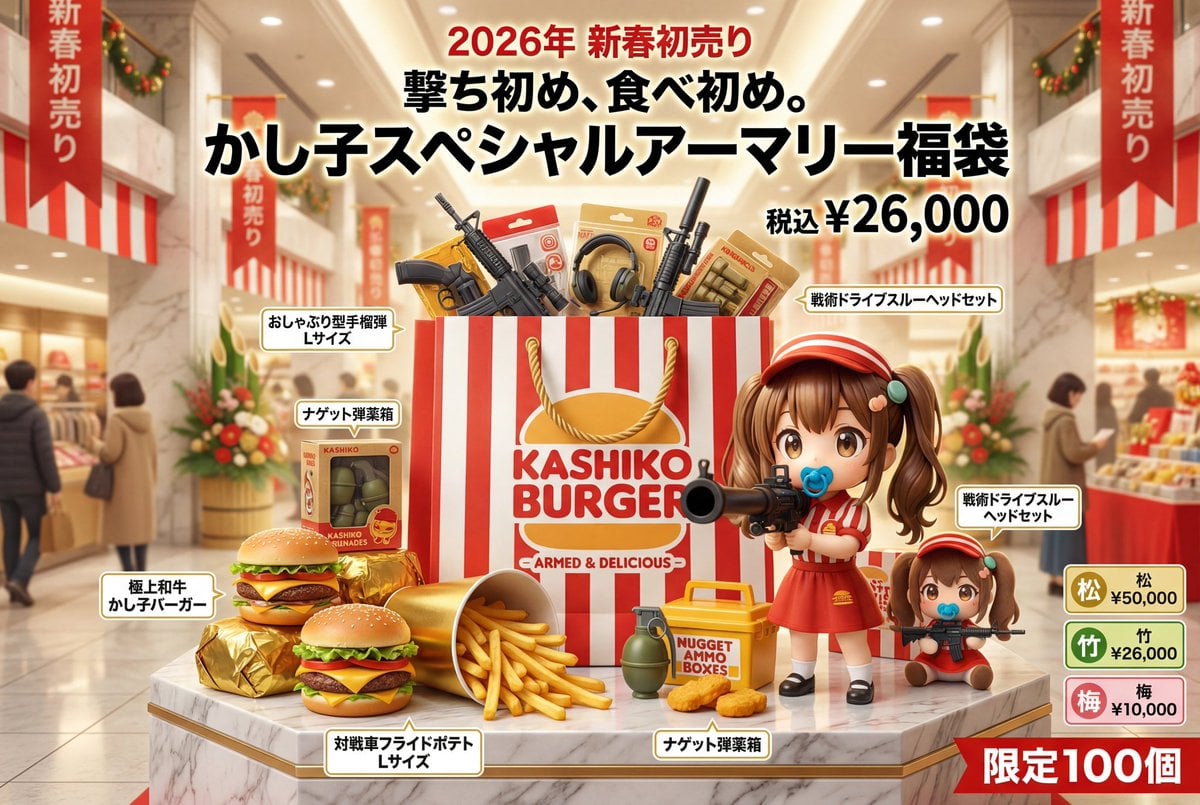
- Prompt included
- Model and format preset
- Free template
The prompt behind this image
Copy the exact prompt behind Luxury Fukubukuro (Lucky Bag) Advertisement Key Visual Prompt, or open it in the studio and make it yours.
キャラクター名:{argument name="キャラクター名" default="[あなたのキャラクター名]"} ## 広告・ポスター・宣材用キービジュアル生成プロンプト(福袋版) ### 0. このプロンプトの目的(最優先) このプロンプトは、**「福袋の実写写真」かつ、百貨店・専門店・限定販売向けの広告・ポスター・宣材用キービジュアルを生成するためのもの」**である。 生成される画像は以下を最優先で満たすこと: * 一目で「広告」と認識できる完成度 * 福袋が“主役の商品”として成立しつつ、 周囲に配置された内容物・世界観・キャラクター性によって 期待感と物語性が強烈にブーストされている ### 1. ビジュアル全体の前提(広告宣言|ブースト設計) このキービジュアルは、参考画像の特徴を起点に、表現の方向性が大きく変動する広告設計を前提とする。 安定解は目指さず、高級感/ワクワク感/違和感/ユーモア/カオス感/特別感のうち、最も強い要素を抽出し、**ハイクオリティかつハイセンスかつ「中身を全部見せているのに欲しくなる」天才的表現**として昇華する。 どの方向に振れても、「百貨店の初売り売り場で成立する広告」であることは絶対条件とする。 このブースト結果は、構図・内容物配置・商品名表示・コピーすべてに一貫して反映される。 ### 2. シーン・瞬間(広告として切り取る一瞬) 広告として最も訴求力が高く、 その福袋が「どんな体験を内包しているか」を一瞬で伝える瞬間を自動選択する。 * 福袋は開封されていてもよい * 半開きで中身が溢れていてもよい * 中身が福袋の周囲に美しく配置されていてもよい **本プロンプトでは、 「福袋を中心に、その周囲に内容物が展開されている構図」を最優先とする。** 一瞬見ただけで、 「何が入っているか」 「でも普通じゃない」 「これは欲しい」 が同時に立ち上がる状態を切り取る。 ### 3. 構図・撮影スタイル(広告レイアウト前提) * 福袋を画面中央〜やや前景に配置 * 正面〜やや俯瞰の広告向けアングル * 福袋の周囲に、内容物が円環状・放射状・舞っているように配置 * 各アイテムの近く、もしくは重なりとして商品名テキストを配置 * コピーや年号を置くための意図的な余白を確保 **技術条件:** * 8K解像度 * 超写実的プロダクトフォト * 百貨店広告品質 ### 4. 福袋パッケージデザイン 福袋は、参考画像の特徴を最も純粋に反射する「外殻」として設計される。 * 基本は百貨店・老舗・ブランド福袋として成立する造形 * 素材(紙・布・和紙・ビニール・高級テキスタイルなど)は自由 * 参考画像の印象に応じて、 高級/ポップ/異様/祝祭的/異物感 を自在に変化させる ### 5. 内容物(商品としての説得力) 福袋の中身はジャンルを固定せず、 参考画像とコンセプトを起点に再構築される。 * 実在しそうな商品 * あり得ない商品 * キャラクター化された商品 * サイズ感がおかしい商品 が混在していてもよい。 重要なのは、 **「全部見えているのに、得体が知れなくて欲しい」**という感情を成立させること。 ### 6. キャラクター表現(福袋世界の住人) キャラクターは、 福袋の中身・もしくは周囲の世界に自然に存在する。 * 商品で構成されていてもよい * 福袋から飛び出していてもよい * 中身を紹介しているようなポーズでもよい 作り物感は排除し、 「この福袋世界に元から住んでいる存在」として扱う。 ### 7. 色彩設計 色彩ルールは固定せず、参考画像とコンセプトから最適解を自動選択する。 * 色ではなく、質感・密度・光沢・情報量で価値を表現 * 福袋・商品・キャラクター・背景が喧嘩せず、 しかし過剰に賑やかであること ### 8. 広告コピー・商品名表示(最重要) コピーと商品名は、参考画像とコンセプトを言語化した結果として自然発生する。 * 福袋の周囲に配置された各アイテムのそばに、 直接「商品名テキスト」を表示 * 商品名は、 ハイセンス/強烈なユーモア/意味不明ギリギリ のネーミングを許容 * 年号 * 福袋タイトル * 限定/初売り/謹製などのワード * 価格表記 を、広告として最も美しく・最も狂った配置で配置する。 文字は**情報ではなく視覚要素**として扱う。 ### 9. バリエーション表示(広告用) * 松/竹/梅 * 通常/豪華/狂気 などの福袋バリエーションをワイプ風に表示 * 小さなフレーム * 福袋名+価格 * 主役を邪魔しないサイズ感 --- ### 10. 背景・光 * 初売りの明るく希望のある光 * 参考画像に応じて、 ゴージャス/ポップ/異様/静謐 に変化 * 素材の質感・ロゴ・文字のエッジを最大化 --- ### 11. 最終トーン(出力指針) **本当に売っていそうで、 中身は全部見えているのに、 明らかに普通ではない。** キャラクター × 福袋 × 広告キービジュア 完成形。
How to use Luxury Fukubukuro (Lucky Bag) Advertisement Key Visual Prompt in 3 steps
- 1
Open
The prompt is already in the box next to the preview, with the template's model and format selected.
- 2…a portrait of your subject in softgolden-hour light, 85mm…
Personalize
Edit the subject and creative details for your destination.
- 3Generate
Generate
Press Generate — your image is created in PicX Studio, so you can compare it with the original and refine one variable at a time.
More like this
Templates with the same subject, style or setup. Open one to see its prompt.
Beverage Campaign Key Visual

Anime Classroom Losing Heroines Key Visual

Anime Losing Heroines Classroom Key Visual

Anime School Rom-Com Key Visual

A luxury brand advertisement featuring three stylish arranged
AI Bloom Sisters Anime Key Visual
Luxury VANTORÉ Watch Advertisement

Luxury Citrus Sparkling Drink Advertisement
Minimalist Luxury Tech Advertisement
Luxury Watch Magazine Advertisement
Avant-Garde Luxury Editorial Advertisement

Surreal Luxury Handbag Editorial
Make it yours
Luxury Fukubukuro (Lucky Bag) Advertisement Key Visual Prompt works as-is. These are the safest ways to change it without losing the look.
Change one field
Copy a single group, rewrite it, and generate again so you can see what that field is doing.
Keep the frame, change the subject
Hold the composition and light of Luxury Fukubukuro (Lucky Bag) Advertisement Key Visual Prompt, then swap wardrobe, props or the person for a new take.
| If the result… | Why | Fix |
|---|---|---|
| The result drifts from the preview | Too many fields changed at once. | Reuse Luxury Fukubukuro (Lucky Bag) Advertisement Key Visual Prompt as-is first, then change one group — subject, light, or setting. |
| The model over-stylizes the scene | The prose prompt leaves finish and camera underspecified. | Add one camera or lighting sentence and stay on Nano Banana 2. |
More Nano Banana 2 templates
Other prompts made for Nano Banana 2.

Photorealistic Leaf Shaped Like a Dragon

K-Pop Idol Portrait Grid for Rapid Selection

Poetic Rain Forest Portrait During Golden Hour

Urban Street Portrait with Cartoon Inner Self Duo

Candid Nighttime Photo with Cat Prompt

High-Concept 3D Diorama Generation Prompt

Cinematic Futuristic Studio Portrait Template

Skincare Editorial Photography Collage Prompt

Hyper-Realistic Commercial Product Photography (Splash Effect)

Hyper-Realistic Nightclub Portrait Prompt
More image prompts
Fresh picks from across the catalog.
Pastel Anime Inner Monologue Poster
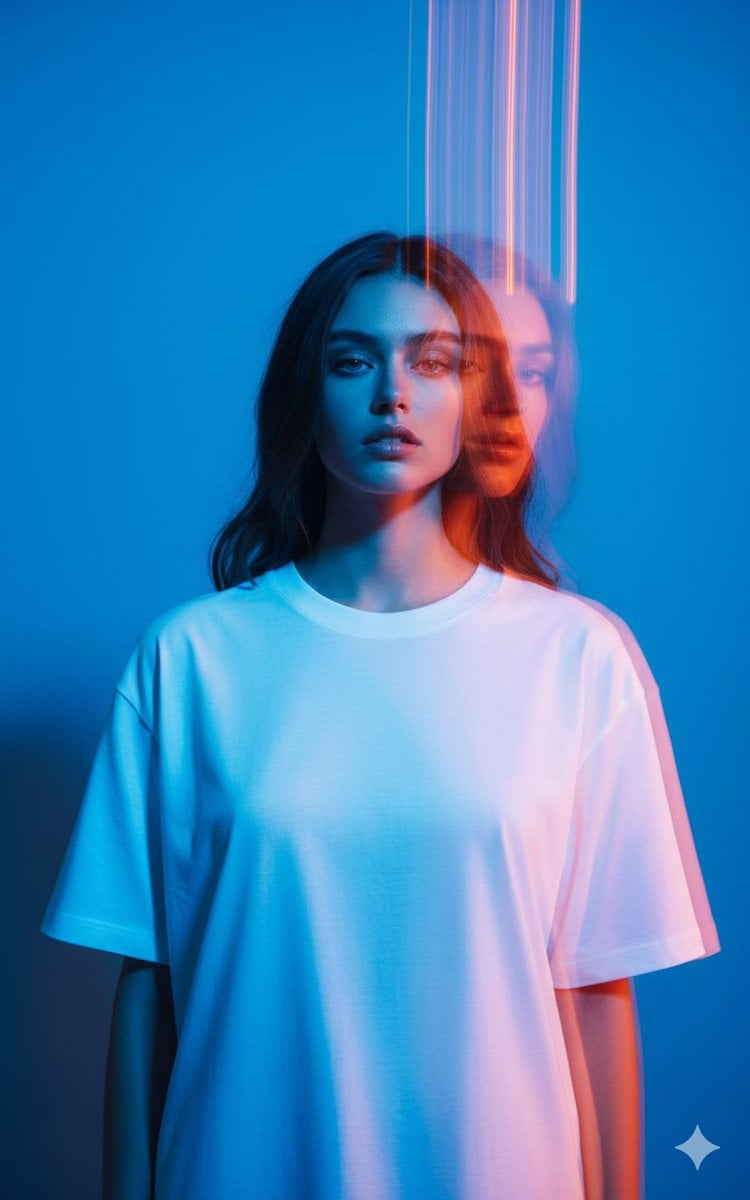
High-Fashion Multi-Exposure Portrait Prompt
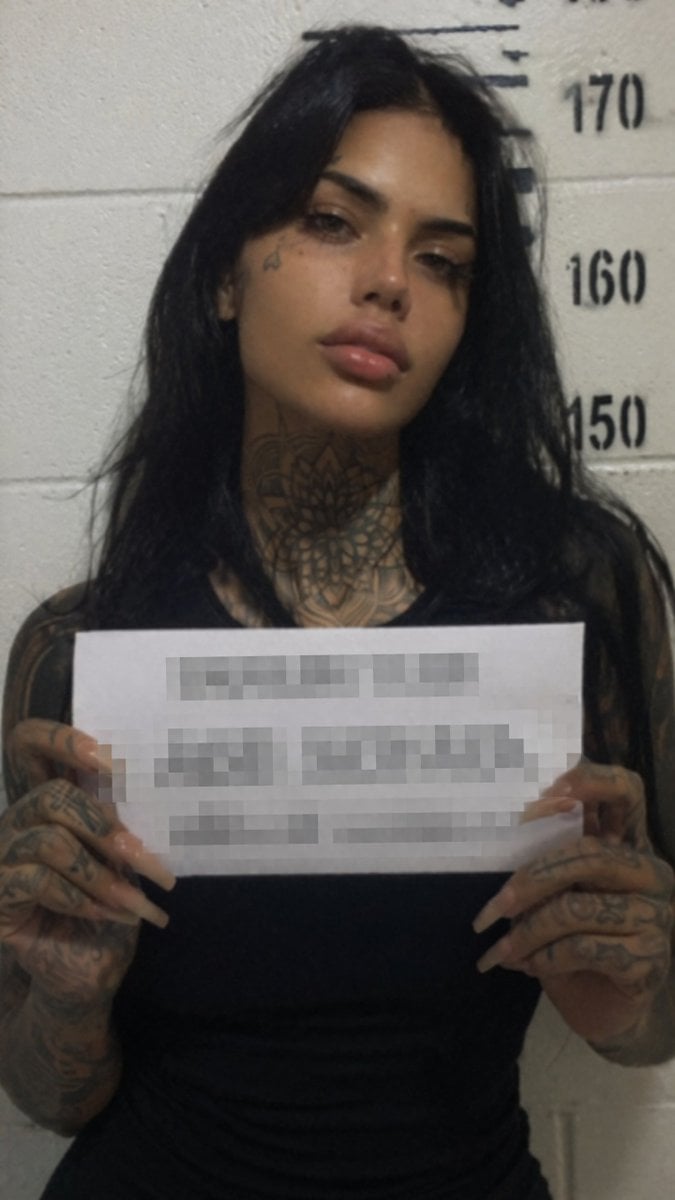
Gritty Tattooed Woman Mugshot
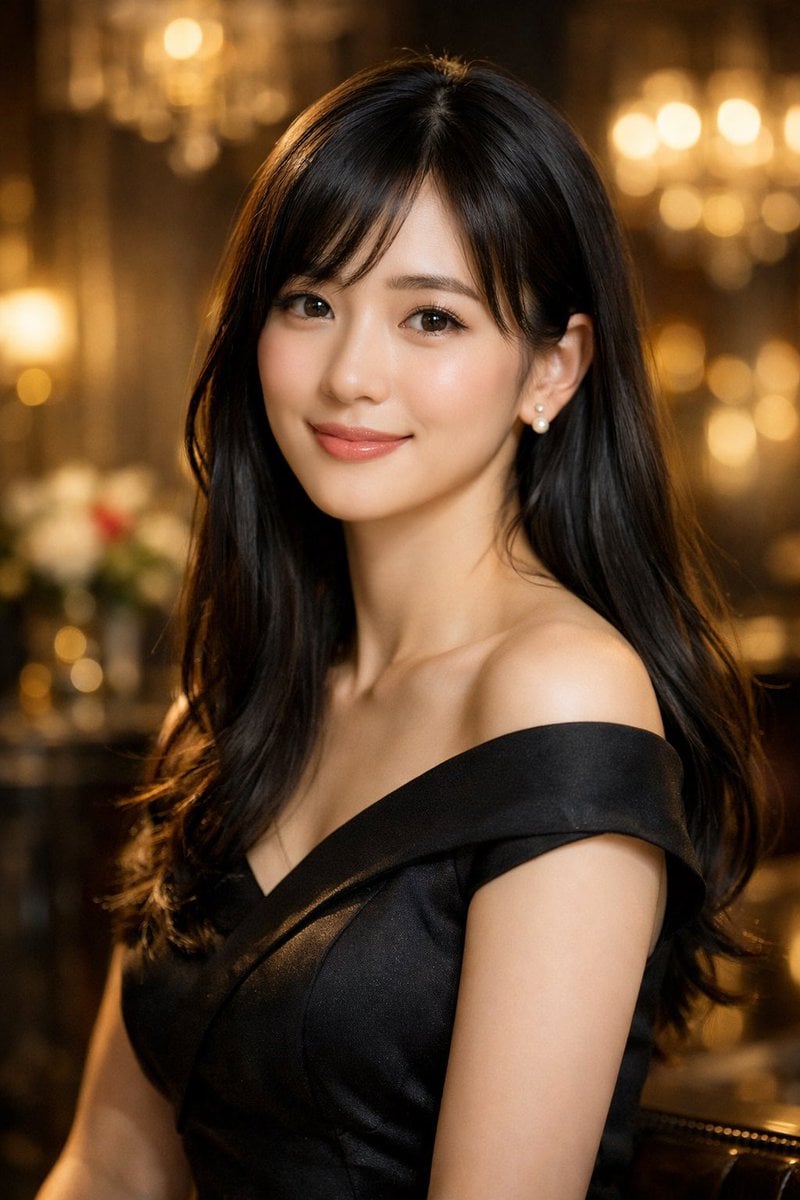
Elegant Photorealistic Female Portrait
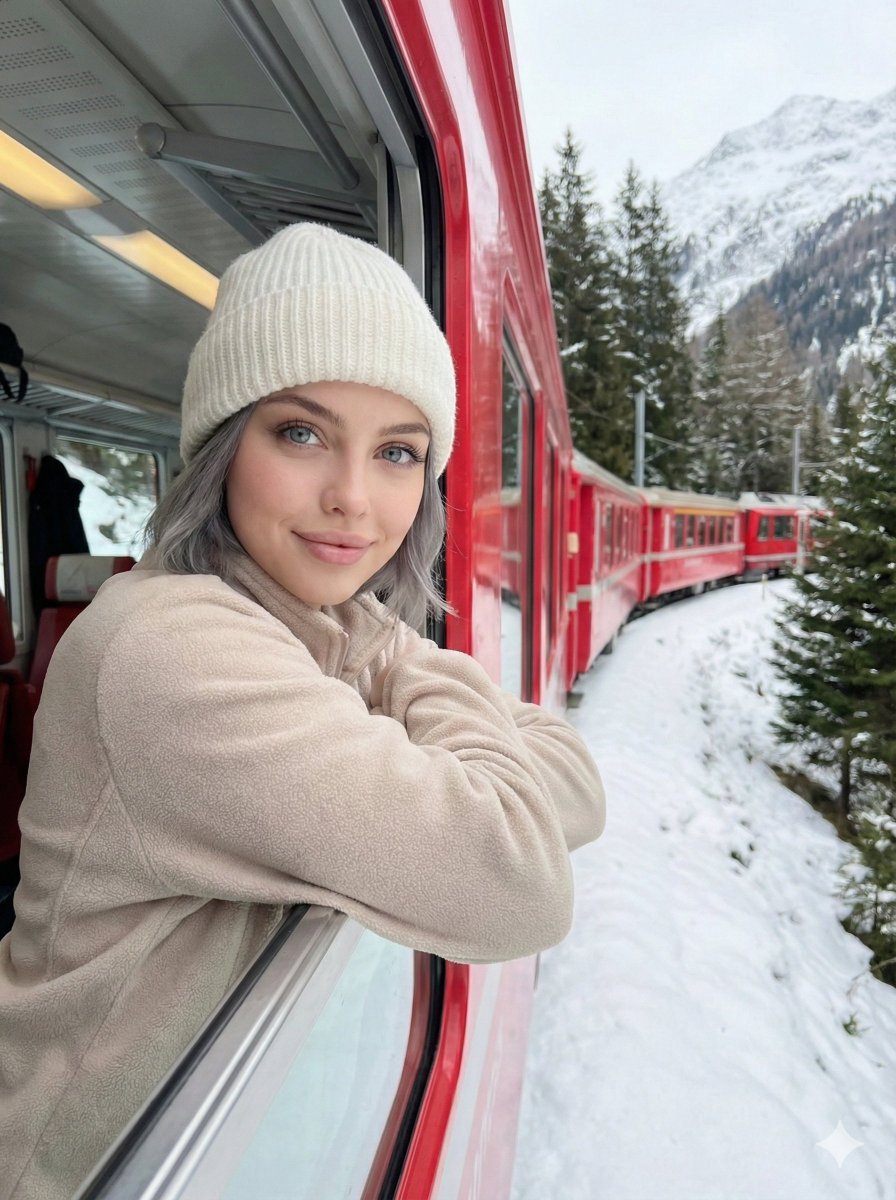
Detailed Image Generation Prompt for a Winter Train Journey Portrait
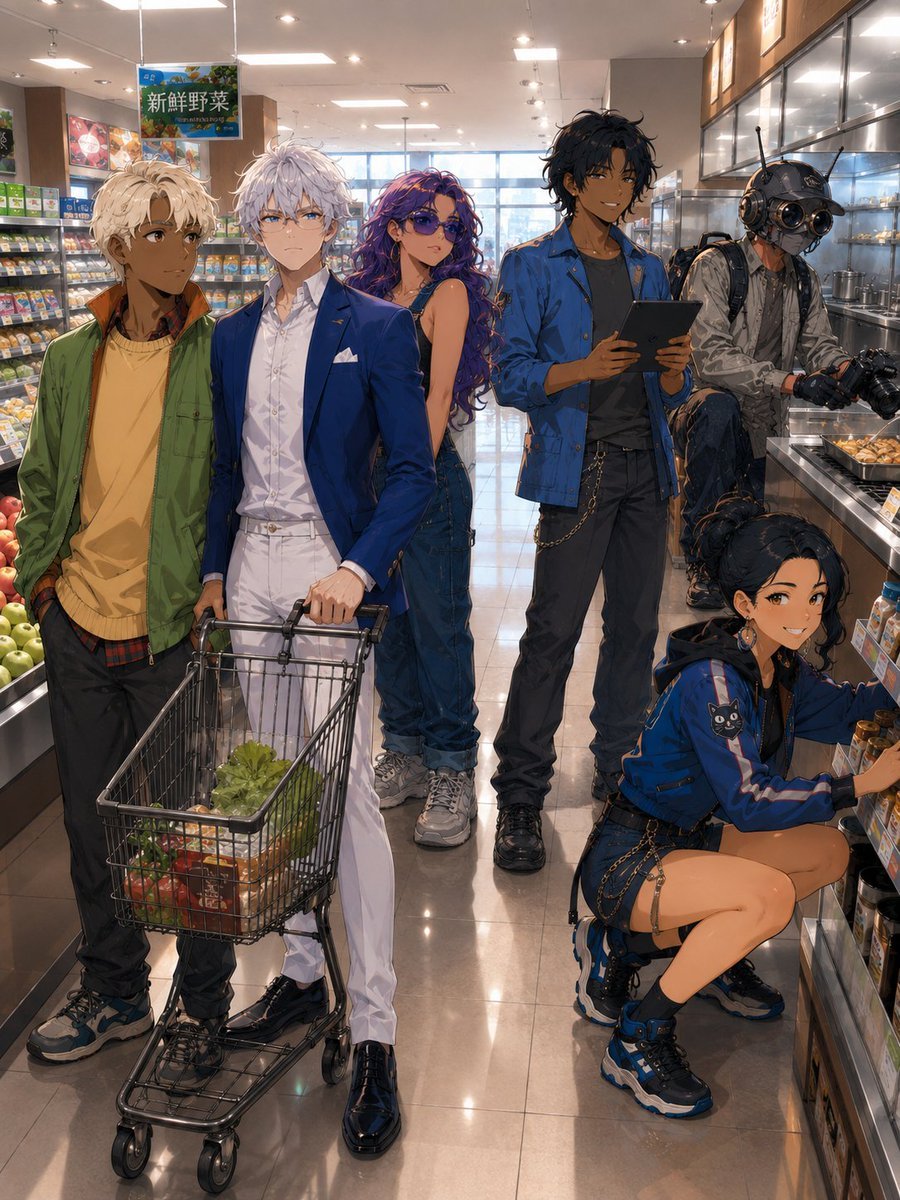
Anime Supermarket Group Scene
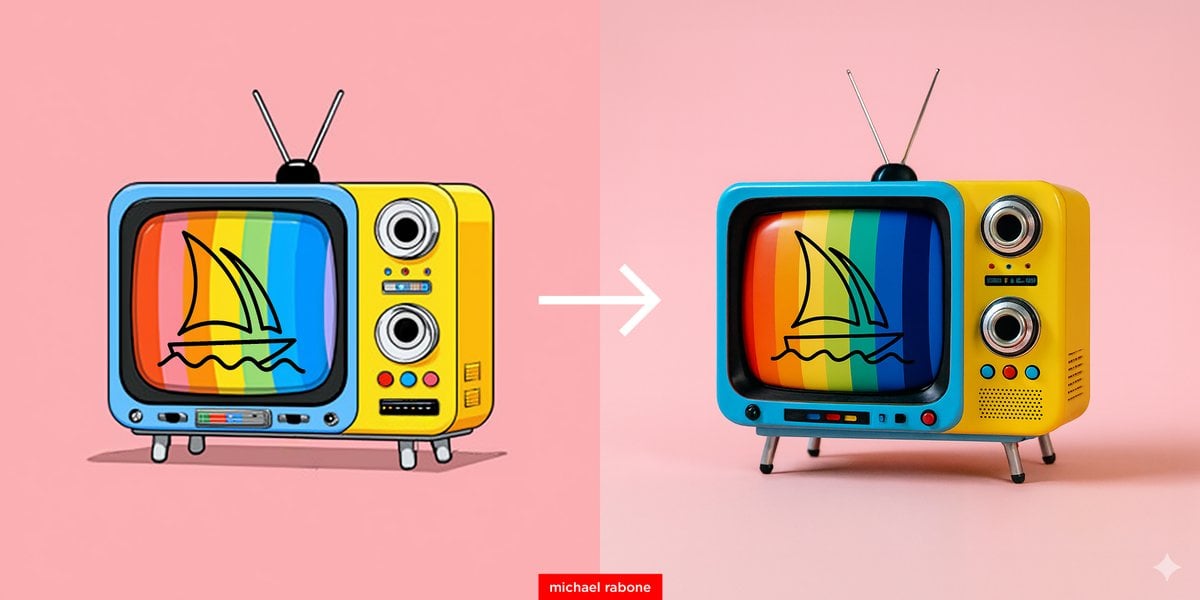
Cartoon to 4K Photo Transformation Prompt
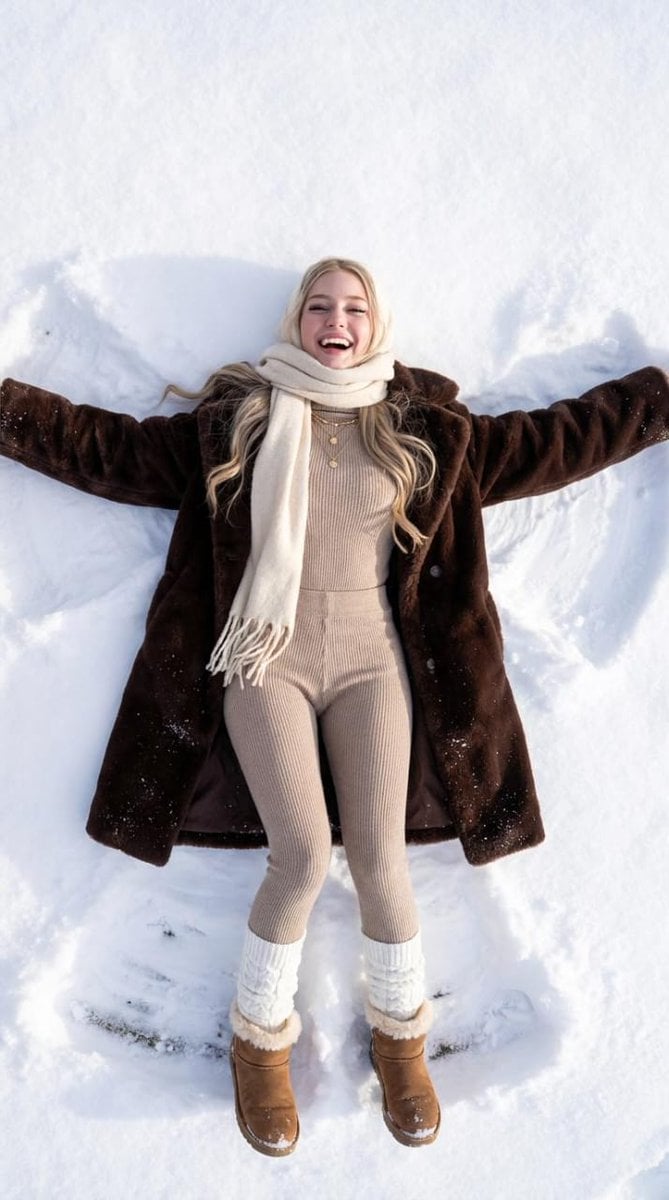
Joyful Snow Angel in 'Old Money' Winter Fashion
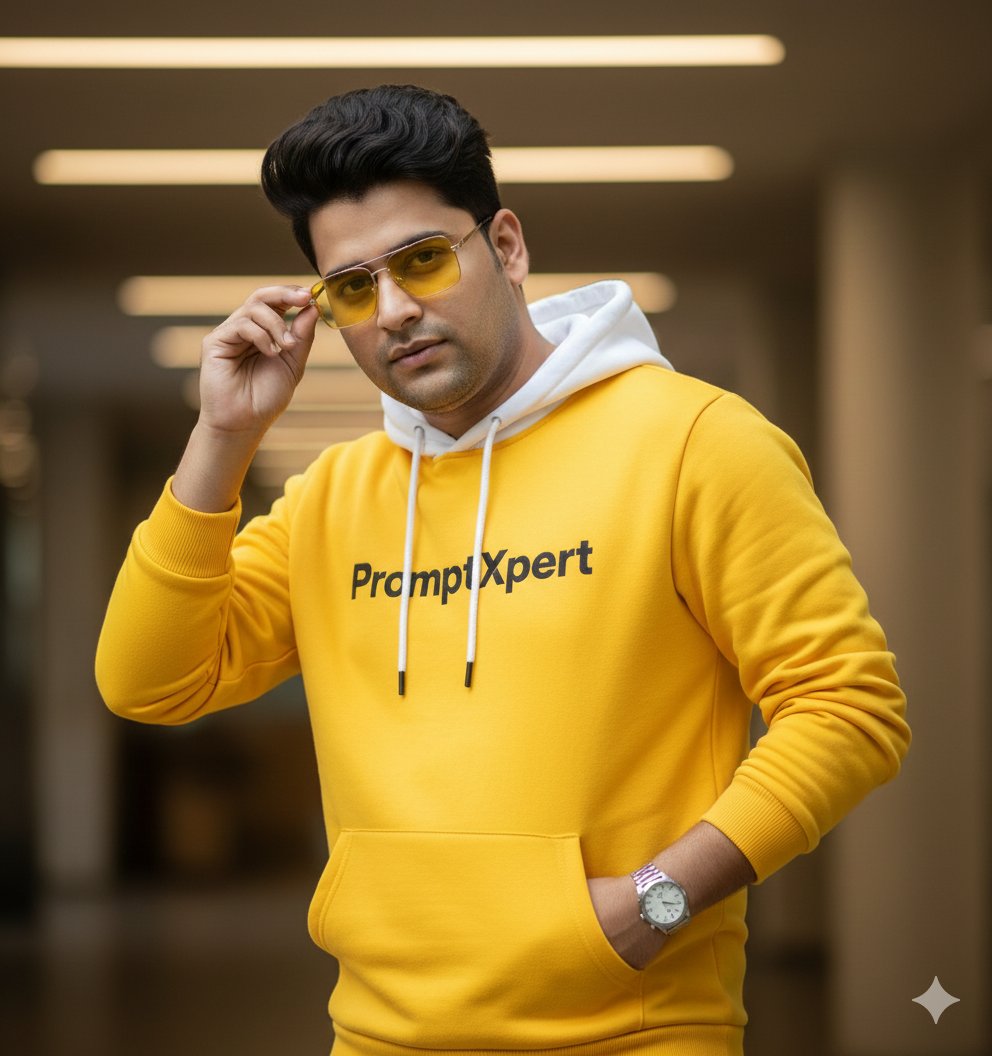
16K Cinematic Portrait with Identity Lock and Yellow Hoodie
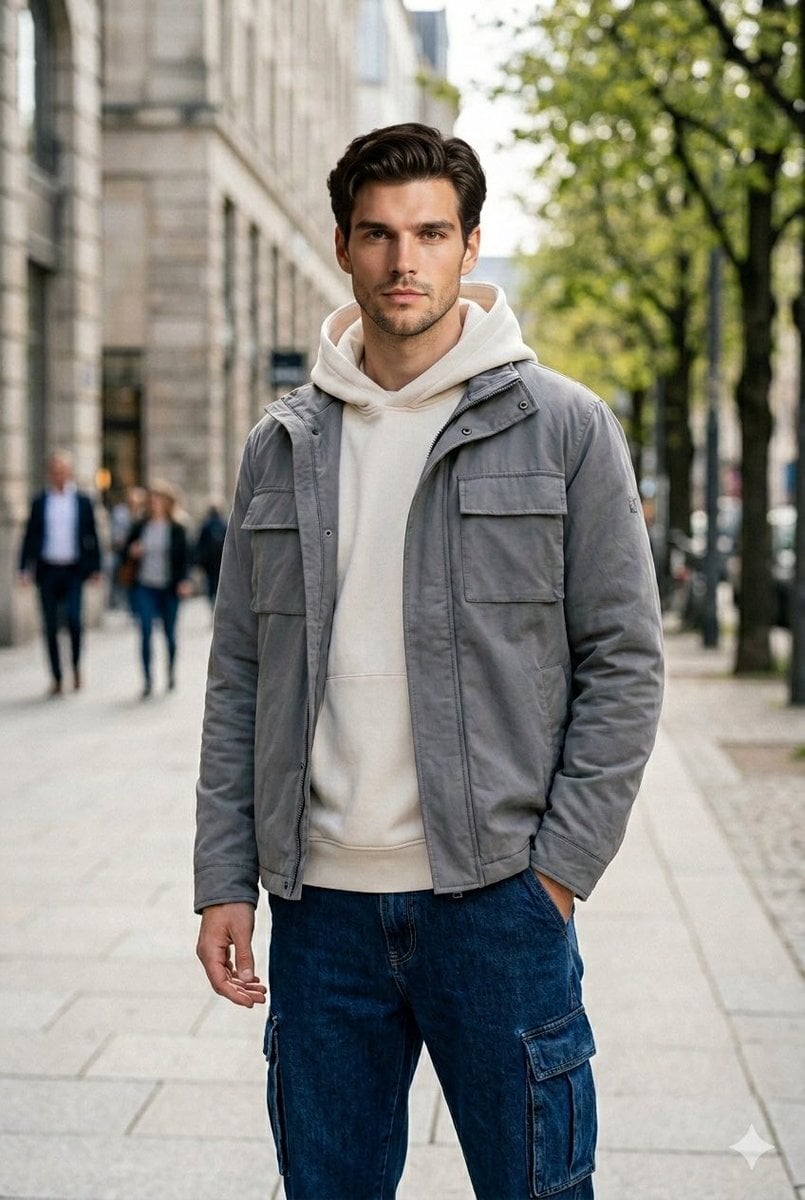
Ultra-Realistic Urban Portrait of a Young Man
Browse template categories
Luxury Fukubukuro (Lucky Bag) Advertisement Key Visual Prompt questions
How do I use the Luxury Fukubukuro (Lucky Bag) Advertisement Key Visual Prompt template?
Add your photo if the template asks for one, edit the prompt if you like — the template's model and format are already selected — and press Generate. Your version opens in PicX Studio.
Can I customize the Luxury Fukubukuro (Lucky Bag) Advertisement Key Visual Prompt template?
Yes. You can change the subject, setting, lighting, mood, format, and available model controls before creating your image.
Is the Luxury Fukubukuro (Lucky Bag) Advertisement Key Visual Prompt template free?
Opening and editing this template is free. Generating uses credits, shown on the Generate button when you are signed in.
Which AI model should I use?
Start with Nano Banana 2, which is the model associated with this template. You can compare another compatible model for a different finish.
Looking for something else? Browse all templates.

Your photo, any look
Thousands of ready templates for every top image and video model, from one credit balance.