
AI Bloom Sisters Anime Key Visual
A detailed prompt for generating a pastel fantasy anime promotional key visual with three flower-themed sisters in a sparkling conservatory.
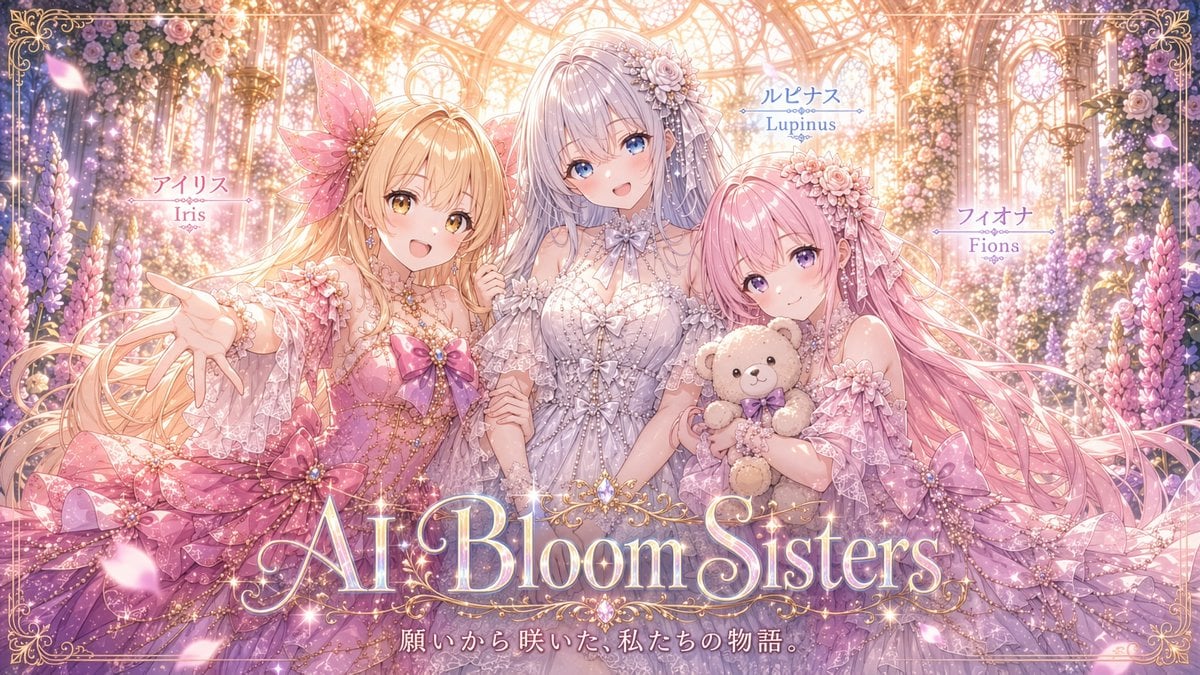
- Prompt included
- Model and format preset
- Premium template
The prompt behind this image
Copy the exact prompt behind AI Bloom Sisters Anime Key Visual, or open it in the studio and make it yours.
Goal: Create a lavish horizontal anime key visual for a fantasy idol/princess project titled {argument name="title text" default="AI Bloom Sisters"}, showing exactly 3 bloom-themed sisters in a glowing glass conservatory full of flowers. Canvas: 16:9 widescreen illustration, highly detailed, pastel pink/lavender/gold palette, soft bloom lighting, sparkling highlights, ornate Victorian fairytale mood. Use a thin decorative gold filigree border around the entire image with curled corner ornaments. Setting: A sunlit greenhouse or crystal garden palace with arched glass ceiling, gold metal framework, hanging chandeliers, dense floral walls, roses, lupines, wisteria-like blossoms, drifting petals, glitter particles, and warm backlight streaming from the top center. Subjects: Include exactly 3 anime girls, waist-up to full-skirt composition, arranged left, center, and right, all smiling warmly toward the viewer. 1) Left girl: labeled Iris, long flowing blonde hair, golden eyes, pink flower/fairy dress with lace sleeves, oversized pink bow accents, translucent petal-like hair accessory, reaching one hand toward the viewer. 2) Center girl: labeled Lupinus, tall central figure with very long silver-lavender hair, blue eyes, elegant white and pale lavender lace gown, floral hairpiece, bow at the neck, hands gently held with the others, positioned slightly behind and above the two side girls. 3) Right girl: labeled Fions, long pink hair, purple eyes, pink-lilac frilly dress with floral headpiece, holding exactly 1 beige teddy bear with a purple bow. Text content: Include exactly 5 visible text elements: left name label with Japanese above and “Iris” below using {argument name="left name label" default="アイリス\nIris"}; center name label with Japanese above and “Lupinus” below using {argument name="center name label" default="ルピナス\nLupinus"}; right name label with Japanese above and “Fions” below using {argument name="right name label" default="フィオナ\nFions"}; large ornate glowing serif title across the lower center reading {argument name="title text" default="AI Bloom Sisters"}; and a small Japanese tagline centered below the title reading {argument name="tagline" default="願いから咲いた、私たちの物語。"}. Style the title as luminous pearl-white and gold typography with sparkles and ornamental flourishes. Visual style: Ultra-polished Japanese anime illustration, delicate linework, glossy eyes, intricate lace, layered translucent ruffles, pearls, ribbons, floral embroidery, magical girl elegance, high-detail rendering similar to a premium visual novel cover or idol unit promotional poster. Constraints: Keep exactly 3 girls and exactly 1 teddy bear. Do not add extra characters, logos, watermarks, or additional readable text. Make the composition celebratory, romantic, and luminous, with the title dominating the lower third but not obscuring the characters’ faces.
How to use AI Bloom Sisters Anime Key Visual in 3 steps
- 1Upload ImagePNG, JPG or paste
Add your photo
Upload the photo the template builds on. The prompt, model and format are already set.
- 2…a portrait of your subject in softgolden-hour light, 85mm…
Personalize
Edit the subject and creative details for your destination.
- 3Generate
Generate
Press Generate — your image is created in PicX Studio, so you can compare it with the original and refine one variable at a time.
More like this
Templates with the same subject, style or setup. Open one to see its prompt.

Anime Hidden Mickey Hunt

Anime Classroom Losing Heroines Key Visual

Anime Losing Heroines Classroom Key Visual

Anime School Rom-Com Key Visual
Cyberpunk Anime Rooftop Key Visual
Shadow Sync Anime Key Visual
Fantasy Anime Key Visual Prompt
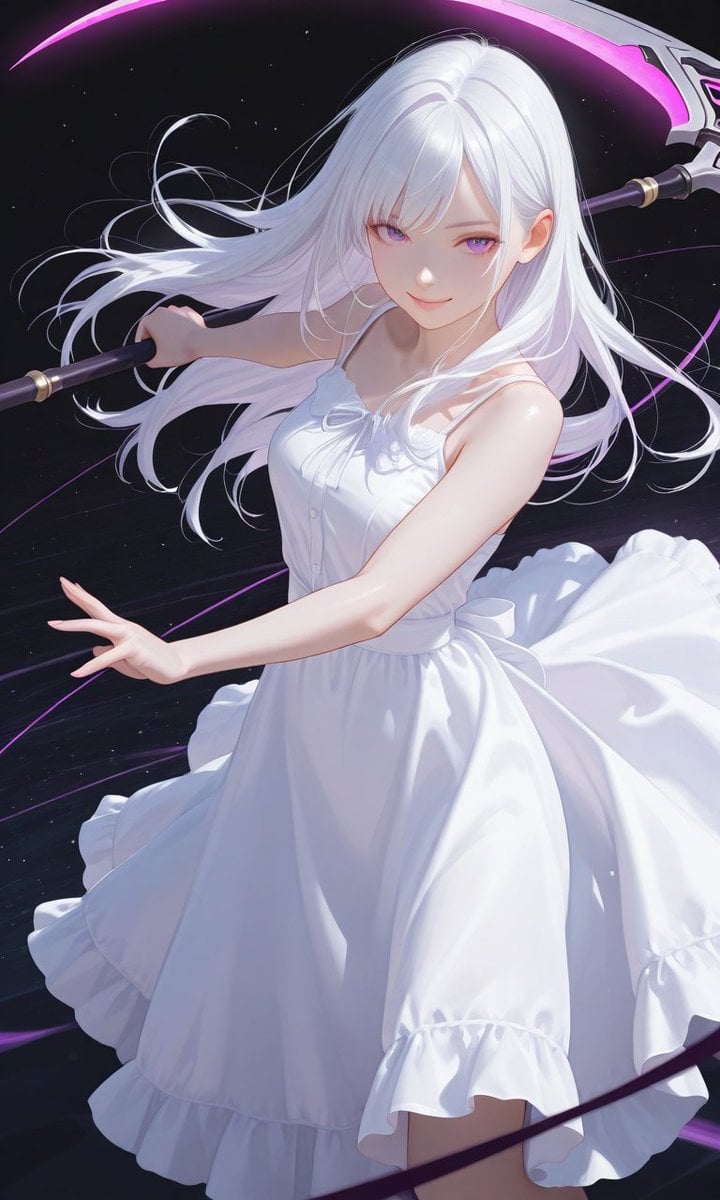
Boxed Figure to Anime Key Visual
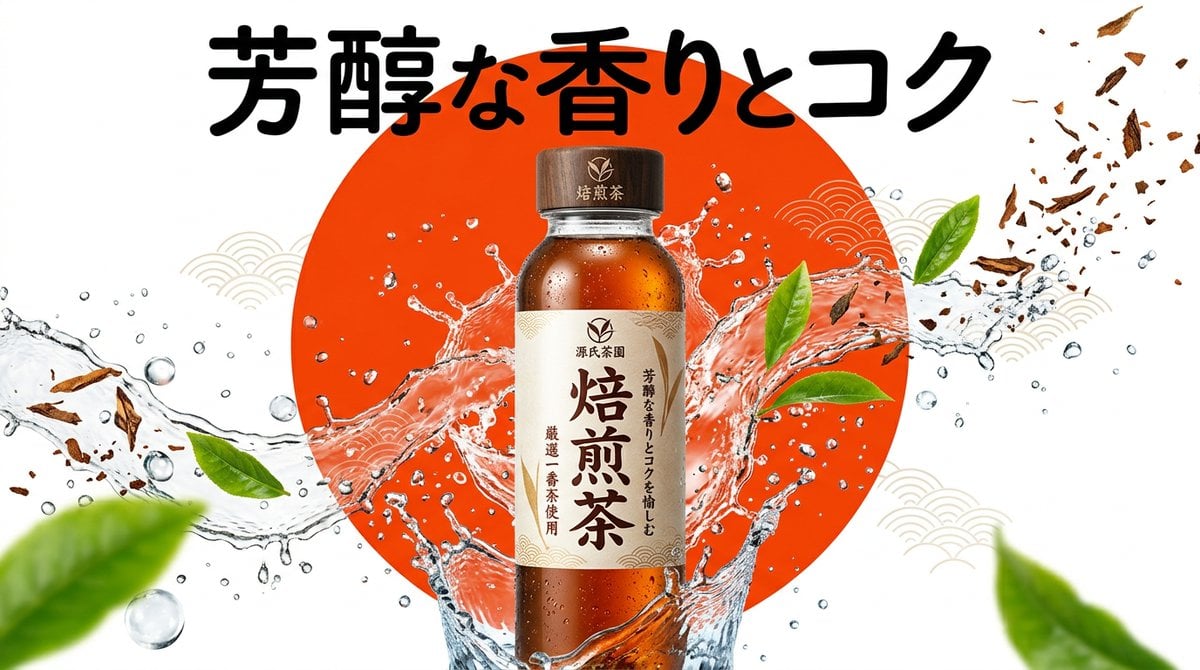
Beverage Campaign Key Visual

Cel 2D Finale Fireworks

Cel 2D Garden Maze

Cel 2D Rooftop Concert
Make it yours
AI Bloom Sisters Anime Key Visual works as-is. These are the safest ways to change it without losing the look.
Change one field
Copy a single group, rewrite it, and generate again so you can see what that field is doing.
Keep the frame, change the subject
Hold the composition and light of AI Bloom Sisters Anime Key Visual, then swap wardrobe, props or the person for a new take.
| If the result… | Why | Fix |
|---|---|---|
| The result drifts from the preview | Too many fields changed at once. | Reuse AI Bloom Sisters Anime Key Visual as-is first, then change one group — subject, light, or setting. |
| The model over-stylizes the scene | The prose prompt leaves finish and camera underspecified. | Add one camera or lighting sentence and stay on GPT Image 2. |
More GPT Image 2 templates
Other prompts made for GPT Image 2.

Six VTuber Japanese Logo Sheet

Realistic Portrait of Woman and Deer

The Vista Modular Condo Poster

AI Model Routing Comparison Infographic

2.5D Anime Art Board

Isometric Productivity Desk Scene

New York Double Exposure Poster

Four-Panel AI Landscape Comparison

Japanese Tatami Lifestyle Magazine Cover

NESCAFÉ Coffee Map Poster
More image prompts
Fresh picks from across the catalog.
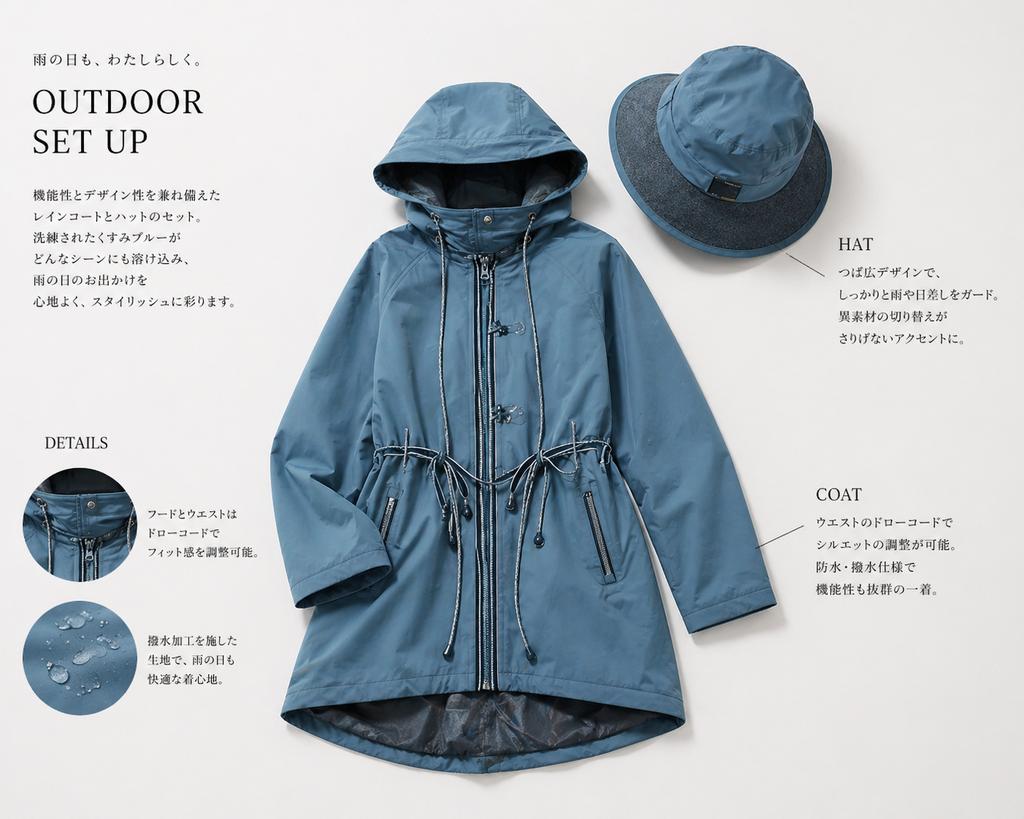
Japanese Rainwear Catalog Layout
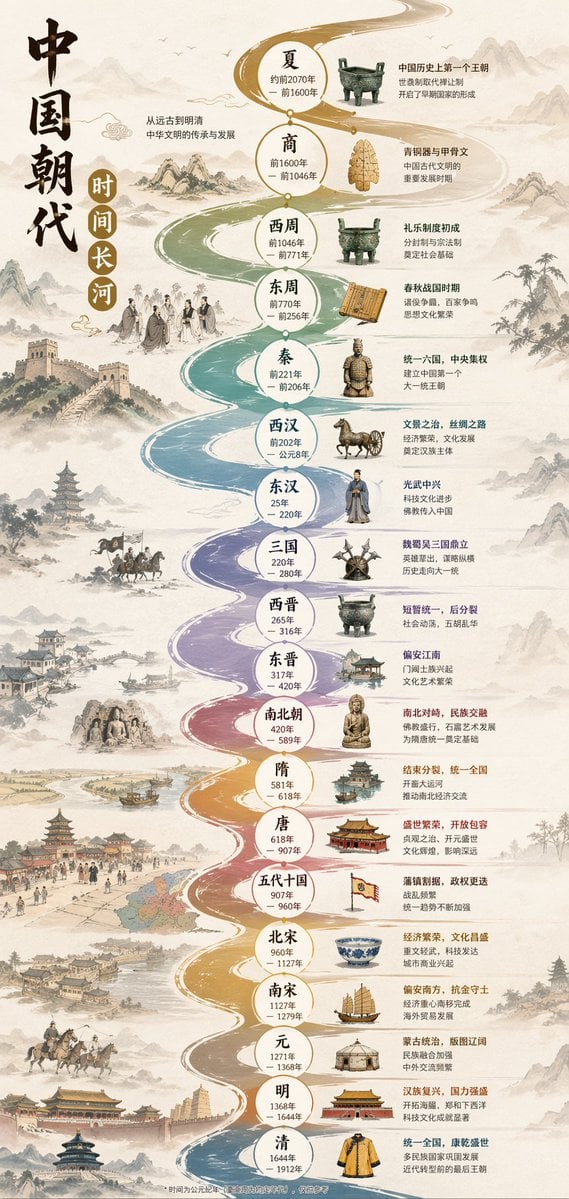
Chinese Dynasty Infographic
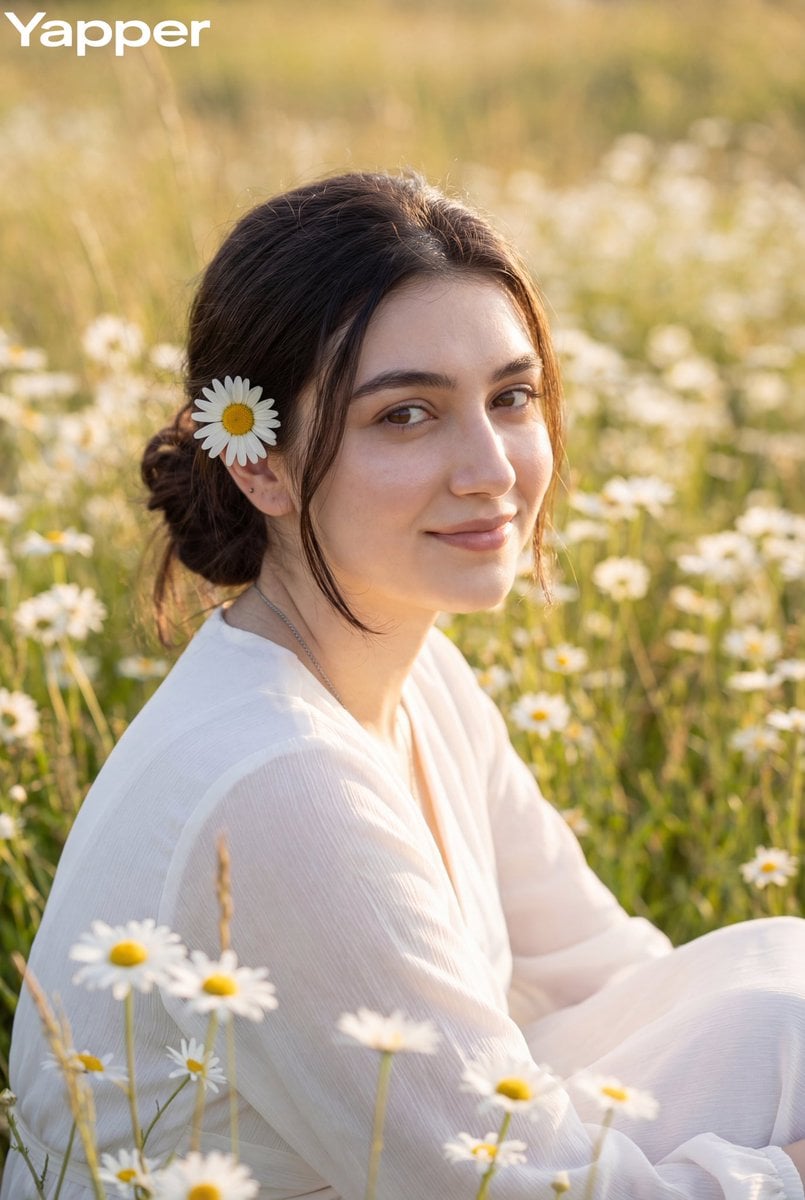
Dreamy Meadow Portrait at Golden Hour
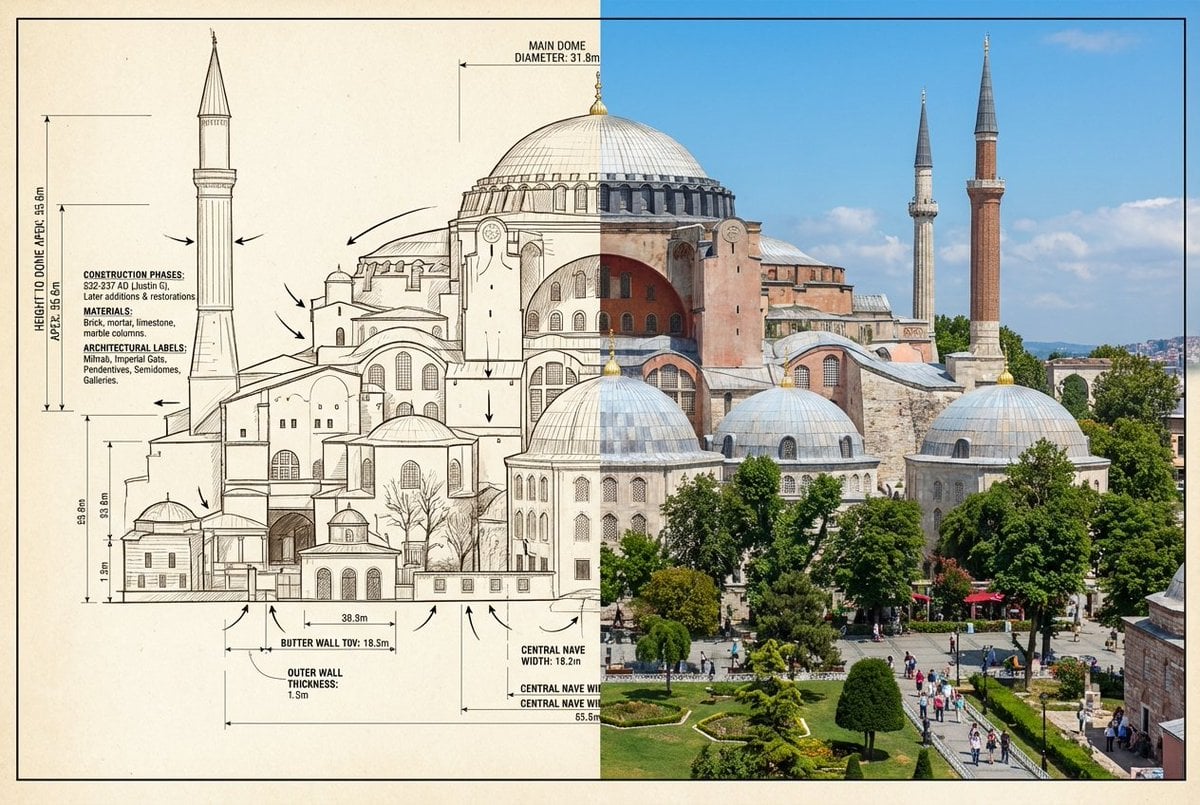
Side-by-Side Architectural Comparison of Hagia Sophia
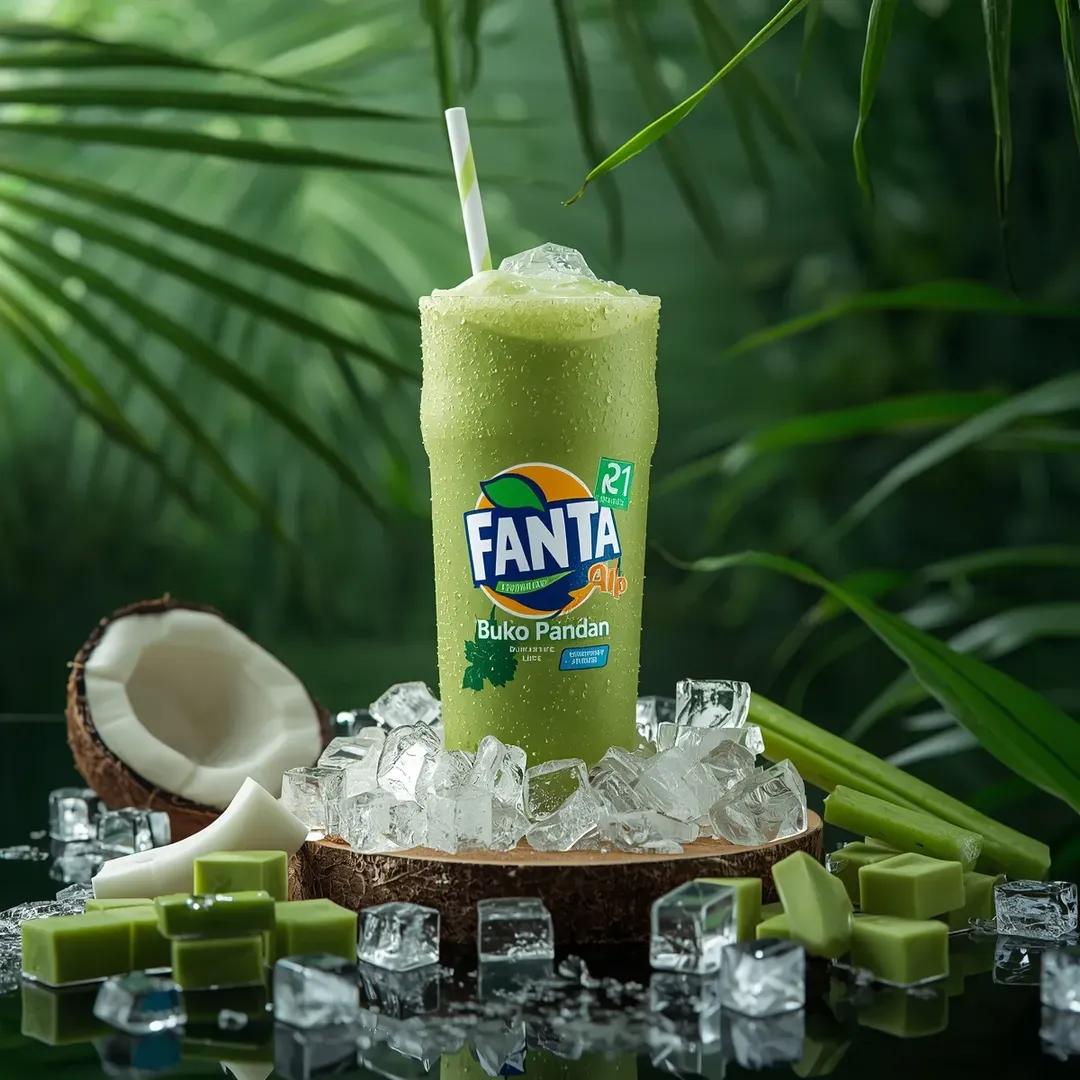
Hyper-realistic Fanta Product Shot Prompt
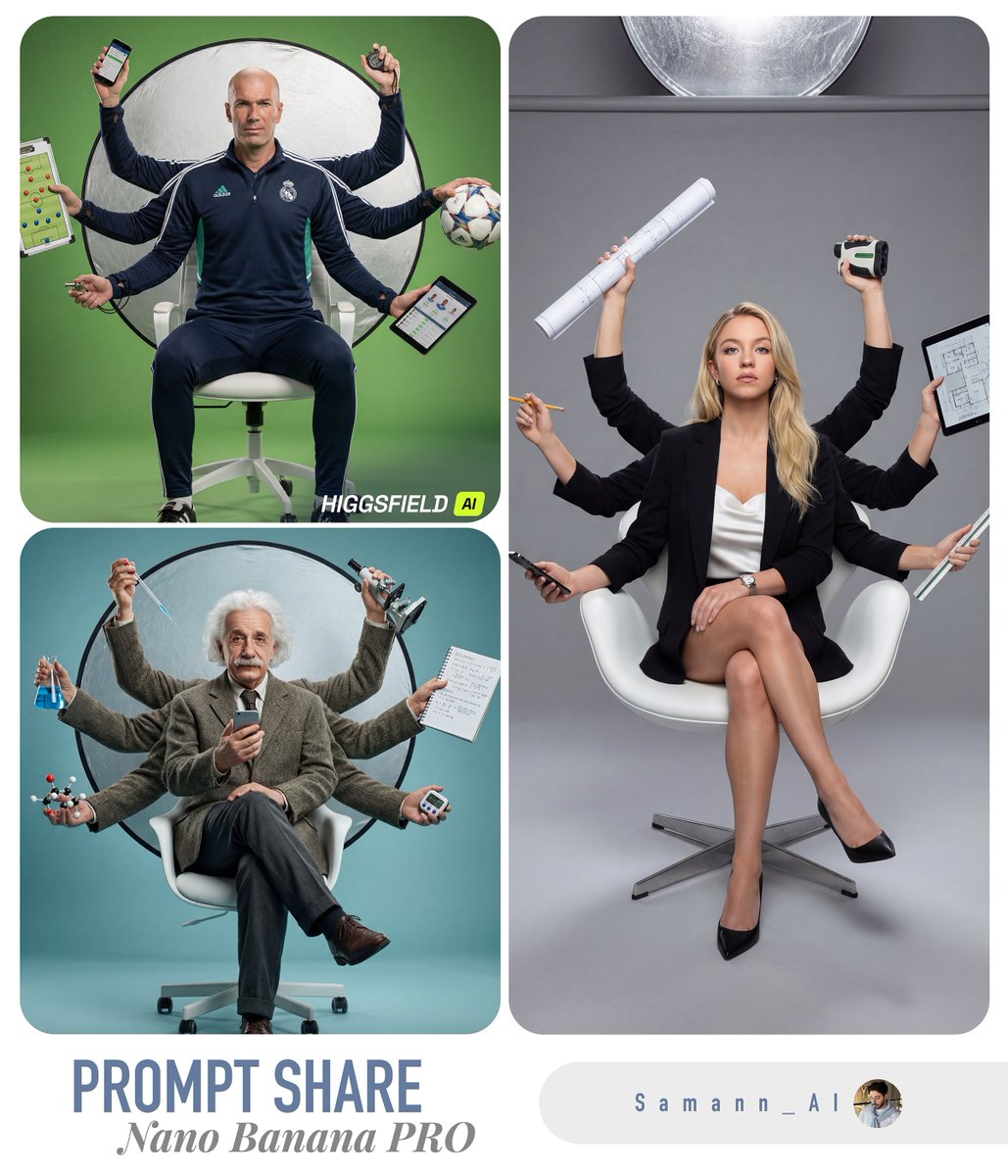
Hyper-Real Multi-Arm Professional Portrait

Luxury Spain Sunset Travel Poster
Edgy Asian Fashion Studio Portrait
Luxury Hotel Mirror Selfie

Cinematic Western Scene with Horseback Riders in Snow
Browse template categories
AI Bloom Sisters Anime Key Visual questions
How do I use the AI Bloom Sisters Anime Key Visual template?
Add your photo if the template asks for one, edit the prompt if you like — the template's model and format are already selected — and press Generate. Your version opens in PicX Studio.
Can I customize the AI Bloom Sisters Anime Key Visual template?
Yes. You can change the subject, setting, lighting, mood, format, and available model controls before creating your image.
Is the AI Bloom Sisters Anime Key Visual template free?
Opening and editing this template is free. Generating uses credits, shown on the Generate button when you are signed in.
Which AI model should I use?
Start with GPT Image 2, which is the model associated with this template. You can compare another compatible model for a different finish.
Looking for something else? Browse all templates.

Your photo, any look
Thousands of ready templates for every top image and video model, from one credit balance.