
Hyper-Real Multi-Arm Professional Portrait
A complex, structured prompt template designed to generate a hyper-realistic studio portrait of a person in a specific profession, using a reference photo for identity consistency.
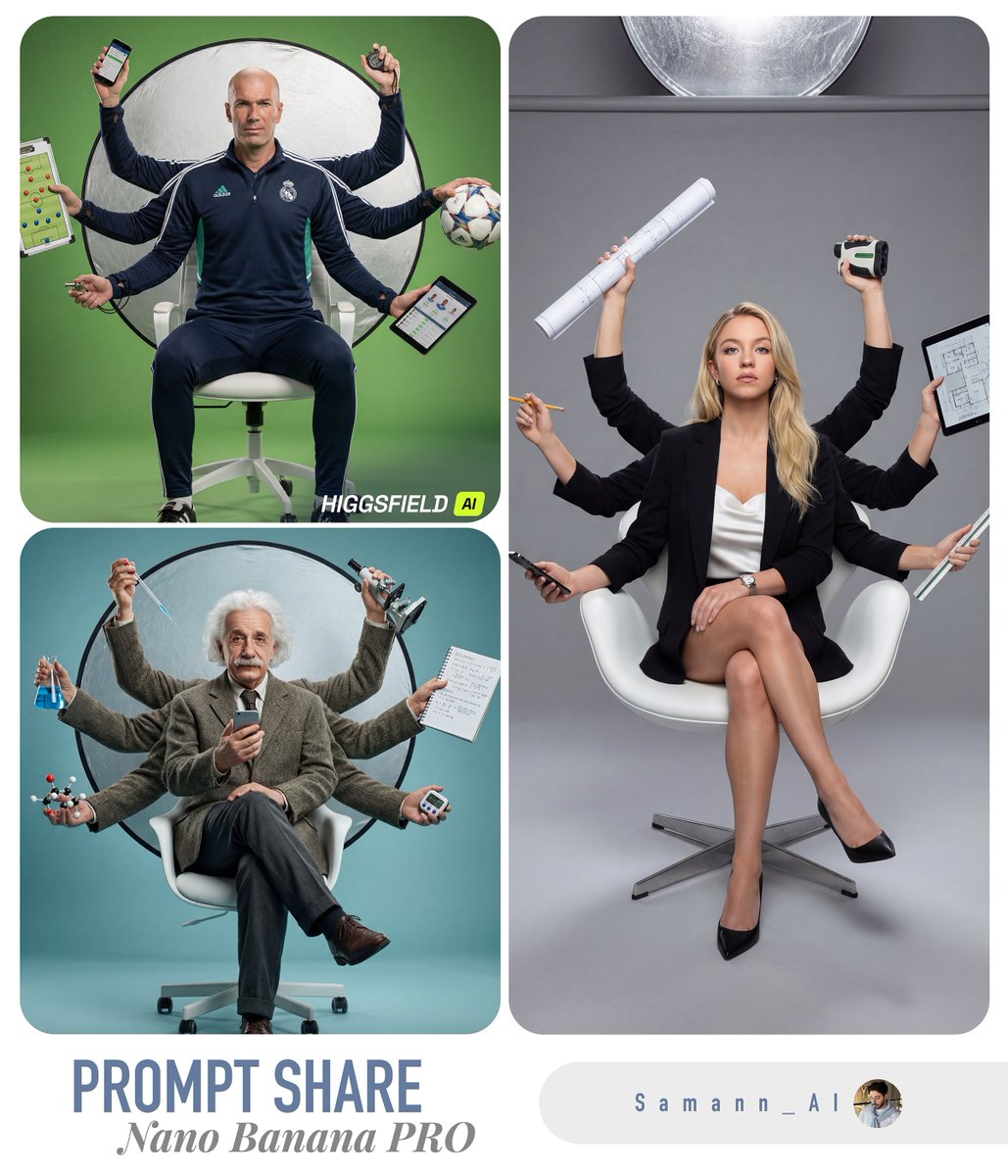
- Prompt included
- Model and format preset
- Premium template
The prompt behind this image
Copy the exact prompt behind Hyper-Real Multi-Arm Professional Portrait, or open it in the studio and make it yours.
**[USER_PHOTO]** **[{argument name="profession" default="PROFESSION"}]** Create a hyper-real, studio portrait using [USER_PHOTO] as the exact identity reference (same face, hairstyle, skin texture, and age). Depict the person as a confident [{argument name="profession" default="PROFESSION"}] sitting casually on a modern white ergonomic office chair, legs crossed, centered in frame. Add a stylized “multi-arm” illusion (6–8 arms total) radiating behind the torso like a modern Shiva/Vishnu-inspired silhouette, but photorealistic: each extra arm must have correct anatomy, believable joints, tendons, skin pores, and natural shadowing; no warped fingers. PROPS (must be profession-relevant): Automatically choose and place different tools that a real [{argument name="profession" default="PROFESSION"}] would use, one per hand/arm, all clearly readable and accurate in design. Examples of categories: primary tool, secondary tool, communication device, measurement/diagnostic tool, accessory, and a “hero” prop. Keep one real smartphone in the main/front hand. Avoid generic random objects—every prop must logically belong to [{argument name="profession" default="PROFESSION"}]. If [{argument name="profession" default="PROFESSION"}] is digital/tech: include items like laptop, tablet, camera/monitor, light meter, stylus, keyboard, mic, etc. If [{argument name="profession" default="PROFESSION"}] is medical: stethoscope, clipboard, otoscope, syringe (safe/clinical), etc. If [{argument name="profession" default="PROFESSION"}] is culinary: chef knife, tongs, plating tweezers, recipe tablet, etc. (Always match [{argument name="profession" default="PROFESSION"}].) BACKGROUND COLOR (topic-matched): Use a seamless paper studio backdrop with a single dominant color that matches the profession theme (e.g., warm mustard for creative/media, cool teal for healthcare, graphite/steel for engineering, rich olive for outdoors, deep burgundy for luxury). The color should complement skin tones and wardrobe. Add subtle gradient falloff and soft bounce for depth (no flat background). LIGHTING & SET: High-end commercial studio look. One large soft key light from camera-left, controlled fill from right, crisp rim light to separate subject, and realistic specular highlights on props. Include a large circular silver reflector disk behind the subject (partially visible) for visual punch. Add a subtle shadow on the floor consistent with light direction. WARDROBE & STYLING: Outfit must be believable for a top-tier [{argument name="profession" default="PROFESSION"}] (clean, modern, slightly stylized), with texture detail (fabric weave, seams). Add minimal accessories (watch/bracelet) that feel premium. Expression: focused, slightly intense, “in the zone.” COMPOSITION & CAMERA: Full-body vertical portrait (4:5), 50mm lens look, eye-level camera, sharp focus on face, shallow depth of field but props still readable. Ultra-detailed skin, natural color grading, high dynamic range, crisp micro-contrast. REALISM RULES: No cartoon, no CGI look. No extra faces, no duplicated heads. Hands must be anatomically correct (5 fingers), no melted objects, no unreadable text logos unless naturally present. Keep the scene clean and premium.
How to use Hyper-Real Multi-Arm Professional Portrait in 3 steps
- 1
Open
The prompt is already in the box next to the preview, with the template's model and format selected.
- 2…a portrait of your subject in softgolden-hour light, 85mm…
Personalize
Edit the subject and creative details for your destination.
- 3Generate
Generate
Press Generate — your image is created in PicX Studio, so you can compare it with the original and refine one variable at a time.
More like this
Templates with the same subject, style or setup. Open one to see its prompt.
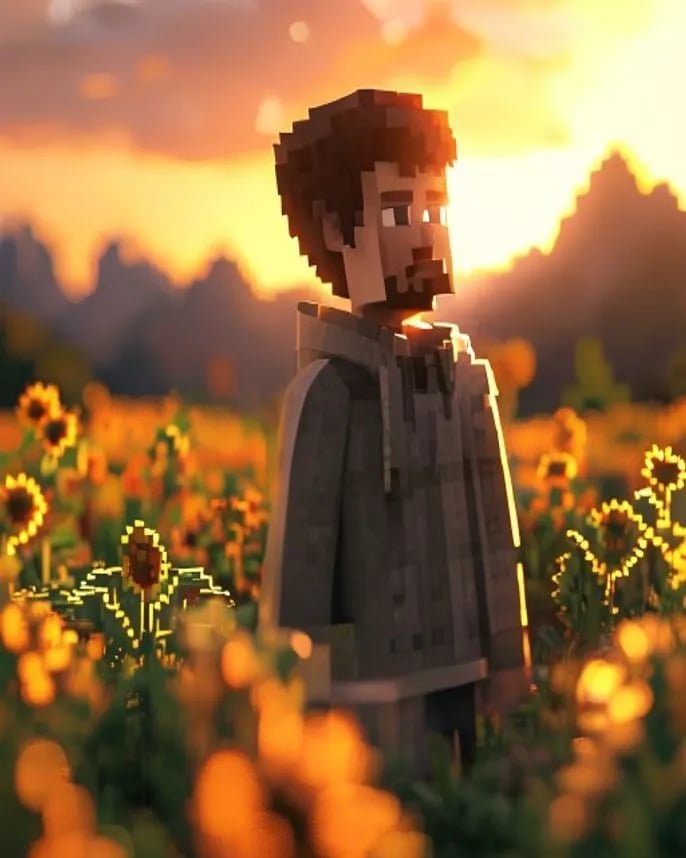
Hyper-Realistic Minecraft POV Portrait
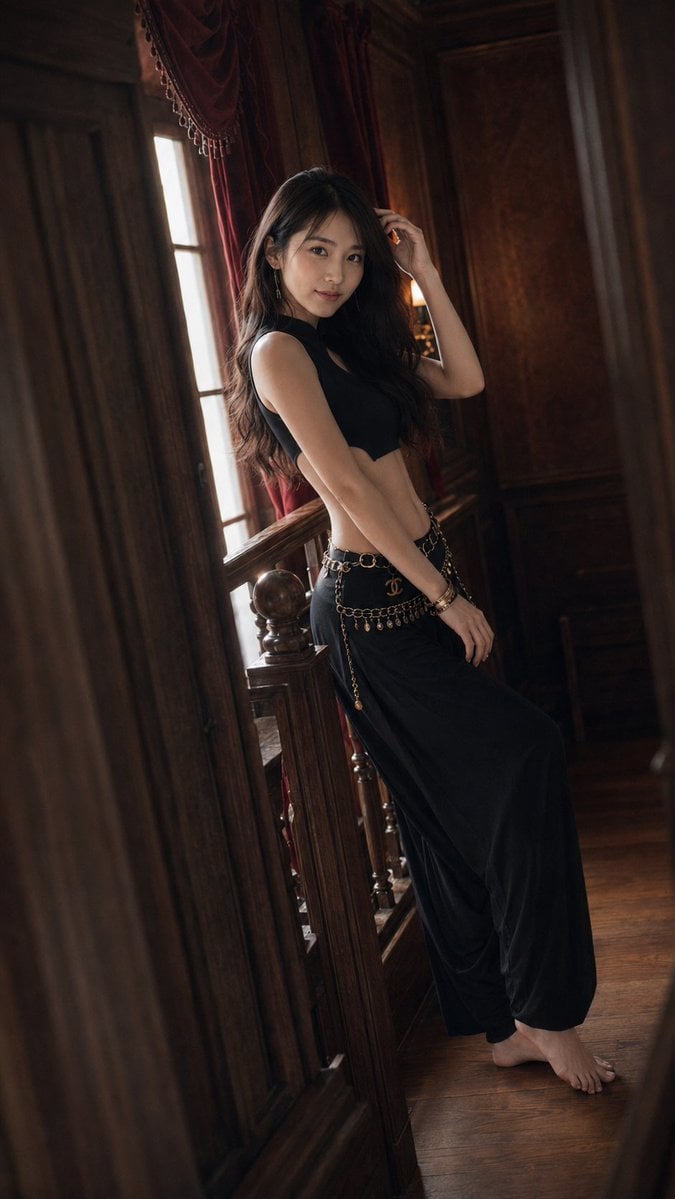
Warm Vintage Manor Bohemian Fashion Editorial
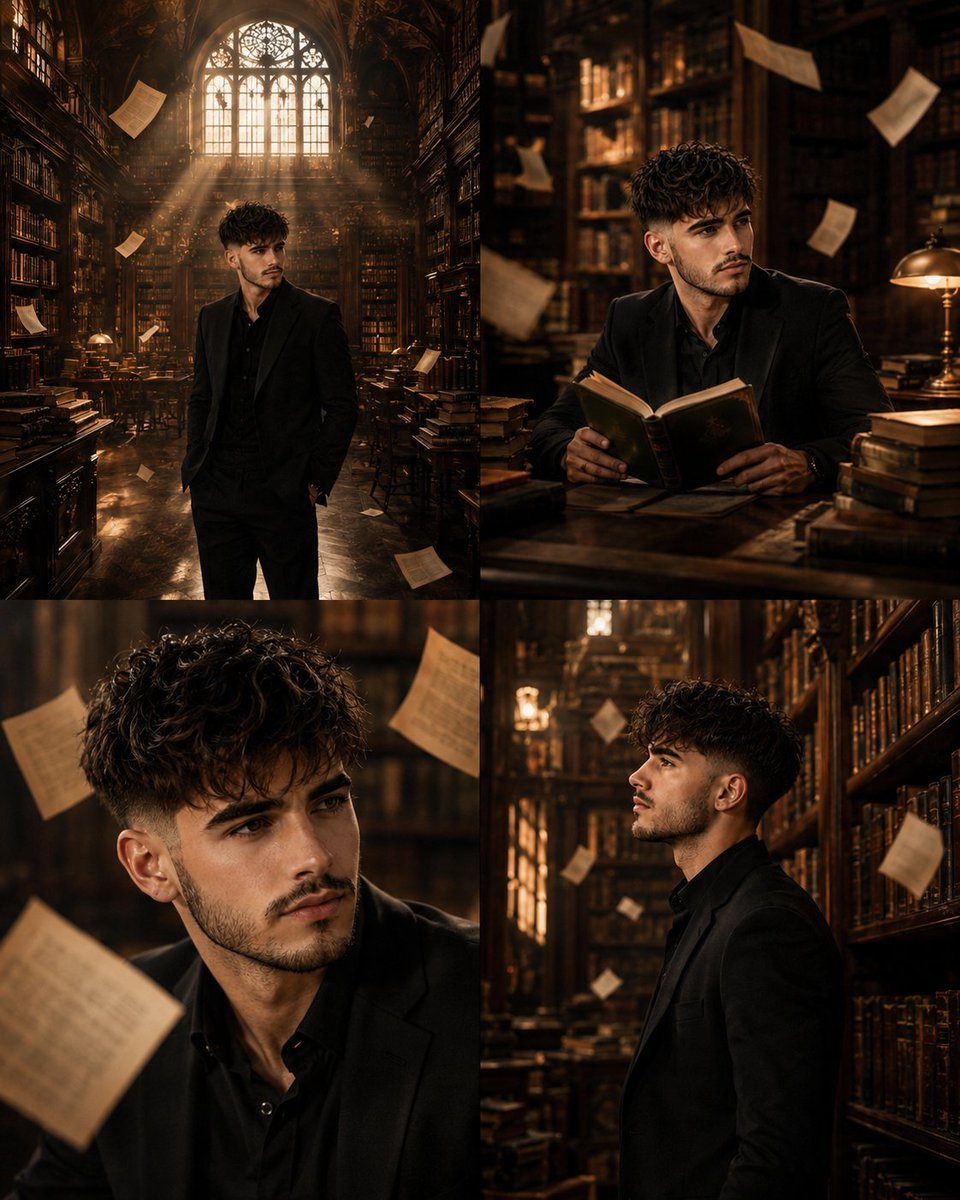
Surreal Library Multi-Angle Portrait
Ultra Realistic Ai Influencer Generator
Comparing Realism Keywords in Midjourney
Cinema Date Popcorn Realistic By Nano Ba
Nano Banana Pro Photoreal Playful Couple
Found Photograph: Us, 1970
80s Couple Studio Portrait
80s Bollywood Star
80s Golden Hour Cinema
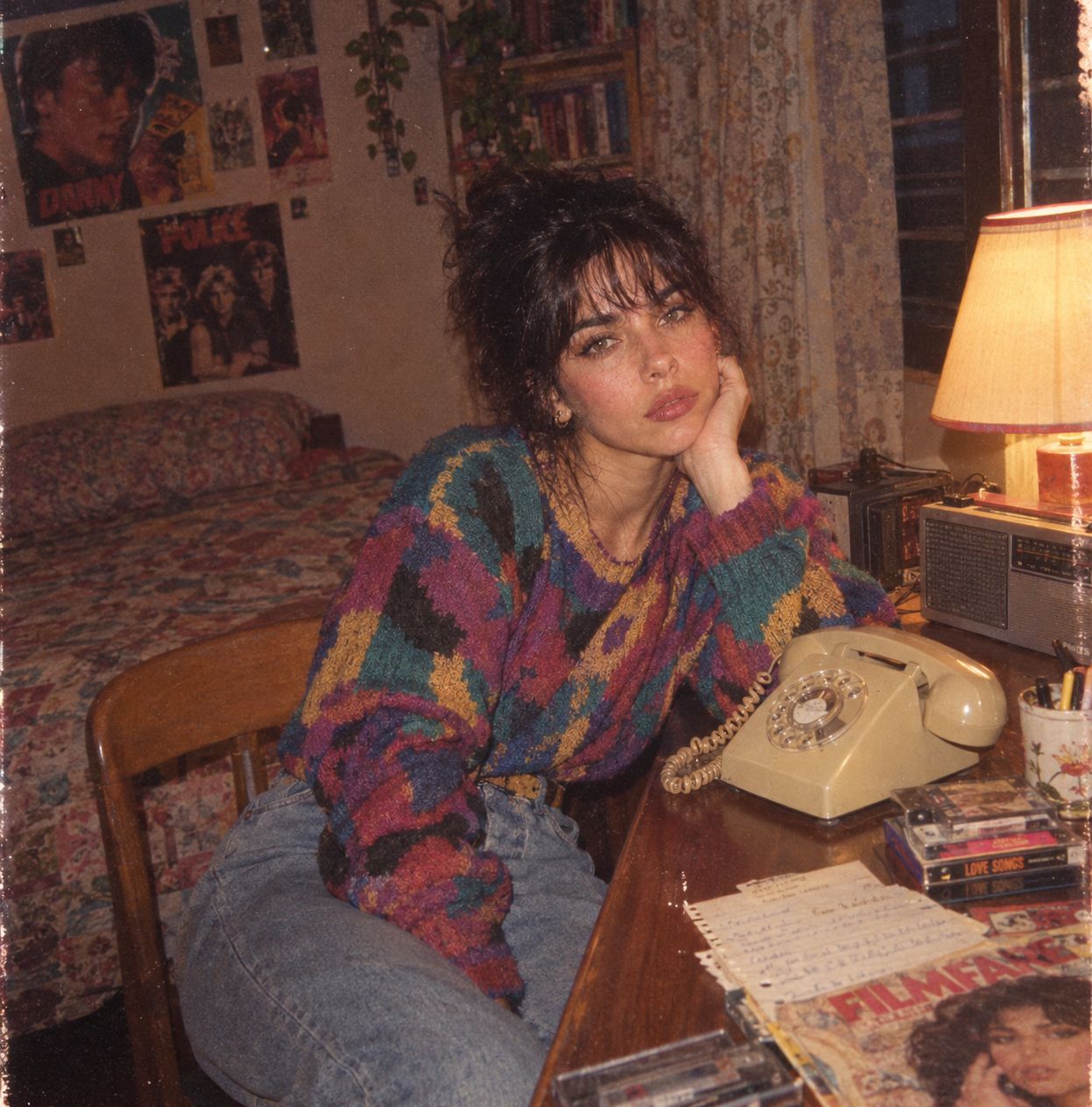
Me in 1985
Make it yours
Hyper-Real Multi-Arm Professional Portrait works as-is. These are the safest ways to change it without losing the look.
Change one field
Copy a single group, rewrite it, and generate again so you can see what that field is doing.
Keep the frame, change the subject
Hold the composition and light of Hyper-Real Multi-Arm Professional Portrait, then swap wardrobe, props or the person for a new take.
| If the result… | Why | Fix |
|---|---|---|
| The result drifts from the preview | Too many fields changed at once. | Reuse Hyper-Real Multi-Arm Professional Portrait as-is first, then change one group — subject, light, or setting. |
| The model over-stylizes the scene | The prose prompt leaves finish and camera underspecified. | Add one camera or lighting sentence and stay on Nano Banana 2. |
More Nano Banana 2 templates
Other prompts made for Nano Banana 2.
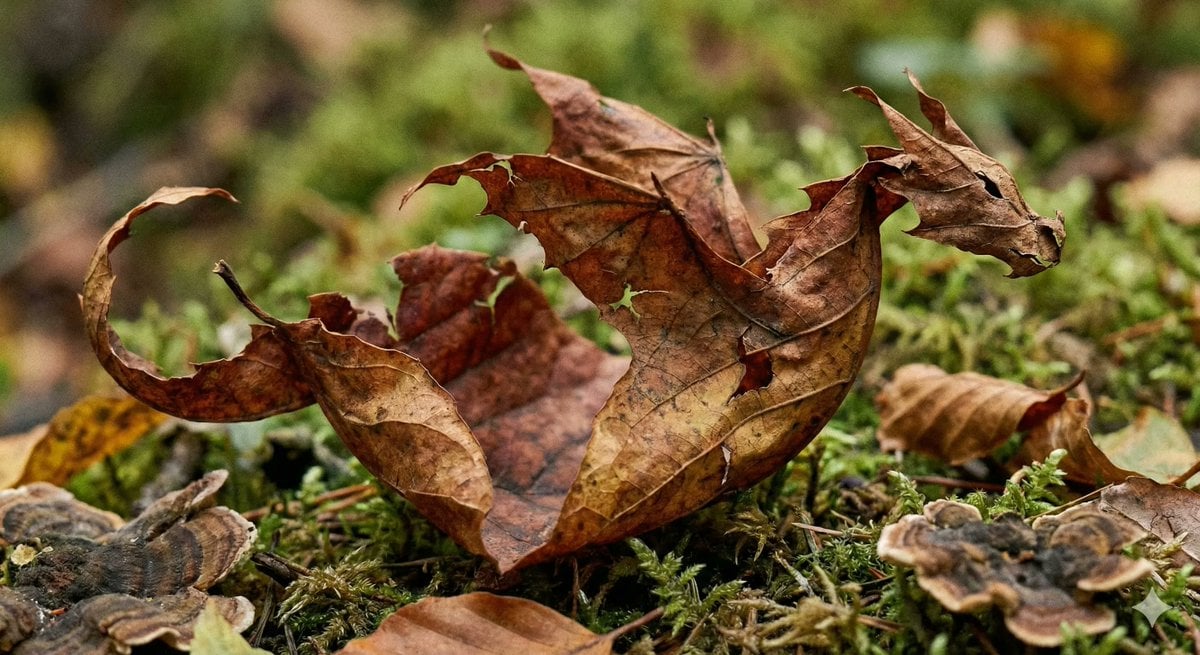
Photorealistic Leaf Shaped Like a Dragon
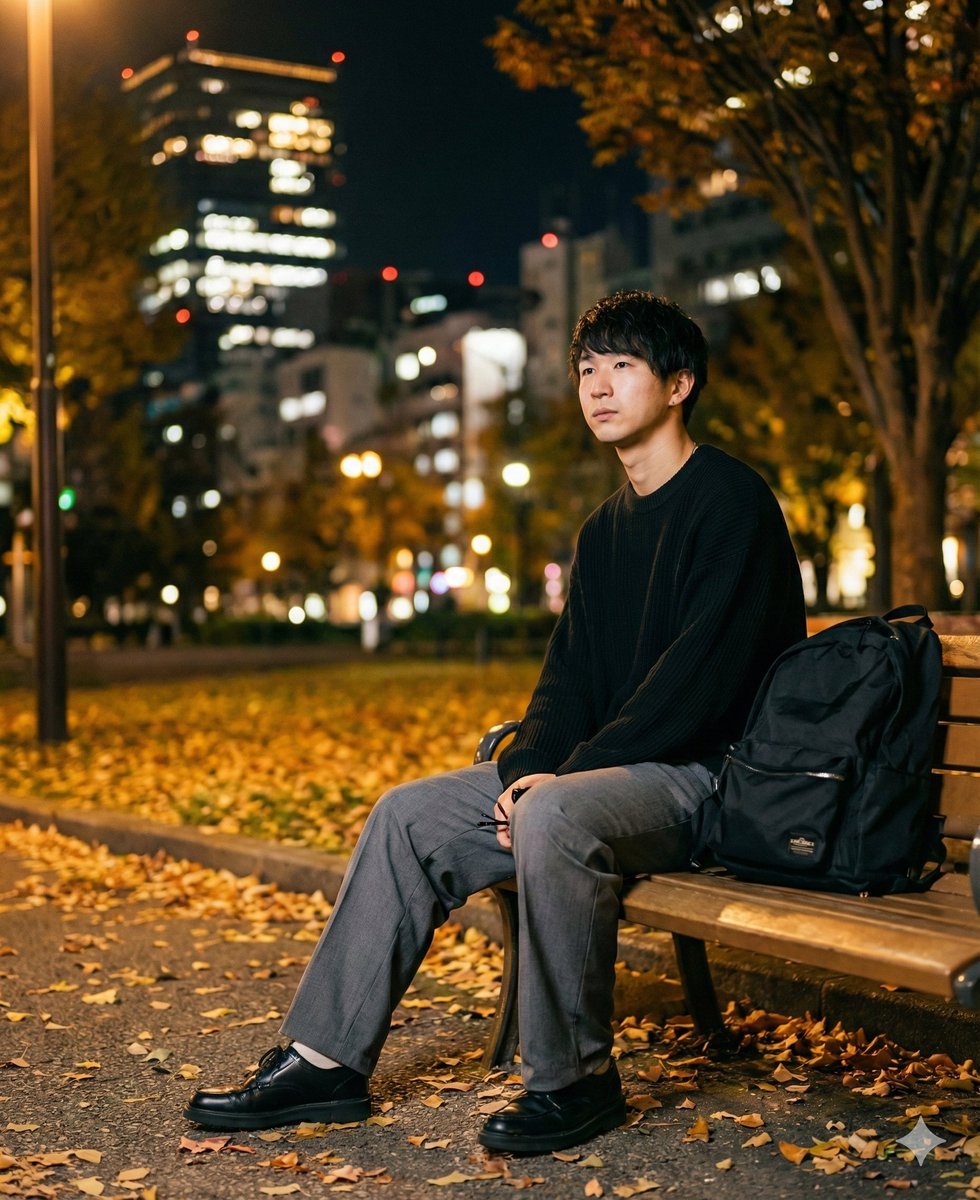
K-Pop Idol Portrait Grid for Rapid Selection
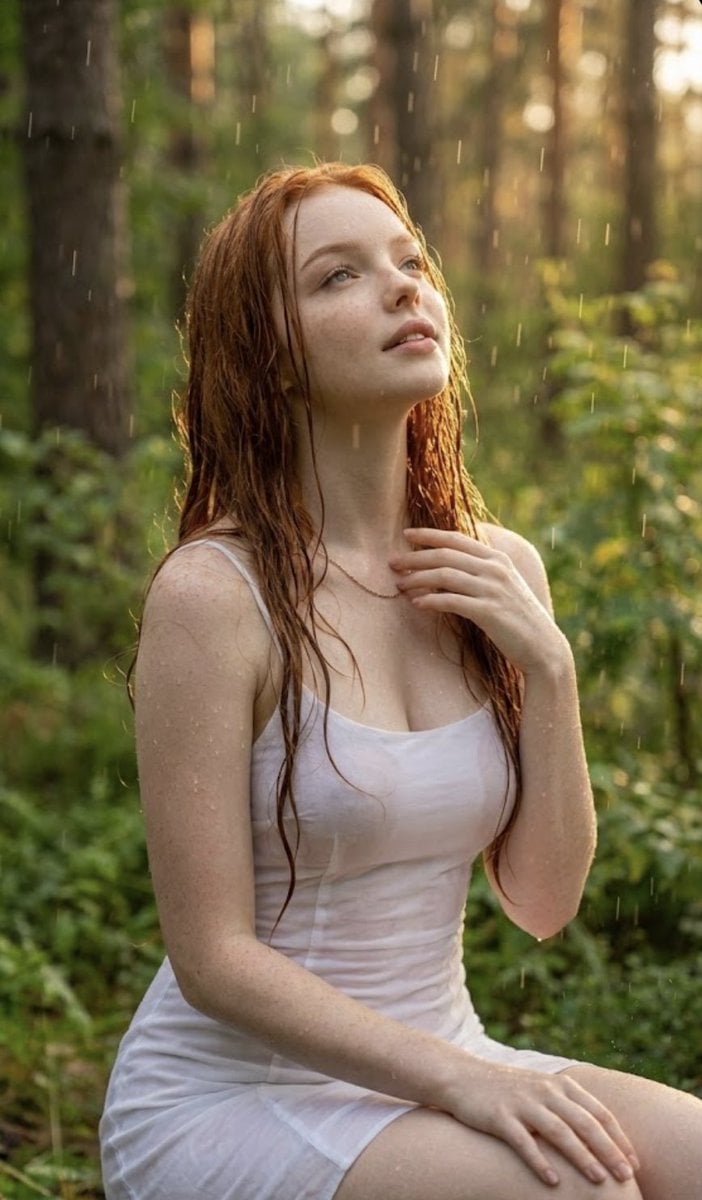
Poetic Rain Forest Portrait During Golden Hour
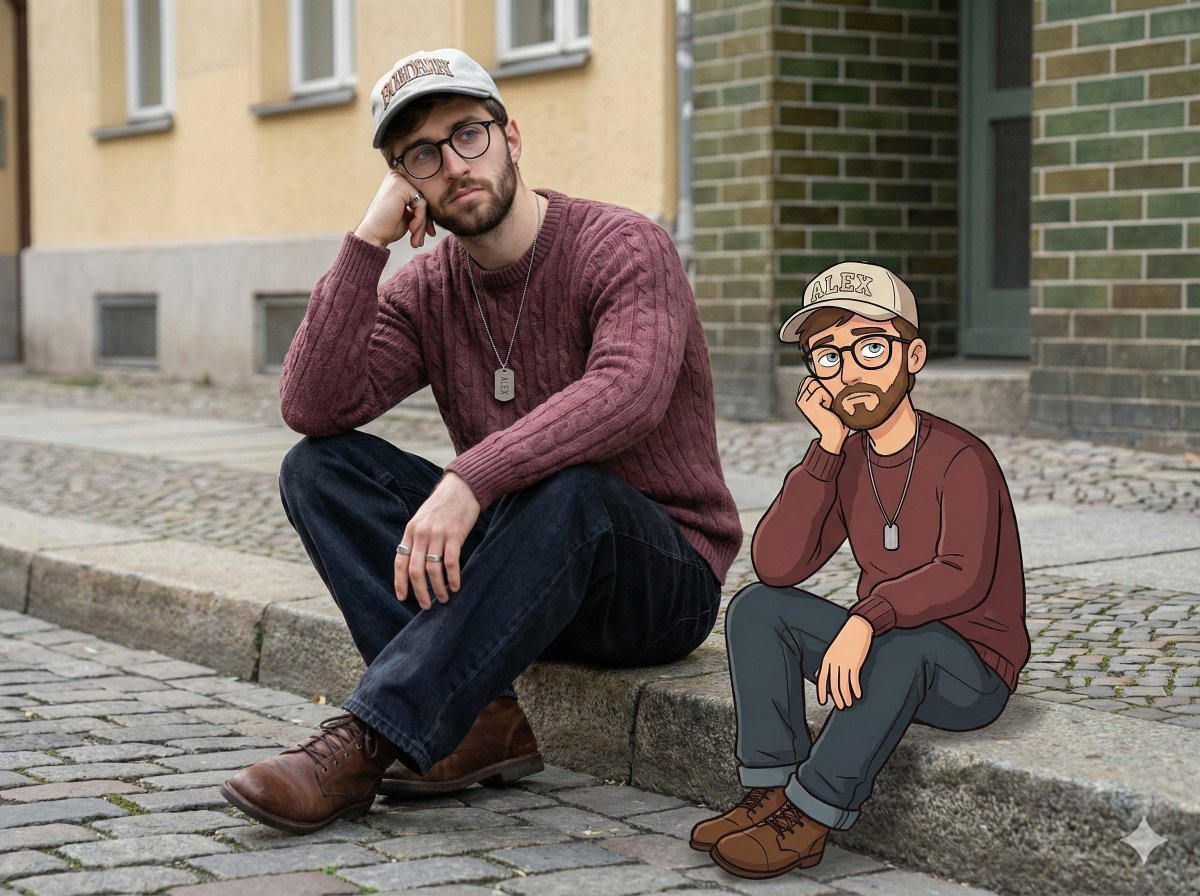
Urban Street Portrait with Cartoon Inner Self Duo
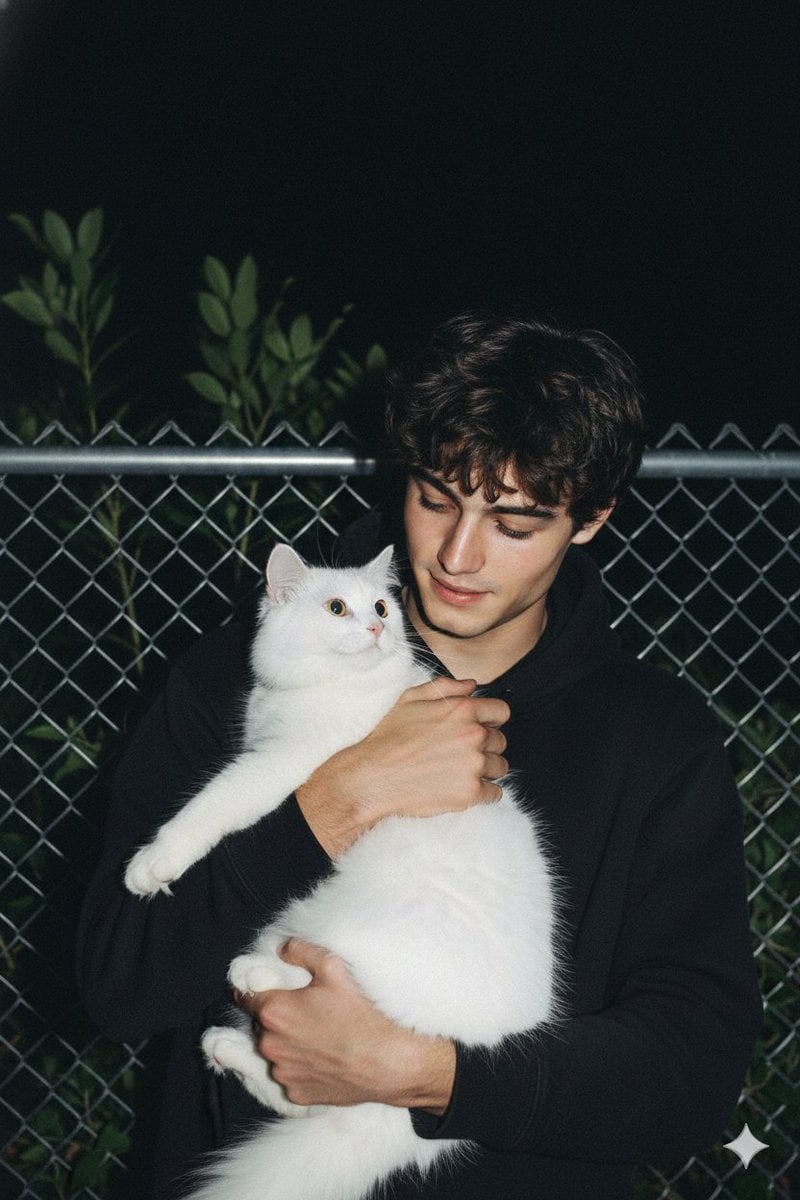
Candid Nighttime Photo with Cat Prompt
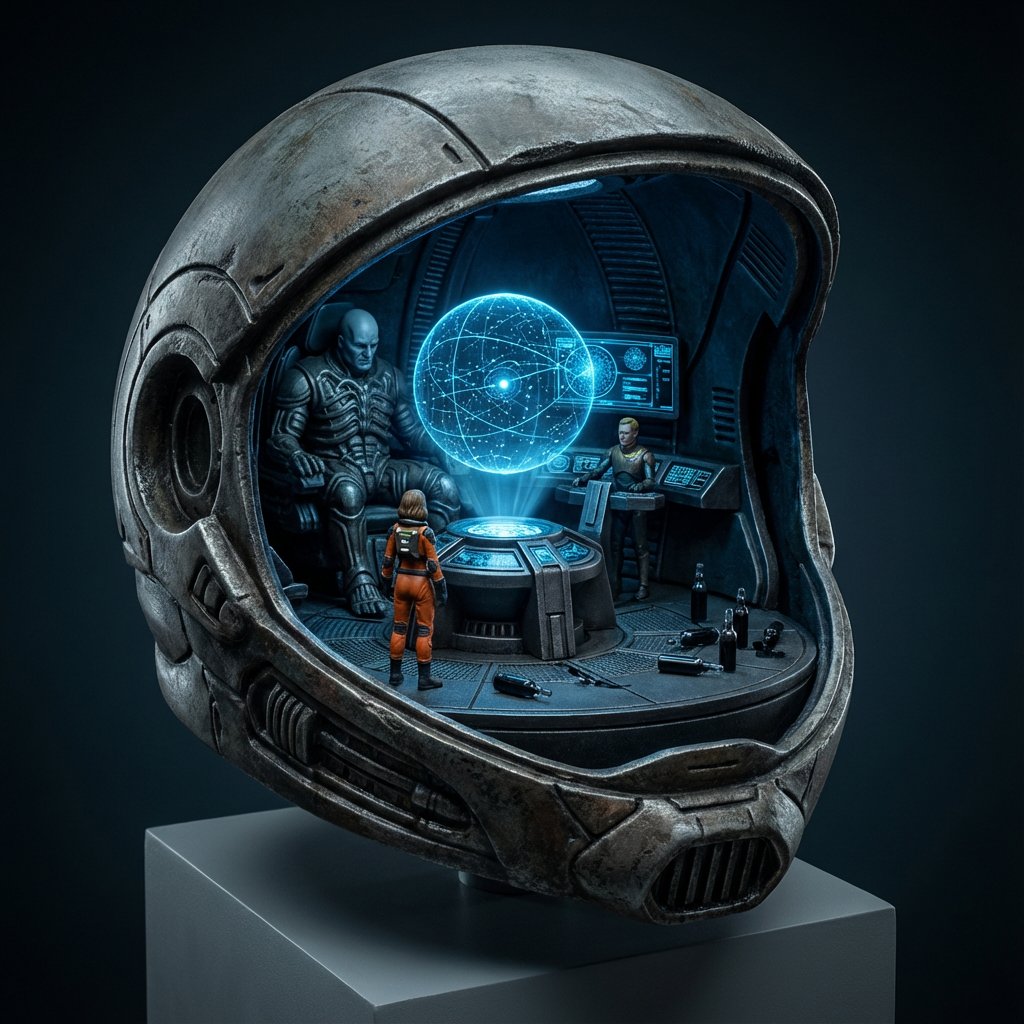
High-Concept 3D Diorama Generation Prompt
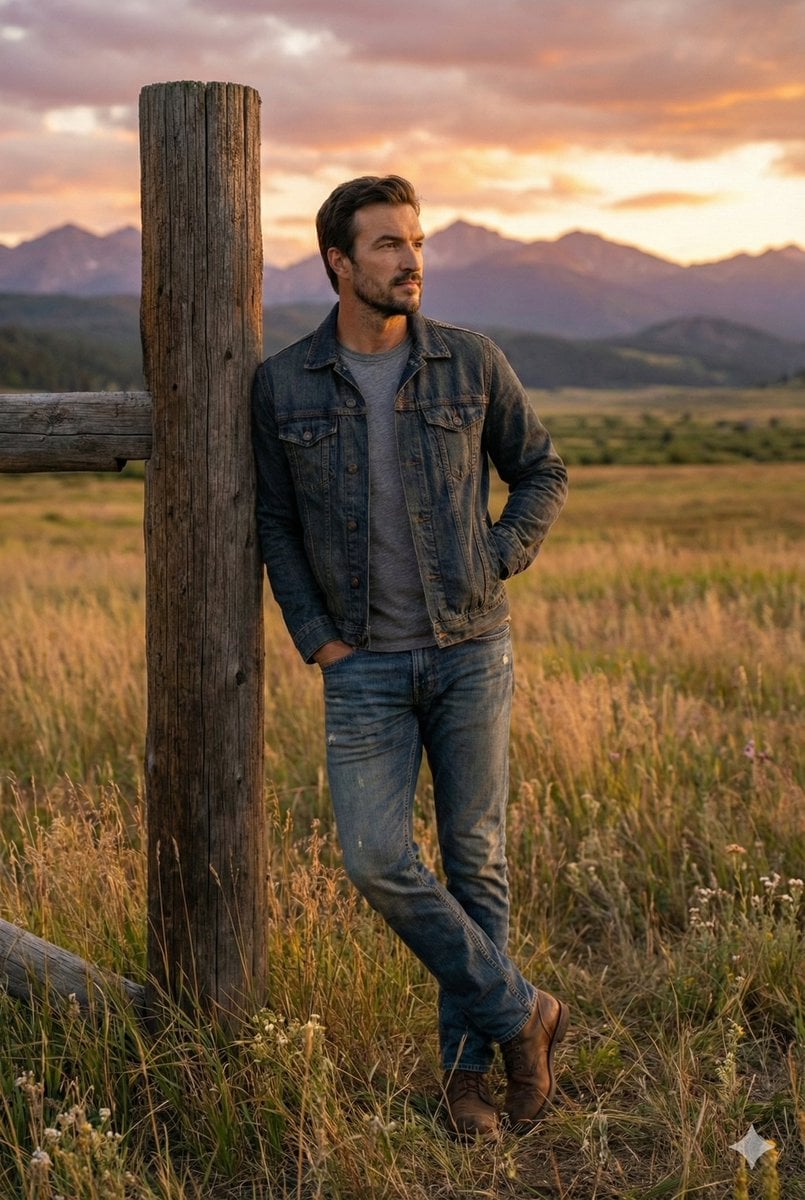
Cinematic Futuristic Studio Portrait Template
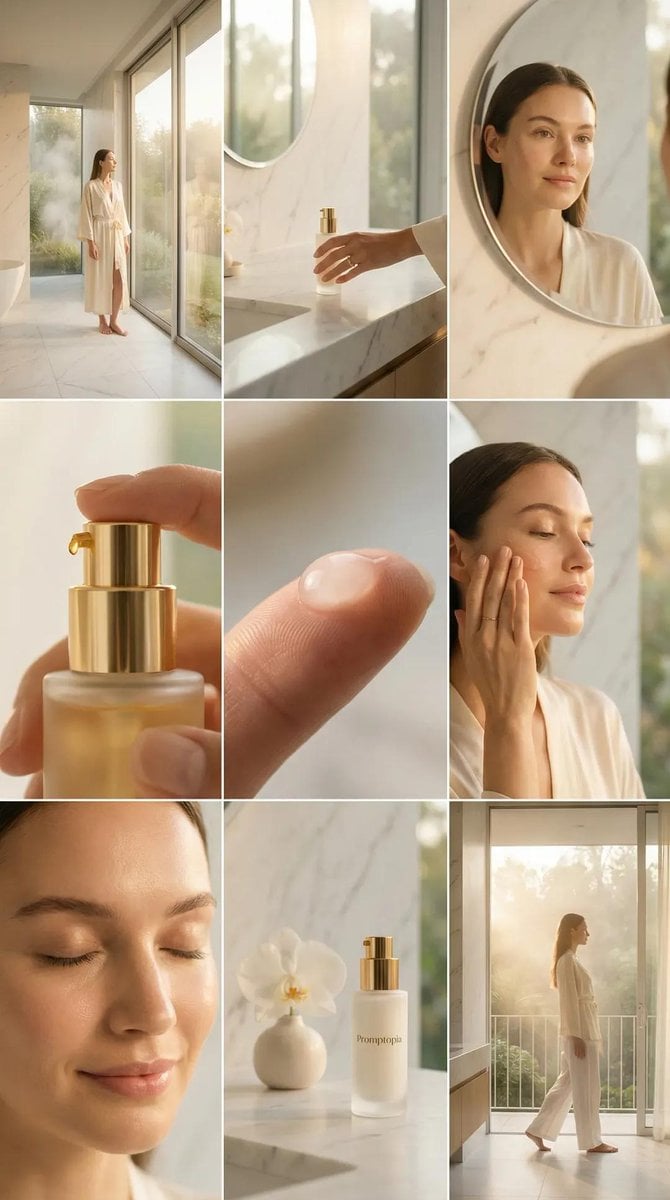
Skincare Editorial Photography Collage Prompt
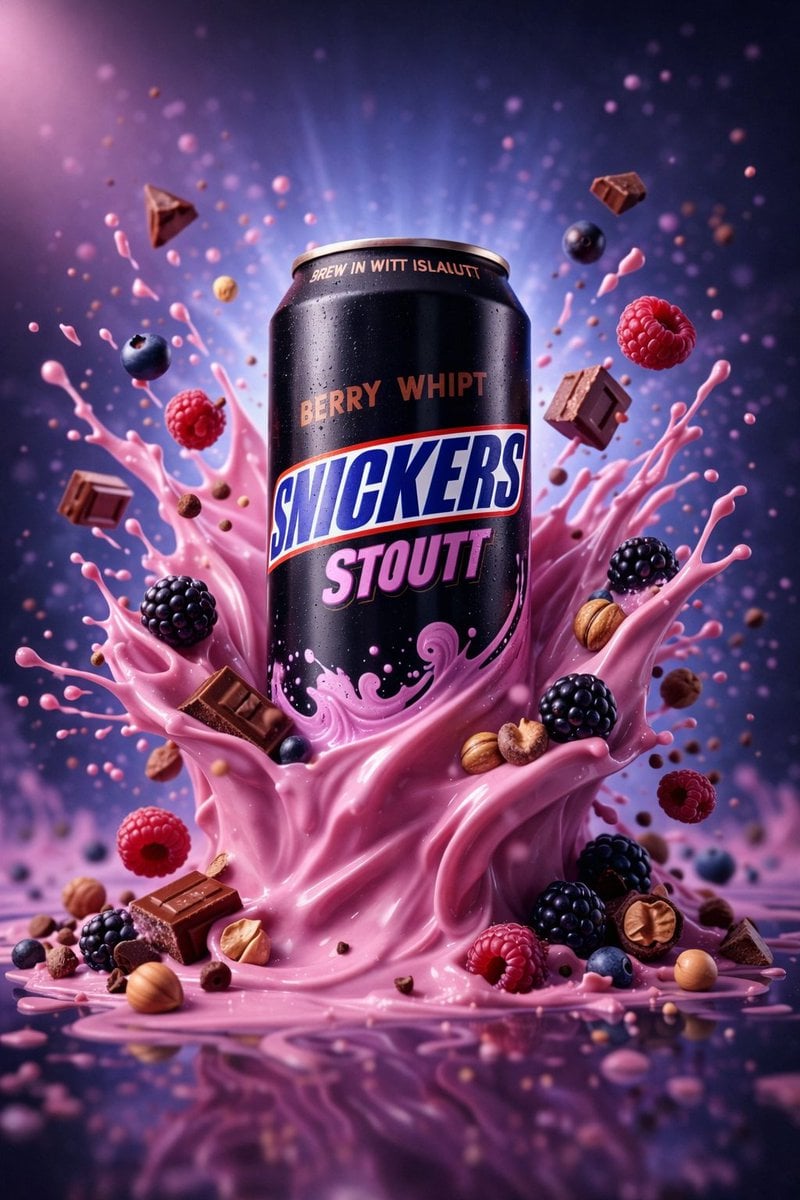
Hyper-Realistic Commercial Product Photography (Splash Effect)
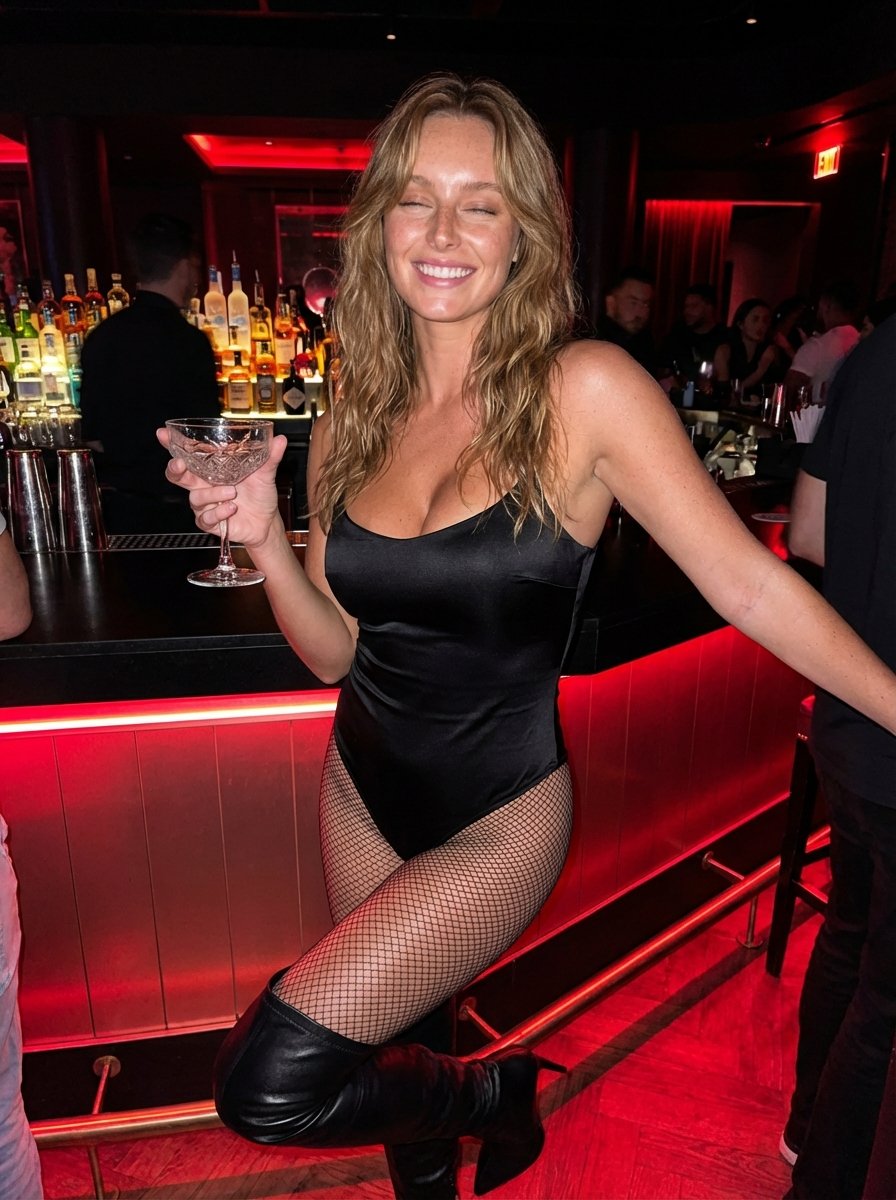
Hyper-Realistic Nightclub Portrait Prompt
More image prompts
Fresh picks from across the catalog.
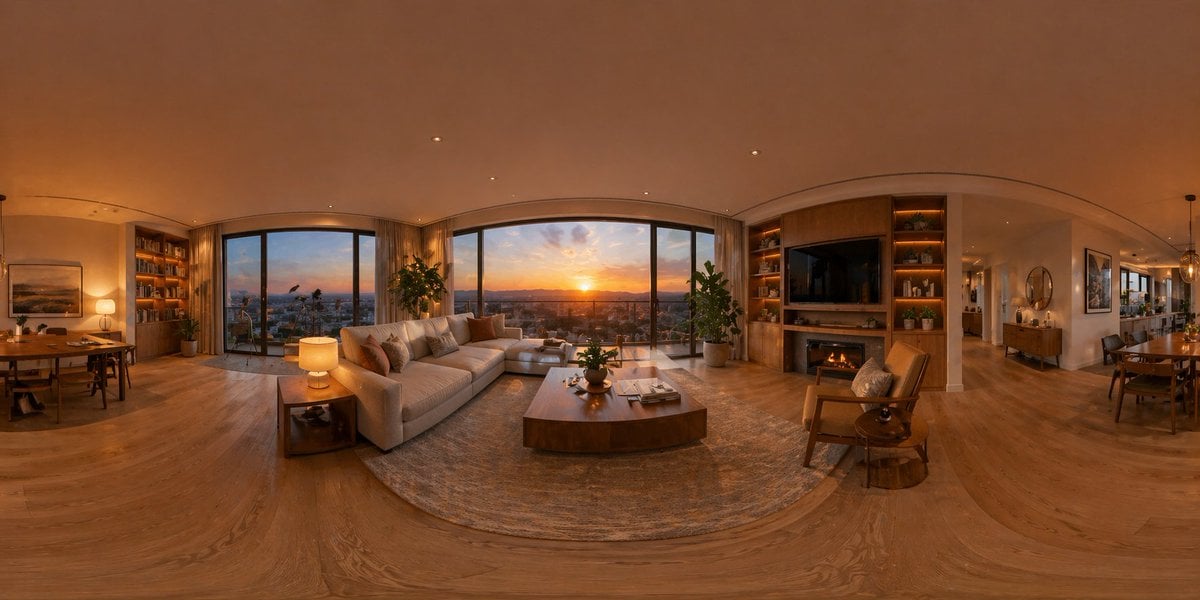
360 Degree Panoramic Image Template
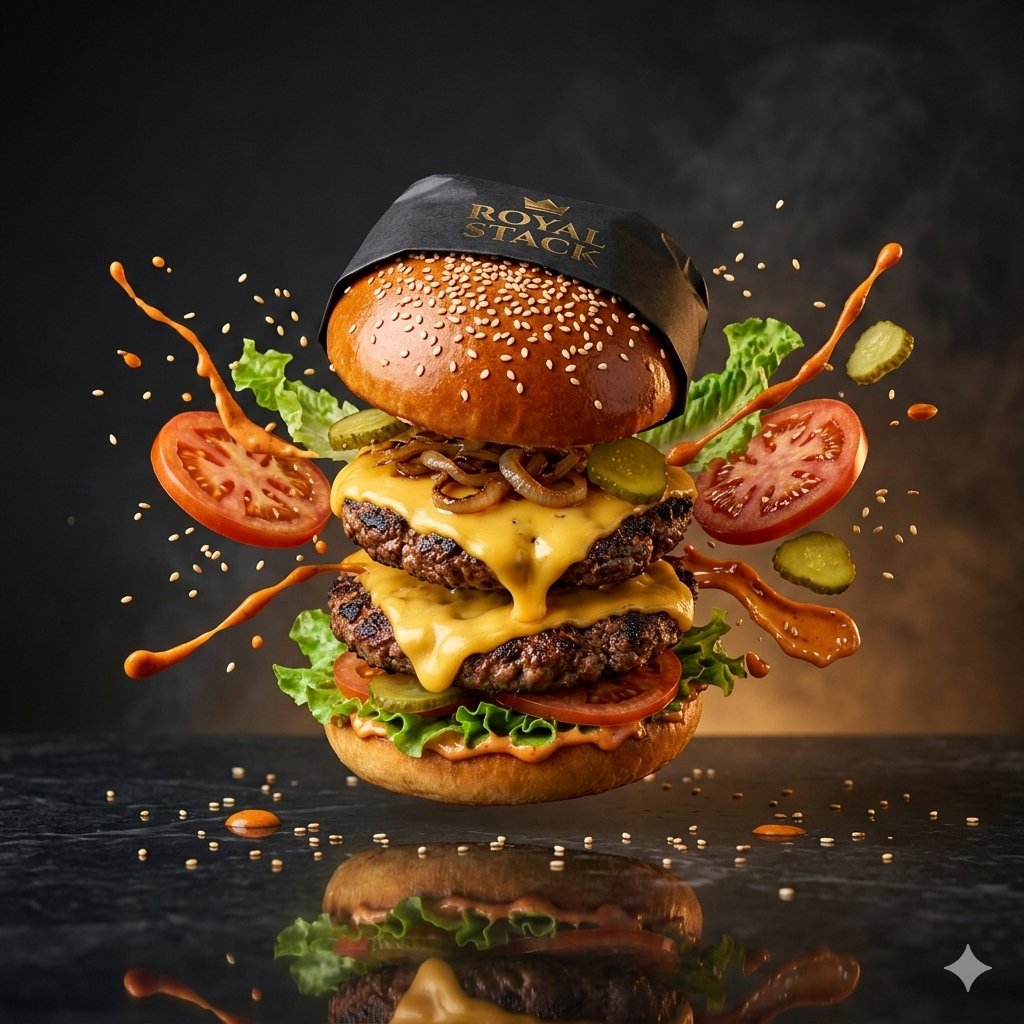
High-Speed Commercial Luxury Burger Photography
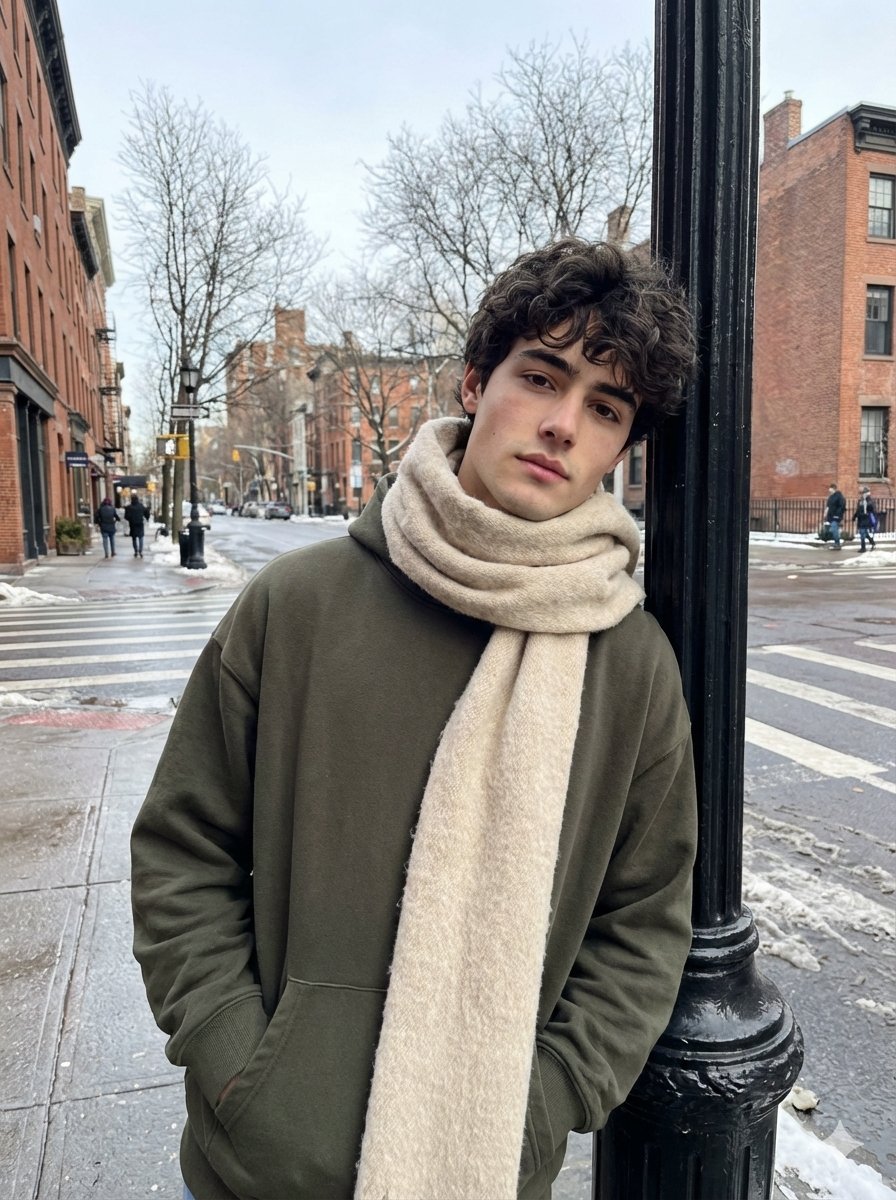
Ultra-Realistic Street Photo with Specific Subject Preservation
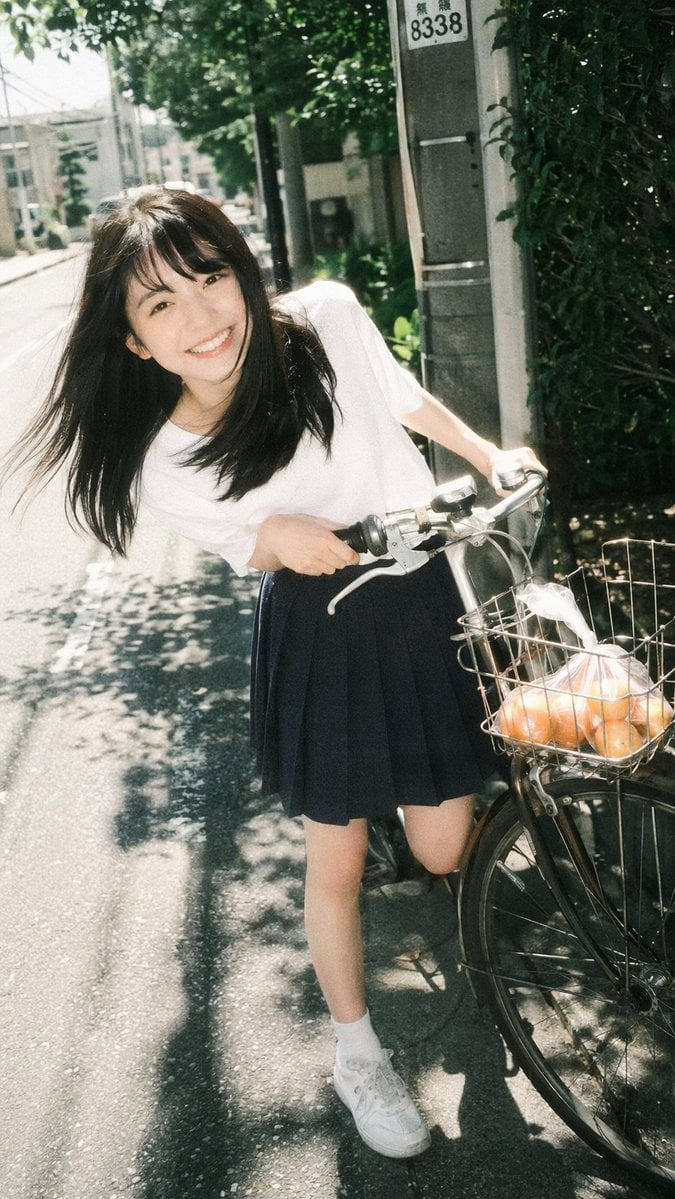
Vintage Film Portrait of Girl with Bicycle
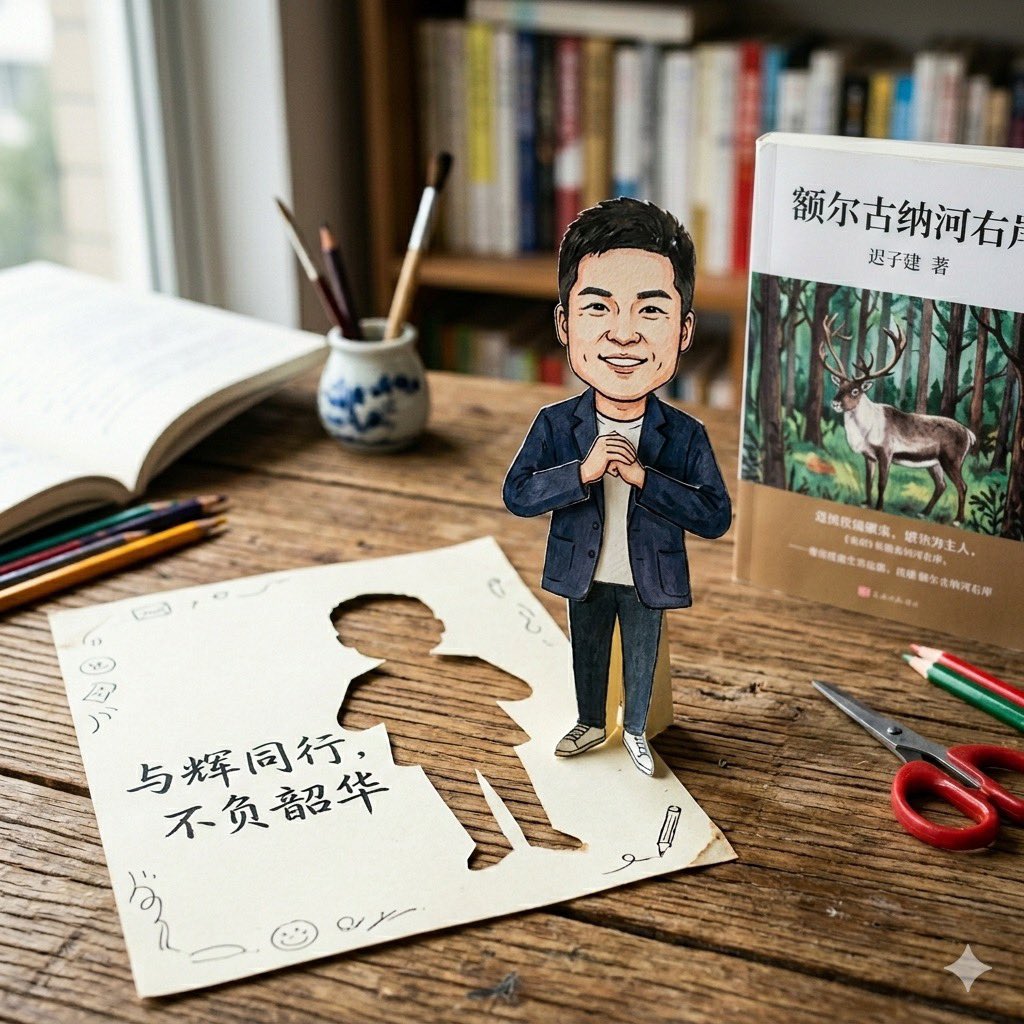
Paper-Cut Character Art Generation Prompt
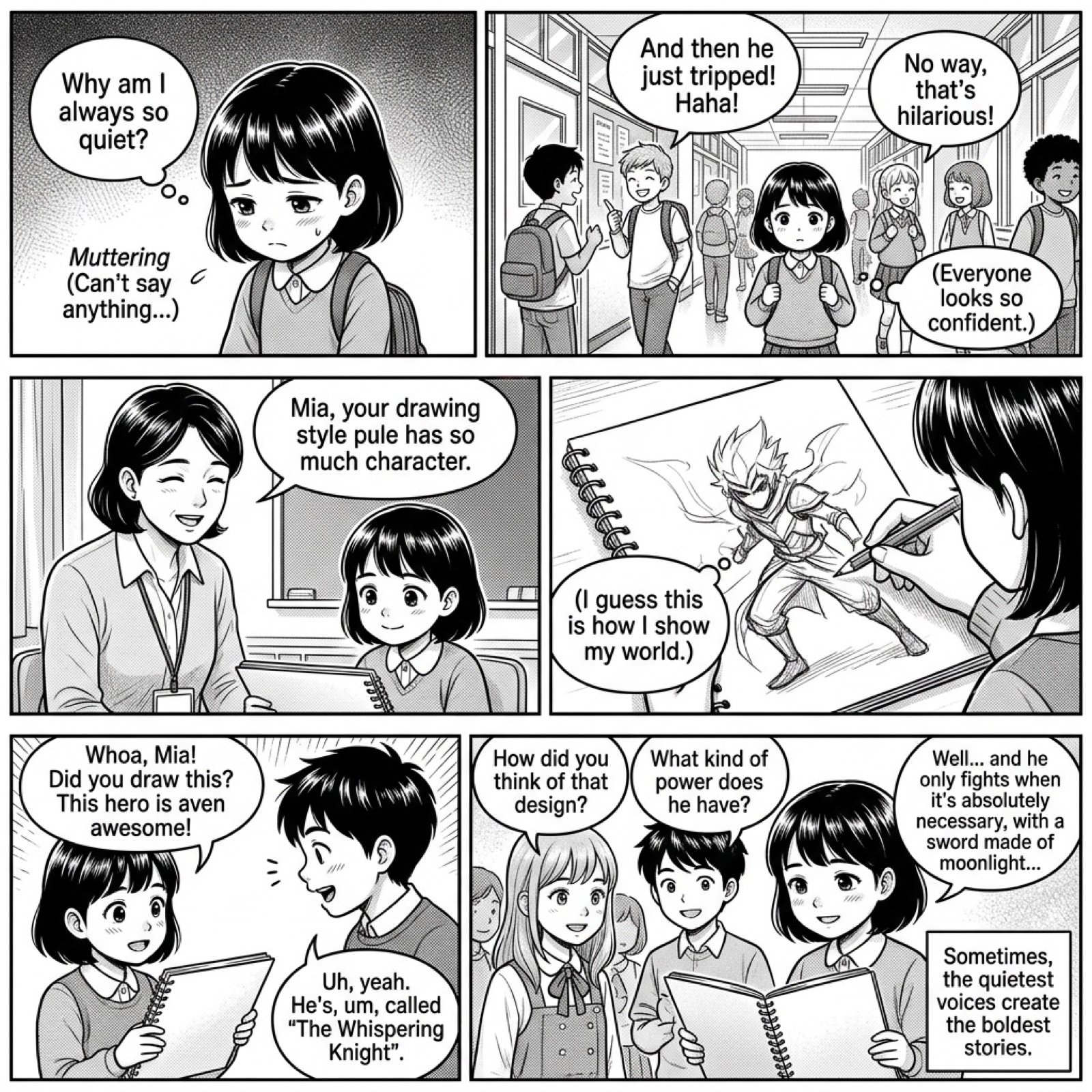
Add dialogue to a manga based on its content
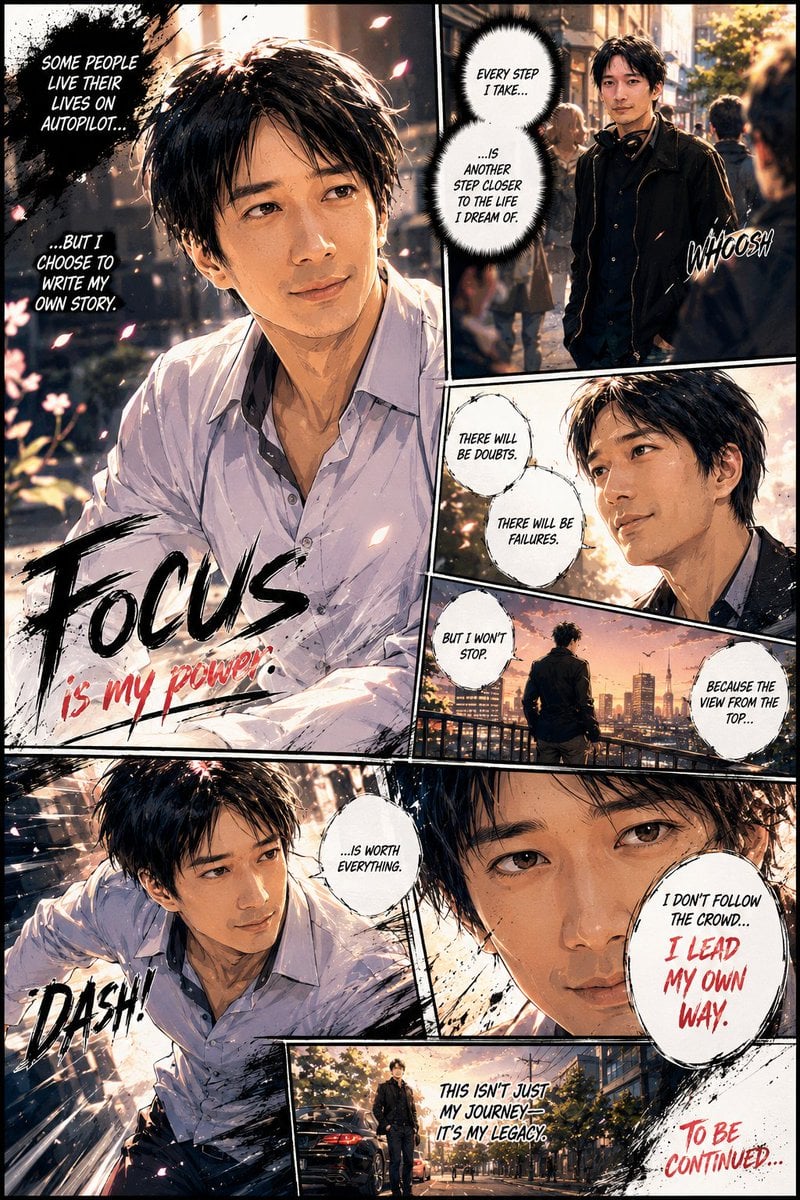
Personalized Manga Storyboard Page
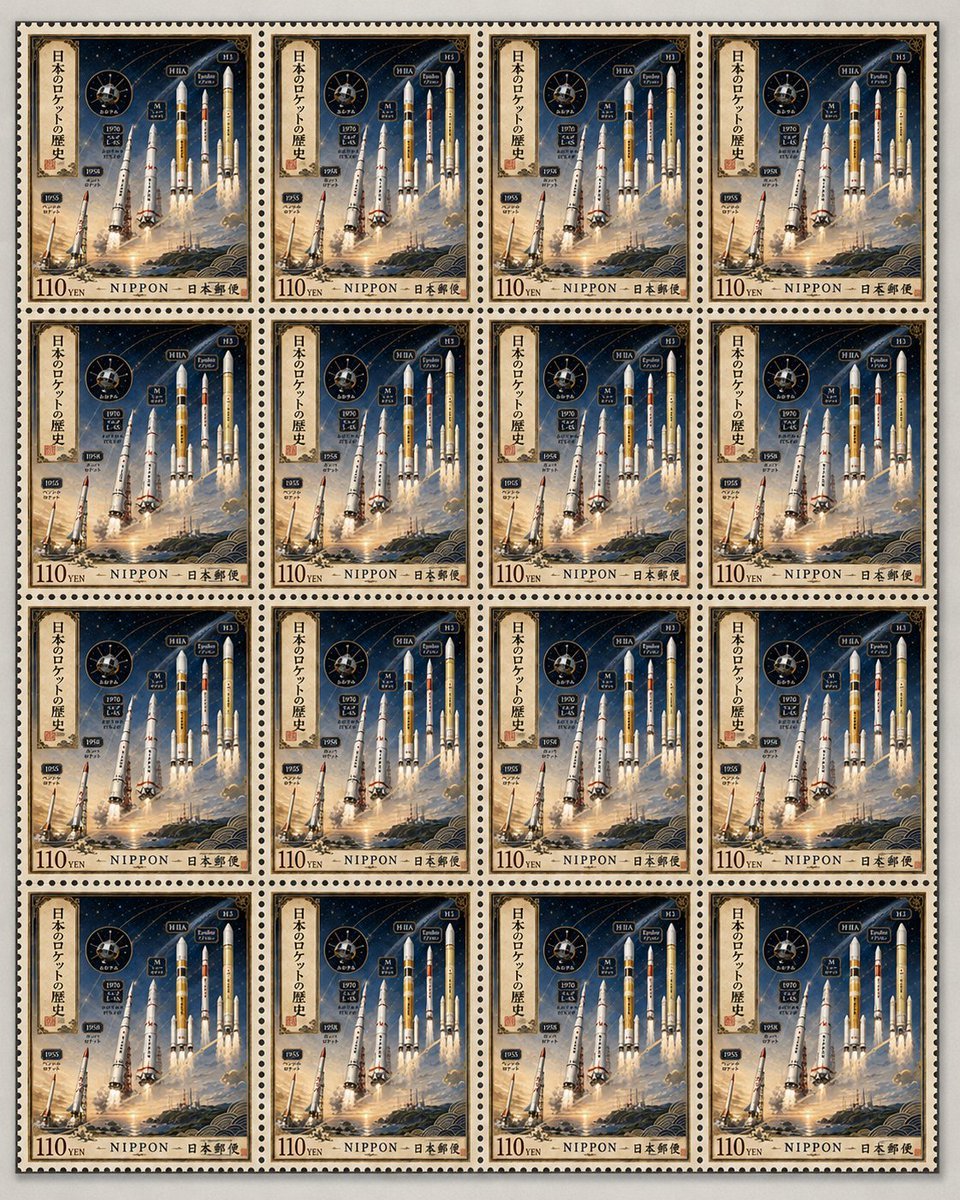
Fictional Japanese Rocket Stamp Sheet
Image-to-Snow Sculpture Conversion Prompt for Nano Banana Pro
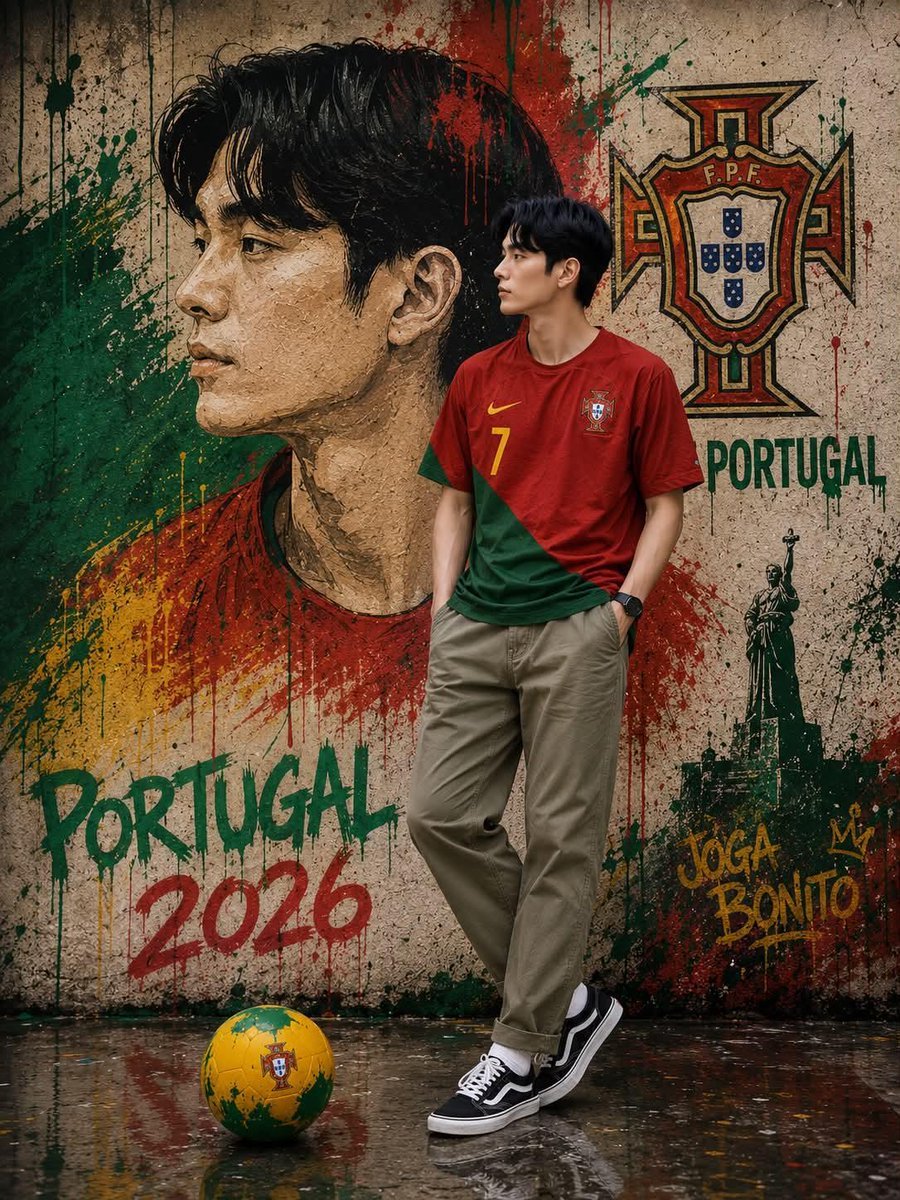
South Korean Graffiti Jersey Portrait
Browse template categories
Hyper-Real Multi-Arm Professional Portrait questions
How do I use the Hyper-Real Multi-Arm Professional Portrait template?
Add your photo if the template asks for one, edit the prompt if you like — the template's model and format are already selected — and press Generate. Your version opens in PicX Studio.
Can I customize the Hyper-Real Multi-Arm Professional Portrait template?
Yes. You can change the subject, setting, lighting, mood, format, and available model controls before creating your image.
Is the Hyper-Real Multi-Arm Professional Portrait template free?
Opening and editing this template is free. Generating uses credits, shown on the Generate button when you are signed in.
Which AI model should I use?
Start with Nano Banana 2, which is the model associated with this template. You can compare another compatible model for a different finish.
Looking for something else? Browse all templates.
Your photo, any look
Thousands of ready templates for every top image and video model, from one credit balance.